
Table Of Content
- Overview of OpenClaw vs PicoClaw vs NullClaw vs ZeroClaw vs NanoBot vs TinyClaw
- What is each one
- OpenClaw
- ZeroClaw
- PicoClaw
- Ironclaw
- NanoBot
- NullClaw
- TinyClaw
- Resource comparison
- Philosophy and targets
- Channel support
- Picking the right one
- Quick selection steps
- Security notes
- Example config for safer defaults
- example.yaml
- Secure setup checklist
- Final thoughts
OpenClaw vs PicoClaw vs NullClaw vs ZeroClaw vs NanoBot vs TinyClaw
OpenClaw Error Fixer
Paste any OpenClaw error and get the exact fix instantly — cause, steps, copy-ready commands, and related guides.
Table Of Content
- Overview of OpenClaw vs PicoClaw vs NullClaw vs ZeroClaw vs NanoBot vs TinyClaw
- What is each one
- OpenClaw
- ZeroClaw
- PicoClaw
- Ironclaw
- NanoBot
- NullClaw
- TinyClaw
- Resource comparison
- Philosophy and targets
- Channel support
- Picking the right one
- Quick selection steps
- Security notes
- Example config for safer defaults
- example.yaml
- Secure setup checklist
- Final thoughts
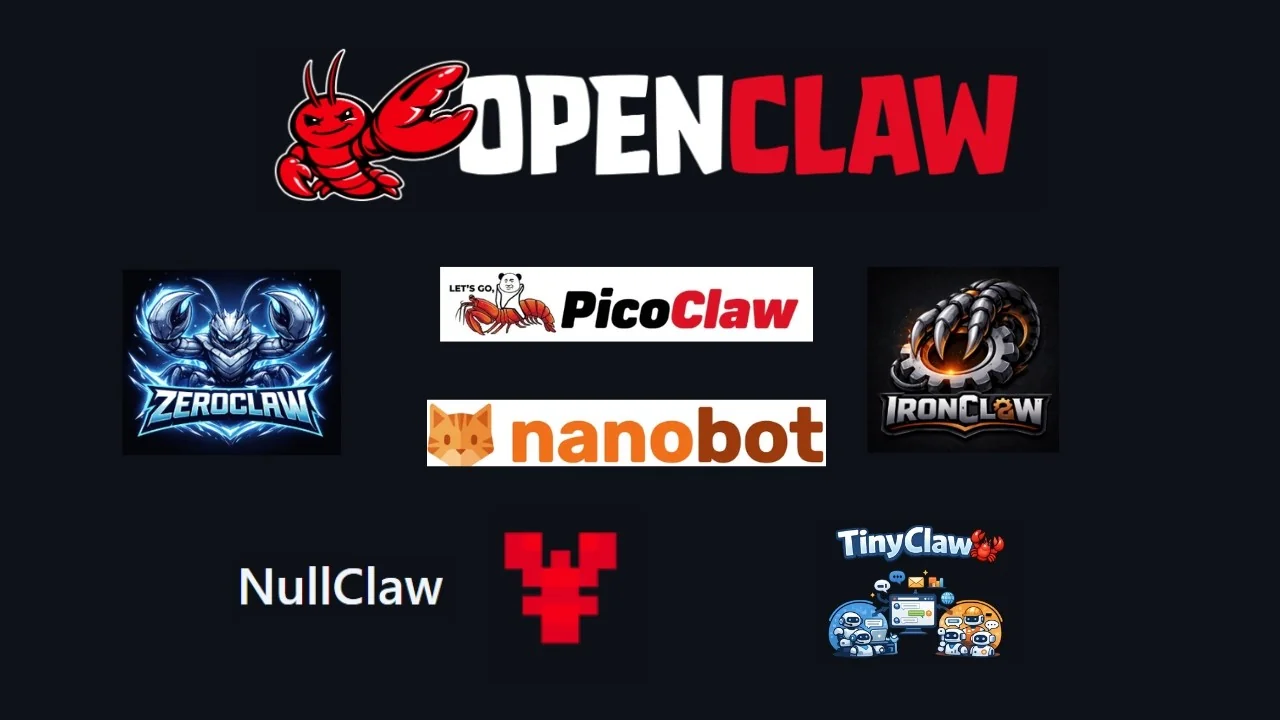
Since OpenClaw launched, the open-source community has exploded with variants, clones, and re-imagings, all inspired by the same idea but taking it in very different directions. Here is a pure comparison of what makes each one different and honestly if they are more different than they are similar. OpenClaw is the original, and everything else here was inspired by it.
OpenClaw is a personal AI assistant that connects to WhatsApp, Telegram, Slack, Discord, iMessage, Signal, Teams, and much more. It has voice support, a live canvas, and a companion app for macOS, iOS, and Android. It is the most feature complete of the family and the heaviest, needing over a gigabyte of RAM.
Overview of OpenClaw vs PicoClaw vs NullClaw vs ZeroClaw vs NanoBot vs TinyClaw
| Tool | Language | RAM use | Startup time | Focus | Channels | Memory system |
|---|---|---|---|---|---|---|
| OpenClaw | NodeJS | > 1 GB | n/a | Full personal assistant | WhatsApp, Telegram, Slack, Discord, iMessage, Signal, Teams, more | n/a |
| ZeroClaw | Rust | < 5 MB | < 10 ms | Full assistant with plugins | Broad coverage | Hybrid vector + full text, optional PostgreSQL, migration from OpenClaw |
| PicoClaw | Go | < 10 MB | < 1 s | $10 hardware boards | n/a | n/a |
| Ironclaw | n/a | n/a | n/a | Security first | Limited | n/a |
| NanoBot | Python | ~100+ MB | n/a | Readability and research | DingTalk, QQ, more Asian platforms | n/a |
| NullClaw | Zig | ~1 MB | < 2 ms | Full assistant, extreme perf | Broad coverage | n/a |
| TinyClaw | n/a | n/a | n/a | Multi-agent orchestration | Telegram, Discord, WhatsApp | n/a |
What is each one
OpenClaw
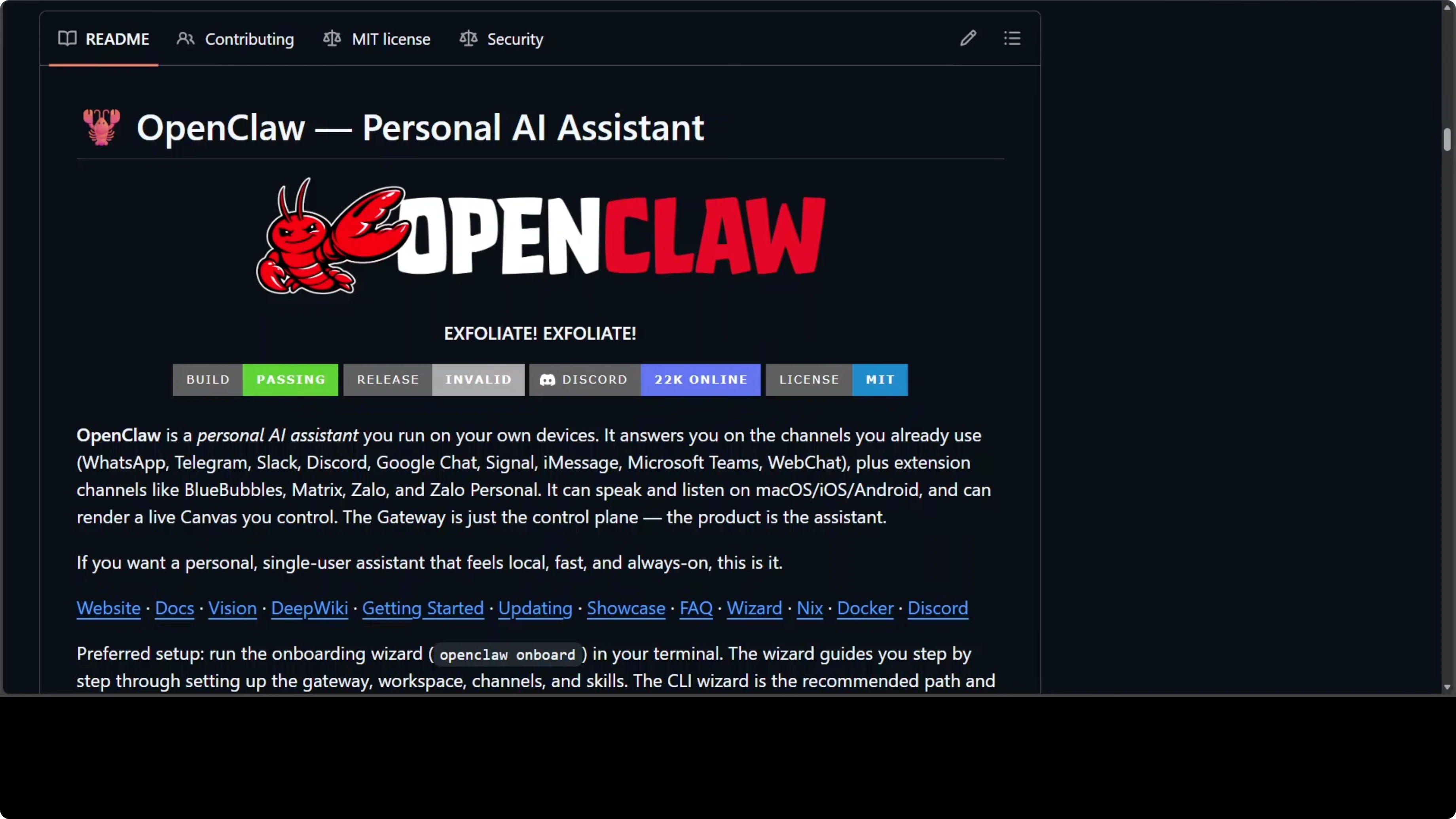
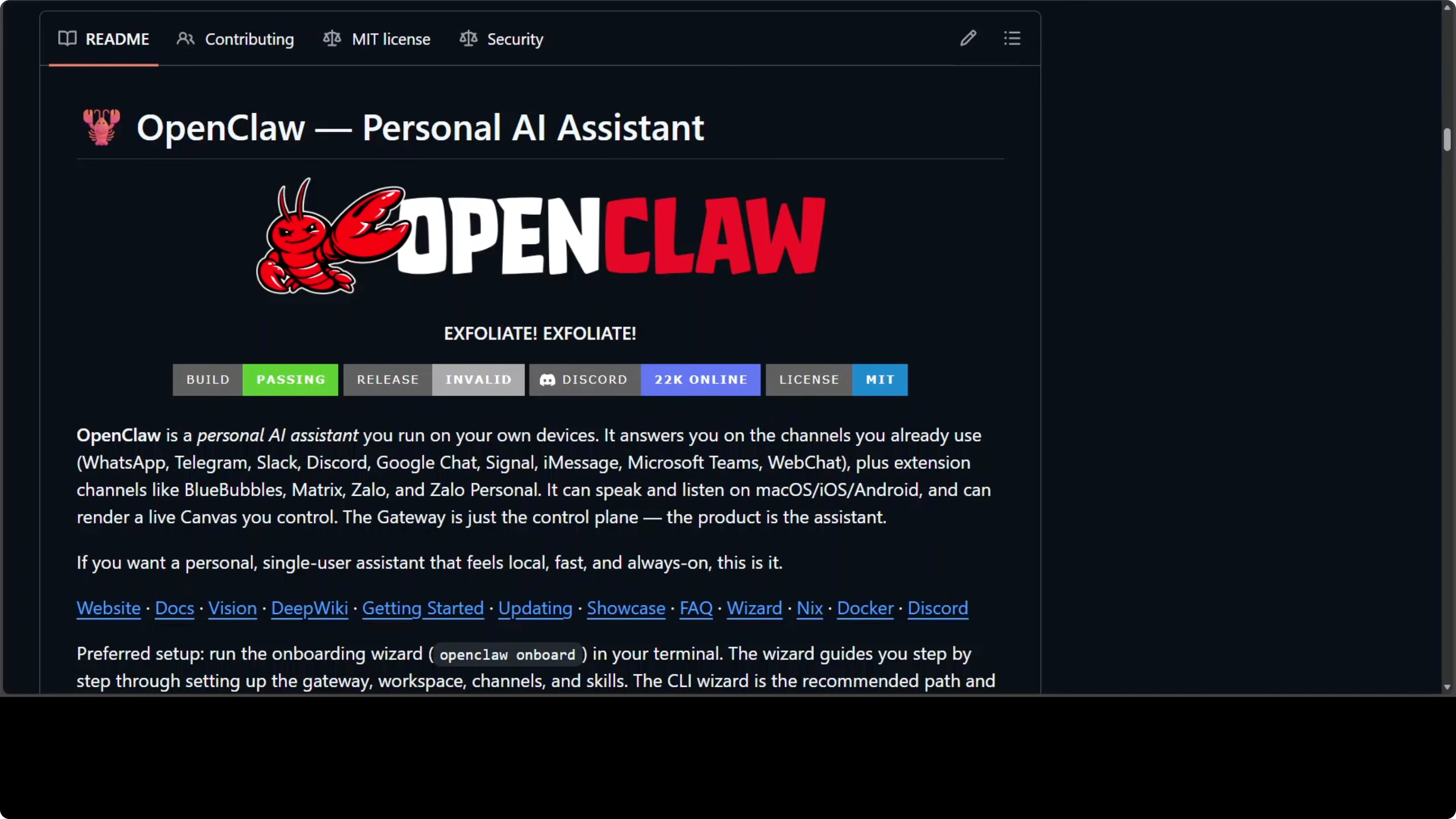
OpenClaw is the original. It is a personal AI assistant with voice support, a live canvas, and companion apps, and it connects to nearly every major messaging channel.
For more, see OpenClaw.
ZeroClaw
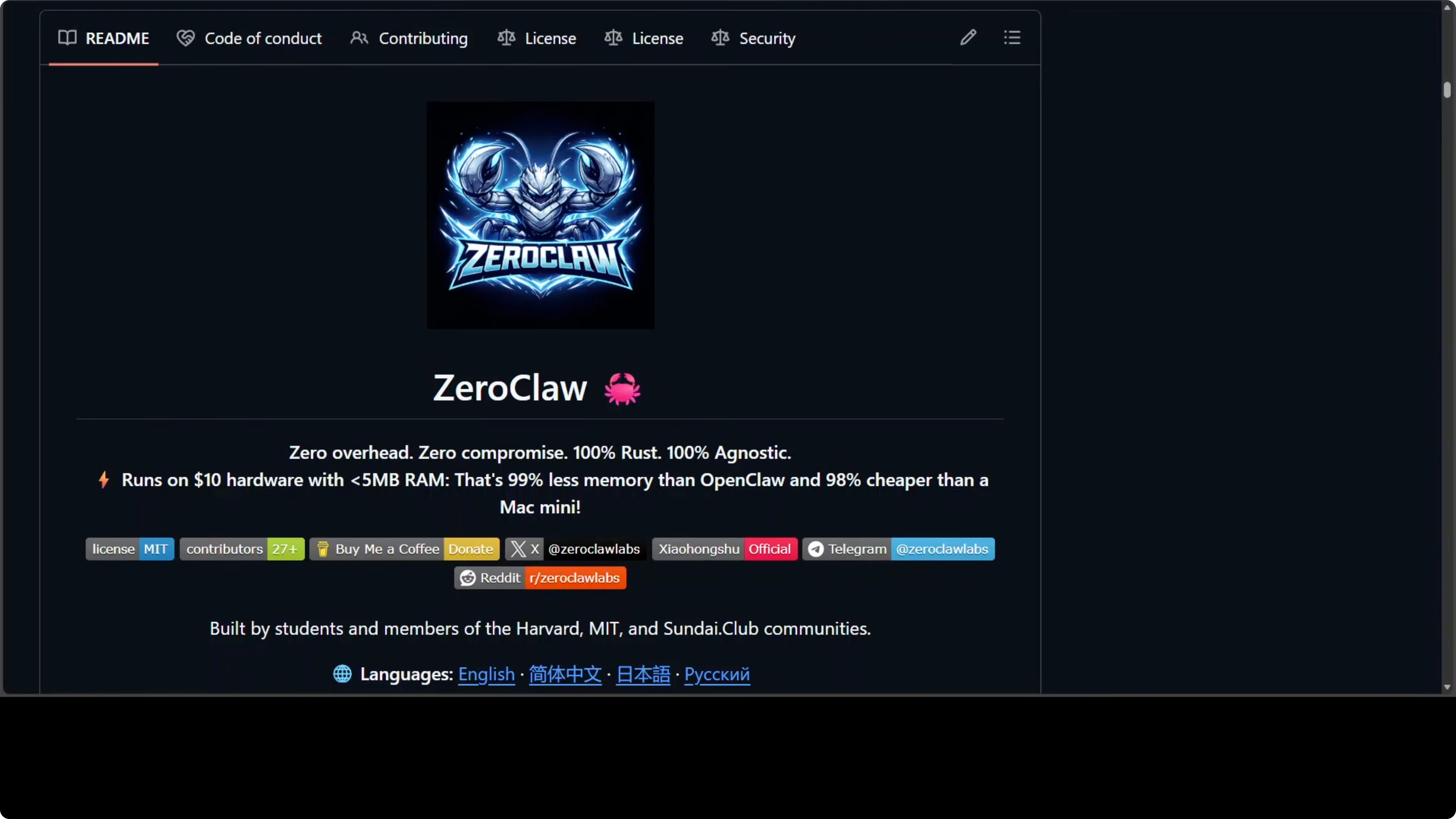
ZeroClaw is a Rust reimplementation where every subsystem, provider, channel, tool, and memory is a swappable trait. It has the most sophisticated memory system in the family with hybrid vector and full text search, optional PostgreSQL, and a built-in migration tool from OpenClaw. Under 5 MB RAM and starts in under 10 milliseconds.
If you need production grade setup details, see setup guide.
PicoClaw
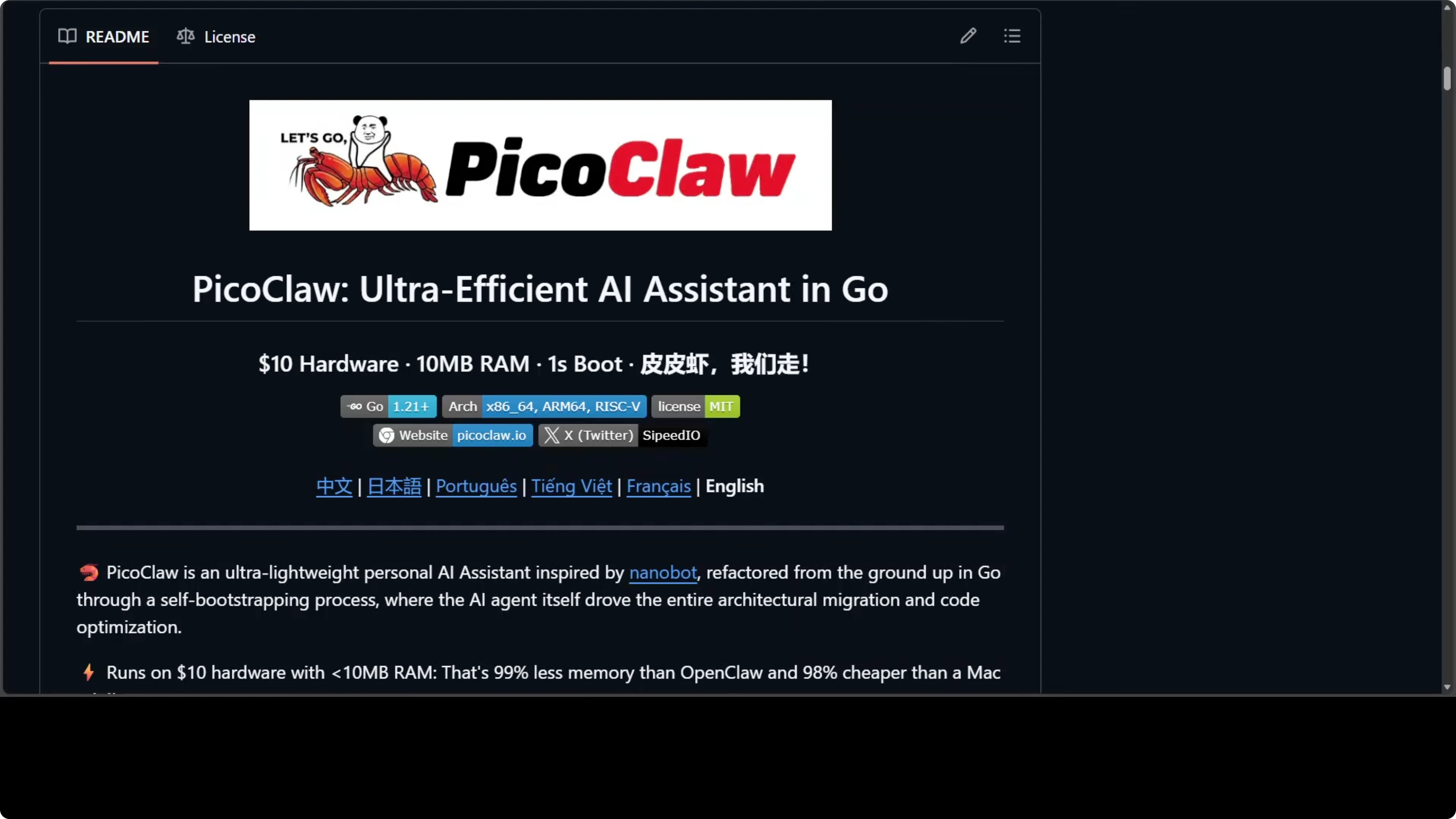
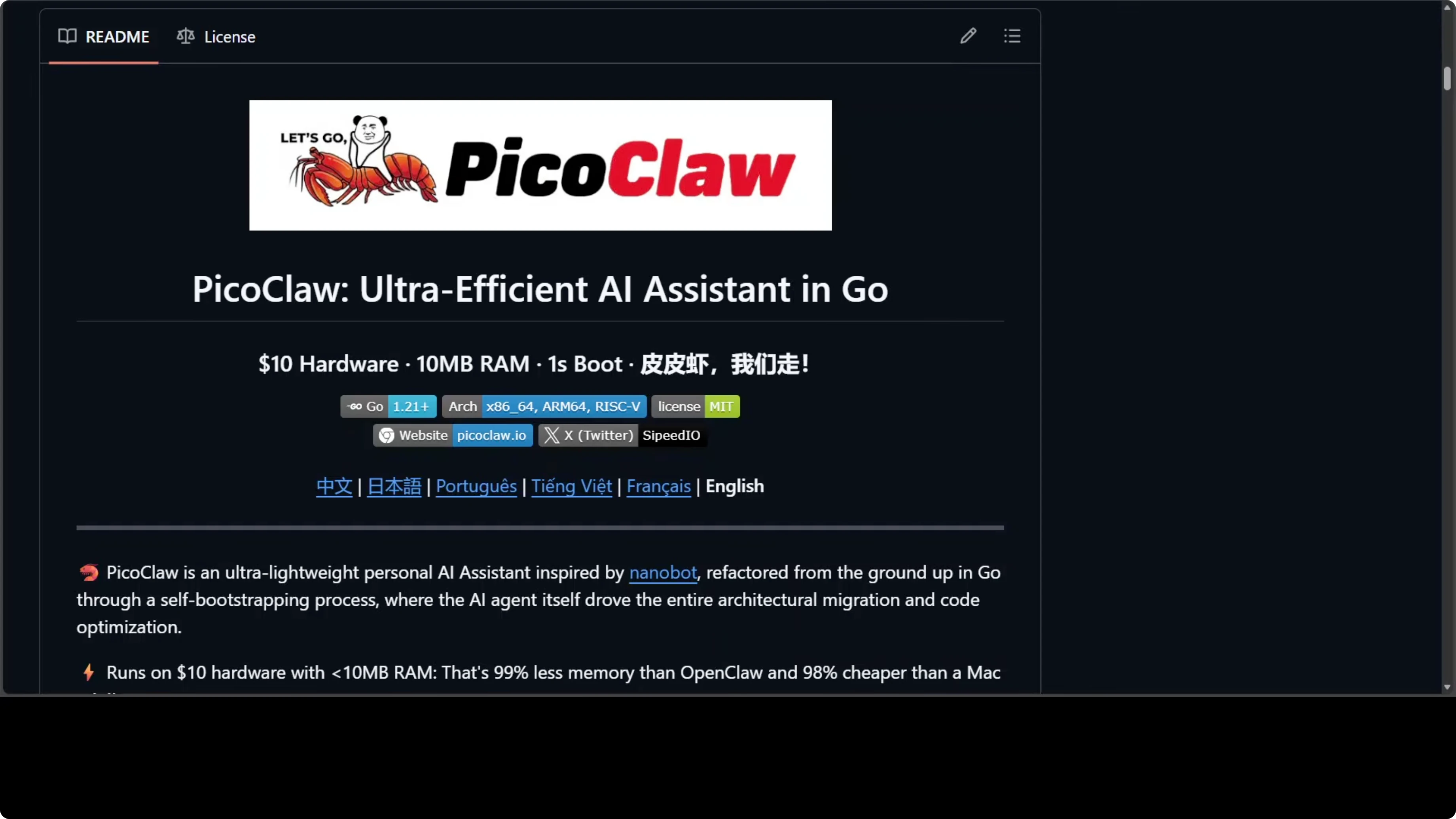
PicoClaw comes from a hardware company and is built specifically to run on their $10 boards. Written in Go, it uses under 10 MB RAM and boots in under a second. Notably, 95% of its core code was written by an AI agent itself during a self bootstrapping process.
Ironclaw
Ironclaw is security focused. Every tool runs inside a WebAssembly sandbox, credentials are never exposed to tools, and there is a multi-layer prompt injection defense. If your use case involves sensitive data, maybe check this one out, but there are some API requirements.
NanoBot
NanoBot strips everything back to around 4,000 lines of clean Python, 99% smaller than OpenClaw’s code base. The goal is readability and research friendliness. If you want to understand how an agent loop works or build on top of one, this is your starting point maybe.
NullClaw
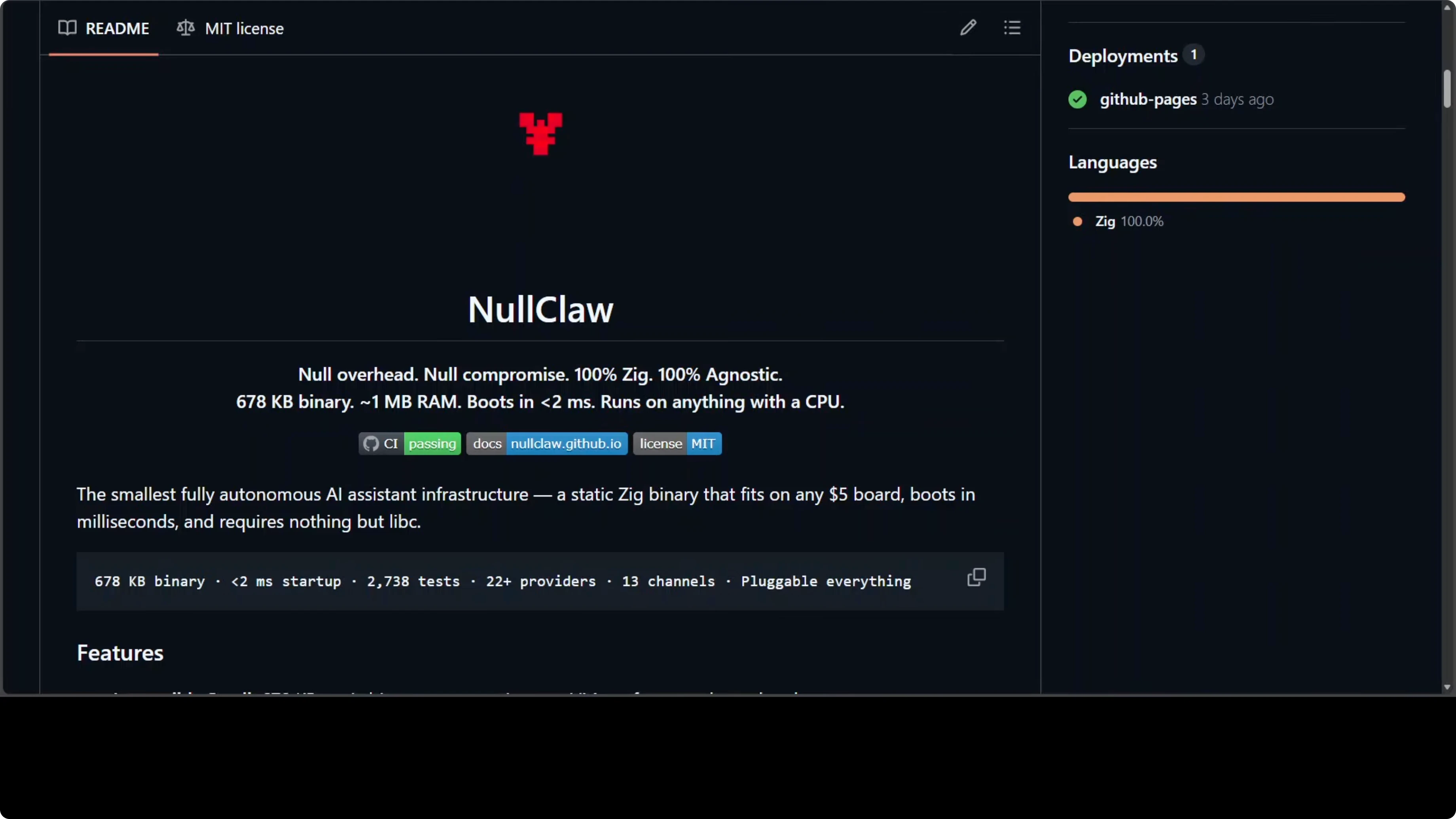
NullClaw takes performance to the extreme. Written in Zig, it produces a 678 KB static binary, uses about 1 MB of RAM, and starts in under 2 milliseconds. Even as the smallest, it has 22 plus providers, hardware peripheral support for Arduino and Raspberry Pi, and around 2,000 tests, the most thoroughly tested of the family.
TinyClaw
TinyClaw is the odd one out. Every other tool is a single personal assistant, but TinyClaw is about running multiple agents as a team. For example, a coder, a writer, and a reviewer hand work off to each other with a live dashboard to watch them collaborate in real time, and I think this use case is completely different from the rest.
Resource comparison
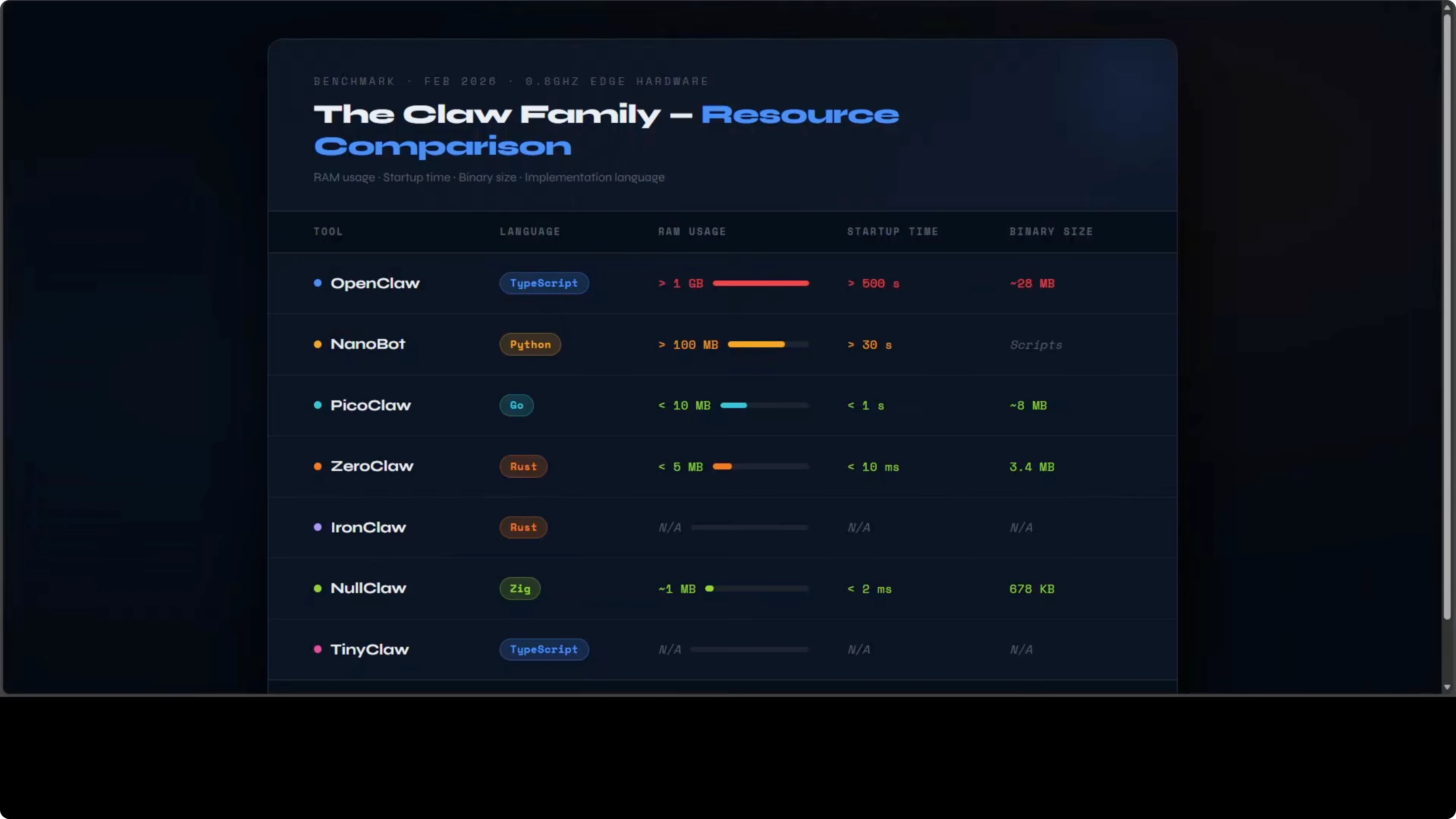
The resource gap between OpenClaw and everything else is really stark. OpenClaw needs over a gigabyte of RAM on NodeJS, and NanoBot on Python needs over 100 MB. Then the compiled languages change everything.
PicoClaw in Go drops to under 10 MB. ZeroClaw in Rust is under 5 MB and NullClaw in Zig hits around 1 MB with a 678 kilobyte binary. The language choice is not cosmetic, it directly determines what hardware you can run this on.
Ironclaw and TinyClaw do not publish benchmarks but both run on standard hardware without the extreme edge focus. That distribution alone can be your deciding factor if you are targeting tiny boards or older machines. If you have capable hardware, that opens up the heavier, more feature complete options.
Philosophy and targets
OpenClaw, ZeroClaw, and NullClaw are all trying to be the same thing. A fully featured personal assistant at different points on the resource spectrum. NanoBot is optimizing for code clarity, not performance.
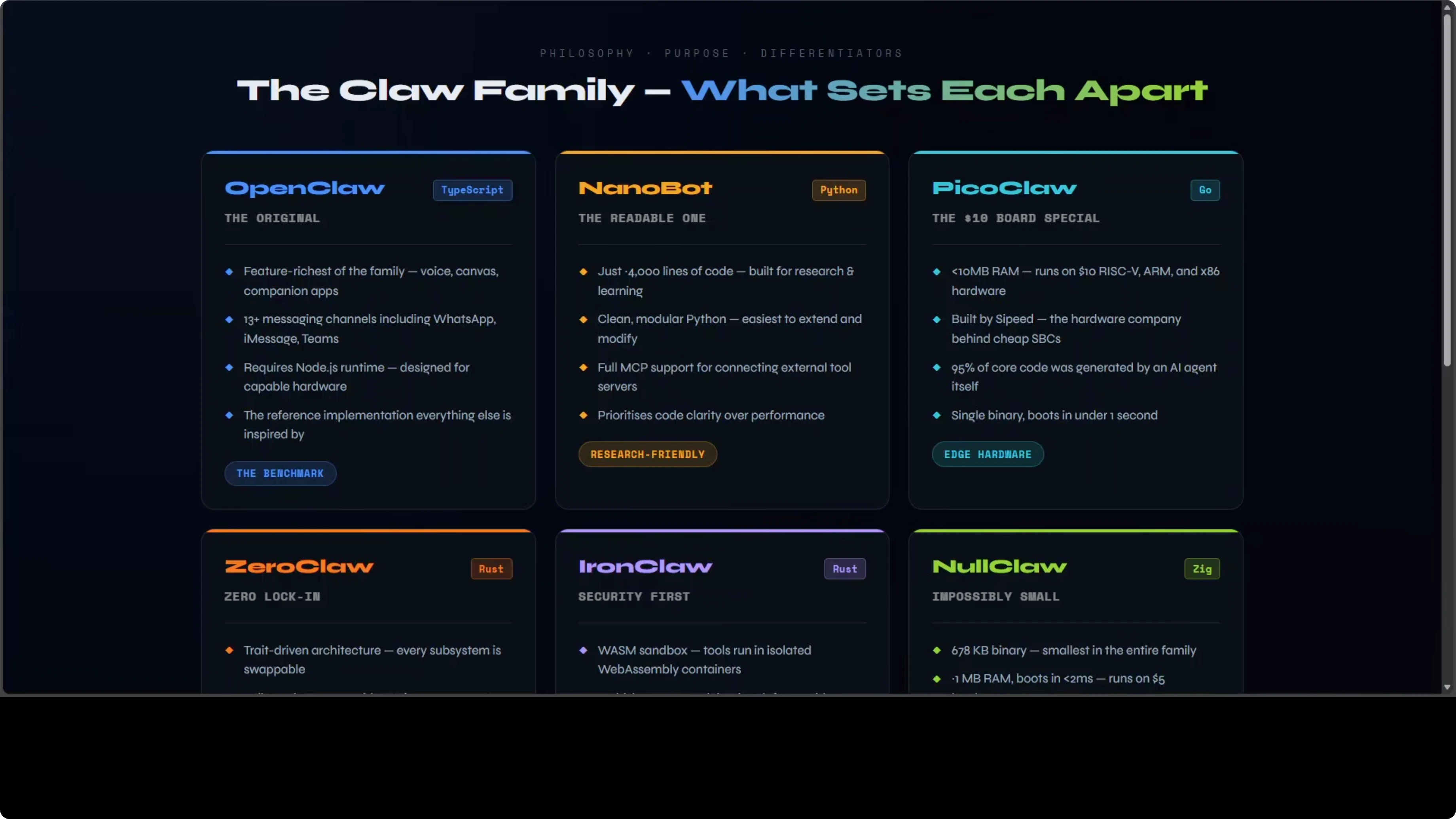
Ironclaw is optimizing for security above everything else. PicoClaw is optimizing for a specific hardware ecosystem. TinyClaw is a multi-agent orchestration tool, not a personal assistant.
The honest answer to if these are more similar or different is the core concept is the same across most of them. The philosophy and target users diverge significantly in my humble opinion. That is why the best choice depends more on your constraints than on feature checklists.
See another comparison if you want a feel for how approaches differ across tools.
Channel support
Telegram is the one channel every single tool supports. If you are picking any of these, Telegram works everywhere. OpenClaw, ZeroClaw, and NullClaw have the broadest channel coverage.
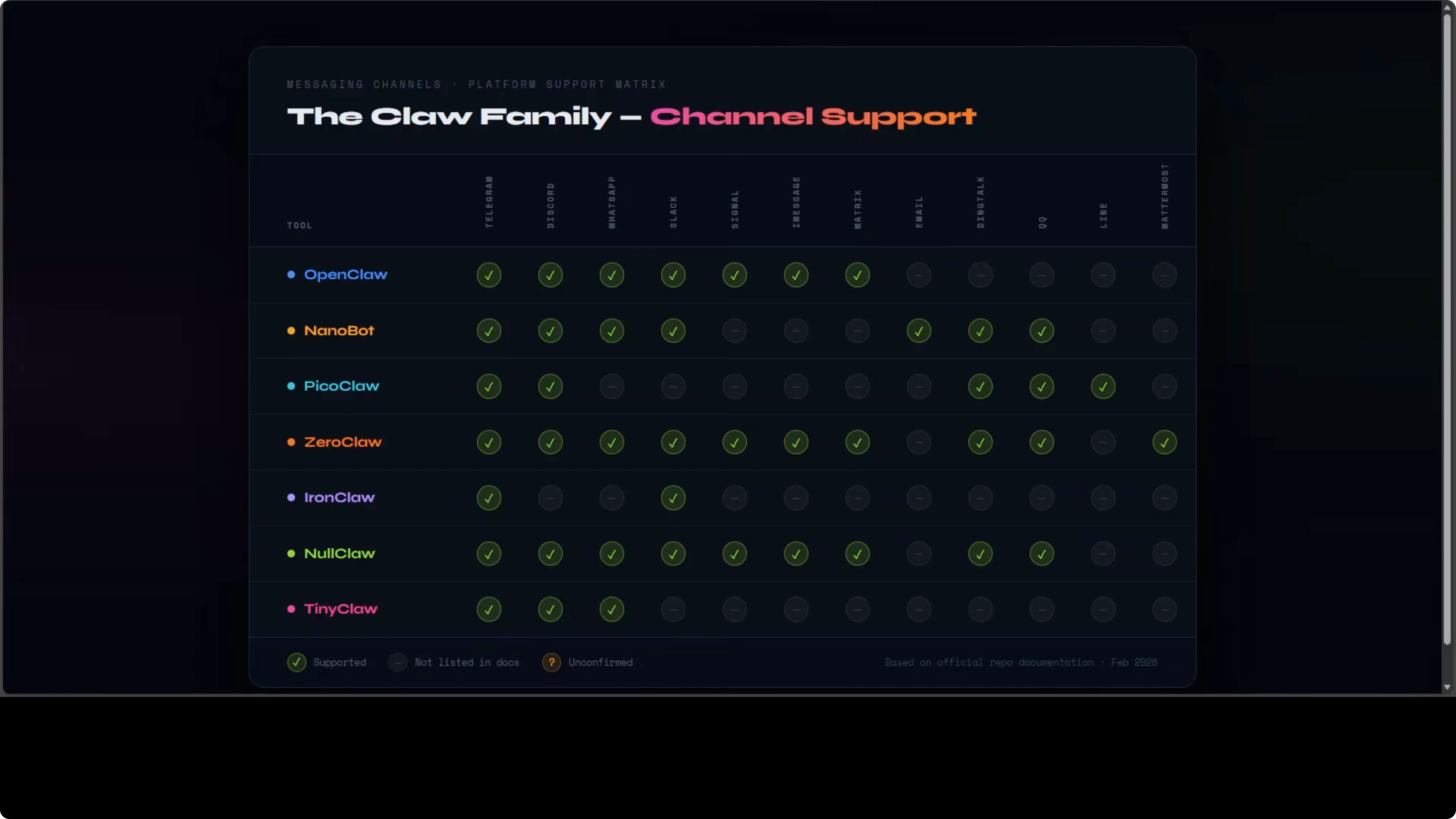
NanoBot covers more Asian platforms like DingTalk and QQ. Ironclaw has the most limited channel support, which makes sense given its security first focus because it is fewer attack surfaces. TinyClaw only supports Telegram, Discord, and WhatsApp.
If your channel of choice is Signal, iMessage, or Metricx, your options narrow quickly. This can be a hard filter before you think about architecture, memory, or startup times. Validate channels first to avoid surprises later.
Picking the right one
If you want the full experience and have capable hardware, OpenClaw. If you are on a cheap board, maybe PicoClaw or NullClaw. If you need production gradeability, ZeroClaw.
If security is your priority, Ironclaw. If you want to learn how agents work, NanoBot. And if you want multiple agents working as a team, TinyClaw is the only one doing that.
Quick selection steps
Identify your hardware and memory budget.
Confirm your primary channels and any must-have integrations.
Pick for philosophy: full features, security, readability, or multi-agent teams.
Validate startup time needs if you care about cold starts.
Check data storage expectations for memory systems and logs.
Review tests and maturity if you plan to ship to production.
Security notes
Security is not an afterthought. Almost every one of these tools ships with it baked in by default, but security still lies with you. It is a shared responsibility, and it is your data, so you have to care for it.
Channel allow lists are denied by default, meaning strangers cannot just message your agent. File system access is scoped. Gateways bind to localhost only and refuse to expose publicly.
All of these tools are trying to be secure, but it depends on how far they take it. I believe you should follow best practices like sandboxing, credential isolation, a strict allow list, and OS level sandboxing. Defaults are still not sensible in my opinion, so do your own due diligence.
Example config for safer defaults
# example.yaml
server:
  bind_host: 127.0.0.1
  bind_port: 8080
security:
  allow_list:
    channels:
      - telegram
      - discord
    users:
      - +15551234567
      - @trusted_user
  fs_scope:
    - /var/app/data/read-only
    - /var/app/tmp
  sandbox:
    wasm: true
    network_outbound: false
secrets:
  key_vault: env
  expose_to_tools: false
Secure setup checklist
Enable a sandbox for tool execution.
Lock credentials to a vault and never pass them into tool runtimes.
Set a deny-by-default allow list for channels and users.
Scope file system paths to only what the agent needs.
Bind all gateways to localhost and put a reverse proxy in front if needed.
Audit logs and memory stores for sensitive content before shipping.
Final thoughts
The core idea across OpenClaw, ZeroClaw, NullClaw, PicoClaw, NanoBot, and TinyClaw is the same, but the resource profile, philosophy, and target user are very different. All of these hit their first releases within weeks of each other, and some iterate daily, so it is worth keeping an eye on them. Match your hardware, channel needs, and security posture to the tool’s strengths, and you will land on the right pick.
Subscribe to our newsletter
Get the latest updates and articles directly in your inbox.

Related Posts

8 Best Claude Code Plugins in 2026 (You Need to Know)
8 Best Claude Code Plugins in 2026 (You Need to Know)

7 Best Claude Code Skills (You Need to Know)
7 Best Claude Code Skills (You Need to Know)

Claude Code Desktop IDE Features (You Need to Know)
Claude Code Desktop IDE Features (You Need to Know)