
OpenClaw Debugging: Methods for ClawdBot & MoltBot Issues
OpenClaw Error Fixer
Paste any OpenClaw error and get the exact fix instantly — cause, steps, copy-ready commands, and related guides.
This guide shows how to debug OpenClaw. I show different methods that help diagnose ClawdBot and MoltBot issues quickly.
OpenClaw Debugging: Methods for ClawdBot & MoltBot Issues
Status overview
First check the status of OpenClaw. Run the following command to see gateway, channels, and agents:
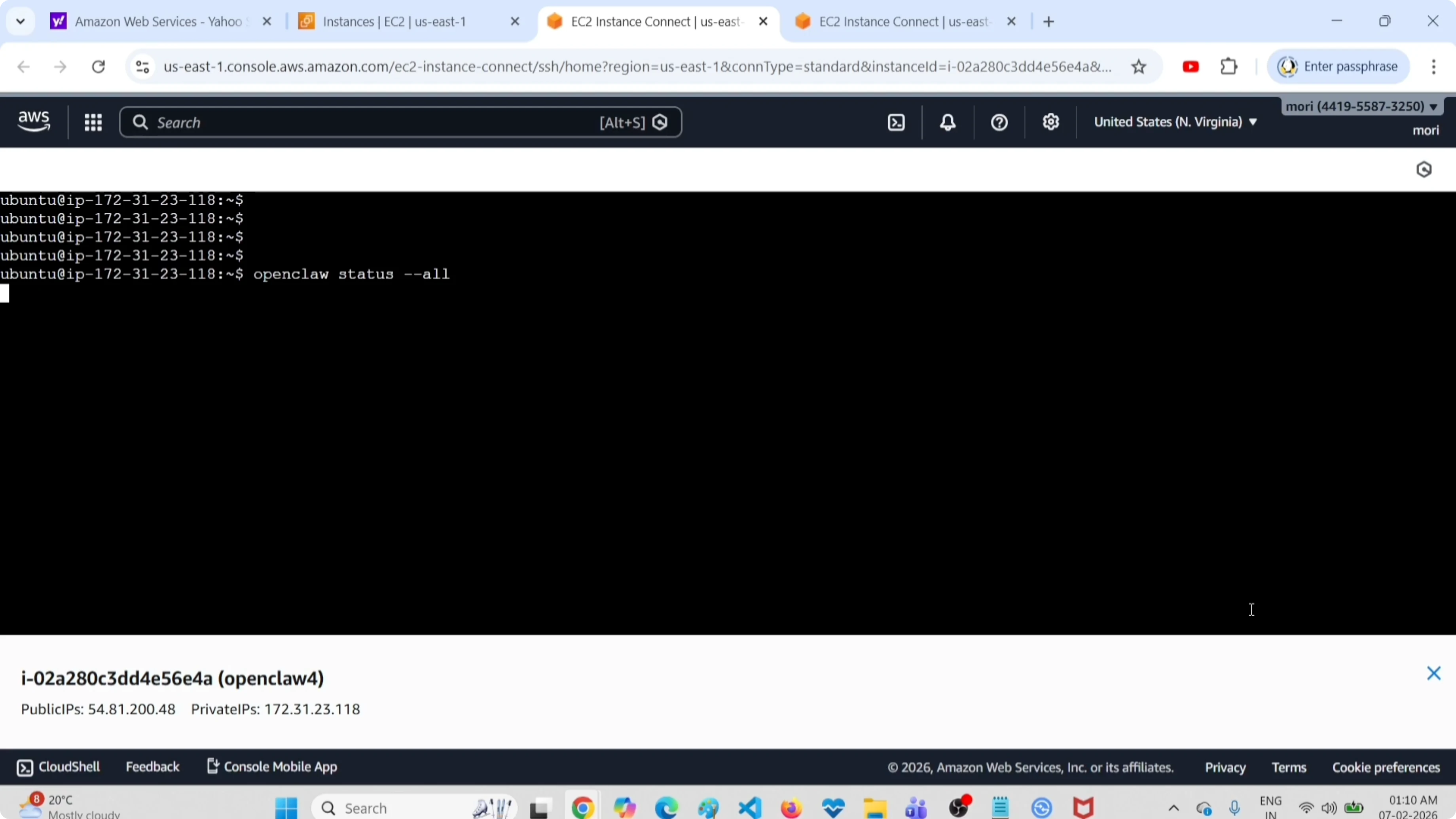
openclaw status allOn top you can see the version of OpenClaw, the machine where it is installed, and the location where it is running. You will also see where the dashboard is available, which helps confirm access is set up. If you need a refresher on reaching the UI, see how to access the OpenClaw AI dashboard.
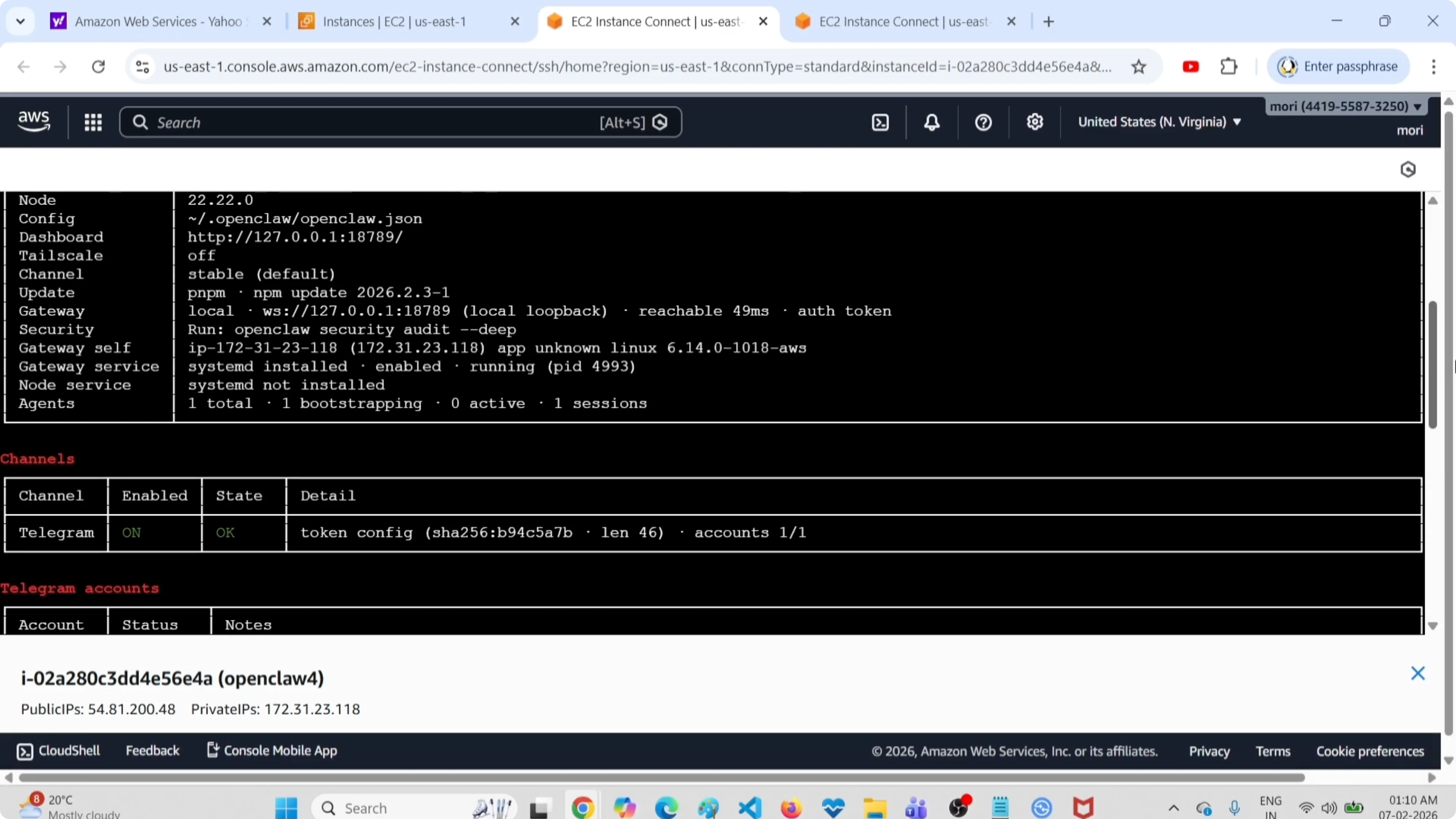
You can see channels like Telegram that are configured and enabled. Agents are listed along with configuration details such as the port, eligible skills, and channel status. If you are connecting Telegram for the first time, follow this guide to connect Telegram in OpenClaw.
Auto-fix configuration issues
There is a command that automatically scans for configuration errors, missing dependencies, or gateway connection issues, then fixes them. Run:
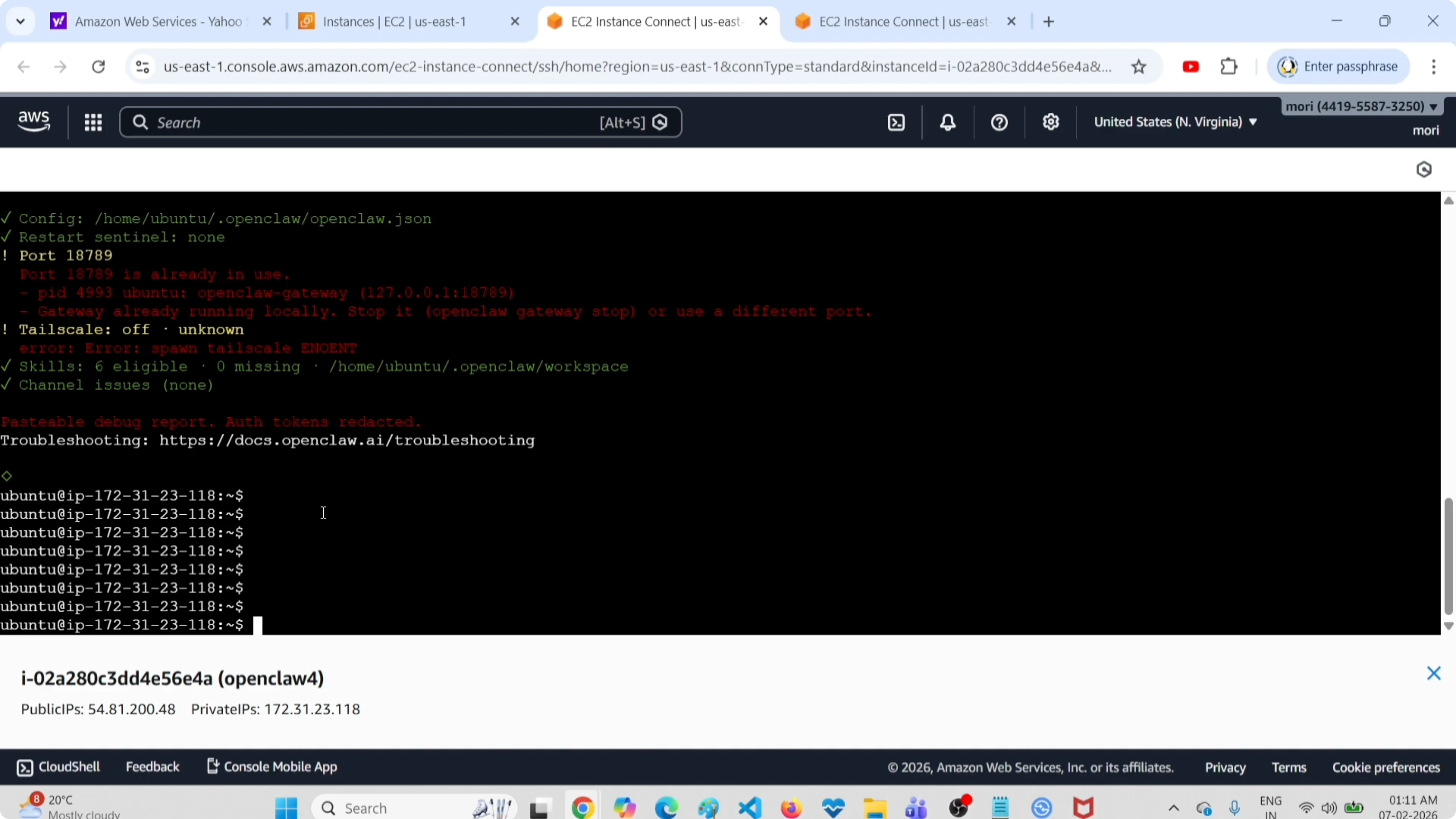
openclaw doctor -y --fix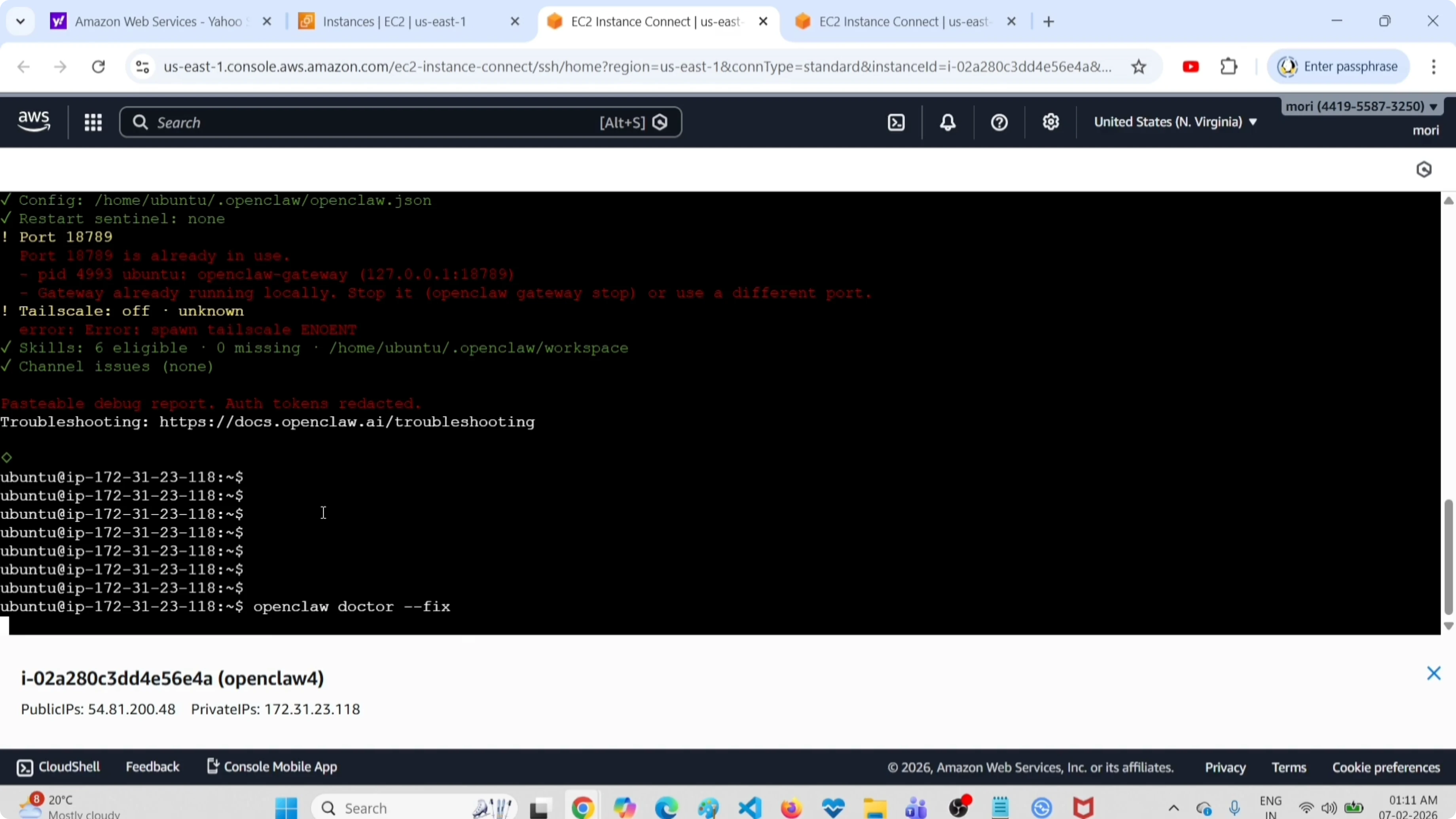
If you remove the fix flag, it will just show the issues and will not change anything. Use this to review before applying fixes:
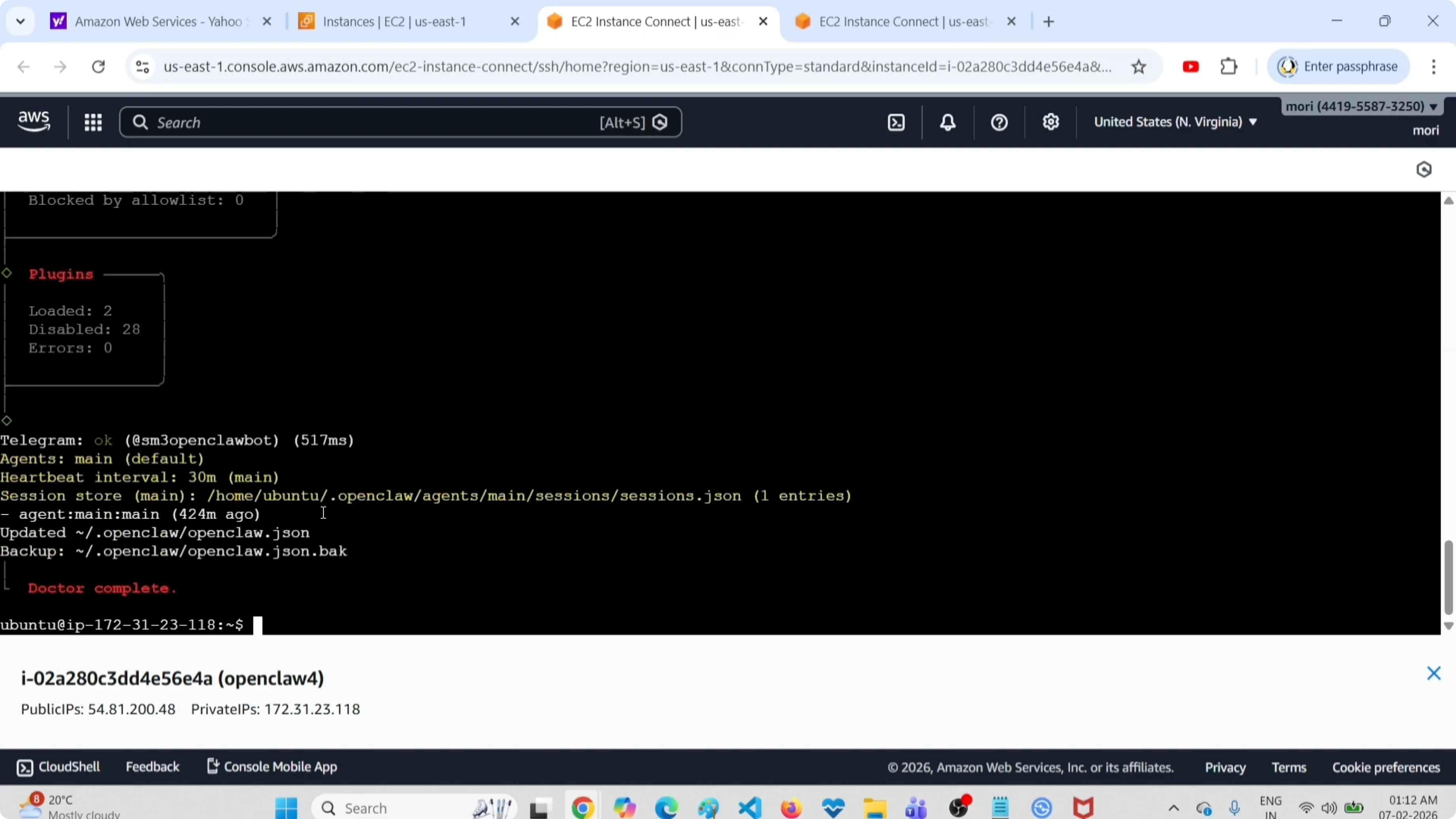
openclaw doctor -yWhen it completes you will see Doctor complete in the output. For additional troubleshooting patterns and error resolutions, see this guide on fixing common OpenClaw errors.
Live logs
To check logs in real time, follow the live stream:
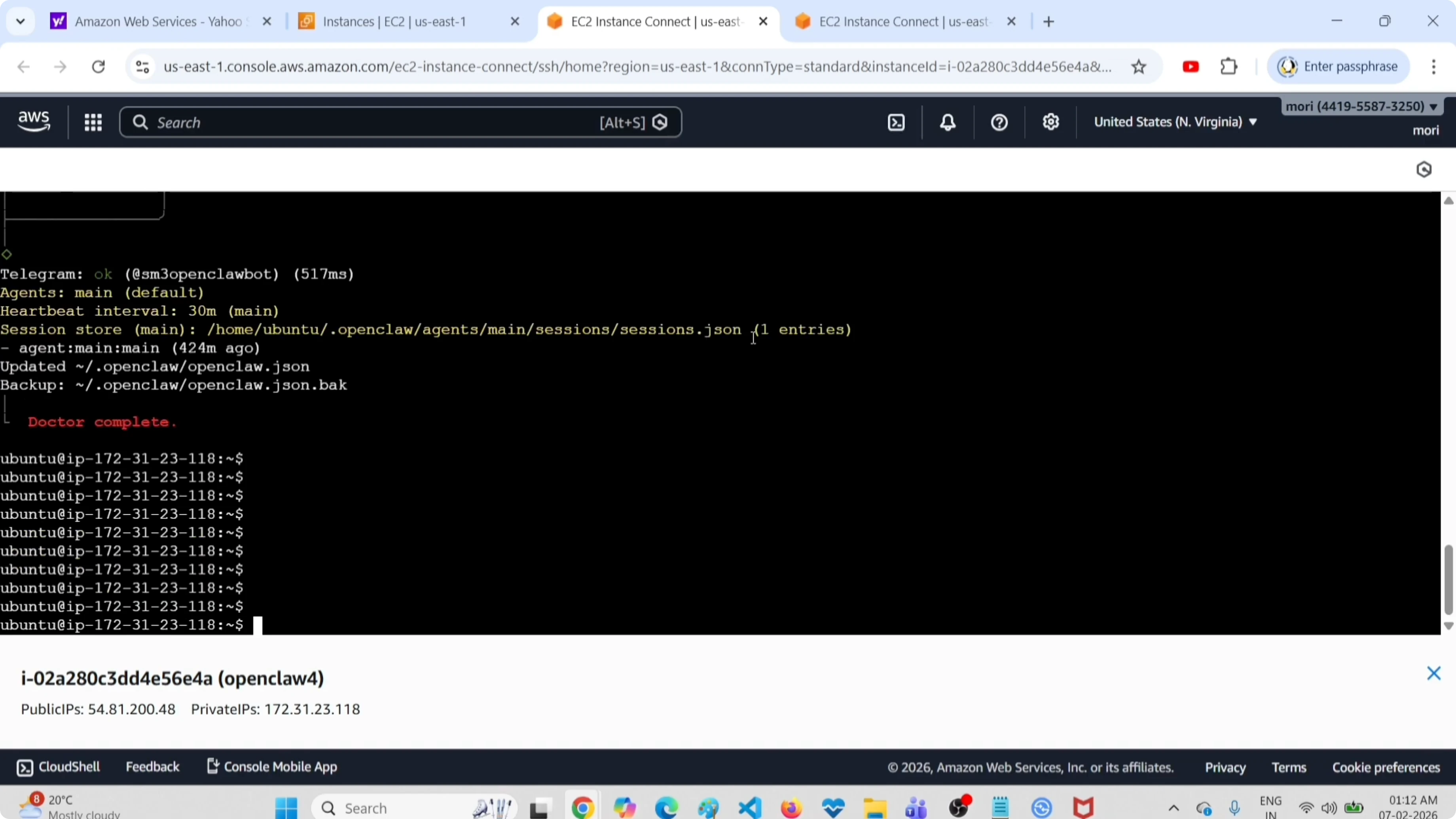
openclaw logs --followKeep this running while you repeat the operation that is failing. You will be able to see the live logs and identify issues as they happen, and press Ctrl+C to exit.
Read More: Delete Model Openclaw Clawdbot
Security audit
Use the deep audit tool to check for leaked API keys, unauthorized access, or permission issues. Run:
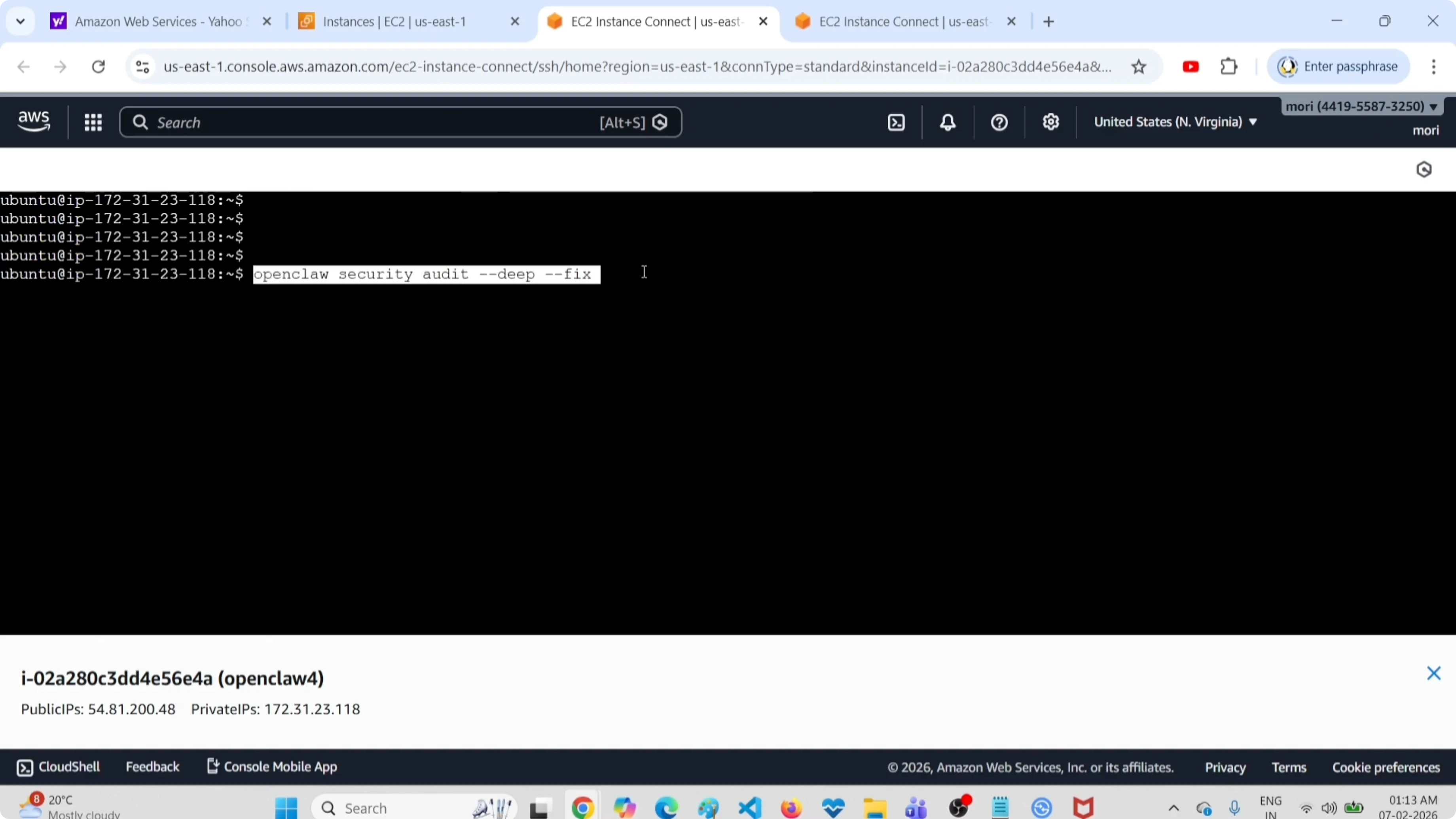
openclaw security audit deep --fixReview the summary carefully. You will see lines like attack surface summary, allow list count, tools evaluated, hooks disabled, and browser control enabled, along with a final tally such as 0 critical, 2 warnings, 1 info.
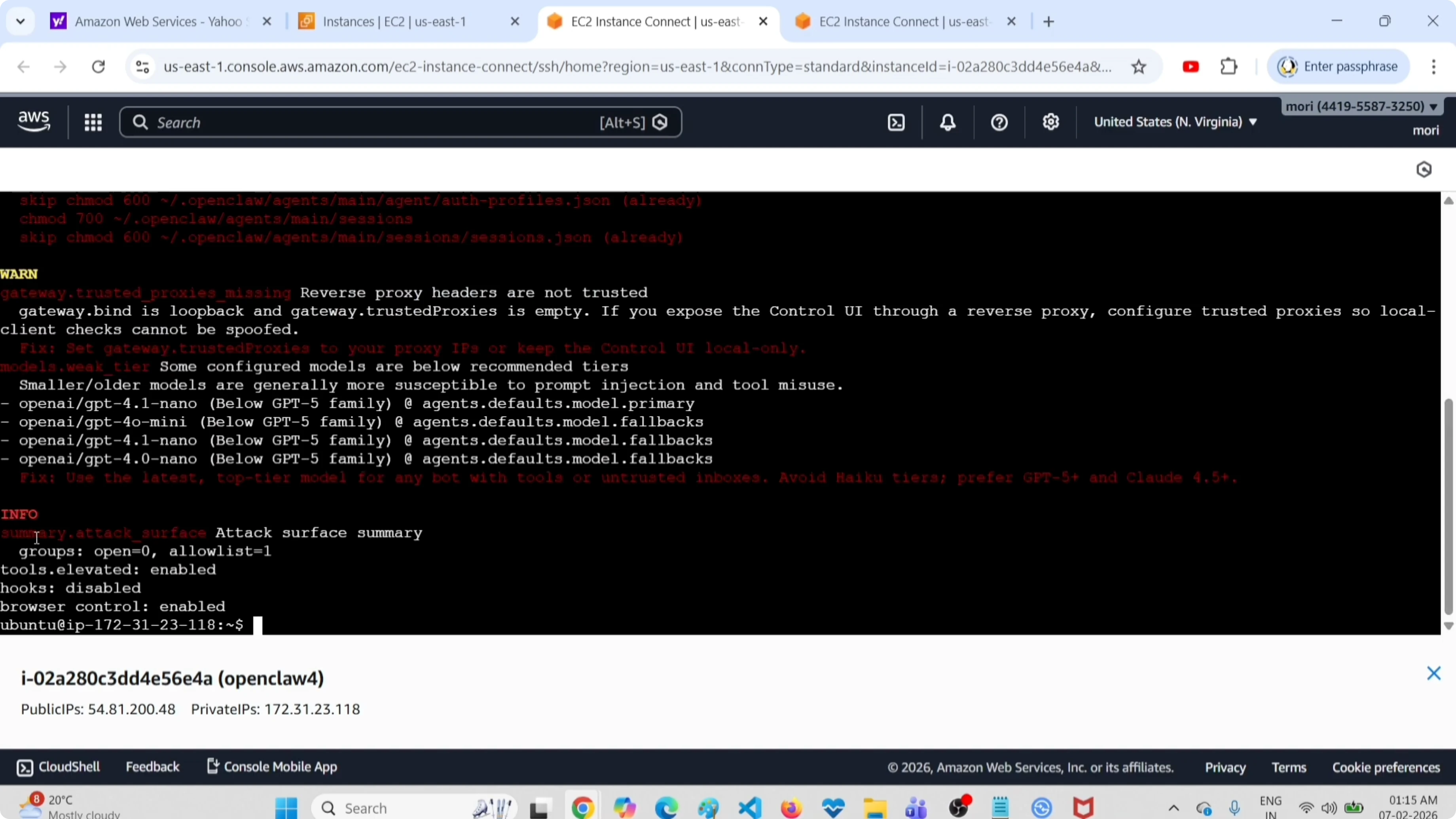
Gateway in verbose mode
If the OpenClaw gateway is not starting, run it in verbose mode so you can see detailed logs. First check its status:
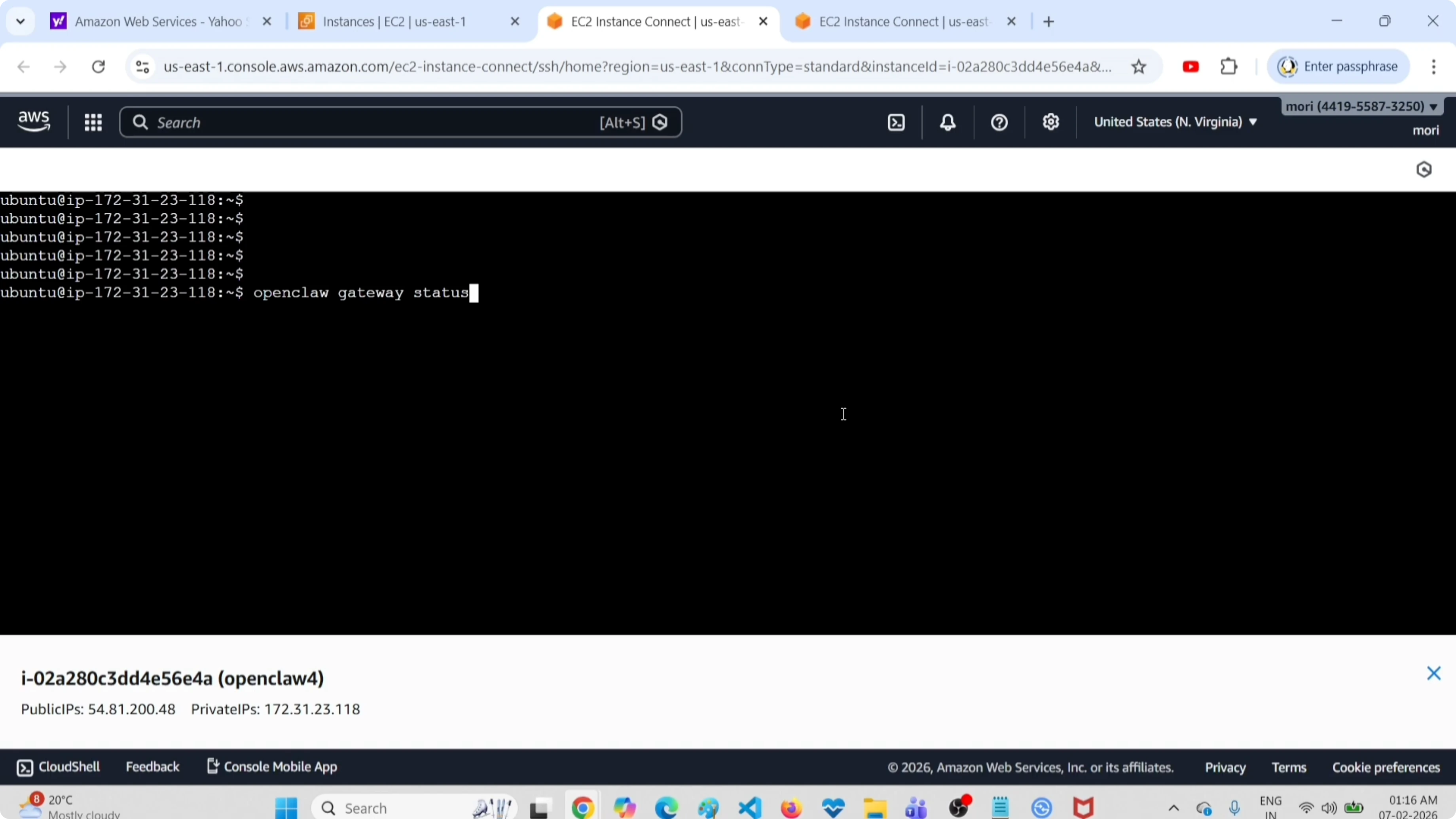
openclaw gateway statusStop the running gateway if needed:
openclaw gateway stopStart the gateway with a chosen port and verbose logging:
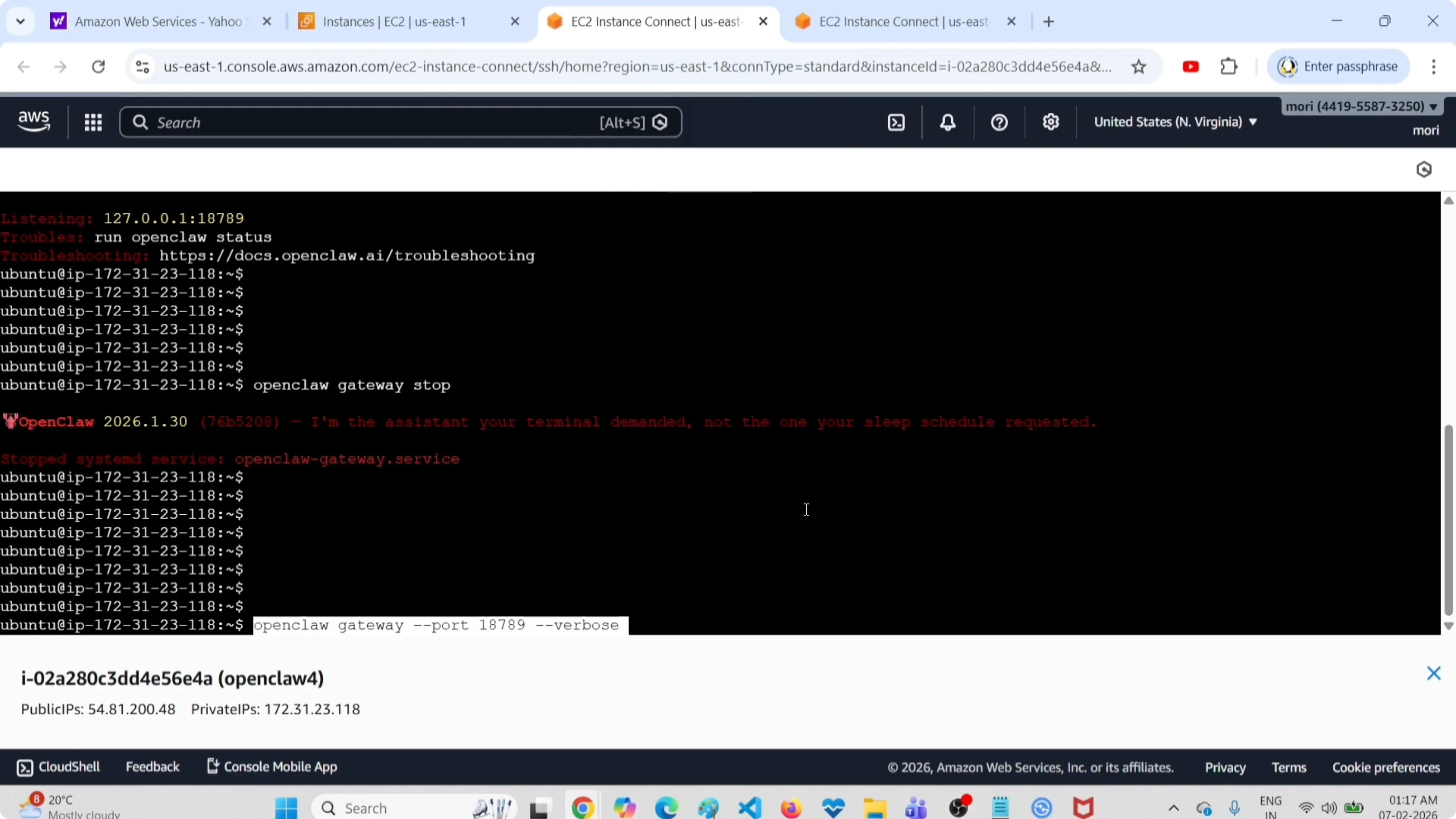
openclaw gateway --port 8080 --verboseYou will see logs in the console immediately. The output shows when it starts, the model in use such as OpenAI GPT-4.1-nano, the WebSocket it is listening on, and the log file location. For a full walkthrough of launching and managing the gateway, see this guide on running the OpenClaw gateway.
Final thoughts
Start by confirming overall health with status, then use the doctor command for automatic fixes. Keep logs streaming, run the deep security audit, and switch the gateway to verbose mode for startup problems. These steps cover the fastest ways to pinpoint and fix OpenClaw issues for ClawdBot and MoltBot.
Subscribe to our newsletter
Get the latest updates and articles directly in your inbox.

Related Posts

8 Best Claude Code Plugins in 2026 (You Need to Know)
8 Best Claude Code Plugins in 2026 (You Need to Know)

7 Best Claude Code Skills (You Need to Know)
7 Best Claude Code Skills (You Need to Know)

Claude Code Desktop IDE Features (You Need to Know)
Claude Code Desktop IDE Features (You Need to Know)