
Table Of Content
- What is MOSS-TTS-Nano: Powerful Multilingual TTS
- Install MOSS-TTS-Nano: Powerful Multilingual TTS
- Run the local app for MOSS-TTS-Nano: Powerful Multilingual TTS
- Features in practice for MOSS-TTS-Nano: Powerful Multilingual TTS
- Languages and presets
- Voice cloning results
- Performance on CPU
- Use cases for MOSS-TTS-Nano: Powerful Multilingual TTS
- Market context for MOSS-TTS-Nano: Powerful Multilingual TTS
- Final Thoughts
MOSS-TTS-Nano: Powerful Multilingual TTS
Table Of Content
- What is MOSS-TTS-Nano: Powerful Multilingual TTS
- Install MOSS-TTS-Nano: Powerful Multilingual TTS
- Run the local app for MOSS-TTS-Nano: Powerful Multilingual TTS
- Features in practice for MOSS-TTS-Nano: Powerful Multilingual TTS
- Languages and presets
- Voice cloning results
- Performance on CPU
- Use cases for MOSS-TTS-Nano: Powerful Multilingual TTS
- Market context for MOSS-TTS-Nano: Powerful Multilingual TTS
- Final Thoughts
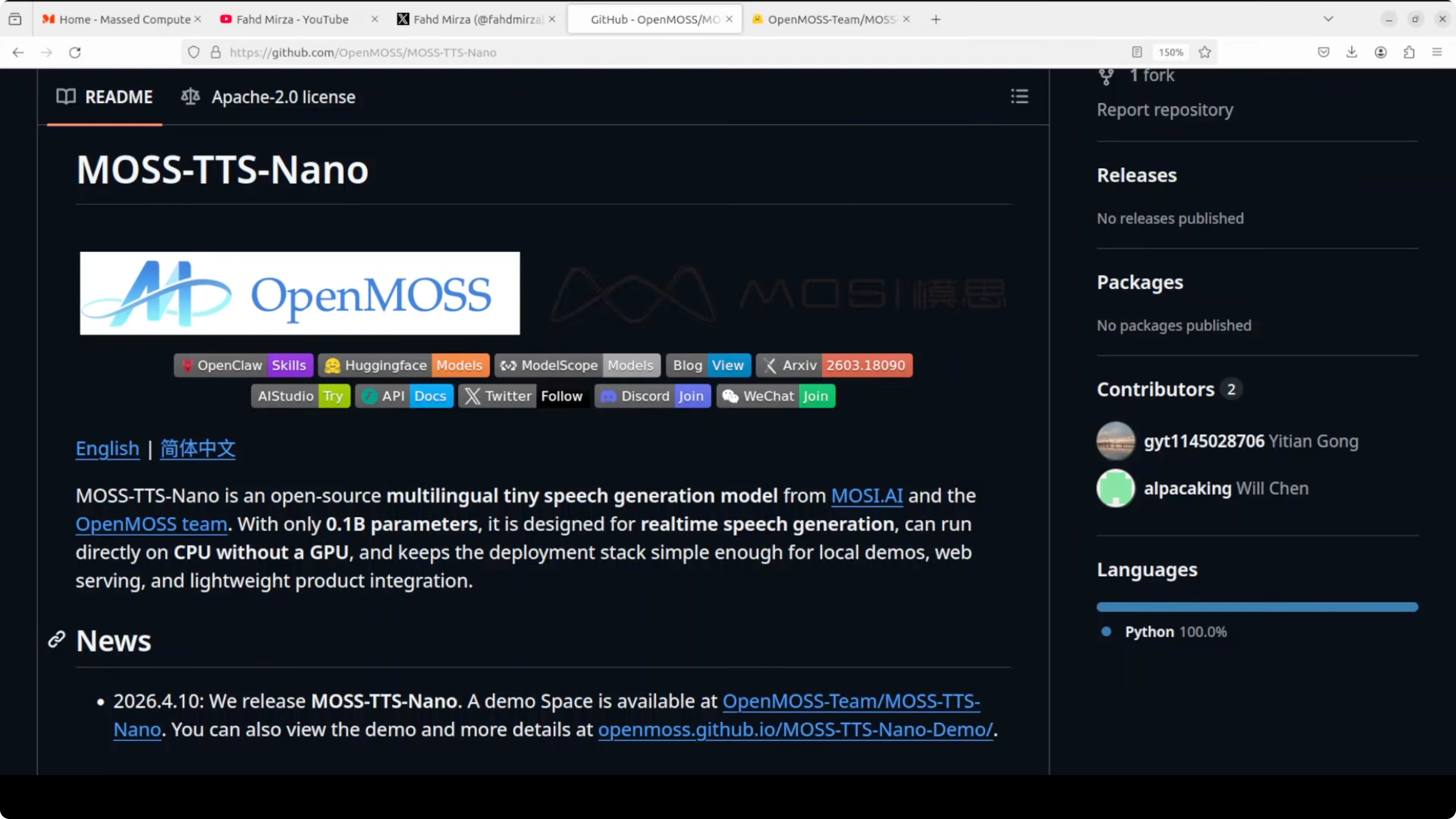
MOSS-TTS-Nano is a tiny multilingual speech generation model you can run anywhere on a CPU. It supports a small set of languages like Chinese, English, Japanese, Arabic, and a couple more. You can use it for streaming inference, long text, voice cloning, and simple local deployment.
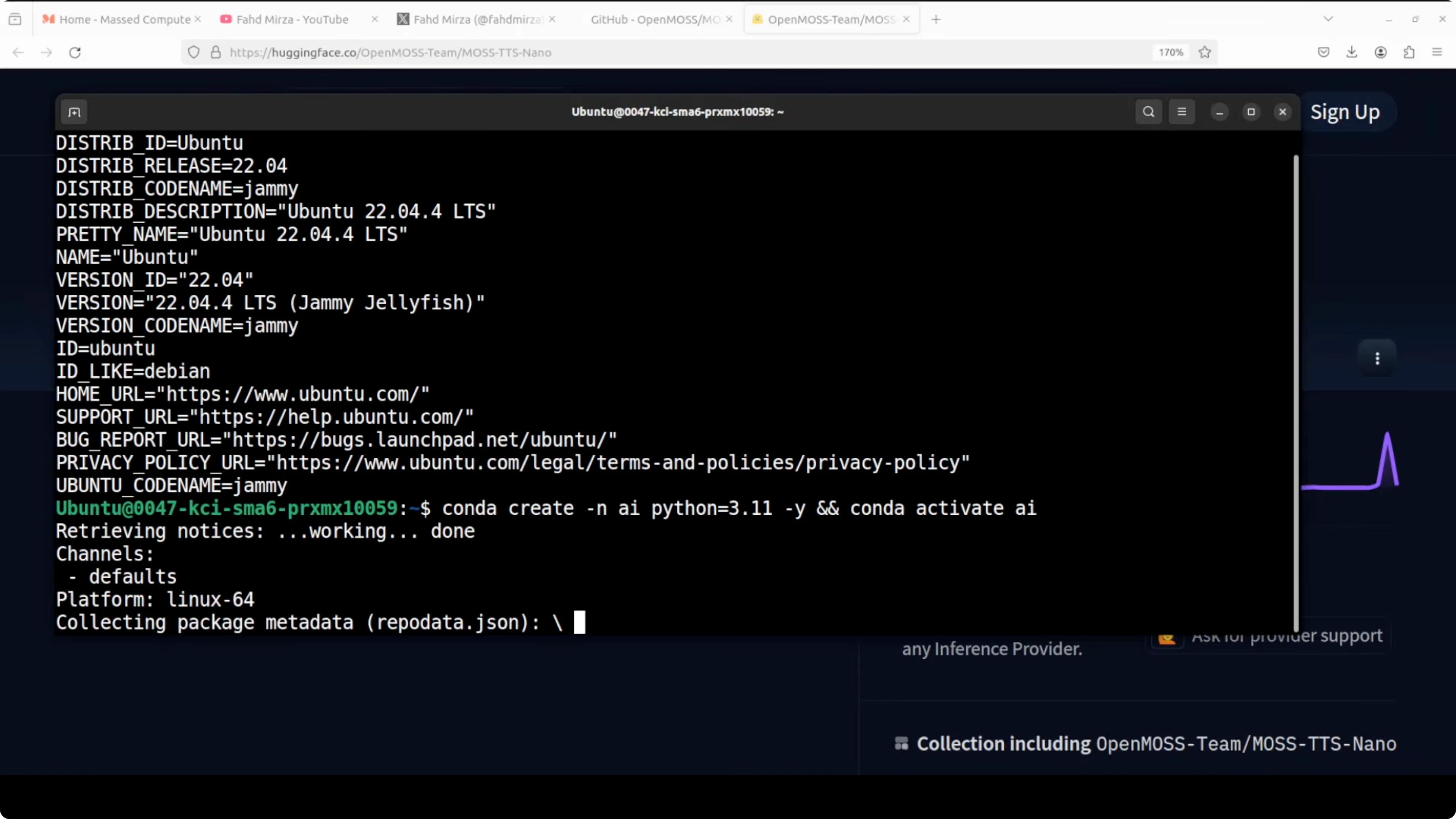
I used an Ubuntu machine and ran everything on CPU. The repository is small and straightforward. Official GitHub: https://github.com/OpenMOSS/MOSS-TTS-Nano.
If you want a compact companion overview, see this short explainer: Moss Tts Nano.
What is MOSS-TTS-Nano: Powerful Multilingual TTS
The model ships with preset voices for a few languages, and you can also upload a reference audio for voice cloning. It runs locally and can serve a minimal Gradio interface. First launch downloads the model, and the interface reports device as CPU.
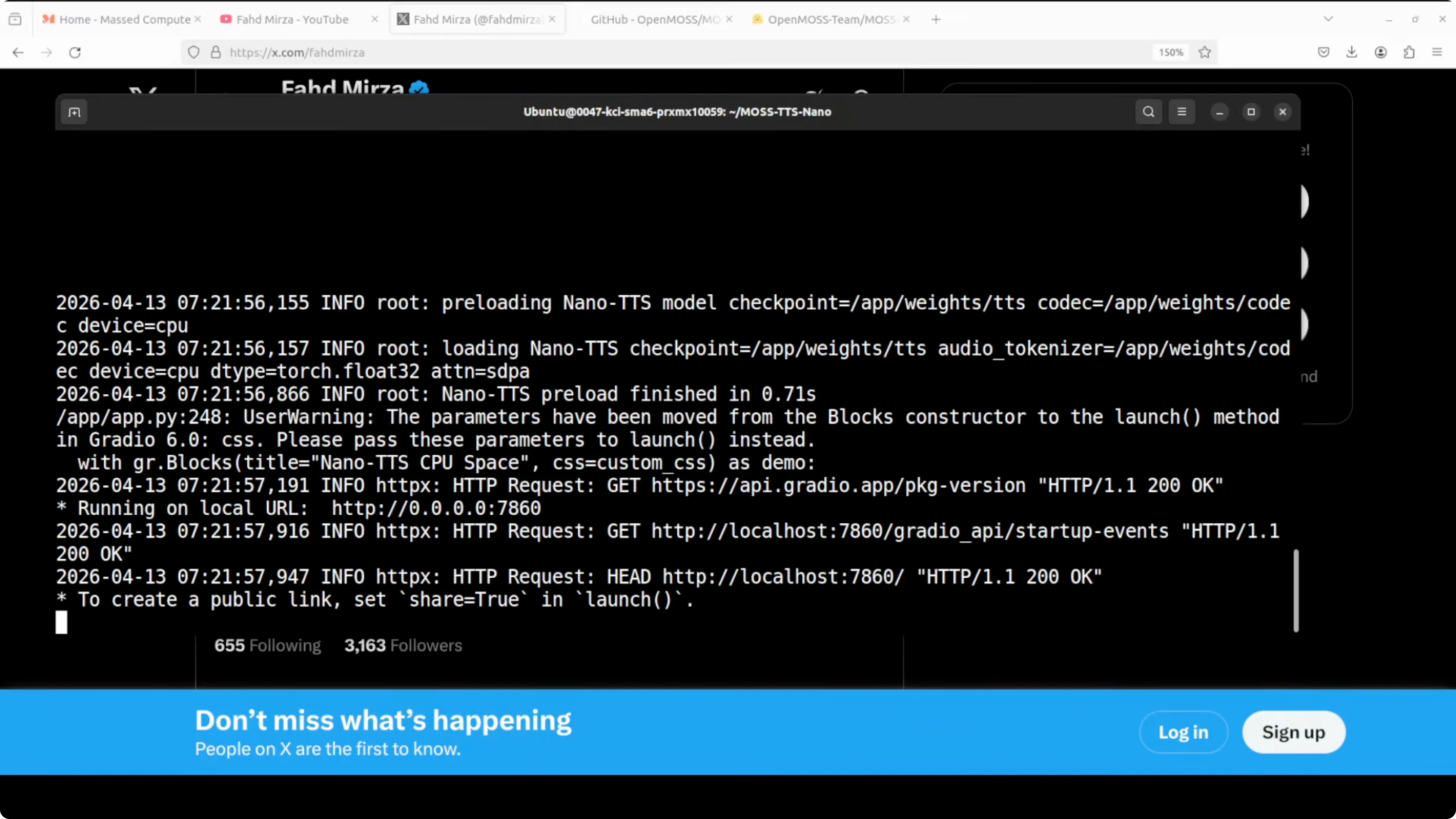
I saw quick generation for short English text using a preset voice. Speed varies by language and input length. Streaming and long-text support are included.
Install MOSS-TTS-Nano: Powerful Multilingual TTS
Below is a simple CPU-only setup on Ubuntu with conda. Any recent Linux or macOS environment should be fine too. Python 3.10 is a safe pick.
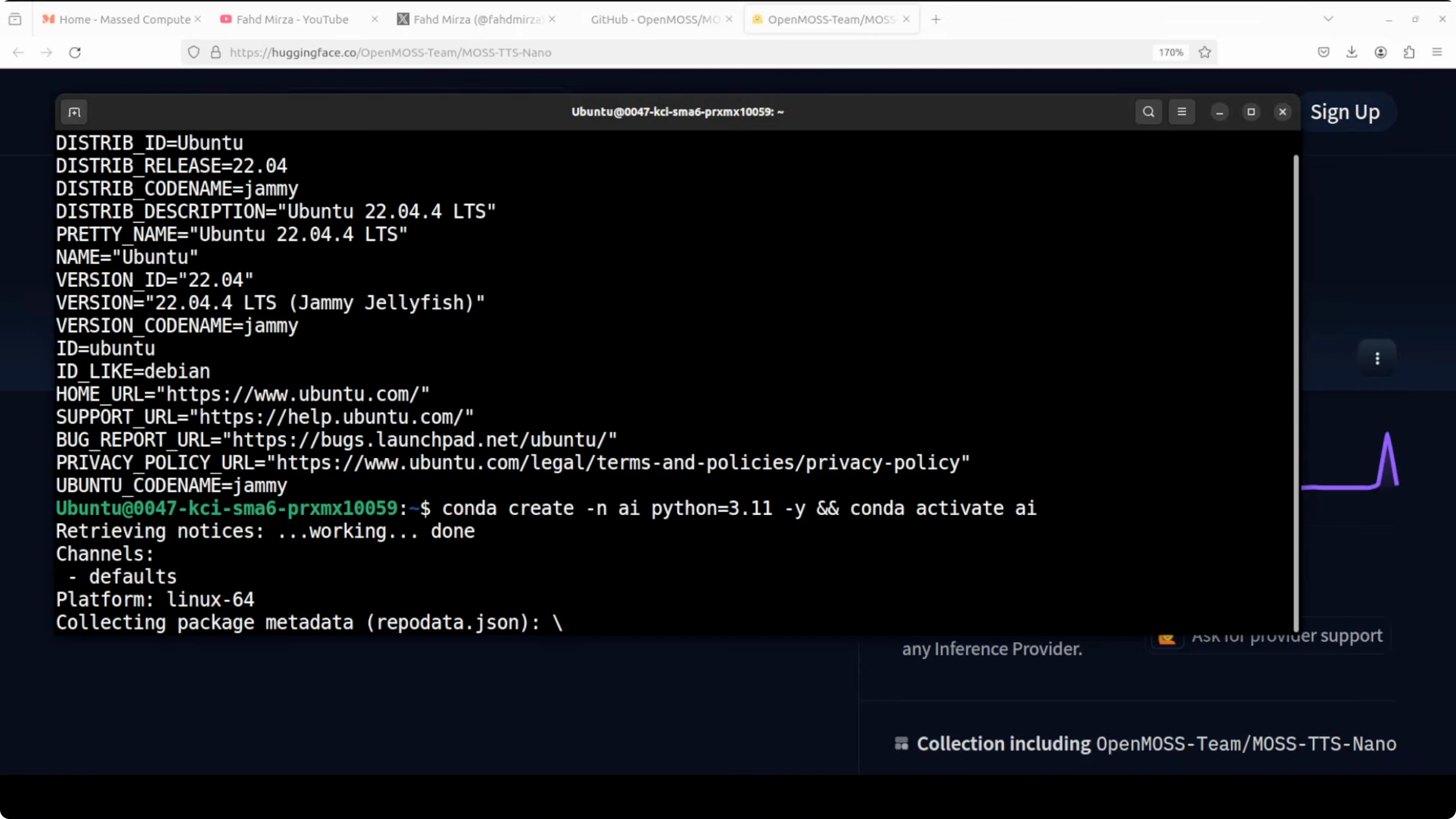
Step 1 - Create and activate a virtual environment.
conda create -n mosstts python=3.10 -y
conda activate mosstts
Step 2 - Clone the repository and move into it.
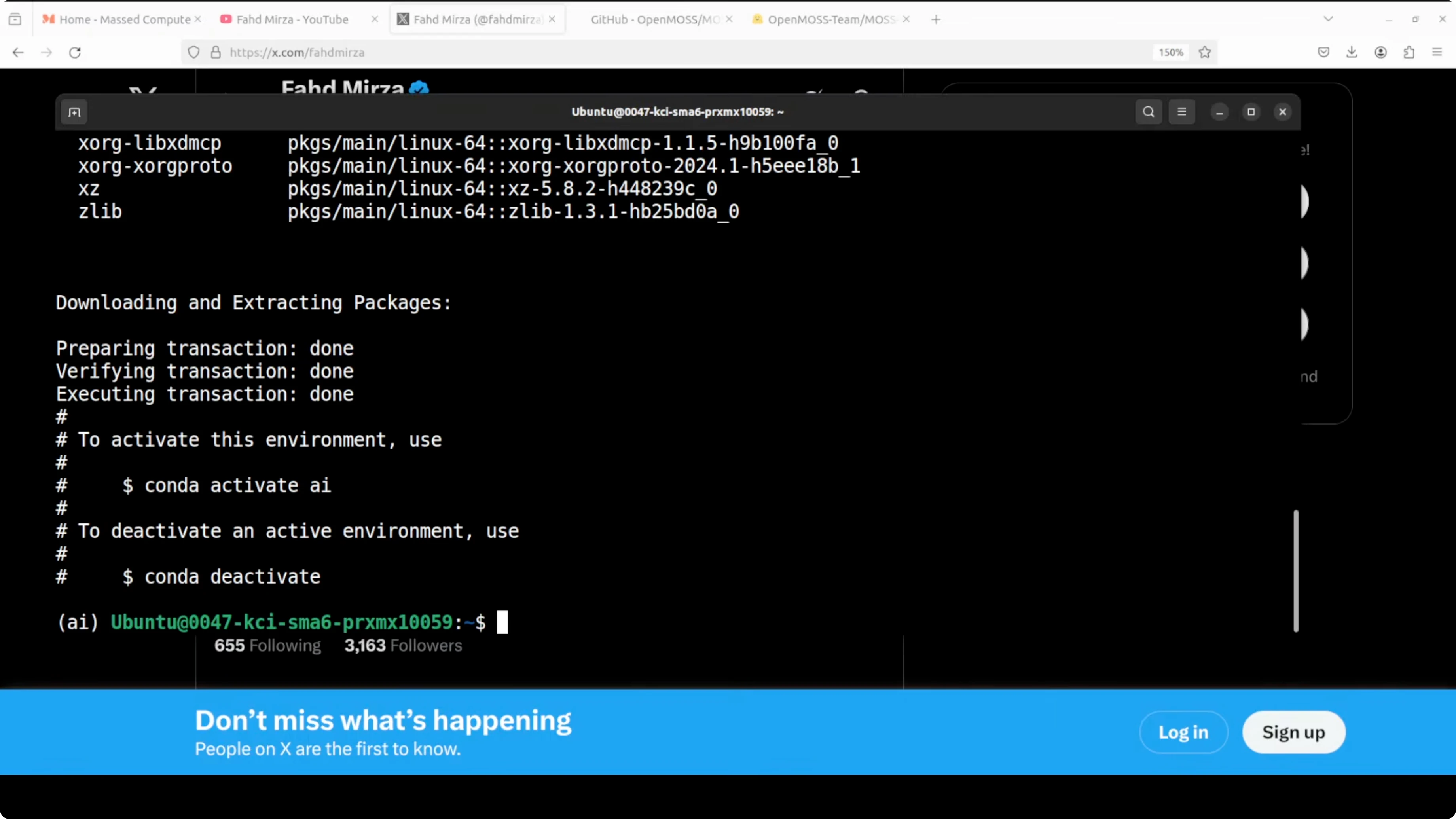
git clone https://github.com/OpenMOSS/MOSS-TTS-Nano.git
cd MOSS-TTS-Nano
Step 3 - Install prerequisites from the repo root.
pip install -r requirements.txtIf you prefer a quick primer on working with tiny local models, this guide is handy: How To Use Nano Banana.
Run the local app for MOSS-TTS-Nano: Powerful Multilingual TTS
The repository includes a minimal Gradio demo. Launch the provided script from the repo, then open the local URL in your browser.
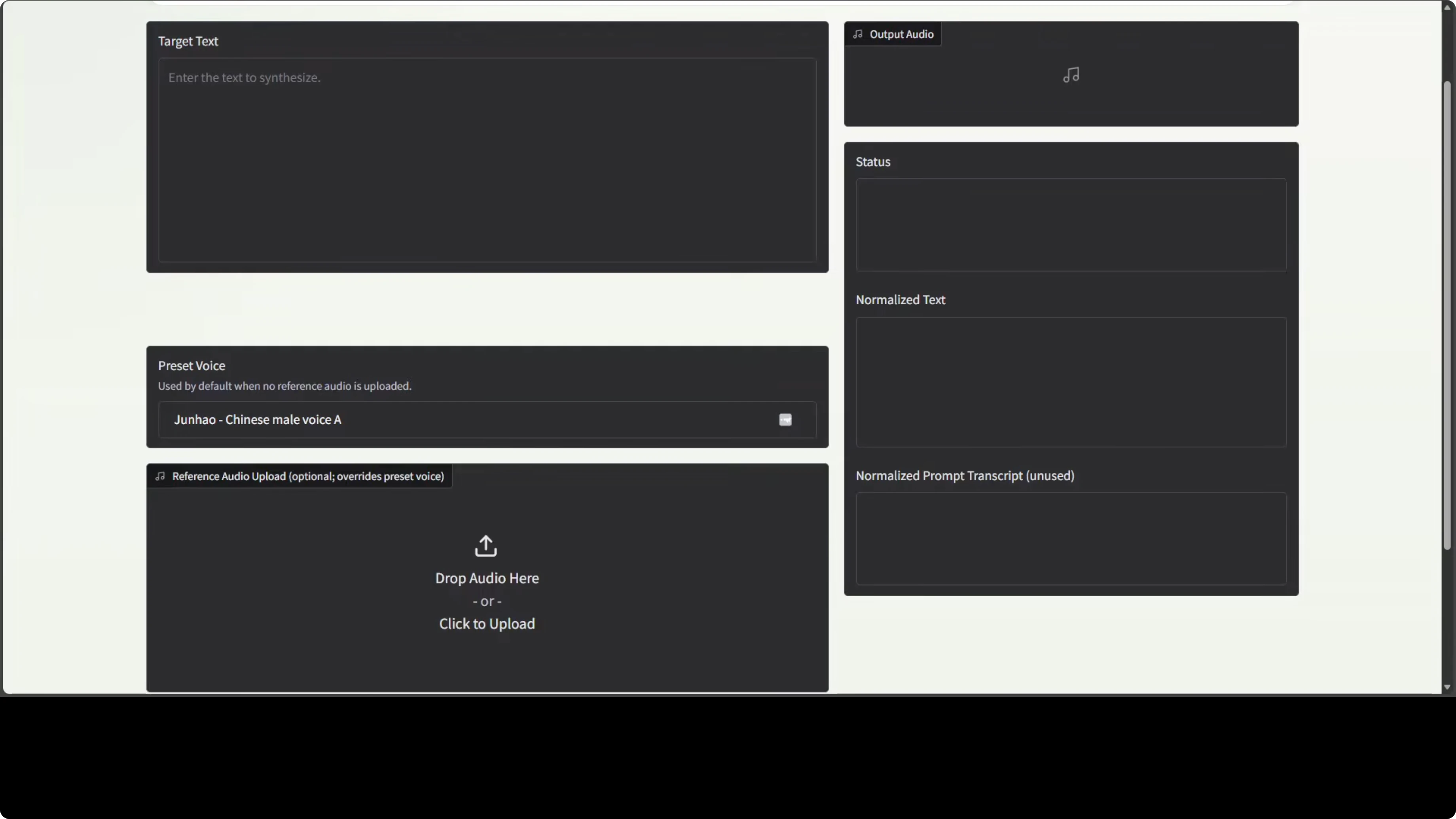
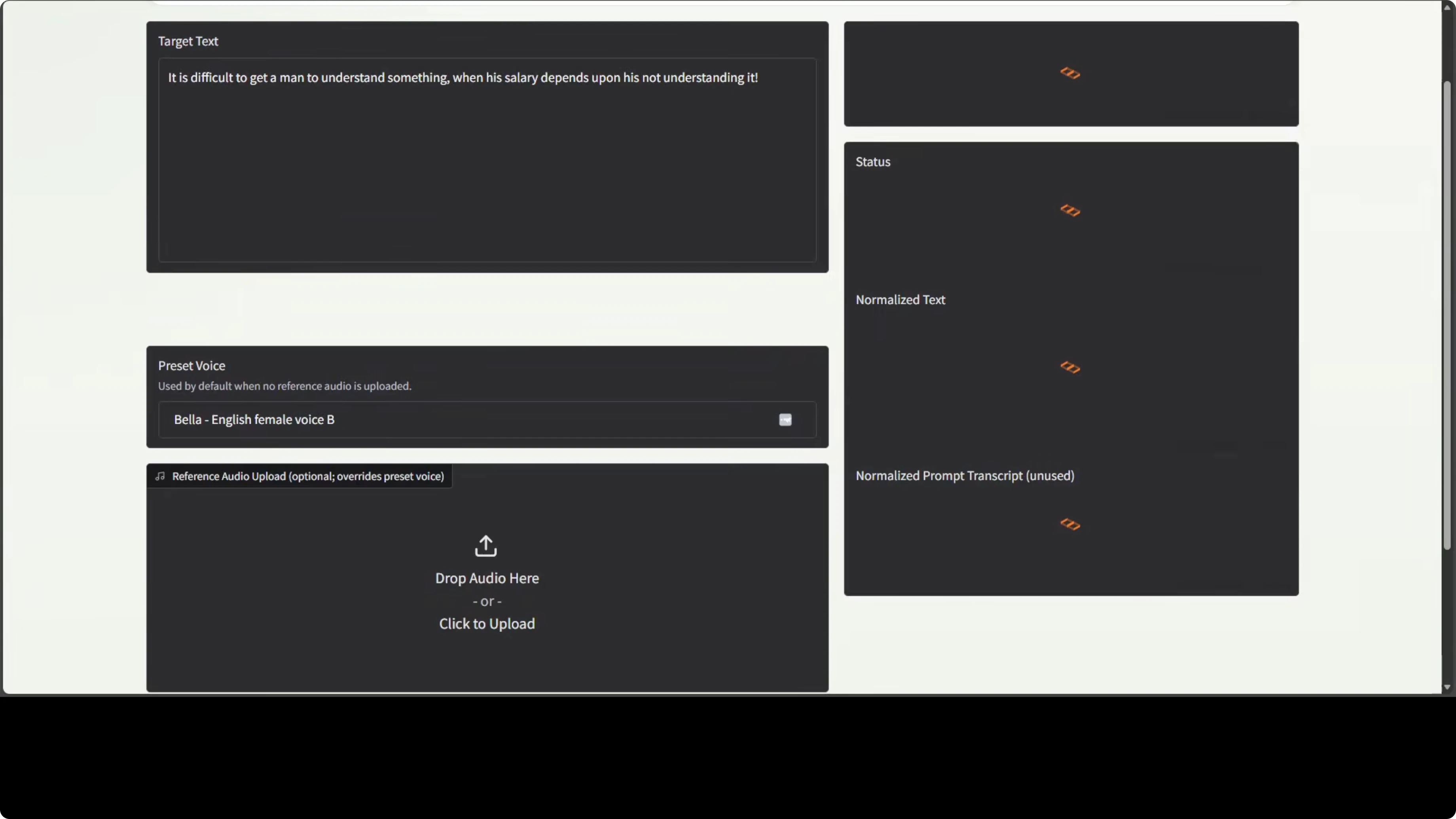
On first run, the model downloads automatically. The interface accepts target text, lets you pick a preset voice, or upload a reference audio for cloning.
For a multilingual alternative stack you might evaluate in parallel, explore Chatterbox Multilingual.
Features in practice for MOSS-TTS-Nano: Powerful Multilingual TTS
Languages and presets
Preset voices cover Chinese, English, and a few others. English with a female preset like Bella produced quick and usable speech on CPU. A Chinese preset I selected did not match the stated gender.
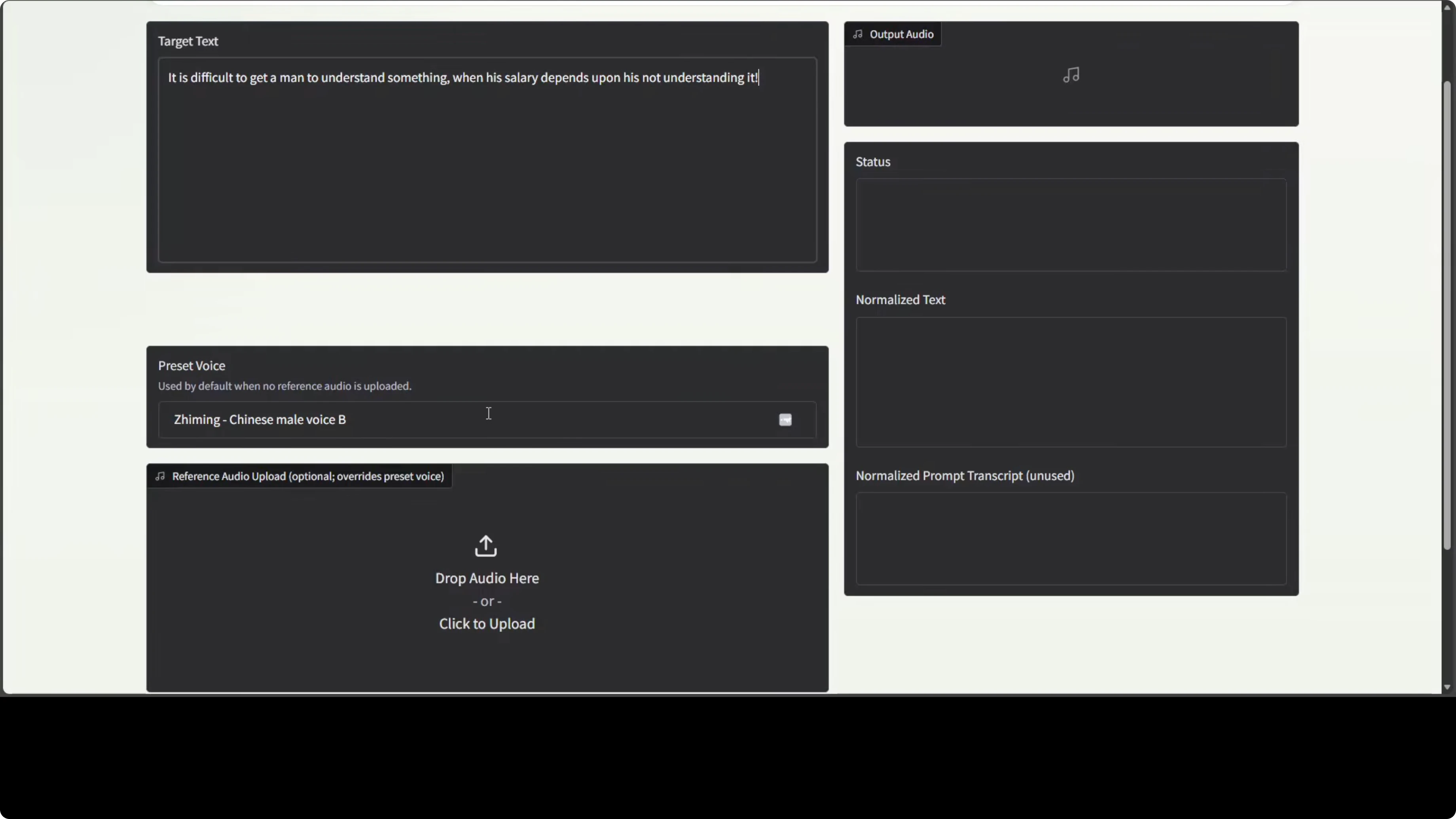
Japanese output sounded fine in my quick check. Spanish synthesis worked, though cloning quality was limited. These are CPU runs with short reference and target texts.
For another TTS stack you can compare for quality and latency, see Glm Tts.
Voice cloning results
Cloning from Arabic reference audio did not show resemblance to the target voice. Pronunciation also sounded off for Arabic in my test. Spanish cloning showed faint hints of resemblance but still not a strong clone.
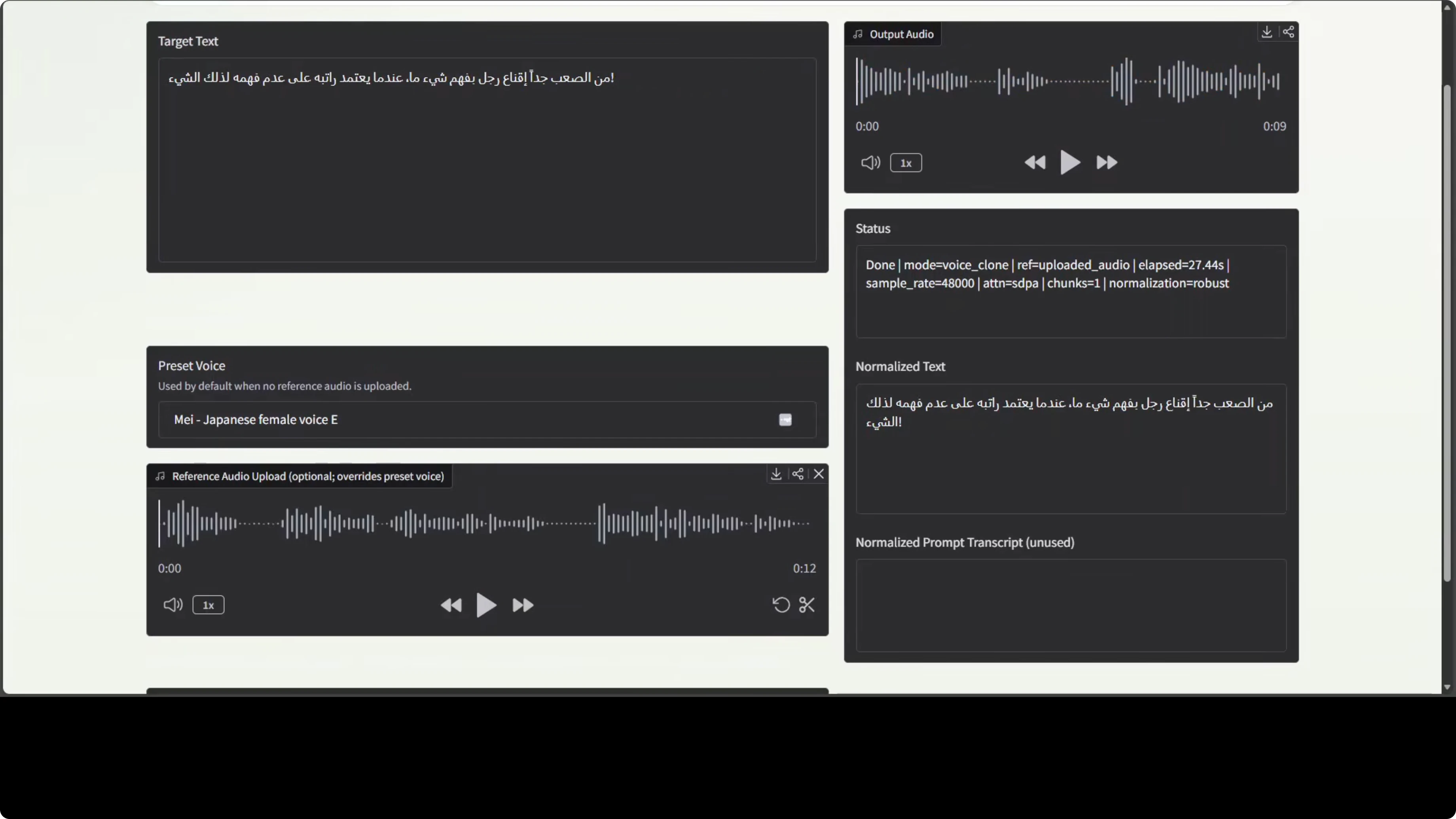
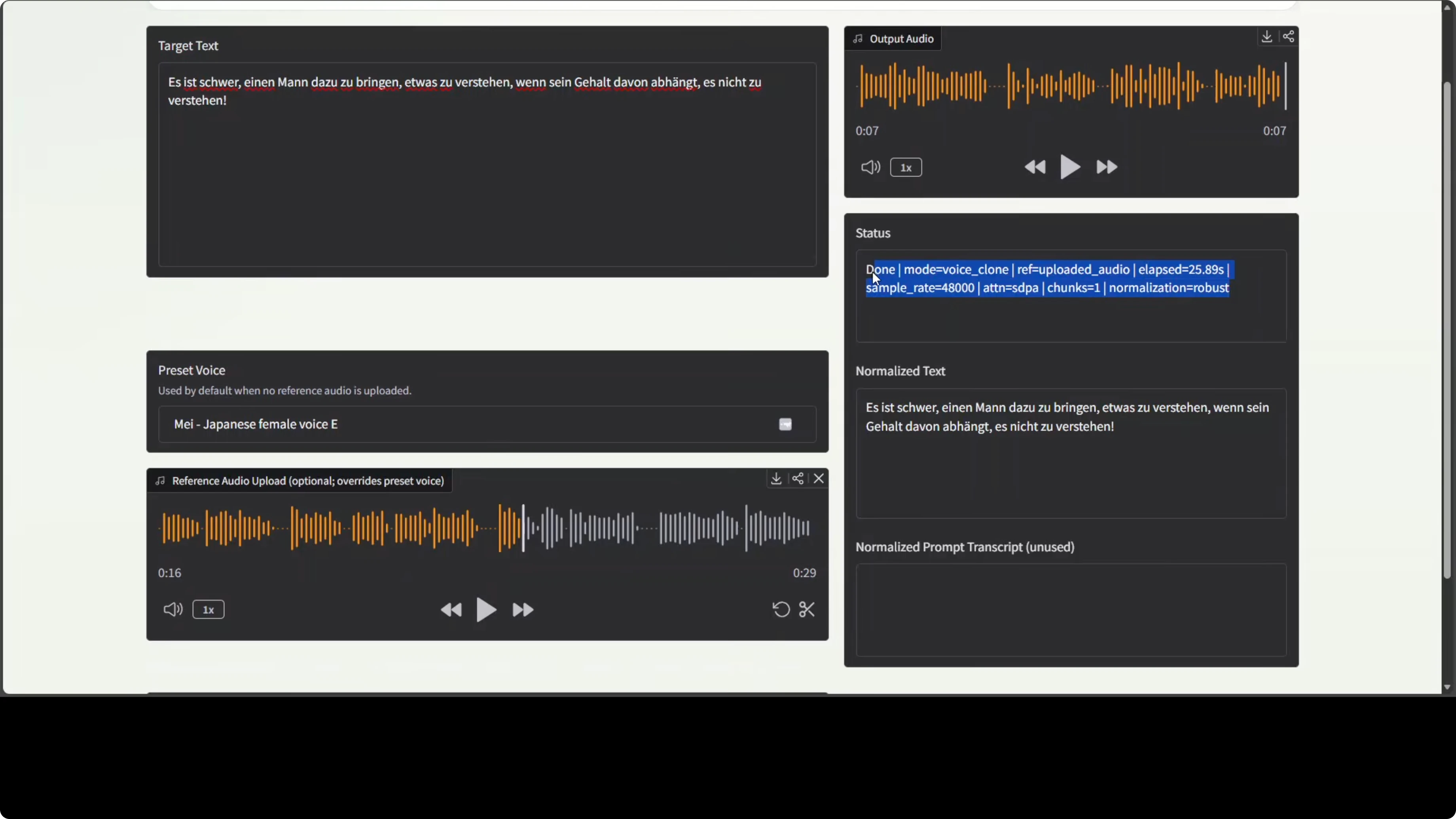
A German test with a longer reference took significantly longer and failed to resemble the source voice at all. The cloning here felt like a clear miss. This area needs improvement before production use.
Performance on CPU
CPU consumption went up during inference but remained manageable. Short English synthesis completed quickly, while some languages took longer. German took roughly 30 to 40 seconds for one input in my run.
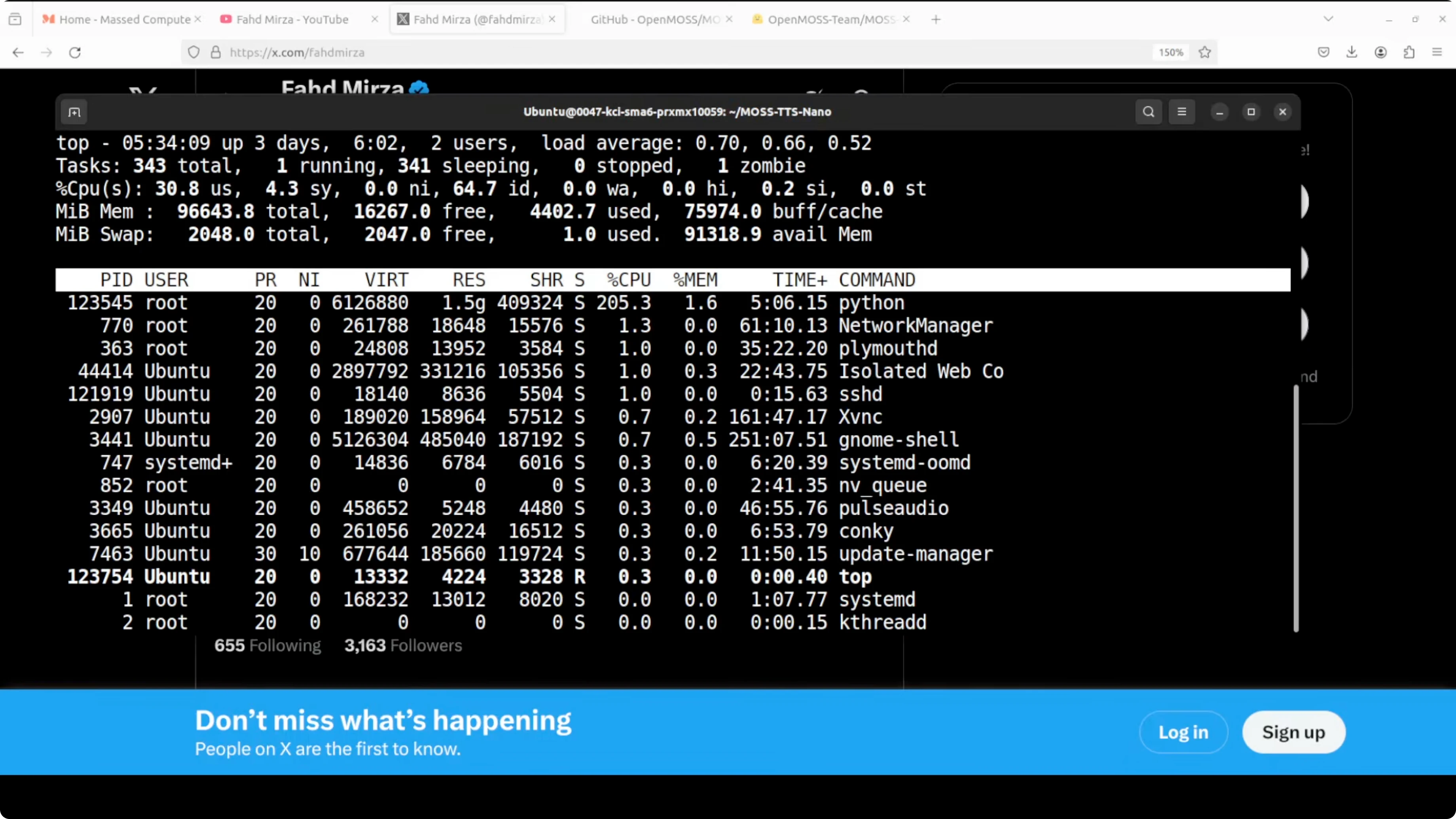
The team mentions quantization options like 2-bit, which is nice for resource savings. Quality still needs to hold up for the feature to matter. Latency variability by language was noticeable.
If you need a larger-capacity route for stronger results, check the setup notes here: Install Voxtral 4B Tts.
Use cases for MOSS-TTS-Nano: Powerful Multilingual TTS
Quick local narration on laptops without GPU is feasible. You can prototype streaming reading of long documents on a 4-core CPU. Offline TTS for embedded projects and small servers is practical.
I would not rely on it for high-fidelity voice cloning. Accurate gender, accent, and pronunciation across languages still need work. Keep it for lightweight synthesis tasks where simple preset voices are acceptable.
Market context for MOSS-TTS-Nano: Powerful Multilingual TTS
The TTS market is crowded, and simply being small or CPU-friendly is not enough anymore. New entrants need to raise the bar in voice naturalness, emotional range, latency, or broader language coverage. Basic voice cloning should work reliably before aiming higher.
The repo provides timing and other stats, which is always useful. The model’s current strengths are portability and ease of local experimentation. Quality, cloning reliability, and cross-language consistency still need attention.
Final Thoughts
MOSS-TTS-Nano is a compact multilingual TTS you can run on CPU with streaming and long-text support. Preset-based English and some languages can be quick and usable, but voice cloning quality and language consistency are not there yet. If you need CPU-first tinkering today, it is worth a try, while keeping a close eye on improvements and alternatives like Chatterbox Multilingual, Glm Tts, and Voxtral 4B setup.
Subscribe to our newsletter
Get the latest updates and articles directly in your inbox.

Related Posts

8 Best Claude Code Plugins in 2026 (You Need to Know)
8 Best Claude Code Plugins in 2026 (You Need to Know)

7 Best Claude Code Skills (You Need to Know)
7 Best Claude Code Skills (You Need to Know)

Claude Code Desktop IDE Features (You Need to Know)
Claude Code Desktop IDE Features (You Need to Know)