
Table Of Content
- Chatterbox Multilingual TTS: Run Locally With Voice Cloning
- Installation and Setup Overview for Chatterbox Multilingual TTS
- Voice Cloning and Model Preparation
- Local Execution Notes
- System Configuration and Resource Use
- Environment
- Observed Resource Use
- Quick Start: Running Chatterbox Multilingual TTS
- Initial Test and Reference Comparison
- Arabic: Generation and Quality
- Danish: Performance and Consistency
- Swahili: TTS and Clone Quality
- Chinese: Output Assessment
- Turkish: Output Assessment
- Malay: Output Assessment
- Hindi: Output and Reference Comparison
- Hebrew: Output Assessment
- Russian: Output and Reference Note
- Korean: Output Assessment
- Portuguese: Output and Reference
- Supported Languages and Further Fine-Tuning
- Practical Guidance for Reproducing the Workflow
- Preparation
- Fine-Tuning and Model Retrieval
- Local Execution Steps
- Notes on Performance and Efficiency
- Language Order and Observations
- What You Need To Replicate These Results
- Summary
Chatterbox Multilingual: How to Clone Voices in Any Language Locally?
Table Of Content
- Chatterbox Multilingual TTS: Run Locally With Voice Cloning
- Installation and Setup Overview for Chatterbox Multilingual TTS
- Voice Cloning and Model Preparation
- Local Execution Notes
- System Configuration and Resource Use
- Environment
- Observed Resource Use
- Quick Start: Running Chatterbox Multilingual TTS
- Initial Test and Reference Comparison
- Arabic: Generation and Quality
- Danish: Performance and Consistency
- Swahili: TTS and Clone Quality
- Chinese: Output Assessment
- Turkish: Output Assessment
- Malay: Output Assessment
- Hindi: Output and Reference Comparison
- Hebrew: Output Assessment
- Russian: Output and Reference Note
- Korean: Output Assessment
- Portuguese: Output and Reference
- Supported Languages and Further Fine-Tuning
- Practical Guidance for Reproducing the Workflow
- Preparation
- Fine-Tuning and Model Retrieval
- Local Execution Steps
- Notes on Performance and Efficiency
- Language Order and Observations
- What You Need To Replicate These Results
- Summary
Chatterbox Multilingual TTS: Run Locally With Voice Cloning
I am using Chatterbox Multilingual TTS. I converted text to speech in Polish after cloning the voice, compared the generated audio to the original voice, and reviewed the results.
I previously covered Chatterbox Turbo, including installation, architecture, and general setup. Here, I focus on using and cloning the multilingual model across a wide range of languages and running it locally.
In this walkthrough, I use and clone Chatterbox Multilingual TTS in languages from Arabic to English, from Spanish to Portuguese, from Malay to Swahili, and from Swedish to Russian.
Installation and Setup Overview for Chatterbox Multilingual TTS
I am not repeating the full installation since the process matches what I showed with Chatterbox Turbo.
- Replace the model name with the multilingual version.
- Create and fine-tune a voice on the Resemble website in any language.
- Download the model and run it locally.
- All remaining steps are the same as with the Turbo setup.
I generated code to run the multilingual model with the structure above.
Voice Cloning and Model Preparation
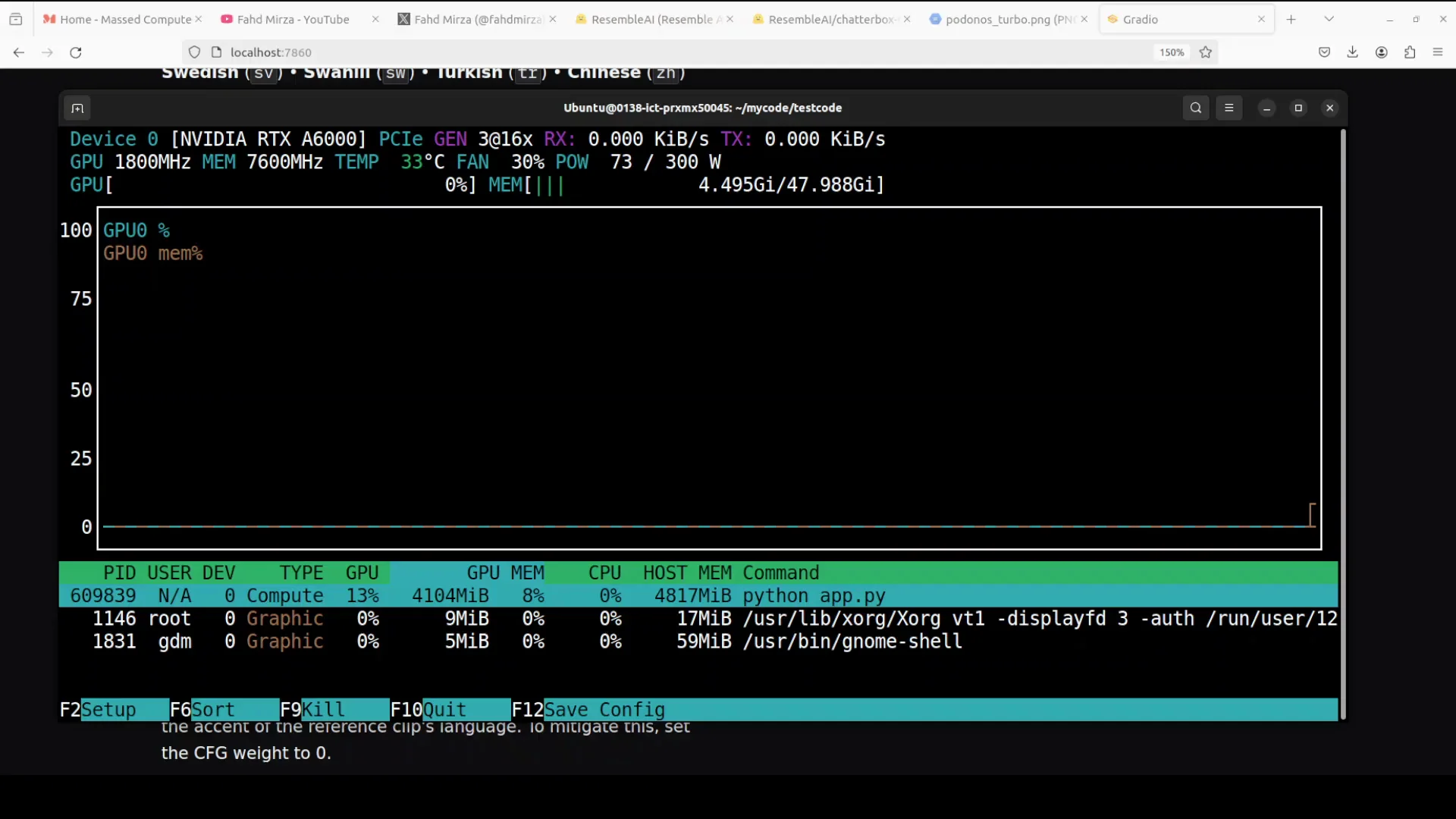
- Go to the Resemble website and fine-tune a voice in your chosen language.
- The fine-tuning is hosted, but you can download the resulting model.
- Run the downloaded model locally with the multilingual model name in your code.
Local Execution Notes
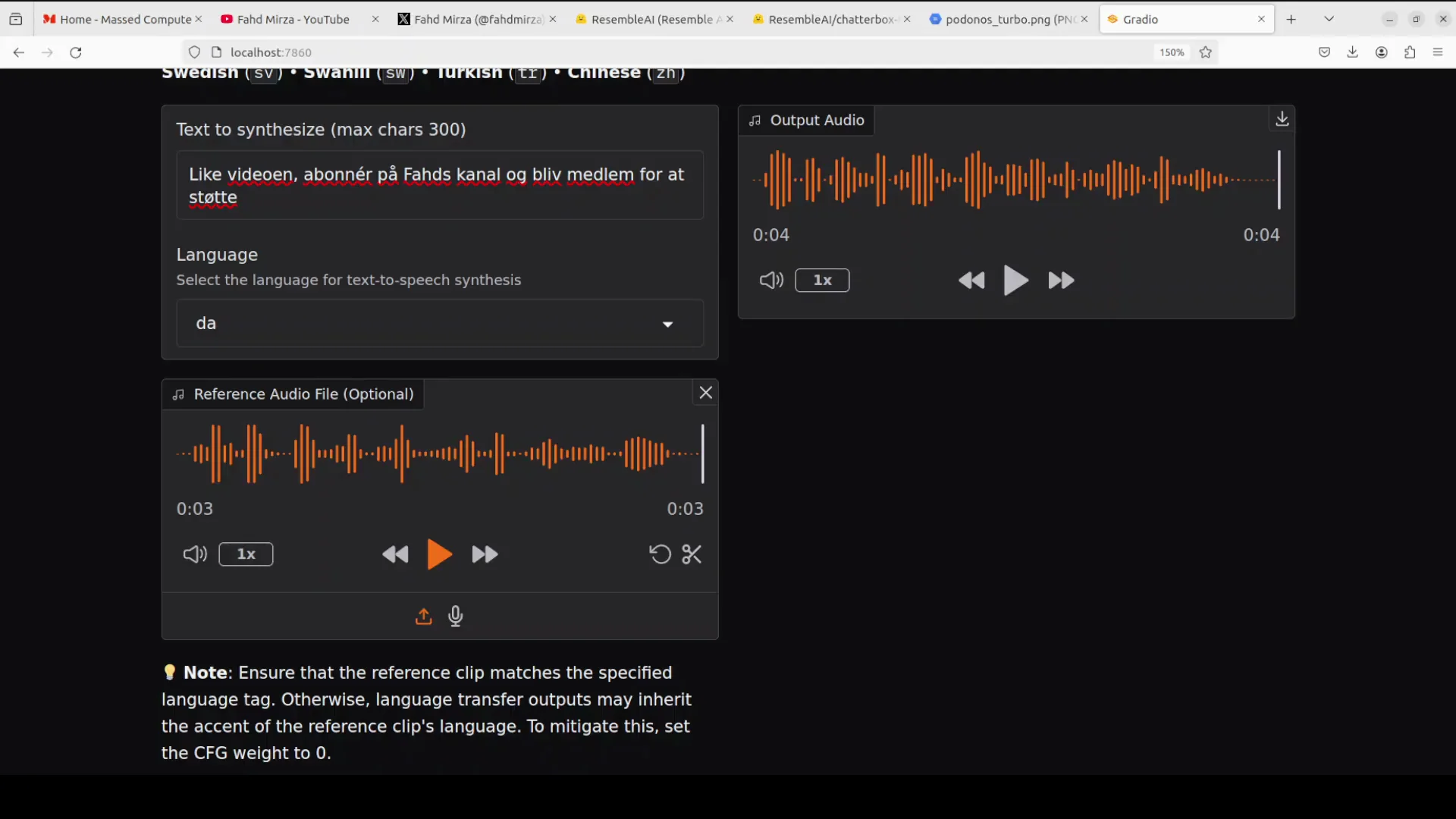
- Using the multilingual model is a drop-in change from the Turbo flow.
- Select the target language, provide input text, and generate the audio.
- Compare with reference audio to assess clone quality.
System Configuration and Resource Use
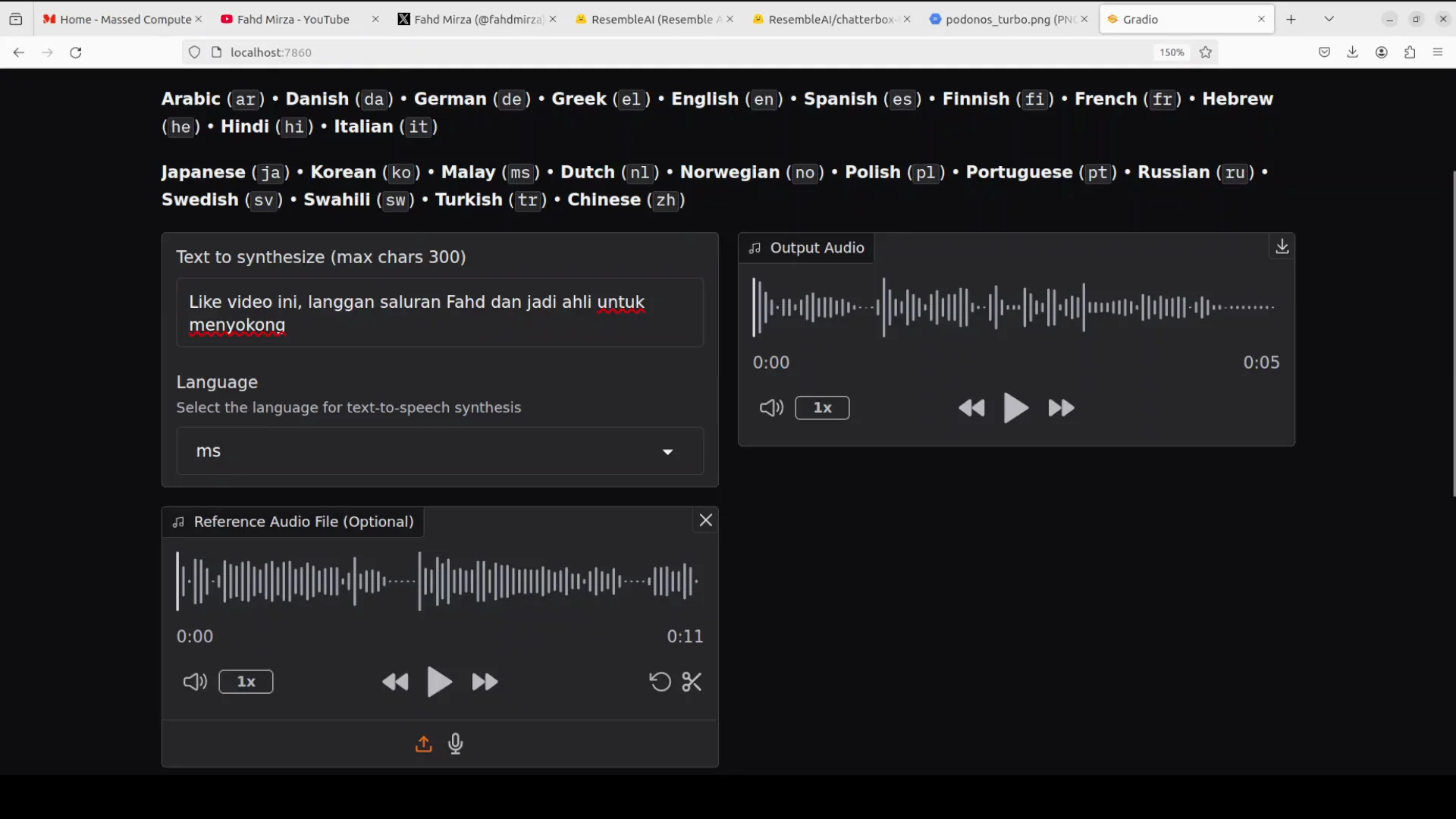
While generating one of the outputs, I monitored system details and VRAM usage.
Environment
- OS: Ubuntu
- GPU: Nvidia RTX 6000 with 48 GB VRAM
Observed Resource Use
- VRAM consumption during generation: around 4.0 to 4.1 GB
- Generation is very quick and requires relatively modest compute and VRAM
Quick Start: Running Chatterbox Multilingual TTS
Use the same workflow as Chatterbox Turbo, with the multilingual model name.
- Prepare a fine-tuned voice on the Resemble website in your target language.
- Download the fine-tuned model files.
- In your local setup, replace the Turbo model name with the multilingual model name.
- Select the language, paste the text input, and start generation.
- Optionally, monitor VRAM usage during generation.
- Compare the generated audio with your reference audio for clone quality.
Initial Test and Reference Comparison
I began with Polish after cloning the target voice for that language. I compared the text-to-speech output with the original cloned voice to verify quality and consistency.
Arabic: Generation and Quality
I entered Arabic text, set the language to Arabic, and generated the output. While it processed, I confirmed the system details and VRAM usage described above.
The output completed quickly, using just over 4 GB VRAM. The Arabic clone quality is strong. I compared it with the reference audio and found the cloned voice quality to be very good.
Danish: Performance and Consistency
I generated Danish next. VRAM remained steady around 4.1 GB during generation.
The process was very fast and efficient in terms of compute and memory. When I compared the output and reference audio, clone quality was solid. Native speakers are best positioned to confirm the text and pronunciation quality for each language, and their feedback is valuable for verification.
Swahili: TTS and Clone Quality
I tested Swahili. The text-to-speech output was clear, and the cloned voice quality remained consistently strong.
Chinese: Output Assessment
I tested Chinese. The output quality was impressive, with consistent voice cloning results.
Turkish: Output Assessment
I generated Turkish. The results were good and consistent with the earlier tests.
Malay: Output Assessment
I generated Malay. The quality remained consistent with the previous languages.
Hindi: Output and Reference Comparison
I generated Hindi. The quality was very good, and the speech content was recognizable to Hindi speakers.
I also played the reference audio and compared it with the output. The clone quality was strong in this case as well.
Hebrew: Output Assessment
I generated Hebrew. The results looked good based on the cloned voice and general output quality.
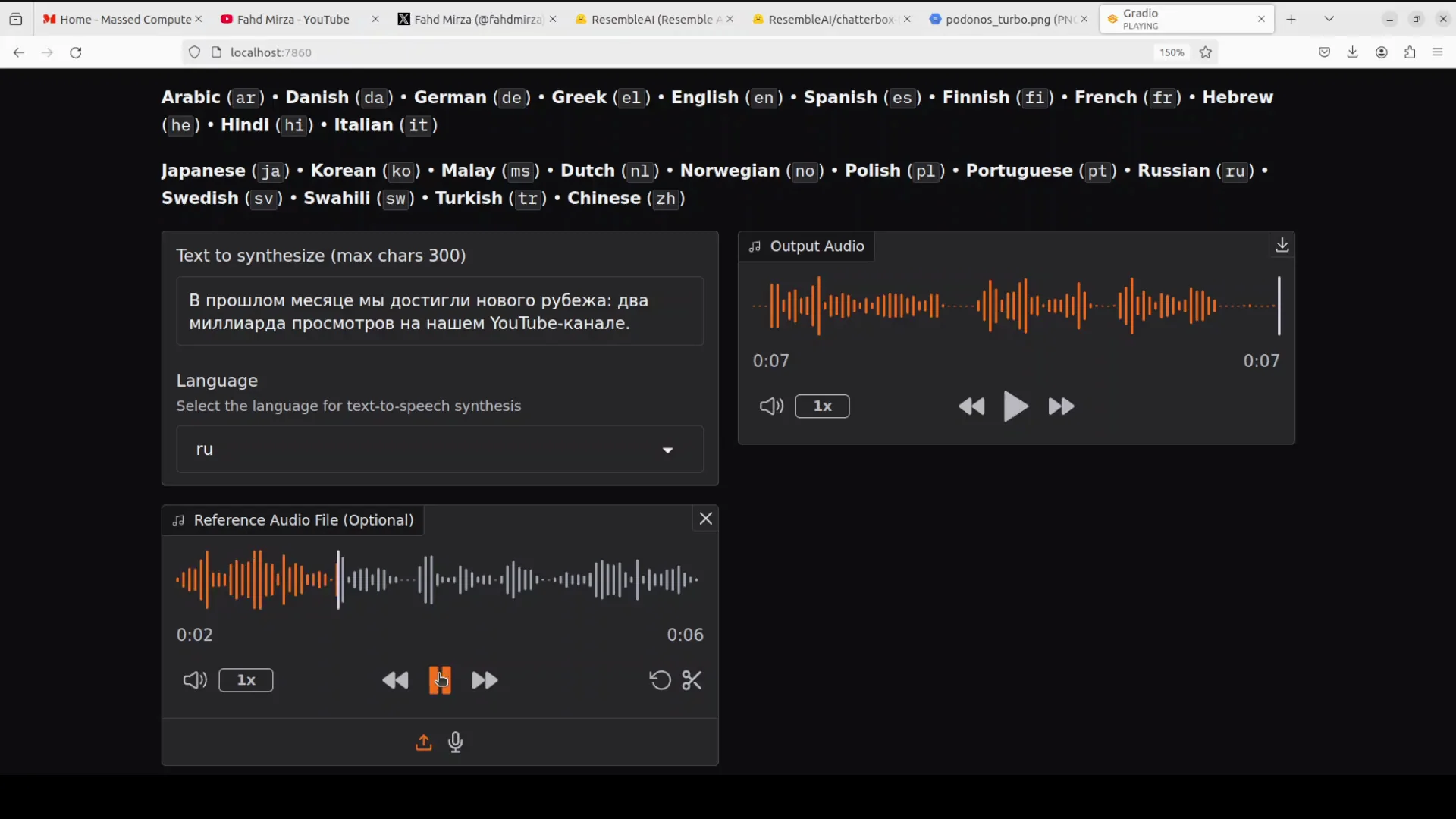
Russian: Output and Reference Note
I generated Russian and then compared it with the reference audio.
The reference included the phrase "Forest Hills, New York." The cloned voice quality in Russian matched expectations and remained strong.
Korean: Output Assessment
I generated Korean. The output quality was consistent with the other languages.
Portuguese: Output and Reference
I generated Portuguese and compared it with the reference audio.
The results aligned with prior tests, and clone quality remained consistent.
Supported Languages and Further Fine-Tuning
The multilingual model supports 23 languages. You can also go to Resemble.ai to fine-tune further if you want.
This is not a sponsored mention.
Practical Guidance for Reproducing the Workflow
Below is a concise guide reflecting exactly what I did to run Chatterbox Multilingual TTS locally.
Preparation
- Ensure your environment is set up as it would be for Chatterbox Turbo.
- Confirm CUDA and GPU drivers if you plan to use a GPU for acceleration.
- Have a voice dataset suitable for fine-tuning on the Resemble website.
Fine-Tuning and Model Retrieval
- Fine-tune the voice in the target language on the Resemble website.
- Download the resulting multilingual model and any required assets.
Local Execution Steps
- Replace the model name from the Turbo configuration with the multilingual model name.
- Select the target language within your generation code or UI.
- Paste the text you want to synthesize.
- Start generation and monitor VRAM usage if needed.
- Play and review the output audio.
- Compare it with the reference audio used for cloning to verify the voice match.
Notes on Performance and Efficiency
- With an Nvidia RTX 6000 (48 GB), the VRAM use per generation hovered around 4.0 to 4.1 GB.
- Generation time was very fast in the tests shown here.
- The model required relatively low compute for the outputs demonstrated.
Language Order and Observations
I followed this order while testing and reviewing outputs. For each, I focused on clarity and clone quality, and I compared with reference audio wherever noted.
- Polish - initial demonstration after cloning the voice, with a reference comparison.
- Arabic - quick generation, around 4 GB VRAM, strong clone quality.
- Danish - similar VRAM, very fast, solid clone quality.
- Swahili - clear output, high-quality cloning.
- Chinese - strong results.
- Turkish - quality consistent with other languages.
- Malay - quality consistent with other languages.
- Hindi - very good quality; reference comparison confirmed a strong clone match.
- Hebrew - good results.
- Russian - reference included "Forest Hills, New York"; clone quality remained strong.
- Korean - consistent quality.
- Portuguese - consistent quality and reference comparison.
Native speakers are best positioned to judge correctness and naturalness of each language, and their input is valuable for ongoing verification.
What You Need To Replicate These Results
- A local environment capable of running Chatterbox Multilingual TTS.
- A fine-tuned voice model from the Resemble website for your chosen language.
- The multilingual model name set in your code, replacing the Turbo model name.
- Text inputs for each language you plan to test.
- Reference audio from the original voice for comparison.
If you already have the Turbo setup, switching to the multilingual configuration is a straightforward change to the model name and the voice assets you load.
Summary
- I ran Chatterbox Multilingual TTS locally after cloning a voice and verified outputs against a reference.
- The installation and workflow match the Chatterbox Turbo setup, with the only change being the multilingual model name.
- Voice cloning can be fine-tuned on the Resemble website for any supported language, with the option to download and run locally.
- Resource use on an RTX 6000 was around 4.0 to 4.1 GB of VRAM during generation, with very quick turnaround.
- I tested outputs in a sequence of languages and found the clone quality consistently strong.
- The multilingual model supports 23 languages, and you can continue to fine-tune if needed. This mention is not sponsored.
Subscribe to our newsletter
Get the latest updates and articles directly in your inbox.

Related Posts

8 Best Claude Code Plugins in 2026 (You Need to Know)
8 Best Claude Code Plugins in 2026 (You Need to Know)

7 Best Claude Code Skills (You Need to Know)
7 Best Claude Code Skills (You Need to Know)

Claude Code Desktop IDE Features (You Need to Know)
Claude Code Desktop IDE Features (You Need to Know)