
Table Of Content
- MOSS TTS Nano overview
- MOSS TTS Nano requirements
- MOSS TTS Nano installation
- Environment
- Choose install location
- Clone the repository
- Install dependencies
- Launch the app
- MOSS TTS Nano quick relaunch
- MOSS TTS Nano voice cloning
- Use cases
- Troubleshooting
- Requirements conflicts
- Text processing or phoneme issues
- Final thoughts
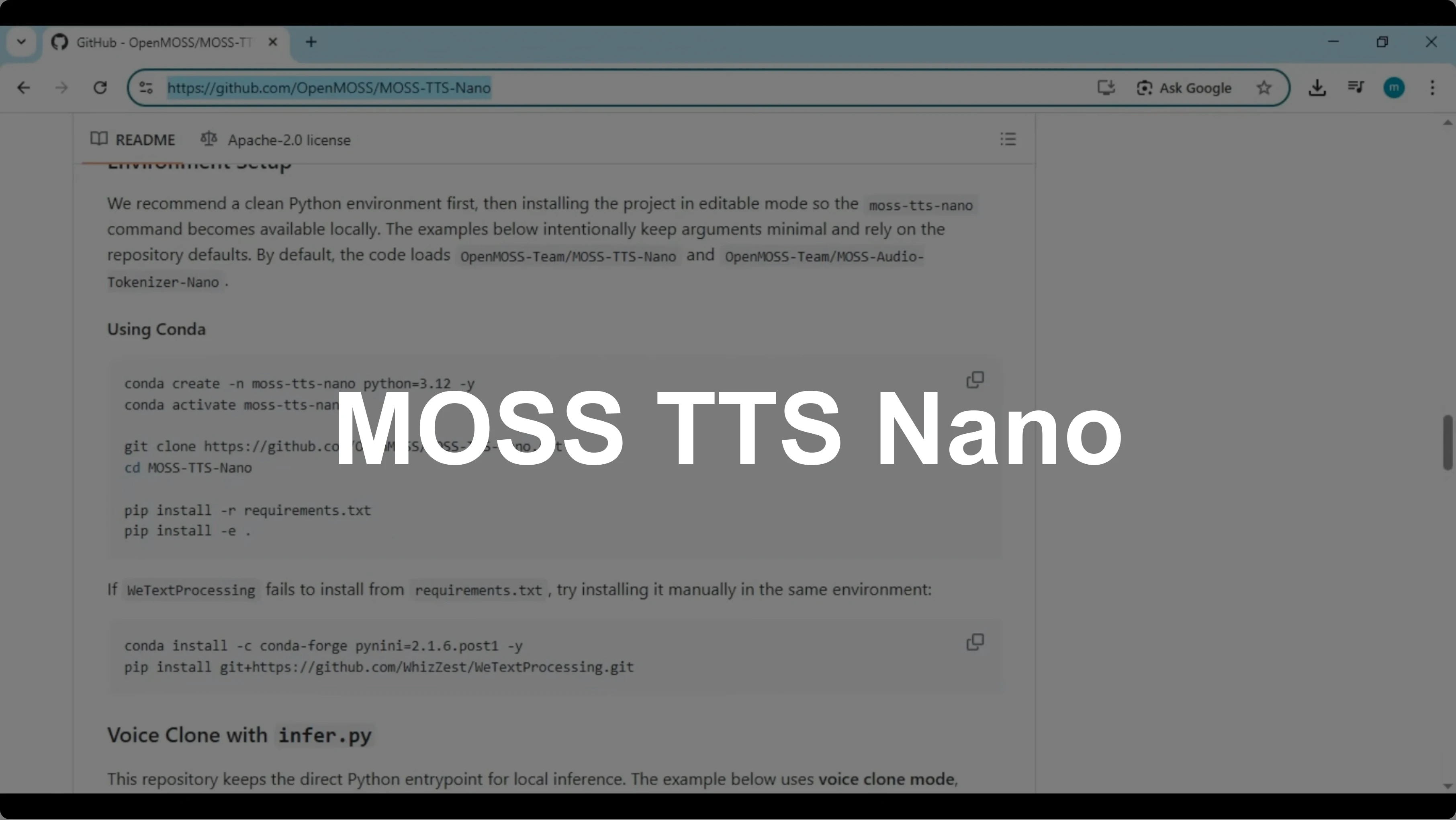
MOSS TTS Nano: How to Easily Install and Clone AI Voices?
Table Of Content
- MOSS TTS Nano overview
- MOSS TTS Nano requirements
- MOSS TTS Nano installation
- Environment
- Choose install location
- Clone the repository
- Install dependencies
- Launch the app
- MOSS TTS Nano quick relaunch
- MOSS TTS Nano voice cloning
- Use cases
- Troubleshooting
- Requirements conflicts
- Text processing or phoneme issues
- Final thoughts
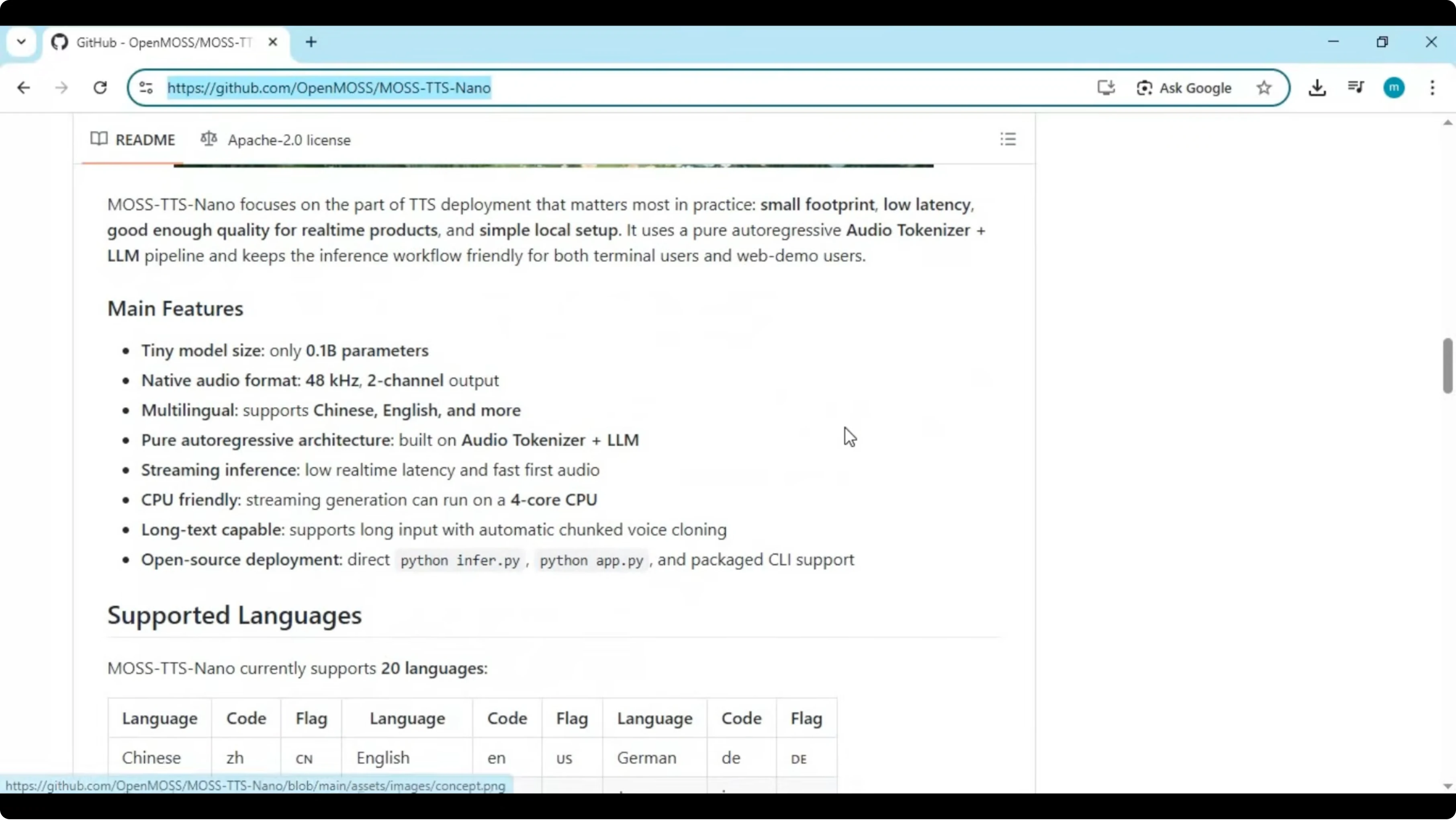
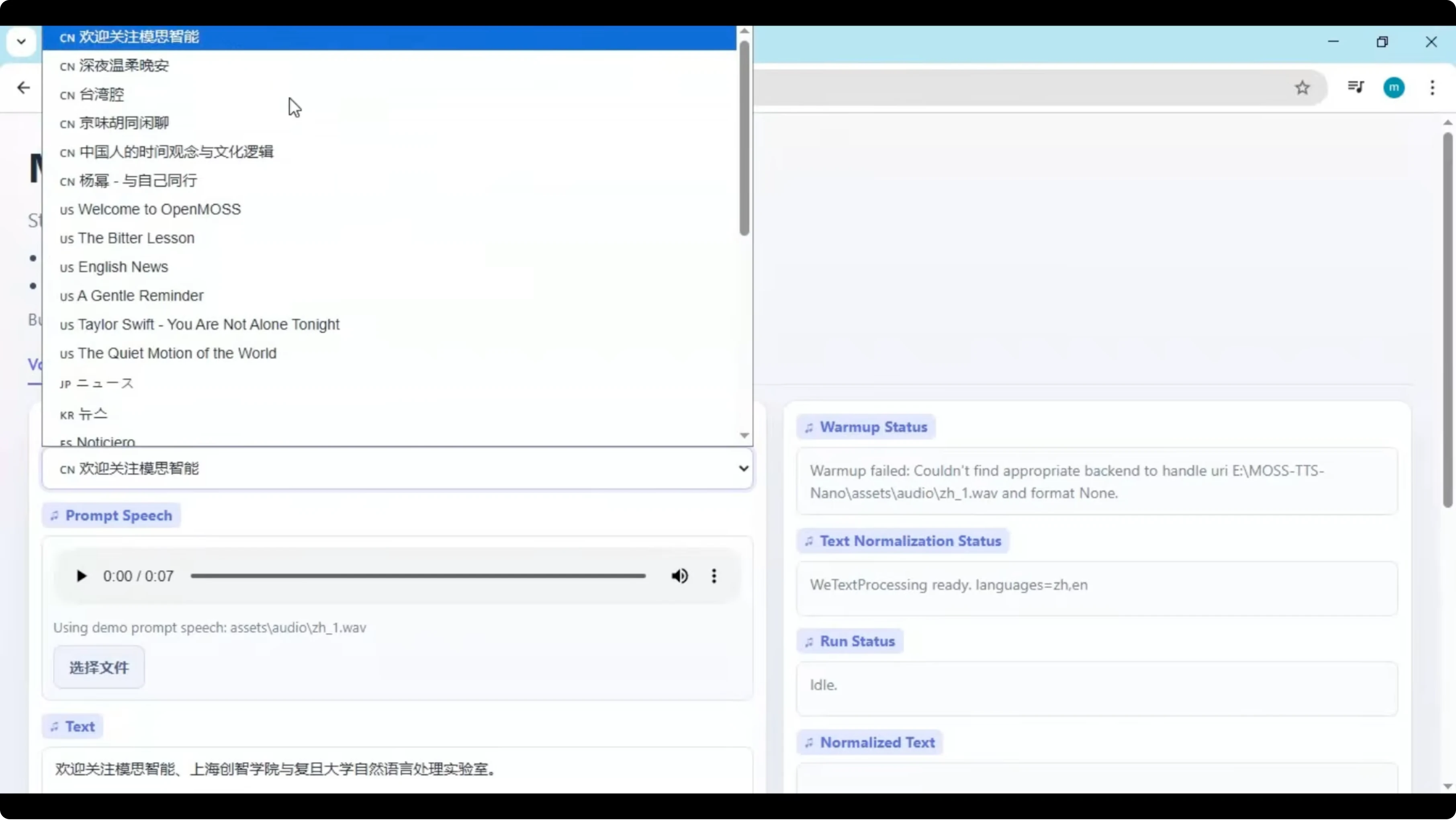
MOSS TTS Nano is a powerful and realistic multilingual text-to-speech tool that supports more than eight languages. You can use a variety of built-in voices or upload your own short 10-second voice sample to generate natural-sounding speech. The voice quality is impressively realistic, making it perfect for content creators, developers, and voice projects.
What makes it even more interesting is its lightweight design. At just 0.1 billion parameters, it runs smoothly on a basic CPU. The installation process is a bit different from other tools, so follow the steps below to set it up correctly.
MOSS TTS Nano overview
MOSS TTS Nano runs on CPU and does not require a dedicated GPU. You can install it locally and work with built-in voices or clone a voice from a brief WAV sample. The official repository is here: OpenMOSS MOSS-TTS-Nano.
MOSS TTS Nano requirements
Install Anaconda or Miniconda and make sure you have Python 3.10.11 available. Install FFmpeg, Visual Studio Build Tools with C++ components, eSpeak NG, and Git for Windows. It does not need any graphics card and runs on a simple CPU.
If you want to compare with another local TTS stack, see another local TTS setup.
MOSS TTS Nano installation
Environment
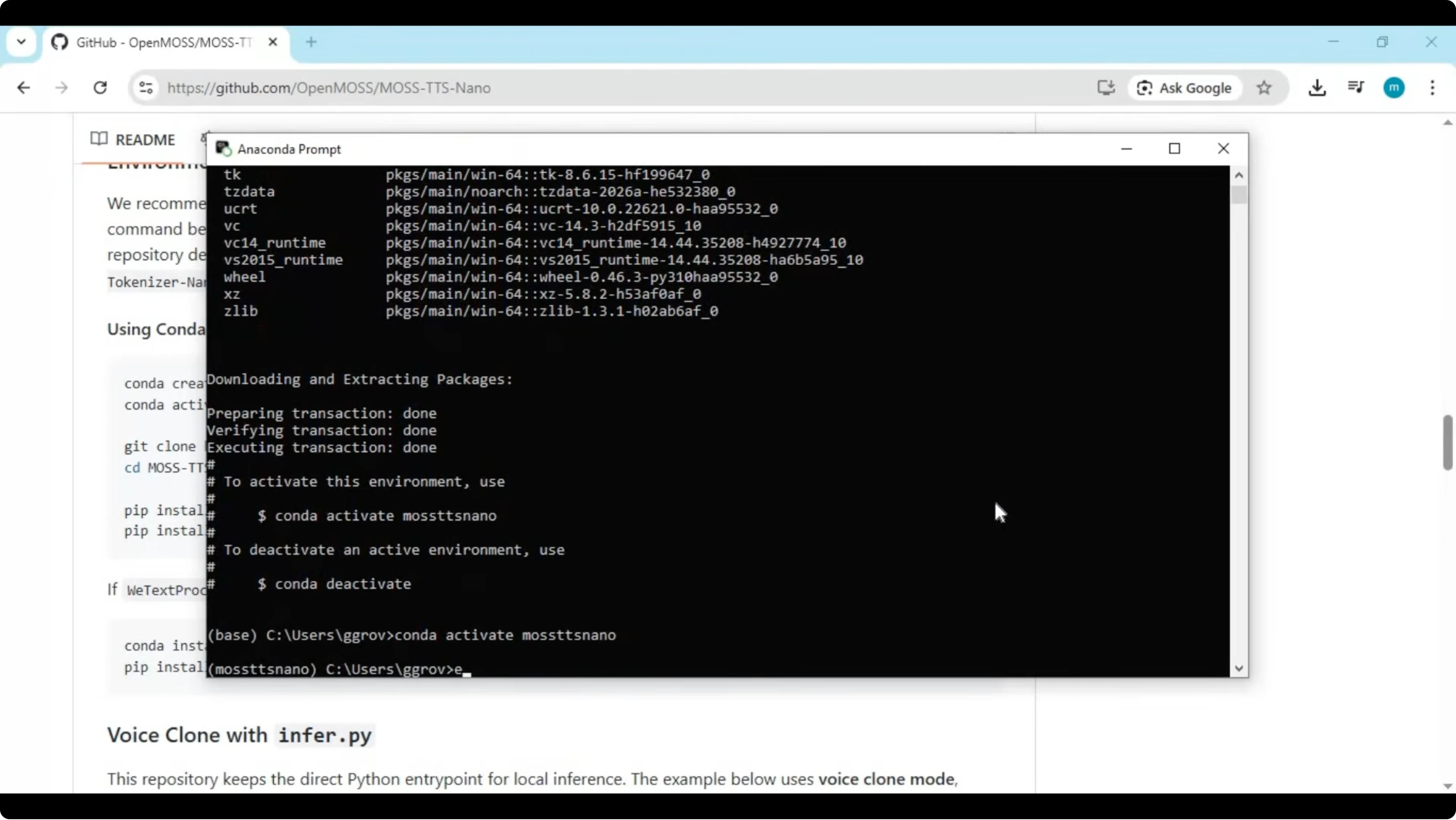
Open Anaconda Prompt on Windows. Create and activate a fresh environment for isolation.
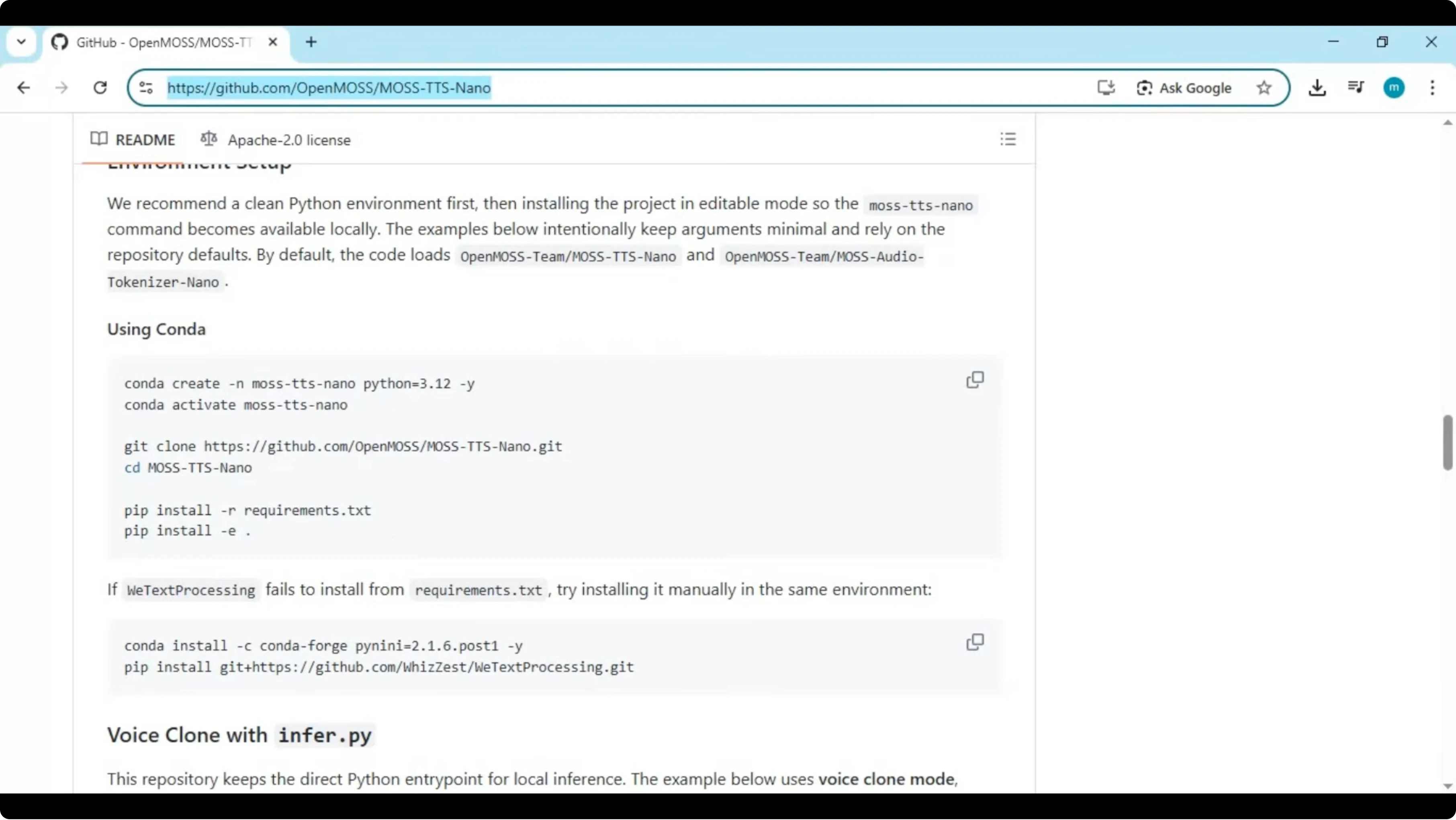
conda create -n moss-tts-nano python=3.10.11 -y
conda activate moss-tts-nano
Choose install location
Avoid installing in C drive to keep Windows running smoothly. Switch to a drive or folder with plenty of free space.
cd /d D:\
mkdir ai-tools
cd ai-tools
Clone the repository
Clone the official repo and move into the project folder.
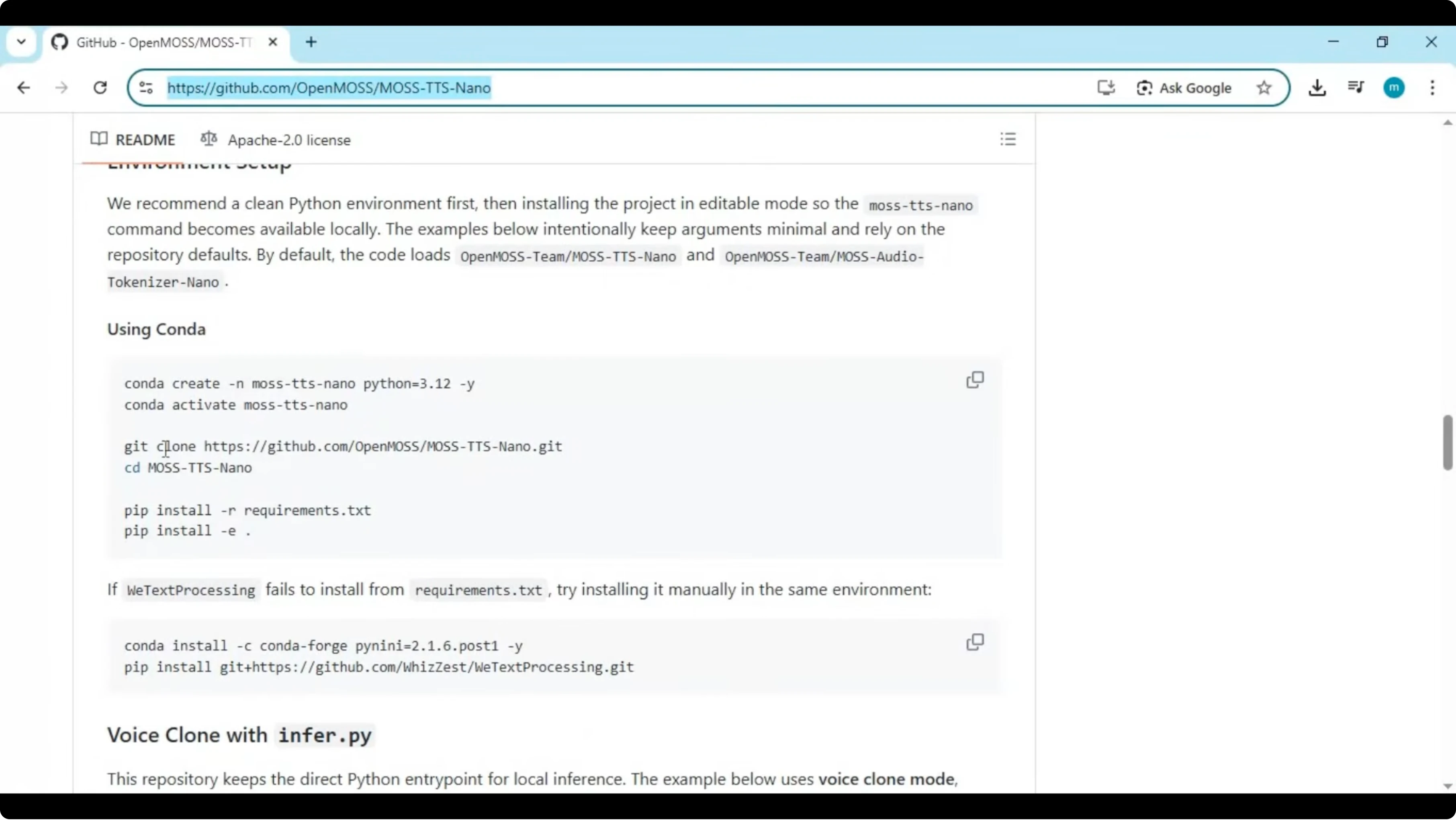
git clone https://github.com/OpenMOSS/MOSS-TTS-Nano.git
cd MOSS-TTS-Nano
Install dependencies
Install Python dependencies from the project.
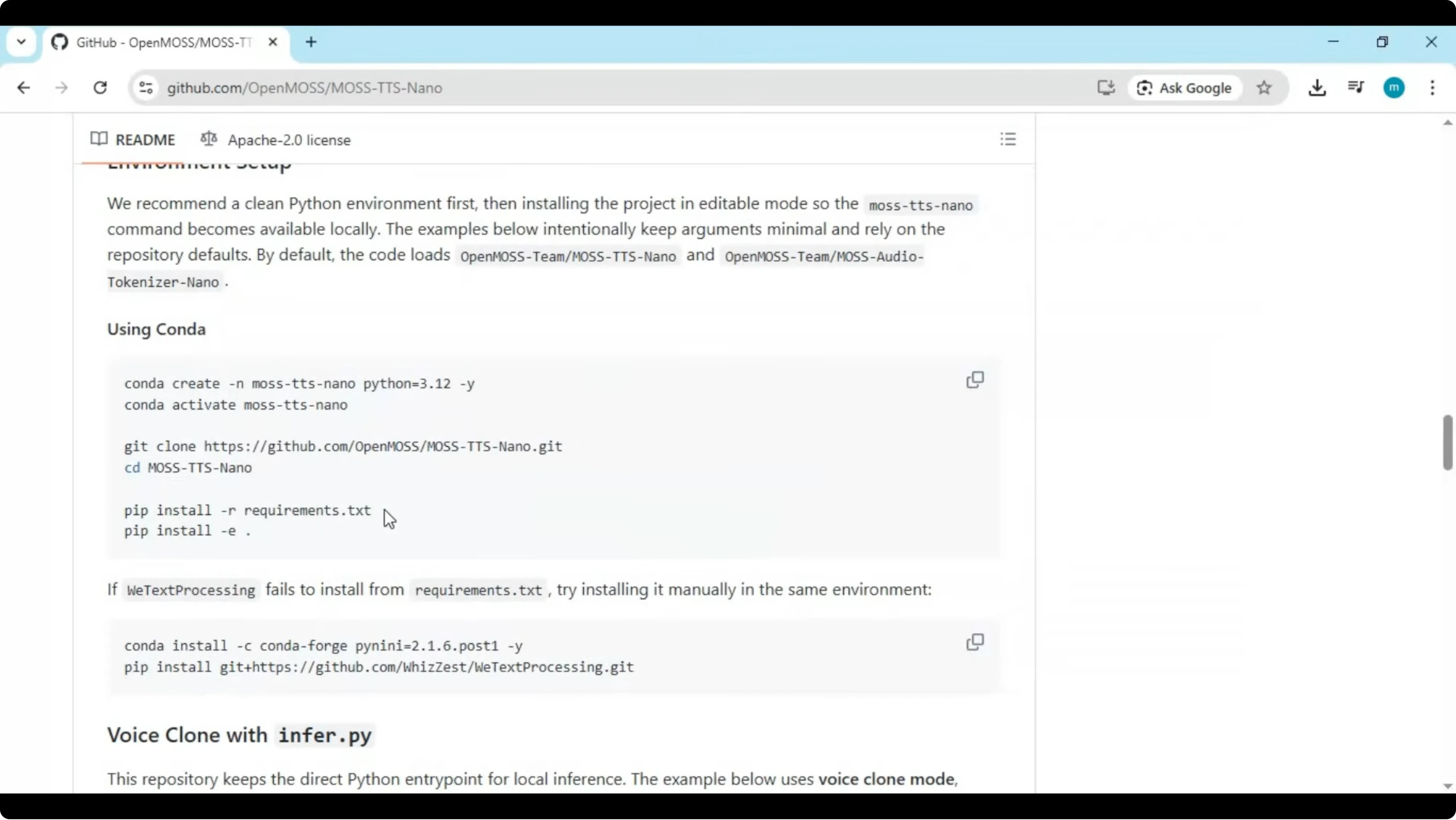
pip install -r requirements.txtIf your environment expects an editable install, run the editable command from the repo.
pip install -e .Launch the app
Run the entry script to start MOSS TTS Nano. The app will print a local URL that you can open in your browser.
python main.py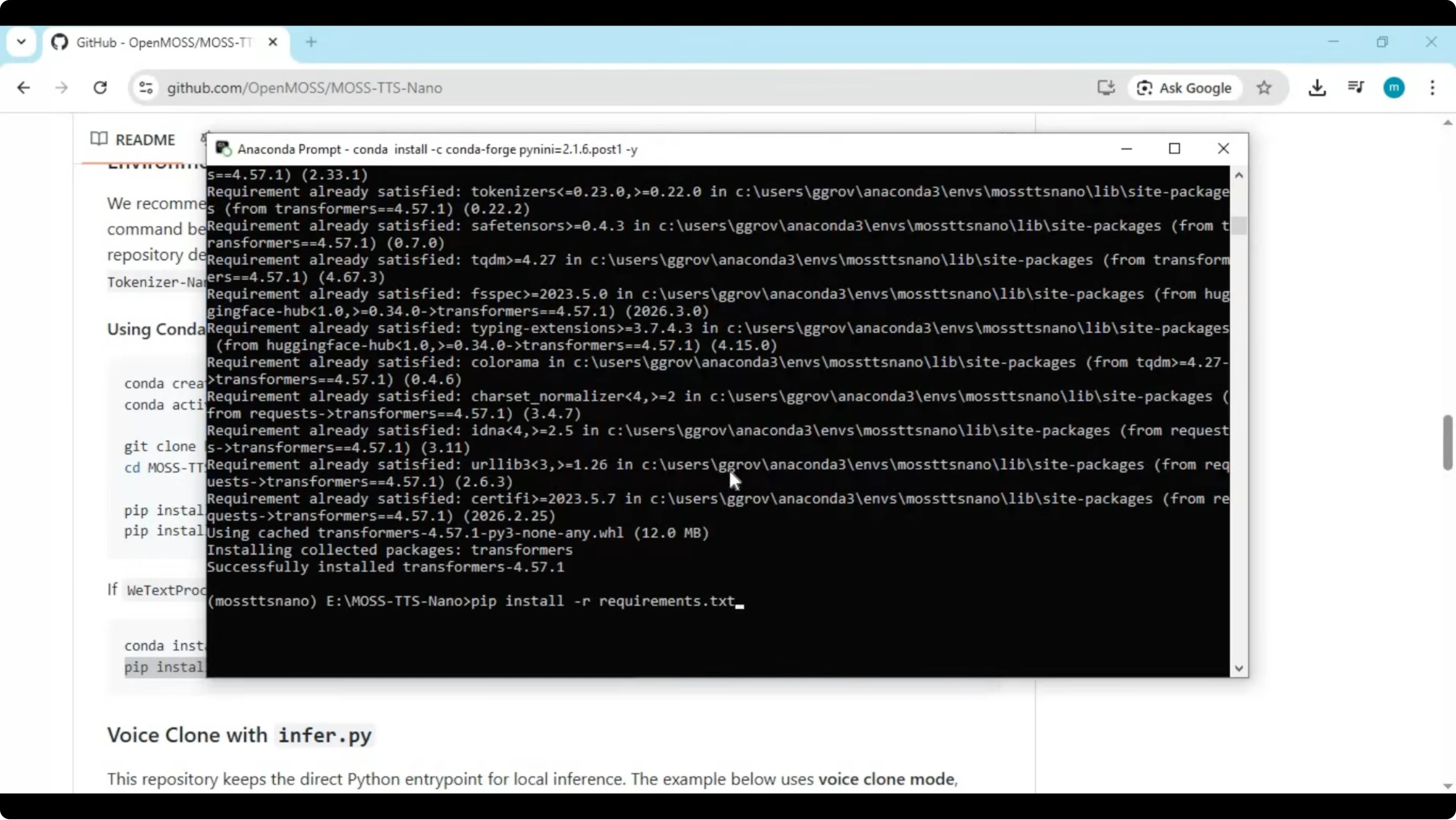
If you prefer a different offline model for experimentation, check out our guide to setting up Voxtral 4B TTS.
MOSS TTS Nano quick relaunch
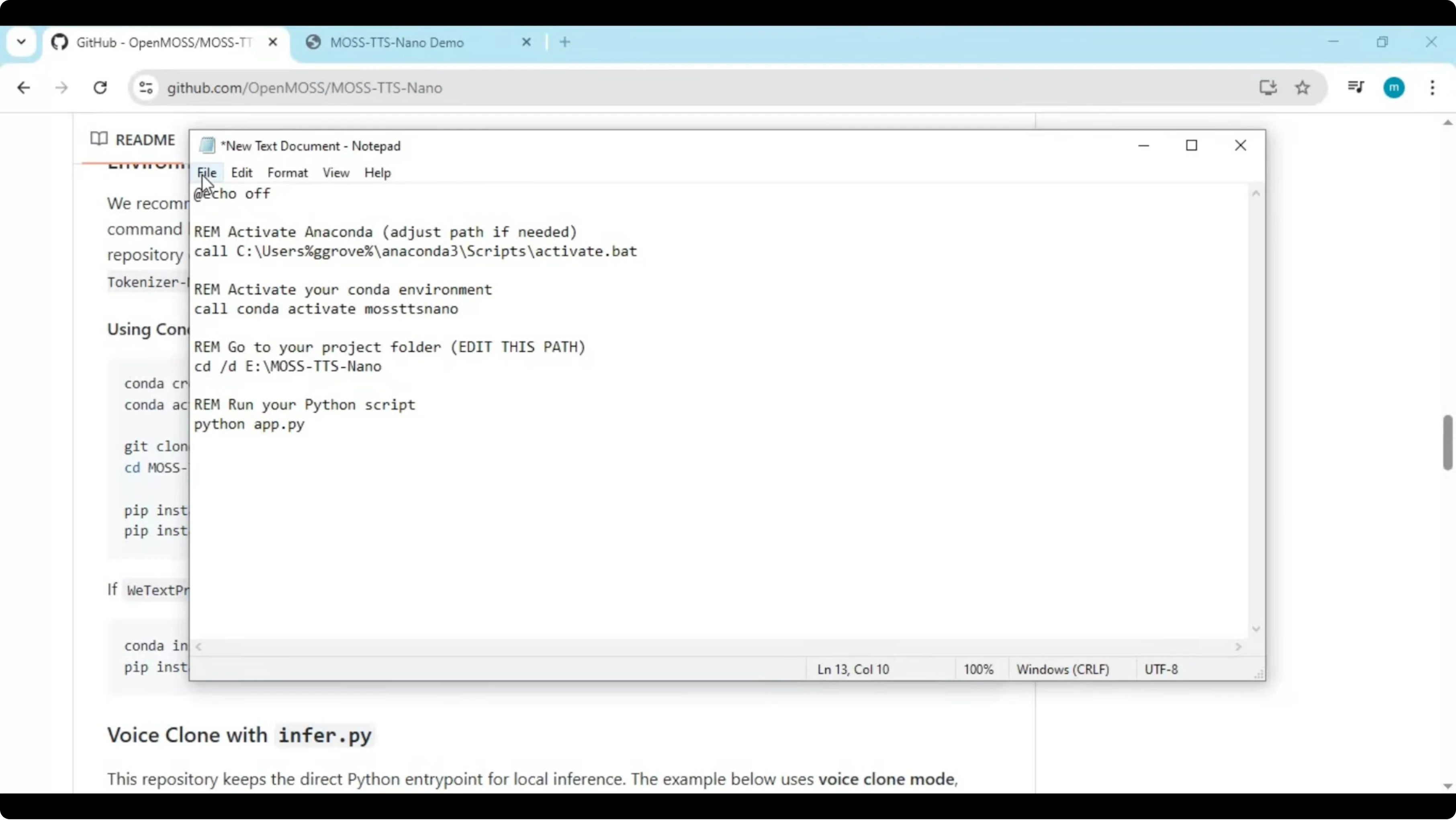
Create a batch file in the project folder to launch the tool with one double-click. Replace USERNAME and paths according to your setup.
@echo off
call C:\Users\USERNAME\anaconda3\Scripts\activate.bat
conda activate moss-tts-nano
cd /d D:\ai-tools\MOSS-TTS-Nano
python main.py
pause
Save it as run.bat in the main folder. Double-click run.bat any time you want to start MOSS TTS Nano.
MOSS TTS Nano voice cloning
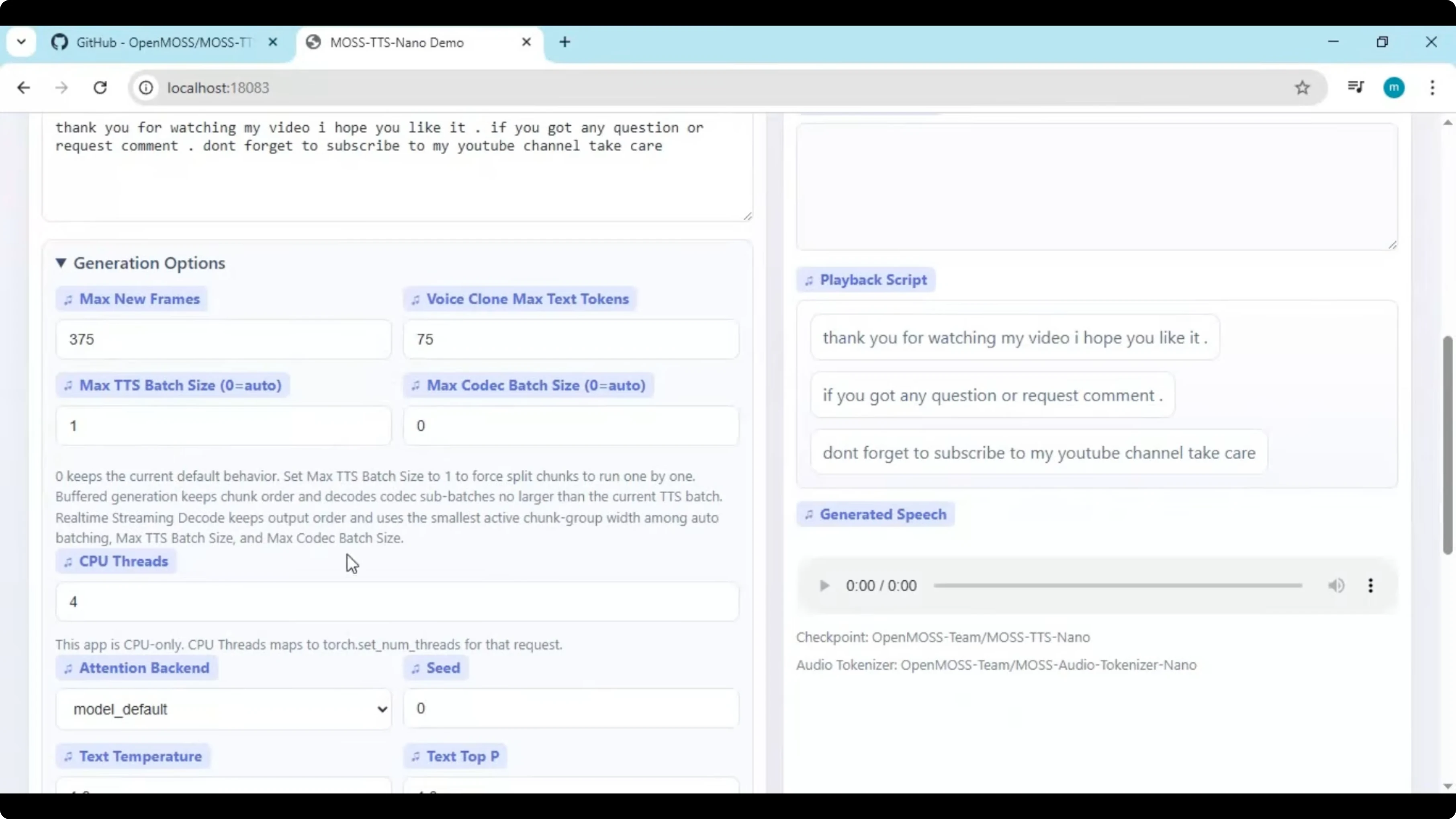
You can choose any built-in speaker or upload a 5 to 10 second voice sample in WAV format for cloning. Type your text, adjust options, and generate speech. The tool can play the result in real time.
Use cases
Create narration for tutorials, explainers, or product demos without scheduling a recording session. Build prototypes for chatbots or dialog systems and iterate on voice and style quickly. Localize content for multiple languages from one place and test voice UI flows on CPU.
If you are organizing multiple AI tools in one place, see how to access an AI dashboard to keep workflows tidy.
Troubleshooting
Requirements conflicts
If pip install shows errors related to specific libraries, open requirements.txt and temporarily remove torchvision, transformers, and any MOSS tokenizer entries. Install transformers as a pinned version after that edit.
pip install transformers==4.39.3Run the editable install again if needed, then start the app.
pip install -e .
python main.py
Text processing or phoneme issues
Make sure eSpeak NG is properly installed and added to PATH, then restart the terminal and reinstall requirements. If you prefer a systematic checklist approach while fixing steps, follow a step-by-step approach to reduce configuration drift.
If you ever face access or account lockouts in related cloud tools, here is how to resolve an account restricted error quickly.
Final thoughts
MOSS TTS Nano delivers realistic multilingual speech and voice cloning on CPU with a small footprint. Follow the environment setup, repository clone, dependency install, and launch steps to get it running reliably. For more TTS builds and AI tooling, explore the related guides throughout this article.
Subscribe to our newsletter
Get the latest updates and articles directly in your inbox.

Related Posts

8 Best Claude Code Plugins in 2026 (You Need to Know)
8 Best Claude Code Plugins in 2026 (You Need to Know)

7 Best Claude Code Skills (You Need to Know)
7 Best Claude Code Skills (You Need to Know)

Claude Code Desktop IDE Features (You Need to Know)
Claude Code Desktop IDE Features (You Need to Know)