
memUbot: How to Give Your OpenClaw Agent Lasting Memory
OpenClaw Error Fixer
Paste any OpenClaw error and get the exact fix instantly — cause, steps, copy-ready commands, and related guides.
We have spent the last couple of weeks building out a complete local AI stack. OpenClaw or its variants run as a personal assistant gateway, with agents scheduling work while we sleep. Models serve on our own GPU or through API, and you can get OpenClaw running locally if you are just setting this up.
Every single one of these tools is powerful, and every single one of them forgets everything the moment the session ends. memubot is the answer to that. It is a 24x7 proactive memory framework, and the keyword is proactive.
Here it runs two parallel loops simultaneously. The main agent handles your queries, plans, executes, and responds as normal. On the side, a dedicated memubot watches everything, monitoring every input and output, extracting facts, preferences, and skills, predicting what you are about to do next, and running proactive tasks like prefetching context and updating your to-do list autonomously, which pairs well with a browser agent tutorial if your workflows live in the browser.
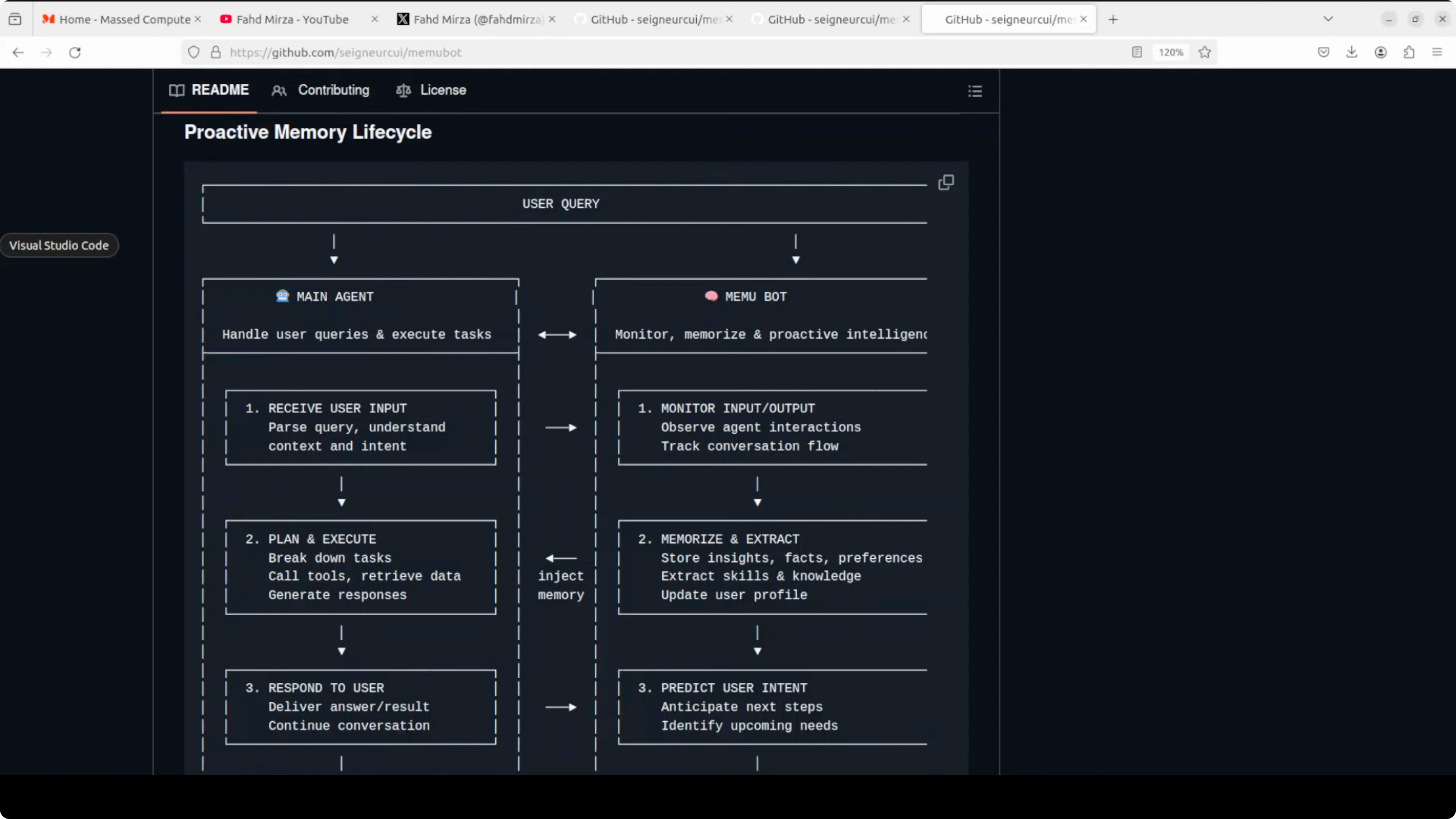
These two loops are in continuous sync with a shared database. Your agent never asks memubot to remember something. memubot just remembers and it acts on what it knows before you even ask.
memUbot: How to Give Your OpenClaw Agent Lasting Memory
memubot architecture
This is a file system style memory with living documents. It does not just store raw conversation. It understands, extracts meaning, and organizes that meaning into a structure an agent can instantly navigate and act on.
Think activities, experiences, goals, habits, knowledge, opinions, personal info, preferences, relationships, and even work-life balance. Each category is a living document about the person in those conversations. This matches the architecture analogy where meaning is stored as navigable files, not as a flat blob.
memubot setup

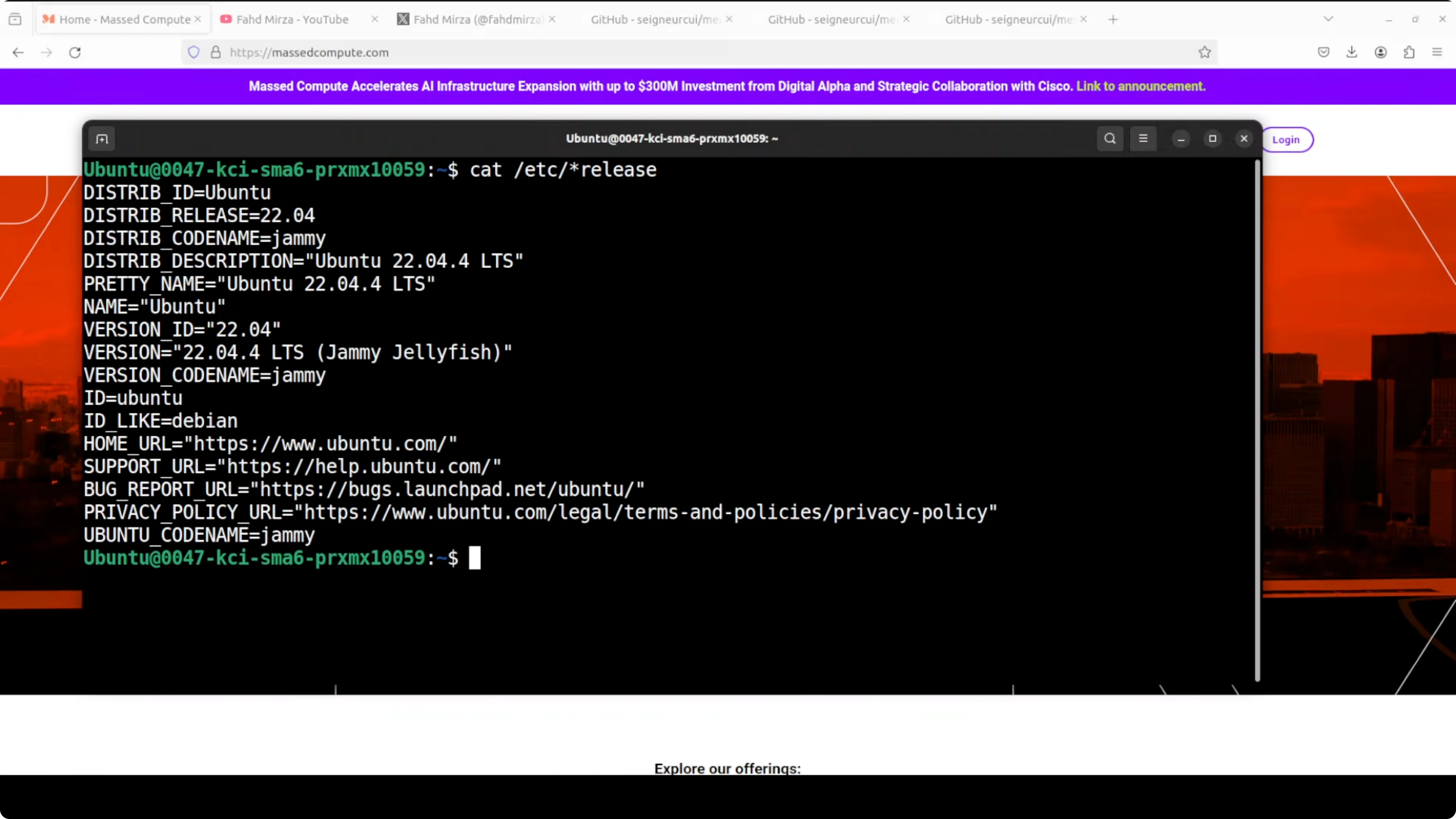
I am running this on Ubuntu. Python 3.13 is a hard requirement, make sure you have that before anything else. Grab the code from memubot on GitHub.
Install Python 3.13 and create a virtual environment.
python3.13 -m venv .venv
source .venv/bin/activate
Clone the repository and enter the folder.
git clone https://github.com/seigneurcui/memubot.git
cd memubot
Install prerequisites from the root of the repo.
pip install -r requirements.txtMake sure OpenClaw is already installed and running with your preferred model, local or API. If you want a quick way to control it, open the OpenClaw dashboard or use the terminal UI for OpenClaw.
OpenRouter example
Here is a quick example I ran with an OpenRouter model processing conversation memory. I fed memubot three conversation JSON files containing back and forth dialogue. memubot read all three, sent them to Claude via OpenRouter, and in one pass extracted 29 individual memory items and organized them into 10 categories automatically.
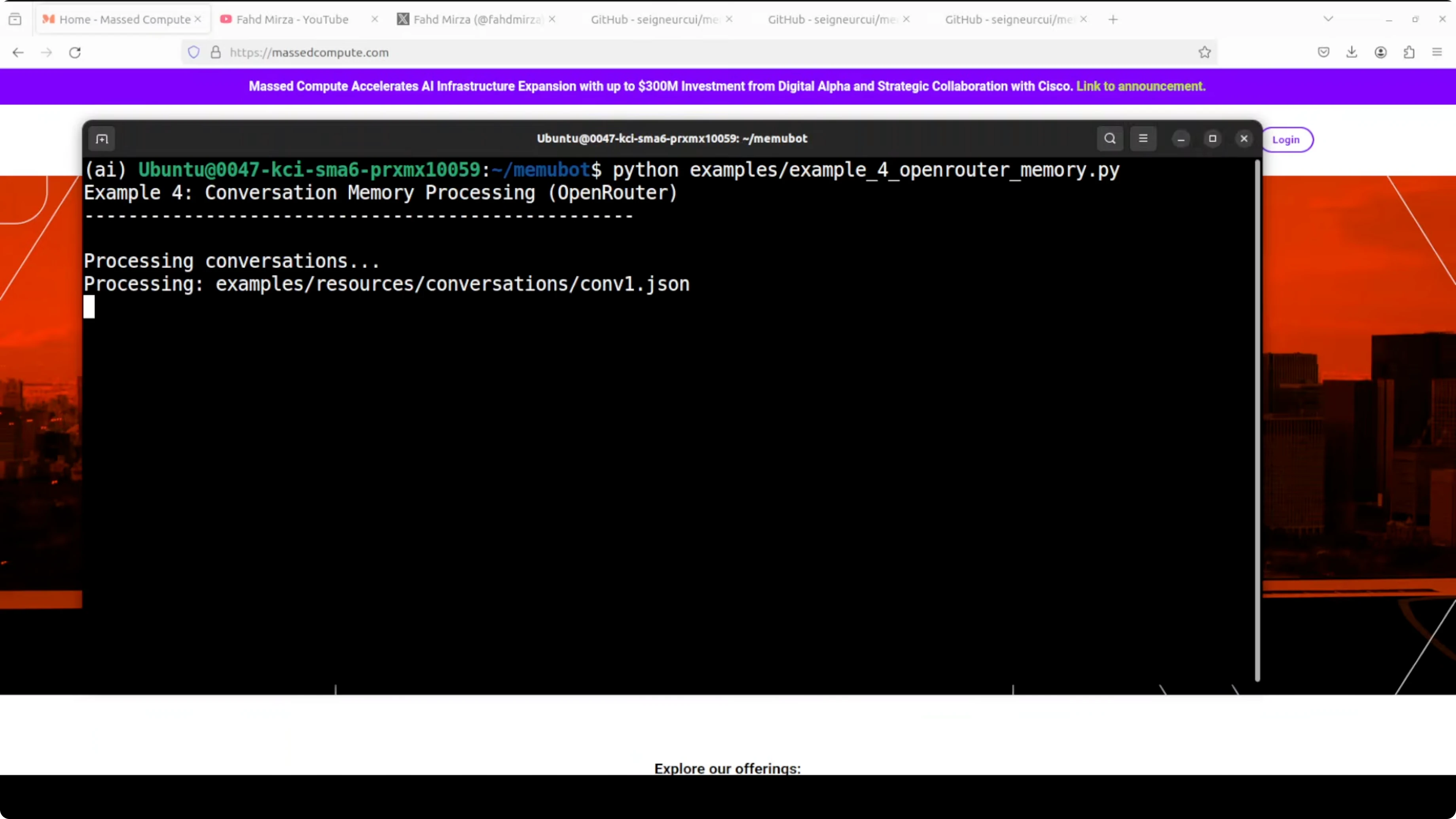
There was no instruction on what to remember and no manual tagging. It just read the conversations and figured out what mattered. The output is a structured memory file system with folders like activities, experiences, goals, habits, knowledge, opinions, personal info, preferences, relationships, and work-life balance, each one a living document.
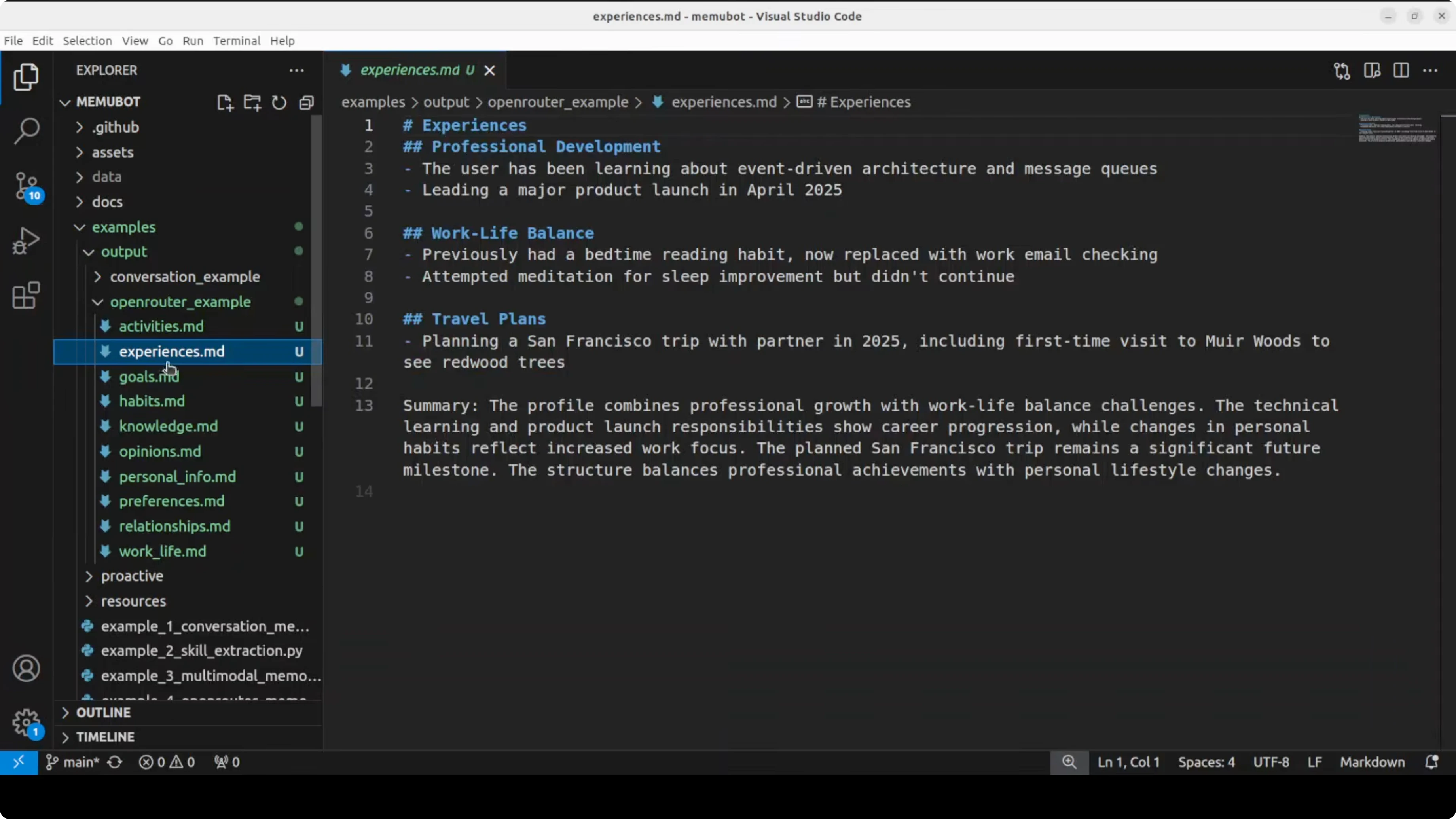
You will find the output in the repo’s outputs directory for that example. The point is that memubot did not just store the raw conversation. It understood and organized the meaning into something your agent can use instantly.
OpenClaw integration
Here is the code path I used to integrate OpenClaw with memubot. It takes a real OpenClaw session history from the session config.json where we have five messages between a user named Alex and the agent about building a trading bot. memubot reads those five messages, sends them to the model running with OpenClaw, writes the file to disk, and then creates the memory in the outputs directory.
Prepare your OpenClaw session history as JSON with user and assistant messages about the trading bot. Point memubot to that session file in config.json so it can ingest the conversation. Run the integration so memubot can extract memory items and categories, then write memory.md to the output.
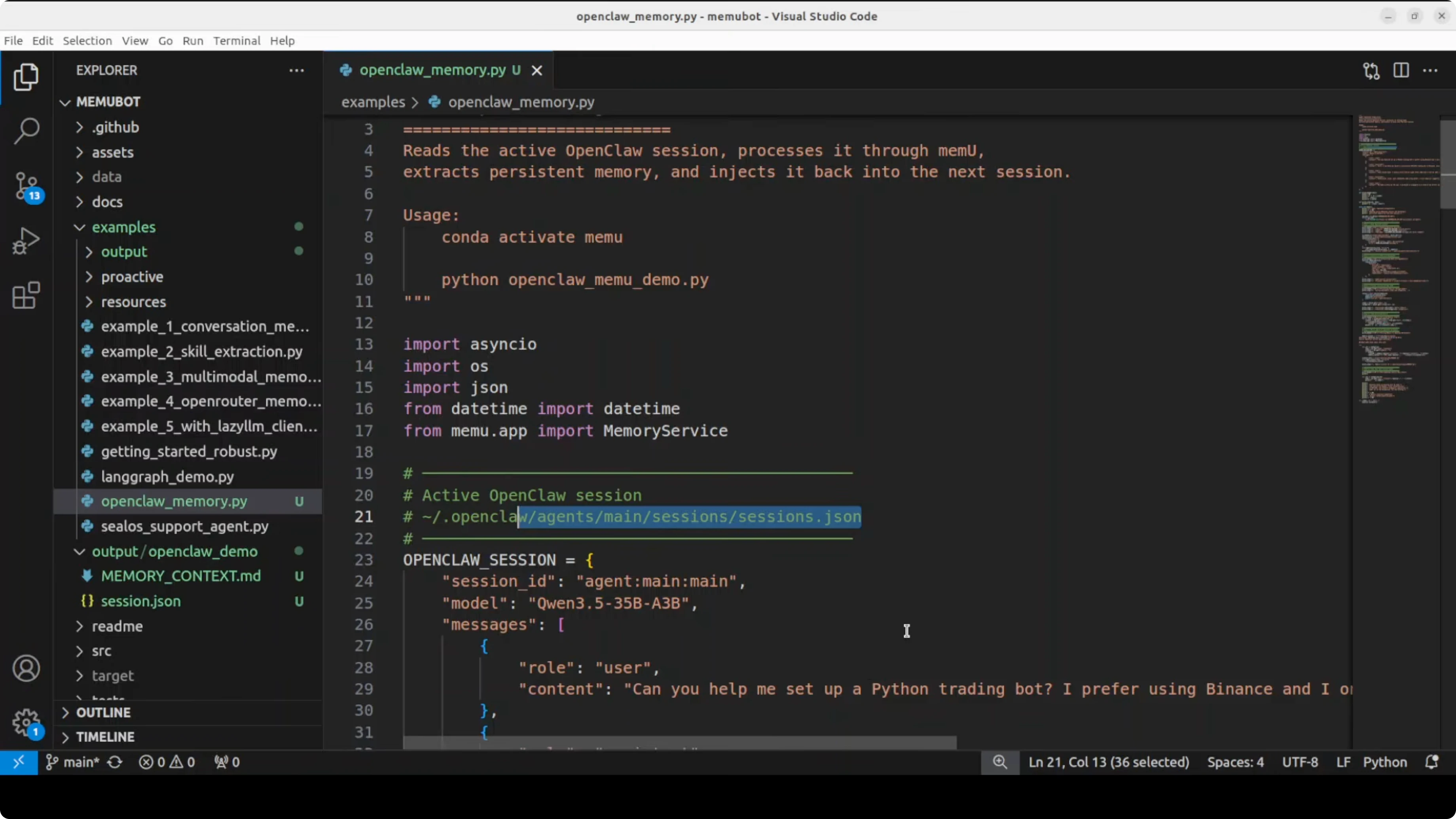
After a successful run you will see memory items extracted and printed during processing. The files are written to outputs under an openclaw-specific directory, including a memory.md. Next time OpenClaw starts it already knows all of that without Alex ever having to repeat himself.
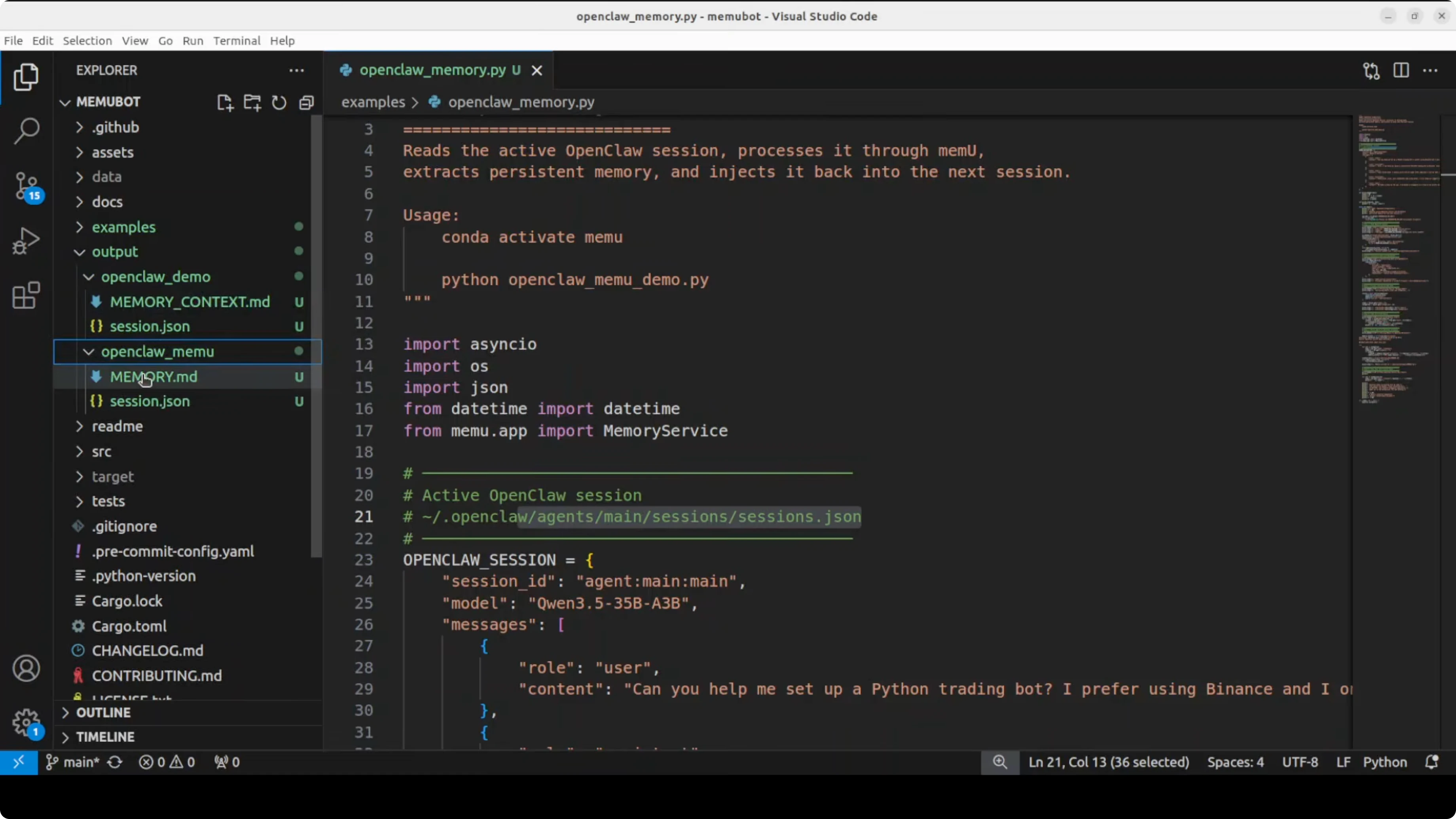
One script, one run, and the agent wakes up tomorrow knowing everything it learned today. This pairs nicely with agents that schedule work on their own, and if you are exploring device workflows take a look at our phone agent workflow.
Notes and rough edges
They are doing pretty well by building on memu, which is already quite common and a good tool for giving memory to agents. There are still rough edges that need updates, like the occasional JSON warning you saw. I have also seen it break a bit as this is a very early version, and you can build your own tool quite easily if you prefer.
This space really needs more tools, research, and advancement. The core idea holds up well, and the proactive loop plus shared database make the memory feel persistent. If your stack includes OpenClaw and related agents, this fills a big missing piece.
Final thoughts
memubot gives your OpenClaw agent a memory it never loses. The proactive loop monitors all inputs and outputs, extracts meaning, and writes structured memories your agent can act on. Set it up with Python 3.13, run the examples, and let your agent wake up tomorrow already knowing what it learned today.
Subscribe to our newsletter
Get the latest updates and articles directly in your inbox.

Related Posts

8 Best Claude Code Plugins in 2026 (You Need to Know)
8 Best Claude Code Plugins in 2026 (You Need to Know)

7 Best Claude Code Skills (You Need to Know)
7 Best Claude Code Skills (You Need to Know)

Claude Code Desktop IDE Features (You Need to Know)
Claude Code Desktop IDE Features (You Need to Know)