
Table Of Content
- Why The New GSD Framework Transforming Claude Code matters
- Install The New GSD Framework Transforming Claude Code
- After installation, list GSD commands inside Claude Code's terminal
- Initialize with The New GSD Framework Transforming Claude Code
- Project planning with The New GSD Framework Transforming Claude Code
- Research and gap analysis
- Execute and verify with The New GSD Framework Transforming Claude Code
- Commands and common actions in The New GSD Framework Transforming Claude Code
- Final Thoughts
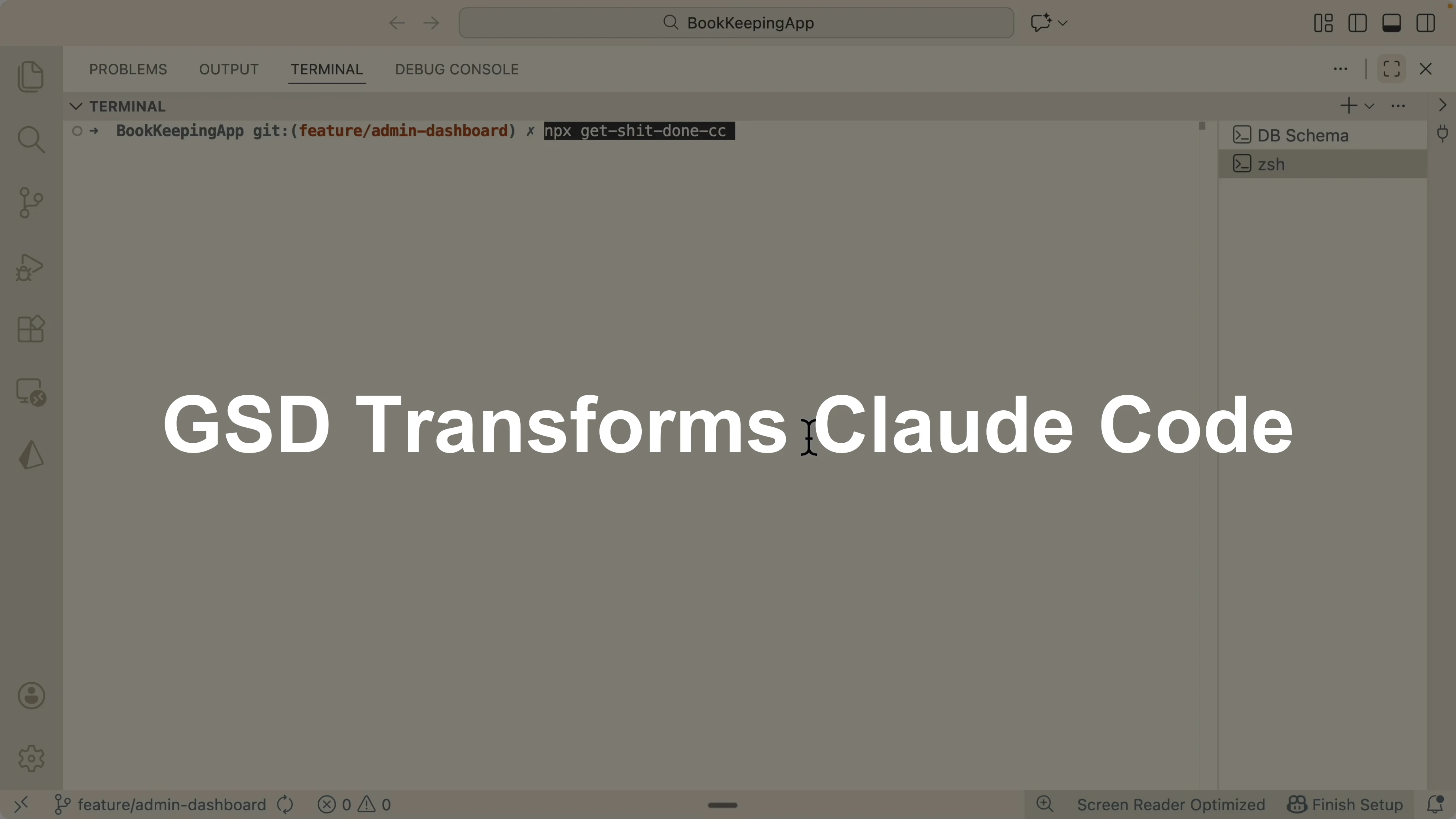
The New GSD Framework Transforming Claude Code
Table Of Content
- Why The New GSD Framework Transforming Claude Code matters
- Install The New GSD Framework Transforming Claude Code
- After installation, list GSD commands inside Claude Code's terminal
- Initialize with The New GSD Framework Transforming Claude Code
- Project planning with The New GSD Framework Transforming Claude Code
- Research and gap analysis
- Execute and verify with The New GSD Framework Transforming Claude Code
- Commands and common actions in The New GSD Framework Transforming Claude Code
- Final Thoughts
If you are using Claude Code to build web applications, you should check out GSD, an open source spec driven development framework that specializes in orchestrating different sub agents to complete projects following spec driven development.
Traditional spec driven frameworks like BMA method, spec kits, and Taskmaster required every phase to run in one single context window. Planning, research, development, and verification all in one place leads to context overload and drops accuracy as tokens grow. GSD fixes this by delegating planning, research, development, and verification to sub agents, each with a fresh context.
GSD becomes an orchestrator that guides sub agents from a rough idea to a production ready application step by step. You will consume more tokens, but the accuracy is much higher than cramming everything into a single context.
If you need a clean editor setup for this workflow, see this quick Claude Code setup guide to get your environment ready for agent work.
Why The New GSD Framework Transforming Claude Code matters
Spec driven development forces you to write down the spec and follow it through every phase. With a single context window, token consumption grows and accuracy goes down.
GSD splits the work into parallel sub agents. Each agent has its own fresh context window, commits its work, and triggers a verifier agent that checks the output against the goals.
You go from discuss, to plan, to execute, to verify, and you repeat the loop until the milestone is complete. This happens autonomously without relying on Ralph loops.
Install The New GSD Framework Transforming Claude Code
Navigate to the GSD repository.
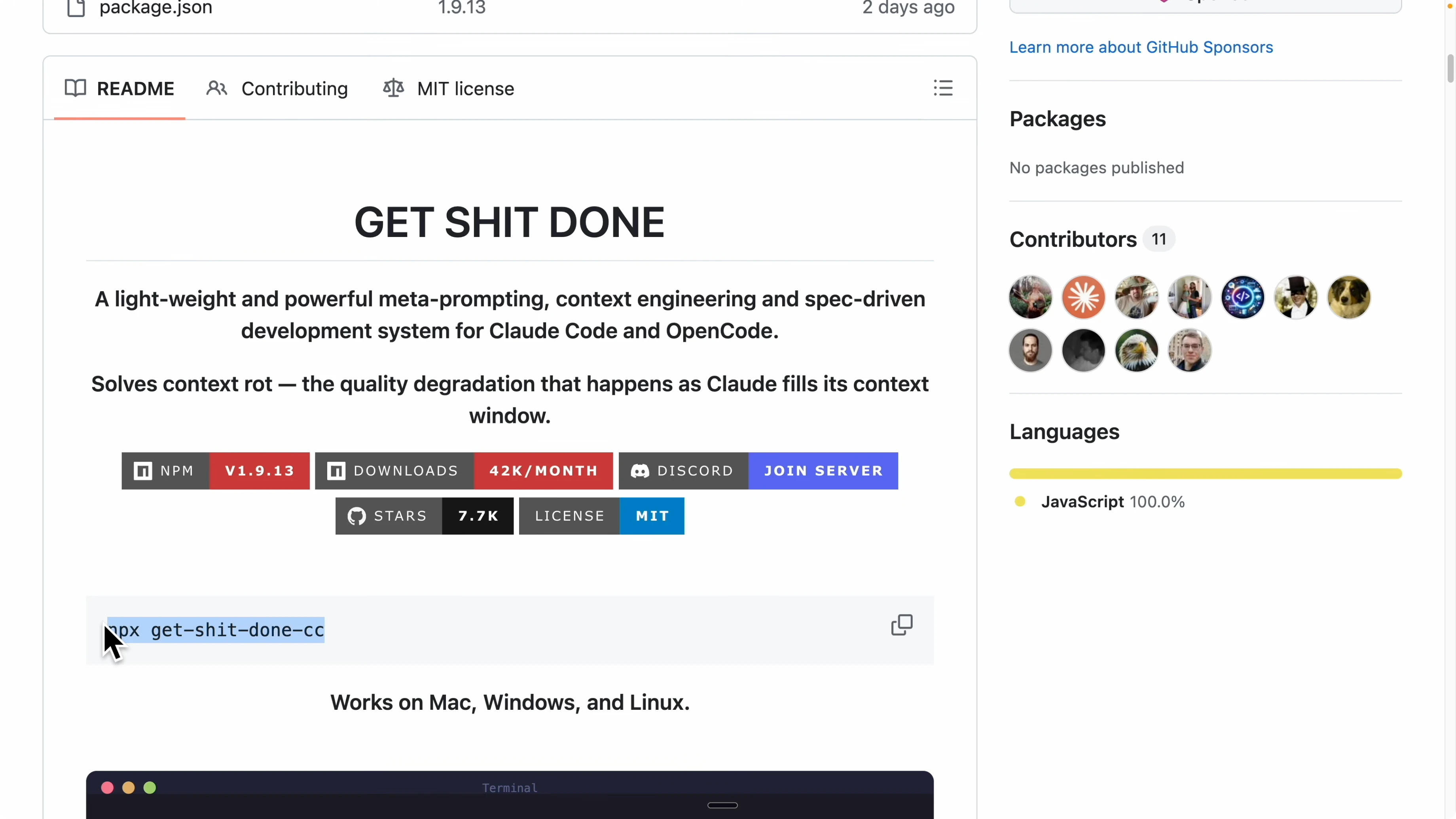
Copy the install command provided by the project.
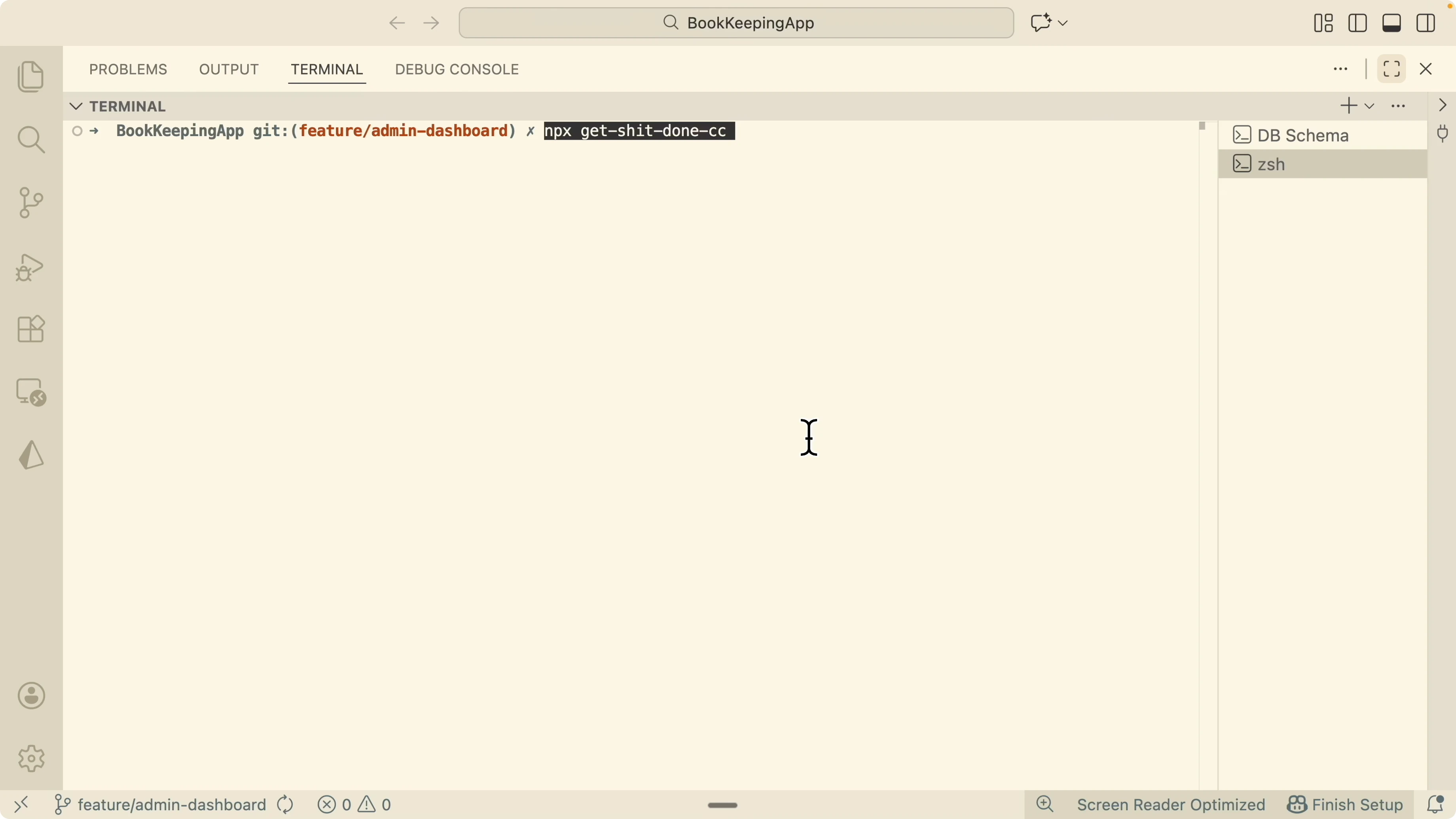
Run it in the terminal at the root of your current project.
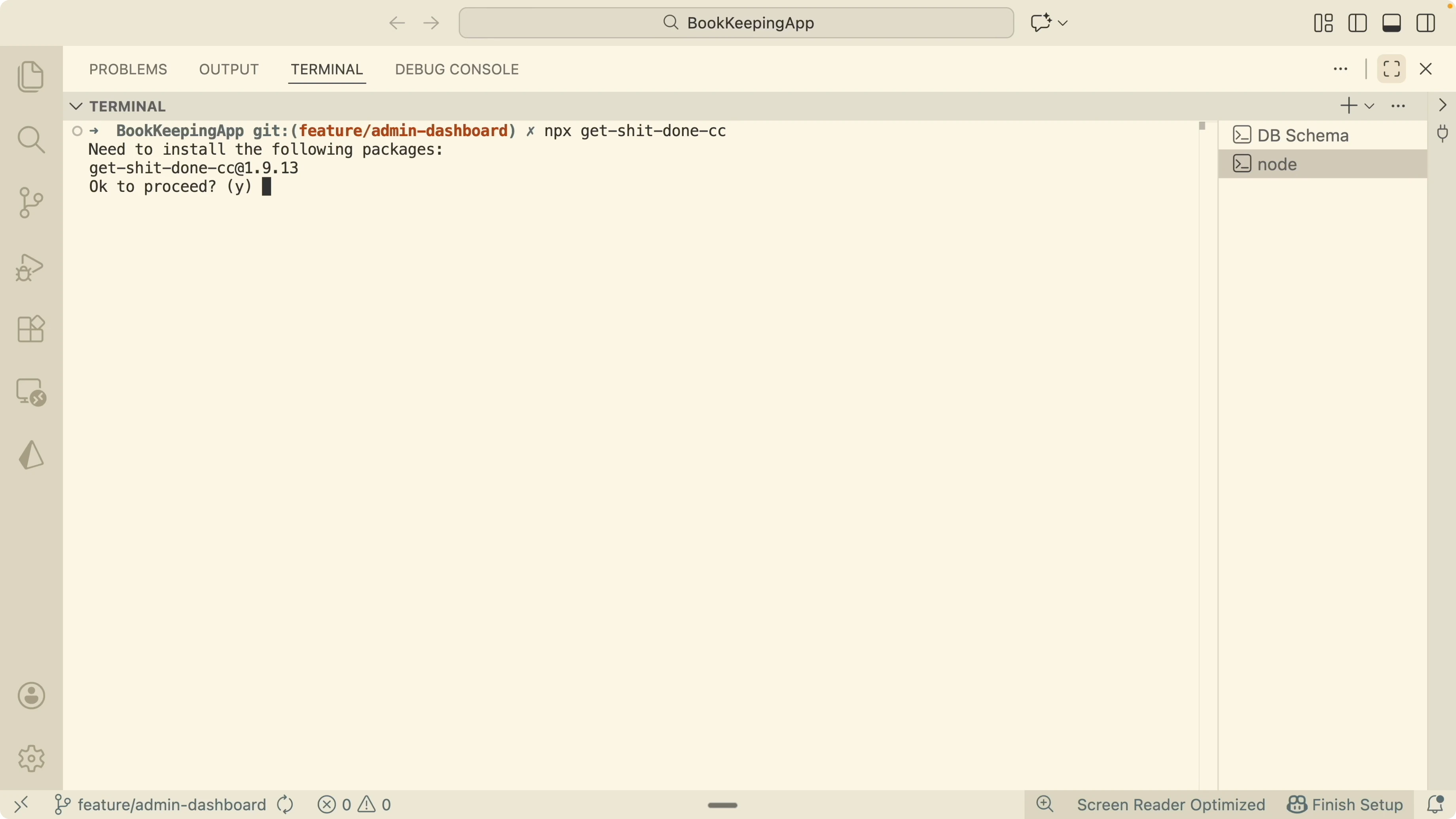
Choose Claude Code when prompted to target your editor.
Choose a global install if you want it available for all projects.
Pick the GSD status line to see model name, current task, and context usage.
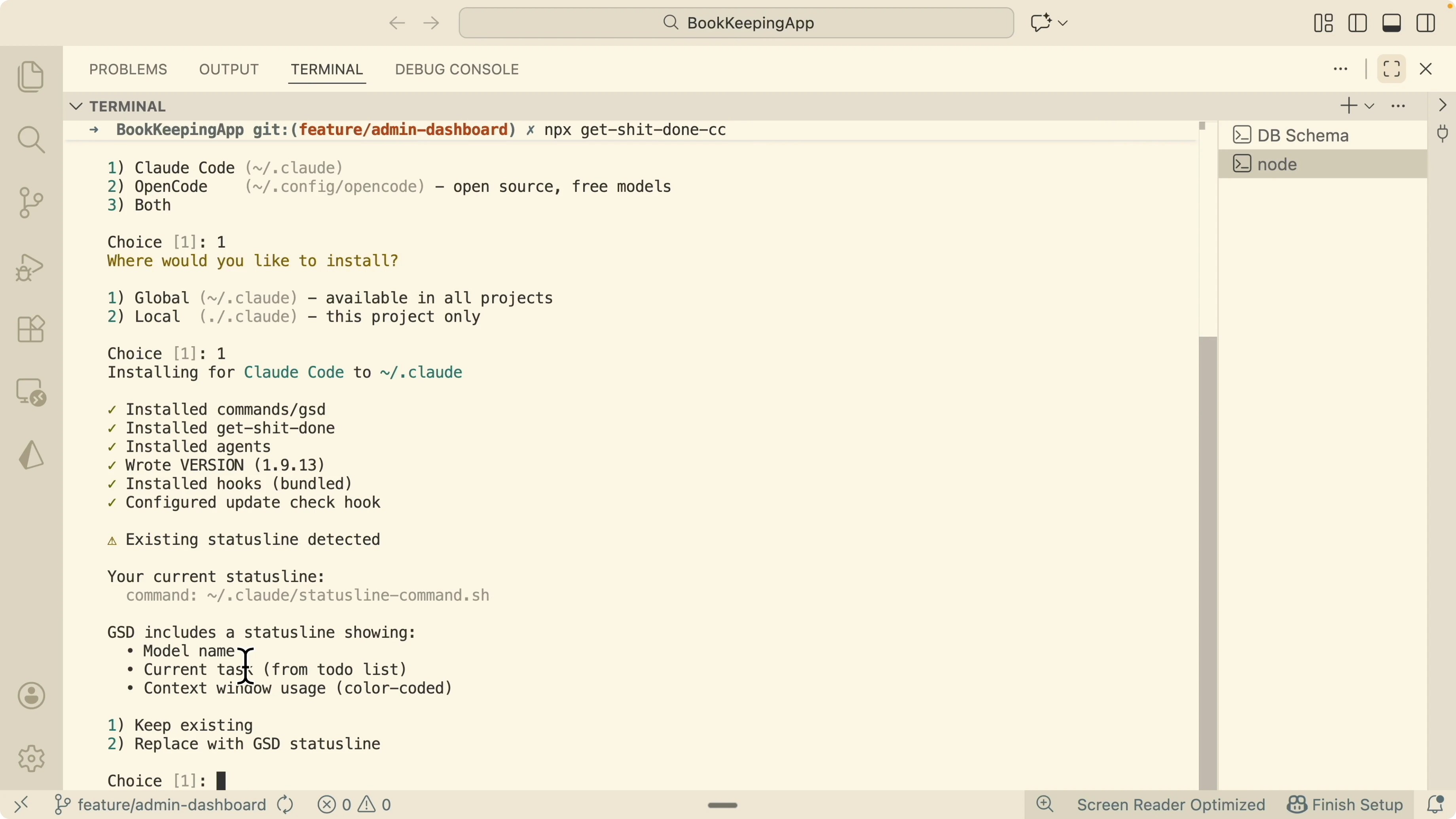
Open your Claude session to confirm the GSD status line appears.
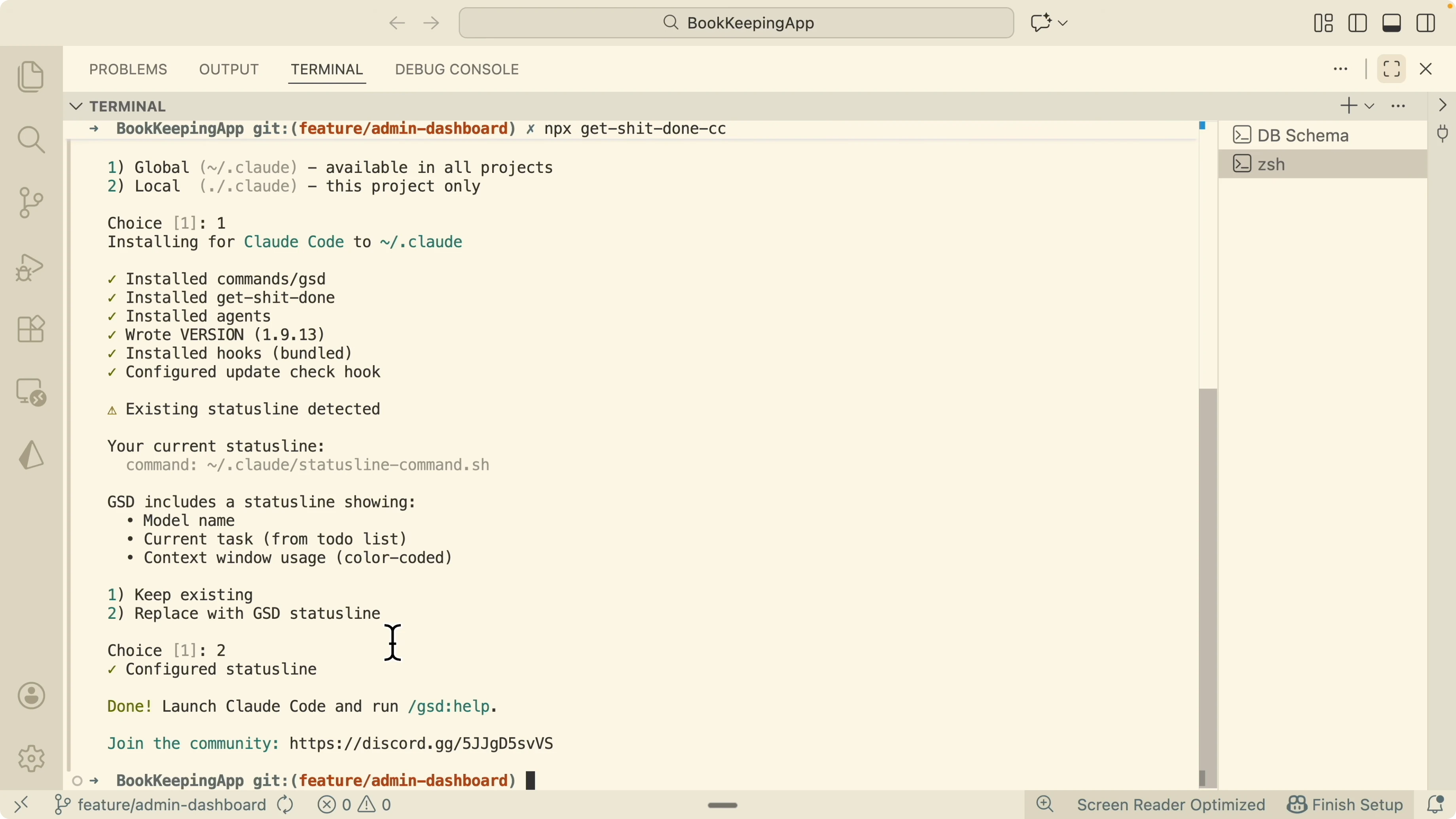
If you want a terminal first workflow with Claude, you can also review this walkthrough on the Claude Code terminal experience.
# After installation, list GSD commands inside Claude Code's terminal
gsd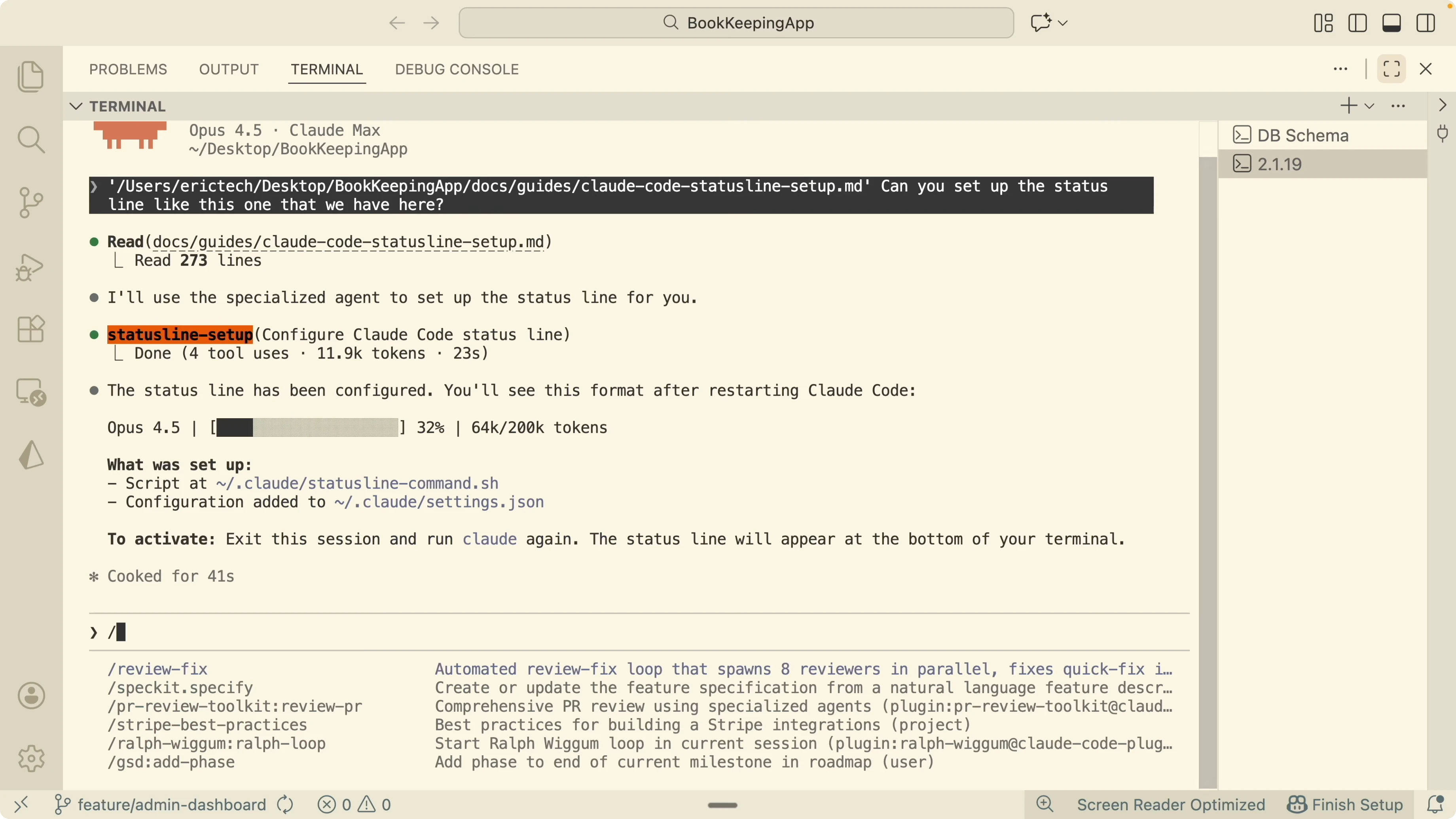
Initialize with The New GSD Framework Transforming Claude Code
If you are starting a new project, create a fresh workspace.
For an existing project, start by mapping the codebase so GSD understands the stack, architecture, conventions, and concerns.
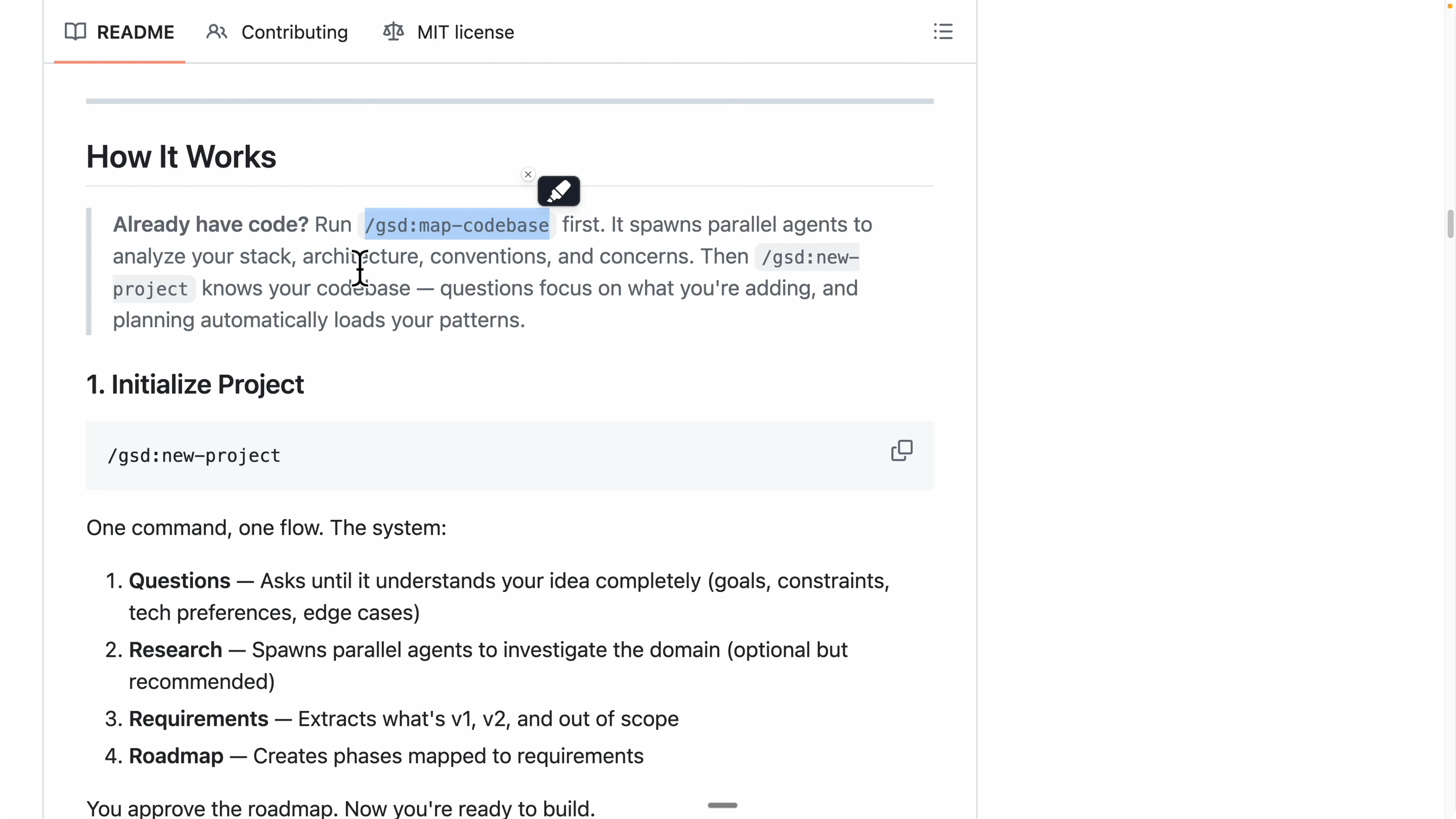
GSD spins up multiple parallel mapper agents to analyze the repository. Wait until the mappers fully complete.
Reset your Claude session to clear the current context. The mapper results are saved, so you will not lose state.
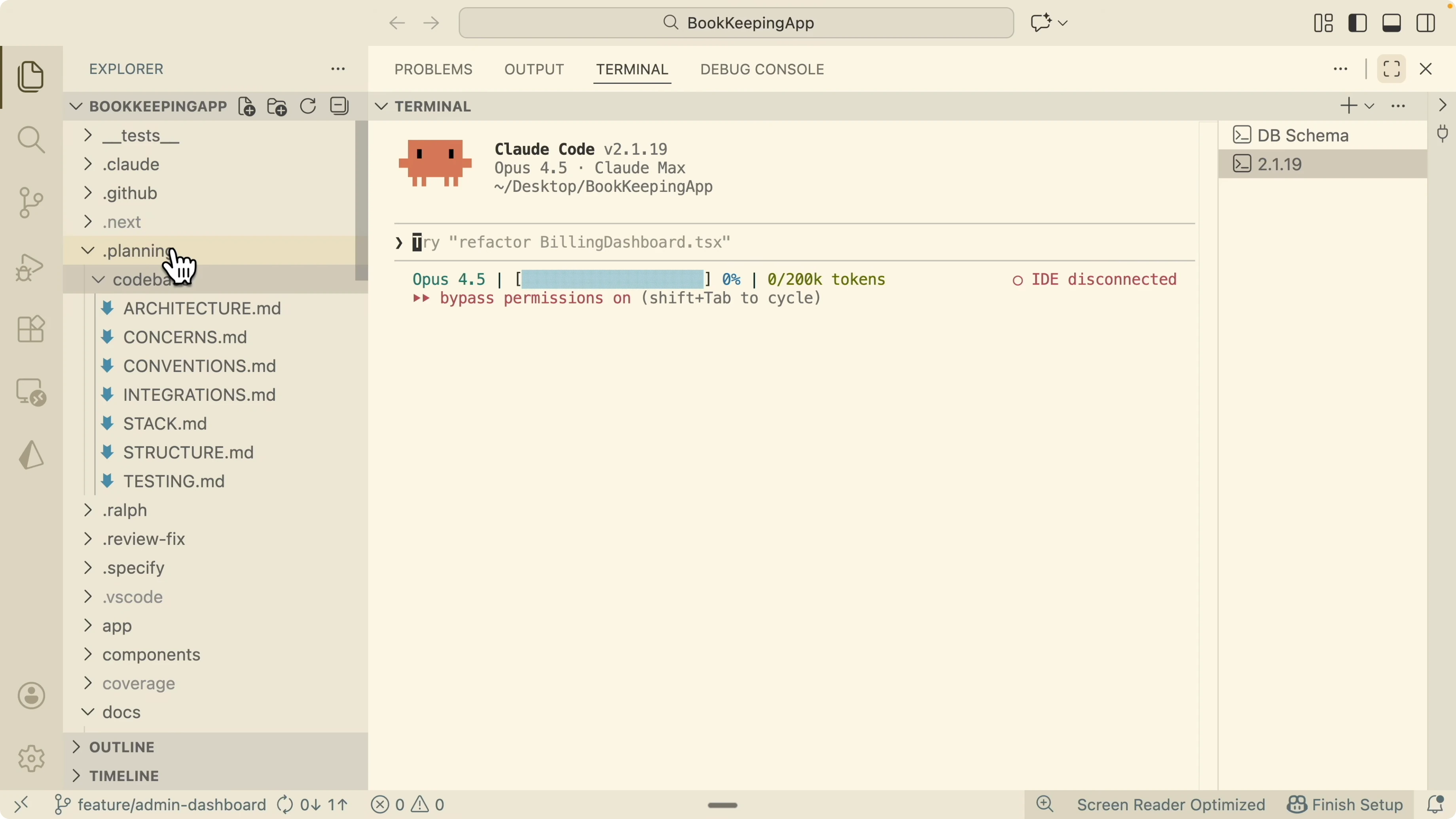
You will see a planning folder with a codebase subfolder that summarizes architecture, concerns, conventions, integrations, and more. This becomes the shared memory for planning and execution.
For web projects, make sure your local web coding environment in Claude is ready using this reference on Claude Code for web development.
Project planning with The New GSD Framework Transforming Claude Code
GSD will ask what you want to build next and read any backlog item or short PRD you provide. You can start with an admin dashboard idea, for example, a new tab on the existing sidebar with tools for managing users and handling support issues at launch.
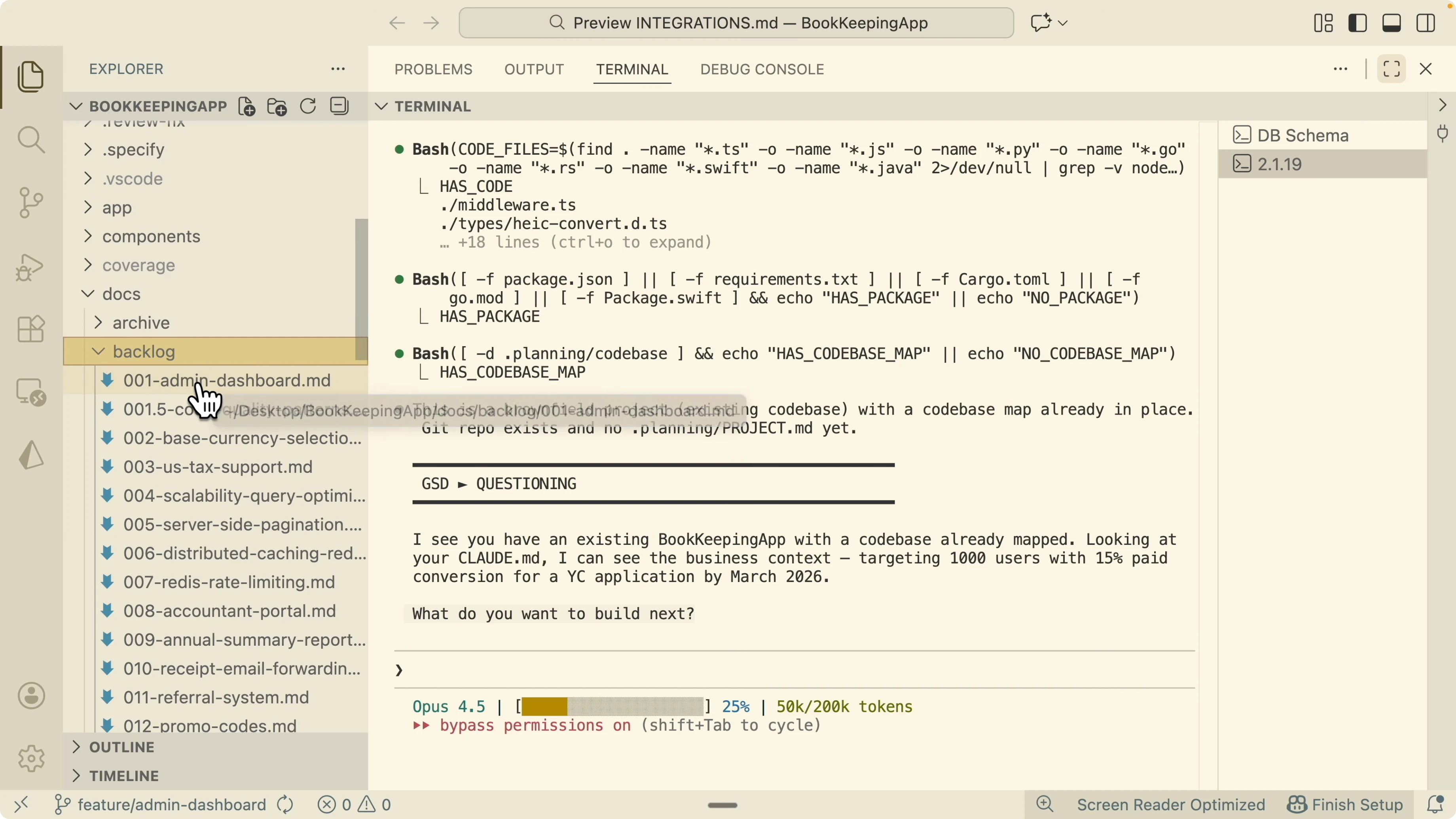
It will ask to prioritize features like user list, credits, tiers, and impersonation. Start with a smaller scope like user list and credits to shape the first iteration.
GSD will ask how you want to verify functionality. If the project is new, begin with manual testing and add integration or end to end tests later.
It will ask about timelines like delivering before a specific date. Confirm the target to set expectations for the plan.
Research and gap analysis
GSD spins up sub agents to investigate domain details and find gaps across security, UX, best practices, and technical implementation. It will surface issues like missing admin middleware protections, cookie handling gaps, in memory rate limiting, broken admin actions, and an isAdmin function that fails for other users.
Review the suggested fixes and confirm you want to address the critical ones. Confirming these early prevents rework during execution.
Once the plan is confirmed, GSD creates a project.md with the requirements, roadmap, and phases. This file drives the rest of the workflow.
If you want a structured way to visualize work items from specs, see how kanban flows can support Claude agents in this guide on auto kanban boards for Claude.
Execute and verify with The New GSD Framework Transforming Claude Code
GSD runs an executor to break the phase into small tasks and run agents in parallel. Each agent works with a fresh context and commits its changes when done.
After each task, GSD spins up a verifier agent to check the output against the goals. Every task gets verified before the workflow moves on.
You can loop through discuss, plan, execute, and verify repeatedly until the entire milestone is complete. This happens autonomously with sub agents coordinating through the orchestrator.
For teams that want to extend verification with browser tests later, consider integrating Playwright through MCP as shown in this Claude tutorial on Playwright MCP integration.
Commands and common actions in The New GSD Framework Transforming Claude Code
List available commands in your Claude Code terminal.
gsdCreate a new project skeleton when you are not attaching to an existing repository.
gsd new projectFor a deeper terminal workflow and tips on running commands inside Claude, see this practical reference on the Claude Code terminal.
Final Thoughts
GSD follows spec driven development but removes the accuracy penalty of a single context window. Sub agents plan, research, execute, and verify in fresh contexts, commit results, and loop through phases until the milestone is done.
If you are setting this up for the first time, start with a clean Claude environment and confirm your tooling. A quick pass through the Claude Code setup and the web coding setup articles will save time as you adopt The New GSD Framework Transforming Claude Code.
Subscribe to our newsletter
Get the latest updates and articles directly in your inbox.

Related Posts

8 Best Claude Code Plugins in 2026 (You Need to Know)
8 Best Claude Code Plugins in 2026 (You Need to Know)

7 Best Claude Code Skills (You Need to Know)
7 Best Claude Code Skills (You Need to Know)

Claude Code Desktop IDE Features (You Need to Know)
Claude Code Desktop IDE Features (You Need to Know)