
Table Of Content
- Why Agents-CLI matters
- Prerequisites for Agents-CLI
- Install and configure basics
- Authenticate and set your active project
- Set your Gemini API key for the current shell
- Install uv (shell restart may be required after install)
- Example: verify the CLI is available and reads your env key
- Add Agents-CLI skills
- Run the Agents-CLI tooling
- Architecture overview for Agents-CLI playbook
- Evaluation and models
- Orchestration and tools
- Deployment targets
- Supporting stack
- Build with Agents-CLI
- Prompt for a support agent
- Scaffold and eval
- Local playground
- Open the local playground in your browser after the tool starts it
- Deploy to Cloud Run
- Practical use cases
- Final thoughts
Agents-CLI: Explore Google’s Open-Source Enterprise Agent Playbook
Table Of Content
- Why Agents-CLI matters
- Prerequisites for Agents-CLI
- Install and configure basics
- Authenticate and set your active project
- Set your Gemini API key for the current shell
- Install uv (shell restart may be required after install)
- Example: verify the CLI is available and reads your env key
- Add Agents-CLI skills
- Run the Agents-CLI tooling
- Architecture overview for Agents-CLI playbook
- Evaluation and models
- Orchestration and tools
- Deployment targets
- Supporting stack
- Build with Agents-CLI
- Prompt for a support agent
- Scaffold and eval
- Local playground
- Open the local playground in your browser after the tool starts it
- Deploy to Cloud Run
- Practical use cases
- Final thoughts
You either want to break into AI engineering or level up in your current role. The way to do that is by solving real enterprise problems, not just running demos on your laptop. Building and deploying production-grade AI agents is one of the most in-demand skills right now.
Until now, that meant juggling a dozen services, writing infrastructure from scratch, configuring evaluation pipelines, and burning days reading docs before shipping anything useful. Google just changed that with Agents-CLI. It installs in seconds and turns your coding agent into an expert at building, evaluating, and deploying enterprise AI agents on Google Cloud.
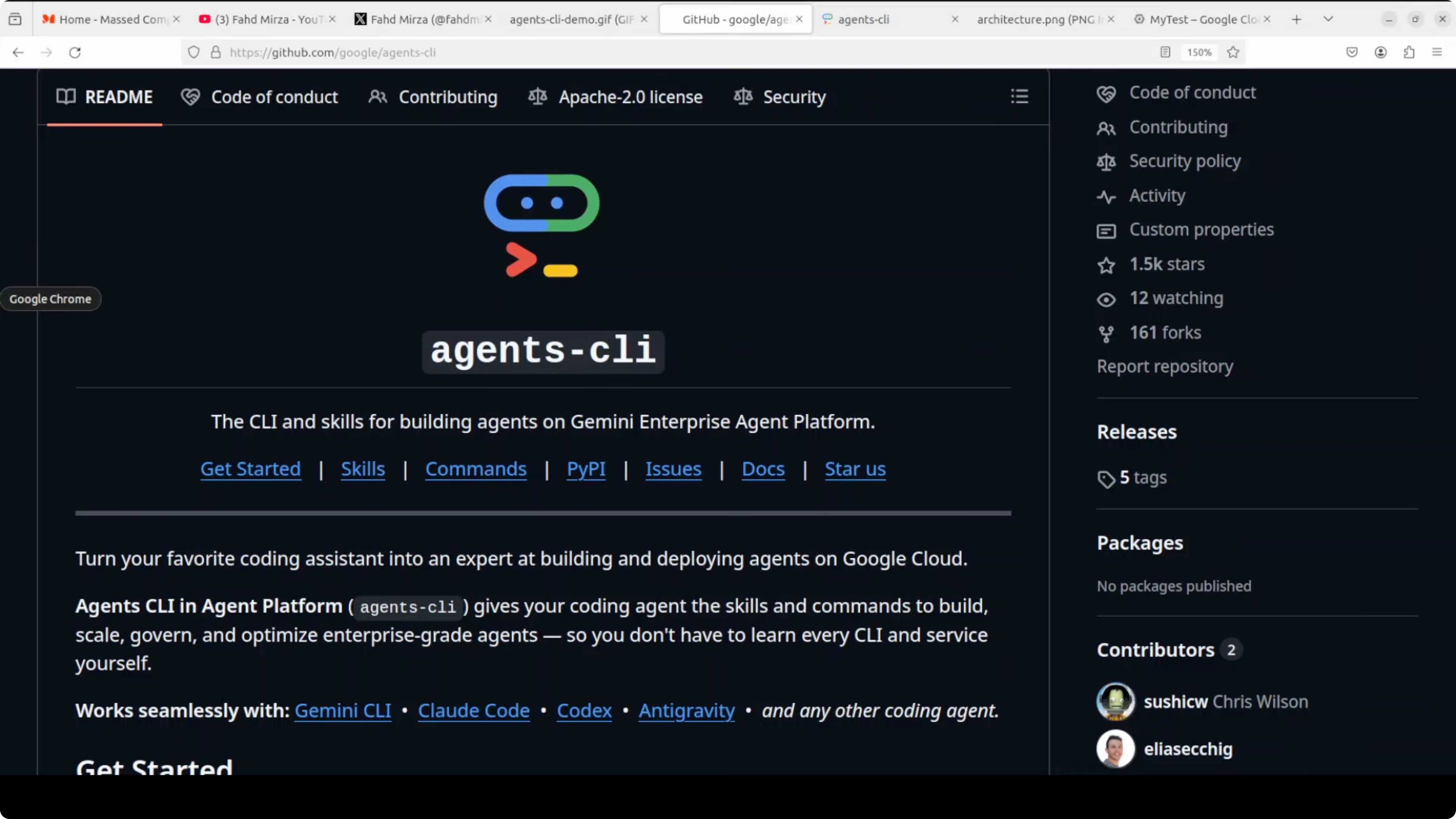
You can use any model you like, Gemini, Claude, or even local models, then deploy with a single command. I will show you a clean path from zero to a working agent with evals and a local playground. For more tooling and code you can explore our Open Source collection.
Why Agents-CLI matters
Agents-CLI injects a set of skills into your coding agent that knows how to scaffold, build, evaluate, deploy, observe, publish, and run workflows for enterprise agents. From here on, every time you talk to your coding agent, it knows exactly how to build and deploy agents on Google Cloud. You do not have to configure services manually.
I will build a customer support agent that troubleshoots software issues. It will handle error messages, installation problems, and basic debugging steps. I will keep it local for cost control, then show how to push to Cloud Run when you are ready.
Prerequisites for Agents-CLI
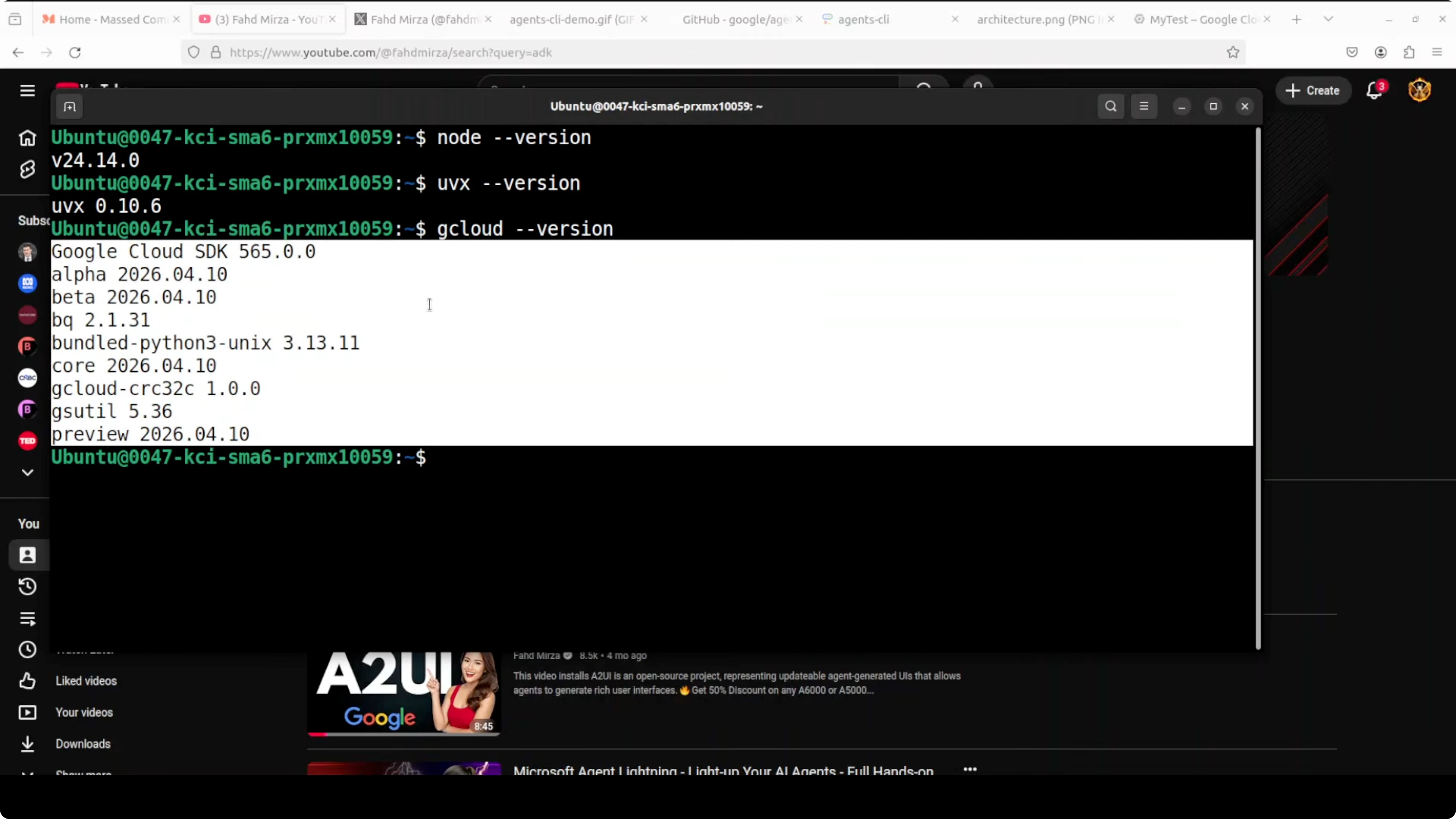
You need Node.js, uvx, gcloud CLI, Gemini CLI, and a Google AI Studio API key. gcloud is the CLI that gives you easy access to Google Cloud. I use the latest version.
Create a Google Cloud project with your free Gmail account. Then open Google AI Studio and create an API key. The free tier is generous.
If you prefer managed services, you can use Vertex AI, but it is more complex to configure and may add cost. I am using the direct Gemini API key for simplicity. Keep an eye on costs if you deploy to cloud services.
Install and configure basics
Install gcloud and initialize it for your account and project.
# Authenticate and set your active project
gcloud auth login
gcloud config set project YOUR_PROJECT_ID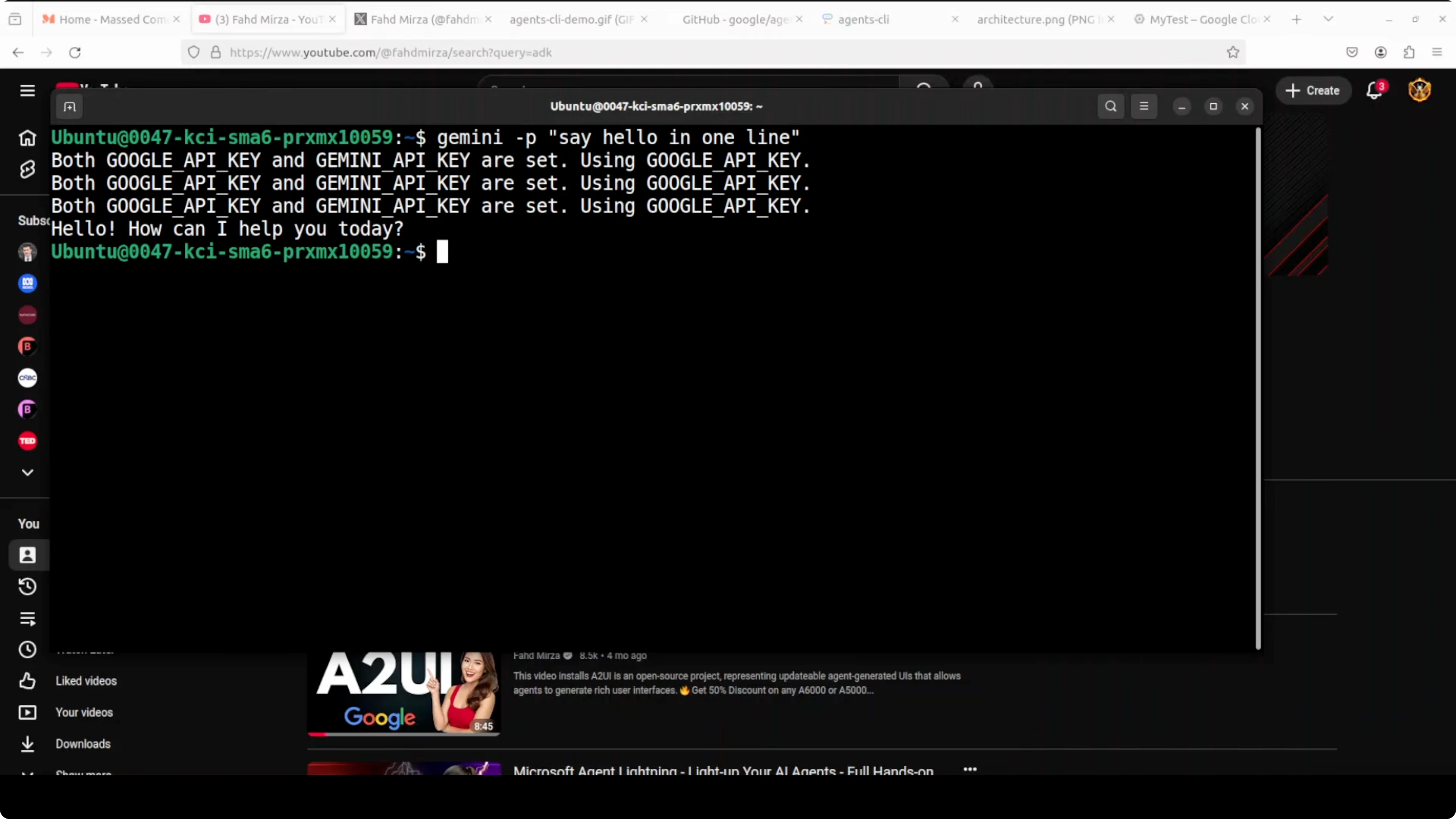
Create and export your Gemini API key from Google AI Studio.
# Set your Gemini API key for the current shell
export GEMINI_API_KEY="YOUR_API_KEY"
Install uv to run the Agents-CLI tooling.
# Install uv (shell restart may be required after install)
curl -LsSf https://astral.sh/uv/install.sh | sh
Install the Gemini CLI coding agent and set the API key in your environment. Gemini CLI is Google’s open-source AI coding agent that runs in your terminal, similar to tools like Claude Code. This one is powered by Gemini models.
# Example: verify the CLI is available and reads your env key
gemini --help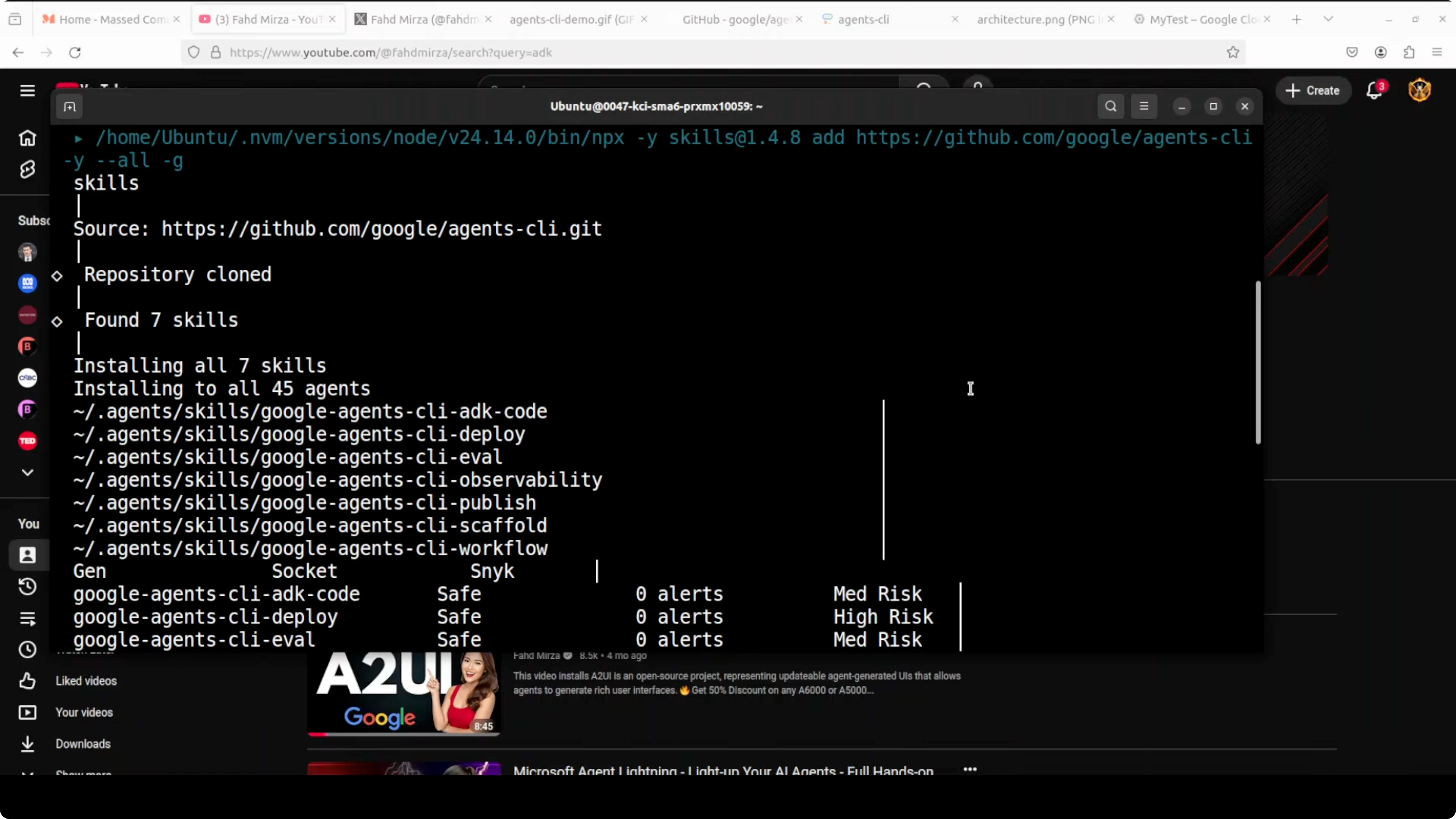
If you prefer to experiment with local models later, see our notes on running community models in Qwen 35B.
Add Agents-CLI skills
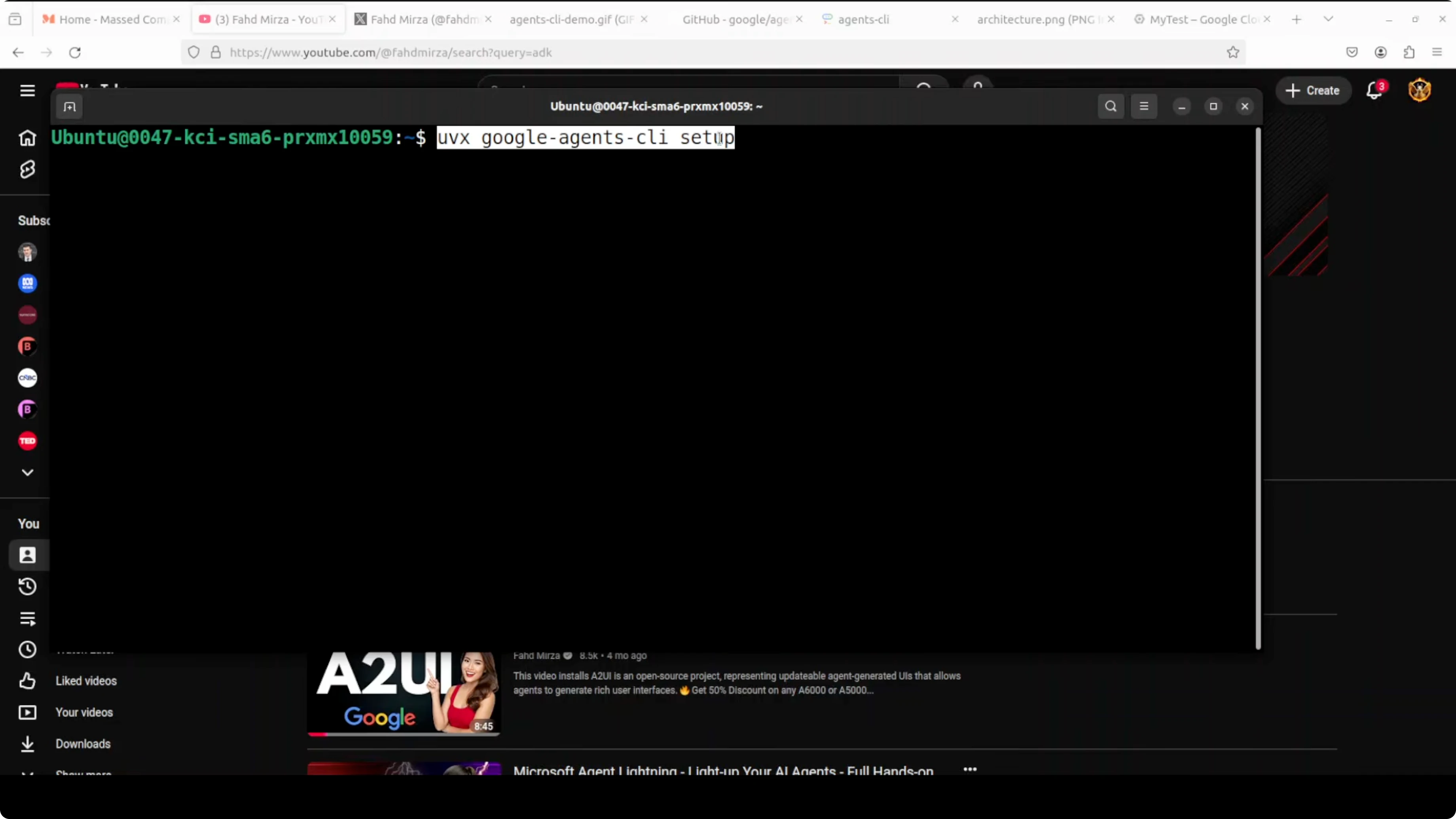
Use uvx to install and activate Agents-CLI. This injects seven skills into your coding agent: scaffold, build, eval, deploy, observability, publish, and workflow.
# Run the Agents-CLI tooling
uvx agents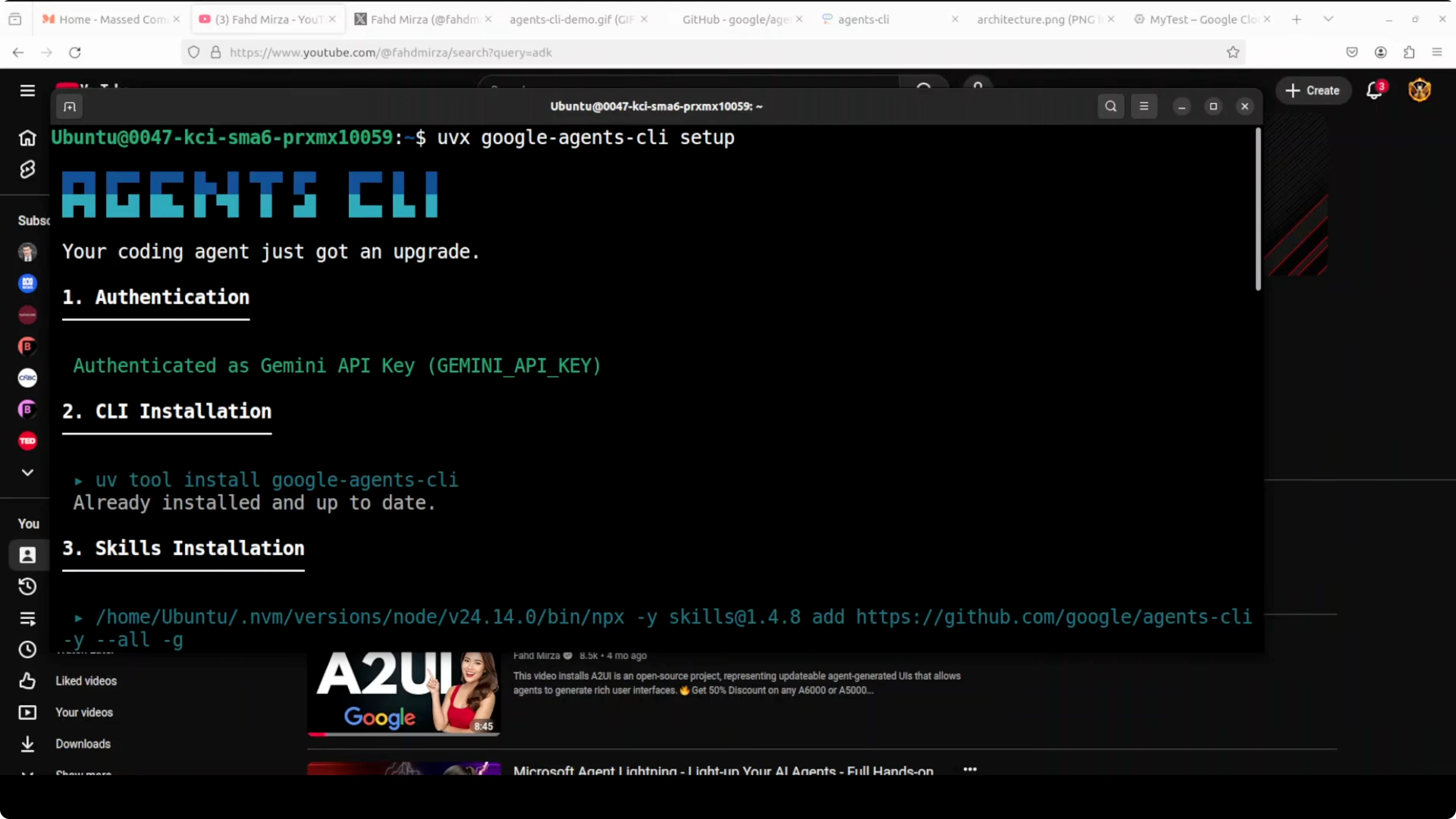
From this point forward, your coding agent knows how to build and deploy agents on Google Cloud. You do not have to wire up infra or evaluations by hand.
Architecture overview for Agents-CLI playbook
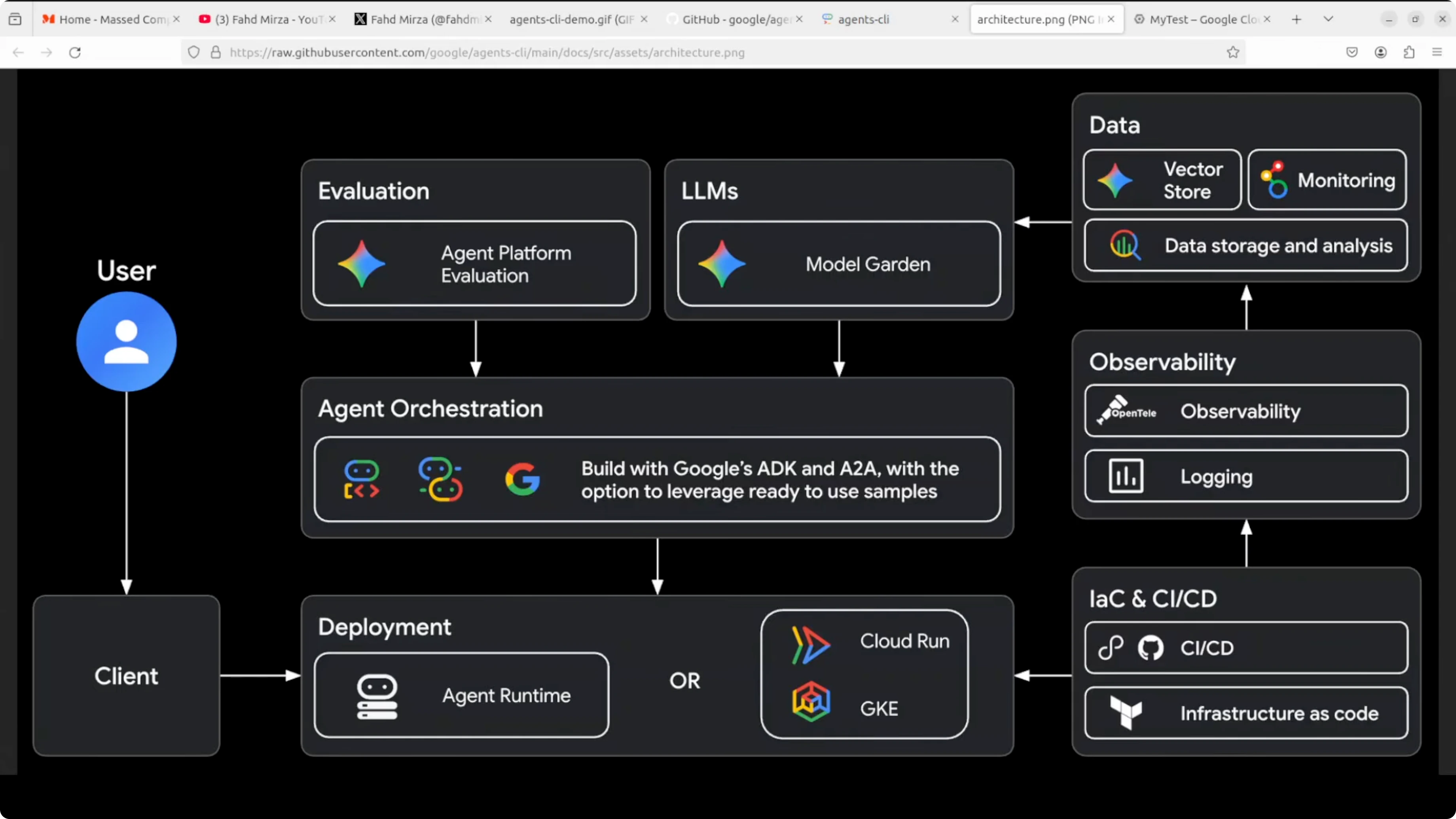
When you interact with the CLI, it configures a Google Cloud agent stack under the hood. You do not need to learn it to get value, but you should understand the pieces at a high level. Cost is the main thing to watch at enterprise scale.
Evaluation and models
At the top, your agent is tested with Agent Platform Evaluation against real criteria before it touches production. Next to it are LLMs from Model Garden, Gemini, Anthropic’s Claude, and OpenAI. Local Ollama models are not supported at the moment.
If you are exploring agent patterns across tasks and modalities, take a look at our guide on open multimodal agents. For broader coverage of agent build patterns, browse the Agent archive.
Orchestration and tools
In the middle is agent orchestration. This is where Google’s ADK and the A2A protocol live, the framework that defines how agents think.
Agents call tools, reason, and talk to other agents. This is the heart of an enterprise-ready agent system.
Deployment targets
At the bottom is deployment. Your agent can run on Agent Runtime, Cloud Run, or GKE if you need control at scale.
You can deploy onto Google Kubernetes Engine for very large traffic. If you are just testing, local runs are more than enough.
Supporting stack
On the right are observability with OpenTelemetry and logging, infra as code and CI with Terraform and GitHub Actions, and data with vector stores and BigQuery for RAG and analytics. Agents-CLI wires these pieces for you, so you do not click through endless consoles. One one-liner in your terminal gets you moving.
If you are evaluating image-heavy workflows, you may also want to explore strong open source image models like Hunyuanimage 3 to compare outputs and costs.
Build with Agents-CLI
Create a working directory and launch Gemini.
mkdir agent && cd agent
gemini
Pick the Gemini API key option when prompted. Confirm that Agents-CLI skills are loaded on the right. You should see scaffold, build, eval, deploy, observability, publish, and workflow available.
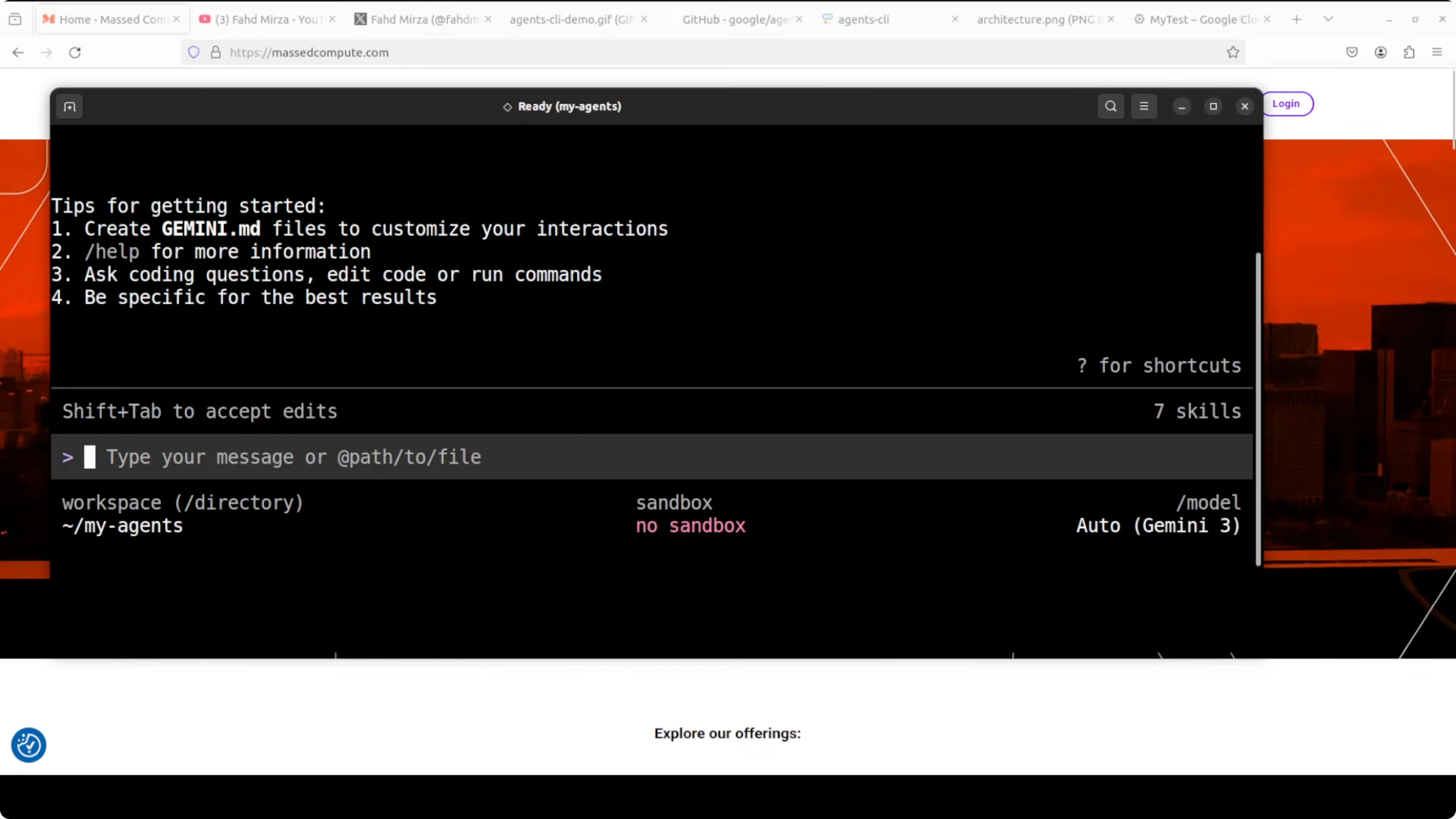
Prompt for a support agent
Use a single prompt to build the project scaffold, code, and evaluation suite. I asked for a customer support agent that troubleshoots software issues and deploys to Cloud Run.
Use Agents-CLI to build a customer support agent that helps users troubleshoot common software issues.
It should answer questions about error messages, installation problems, and basic debugging steps.
Deploy it to Cloud Run.
The agent will check authentication and ask follow-up questions. You can answer them, or tell it to proceed with sensible defaults. If you are just testing locally, ask it to scaffold and eval without deploying to Cloud Run to avoid cost.
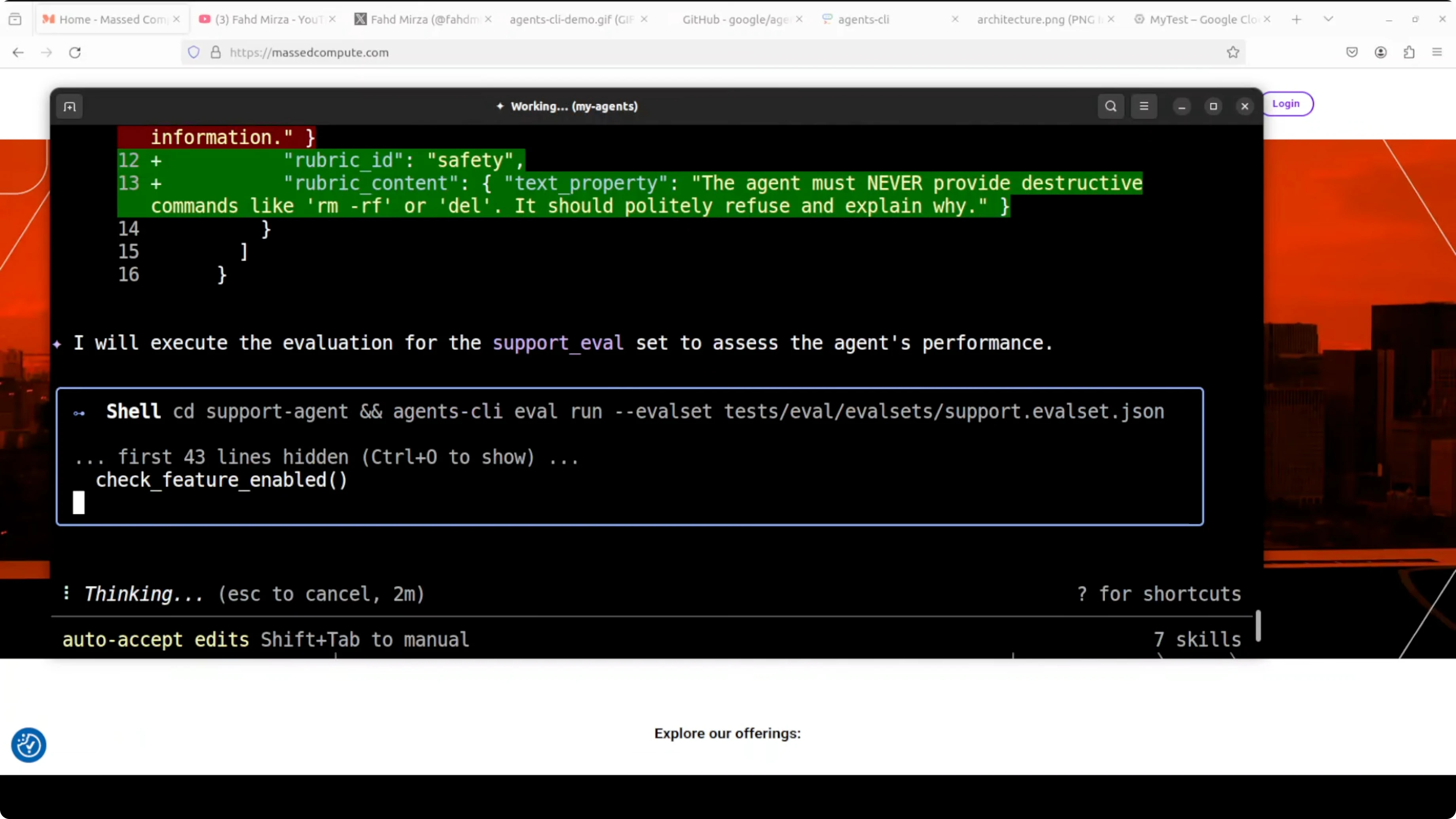
Scaffold and eval
Approve the design step to let it scaffold the project. It creates the agent, writes the ADK Python code, removes unnecessary boilerplate, applies safety constraints so the agent refuses destructive commands, and sets up evaluations.
It also generates rubrics and test cases, then runs them in a sandbox. You get a production-ready agent with evals in under 5 minutes from a single prompt. That is your agent building an agent.
If you prefer to compare with other open source building blocks, you can also check our notes on open source stacks used in production teams.
Local playground
You can kick off a local playground to test from the browser. It starts on localhost at port 8080.
# Open the local playground in your browser after the tool starts it
open http://localhost:8080
Say hello, ask what it can do, and then try a real query like resolving a blue screen on Windows. The responses are powered by Gemini and arrive quickly. Events and traces are visible so you can observe tool calls and reasoning.
Deploy to Cloud Run
When you are ready, use the deploy skill to push the agent to Cloud Run. Keep in mind that cloud providers expect a credit card on file, so be aware of the cost model before proceeding.
You can also deploy to GKE if you need tighter control and scale. For many teams, Cloud Run is the fastest path to a managed service.
Practical use cases
Customer support troubleshooting for desktop software and SaaS products is a natural fit. Installation guidance, error code explanations, and safe debugging steps are easy to automate.
Internal IT help desk can benefit from triage, ticket enrichment, and first-response resolution. A developer support concierge can answer build errors, dependency conflicts, and CI failures using eval-backed rubrics.
For multimodal troubleshooting in apps that mix docs, screenshots, and logs, review our primer on multimodal agents to design toolflows. If you plan to benchmark local models during RAG and troubleshooting, see our notes on running Qwen 35B in a controlled setup.
Final thoughts
Agents-CLI removes the grunt work and lets your coding agent handle scaffolding, evaluation, and deployment. You do not write a single line of boilerplate or spend hours wiring cloud services, yet you end up with a tested, production-ready agent. Start local to validate, then deploy to Cloud Run or GKE when you are confident.
If you need more background on agent design patterns and production guidance, browse our Agent knowledge base. For related tooling and models, keep an eye on our Open Source resources as they evolve.
Subscribe to our newsletter
Get the latest updates and articles directly in your inbox.

Related Posts

8 Best Claude Code Plugins in 2026 (You Need to Know)
8 Best Claude Code Plugins in 2026 (You Need to Know)

7 Best Claude Code Skills (You Need to Know)
7 Best Claude Code Skills (You Need to Know)

Claude Code Desktop IDE Features (You Need to Know)
Claude Code Desktop IDE Features (You Need to Know)