
Table Of Content
- MolmoWeb: Open Multimodal Agents for Local Browser Control overview
- Install MolmoWeb: Open Multimodal Agents for Local Browser Control
- Prerequisites
- Clone and create an environment
- Install browser tooling
- Download model weights
- Serve locally
- Run a task
- Logs and visual replay
- Smoke test
- Use cases
- Final thoughts
MolmoWeb: Open Multimodal Agents for Local Browser Control
Table Of Content
- MolmoWeb: Open Multimodal Agents for Local Browser Control overview
- Install MolmoWeb: Open Multimodal Agents for Local Browser Control
- Prerequisites
- Clone and create an environment
- Install browser tooling
- Download model weights
- Serve locally
- Run a task
- Logs and visual replay
- Smoke test
- Use cases
- Final thoughts
MolmoWeb is an open-source visual web agent from the Allen Institute for AI (AI2). Given a plain English instruction, it controls a real web browser autonomously. It works from screenshots, decides actions like click, type, scroll, and navigate, executes them, takes another screenshot, and repeats until the task is done.
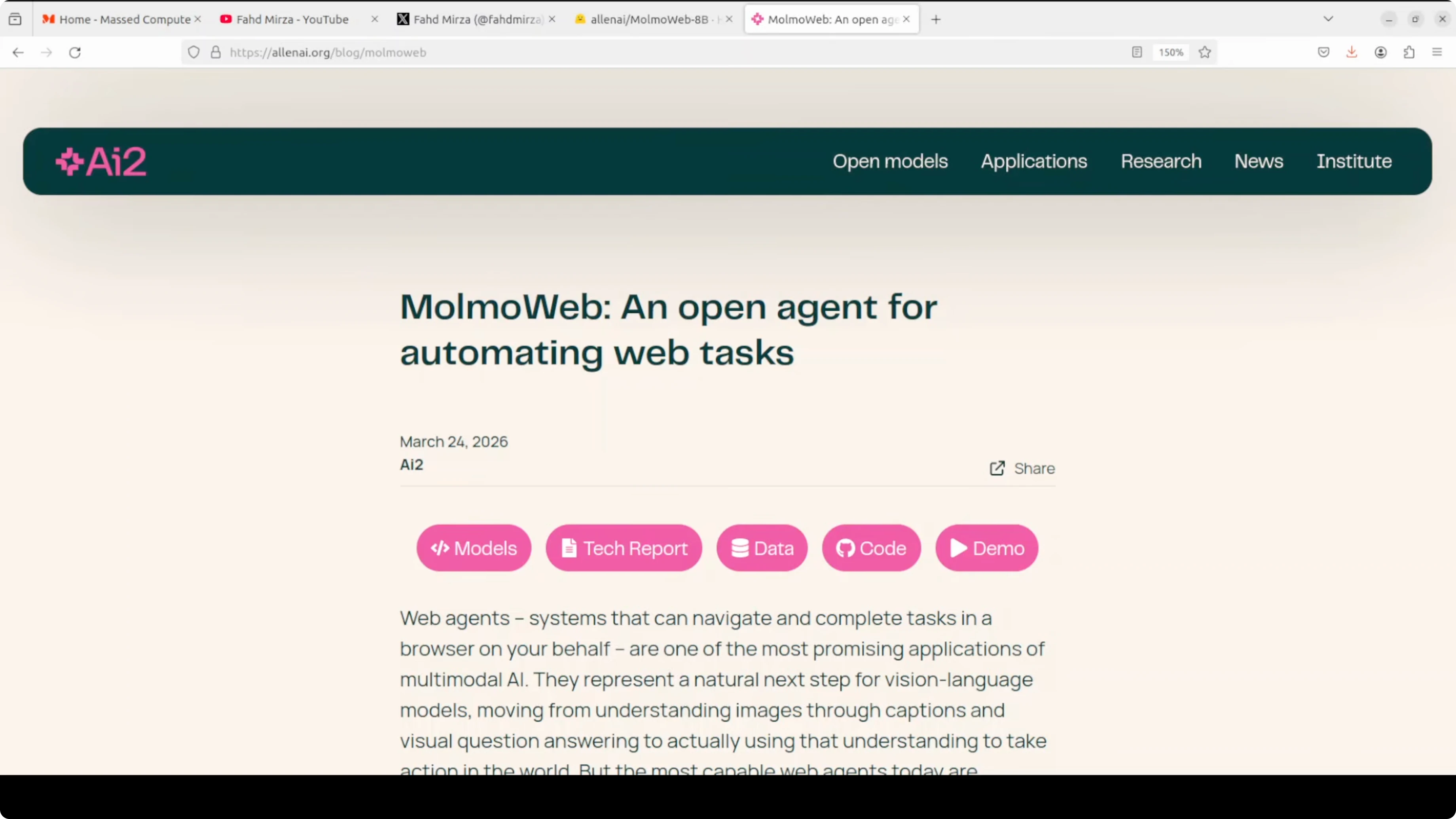
It never reads HTML or any structured page data, and operates only on what it sees on screen. That makes it behave like a human using the browser. If you are exploring automated browsing, you might also compare it with a traditional browser-use agent approach here: browser automation with an AI agent.
MolmoWeb: Open Multimodal Agents for Local Browser Control overview
The model comes in two sizes: 4 billion and 8 billion parameters. It is a relatively small model and it outperforms agents built on top of much larger closed models on several benchmarks. Everything is open, including the weights, training data, and evaluation tools, which is rare for web agents.
MolmoWeb runs as a local server and drives a headless Chromium session through Playwright. It processes screenshots with a vision-language model and then decides the next browser action. For more context on multimodal systems that process images and text together, see this overview of a similar class of models: multimodal model primer.
Install MolmoWeb: Open Multimodal Agents for Local Browser Control
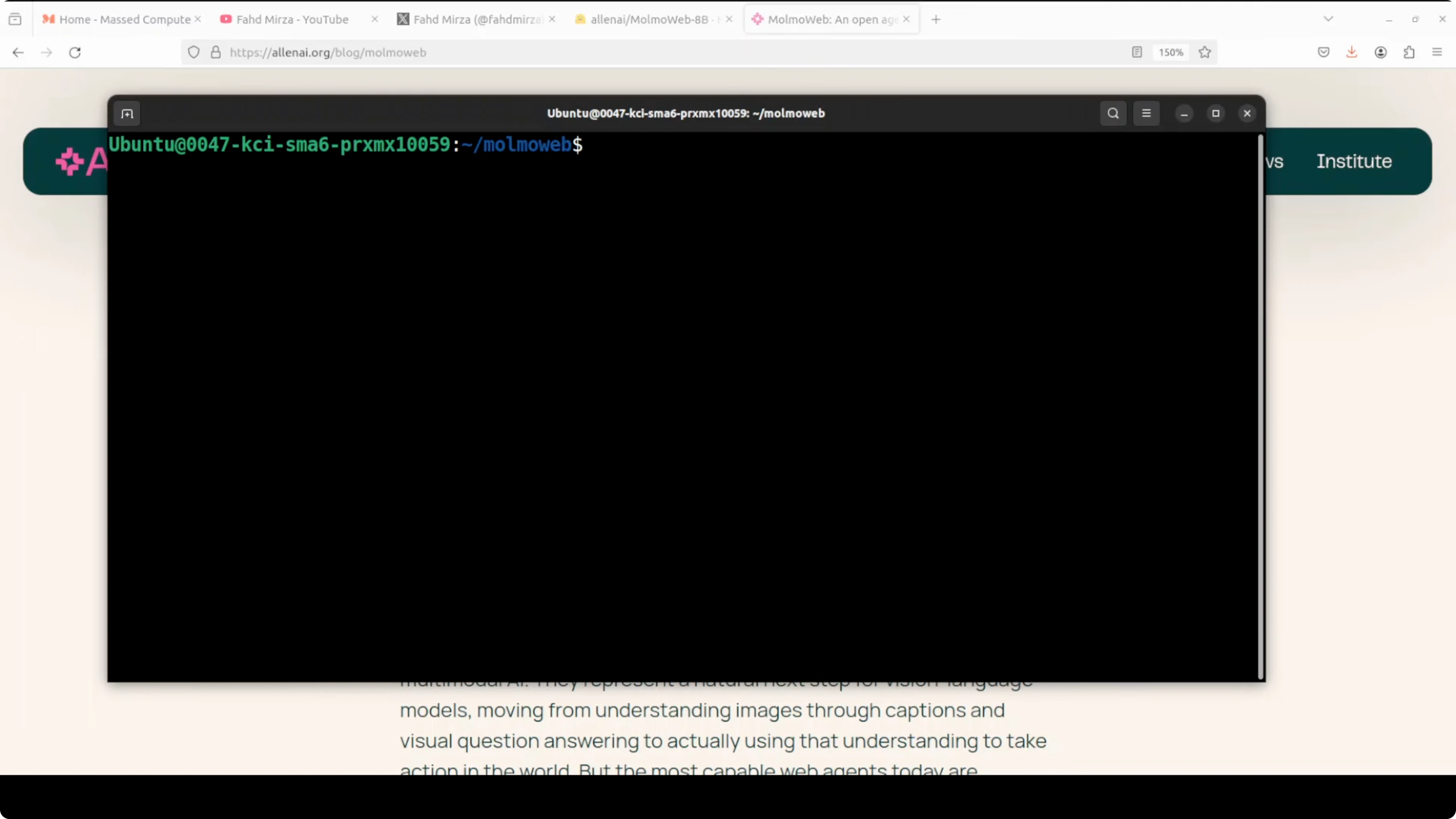
I used Ubuntu with an NVIDIA RTX 6000 (48 GB VRAM). Serving the 8B model consumed close to 17 GB of VRAM in my tests. The setup is fast if you use uv as your Python package manager.
Prerequisites
Use a Linux environment with recent NVIDIA drivers if you plan to run the 8B model on GPU. Ensure Python is installed and uv is available. Install Playwright and a local Chromium build for headless control.
Clone and create an environment
Clone the repository and create a fresh virtual environment with uv.
git clone <REPO_URL>
cd <REPO_DIR>

uv venv
source .venv/bin/activate

uv pip install -e .
If you are collecting a toolkit of local AI apps to run on your own machine, you can also review this local audio project to see how others structure installation and model loading: local AI music generator setup.
Install browser tooling
Install Playwright and download a Chromium build.
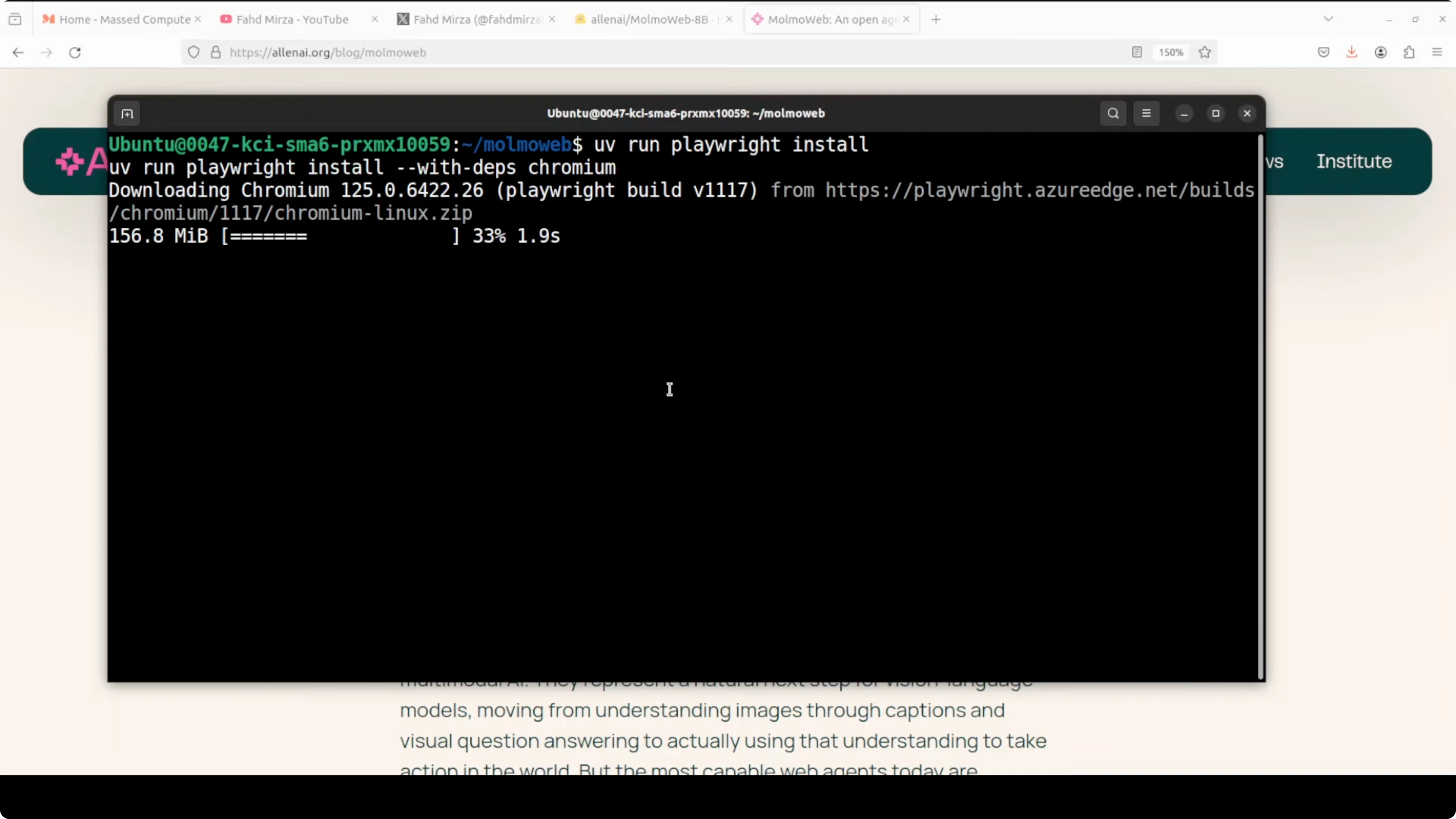
uv pip install playwright
uv run playwright install chromium
Download model weights
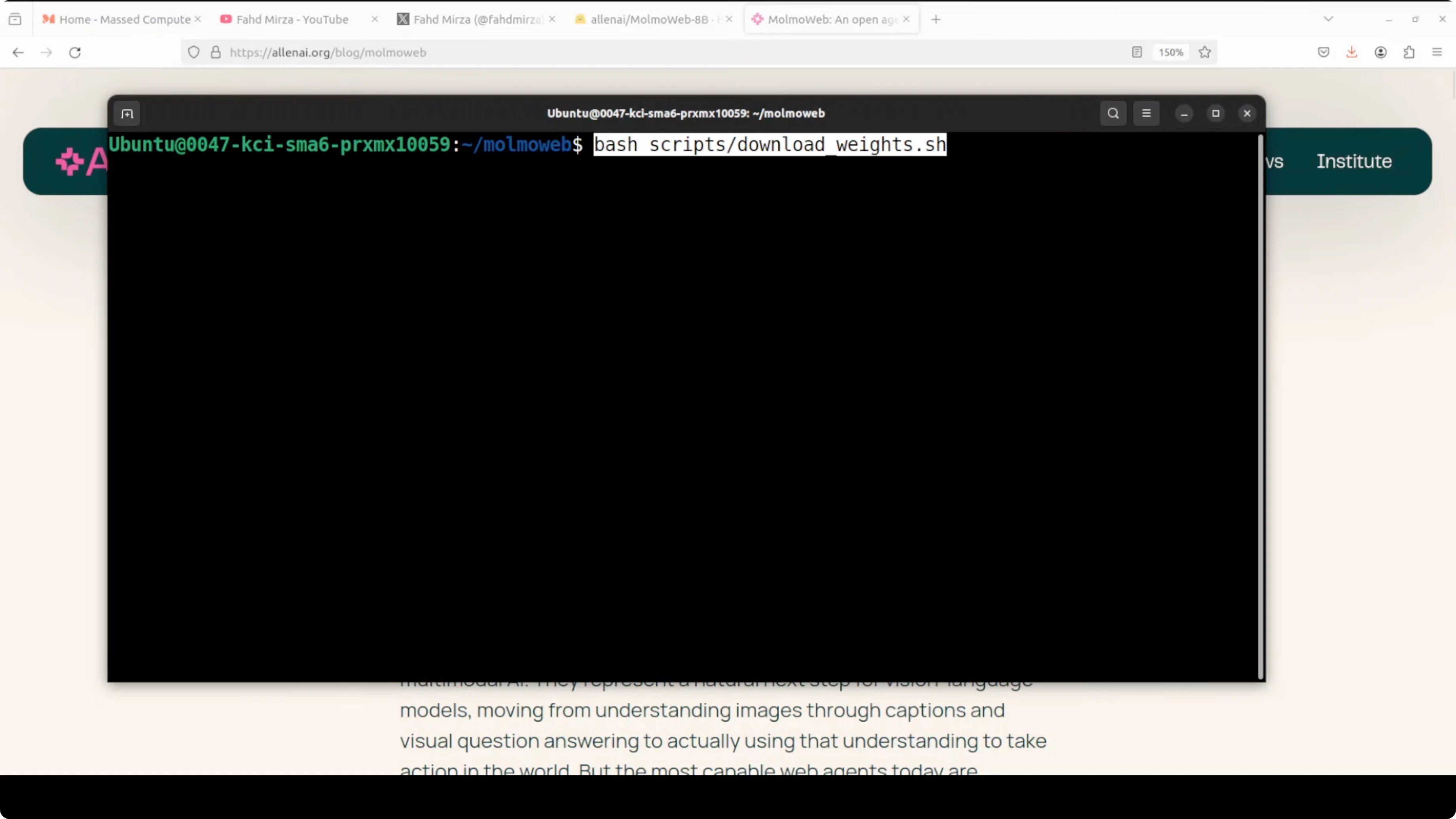
The repo includes a script to fetch weights from Hugging Face. Use it to pull the 8B model locally and set an environment variable for the model path if needed.
uv run python scripts/download_weights.py --model molmoweb-8b --output models/molmoweb-8b
export MOLMOWEB_MODEL=models/molmoweb-8b
Many open projects share not only checkpoints but also recipes and datasets. If you care about open training data and reproducibility across projects, this summary is useful context: open-source release with data.
Serve locally
Start the server to host the model on your machine. The example below binds to port 8001.
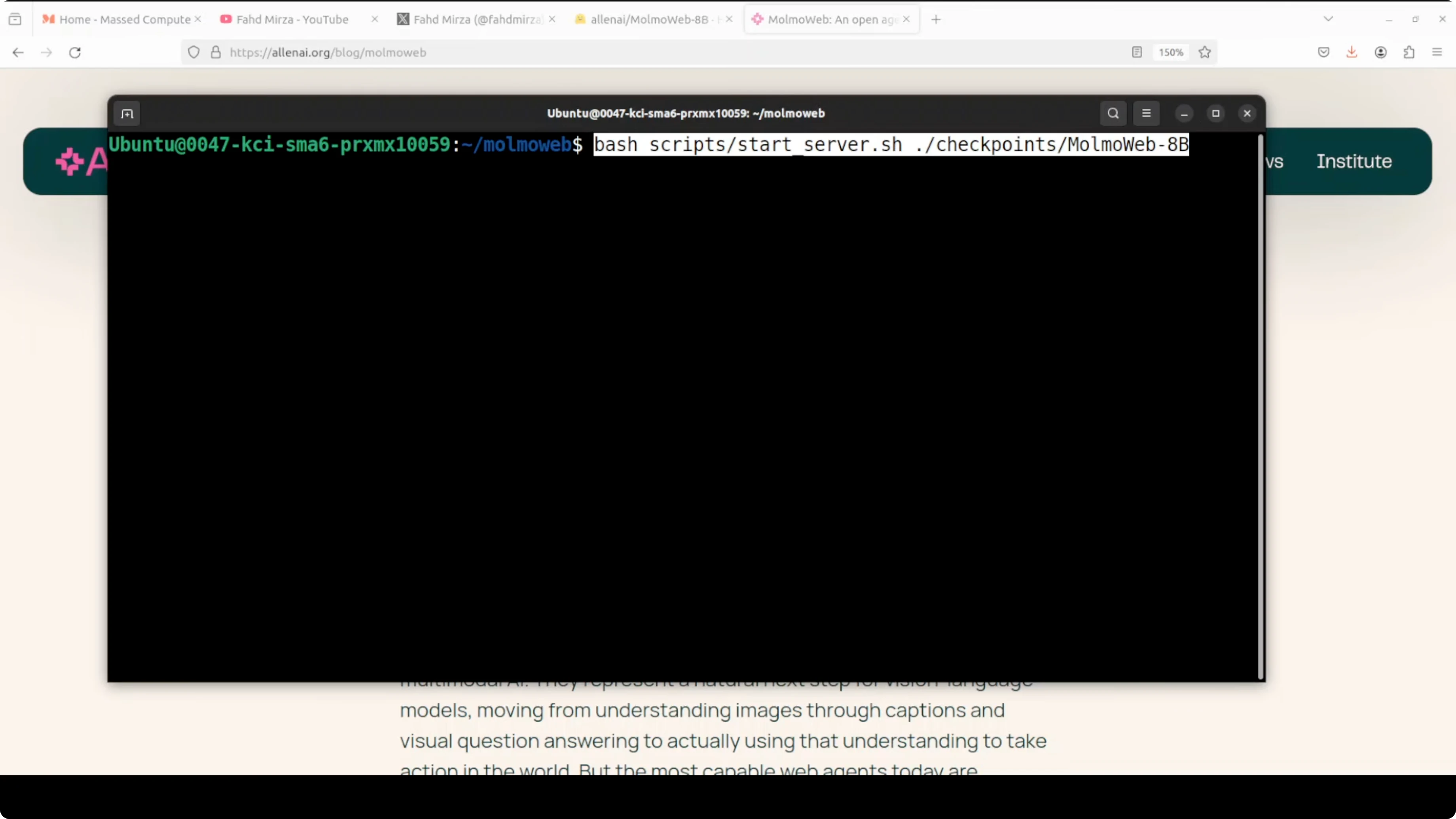
uv run python scripts/serve.py --model "$MOLMOWEB_MODEL" --port 8001Confirm the server is running and listening on 8001. Keep this terminal open while you run client requests.
Run a task
Use a small client script to send an instruction to the local server and print the response. Replace the endpoint path with the one provided by the repo server.
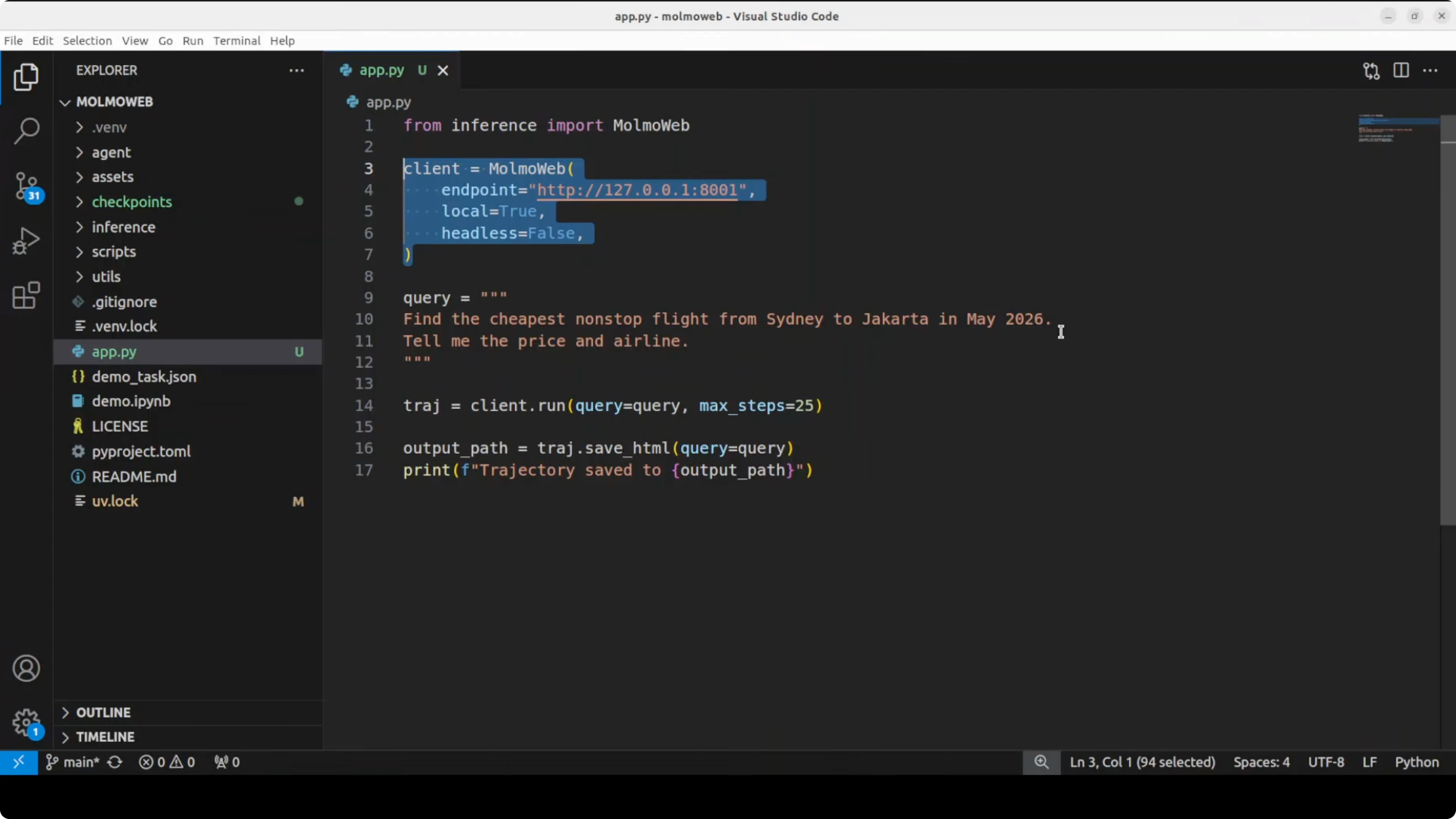
import requests
import json

SERVER = "http://127.0.0.1:8001"
payload = {
    "instruction": "Open a travel site, search non-stop flights from city A to city B next month, and return the cheapest price with airline."
}

r = requests.post(f"{SERVER}/act", json=payload, timeout=600)
r.raise_for_status()
print(json.dumps(r.json(), indent=2))
If you build orchestration around agents that trigger tasks from chat apps or desktop flows, you might also be interested in this Telegram automation project for Windows, which shows another angle on agent control loops: Telegram-based AI agent on Windows.
Logs and visual replay
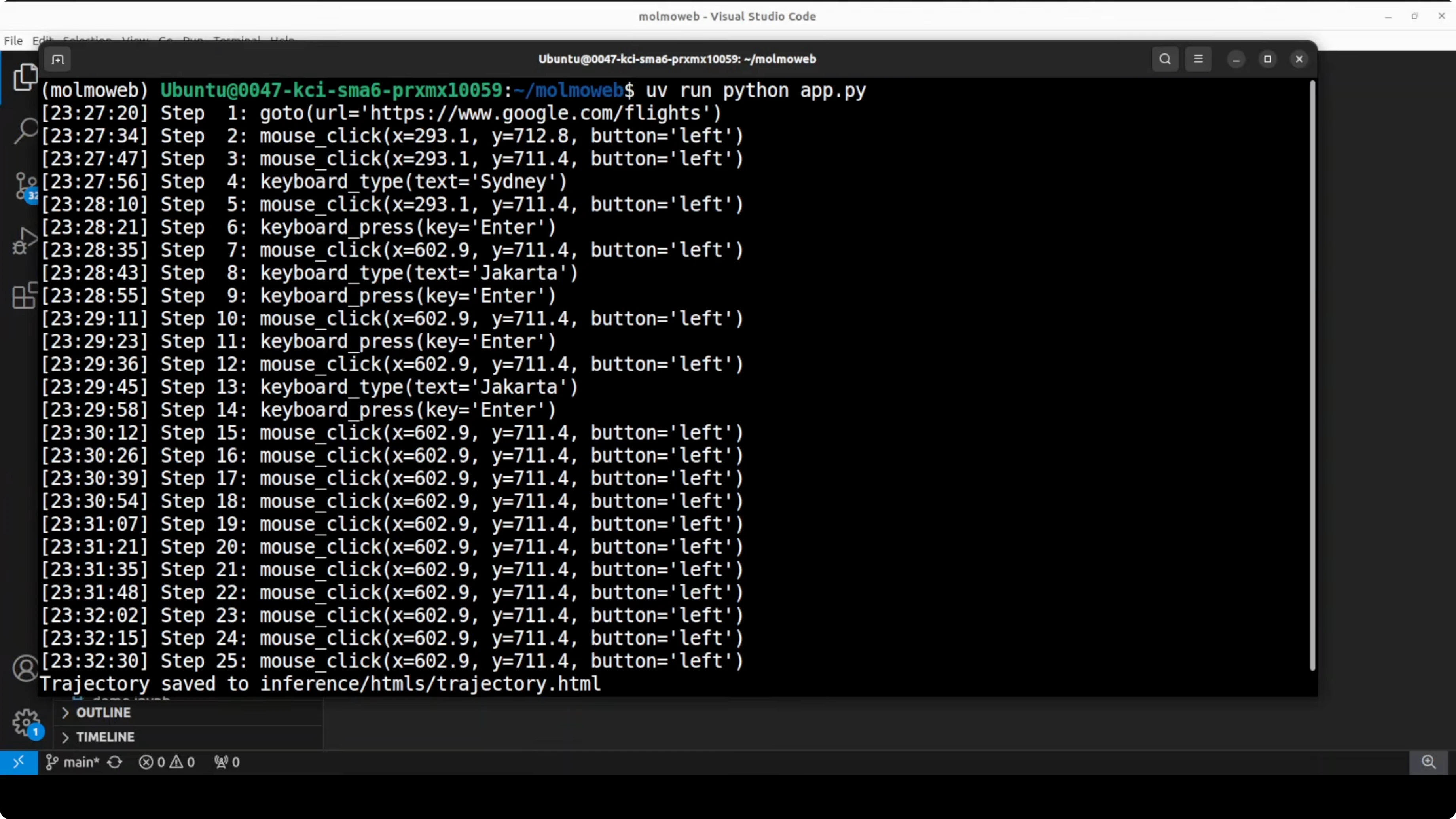
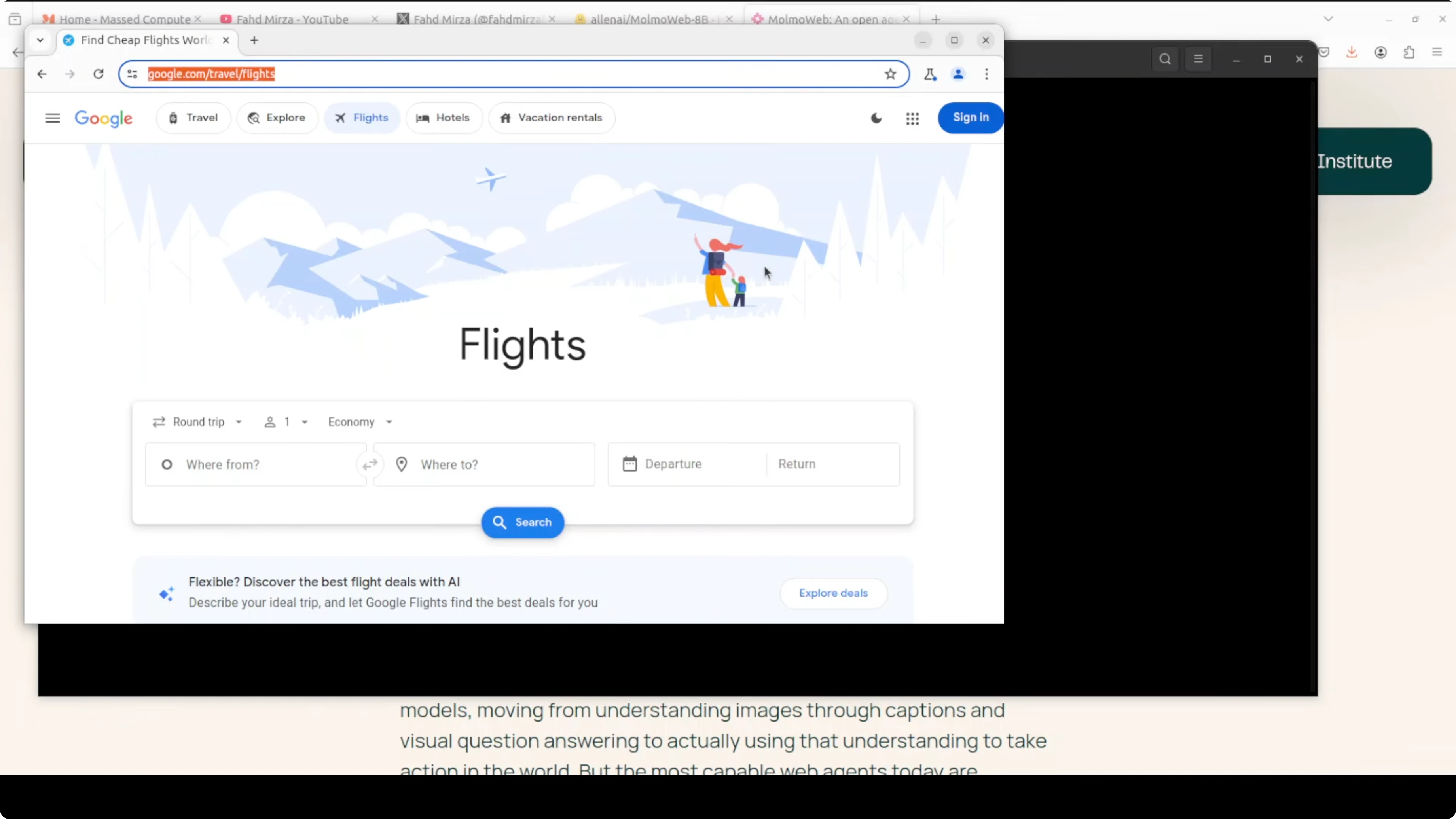
MolmoWeb writes a detailed HTML trajectory log for each run. The replay includes the screenshot at each step, the thought it generated, and the action it took. You can open the HTML file in a browser to review the full sequence end to end.
This visual trace makes it clear how the agent progresses using only what it sees. It also helps with debugging stuck states or misclicks. The tokenizer referenced in the project uses Mistral.
Smoke test
A provided smoke test sends a pre-included screenshot and a short question to the server. This verifies the server is running and the model responds correctly. You can replace the screenshot and question to validate your own inputs in a controlled way.
Use cases
Automate routine browser tasks like filling forms, exporting tables, or downloading reports that require navigating multiple pages. Run price checks across a few sites and extract totals and vendors without writing site-specific scrapers. Set up internal QA to verify that key flows still work after UI changes, using the visual replay to spot where it drifted.
For broader context on browser-control agents and how they differ in approach and tooling, this high-level guide is a helpful complement: how browser-use agents work.
Final thoughts
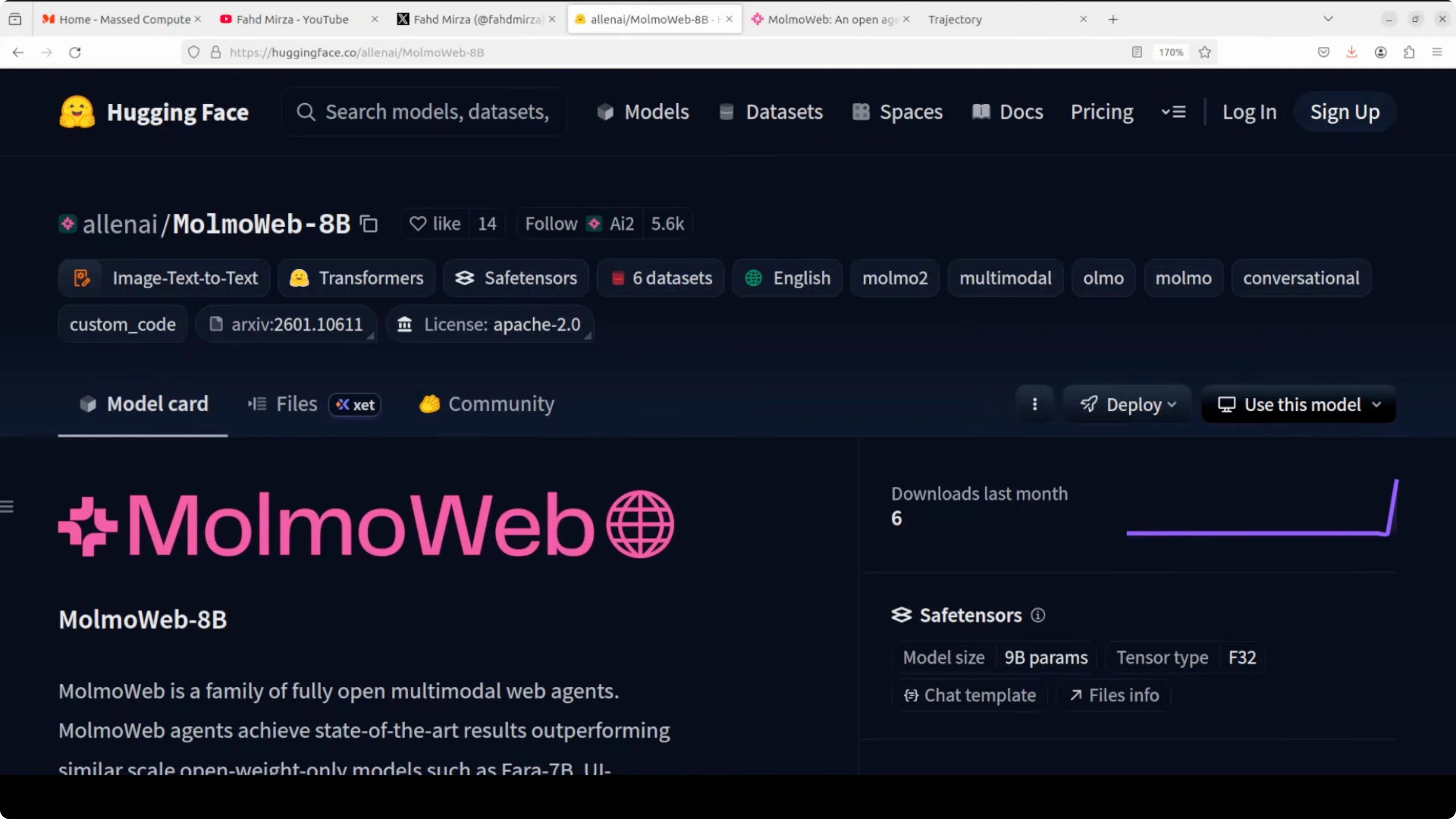
MolmoWeb is fully open and straightforward to get running locally. The weights, training data, and evaluation tools are all publicly available, which makes experimentation and benchmarking simple. If you work with multimodal agents that act through a real browser, this is a solid option to add to your local toolchain.
Subscribe to our newsletter
Get the latest updates and articles directly in your inbox.

Related Posts

8 Best Claude Code Plugins in 2026 (You Need to Know)
8 Best Claude Code Plugins in 2026 (You Need to Know)

7 Best Claude Code Skills (You Need to Know)
7 Best Claude Code Skills (You Need to Know)

Claude Code Desktop IDE Features (You Need to Know)
Claude Code Desktop IDE Features (You Need to Know)