
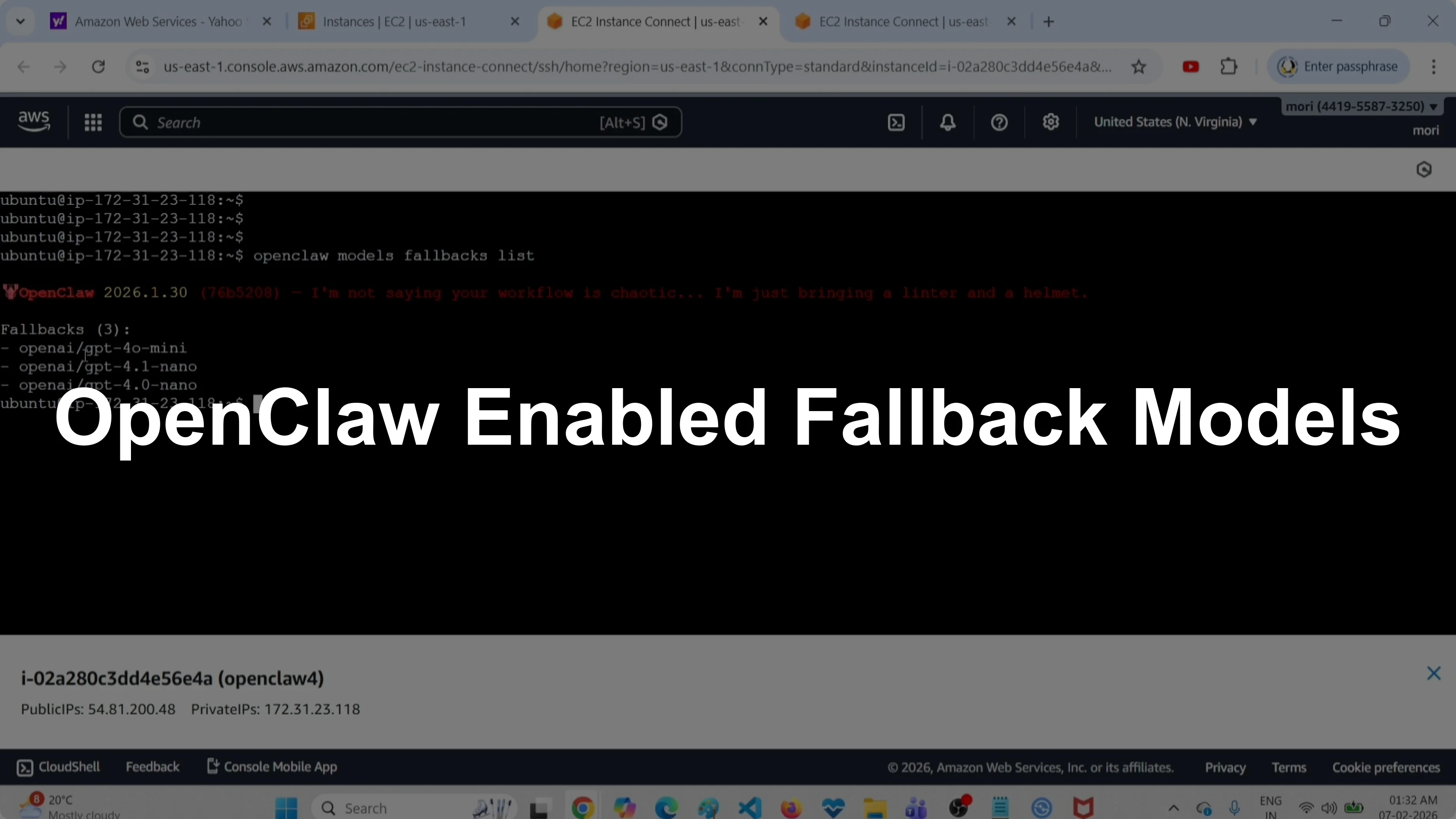
How to Find All Enabled Fallback Models in OpenClaw?
OpenClaw Error Fixer
Paste any OpenClaw error and get the exact fix instantly — cause, steps, copy-ready commands, and related guides.
I will be showing two methods to list all configured fallback models in OpenClaw. The first method uses the CLI, and the second method uses the configuration file. If you need a starter setup with free models and APIs, check this helpful free setup guide.
Find All Enabled Fallback Models in OpenClaw?
Method 1 - CLI
Run this command to list all fallback models.
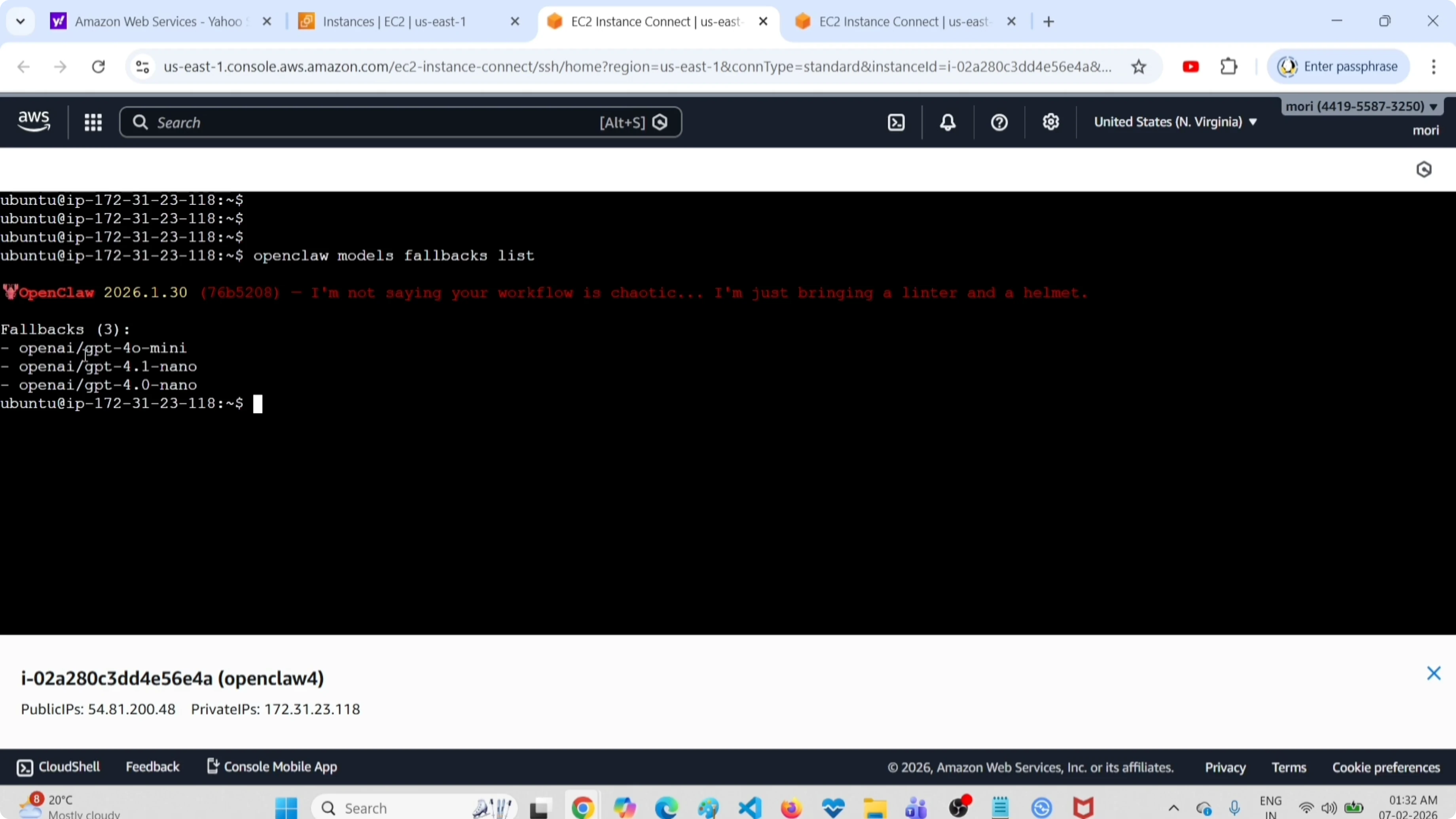
openclaw models fallbacks list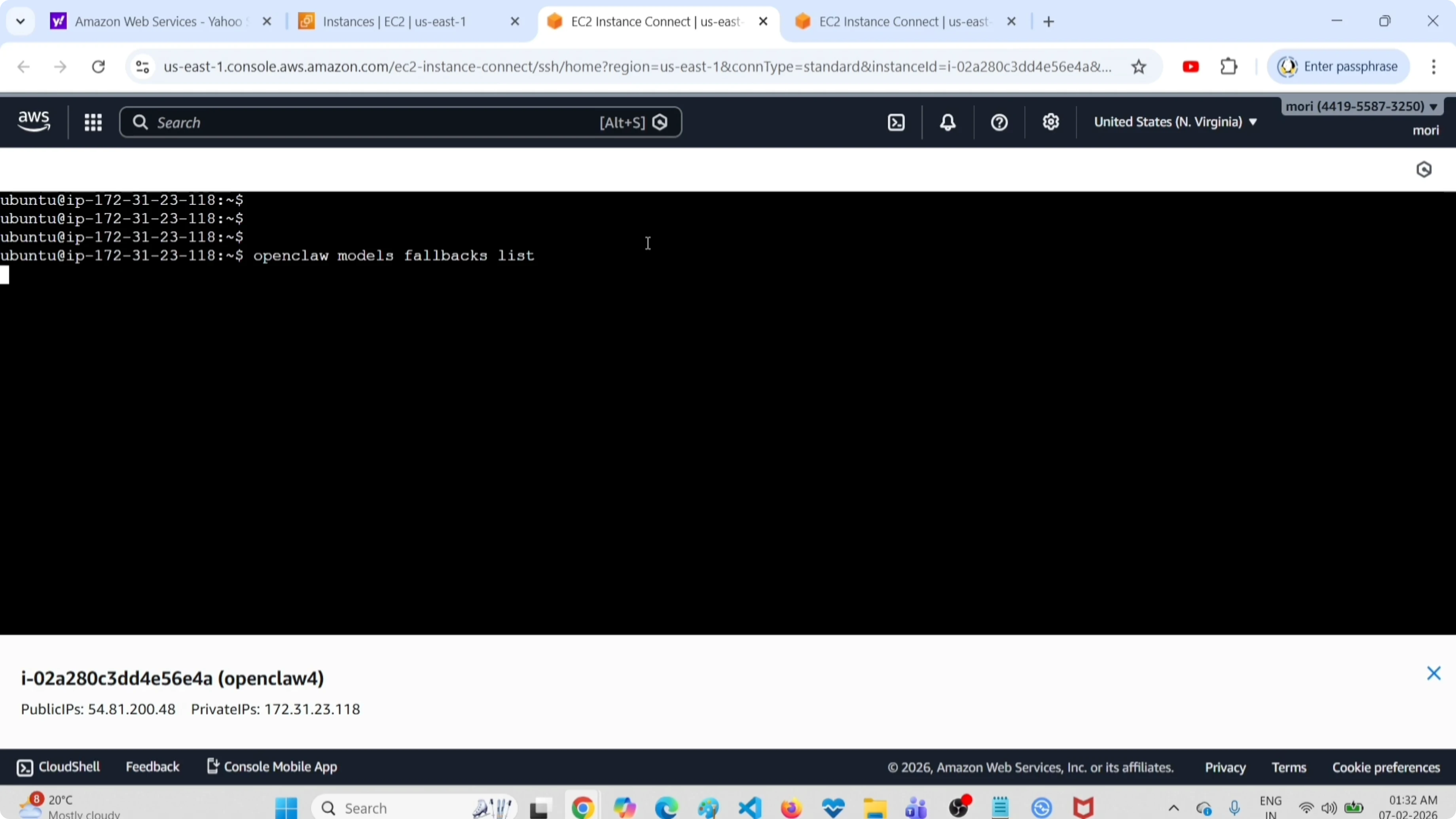
This command will list all fallback models. For example, you might see entries like GPT-4 mini, GPT-4.1, or nano 4.0.
If you want to list all models, run this command.
openclaw models list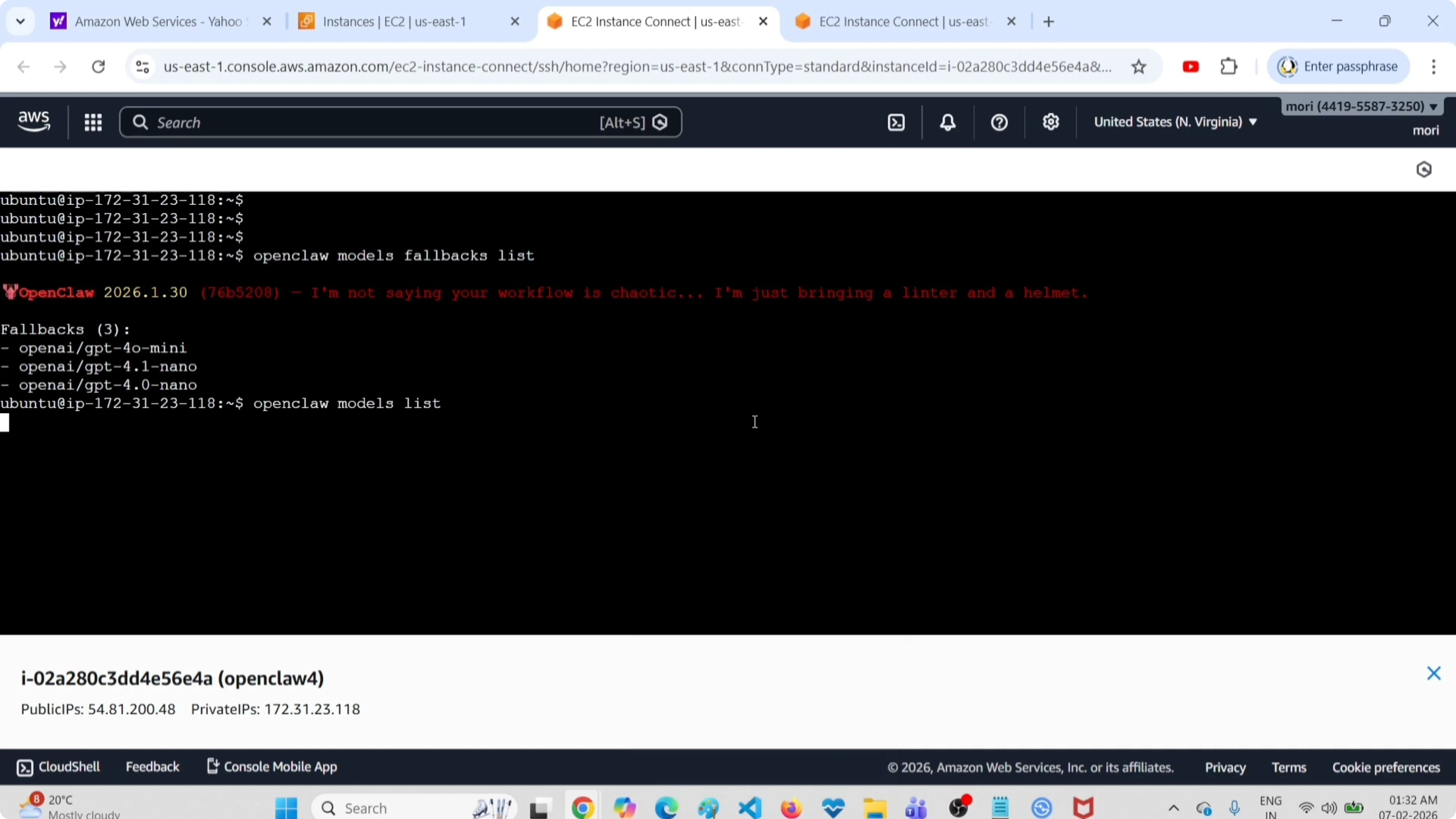
It will list all models including fallbacks. You can see the default or primary model at the top, marked with the tag default.
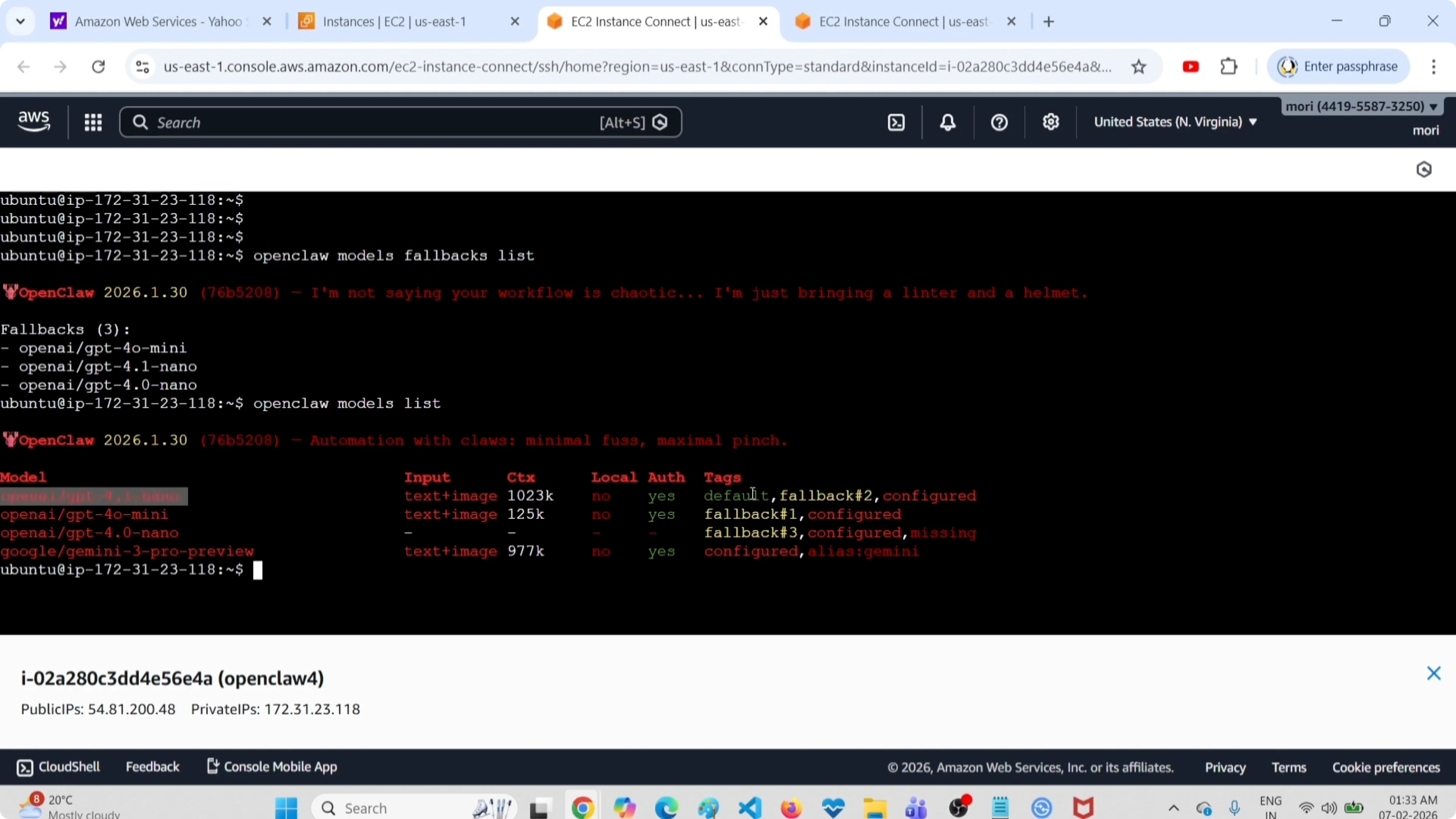
This command will list all models including primary and fallback models. This is method one. If you need to remove unnecessary fallback entries, see this guide on clearing fallback models.
Method 2 - Config file
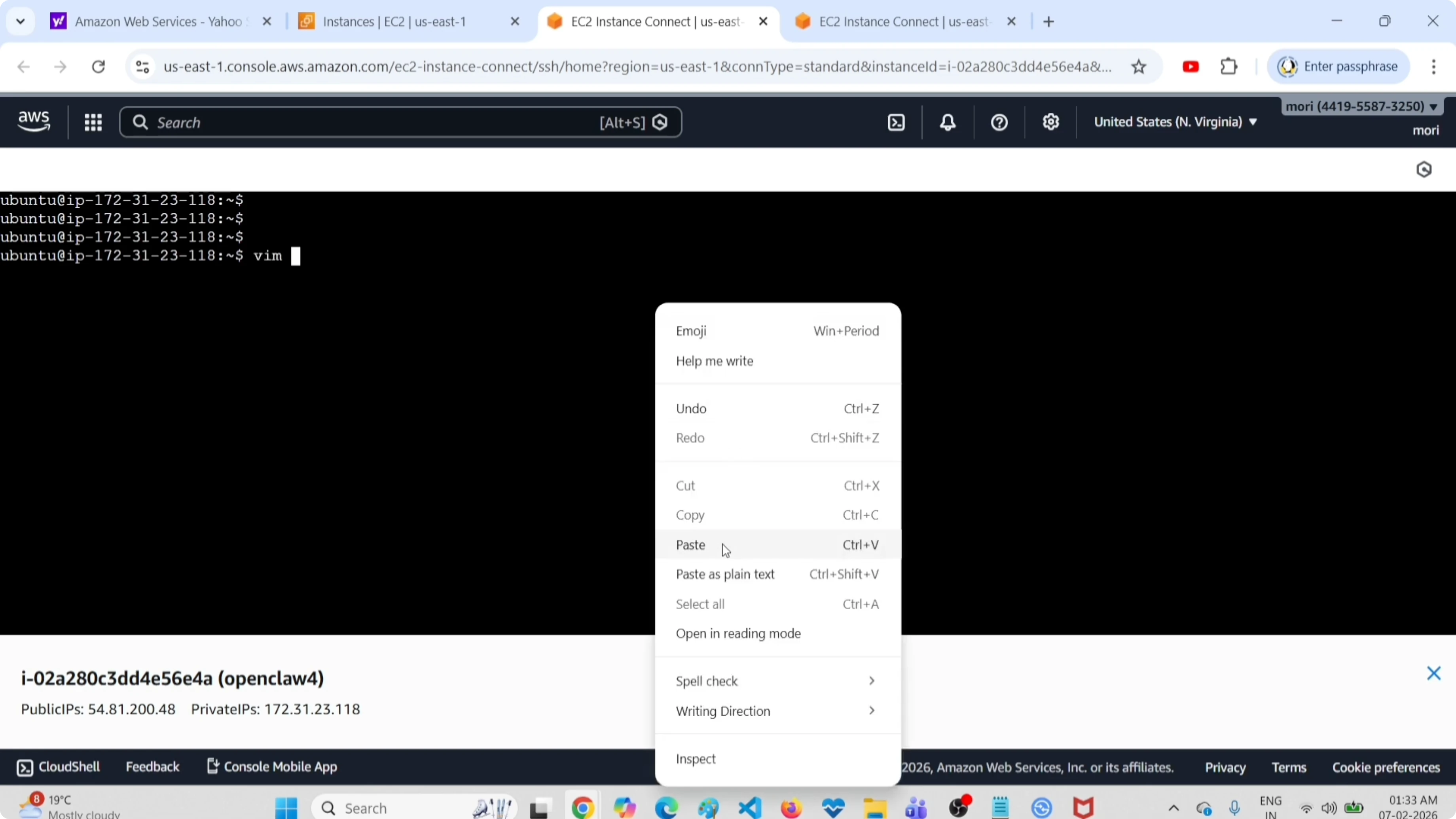
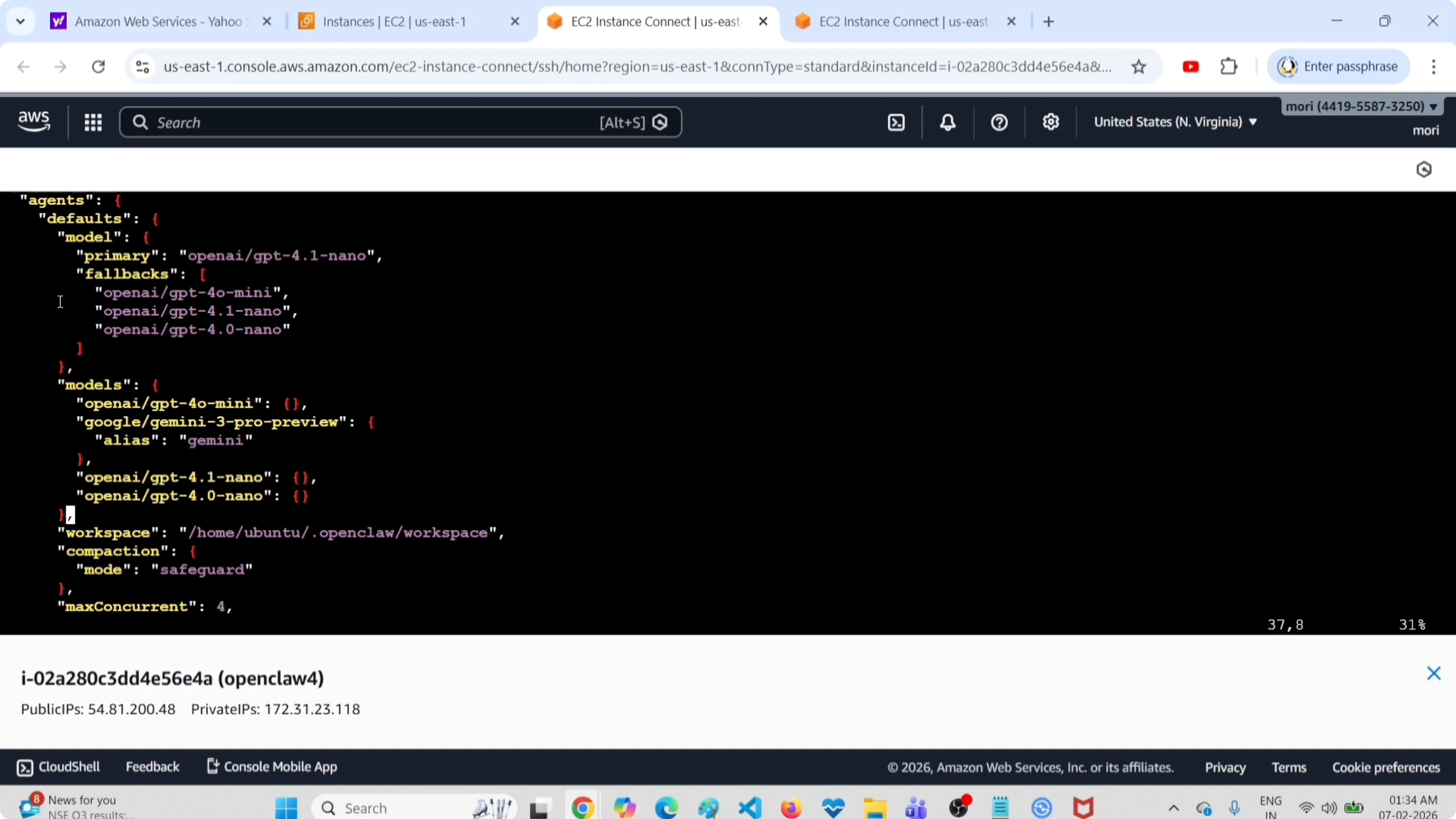
Open this configuration file.
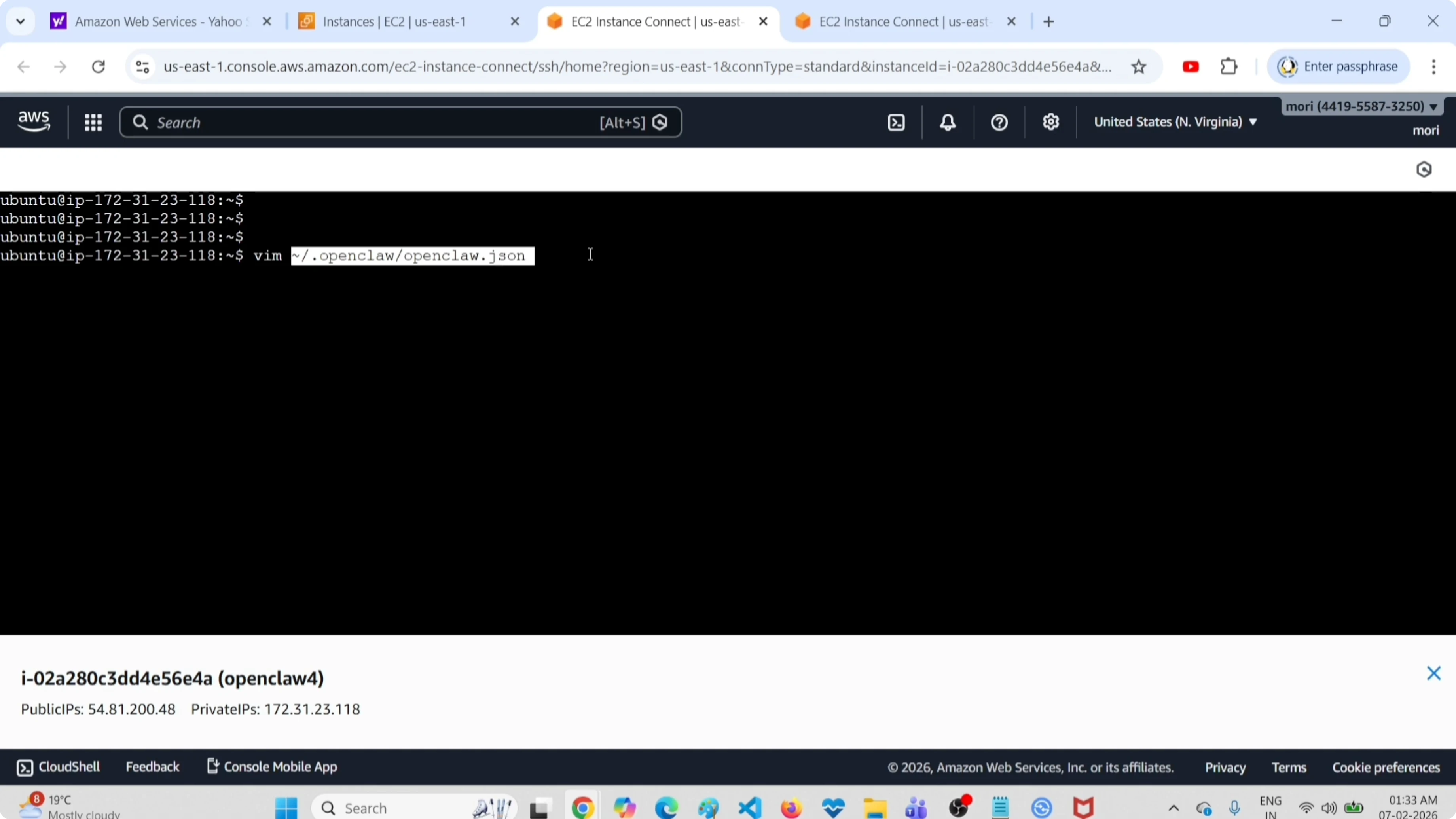
~/.openclaw/openclaw.jsonYou can open it in Vim or Nano.
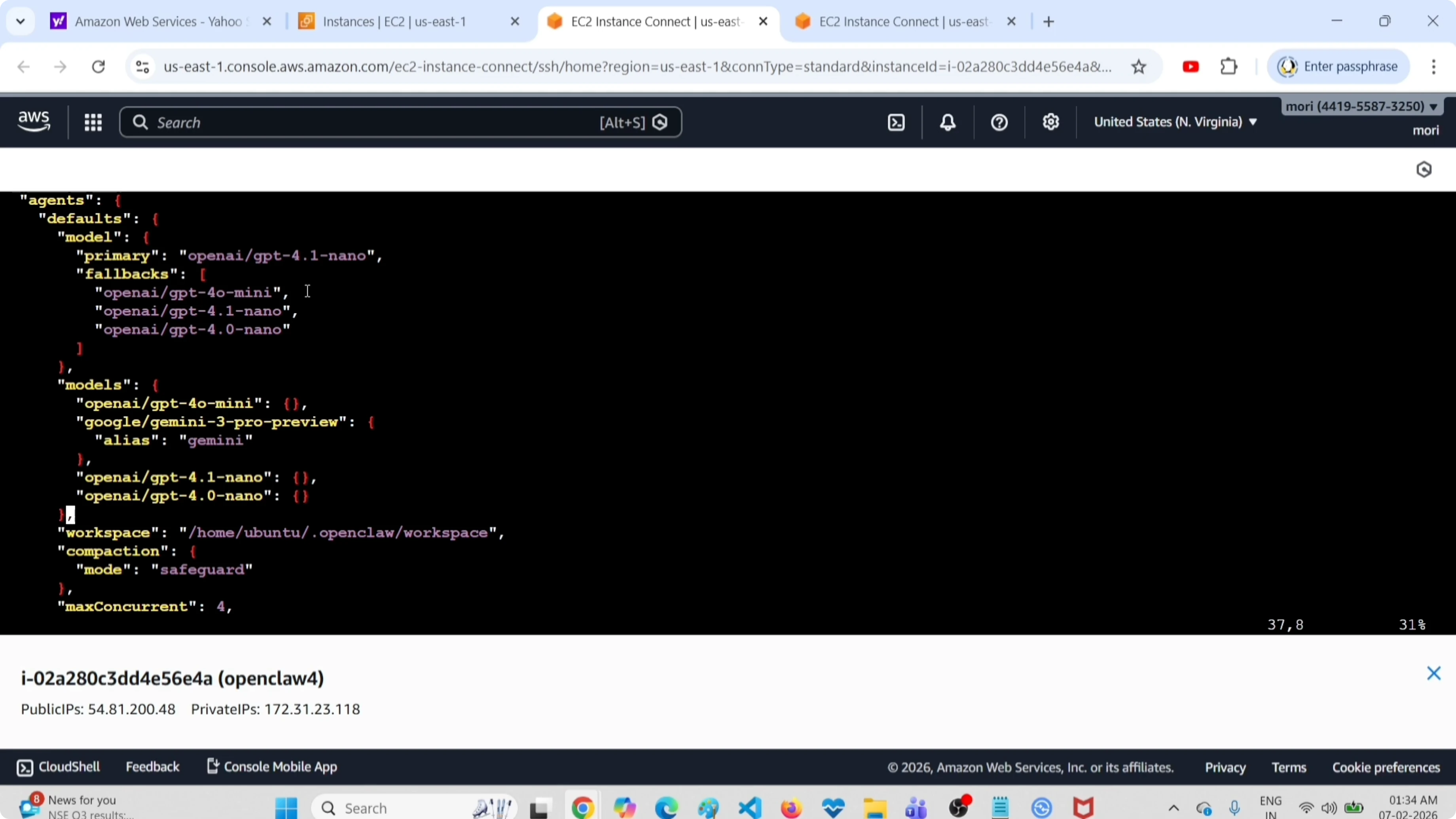
vim ~/.openclaw/openclaw.jsonSearch for model. You will find the model section under agents.
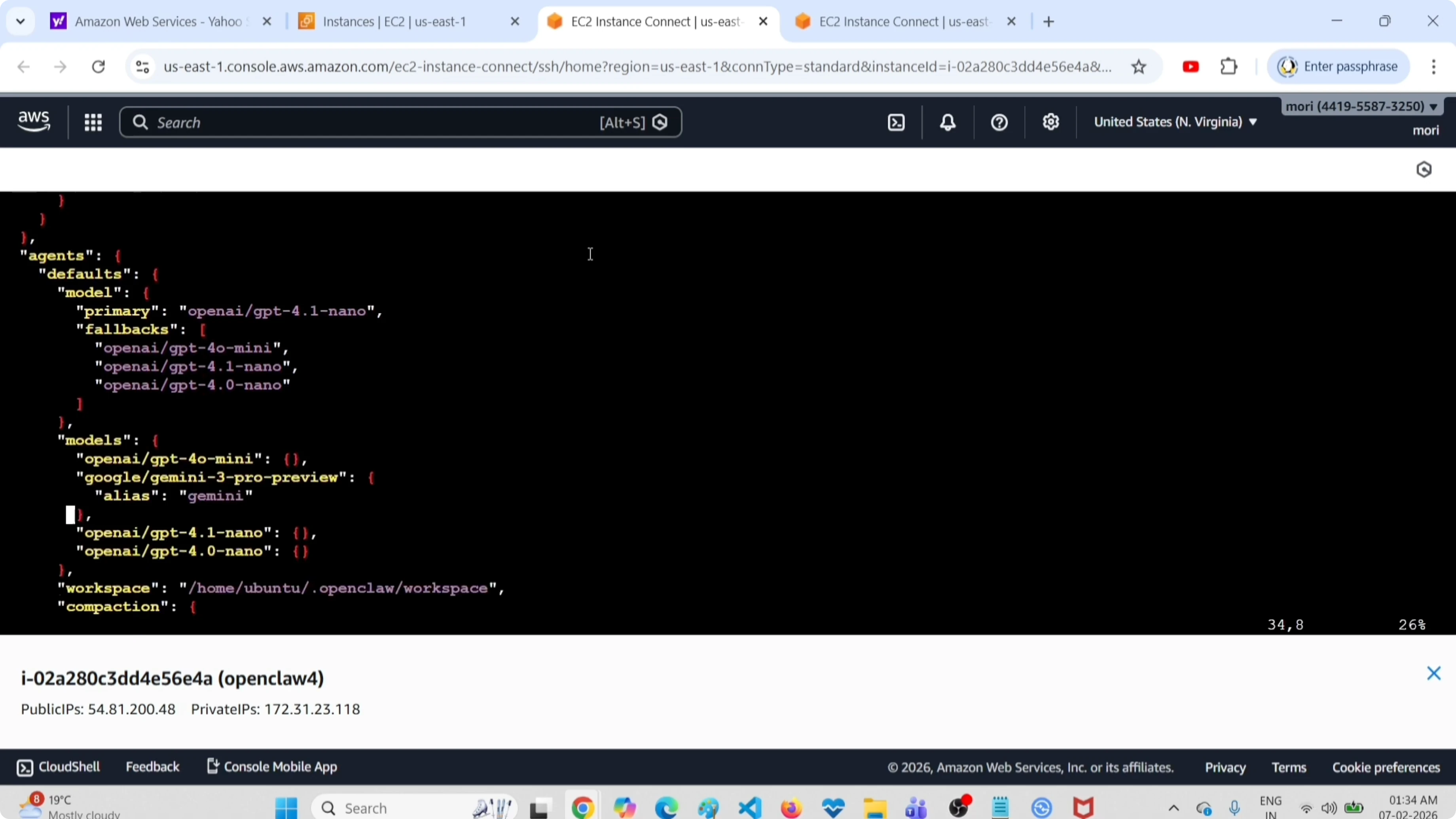
You can see two sections, model and models. Under the model section you can find the primary model.
The models section contains the fallback models. Under these sections you will be able to see all models configured in this OpenClaw setup.
If you want to add or delete a model, edit this file. From here, you can delete or add entries as needed.
After that, restart the OpenClaw Gateway service.
openclaw gateway restartThat way you can apply the change. If you need a walk-through to add a new fallback, follow this guide to add a fallback model.
Tips for models and APIs
If you need no-cost providers to test your setup, here is a curated list of free APIs and models for OpenClaw tools. You can browse more topics and tooling here: all articles.
Final thoughts
These are the two methods to find all enabled fallback models in OpenClaw. Use the CLI for a quick check, or the config file for a full view and edits. Restart the gateway after any changes to make them effective.
Subscribe to our newsletter
Get the latest updates and articles directly in your inbox.

Related Posts

8 Best Claude Code Plugins in 2026 (You Need to Know)
8 Best Claude Code Plugins in 2026 (You Need to Know)

7 Best Claude Code Skills (You Need to Know)
7 Best Claude Code Skills (You Need to Know)

Claude Code Desktop IDE Features (You Need to Know)
Claude Code Desktop IDE Features (You Need to Know)