
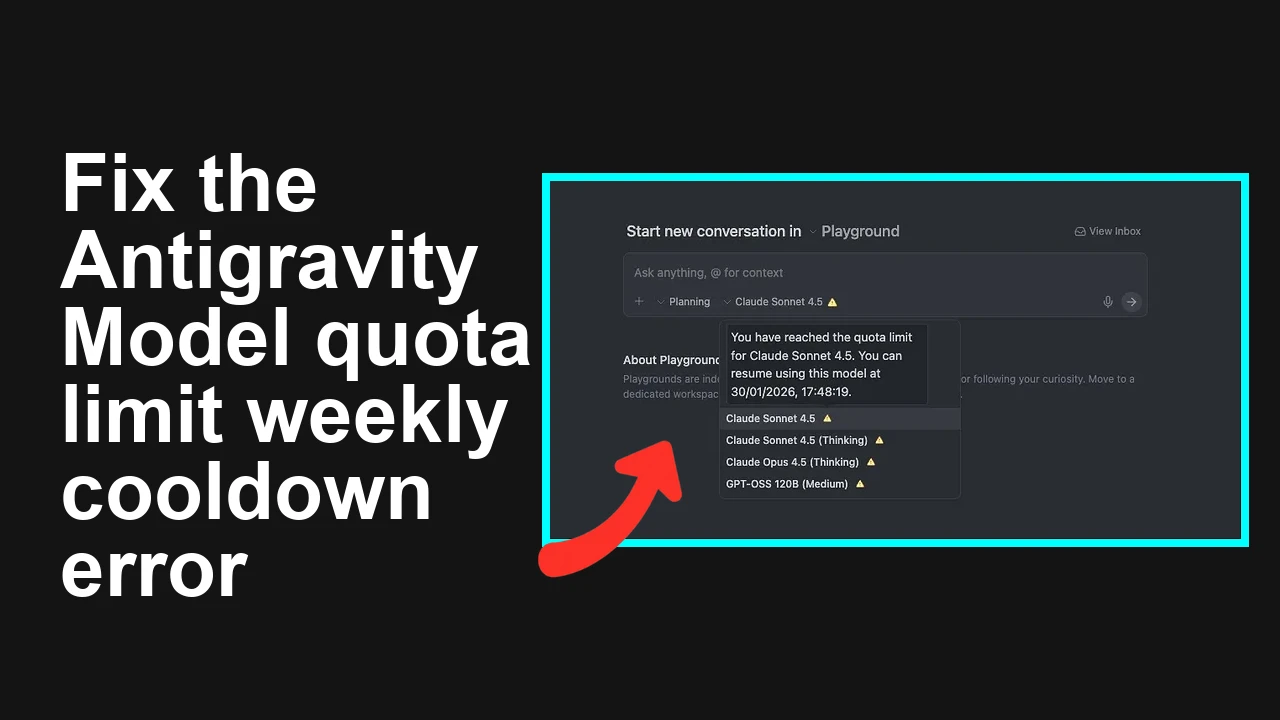
How to fix Antigravity trigger model quota limit weekly cooldown?
You updated to Antigravity 1.15.6 and now see “Model quota limit exceeded” on every non‑Google model, even right after your weekly reset. The app sets a long “resume” date (3–6 days) and ignores sign‑out, reinstall, or cache wipes.
How to fix Antigravity trigger model quota limit weekly cooldown?
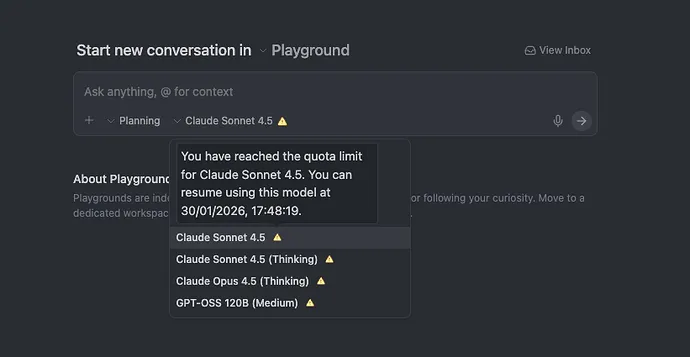
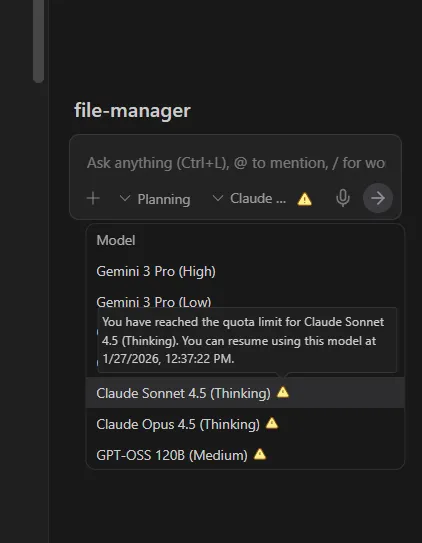
After updating to Antigravity 1.15.6 (Jan 23, 2026), many users report an immediate “Model quota limit exceeded” error for all non‑Google models, with a cooldown window pushed several days out (e.g., 27/01 or 30/01). Some also noticed earlier “Model encountered some error” messages that might have consumed quota.
This appears to be tied to an OAuth initialization failure after the update. Logs under Output → Antigravity show token/extension load errors; the app then mislabels non‑Google providers as exhausted and enforces a multi‑day lockout.
Solution Overview
| Aspect | Detail |
|---|---|
| Root Cause | 1.15.6 regression: OAuth/extension load order failure leaves stale/non‑scoped tokens for non‑Google providers, causing a bad quota cooldown timestamp. |
| Primary Fix | Fully revoke Antigravity’s third‑party access, refresh OAuth, clear local state, then re‑authenticate. |
| Complexity | Medium |
| Estimated Time | 15–25 minutes |
Read More: Fix common Antigravity login and session problems
How to fix Antigravity trigger model quota limit weekly cooldown?
Step-by-Step Solution
1) Check the logs to confirm OAuth/extension errors
- In Antigravity: View → Output → Antigravity (or Window → Output).
- Look for messages about OAuth failures or extensions failing to load in order.
- On macOS, also review local logs:
- File path: ~/Library/Logs/Antigravity
- Command:
tail -n 200 ~/Library/Logs/Antigravity/*.log
2) Revoke Antigravity’s third‑party access and re‑sign in
- Open your Google Account permissions page: Third‑party app access.
- Find Antigravity (and any linked non‑Google model connectors) and click Remove Access.
- Quit Antigravity completely.
- Reopen Antigravity and sign in again when prompted. This forces a clean OAuth grant with correct scopes.
- Verify the quota indicator resets correctly before sending a request.
Tip: If you also linked non‑Google providers using their own accounts (e.g., tenant SSO), revoke Antigravity there too, then re‑authorize.
3) Clear local state (do this after revocation, then re-login)
- Quit Antigravity.
- Run the same safe wipe the community used:
rm -rf ~/Library/Saved\ Application\ State/com.google.antigravity.savedState
rm -rf ~/Library/Logs/Antigravity
rm -rf ~/Library/Caches/Antigravity
rm -rf ~/Library/Application\ Support/Antigravity- Reopen Antigravity and sign in. Confirm non‑Google models are selectable without the cooldown banner.
4) Ensure your system time is correct (prevents bad cooldown math)
- A skewed clock can push cooldown windows forward.
- On macOS:
sudo systemsetup -setusingnetworktime on
sudo systemsetup -setnetworktimeserver time.apple.com- Reboot the Mac after setting time sync, then relaunch Antigravity.
5) Test with a non‑Google model and watch the quota banner
- Send a small request to a non‑Google model.
- If the banner still shows a multi‑day lockout, sign out, quit the app, and sign in once more to refresh tokens created before the time sync.
6) Temporary switch to Google models if you’re still blocked
- In Antigravity, set your default provider to a Google model and continue work. This avoids the non‑Google lockout until a patch is released.
Read More: Troubleshoot Antigravity “fail to send” request errors
Alternative Fixes & Workarounds
- Use the previous working build and block auto‑update
- If your org allows it, install 1.15.5, sign in cleanly, and disable auto‑update until a hotfix lands. Note: some users reported the cooldown persisted across versions unless OAuth was revoked first.
- Create a fresh local profile
- Create a new macOS user, install Antigravity, and sign in. This ensures no residual tokens/configs linger in your profile.
- Web client or CLI fallback
- Use the web interface or CLI (if available for your plan) to run non‑Google models temporarily; cooldown logic is often handled differently server‑side.
Troubleshooting Tips
- If Output → Antigravity still shows OAuth failures, re‑revoke access and re‑authenticate. Token caches sometimes need two passes after an upgrade.
- Check that only one device is hammering non‑Google models under your account; background retries can silently consume quota.
- If you see frequent “model encountered error” loops, disable background features (inline suggestions, auto‑runs) that might retry requests.
- Confirm your Pro subscription is active and applied to the same Google account you’re logged into.
- If enterprise network tooling delays OAuth redirects, try a mobile hotspot or a clean browser profile for the initial sign‑in.
- Still locked? Capture the Output → Antigravity log snippet and open a support ticket referencing the 1.15.6 non‑Google quota lockout after OAuth failure.
Read More: Dealing with Antigravity agent crashes and restarts
Best Practices
- Revoke and re‑grant third‑party access after major app upgrades that modify authentication flows.
- Keep system time synced to avoid quota window miscalculations.
- Avoid parallel sessions across multiple machines that can trigger background retries.
- Monitor Output → Antigravity after updates; fix red OAuth/extension errors before heavy usage.
- Keep a stable rollback plan (installer for prior minor version) until you validate a new build in your environment.
Final Thought
A clean OAuth revoke → local state reset → re‑login resolves the false multi‑day cooldown for most users on 1.15.6. If the banner persists, run with Google models as a stopgap and share your logs with support so they can fast‑track the patch.
Subscribe to our newsletter
Get the latest updates and articles directly in your inbox.

Related Posts
How to fix Agent stuck and can't be stopped error in Antigravity?
How to fix Agent stuck and can't be stopped error in Antigravity?
How to fix Agent is not responding error in Antigravity?
How to fix Agent is not responding error in Antigravity?
How to fix Antigravity won't work with any Gemini models error?
How to fix Antigravity won't work with any Gemini models error?