
Table Of Content
- What is Microsoft TRELLIS-2?
- Microsoft TRELLIS2 - Local Installation and Setup
- Microsoft TRELLIS2 - Architecture and Use Cases
- Model Design
- What Is a Voxel
- Microsoft TRELLIS2 - Running Locally
- Performance and VRAM
- Viewer, Angles, and Render Modes
- Microsoft TRELLIS2 - Examples and Results
- Example: Provided Tree Asset
- Example: Character Image
- Exporting GLB
- Example: My Own Image
- Example: Curry Image
- Example: Glass With Objects Inside
- Final Thoughts
Microsoft TRELLIS‑2: Single‑Image to 3D on Your PC (Setup + Demo)
Table Of Content
- What is Microsoft TRELLIS-2?
- Microsoft TRELLIS2 - Local Installation and Setup
- Microsoft TRELLIS2 - Architecture and Use Cases
- Model Design
- What Is a Voxel
- Microsoft TRELLIS2 - Running Locally
- Performance and VRAM
- Viewer, Angles, and Render Modes
- Microsoft TRELLIS2 - Examples and Results
- Example: Provided Tree Asset
- Example: Character Image
- Exporting GLB
- Example: My Own Image
- Example: Curry Image
- Example: Glass With Objects Inside
- Final Thoughts
What is Microsoft TRELLIS-2?
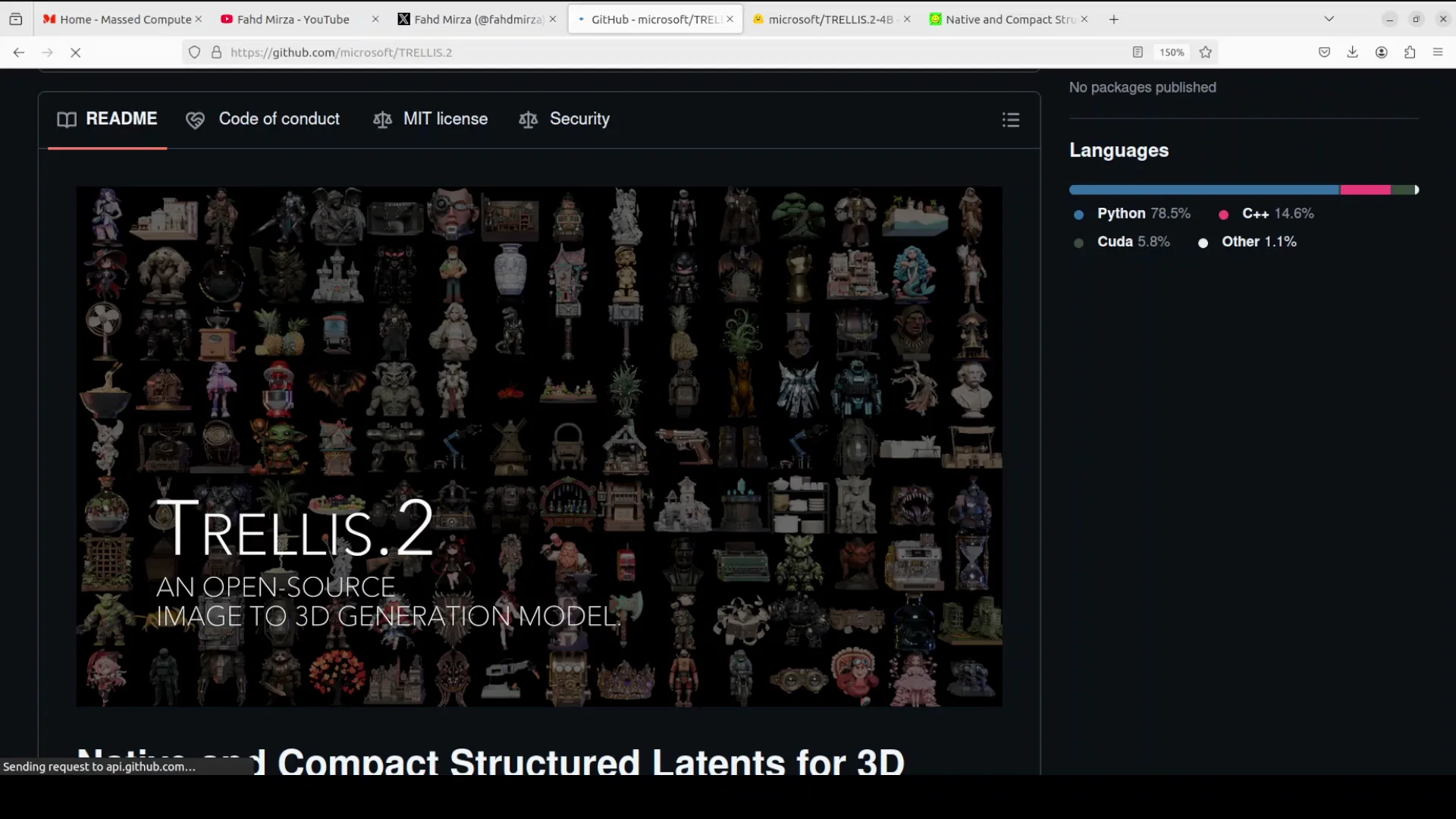
Microsoft is ending the year with a banger. They have just released another version of their all-time famous Trellis model which takes one 2D image and generates a high quality high fidelity 3D model from it. They released the previous Trellis model over one year ago. Another interesting bit about this new model is that this was created with the collaboration of Sinua University in China.
What this model does, it outputs a textured mesh with full PBR, which means physically based rendering material. The 3D model has realistic colors, shine, metalness, roughness, and even transparency and translucency. It can handle complex shapes, holes, open surfaces, and weird geometry perfectly without the glitches or broken parts you get from older image to 3D model.
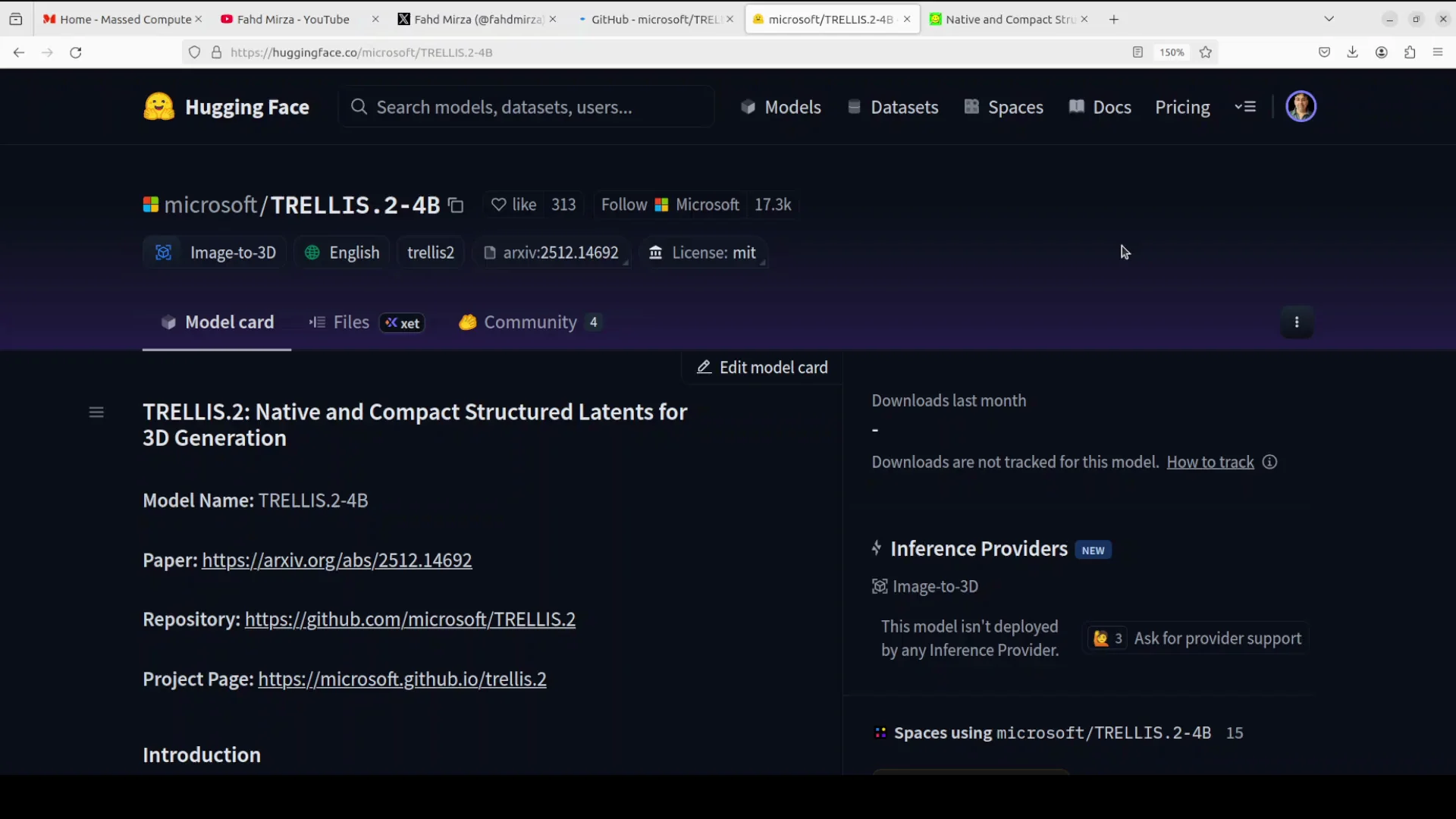
Microsoft TRELLIS2 - Local Installation and Setup
I am going to use this Ubuntu system and I have one GPU card NVIDIA 6000 with 48 GB of VRAM. Microsoft has also shared this repo, so I am just going to clone it. Then we need to run this setup script from the root of the repo. Everything is installed.
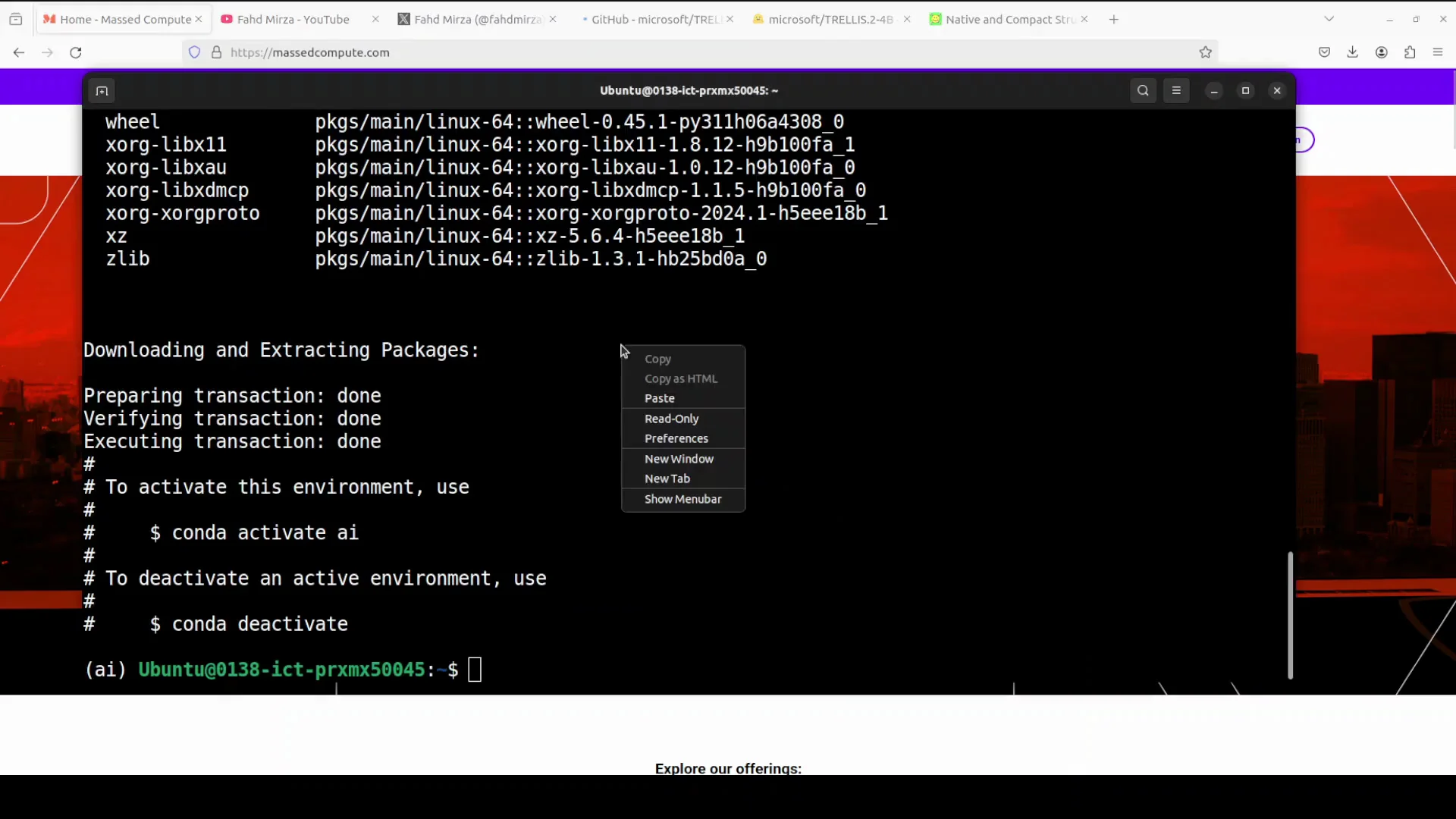
Next, run app.py from the root of the repo. The first time you run this, it downloads the model. It is not a huge model.
Microsoft TRELLIS2 - Architecture and Use Cases
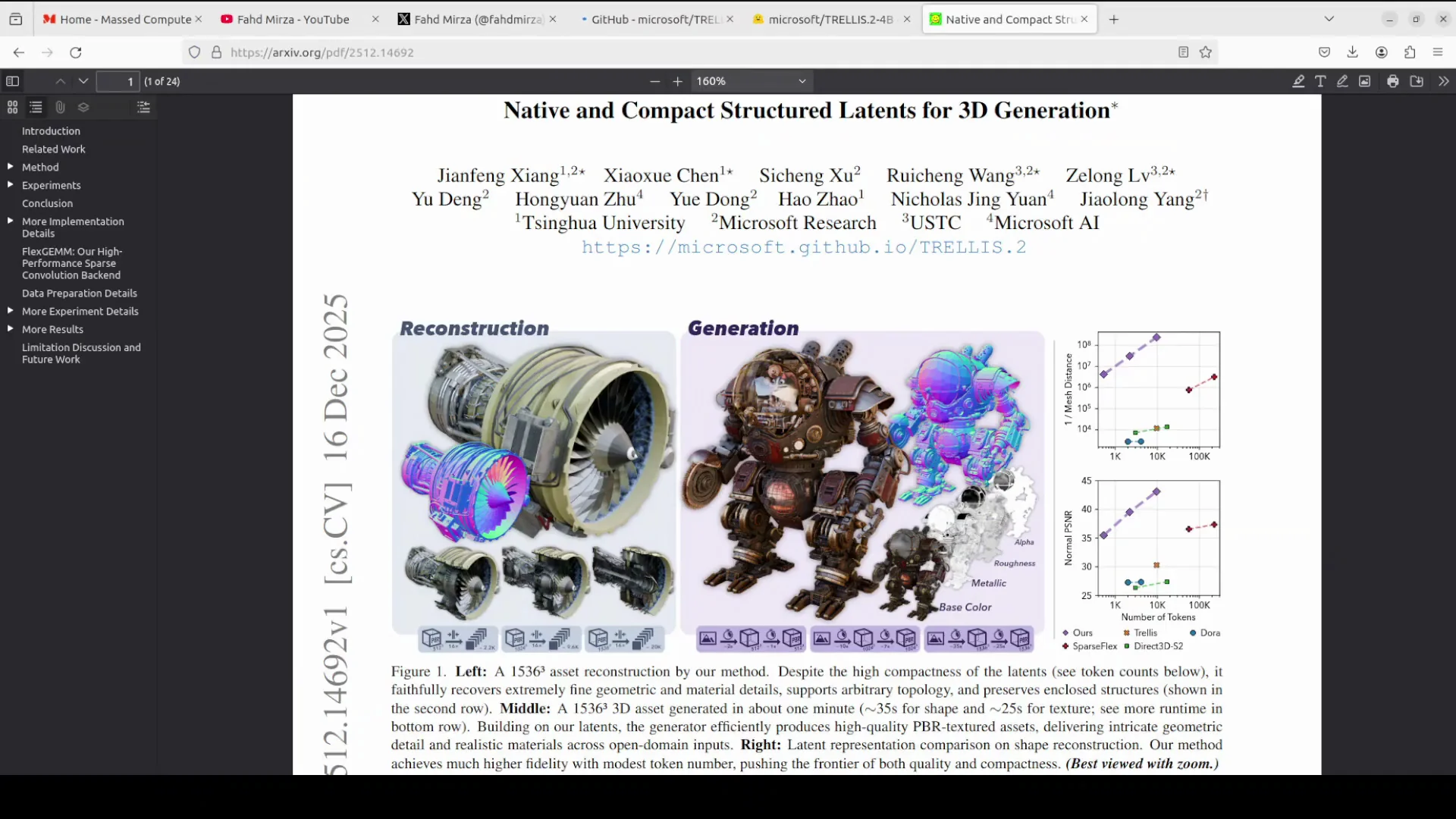
While it downloads, here is more around the architecture of the model and use cases. It is a 3D model generative model which you can use for your game development where you have a concept for a game or art or photo, and it can quickly turn that into ready to use 3D characters. You can create photoreal assets for scenes or effects. You can make objects that look good in any lighting and you can turn real world photos into editable 3D models. It is not just gaming. You can also generate printable meshes and do rapid prototyping from sketches or references.
Model Design
They have shared a lot of information in the paper. If you look at the architecture and their approach, it is built around a 4 billion parameter flow matching transformer. A flow matching transformer is a model that creates smooth high quality data.
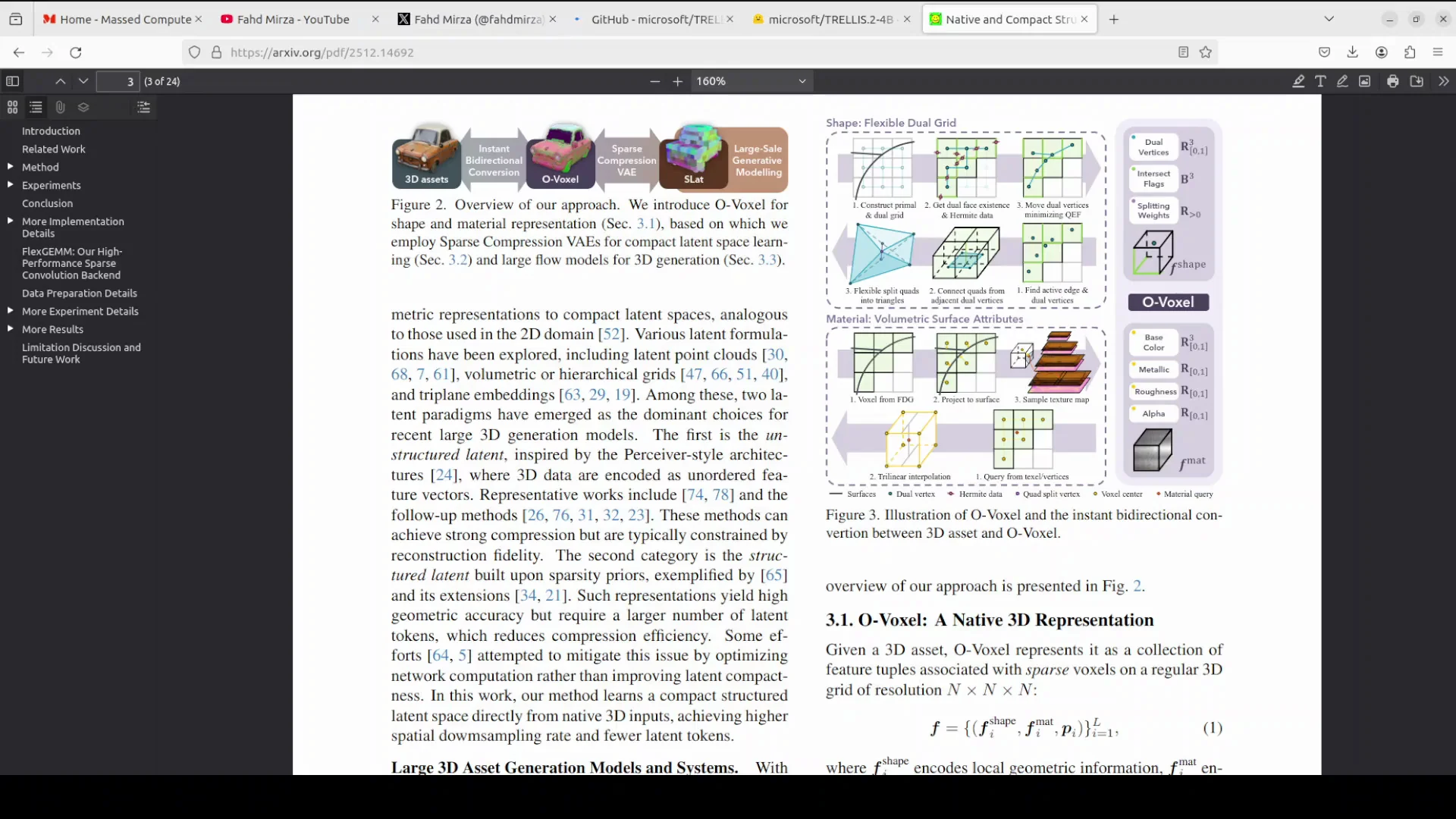
The core trick is Oxel. This is something they have introduced. Oxel is a sparse voxel grid that stores both shape and appearance directly. No need for signed distance fields or other surface tricks that fail on tricky topologies. A sparse 3D variational autoencoder compresses huge assets into a tiny latent code with almost no quality drop. The transformer generates a latent from the input image, then converts it instantly to a mesh - no slow optimization steps. This whole thing makes it faster, more accurate, and better at complex transparent objects than most alternatives. I think Microsoft's Trellis first version still beats most of them.
What Is a Voxel
Voxel is short for volume pixel. It is the 3D equivalent of a pixel - a tiny cube-shaped unit that represents a point in 3D space holding information like color, density, or material. In 3D modeling, these voxels form a grid like Lego blocks to describe objects volumetrically.
Microsoft TRELLIS2 - Running Locally
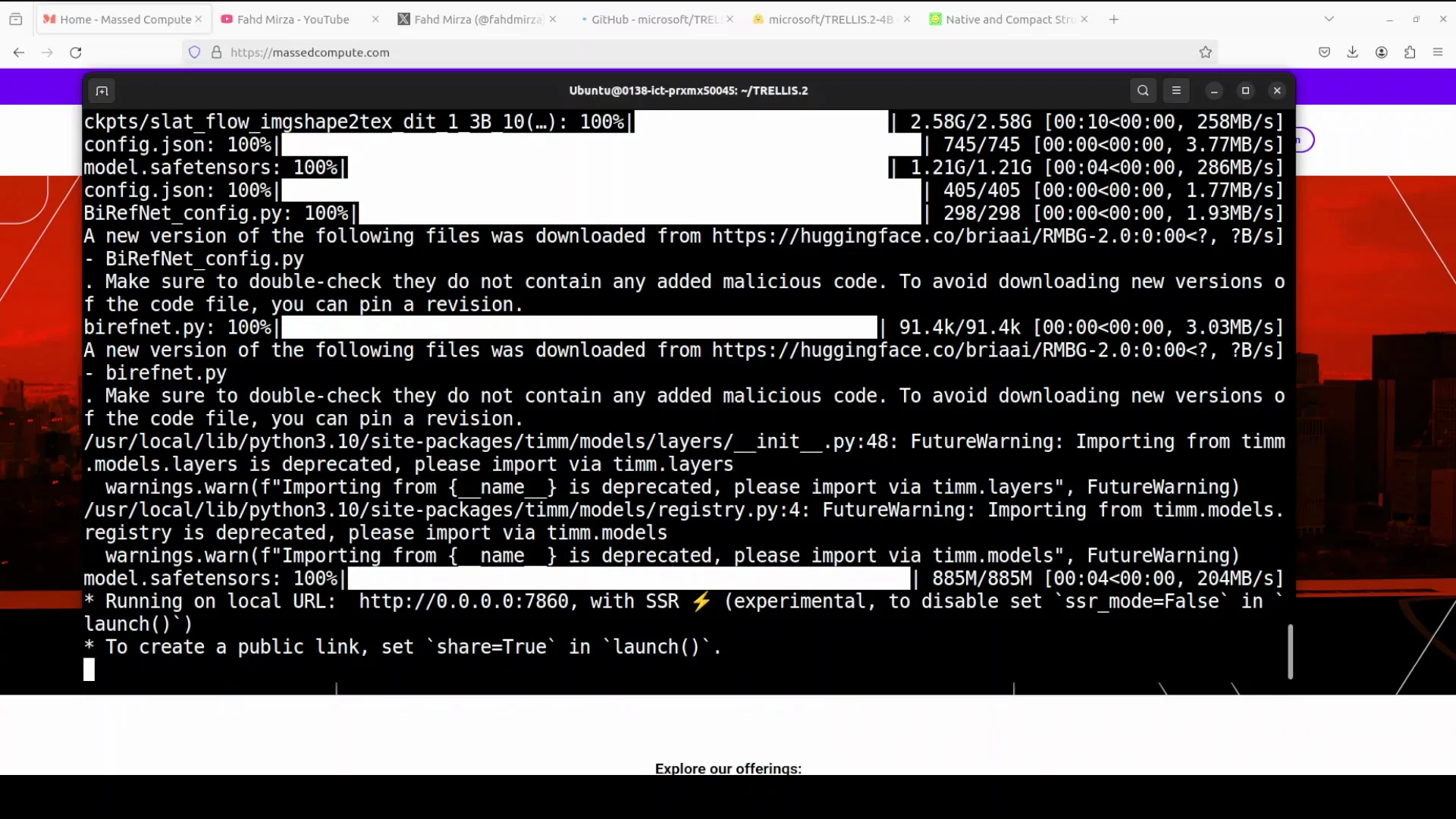
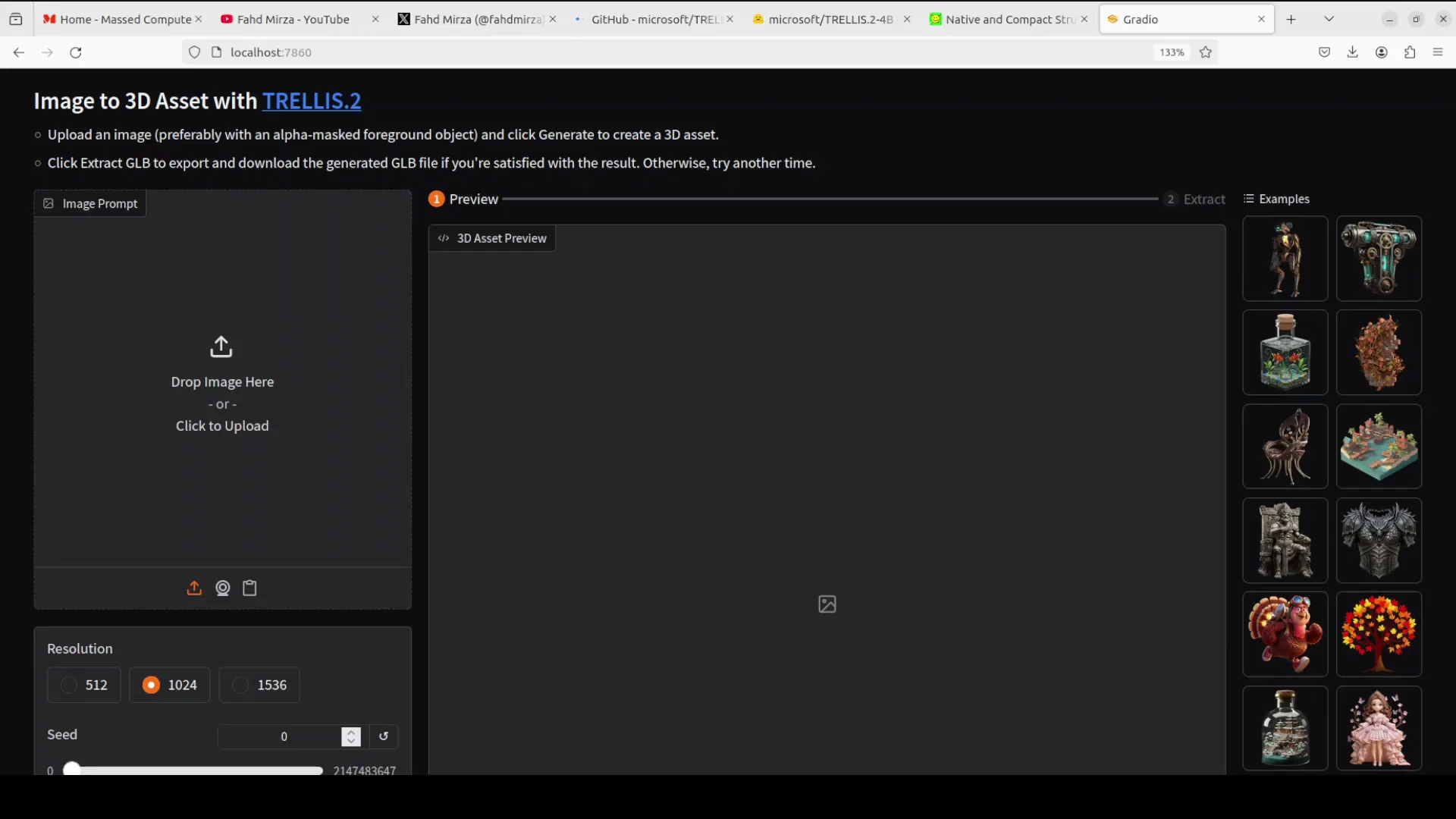
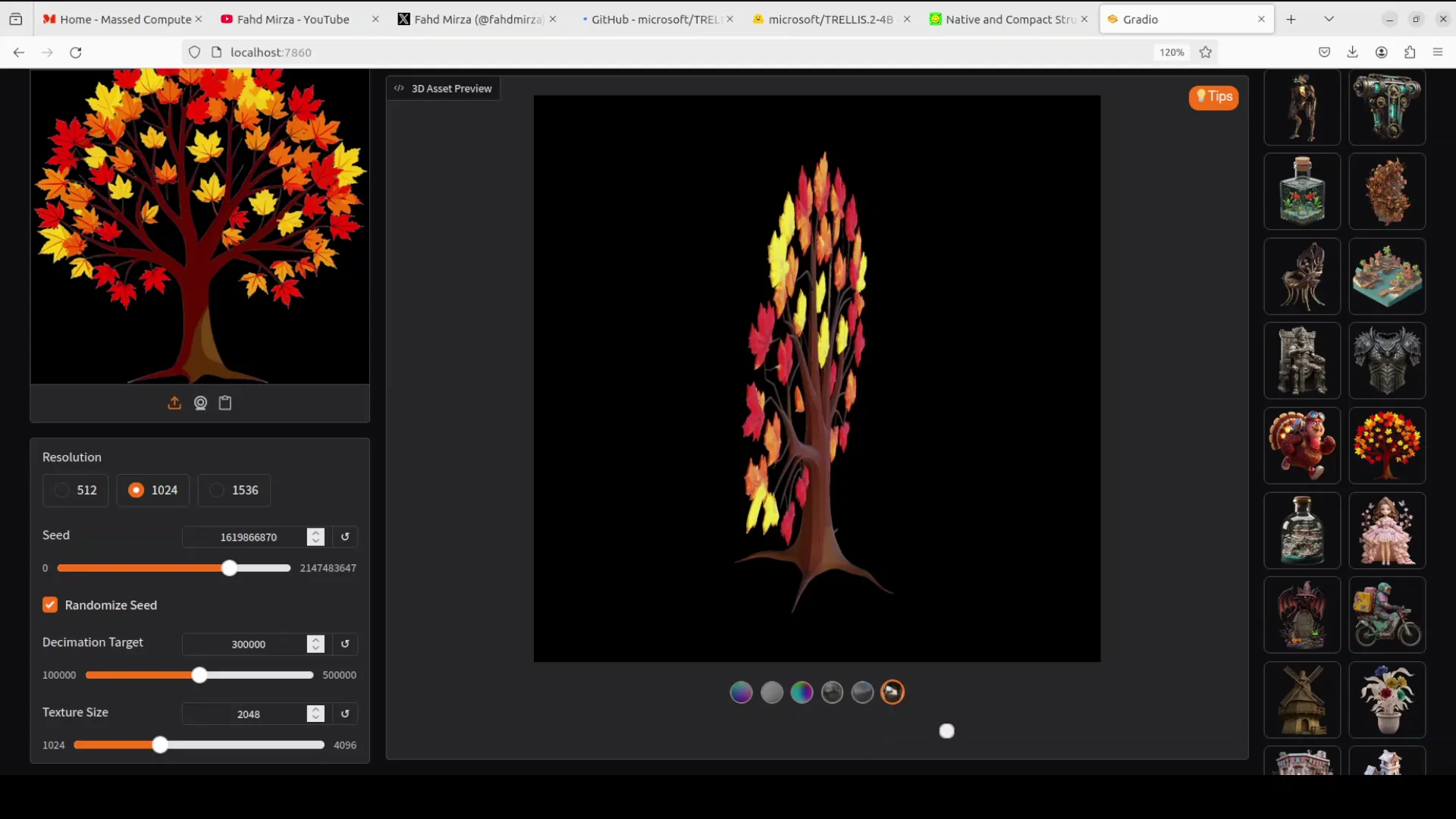
The model is loaded and running on our local system. Access it on your localhost. Select any image, preferably with some masked foreground object as I explained earlier, and generate a 3D asset. You can keep the default hyperparameters.
Performance and VRAM
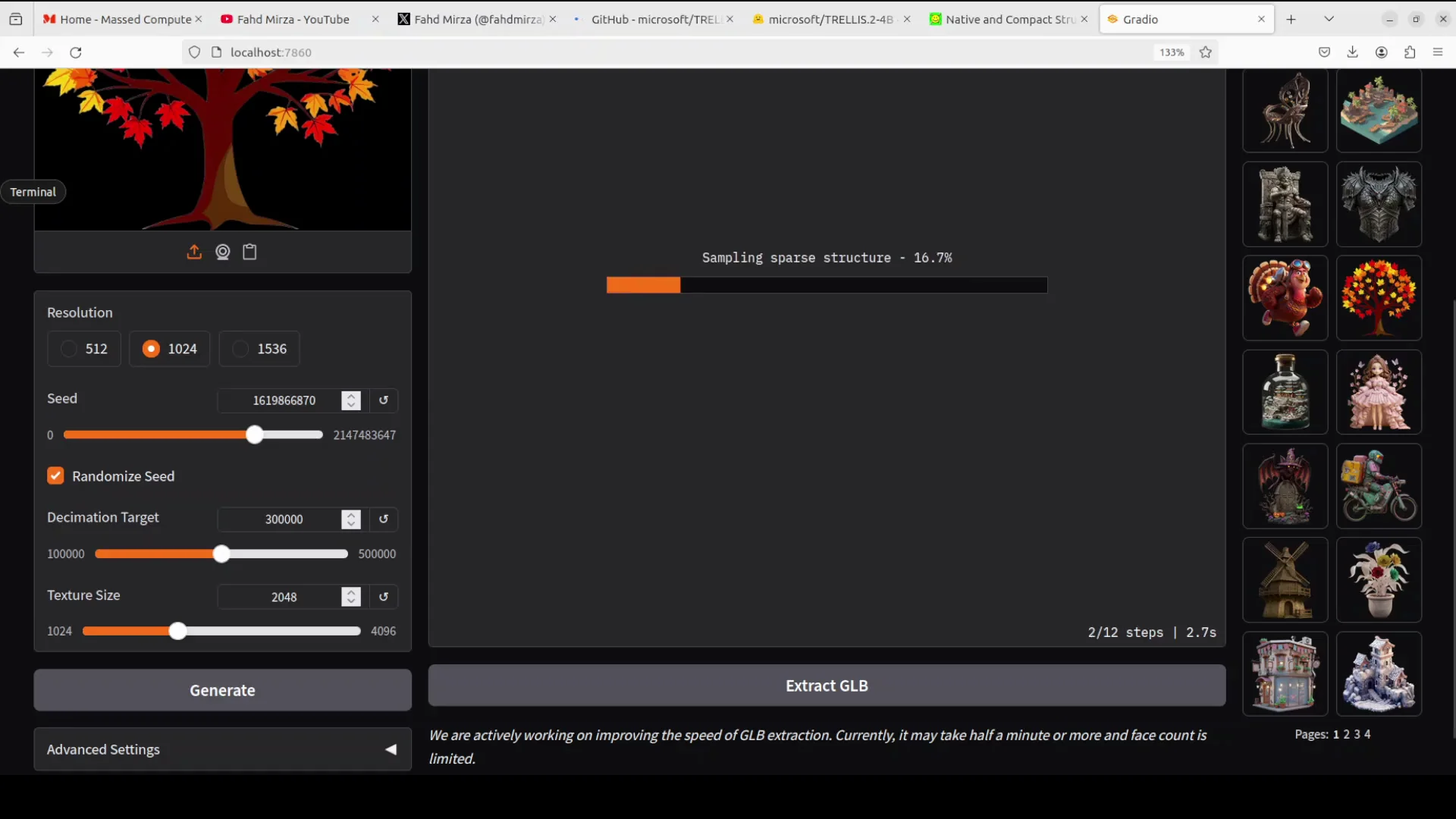
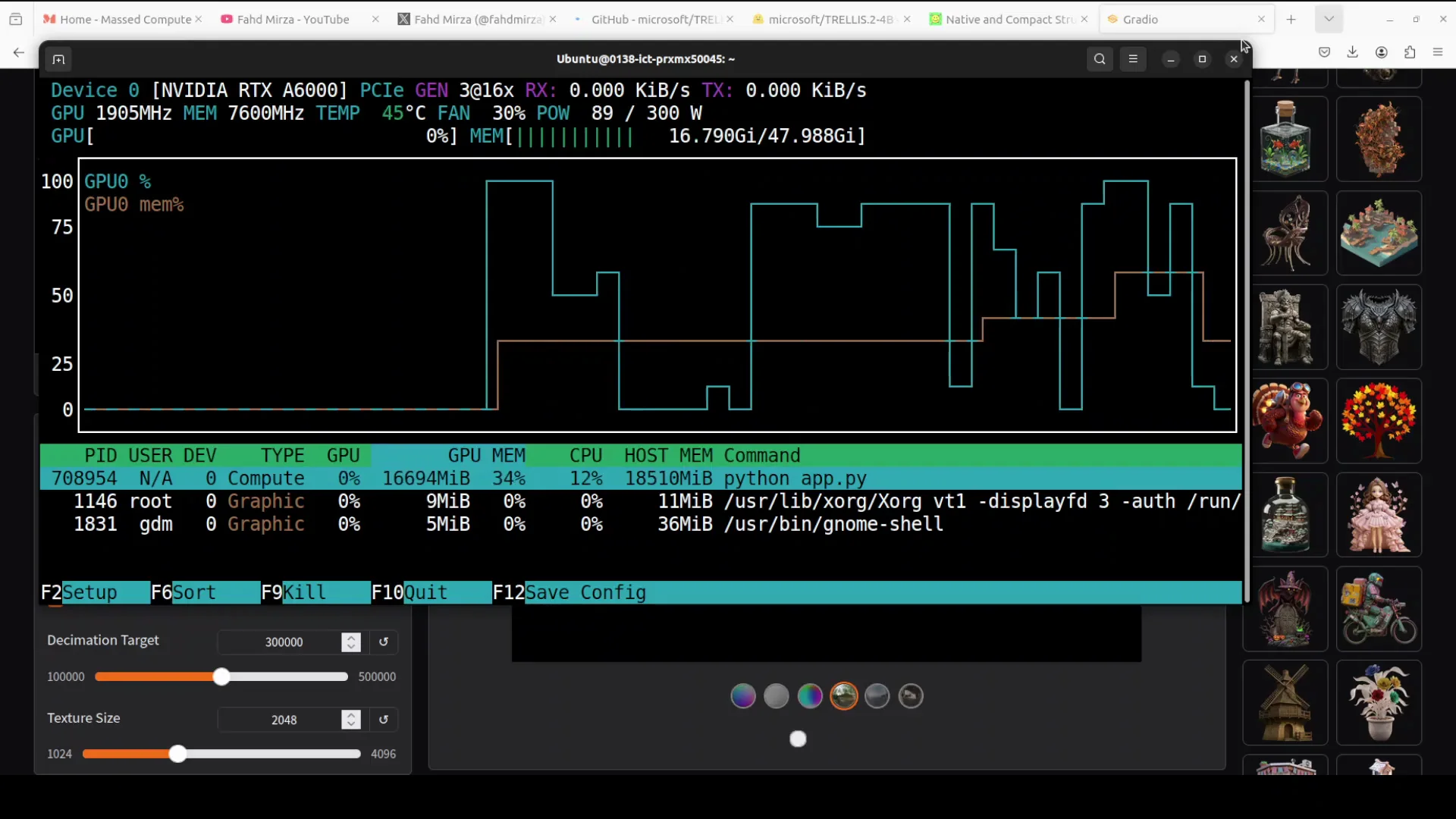
It takes around a minute or so to finish a generation. VRAM consumption sits just over 16 GB during generation. When it starts rendering, it jumps to just under 30 GB.
Viewer, Angles, and Render Modes
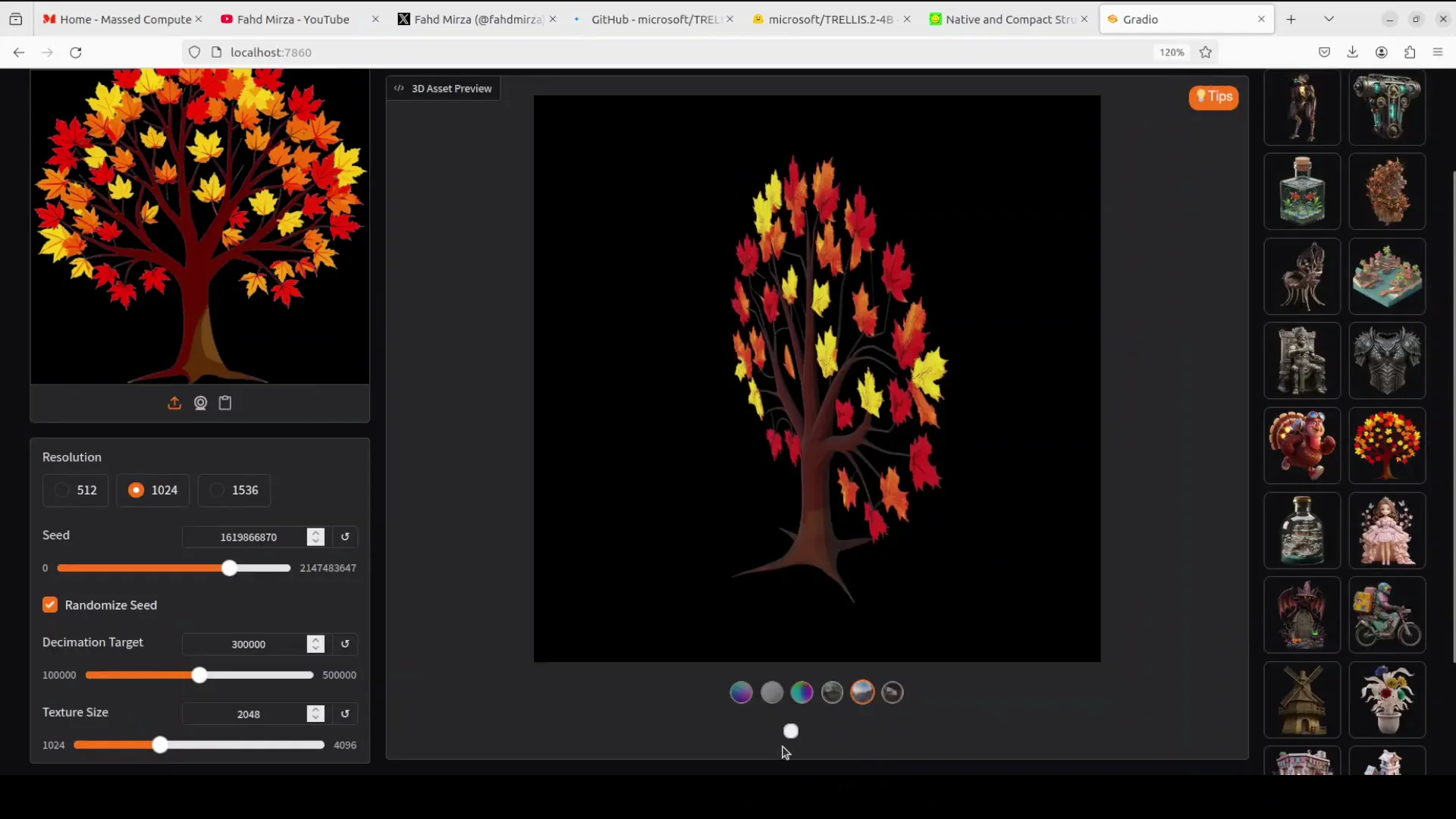
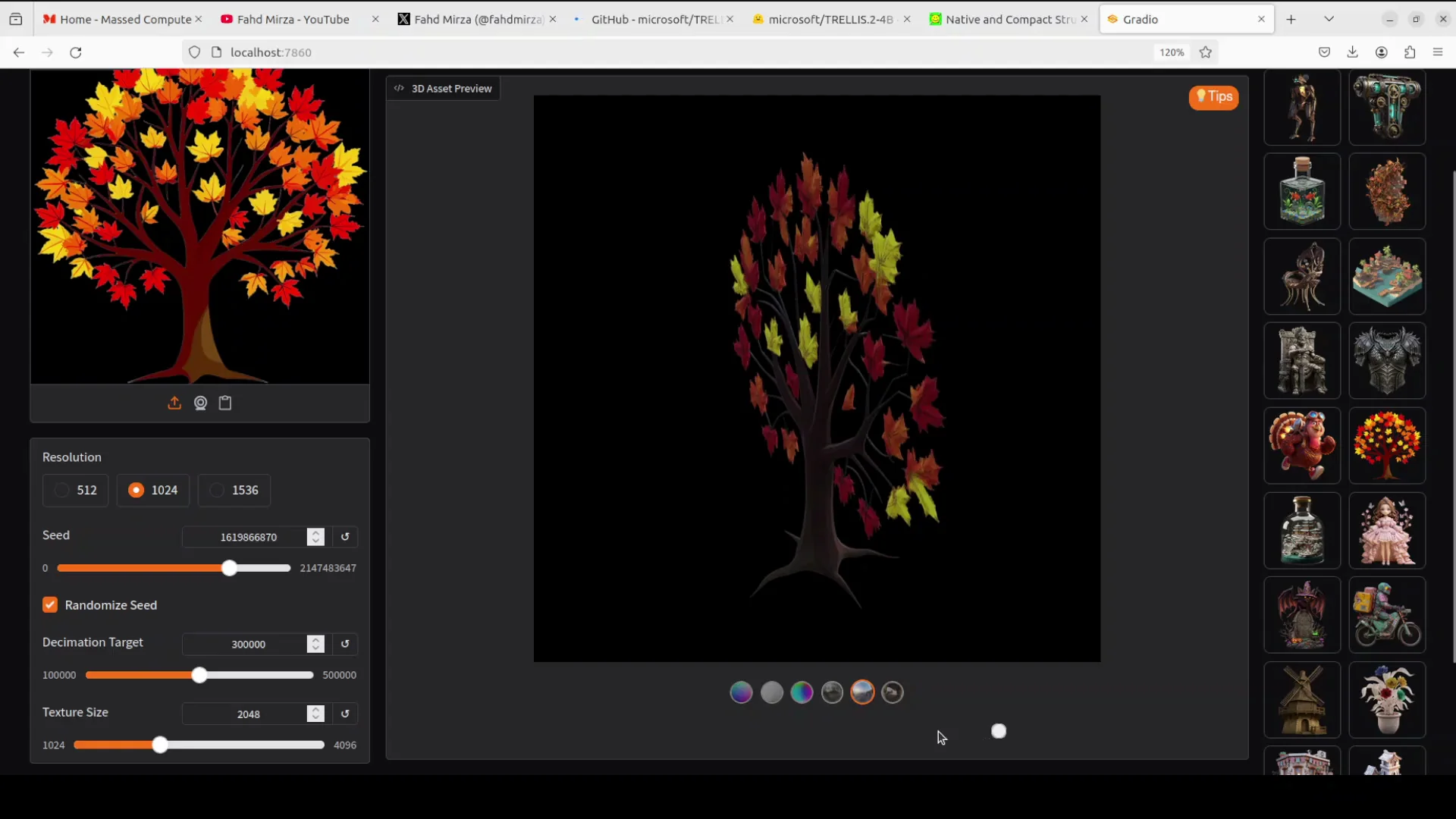
Use the slider to check the model from various angles. These are the render modes. It is quite strong in its coverage of physically based rendering because that is the primary rendering mode now. Whatever the base color and roughness are, it produces photorealistic results.
Microsoft TRELLIS2 - Examples and Results
Example: Provided Tree Asset
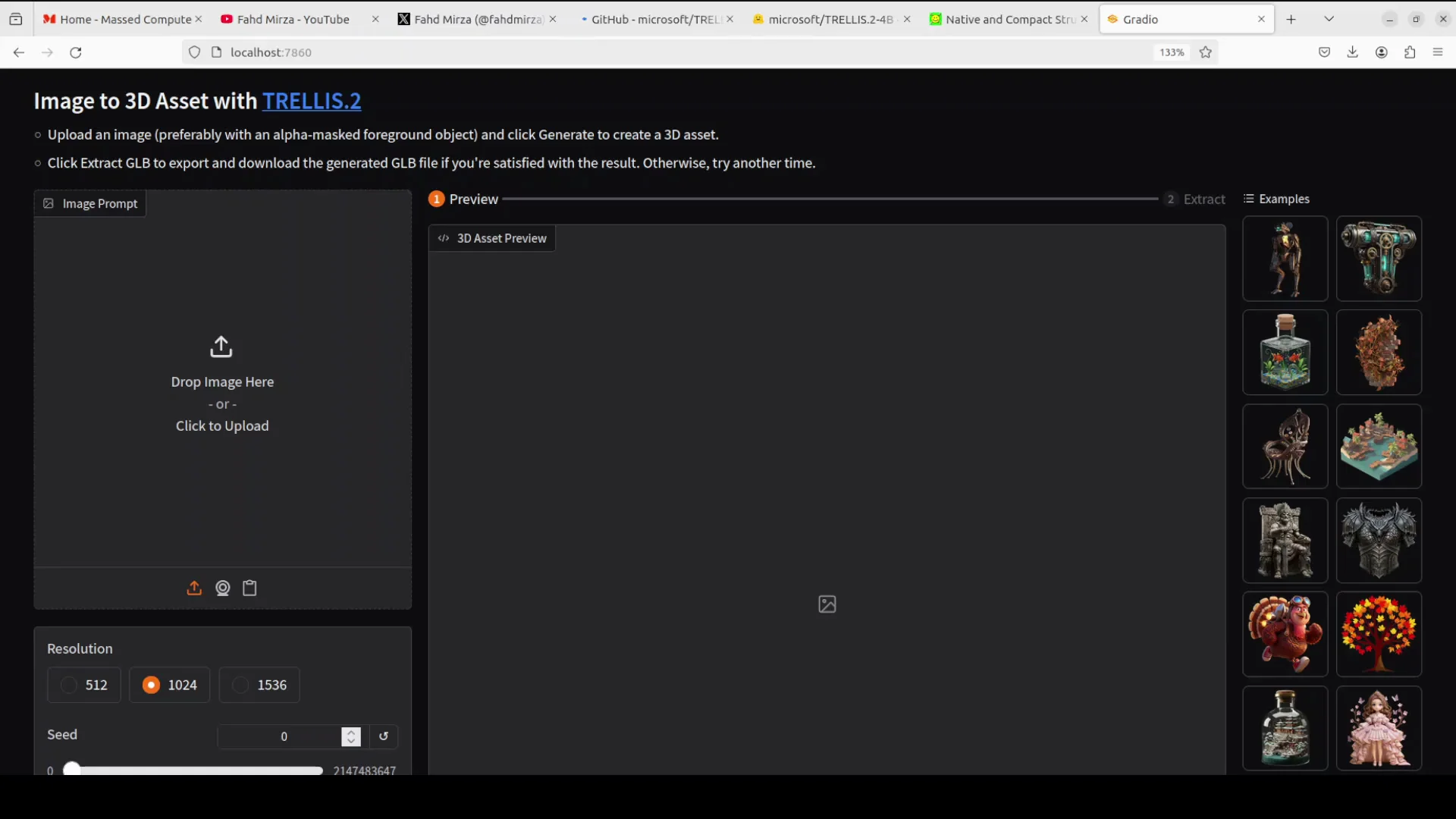
Using their example tree image from the repo, generation completed in about a minute. VRAM hovered around 16 GB during generation and spiked to just under 30 GB during rendering. Material variations look good, and switching render modes shows solid PBR responses across angles.
Example: Character Image
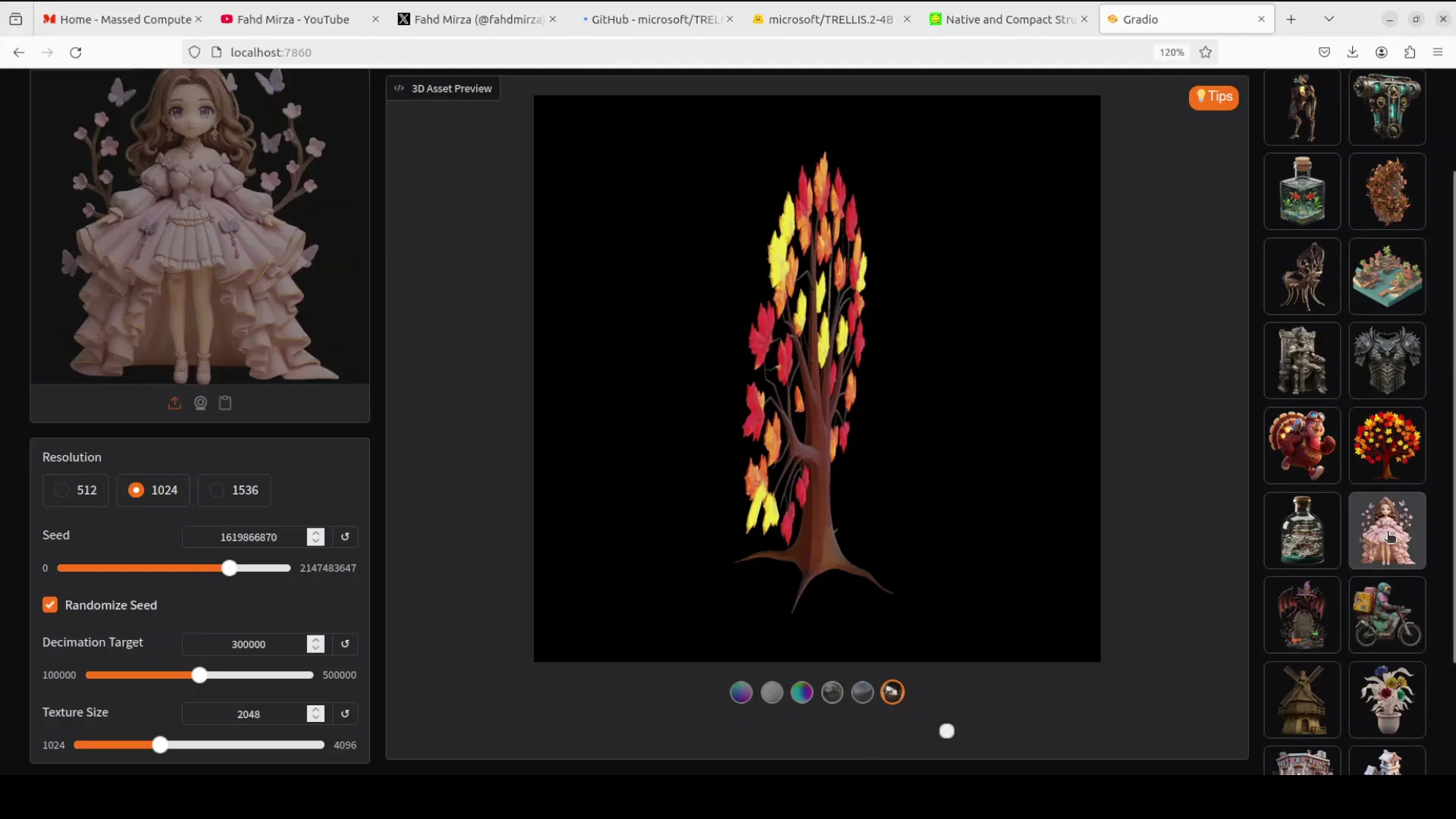
On a character image, the result looks pretty good. There is slight misformation in the eyes, but not much. It is fixable.
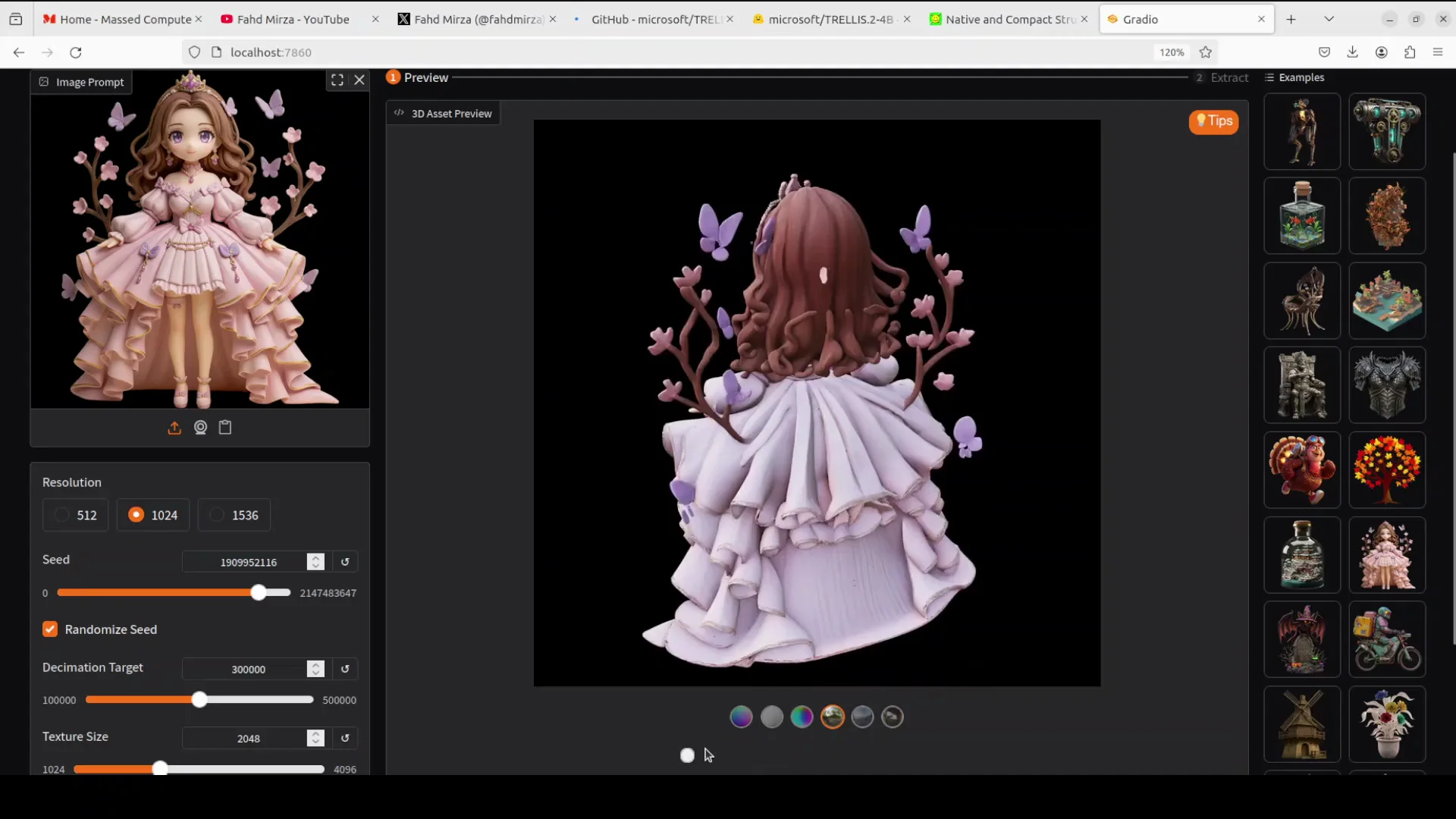
Exporting GLB
You can also extract the GLB format. It is still a bit slow - takes a minute or so. GLB is GL Transmission Format binary. It is a compact single file binary format for storing 3D models and scenes. You can use it for 3D viewers, game engines, AR and VR apps, and tools like Blender, Microsoft Paint 3D, Adobe Substance, and others.
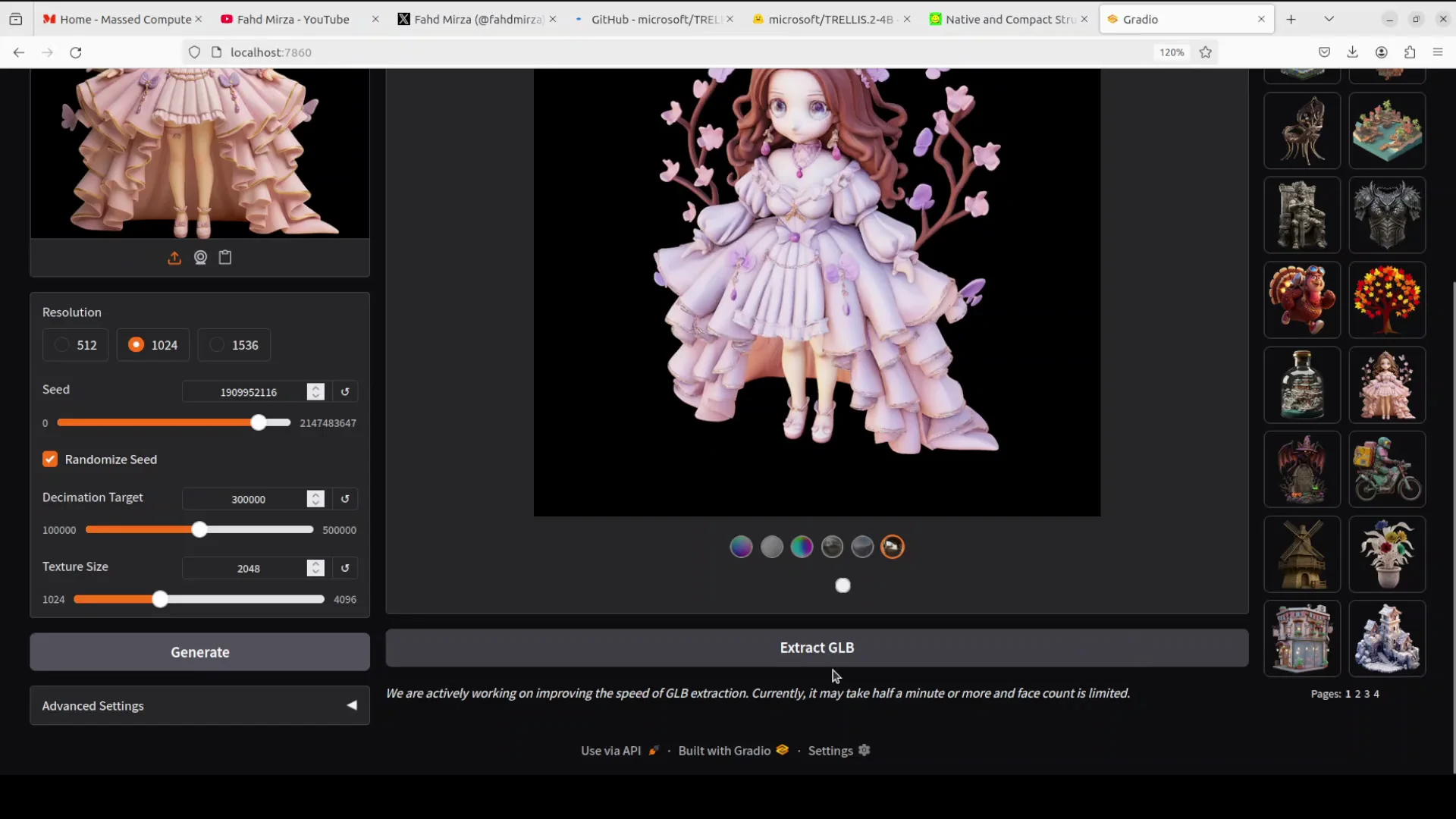
Example: My Own Image
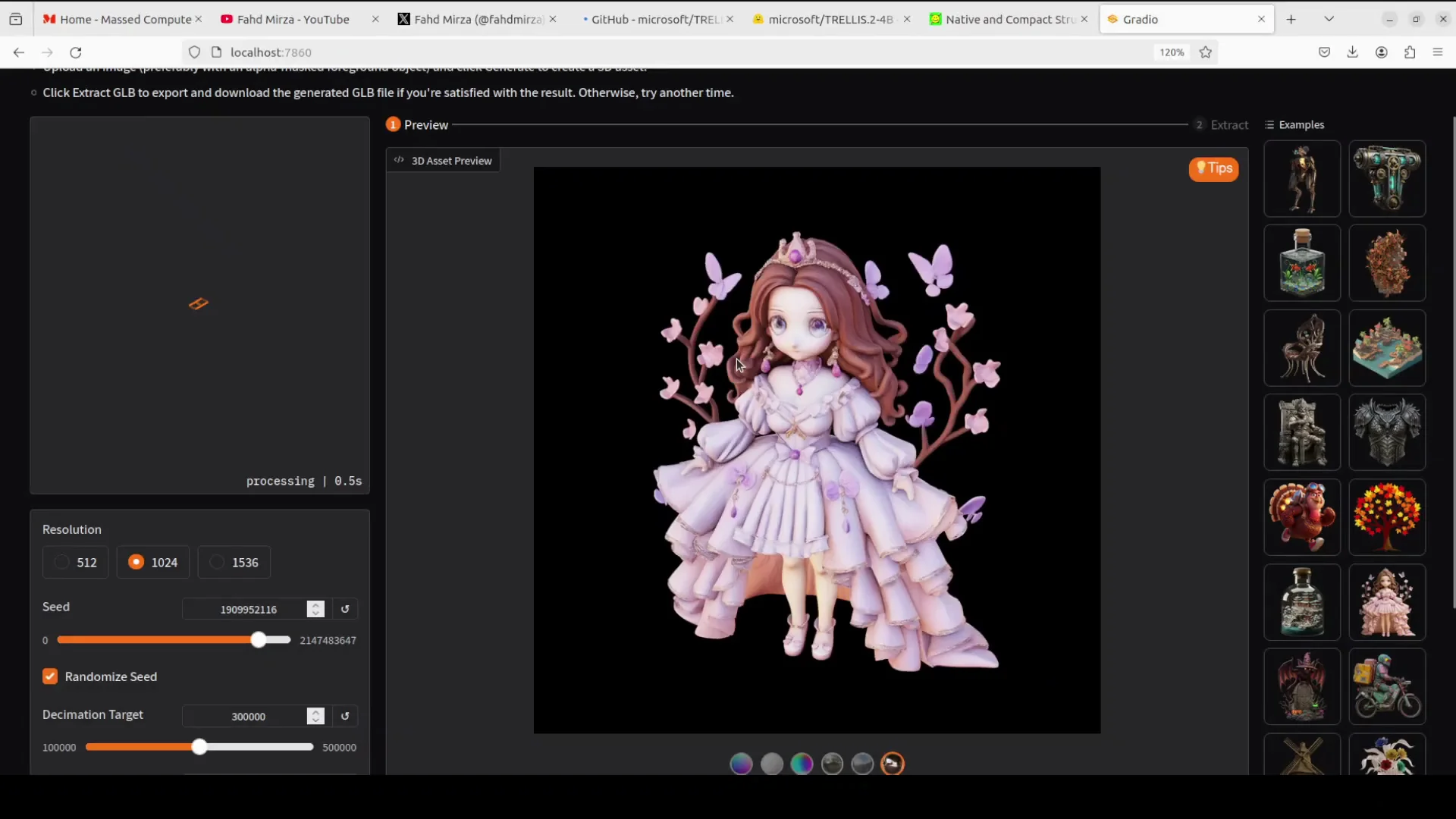
On an optimized image from my local system, it processed and generated clean results across render modes. You can move it around and create 3D assets from it.
Example: Curry Image
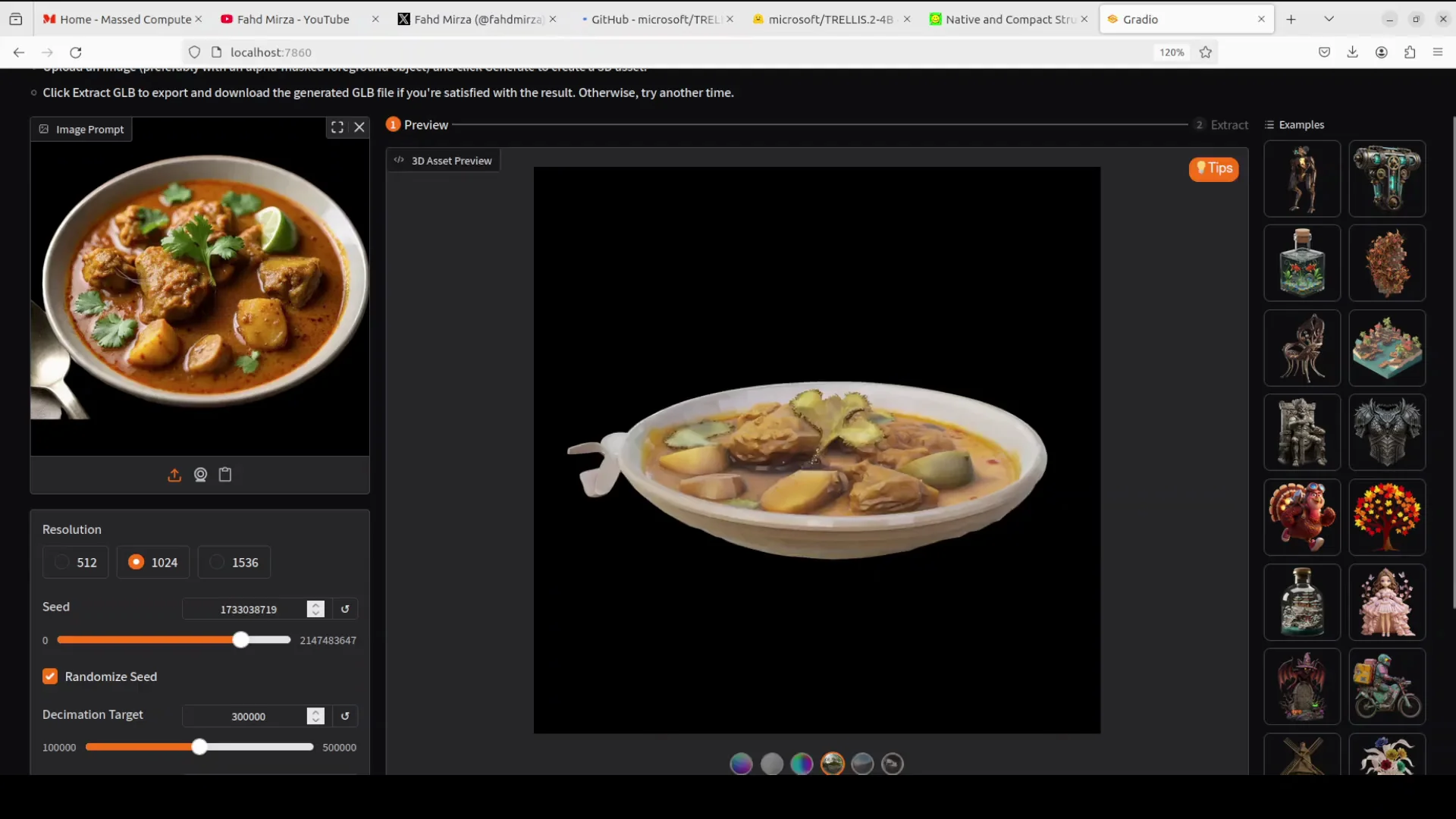
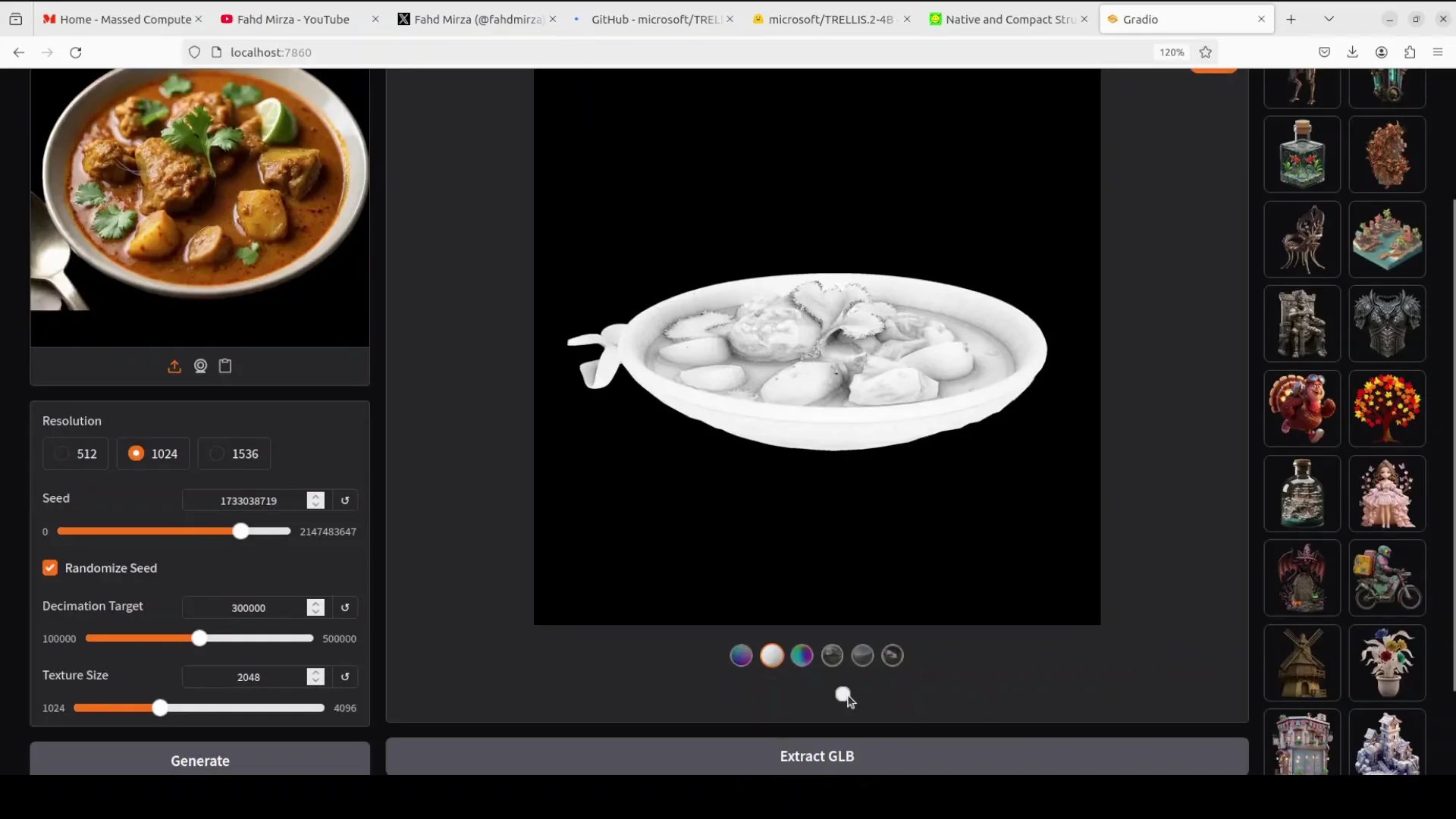
On a curry image, there are some spoons in the source, but the model output focuses on the main object. Not bad at all. It is quite good. Some of the veggies on the top are very fine and look really good.
Example: Glass With Objects Inside
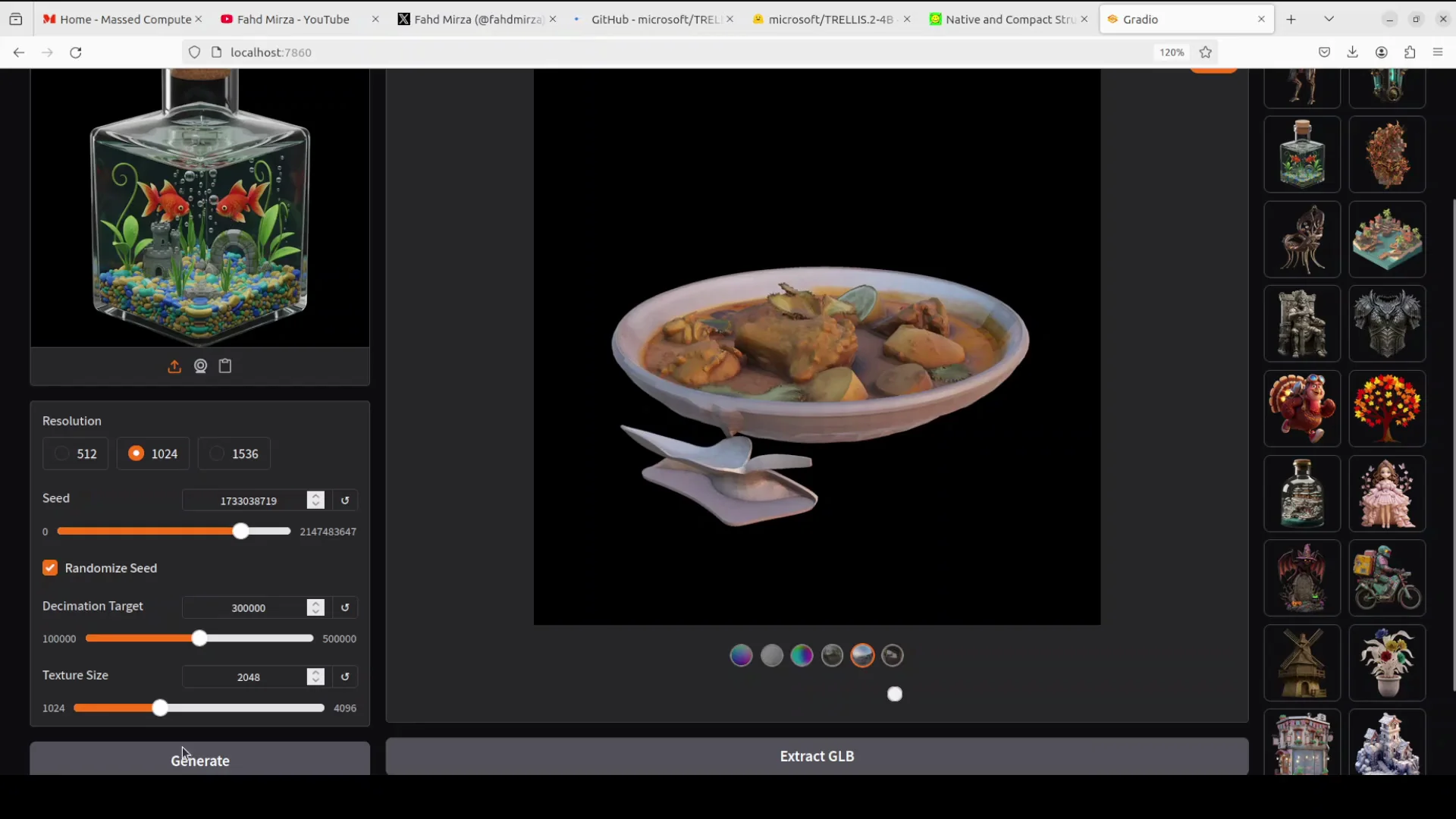
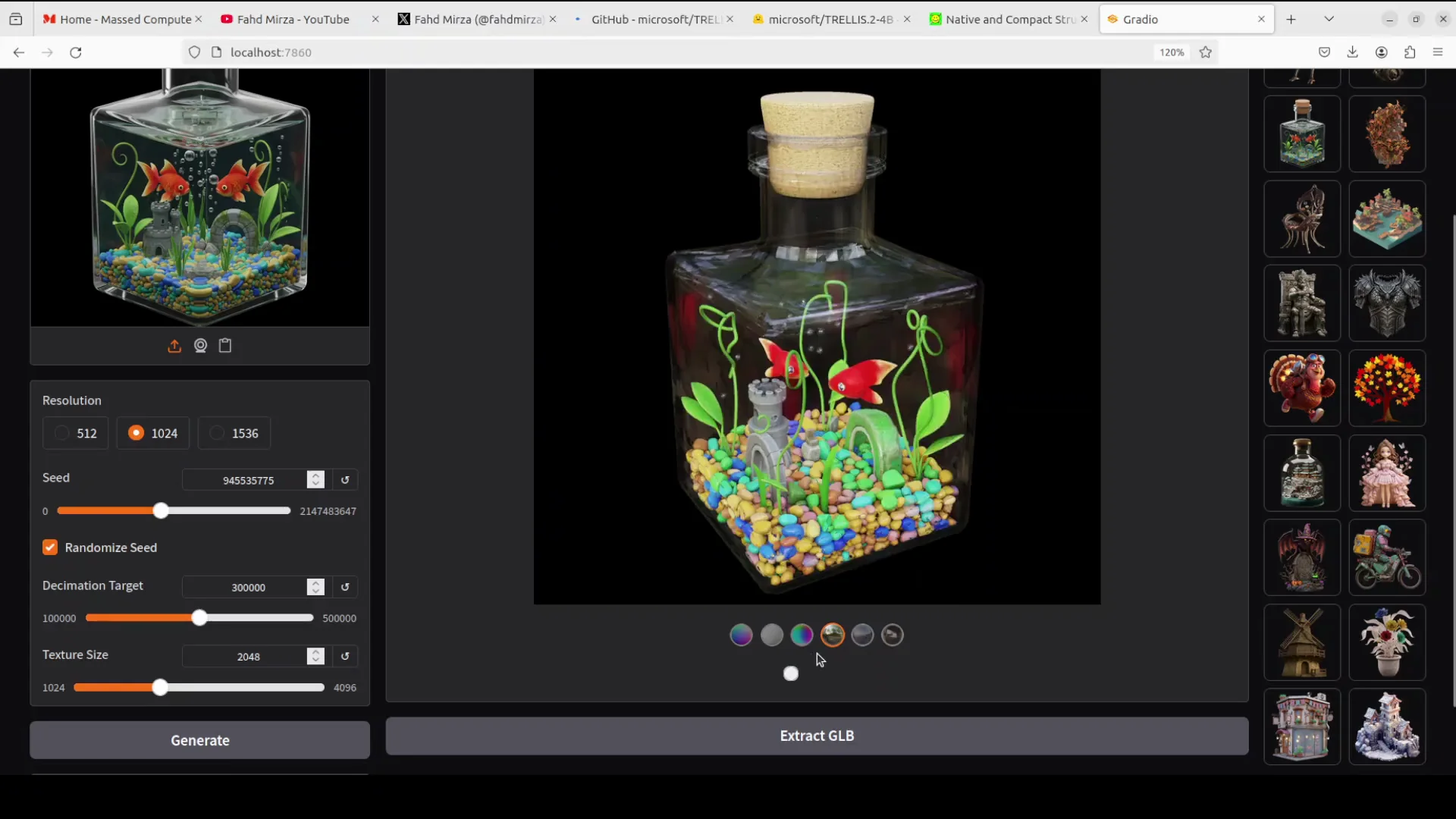
I really like this test because it is a glass with objects inside. It looks really good. There are a few mistakes, especially around the green offshoots, but other than that it has done well. The different renderings show consistent material behavior.
Final Thoughts
Microsoft’s new Trellis model turns a single 2D image into a textured, PBR-ready 3D mesh, handles tricky geometry and transparency, and runs locally with straightforward setup. The 4B flow matching transformer, Oxel sparse voxel grid, and sparse 3D VAE enable fast, high quality results without slow optimization. Generation takes about a minute, uses around 16 GB VRAM and up to 30 GB during rendering, and exports clean GLB assets for engines and tools. Across tests, results are strong with minor artifacts that are generally fixable.
Subscribe to our newsletter
Get the latest updates and articles directly in your inbox.

Related Posts

8 Best Claude Code Plugins in 2026 (You Need to Know)
8 Best Claude Code Plugins in 2026 (You Need to Know)

7 Best Claude Code Skills (You Need to Know)
7 Best Claude Code Skills (You Need to Know)

Claude Code Desktop IDE Features (You Need to Know)
Claude Code Desktop IDE Features (You Need to Know)