
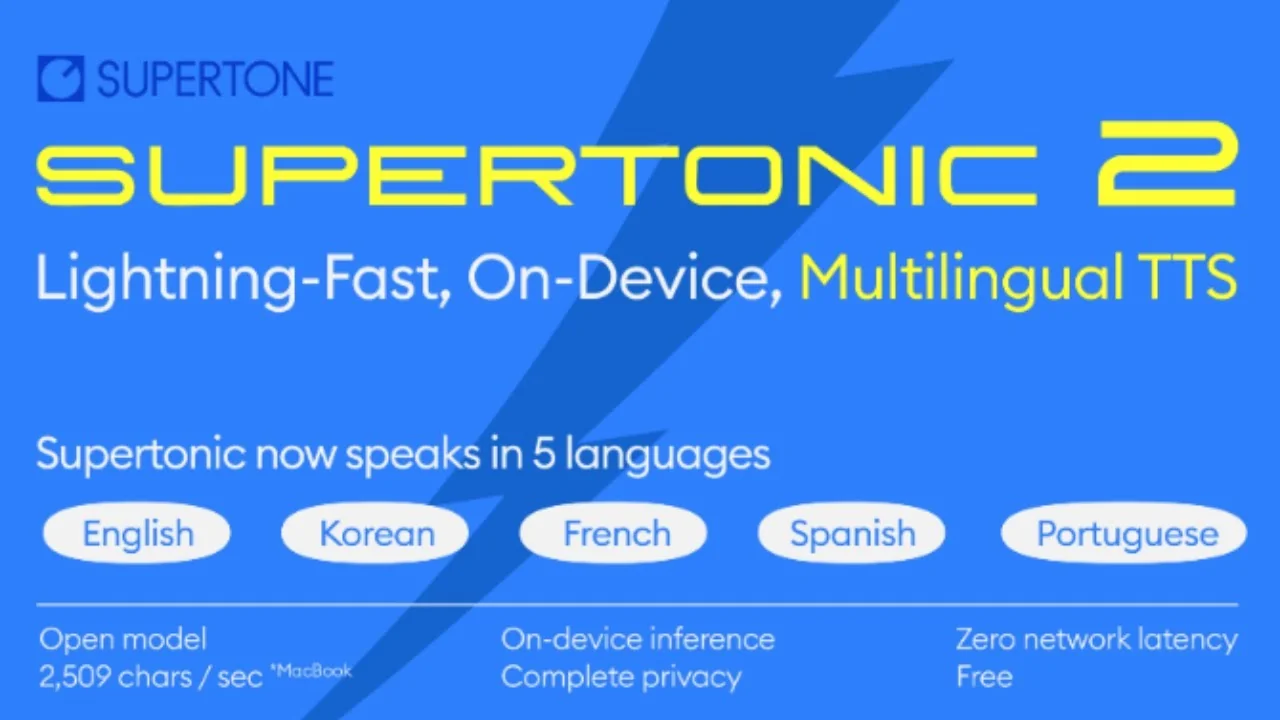
Supertonic 2: Lightning Fast, On-Device TTS, Multilingual TTS
Supertonic from Korea is here and this is what it looks like. The demo is running locally on my system in the browser. I chose a male voice in English first and converted a sample text to speech. You can also run it locally with Python or a few other languages. The speed is quite fast and the license is MIT.
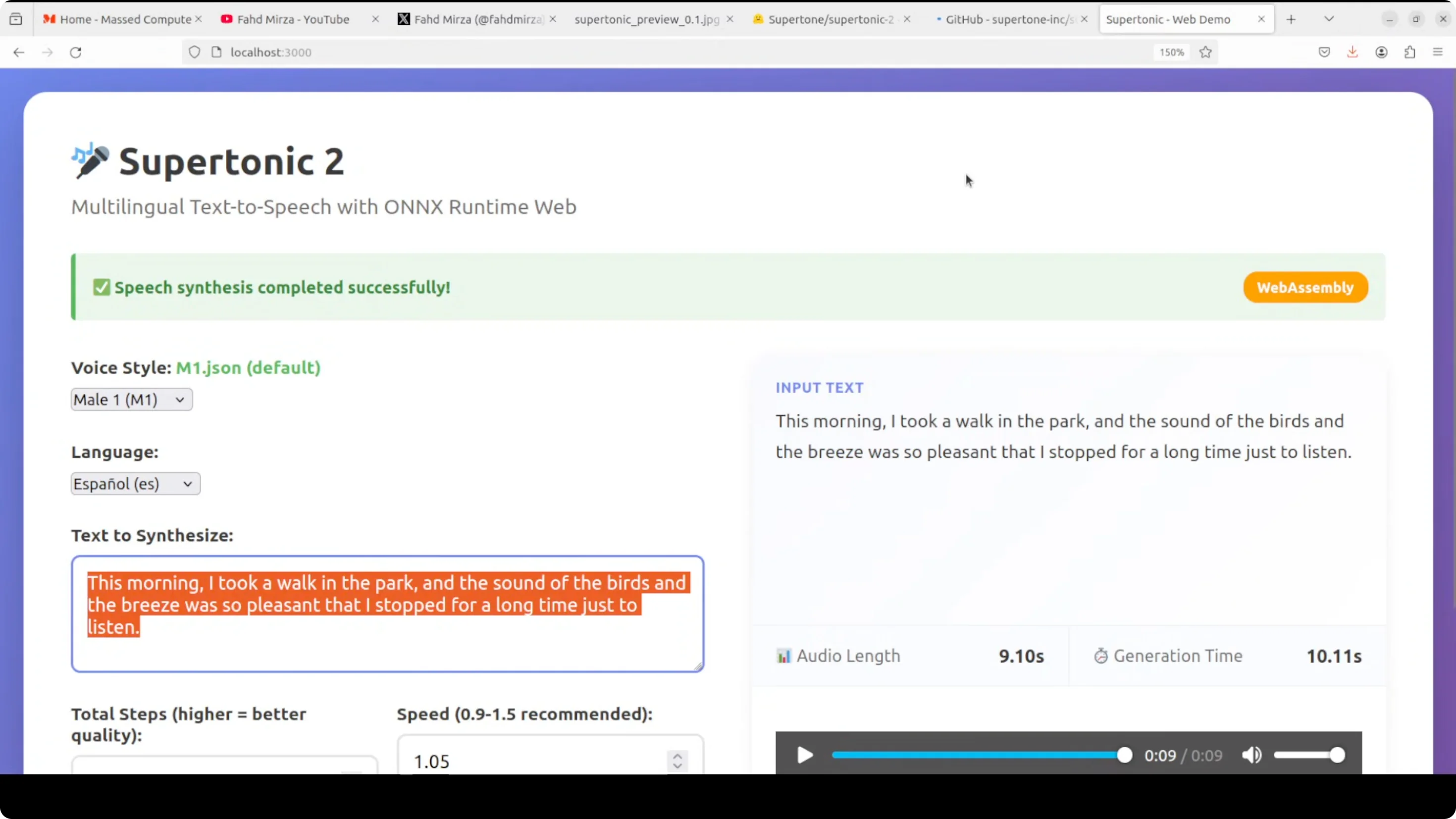
I tried a female voice in Spanish. It generated the speech quickly. It is running in the browser on my CPU. It is not even using WebGPU.
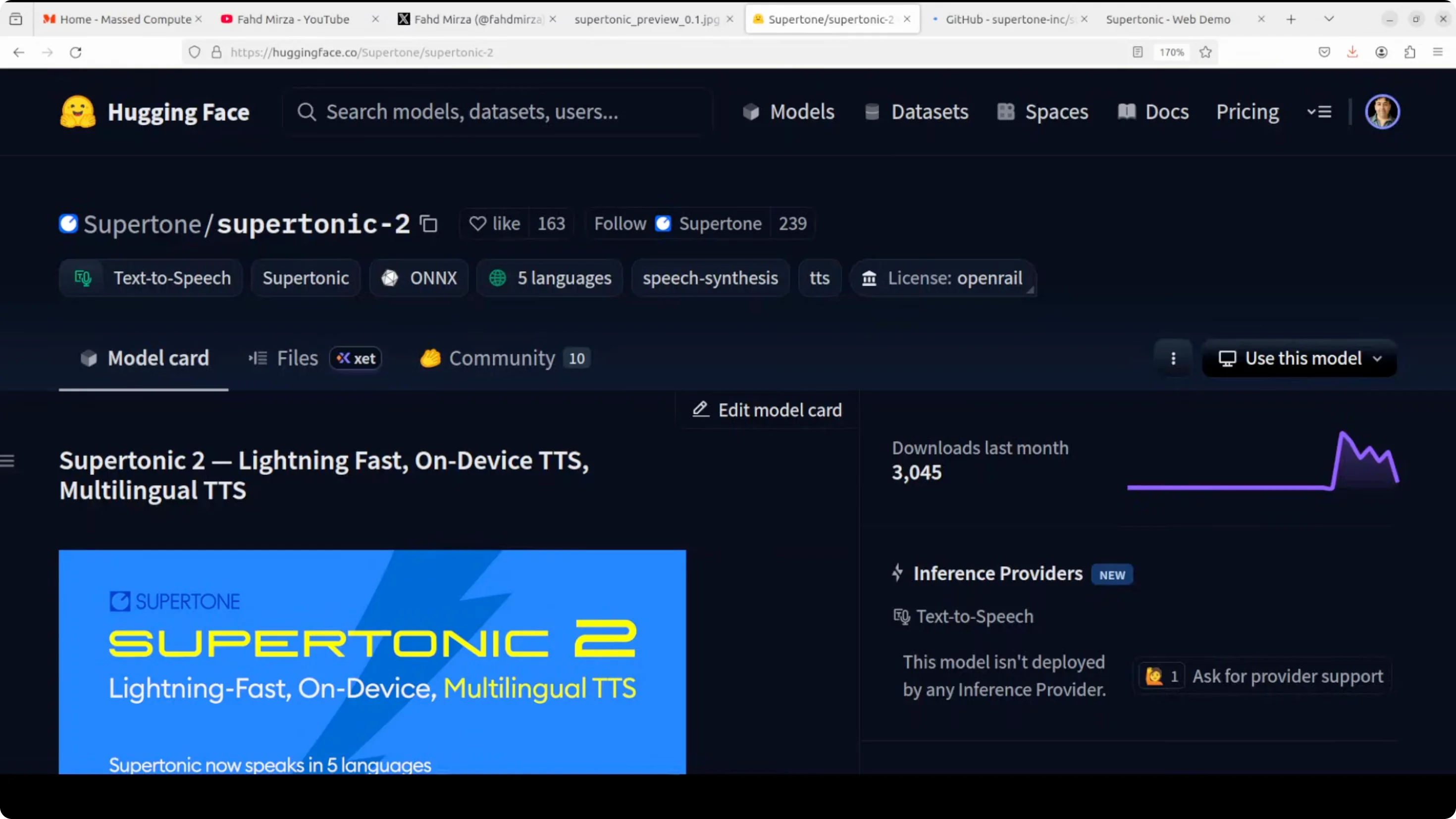
Supertonic 2: Lightning Fast, On-Device TTS, Multilingual TTS
Supertonic is an ultra fast privacy-focused text-to-speech system that runs entirely on your device using ONNX Runtime. It eliminates the need for cloud services or API calls. With only 66 million parameters, it achieves remarkable efficiency, generating audio in about 0.006 seconds. It is around 200 times faster than real time, which means it can produce sub-second output.
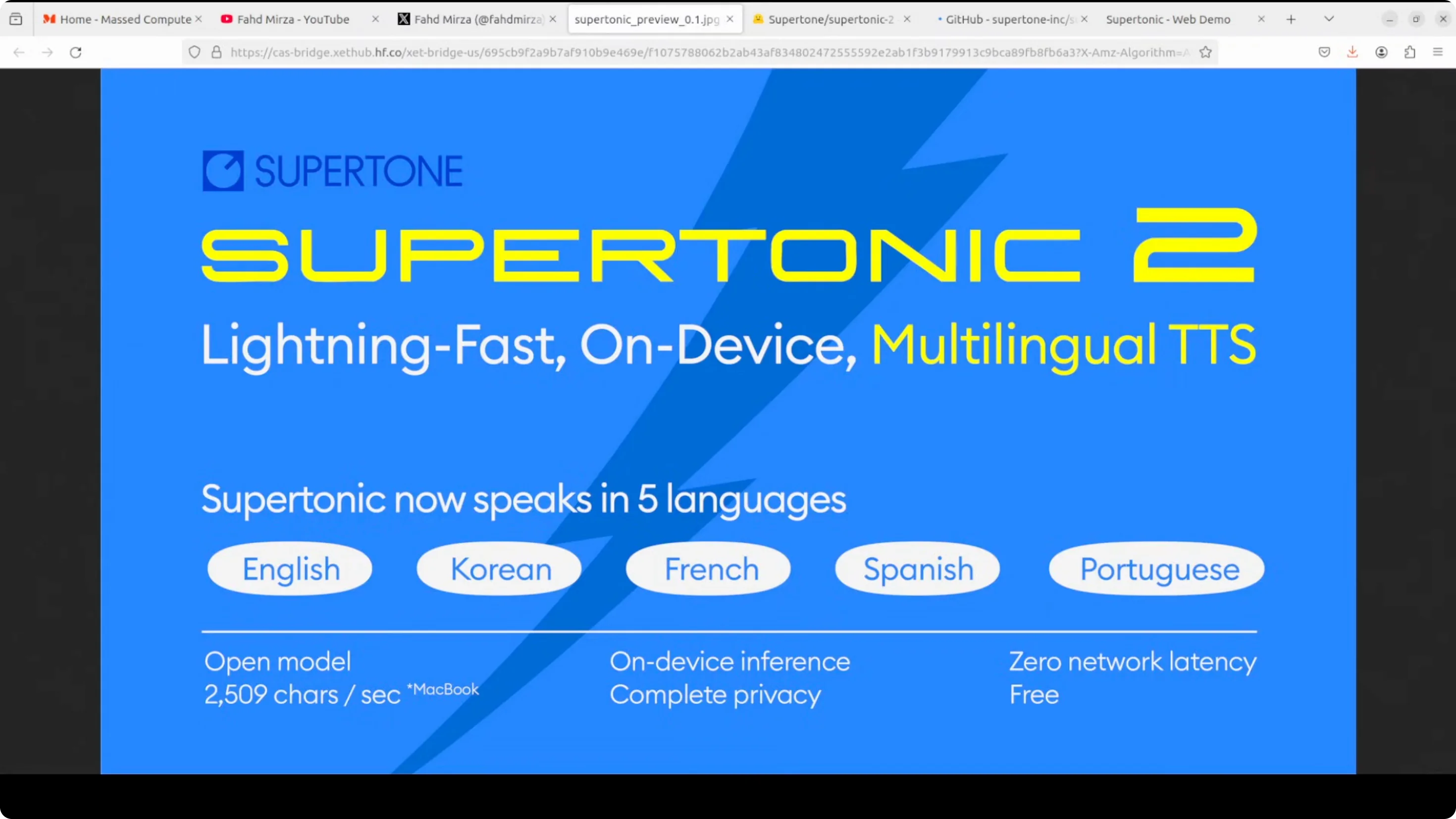
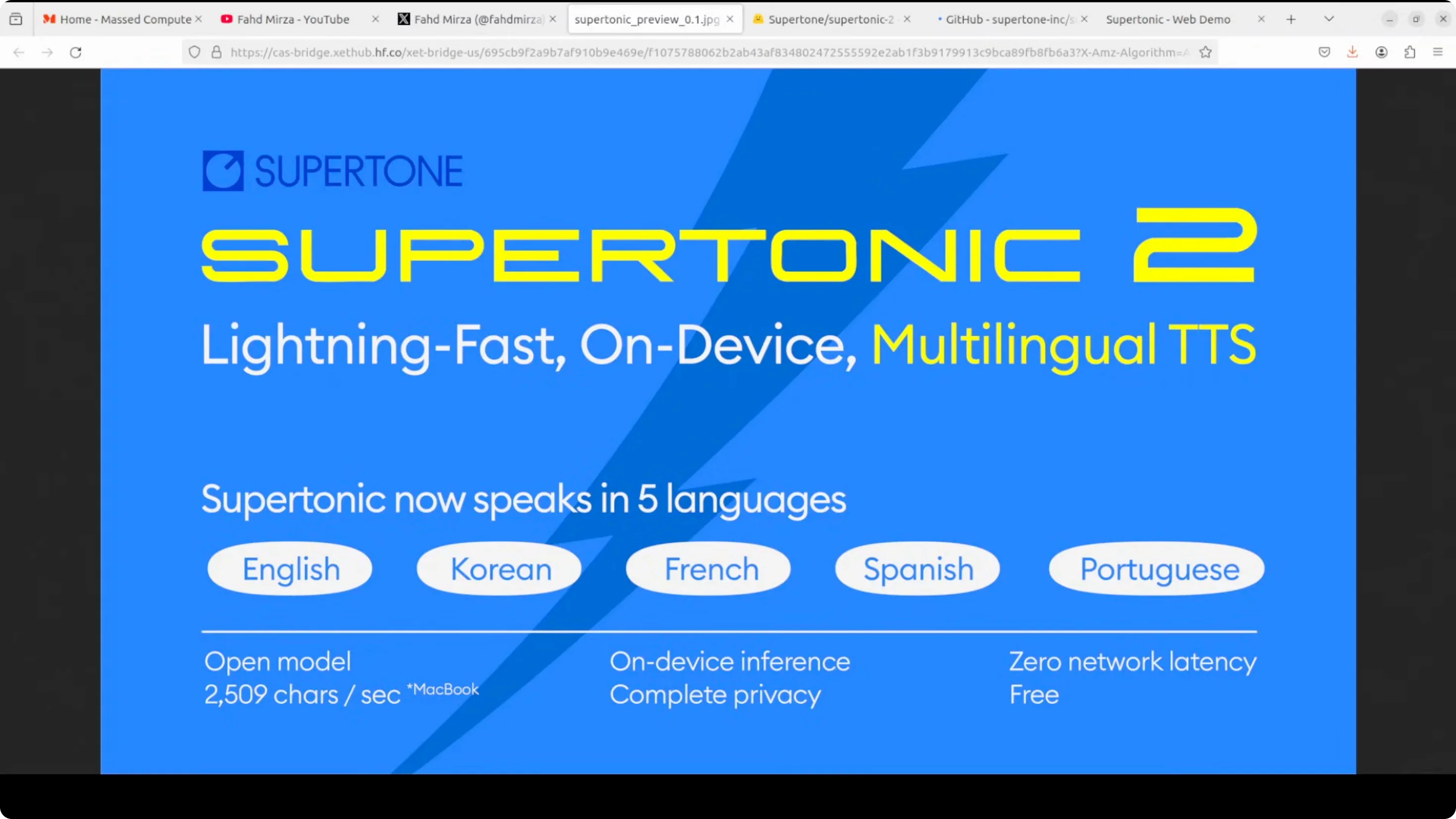
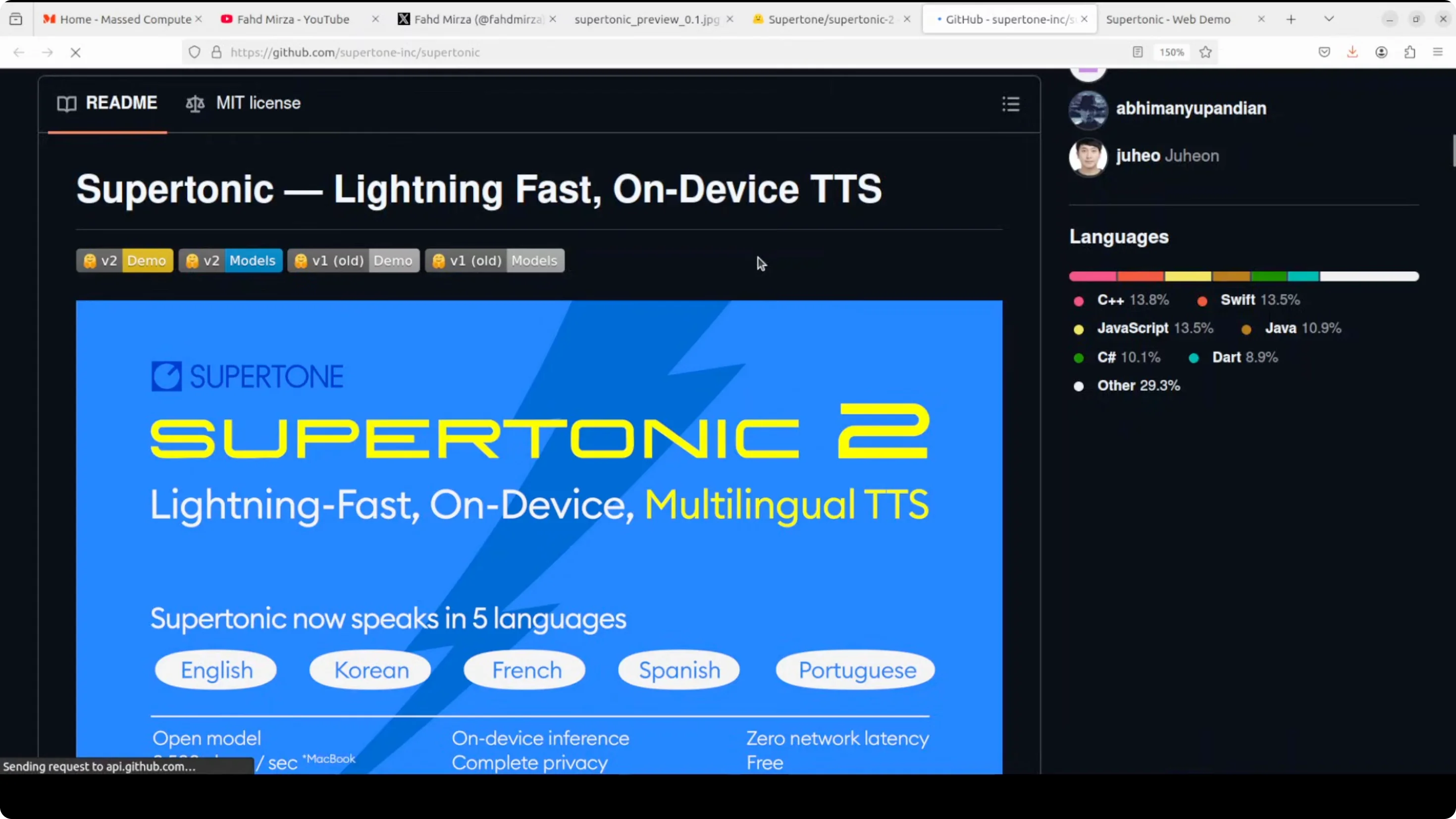
The newly released Supertonic 2 expands support to multiple languages, including English, Korean, Spanish, Portuguese, and French, while maintaining the same lightning fast performance as the original. They have shared a lot of benchmarking information plus details around its training on their GitHub repo.
Install and run Supertonic 2 locally (browser interface)
I’ll show you how to get it installed locally and use the same interface. My system specs: I’m using Ubuntu. I have a GPU card, but it is not being used. Run it on your CPU wherever you have the browser.
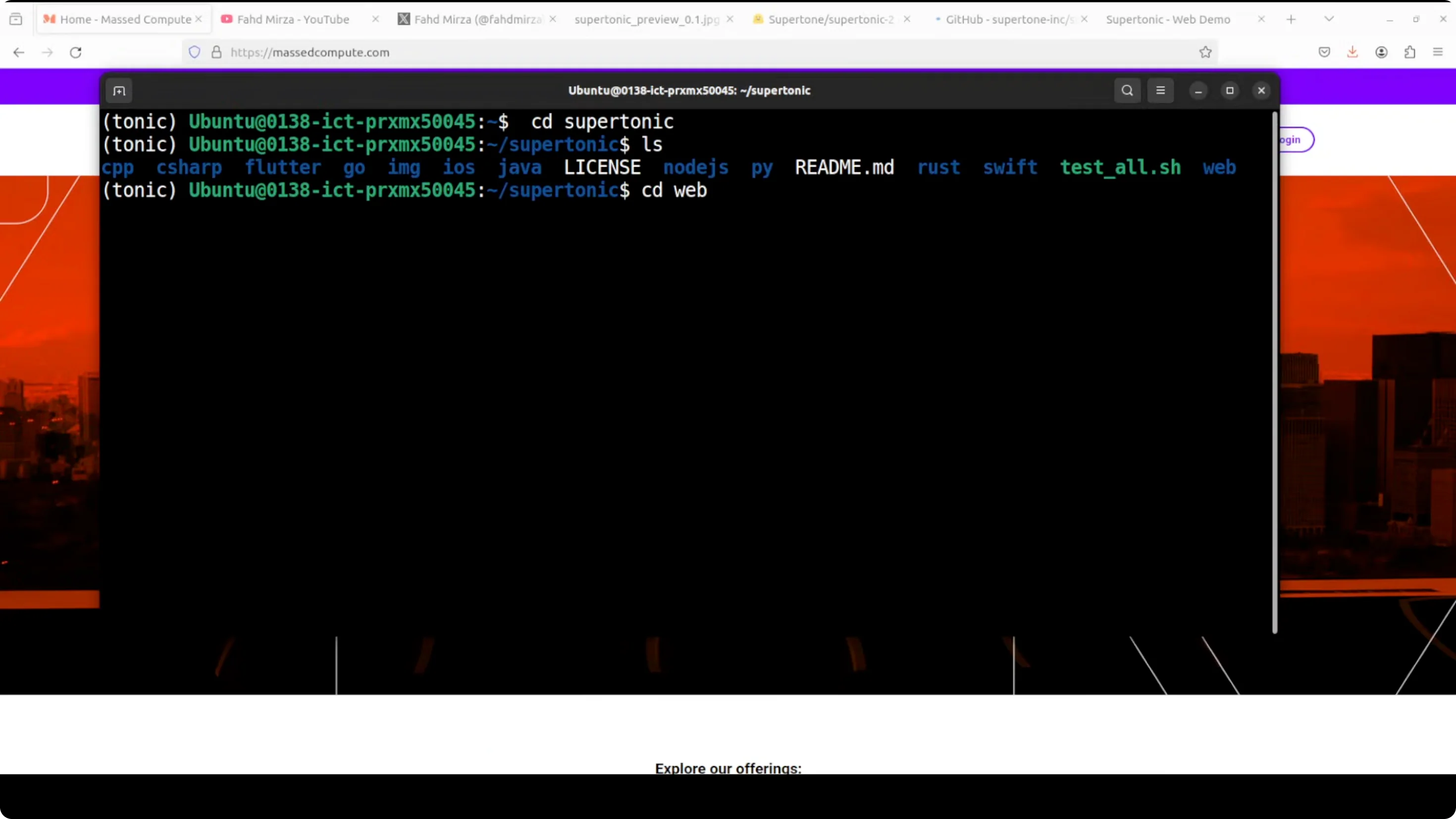
Project layout and options
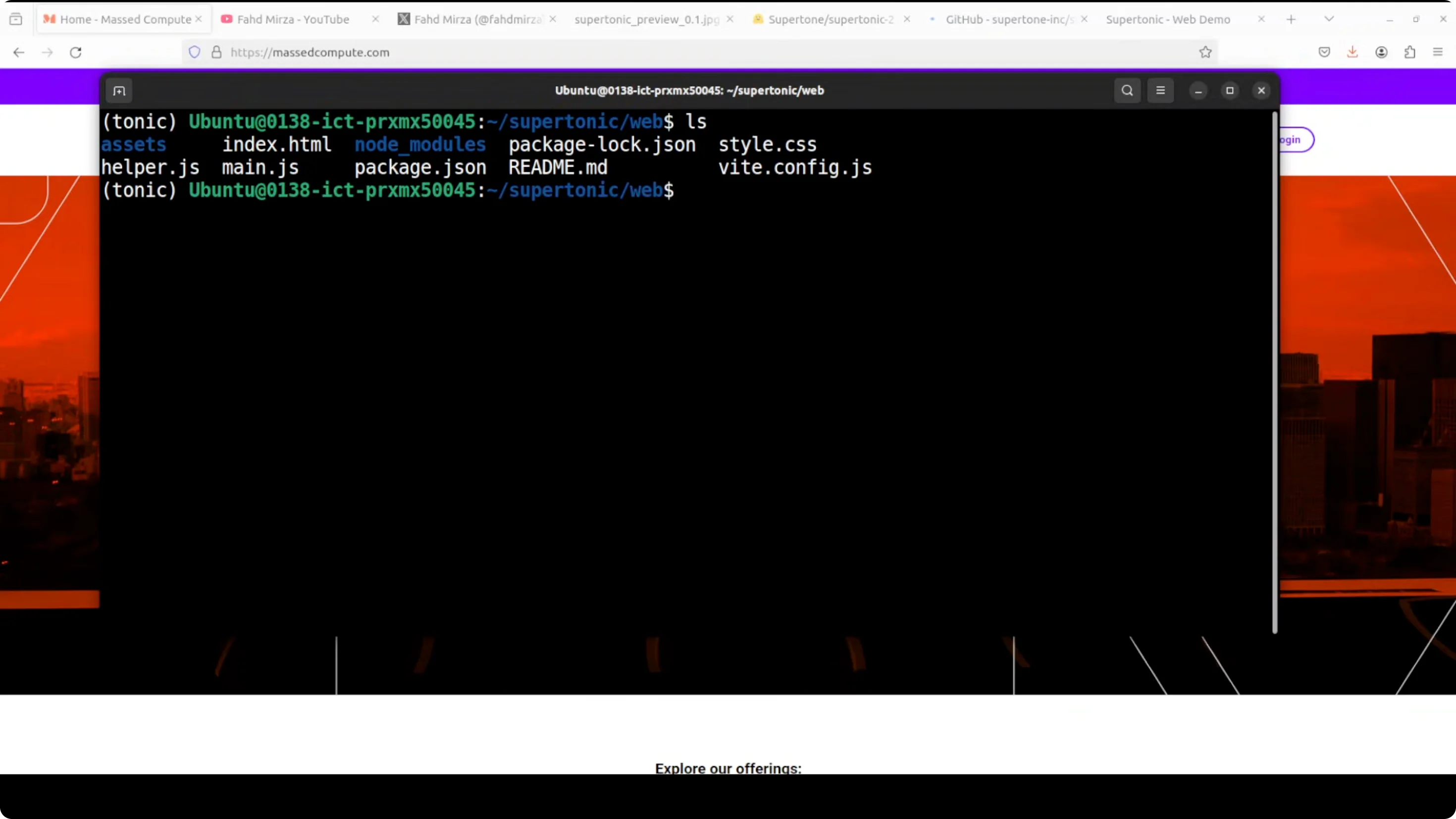
After cloning the repo, go to the web directory. You will see options for Java, Python, Rust, and Swift if you want to run it on your local system, but I went with the web option.
Models are loaded using WebAssembly, and the voices are loaded from that model.
Step-by-step setup
- Create your environment.
- Install Git LFS.
- Clone the Supertonic repo.
- Go to the web directory.
- Create an assets directory if it is not present.
- Download the voices and ONNX models into assets using the Hugging Face downloader for Supertonic 2 with the local directory set to assets.
- Make sure you have Node and npm installed.
- Install and run the web app.
Example command flow:
- Install Git LFS and clone:
- git lfs install
- git clone supertonic-repo
- cd supertonic/web
- Prepare assets:
- mkdir -p assets
- Download models and voices from Hugging Face into assets
- Start the web UI:
- npm install
- npm run dev

Once you run this, it will start on localhost at port 30000. Open it in your browser and access it from there.
Quick language checks with Supertonic 2: Lightning Fast, On-Device TTS, Multilingual TTS
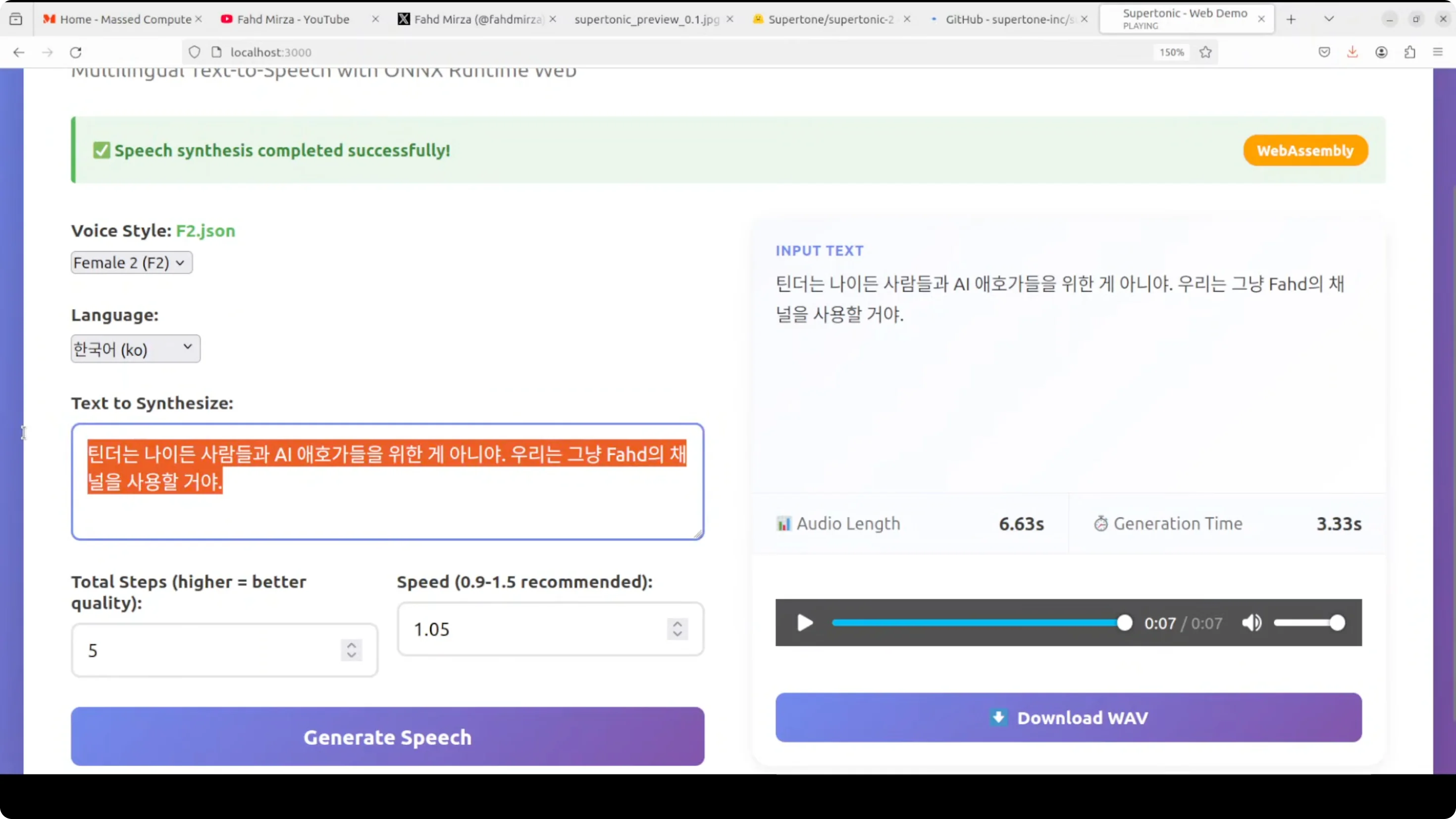
- English (male): Converted a short paragraph. Running in the browser on CPU only. Fast and responsive.
- Spanish (female): Generated quickly. Completed in a few seconds.
- Korean (female): Generated and played back. Looks pretty good. I think this model is from Korea if I’m not mistaken.
- French (female): I used a longer text to see how it deals with it. The audio generation took around half a minute. Just by hearing the sound of the language, it looks pretty good to me.
- Portuguese (male): Generated and played back. Looks pretty good.
- Spanish (again): Quite quick. Just takes a few seconds.
- Arabic (pasted Arabic text with English selected): At least it tried.
Final Thoughts
This is a pretty good model. Very lightweight and very low footprint. The speed is quite good. It is multilingual and lightning fast for sure.
Subscribe to our newsletter
Get the latest updates and articles directly in your inbox.

Related Posts

8 Best Claude Code Plugins in 2026 (You Need to Know)
8 Best Claude Code Plugins in 2026 (You Need to Know)

7 Best Claude Code Skills (You Need to Know)
7 Best Claude Code Skills (You Need to Know)

Claude Code Desktop IDE Features (You Need to Know)
Claude Code Desktop IDE Features (You Need to Know)