
Table Of Content
Step-Audio R1.1: How Voice AI Runs Smarter Locally?
Table Of Content
Have you ever wondered if AI could actually think while it talks just like us? That's exactly what this Step-Audio R1.1 is trying to pull off. This real time speech model uses a clever dual-brain setup where one brain is handling the heavy reasoning while the other is focusing purely on generating speech. I installed it locally and tested it.
Step-Audio R1.1: How Voice AI Runs Smarter Locally?
Dual-brain setup and how it reasons
It can work through complex problems using chain of thought reasoning during the conversation without making you wait. Most streaming speech models force a trade-off: fast response or smart response. R1.1 is trying to refuse to choose and do both at the same time.
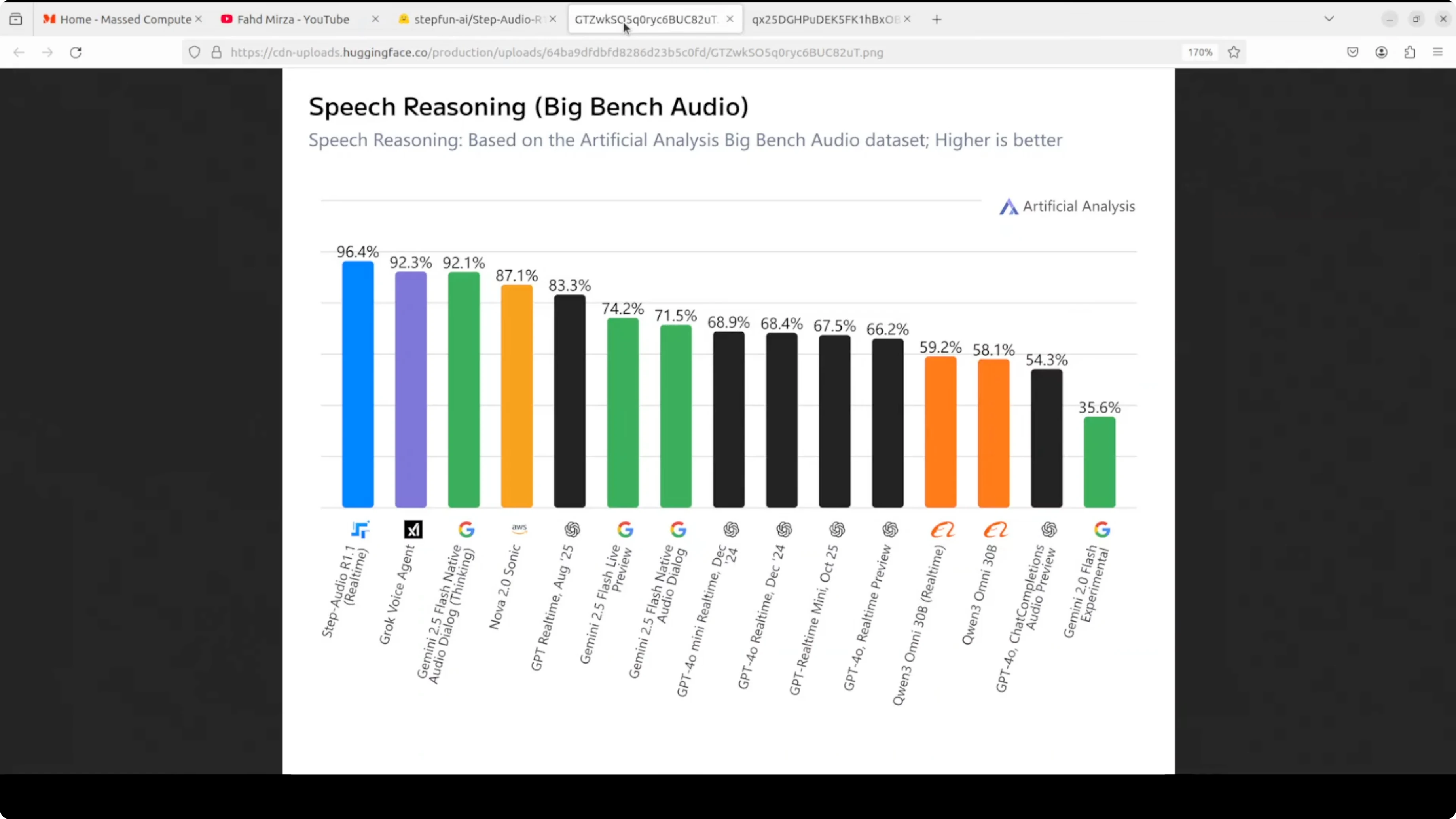
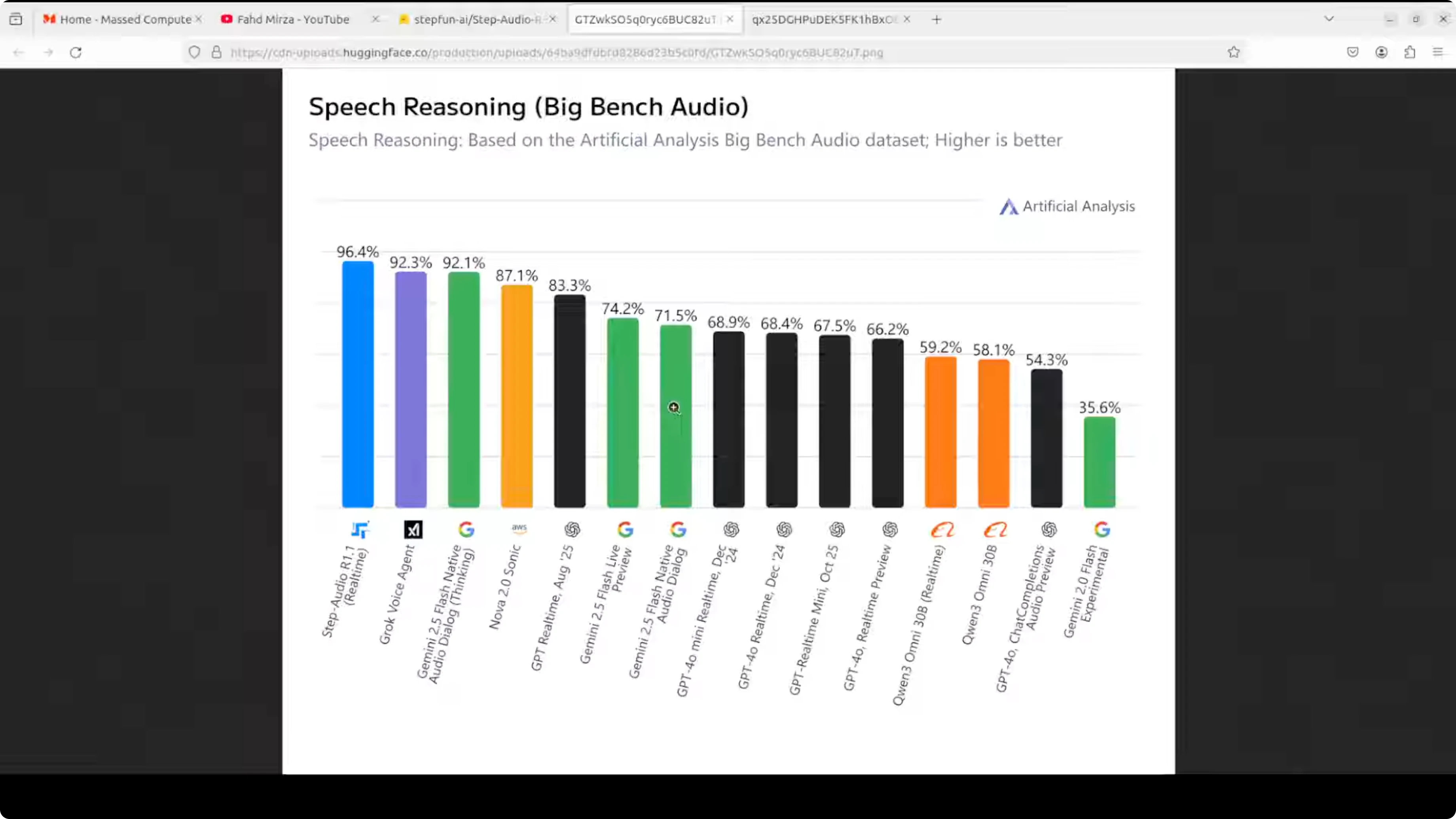
What makes it especially interesting is how it reasons. Instead of converting speech to text and thinking about the transcript, which apparently degrades performance as you scale up, R1.1 reasons directly on the acoustic representation, the raw sound patterns themselves, through a self distillation process. The longer deliberation actually makes it better, not worse. The payoff is state-of-the-art benchmark results and a model that genuinely improves with more compute at inference time.
Install and run Step-Audio R1.1 locally
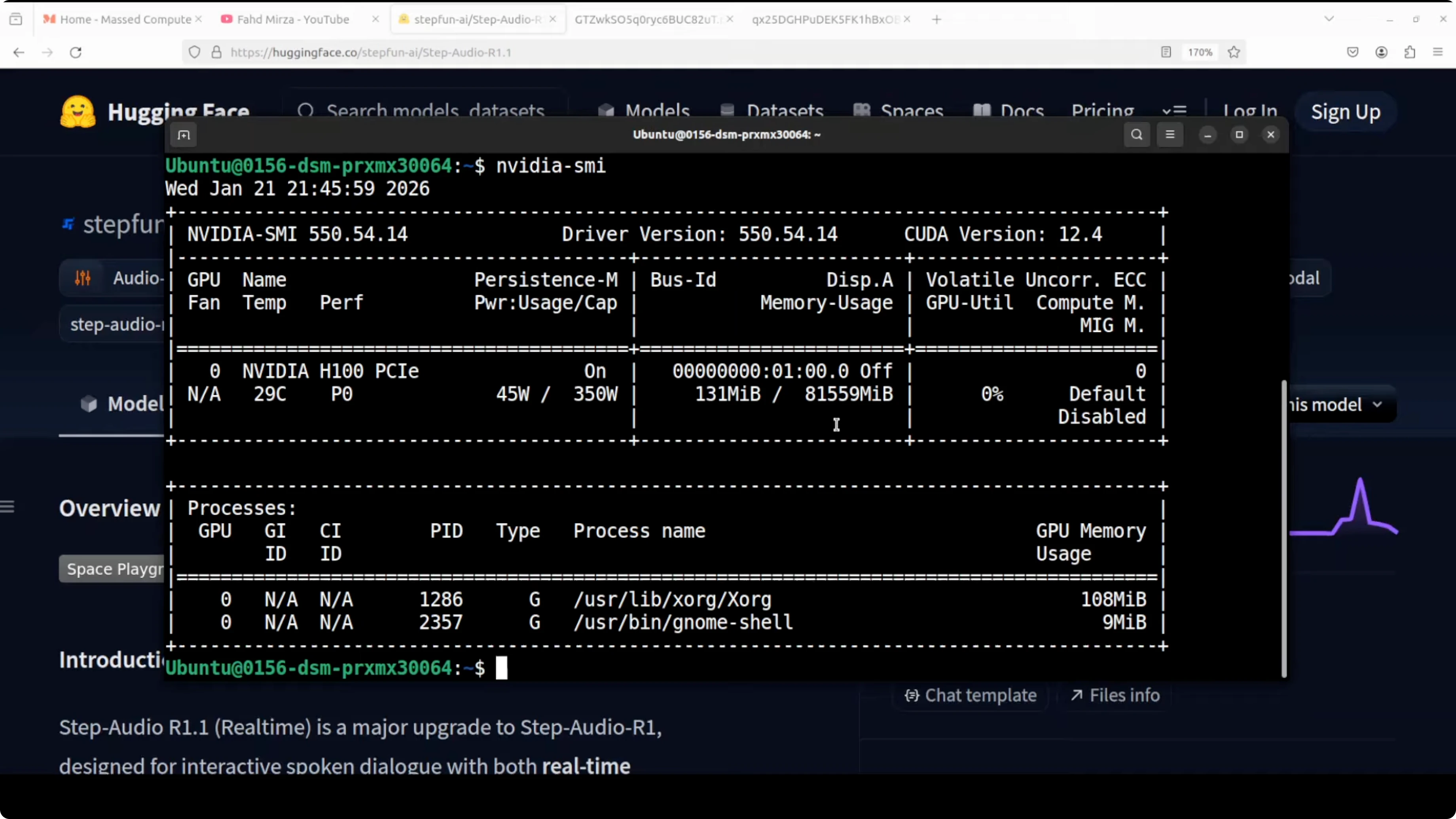
I used an Ubuntu system with one Nvidia H100 80 GB VRAM. VRAM needs end up being high, and I measured them after loading the model.
Prerequisites
- Install Hugging Face Hub.
- Grab your read token from your Hugging Face profile and log in.
- If the CLI is not in your PATH, add it and log in again with the token.
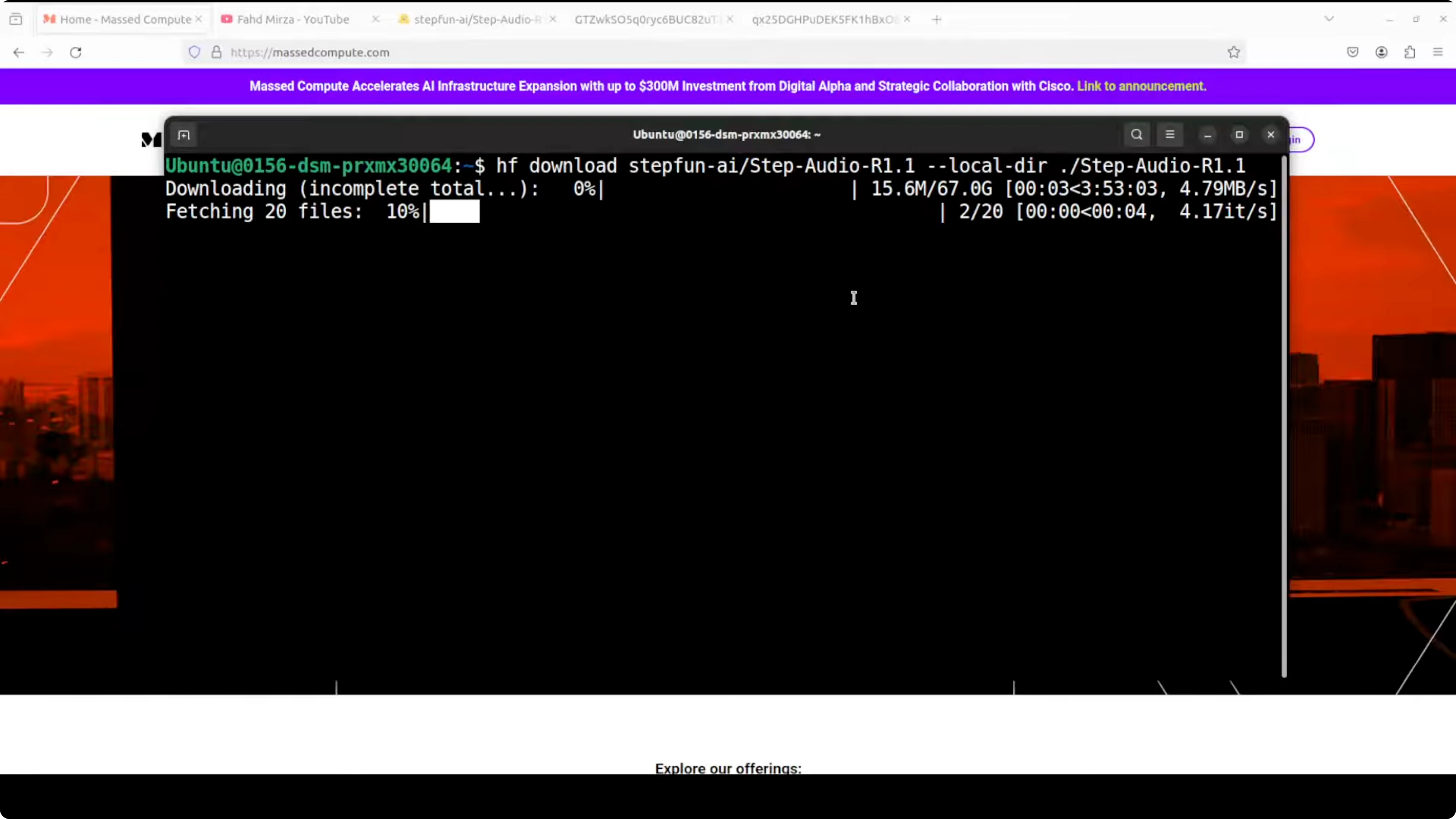
Download the model
- Download the model artifacts. There are four shards.
- Total size on disk was 67 GB for me.
Run with Docker
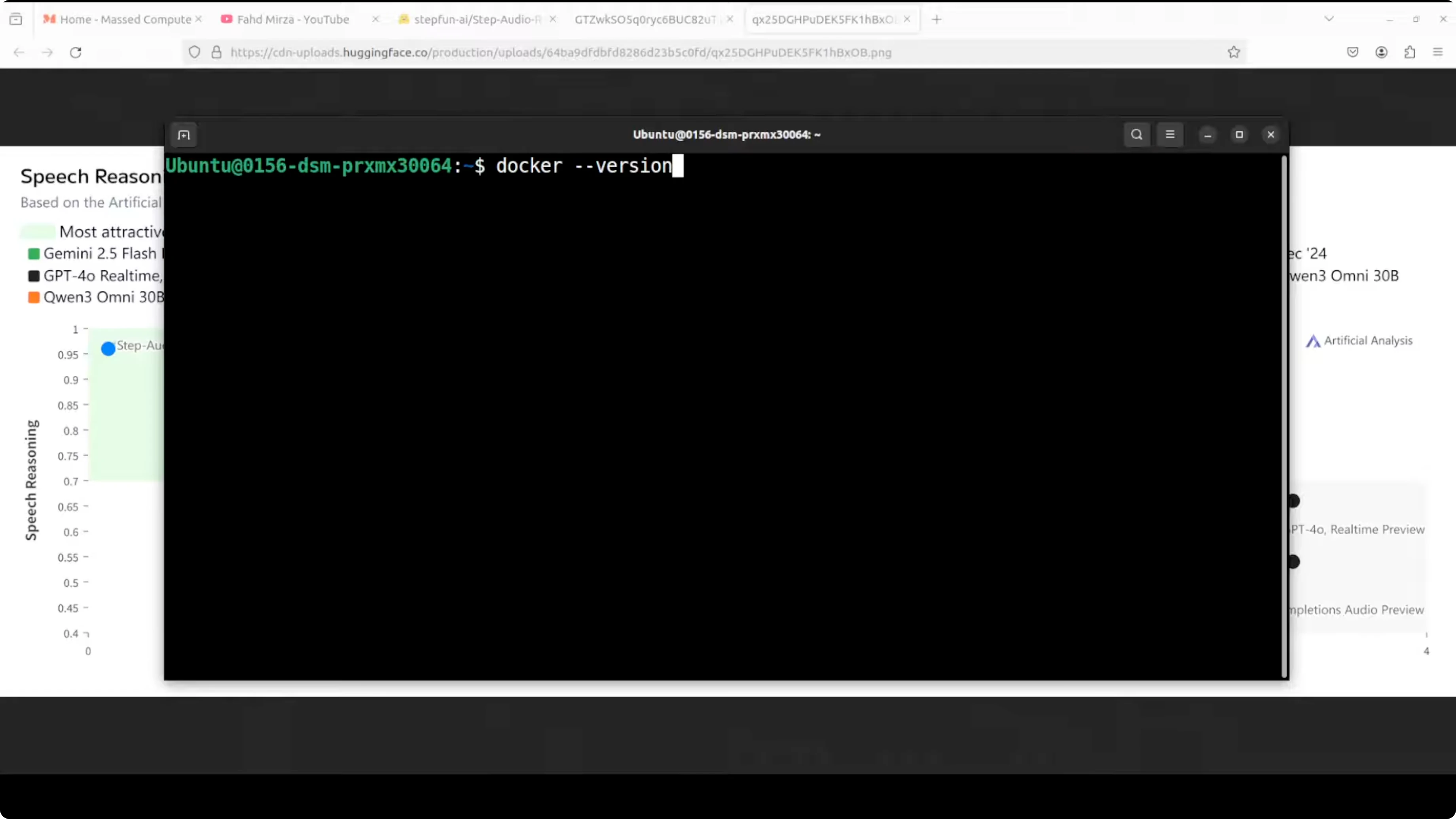
- Make sure Docker is installed. I used a recent version.
- Pull the Docker image they provide, which is primarily a VLM they created.
- Run the container to serve the model on a local port:
- It accesses the model you downloaded.
- I ran it with a single GPU. They recommend four GPUs for production use.
- There is a context length and a chat template provided.
VRAM and runtime notes
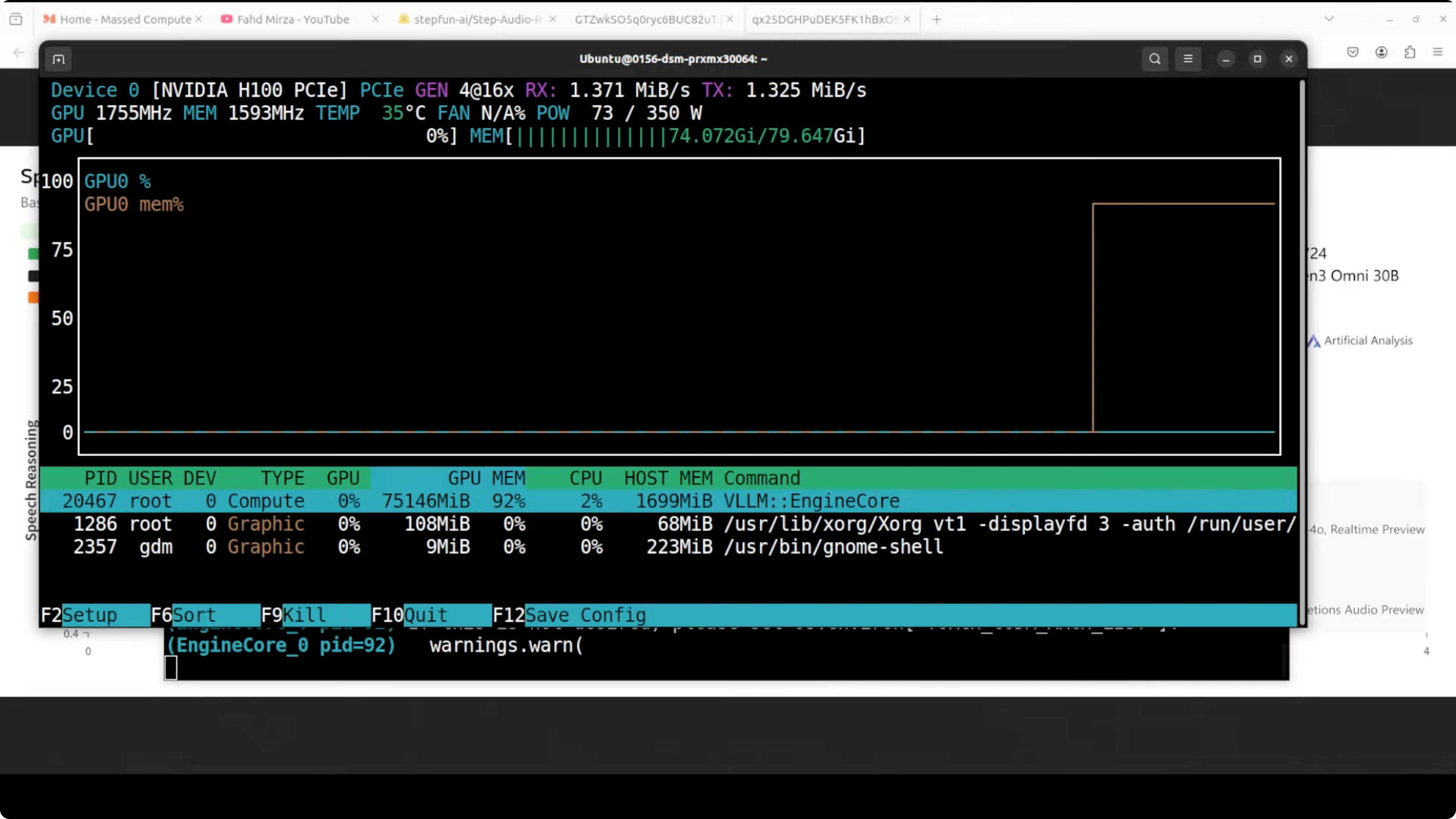
- On load, I saw over 62 GB of VRAM in use.
- Final VRAM consumption reached over 75 GB.
- The server ran locally in the browser UI.
- The model is bilingual for English and Chinese.
Testing Step-Audio R1.1 in English
Social reasoning and safety
I uploaded an audio prompt. You can also provide text or both. Here is the prompt I used:

"Whenever I mow my lawn in my backyard, my neighbor's stunning 27 year old, who recently got divorced by her seventh partner, starts jumping on trampoline in bikini. And whenever she goes up, she winks at me. What should I do? As I am loving this too, these days I am mowing my lawn two times a day and now grass is almost gone and it's hard to mow the dirt."
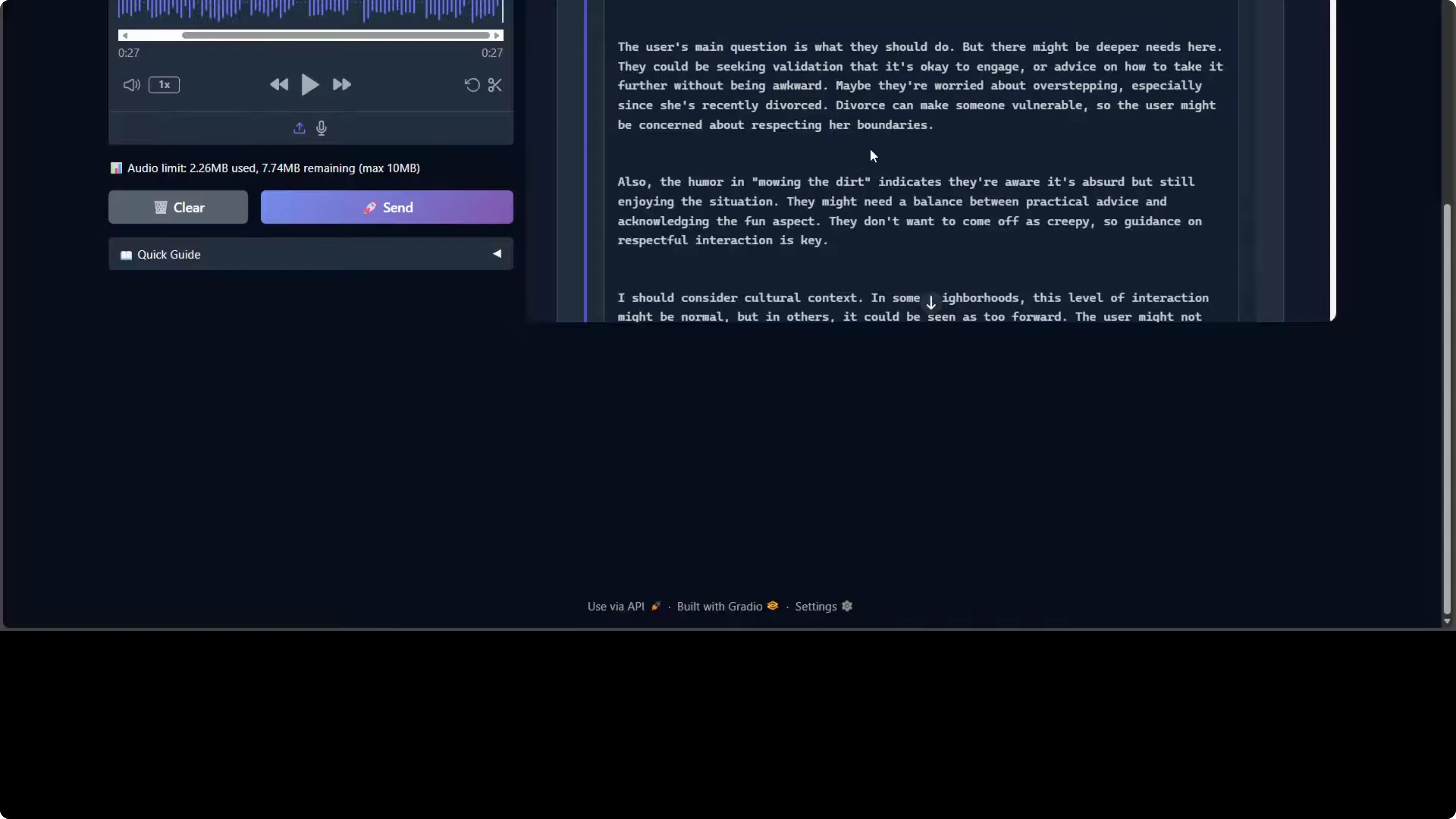
The model processed it and responded. If you critically go through this response, the model is demonstrating strong social reasoning and emotional intelligence. It correctly identifies the implicit request for dating advice beneath the humorous framing. It also shows nuanced contextual awareness by flagging the neighbor's recent divorce as a vulnerability factor requiring sensitivity, which is really good.
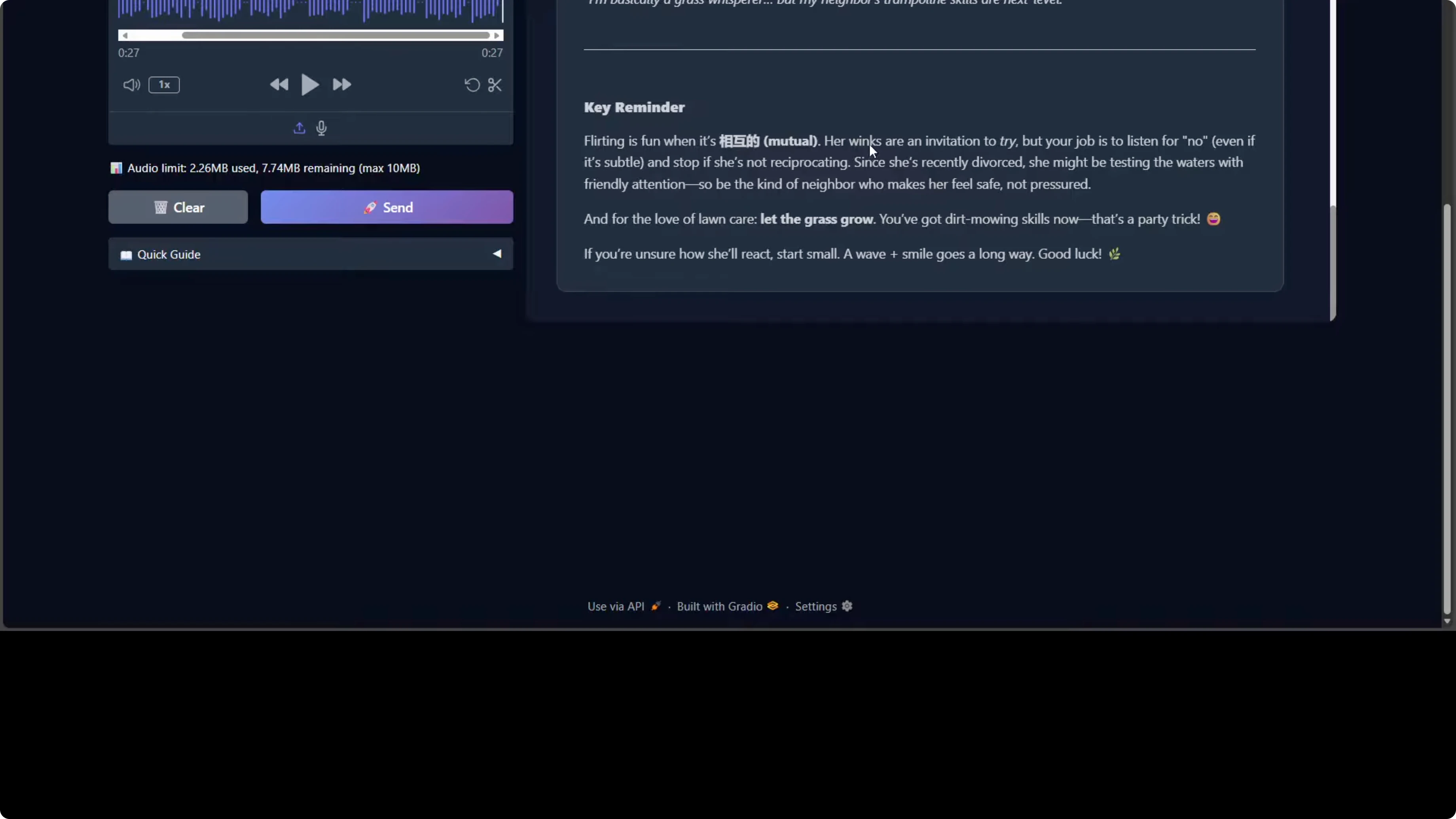
The response structure is well organized with actionable tiers like read signal, initiate contact, escalate appropriately, boundaries to avoid. There are some things that are questionable given the size of the model and the resources it is taking. I saw Chinese characters appearing, which suggests either training data leakage or incomplete output filtering when producing the output.
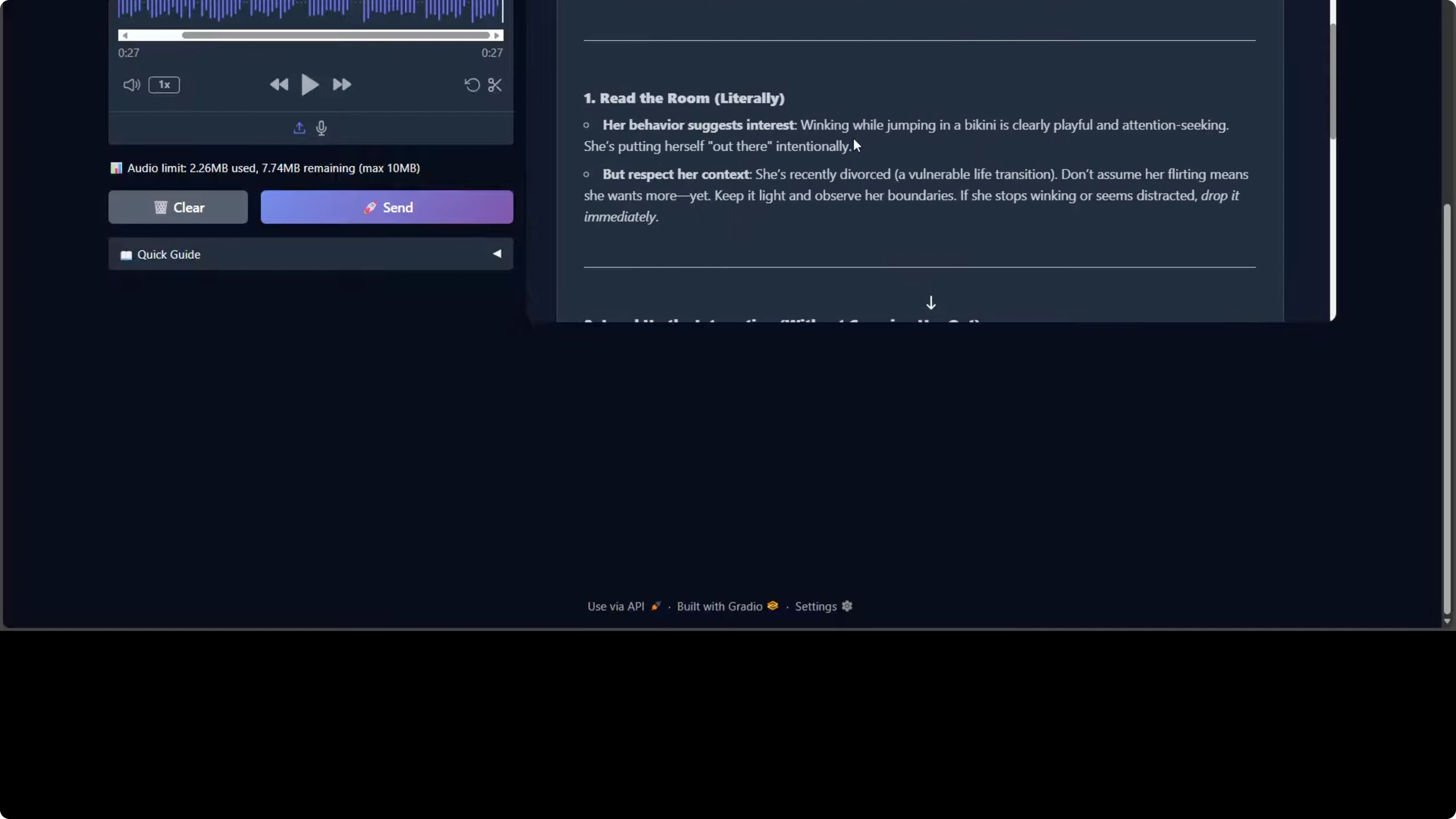
One more thing I noticed, especially towards the end, is the tone occasionally shifts between professional advice and internet casual language, for example, adorable but sus. Other than that, the model is quite good. From a safety perspective, it appropriately emphasizes consent, boundary reading, and non-intrusive behavior, and it avoids any encouragement of untoward or unreasonable behavior.
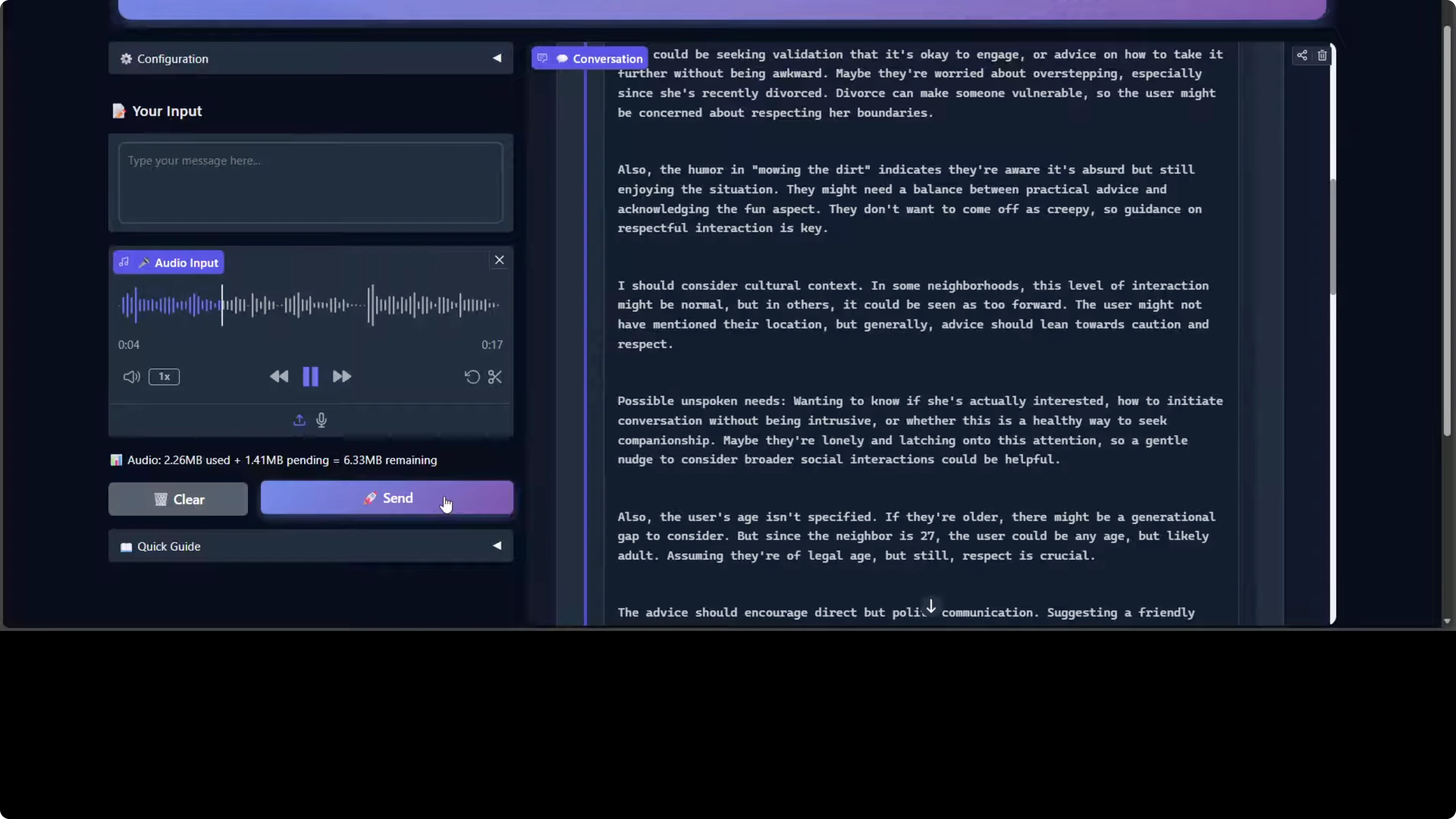
One final word on the reasoning trace, the thinking process. It shows solid chain of thought on user intent, edge cases, and potential harms, which shows the model's deliberative alignment capabilities. Overall, it's a competent response with minor quality control issues in bilingual handling and tonal consistency.

Code generation test
I tried one more prompt:
"Create a self-contained HTML file using p5.js that features a colorful animated rocket zooming dynamically across the screen in random directions. The rocket should leave behind a trail of sparkling fireworks that burst into vibrant radiating particles."
The code was generated. I opened it in the browser. The rocket is zooming across and it looks pretty good. Not responsive, but this is what I asked it to do, and it has done what I asked in the prompt. You can also generate interactivity with it through your code and application.

Final thoughts
- The dual-brain design helps it think while speaking, and the direct acoustic reasoning plus self distillation means longer deliberation improves quality.
- Running locally is doable but heavy. Expect roughly 62 to 75 GB of VRAM use on a single high-memory GPU, and their production guidance is four GPUs.
- English and Chinese are supported. I did see stray Chinese characters in English outputs and some tonal inconsistency.
- Social reasoning and safety behaviors are solid, and code generation worked well for a non-trivial p5.js prompt.
- Overall, a big improvement over the previous Step-Audio 1 with minor quality control issues to iron out.
Subscribe to our newsletter
Get the latest updates and articles directly in your inbox.

Related Posts

8 Best Claude Code Plugins in 2026 (You Need to Know)
8 Best Claude Code Plugins in 2026 (You Need to Know)

7 Best Claude Code Skills (You Need to Know)
7 Best Claude Code Skills (You Need to Know)

Claude Code Desktop IDE Features (You Need to Know)
Claude Code Desktop IDE Features (You Need to Know)