
Table Of Content
- Step-Audio-R1 what it claims to achieve
- Step-Audio-R1 local setup and prerequisites
- Quick setup checklist
- Step-Audio-R1 what is different here
- The architecture and training loop
- Step-Audio-R1 first local run
- Step-Audio-R1 retrying on an H100
- Hardware attempts and outcomes
- Step-Audio-R1 testing on a hosted platform
- Observations during the hosted run
- Step-Audio-R1 output quality
- Step-Audio-R1 does the approach justify the size and complexity
- Step-Audio-R1 key takeaways
- Step-Audio-R1 installation summary and usage notes
- Step-by-step - local attempt
- Practical cautions
- Step-Audio-R1 architecture recap
- Step-Audio-R1 performance claims vs observed behavior
- Step-Audio-R1 final thoughts
Step Audio R1: Setup Guide and Hands-On Test
Table Of Content
- Step-Audio-R1 what it claims to achieve
- Step-Audio-R1 local setup and prerequisites
- Quick setup checklist
- Step-Audio-R1 what is different here
- The architecture and training loop
- Step-Audio-R1 first local run
- Step-Audio-R1 retrying on an H100
- Hardware attempts and outcomes
- Step-Audio-R1 testing on a hosted platform
- Observations during the hosted run
- Step-Audio-R1 output quality
- Step-Audio-R1 does the approach justify the size and complexity
- Step-Audio-R1 key takeaways
- Step-Audio-R1 installation summary and usage notes
- Step-by-step - local attempt
- Practical cautions
- Step-Audio-R1 architecture recap
- Step-Audio-R1 performance claims vs observed behavior
- Step-Audio-R1 final thoughts
A new audio model from Step One claims a breakthrough. I will unpack that claim in clear technical language, install the model locally, and test it.
Step-Audio-R1 what it claims to achieve
This model positions itself as the first to successfully implement chain of thought reasoning for audio tasks. That is the core claim behind the breakthrough.
I will start the installation and, while it runs, explain what that means under the hood and why it matters.
Step-Audio-R1 local setup and prerequisites
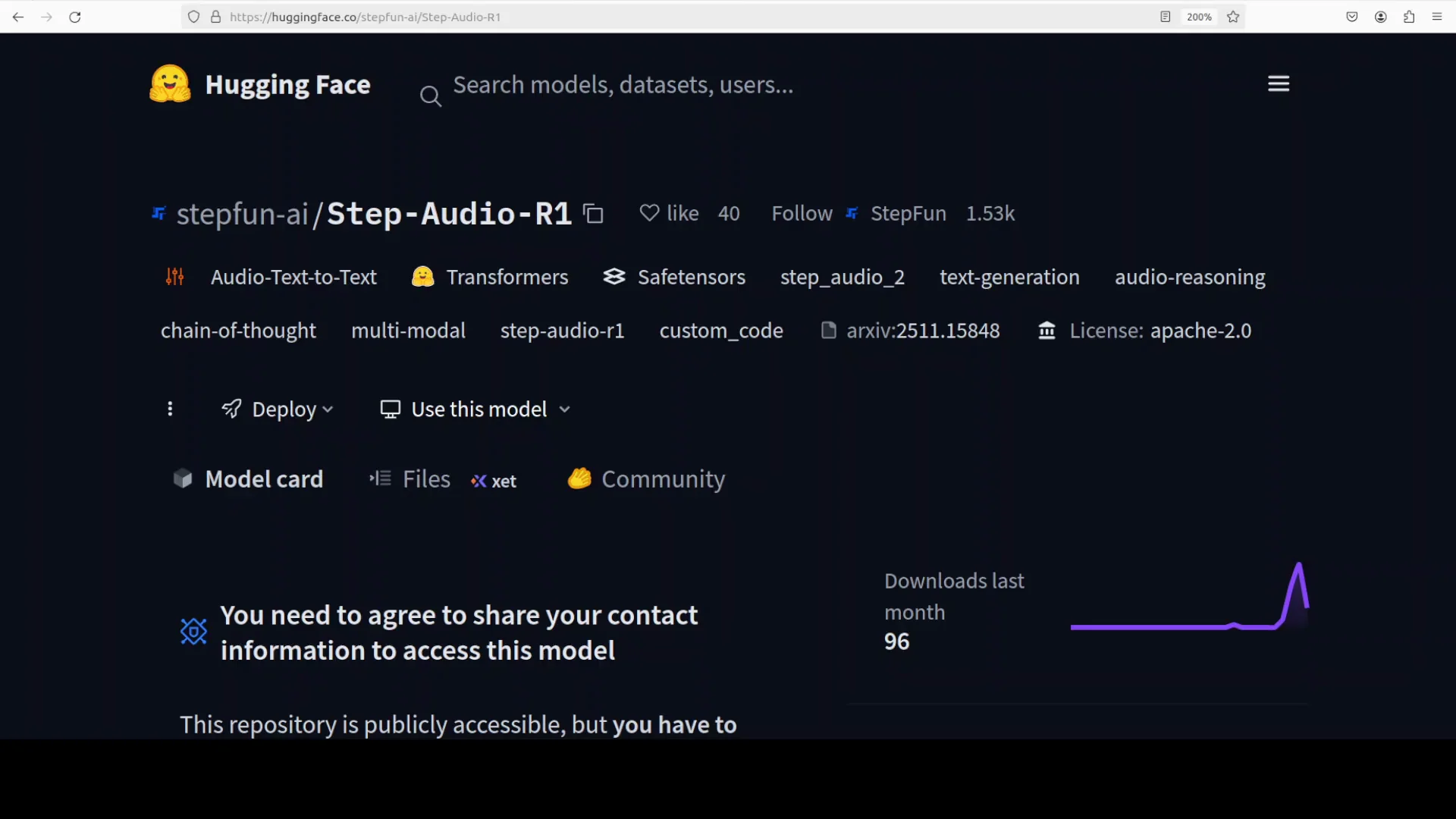
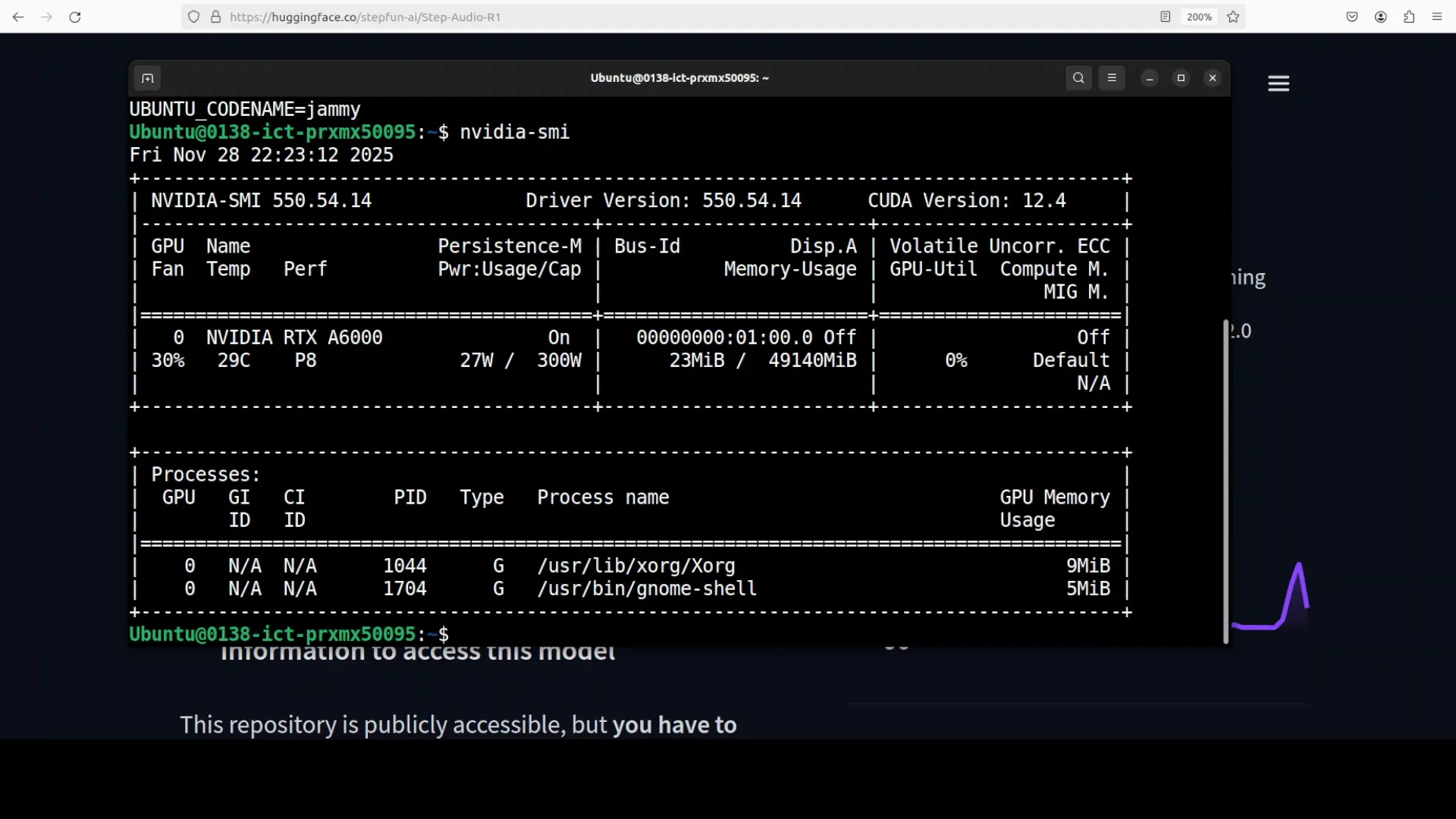
I used an Ubuntu system with a single Nvidia RTX A6000 GPU and 48 GB of VRAM. The repository mentions testing on an H100 with 80 GB of VRAM. I wanted to see how it behaves on 48 GB.
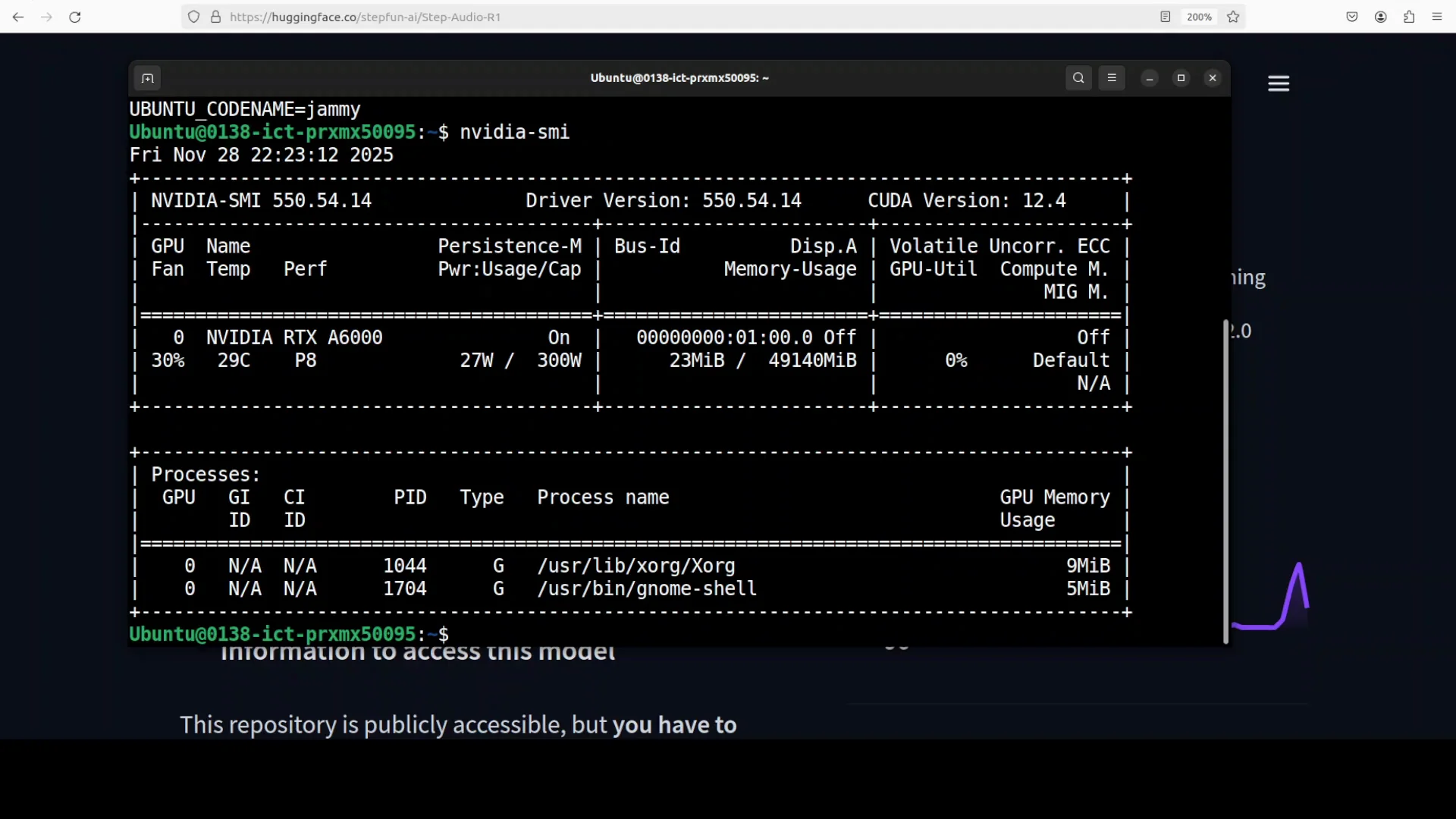
Step One provides a Docker image to run the model locally. You need a recent Docker version. With Docker ready, pull the image and run it. The initial run downloads a large set of layers and takes time.
Quick setup checklist
- Create a Python virtual environment for isolation.
- Ensure you have a recent Docker installed.
- Pull the provided Docker image.
- Run the container to expose the local interface.
- Wait for model shards to download on first launch.
Step-Audio-R1 what is different here
Previous audio models, including a prior Step One audio model, struggled with inverted scaling. Performance degraded with longer reasoning chains. This model aims to fix that by turning extended deliberation into a strength, not a weakness.
The core technique is Modality Grounded Reasoning Distillation, or MGRD. Many models fell into textual surrogate reasoning - they analyzed transcripts instead of the actual audio due to modality mismatch. MGRD pushes the model to ground its reasoning in acoustic properties, not just text abstractions.
The claim is that by grounding chain of thought in the audio modality, the model achieves superior performance. It is reported to surpass Gemini 2.5 Pro and match Gemini 3 across major audio reasoning tasks, with accuracy around 96%.
The architecture and training loop
What makes this approach distinctive is its iterative training scheme. The process runs in two main iterations, each incorporating MGRD. The model accepts dual inputs:
- Textual queries tokenized by a text tokenizer.
- Audio signals encoded and adapted to produce audio features.
During reasoning, the model produces two streams:
- Semantic text thinking - the conventional, language-based chain of thought.
- Acoustic text thinking - a chain grounded in audio features.
That dual stream creates reasoning chains that are grounded in acoustic signals rather than hallucinated or disconnected deliberation. That grounding is the critical piece.
The result is a multimodal fusion mechanism that keeps attention on audio-specific characteristics while handling complex reasoning tasks across speech, environmental sounds, and music.
The iterative training refines the model’s ability to produce audio-relevant reasoning chains. It turns extended deliberation from a liability into an asset for audio intelligence.
Step-Audio-R1 first local run
After the download finished, the model served a local interface on port 7860. I accessed the UI and uploaded an audio sample. You can also record from a microphone, but I used an audio file on disk.
The audio contained a prompt that asked for code generation. The prompt was:
Create a self-contained HTML file using p5.js that features a colorful animated rocket zooming dynamically across the screen in random directions. The rocket should leave behind a trail of sparkling fireworks that burst into vibrant radiating particles.The interface did not proceed. It ran out of memory. The logs indicated the container was expecting a multi-GPU node. I had not pinned GPUs for the container, so it attempted a default configuration that appeared to assume multiple GPUs.
I retried with a single GPU explicitly. It still did not run.
Step-Audio-R1 retrying on an H100
I spun up a new VM with an H100 and 80 GB of VRAM. I repeated the same instructions. It still did not work.
Inside the Docker container, it requested at least four GPUs. For an audio model with seven shards, that requirement is steep. I moved on to test it on a hosted platform.
Hardware attempts and outcomes
| Hardware configuration | Outcome |
|---|---|
| RTX A6000 - 48 GB - single GPU | Out of memory - container expected multi-GPU |
| H100 - 80 GB - single GPU | Did not run - container requested at least four GPUs |
| Multi-GPU requirement reported | At least four GPUs requested by container |
Step-Audio-R1 testing on a hosted platform
On the hosted platform, I uploaded the same audio file with the code request. The system queued the job and then began processing.
The advertised breakthrough is chain of thought for audio reasoning. The hosted interface did not show a trace of thinking. There was no visible chain of thought or decomposition of the problem. It processed for a while, but the internal reasoning was not exposed.
The model size is 33 billion parameters. For an audio-only modality, that size raises questions. It is a large model for this use case.
Observations during the hosted run
- Processing took a noticeable amount of time.
- The interface did not display the chain of thought.
- The model began producing code after thinking for a while.
- Generation latency felt long relative to the task.
Step-Audio-R1 output quality
It produced some code consistent with the request. The generation did not complete the entire output. The code that did appear looked fine, but nothing special stood out on inspection. Since it was incomplete, I could not run it directly as-is in a browser.
From what I saw:
- The code aligned with the prompt intent.
- The output did not fully complete.
- The partial result looked serviceable, but not impressive.
Step-Audio-R1 does the approach justify the size and complexity
Based on this test:
- The idea of grounding chain of thought in acoustic features is solid. It addresses a real problem where models default to transcript-level reasoning and lose audio-specific cues.
- The claimed accuracy and parity with strong baselines are notable, and the technique of MGRD is coherent with the goal of reducing modality mismatch.
- The training loop and dual-stream thinking align with the objective of keeping reasoning tied to audio features.
At the same time:
- A 33 billion parameter model for audio-only tasks feels excessive.
- The local run requirements are heavy. The Docker container asking for four GPUs limits practical access.
- The hosted interface did not show the chain of thought, which makes it hard to evaluate the core claim in action.
- Latency during generation was high, and the produced code did not fully complete.
Step-Audio-R1 key takeaways
- Claim: first chain of thought reasoning for audio tasks with an MGRD framework.
- Method: iterative training with dual inputs and dual thinking streams grounded in acoustic features.
- Reported results: surpasses Gemini 2.5 Pro and matches Gemini 3 on major audio reasoning tasks with around 96 percent accuracy.
- Local use: the provided Docker image downloaded and ran a UI, but the container expected multi-GPU and did not run on single GPUs with 48 GB or 80 GB. It requested at least four GPUs.
- Hosted test: processed the same audio prompt, did not expose a visible reasoning trace, took a long time to think, produced partial code that looked fine but did not complete.
Step-Audio-R1 installation summary and usage notes
Below is a compact summary of the local process I followed and what to expect based on this run.
Step-by-step - local attempt
-
Prepare the system
- Ubuntu with Nvidia drivers and a recent Docker.
- One or more GPUs available to the container.
-
Create a virtual environment
- Set up a Python venv to isolate any auxiliary tools you might use.
-
Pull and run the Docker image
- Pull the official image shared by Step One.
- Run the container, exposing the UI port.
-
Wait for model shards to download
- The first startup downloads seven shards and supporting data.
-
Access the UI
- Open localhost at the exposed port, which was 7860 in my run.
-
Test with an audio file
- Upload an audio recording containing your query prompt.
- Monitor logs for GPU allocation and memory usage.
Practical cautions
- The container appeared to assume a multi-GPU setup and requested at least four GPUs.
- Single GPU configurations with 48 GB or 80 GB did not run.
- Expect substantial downloads and long initialization times on first run.
- If you cannot meet the GPU requirement locally, consider a hosted option for testing.
Step-Audio-R1 architecture recap
To make the technical core easy to reference, here is a concise recap of how the model is designed to work:
-
Problem it targets
- Inverted scaling hurts performance as reasoning gets longer.
- Models tend to reason over transcripts instead of audio, causing modality mismatch.
-
Core innovation - MGRD
- Encourages reasoning that is grounded in acoustic features.
- Reduces reliance on textual surrogates.
-
Input processing
- Textual queries get tokenized via a text tokenizer.
- Audio signals get encoded into features through an audio encoder and adapter.
-
Reasoning outputs
- Semantic text thinking for language-level steps.
- Acoustic text thinking grounded in audio features.
-
Training structure
- Two main iterative passes, each applying MGRD.
- Gradual refinement of audio-relevant chains of thought.
-
Intended outcome
- Extended deliberation becomes beneficial rather than harmful.
- Better accuracy on speech, environmental audio, and music reasoning tasks.
Step-Audio-R1 performance claims vs observed behavior
The reported numbers are strong: surpassing Gemini 2.5 Pro, matching Gemini 3, with accuracy near 96 percent. The rationale behind those numbers rests on grounding the chain of thought in the audio domain and countering inverted scaling.
In use, I observed:
- Heavy resource demands for a local setup.
- No visible chain of thought in the hosted UI.
- Long thinking time and partial completion on a practical code request.
- Output that was fine but not standout and not fully generated.
Step-Audio-R1 final thoughts
The central idea makes sense: move reasoning from transcripts to acoustic features and keep the chain of thought anchored in the audio modality. That addresses a meaningful limitation in prior systems. The iterative training and MGRD framework are aligned with that goal.
The friction points are hard to ignore. A 33 billion parameter model for audio-only tasks, a container that wants four GPUs to run, latency during inference, and incomplete generation on a straightforward prompt are significant tradeoffs. Chain of thought is valuable, but it should not require such a large model for practical use.
On balance, the approach looks promising in concept, but the current package feels too heavy for most users. The idea of modality grounded reasoning is worth pursuing. It would be stronger if delivered with fewer parameters, lower resource demands, and an interface that actually shows the chain of thought it is built to produce.
Subscribe to our newsletter
Get the latest updates and articles directly in your inbox.

Related Posts

8 Best Claude Code Plugins in 2026 (You Need to Know)
8 Best Claude Code Plugins in 2026 (You Need to Know)

7 Best Claude Code Skills (You Need to Know)
7 Best Claude Code Skills (You Need to Know)

Claude Code Desktop IDE Features (You Need to Know)
Claude Code Desktop IDE Features (You Need to Know)