
SoulX-Singer: How to Sing Any Song in Any Voice Using AI Locally
Anyone can now sing any song in any voice, even if they have never heard the melody before. SoulX-Singer is an open-source AI model that clones someone's voice and makes it sing whatever you want. I am going to install it locally and generate a few songs to see how it performs.
We already covered their podcast version, which was quite good. I am also going to check out its architecture.
Getting Started With SoulX-Singer
SoulX-Singer supports English, Cantonese, and Mandarin Chinese at the moment. It can run with melody-based input or score-based control where you import a MIDI file. There is lyrics editing, timbre and style options, and long-context control.
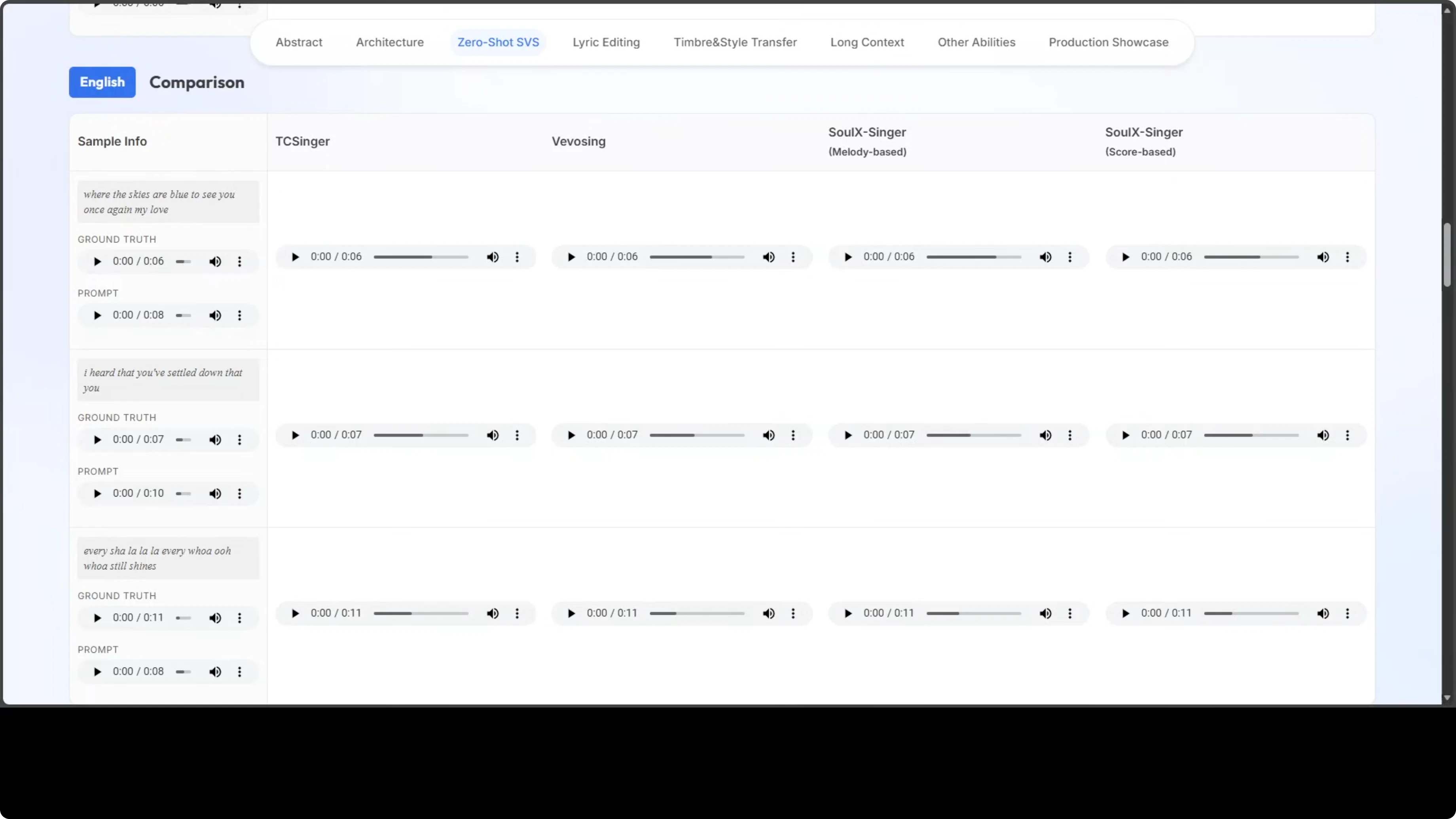
Humming input and speech prompt to singing are still in progress. There are showcases, but I am not including copyrighted examples here.
Install SoulX-Singer
I am using Ubuntu with an RTX 6000 GPU with 48 GB of VRAM. The model runs locally and downloads weights on first launch.
Create a Python virtual environment.
python -m venv .venv
source .venv/bin/activate
python -V
pip -V
Clone the repository.
git clone https://github.com/Soul-AILab/SoulX-Singer.git
cd <soulx-singer>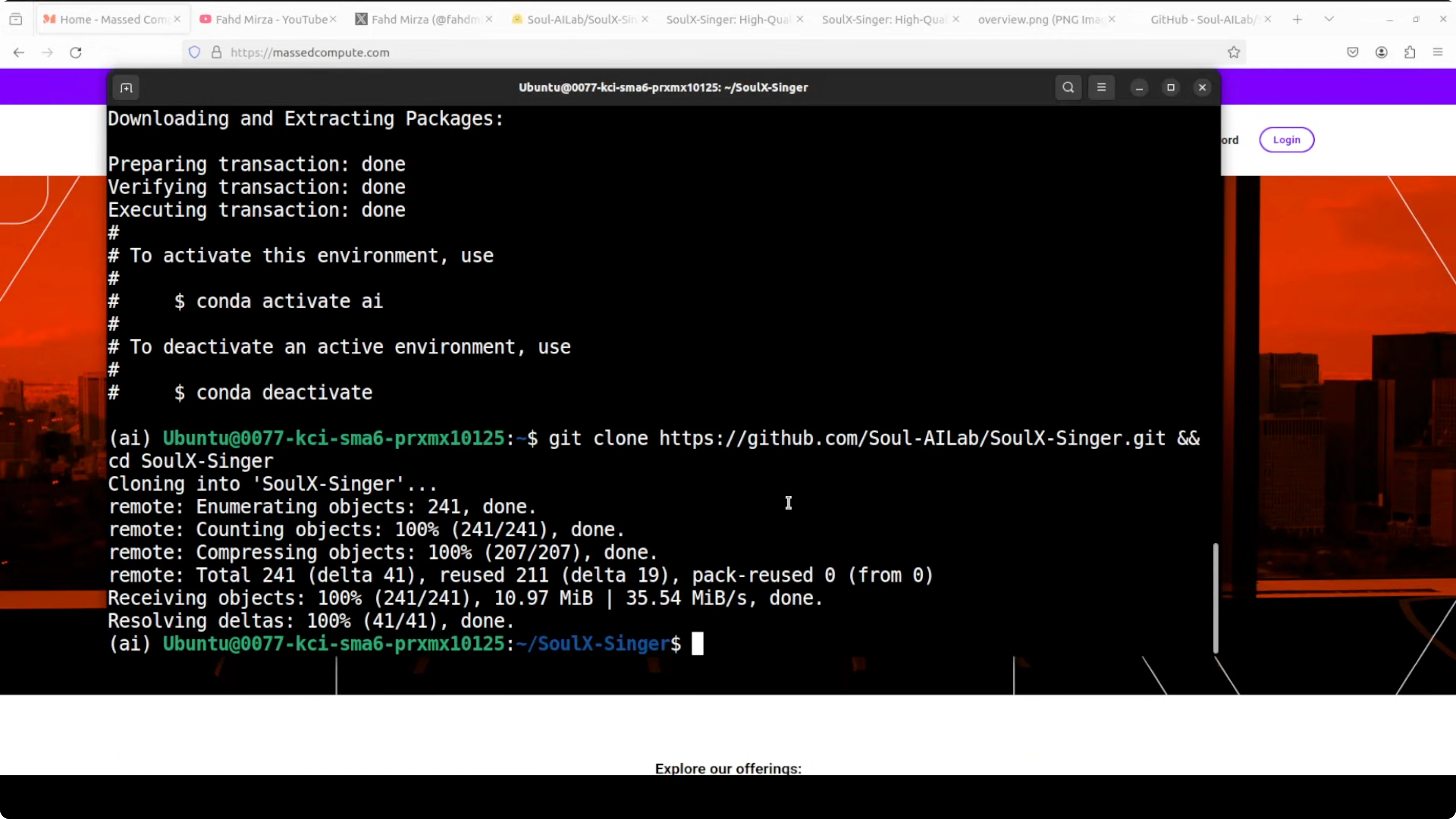
Install requirements.
pip install -r requirements.txt
Launch the web demo.
python webui.py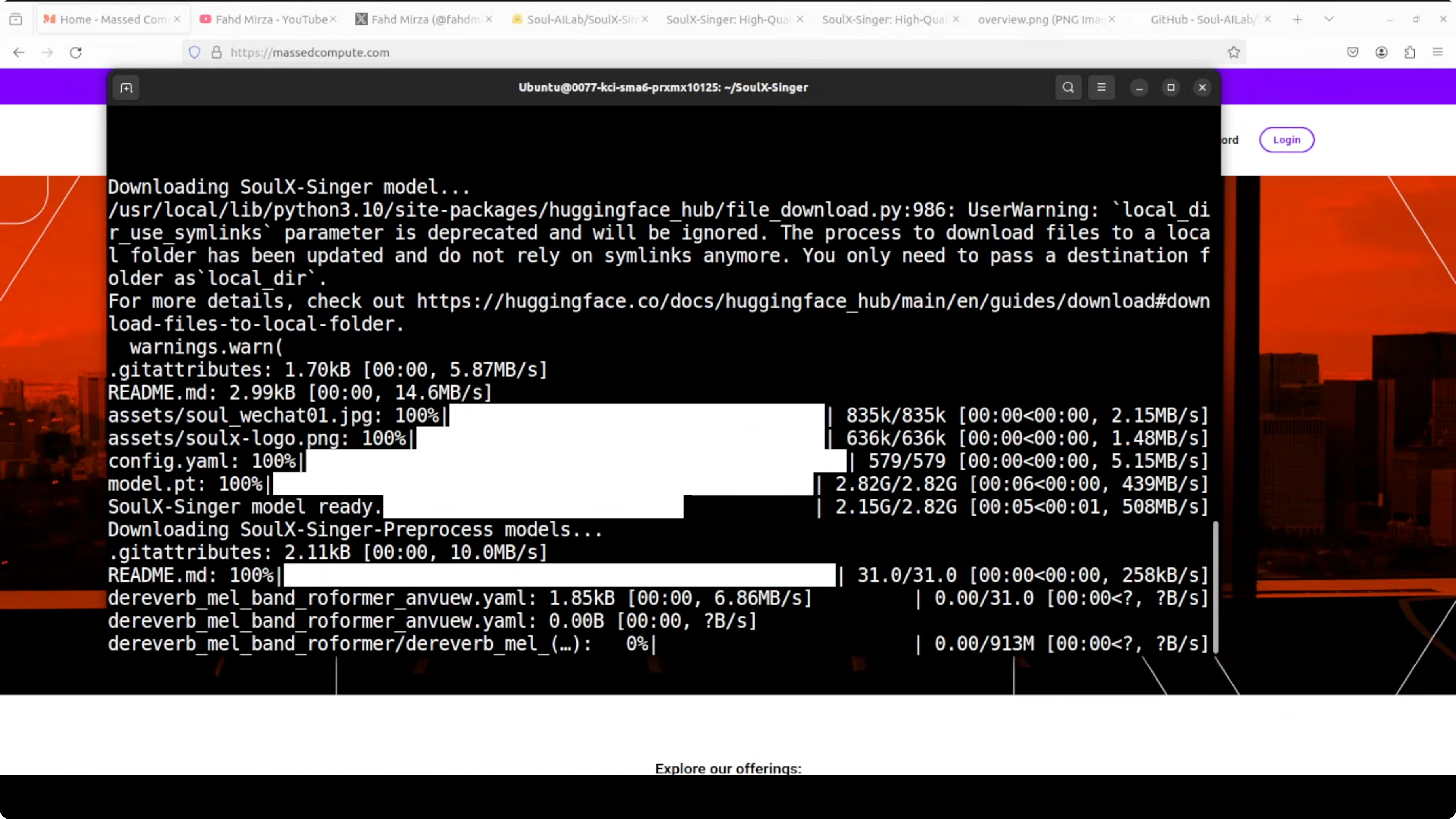
The first run downloads the model for you. The demo runs on localhost at port 7860.
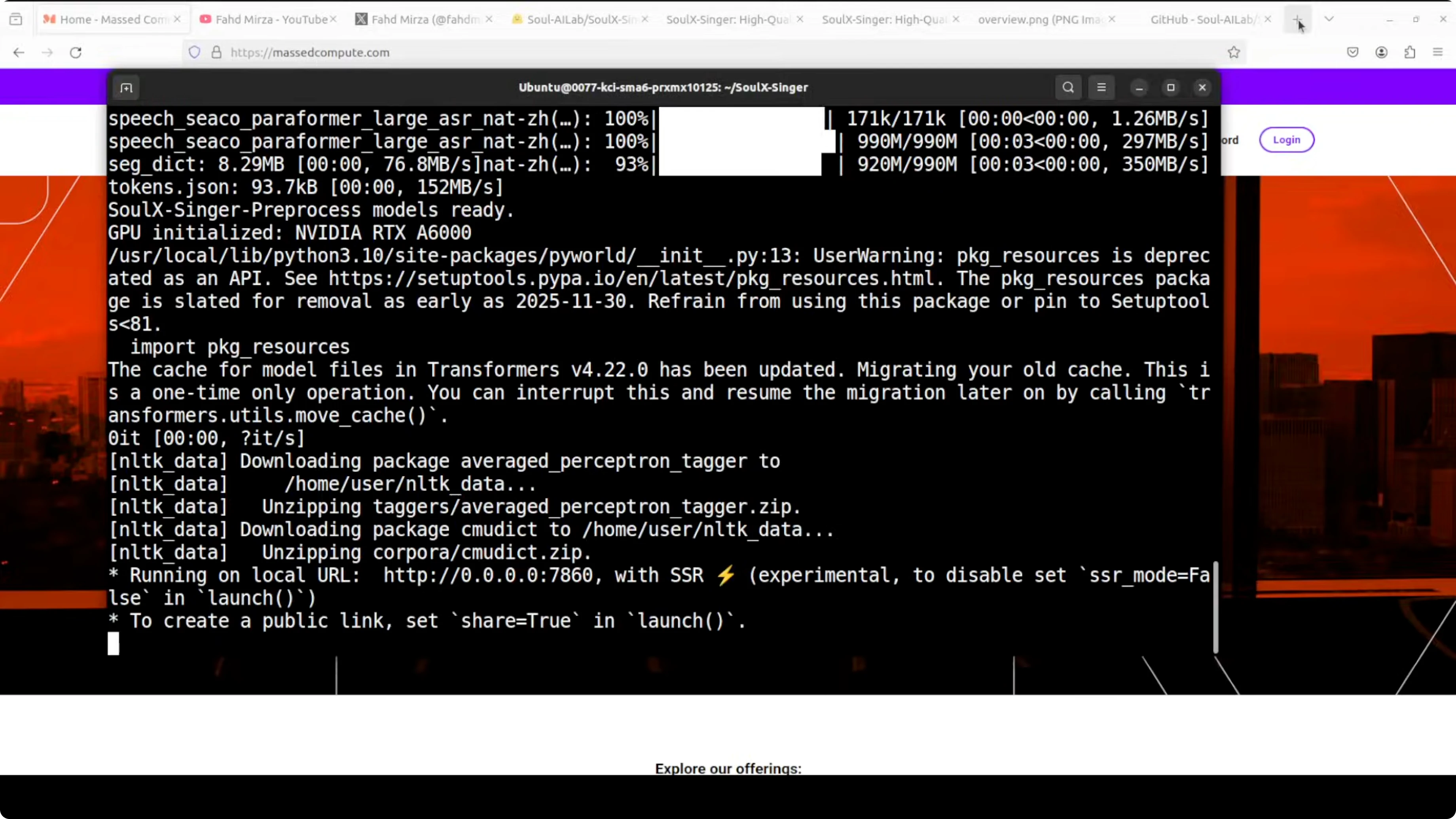
http://127.0.0.1:7860Run and Use SoulX-Singer
Choose the interface language and go with English.
Feed it two audio files. The first one is a short clip of anyone speaking or singing - the voice you want to clone.
Provide a recording of the target song with melody and lyrics as the second one. The AI extracts the voice characteristics from the first clip, maps them onto the melody and lyrics from the second, and generates a brand new singing performance.
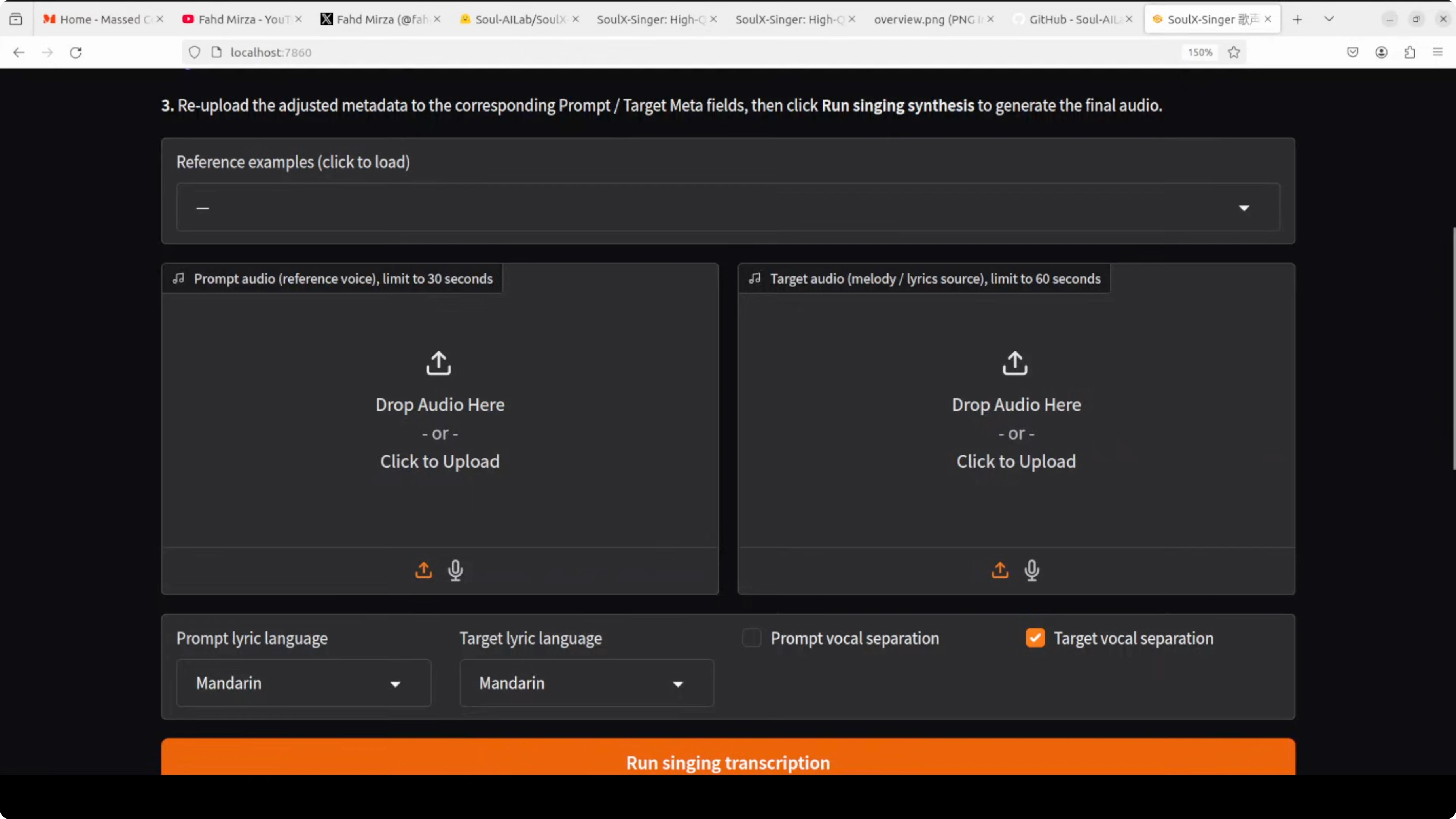
It works across three languages - Mandarin Chinese, Cantonese, and English. This was trained on over 42,000 hours of vocal data.
It supports both melodic input - actual audio recording - and MIDI based control, which is the musical score. That gives you flexibility in how you create.
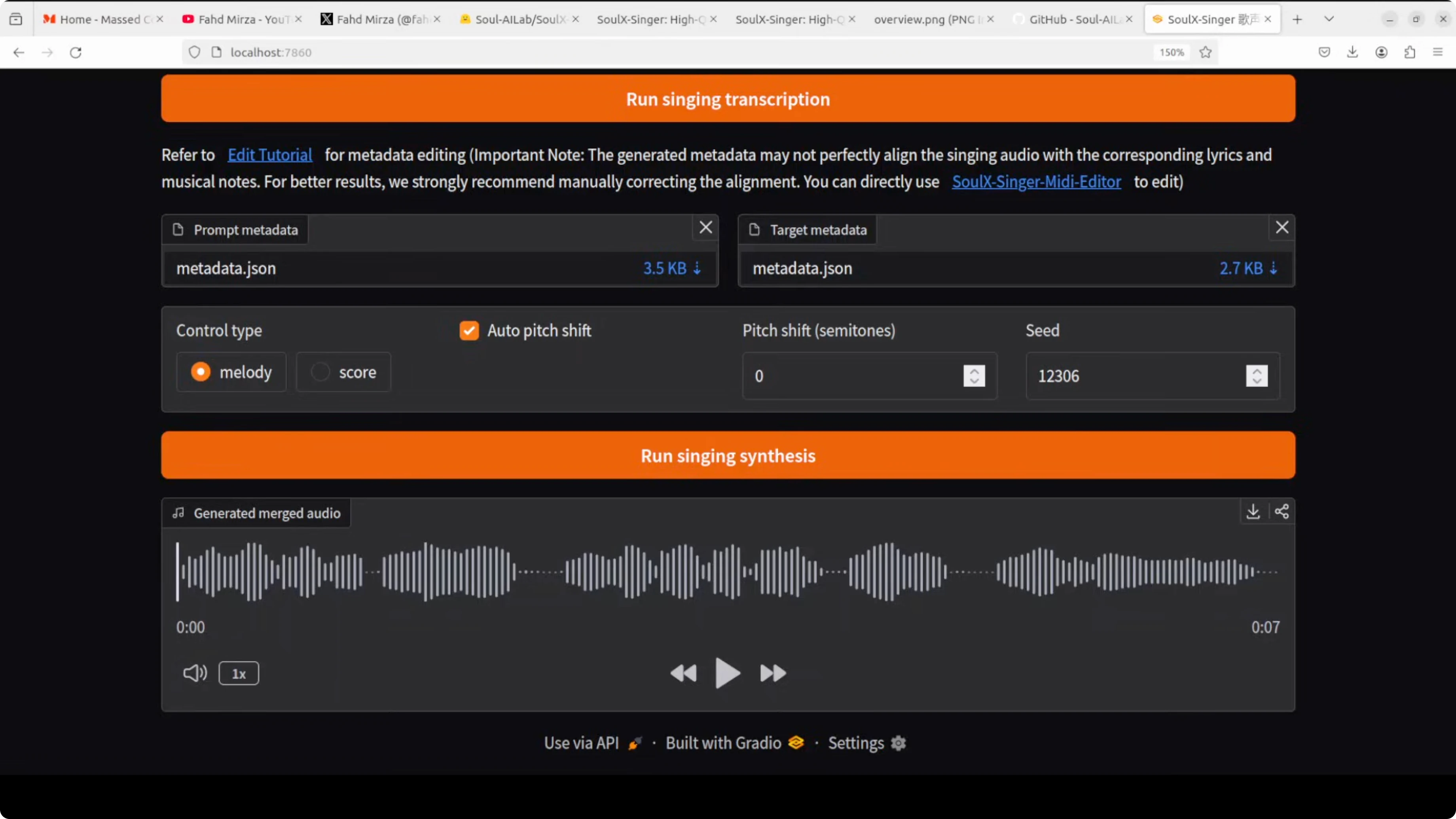
Click Singing transcription to process the prompt. Once transcription is done, you can go with melody or go with score and run singing synthesis.
It generates the output as a new vocal in the target melody. In my quick test, the generated line was: Who says you're not pretty? Who says you're not beautiful? Who says?
VRAM and Performance Notes for SoulX-Singer
While it runs, VRAM sits just over 5 GB and then spikes while the model loads. After loading, it settles and continues processing.
You can watch GPU usage in real time.
watch -n 1 nvidia-smiHow SoulX-Singer Works?
Inputs and Conditioning
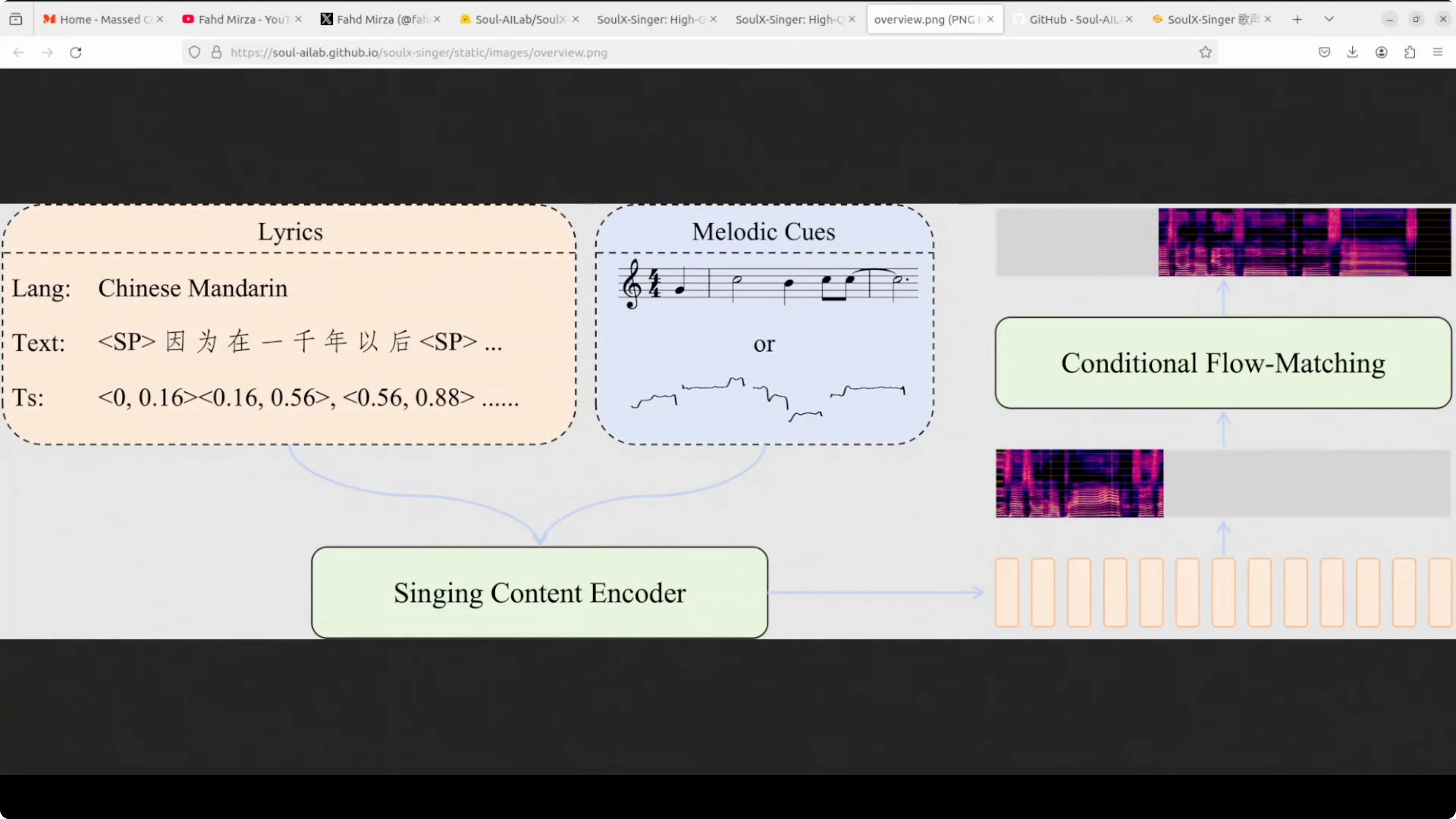
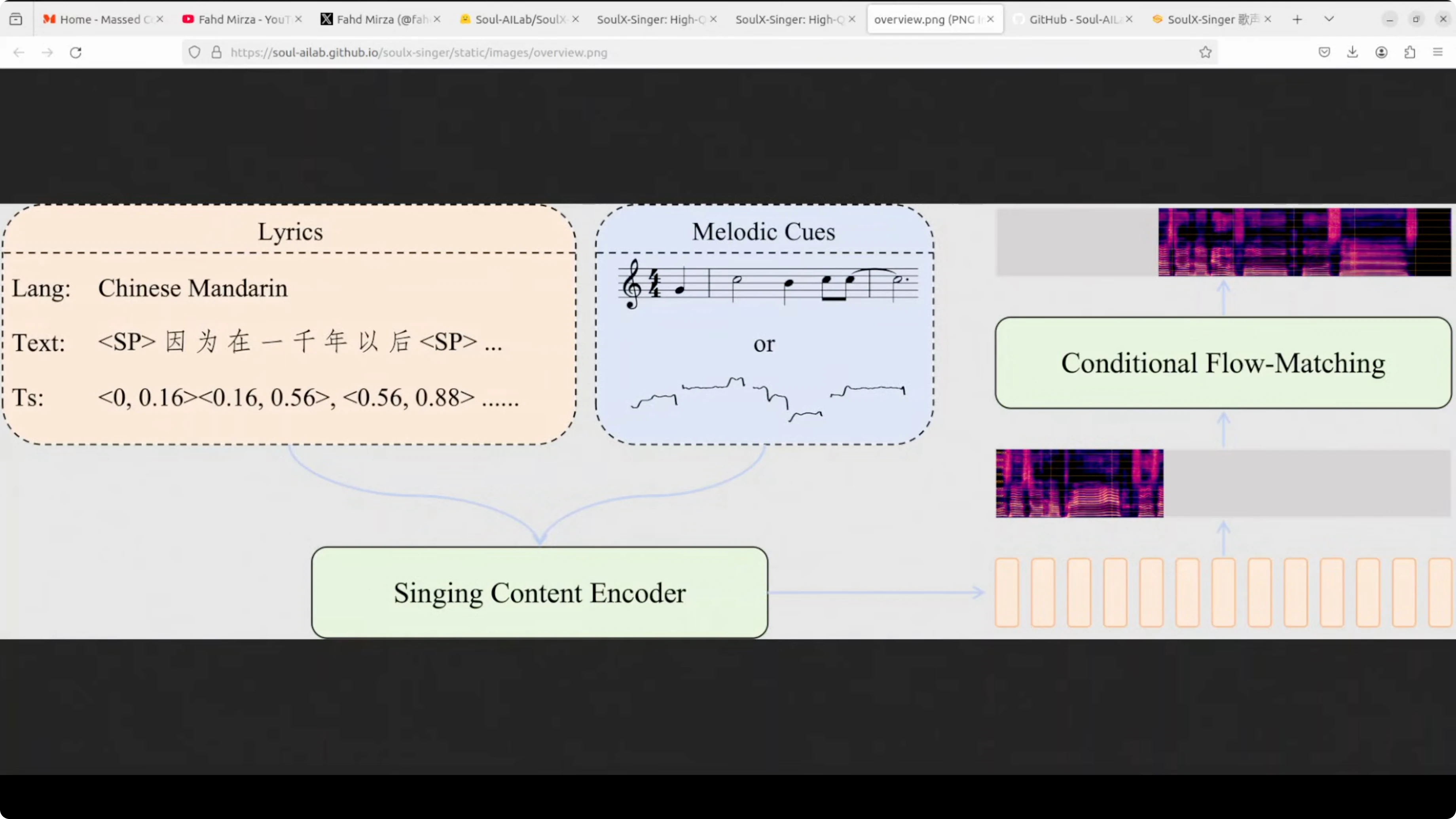
The model uses a singing content encoder that processes two main inputs. The lyrics with text and timing information and the melody cues.
The melody cues can be sheet music or pitch contours. These are aligned with the lyric timings.
Generative Core
These get fed into a conditional flow matching module, which is the core generative component that actually creates the singing voice. The flow matching approach transforms random noise into coherent singing by learning the probability distribution of vocal patterns from its training data set.
The conditioning helps guide phonemes, timing, and pitch to match the target song.
Zero-shot Voice Cloning
What makes it zero-shot is its ability to clone voices it has never seen during training. You do not need to retrain the model for each new voice.
You just provide a reference sample and it figures out the rest.
License and Responsible Use for SoulX-Singer
It is Apache 2 licensed. Use it responsibly and report misuse to the project.
Keep it research and keep it fun without breaking any laws.
Final Thoughts on SoulX-Singer
SoulX-Singer clones a voice from a short reference and sings any melody with strong quality. It supports English, Cantonese, and Mandarin, works with audio or MIDI, and runs locally with moderate VRAM.
The setup is straightforward, the outputs are impressive, and the zero-shot capability makes it practical for fast experiments.
Subscribe to our newsletter
Get the latest updates and articles directly in your inbox.

Related Posts

8 Best Claude Code Plugins in 2026 (You Need to Know)
8 Best Claude Code Plugins in 2026 (You Need to Know)

7 Best Claude Code Skills (You Need to Know)
7 Best Claude Code Skills (You Need to Know)

Claude Code Desktop IDE Features (You Need to Know)
Claude Code Desktop IDE Features (You Need to Know)