
Table Of Content
- Install and Test SoproTTS? Setup
- Install and Test SoproTTS? Source vs pip
- Install and Test SoproTTS? Web demo
- Install and Test SoproTTS? Reference audio requirement
- Install and Test SoproTTS? First test
- Install and Test SoproTTS? Poor reference test
- Install and Test SoproTTS? Short sentence test
- Install and Test SoproTTS? Architecture notes
- Final thoughts
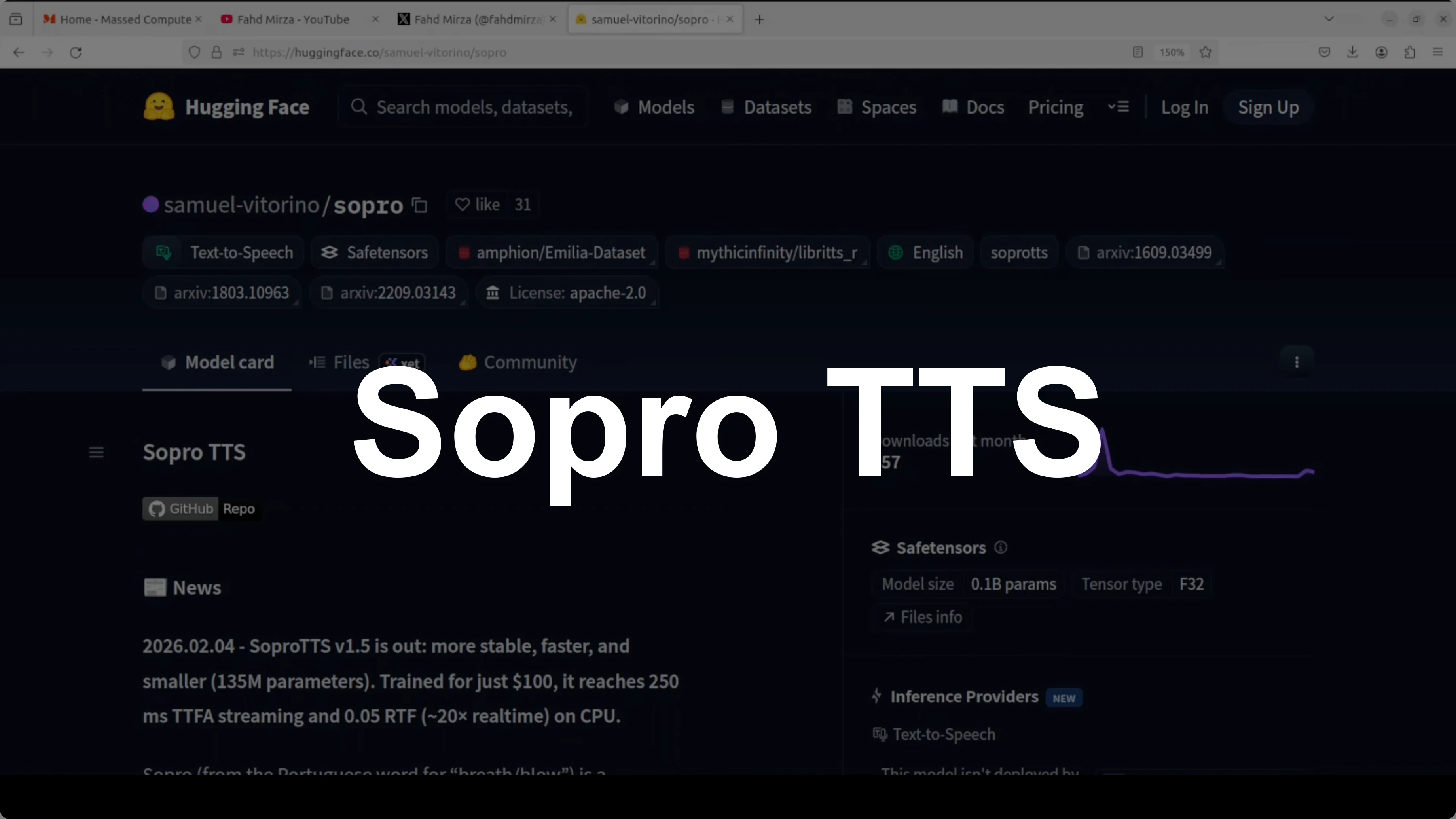
How to Install and Test SoproTTS?
Table Of Content
- Install and Test SoproTTS? Setup
- Install and Test SoproTTS? Source vs pip
- Install and Test SoproTTS? Web demo
- Install and Test SoproTTS? Reference audio requirement
- Install and Test SoproTTS? First test
- Install and Test SoproTTS? Poor reference test
- Install and Test SoproTTS? Short sentence test
- Install and Test SoproTTS? Architecture notes
- Final thoughts
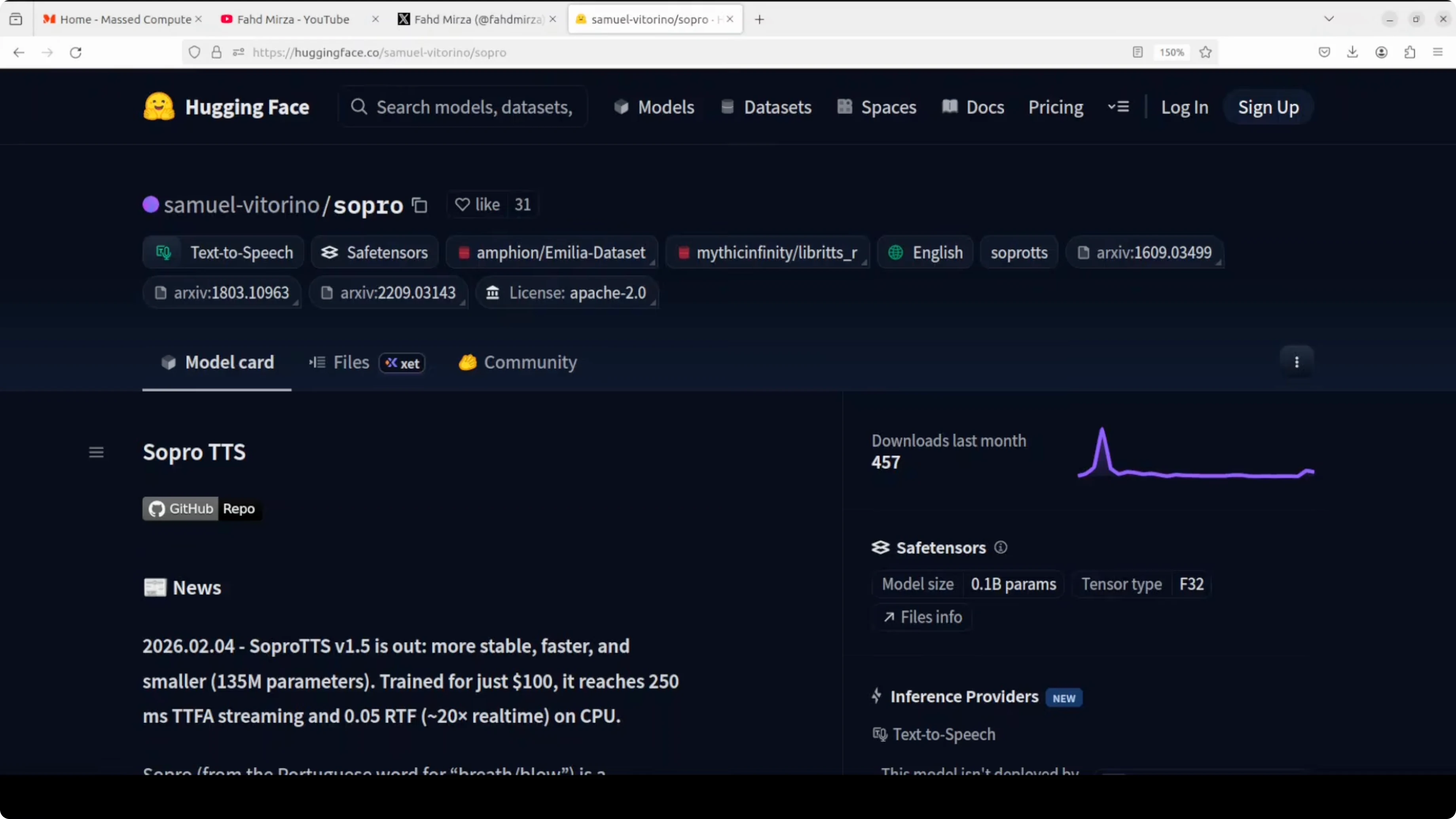
Open-source AI progress is not confined to labs. Developers are training capable text-to-speech models on single GPUs for under $100, and Sopro TTS is one example of what is possible on a shoestring budget. Created by Samuel Vitorino as a side project, Sopro is a lightweight 135 million parameter English TTS model that punches above its weight class.
There are clear limitations, especially for voice cloning. It struggles if the voice quality is poor, but as far as TTS is concerned, it is a solid effort. I cover projects like this to encourage experimentation and exploration.
If you check its Hugging Face card and GitHub repo, it achieves a 0.05 realtime factor on CPU, generating around 32 seconds of audio in under 2 seconds. I will check it on an Ubuntu system and run it on CPU. I will also share a few lines on its unconventional architecture later.
Kokoro TTS is another local option if you are comparing lightweight voices.
Install and Test SoproTTS? Setup
I used a Python virtual environment. It is not mandatory, but I highly recommend it for isolation.
Create and activate a virtual environment.
python -m venv .venv
source .venv/bin/activate
python -m pip install --upgrade pip
You can also use conda if you prefer.
conda create -n sopro-tts python=3.10 -y
conda activate sopro-tts
Install and Test SoproTTS? Source vs pip
I installed from source first and hit a dead end. This is a common issue with some open-source projects where installing from source does not wire up the web app as expected. The simple fix is to install and run it from the published pip package.
Install the package.
pip install sopro-ttsIf you need to add the local project to your module lookup, set the Python path.
export PYTHONPATH="$PWD:$PYTHONPATH"If you containerize and run into environment issues, see this quick Docker fix.
Install and Test SoproTTS? Web demo
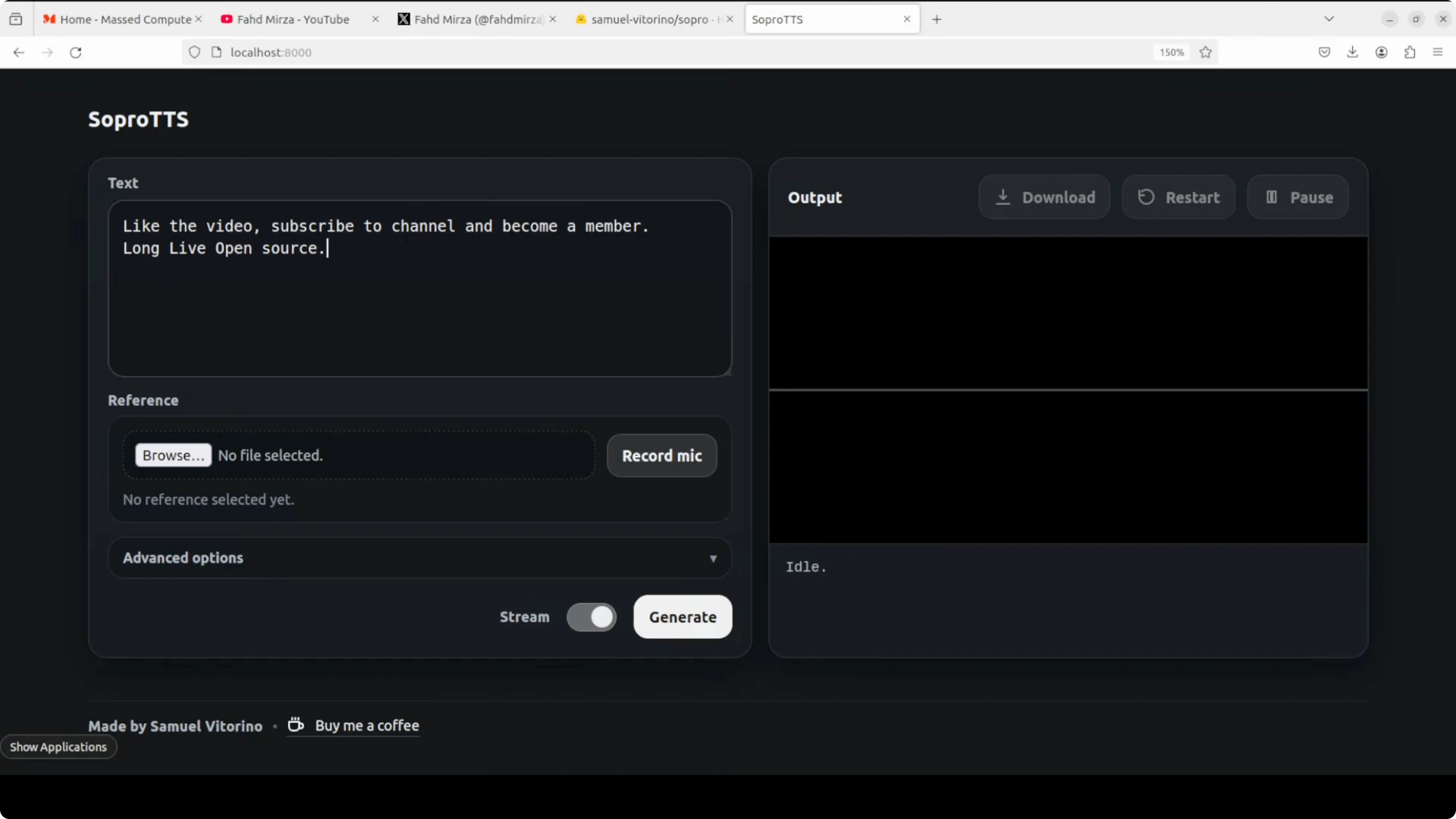
It has a CLI, but I first tried the web demo. Install the web server dependency and launch with Uvicorn, which serves ASGI apps. It runs on localhost at port 8000.
Install Uvicorn.
pip install uvicornLaunch the app with Uvicorn.
uvicorn <module_path>:app --host 127.0.0.1 --port 8000After switching to the pip package, the model download started automatically. The download is small and quick, and the server came up at http://127.0.0.1:8000.
Install and Test SoproTTS? Reference audio requirement
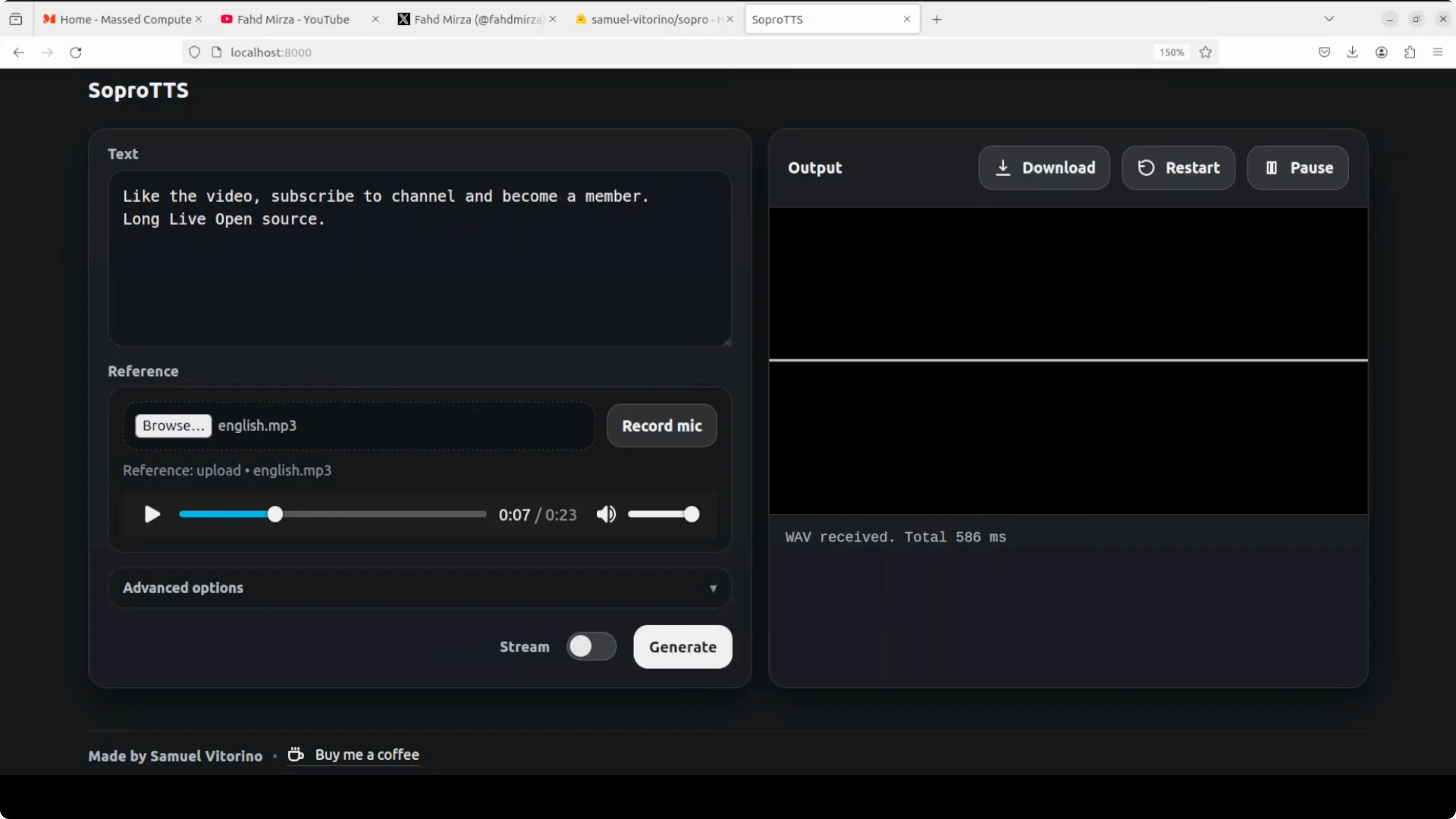
The web demo needs a reference audio before it will generate. I first checked if it could generate without a reference, but it did not. I uploaded a short clean reference clip and proceeded.
Install and Test SoproTTS? First test
Voice cloning worked when the reference audio quality was good. The output quality dropped near the end of a longer sample, but the cloned tone was recognizable. For simple sentences, CPU-only performance was fine.
Install and Test SoproTTS? Poor reference test
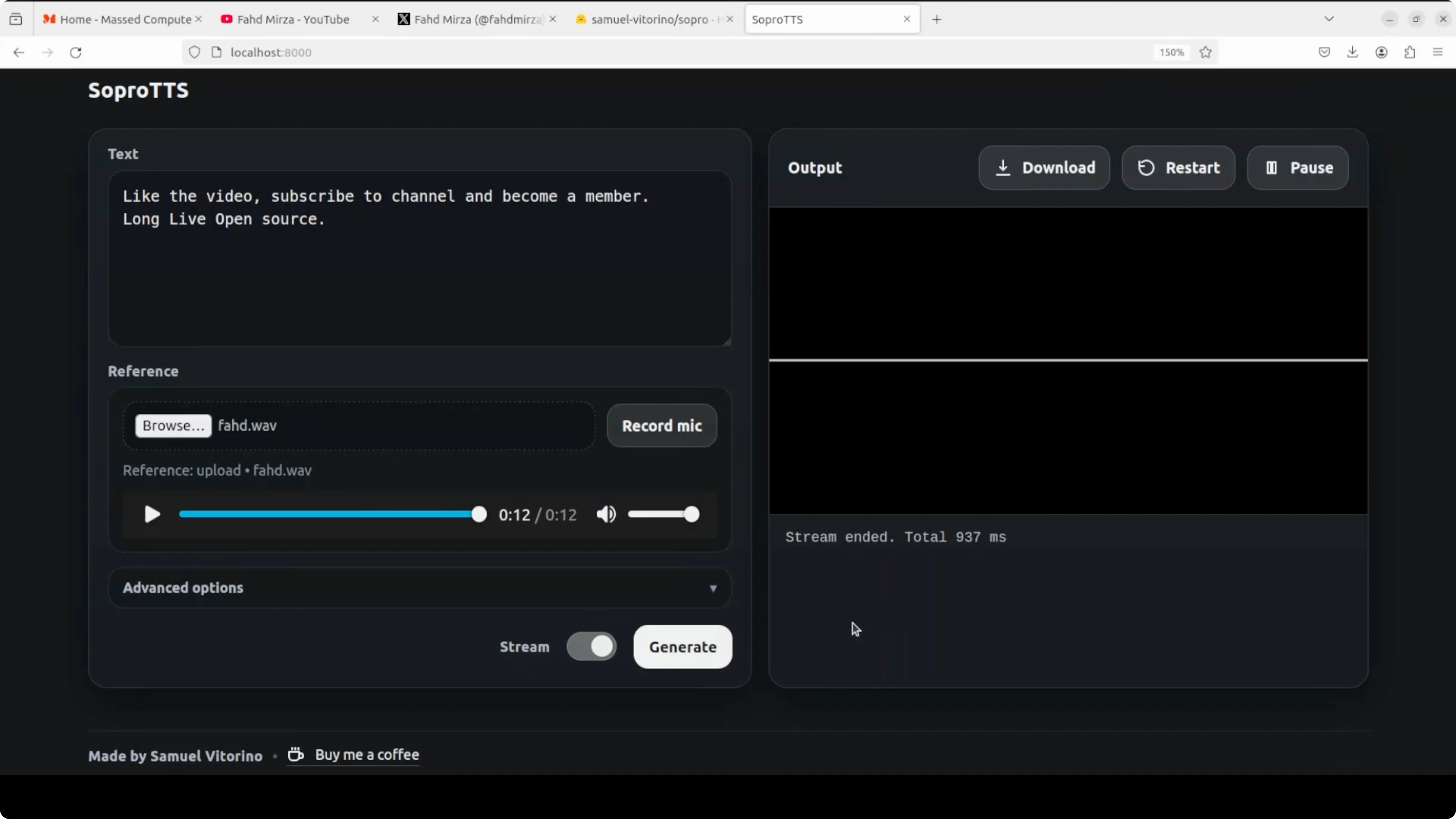
I tried a low quality reference from my own audio. The cloning was poor and the TTS itself was not good. Clean input clearly matters for this system.
Vibe CLI pairs well if you want to script quick speech experiments around short prompts.
Install and Test SoproTTS? Short sentence test
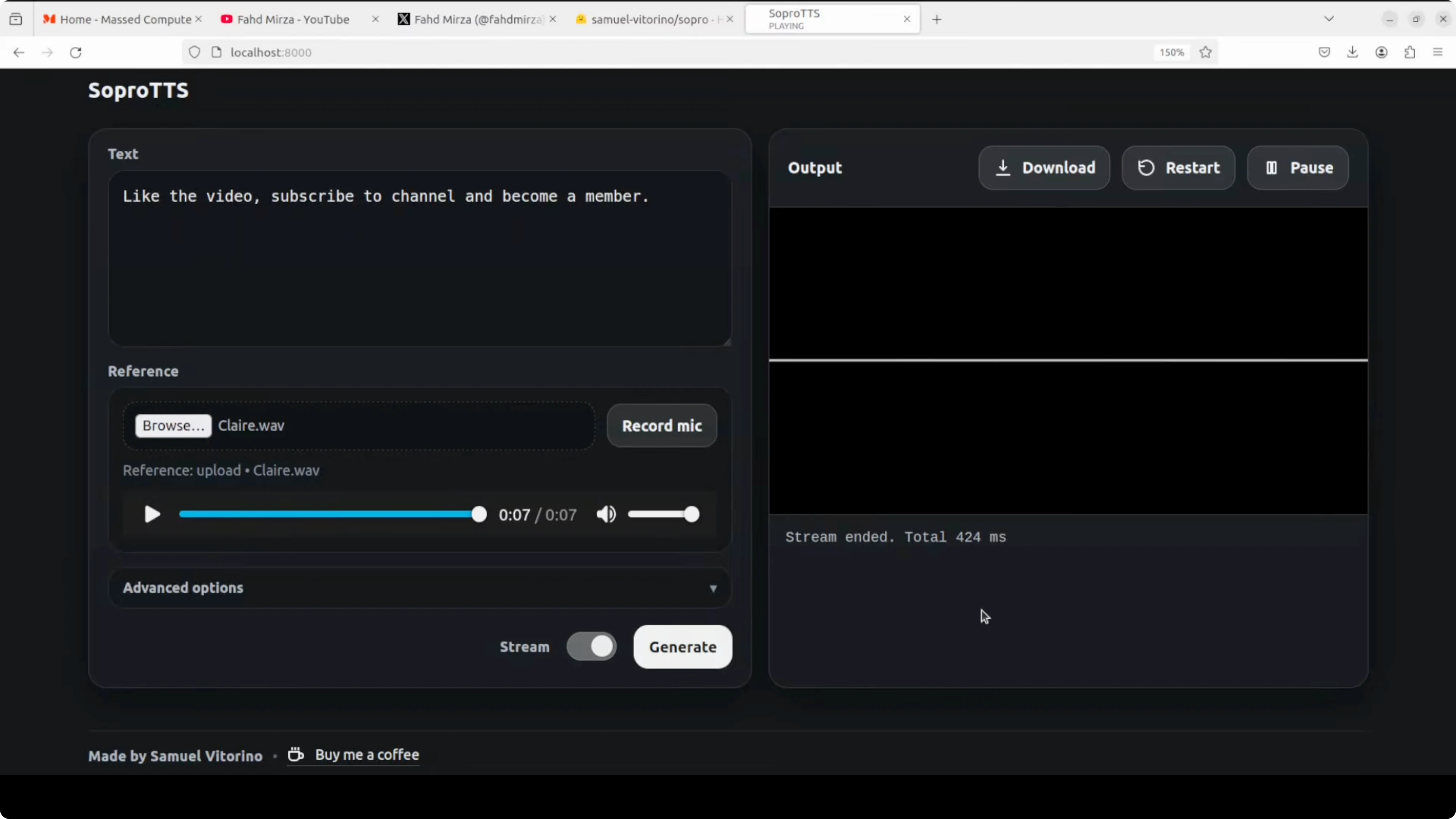
I selected a good quality sample and generated a single sentence. With a short prompt and clear reference, the output was solid. This aligns with the intended use for quick CPU-bound cloning on short text.
If you plan a text-to-speech pipeline that processes documents first, consider adding OCR to your preprocessing. Here is a reliable option: Mistral OCR.
Install and Test SoproTTS? Architecture notes
Instead of a typical transformer stack, Sopro TTS uses dilated convolution inspired by WaveNet combined with lightweight cross-attention layers. This compact design supports streaming zero shot voice cloning from just 3 to 12 seconds of reference audio. It reaches first audio latency of around 250 ms, which is helpful for voice AI pipelines.
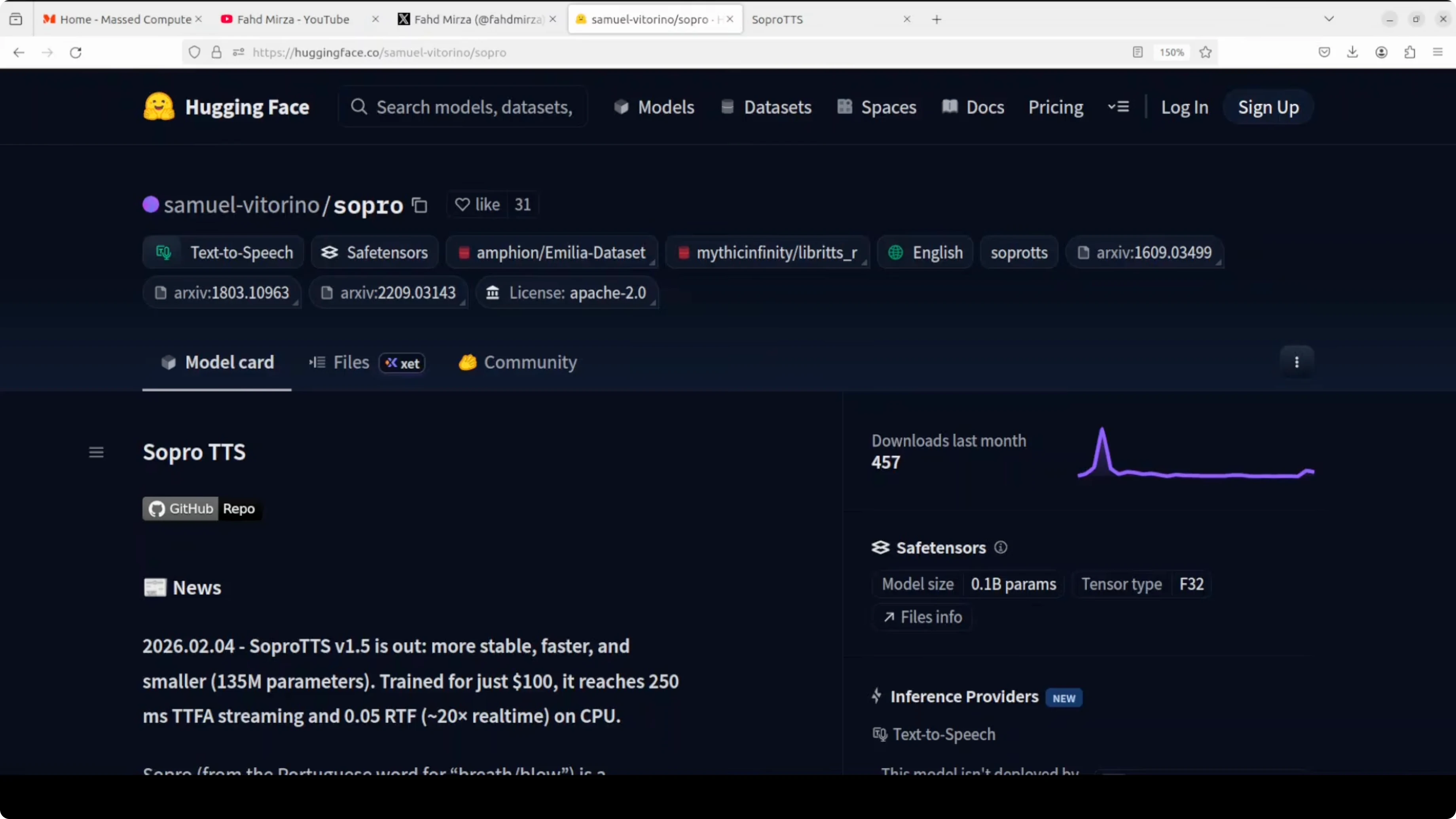
The creator openly notes it is not state of the art and can be inconsistent. It still shows how far small teams can go with modest data and compute. You do not need massive datasets or corporate backing to create tools that work.
If you are building creative ML workflows around node-based tools, this quick guide helps set things up: Flux 2 setup.
Final thoughts
Sopro TTS is a budget-friendly English TTS that runs on CPU and shows fast streaming with low latency. It needs clean reference audio and performs best on short sentences, but it is a credible open-source effort with a neat convolutional design. For hands-on testing, set up a clean environment, prefer the pip package, and keep your references high quality for the best results.
Subscribe to our newsletter
Get the latest updates and articles directly in your inbox.

Related Posts

8 Best Claude Code Plugins in 2026 (You Need to Know)
8 Best Claude Code Plugins in 2026 (You Need to Know)

7 Best Claude Code Skills (You Need to Know)
7 Best Claude Code Skills (You Need to Know)

Claude Code Desktop IDE Features (You Need to Know)
Claude Code Desktop IDE Features (You Need to Know)