
Table Of Content
- I Built One AI Agent and Ran It Everywhere Using RunAgent
- Local Setup and Hands-on Demo
- Environment
- Install RunAgent and requirements
- Build a simple problem-solving agent with a two-step workflow
- Initialize the project in RunAgent
- Configure and serve the agent locally
- Quick API test
- How RunAgent bridges frameworks and languages
- Thoughts on production use
- Final Thoughts
I Built One AI Agent and Ran It Everywhere Using RunAgent
Table Of Content
- I Built One AI Agent and Ran It Everywhere Using RunAgent
- Local Setup and Hands-on Demo
- Environment
- Install RunAgent and requirements
- Build a simple problem-solving agent with a two-step workflow
- Initialize the project in RunAgent
- Configure and serve the agent locally
- Quick API test
- How RunAgent bridges frameworks and languages
- Thoughts on production use
- Final Thoughts
If you work with AI agents in a production environment, you know that it is still extremely hard to scale these agents. I was quite intrigued to see this new tool called RunAgent, an agentic ecosystem that really tries to see how developers build and then deploy AI agents at scale, helping them out with a real production use case. Is it a success or not? I don't know yet. I installed it and checked how it works.
Before getting it installed, I tried to understand what it is doing. It enables us to write AI agents once in Python (and a few other languages) using popular frameworks and then access them from any programming language through multi-language SDKs.
This eliminates the tedious process of rewriting agents for different tech stacks. You can build in Python and call from TypeScript, Go, Rust, or Dart. What makes RunAgent particularly enticing is its combination of local development capabilities.
They also have some cloud option but I'm not going there. I think it is good to develop and test agents locally, especially when we are talking about scale with some debugging and then deploying it wherever we want. I don't see it yet how to do automatic scaling, especially when it comes to the local RunAgent.
I Built One AI Agent and Ran It Everywhere Using RunAgent
RunAgent lets you create an agent once using frameworks like:
- LangGraph
- Crew AI
- LETA
- Parland
- LlamaIndex
Then it exposes that agent through SDKs so you can call it from different languages. The idea is to act as a universal bridge between agent frameworks and any programming language.
Local Setup and Hands-on Demo
Environment
I used Ubuntu with one GPU card, Nvidia RTX 6000 with 48 GB of VRAM.
Install RunAgent and requirements
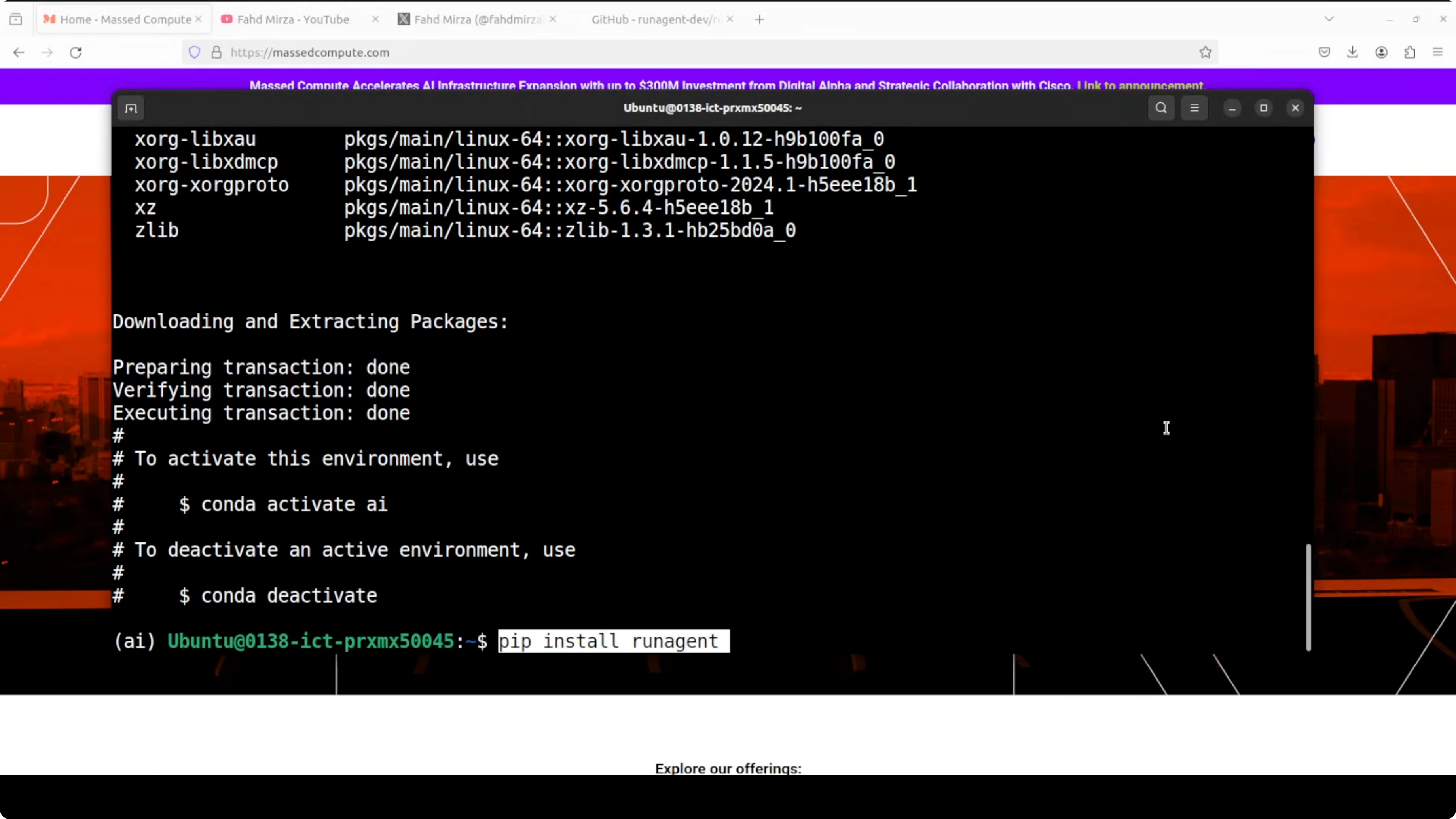
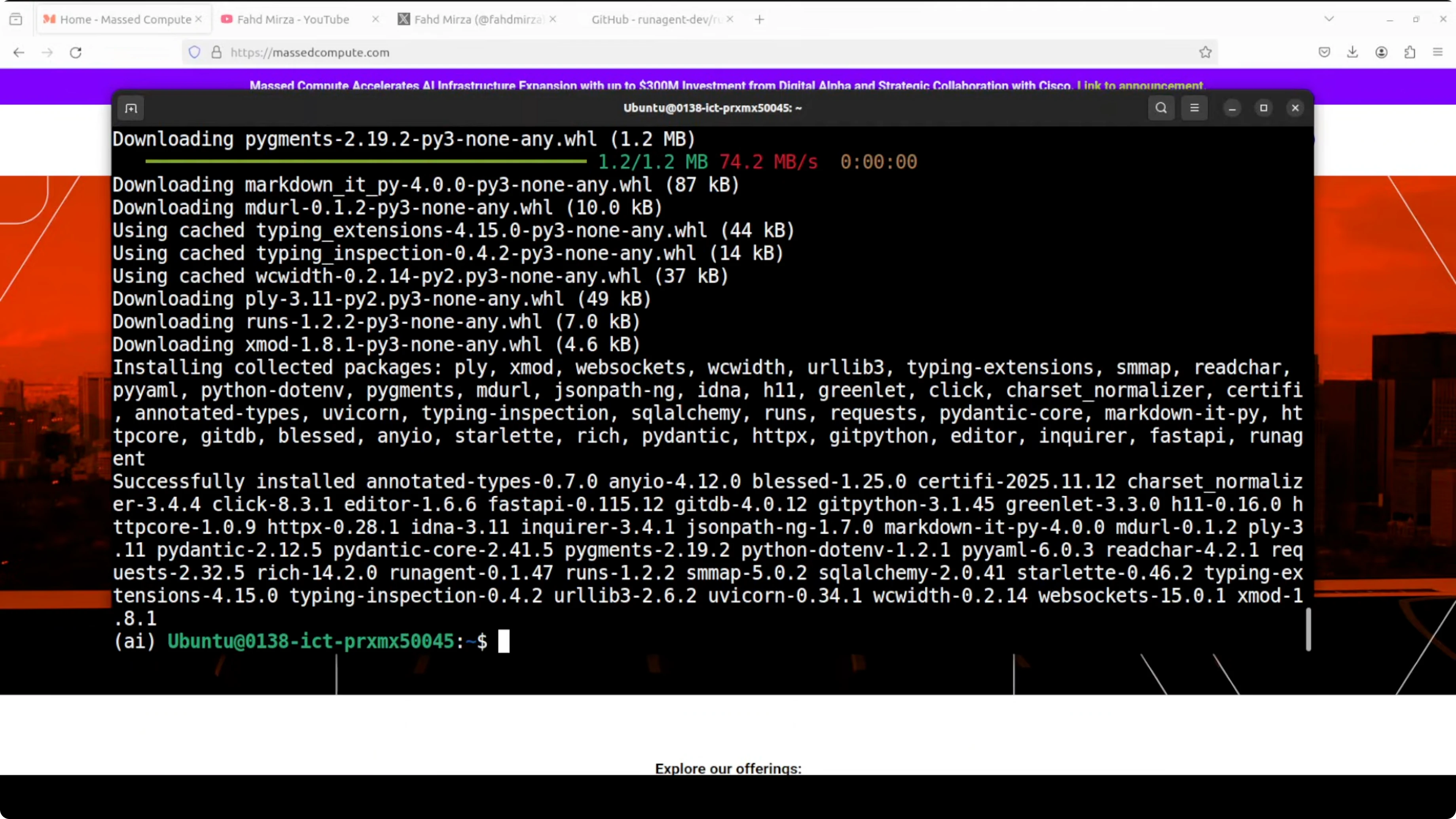
- Create a virtual environment.
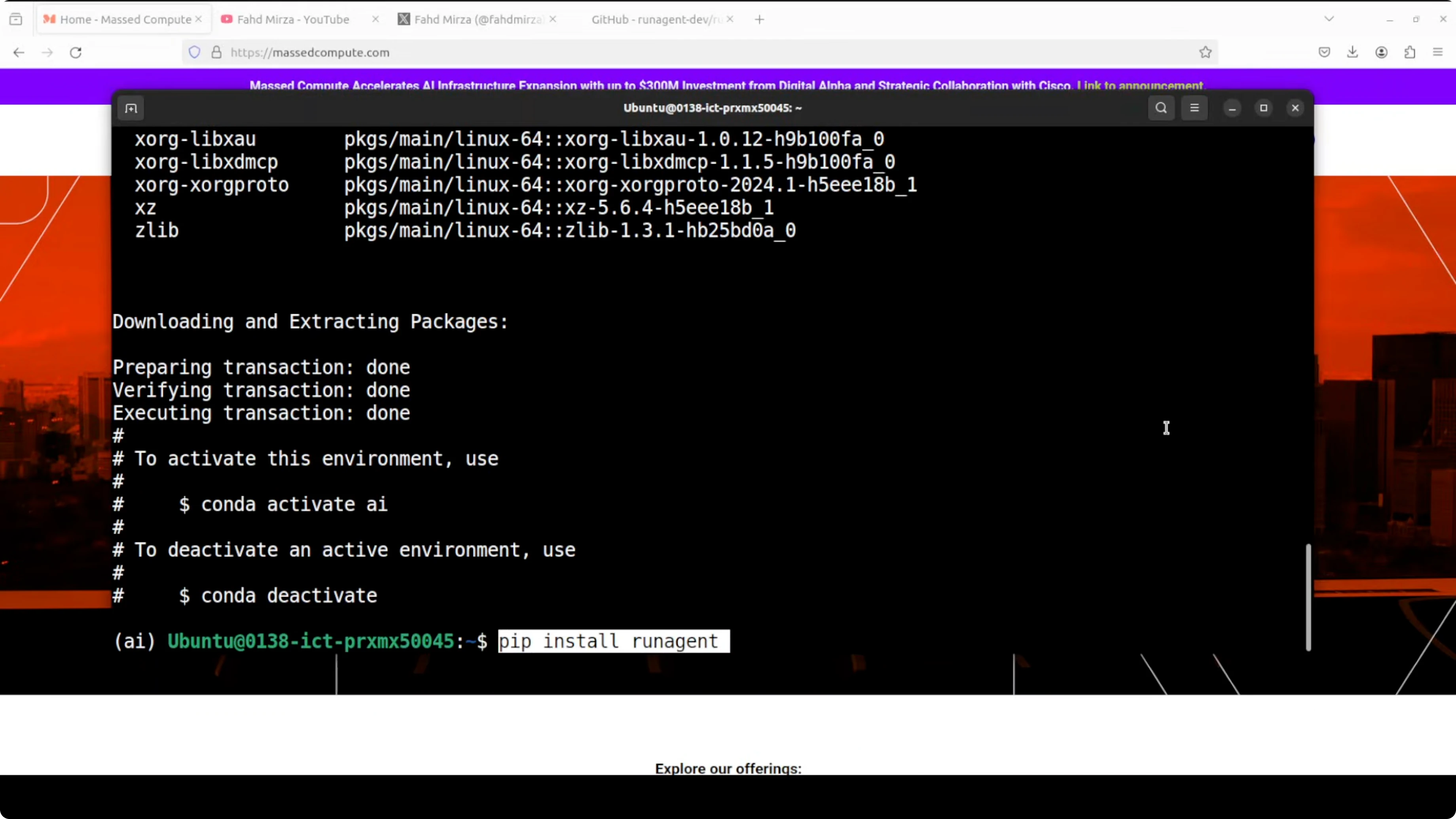
- Install RunAgent with a simple pip install command.
- For the example, install LangGraph and FastAPI to serve the agent.
Build a simple problem-solving agent with a two-step workflow
I built a simple AI problem-solving agent using LangGraph. It takes any problem description, something like "my laptop is slow", and then it should generate multiple solution suggestions. The agent uses a two-step workflow:
- First it should analyze the problem and generate solutions.
- Then it should validate them.
Initialize the project in RunAgent
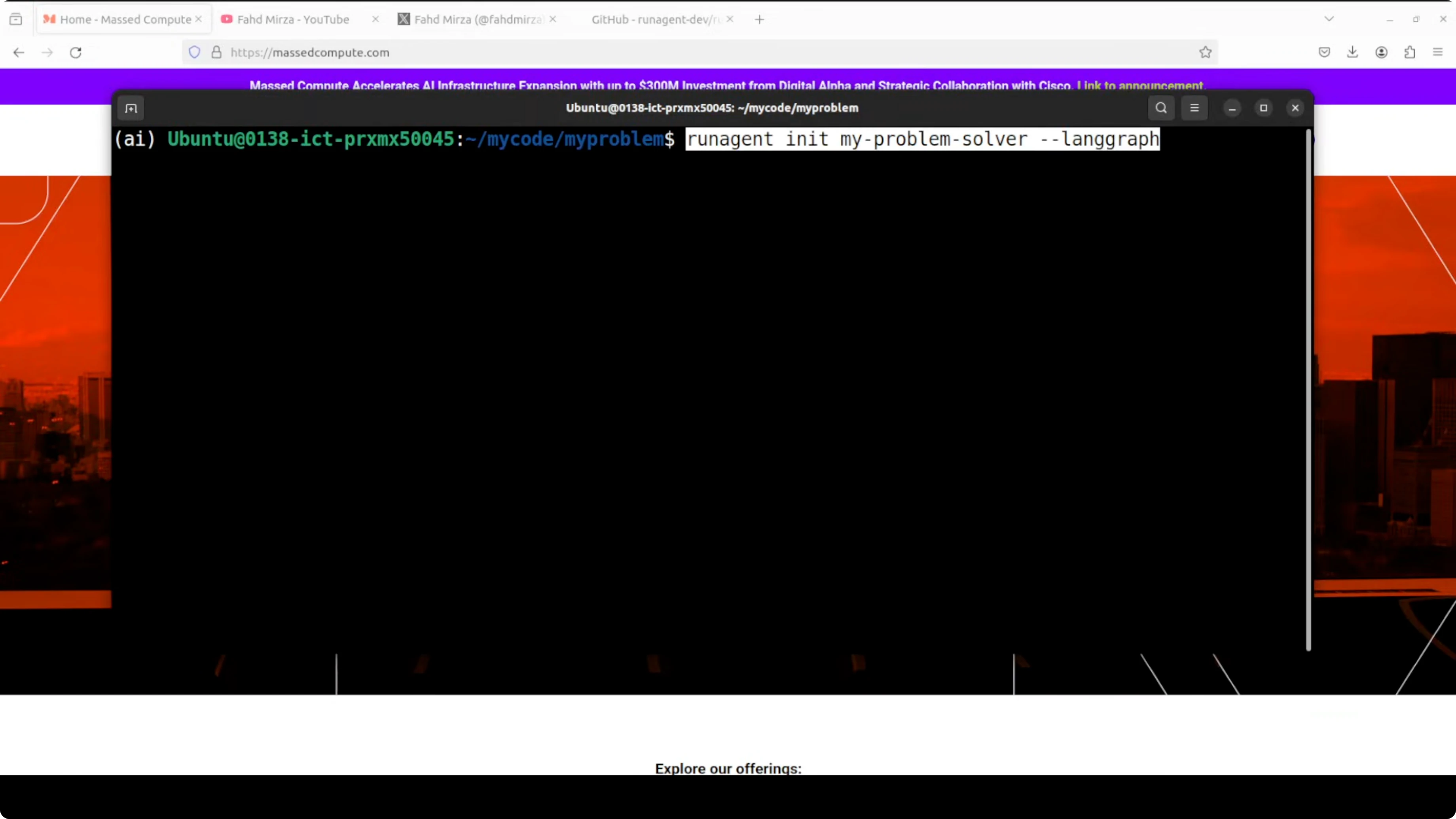
- Create a new directory, for example, my-problem, and cd into it.
- Initialize RunAgent and select LangGraph as the framework.
- When prompted:
- Choose a template over an existing codebase or minimal project.
- Pick the LangGraph option from the list of frameworks.
- Select the problem-solver template and set a project path and name.
- Skip API keys at init if you prefer to set them later.
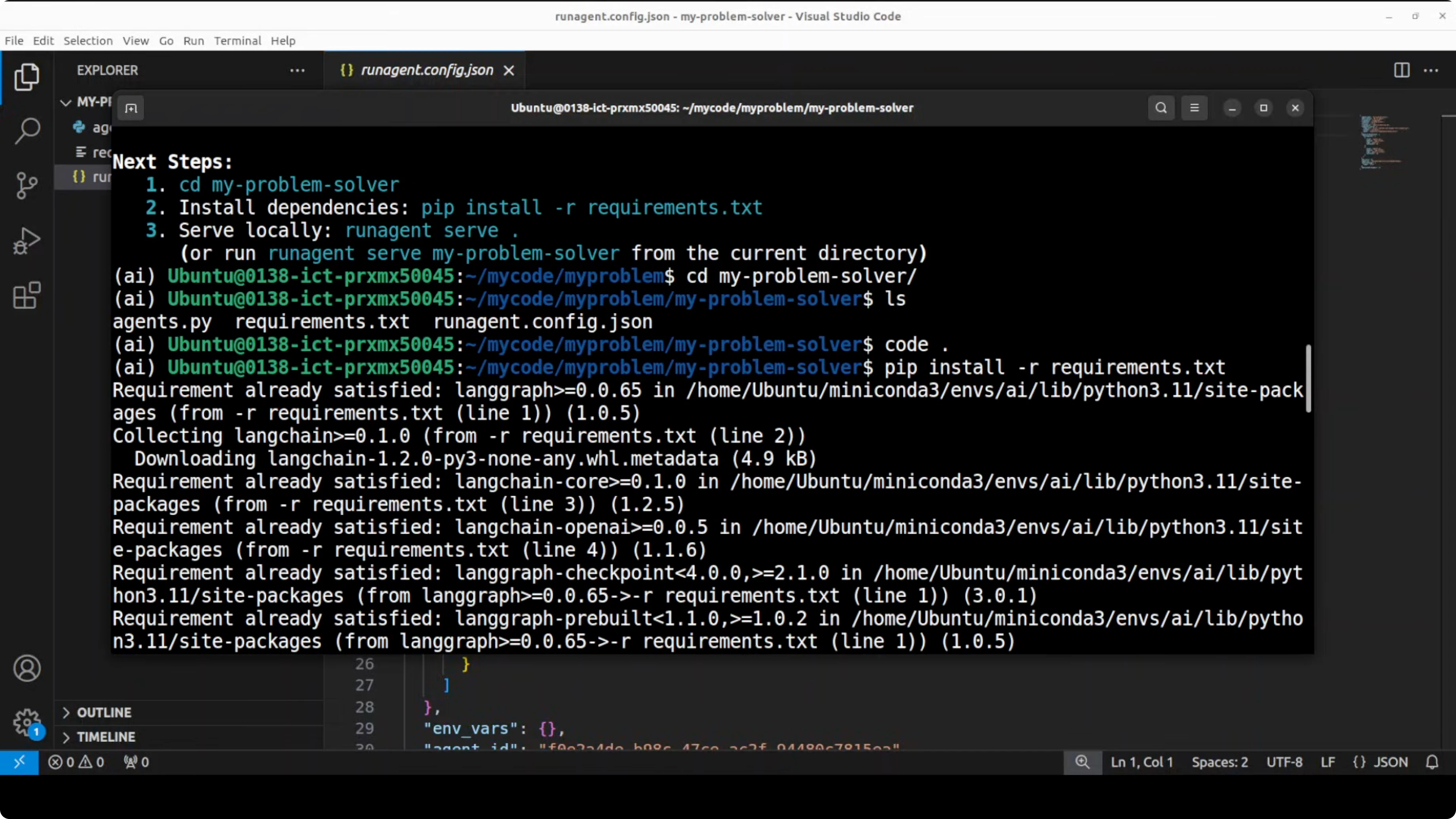
- After initialization, it prints next steps. The project includes files like:
- requirements.txt
- a.py
- A JSON file that defines your agent, its architecture, variables, and more.
- Install the requirements if needed.
From this point on, it is dependent on your framework. You can select whatever model you need like OpenAI ChatGPT, and you can go with a lot of use cases based on the JSON configuration.
Configure and serve the agent locally
- Set your model API key, for example the OpenAI API key.
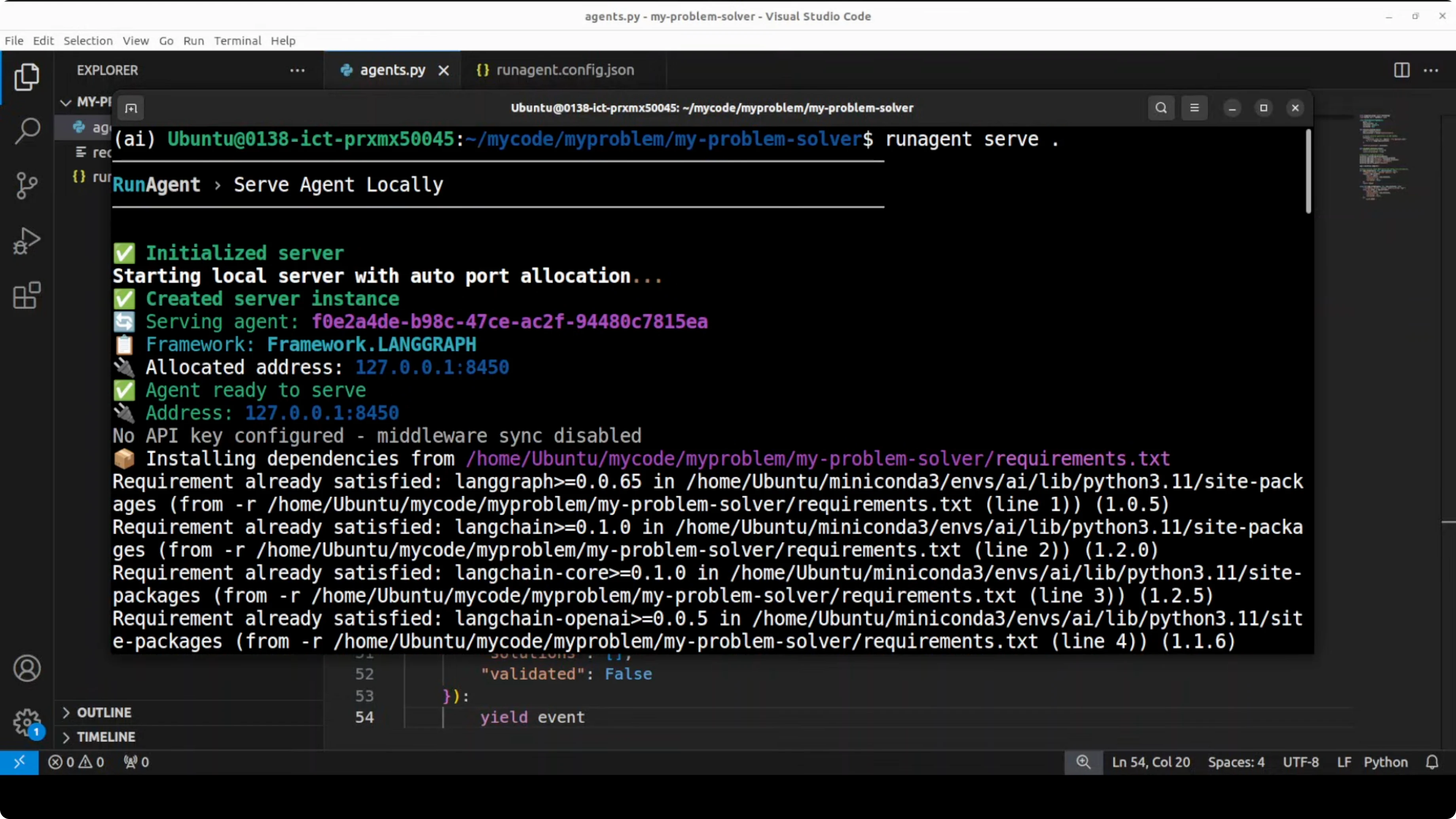
- Serve the agent locally using the serve command. The agent will be available on your local system.
- You can access it through an API call from your test client.
Quick API test
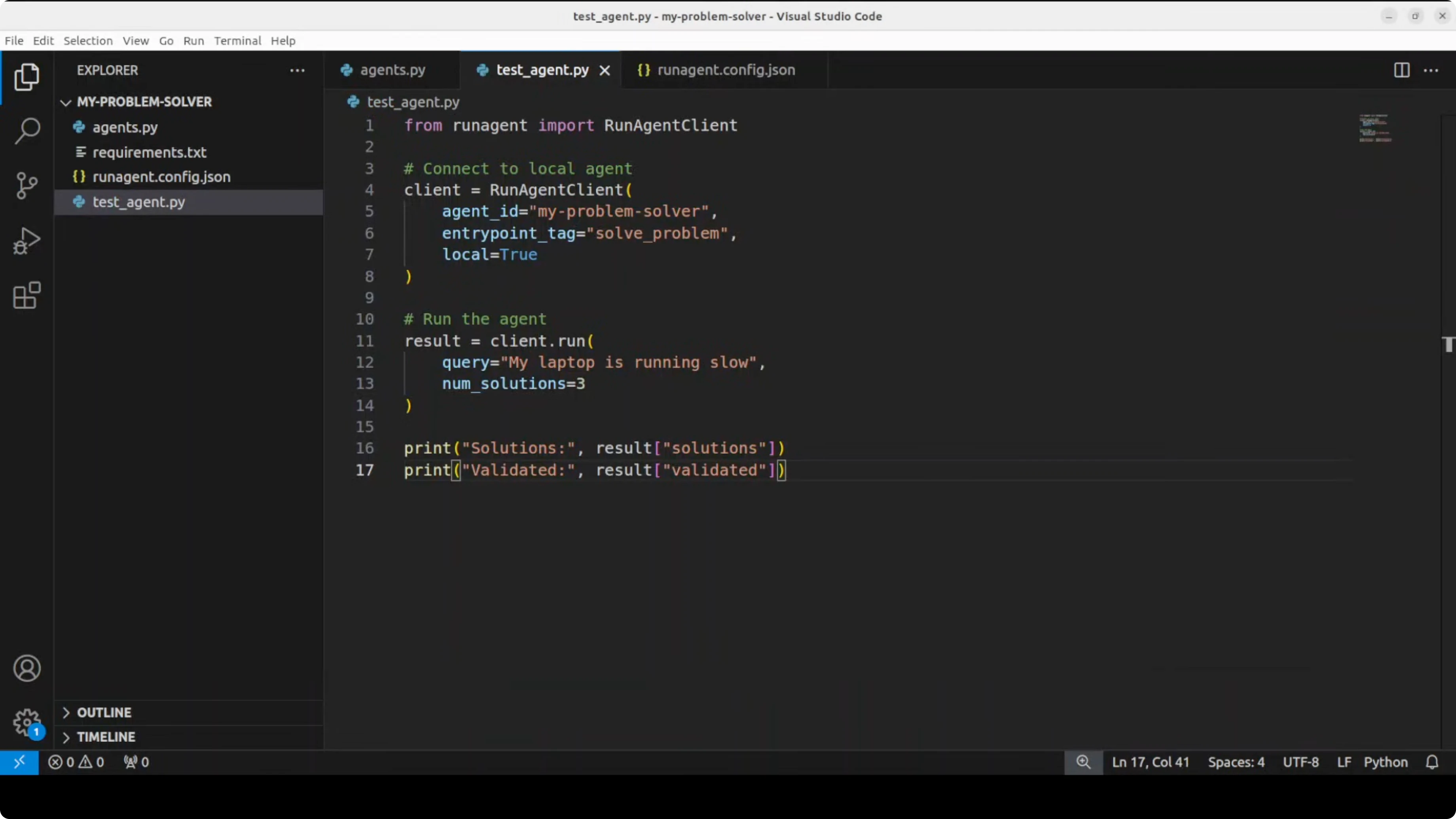
- Use a simple script to instantiate the RunAgent client.
- Ask it: "My laptop is running slow."
- Expect three solution suggestions and a validation indicator.
- If you have not connected a model yet, set the OpenAI API key and run the test again.
- The agent returns responses from your model. You can plug and play your framework easily.
How RunAgent bridges frameworks and languages
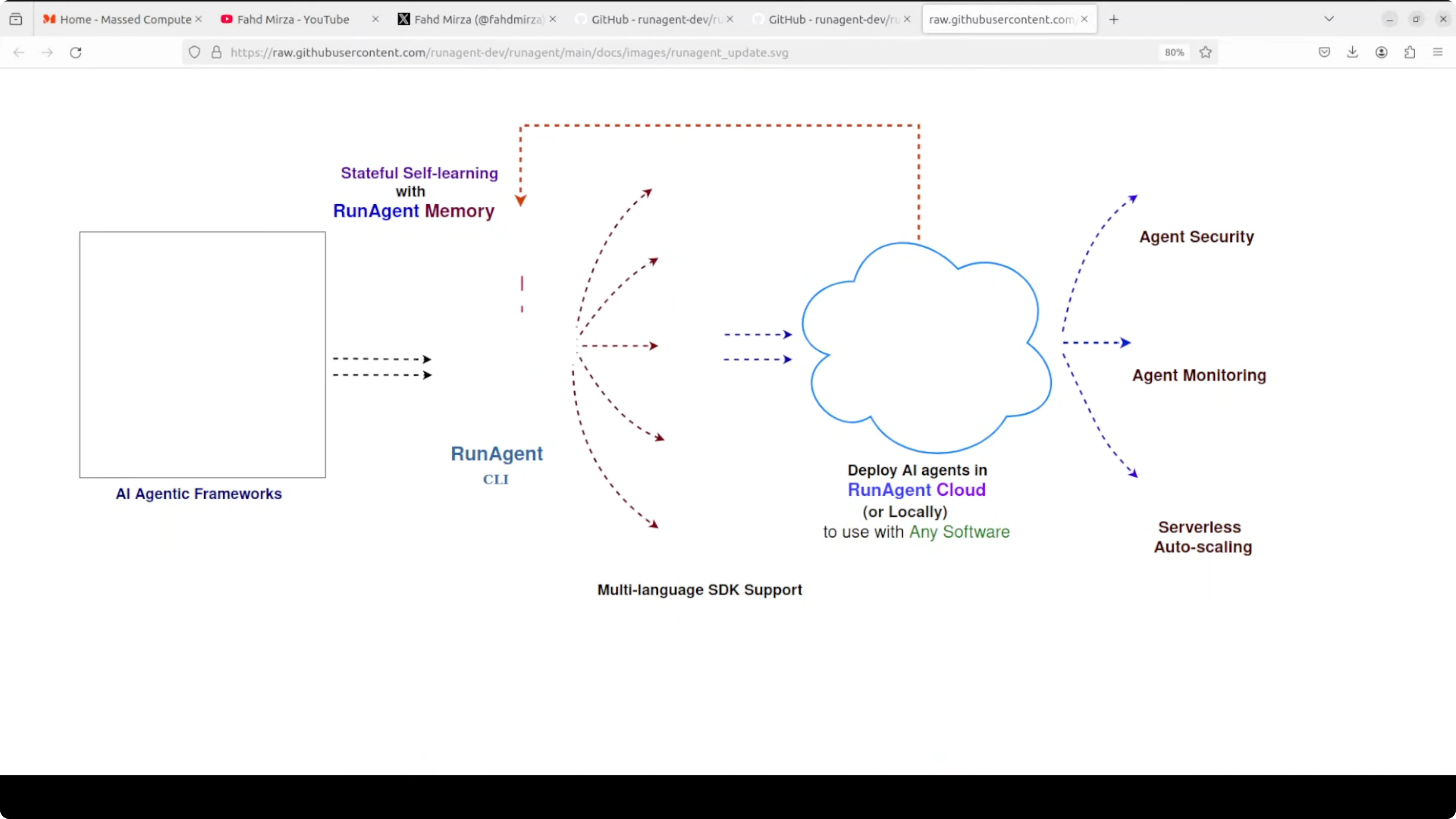
This is how the flow looks. You build your agent once using Python and then you can use it with LangGraph, LETA, or others. RunAgent automatically generates SDKs, so you can call that same agent from any language of your choice. In essence, it tries to eliminate the need to rewrite your agents for different tech stacks. It is a tall order.
Thoughts on production use
How much it will be successful, I'm not entirely sure. When you try to deploy these things in production they start breaking, and this sort of middleware is not easy to implement. I will also try it in some production environments and share my findings. On the surface I like the idea. If it is viable, we will see.
Final Thoughts
- Build an agent once with frameworks like LangGraph and expose it through RunAgent’s SDKs to call it from multiple languages.
- Local development is straightforward: initialize a project, configure your model, serve locally, and test via API.
- The core promise is to avoid rewriting agents for each tech stack.
- The big questions are around production reliability and scaling, especially for local setups, which I plan to test further.
Subscribe to our newsletter
Get the latest updates and articles directly in your inbox.

Related Posts

8 Best Claude Code Plugins in 2026 (You Need to Know)
8 Best Claude Code Plugins in 2026 (You Need to Know)

7 Best Claude Code Skills (You Need to Know)
7 Best Claude Code Skills (You Need to Know)

Claude Code Desktop IDE Features (You Need to Know)
Claude Code Desktop IDE Features (You Need to Know)