
Table Of Content
- Qwen-Image-Layered Another Banger
- Qwen-Image-Layered Another Banger solves a real problem
- Local setup and requirements for Qwen-Image-Layered Another Banger
- System and environment
- Install and run
- Download size and memory use
- Using Qwen-Image-Layered Another Banger
- Decompose without a prompt
- Decompose with a prompt
- Architecture of Qwen-Image-Layered Another Banger
- RGBA variational autoencoder
- VLDMM and variable layer outputs
- Training and end to end behavior
- Related editing model
- More tests and observations
- Clouds and character example
- Text-heavy poster example
- Recursive decomposition and integration ideas
- Final thoughts
Qwen-Image-Layered: AI That Turns Photos Into Editable Layers
Qwen Model Recommender
Not sure which Qwen model fits your GPU? Pick your VRAM, use case, and task type — get matched to the right model instantly. Covers Qwen3, QwQ, QVQ, Qwen2.5-VL, Qwen3-Coder, Qwen3-TTS, and 80+ models.
Table Of Content
- Qwen-Image-Layered Another Banger
- Qwen-Image-Layered Another Banger solves a real problem
- Local setup and requirements for Qwen-Image-Layered Another Banger
- System and environment
- Install and run
- Download size and memory use
- Using Qwen-Image-Layered Another Banger
- Decompose without a prompt
- Decompose with a prompt
- Architecture of Qwen-Image-Layered Another Banger
- RGBA variational autoencoder
- VLDMM and variable layer outputs
- Training and end to end behavior
- Related editing model
- More tests and observations
- Clouds and character example
- Text-heavy poster example
- Recursive decomposition and integration ideas
- Final thoughts
Qwen-Image-Layered Another Banger
Qwen-Image-Layered Another Banger solves a real problem
Most images you see on the web or in files are flat. Everything is blended together into one single layer like a photo where the background, people, text and objects are all stuck together. When you try to edit them with AI tools, like changing one thing or moving a person or recoloring a shirt, this often messes up other parts and makes the edit look unnatural or plasticky. Professional tools like Photoshop use layers, separate transparent sheets stacked on top of each other, so you can edit one thing without touching the rest.
Qwen Image Layered solves this by automatically turning a flat image into editable layers, making AI based image editing much more reliable and precise. I install it on a local system, show how it works, and explain the architecture in simple words.
Local setup and requirements for Qwen-Image-Layered Another Banger
System and environment
This is on an Ubuntu system. I used an Nvidia H100 with 80 GB of VRAM and checked how much it actually consumes. I created a virtual environment with Conda.
Install and run
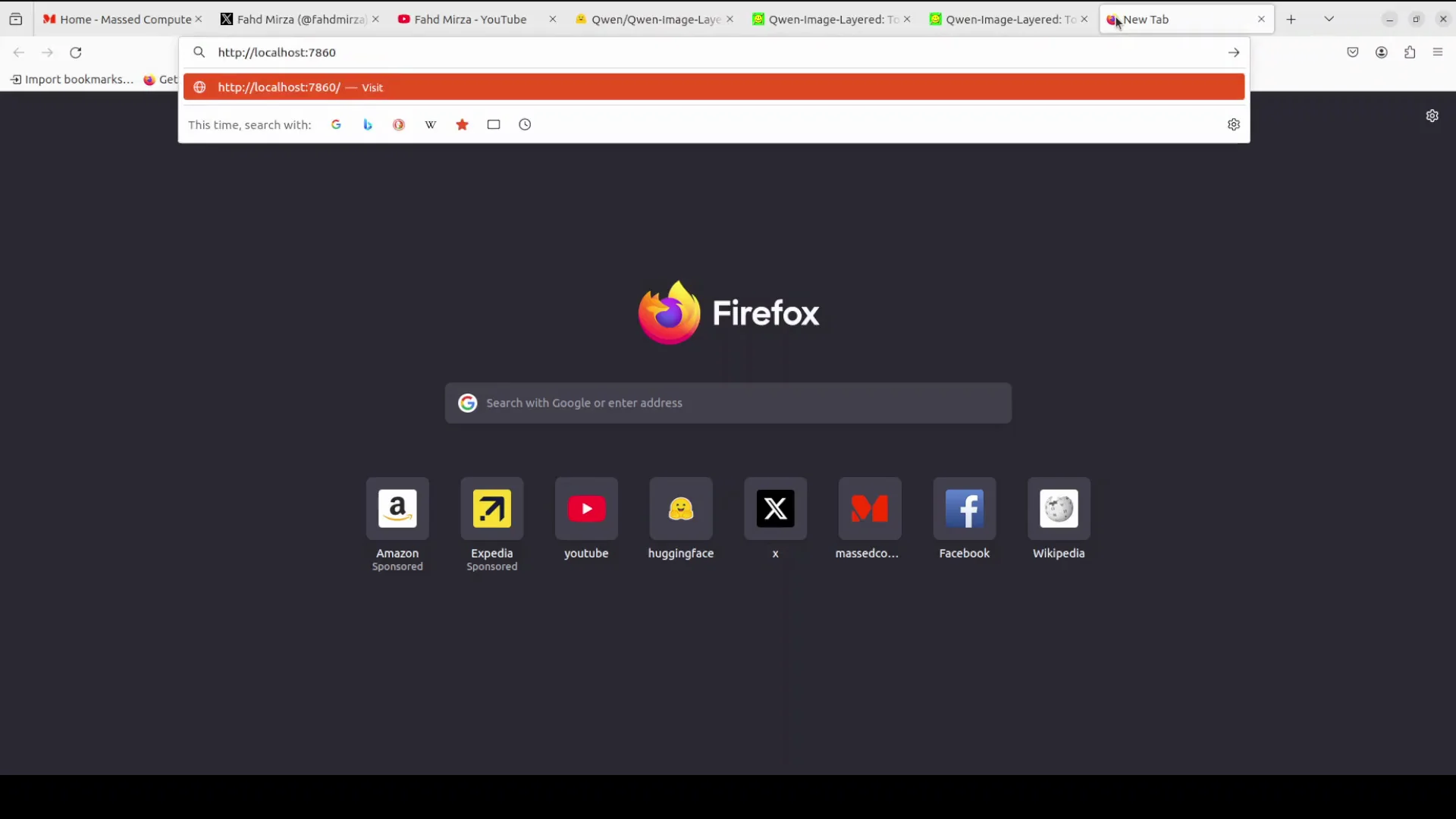
Install Diffusers because this model is already supported there. Then run an app.py script from the model card. I put a small Gradio interface on top so I could play with it in the browser.
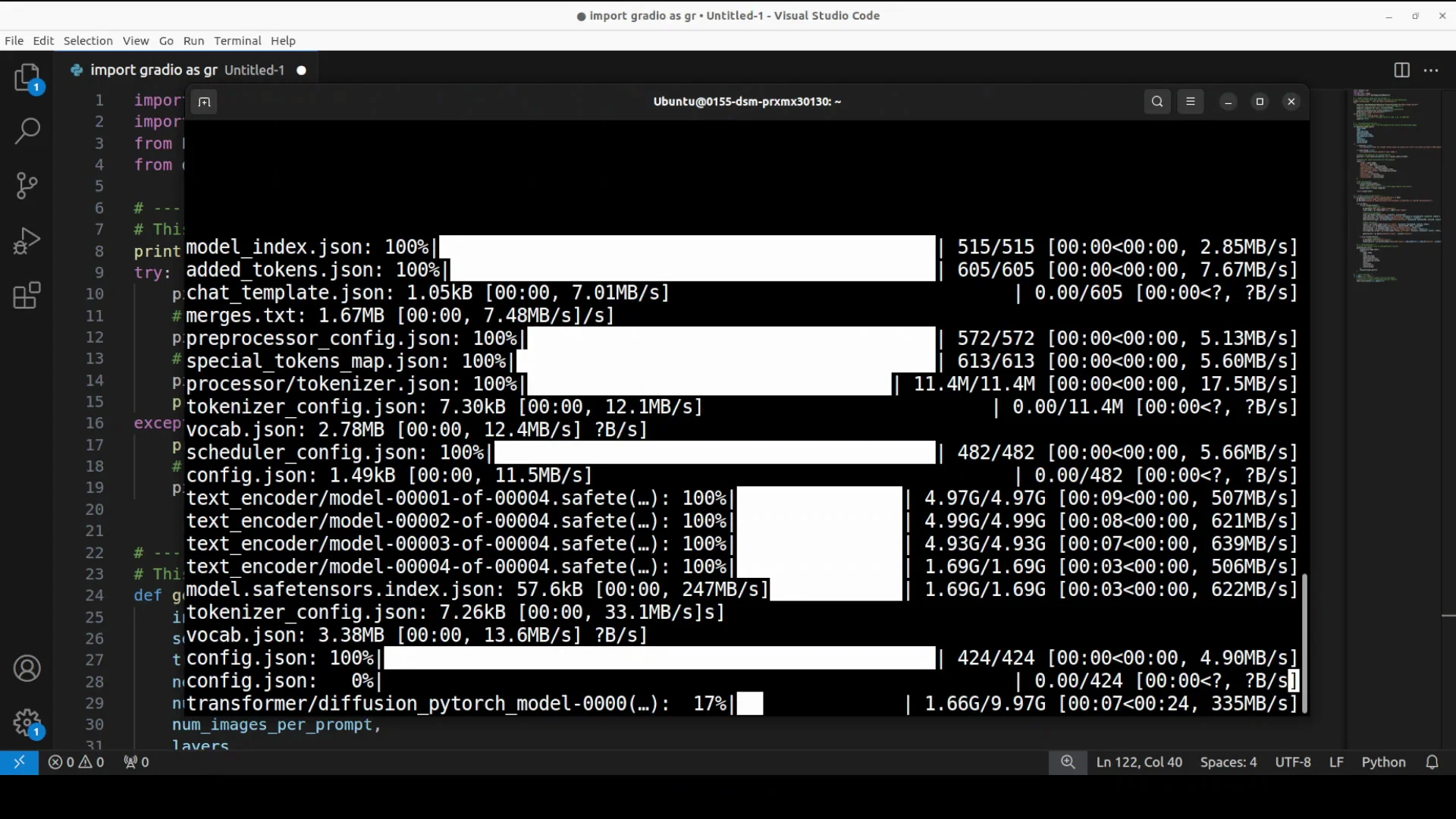
The first time you run the script it downloads the model and text encoder. There are five shards, around 40 GB on disk. The Qwen Image Layered pipeline pulls everything and then the app starts.
Download size and memory use
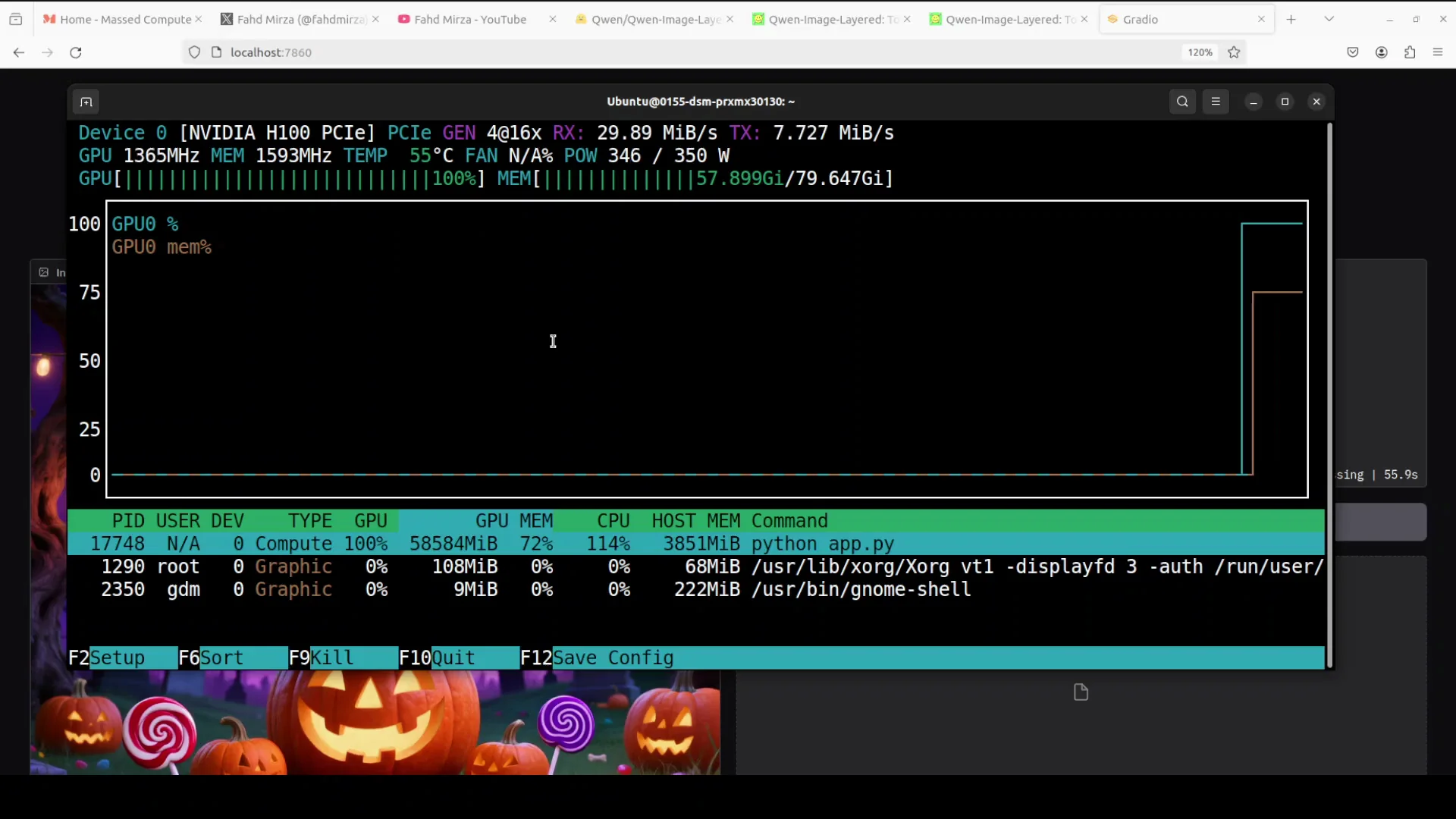
Once running, I accessed it at localhost on port 7860. The interface lets you input an image and provide an optional prompt. While decomposing, VRAM consumption on the H100 was close to 60 GB and sometimes around 66 GB. It takes about a minute to create the layers and decompose an image.
Using Qwen-Image-Layered Another Banger
Decompose without a prompt
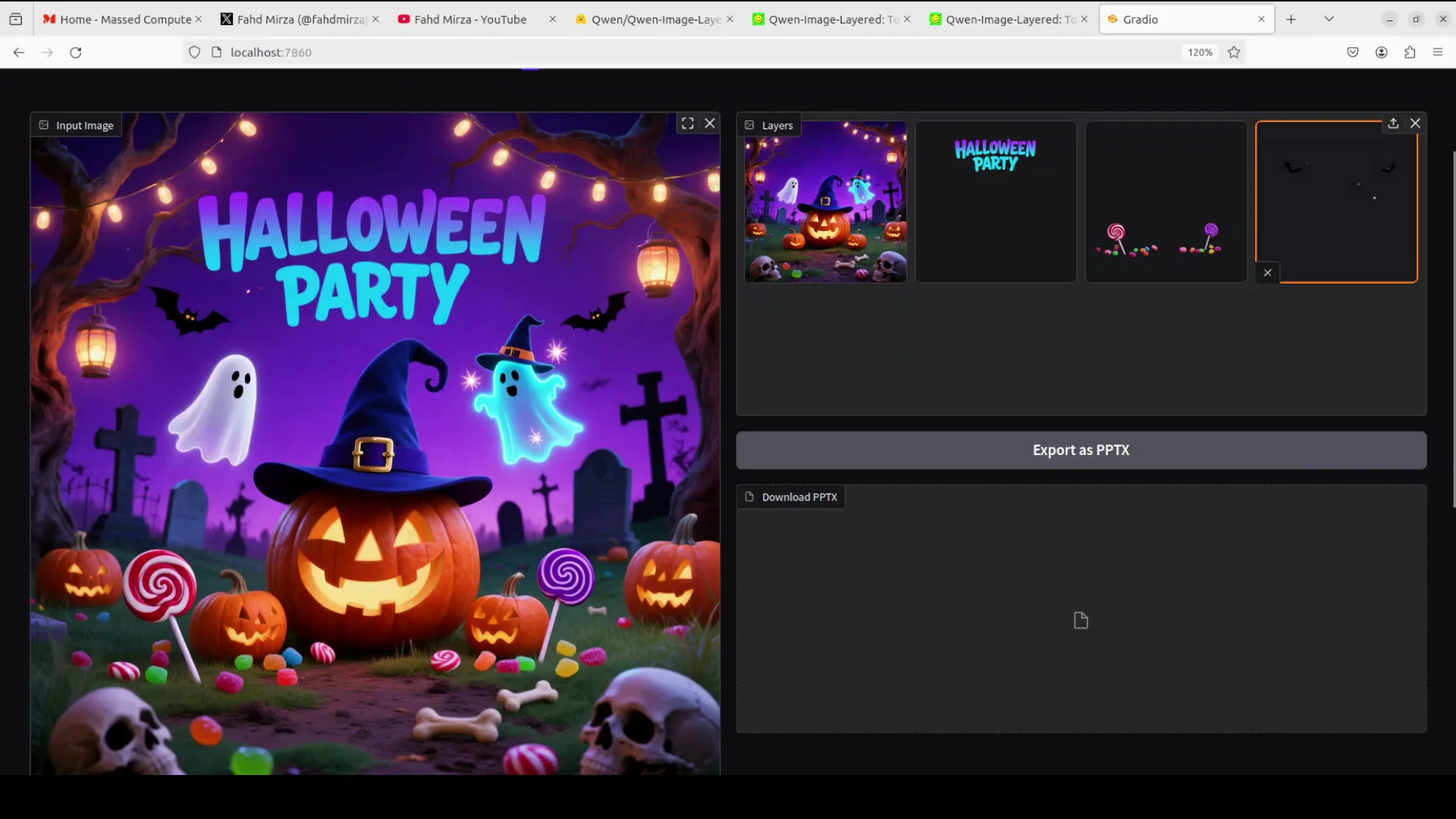
I selected a Halloween party image and clicked Decompose without any prompt. Because there was no prompt, it decomposed the image on its own. The main image stayed as one layer, the “Halloween party” text became a layer, some goodies became separate layers, and there were a few bats as their own layer. You can export the result as a PPTX.
Decompose with a prompt
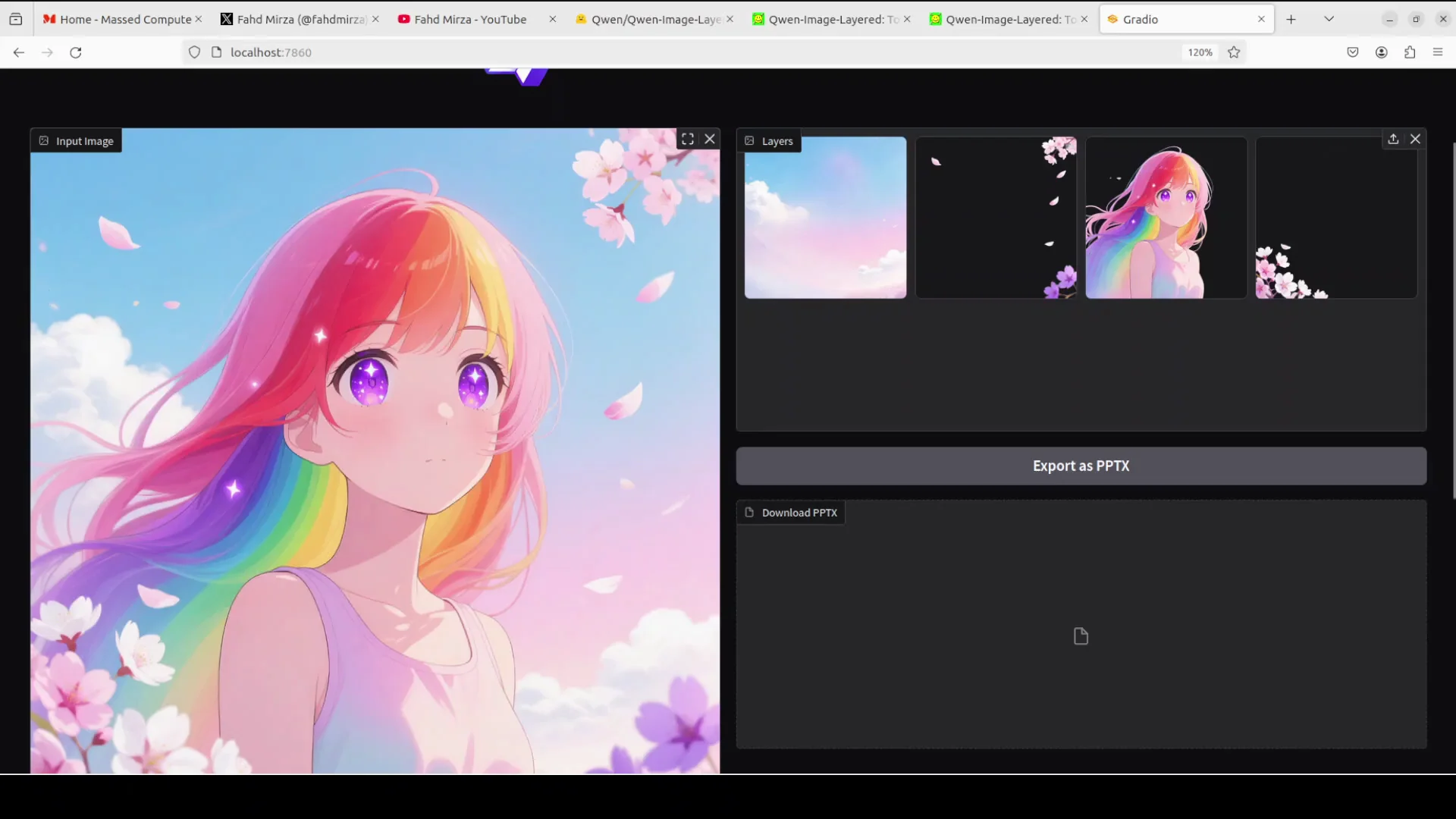
I asked it to decompose the image into distinct RGB layers. It again took around a minute. The decomposition was clean: clouds became a separate layer, the main character was isolated without being changed, and even small elements like flowers were split out. There were a few imperfections, like a pinkish cloud region picked up due to hue similarities, but overall the results were solid.
Architecture of Qwen-Image-Layered Another Banger
RGBA variational autoencoder
The architecture is built on diffusion models and specialized for layer separation. It uses an RGBA variational autoencoder, a special encoder-decoder that understands both normal images and transparent layers. This is what handles transparency.
VLDMM and variable layer outputs
There is a component called VLDMM. This is a transformer that processes the image and outputs a variable number of layers. You can change the number of layers in the code to 3, 8, or whatever you want, and then further process those layers.
Training and end to end behavior
Training is done step by step, first on simple single layer tasks, then on multiple layers using real layered files like PSDs to learn accurate separations. This makes it an end to end system: feed it one image and it directly outputs multiple editable layers. The model card shares more details.
Related editing model
There is also a Qwen Image Edit model to change objects from one thing to another or change colors. You can combine that editing model with Qwen Image Layered for more complex workflows.
More tests and observations
Clouds and character example
On a character image, clouds were separated cleanly and the main enemy character stayed intact. Some small misgroupings can happen due to color hues, but the decomposition was still very usable. It even captured small flower elements as their own layers.
Text-heavy poster example
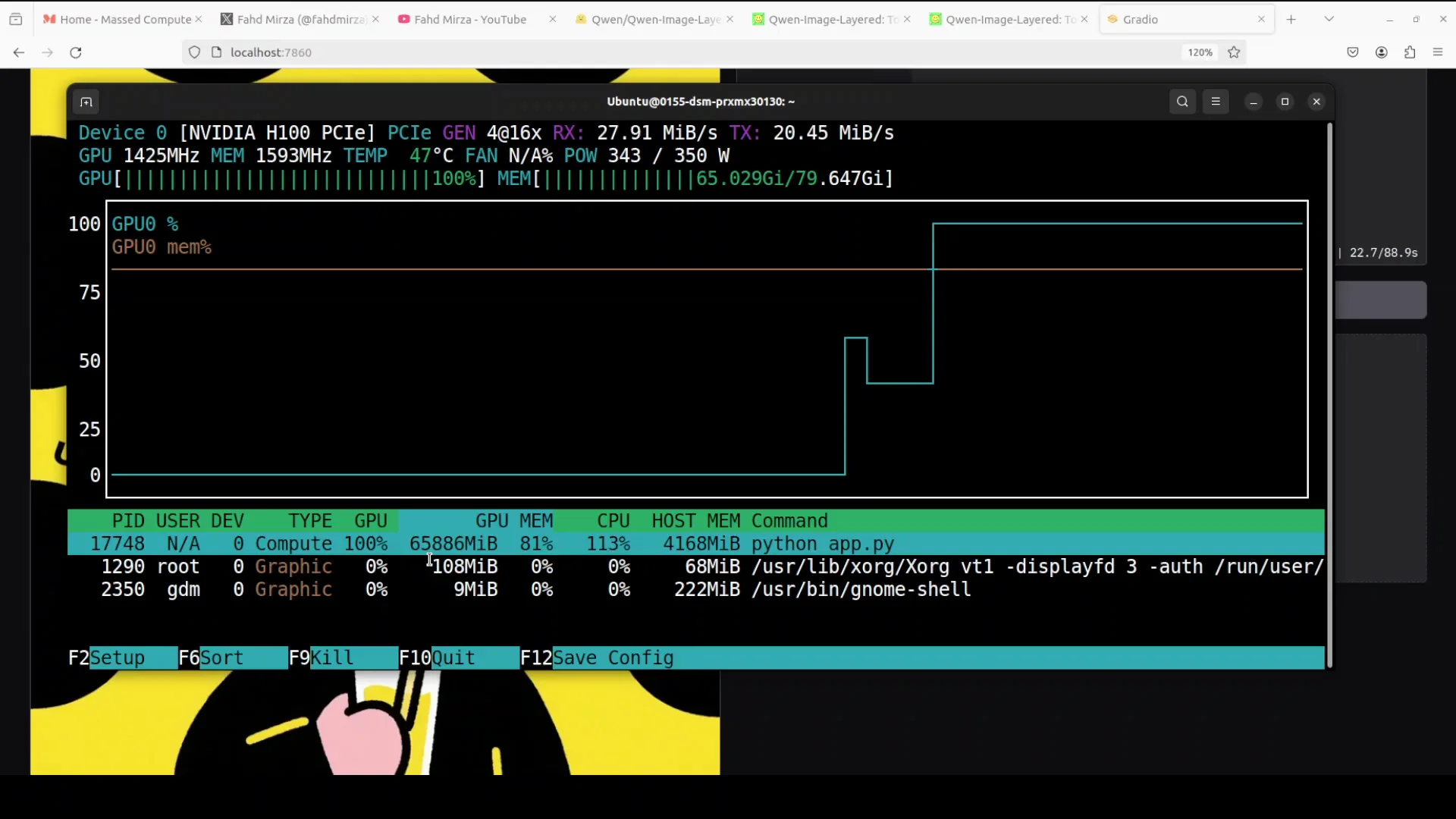
On an image with text, I wanted to see if it could separate curved text. VRAM stayed around 66 GB and didn’t go beyond that. The text came out as distinct layers, including curved text, which is very useful for editing posters or presentations.
If you are a Photoshop or graphic designer, models like these give you an edge. Convert any image into layers and then apply your creativity. You can design posters, ads, memes, or presentations and even build complex workflows. Combine Qwen Image Layered with Qwen Image Edit or other editing models, or expose an API endpoint and integrate it with your design software.
Recursive decomposition and integration ideas
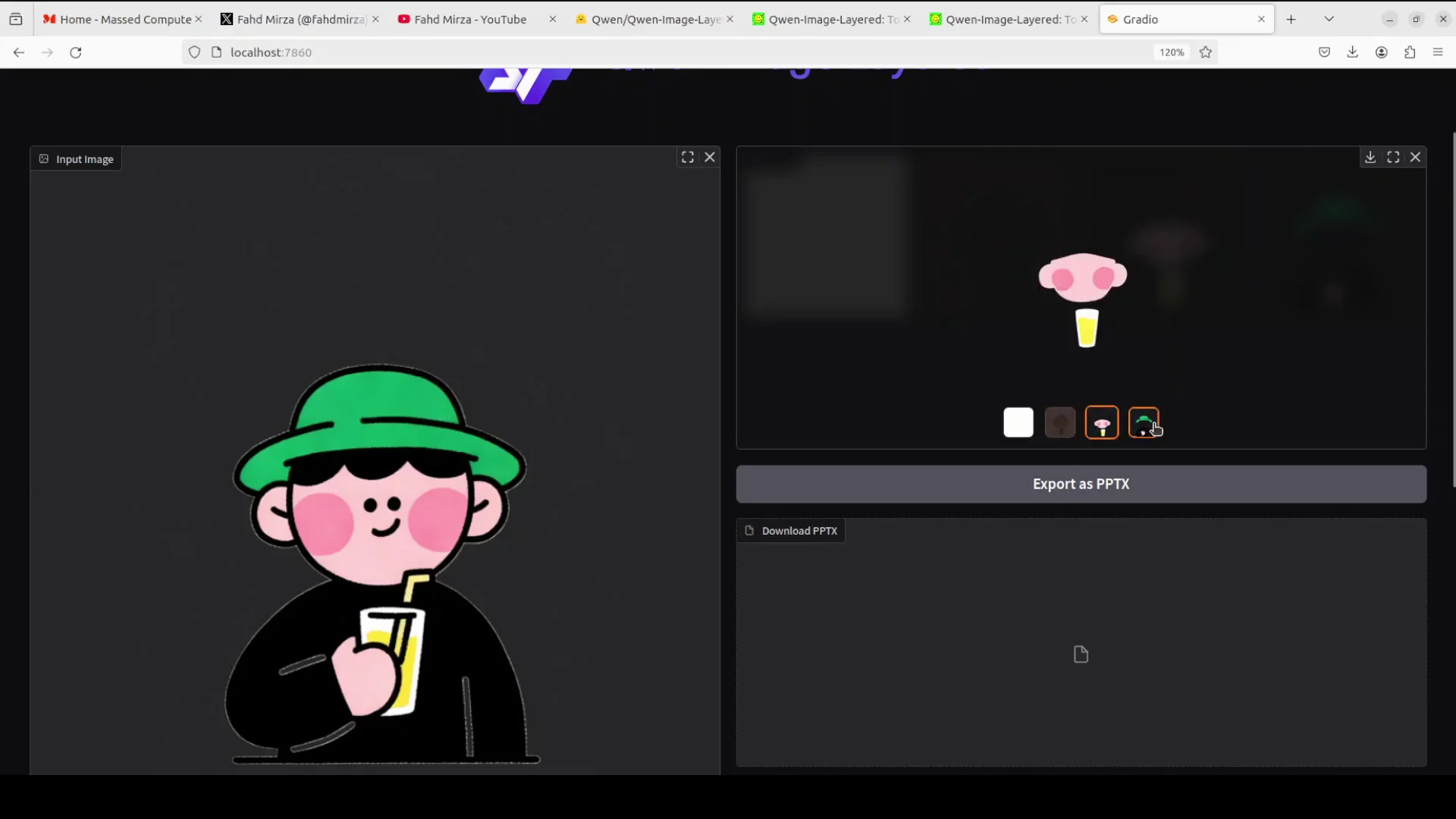
You can take one layer and break it into more layers. Save a single layer, upload it again, and decompose it. This can be an infinite loop if you want to keep refining. In one run, it separated a face, a glass without the straw, and the full person as distinct layers. The image remained precise.
I don’t think this will make Adobe obsolete, but it does present a serious challenge and gives graphic designers one more tool in the repertoire. Next, Qwen should consider text to SVG or image to SVG, which would be very helpful for production work by removing the step of manually tracing an artist’s work.
Final thoughts
Qwen Image Layered tackles the core problem of flat images by producing editable layers that hold up under real edits. Local runs took about 40 GB on disk and around 60 to 66 GB of VRAM on an H100, with roughly a minute per decomposition. The architecture is clear, the outputs are practical, and the ability to recurse on layers and pair it with an editing model makes it a strong tool for real workflows.
Subscribe to our newsletter
Get the latest updates and articles directly in your inbox.

Related Posts

8 Best Claude Code Plugins in 2026 (You Need to Know)
8 Best Claude Code Plugins in 2026 (You Need to Know)

7 Best Claude Code Skills (You Need to Know)
7 Best Claude Code Skills (You Need to Know)

Claude Code Desktop IDE Features (You Need to Know)
Claude Code Desktop IDE Features (You Need to Know)