
Qwen3-TTS: Create Custom Voices from Text Descriptions Easily
Qwen Model Recommender
Not sure which Qwen model fits your GPU? Pick your VRAM, use case, and task type — get matched to the right model instantly. Covers Qwen3, QwQ, QVQ, Qwen2.5-VL, Qwen3-Coder, Qwen3-TTS, and 80+ models.
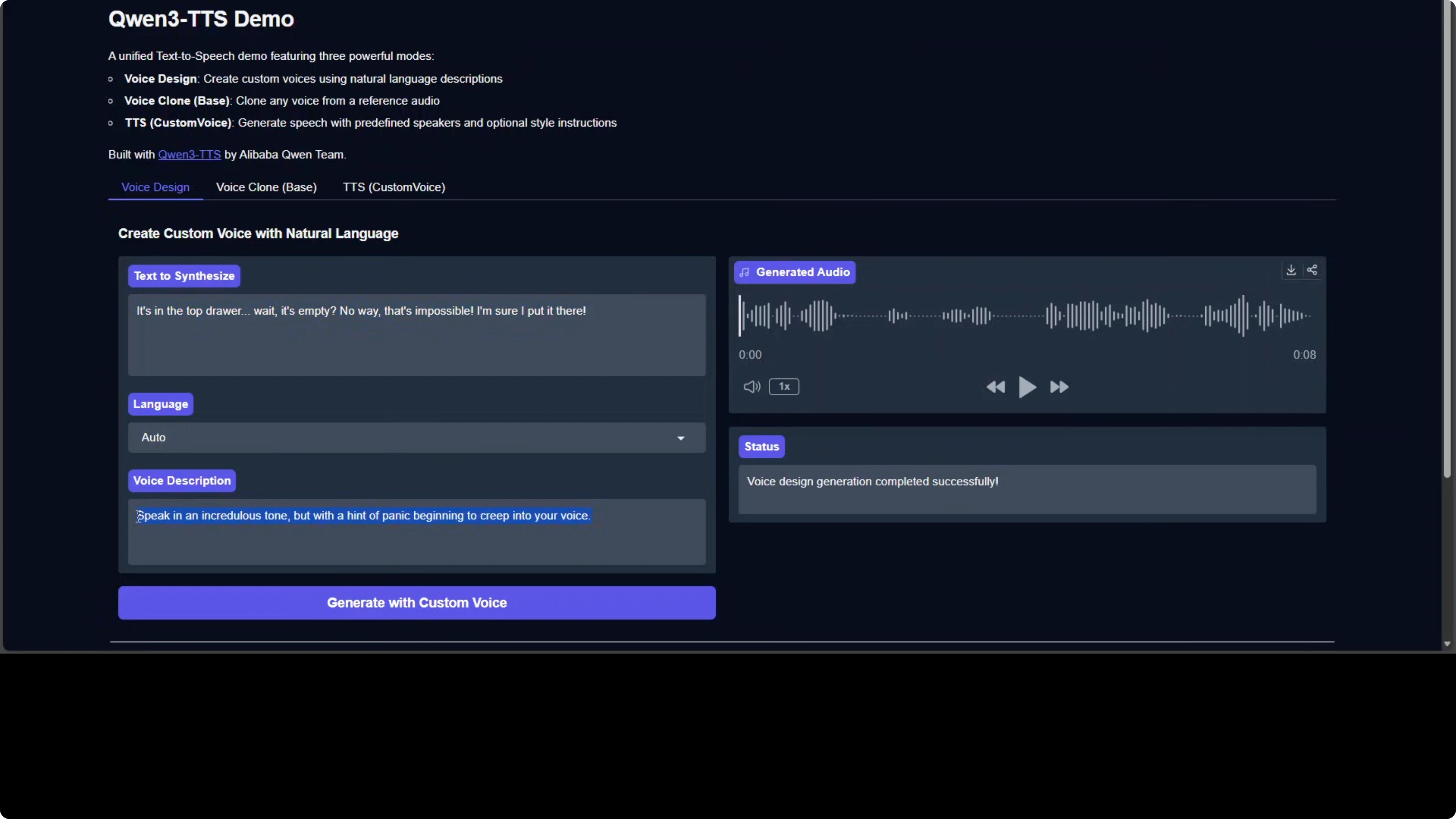
Qwen team has open sourced their Qwen 3 TTS model. You can design your own voice, clone your own voice, or simply use it for text-to-speech. Here is a quick taste of what it can do: I took the text "It's in the top drawer. Wait, it's empty." and used a voice description of "speak in an incredulous tone but with a hint of panic beginning to creep into your voice." The result captured that style brilliantly.
Qwen3-TTS: Create Custom Voices from Text Descriptions Easily
Model variants and capabilities
The model comes in three variants, all built on the same base architecture:
- Base - rapid voice cloning using x-vector speaker embeddings extracted from just 3 seconds of reference audio.
- Custom Voice - pre-trained speaker embeddings for nine different voice profiles across 10 languages, with instruction following for emotion and speaking style.
- Voice Design - synthesize completely new voices from text descriptions like "teenage male voice with nervous energy."
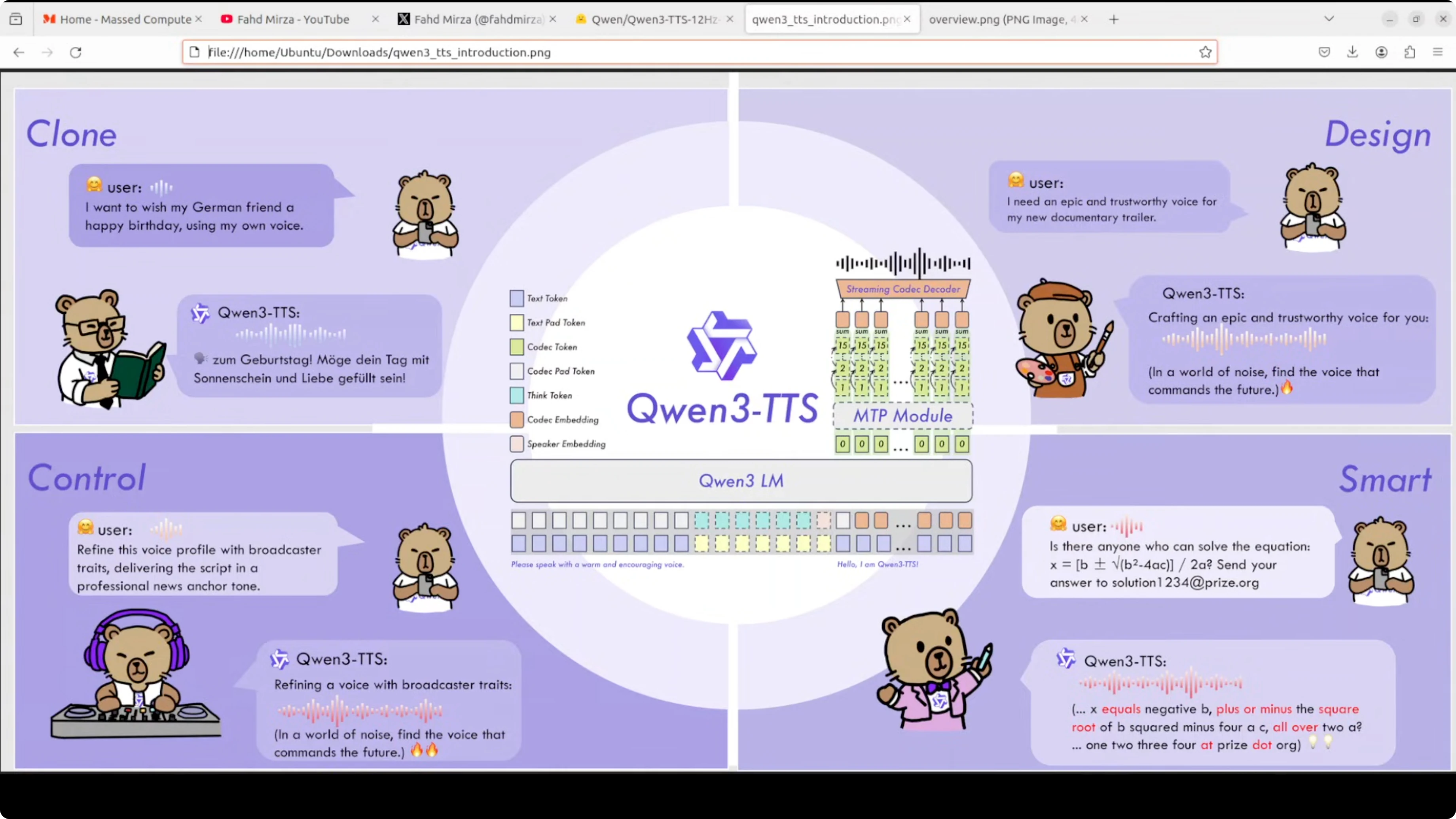
All three support streaming generation through a dual track architecture. One track handles real-time frames while another manages global context.
Architecture overview
This model uses a discrete multi-codebook language model that is fundamentally different from traditional text-to-mel-spectrogram-to-audio pipelines. It treats speech generation as a token prediction problem:
- The model takes text tokens and directly predicts codec tokens at 12 Hz, which means 12 acoustic frames per second.
- These codec tokens are organized into 15 hierarchical codebooks that capture everything from broad prosodic patterns down to fine acoustic details.
- An MTP module predicts multiple codebook levels at the same time.
- A streaming codec decoder reconstructs the final waveform.
This end-to-end approach avoids the cascading errors that can appear when chaining multiple models.
Local installation and setup
I used an Ubuntu system with an NVIDIA RTX 6000 card and 48 GB of VRAM.
Step-by-step:
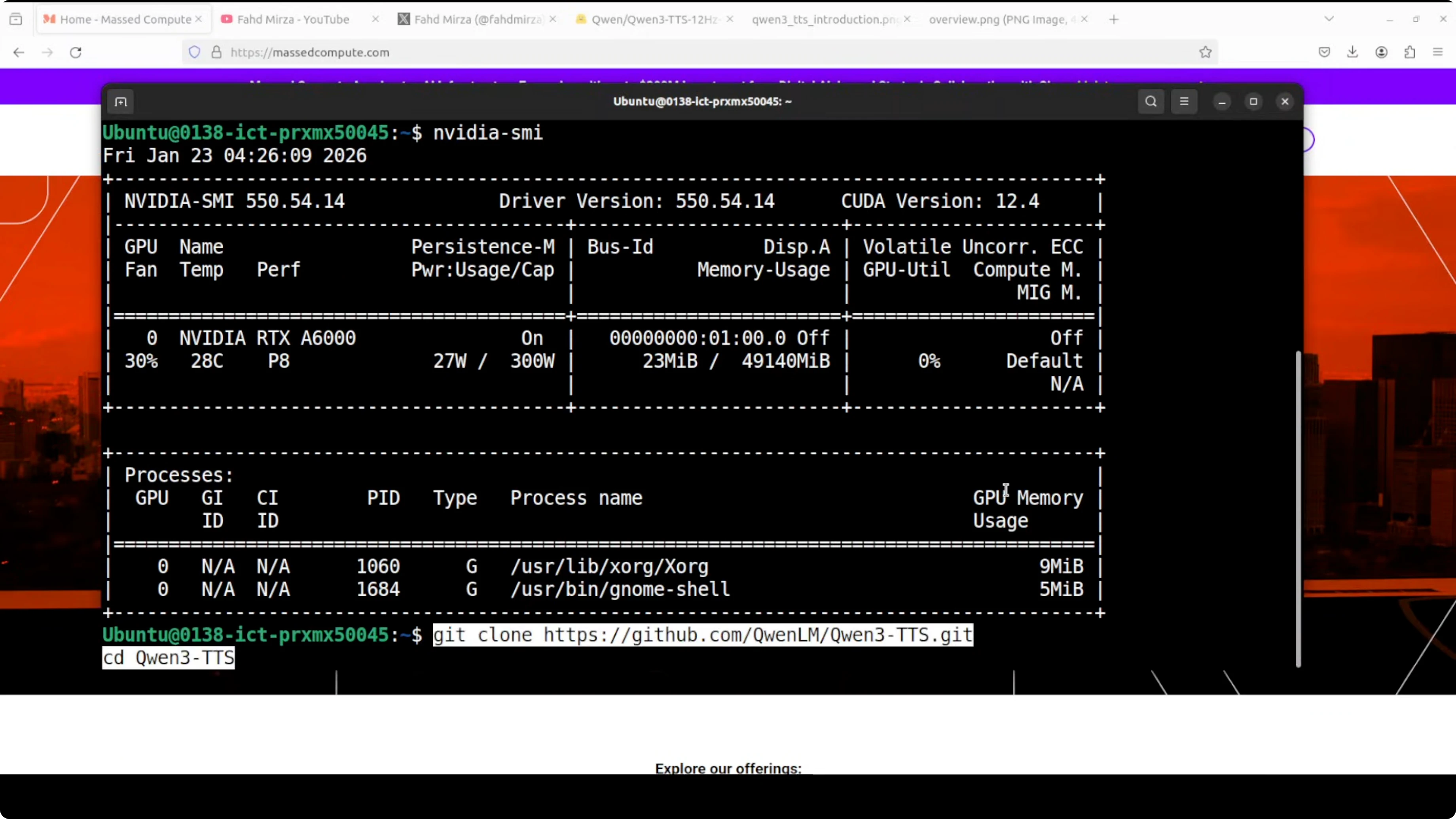
- Clone the repository.
- Create a virtual environment with Conda. You can skip this, but I prefer it because it is a best practice.
- Install all prerequisites from the root of the repo.
- Run the script app.py. I put a Gradio interface on top of it.
- The Gradio demo launches on localhost at port 7860.
Notes:
- On the first run, it downloads the model. This happens only once.
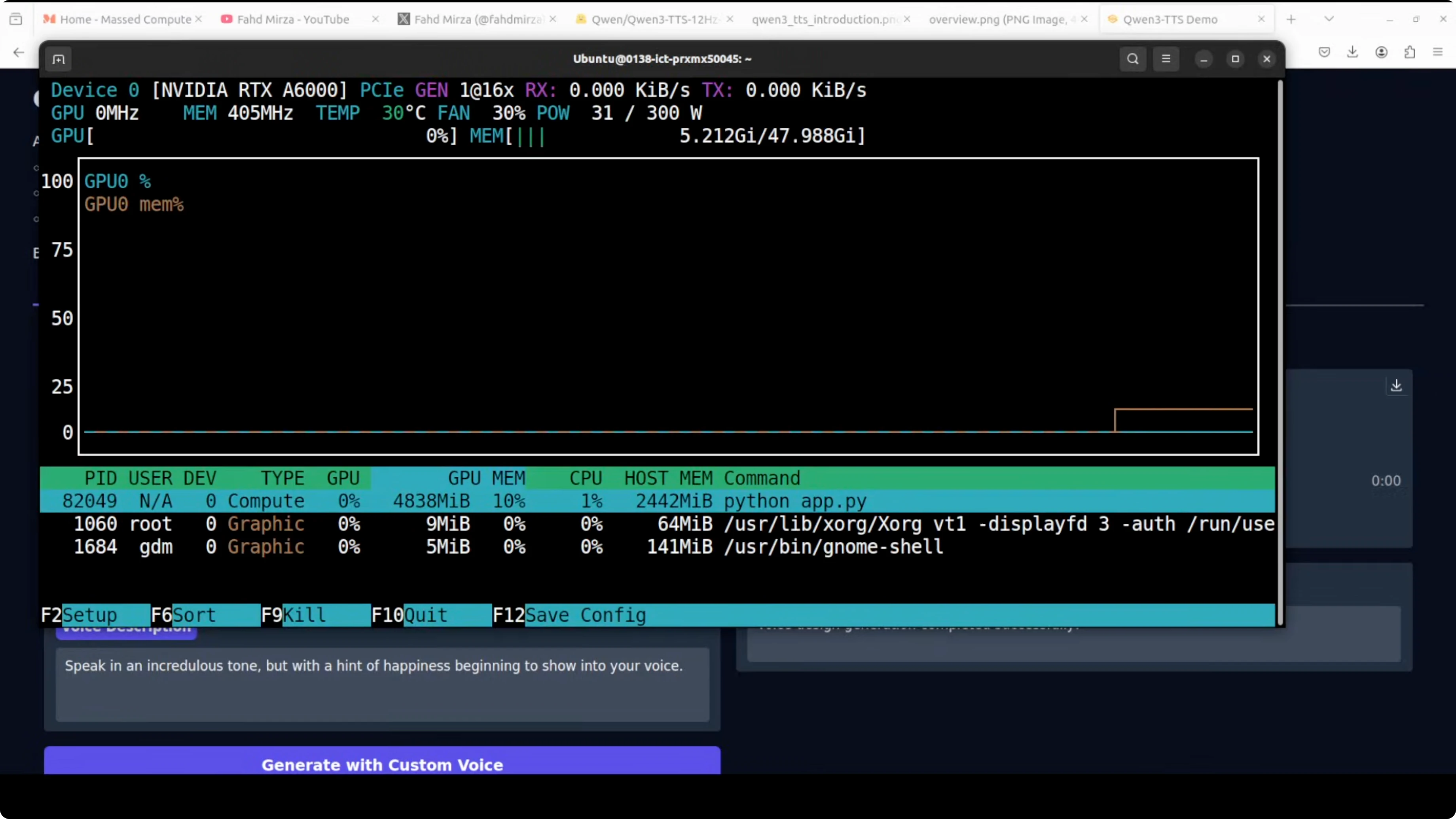
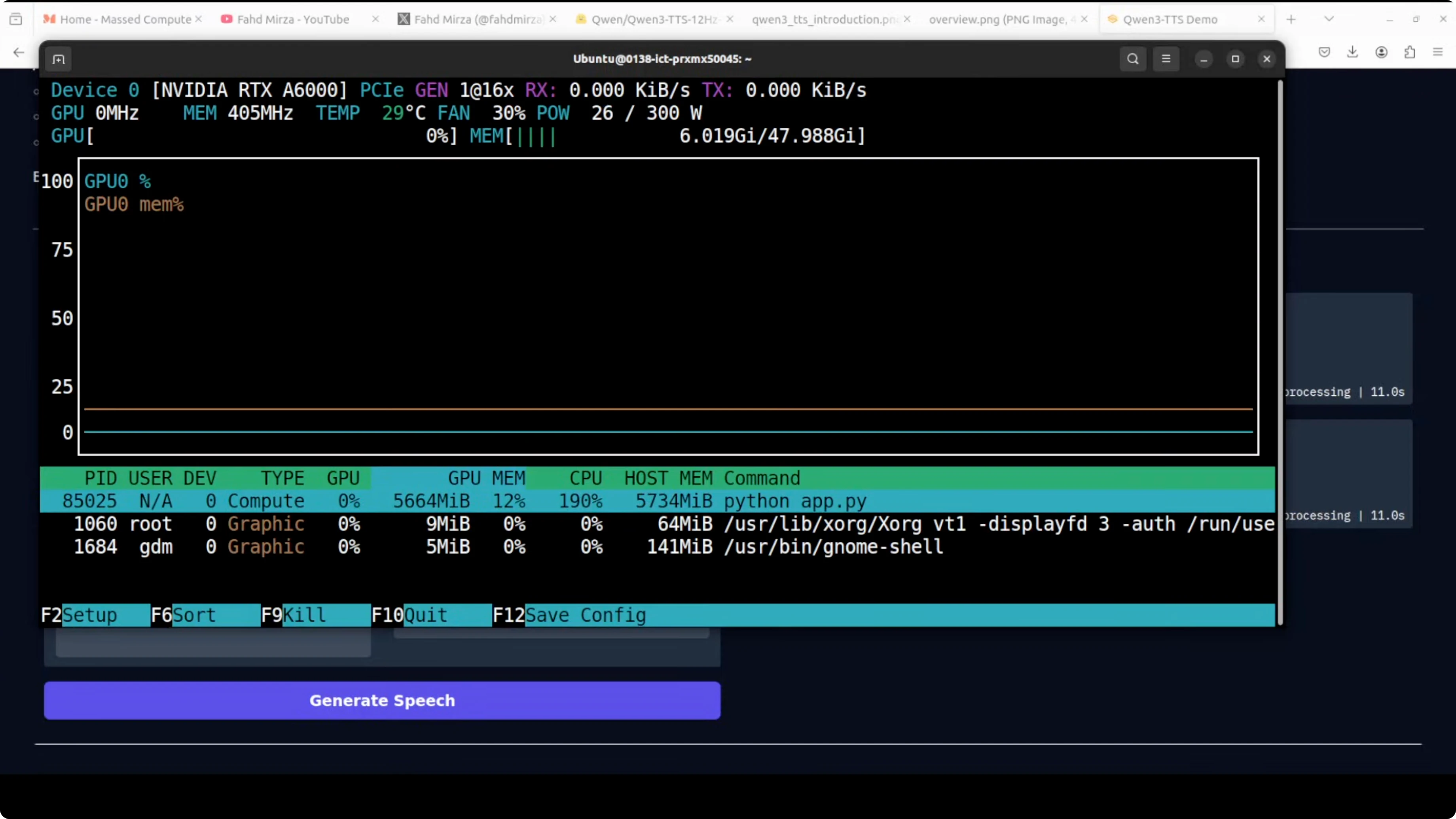
- My VRAM consumption during TTS was close to 5 GB, and I saw it reach about 5.7 GB during custom voice generation.
Quick tests and results
TTS with style control
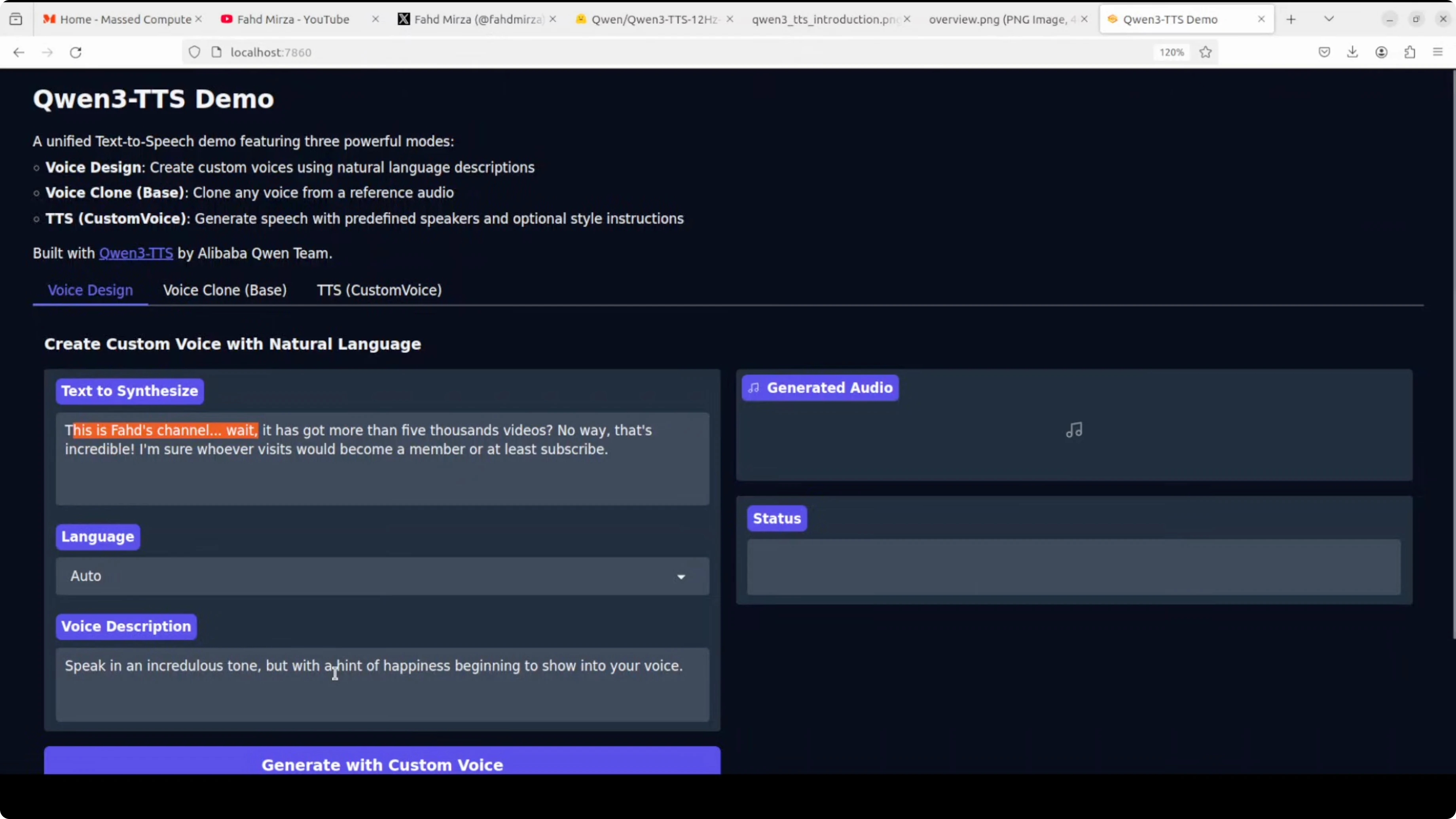
I synthesized text with the instruction "speak in an incredulous tone but with a hint of happiness beginning to show into your voice." The output matched the requested style. It was a bit high pitched, which also fit the instruction.
Voice cloning
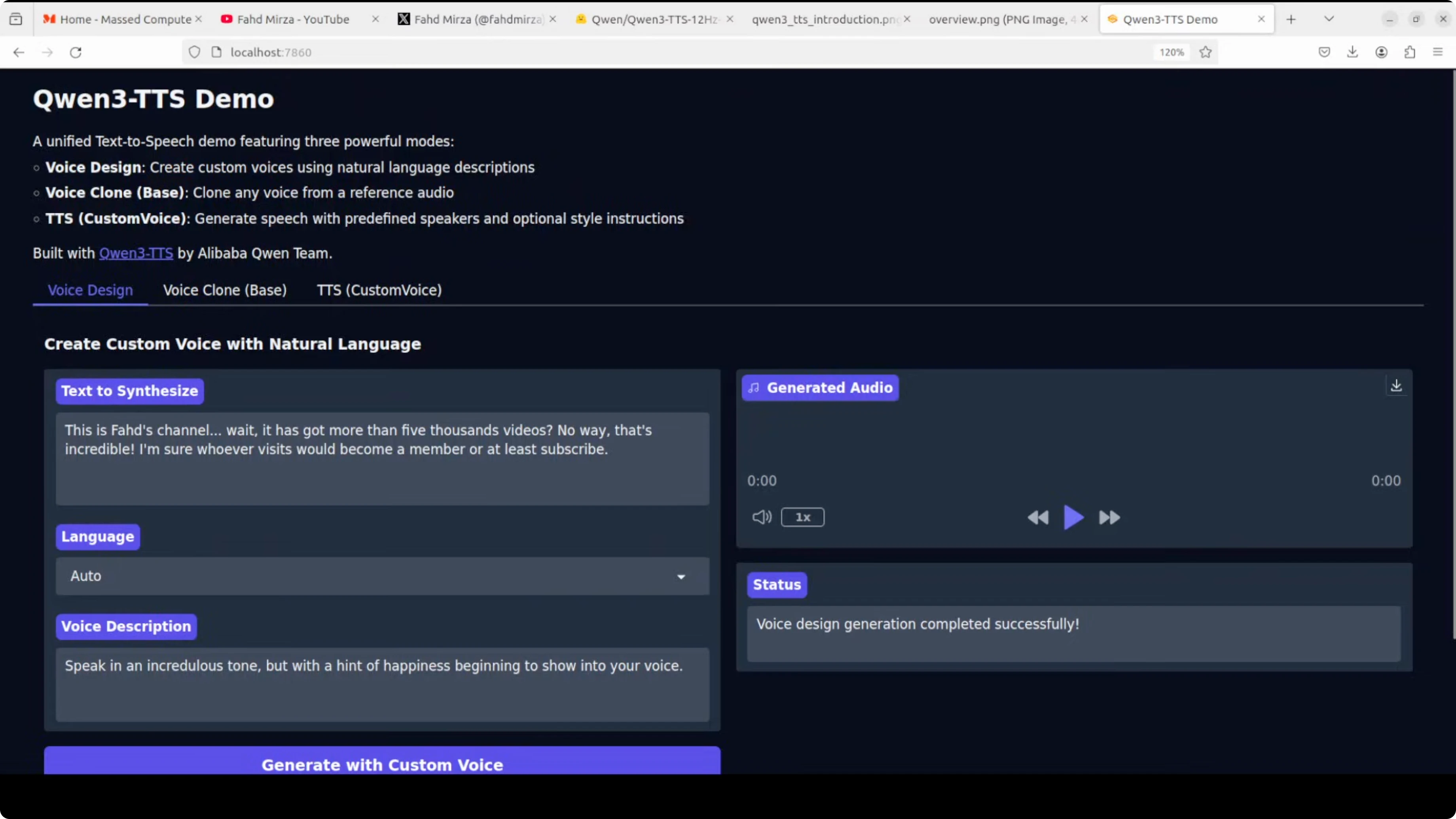
I uploaded a 10-second clip of my own voice. For the best result, the reference text must match exactly what is spoken in the audio clip, then you provide the target text you want it to read in the cloned voice. It did wonderfully well. The voice cloning quality is quite good.
Source quality matters
When I tried a clip with lower source quality, the clone sounded okay but not great. With a top quality source clip, the cloned output was also quite good.
Custom voices across languages
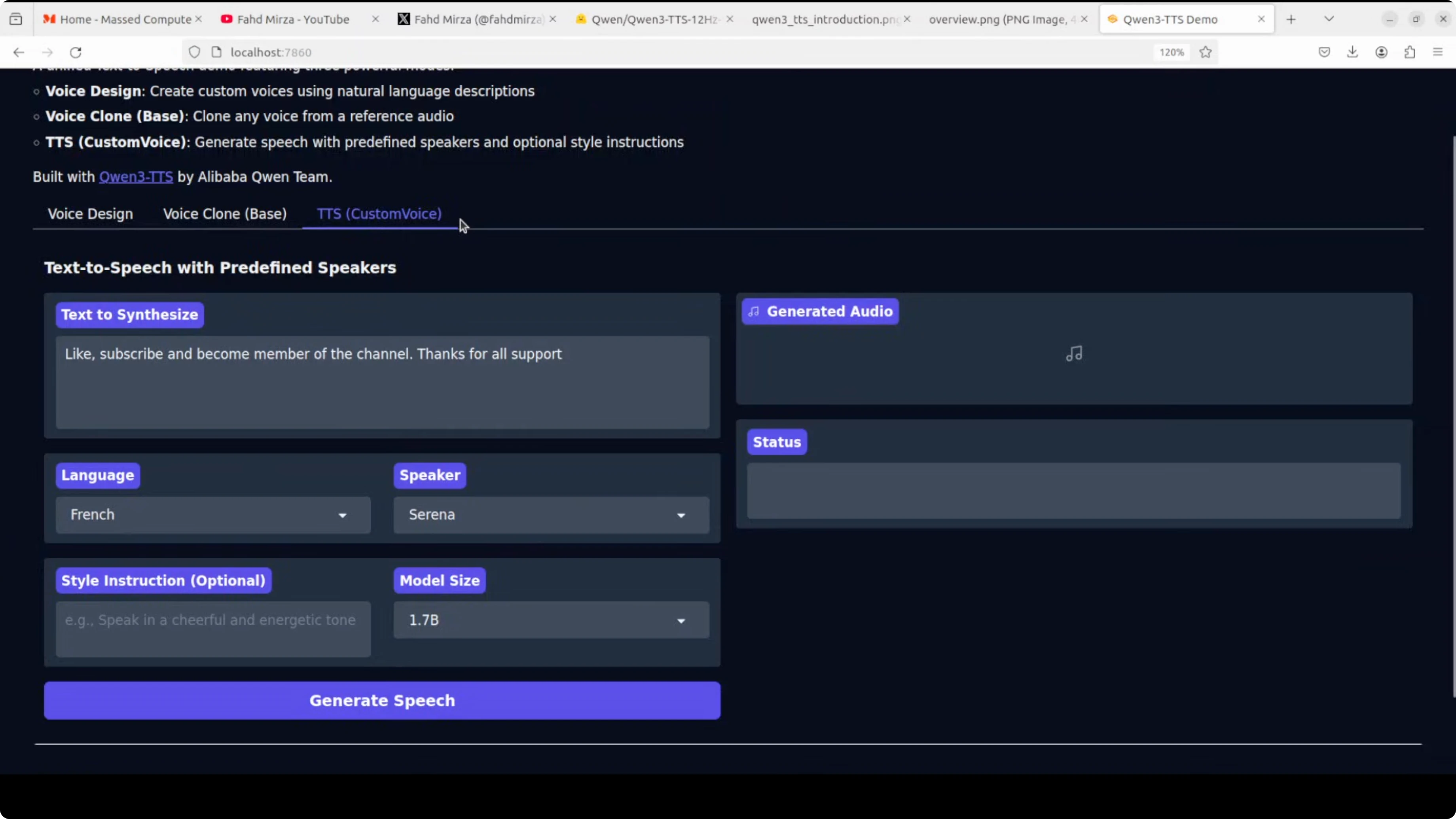
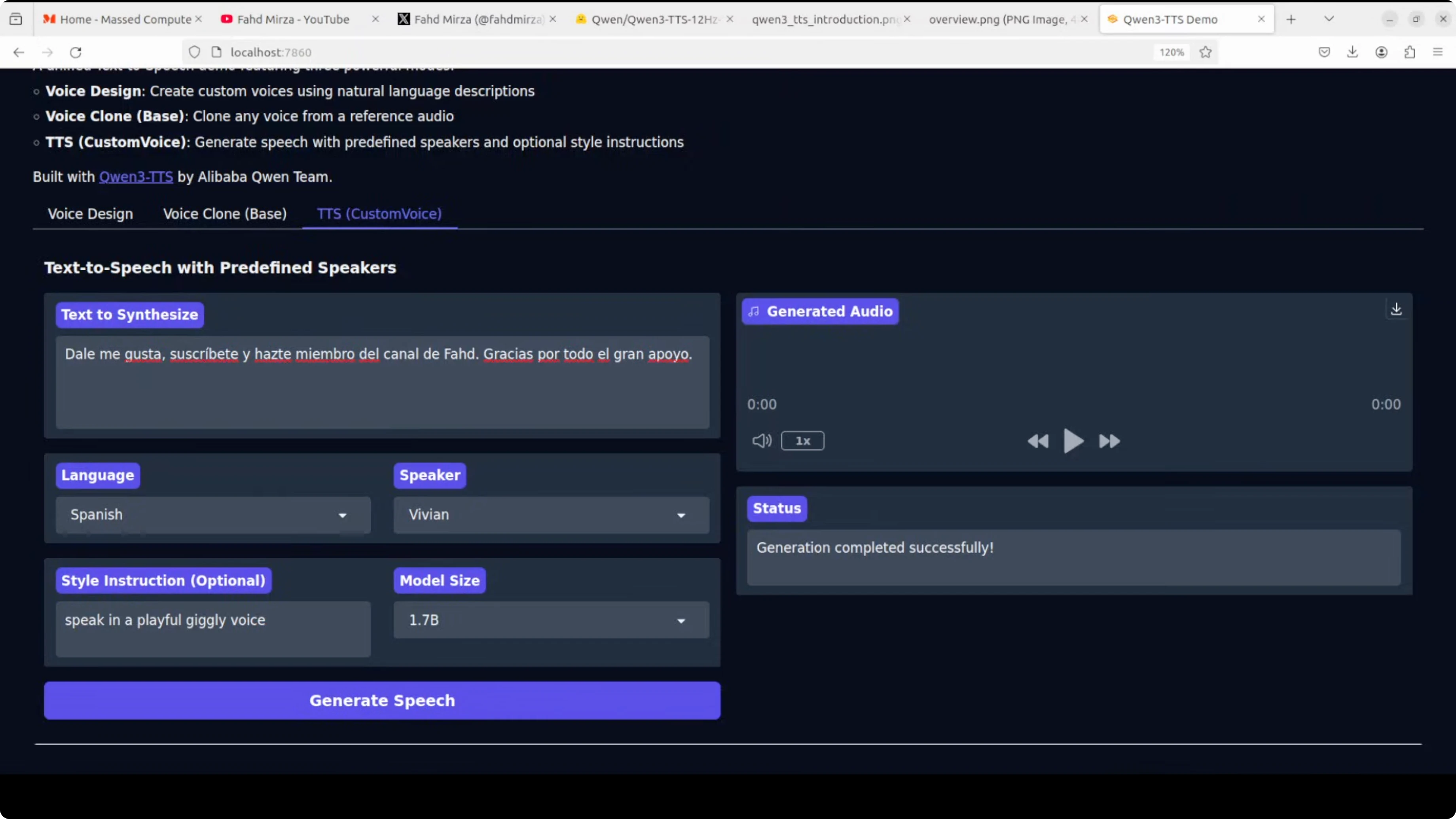
In the Custom Voice tab, I set:
- Language - for example, French and Spanish
- Speaker - I picked profiles like Serena and Uncle Fu
- Style - for example, "speak in a husky voice" or "playful, giggly voice"
Important:
- The text must be written in the target language you select. If you leave the text in English while selecting French, it will generate English output. Once I translated the text to French, the output came out in French with the requested style.
- During these tests, VRAM use peaked around 5.7 GB.
Observations:
- The French output with a husky style sounded good.
- In Spanish, I noticed a name pronunciation detail where the "D" was not pronounced as I expected. That could be related to language-specific phonetics.
- I also generated audio in Chinese, German, and Portuguese using different speaker profiles, and the results looked good.
Final thoughts
Qwen 3 TTS is now available for local use and brings three strong capabilities in one package - rapid voice cloning from a few seconds of audio, instruction-following custom voices across multiple languages, and voice design from pure text descriptions. The local setup is straightforward, VRAM needs are modest for a modern GPU, and the architecture avoids error cascades by predicting codec tokens directly. Style control is expressive, cloning quality is strong, and multilingual outputs are impressive when you provide clean source audio and use text in the target language.
Subscribe to our newsletter
Get the latest updates and articles directly in your inbox.

Related Posts

8 Best Claude Code Plugins in 2026 (You Need to Know)
8 Best Claude Code Plugins in 2026 (You Need to Know)

7 Best Claude Code Skills (You Need to Know)
7 Best Claude Code Skills (You Need to Know)

Claude Code Desktop IDE Features (You Need to Know)
Claude Code Desktop IDE Features (You Need to Know)