
Table Of Content
- Run Qwen3.5 27B Locally on CPU or GPU?
- What is Qwen3.5 27B?
- Install llama.cpp
- Enable CUDA for GPU
- Download Qwen3.5 27B Q8 GGUF
- Serve Qwen3.5 27B with llama.cpp
- CPU-only run of Run Qwen3.5 27B Locally on CPU or GPU?
- Coding test
- Language test
- Multilingual test
- Troubleshooting Run Qwen3.5 27B Locally on CPU or GPU?
- CUDA not detected - rebuild llama.cpp
- Slow throughput on CPU
- Final Thoughts
How to Run Qwen3.5 27B Locally on CPU or GPU?
Qwen Model Recommender
Not sure which Qwen model fits your GPU? Pick your VRAM, use case, and task type — get matched to the right model instantly. Covers Qwen3, QwQ, QVQ, Qwen2.5-VL, Qwen3-Coder, Qwen3-TTS, and 80+ models.
Table Of Content
- Run Qwen3.5 27B Locally on CPU or GPU?
- What is Qwen3.5 27B?
- Install llama.cpp
- Enable CUDA for GPU
- Download Qwen3.5 27B Q8 GGUF
- Serve Qwen3.5 27B with llama.cpp
- CPU-only run of Run Qwen3.5 27B Locally on CPU or GPU?
- Coding test
- Language test
- Multilingual test
- Troubleshooting Run Qwen3.5 27B Locally on CPU or GPU?
- CUDA not detected - rebuild llama.cpp
- Slow throughput on CPU
- Final Thoughts
Qwen 3.5 27B is here, and I’m going to show you how I ran it locally with llama.cpp on both CPU and GPU. I’ve been testing Qwen 3.5 models across mixture-of-experts sizes for a while and they were impressive, so I had high hopes for this 27B release.
It brings something special. It is open source and uses a hybrid architecture that mixes two types of layers for speed and accuracy.
Run Qwen3.5 27B Locally on CPU or GPU?
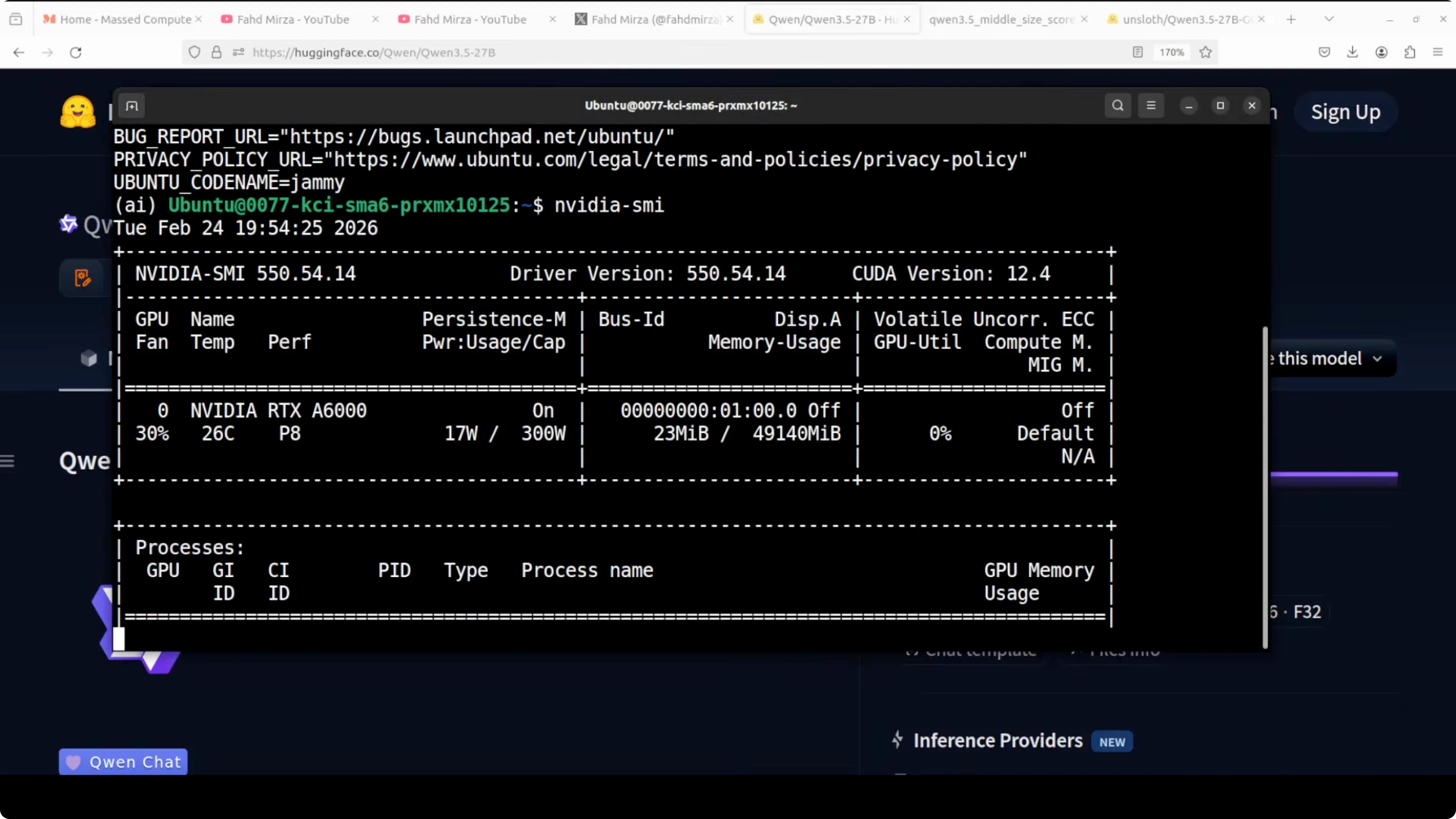
This is my Ubuntu setup with one GPU - Nvidia RTX A6000 with 48 GB of VRAM. I’m using llama.cpp, and for this run I’m using an early Q8 quant from Unsloth so I can load it comfortably and keep quality.
Q8 quantization retains virtually all of the model’s original quality with less than 0.1 percent degradation compared to full BF16. For practical purposes, you are running almost the full model.
What is Qwen3.5 27B?
Instead of a standard transformer stack, Qwen 3.5 27B mixes a faster linear attention mechanism called a Gated Delta Network with traditional attention layers. Normal attention compares every token against every other token in the context, so computation grows very fast as text gets longer. Linear attention approximates that and scales linearly with sequence length, which is much faster.
The gating adds a learned filter that decides what to keep, update, or discard at each token. The delta idea means it only updates the part of memory that changed instead of rewriting everything, so memory is more efficient and important context is retained without extra cost.
You can imagine normal attention as a person who rereads the entire book every time they answer a question. Linear attention is like someone who keeps a running summary. Gated Delta Networks are like someone who keeps a running summary and only updates the parts that actually changed.
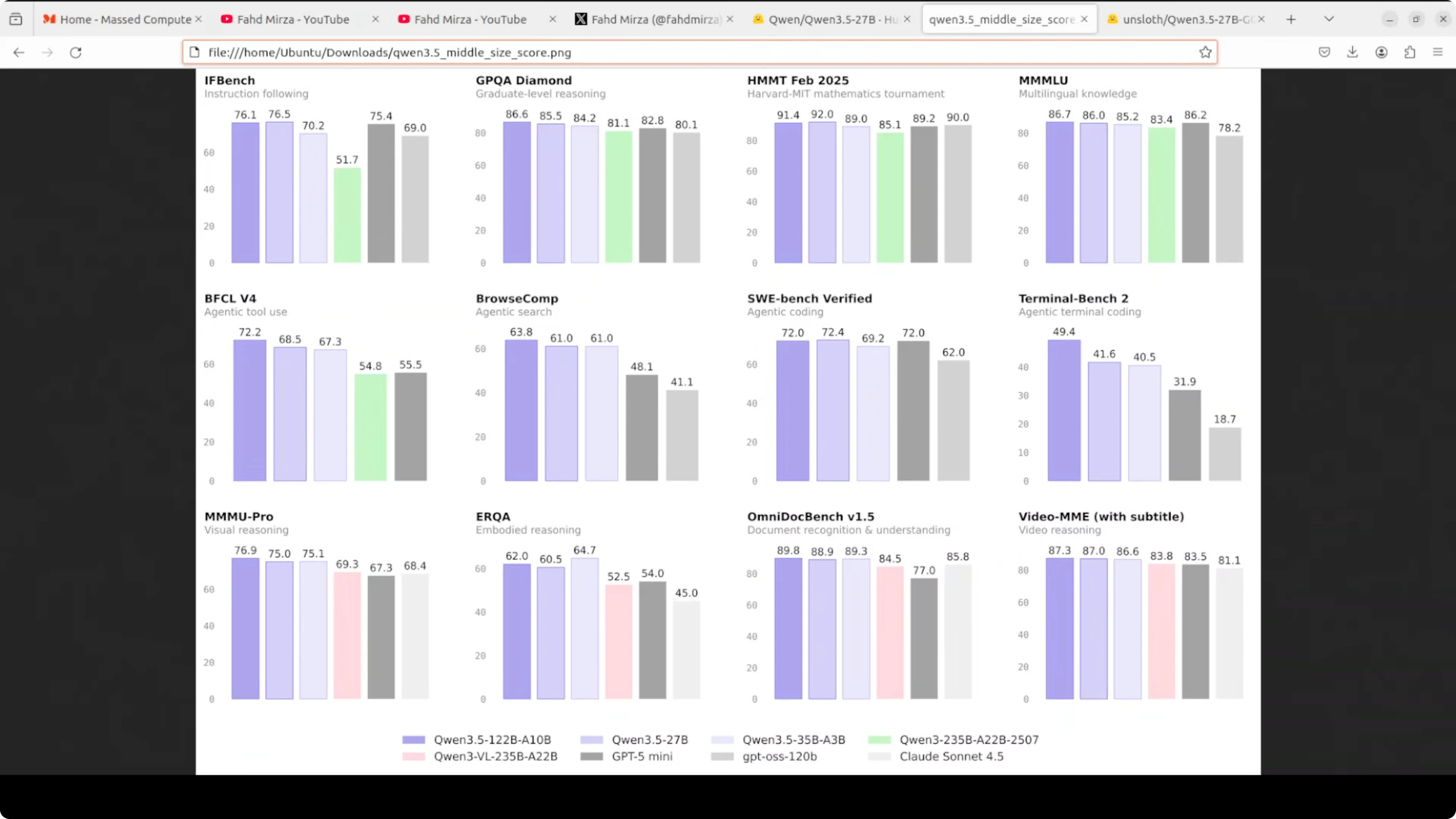
The result is a 27B model that challenges much larger models on multiple benchmarks. On graduate-level reasoning like GPQA Diamond it scored 85.5, beating GPT-5 mini and Claude Sonnet 4.5. On math tournaments like Harvard MIT math it performed strongly, and on multilingual knowledge it scored 86, competitive with everything else on the chart.
It is multilingual with support for more than 200 languages. The context window is around 262,000 tokens, and it is multimodal, understanding both images and video.
If you want another local setup to compare against, see GLM 5.
Install llama.cpp
I installed llama.cpp from source. The build took about 5 minutes on my machine.
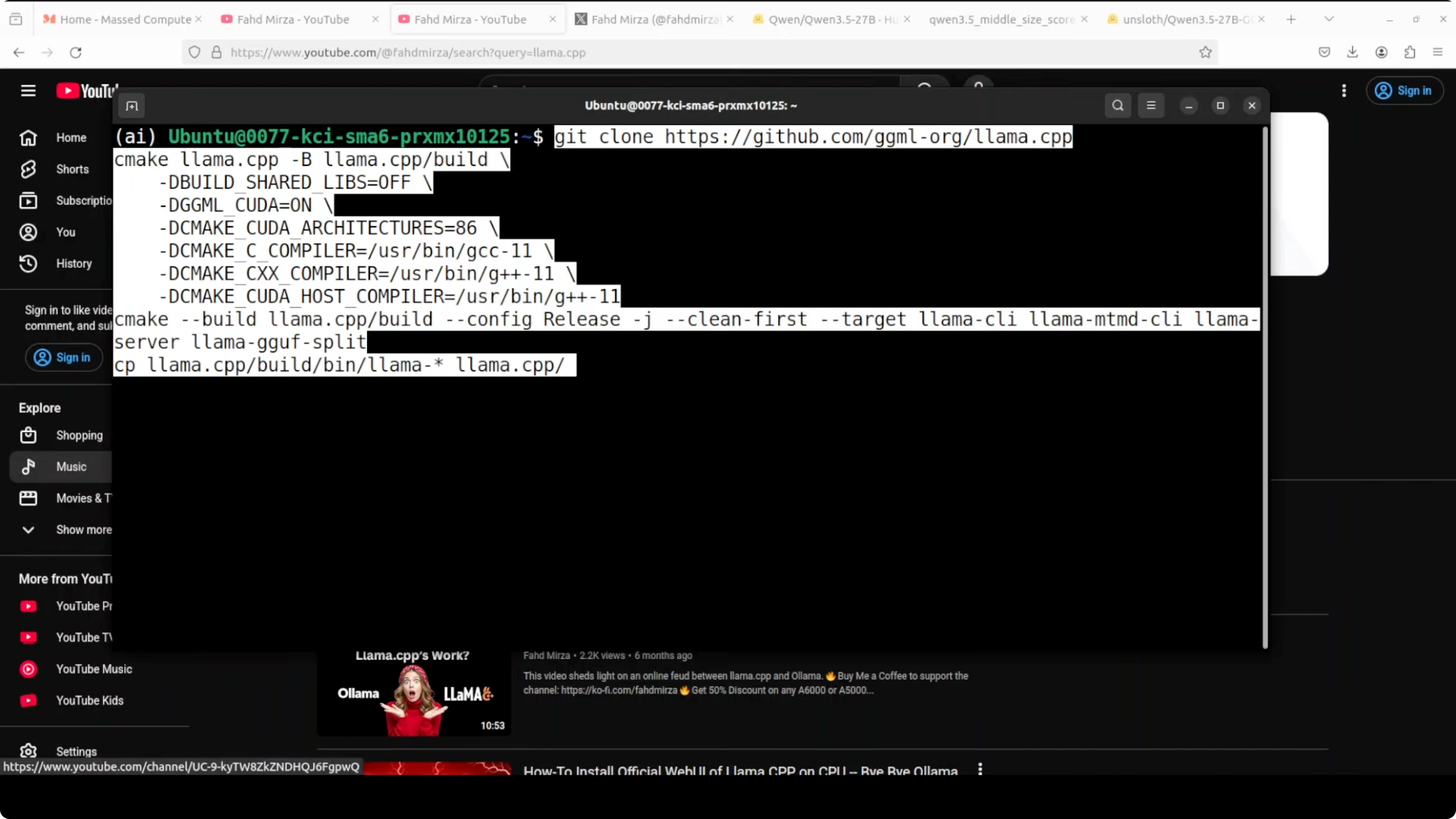
Clone the repo and build:
git clone https://github.com/ggerganov/llama.cpp.git
cd llama.cpp
make -j
Enable CUDA for GPU
I initially found it was running on CPU because CUDA was not detected. Rebuilding with cuBLAS fixed it.
Clean and rebuild with CUDA:
cd llama.cpp
make clean
LLAMA_CUBLAS=1 make -j
If your CUDA toolkit is not on PATH, set it and rebuild:
export CUDA_HOME=/usr/local/cuda
export PATH=$CUDA_HOME/bin:$PATH
export LD_LIBRARY_PATH=$CUDA_HOME/lib64:$LD_LIBRARY_PATH

cd llama.cpp
make clean
LLAMA_CUBLAS=1 make -j
Download Qwen3.5 27B Q8 GGUF
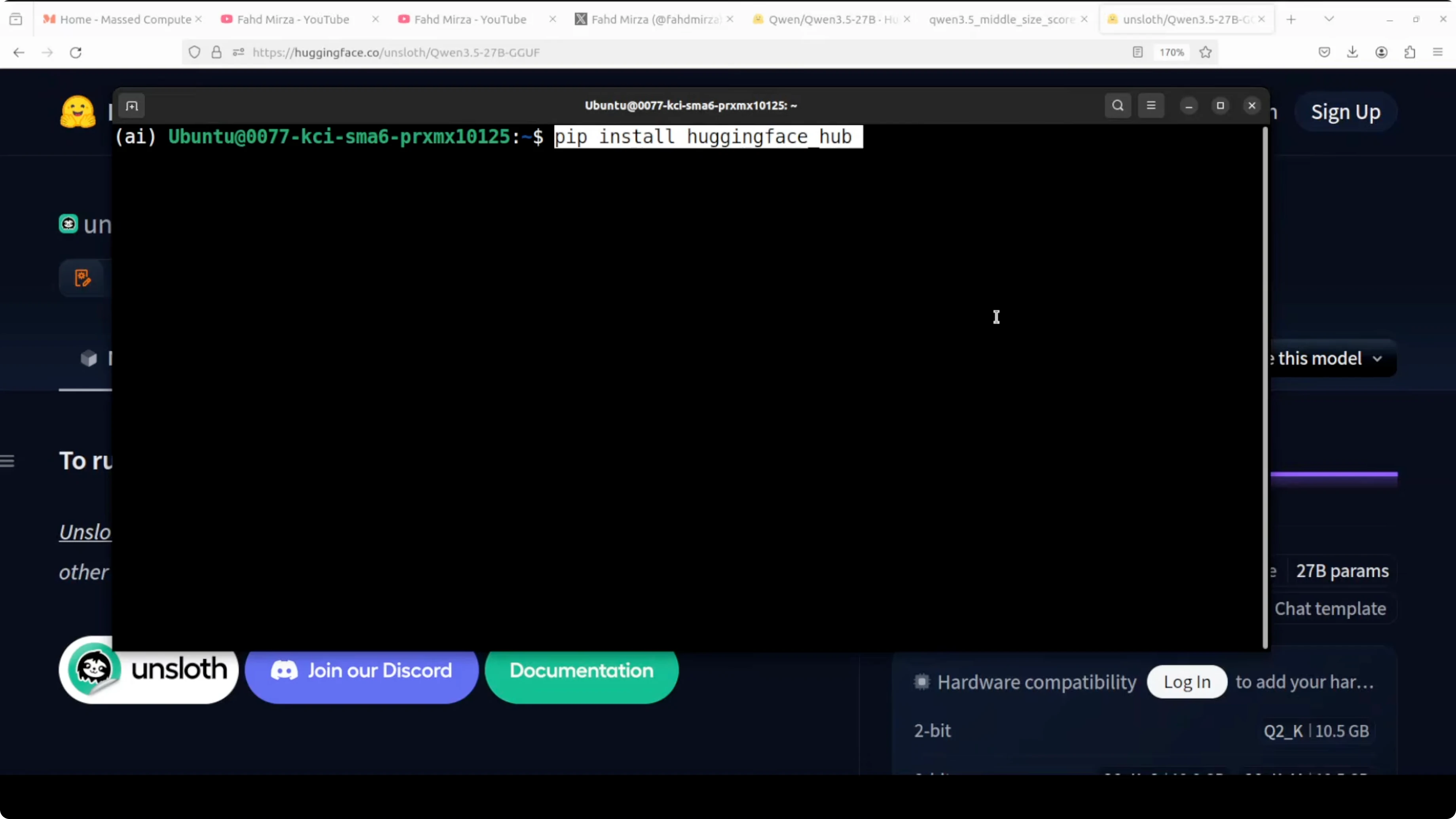
I installed the Hugging Face CLI and downloaded the Q8 GGUF from Unsloth’s quantized release to a local folder. Replace the repo_id and filename pattern with the exact GGUF you want.
Install the CLI:
pip install -U huggingface_hubDownload the quantized model:
huggingface-cli download unsloth/Qwen3.5-27B-GGUF \
  --include "*Q8_0.gguf" \
  --local-dir models/qwen3.5-27b-q8
You can also use Python:
python -c "from huggingface_hub import snapshot_download; snapshot_download(repo_id='unsloth/Qwen3.5-27B-GGUF', local_dir='models/qwen3.5-27b-q8', allow_patterns='*Q8_0.gguf')"Serve Qwen3.5 27B with llama.cpp
I started llama.cpp’s built-in server and offloaded layers to the GPU. With Q8, VRAM usage stayed under 30 GB on my RTX A6000.
Run the server:
cd llama.cpp
./server \
  -m models/qwen3.5-27b-q8/Qwen3.5-27B-Q8_0.gguf \
  -ngl 60 \
  -c 8192 \
  -t 16 \
  --host 0.0.0.0 \
  --port 8080
Verify GPU use:
nvidia-smiYou should see the process and VRAM allocation on the GPU. If it does not show, rebuild with LLAMA_CUBLAS as shown above.
Test the endpoint:
curl http://localhost:8080/completion \
  -H "Content-Type: application/json" \
  -d '{
    "prompt": "Solve: If a train travels 120 km in 1.5 hours, what is its average speed in km per hour?",
    "n_predict": 128,
    "temperature": 0.2
  }'
On my GPU run, the model responded quickly. I measured around 19.72 tokens per second for generation on a reasoning prompt and over 500 tokens per second for prompt processing, which is solid for this size.
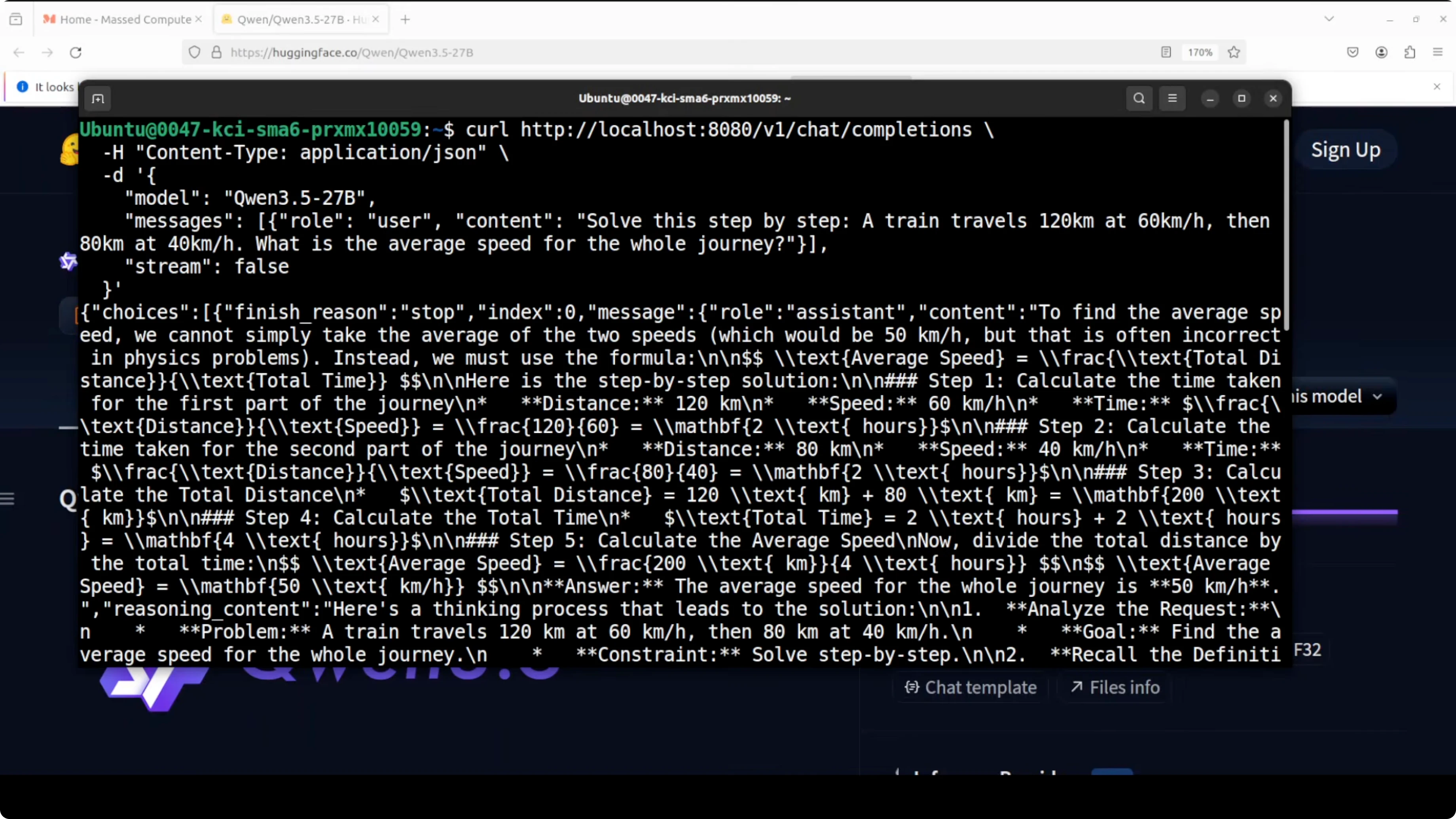
CPU-only run of Run Qwen3.5 27B Locally on CPU or GPU?
When CUDA was not detected, llama.cpp fell back to CPU. I issued a curl request and let it run for 5 minutes without getting a response.
CPU usage maxed out and throughput looked like it would be 1 to 3 tokens at best. I recommend setting CUDA correctly and rebuilding so you actually use the GPU.
Coding test
I asked the model to create a beautiful self-contained HTML file with an animated aquarium. The prompt requested a school of fish, bubbles rising, seaweed, and waves.
It took about 3 to 4 minutes for thinking and returned a complete HTML file. The render showed fish with varying shapes, bubbles, some seaweed-like motion, and wave effects.
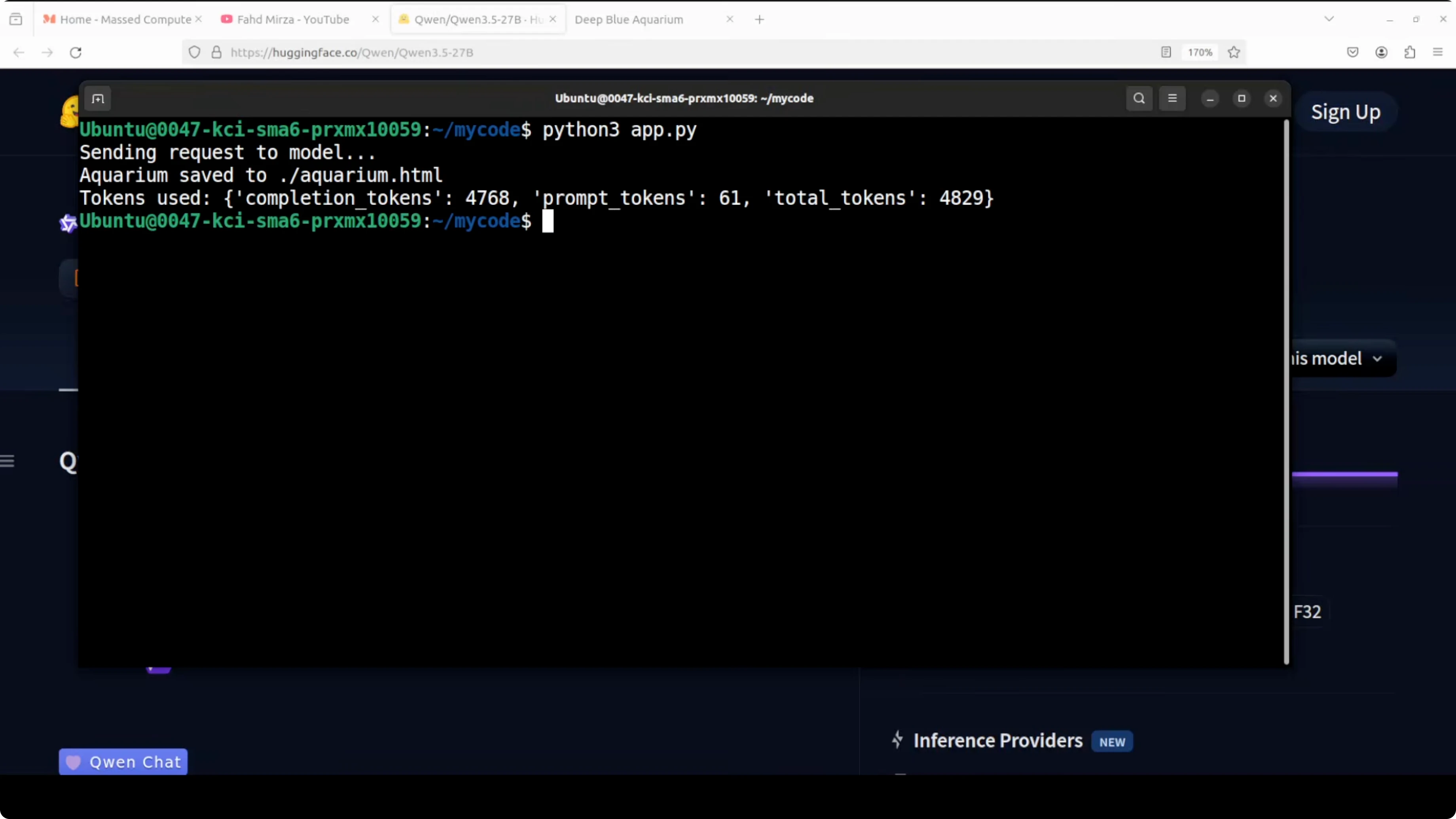
It was not responsive, but it worked as a single HTML page. For coding-focused local runs, you can also see Qwen coder.
Example request payload:
curl http://localhost:8080/completion \
  -H "Content-Type: application/json" \
  -d '{
    "prompt": "Create a self-contained HTML file with CSS and JavaScript for an animated aquarium: a school of fish, bubbles rising, swaying seaweed, and gentle waves. Use no external assets.",
    "n_predict": 1024,
    "temperature": 0.4
  }'
Language test
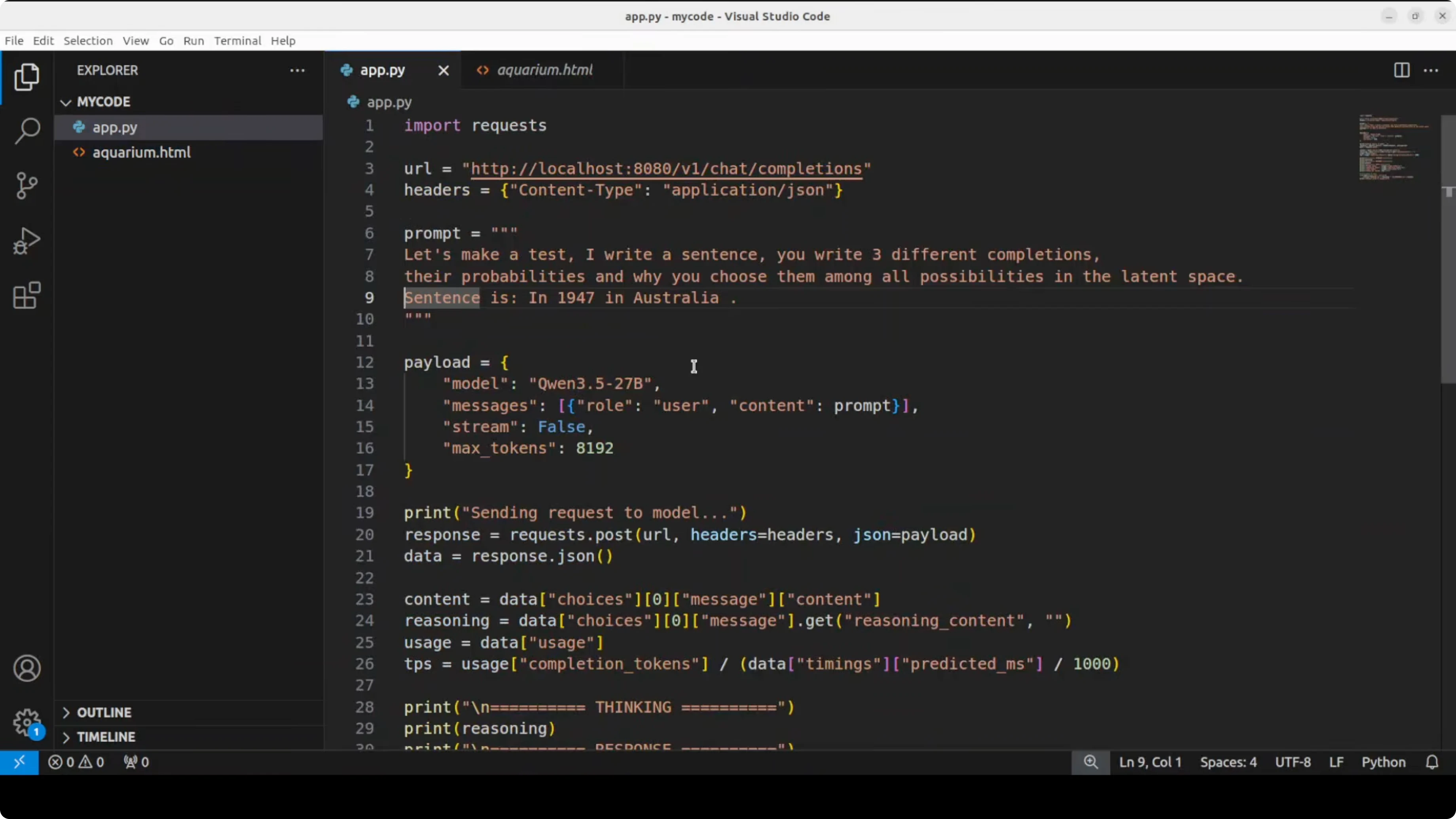
I set up a small test: I write a sentence, and it writes three different completions. I used the sentence: In 1947 in Australia.
I also enabled the model to display its thinking. It analyzed the request step by step, checked historical milestones, generated options, checked if they made sense, and selected the final set based on the history it had referenced.
It repeatedly reviewed and refined, then returned completions that were historically correct. It also surfaced justification for the choices it made, which shows a focus on accuracy.
Multilingual test
I asked it to translate sentences across many languages to see how well the 200-language claim holds up. For straightforward translation, it did not overthink and moved quickly.
Quality was strong overall. In some places it was not fully vernacular, but still solid. It even corrected itself in a few cases, for example on Hausa, and then stuck to a more standard translation.
It spent extra time on Kurdish and still completed the set. It then attempted review and refine passes, which I canceled because the capability was already clear.
For another local model workflow, see Ace Step.
Troubleshooting Run Qwen3.5 27B Locally on CPU or GPU?
CUDA not detected - rebuild llama.cpp
If llama.cpp runs on CPU even though you have a GPU, it likely did not detect CUDA.
Set CUDA paths and rebuild:
export CUDA_HOME=/usr/local/cuda
export PATH=$CUDA_HOME/bin:$PATH
export LD_LIBRARY_PATH=$CUDA_HOME/lib64:$LD_LIBRARY_PATH

cd llama.cpp
make clean
LLAMA_CUBLAS=1 make -j
Start the server again and confirm with nvidia-smi that VRAM is allocated.
Slow throughput on CPU
If you must run on CPU, expect very slow generation for a 27B model. For practical work, switch to GPU with cuBLAS enabled or use a smaller quant or smaller model size.
Final Thoughts
Qwen 3.5 27B with its hybrid attention stack delivers speed and accuracy that push it into the territory of much larger models. The Q8 quant runs under 30 GB VRAM on an RTX A6000, and generation speed is respectable for reasoning and code.
It is multilingual, supports a very large context, and handled coding and translation tasks well in my tests. Accuracy feels like the core priority in this release, and it shows.
Subscribe to our newsletter
Get the latest updates and articles directly in your inbox.

Related Posts

8 Best Claude Code Plugins in 2026 (You Need to Know)
8 Best Claude Code Plugins in 2026 (You Need to Know)

7 Best Claude Code Skills (You Need to Know)
7 Best Claude Code Skills (You Need to Know)

Claude Code Desktop IDE Features (You Need to Know)
Claude Code Desktop IDE Features (You Need to Know)