

How to use PikePDF locally using Ollama for FREE? (Python Code)
Local LLM Hardware Calculator
Enter your GPU VRAM and system RAM to see which LLMs you can run in Ollama — at Q4, Q8, or full precision — with estimated tokens-per-second speed.
I am a big fan of using AI with already existing software such as PikePDF. If you have ever tried to automate PDF tasks in Python and wanted to throw your laptop out of the window, you are not alone. Most PDF libraries are either too basic, which can barely merge two files, or too complex, which requires a PhD to understand the documentation.
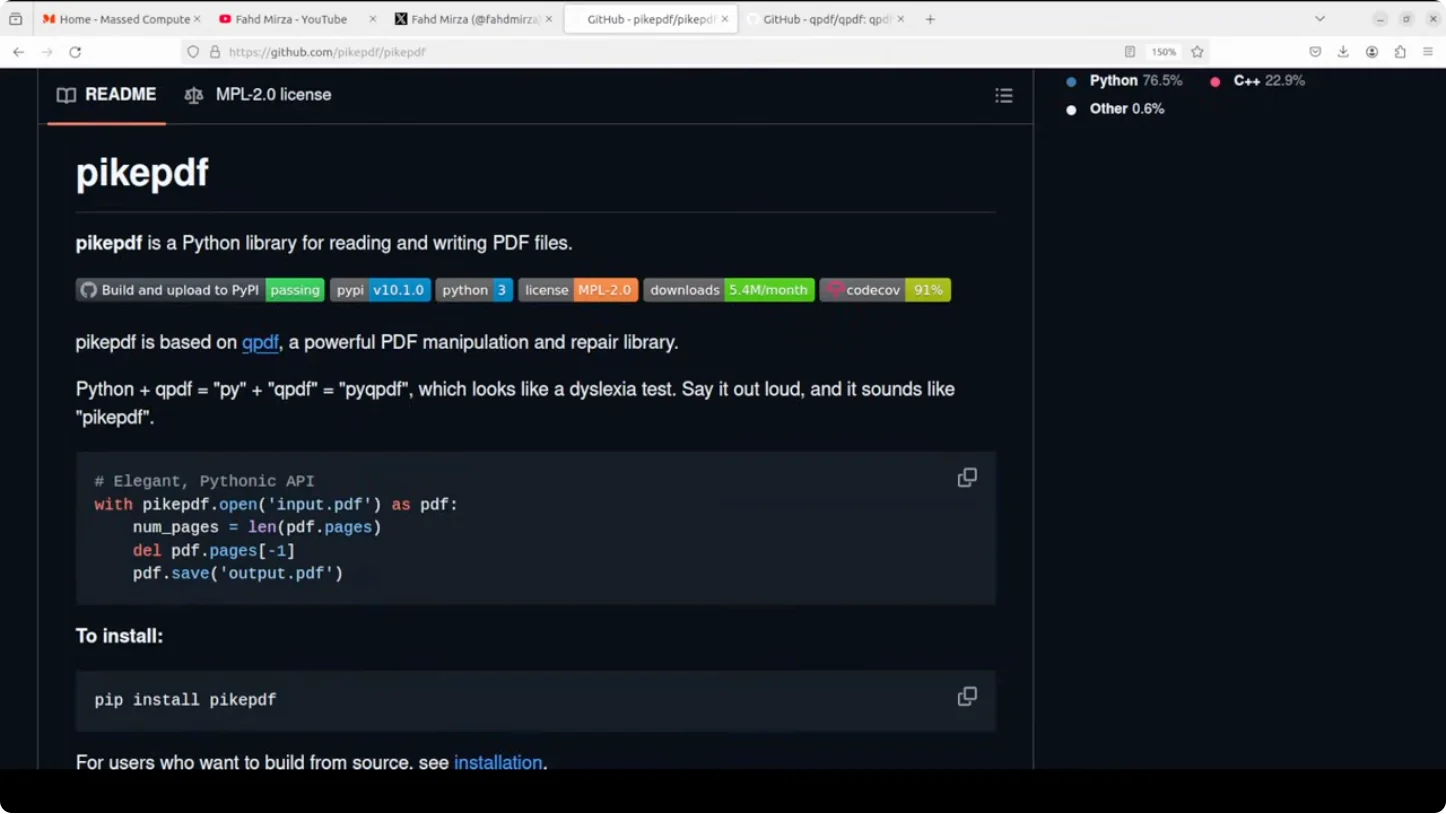
This is where PikePDF can help. This is a Python library that gives you industrial strength PDF manipulation with a clean API. You can manipulate it and it feels basic, easy, yet powerful. It feels like cheating. It is built on QPDF, the same battle tested C++ engine that powers professional PDF tools. PikePDF lets you do everything from simple page extraction to complex PDF surgery. I am going to install it and test it with Olama based local models to give it a twist of AI.
How to use PikePDF locally using Ollama for FREE? (Python Code)
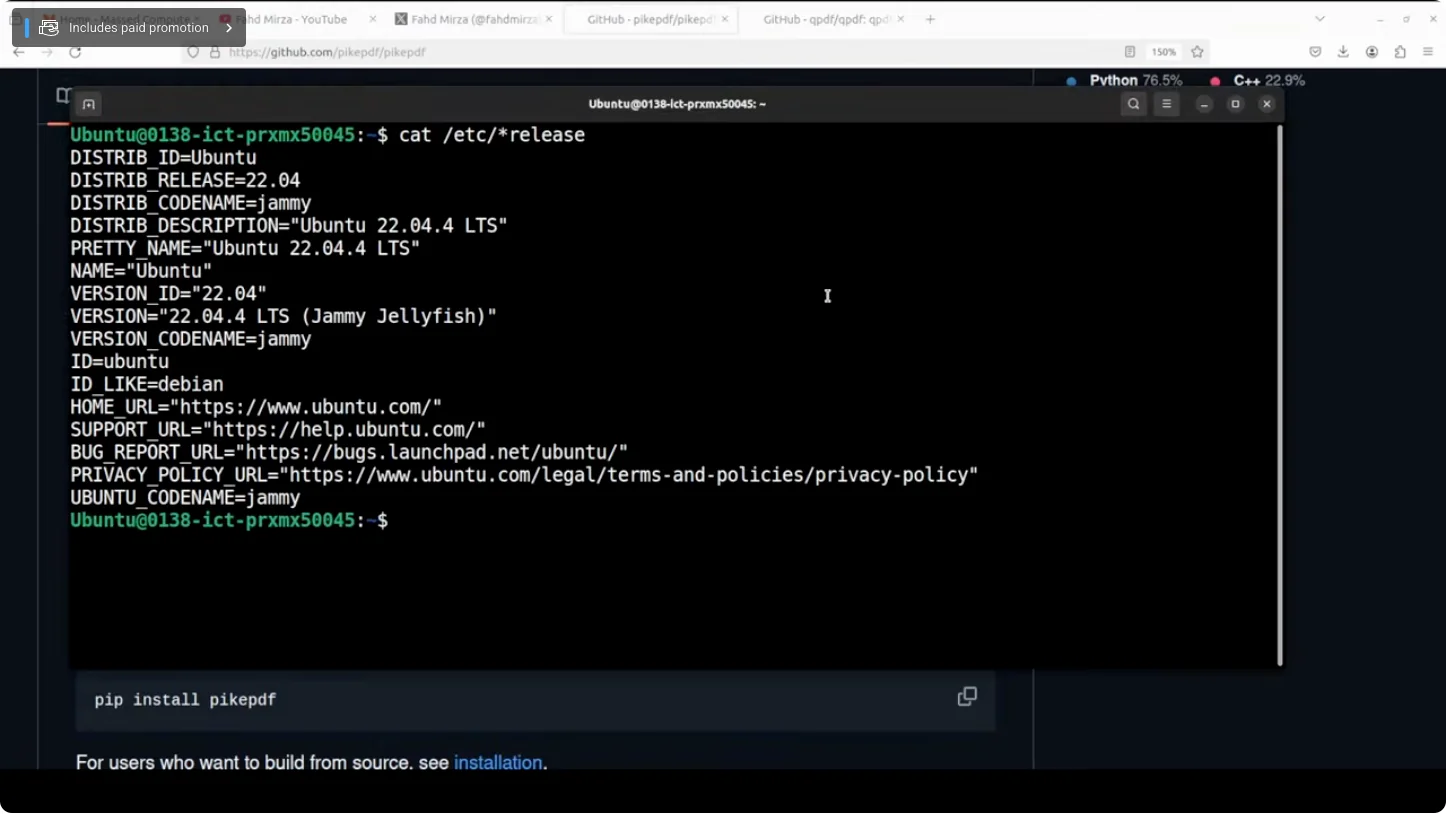
Environment I used
- Ubuntu
- 1 GPU: Nvidia RTX A6000 with 48 GB of VRAM
- Olama installed and running locally
- I am running an open model with 20 billion parameters, already installed and running. You can use any model of your choice.
Installation steps
- Create a virtual environment with conda.
- Install PikePDF and also the Olama Python package.
- Ensure Olama is installed and a local model is available and running.
Basic PikePDF operations (no AI)
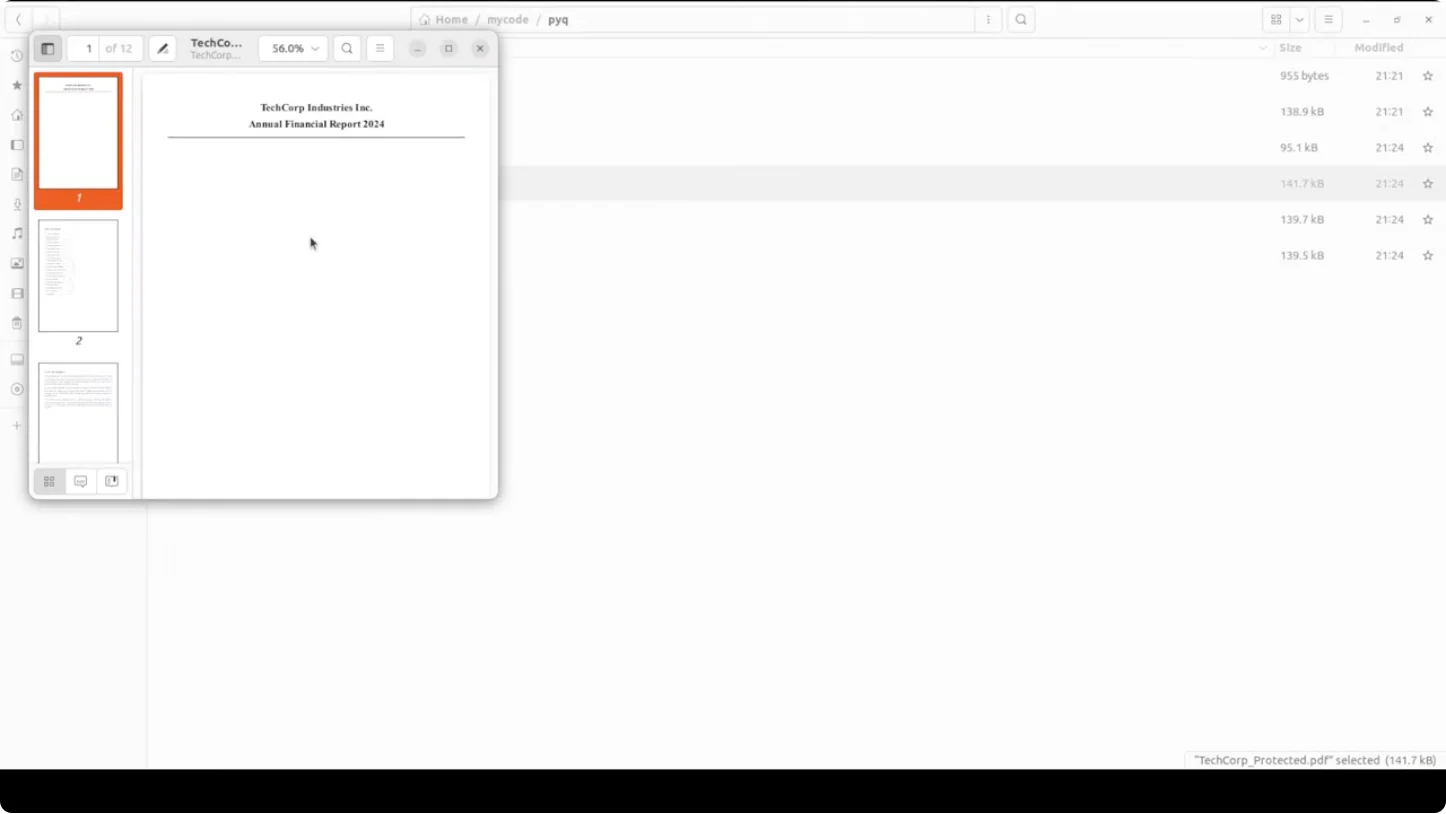
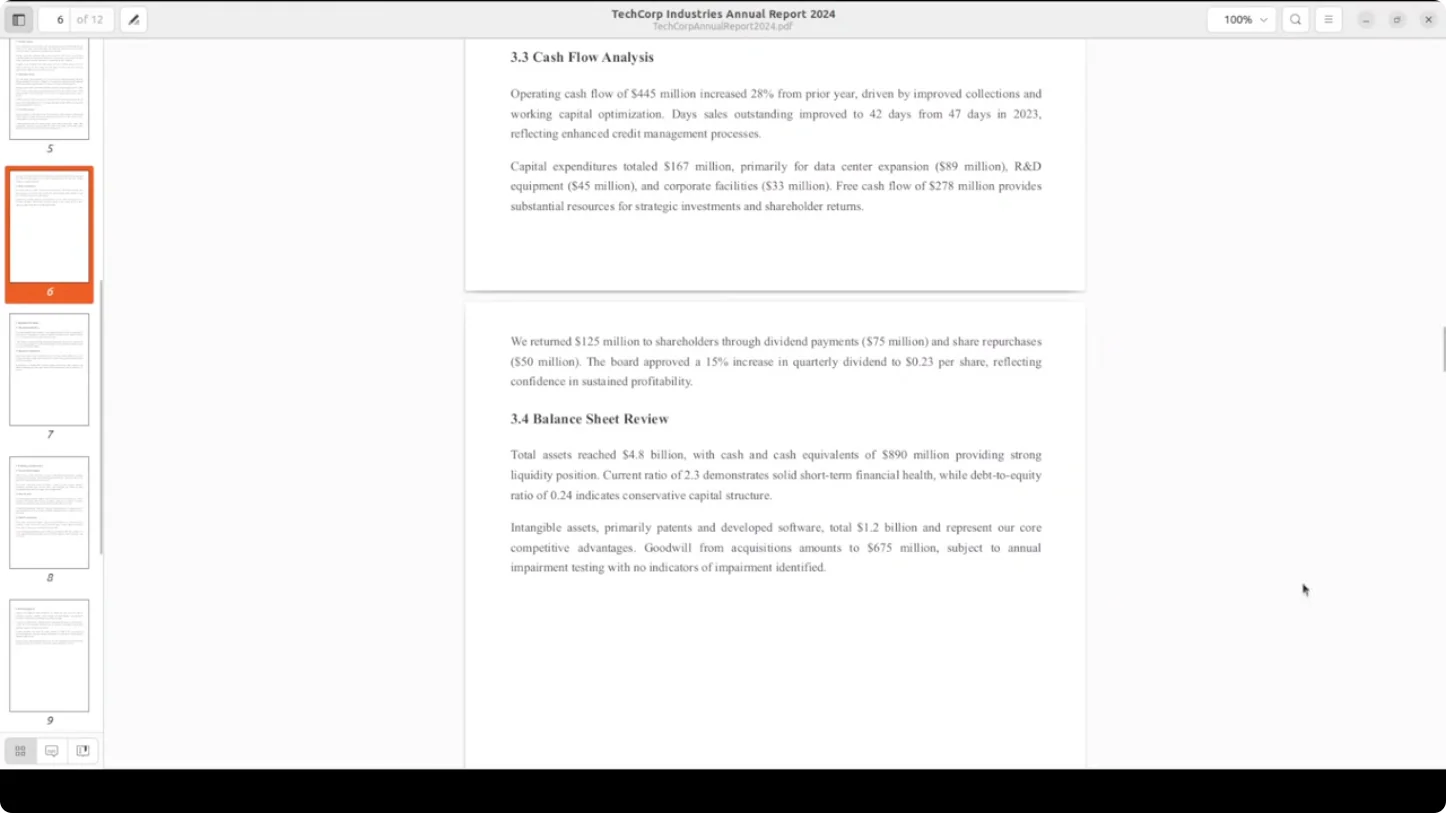
I used a sample AI generated corporate report PDF with multiple pages and some numeric data. Here is what I did with PikePDF:
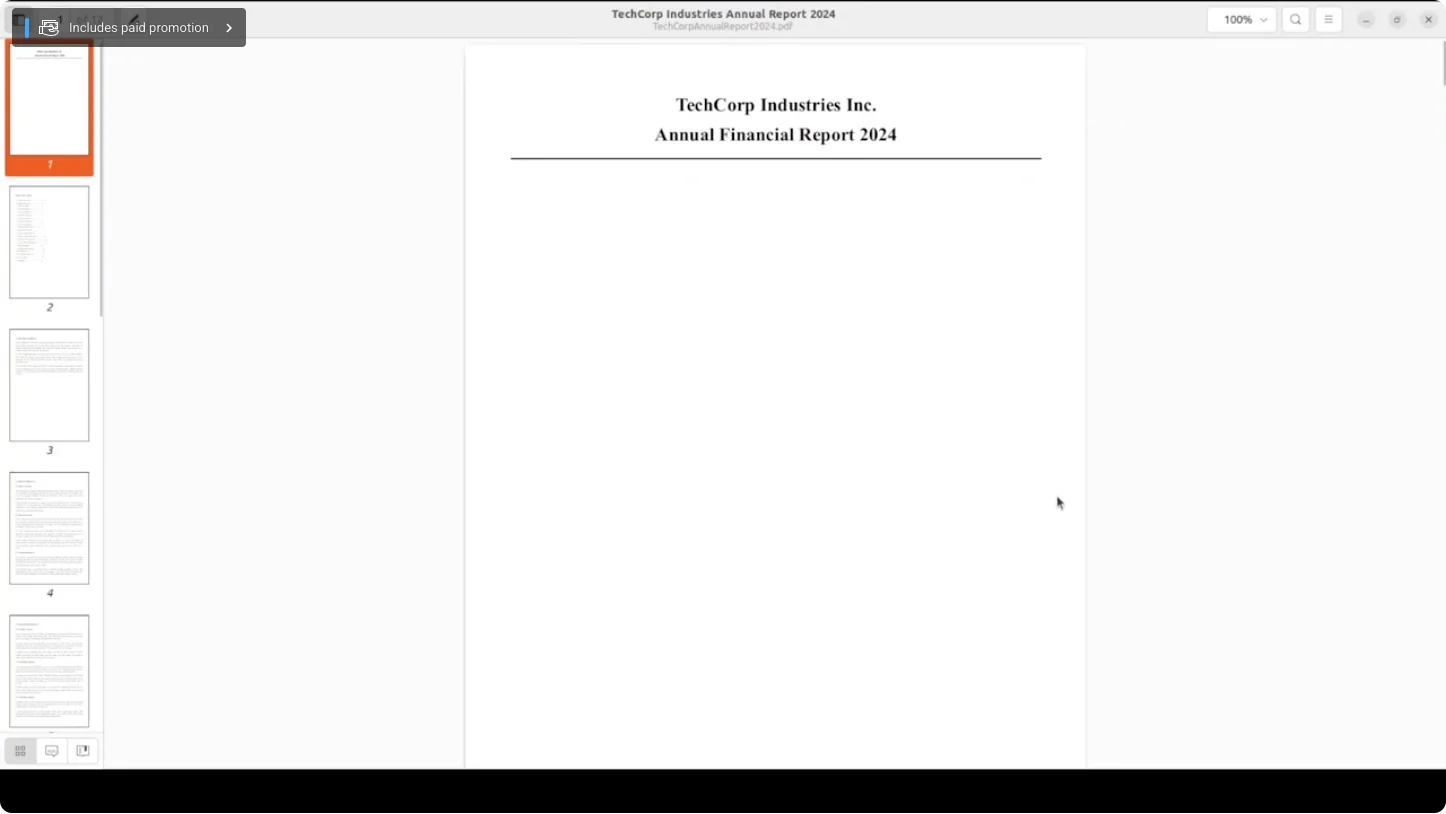
- Shorten the document by deleting the last page and saving it.
- Extract specific pages.
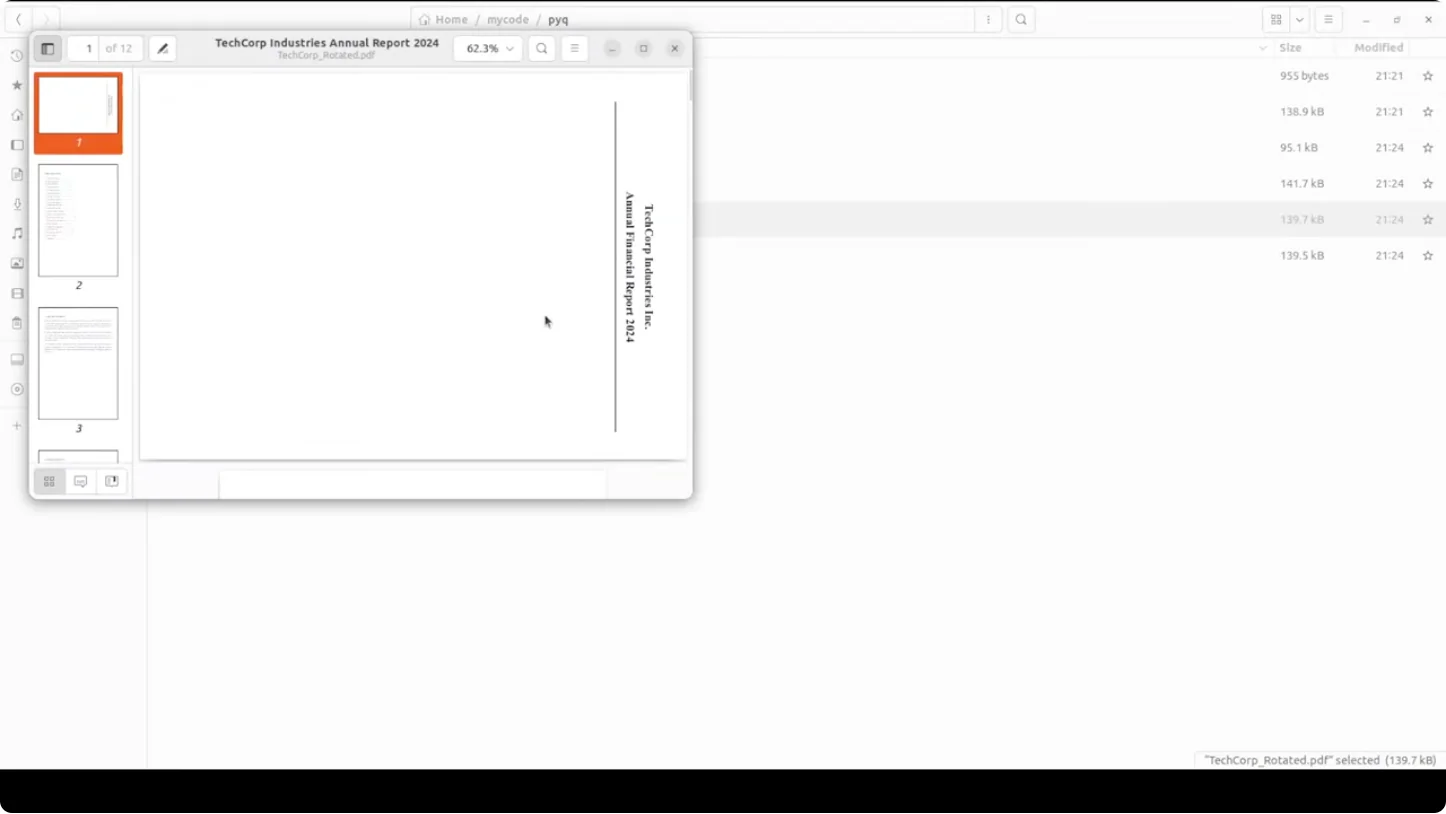
- Rotate a page.
- Add password protection.
It was very quick and completed all tasks instantly. The outputs matched the expectations:
- A file containing only the first three pages.
- A password protected file that opens with password123.
- A rotated version of the specified page.
- A shortened version of the original.
AI powered PDF processing with Olama and PikePDF
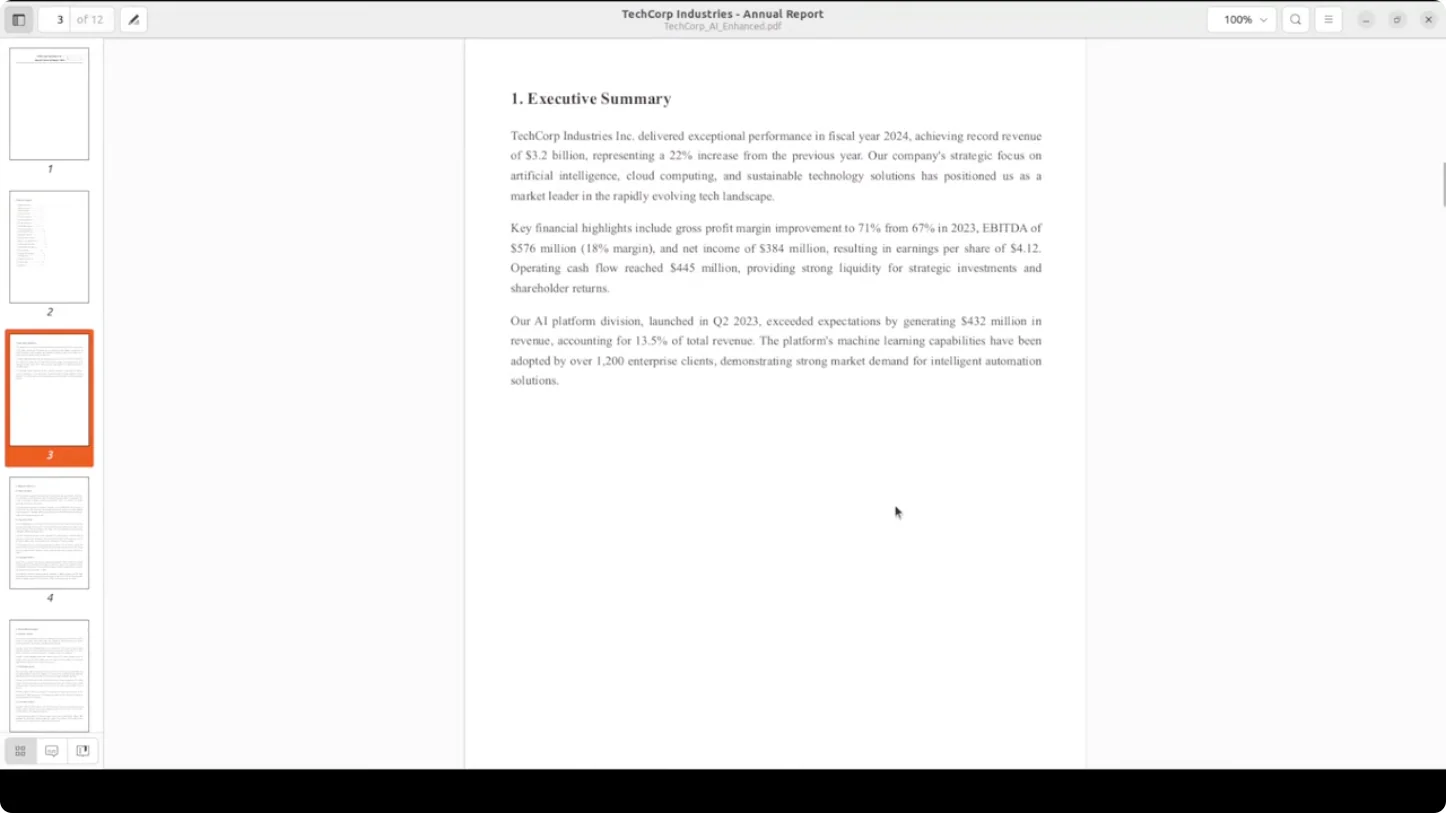
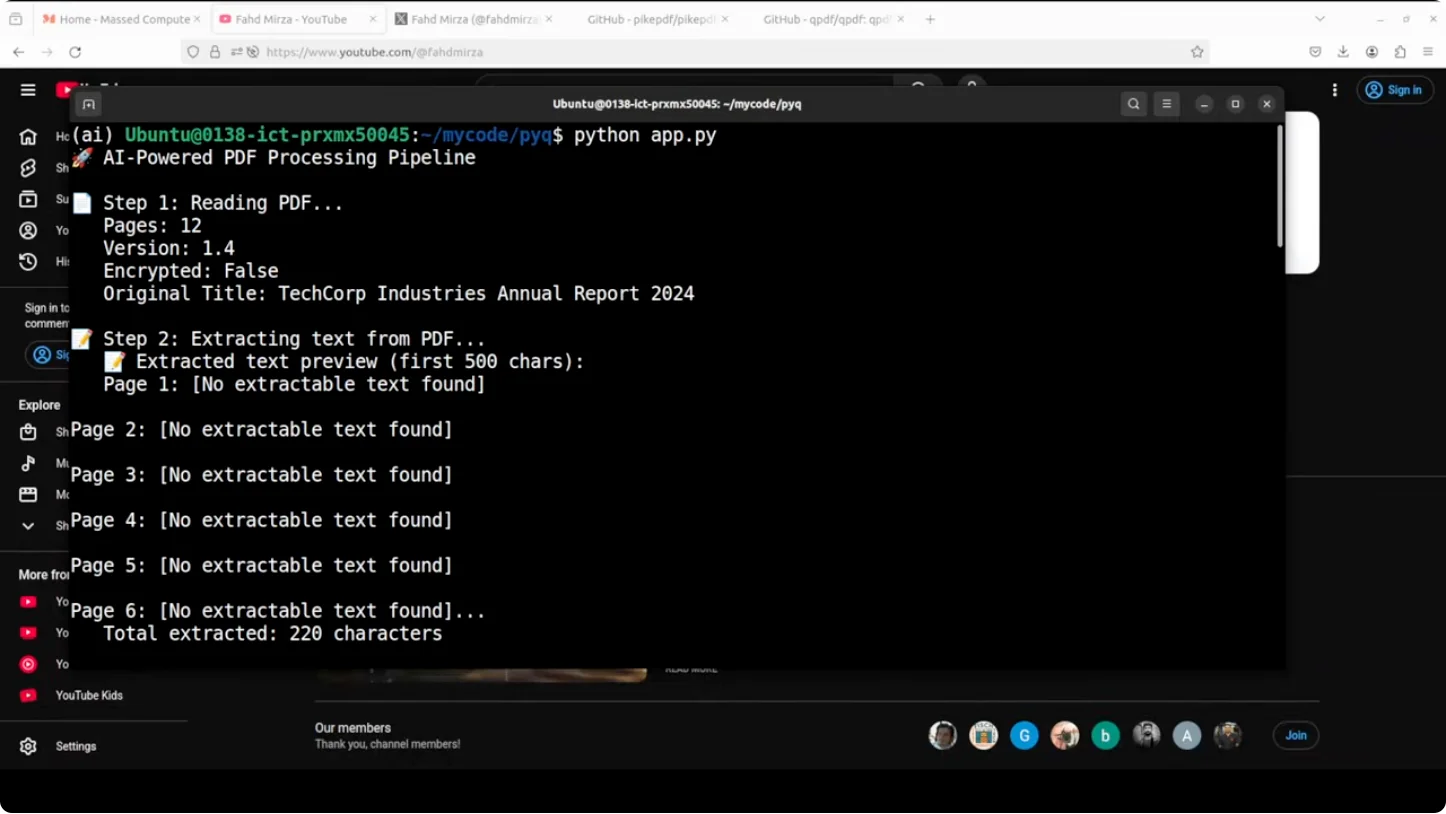
I built an AI powered PDF processing pipeline that combines PikePDF’s manipulation with a local Olama LLM to create an intelligent document enhancement system. I worked with the same generated corporate report.
Workflow
- Examine the document and return structured insights.
- Enhance the PDF with the model’s edits.
- Apply practical PDF operations and create variants:
- An executive summary
- A password protected confidential version
- A web optimized linearized PDF
- A PDF without a table of contents
- A financials only version
Results
All of this ran locally and produced outputs quickly:
- AI enhanced file with draft markings, added wording, and a proper rearrangement that reads like a corporate portfolio.
- Confidential version protected with a password.
- An executive summary that looks good.
- A financials only variant.
- A version without a table of contents.
- A web optimized version ready for online use.
High value use cases
By using this approach, you can solve critical problems in modern document management:
- PDFs that lack proper metadata become searchable and easier to categorize at scale.
- Create a dataset for fine tuning a model from your company’s PDFs.
- Legal firms can process contracts, depositions, and discovery documents, automatically extracting key parties, dates, and clauses, and organizing them intelligently without manual review.
- This spans financial institutions, medical records, and corporate archives.
This kind of automation turns document chaos into structured, searchable, AI enhanced knowledge that actually delivers value for the business.
Final thoughts
PikePDF brings serious PDF manipulation to Python with a clean interface, and pairing it with local Olama models adds intelligent enhancement and automation. You can edit, protect, extract, rotate, optimize, and generate focused variants, all locally and fast. If you already work with PDFs and want local AI on top, this stack is a strong, practical choice.
Subscribe to our newsletter
Get the latest updates and articles directly in your inbox.

Related Posts

8 Best Claude Code Plugins in 2026 (You Need to Know)
8 Best Claude Code Plugins in 2026 (You Need to Know)

7 Best Claude Code Skills (You Need to Know)
7 Best Claude Code Skills (You Need to Know)

Claude Code Desktop IDE Features (You Need to Know)
Claude Code Desktop IDE Features (You Need to Know)