
Table Of Content
- OmniLottie: Create Lottie Animations from Text, Image, or Video Locally
- Local setup
- Using conda
- Or using venv
- If the repo provides an app script
- Or run via Gradio CLI if the demo file is named demo.py
- Prompt format
- Under the hood
- Text to Lottie
- Image to Lottie
- Video to Lottie
- Generation tips
- Use cases
- Pros and cons: OmniLottie
- Pros and cons: Qwen2.5-VL as backbone
- Troubleshooting
- Final thoughts
OmniLottie: Create Lottie Animations from Text, Image, or Video Locally
Table Of Content
- OmniLottie: Create Lottie Animations from Text, Image, or Video Locally
- Local setup
- Using conda
- Or using venv
- If the repo provides an app script
- Or run via Gradio CLI if the demo file is named demo.py
- Prompt format
- Under the hood
- Text to Lottie
- Image to Lottie
- Video to Lottie
- Generation tips
- Use cases
- Pros and cons: OmniLottie
- Pros and cons: Qwen2.5-VL as backbone
- Troubleshooting
- Final thoughts
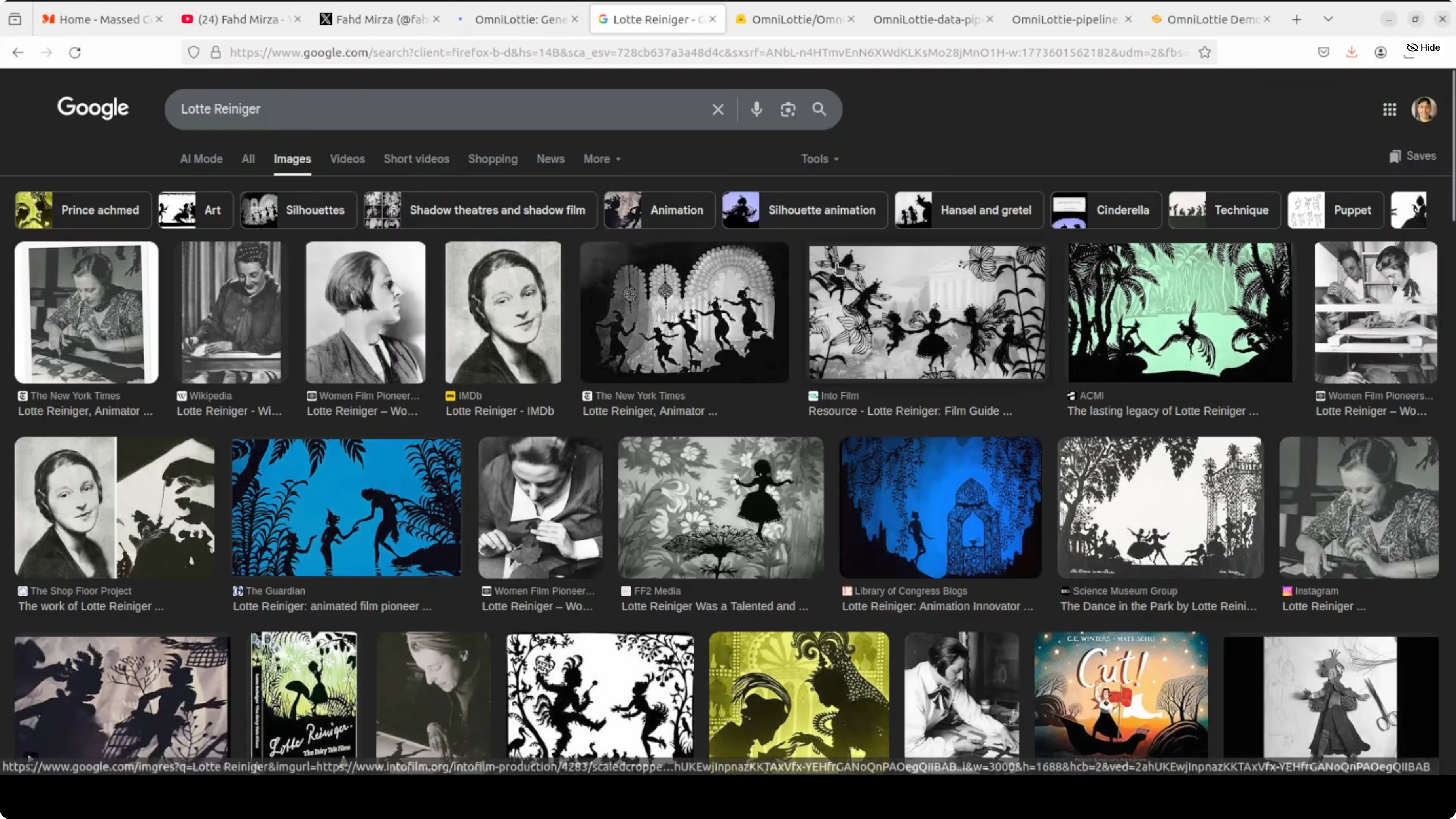
Lottie animations are lightweight and buttery smooth. The name nods to the 1930s German animator Lotte Reiniger, who pioneered silhouette animation. Modern apps like Duolingo and Airbnb popularized this format.
Lottie is a JSON file that bundles vector shapes, motions, and effects, which makes animations tiny, scalable, and editable. OmniLottie is the first AI model I’ve used that generates complete Lottie animations from just text, images, or videos. I’ll install it locally and generate Lotties from text and other media.
The core challenge is that raw Lottie JSON is bloated with structural boilerplate, which wastes a model’s capacity on formatting noise instead of actual animation logic. The team behind it built a custom Lottie tokenizer that compresses the JSON into clean, compact command-parameter sequences the model can actually learn from efficiently. I’ll also walk through its architecture and a few practical tests.
OmniLottie: Create Lottie Animations from Text, Image, or Video Locally
OmniLottie extends Qwen2.5-VL, a pre-trained vision-language model, with a brand-new Lottie-specific vocabulary. That vocabulary spans spatial, temporal, speed, and command tokens in distinct ranges so they never semantically collide. This makes token decoding predictable and keeps animation structure tight.
For a deeper look at Qwen’s family and capabilities, see this overview of Qwen 3.5 for multimodal tasks. OmniLottie builds on that base to output tokens that render directly into Lottie animations.
Local setup
I’m using Ubuntu with a single NVIDIA RTX 6000 (48 GB VRAM). Typical VRAM usage during generation sits around 9-10 GB.
Create a clean environment.
# Using conda
conda create -n omnillottie python=3.10 -y
conda activate omnillottie

# Or using venv
python3 -m venv .venv
source .venv/bin/activate
Clone the repository.
git clone <official_omnilottie_repo_url>
cd OmniLottie
Install requirements from the root of the repo.
pip install -r requirements.txtLaunch the Gradio demo.
# If the repo provides an app script
python app.py

# Or run via Gradio CLI if the demo file is named demo.py
gradio demo.py
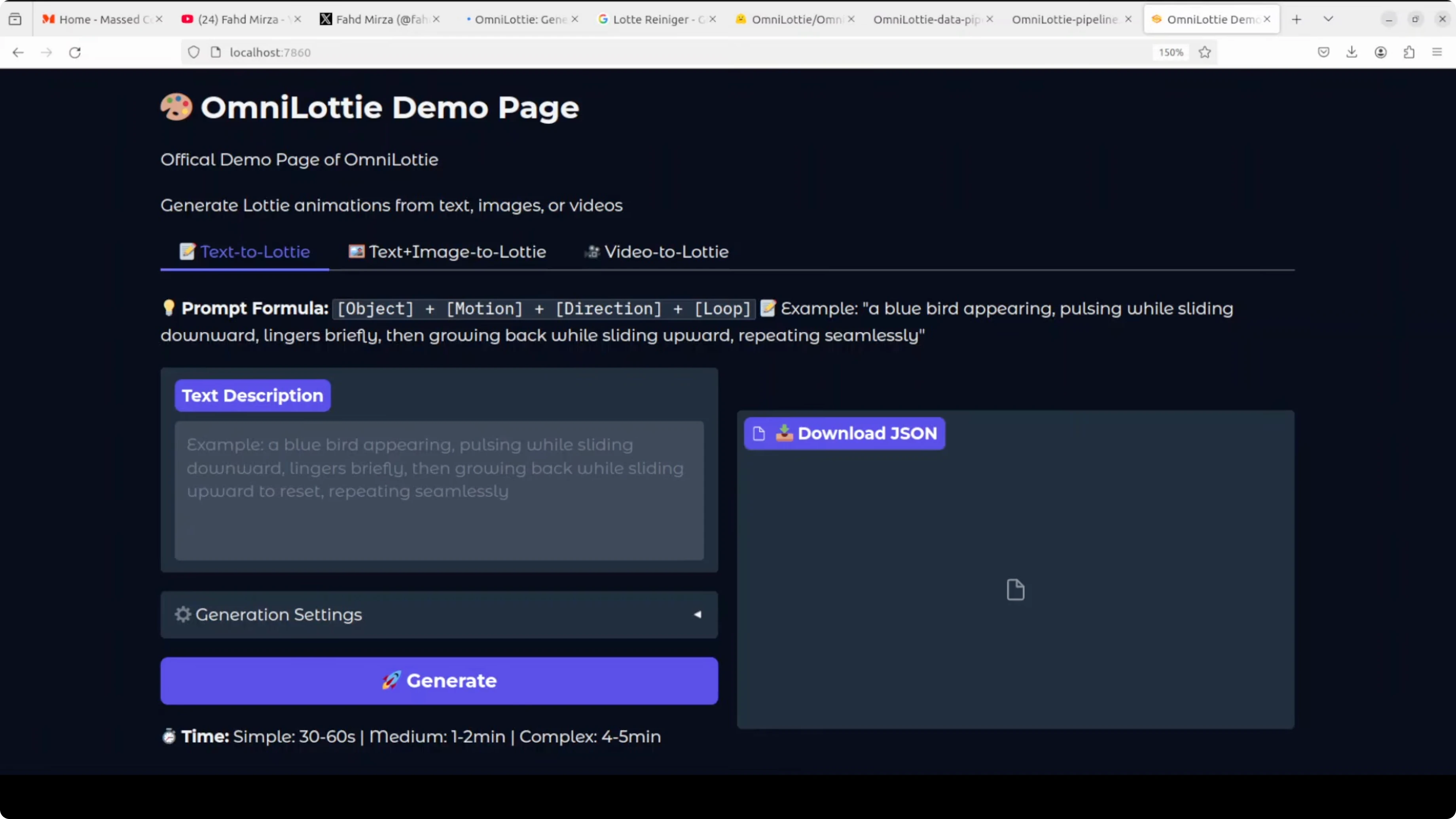
Access the UI at http://127.0.0.1:7860. The first run downloads the model weights, which are just under 9 GB.
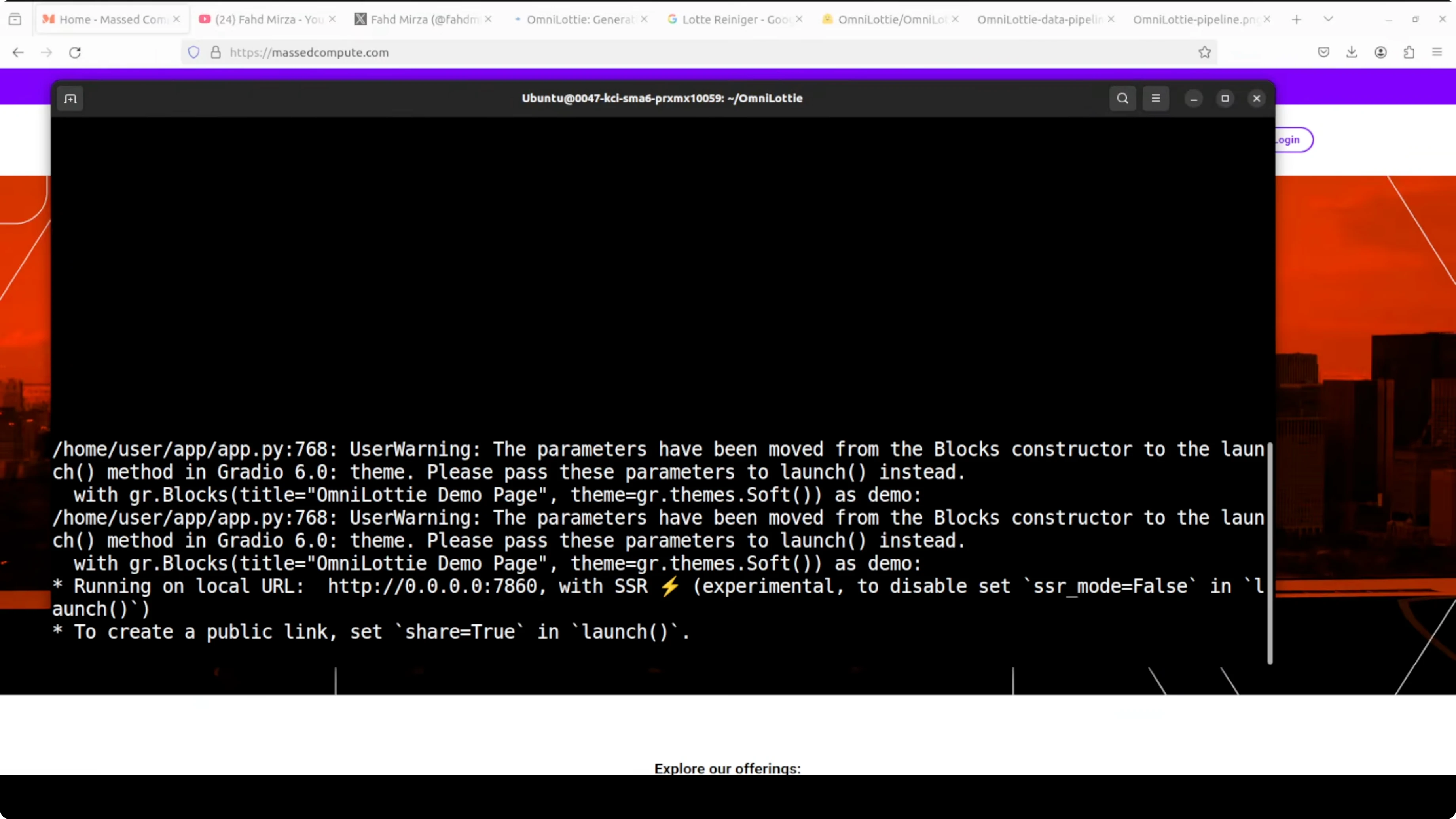
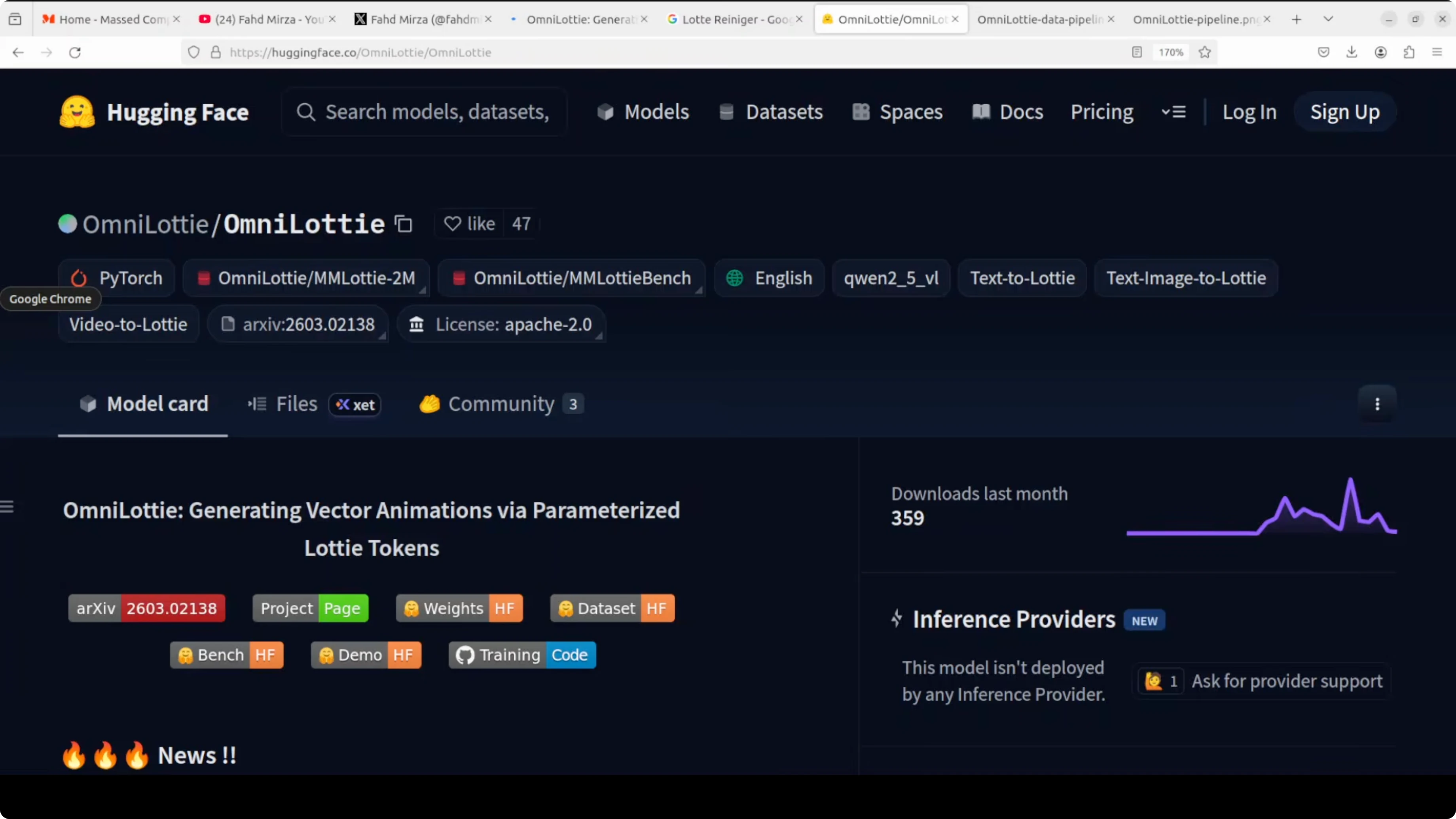
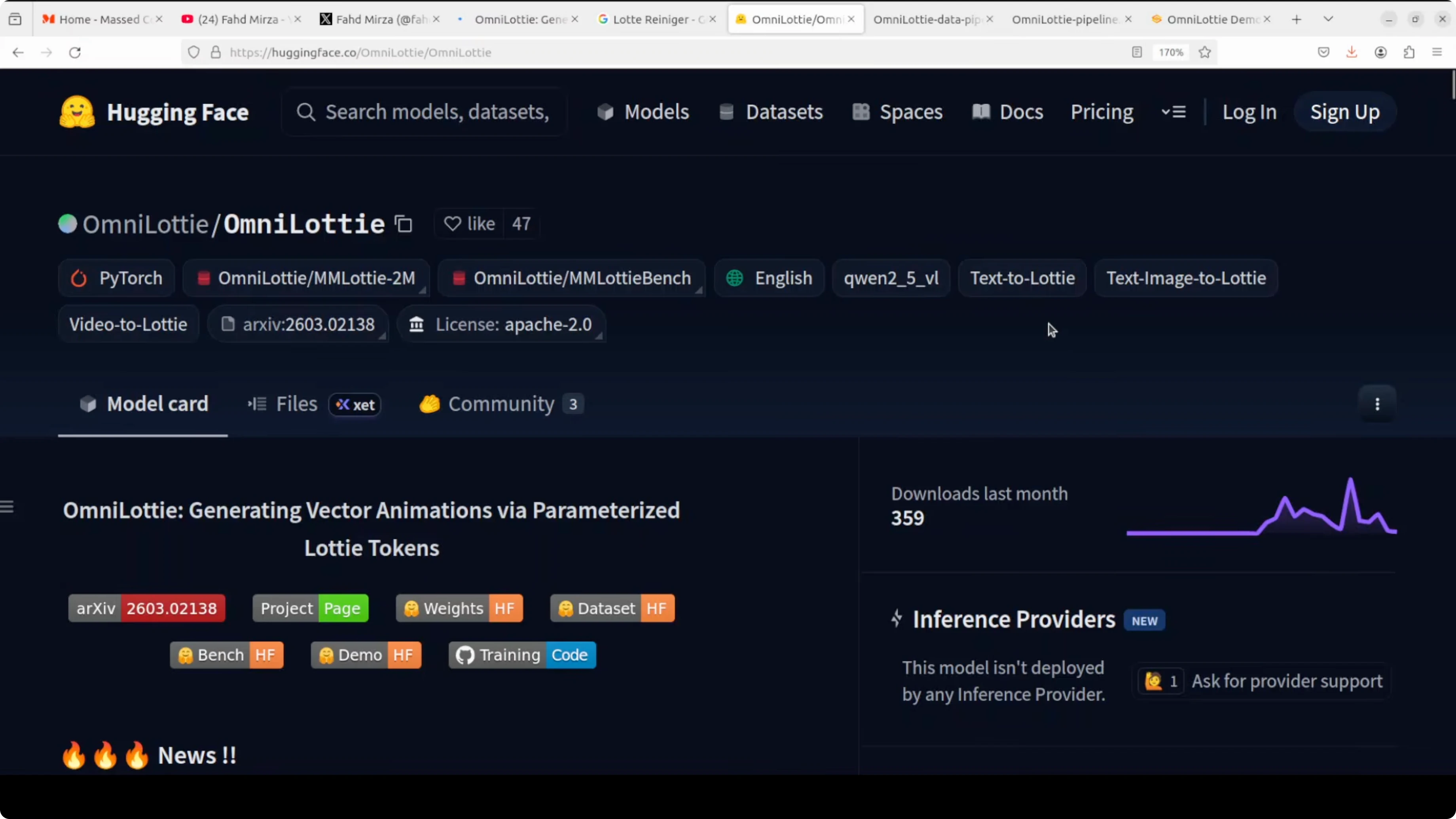
Get the official model weights here: OmniLottie on Hugging Face.
Prompt format
The prompt format that consistently works for me is: object + motion + direction + loop. Keep it concise but descriptive.
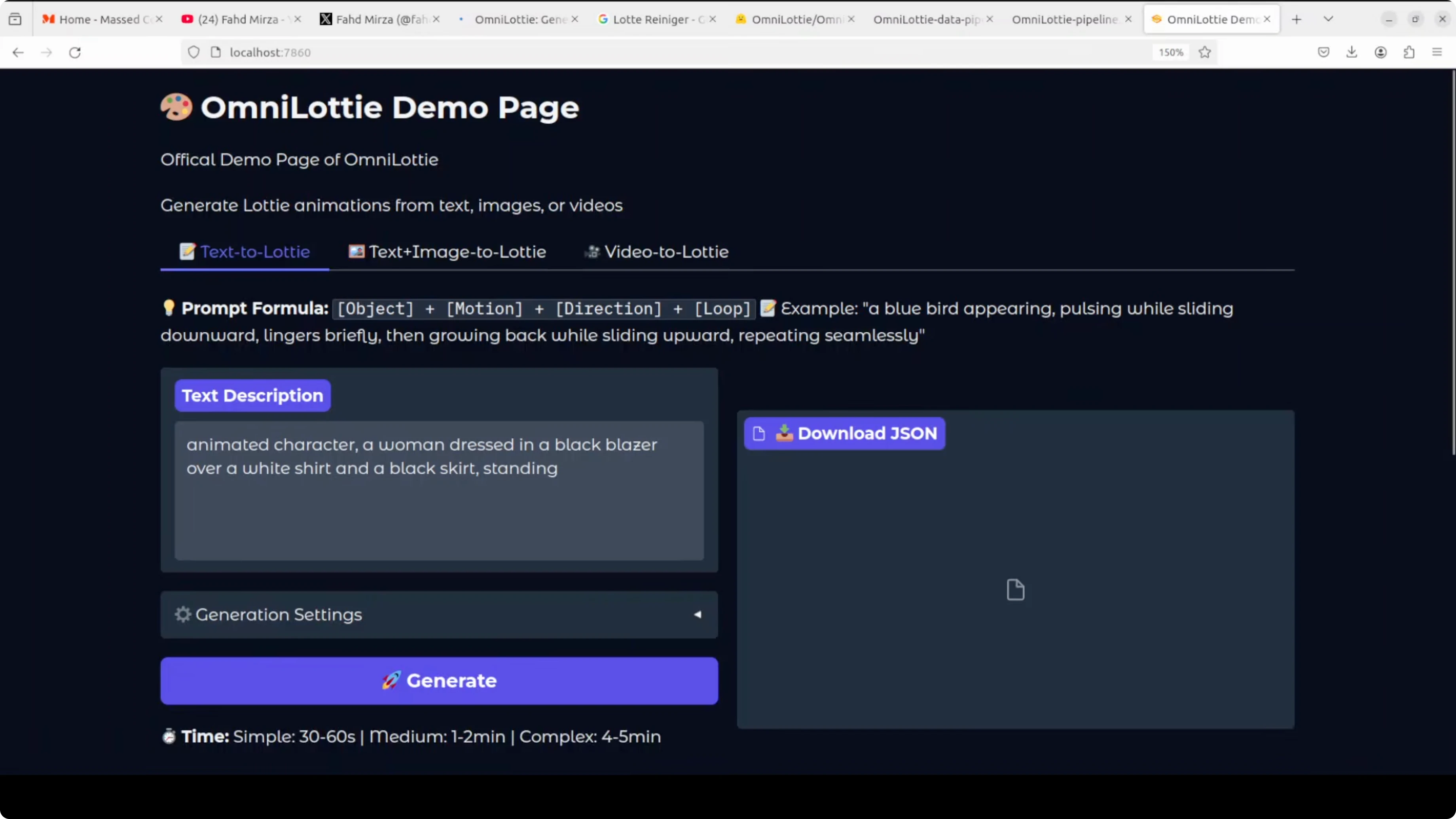
Example:
Animated character - a woman dressed in a black blazer over a white shirt and a black skirt standing - waving hand - to the right - loopThere are a few generation settings and hyperparameters in the UI. You can keep them as-is and click Generate.
Under the hood
OmniLottie’s tokenizer flattens raw Lottie JSON with its nested layers and properties into readable function-call-like sequences. It then compresses those sequences into tight command-parameter token pairs, stripping formatting noise.
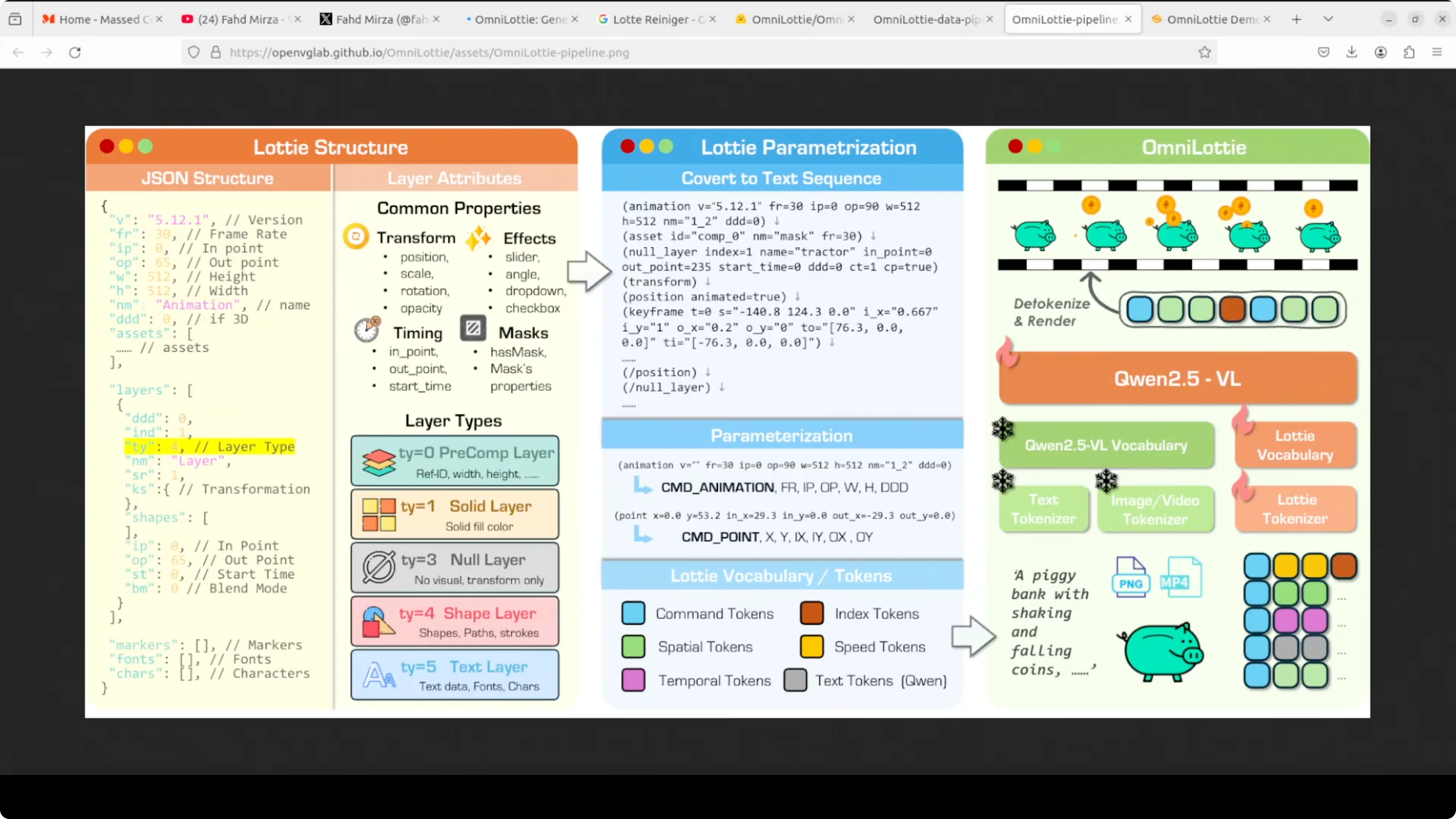
A prompt, image, or video enters Qwen’s backbone. It combines with the Lottie vocabulary tokens and outputs a token stream that renders into the final animation.
The training data comes from two streams: SVGs converted into animated Lotties and a large set of professionally designed animations scraped from platforms like LottieFiles and IconScout. Embedded images and messy expression code were filtered out, everything was normalized to a 512x512 canvas and a standard time range, then rendered into videos and annotated by a VLM at multiple detail levels, from short captions to deeper temporal narratives with geometry and motion keywords.
If you’re exploring creative pipelines beyond Lottie, see more tools in our text-to-image collection and our curated text-to-video resources.
Text to Lottie
I provided a prompt with the object, its attire, and a simple motion. The model produced a clean animation that even captured subtle motion cues.
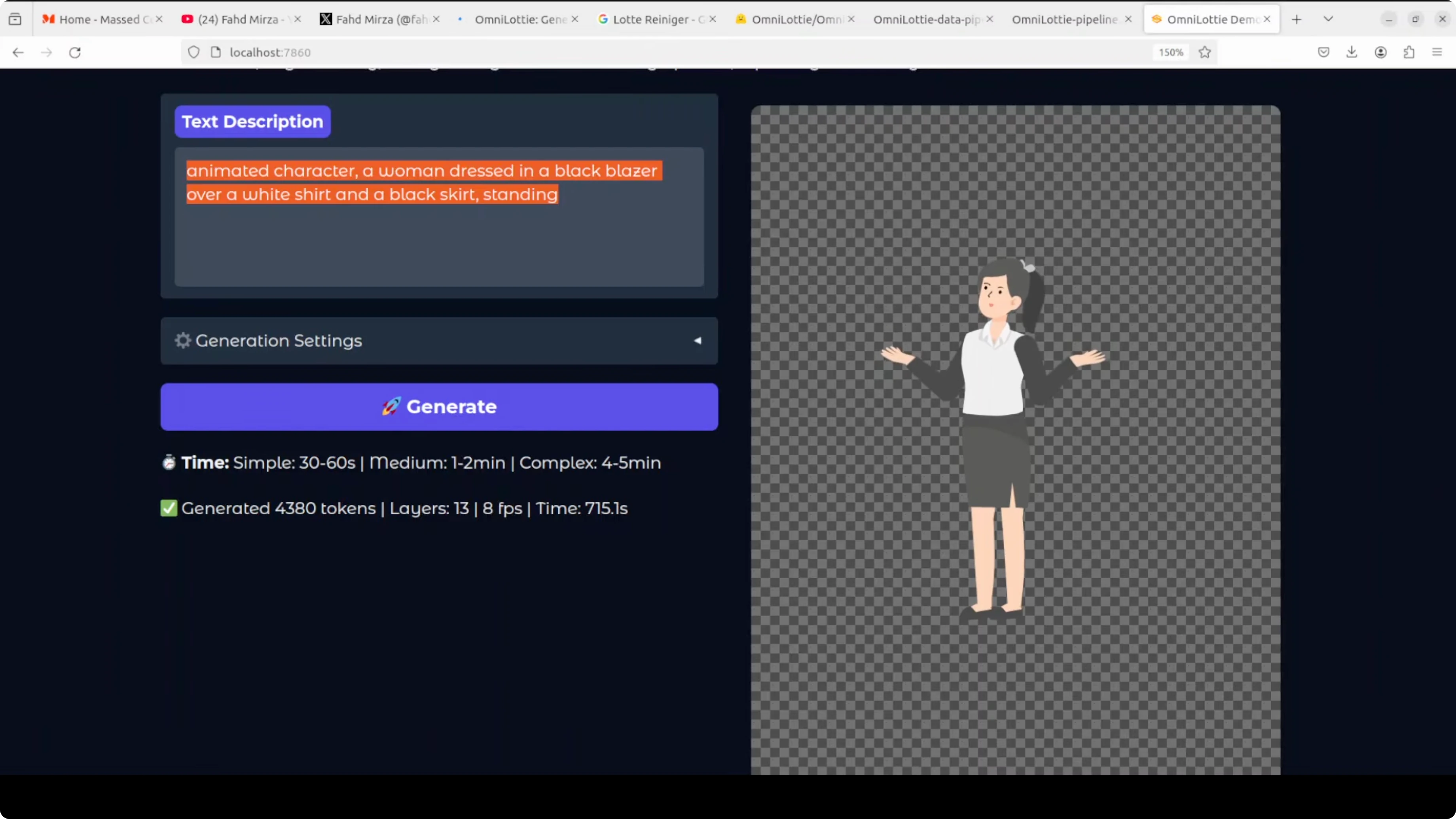
On my system the first complex sample took about 15 minutes. More complex prompts take longer and use more tokens.
During idle, VRAM sat near 8 GB. During generation it peaked close to 10 GB.
Image to Lottie
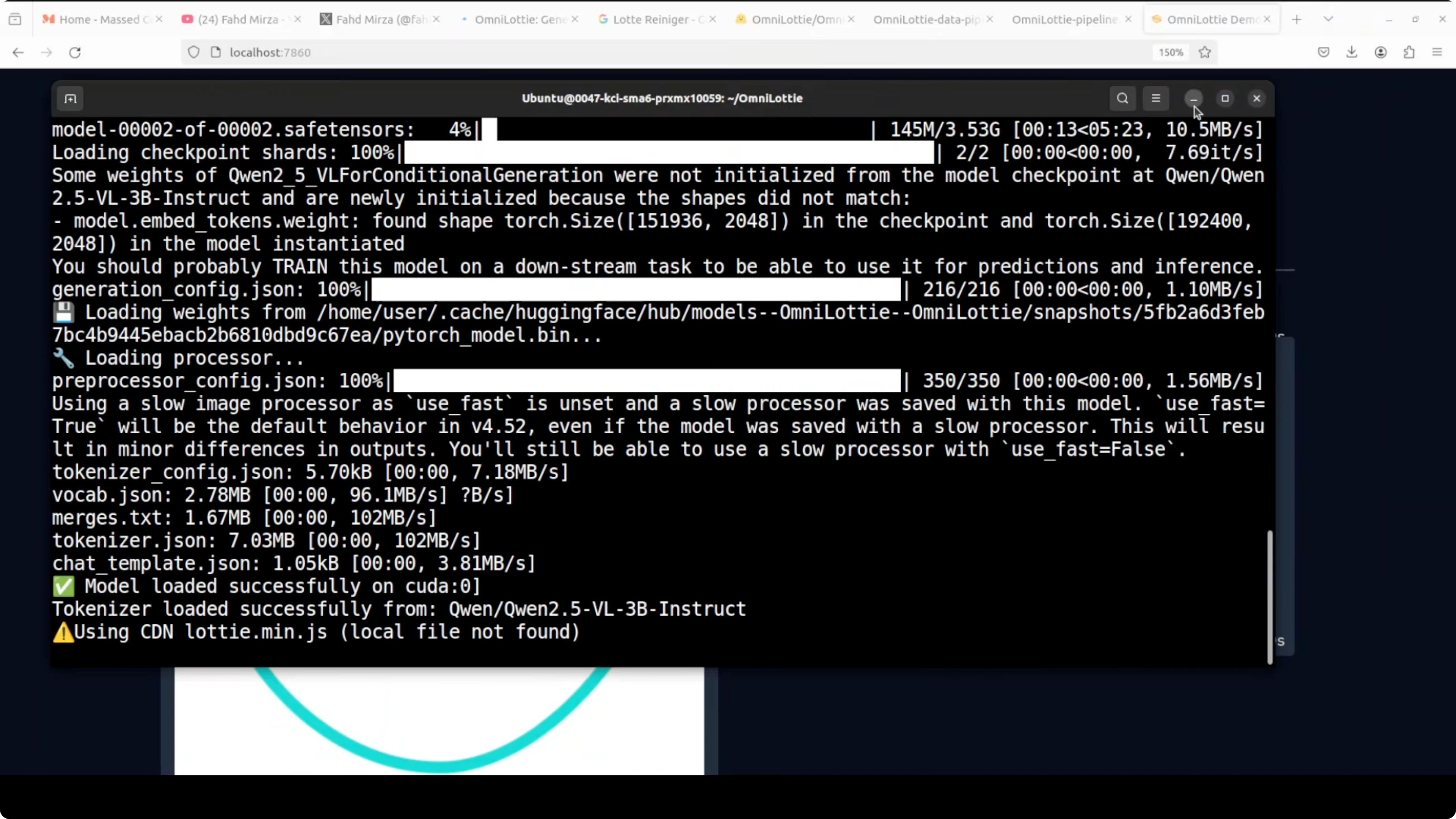
I used an input image and a detailed text description: an elongated shape resembling a smiley face, two pink oval eyes with navy blue circular pupils positioned symmetrically, and more fine-grained details.
Generation stayed around 9.3-9.4 GB of VRAM during this run. The final Lottie was well structured and preserved the intended geometry and motion.
For more inspiration on image-driven workflows, explore our image-to-video guides. If you want high-quality stills for animation references, compare results in our review of Imagen 3 V2.
Video to Lottie
I supplied a short sample video and let the model infer motion and structure. The resulting Lottie looked solid and readable.
It takes time, but the quality holds up. The Qwen backbone contributes robust visual understanding even with temporal content.
If you plan to convert narrative clips to animations, see broader techniques in our text-to-video category for staging and timing ideas.
Generation tips
Keep prompts specific about object, motion, direction, and loop behavior. Avoid overly long descriptions that don’t affect motion.
Start with defaults for hyperparameters before fine-tuning. Track token counts and time to plan batch runs.
Cache models locally to avoid repeated downloads. Keep an eye on VRAM and close other GPU jobs when testing.
Use cases
UI microinteractions benefit a lot from compact Lottie outputs, such as buttons, toggles, and loading states. Product onboarding flows can feature characters or icons with simple loops.
Marketing and illustration teams can convert reference images or videos into scalable vector animations. Education content can rely on token-driven motion to explain processes with minimal file size.
Designers can prototype motion quickly and export editable JSON for further tweaks in After Effects-to-Lottie workflows. Developers can ship animations that scale across devices without heavy assets.
Pros and cons: OmniLottie
OmniLottie produces complete Lottie JSON directly, which makes outputs tiny and editable. The tokenizer reduces structural noise so the model focuses on real animation logic.
VRAM needs are moderate during generation, around 9-10 GB, which is workable on a modern GPU. First-run downloads are large, and complex prompts can take noticeable time.
Text, image, and video inputs give you flexible entry points. Results depend on prompt clarity, and very intricate scenes can still require manual polish.

Pros and cons: Qwen2.5-VL as backbone
Qwen2.5-VL is a strong vision-language base, which helps interpret images and video frames for structure and motion. Its token understanding supports clean conditioning with the Lottie vocabulary.
It is a generalist backbone, so very niche motion styles might need extra prompt care. Large-model footprints can add to setup time and storage demands.
If you’re evaluating Qwen models for broader work beyond Lottie, check this practical look at Qwen 3.5 across modalities.
Troubleshooting
If the Gradio app does not start, confirm the Python version and that dependencies installed cleanly. Try upgrading pip and reinstalling.
If VRAM errors occur, reduce resolution or complexity, close other GPU apps, or switch to smaller batch sizes. For long runs, monitor GPU with nvidia-smi and keep the terminal visible.
If outputs look static, adjust motion terms in the prompt, specify direction, and add loop behavior. Short, clear verbs usually help.
Final thoughts
OmniLottie generates full Lottie animations from text, images, or videos with strong quality. The tokenizer and Qwen2.5-VL pairing keeps outputs compact and editable.
It takes a bit of time for complex scenes, but the results are worth it for designers and developers who need production-friendly vector animations. Start locally, iterate on prompt structure, and scale from there.
Subscribe to our newsletter
Get the latest updates and articles directly in your inbox.

Related Posts

8 Best Claude Code Plugins in 2026 (You Need to Know)
8 Best Claude Code Plugins in 2026 (You Need to Know)

7 Best Claude Code Skills (You Need to Know)
7 Best Claude Code Skills (You Need to Know)

Claude Code Desktop IDE Features (You Need to Know)
Claude Code Desktop IDE Features (You Need to Know)