
Table Of Content
- NVIDIA RAPIDS - Why Data Bottlenecks Slow AI
- NVIDIA RAPIDS - What It Is and Why It Grew
- Understanding the Ecosystem
- NVIDIA RAPIDS - Core Libraries at a Glance
- NVIDIA RAPIDS - My System for This Tutorial
- NVIDIA RAPIDS Install Steps
- NVIDIA RAPIDS - Why RAPIDS Speeds Data Pipelines
- Verify the Installation
- RAPIDS - A Quick Hello World
- NVIDIA RAPIDS - A More Realistic Fraud Detection Example
- Monitoring GPU Usage
- Summary

NVIDIA RAPIDS: Beginner’s Guide
Table Of Content
- NVIDIA RAPIDS - Why Data Bottlenecks Slow AI
- NVIDIA RAPIDS - What It Is and Why It Grew
- Understanding the Ecosystem
- NVIDIA RAPIDS - Core Libraries at a Glance
- NVIDIA RAPIDS - My System for This Tutorial
- NVIDIA RAPIDS Install Steps
- NVIDIA RAPIDS - Why RAPIDS Speeds Data Pipelines
- Verify the Installation
- RAPIDS - A Quick Hello World
- NVIDIA RAPIDS - A More Realistic Fraud Detection Example
- Monitoring GPU Usage
- Summary
NVIDIA RAPIDS - Why Data Bottlenecks Slow AI
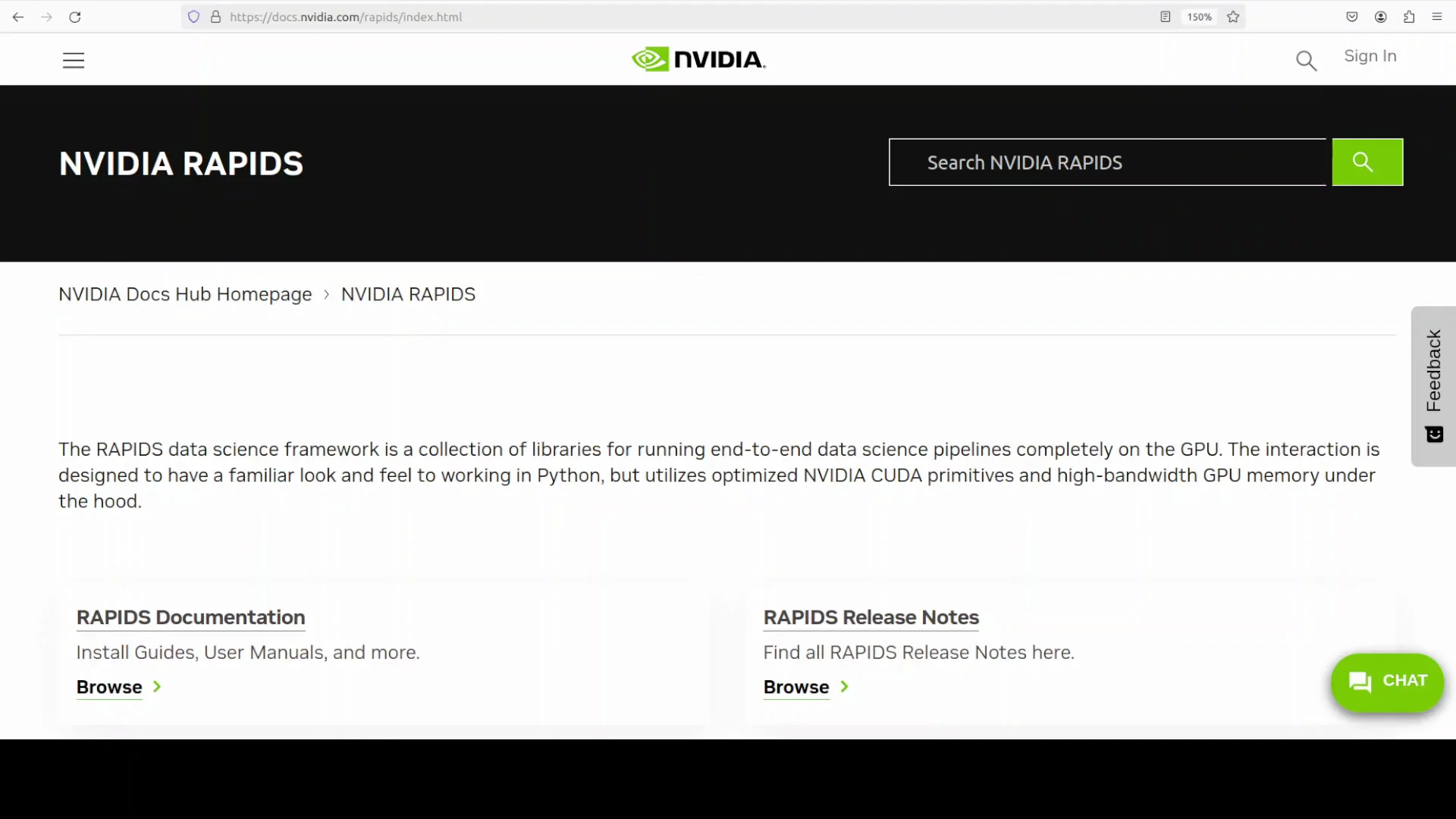
Data is the new gold in the era of AI, but it is also the bottleneck. Even the best deep learning models cannot train fast if data arrives slowly and models wait for it to pass through pipelines. This bottleneck often comes from CPU-based preprocessing and memory transfer limits.
That is where NVIDIA RAPIDS comes in. If you deal with large volumes of data for model training, data pipelines, or any workload that needs heavy data processing, NVIDIA RAPIDS is a strong fit. In this tutorial, I show how to install RAPIDS locally and walk through practical examples.
NVIDIA RAPIDS - What It Is and Why It Grew
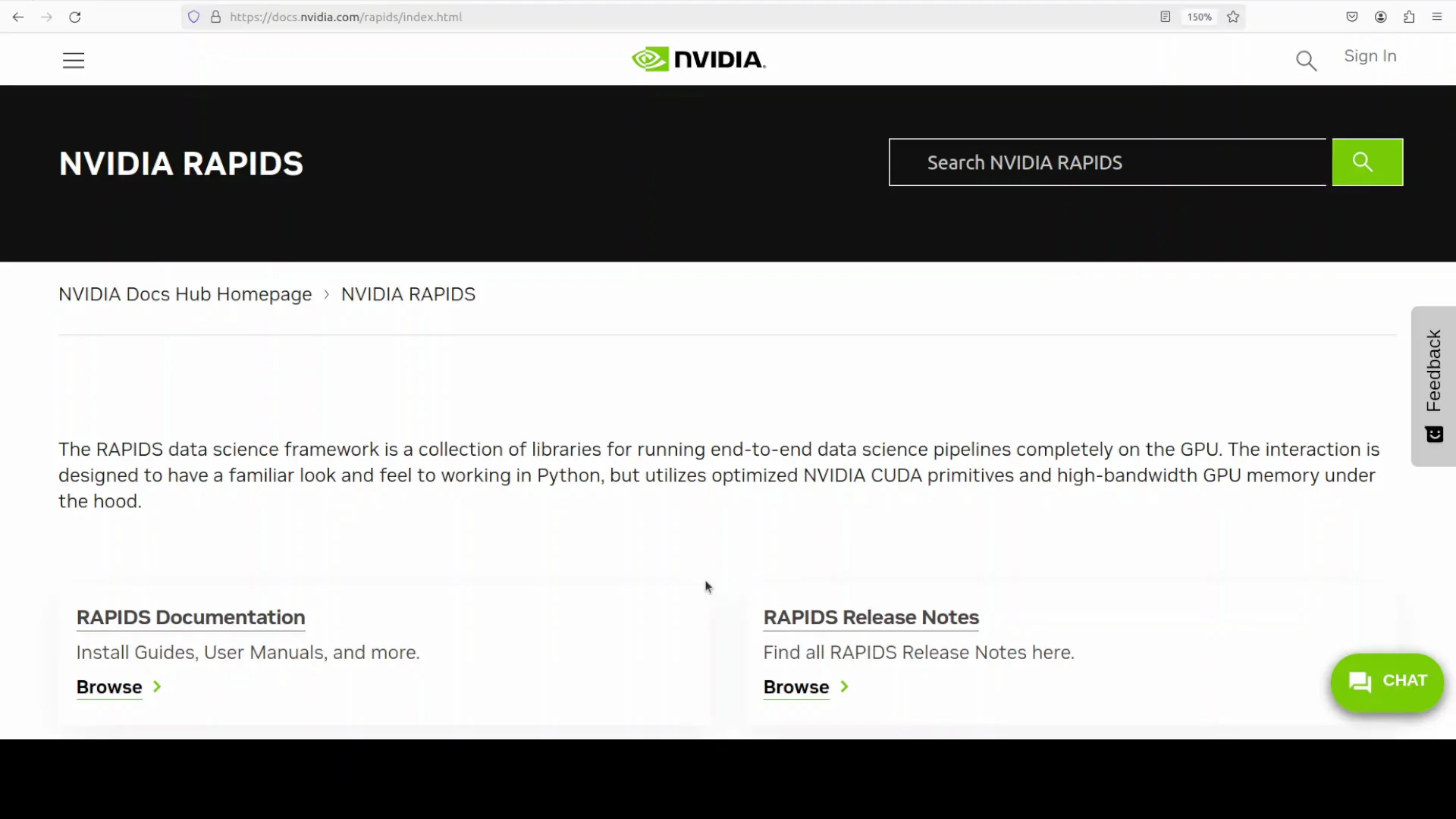
NVIDIA RAPIDS is not new. It was released around 2018 as part of NVIDIA’s GPU-accelerated data science initiative. It enables use of pandas and NumPy-like structures directly on GPUs, which pushed its popularity because entire data processing steps can run in GPU memory.
Its evolution has been driven by the need for high performance data pipelines to feed machine learning and AI models, since traditional CPU-bound processing often became a bottleneck.
Understanding the Ecosystem
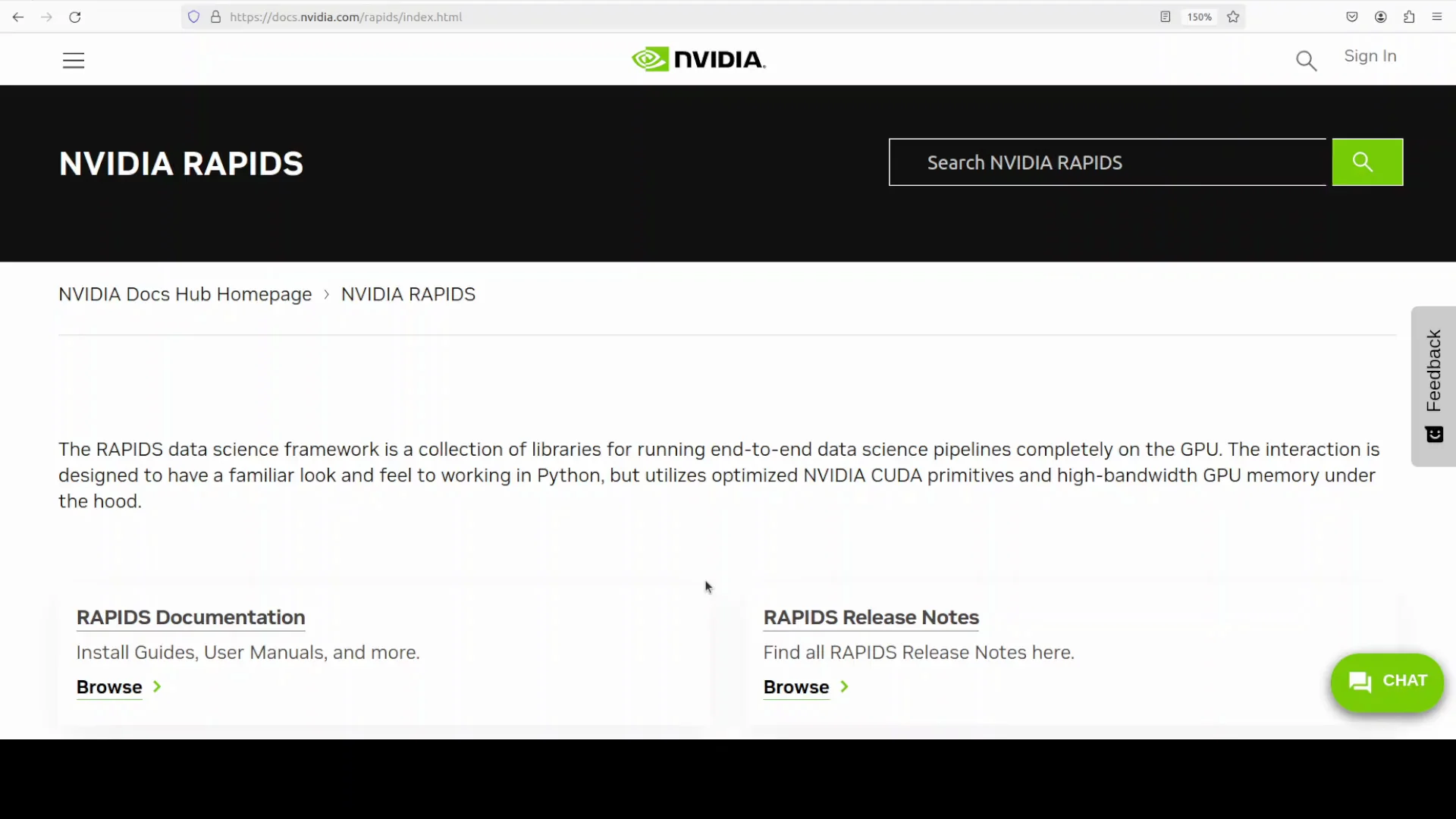
Before installation, it helps to understand the RAPIDS ecosystem. It includes several core libraries, similar to other NVIDIA toolkits like CUDA, NeMo, and Triton, which have multiple components.
- cuDF is like pandas, but it runs on GPU. It lets you manipulate tabular data entirely in GPU memory, which is very fast. In production, processes that took hours on CPU with pandas can finish in minutes or seconds on NVIDIA GPUs, depending on VRAM and pipeline optimization.
- cuML is inspired by scikit-learn. For classical machine learning tasks like regression, classification, clustering, and dimensionality reduction, give cuML a try. It is one of the fastest machine learning libraries you can use at the moment.
- cuGraph handles large scale graph computation, such as shortest path.
- cuSpatial supports geospatial and location-based data.
- BlazingSQL runs SQL queries on GPU data frames.
In simple terms, if you want to preprocess and manipulate data frames on your GPU, NVIDIA RAPIDS helps.
NVIDIA RAPIDS - Core Libraries at a Glance
| Library | Purpose |
|---|---|
| cuDF | GPU DataFrame operations similar to pandas |
| cuML | GPU-accelerated classical machine learning |
| cuGraph | GPU-based graph analytics like shortest path |
| cuSpatial | GPU processing for geospatial data |
| BlazingSQL | SQL queries over GPU-resident data frames |
NVIDIA RAPIDS - My System for This Tutorial
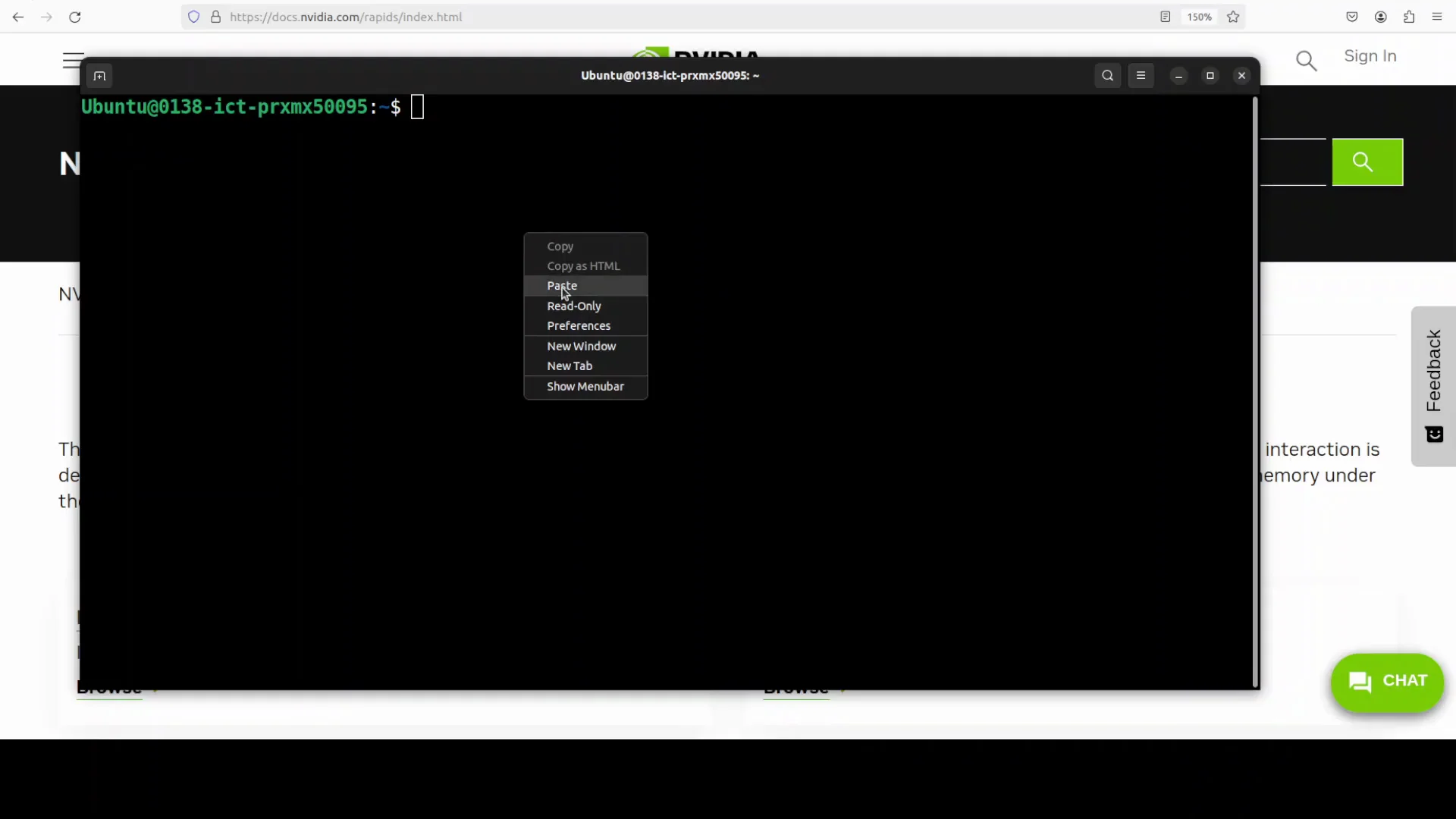
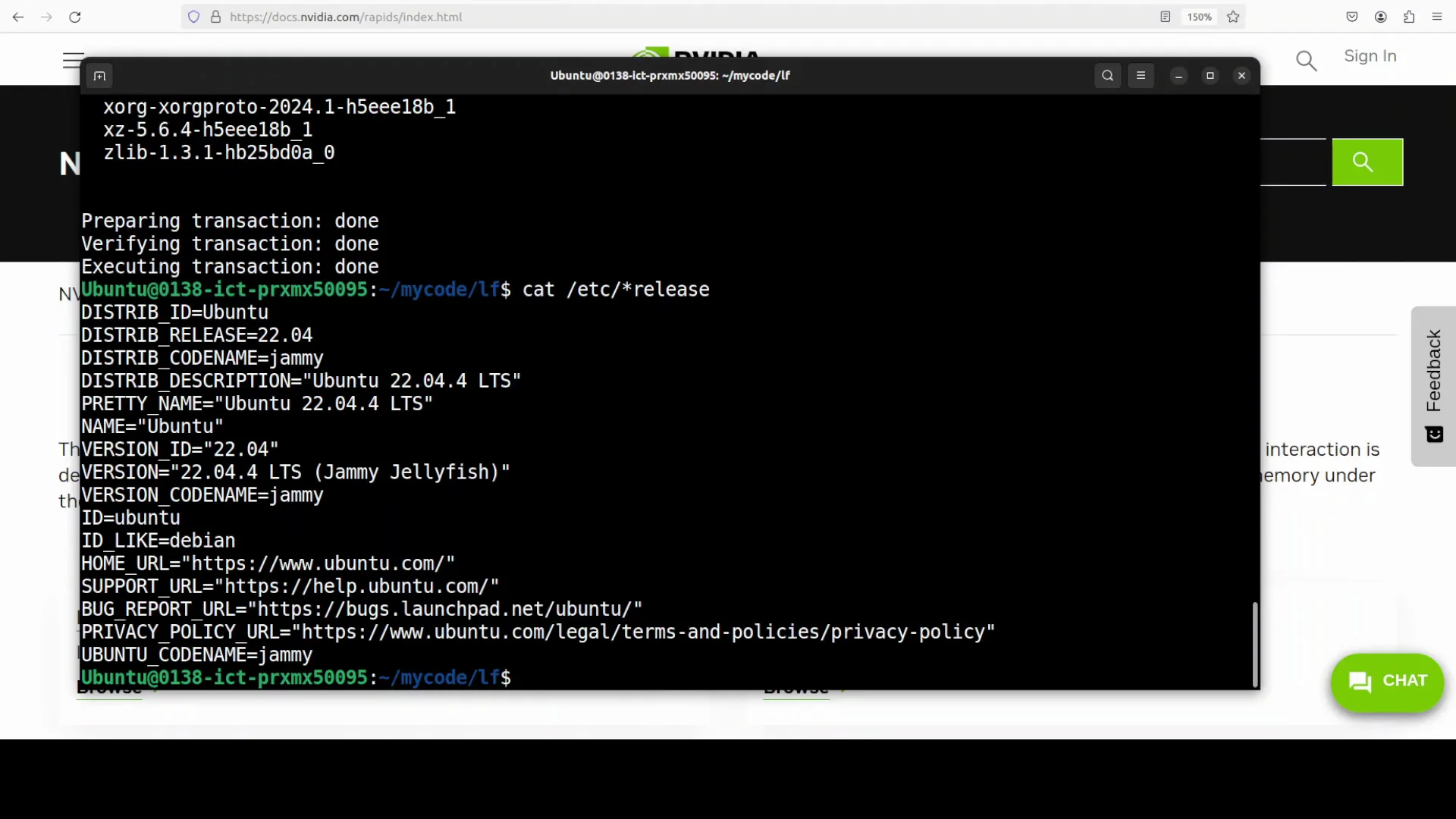
For this demo, I am using Ubuntu with one NVIDIA RTX 6000 GPU with 48 GB of VRAM. I will create a virtual environment and install RAPIDS with versions compatible with my CUDA setup.
NVIDIA RAPIDS Install Steps
Follow these steps to set up RAPIDS on a local system. Use versions compatible with your CUDA installation.
- Create a virtual environment, for example with conda.
- Install the RAPIDS packages compatible with your CUDA version.
- The installation may take some time.
NVIDIA RAPIDS - Why RAPIDS Speeds Data Pipelines
While installation runs, it is useful to understand what a data pipeline looks like and how RAPIDS helps.
Typical pipelines move raw data through a chain of steps:
- Ingesting data from files, databases, or streams
- Preprocessing for cleaning, filtering, joining, and handling missing values
- Feature engineering for numerical and categorical features
- Transformations like normalization and encoding
- Feeding models for training or inference
If you use pandas, NumPy, or scikit-learn, these steps run on CPU. Even if the model runs on GPU, the CPU-bound preprocessing becomes a bottleneck. RAPIDS keeps data in GPU memory for loading, cleaning, transformation, and model input. Operations like filtering, joining, groupby, encoding, and scaling run on thousands of parallel GPU threads. That removes the bottleneck. That is the core idea.
Verify the Installation
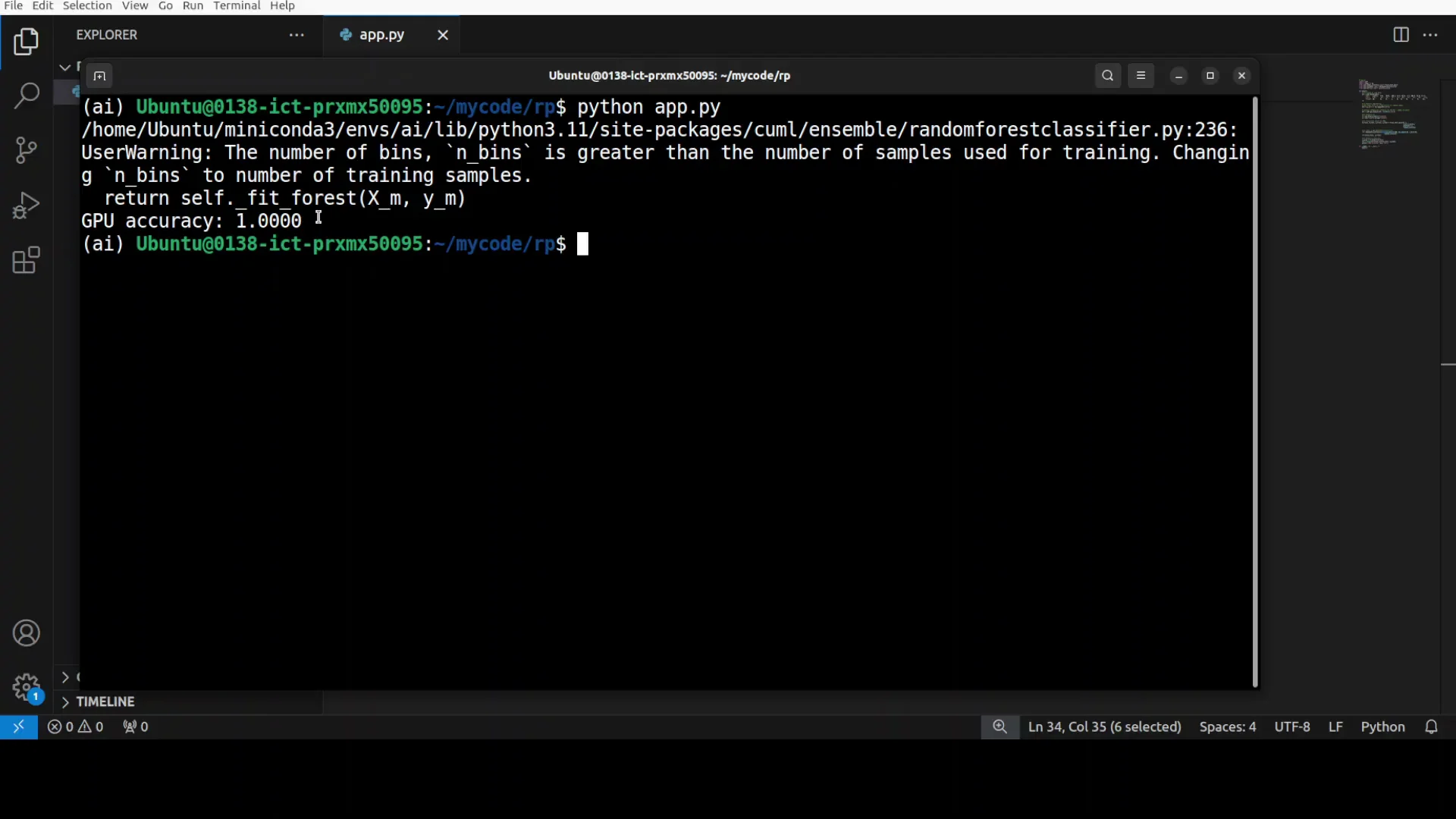
Once RAPIDS is installed:
- Launch a Python interpreter.
- Run a command to print versions of the core RAPIDS libraries such as cuDF and cuML.
- Confirm that everything is correctly installed.
RAPIDS - A Quick Hello World
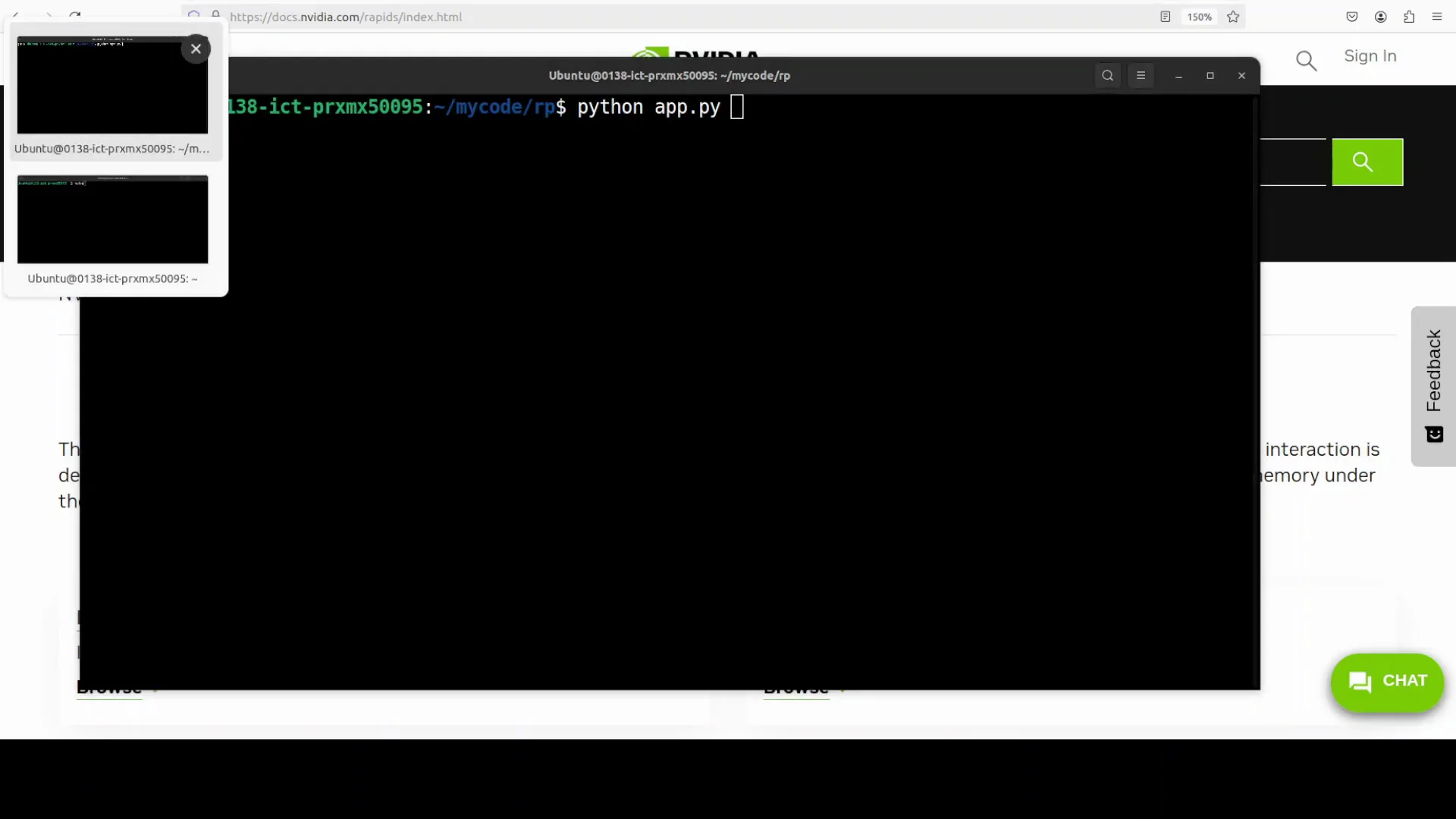
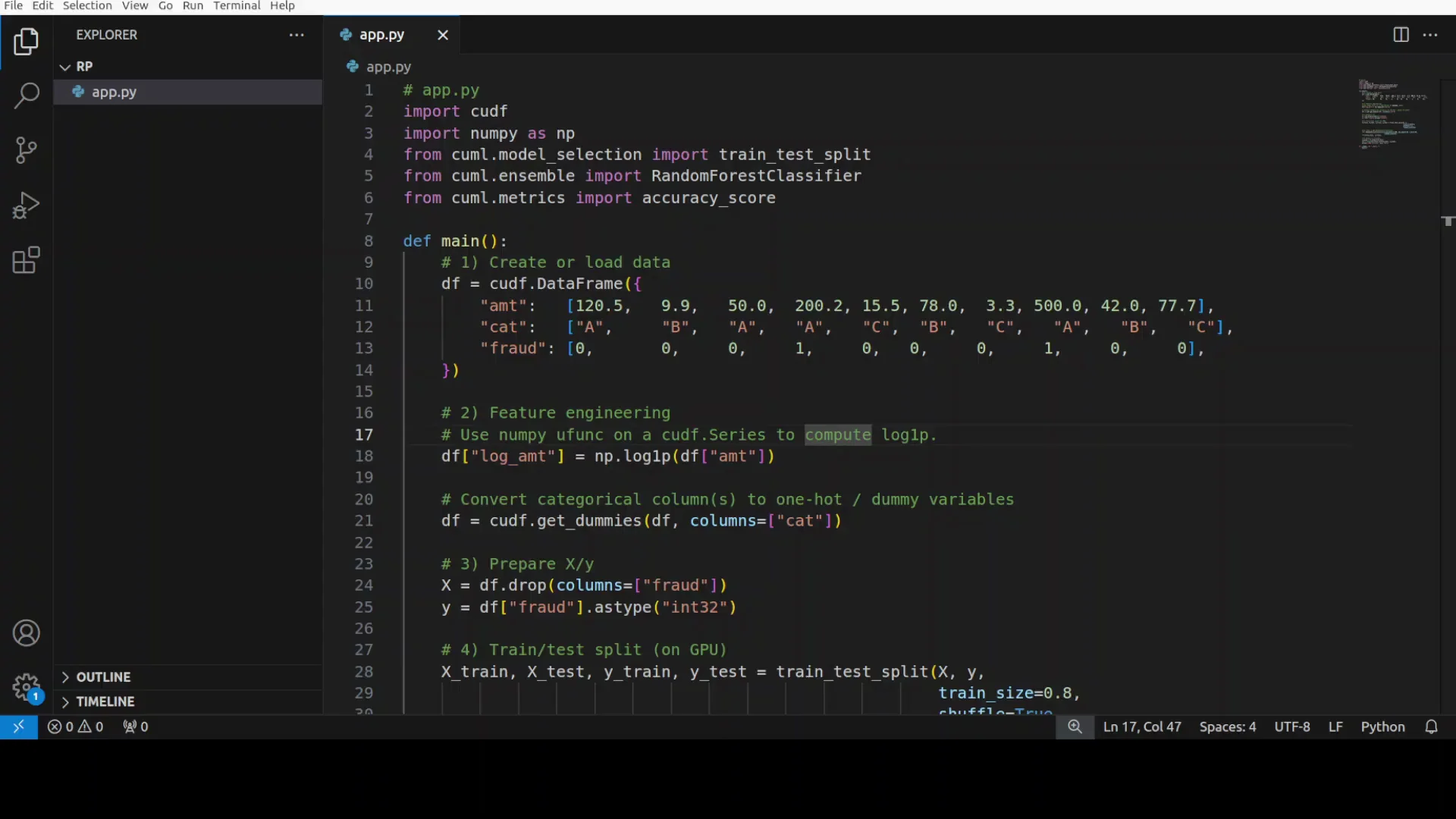
Here is a simple GPU workflow to confirm everything works and to see end-to-end behavior on GPU.
- Import the libraries installed through RAPIDS.
- Load tabular data into GPU memory using cuDF. In the script, the data is a small dummy dataset built from lists.
- Create a transformed feature, for example a log of an amount column.
- Apply one-hot encoding to a categorical column.
- Split the data into train and test sets on GPU using cuML’s train test split.
- Train a GPU-based RandomForestClassifier.
- Predict on the test set and compute accuracy.
Running this returned 100 percent accuracy for the tiny test set and completed very quickly.
NVIDIA RAPIDS - A More Realistic Fraud Detection Example
Next is a more realistic script that uses RAPIDS to detect fraudulent credit card transactions with GPU-accelerated machine learning.
- A function generates 50,000 synthetic transactions with a realistic pattern and around a 5 percent fraud rate.
- Fraudulent transactions have distinct characteristics such as higher amounts, unusual times, and greater distances from home.
- The code creates 13 engineered features, including log transforms, time-based features, and one-hot encoded merchant types.
- It scales data and trains a RandomForestClassifier on GPU in a few seconds, often less than a second.
Monitoring GPU Usage
To observe GPU memory usage, I started NVTOP and ran the script. There was barely any visible change on the GPU timeline. It generated 50,000 transactions on GPU quickly and reported the fraud rate, feature count, and other summary information.
The point is clear. For scaled transaction analysis or any data transformation, data ingestion, or data manipulation in AI and ML pipelines, NVIDIA RAPIDS is an optimized option.
Summary
- Data bottlenecks often come from CPU-bound preprocessing and memory transfer limits.
- RAPIDS moves DataFrame operations and classical ML to GPU, keeping data in VRAM across ingest, cleaning, transform, and model input.
- The ecosystem includes cuDF, cuML, cuGraph, cuSpatial, and BlazingSQL.
- On a system with an NVIDIA GPU, installing RAPIDS in a virtual environment and verifying versions is straightforward.
- A simple end-to-end example runs entirely on GPU, from DataFrame transforms to a classifier and evaluation.
- A larger synthetic fraud detection task with 50,000 transactions completes in a short time and shows how RAPIDS fits real workloads.
If your pipelines include heavy preprocessing, joins, encoding, and scaling, keeping these steps on GPU with RAPIDS removes the data bottleneck and keeps model training fed at speed.
Subscribe to our newsletter
Get the latest updates and articles directly in your inbox.

Related Posts

8 Best Claude Code Plugins in 2026 (You Need to Know)
8 Best Claude Code Plugins in 2026 (You Need to Know)

7 Best Claude Code Skills (You Need to Know)
7 Best Claude Code Skills (You Need to Know)

Claude Code Desktop IDE Features (You Need to Know)
Claude Code Desktop IDE Features (You Need to Know)