
Table Of Content
- MioTTS: Fast, Lightweight Japanese TTS with English Support - Overview
- Install MioTTS: Fast, Lightweight Japanese TTS with English Support Locally
- Launch the Gradio demo
- Testing MioTTS: Fast, Lightweight Japanese TTS with English Support
- English preset voice
- Japanese preset voice and VRAM usage
- Zero-shot voice cloning with my voice
- Cloning a female voice and synthesizing Japanese prose
- Notes on responsibility
- Final Thoughts
MioTTS: Fast, Lightweight Japanese TTS with English Support
Table Of Content
- MioTTS: Fast, Lightweight Japanese TTS with English Support - Overview
- Install MioTTS: Fast, Lightweight Japanese TTS with English Support Locally
- Launch the Gradio demo
- Testing MioTTS: Fast, Lightweight Japanese TTS with English Support
- English preset voice
- Japanese preset voice and VRAM usage
- Zero-shot voice cloning with my voice
- Cloning a female voice and synthesizing Japanese prose
- Notes on responsibility
- Final Thoughts
Finally, we have a good quality Japanese TTS which is also bilingual and can produce output in English. Mio, a Japanese word meaning a flowing waterway, is a guiding current through the sea. And just like its name, MioTTS is designed to make speech flow naturally, efficiently, and beautifully.
We are going to install it locally and test it out on both English and Japanese. I am on Ubuntu with a single Nvidia RTX 6000 (48 GB VRAM). If you do not have a GPU, you can also use it on CPU, and it comes in lower variants too.
MioTTS: Fast, Lightweight Japanese TTS with English Support - Overview
It is a lightweight, fast text-to-speech model built on an LLM. It generates high quality speech in both English and Japanese while keeping latency low and resource usage minimal, which makes it quite practical.
I would say it is part of a broader MioTTS family ranging from 0.1 billion to 2.6 billion. This build is on top of Liquid AI's LFM2 2.6 billion base model. It also uses an efficient neural audio codec called Mio codec 25 Hz and 24 kHz, which runs at a low 25 Hz frame rate to speed up audio generation without a meaningful quality tradeoff.
One of its standout capabilities is zero-shot voice cloning, which is the ability to replicate a speaker's voice from just a short reference audio clip with no fine tuning required whatsoever. The model was trained on approximately 100,000 hours of English and Japanese speech data, which gives it a strong bilingual foundation. It is released under LFM's open license, which is relatively permissive, though you would need to include explicit ethical guidelines, for example not to clone voices without consent.
Install MioTTS: Fast, Lightweight Japanese TTS with English Support Locally
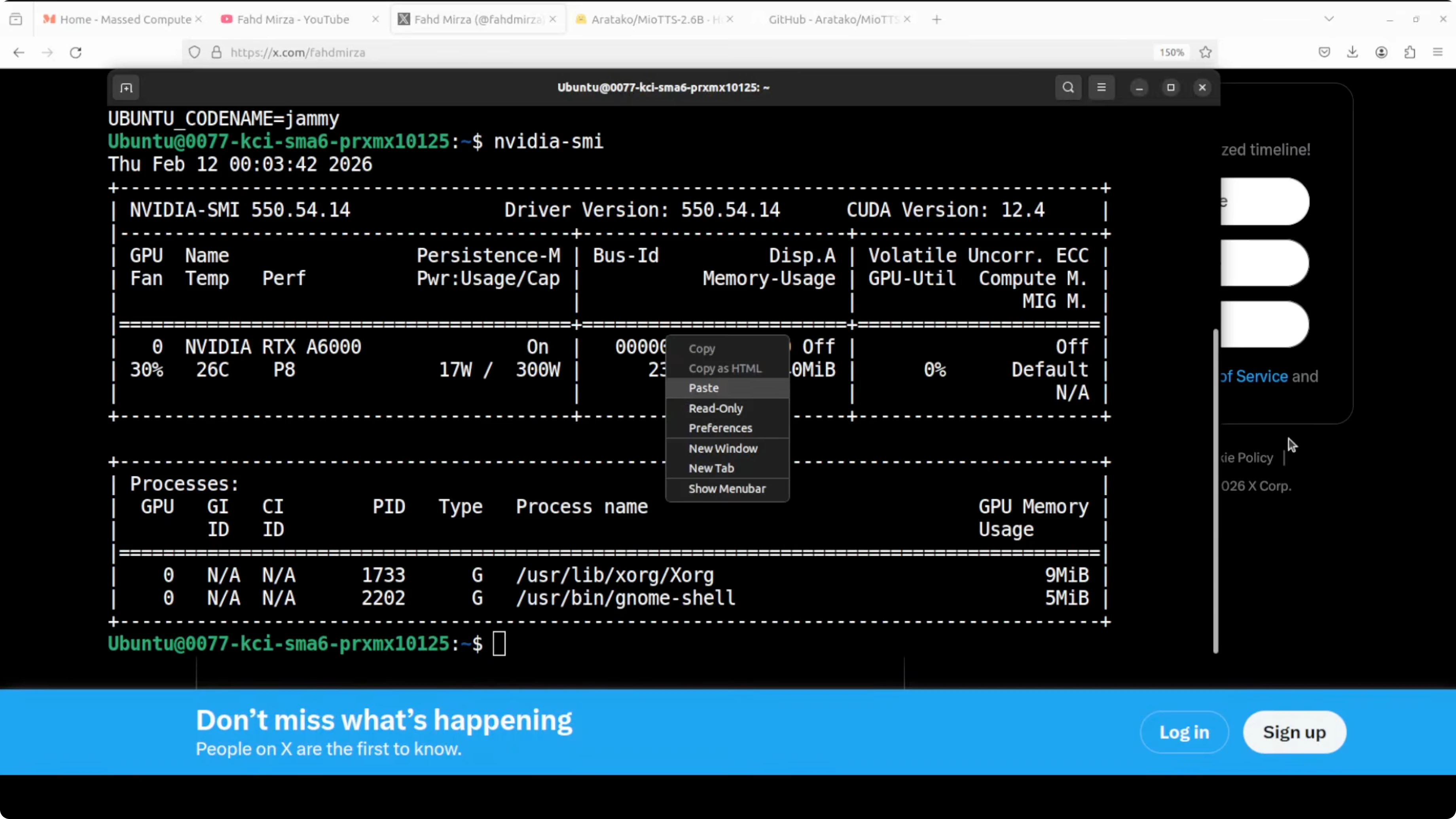
This is my Ubuntu system. I have one GPU card Nvidia RTX 6000 with 48 GB of VRAM, but CPU-only also works. You can choose a smaller variant if resources are tight.
Create and activate a virtual environment.
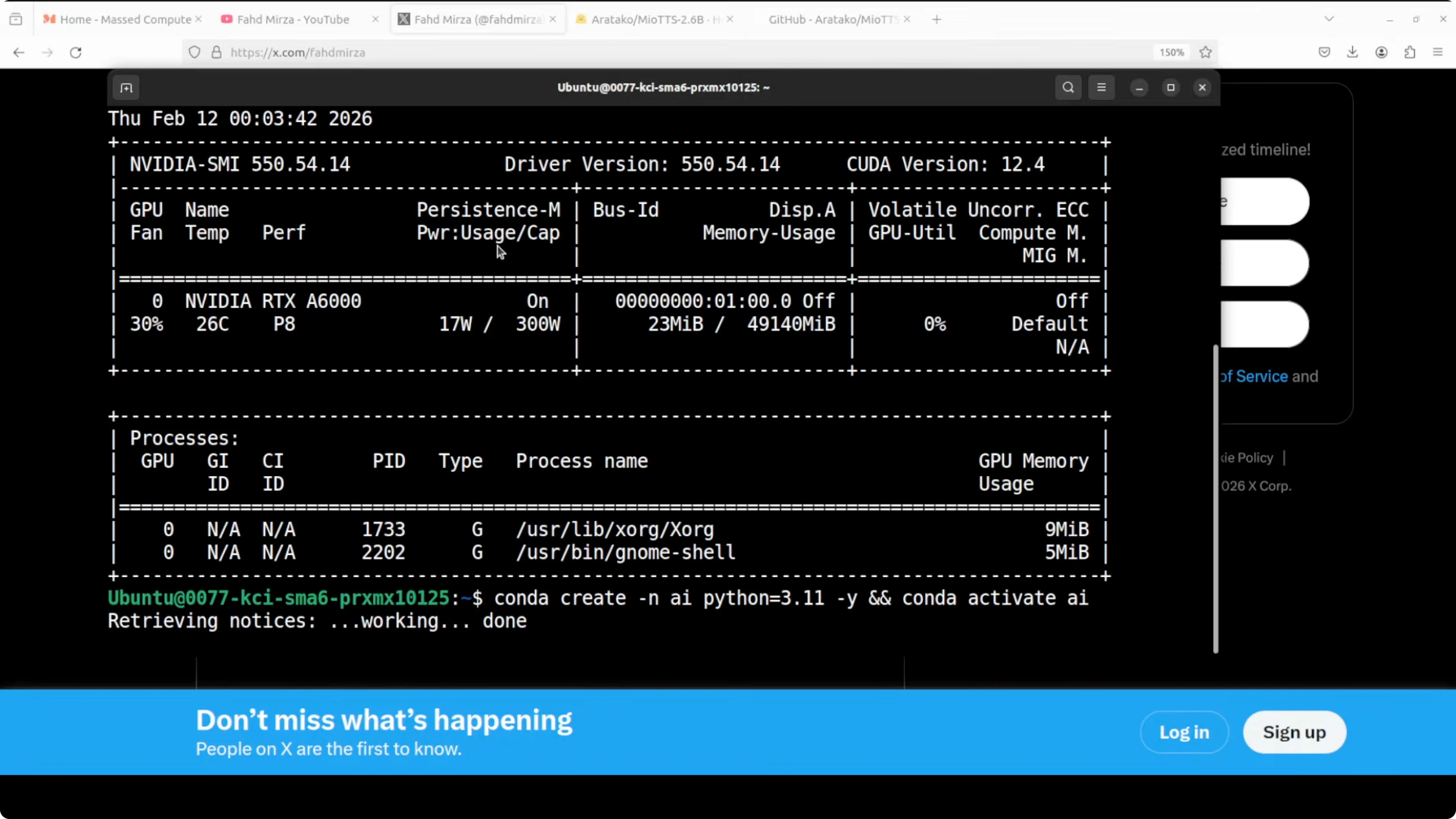
python -m venv .venv
source .venv/bin/activate
python -m pip install --upgrade pip
Get clone the repo of MioTTS. They have provided a lot of goodies in there.
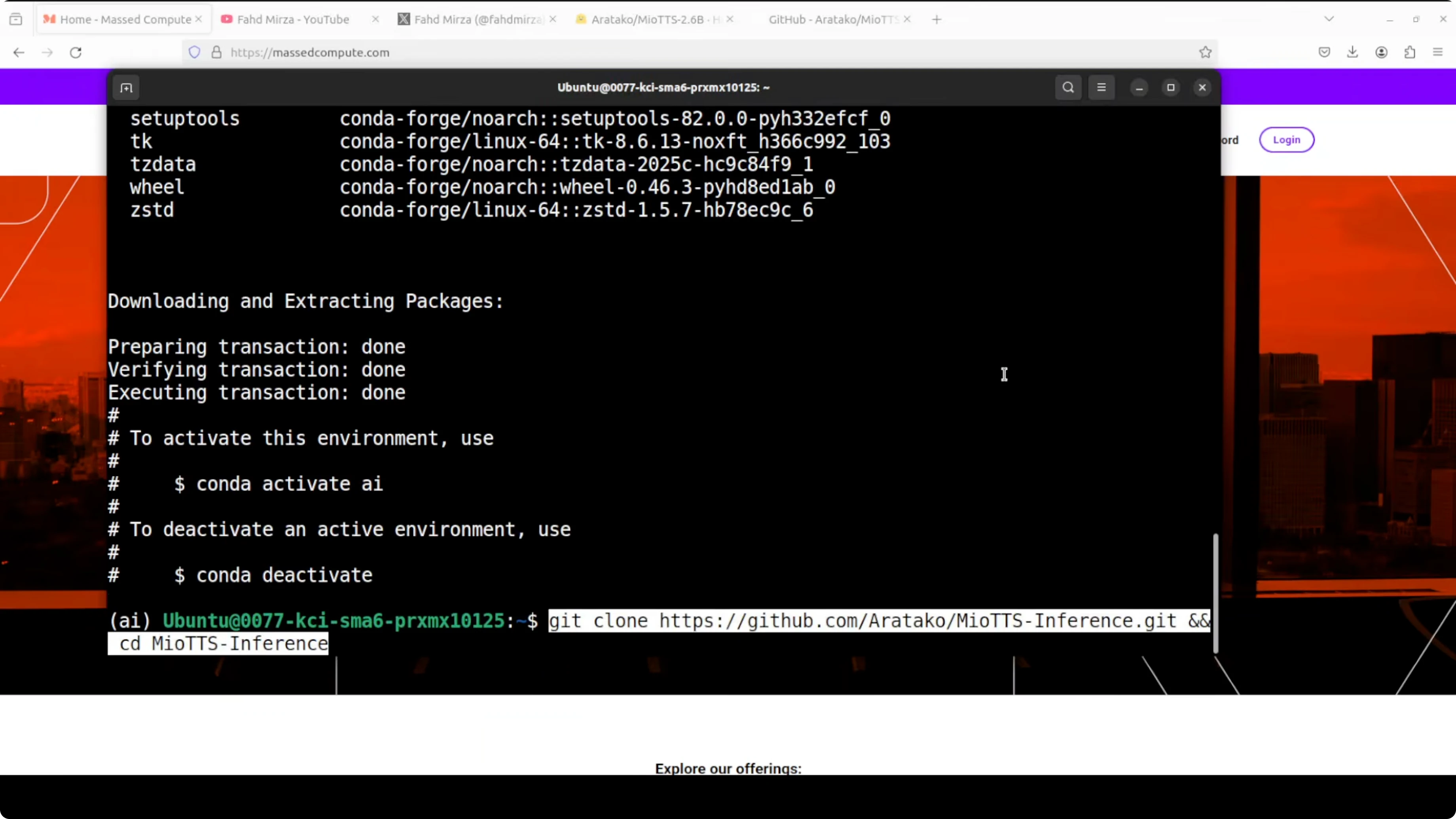
git clone <MioTTS-repo-url>
cd <MioTTS-repo>
Install all the requirements. You can also use uv, but I am going with a requirements file derived from their uv file.
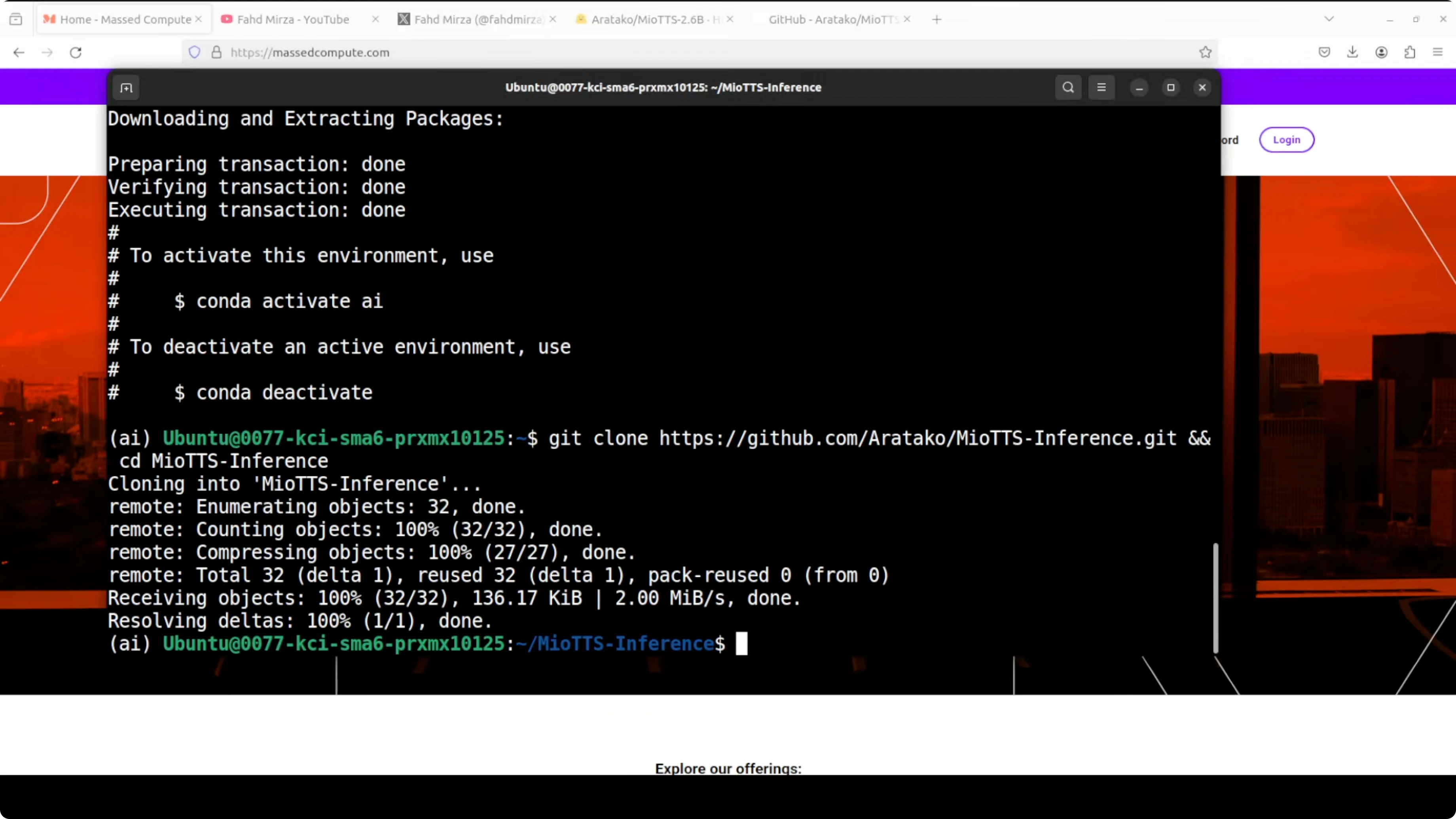
pip install -r requirements.txtLaunch the Gradio demo
Run the provided script to launch the Gradio demo. The first time you run it, it is going to download the model.
python path/to/gradio_demo.pyOnce the model is downloaded, it will be running on localhost. This is where MioTTS 0.1 billion is running for me.
Testing MioTTS: Fast, Lightweight Japanese TTS with English Support
English preset voice
You can go with a preset voice or upload your own. First, I used this English sentence: The morning sun cast a golden glow across the quiet valley as the birds began their gentle song to welcome the new day.
That is not bad at all.
Japanese preset voice and VRAM usage
I then tried a Japanese sentence with a preset. While it was generating, I checked VRAM consumption, which sat around 1.67 GB and stayed under 2 GB.
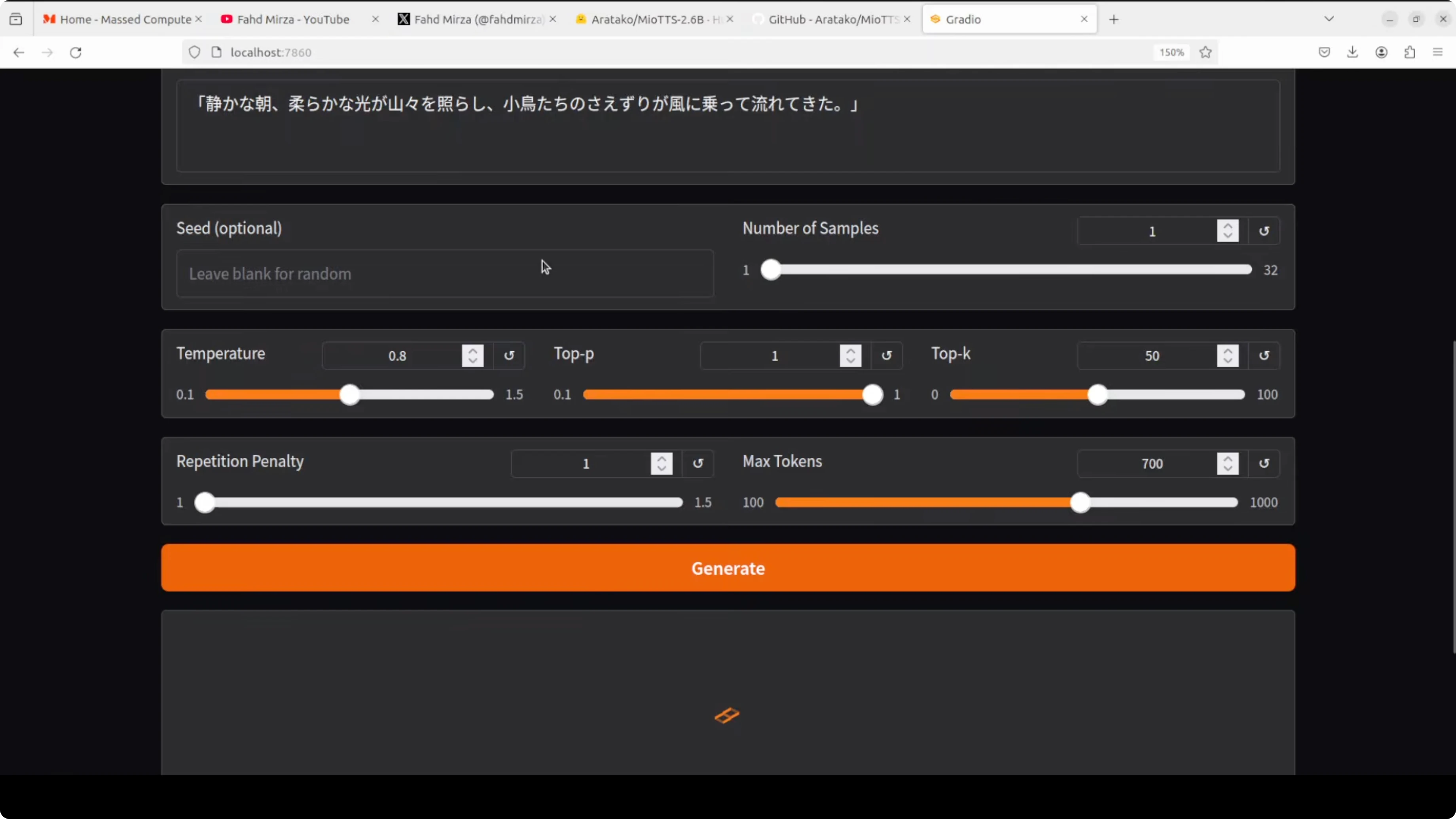
It generated quickly and sounded pretty good to me.
Zero-shot voice cloning with my voice
I tested voice cloning with my own voice by uploading a short clip. The file I used was not very high quality, but here is the sort of content it had: Joy is found in simple moments of gratitude and true contentment comes when we truly value the small blessing.
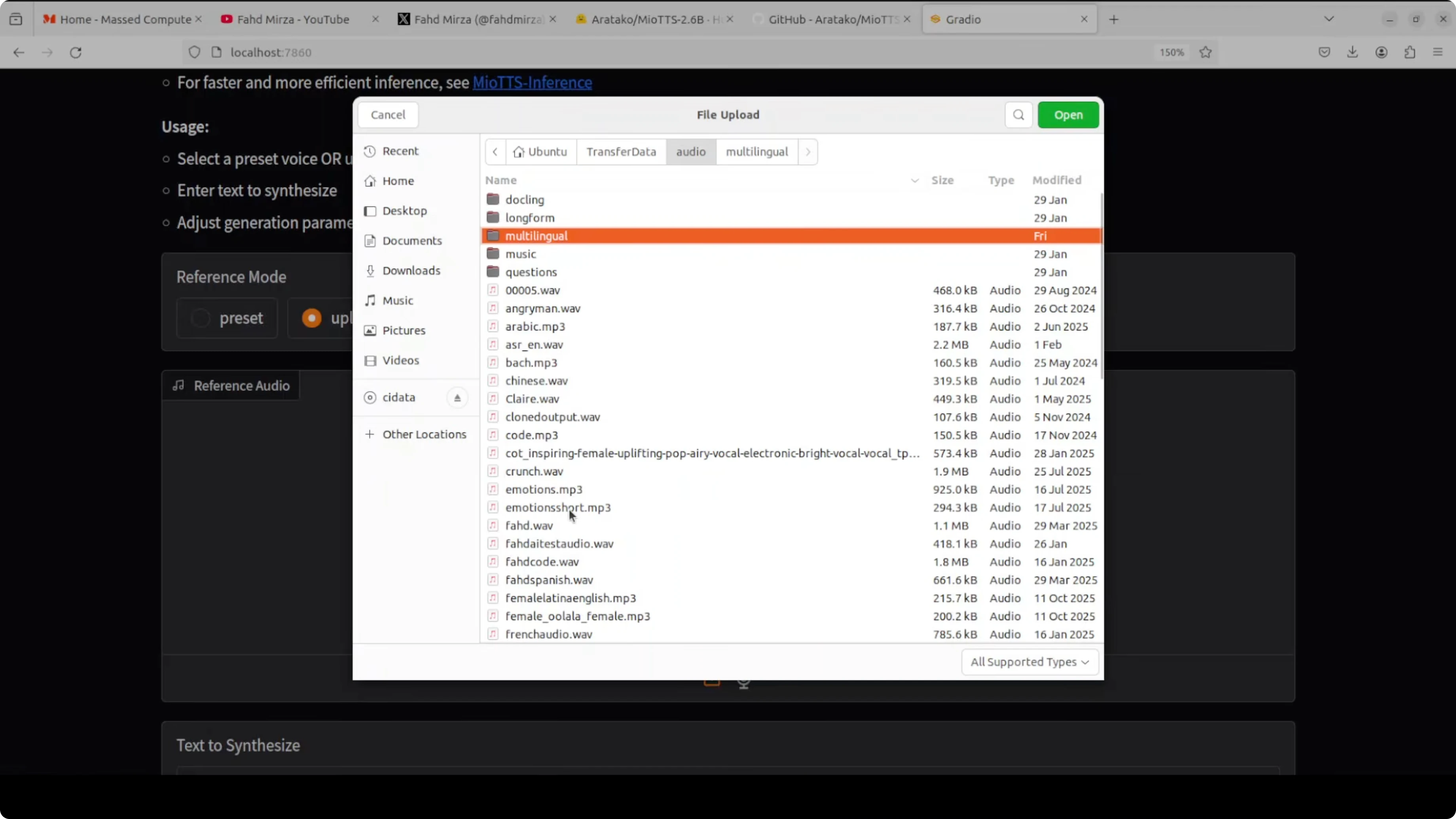
It took around 20 seconds to generate. The result was slightly thicker than my usual voice, but pretty good, and it also spoke Japanese nicely.
Cloning a female voice and synthesizing Japanese prose
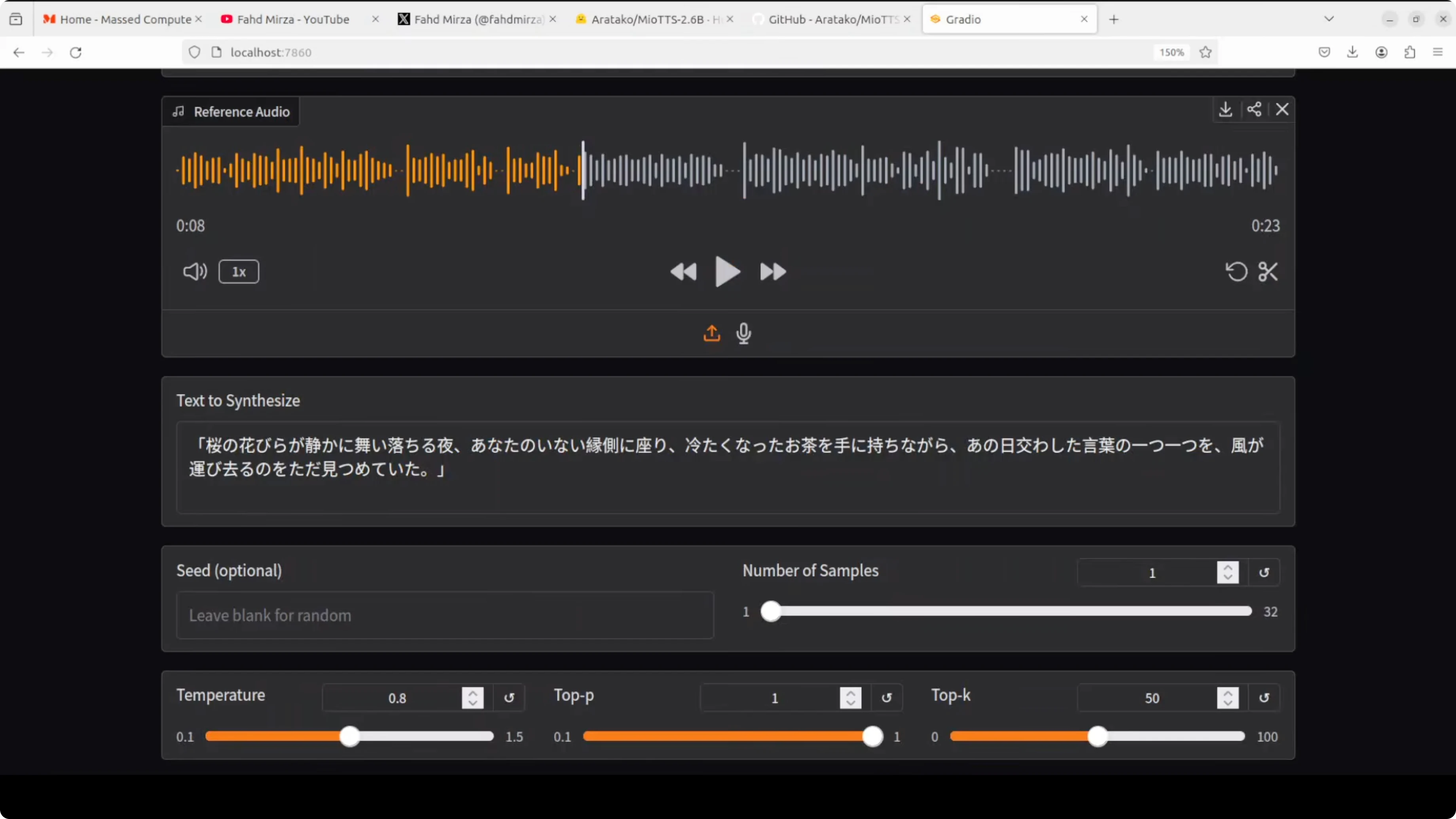
I then tested it on a female voice I had uploaded from my local system. It was an AI generated voice reading this passage: Happiness is a fleeting feeling that can be found in life's simplest moments. A warm conversation with a loved one, a beautiful sunset, or a good cup of coffee can instantly lift our mood. It's a state of mind that can be cultivated through gratitude, mindfulness, and self-care.
For synthesis, I used this text: By focusing on the present and letting go of worries, we can unlock a more joyful and fulfilling life. And then a separate passage: On a night when cherry blossom petals fell silently, I sat alone on the veranda where you no longer are, holding a cup of tea gone cold, simply watching as the wind carried away each and every word we once exchanged that day.
Voice clone quality was pretty good and the Japanese sounded beautiful. The voice is slightly thicker when cloning, which might be something to fine tune, and I also tried a Japanese female preset that worked well.
Notes on responsibility
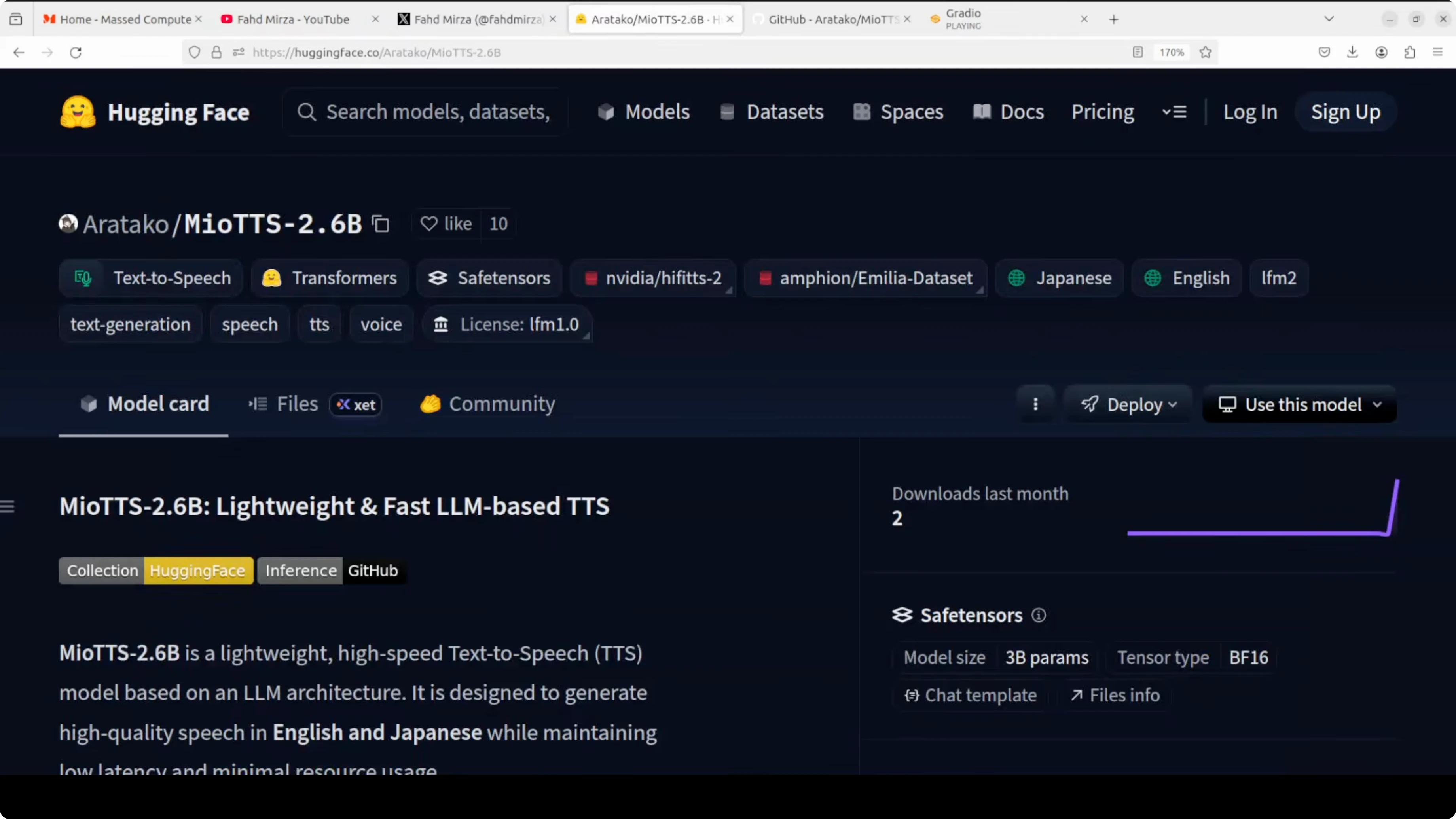
Much like a waterway that can carry both cargo and chaos depending on who steers it, the responsibility for how it is used rests entirely with the user. Include clear ethical guidelines and do not clone voices without consent.
Final Thoughts
MioTTS produces strong English and Japanese speech with low latency and modest resource needs. Zero-shot voice cloning works well, the presets sound natural, and VRAM usage stayed under 2 GB in my testing. The family ranges from 0.1B to 2.6B, it runs on GPU or CPU, and it is built on the LFM2 2.6B base with an efficient 25 Hz codec.
Subscribe to our newsletter
Get the latest updates and articles directly in your inbox.

Related Posts

8 Best Claude Code Plugins in 2026 (You Need to Know)
8 Best Claude Code Plugins in 2026 (You Need to Know)

7 Best Claude Code Skills (You Need to Know)
7 Best Claude Code Skills (You Need to Know)

Claude Code Desktop IDE Features (You Need to Know)
Claude Code Desktop IDE Features (You Need to Know)