
Table Of Content
- Install NVIDIA MagpieTTS: One AI Voice Supporting 9 Languages Locally
- If the examples directory includes a MagpieTTS Gradio app, run it like this:
- GPU and VRAM on NVIDIA MagpieTTS: One AI Voice Supporting 9 Languages Locally
- Test NVIDIA MagpieTTS: One AI Voice Supporting 9 Languages Locally
- Languages and speakers in NVIDIA MagpieTTS: One AI Voice Supporting 9 Languages Locally
- Architecture of NVIDIA MagpieTTS: One AI Voice Supporting 9 Languages Locally
- Audio tokens and codec
- Training and refinement
- Coverage and outlook
- Final thoughts
NVIDIA MagpieTTS: One AI Voice Supporting 9 Languages Locally
Table Of Content
- Install NVIDIA MagpieTTS: One AI Voice Supporting 9 Languages Locally
- If the examples directory includes a MagpieTTS Gradio app, run it like this:
- GPU and VRAM on NVIDIA MagpieTTS: One AI Voice Supporting 9 Languages Locally
- Test NVIDIA MagpieTTS: One AI Voice Supporting 9 Languages Locally
- Languages and speakers in NVIDIA MagpieTTS: One AI Voice Supporting 9 Languages Locally
- Architecture of NVIDIA MagpieTTS: One AI Voice Supporting 9 Languages Locally
- Audio tokens and codec
- Training and refinement
- Coverage and outlook
- Final thoughts
Nvidia has released MagpieTTS. I am going to install it locally and test it on multilingual inputs. This model is built on the NeMo framework and comprises roughly 357 million parameters, so it is small enough to run broadly.
At its core it uses a transformer encoder decoder architecture with a non-autoregressive text encoder that processes the input transcripts. I will talk more about its architecture after walking through the setup. I am using Ubuntu with an Nvidia H100 80 GB GPU, but VRAM consumption is low and you can run it on CPU.
For building voice-driven assistants that chain reasoning and tools, see this primer on agentic AI.
Install NVIDIA MagpieTTS: One AI Voice Supporting 9 Languages Locally
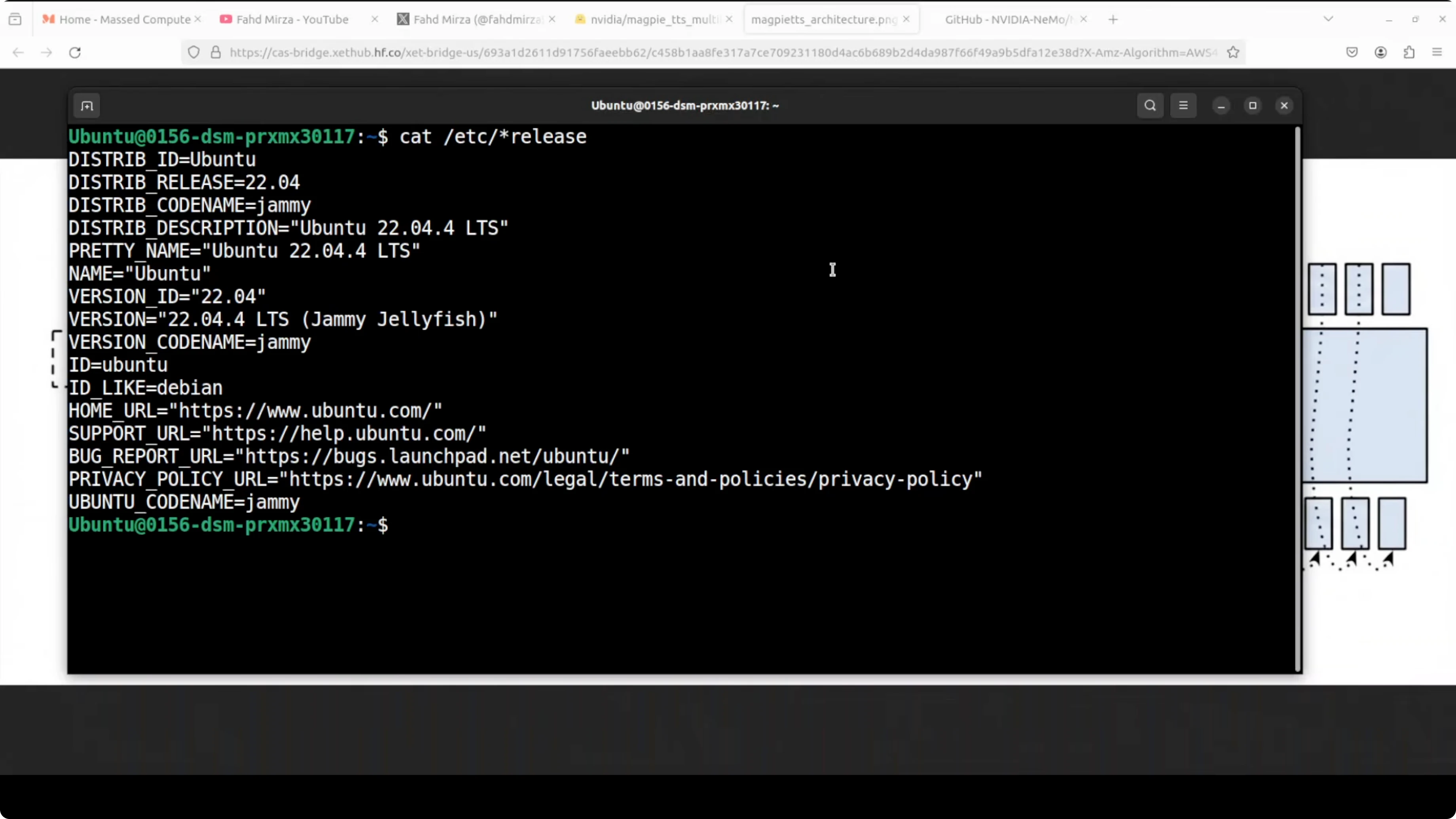
I will create a clean environment, install NeMo, clone the repo, and launch a Gradio demo. The first run downloads the model and starts a local app.
Create and activate a virtual environment.
conda create -n magpietts python=3.10 -y
conda activate magpietts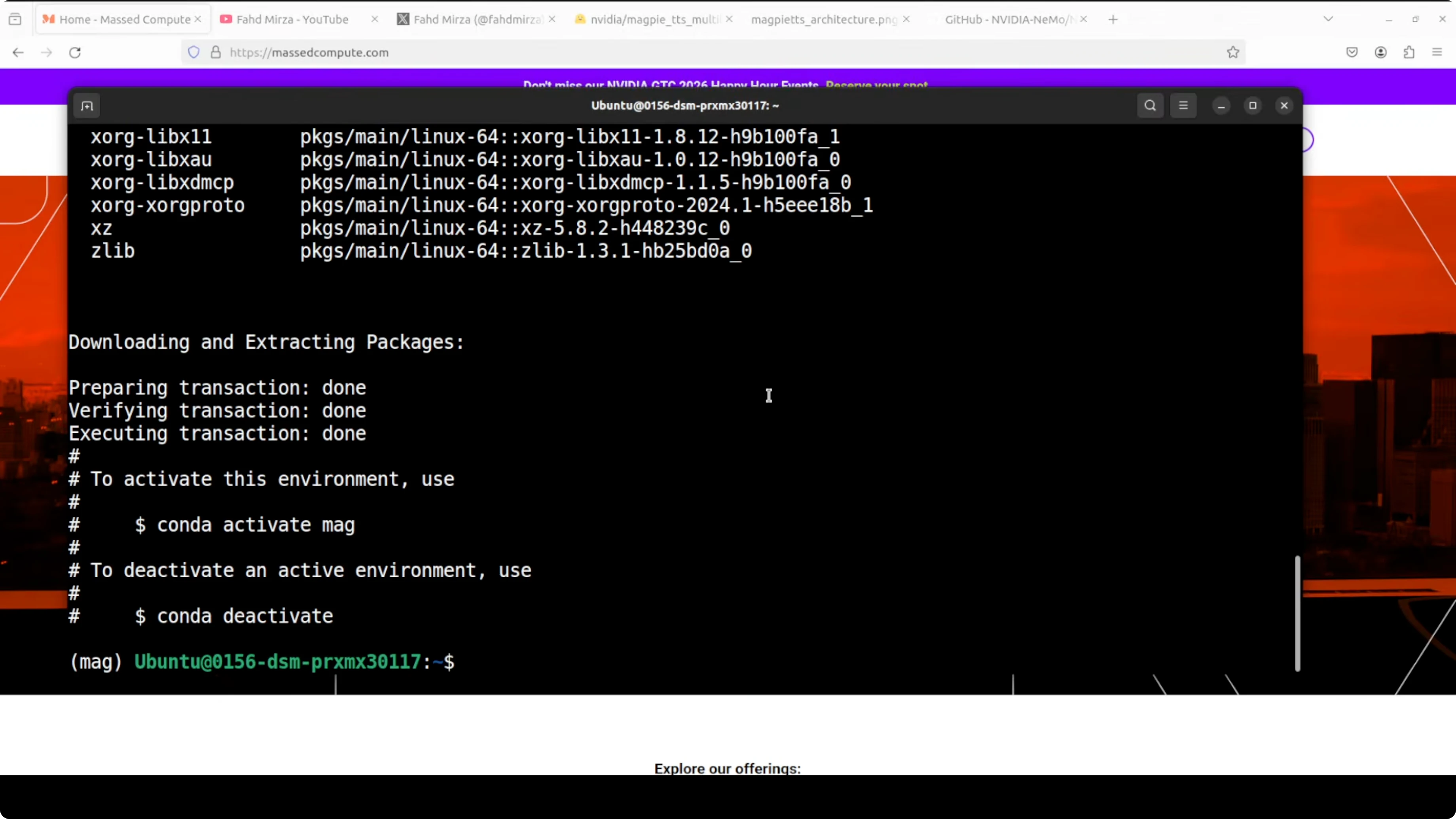
Install dependencies.
pip install --upgrade pip
pip install "nemo_toolkit[tts]" gradio torch torchaudio torchvision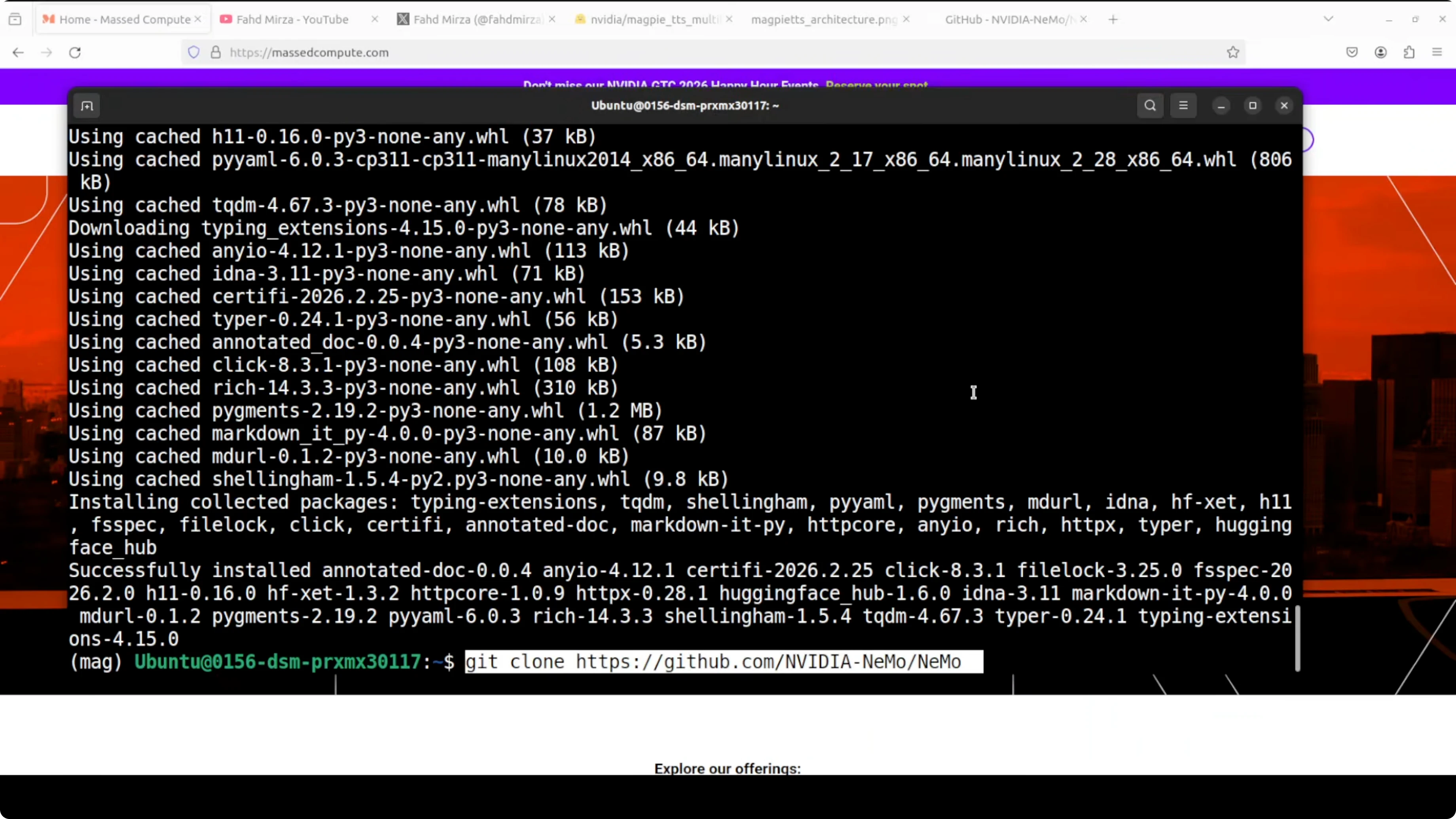
Clone the NeMo repository so you can reuse example code.
git clone https://github.com/NVIDIA/NeMo.git
cd NeMo
Launch a Gradio demo. On first run it downloads a small checkpoint and serves on localhost at port 7860.
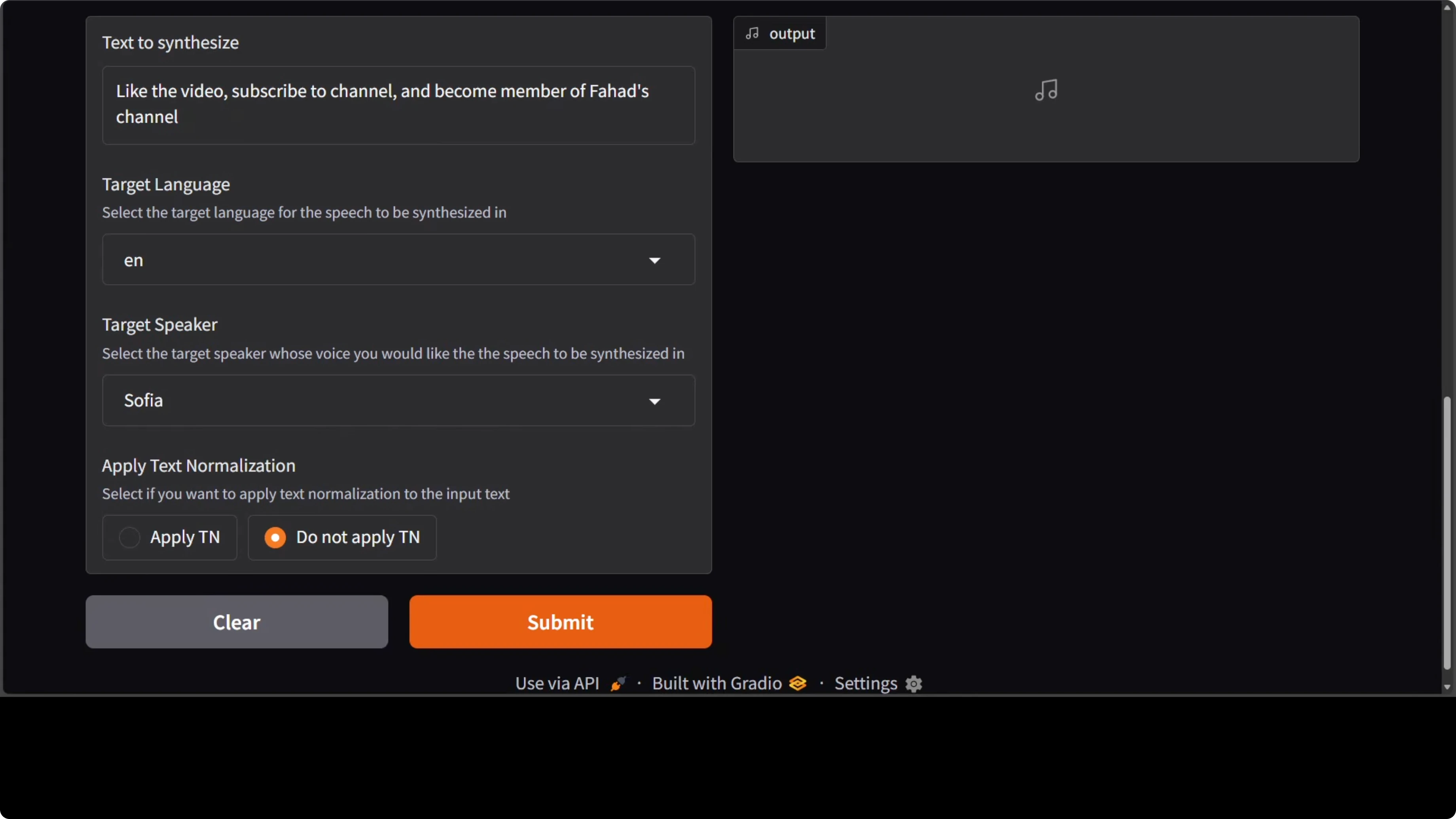
# If the examples directory includes a MagpieTTS Gradio app, run it like this:
python examples/tts/magpie/gradio_demo.py
GPU and VRAM on NVIDIA MagpieTTS: One AI Voice Supporting 9 Languages Locally
I checked VRAM usage with nvidia-smi. It sat just over 3 GB during inference, which matches the model size and makes it easy to run.
nvidia-smiYou can run it on CPU too, with slower inference. The local Gradio app typically binds at http://127.0.0.1:7860.
Read More: Openclaw AI dashboard
Test NVIDIA MagpieTTS: One AI Voice Supporting 9 Languages Locally
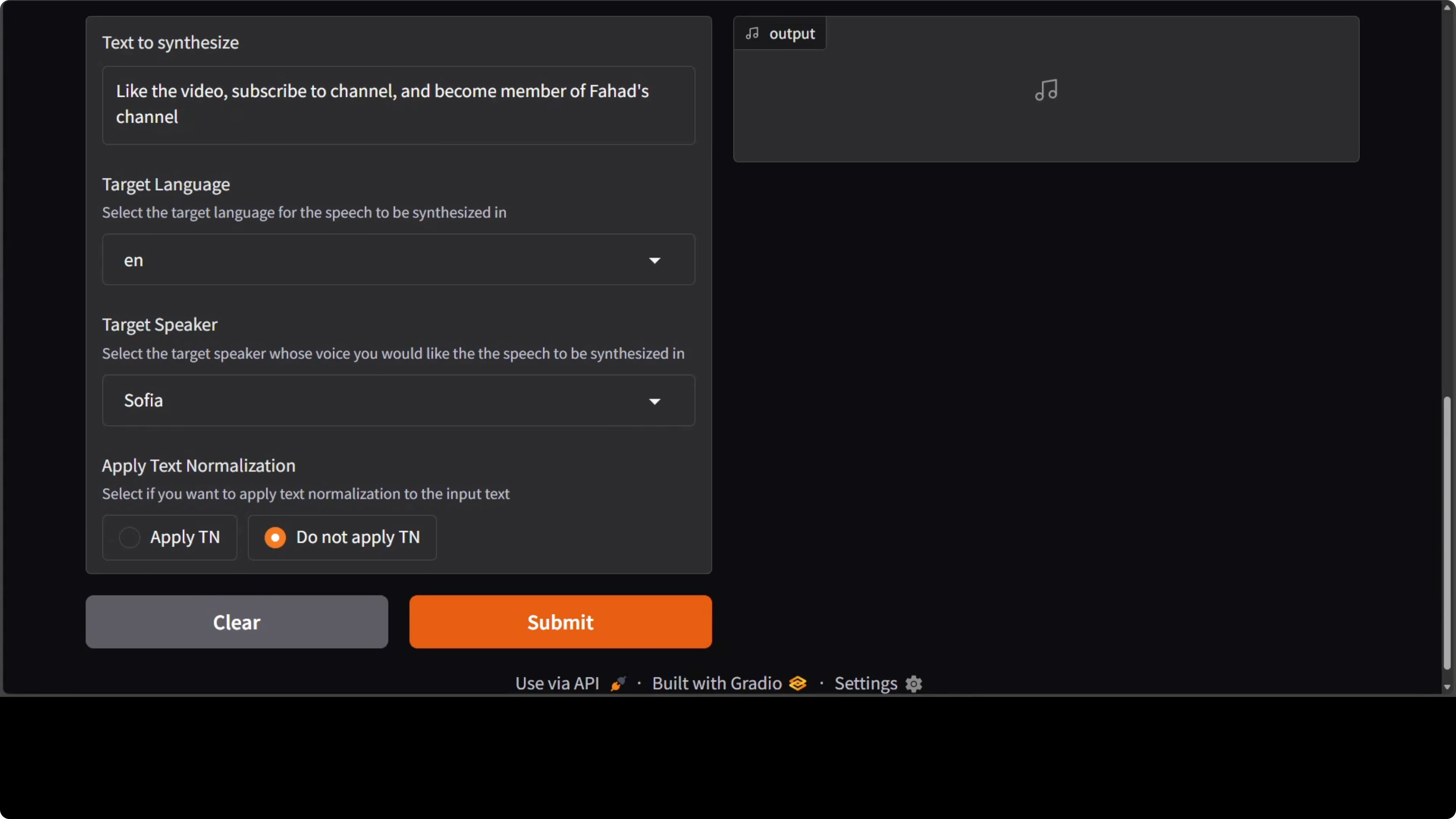
The demo includes a text box for input, a list of target languages, and a few provided speakers. I picked Sophia for the first run and left the text unnormalized. Generation took under 10 seconds for me.
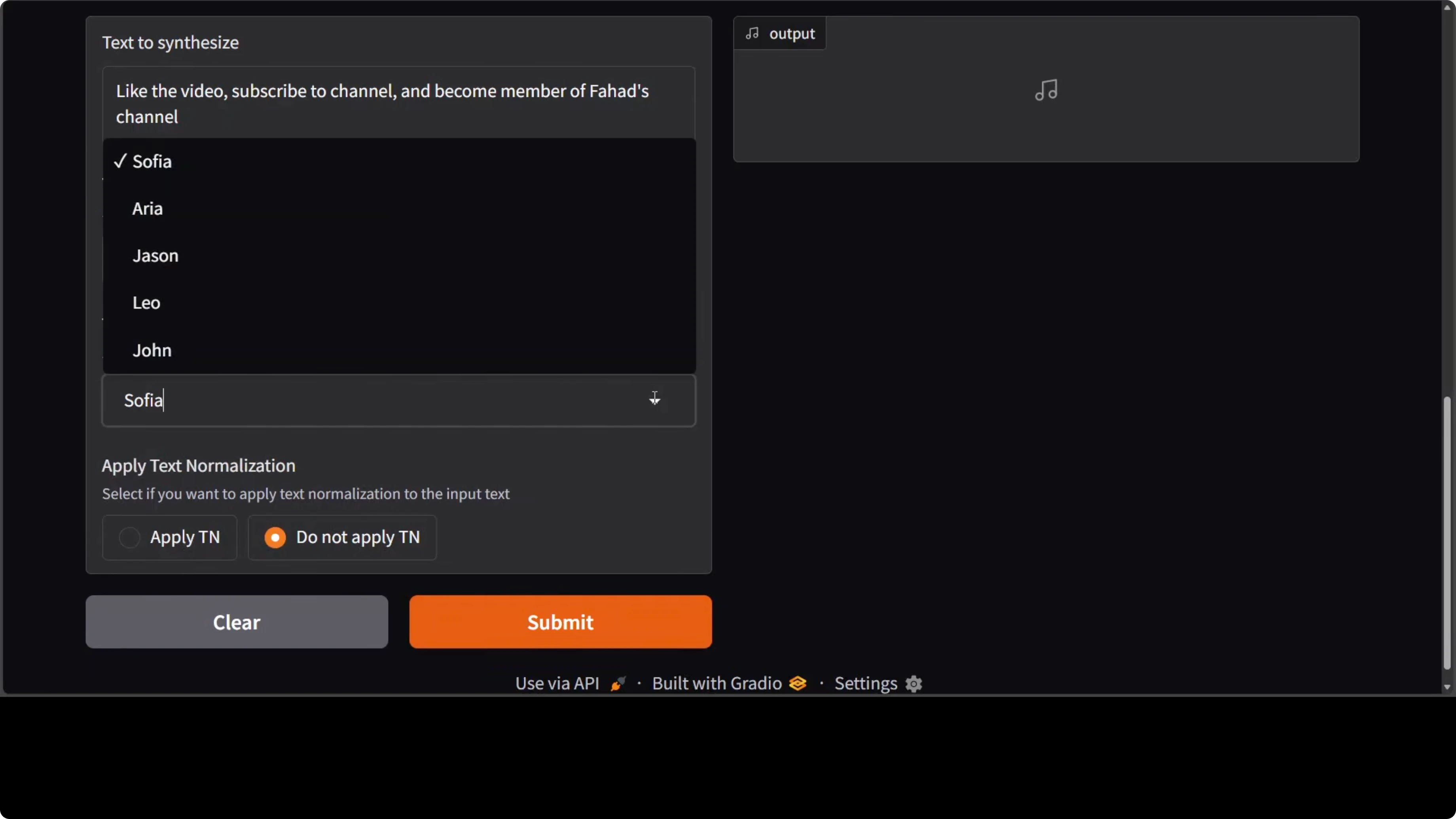
I switched target language to German and selected Aria as the speaker. It completed in less than 10 seconds and the pronunciation sounded strong to my ear. I then moved to French and Spanish, changing speakers to Jason and a female voice I had tried before.
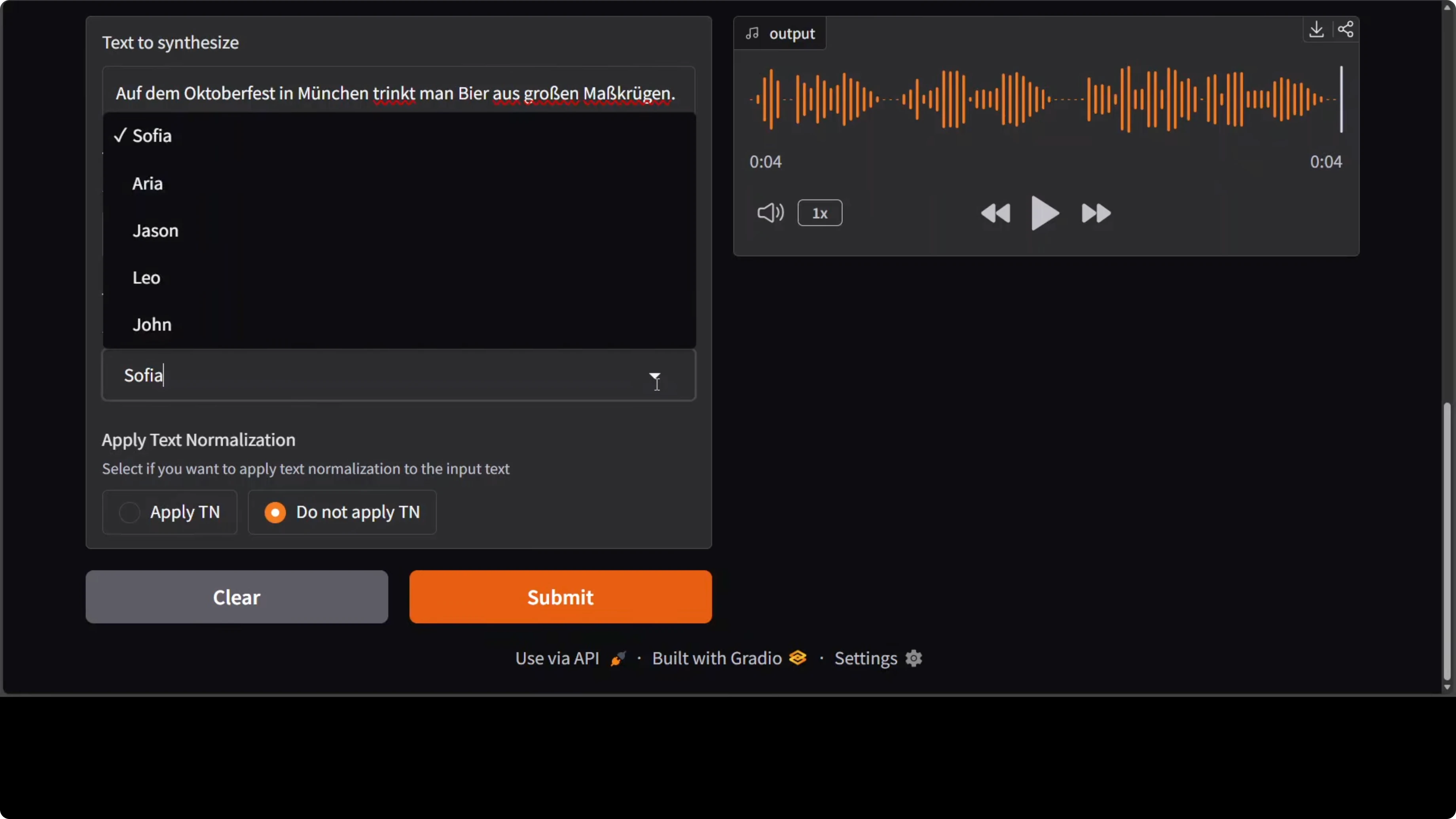
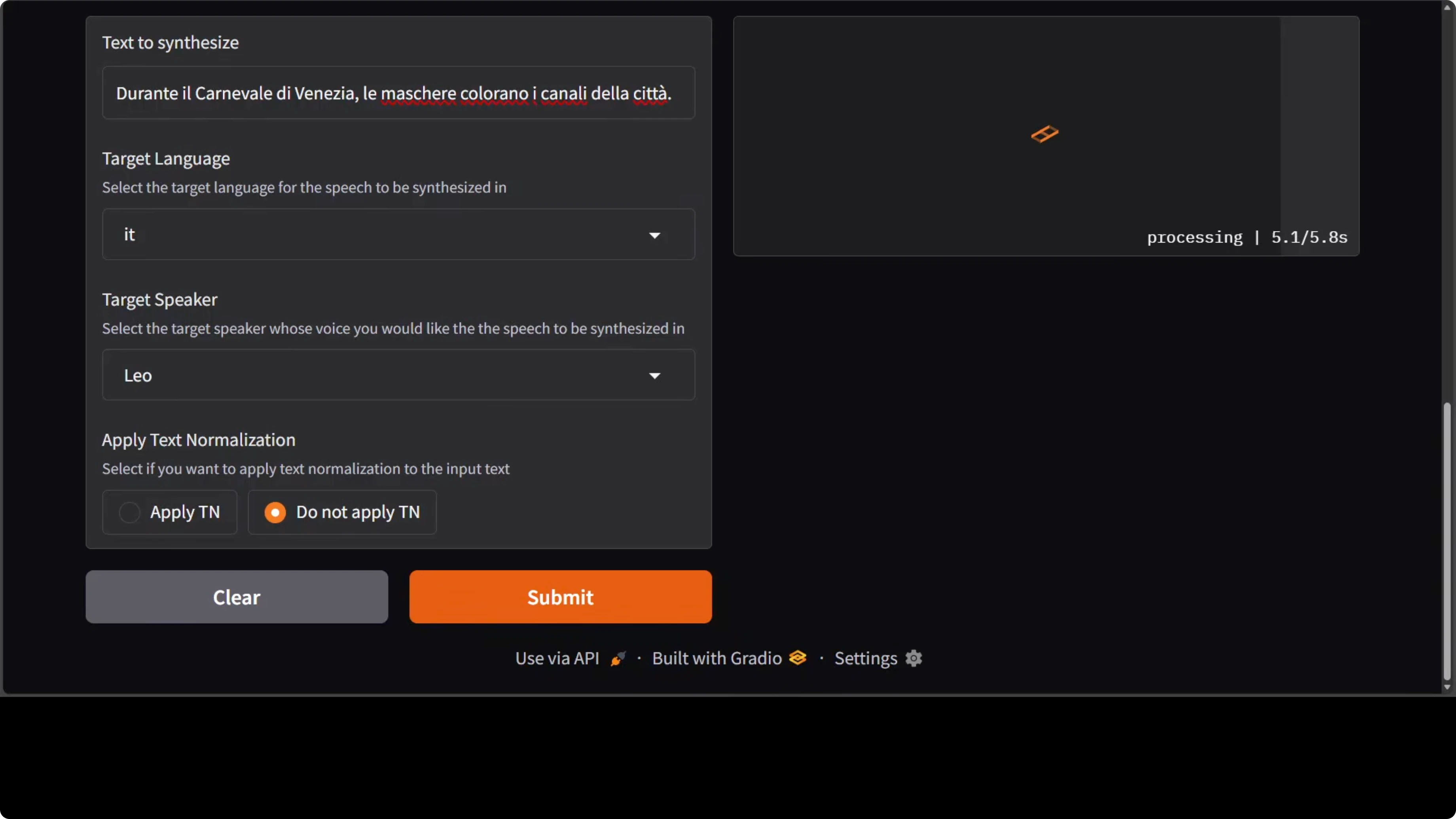
I continued with Italian and a new speaker identity. As far as I can tell it performs well, but native speakers will always judge accents best. The next check was Vietnamese, which is a low-resource language compared to the European ones.
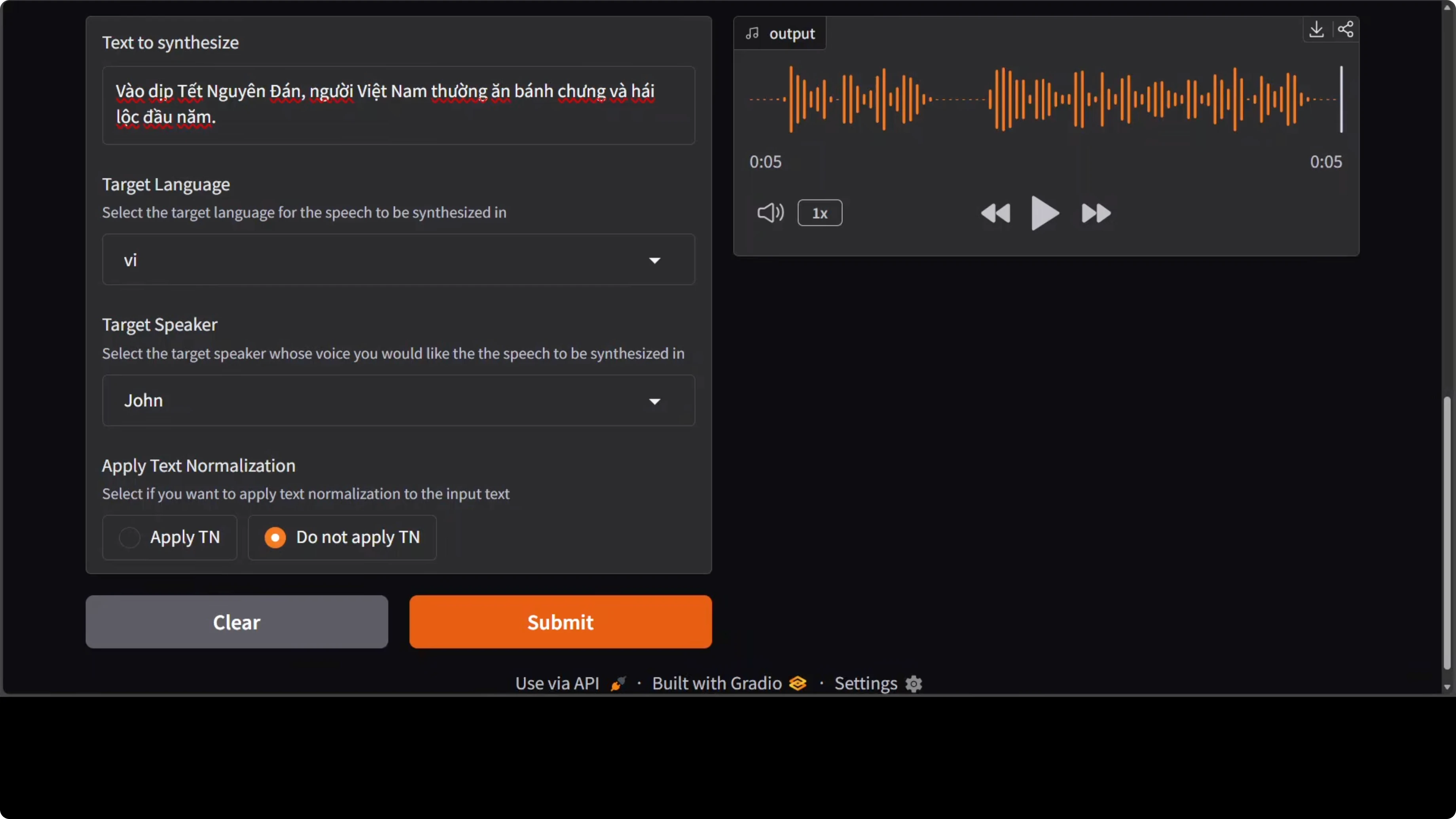
All speakers in the training set are English identities, so for Vietnamese you may hear an accent as noted in the model card. I then tested Mandarin in Sophia’s voice and it held up, including accent. Hindi in Leo’s voice and Japanese were next on the list.
Languages and speakers in NVIDIA MagpieTTS: One AI Voice Supporting 9 Languages Locally
They included five English speaker identities. Each of them can synthesize speech across nine languages, which I cycled through in the demo. It handles numbers, abbreviations, and special characters for most supported languages.
There is not much expressivity in terms of emotions in this model. For richer emotional control they have enterprise offerings, but I focused on the local model. If you want to trigger browser tasks from agent pipelines that also speak, see this browser agent walkthrough.
If you need to read text from images or PDFs before speaking it out, pair it with OCR. A quick place to start is this text recognition guide.
Architecture of NVIDIA MagpieTTS: One AI Voice Supporting 9 Languages Locally
The architecture is straightforward. A transformer encoder decoder sits at the center. A non-autoregressive text encoder processes the input transcripts and passes them via cross attention to an autoregressive decoder.
Audio tokens and codec
The decoder predicts discrete audio codec tokens across eight parallel codebooks. These tokens are converted to a waveform by a neural audio codec called nano codec running at 22 kHz. That codec stage reconstructs the audio from the discrete representation efficiently.
Training and refinement
To improve output quality and alignment, the model incorporates an attention prior. It also uses classifier free guidance and reinforcement learning via group relative policy optimization, GRPO. There is an optional local transformer refinement stage layered on top of the primary decoder.
Coverage and outlook
Nothing is fundamentally new in the building blocks, and the gains seem to come from training choices and broader language coverage. It is good to see languages beyond European ones included, with expansion likely over time. I have been following Nvidia’s models for a while and this one shows clear progress on multilingual coverage with a single voice set.
Read More: Step3 VL Stepfun
Final thoughts
MagpieTTS runs locally, starts fast, and stays light on VRAM for a multilingual TTS system. You get five English speaker identities that can synthesize across nine languages, with solid handling of numbers and symbols. Expressivity is basic, but for clean multilingual synthesis with local control, it delivers.
Subscribe to our newsletter
Get the latest updates and articles directly in your inbox.

Related Posts

8 Best Claude Code Plugins in 2026 (You Need to Know)
8 Best Claude Code Plugins in 2026 (You Need to Know)

7 Best Claude Code Skills (You Need to Know)
7 Best Claude Code Skills (You Need to Know)

Claude Code Desktop IDE Features (You Need to Know)
Claude Code Desktop IDE Features (You Need to Know)