
Table Of Content
- LongCat-Image Chinese Answer: Run Locally for Free
- Why LongCat-Image Chinese Answer Stands Out
- Benchmarks From the Technical Report
- Local Test Setup and Environment
- Installation Flow
- While the Model Downloads
- Training Process
- Memory Needs and GPU Considerations
- VRAM Consumption Observations
- VRAM Summary Table
- Editing Tests With LongCat-Image Chinese Answer
- Edit 1 - Replace Object
- Edit 2 - Change Color
- Image Generation Tests
- Generation 1 - Portrait Framed With Peaches
- Generation 2 - Anthropomorphic Duck in Samurai Armor
- Generation 3 - Traditional Chinese Interior
- Generation 4 - Suburban Lawn Scene
- Step by Step - Run LongCat-Image Chinese Answer Locally
- 1 - Prepare the Environment
- 2 - Create the Virtual Environment
- 3 - Get the Code
- 4 - Install Dependencies
- 5 - Launch the Demo
- 6 - Use the Interface
- Architecture Notes for LongCat-Image Chinese Answer
- Observations on Quality, Text, and Control
- Practical Notes and Limits
- Results Recap
- Final Thoughts
LongCat-Image: Free Local Nano Banana Alternative
Local LLM Hardware Calculator
Enter your GPU VRAM and system RAM to see which LLMs you can run in Ollama — at Q4, Q8, or full precision — with estimated tokens-per-second speed.
Table Of Content
- LongCat-Image Chinese Answer: Run Locally for Free
- Why LongCat-Image Chinese Answer Stands Out
- Benchmarks From the Technical Report
- Local Test Setup and Environment
- Installation Flow
- While the Model Downloads
- Training Process
- Memory Needs and GPU Considerations
- VRAM Consumption Observations
- VRAM Summary Table
- Editing Tests With LongCat-Image Chinese Answer
- Edit 1 - Replace Object
- Edit 2 - Change Color
- Image Generation Tests
- Generation 1 - Portrait Framed With Peaches
- Generation 2 - Anthropomorphic Duck in Samurai Armor
- Generation 3 - Traditional Chinese Interior
- Generation 4 - Suburban Lawn Scene
- Step by Step - Run LongCat-Image Chinese Answer Locally
- 1 - Prepare the Environment
- 2 - Create the Virtual Environment
- 3 - Get the Code
- 4 - Install Dependencies
- 5 - Launch the Demo
- 6 - Use the Interface
- Architecture Notes for LongCat-Image Chinese Answer
- Observations on Quality, Text, and Control
- Practical Notes and Limits
- Results Recap
- Final Thoughts
LongCat-Image Chinese Answer: Run Locally for Free
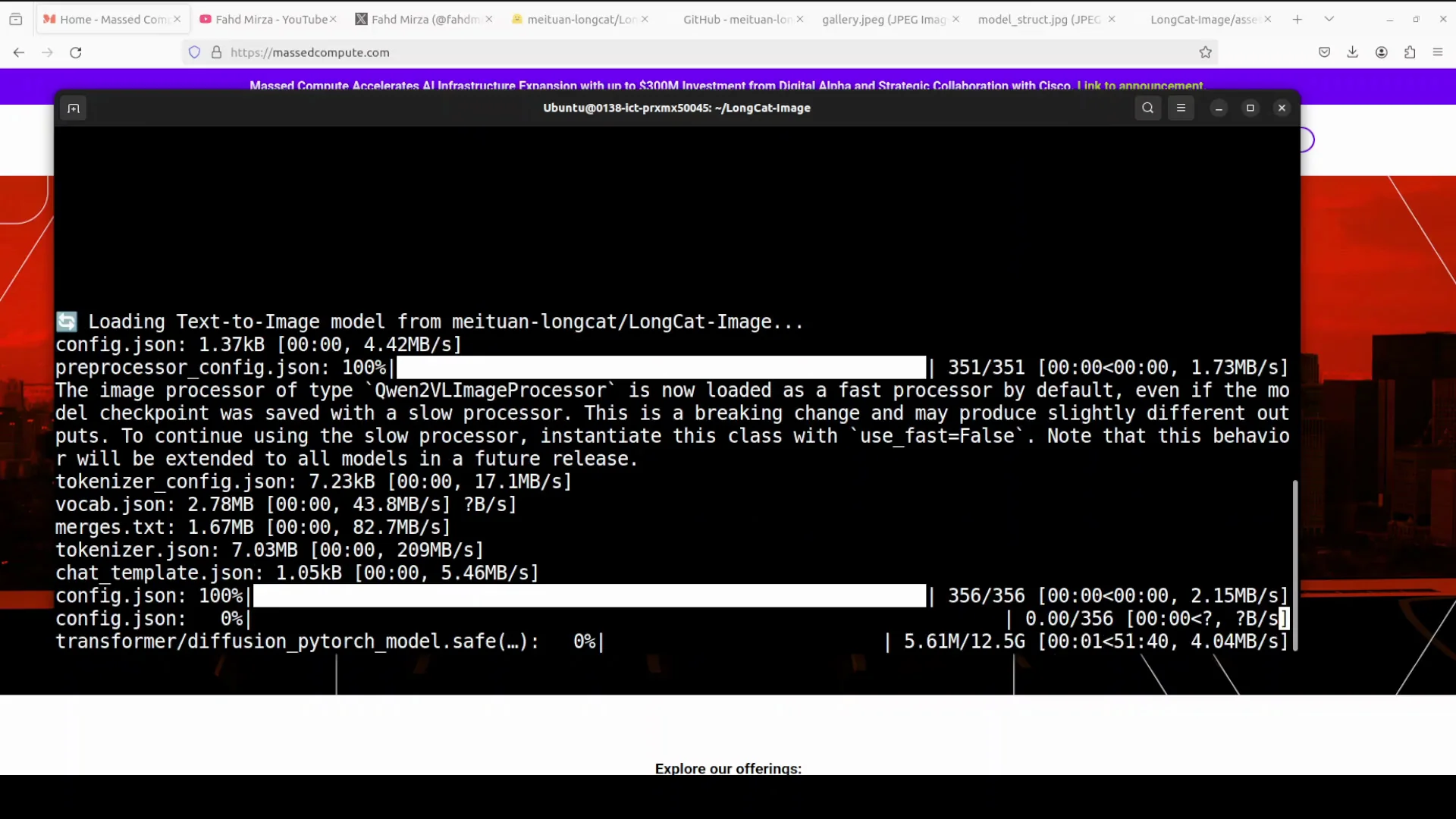
Chinese companies are not slowing down. Yet another Chinese company, Mua, has released a model that is at par with Nano Banana for image generation and image editing. In this article, I install this long cat image model locally and try it out on various benchmarks.
Why LongCat-Image Chinese Answer Stands Out
I have covered long chat and long cat before, and both were impressive. I am keen to see what has been done this time.
This model is bilingual. It works in English and Chinese.
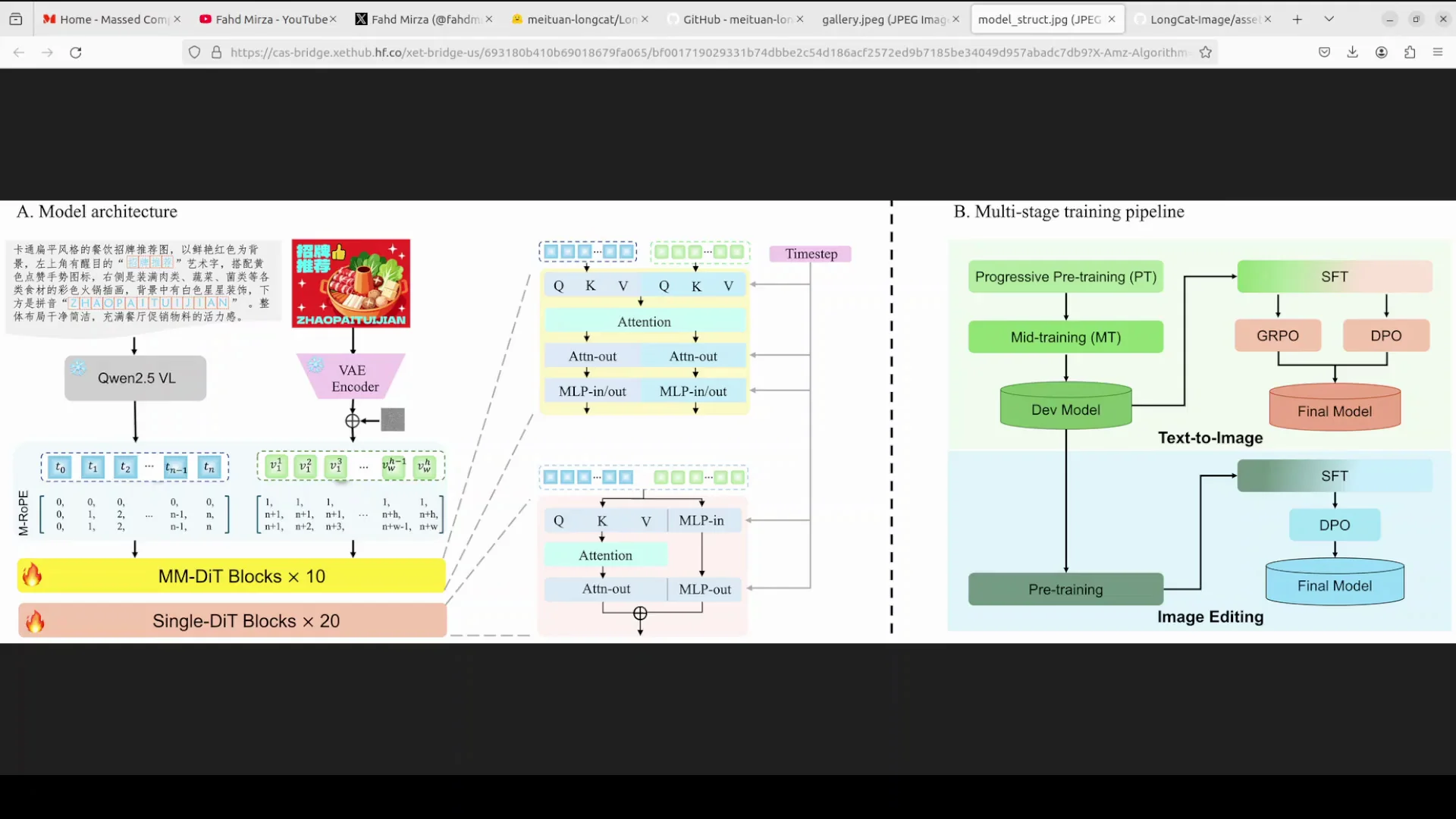
The system is built with a few key parts:
- It uses a vision language module for its vision.
- It uses Qwen 2.5 VL to read text input.
- It uses an encoder to handle image data.
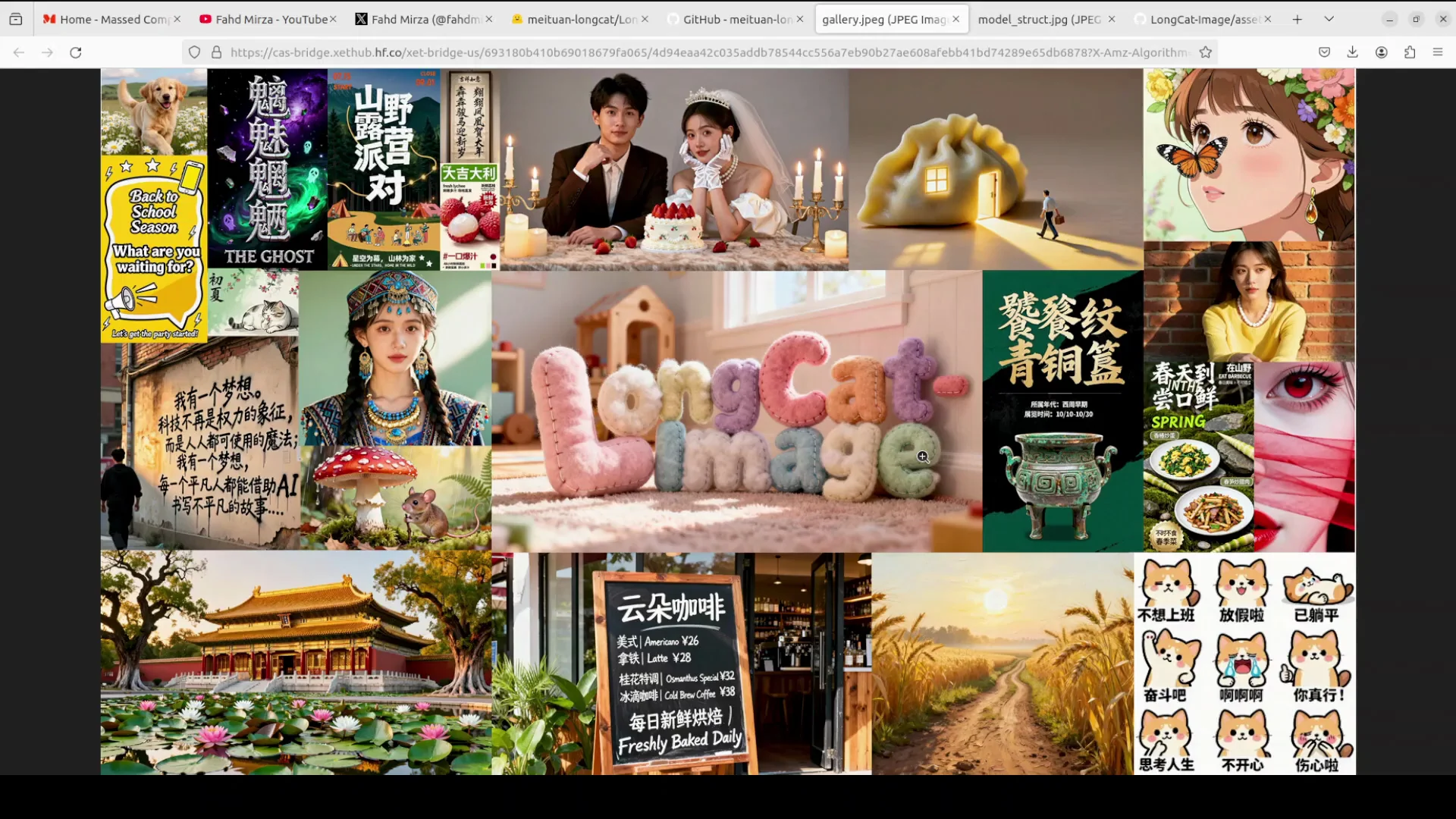
I looked at the quality of the images it can generate. The Chinese text it renders looks really good, and that is not easy to generate.
Benchmarks From the Technical Report
Their technical report shares a lot of benchmark information. It has not only beaten Qwen Image, but also Nano Banana. I decided to test it locally to see how it performs in practice.
Local Test Setup and Environment
I am running Ubuntu on a local system with one GPU card - Nvidia RTX A6000 with 48 GB of VRAM.
Installation Flow
I followed this order:
- Create a virtual environment with conda.
- Clone the LongCat repository.
- Install the requirements.
- Launch the Gradio demo from the root of the repo.
The first run downloads the model, which is around 13 GB in size.
While the Model Downloads
Here is more about the model architecture and features:
- It is a 6 billion parameter model.
- The core of the model has two types of transformer blocks called mm date and single date.
- It uses a method called MROP to manage spatial information.
- It is designed to be efficient and produces strong results, especially for realistic images and clear Chinese text.
Training Process
The training is structured in several stages:
- It begins with progressive pre-training to build foundational skills.
- It moves to supervised fine-tuning to sharpen specific abilities.
- It uses two tuning methods, GRPO and DPO, to improve output quality.
The goal is to generate high quality images with accurately rendered Chinese text. I am not sure how the English text works yet. I will check.
Memory Needs and GPU Considerations
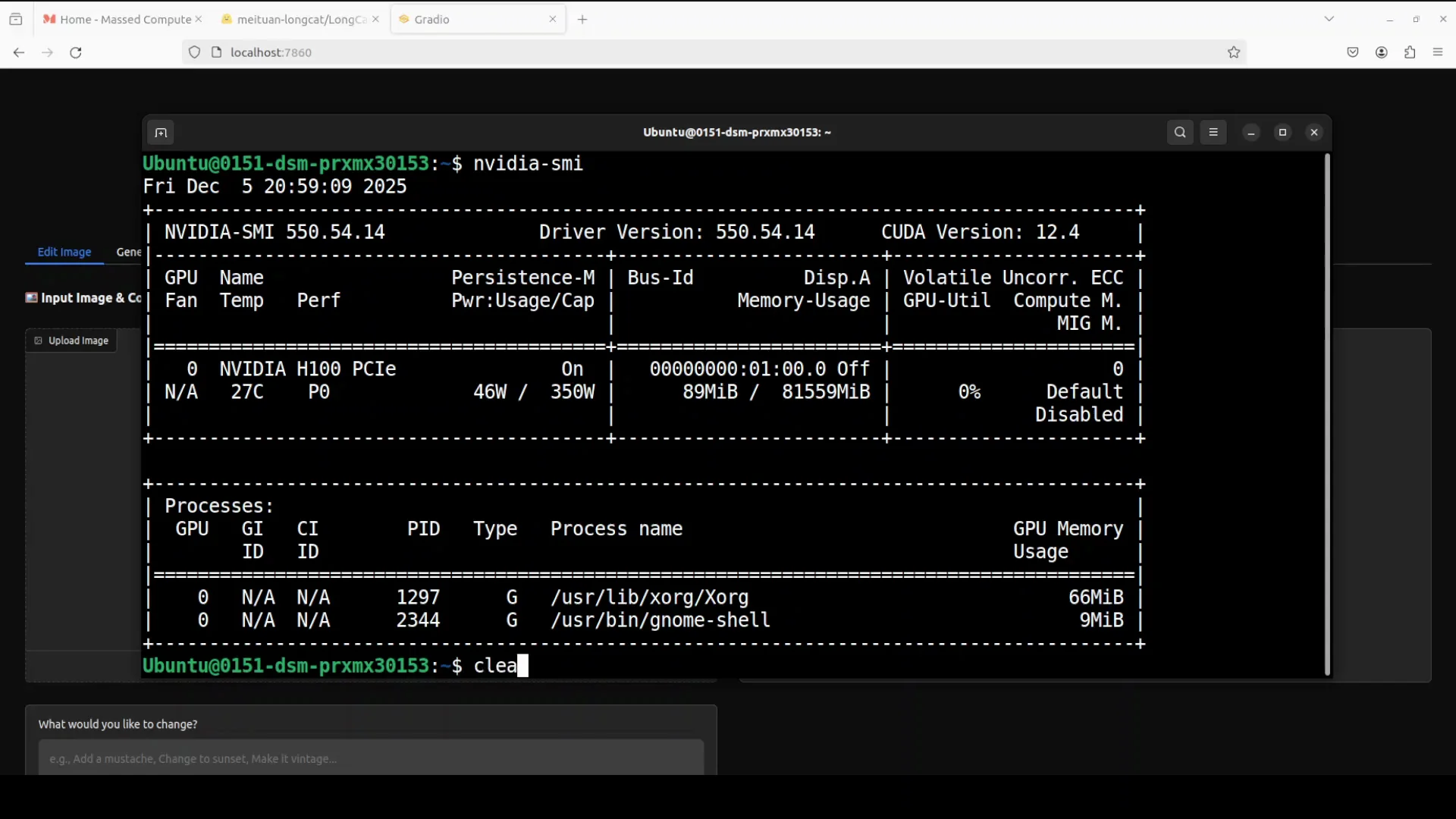
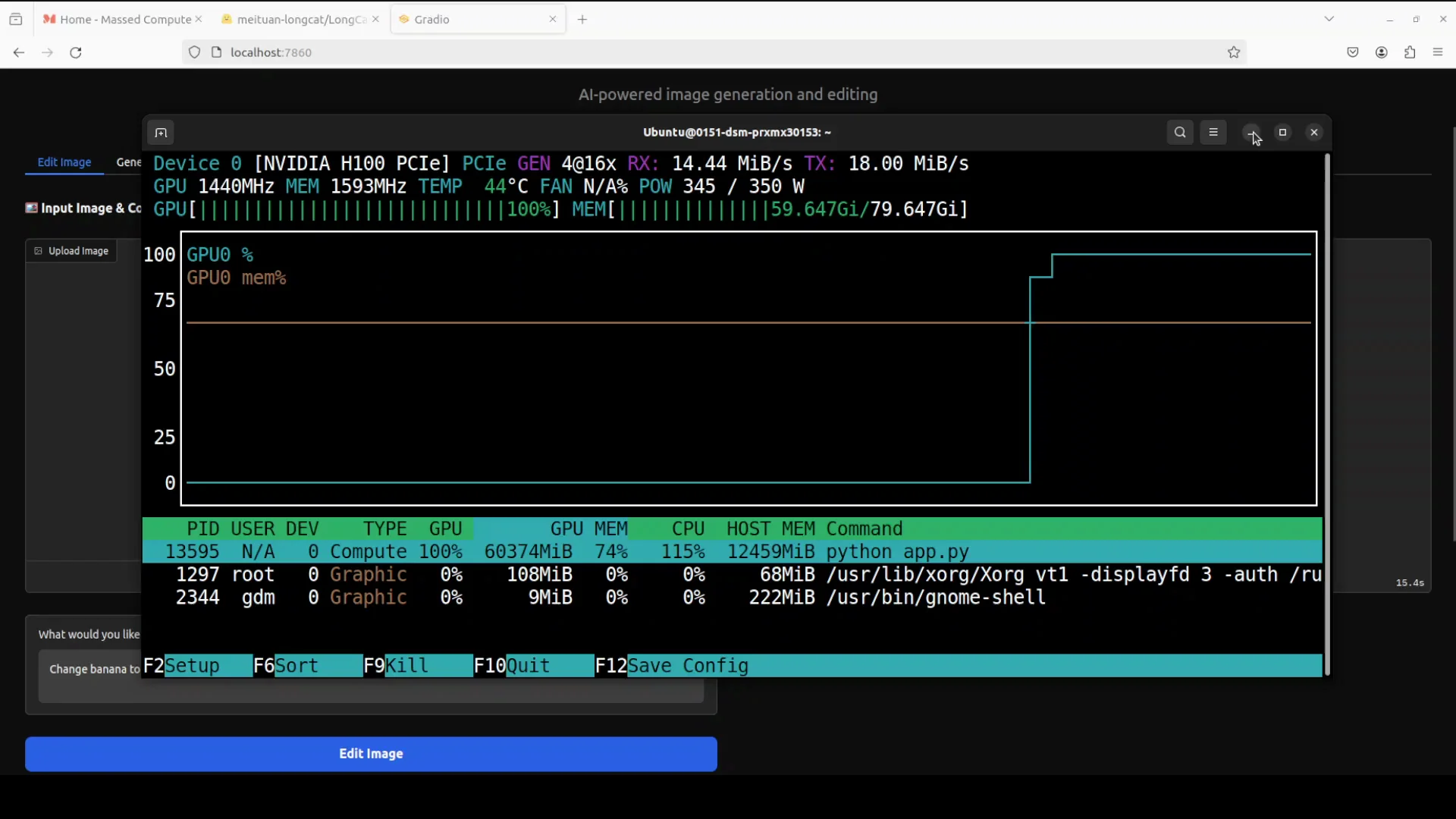
While loading the model on the RTX A6000, it ran out of memory. This is a 6 billion parameter model. I moved to a bigger GPU system.
I switched to an H100 GPU with 80 GB of VRAM. The model loaded, and I followed the same steps. VRAM consumption was close to 57 GB after loading. During editing and generation, it went a bit higher.
VRAM Consumption Observations
- Model loaded: about 57 GB of VRAM.
- During image edit: a touch over 60 GB.
- During image generation: over 61 GB.
You should have around 60 GB of VRAM to run this model comfortably.
VRAM Summary Table
| Stage | VRAM usage |
|---|---|
| After loading the model | ~57 GB |
| Editing an image | ~60 GB |
| Generating an image | ~61 GB |
Editing Tests With LongCat-Image Chinese Answer
The interface supports image editing and generation.
Edit 1 - Replace Object
I uploaded an AI generated image from my local system. I asked it to change banana to apple and ran the edit.
It took around 10 seconds. The result was strong:
- The hand structure remained consistent with four fingers.
- The rest of the image stayed the same.
- The apple looked correct.
- The shadow of the apple on the shirt was accurate.
Edit 2 - Change Color
I asked it to change the color of the T-shirt to red and ran the edit.
The result was clean and consistent. This is the kind of edit that shows strong control. Nano Banana has been strong in this area. This does a very decent job locally. Install it locally and you have full control without paying for simple edits.
Image Generation Tests
I moved to image generation next.
Generation 1 - Portrait Framed With Peaches
Prompt summary:
- Create an image of a young woman with short wavy brown hair in a casual slightly messy look.
- She holds two ripe peaches, one in each hand, close to her face, almost framing it.
- Width and height were set through the interface coordinates.
VRAM went over 61 GB during this generation.
The image looked good. If I nitpick, the closed eye I asked for looked a bit too closed with some minor malformation. More iterations could likely improve that.
Generation 2 - Anthropomorphic Duck in Samurai Armor
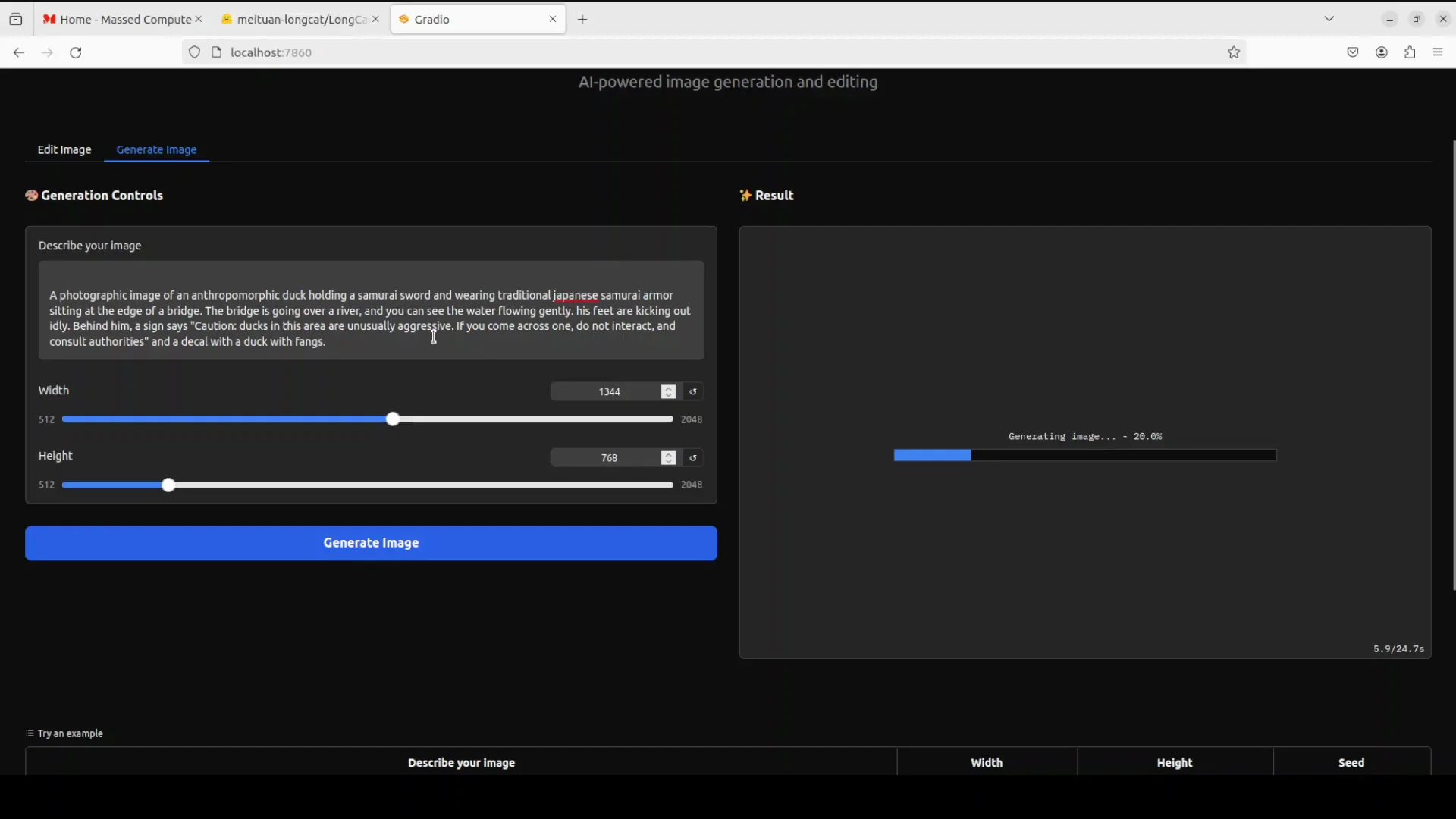
Prompt summary:
- Photographic image of an anthropomorphic duck holding a samurai sword.
- Wearing traditional Japanese samurai armor.
- Sitting at the edge of a bridge over a river with gently flowing water.
- Feet are kicking out idly behind him.
- A sign reads: Caution ducks in this area unusually aggressive.
Instruction following was strong. The armor, duck, sword, and river were all present.
English text on the sign was almost correct:
- "Caution" and the colon were correct.
- "Area" was duplicated in "ducks in this area unusually in this area."
- "Across" was duplicated in another line.
- The rest was okay.
The image itself looked solid.
Generation 3 - Traditional Chinese Interior
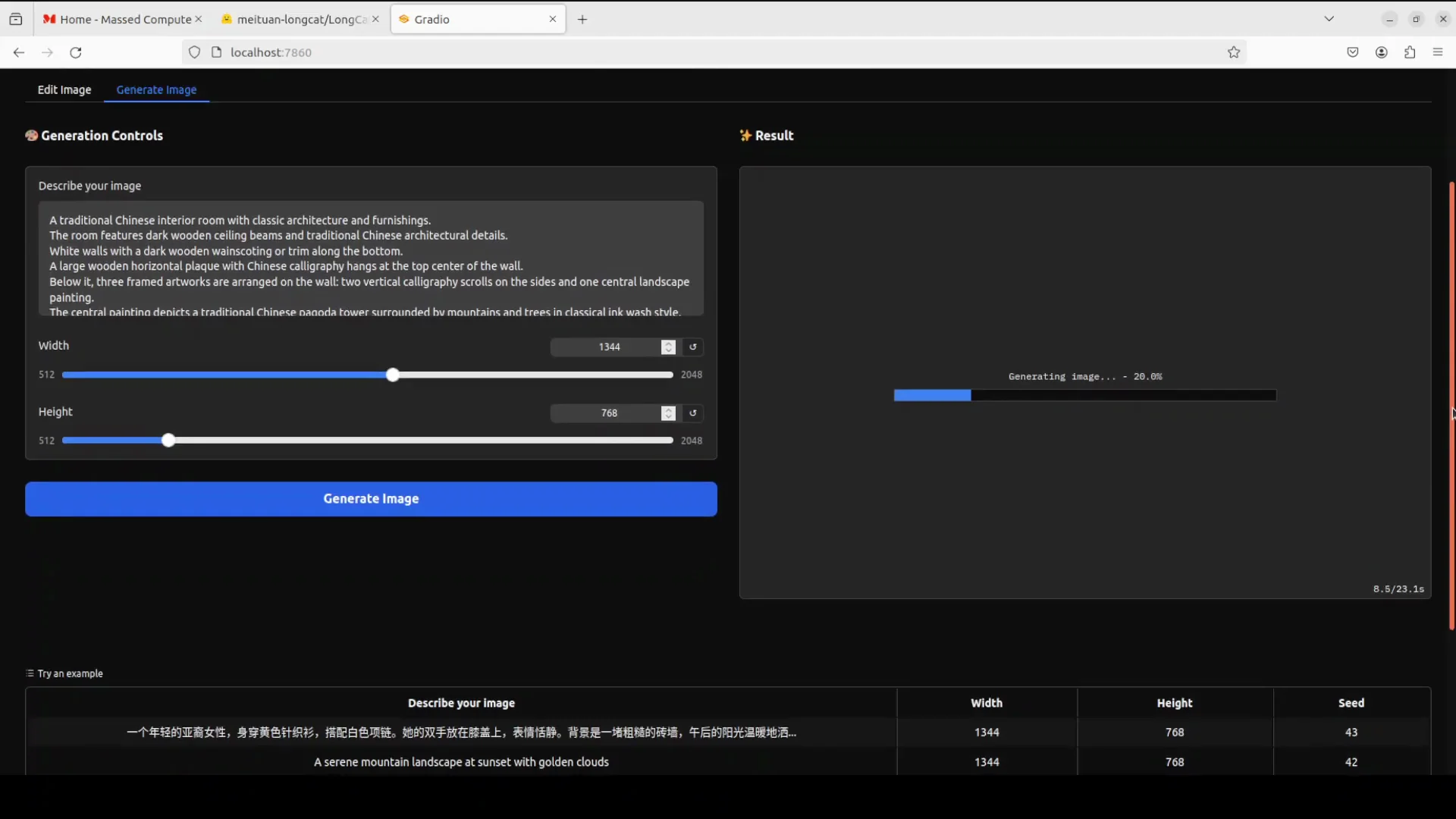
Prompt summary:
- A traditional Chinese interior room with classic architecture and furnishings.
- Dark wooden ceiling beams and traditional Chinese architectural details.
- White walls with dark wooden veins and detailed squaring.
- Details for window style, traditional Chinese furniture, lighting, and color palette.
The result looked wonderful:
- The ceramics fit the tradition well.
- The drawing quality was strong.
- The window frame looked original.
- The intricate work throughout the room was impressive.
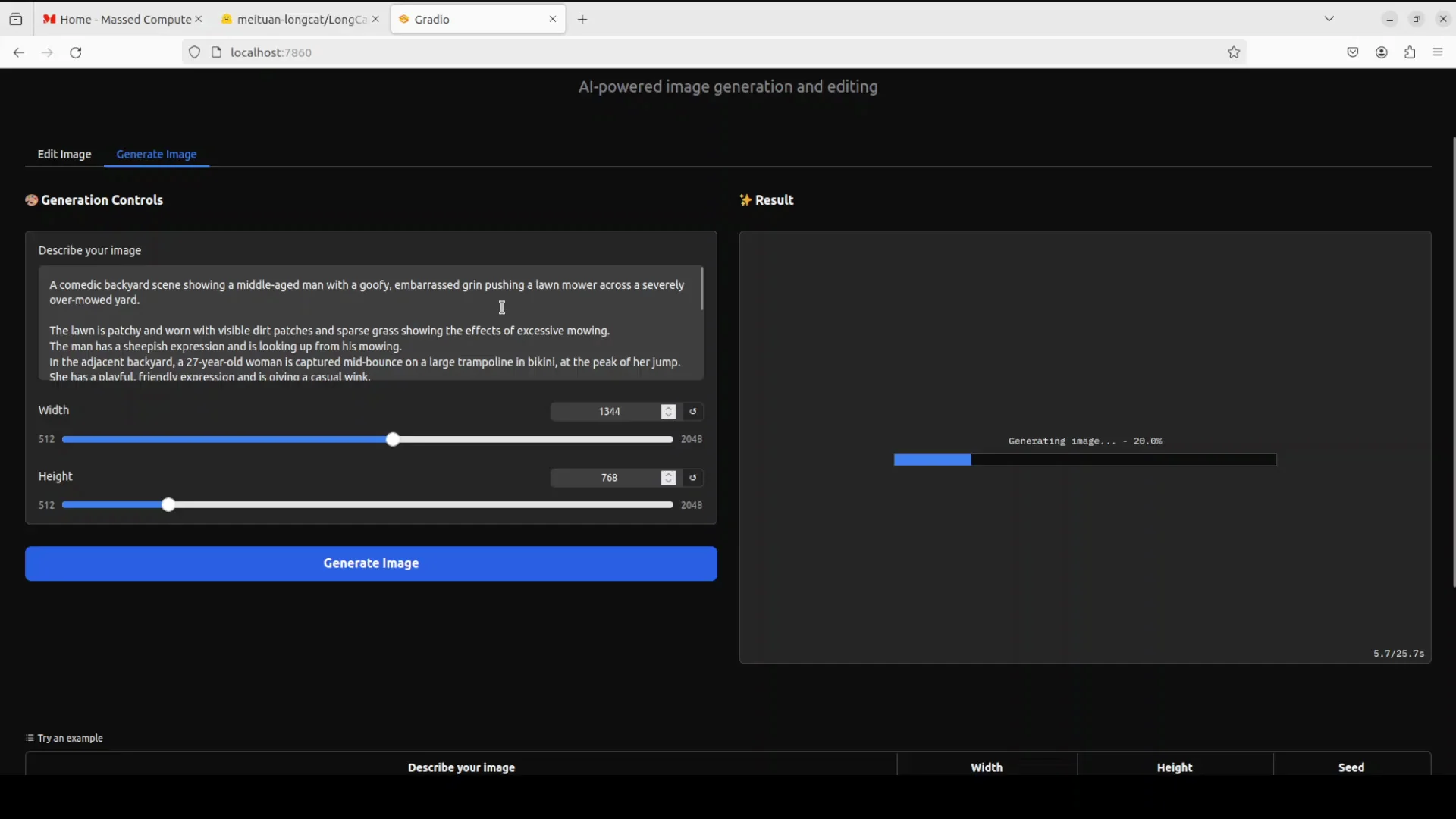
Generation 4 - Suburban Lawn Scene
Prompt summary:
- A comedic backyard scene.
- A middle-aged man with a goofy, embarrassed grin pushing a lawnmower across a severely over mowed yard.
- The lawn is patchy and worn with visible dirt patches and sparse growing grass showing the effects of excessive mowing.
- A neighbor, a 27 year old woman, is jumping on a trampoline in a bikini.
- Lighting is cheerful, and the overall tone matches the scene.
The output matched the description well:
- The grin was goofy in a way that fit the scene.
- The over mowed yard looked accurate.
- The full suburban composition came together as intended.
Step by Step - Run LongCat-Image Chinese Answer Locally
Follow the same flow I used.
1 - Prepare the Environment
- Use Ubuntu or a similar Linux environment.
- Have a GPU with at least 60 GB VRAM for smooth use.
- Install conda to manage a virtual environment.
2 - Create the Virtual Environment
- Create a new conda environment.
- Activate the environment.
3 - Get the Code
- Clone the LongCat repository.
- Move to the repository root.
4 - Install Dependencies
- Install all requirements as listed in the repo.
5 - Launch the Demo
- From the root of the repo, launch the Gradio demo.
- The first run downloads the model, around 13 GB in size.
6 - Use the Interface
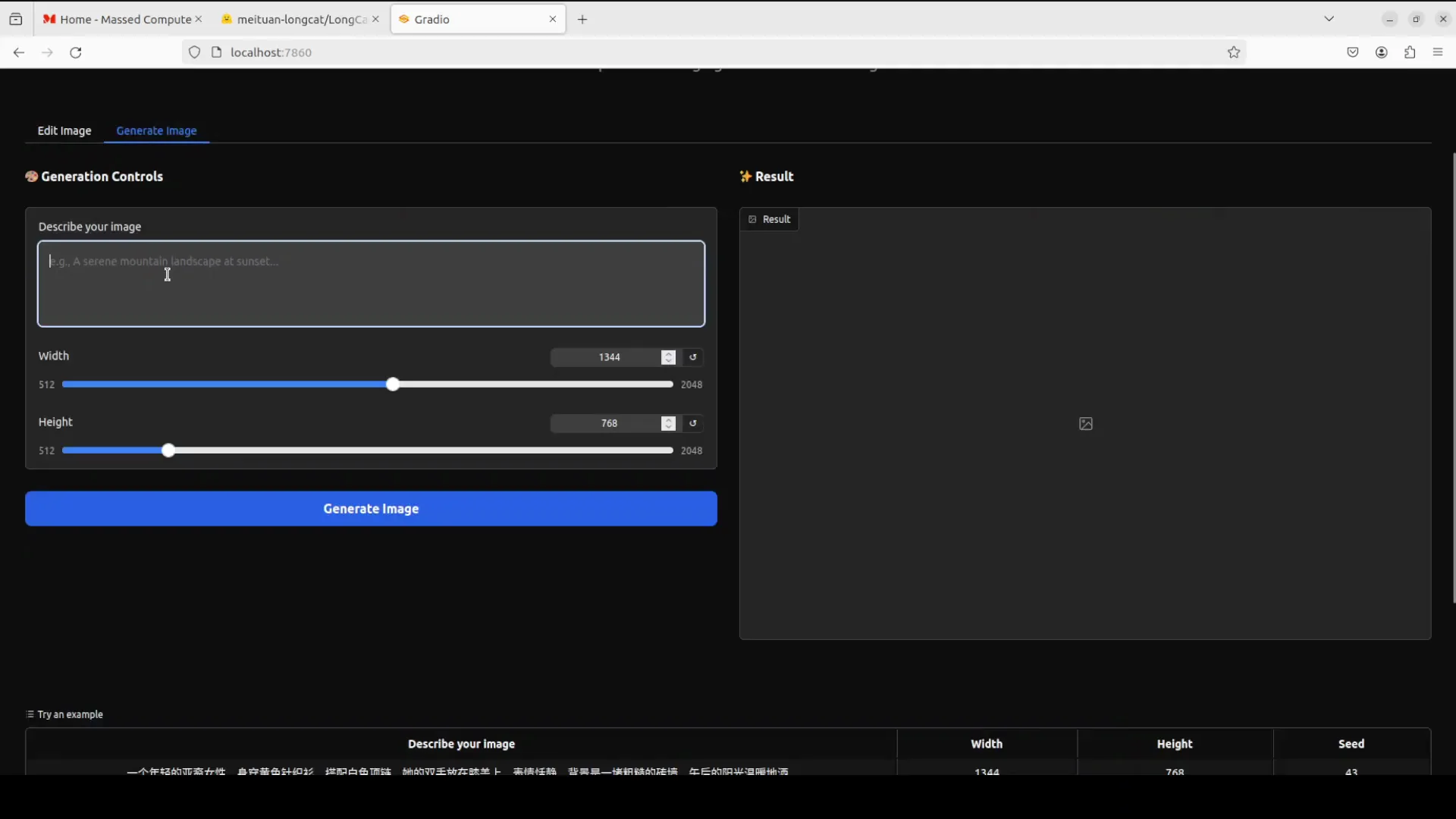
- Use the Edit tab to upload an image and apply text instructions.
- Use the Generate tab to create images from prompts.
- Monitor VRAM to ensure stability.
Architecture Notes for LongCat-Image Chinese Answer
Key points from the design:
- 6 billion parameters.
- Two transformer block types - mm date and single date.
- MROP to manage spatial information.
- Focus on realistic images and clear Chinese text.
Training order:
- Progressive pre-training for core capability.
- Supervised fine-tuning for specific abilities.
- GRPO and DPO to improve the quality of outputs.
The model targets high quality images with accurate Chinese text rendering. English text works but can duplicate words at times.
Observations on Quality, Text, and Control
- Image quality is strong across portraits, stylized characters, interiors, and suburban scenes.
- Instruction following is precise for composition, props, lighting intent, and tone.
- Chinese text rendering looks clear and accurate.
- English text is nearly correct with minor duplication of words like area and across in a sign.
- Edit consistency is a highlight. Object replacement and color changes preserve structure, lighting, and shadows.
- VRAM usage is heavy. Plan for around 60 GB.
Practical Notes and Limits
- A 6 billion parameter model can still exceed 48 GB VRAM during loading and heavy operations.
- An 80 GB GPU ran it comfortably with some headroom.
- Load time and first run download size are noticeable but manageable.
- Gradio makes testing straightforward with tabs for edit and generation.
Results Recap
- Edit - banana to apple: strong consistency and correct shadows.
- Edit - T-shirt color to red: clean, accurate change.
- Generation - portrait with peaches: good composition with a minor eye issue.
- Generation - duck samurai with a sign: strong visual result with near-correct English text.
- Generation - traditional Chinese room: convincing architecture, ceramics, and window frames.
- Generation - suburban lawn scene: cheerful tone and accurate over mowed yard.
Final Thoughts
LongCat-Image Chinese Answer runs locally and delivers solid image editing and generation. It targets high quality visuals and excels at Chinese text rendering. English text is close, with small duplications that can be improved with iterations. With around 60 GB of VRAM, you can edit and generate images at a high level with consistent structure and strong instruction following.
Subscribe to our newsletter
Get the latest updates and articles directly in your inbox.

Related Posts

8 Best Claude Code Plugins in 2026 (You Need to Know)
8 Best Claude Code Plugins in 2026 (You Need to Know)

7 Best Claude Code Skills (You Need to Know)
7 Best Claude Code Skills (You Need to Know)

Claude Code Desktop IDE Features (You Need to Know)
Claude Code Desktop IDE Features (You Need to Know)