
Table Of Content

Hibiki-Zero: How This Free AI Translates Your Voice Instantly
Table Of Content
Kyutai has released Hibiki Zero. Hibiki is a Japanese word meaning echo or resonance, and that is exactly what this model does. It takes your voice, understands it in one language, and makes it resonate in another in real time, preserving how you actually sound.
It is an open-source AI model that translates spoken French, Spanish, Portuguese, and German into English live as someone is speaking, not after they finish. Unlike typical translation tools that just spit out text, Hibiki Zero outputs actual speech and carries over the original speaker's voice characteristics. If a French woman with a warm low voice is speaking, the English output sounds like her, not a generic robot. It runs entirely on a local GPU with just 8 GB of VRAM, and that is what I tested.
Hibiki-Zero: How This Free AI Translates Your Voice Instantly
What Hibiki Zero Does
- Live speech-to-speech translation from French, Spanish, Portuguese, and German into English.
- Preserves the speaker’s vocal characteristics in the translated audio.
- Runs on a local GPU with about 8 GB of VRAM.
My Setup and Requirements
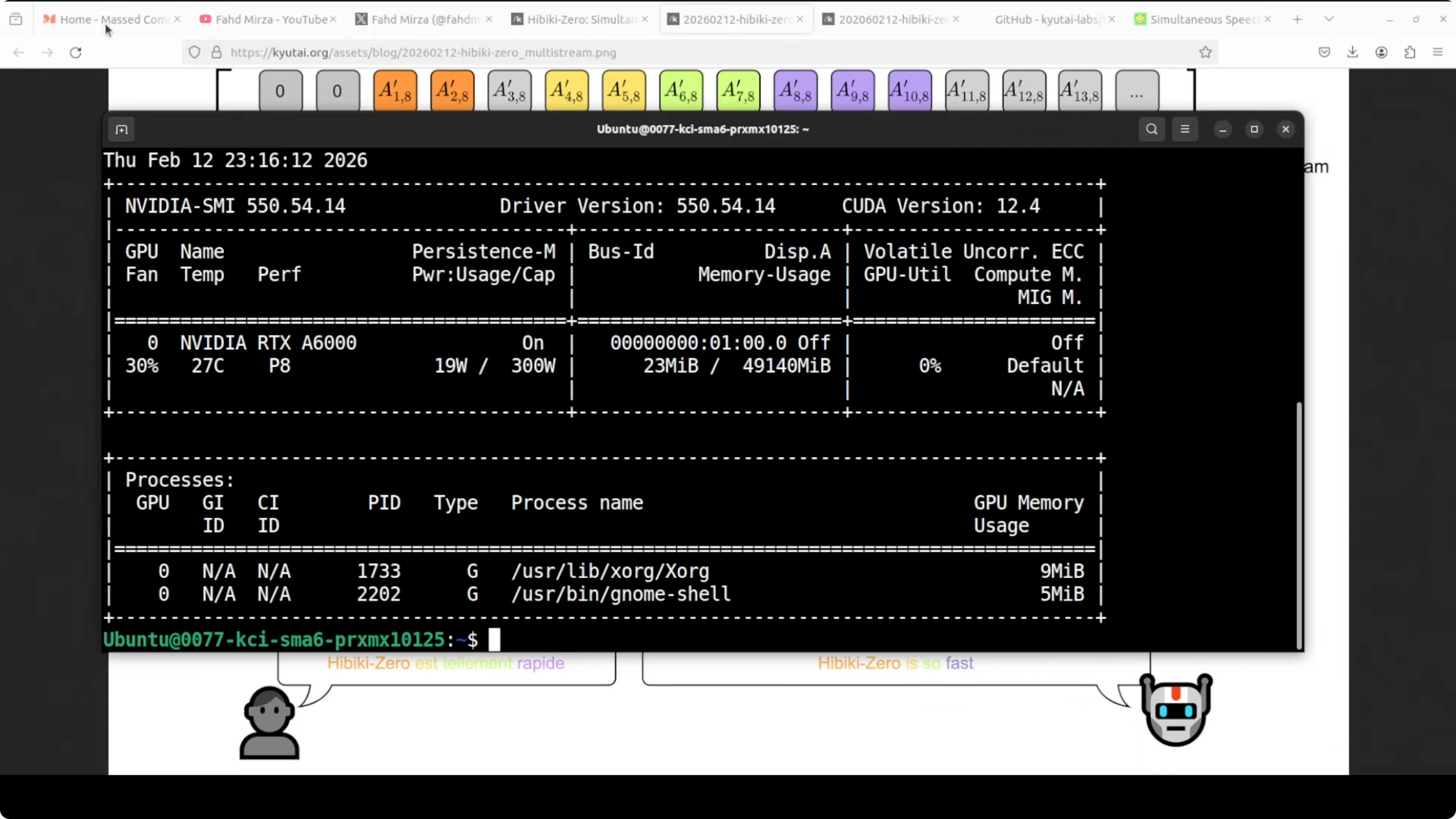
I used an Ubuntu system with an Nvidia RTX 6000 GPU with 48 GB of VRAM. The model fits within 8 GB of VRAM when loaded. On disk, the model is just over 6 GB.
Install and Launch With UV
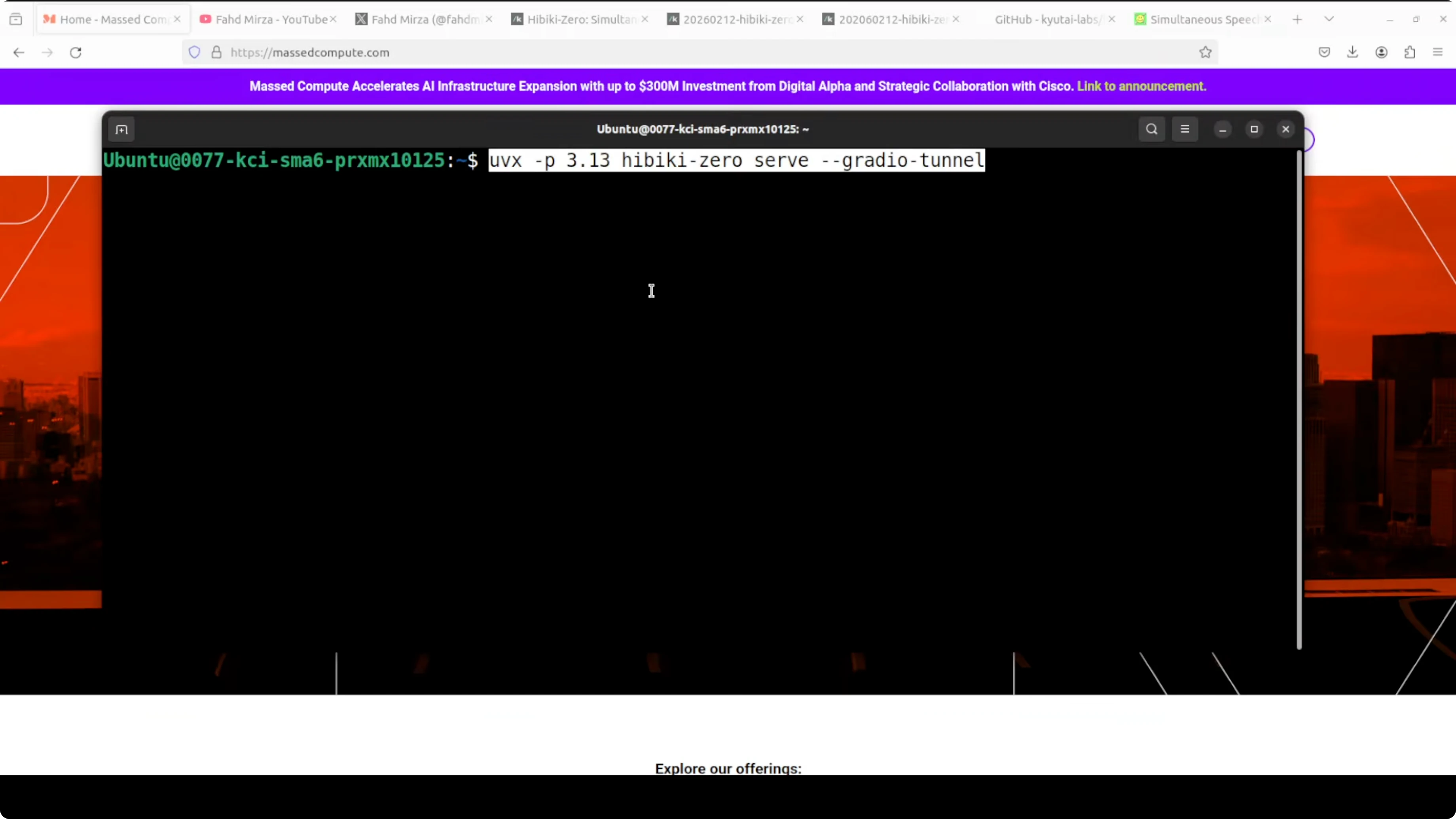
I installed and ran Hibiki Zero using UV.
Step-by-step:
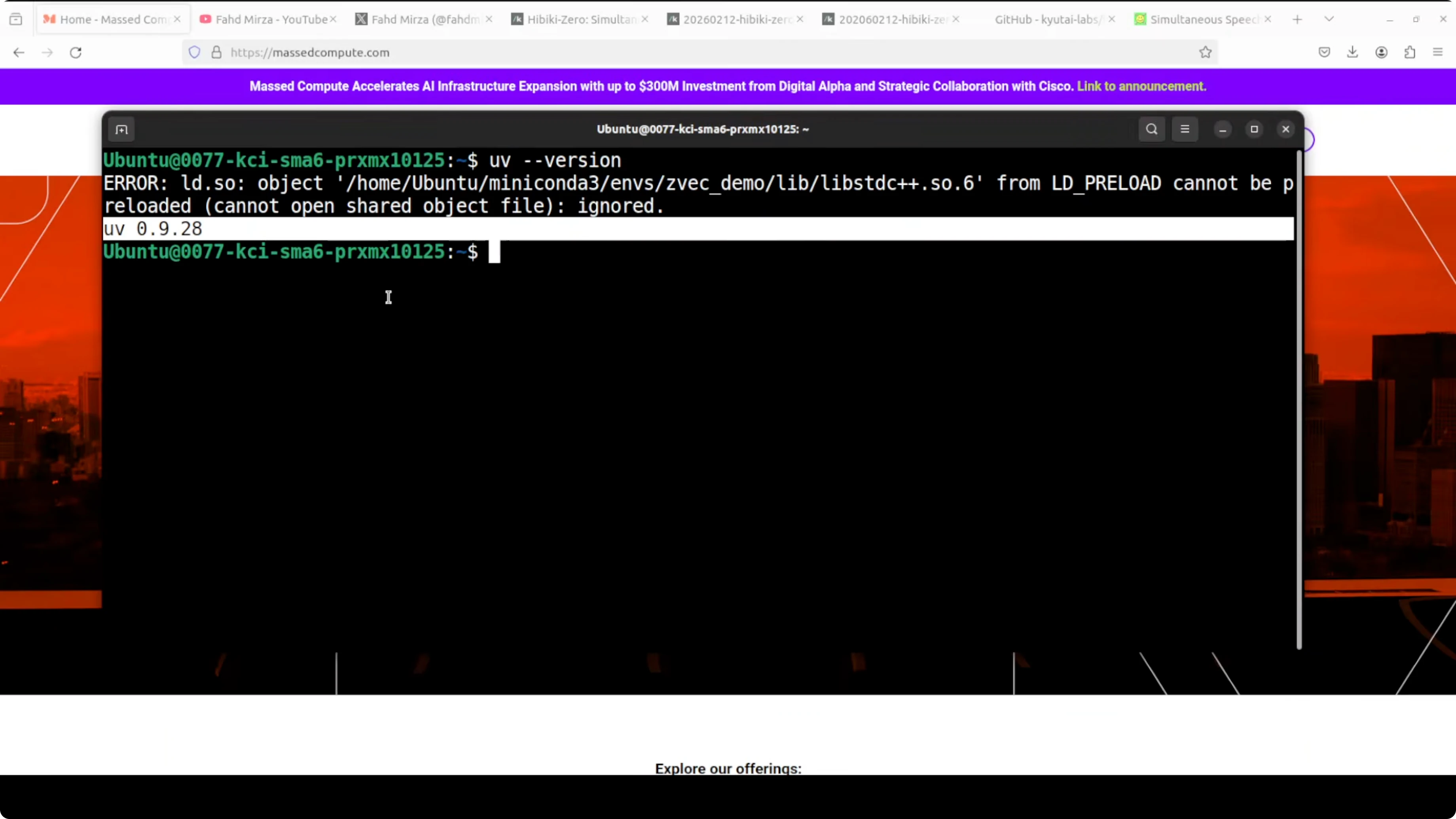
- Ensure UV is installed.
- Run the UV command that serves the Hibiki Zero model locally and exposes a Gradio demo for testing.
- Wait while dependencies install. The model download is a little over 6 GB.
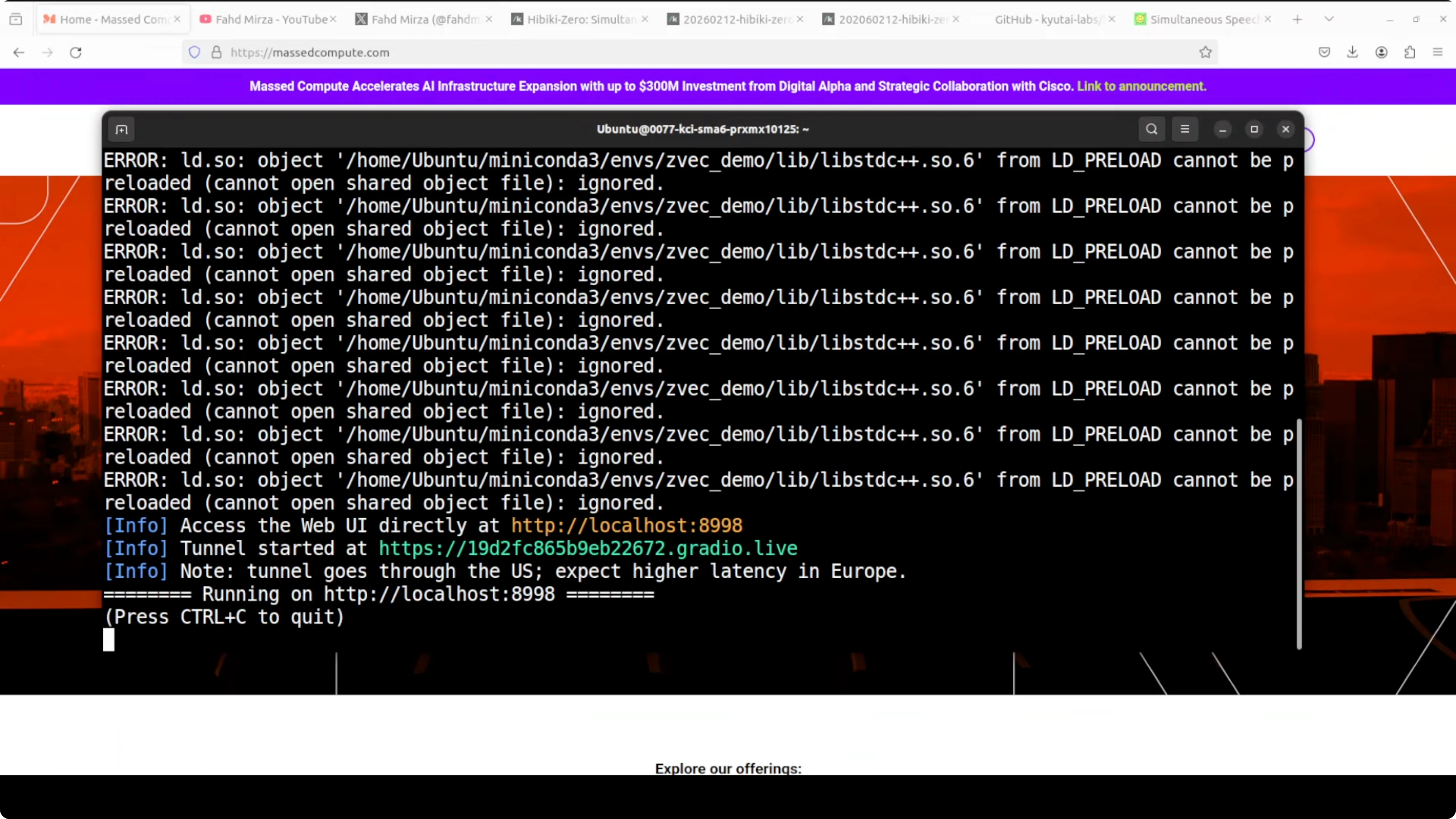
- After loading and warming up, the Gradio tunnel starts and provides a local URL to open in your browser.
Notes:
- Transient warnings or local errors appeared during setup, but the server still initialized.
- After warmup, the demo becomes reachable via the provided URL.
Real-Time Testing Results
Microphone Test Flow
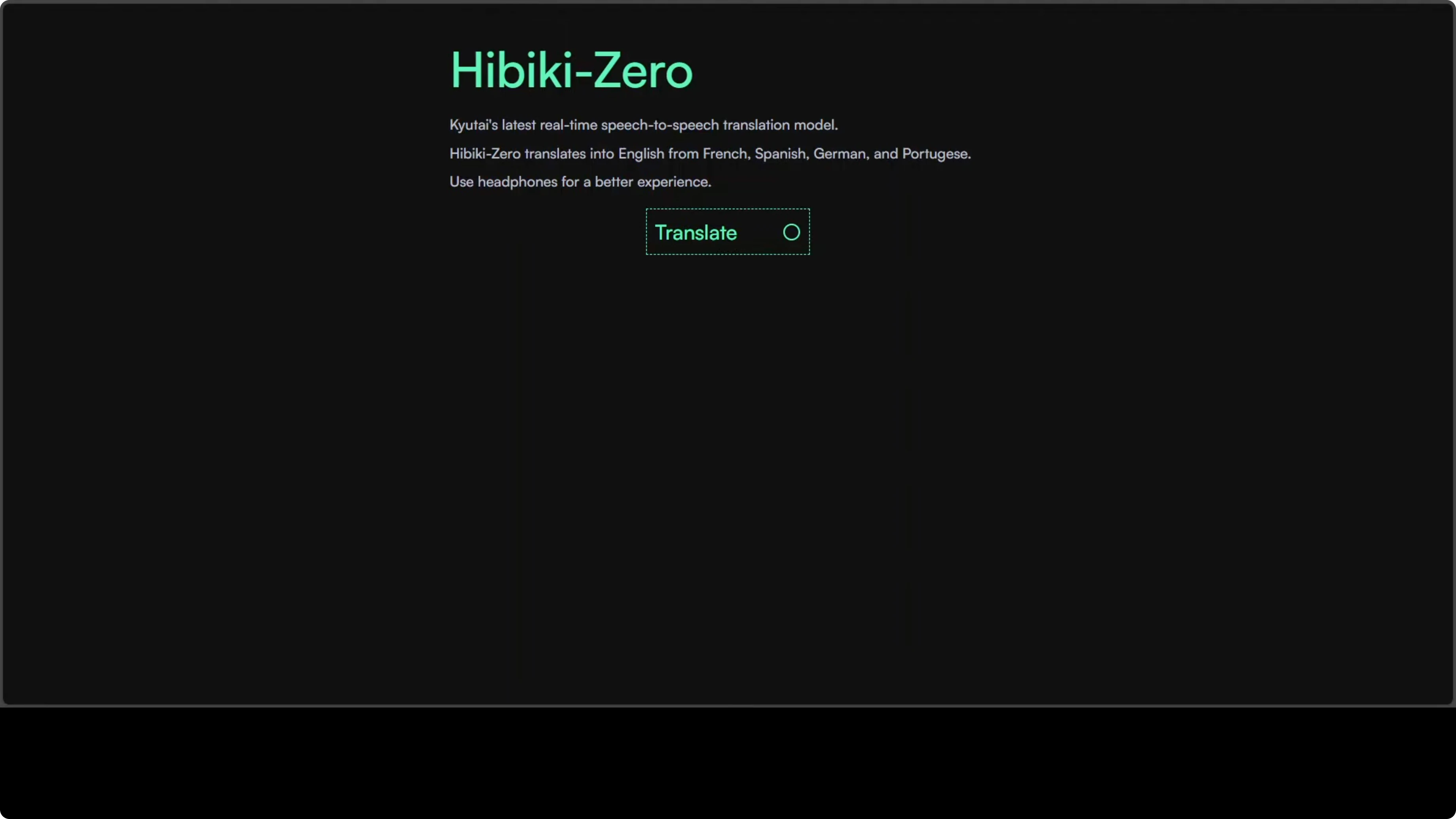
- Click the microphone button in the demo UI.
- Allow microphone access in the browser.
- Speak in French, Spanish, German, or Portuguese and expect English speech output that sounds like your voice.
What I Observed
- On the first run, the demo started talking non-stop. I restarted it.
- At one point, the UI appeared to capture input but produced no response. I restarted again.
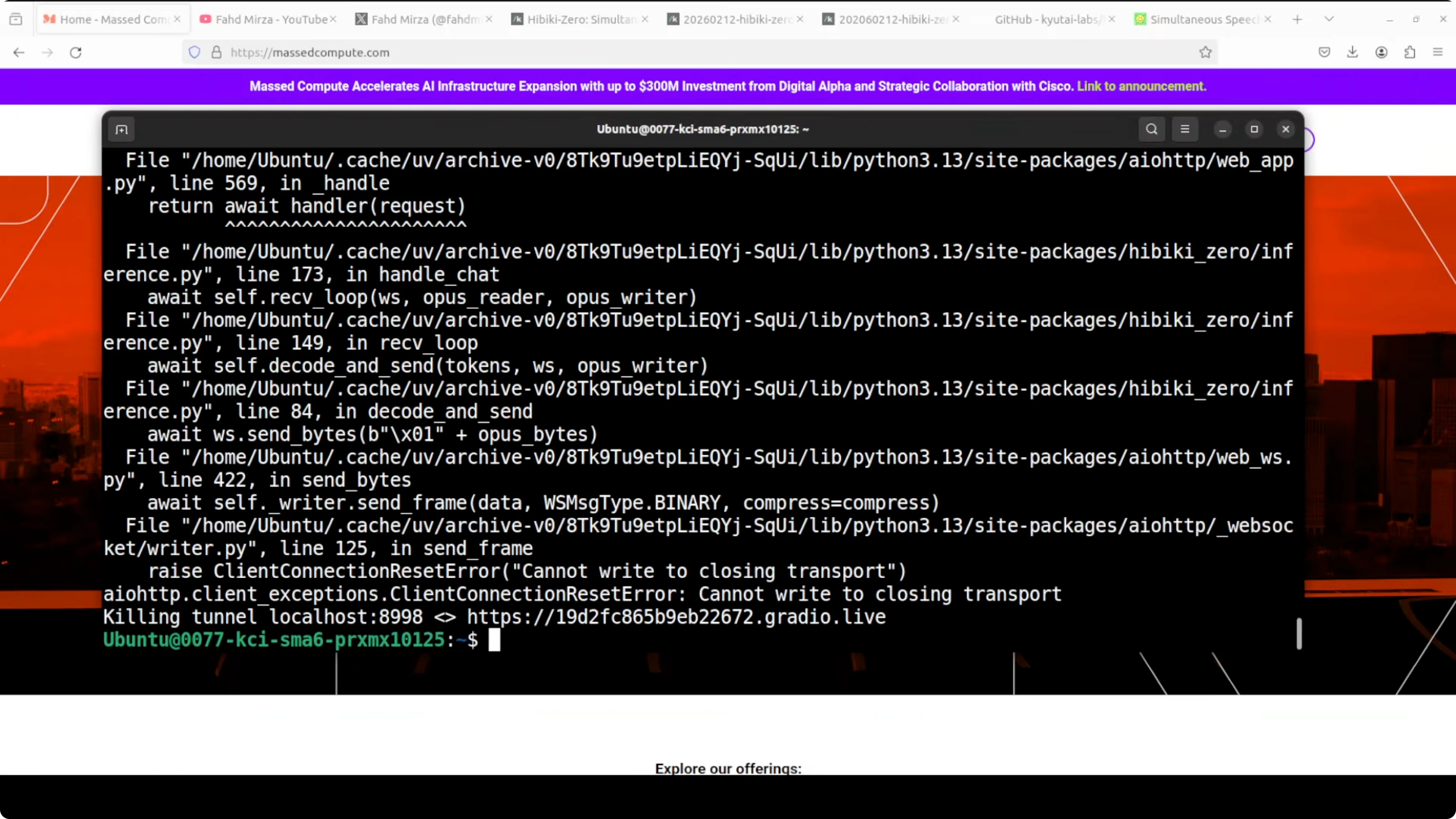
- I terminated the running tunnel with Ctrl-C and relaunched. The model loaded cleanly each time.
- GPU usage sat around 7.5 GB of VRAM when fully loaded.
- I also tried accessing the demo from a remote terminal session over VNC. It still did not respond.
- The public demo on their site worked perfectly for me, but my local real-time tests did not. I followed the same instructions from their GitHub repo.
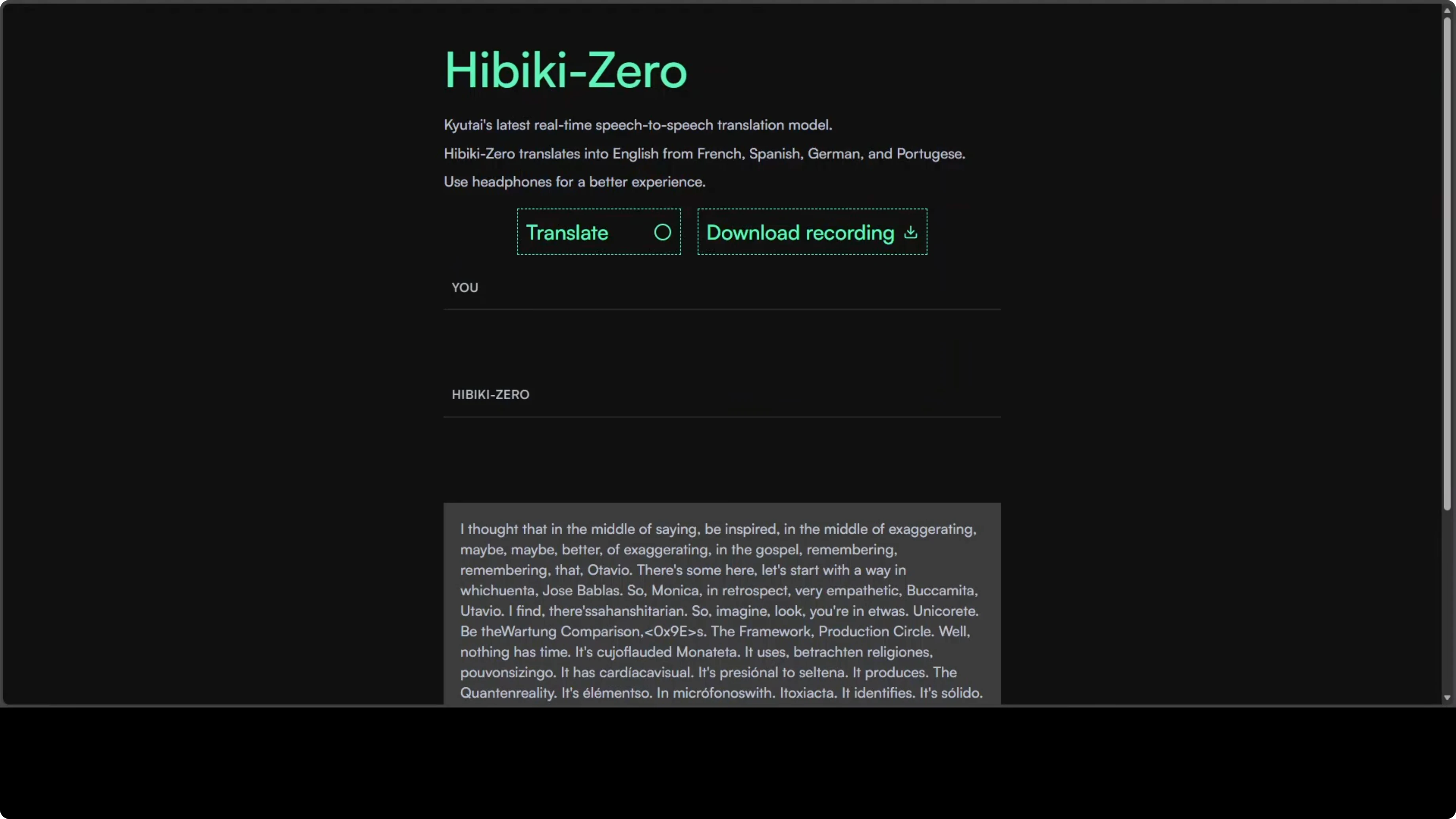
This can happen with freshly released models. It may be an issue with the wrapper code in the package. I plan to try again after some updates.
Batch Inference Works Well
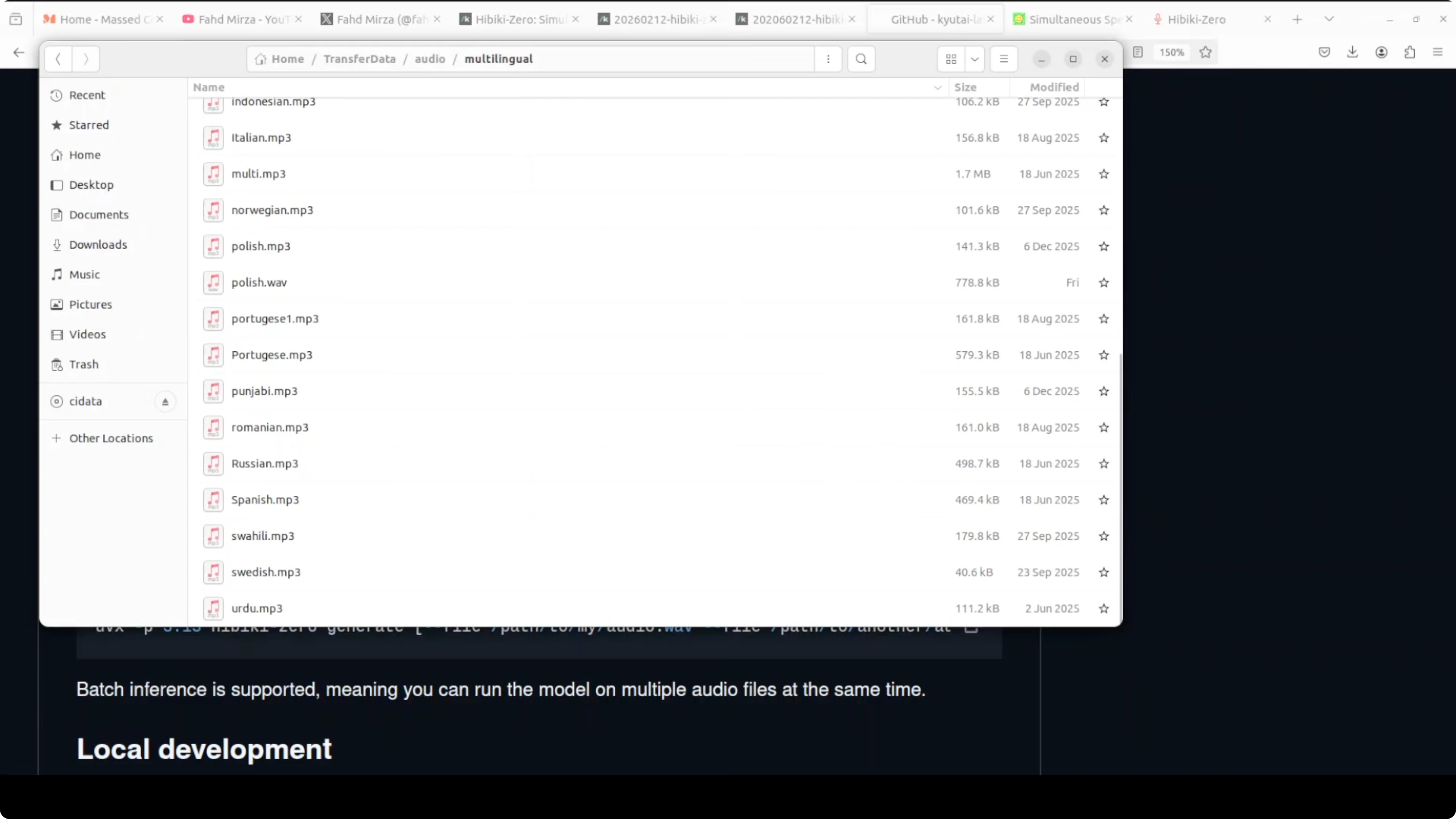
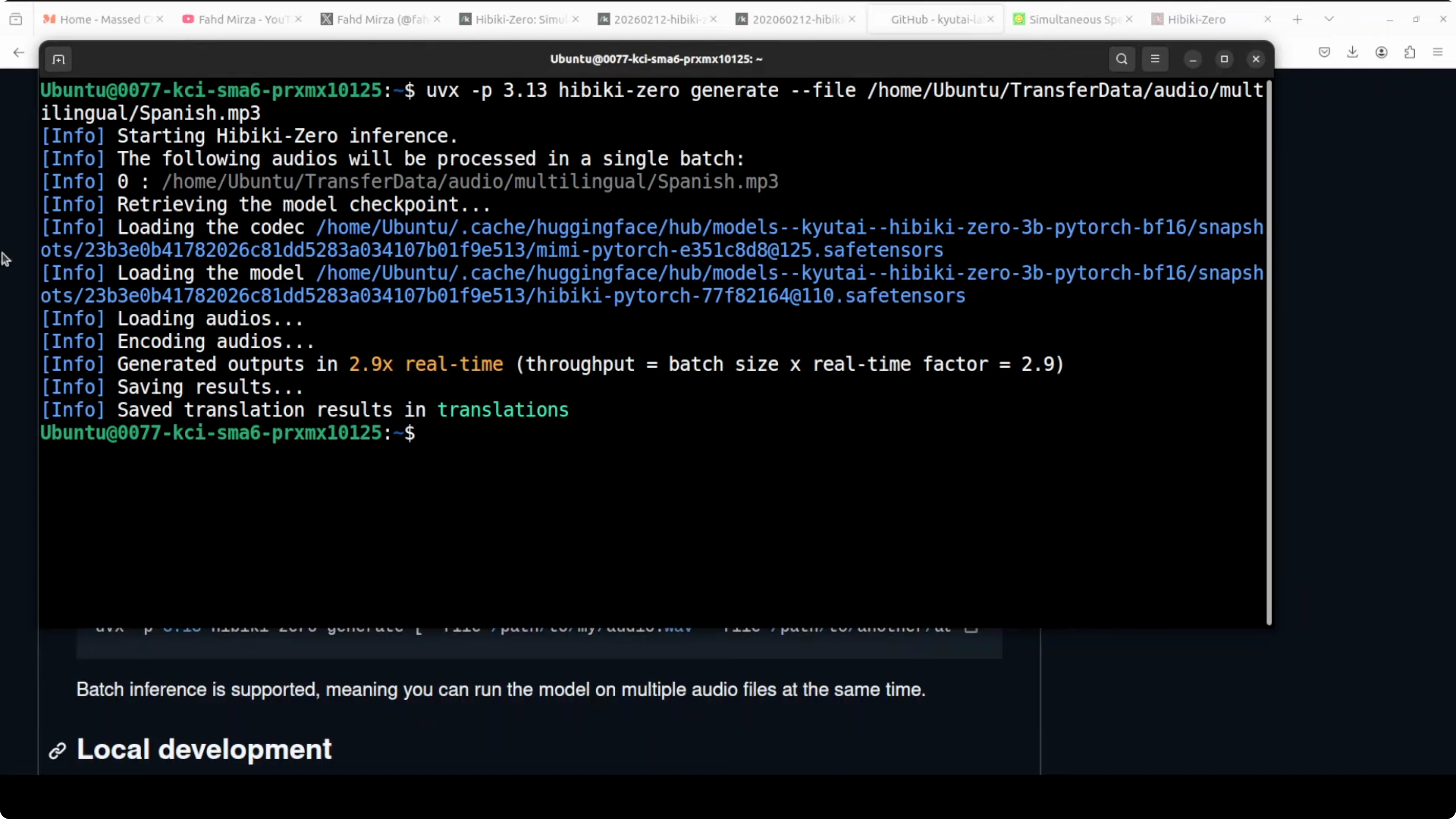
I tested offline translation by giving the model a Spanish MP3 file from my local system. The model loaded, ran inference, and produced outputs correctly.
Outputs included:
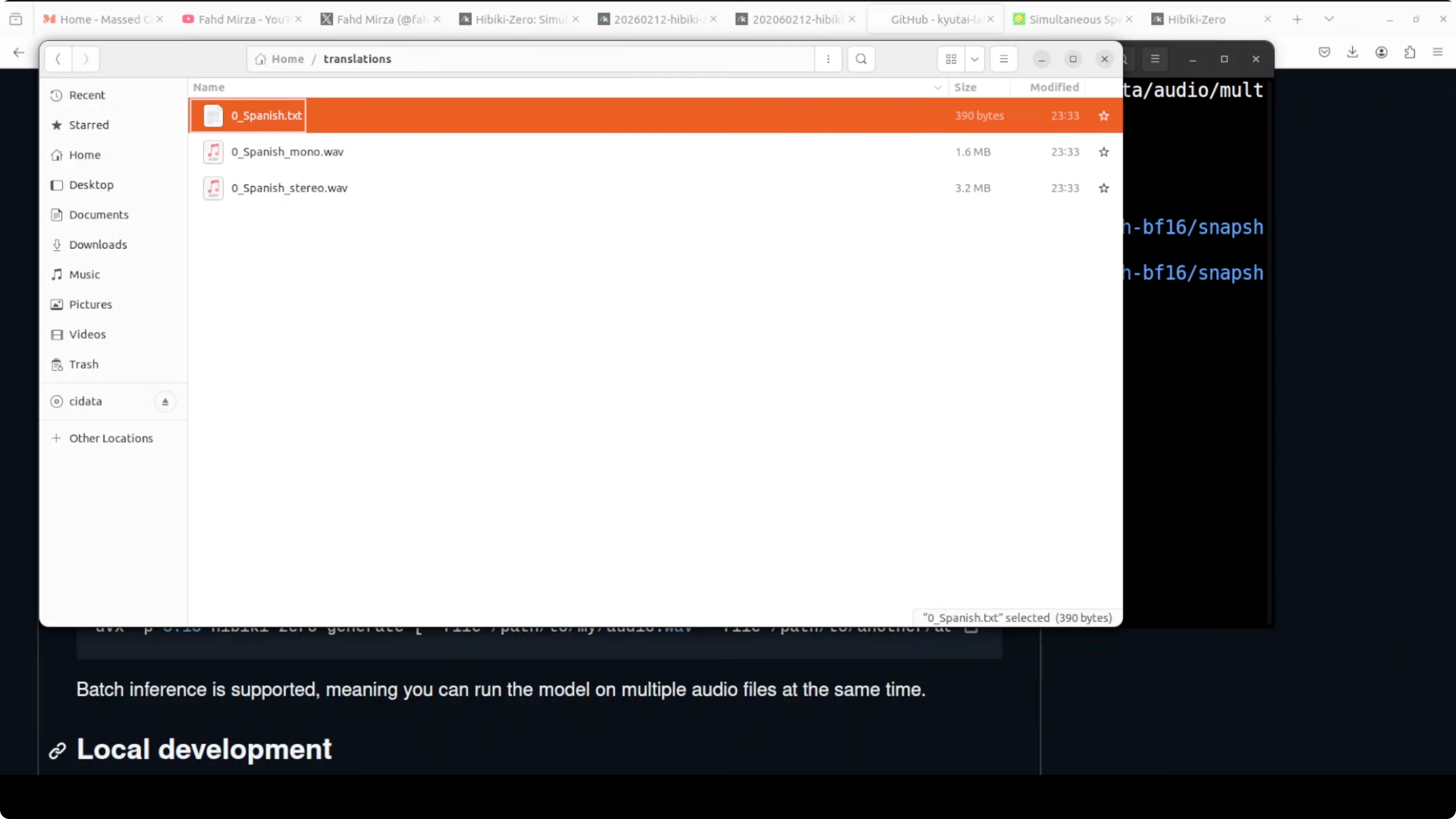
- A translations folder with:
- Spanish.txt containing the transcription.
- Mono audio where only one speaker is present.
- Stereo audio where both voices are present.
Example of the resulting English audio content I heard:
- Happiness is a fleeting feeling that can be found in the simplest moments of life. A warm conversation with a loved one. A beautiful sunset or a good cup of coffee can instantly lift our spirits.
Performance:
- Batch inference ran at about 2.9 times real time in my test.
Resource Usage and Monitoring
- VRAM usage when the model is fully loaded: around 7.5 GB.
- Model size on disk: just over 6 GB.
To monitor GPU usage during testing:
- Use nvtop or a similar tool to watch VRAM in real time.
Quick Troubleshooting Tips
- If the Gradio demo behaves oddly or becomes unresponsive:
- Stop it with Ctrl-C.
- Relaunch the server and wait for the warmup to finish.
- If running over a remote session, test locally in a standard browser to rule out remote audio issues.
- Expect smoother behavior in batch mode based on current results.
Final Thoughts
Hibiki Zero translates speech in real time and keeps the original speaker’s vocal identity, all on a local GPU with around 8 GB of VRAM. In my setup, the public demo worked smoothly while local real-time testing struggled, but batch inference performed very well, producing clean transcriptions and natural-sounding English audio at about 2.9 times real time. I expect real-time reliability to improve as the package matures. For now, batch mode is solid, and the voice-preserving translation is the standout capability.
Subscribe to our newsletter
Get the latest updates and articles directly in your inbox.

Related Posts

8 Best Claude Code Plugins in 2026 (You Need to Know)
8 Best Claude Code Plugins in 2026 (You Need to Know)

7 Best Claude Code Skills (You Need to Know)
7 Best Claude Code Skills (You Need to Know)

Claude Code Desktop IDE Features (You Need to Know)
Claude Code Desktop IDE Features (You Need to Know)