
Table Of Content
- Google TranslateGemma? 55-Language AI Translation - Architecture and Training
- Google TranslateGemma? 55-Language AI Translation - Multimodal Capabilities and Benchmarks
- Setup and Installation
- Text Translation Test
- Google TranslateGemma? 55-Language AI Translation - Performance Notes
- Image Text Extraction and Translation
- Final Thoughts
What is Google TranslateGemma? 55-Language AI Translation
Table Of Content
- Google TranslateGemma? 55-Language AI Translation - Architecture and Training
- Google TranslateGemma? 55-Language AI Translation - Multimodal Capabilities and Benchmarks
- Setup and Installation
- Text Translation Test
- Google TranslateGemma? 55-Language AI Translation - Performance Notes
- Image Text Extraction and Translation
- Final Thoughts
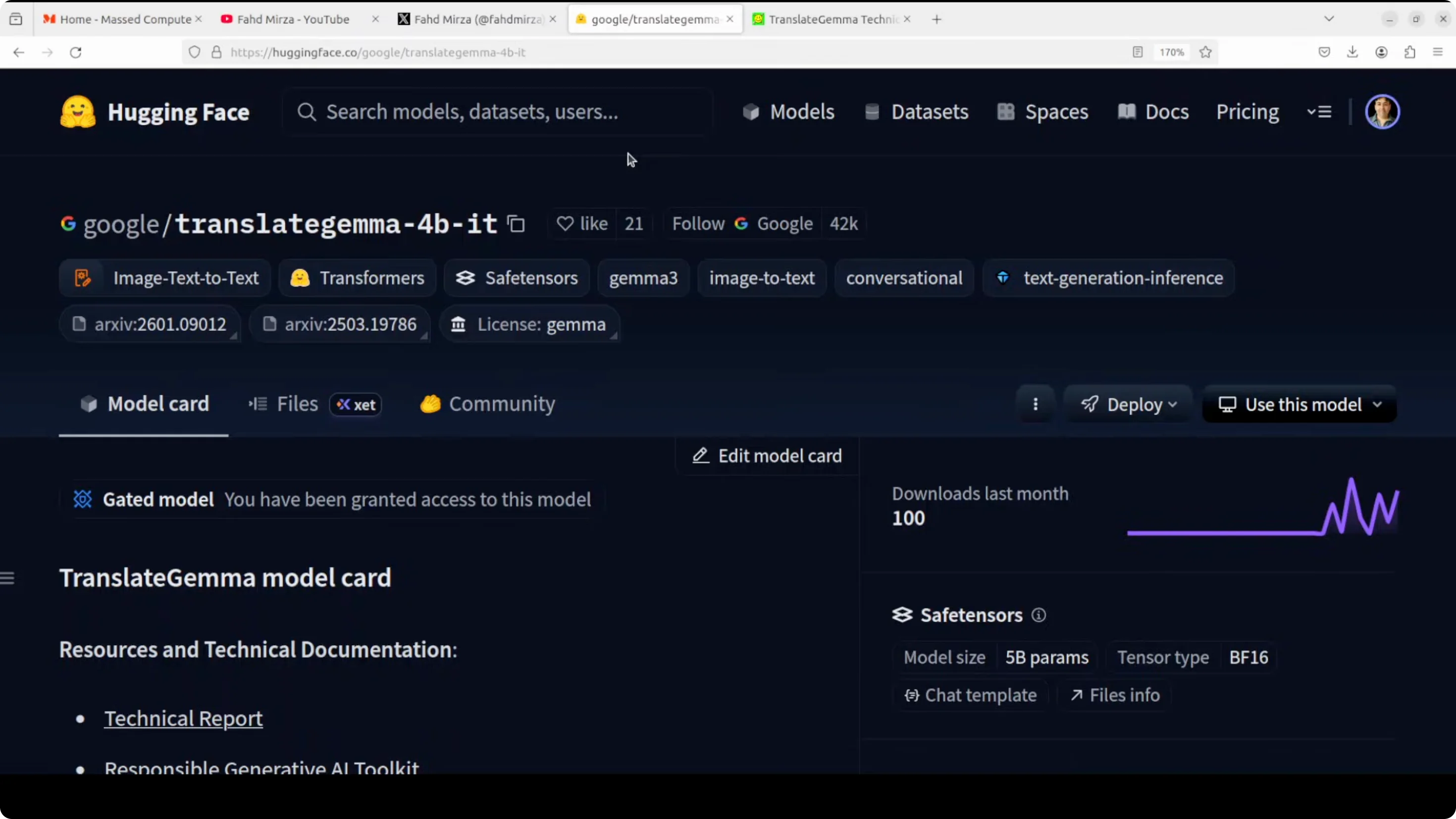
Google has just dropped a great translation model. This Translate Gemma represents Google's push to democratize high quality machine translation that can run on everyday hardware like laptop, desktop or anywhere you would like. Built on the Gemma 3 foundation model, Translate Gemma comes in three sizes - 4 billion, 12 billion and 27 billion parameters - and supports translation across 55 languages. I install it and test it on various languages.
Google TranslateGemma? 55-Language AI Translation - Architecture and Training
Google has not only released this model, it has made it architecturally interesting with a two-stage training approach.
- First - supervised fine-tuning using a carefully curated mix of human translated text and synthetic parallel data generated by Gemini 2.5 Flash.
- Then - a reinforcement learning phase that optimizes for translation quality using an ensemble of reward models including MetricX and various others.
A clever innovation here is the use of token level advantages during reinforcement learning that allows fine grained span level reward signal for better credit assignment rather than just sequence level rewards.
Google TranslateGemma? 55-Language AI Translation - Multimodal Capabilities and Benchmarks
The model retains Gemma 3's multimodal capabilities. It can not only translate text but also extract and translate text directly from images, all without any multimodal specific fine-tuning.
On benchmarks they shared, this Translate Gemma shows substantial improvements over baseline Gemma 3 models. The 27 billion version achieves a score of 3.09 compared to 4.04 for the base model. Lower is better.
The most practical finding is the efficiency gain. The smaller Translate Gemma models often match or exceed larger baseline models, which is quite interesting.
One interesting bit is that the context is just 2K. Some people might think the context window is too small, but for practical purposes 2K context length is around four to five pages of normal text. It should be plenty for translation and you can always do page by page with some carryover for context if it helps.
Setup and Installation
I am using an Ubuntu system with one GPU card - Nvidia RTX 6000 with 48 GB of VRAM.
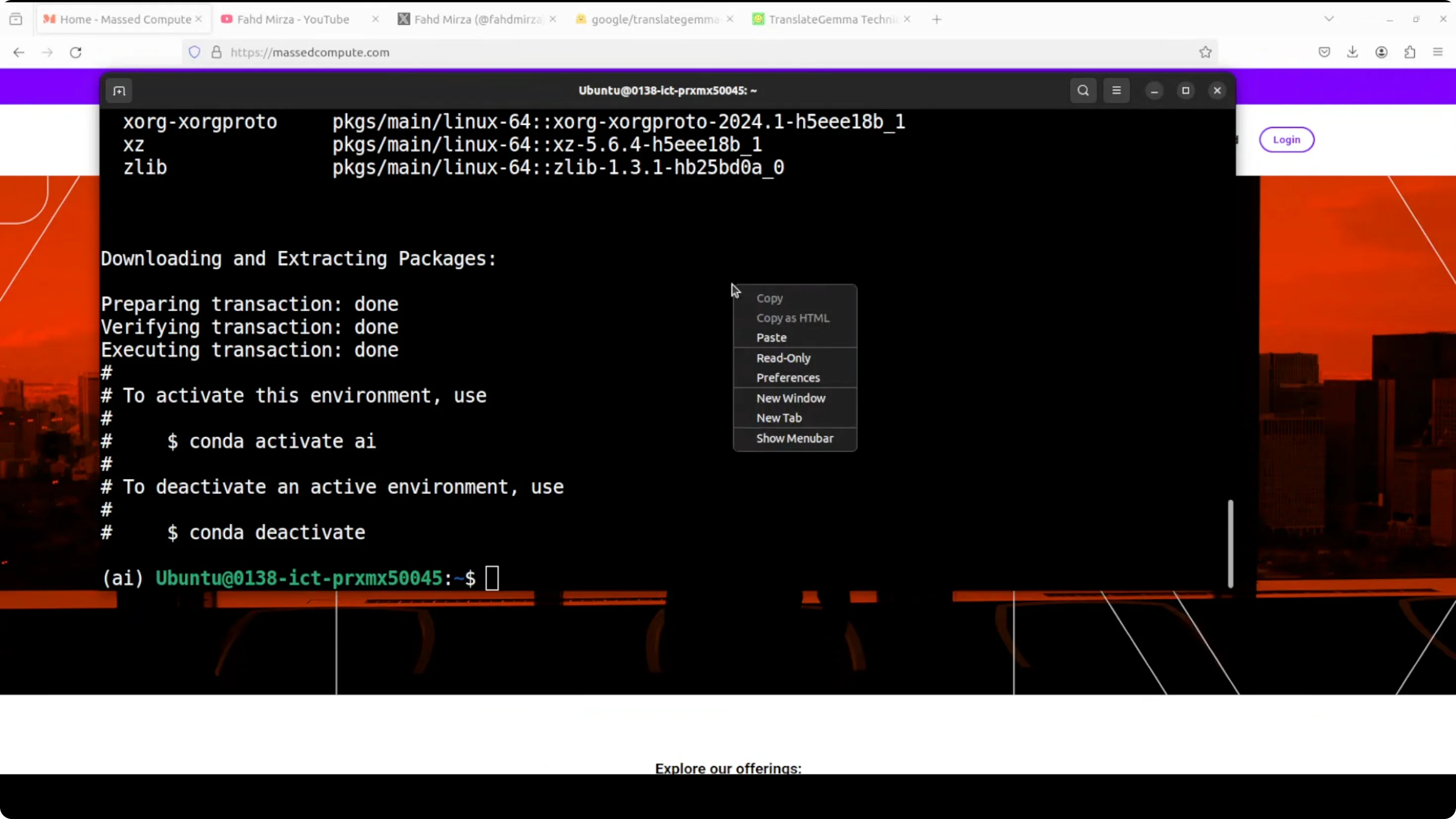
Step-by-step:
- Install prerequisites - torch and transformers.
- Launch a Jupyter notebook.
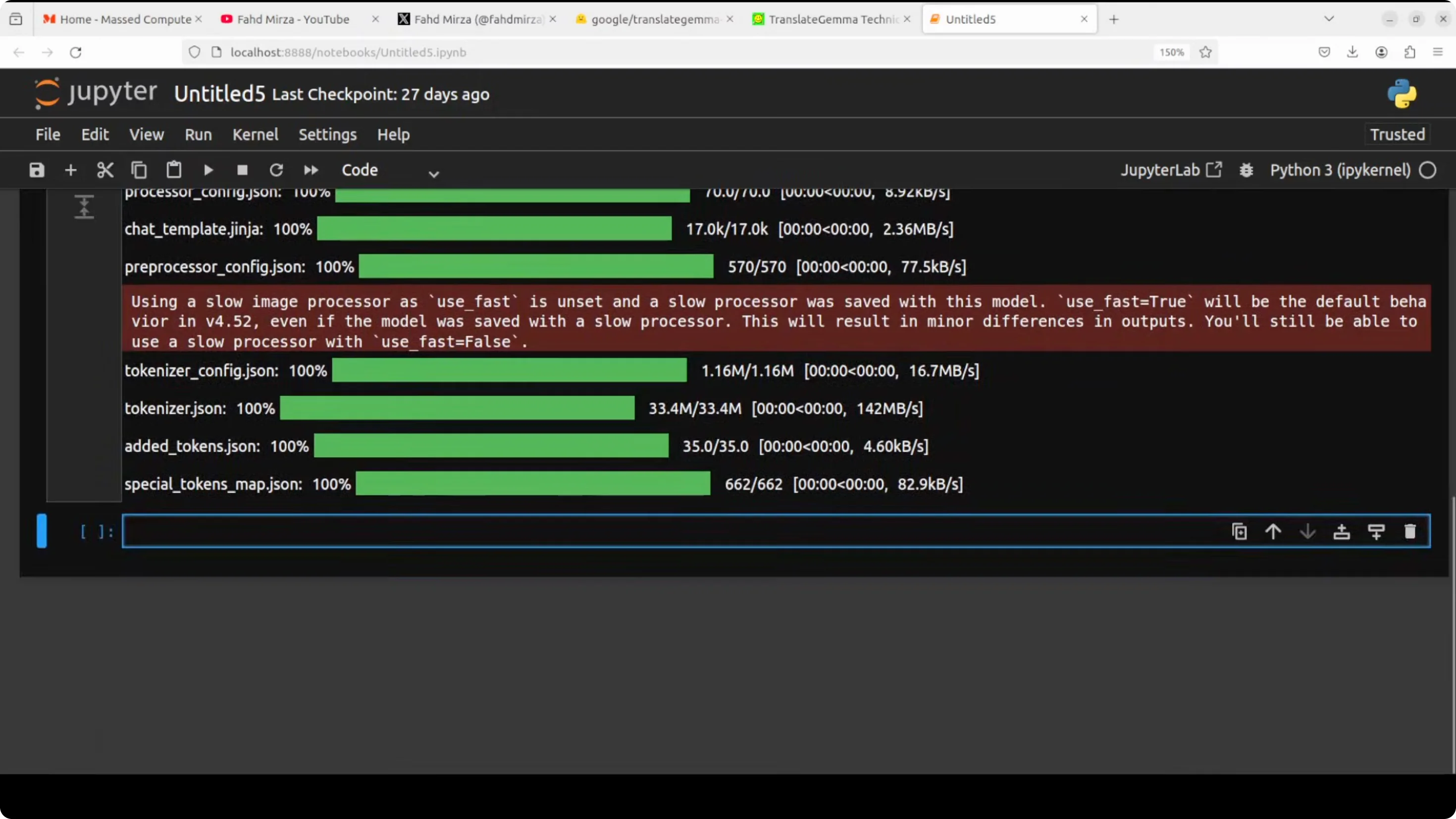
- Download the model. I go with the 4 billion one, which is still good enough. Size on disk is 8.6 GB.
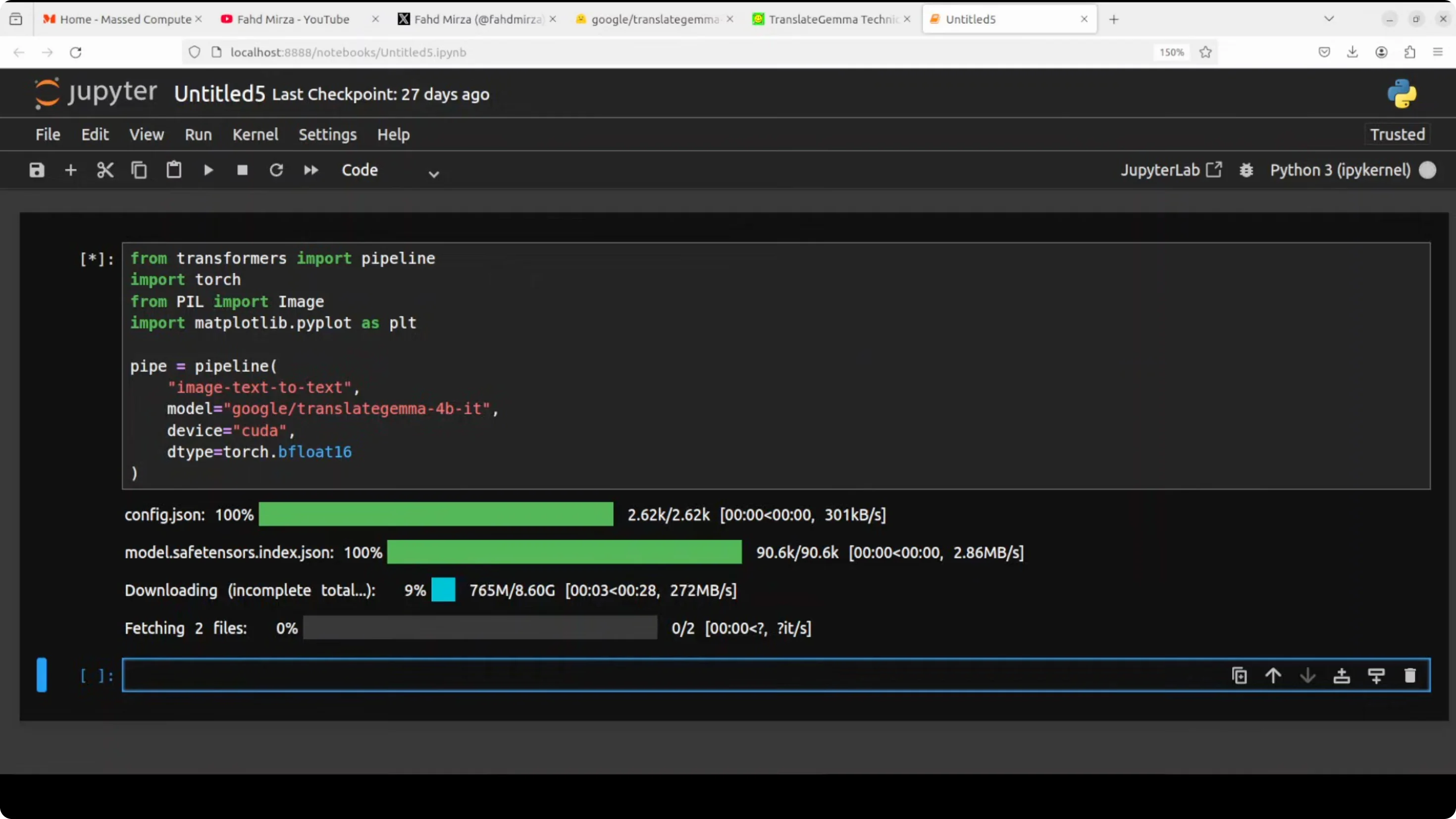
Text Translation Test
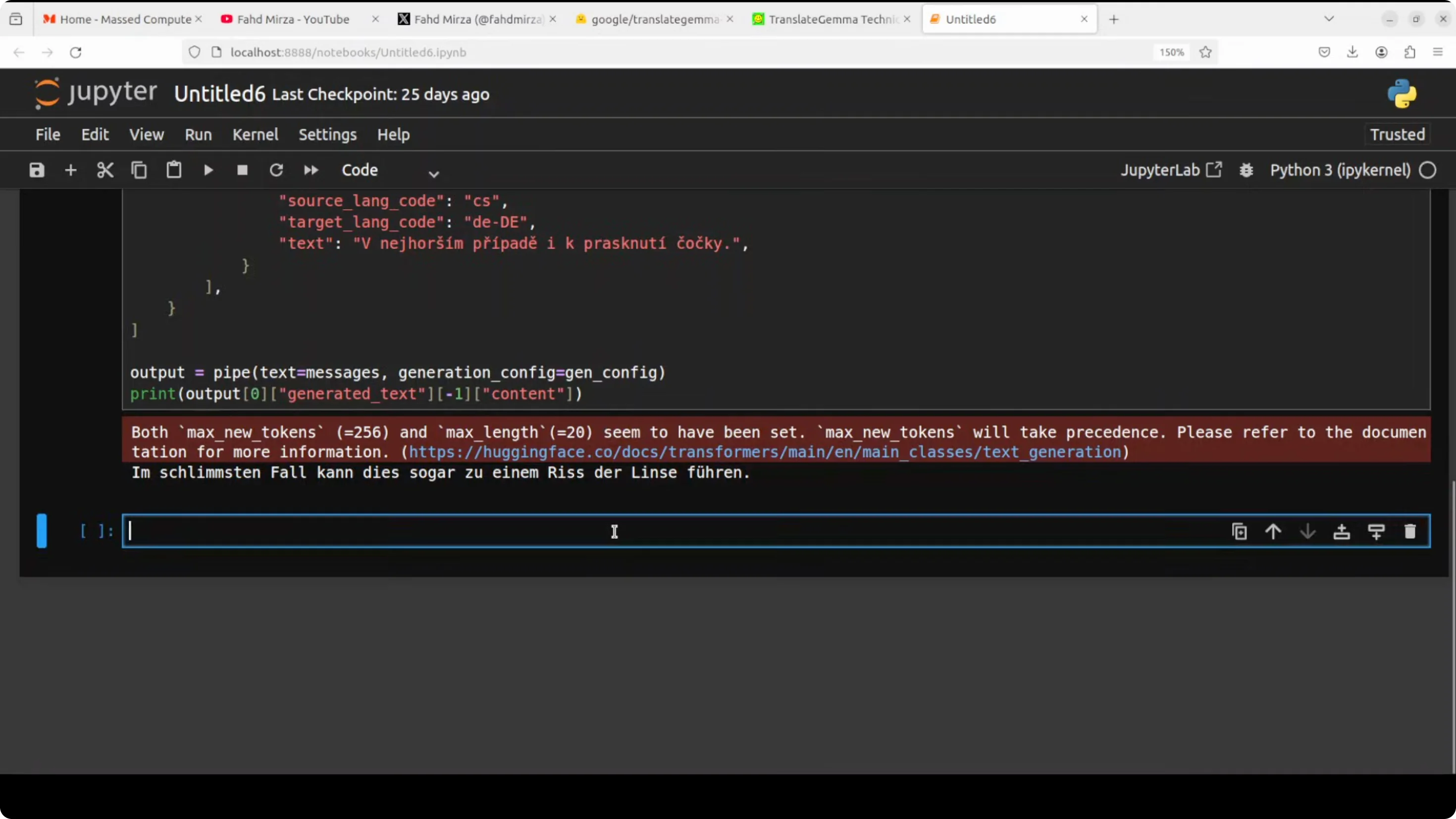
I first do a text translation. My source language is Czech and the target language is German. I pass it to the pipeline with a max of 200 tokens and print the output. The Czech text is translated into German and the result is spot on. I checked it with Google Translate and it looks good to me, but if you are a German speaker you can confirm.
Next I translate one sentence - “Spend less than what you earn and invest the difference” - into all of the 55 supported languages of this model. It supports European languages, various Asian languages, some Latin American languages, regional Indian languages, Southeast Asian languages, plus Middle Eastern ones.
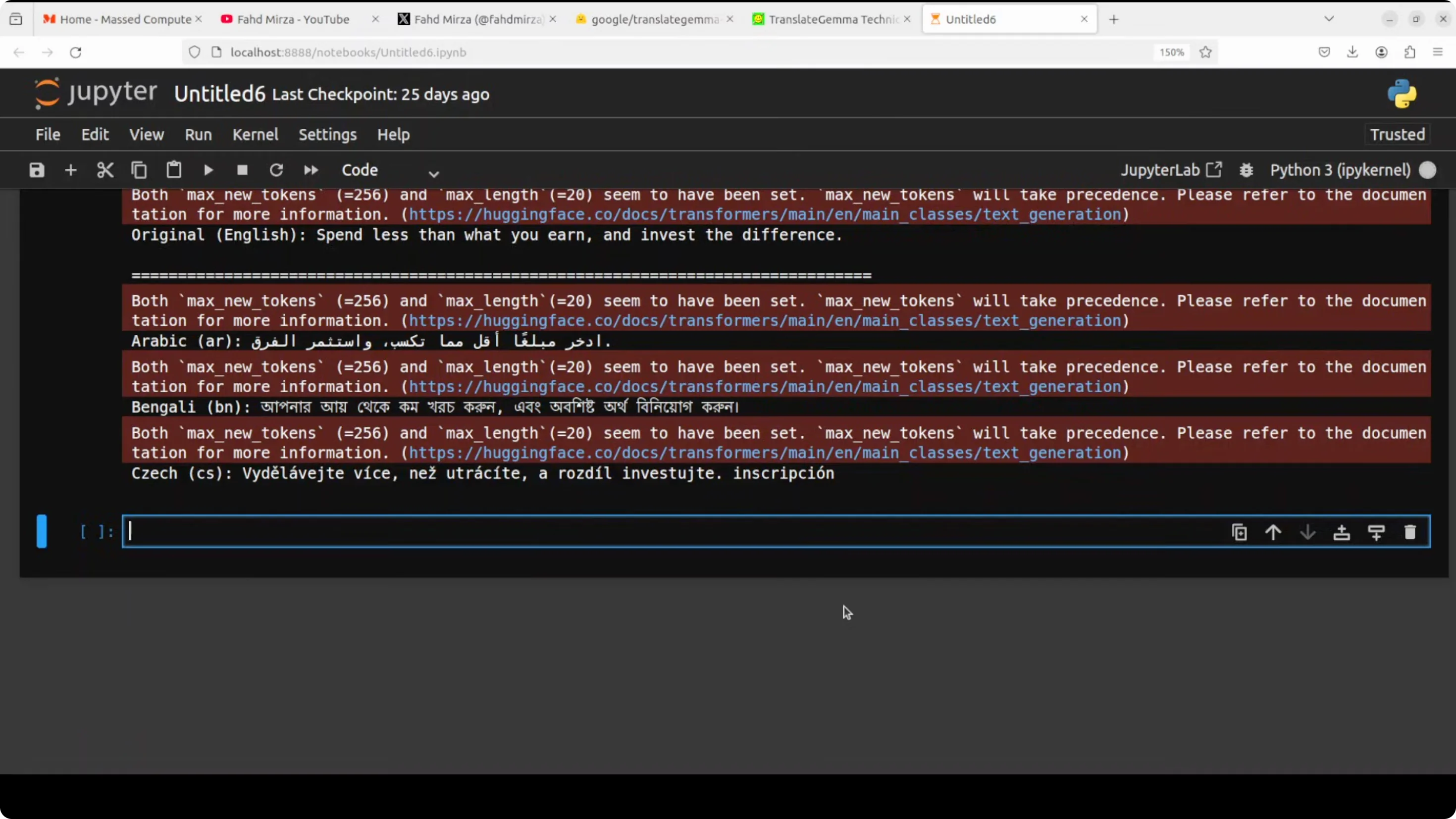
Languages I scrolled through and checked include:
- Afrikaans, Albanian, Amharic, Arabic, Azerbaijani, Belarusian, Bulgarian, Catalan, Chinese, Croatian, Czech, Danish, Dutch, Estonian, Filipino, Finnish, French, Georgian, German, Greek, Gujarati, Hebrew, Hindi, Hungarian, Icelandic, Indonesian, Italian, Japanese, Kannada, Kazakh, Korean, Latvian, Lithuanian, Macedonian, Malayalam, Marathi, Mongolian, Nepali, Norwegian, Persian, Polish, Portuguese, Romanian, Russian, Serbian, Slovak, Slovenian, Spanish, Swahili, Swedish, Tamil, Telugu, Thai, Turkish, Ukrainian, Vietnamese.
It takes a bit of time, very surprisingly. VRAM consumption is close to 17 GB for this 4B model. VRAM consumption is on the higher side, but there might be some quantization available.
Google TranslateGemma? 55-Language AI Translation - Performance Notes
Two problems I see:
- Speed - it is taking half a minute at least or even more per language for such a small sentence.
- VRAM - consumption is quite high as noted above.
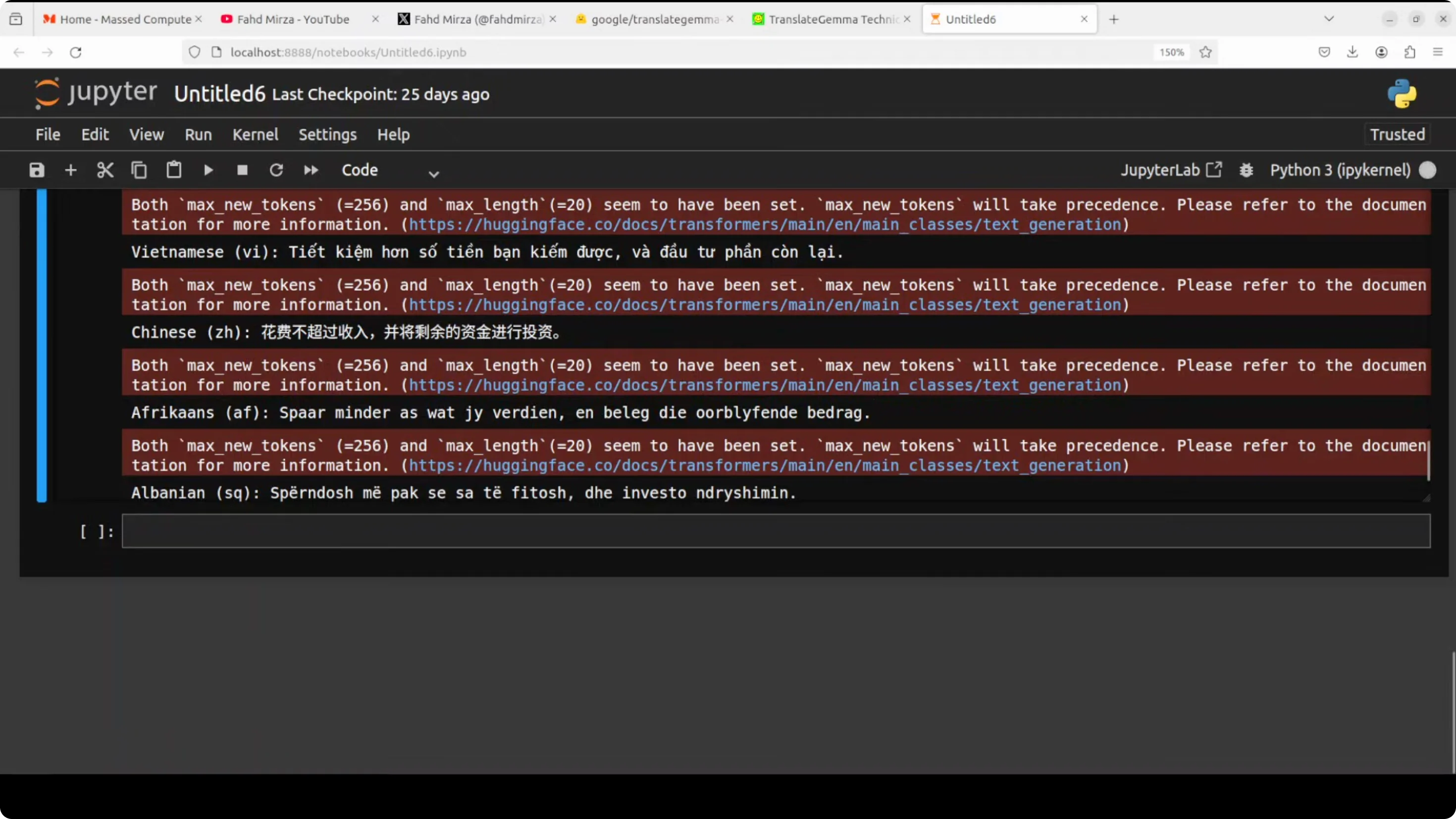
Image Text Extraction and Translation
I show how to extract the text from an image and then do the translation. I use a local image in Urdu and specify the language code, then extract the text with the same pipeline. No major change in the code.
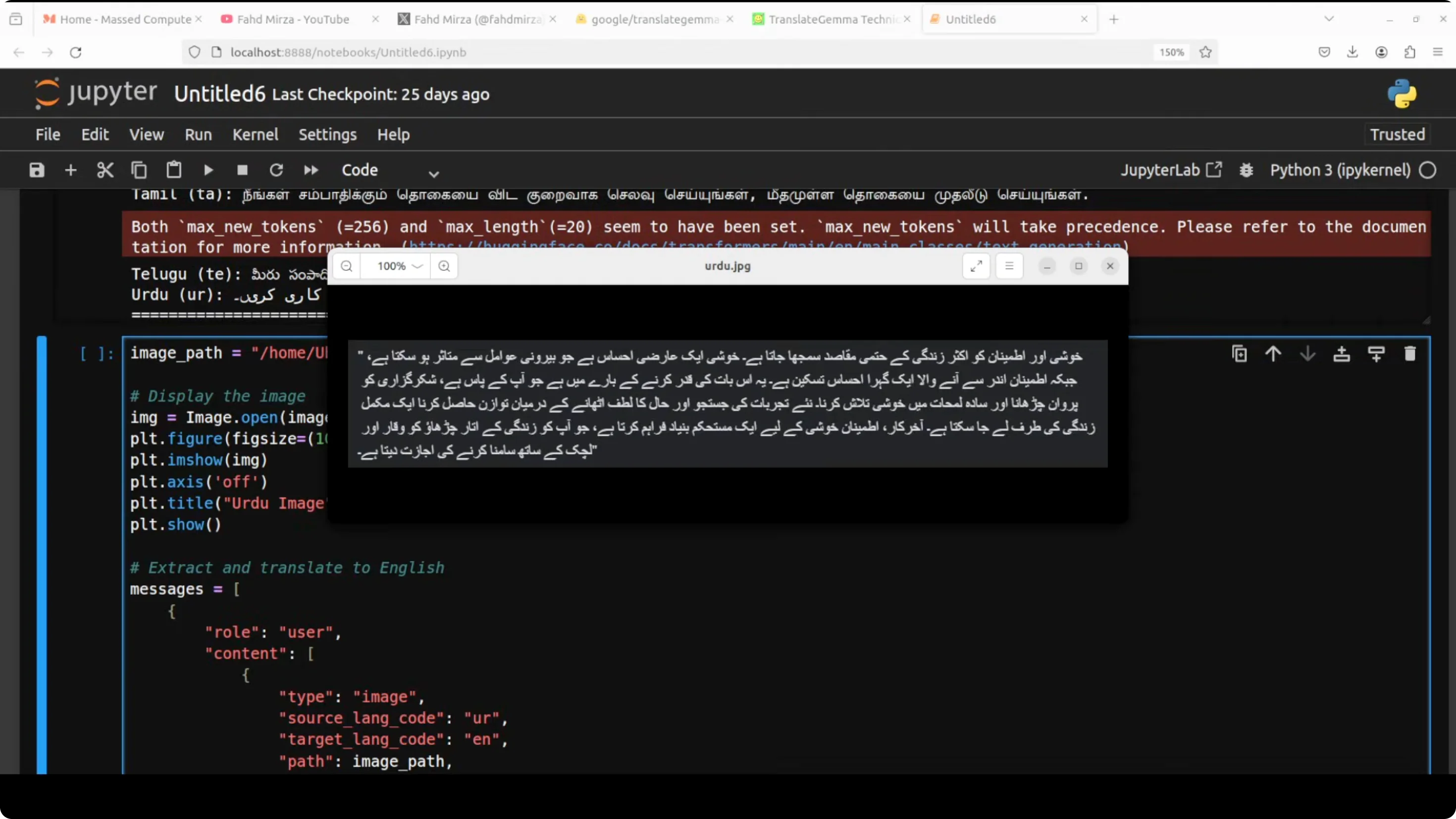
VRAM consumption is similar - about 17 GB.
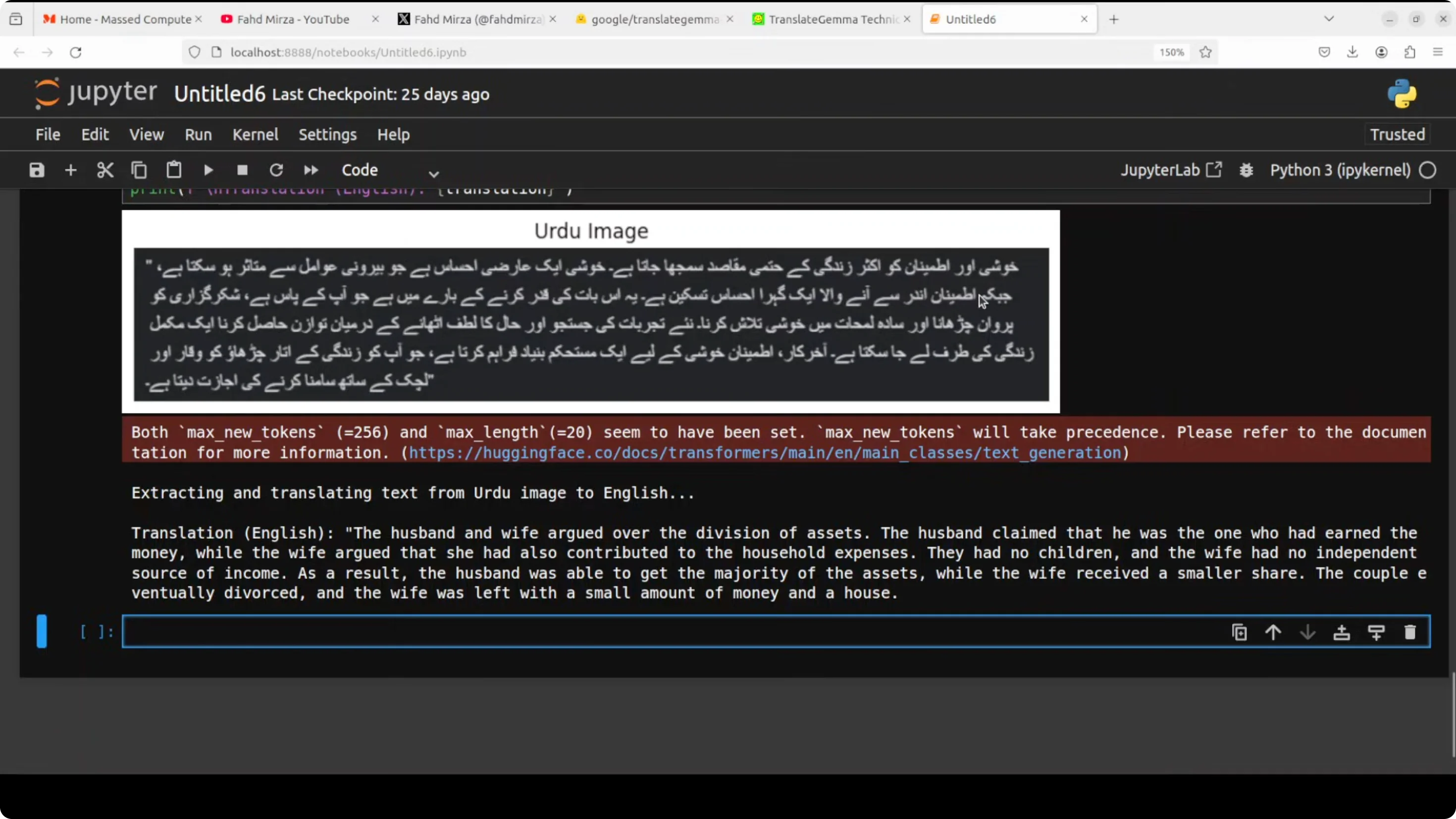
The Urdu extraction and translation is totally wrong. Maybe it is the font it could not get, but I have seen some models extracting that Urdu text. I try another one - an Italian image. The image is quite clear. This time it does a good job. The translation is excellent and accurate. The model correctly captures both the literal meaning and even the philosophical tone of the text. It is a high quality translation that preserves the nuance and flow of the original Italian. As long as your image is good enough and the font is correct, the model will do best.
Final Thoughts
Translate Gemma brings high quality machine translation to local hardware with sizes from 4B to 27B and support for 55 languages. It carries strong architectural choices, multimodal ability for image text extraction, solid benchmark numbers, and a practical 2K context window. The two tradeoffs I see are speed and VRAM usage on the 4B model. For clean images and common scripts, the image-to-text translation works well, but script and font quality matter.
Subscribe to our newsletter
Get the latest updates and articles directly in your inbox.

Related Posts

8 Best Claude Code Plugins in 2026 (You Need to Know)
8 Best Claude Code Plugins in 2026 (You Need to Know)

7 Best Claude Code Skills (You Need to Know)
7 Best Claude Code Skills (You Need to Know)

Claude Code Desktop IDE Features (You Need to Know)
Claude Code Desktop IDE Features (You Need to Know)