
Table Of Content
Exploring AI Medical Image Analysis with Google MedGemma 1.5 Demo
Table Of Content
Google has released a model that can look at a chest X-ray and compare it to your scan from 6 months ago, analyze a microscopic tissue sample to identify cancer markers, and extract structured lab values from handwritten medical reports. All while understanding the medical context behind each task. That's not science fiction anymore. Google's MedGemma 1.5 is here and it's fundamentally changing how AI assists in healthcare.
I have been covering MedGemma for quite some time, and I think this MedGemma 1.5 is quite quality oriented. It is different and optimized compared to its predecessor, MedGemma 1. Let's get it installed, and I will talk more about what it can do. I'm using an Ubuntu system with an Nvidia RTX 6000 GPU with 48 GB of VRAM.
Google MedGemma 1.5 Demo - What It Is
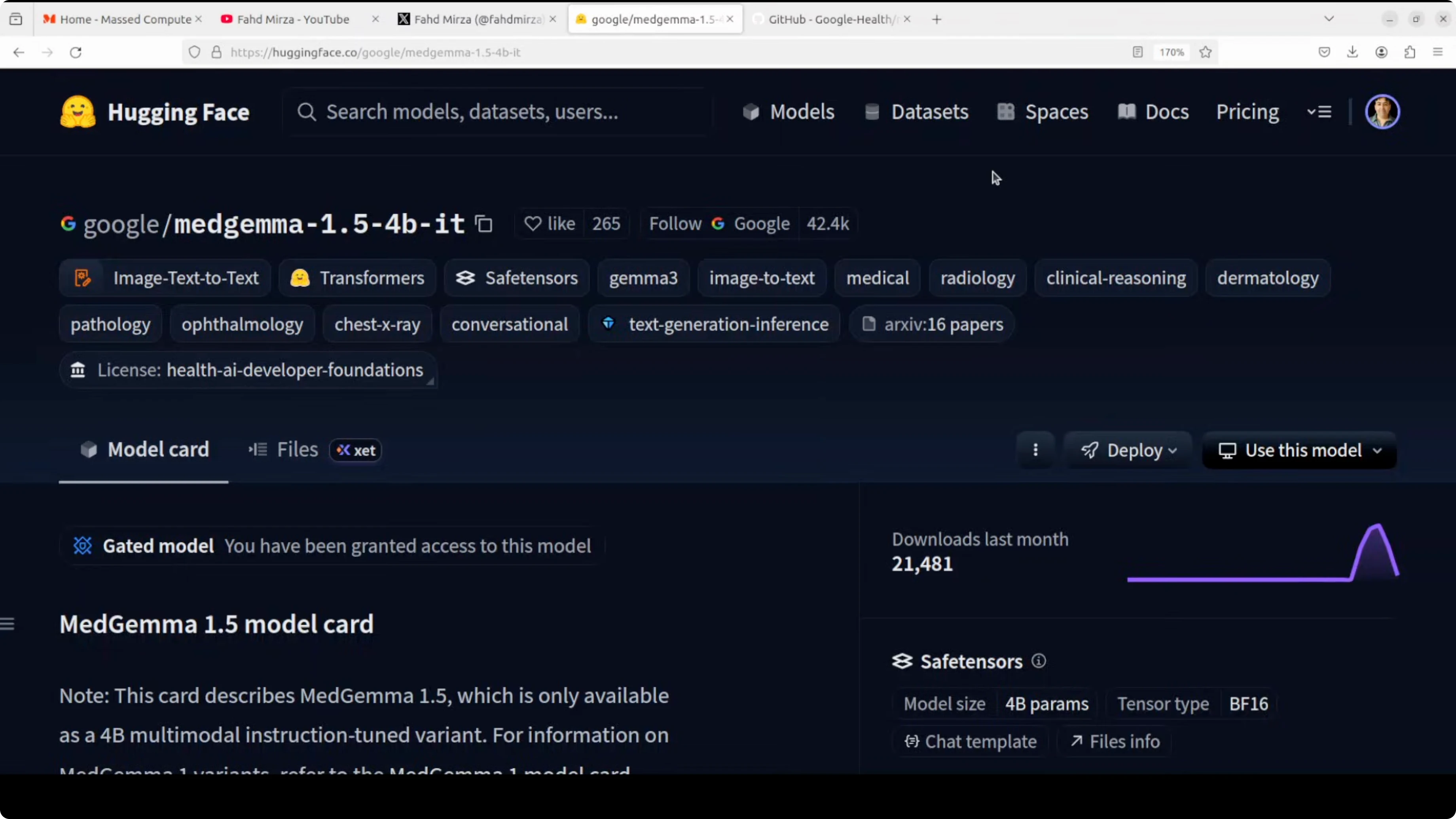
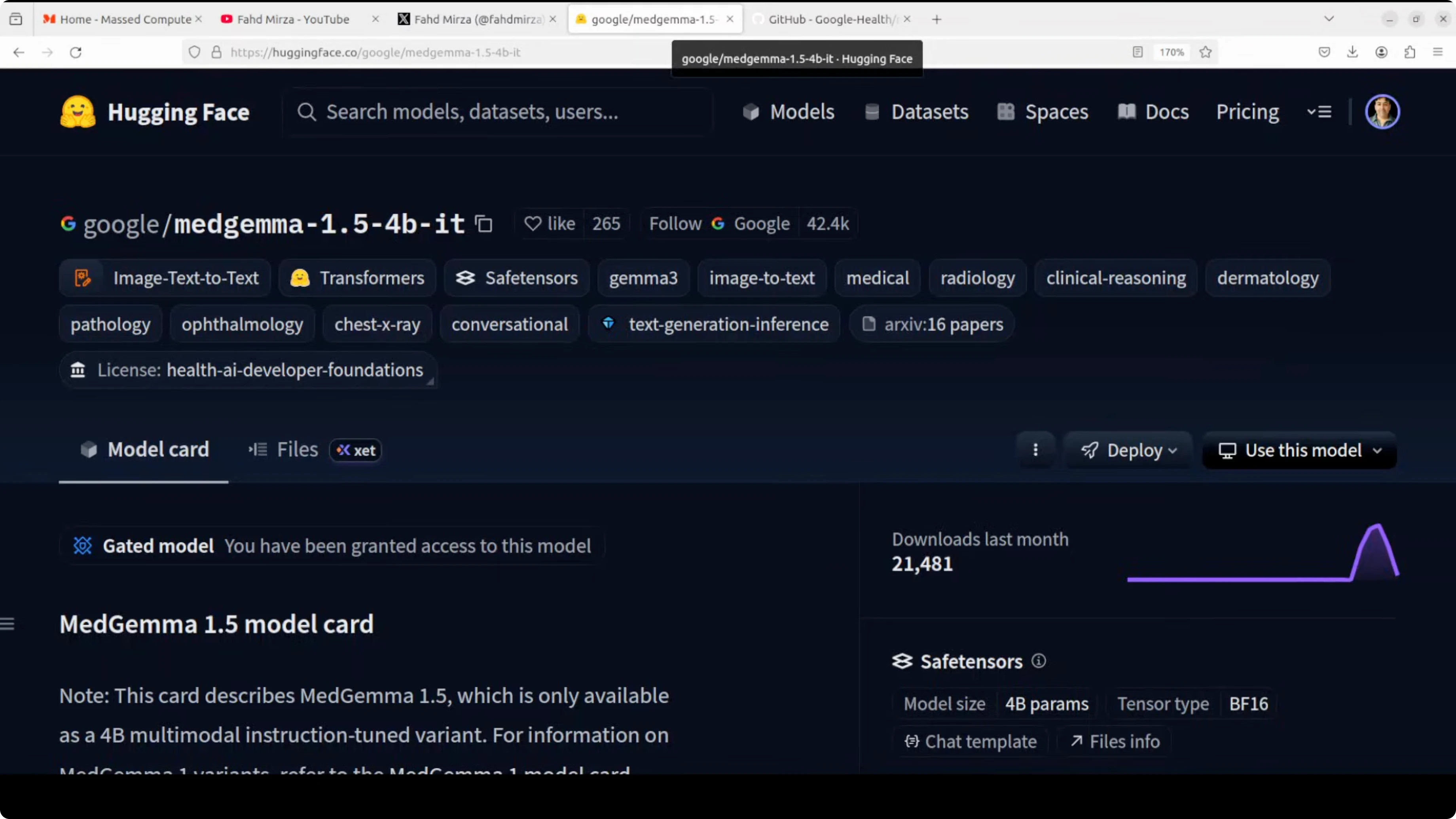
MedGemma 1.5 is a specialized 4 billion parameter multimodal AI model built on Google's Gemma 3 architecture. It is specifically trained for medical applications, not a general purpose model. It is trained on deidentified medical data, including:
- Chest X-rays
- Dermatology images
- Histopathology slides
- CT scans
- MRI volumes
- Electronic health records
It can handle 3D volumetric imaging and longitudinal patient monitoring, making it a strong foundation for developers building healthcare AI applications. If you want to use it for your own use case, you can fine-tune it.
Google MedGemma 1.5 Demo - Setup
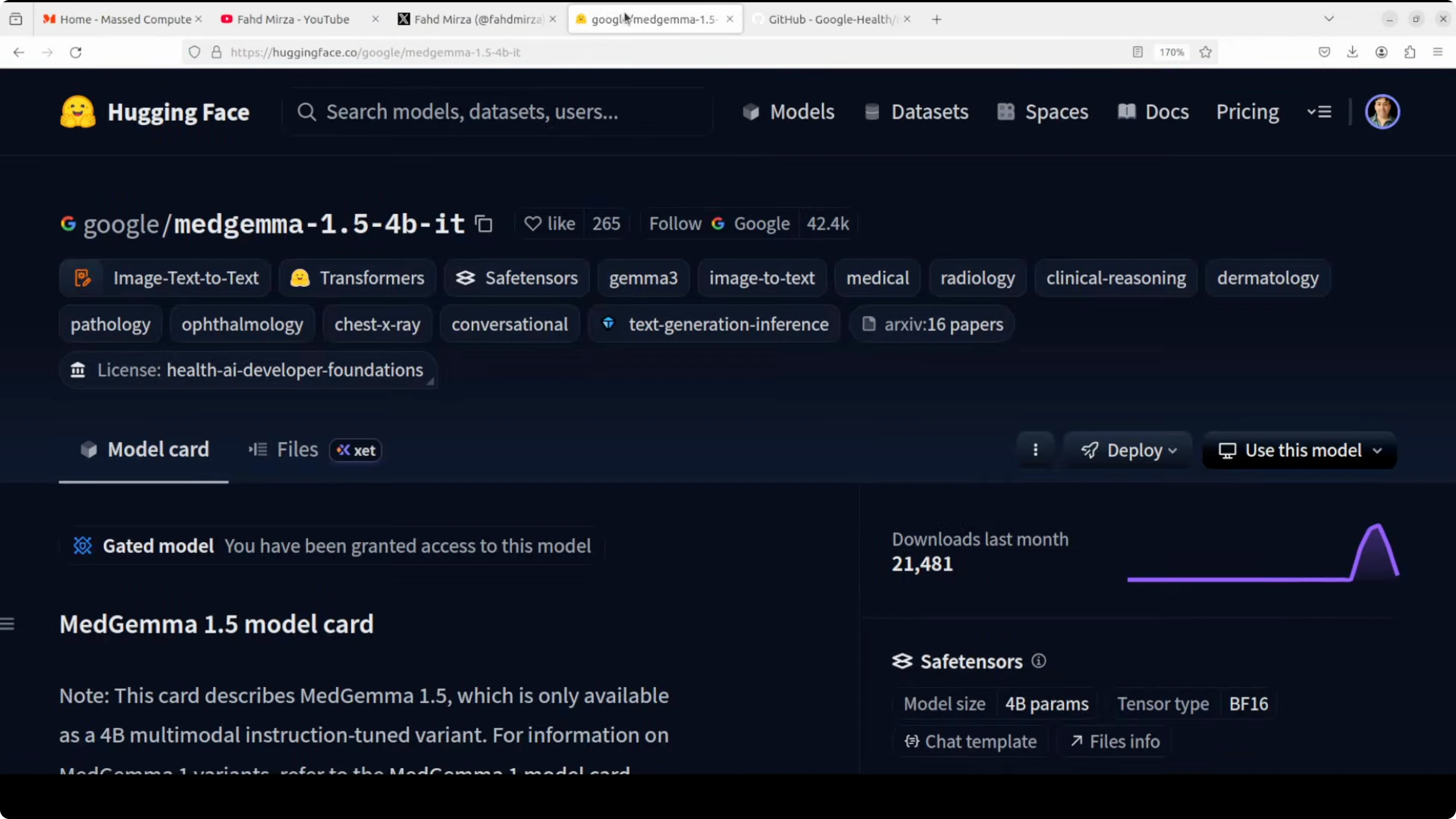
It is a gated model. Make sure you have accepted the terms and conditions on MedGemma's page.
Step-by-step environment setup
- Install prerequisites: torch, torchvision, and transformers.
- Log in to Hugging Face with your read token.
- Launch a Jupyter notebook.
- Download the MedGemma 1.5 model.
- Load your medical images and prompts.
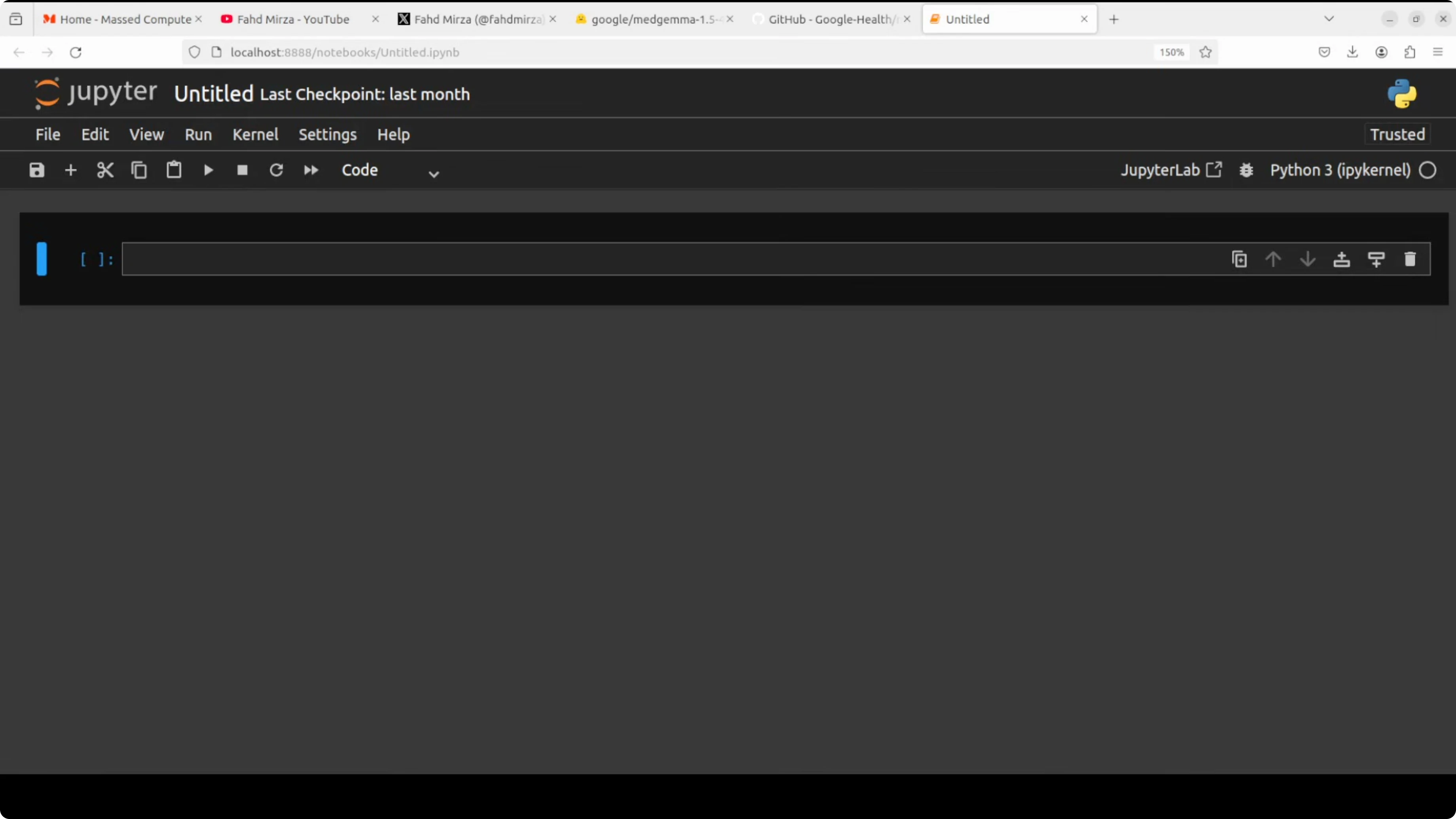
VRAM usage was around 9 GB in my runs, which is quite low for a model of this quality.
Google MedGemma 1.5 Demo - Chest X-ray Comparison
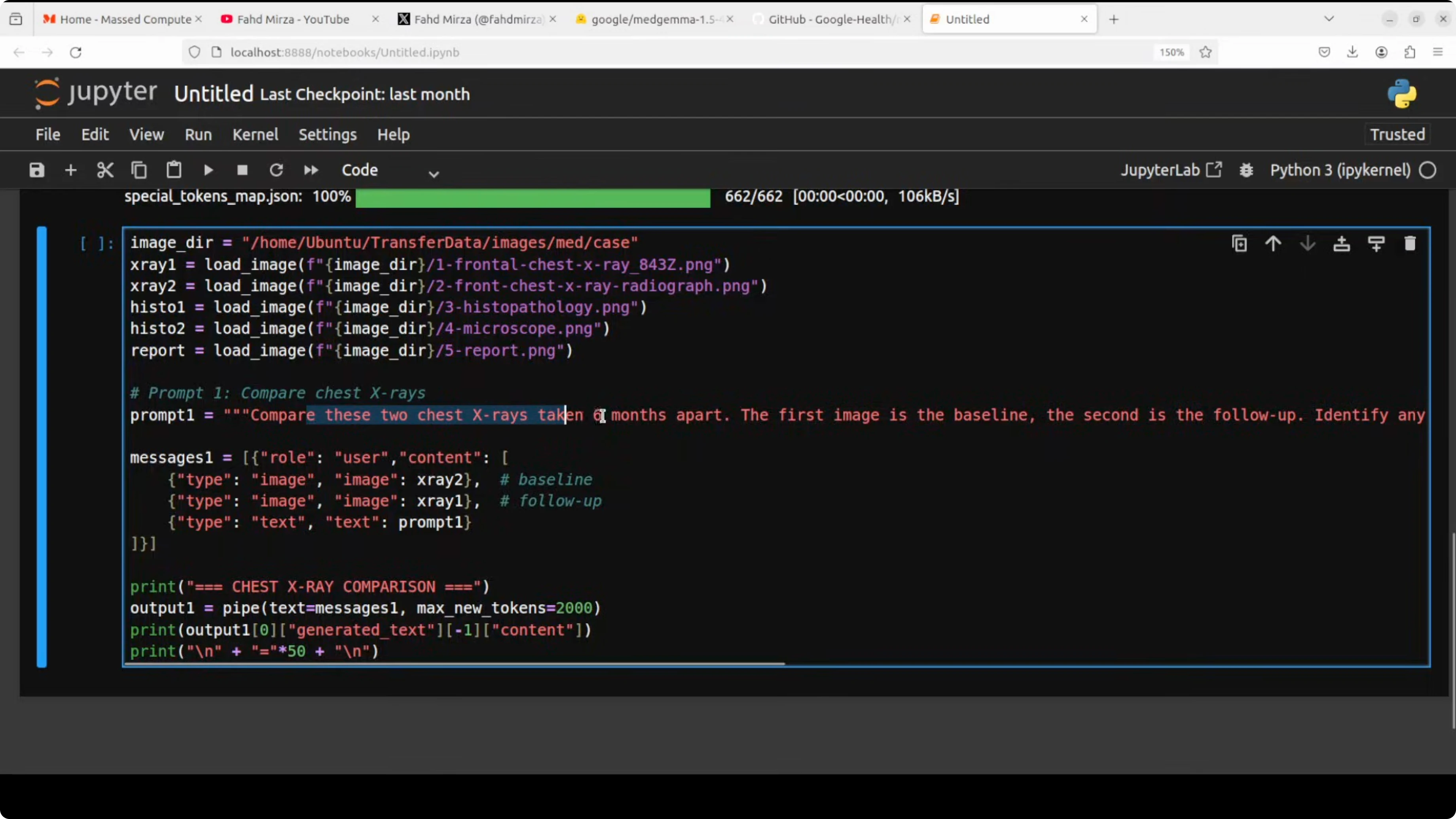
I compared two chest X-rays taken 6 months apart. The model successfully identified a pulmonary nodule in the left lung on both baseline and follow-up chest X-rays, correctly noting interval growth to approximately 1.8 cm in diameter. It appropriately recommended further investigation with a CT scan and potential biopsy, showing solid diagnostic reasoning for a suspicious finding that could represent malignancy.
If you are a medical practitioner, please confirm what you think about this. This is not a medical diagnosis. Do not use these models for your own diagnosis or any medical advice. Always consult a human physician. These models can hallucinate, so treat outputs as educational only.
Google MedGemma - Histopathology Analysis
I asked the model to analyze histopathology slides and identify the tissue type, cellular structures, staining patterns, and any malignant patterns consistent with malignancy.
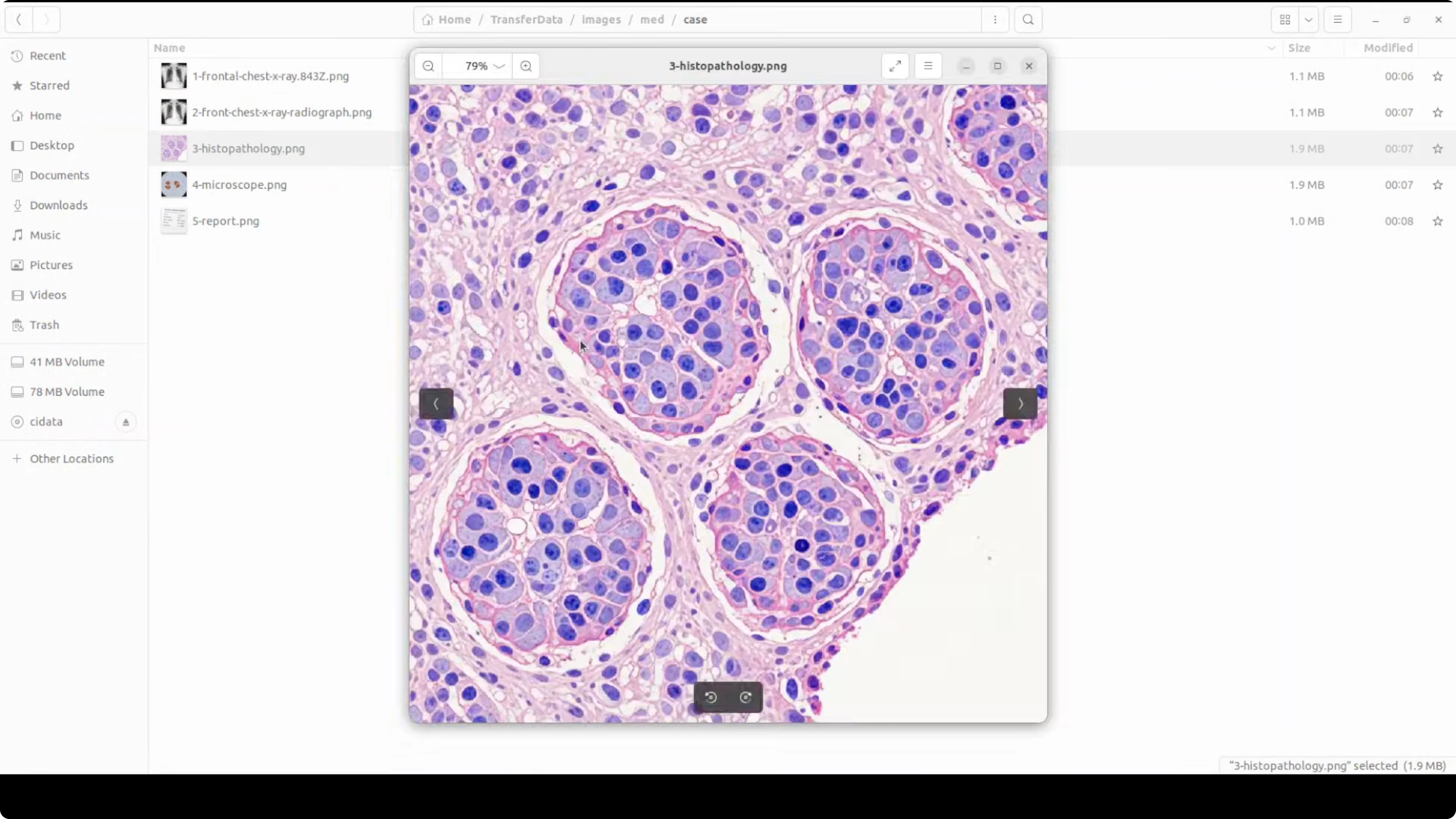
- Output: The model identified the tissue as breast tissue with normal cellular architecture, showing no obvious malignant features such as atypia or architectural distortion in the provided histopathology images.
Again, this is not a medical diagnosis. Always consult a healthcare professional. I think this is going to be huge for medical practitioners. It can really augment clinical workflows.
Google MedGemma - Handwritten Lab Report Extraction
I provided a laboratory report and asked the model to extract all laboratory values from the handwritten report into a structured format such as test name, value, and unit.
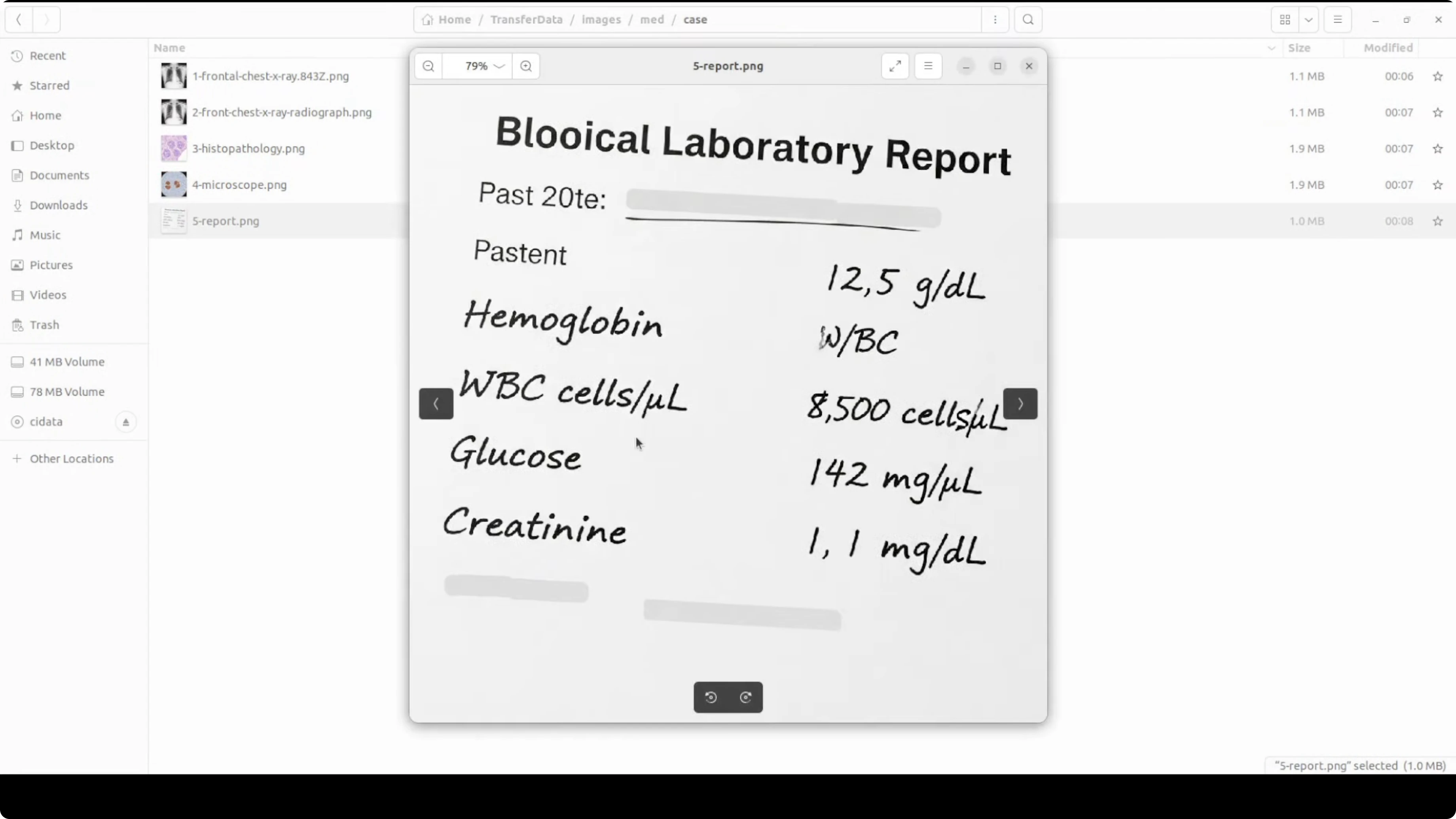
- Result: It took its time but did the job well. There was a bit of confusion in one part, which I introduced on purpose, and it still produced a very quality answer. The hallucination ratio feels low, but you never know. Always validate extracted data.
Google MedGemma - End-to-end Patient Context
I combined all of the above images and asked the model to:
- Interpret the chest X-rays and interval changes
- Summarize histopathology findings
- Extract and interpret lab abnormalities
- Provide the most likely diagnosis and recommended next steps
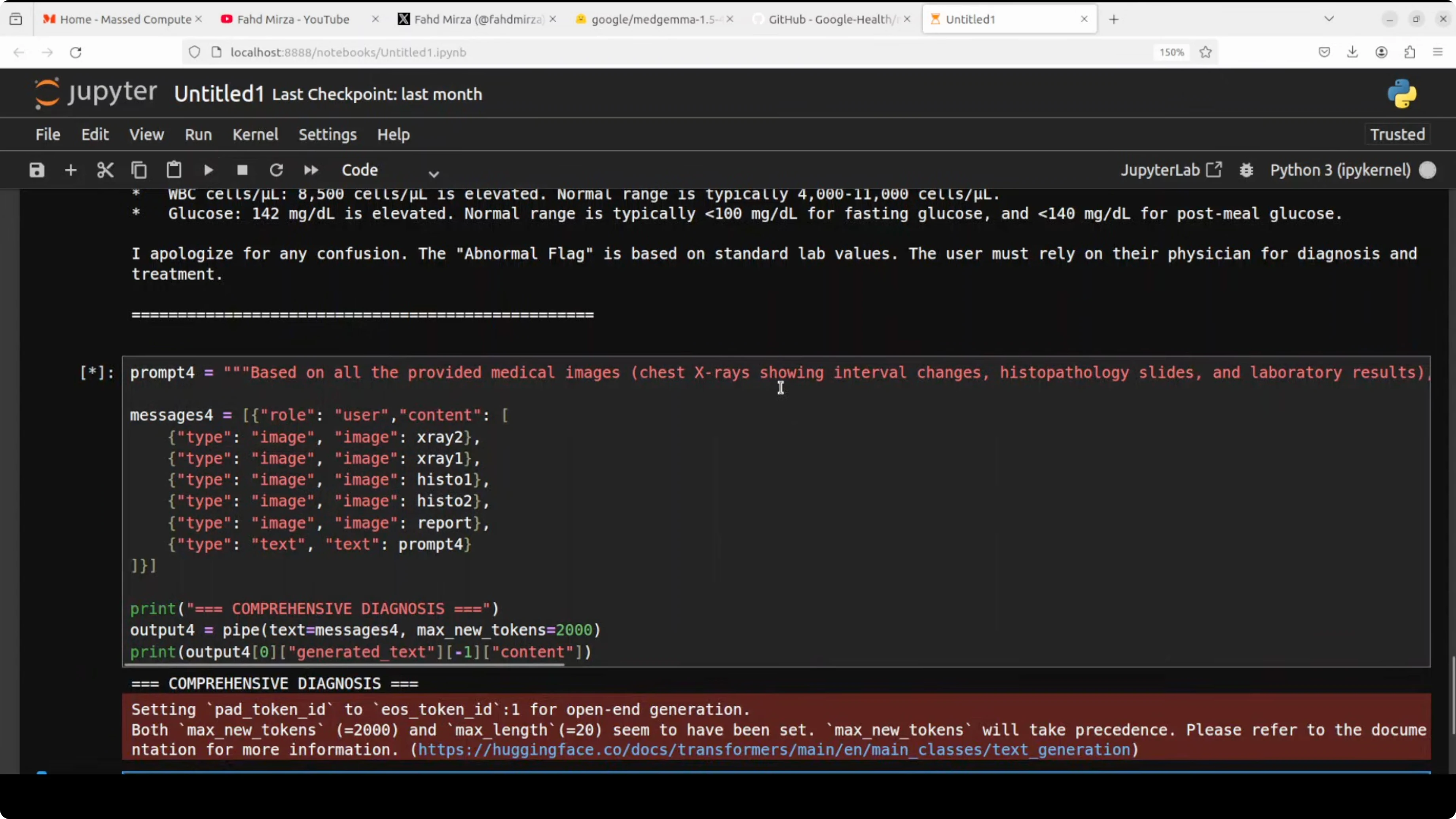
The response was high quality:
- Assessment with a clear summary
- Imaging interpretations and identified abnormalities
- Most likely diagnosis and staging considerations
- Recommended next steps and follow-up actions
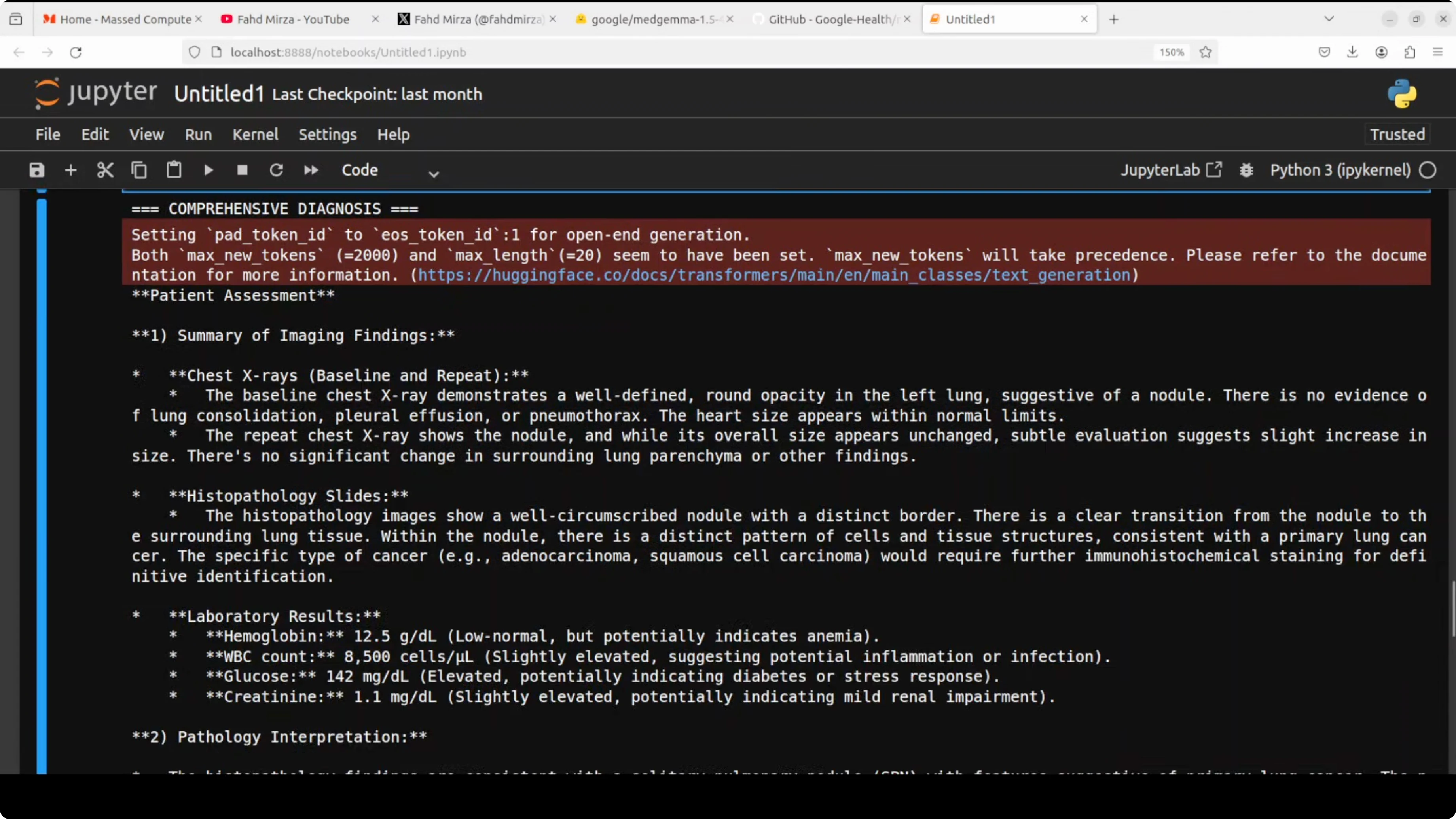
It emphasized the need for a thorough clinical evaluation, further imaging, and consultation with a qualified healthcare professional. This information should not be used for self diagnosis or treatment.
Final Thoughts
MedGemma 1.5 showed strong performance across multiple medical tasks in a local setup: longitudinal X-ray comparison, histopathology interpretation, and structured extraction from handwritten lab reports, followed by an integrated clinical-style summary. It is specialized, compact at 4B parameters, and VRAM efficient for local experimentation. Treat outputs as educational and always confirm with clinical experts. I think Google has done really good work here.
Subscribe to our newsletter
Get the latest updates and articles directly in your inbox.

Related Posts

8 Best Claude Code Plugins in 2026 (You Need to Know)
8 Best Claude Code Plugins in 2026 (You Need to Know)

7 Best Claude Code Skills (You Need to Know)
7 Best Claude Code Skills (You Need to Know)

Claude Code Desktop IDE Features (You Need to Know)
Claude Code Desktop IDE Features (You Need to Know)