
Table Of Content
- Google MedASR AI: Local Install, Overview, and Test Results
- What Google MedASR AI Is and Why It Matters
- Installing and Running Google MedASR AI Locally
- Google MedASR AI Use Cases
- Setup Steps for Google MedASR AI
- Running a Test With Google MedASR AI
- Inside the Google MedASR AI Architecture
- Performance and Resource Use for Google MedASR AI
- Final Thoughts

How to setup Google MedASR Locally: Medical Speech-to-Text for Clinicians
Table Of Content
- Google MedASR AI: Local Install, Overview, and Test Results
- What Google MedASR AI Is and Why It Matters
- Installing and Running Google MedASR AI Locally
- Google MedASR AI Use Cases
- Setup Steps for Google MedASR AI
- Running a Test With Google MedASR AI
- Inside the Google MedASR AI Architecture
- Performance and Resource Use for Google MedASR AI
- Final Thoughts
Google MedASR AI: Local Install, Overview, and Test Results
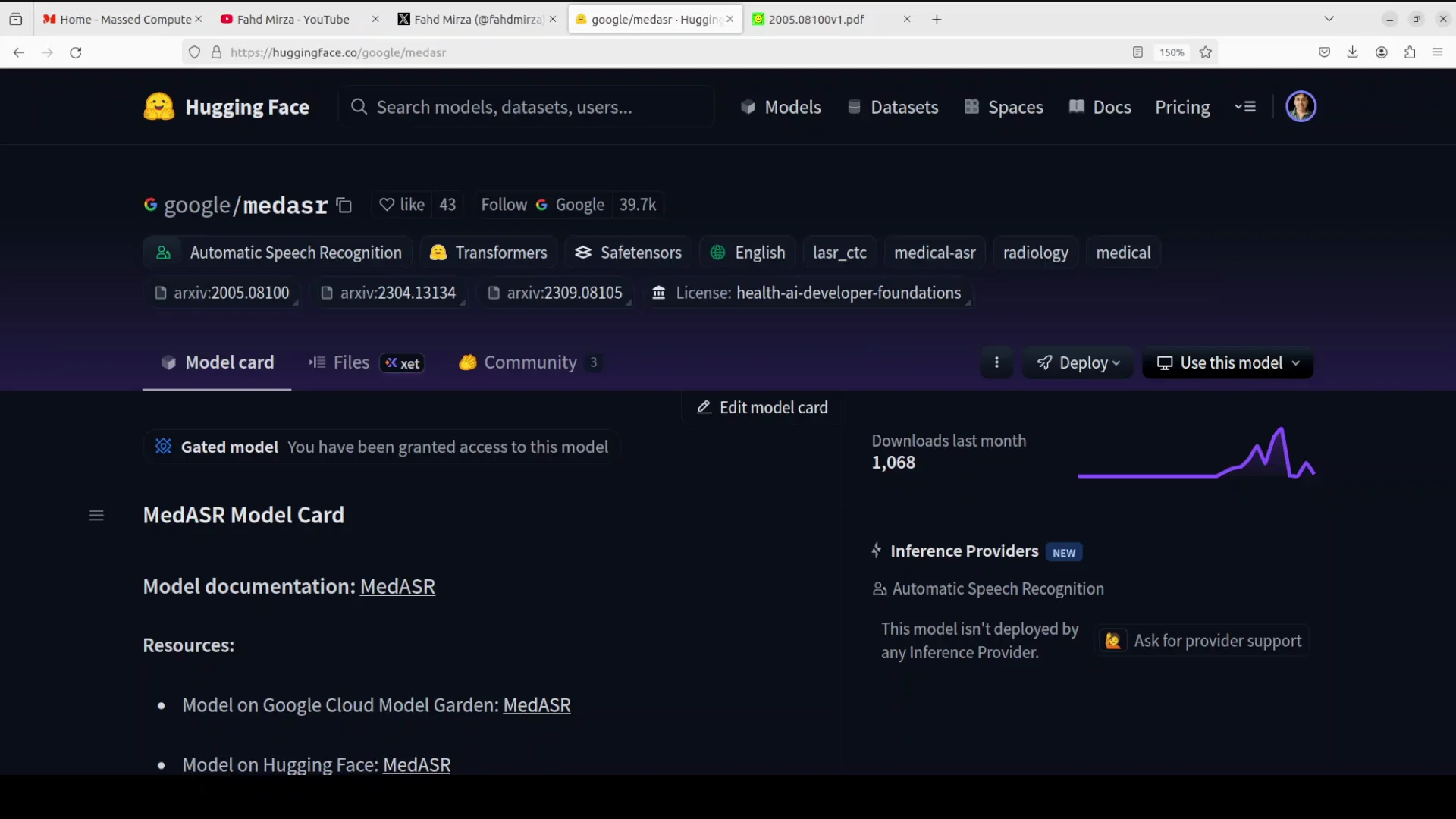
Google has just released an open model for doctors and medical pros to turn spoken words into written notes. This model is built onto something called a confirmer model, which is like a superpowered brain for understanding audio.
We are going to install this model Med ASR locally, and I will show you how you can do the same for any audio related to the medical domain.
What Google MedASR AI Is and Why It Matters
With about 105 million tiny building blocks like parameters, this model was trained on 5,000 hours of anonymous medical talks like doctors dictating reports or chatting with patients. This model covers areas like X-rays in radiology, general health checkups, and family doctor visits.
It takes in simple audio clips, single-channel 16 kHz in a basic digital format, and then it spits it out in plain text. The main attraction is that there are a lot of tricky medical words that regular speech to text models might mess up or simply miss. But this model is fine-tuned and specialized. This model ensures that we get it right.
Installing and Running Google MedASR AI Locally
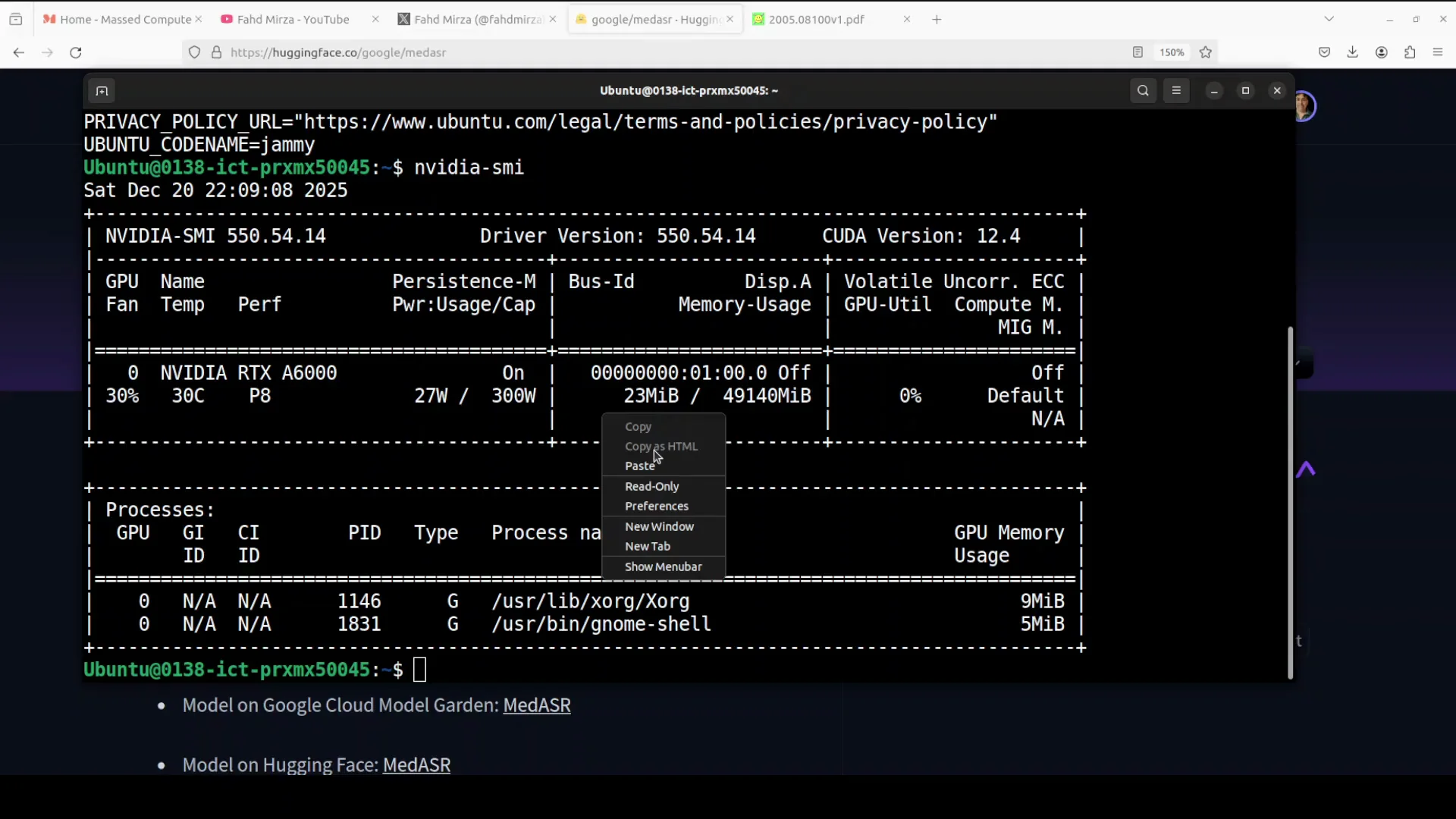
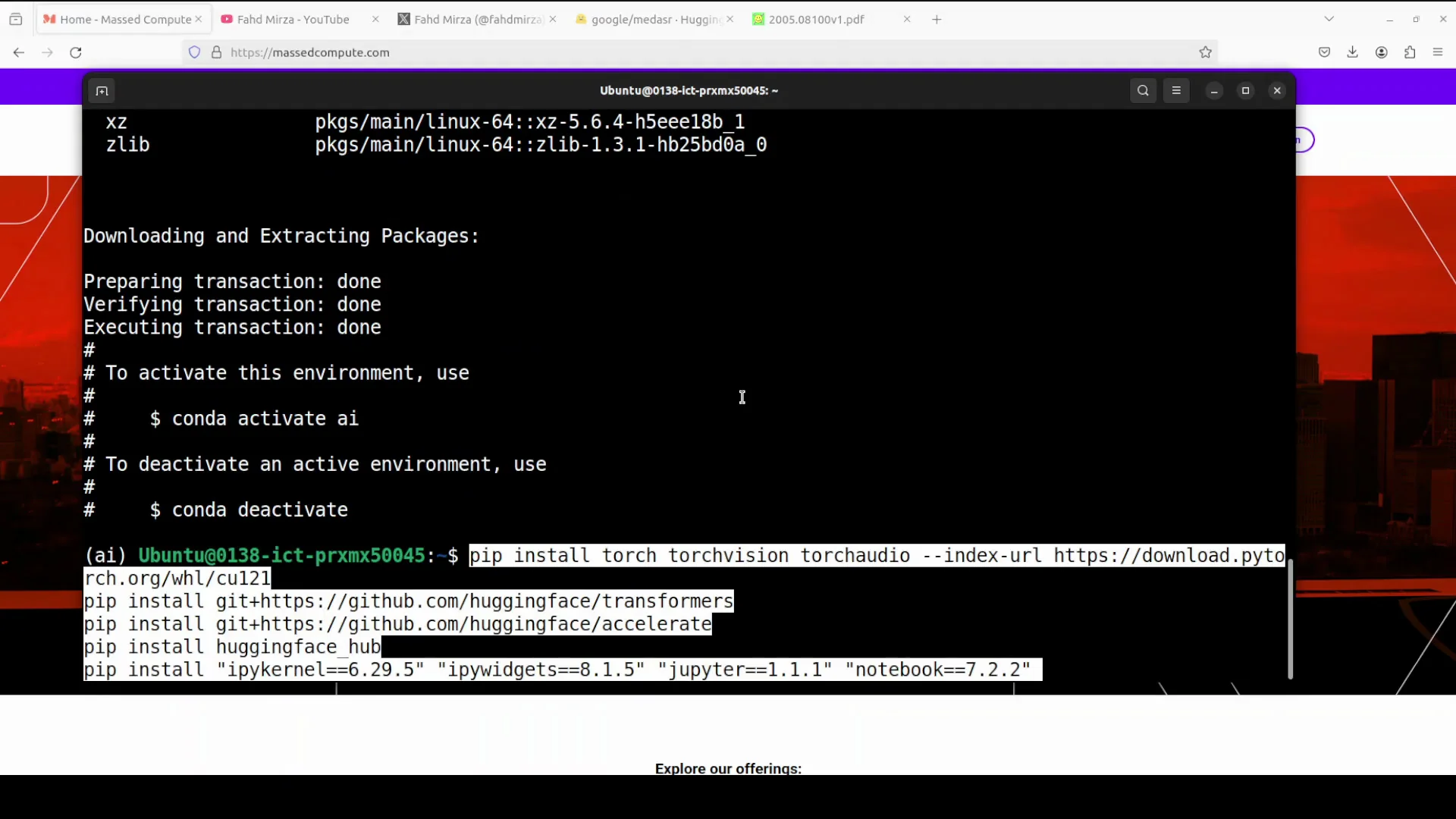
I'm going to use this Ubuntu system. Though I have this GPU card Nvidia RTX 6000 with 48 GB of VRAM, you can simply use this on CPU or any edge device. I'm going to create a virtual environment with conda.
Next up, install all the prerequisites. While that happens, let's talk a bit more about this model.
Google MedASR AI Use Cases
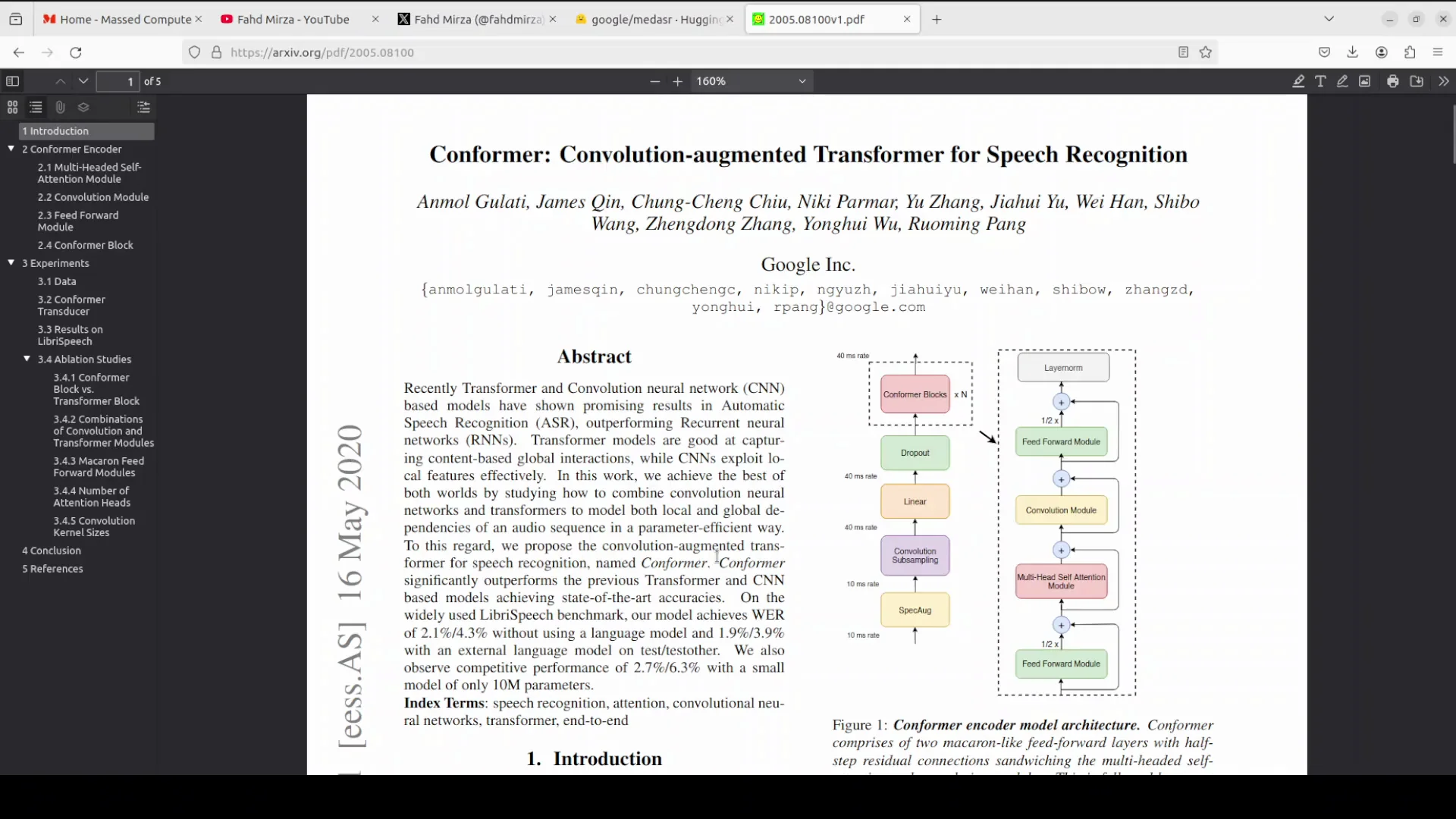
Before I talk about this architecture, the use cases are huge for this model. In my humble opinion, you can use Med ASR to make healthcare easier and faster.
It is great for turning a doctor's voice notes into accurate reports, like describing X-ray findings with all the fancy body parts and disease names. Or it can transcribe talks between doctors and patients to help create quick summaries or notes.
If needed, you can fine-tune this model for different accents, noisy rooms, new medical terms, or formatting dates nicely. You can also use it in any streaming tool or with a medical LLM tool like Medjama to automate patient reports, highlight symptoms, or check if any health privacy rules are being violated.
Setup Steps for Google MedASR AI
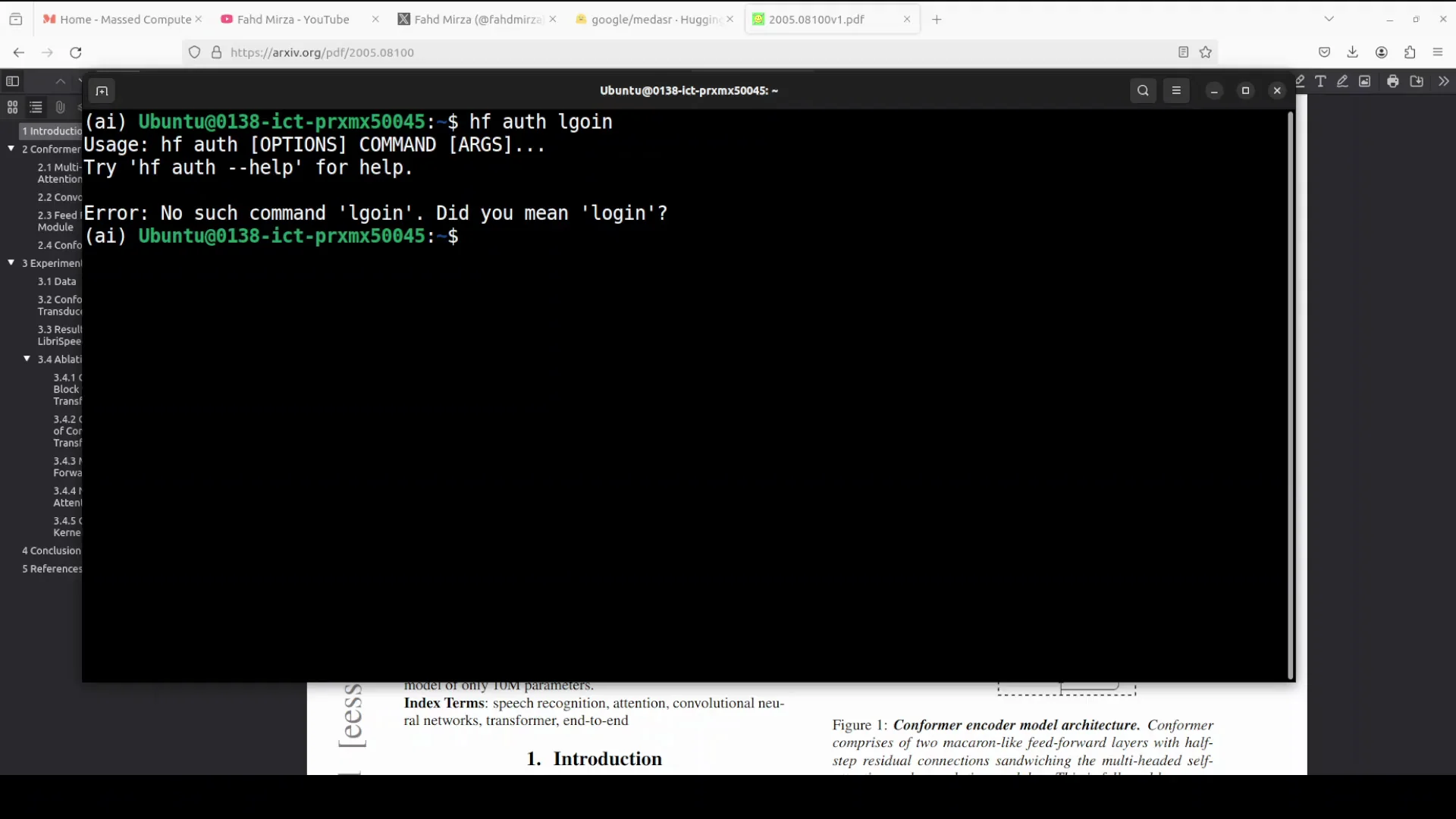
Log in to Hugging Face. You might also have to go to the Hugging Face page and accept the terms and conditions. Launch a Jupyter notebook.
Download the model. It's a very small model, just 421 MB. Run it anywhere. If you hit an error, update the transformers library because support for this model is in that version. Relaunch Jupyter and download the model again.
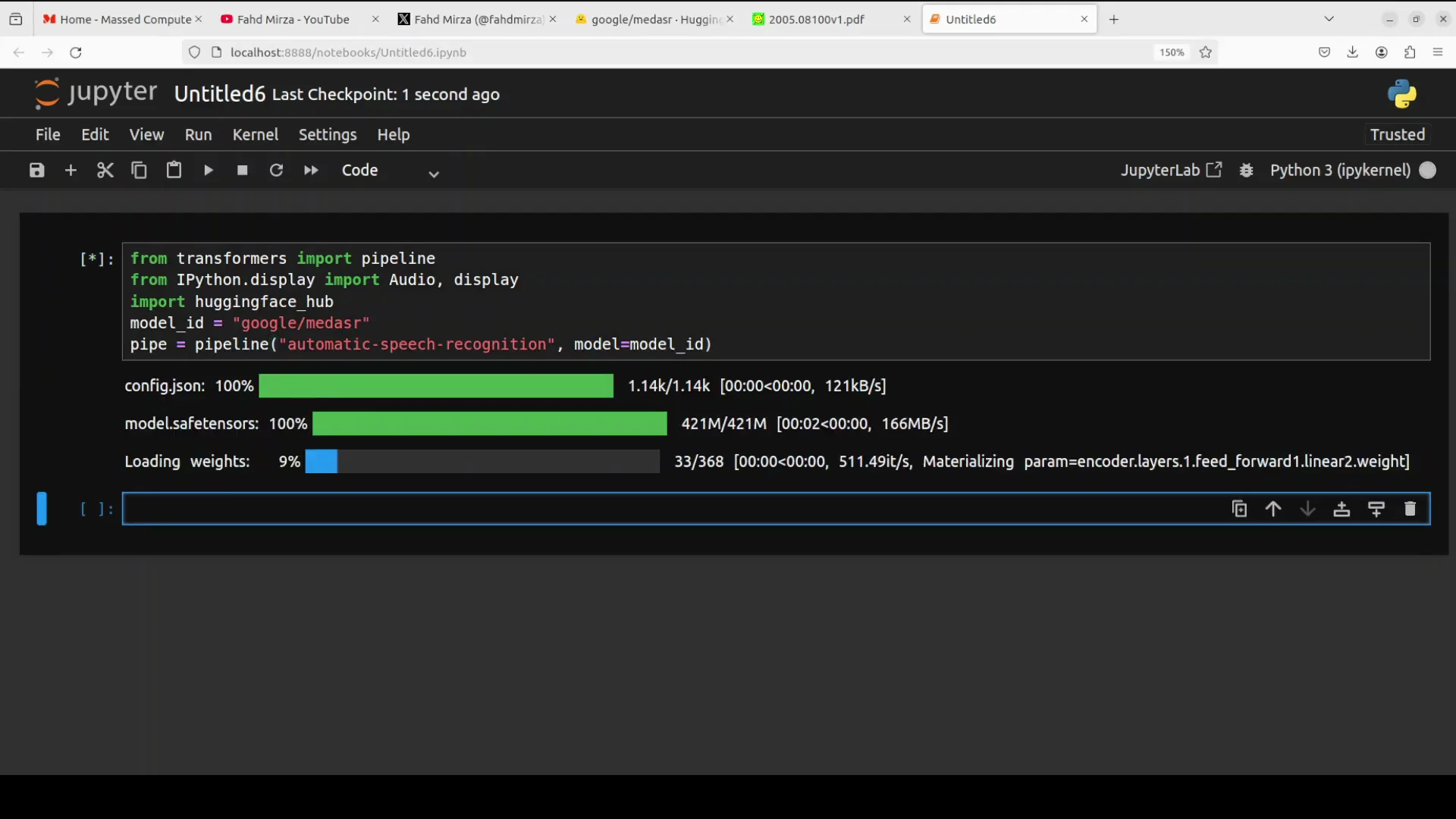
Now the model is loaded. It has downloaded and loaded the weights onto my GPU or CPU. We will check it shortly.
I am also downloading a test audio file. Then we are just using the pipe to convert it to tokens. The model is going to process it, and then we will get the results back. I will also describe the architecture shortly, as per the confirmer architecture.
Running a Test With Google MedASR AI
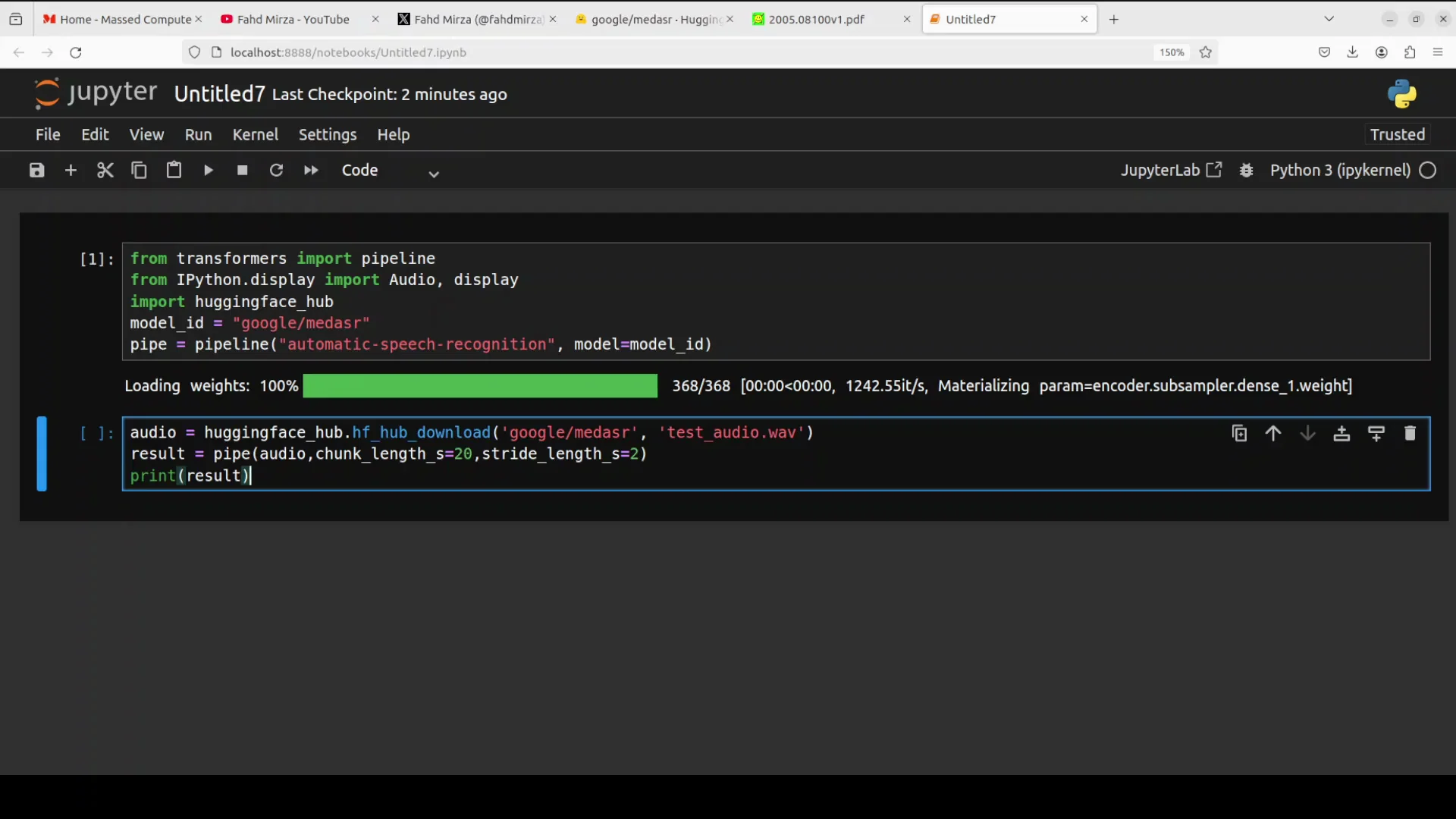
Here is the sample audio content I used:
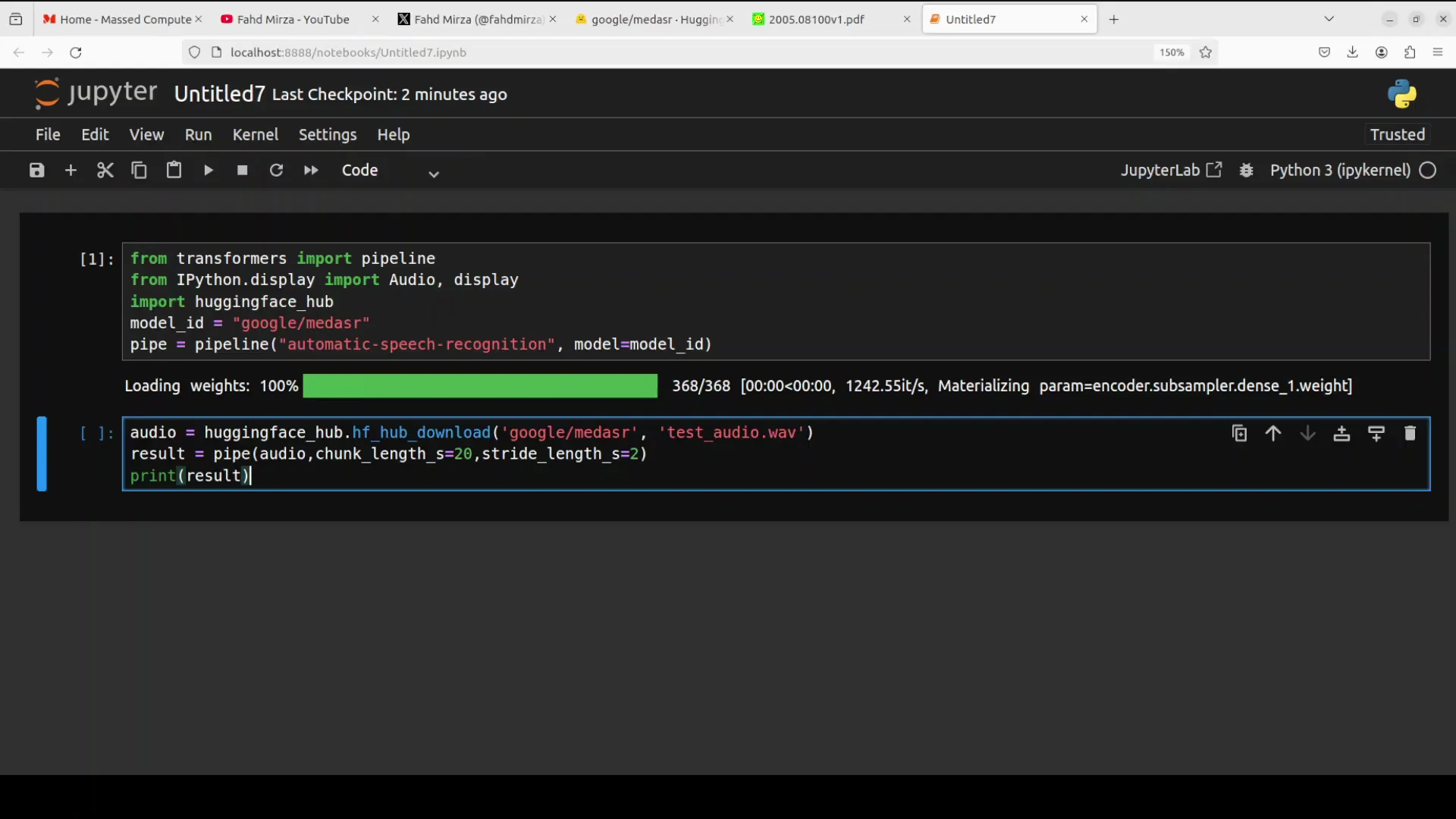
Exam type CT chest PE protocol period indication 54 year old female shortness of breath evaluate for PE period technique standard protocol period findings colon pulmonary vasculature colon the main PA is patent period there are filling defects in the segmental branches of the right lower lobe comma compatible with acute PE period no saddle embleis period lungs colon nothorax period small bilateral eusions, comma, right greater than left period. New paragraph impression colon acute segmental P right lower lobe period.
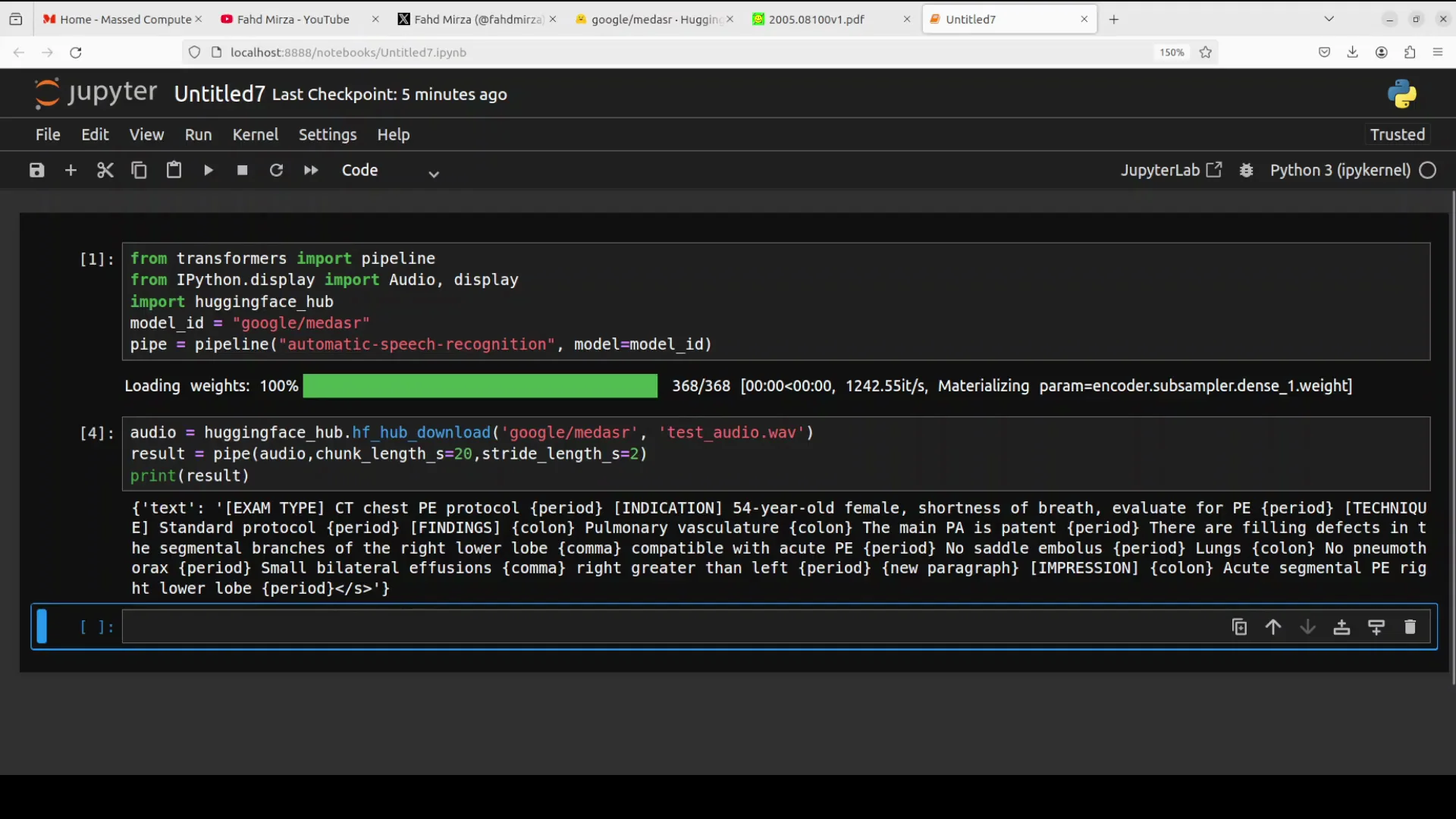
Let's transcribe it. There you go. It has given us the answer.
I played that audio again and checked it. For the paragraphs and for period it has put it in the braces, which helps in the formatting later down the road. It is perfect, spotless, really good stuff.
Inside the Google MedASR AI Architecture
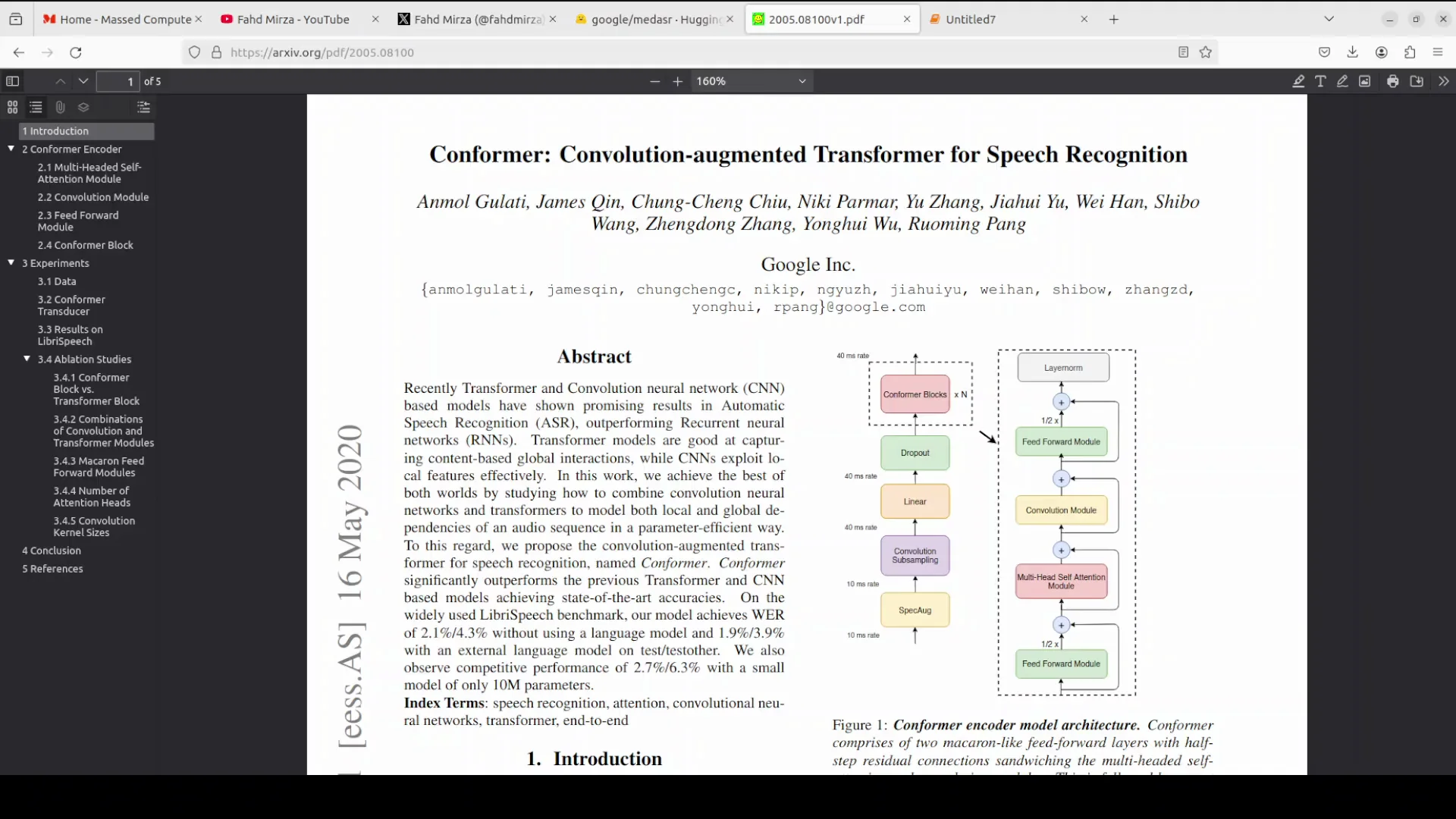
The inner workings are like a clever factory line for processing sound. It starts with a shrinker layer that squishes the audio into smaller chunks using simple math filters.
Then the magic happens in stacked confirmer blocks, which are around 16 to 17 layers like floors in a building. Each block is a sandwich. Two feed forward layers wrap around a self attention part. From there, a convolution module zooms in on nearby sound details like a close-up lens.
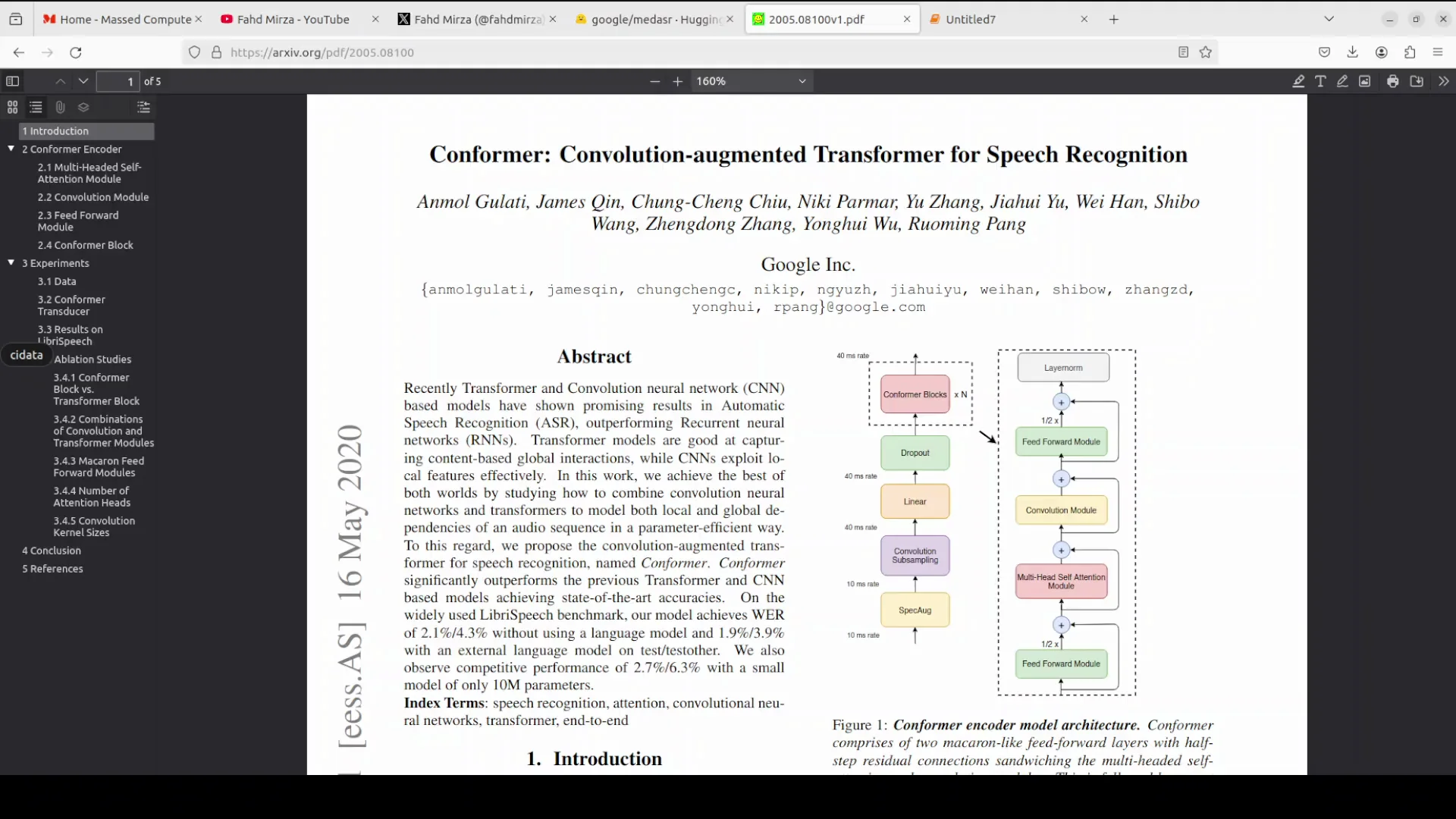
The convolution bit mixes in gates and depth wise filters to grab local vibes, plus smoothing steps like batch norm and switch curves for better flow. This is how it avoids mistakes, and this whole combination makes it efficient and top-notch at speech tasks customized for medical chatter. That is the whole purpose of this model, and the performance is very impressive.
Another cool thing is that you can fine-tune it easily. For example, if you're in Australia, the accent is different. Maybe the medical terminologies are spoken in different ways, and you have a different sound level in your words and that sort of stuff. You can easily do that.
Performance and Resource Use for Google MedASR AI
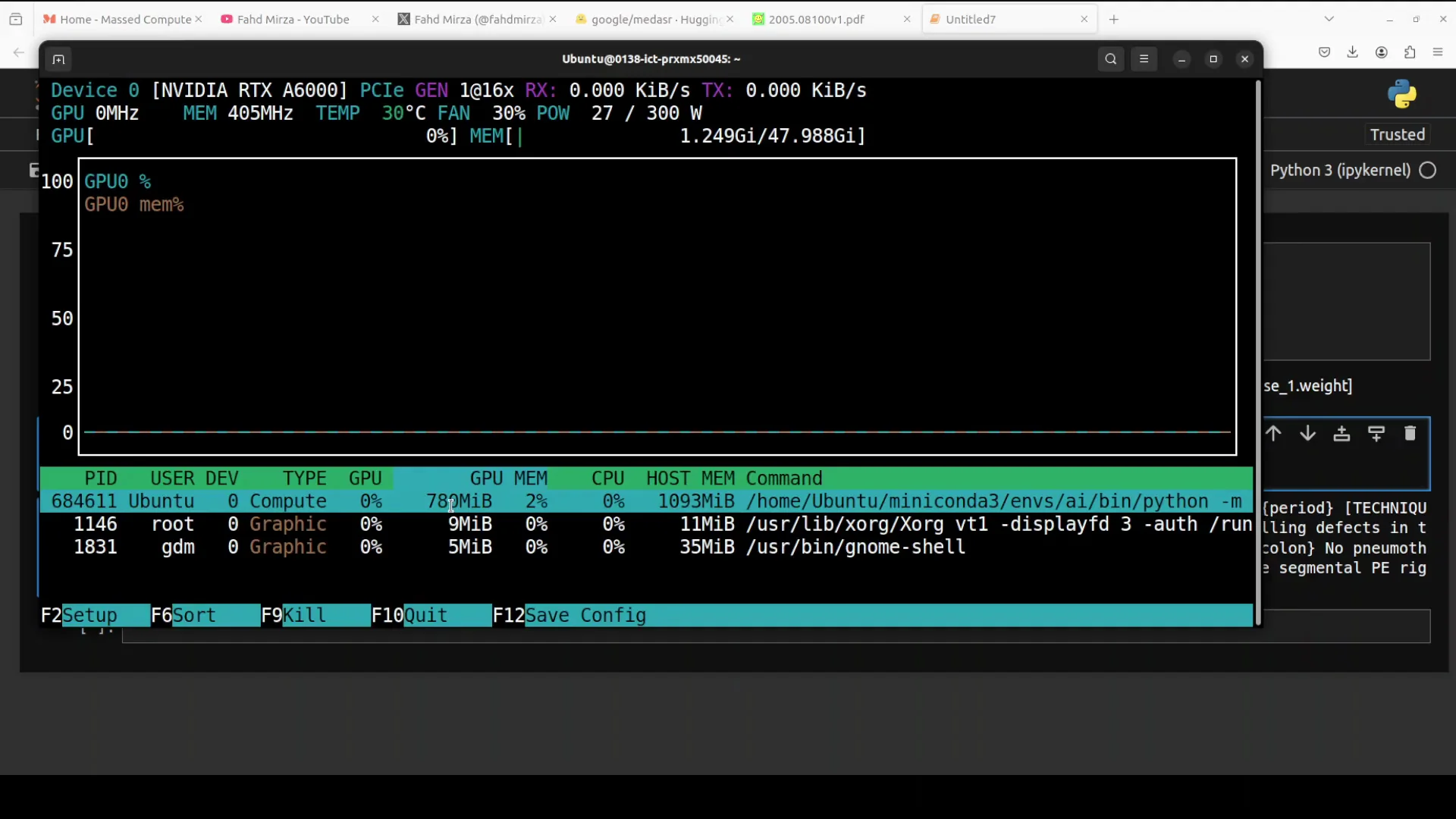
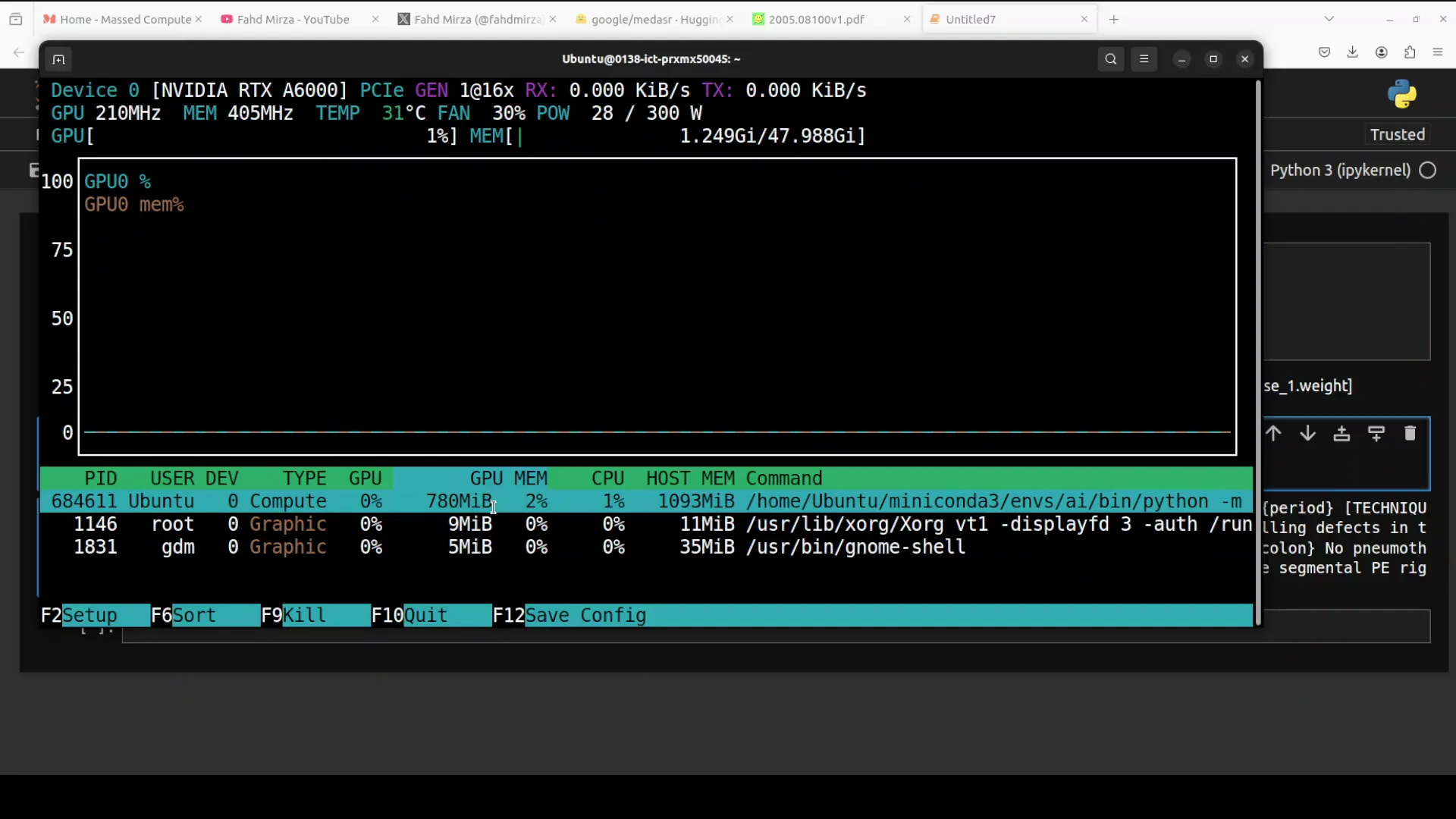
Here is the VRAM consumption: under 800 MB. You can easily run it on the CPU too.
Final Thoughts
Google MedASR AI turns medical speech into accurate text across radiology, general consultations, and more. It runs locally, the model size is small, and it handled tricky terminology and formatting well in my test. The confirmer-based design with shrinker, attention, and convolution modules delivers strong results, and you can fine-tune it for accents, noise, or domain-specific terms.
Subscribe to our newsletter
Get the latest updates and articles directly in your inbox.

Related Posts

8 Best Claude Code Plugins in 2026 (You Need to Know)
8 Best Claude Code Plugins in 2026 (You Need to Know)

7 Best Claude Code Skills (You Need to Know)
7 Best Claude Code Skills (You Need to Know)

Claude Code Desktop IDE Features (You Need to Know)
Claude Code Desktop IDE Features (You Need to Know)