
Table Of Content
- GLM Fumbles Releases ASR Nano Model: Install and Run Locally
- Introduction to GLM Fumbles Releases
- What GLM Fumbles Releases ASR Nano Targets
- Local Setup for GLM Fumbles Releases ASR Nano
- Get the Repository
- Clone the repo
- Install dependencies
- Benchmarking Summary
- Benchmarks at a Glance
- Running Inference With GLM Fumbles Releases ASR Nano
- Inference pattern
- VRAM Consumption and Long Audio
- Quick Chinese Test With GLM Fumbles Releases ASR Nano
- Step-by-Step: Install and Run GLM Fumbles Releases ASR Nano Locally
- Prerequisites
- 1. Clone and Install
- 2. Download the Checkpoint Automatically
- 3. Run a Short Audio Test
- 4. Monitor GPU Memory
- 5. Adjust Output Length
- 6. Evaluate Performance
- Capabilities and Use Cases
- Designed for Real World Challenges
- Languages and Dialects
- Licensing and Deployment
- Practical Notes From Local Testing
- Setup Details
- Inference Behavior
- Quality Commentary
- Benchmarks Context and Positioning
- Tips for Better Results
- Resource Snapshot
- Final Thoughts on GLM Fumbles Releases ASR Nano
GLM 1.5B Speech-to-Text: Install Locally + Benchmarks
Table Of Content
- GLM Fumbles Releases ASR Nano Model: Install and Run Locally
- Introduction to GLM Fumbles Releases
- What GLM Fumbles Releases ASR Nano Targets
- Local Setup for GLM Fumbles Releases ASR Nano
- Get the Repository
- Clone the repo
- Install dependencies
- Benchmarking Summary
- Benchmarks at a Glance
- Running Inference With GLM Fumbles Releases ASR Nano
- Inference pattern
- VRAM Consumption and Long Audio
- Quick Chinese Test With GLM Fumbles Releases ASR Nano
- Step-by-Step: Install and Run GLM Fumbles Releases ASR Nano Locally
- Prerequisites
- 1. Clone and Install
- 2. Download the Checkpoint Automatically
- 3. Run a Short Audio Test
- 4. Monitor GPU Memory
- 5. Adjust Output Length
- 6. Evaluate Performance
- Capabilities and Use Cases
- Designed for Real World Challenges
- Languages and Dialects
- Licensing and Deployment
- Practical Notes From Local Testing
- Setup Details
- Inference Behavior
- Quality Commentary
- Benchmarks Context and Positioning
- Tips for Better Results
- Resource Snapshot
- Final Thoughts on GLM Fumbles Releases ASR Nano
GLM Fumbles Releases ASR Nano Model: Install and Run Locally
Introduction to GLM Fumbles Releases
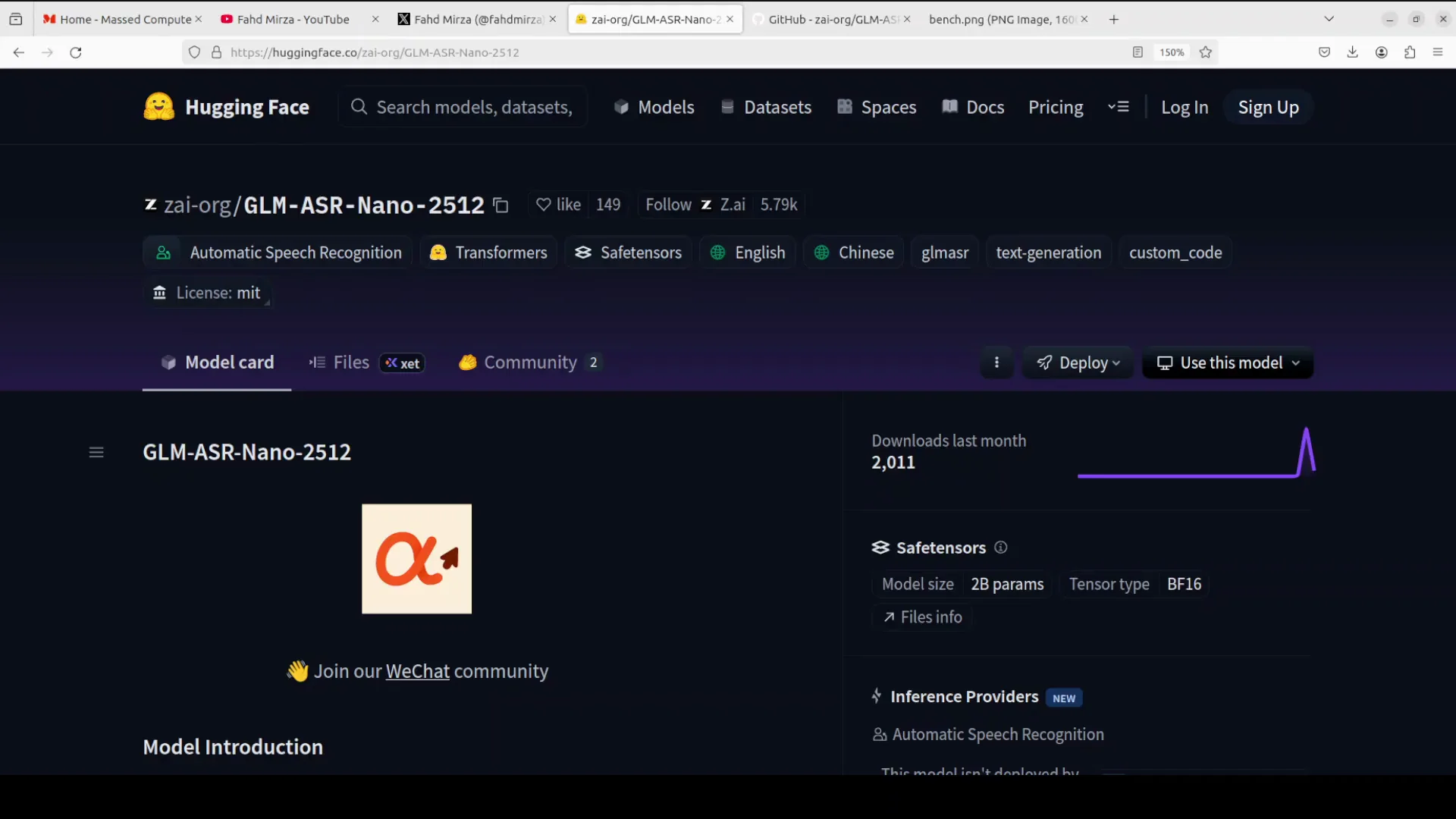
GLM is not stopping and so are we. GLM has just released this new automatic speech recognition model in a very small 1.5 billion parameter size. If you look at the benchmarks, the model looks really sublime. In this guide, I install it locally and test it on various prompts.
Before I get started, something very interesting has been happening. In the last one or two weeks, the GLM team has released models across multiple modalities, including text to speech, vision flash, and vision full premium. The list goes on. Other Chinese labs are a bit silent, but Z AI is on a roll at the moment. I also covered another model from them around phone agent.
What GLM Fumbles Releases ASR Nano Targets
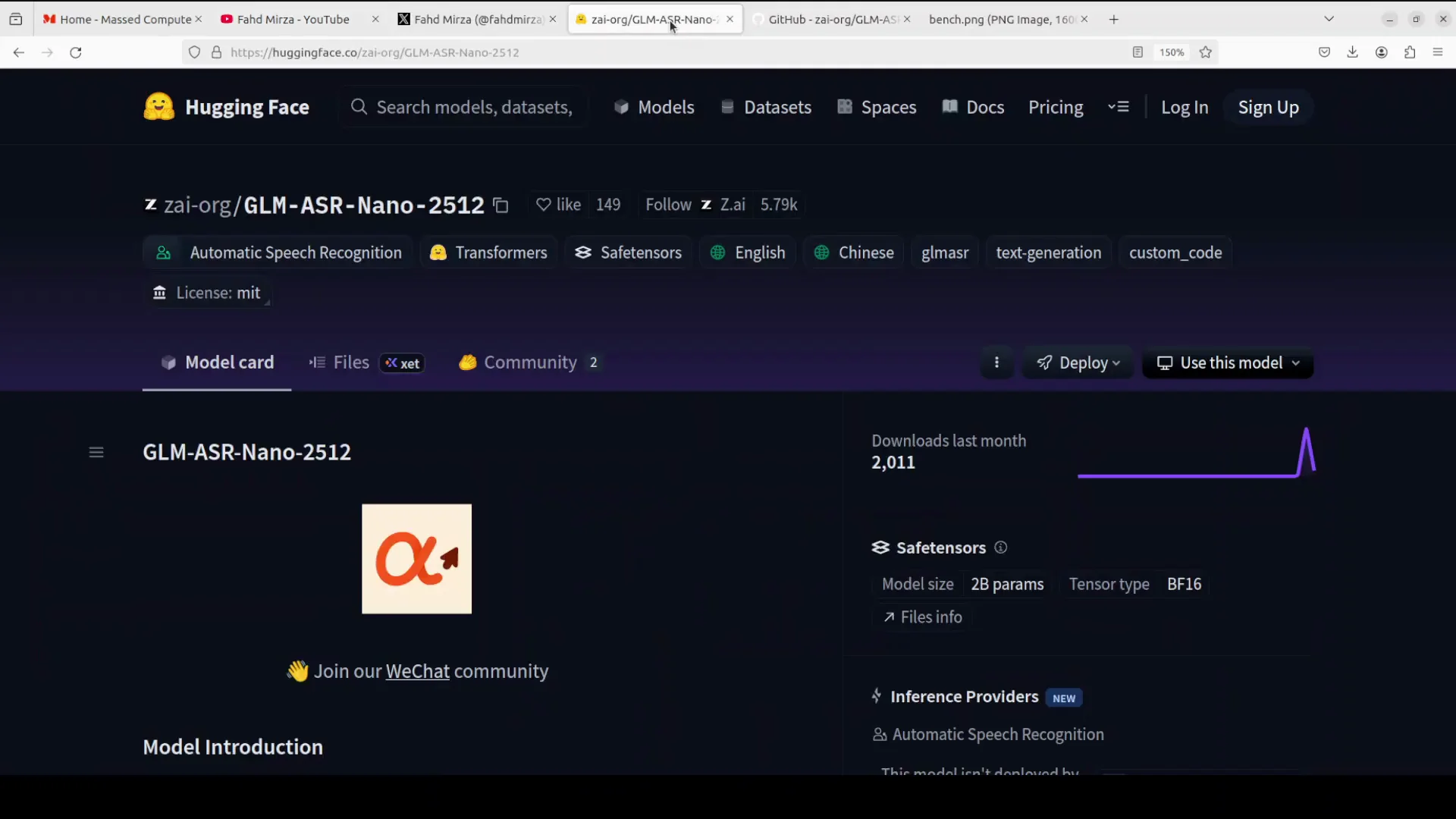
This model focuses on real world challenges like low volume and whispered speech, and dialect variations. It is suited for both English and Chinese. It is bilingual. In addition to that, it can handle Cantonese, Mandarin, and a few other Chinese dialects.
If you have noisy or overlapping audio in scenarios such as meetings, you can use this model for transcription. Unlike many large closed source models, this one is fully open source. The license is very permissive and it is designed for efficient deployment.
Local Setup for GLM Fumbles Releases ASR Nano
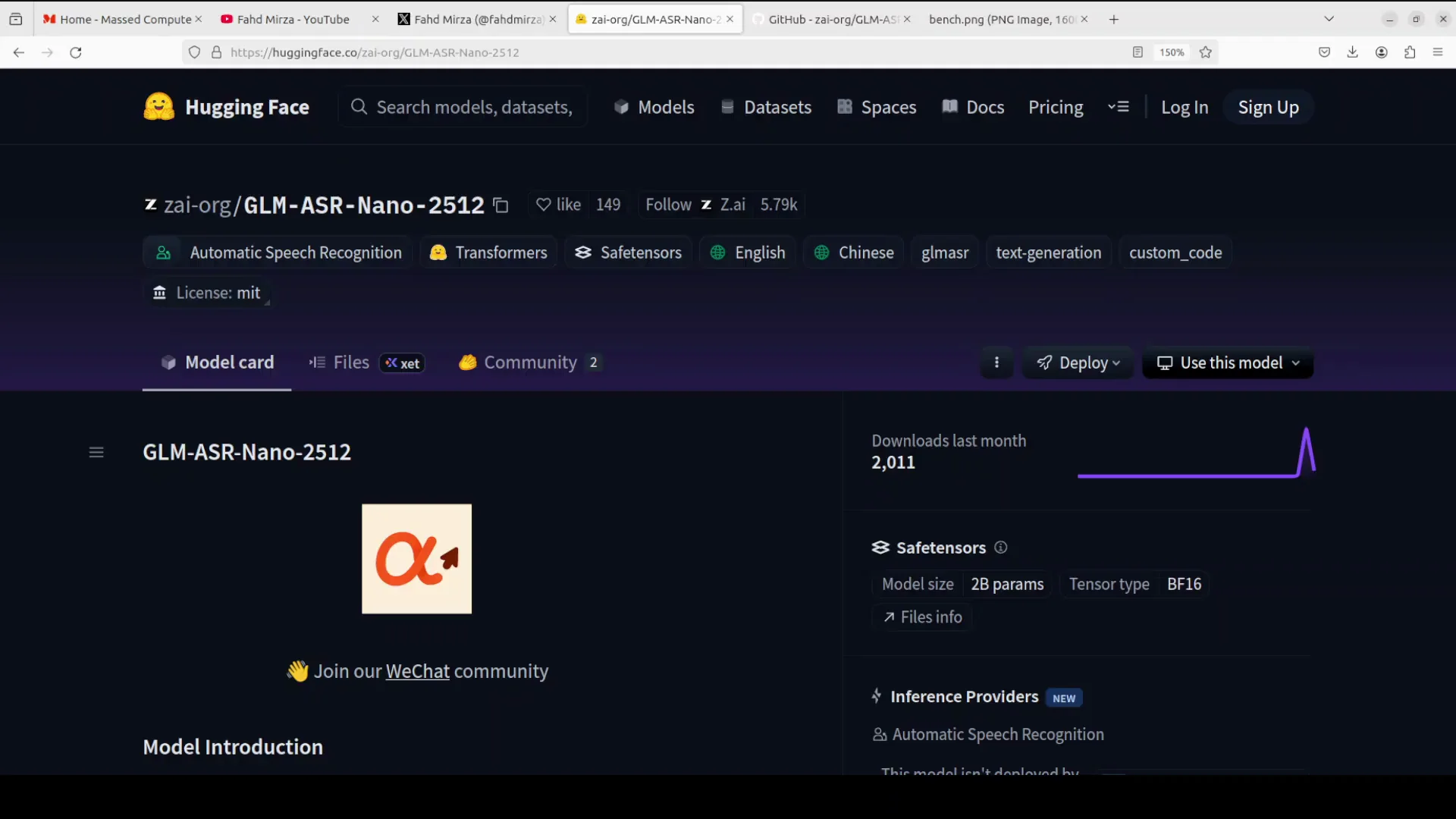
I am using an Ubuntu system with 1 GPU card, an Nvidia RTX 6000 with 48 GB of VRAM.
Get the Repository
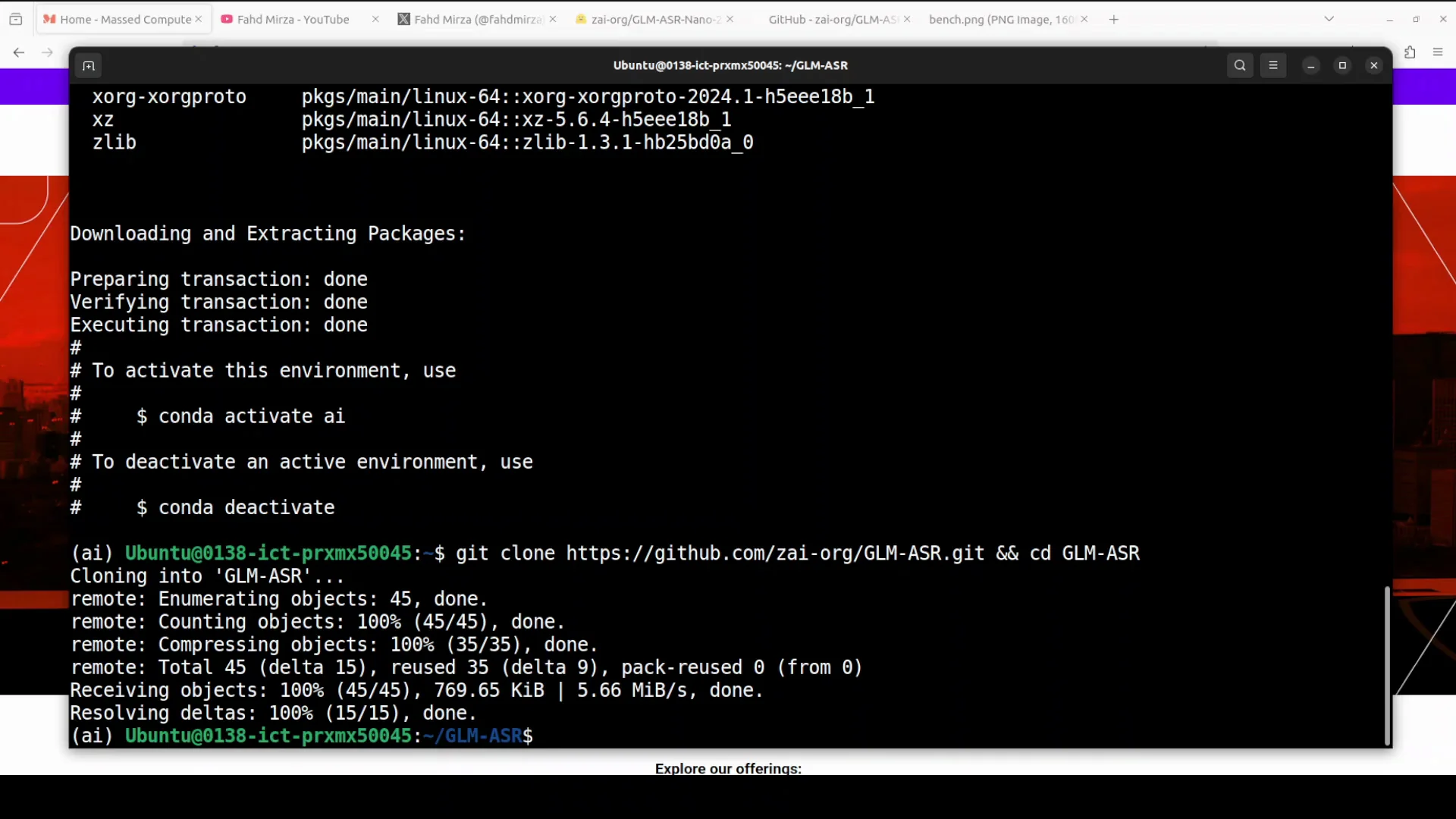
- Clone the repository.
- Move to the root of the repo.
- Install the requirements.
This installation takes a couple of minutes.
# Clone the repo
git clone <repo-url>
cd <repo-folder>

# Install dependencies
pip install -r requirements.txt
Benchmarking Summary
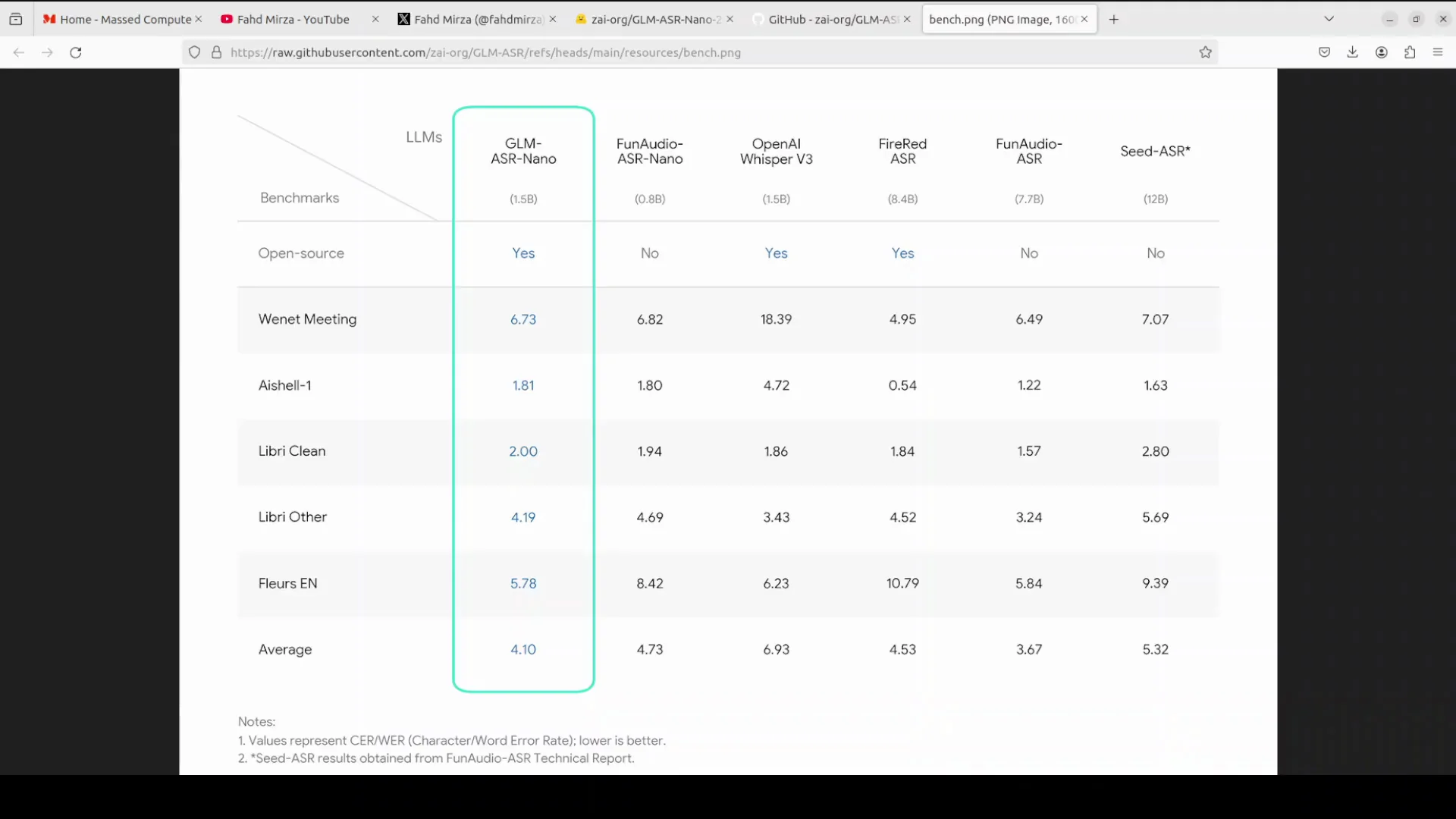
If you look at the benchmark table, it has performed quite well. Especially on datasets like VNET meeting, which includes noisy and overlapping speech, or shell standard, and even LibriClean. It has achieved the lowest average error rate among open source entries. It has outperformed fun audio ASR nano and fire red ASR. I have not covered fire red ASR yet. I will be doing it soon.
The performance of this model is quite good given its size in terms of parameters. If you compare it to OpenAI Whisper and seed ASR, it is trailing behind, but given the size, it could be a good alternate, especially if you are looking for a bilingual ASR model.
Benchmarks at a Glance
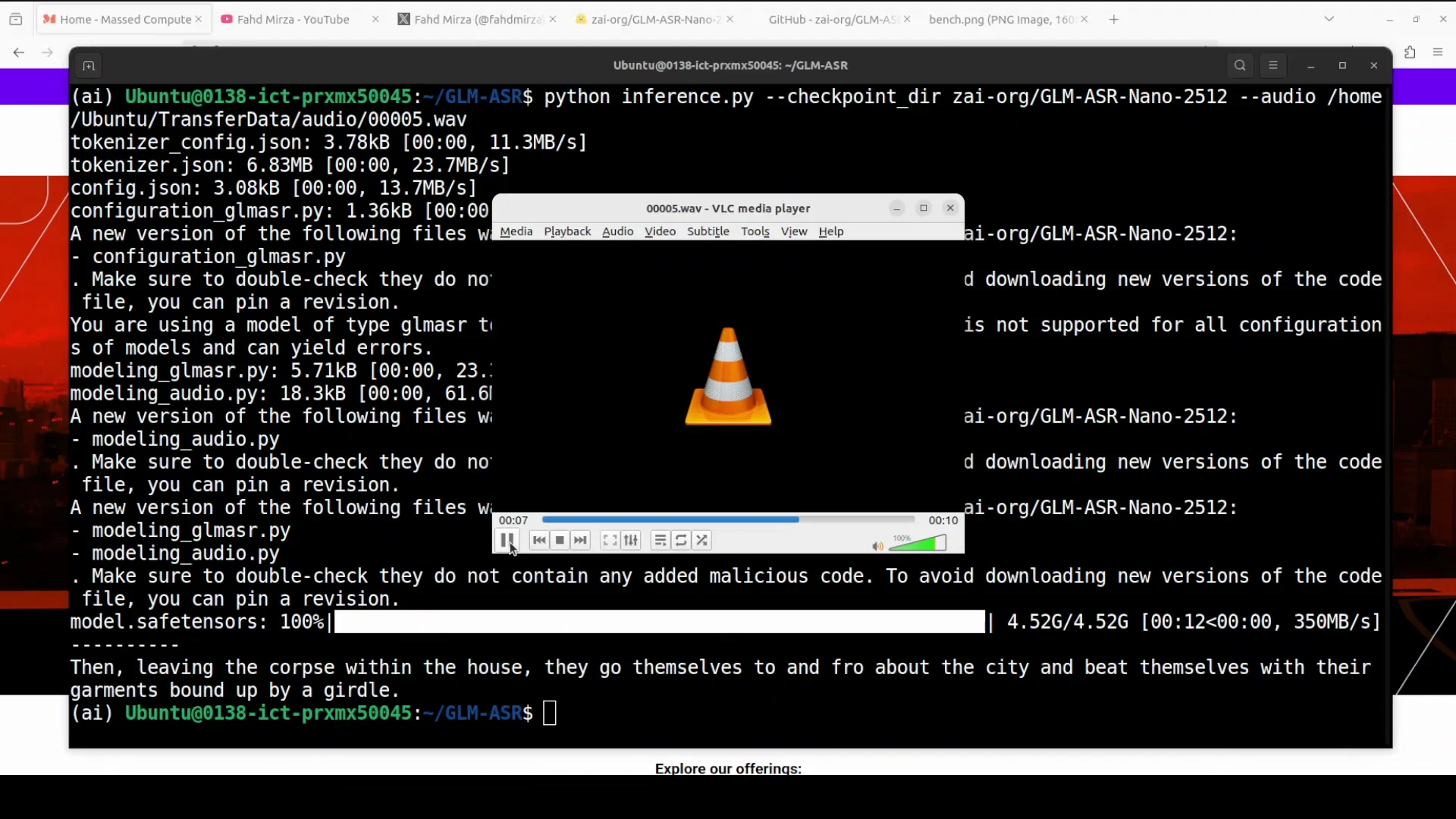
- Performed well on VNET meeting, shell standard, and LibriClean.
- Lowest average error rate among open source entries in the table referenced.
- Outperformed fun audio ASR nano and fire red ASR.
- Trails OpenAI Whisper and seed ASR.
- Strong candidate for bilingual English-Chinese transcription.
Running Inference With GLM Fumbles Releases ASR Nano
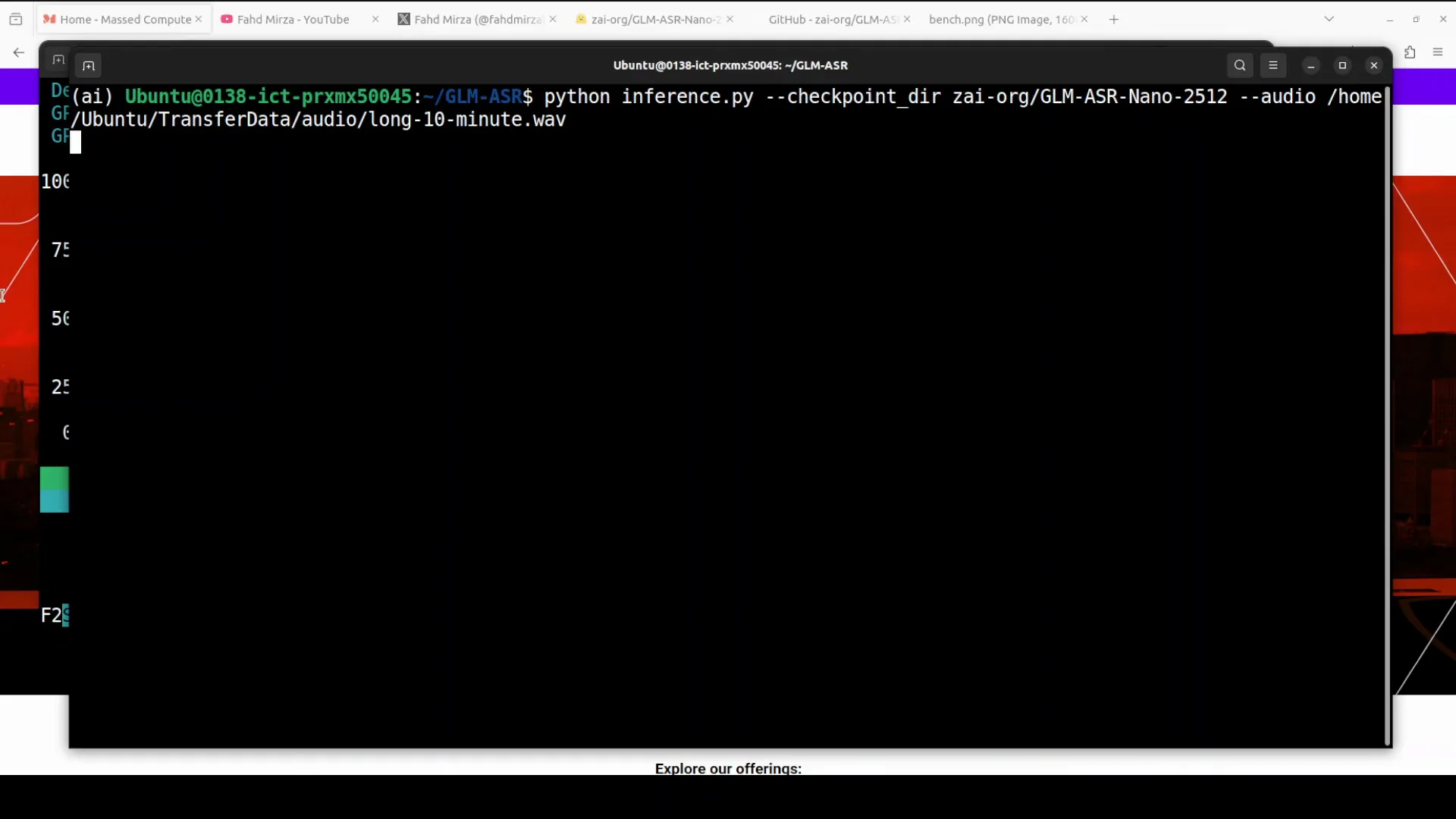
For inference, there is a provided script where you can specify the checkpoint of the model and your audio file from the local system. The first time you run it, it downloads the model. The model size is about 4.5 GB.
# Inference pattern
python infer.py \
  --checkpoint <path-or-identifier-of-checkpoint> \
  --audio <path-to-audio-file.wav> \
  --output <path-to-output.txt>
While it downloads the model and works on the audio file, here is the audio content used in the first quick test:
Leaving the corpse within the house, they go themselves to and fro about the city and beat themselves with their garments bound up by a girdle.
After the download, the model completed the transcription, which was spot on.
VRAM Consumption and Long Audio
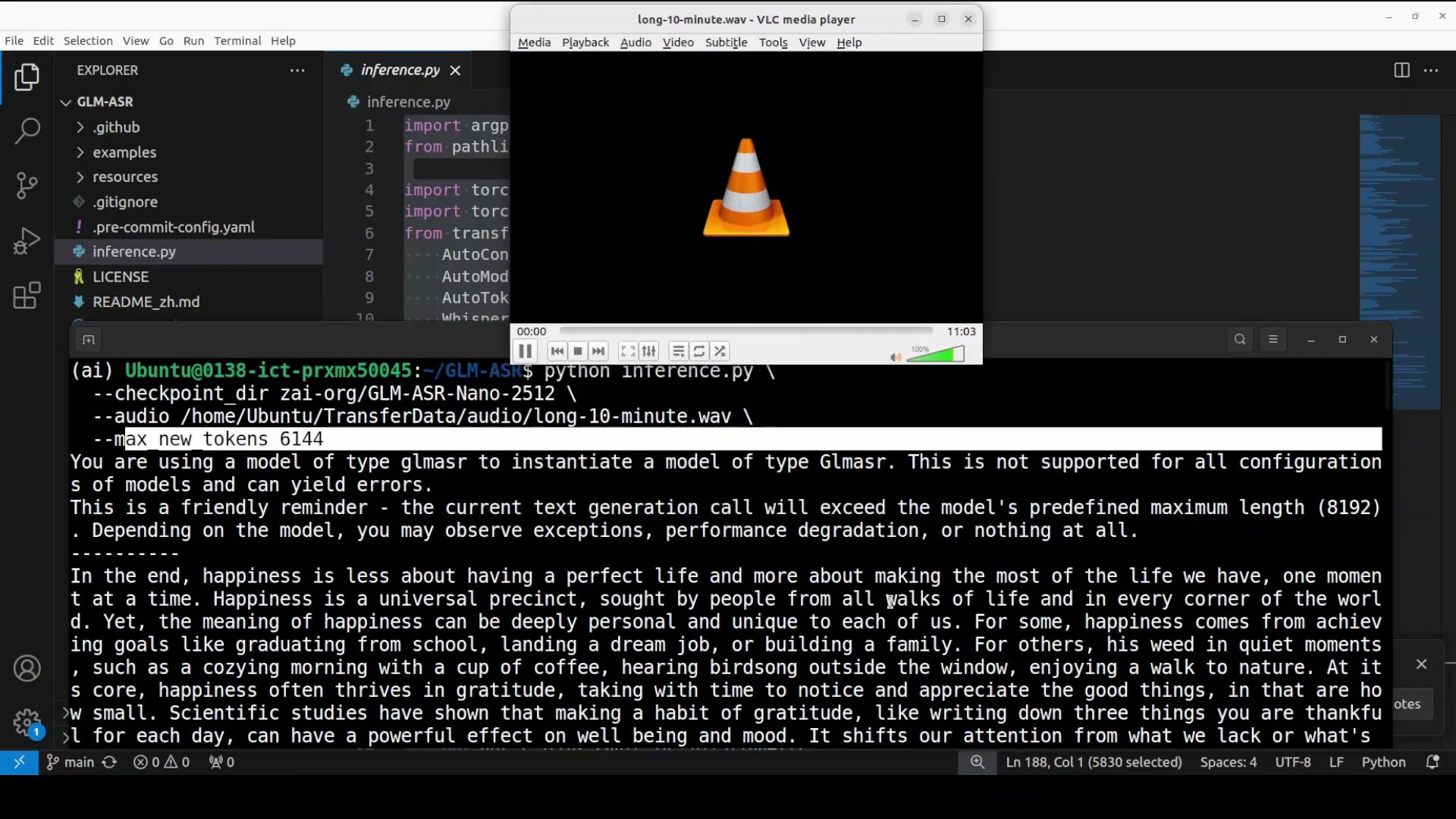
The model was not initially loaded onto the GPU. To test GPU memory consumption, I cleared the screen and ran it on another audio file. I provided a long 10 minute audio file. I started the run and monitored the process, and then checked the VRAM consumption. As the model loaded, memory usage increased and touched just over 7 GB.
The script printed only a small amount of the transcription output by default. I updated the script to increase the number of printed characters. The model's context length is around 8K. I set max new tokens to a touch over 6,000. It completed the transcription.
Here is the content from the long audio used in the test:
Pursuit sought by people from all walks of life and in every corner of the world. Yet the meaning of happiness can be deeply personal and unique to each of us. For some, happiness comes from achieving goals like graduating from school, landing a dream job, or building a family. For others, it is rooted in quiet moments such as a cozy morning with a cup of coffee, hearing bird song outside the window, or enjoying a walk through nature. At its core, happiness often thrives in gratitude take you with time to notice and appreciate the big things. No matter how small, scientific step, making a habit of gratitude, like writing down three things you're thankful for each day, can have a powerful effect on well-being and mood. It shifts our attention from what we lack or what's gone wrong to what we already have. Although kindness gradually rewires our brains to notice the positive more easily. Another key to happiness is connection. Human beings are social creatures and meaningful relationships are one of
On this long audio, it made a lot of mistakes. Compared to Whisper and a few other models, it is pretty average. I am not going to fall for the hype. The model does well for very short audios, and even there it made one or two mistakes. On longer audio, it was full of mistakes. This is an area to improve. Transcription has come a long way with generative AI, so improvement is needed.
Quick Chinese Test With GLM Fumbles Releases ASR Nano
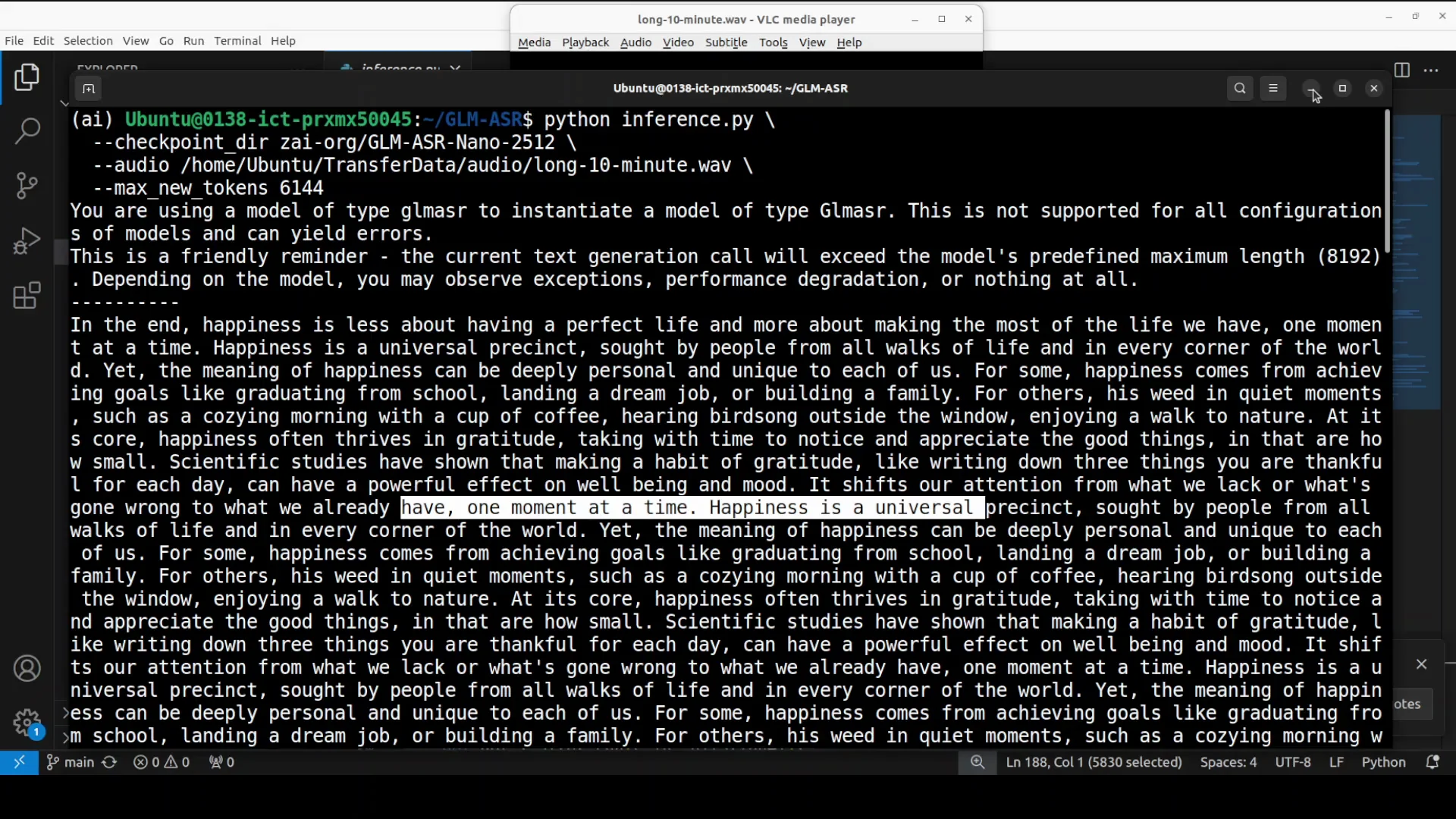
I played a Chinese file for a quick check. If you are a Chinese speaker, assessing the transcription quality on native content would be useful for evaluation.
Other than that, given GLM's stature now, they could have done better.
Step-by-Step: Install and Run GLM Fumbles Releases ASR Nano Locally
Prerequisites
- Ubuntu or a comparable Linux environment
- Python environment with pip
- Nvidia GPU with sufficient VRAM
- CUDA drivers installed and configured
1. Clone and Install
- Clone the official repository.
- Move to the repository root.
- Install Python dependencies.
git clone <repo-url>
cd <repo-folder>
pip install -r requirements.txt- This process takes a couple of minutes.
2. Download the Checkpoint Automatically
- The first inference run downloads the model automatically.
- Download size is approximately 4.5 GB.
python infer.py \
  --checkpoint <model-checkpoint> \
  --audio data/sample.wav \
  --output outputs/sample_transcript.txt
3. Run a Short Audio Test
- Provide a short audio file.
- Verify output quality on the initial test.
Content used in the short test:
Leaving the corpse within the house, they go themselves to and fro about the city and beat themselves with their garments bound up by a girdle.
4. Monitor GPU Memory
- Start a longer inference to load the model onto the GPU.
- Track VRAM consumption during processing.
Observation:
- VRAM consumption rises and stabilizes just over 7 GB during long audio transcription.
5. Adjust Output Length
- By default, the script may print only part of the result.
- Increase the number of printed characters if needed.
- The model context length is around 8K.
- Set max new tokens to approximately 6,000 for longer outputs.
python infer.py \
  --checkpoint <model-checkpoint> \
  --audio data/long_audio.wav \
  --max_new_tokens 6000 \
  --output outputs/long_audio_transcript.txt
6. Evaluate Performance
- Short audio: good accuracy with minor mistakes.
- Long audio: many mistakes; average compared to Whisper and a few other models.
- Bilingual use case: promising, given the small 1.5B parameter size.
Capabilities and Use Cases
Designed for Real World Challenges
- Low volume and whispered speech
- Dialect variations
- Noisy or overlapping audio such as meetings
Languages and Dialects
- Bilingual for English and Chinese
- Handles Cantonese, Mandarin, and a few other Chinese dialects
Licensing and Deployment
- Fully open source
- Very permissive license
- Designed for efficient deployment
Practical Notes From Local Testing
Setup Details
- Ubuntu environment
- Single Nvidia RTX 6000 with 48 GB VRAM
Inference Behavior
- First run downloads a 4.5 GB model checkpoint
- Short audio transcription was spot on in the sample provided
- Long audio run:
- VRAM consumption just over 7 GB
- Needed to increase printed characters
- Model context length around 8K
- Setting max new tokens around 6,000 helped return longer outputs
Quality Commentary
- Performs well on short, clean audio
- Struggles with long audio, producing many mistakes
- Compared to Whisper and seed ASR, it trails in performance
- Considering the 1.5B parameter size and bilingual focus, it remains a solid alternate for English-Chinese ASR needs
Benchmarks Context and Positioning
The benchmark table referenced shows strong relative performance on tasks that matter for real world transcription:
- VNET meeting, including noisy and overlapping speech
- Shell standard
- LibriClean
It achieved the lowest average error rate among open source entries listed in that table and outperformed fun audio ASR nano and fire red ASR. While it trails OpenAI Whisper and seed ASR, the overall trade-off looks attractive for small model bilingual deployment scenarios.
Tips for Better Results
- Keep initial tests short to verify pipeline correctness.
- For long files, adjust max new tokens closer to the model context length. Around 6,000 worked in the test to produce a fuller transcript.
- Monitor VRAM to ensure enough headroom for longer audio.
- For noisy or overlapping audio from meetings, expect variability and consider pre-processing if you encounter quality drops.
Resource Snapshot
| Attribute | Value |
|---|---|
| Parameter size | 1.5B |
| Checkpoint download size | ~4.5 GB |
| VRAM during long transcription | Just over 7 GB observed |
| Context length | Around 8K tokens |
| Languages | English and Chinese |
| Dialects | Cantonese, Mandarin, and a few other Chinese dialects |
| License | Fully open source, very permissive |
| Strengths | Short audio, bilingual capability, real world noise focus |
| Weaknesses | Long audio accuracy, trails Whisper and seed ASR |
Final Thoughts on GLM Fumbles Releases ASR Nano
GLM continues to ship at a fast pace, and this ASR nano model adds a bilingual option in a small 1.5B parameter package. It is open source, permissively licensed, and aimed at real world speech challenges across English and Chinese, including Cantonese and Mandarin. Installation is straightforward, and the provided script makes inference simple.
In testing, short audio transcription was accurate, while long audio produced many mistakes and averaged out compared to Whisper and a few other models. The benchmarks indicate strong performance relative to other open source entries and better results than fun audio ASR nano and fire red ASR, though it trails Whisper and seed ASR. Given its size and bilingual focus, it is a useful alternate for local, efficient ASR tasks where English and Chinese support are needed.
Subscribe to our newsletter
Get the latest updates and articles directly in your inbox.

Related Posts

8 Best Claude Code Plugins in 2026 (You Need to Know)
8 Best Claude Code Plugins in 2026 (You Need to Know)

7 Best Claude Code Skills (You Need to Know)
7 Best Claude Code Skills (You Need to Know)

Claude Code Desktop IDE Features (You Need to Know)
Claude Code Desktop IDE Features (You Need to Know)