
Table Of Content
- Setup for Gemma 4 E2B, Hermes Agent, and vLLM: Free Local Multimodal AI
- vLLM install and version check
- Download Gemma 4 E2B-it locally
- Serve Gemma 4 E2B-it with vLLM
- Hermes Agent integration with Gemma 4 E2B and vLLM
- Install Hermes Agent
- Point Hermes to the local vLLM endpoint
- Text, vision, and audio notes for Gemma 4 E2B on vLLM
- Audio transcription via the vLLM endpoint
- Image understanding via the vLLM endpoint
- Performance, VRAM, and stability tips
- Use cases on a single GPU
- Final thoughts
Gemma 4 E2B, Hermes Agent, and vLLM: Free Local Multimodal AI
Table Of Content
- Setup for Gemma 4 E2B, Hermes Agent, and vLLM: Free Local Multimodal AI
- vLLM install and version check
- Download Gemma 4 E2B-it locally
- Serve Gemma 4 E2B-it with vLLM
- Hermes Agent integration with Gemma 4 E2B and vLLM
- Install Hermes Agent
- Point Hermes to the local vLLM endpoint
- Text, vision, and audio notes for Gemma 4 E2B on vLLM
- Audio transcription via the vLLM endpoint
- Image understanding via the vLLM endpoint
- Performance, VRAM, and stability tips
- Use cases on a single GPU
- Final thoughts
I installed and integrated Gemma 4 E2B from Google with Hermes Agent on Ubuntu, serving the model locally through vLLM. I used an Nvidia RTX 6000 with 48 GB of VRAM. This setup gives me text, vision, and audio support from a small instruction-tuned model running on a single GPU.
Gemma 4 comes in multiple flavors, and I have already tested the family from local installation to multi-modality and fine-tuning on local data. Here I focus on Hermes Agent and how it works with Gemma 4 E2B across modalities. I have also shown integration with OpenClaw before, and Hermes is positioning itself as a competitor to that tool, so it is worth seeing how both behave in local agent workflows.
If you want a deeper comparison across model sizes, see our side-by-side analysis of Gemma 4 and Qwen 3.5 for practical guidance. For a direct family-level take, read this comparison of Gemma 4 vs Qwen 3.5. For a larger variant breakdown including Qwen 3.5 27B, see this head-to-head on Gemma 4 31B vs Qwen 3.5 27B.
Setup for Gemma 4 E2B, Hermes Agent, and vLLM: Free Local Multimodal AI
I used the latest vLLM because Gemma 4 support landed recently and older builds may not expose all modalities. Some modalities might not work right away in fresh releases, and you can usually resolve that by upgrading vLLM again in a couple of days. Most of it works well already, and the model loads comfortably for local experimentation.
vLLM install and version check
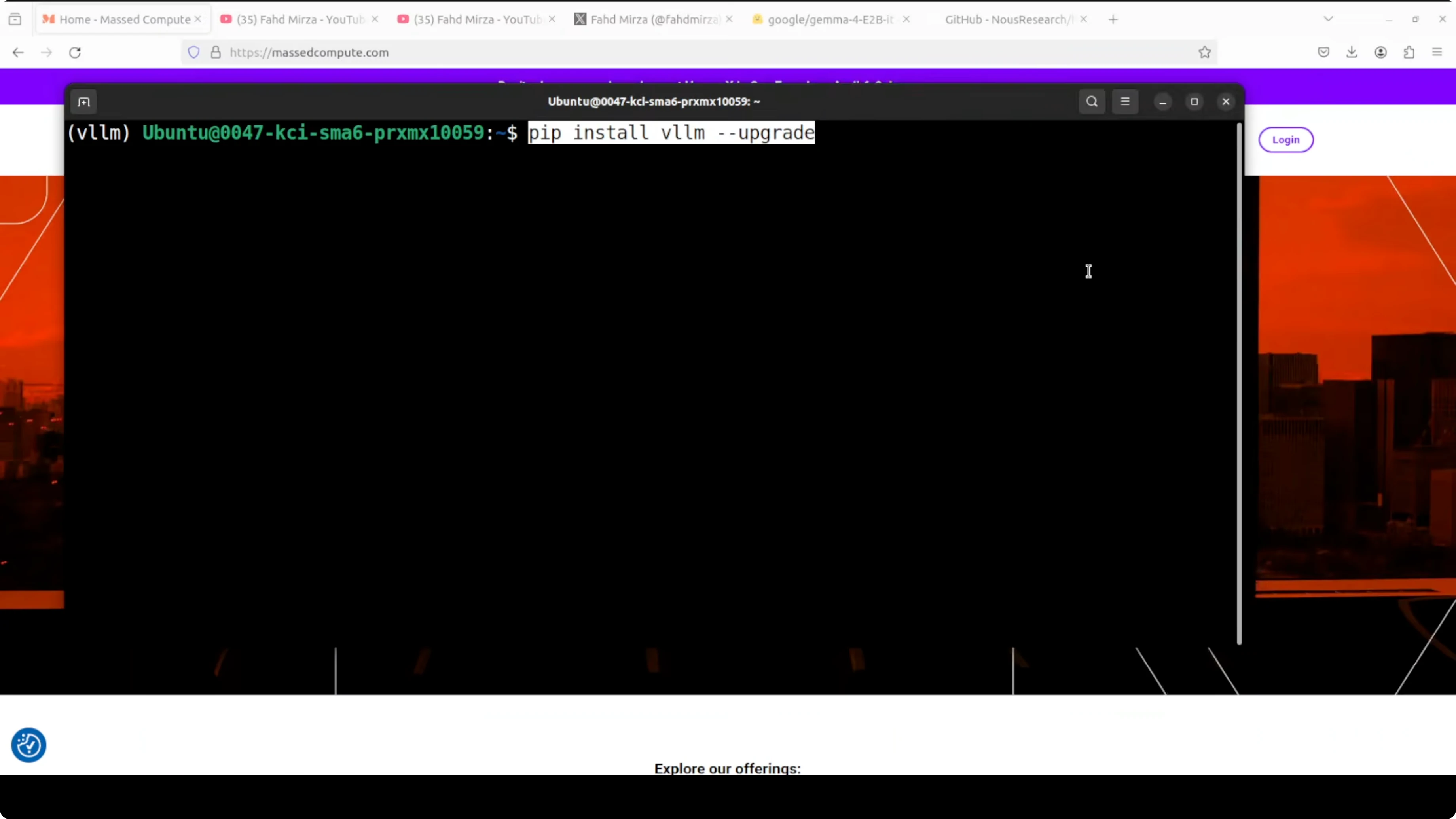
Install or upgrade vLLM to a recent version.
Run: pip install -U vllm
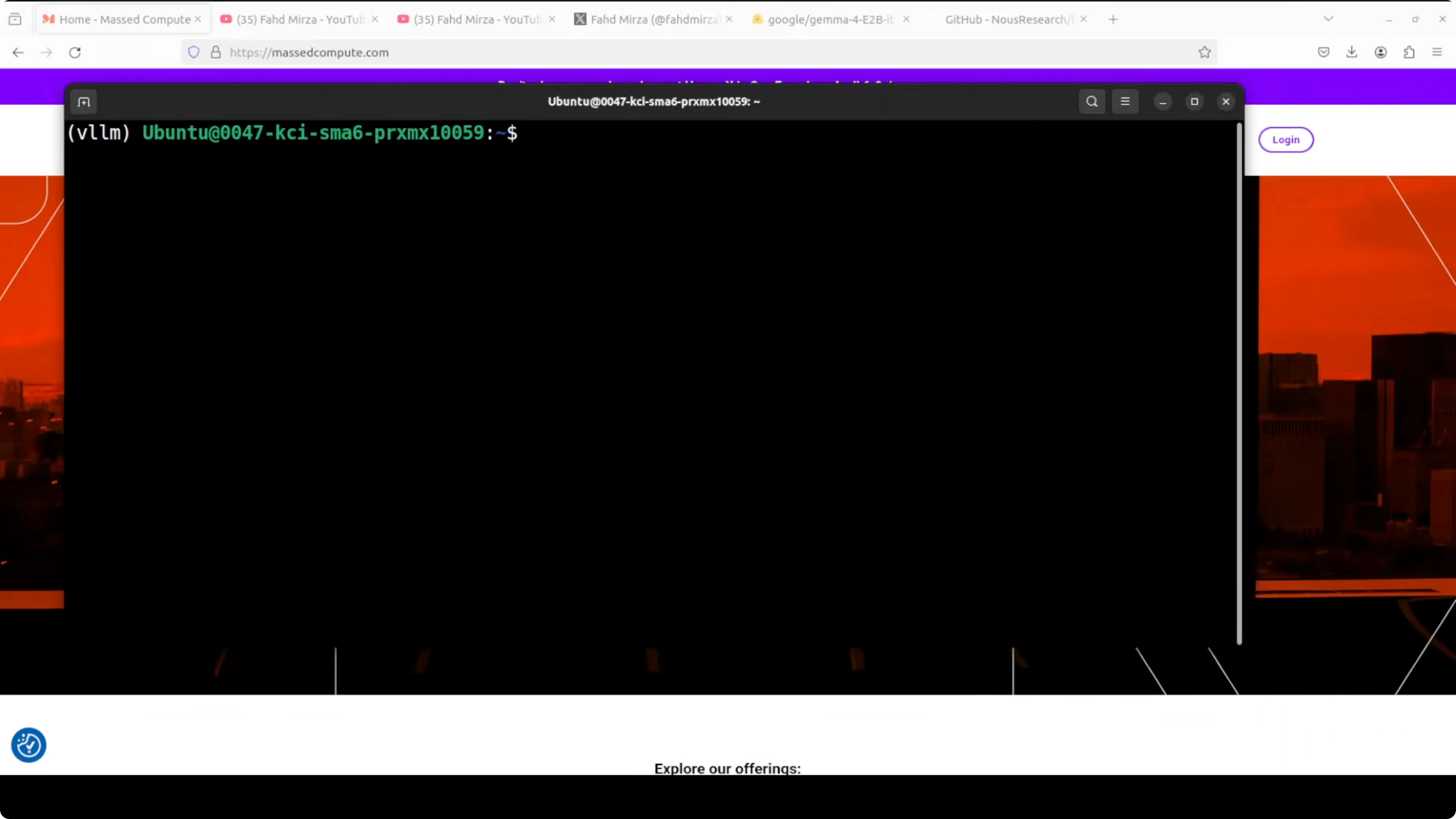
Confirm the version after install.
Run: python -c "import vllm, sys; print(vllm.version)"
Download Gemma 4 E2B-it locally
I pulled the model from Hugging Face into a local folder to serve it from disk. If you prefer direct loading from the hub in vLLM, you can skip this step.
Run: pip install -U "huggingface_hub[cli]"
Run: huggingface-cli login
Run: huggingface-cli download google/gemma-4-E2B-it --local-dir ./models/gemma-4-E2B-it --local-dir-use-symlinks False
The model card is here for reference: https://huggingface.co/google/gemma-4-E2B-it
Serve Gemma 4 E2B-it with vLLM
I served the local copy on port 8000 with an OpenAI-compatible API. I kept a larger context window, but you can lower it if VRAM becomes tight.
Run: vllm serve ./models/gemma-4-E2B-it --port 8000 --max-model-len 32768 --gpu-memory-utilization 0.90 --dtype float16
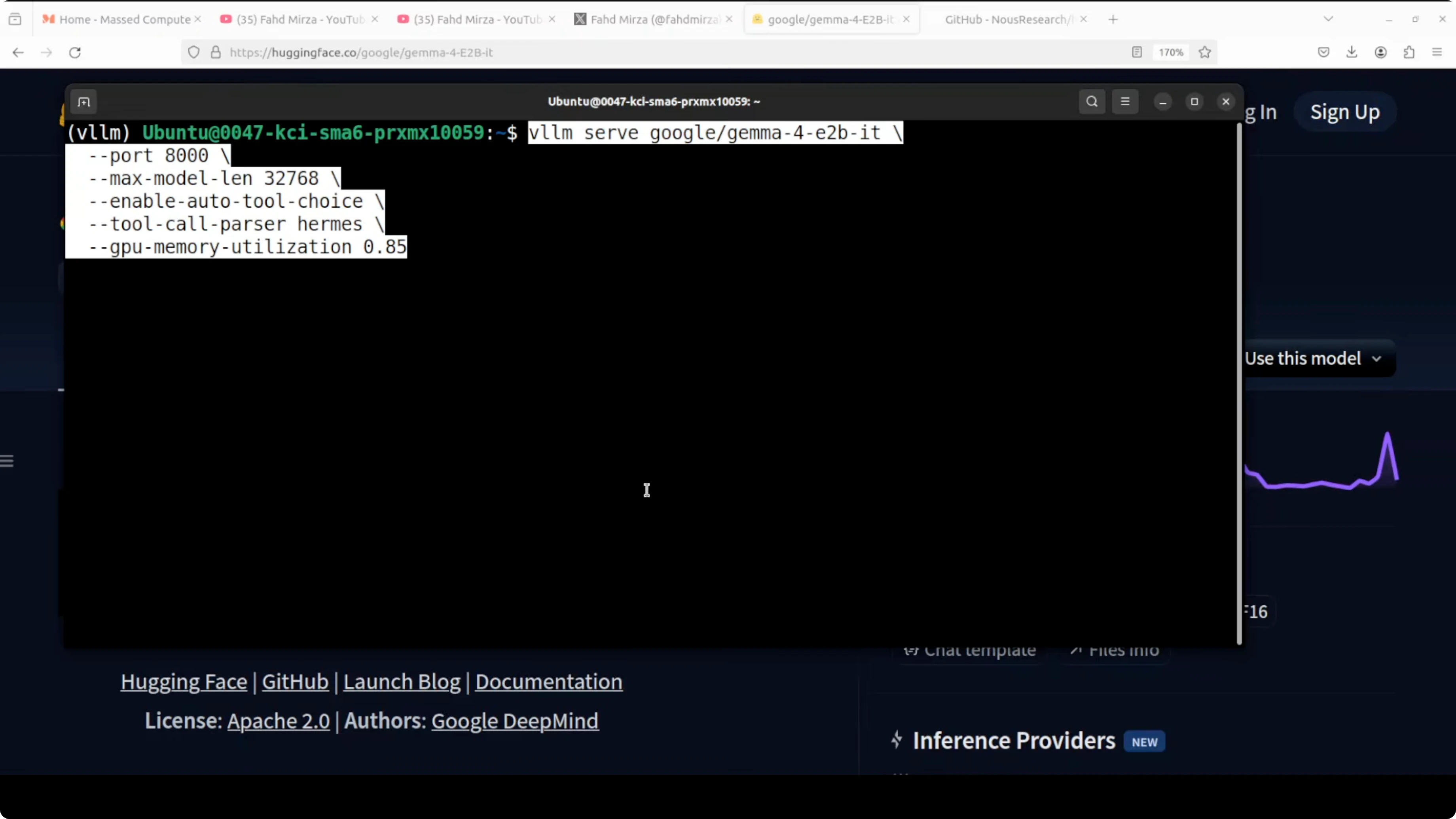
The server may print warnings and minor errors given the bleeding-edge support. Loading took under 8 GB of VRAM in my case, and runtime usage can climb as the KV cache grows.
If you are exploring local agent frameworks beyond Hermes, I also covered an OpenClaw setup here: OpenClaw local agent workflow.
Hermes Agent integration with Gemma 4 E2B and vLLM
Hermes Agent has been covered in depth already. It is a capable agent framework with many built-in skills and a terminal backend, and it aims to compete with OpenClaw for local-first orchestration.
Install Hermes Agent
Install Hermes with a single command.
Run: pip install -U hermes-agent
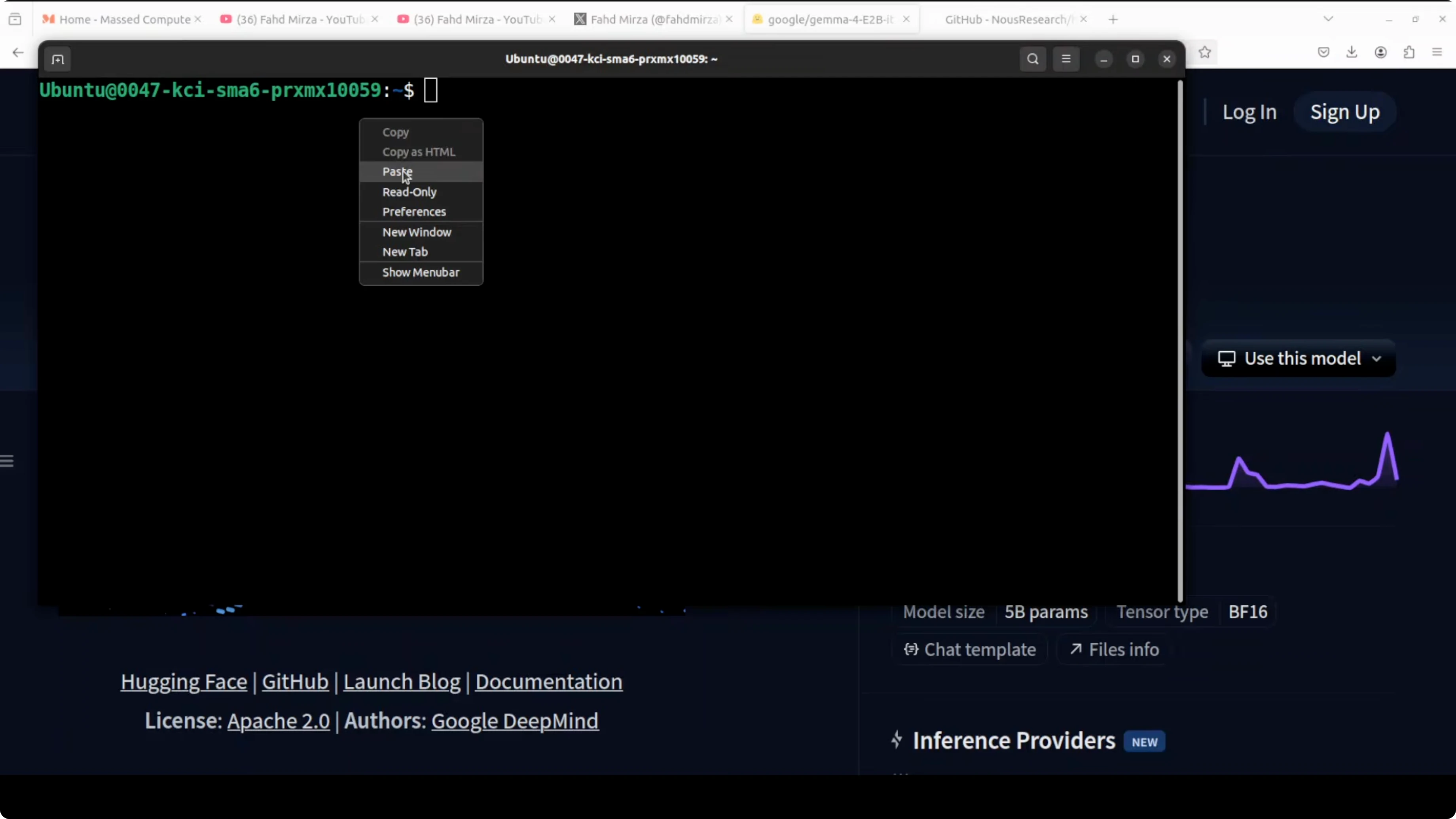
You can verify the installation afterwards.
Run: hermes --version
Point Hermes to the local vLLM endpoint
Hermes lets you add a custom model provider and route to your local OpenAI-compatible server. I configured it to use the model already being served on port 8000.
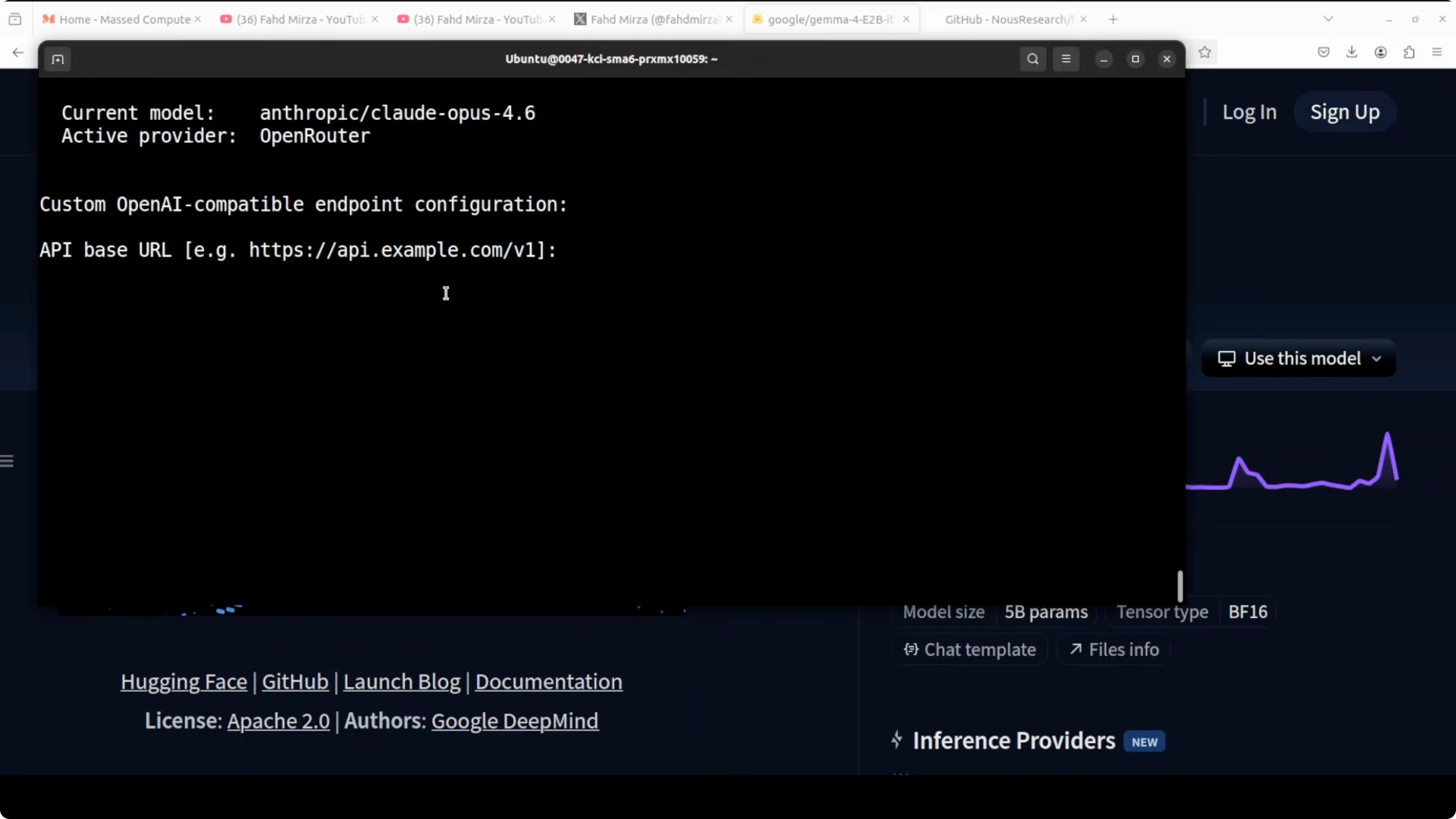
Run: hermes config
Select custom endpoint and set base URL to http://localhost:8000/v1. Leave API key blank for a local unsecured server.
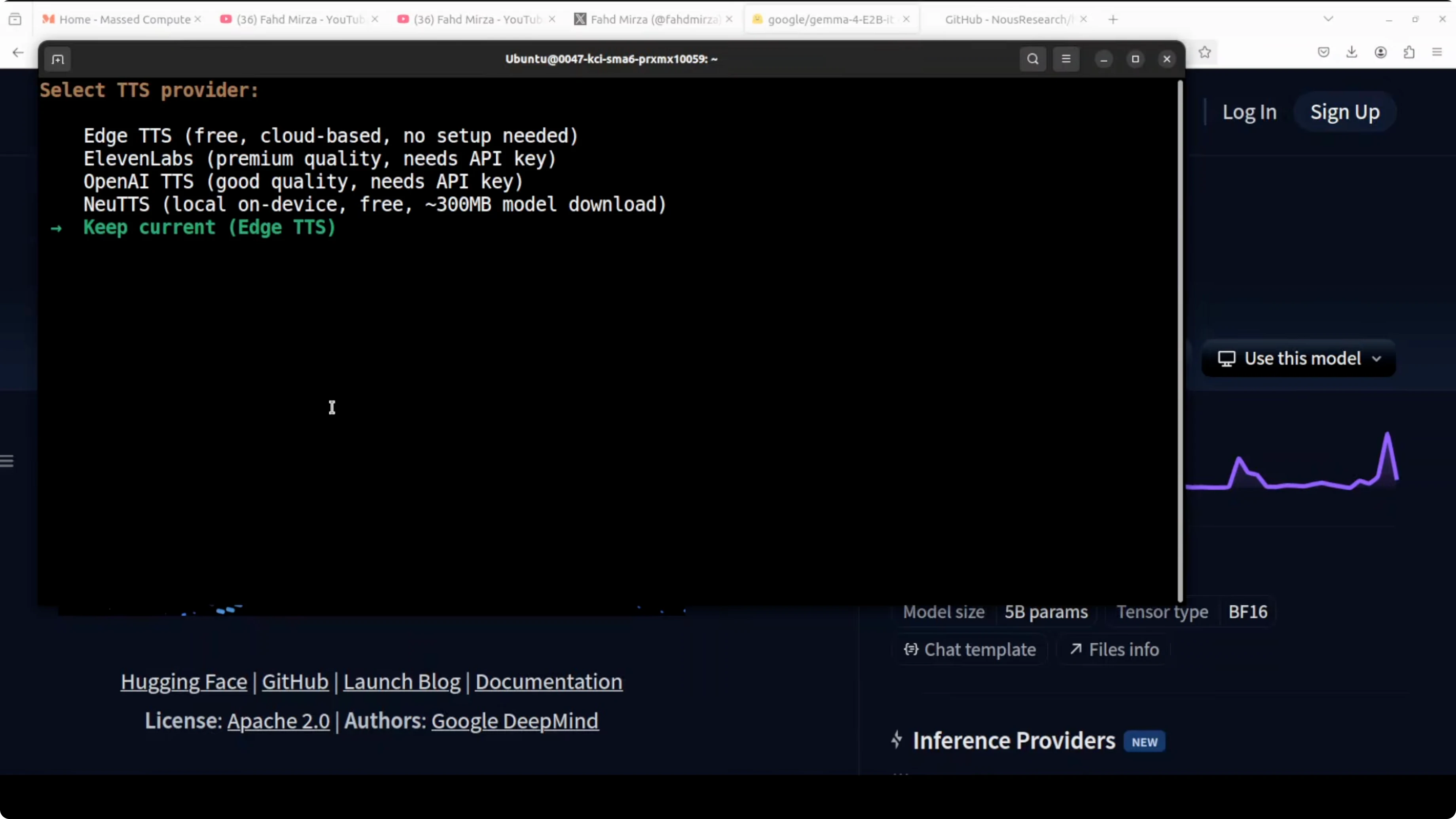
Hermes can auto-detect the served model. Confirm the suggested model and keep defaults for local-only operation unless you want to wire up external channels.
After configuration, restart your shell so the environment updates take effect. Launch Hermes to confirm it loads and preloads skills.
Run: hermes
Hermes recognized the locally served Gemma 4 model and was ready to accept tasks with tool calls enabled. If you want a broader view of agent patterns and tooling, browse our category on AI agents.
Text, vision, and audio notes for Gemma 4 E2B on vLLM
I validated general knowledge prompts and tool usage through Hermes. For audio, Hermes does not currently pass audio natively end-to-end, so I accessed the vLLM endpoint directly from Python to test speech inputs.
If you only need browser-style automation and web workflows, here is a practical walkthrough on building a browser-capable agent: browser-use agent setup.
Audio transcription via the vLLM endpoint
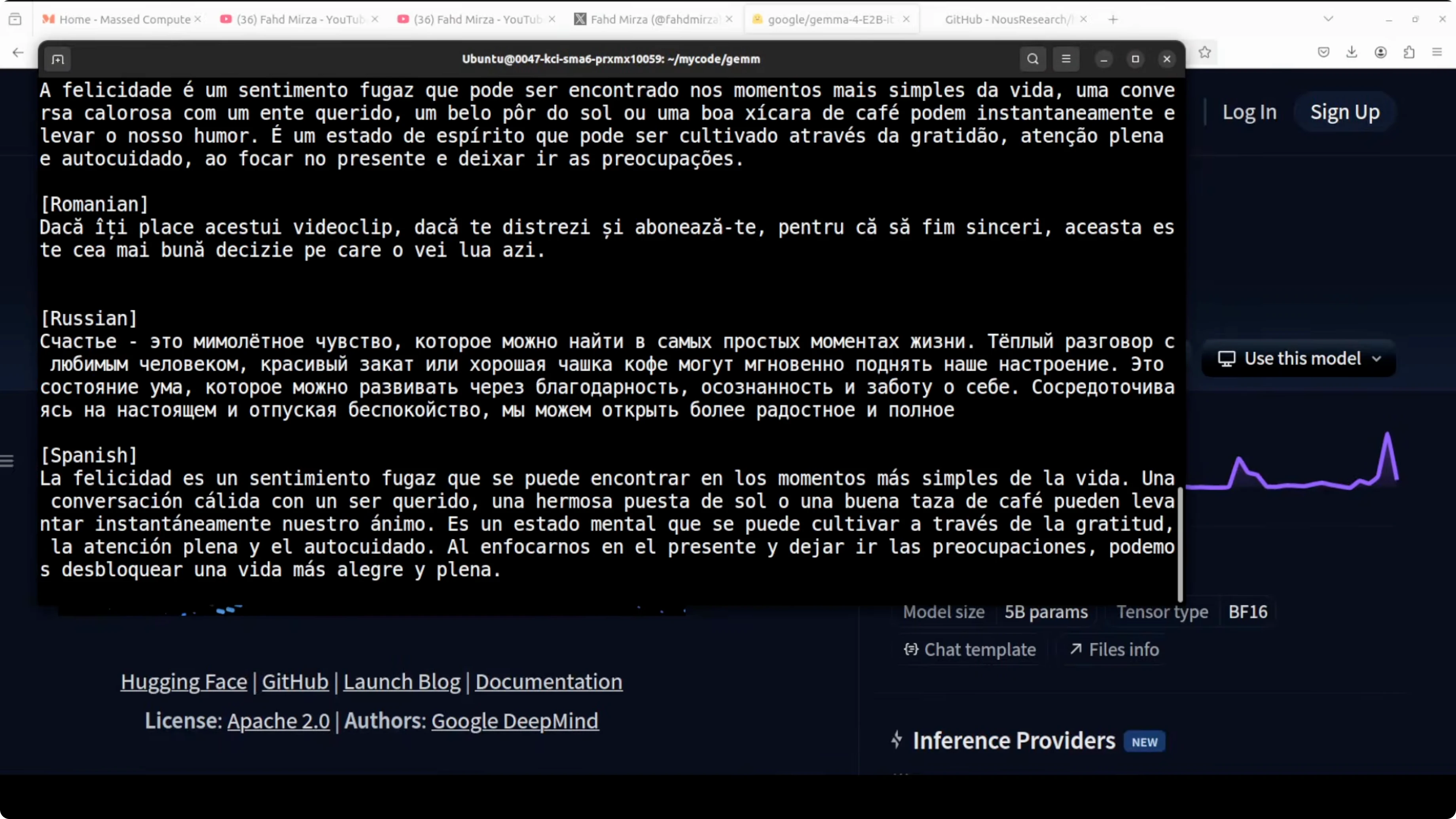
The model supports more than 100 languages for speech inputs. I used the OpenAI-compatible client against vLLM for transcription-style prompts.
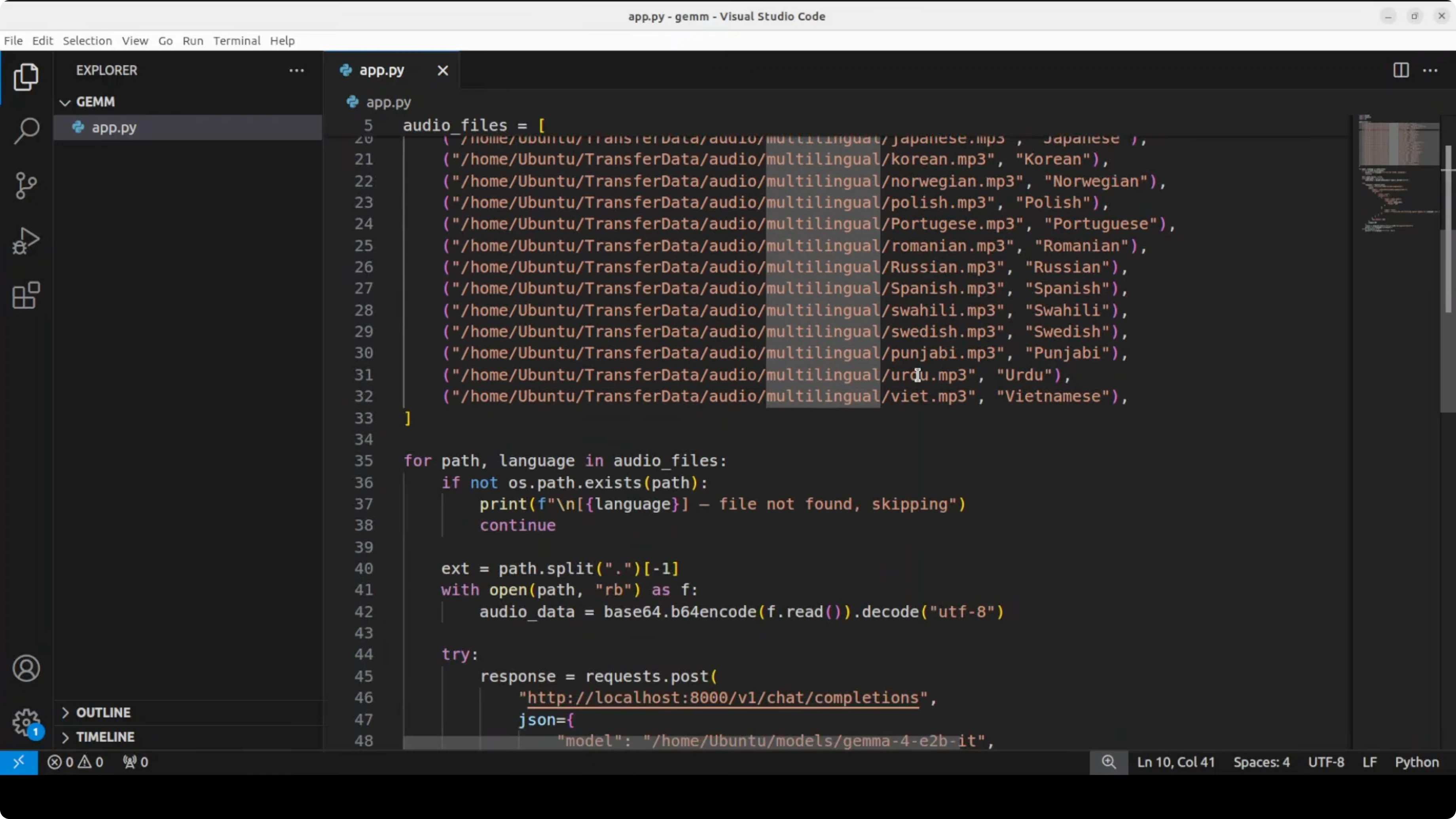
Install the client.
Run: pip install -U openai
Then call the server with audio content.
import base64
from openai import OpenAI

client = OpenAI(base_url="http://localhost:8000/v1", api_key="EMPTY")

def encode_audio(file_path):
    with open(file_path, "rb") as f:
        b = f.read()
    return base64.b64encode(b).decode("utf-8")

audio_b64 = encode_audio("audio_sample.wav")

messages = [
    {
        "role": "user",
        "content": [
            {"type": "input_text", "text": "Transcribe this audio and return plain text."},
            {
                "type": "input_audio",
                "audio": {"format": "wav", "data": audio_b64}
            },
        ],
    }
]

resp = client.chat.completions.create(
    model="google/gemma-4-E2B-it",
    messages=messages,
    temperature=0.2,
)

print(resp.choices[0].message.content)
If your audio is mp3 or m4a, set the appropriate format field. Keep audio clips short and clean for best results.
Image understanding via the vLLM endpoint
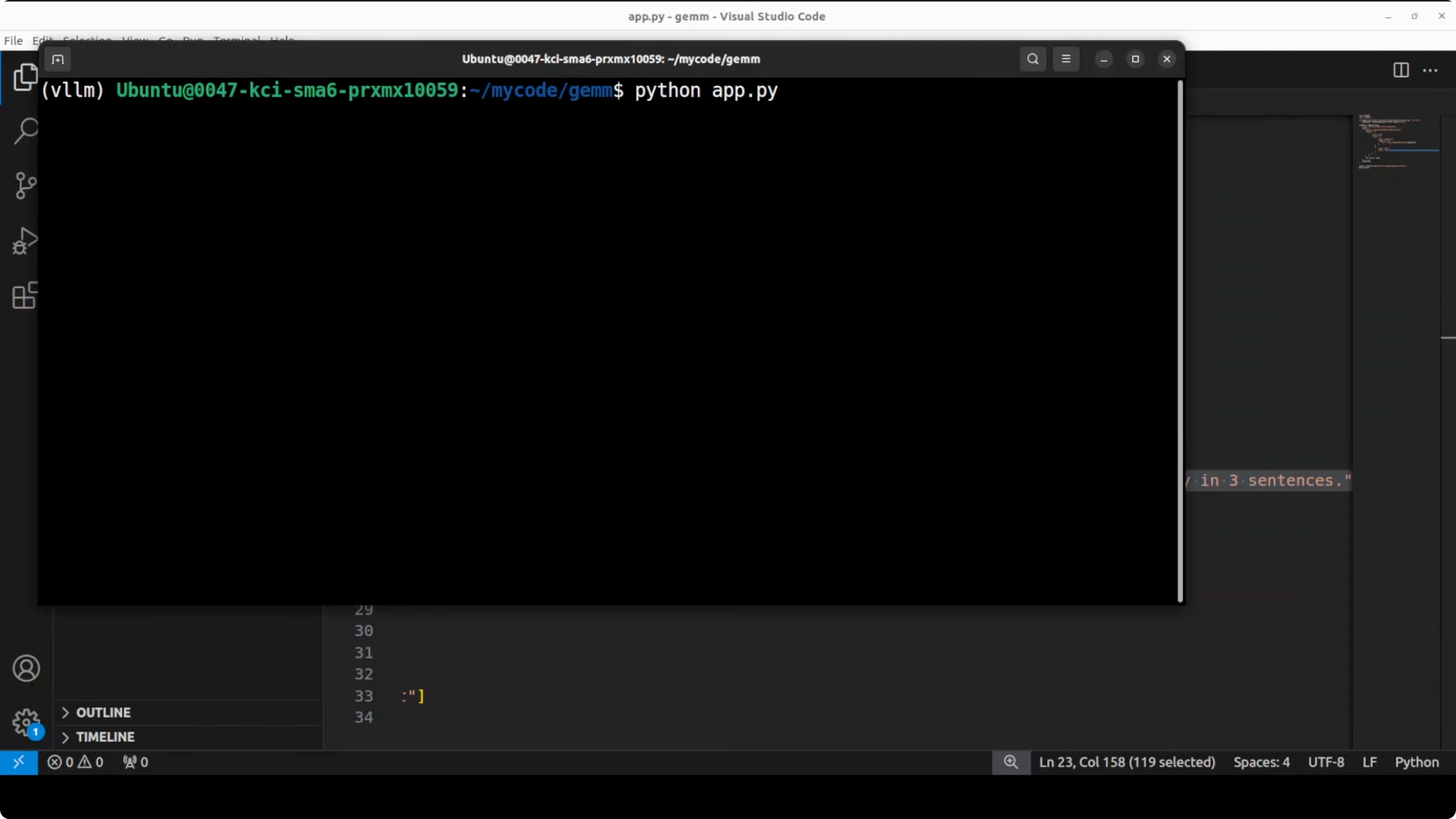
I also tested reading text from a newspaper page and summarizing the main story. The model extracted visible headlines and produced a concise summary, with a few transcription mistakes that you can expect from a compact model.
import base64
from openai import OpenAI
client = OpenAI(base_url="http://localhost:8000/v1", api_key="EMPTY")
def encode_image(path):
with open(path, "rb") as f:
return base64.b64encode(f.read()).decode("utf-8")
img_b64 = encode_image("newspaper.jpg")
messages = [
{
"role": "user",
"content": [
{"type": "input_text", "text": "This is a newspaper image. Extract all headlines, then summarize the main story in three sentences."},
{
"type": "input_image",
"image_url": f"data:image/jpeg;base64,{img_b64}",
},
],
}
]
resp = client.chat.completions.create(
model="google/gemma-4-E2B-it",
messages=messages,
temperature=0.2,
max_tokens=512,
)
print(resp.choices[0].message.content)Use PNG or JPG files with reasonable resolution. For large pages, crop to the content area for more accurate OCR and summarization.
Performance, VRAM, and stability tips
Model initialization used under 8 GB of VRAM for me. During long conversations, VRAM usage can grow significantly because of the KV cache, and I observed numbers around the tens of gigabytes on extended runs.
If you face modality-specific issues, this is normal with fresh support in vLLM for Gemma 4. Upgrade to the latest vLLM and restart the server.
Use cases on a single GPU
Run a local assistant for general knowledge, document QA, and tool-augmented tasks through Hermes. Attach web search, file tools, and structured outputs for routine workflows.
Transcribe multilingual audio snippets for quick notes from field recordings, interviews, or customer calls. Parse images like invoices, receipts, and newspapers, then summarize or extract structured fields for downstream processing.
For teams comparing model families before committing, refer to our analyses on Gemma 4 vs Qwen 3.5 and the more detailed size-focused Gemma 4 31B vs Qwen 3.5 27B.
Final thoughts
Gemma 4 E2B runs fully locally for text, vision, and audio on a single GPU and works well with Hermes Agent for autonomous capabilities. Support in vLLM is evolving fast, and minor issues are usually cleared by frequent updates. If you are building local-first agents, also explore how OpenClaw compares in a similar stack: OpenClaw Local AI Agent.
Subscribe to our newsletter
Get the latest updates and articles directly in your inbox.

Related Posts

8 Best Claude Code Plugins in 2026 (You Need to Know)
8 Best Claude Code Plugins in 2026 (You Need to Know)

7 Best Claude Code Skills (You Need to Know)
7 Best Claude Code Skills (You Need to Know)

Claude Code Desktop IDE Features (You Need to Know)
Claude Code Desktop IDE Features (You Need to Know)