
Table Of Content
- How Function Calling Works with AutoBE and Ollama Explained?
- Local models with Ollama
- Install on Ubuntu
- Node.js 20.x and npm
- pnpm via corepack
- Install Ollama if not installed: https://ollama.com
- Pull a Qwen 3.5 27B variant or your preferred model
- Confirm the model tag that Ollama knows
- Configure the Ollama vendor
- What the pipeline produces
- Use cases
- Final thoughts
How Function Calling Works with AutoBE and Ollama Explained?
Local LLM Hardware Calculator
Enter your GPU VRAM and system RAM to see which LLMs you can run in Ollama — at Q4, Q8, or full precision — with estimated tokens-per-second speed.
Table Of Content
- How Function Calling Works with AutoBE and Ollama Explained?
- Local models with Ollama
- Install on Ubuntu
- Node.js 20.x and npm
- pnpm via corepack
- Install Ollama if not installed: https://ollama.com
- Pull a Qwen 3.5 27B variant or your preferred model
- Confirm the model tag that Ollama knows
- Configure the Ollama vendor
- What the pipeline produces
- Use cases
- Final thoughts
Imagine you have an idea for an app, say a Reddit clone or an e-commerce store, and instead of spending weeks writing backend code, you describe it in plain English to a chat interface and a fully working back end comes out the other side. That is AutoBE, and we are going to set it up with local models powered by Ollama. Before we jump to installation, it is important to understand what this tool is actually doing and how it works.
AutoBE does not ask the AI to write raw code. It forces the AI to fill structured forms, and purpose-built compilers transform those forms into real TypeScript code. If anything breaks, the system detects what failed and feeds that back to the AI to fix it, looping until everything compiles.
AutoBE is focused on TypeScript, which is a good fit for many teams. The core idea is to replace free-form code generation with controlled function-like calls into a structured schema. That control makes the output predictable and compilable.
How Function Calling Works with AutoBE and Ollama Explained?
AutoBE treats each development action as a structured operation rather than free-form text output. The model fills fields in a schema that represent requirements, database entities, API contracts, and tests. A compiler then converts those forms to TypeScript modules, interfaces, and test files.
Errors are not left vague. Compilation issues and runtime checks are parsed and converted to concrete feedback, which goes back into the planning loop. The AI amends only the parts that failed and resubmits the structured form until the pipeline is green.
If you are dealing with function or tool-calling misfires in your editor, the debugging mindset here is useful. You can apply similar remediation steps to fix tool execution issues, and you might find this guide on addressing tool-call problems helpful: common fixes for Cursor AI tool-calling errors.
For teams experimenting with Claude-style coding over local LLMs, you may also want a companion setup for code-centric chat. See this approach to running coding assistants locally with Ollama in our Claude Code with Ollama guide.
Local models with Ollama
I am running this with a GPU and the Ollama-served Qwen 3.5 27B model, which performs well for this workflow. Local inference means no throttling and no token bills, and everything stays private on your machine. The 27B model here is a dense model, and there are also mixture-of-experts variants in the same family.
A reality check helps set expectations. Many LLaMA-based quantized models are not as capable as you might hope for complex software orchestration, while a full Qwen 3.5 run performs better. For production-grade results, you might prefer an API model or a strong local run.
If you want to explore agent-style orchestration on top of Ollama, see how a super-agent setup can coordinate tools and tasks in this Ollama super agent walkthrough.
Install on Ubuntu
You need Node.js, npm, and pnpm. PNPM is faster and saves disk space by sharing packages across projects instead of duplicating them.
Install prerequisites on Ubuntu.
# Node.js 20.x and npm
curl -fsSL https://deb.nodesource.com/setup_20.x | sudo -E bash -
sudo apt-get install -y nodejs build-essential git

# pnpm via corepack
sudo corepack enable
corepack prepare pnpm@latest --activate
pnpm -v
Clone the AutoBE repository and install dependencies.
git clone https://github.com/wrtnlabs/autobe.git
cd autobe
pnpm install
If you hit a permissions error on the workspace, fix ownership and try again.
sudo chown -R "$USER":"$USER" .
pnpm install
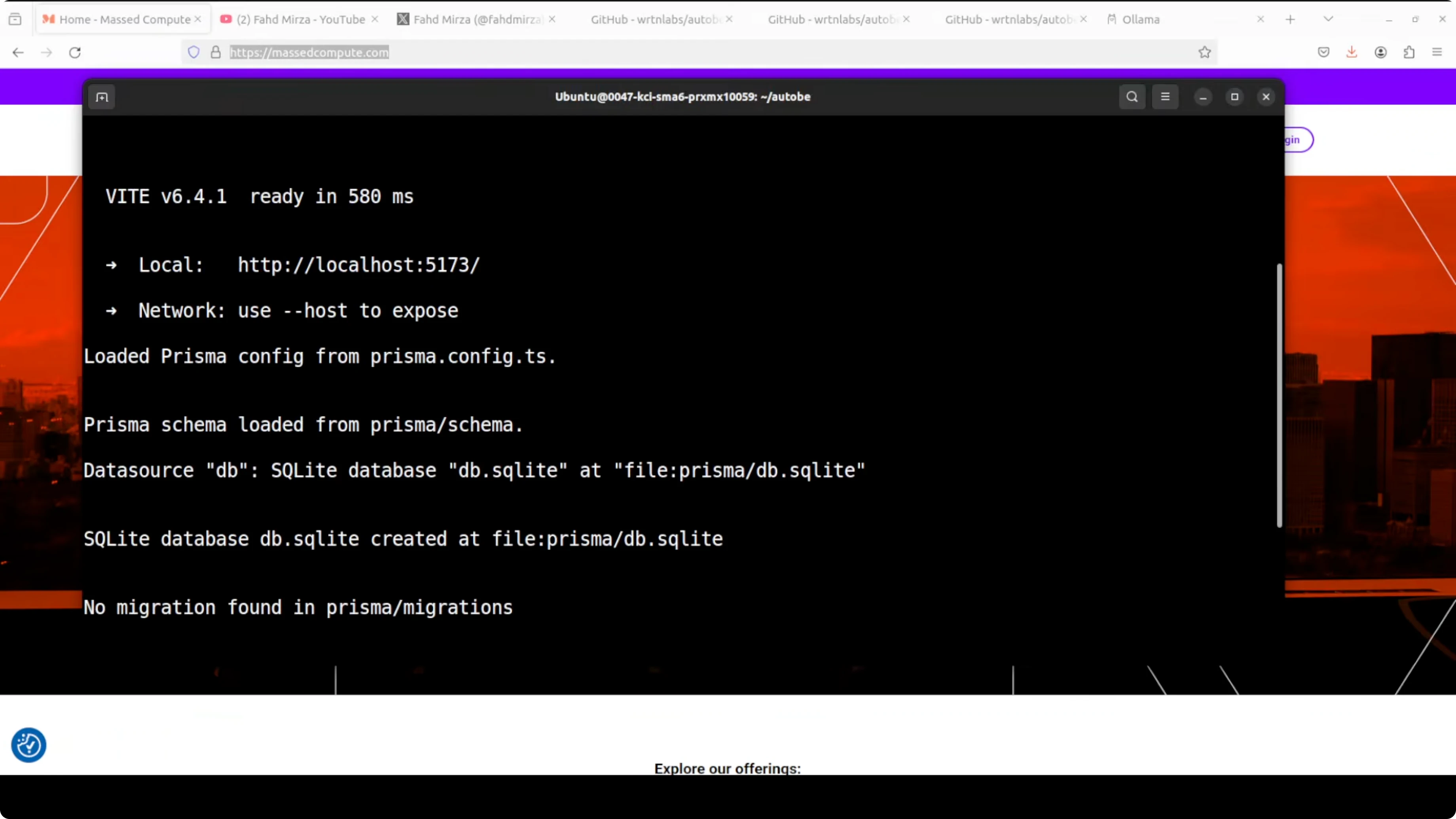
Start the playground. The dev server runs locally, typically on port 5173.
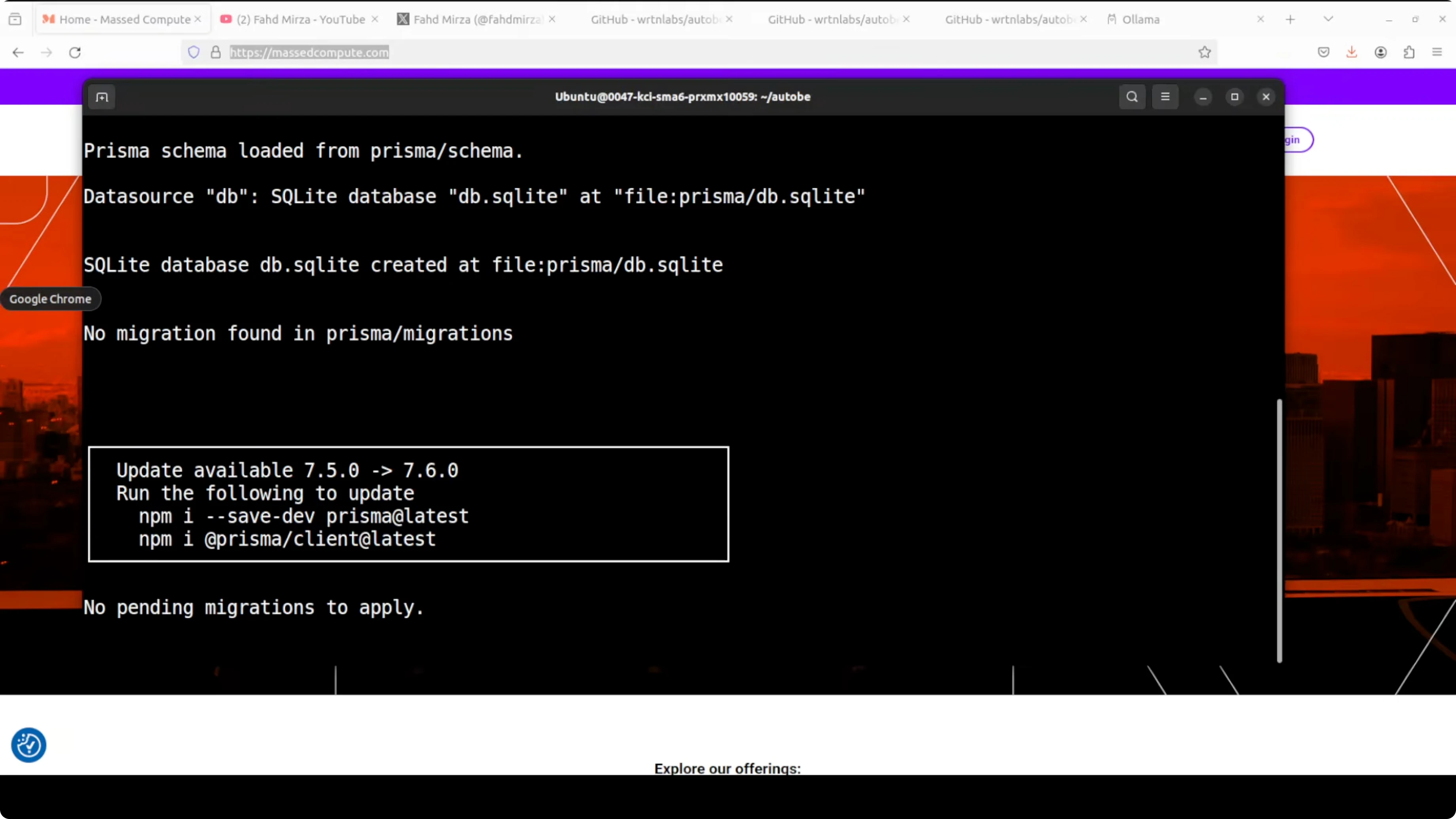
pnpm devPrepare Ollama and the model you plan to use. Confirm the service is running on http://localhost:11434.
# Install Ollama if not installed: https://ollama.com
# Pull a Qwen 3.5 27B variant or your preferred model
ollama pull qwen:3.5-27b

# Confirm the model tag that Ollama knows
ollama list
Configure the Ollama vendor
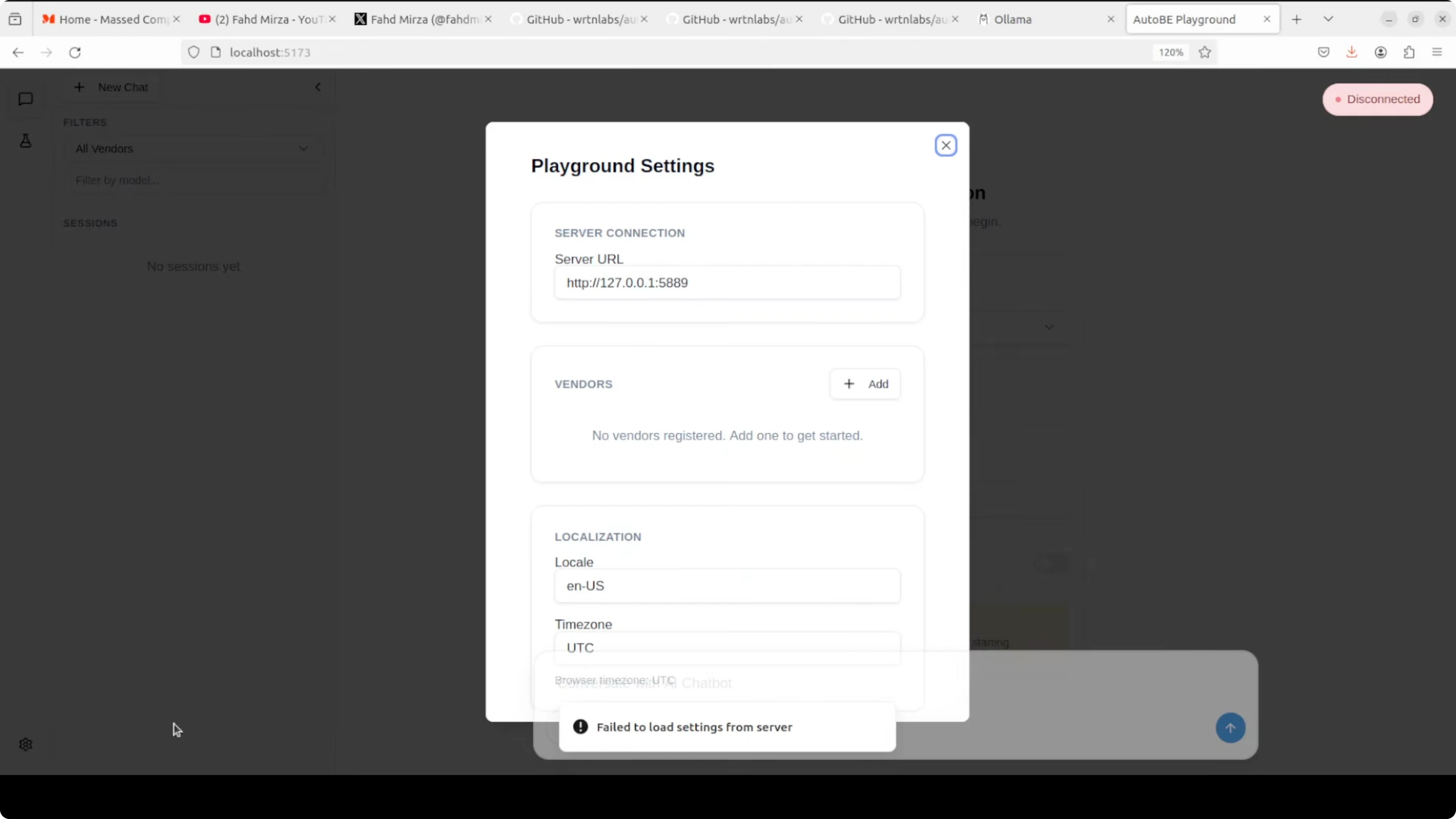
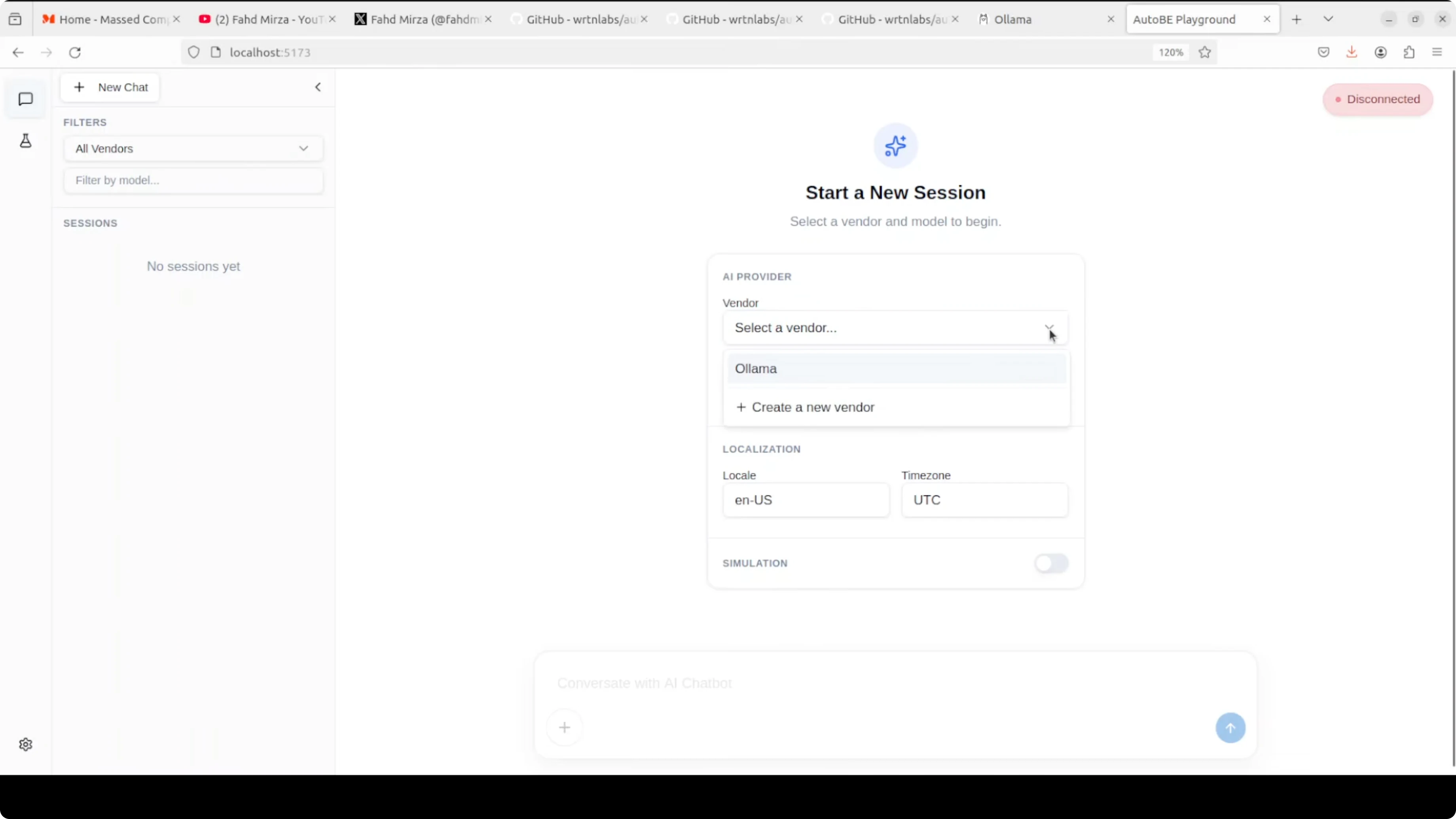
Open the playground in your browser at http://localhost:5173. Open the settings cog, click Add, and choose the Ollama template.
If saving the Ollama vendor fails, pick the OpenAI template and replace the base URL with your Ollama endpoint, for example http://localhost:11434. You do not need an API key for Ollama, though you can type a placeholder if the field is required.
Save the vendor, return to the main screen, and select your Ollama vendor from the dropdown. Enter the model tag exactly as shown by your ollama list command. Start your session and let AutoBE perform analysis, design, and code generation for your backend.
If you prefer an all-in-one desktop environment for local LLM experimentation, this walkthrough of a simple Ollama setup can help you get going faster: a minimal Ollama workflow.
What the pipeline produces
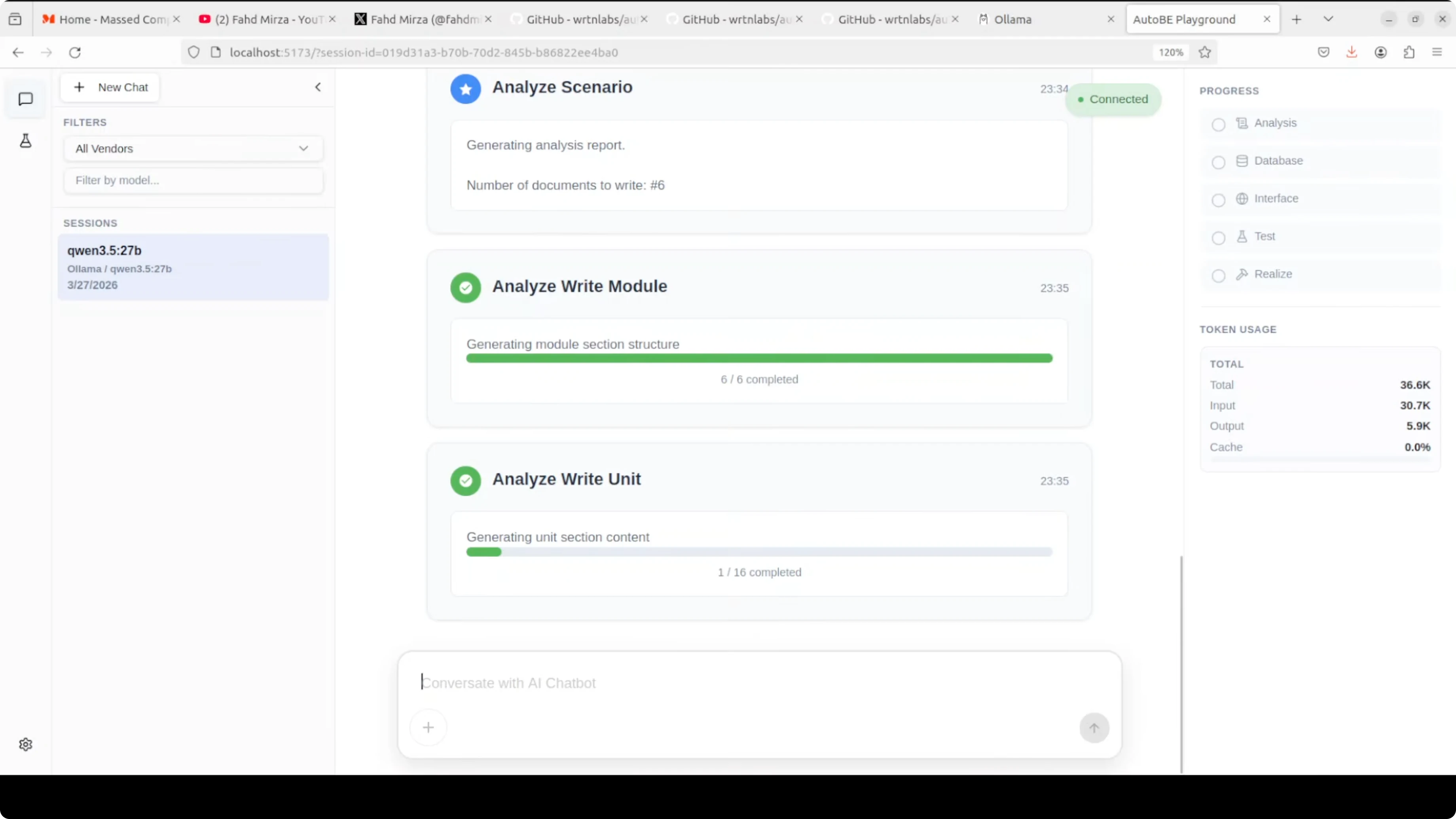
The workflow kicks off with requirement analysis. You will see it outline core features, the data model, the API design, and the request-response formats.
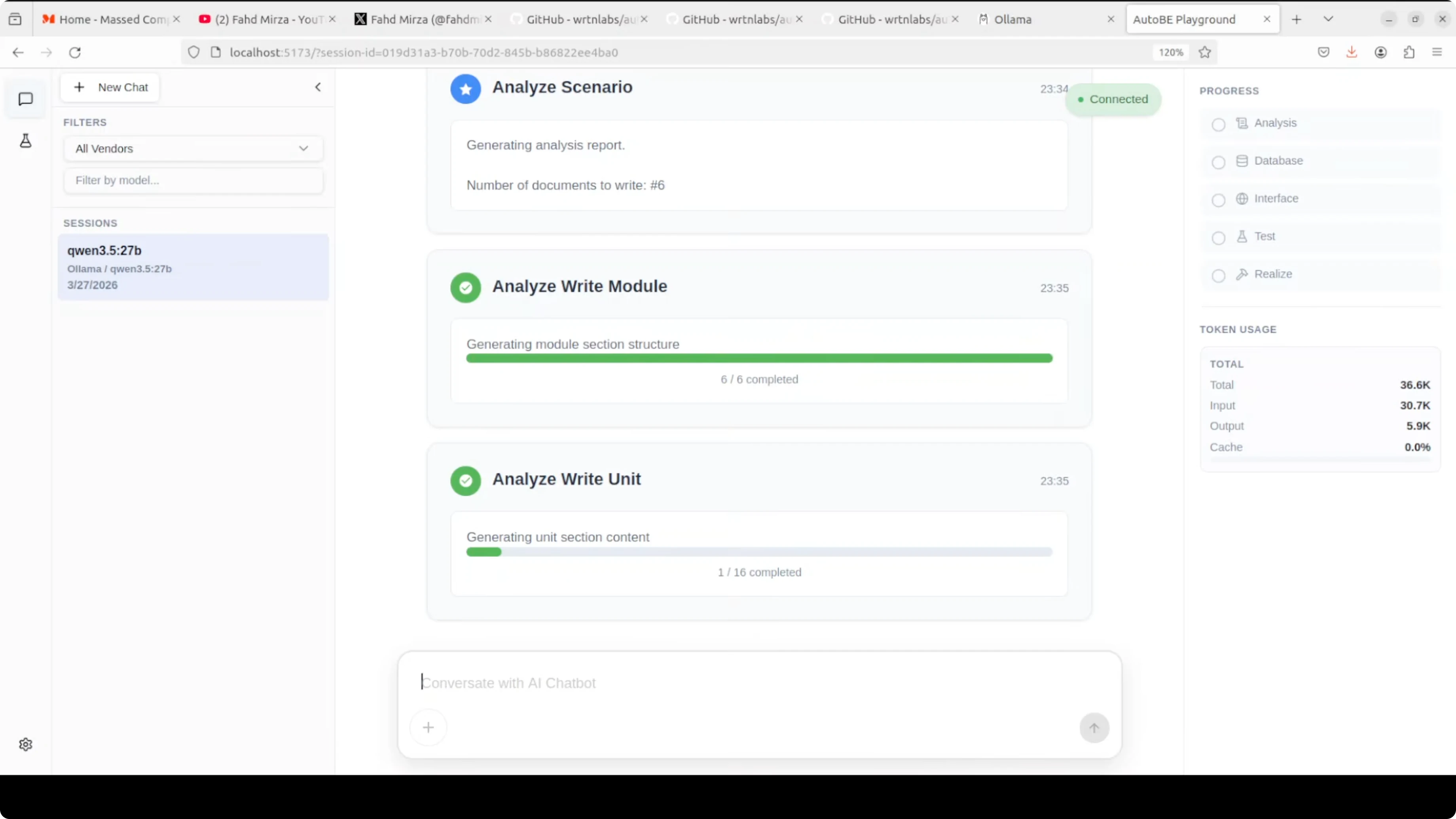
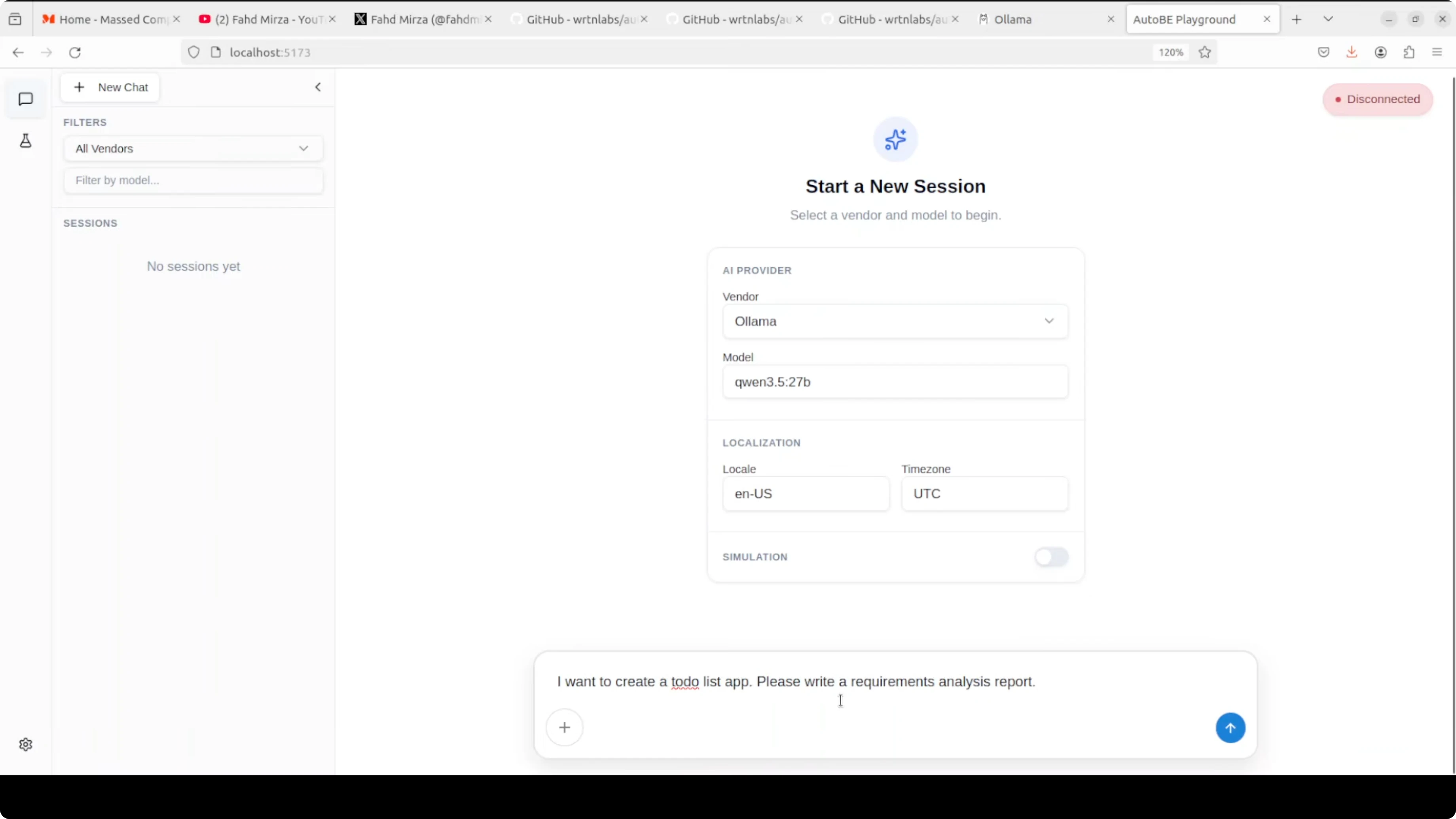
From there it moves to database schema design, interface definitions, test plans, and code realization. The UI shows progress and token usage while it works.
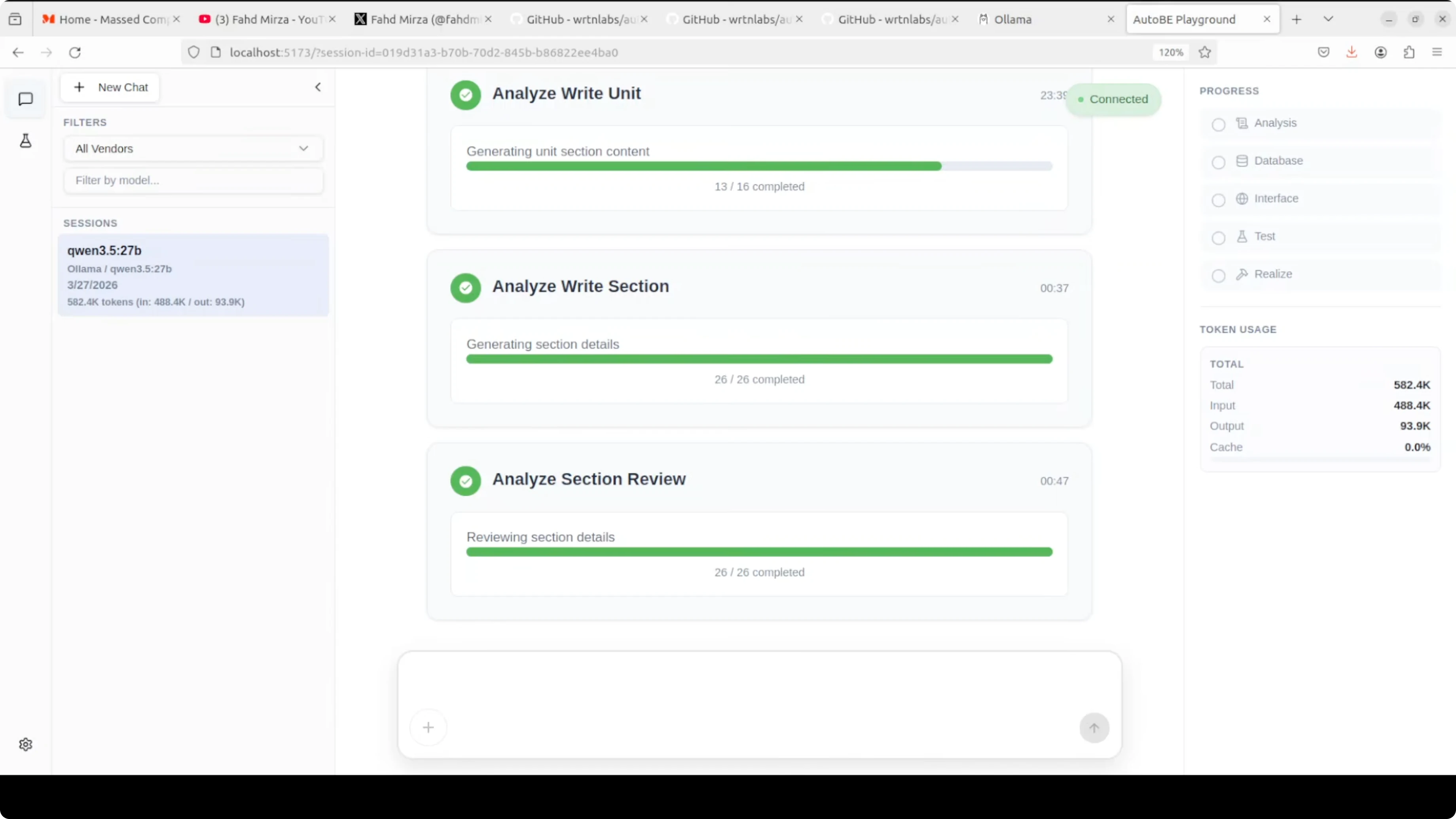
One thing to expect with a local model is speed. It can be slow compared to top-tier API models, and that lag is more obvious during long planning or test generation steps. The upside is cost control and privacy, as your token usage is free and stays on your machine.
If you want a planning agent that also decomposes tasks and calls tools over Ollama, you can compare how that flow looks in this Goose + Ollama setup. It pairs well with structured build systems like AutoBE for broader automation.
Use cases
The real use case is for developers who have an idea and want to skip the boilerplate. Instead of spending days setting up your database schema, writing API endpoints, and creating test files, AutoBE does all of that in one shot.
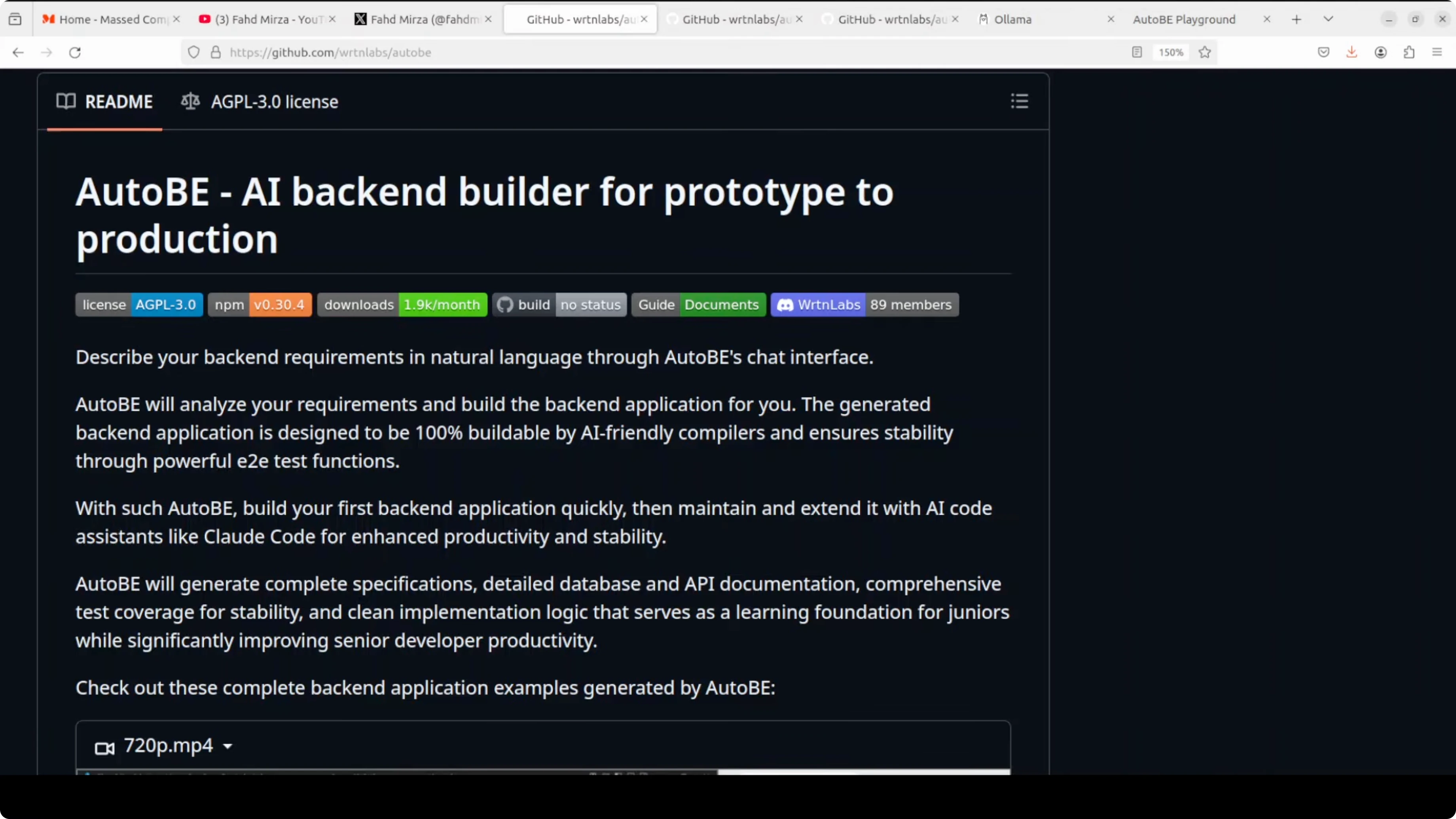
It is great for rapid prototypes, internal tools, and scaffolding service backends that actually compile and run. It also helps teams standardize TypeScript patterns across projects by encoding structure into forms and compilers.
If you run into tool-call orchestration errors in your editor or agent stack while building on top of this flow, see patterns that often resolve them in this Cursor AI troubleshooting guide.
Final thoughts
AutoBE replaces free-form code generation with structured form filling, TypeScript-specific compilers, and an automatic fix loop until it compiles. That shift makes the output far more reliable than raw AI-written code.
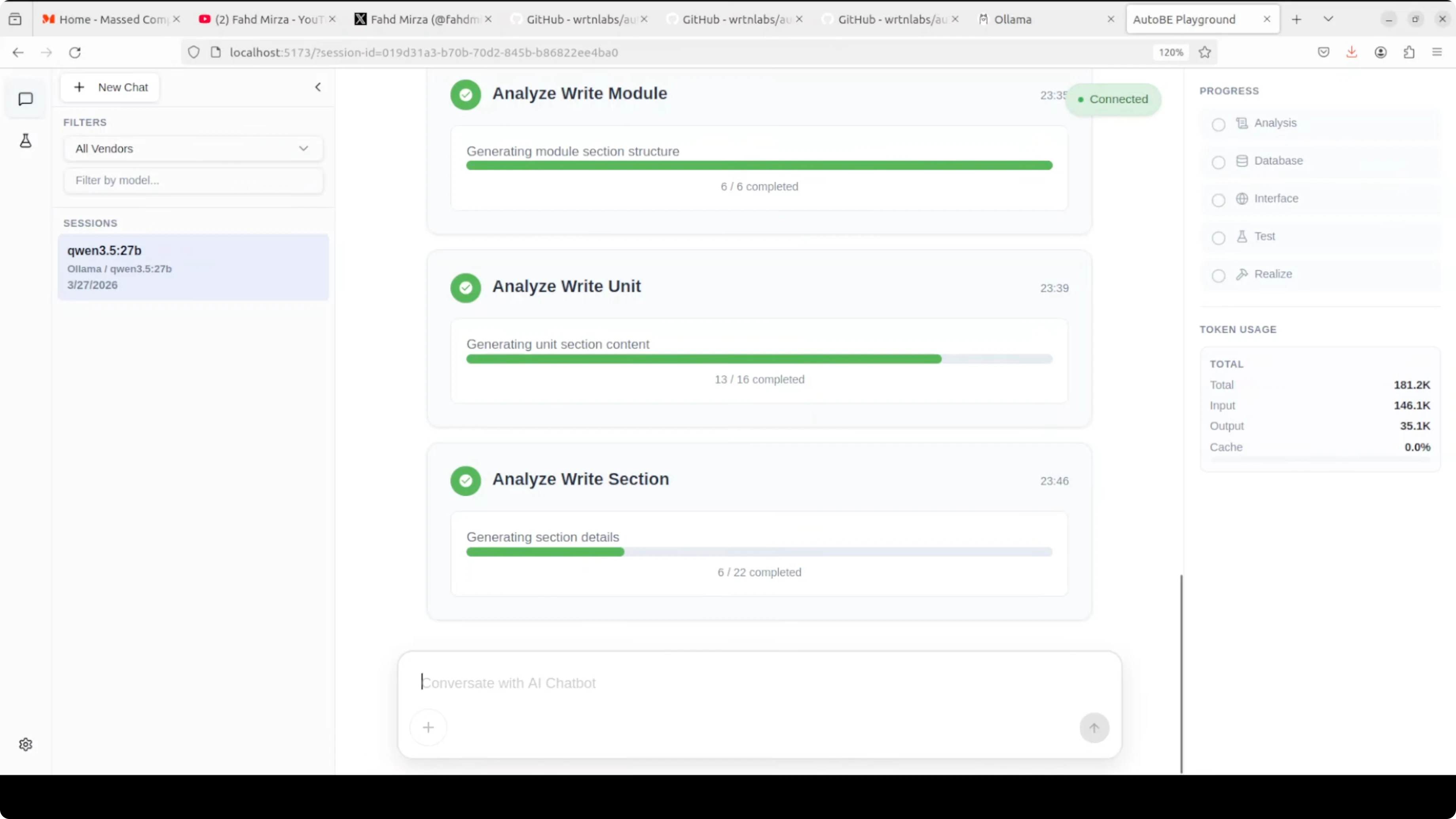
Local models with Ollama keep costs low and your data private. I would not recommend this for production today, but it is a solid way to skip boilerplate and get a working backend scaffold you can refine.
If you want to extend this into a wider local stack, pair it with an agent on Ollama or experiment with editor-integrated coding assistants. For broader local workflows and assistants, you can explore Claude-style coding on Ollama, agent orchestration, and a minimal Ollama setup as good next steps.
Subscribe to our newsletter
Get the latest updates and articles directly in your inbox.

Related Posts

8 Best Claude Code Plugins in 2026 (You Need to Know)
8 Best Claude Code Plugins in 2026 (You Need to Know)

7 Best Claude Code Skills (You Need to Know)
7 Best Claude Code Skills (You Need to Know)

Claude Code Desktop IDE Features (You Need to Know)
Claude Code Desktop IDE Features (You Need to Know)