
Table Of Content
- DeerFlow + Ollama: setup overview
- DeerFlow + Ollama: prerequisites
- if the repo includes a config generation script, run it, e.g.:
- pnpm run generate-config
- DeerFlow + Ollama: model configuration
- DeerFlow + Ollama: UI and agents
- DeerFlow + Ollama: switching to an API model
- DeerFlow + Ollama: tools and workspaces
- DeerFlow + Ollama: what it actually is
- DeerFlow + Ollama: practical notes
- DeerFlow + Ollama: troubleshooting and tips
- DeerFlow + Ollama: example configs
- DeerFlow + Ollama: use cases
- Final thoughts
DeerFlow + Ollama: Exploring the Power of the Super Agent Harness
Local LLM Hardware Calculator
Enter your GPU VRAM and system RAM to see which LLMs you can run in Ollama — at Q4, Q8, or full precision — with estimated tokens-per-second speed.
Table Of Content
- DeerFlow + Ollama: setup overview
- DeerFlow + Ollama: prerequisites
- if the repo includes a config generation script, run it, e.g.:
- pnpm run generate-config
- DeerFlow + Ollama: model configuration
- DeerFlow + Ollama: UI and agents
- DeerFlow + Ollama: switching to an API model
- DeerFlow + Ollama: tools and workspaces
- DeerFlow + Ollama: what it actually is
- DeerFlow + Ollama: practical notes
- DeerFlow + Ollama: troubleshooting and tips
- DeerFlow + Ollama: example configs
- DeerFlow + Ollama: use cases
- Final thoughts
Most AI tools feel like smart autocomplete. You ask a question, you get text back, and then you still have to go do the work yourself.
DeerFlow from ByteDance tries to change that. It spins up an isolated Docker environment with a real file system, a bash terminal, and the ability to read and write actual files.
You give it a task, a lead agent breaks it into steps, sub agents handle pieces in parallel, and you get back a finished result. That can be a report, a website, a slide deck, or a data summary.
There are bugs and rough edges. Installing the prerequisites correctly matters, and you may need to tune your setup. The idea is strong, and I expect improvements in future releases.
If you want a fuller walkthrough focused on local models, check our step-by-step DeerFlow + Ollama guide.
DeerFlow + Ollama: setup overview
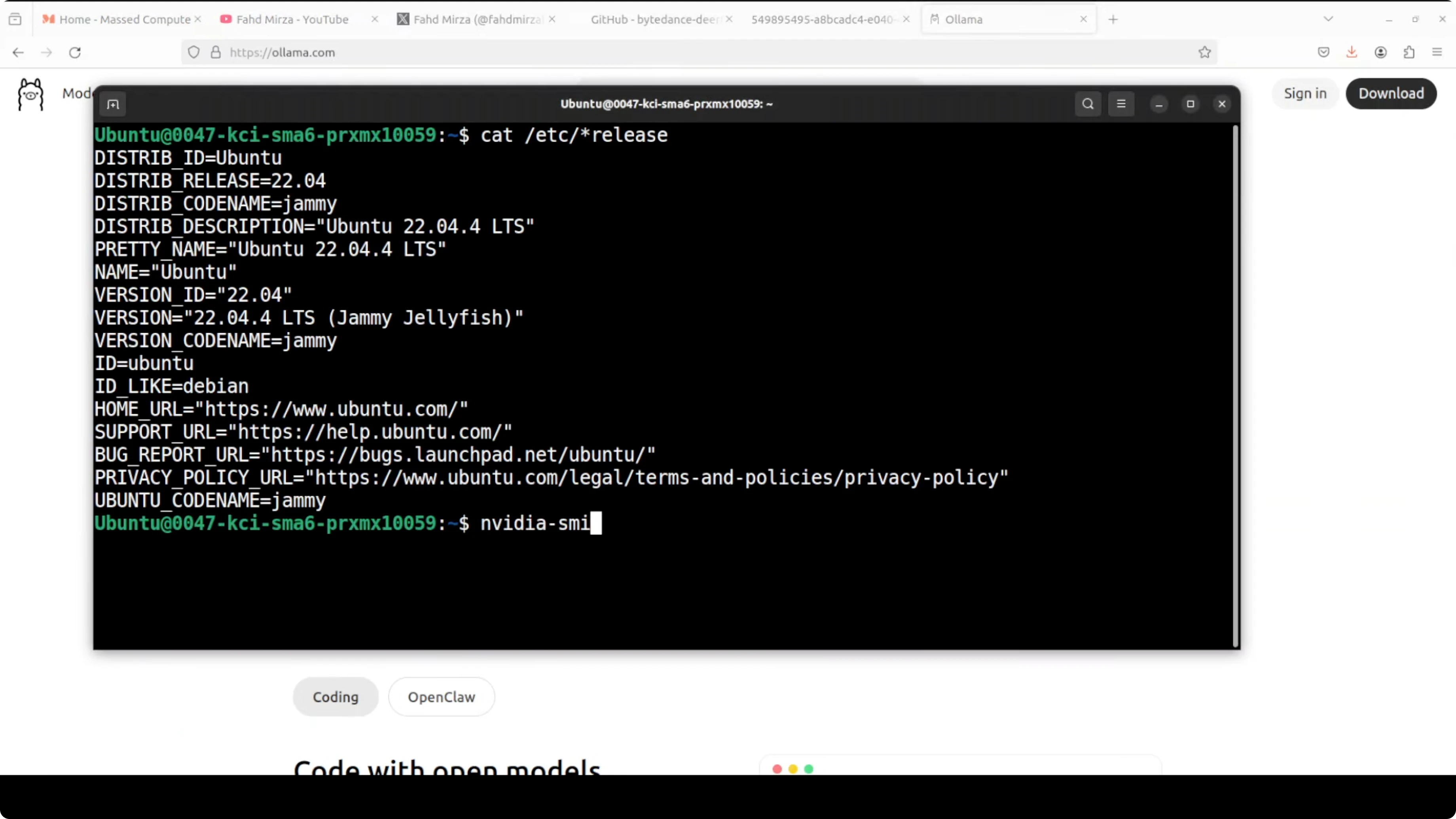
I am installing it on Ubuntu with one NVIDIA RTX 6000 (48 GB VRAM). I am running Ollama locally, and I will start with a GLM 4.7 Flash model via an OpenAI-compatible endpoint.
Small Ollama models may struggle in complex tasks. For serious workloads, I recommend an API-hosted model for better latency and quality.
DeerFlow + Ollama: prerequisites
You need Docker installed. You also need Node.js with npm, and pnpm.
I recommend an isolated Python environment via conda, with Python 3.12 only.
Step 1: install pnpm globally.
npm install -g pnpmStep 2: create and activate a conda environment with Python 3.12.
conda create -n deerflow python=3.12 -y
conda activate deerflow
Step 3: clone the repositories.
git clone https://github.com/ByteDance/deerflow.git
git clone https://github.com/ByteDance/deerflow-installer.git
Step 4: from the root of deerflow, install dependencies and generate config as required by the repo.
pnpm install
# if the repo includes a config generation script, run it, e.g.:
# pnpm run generate-config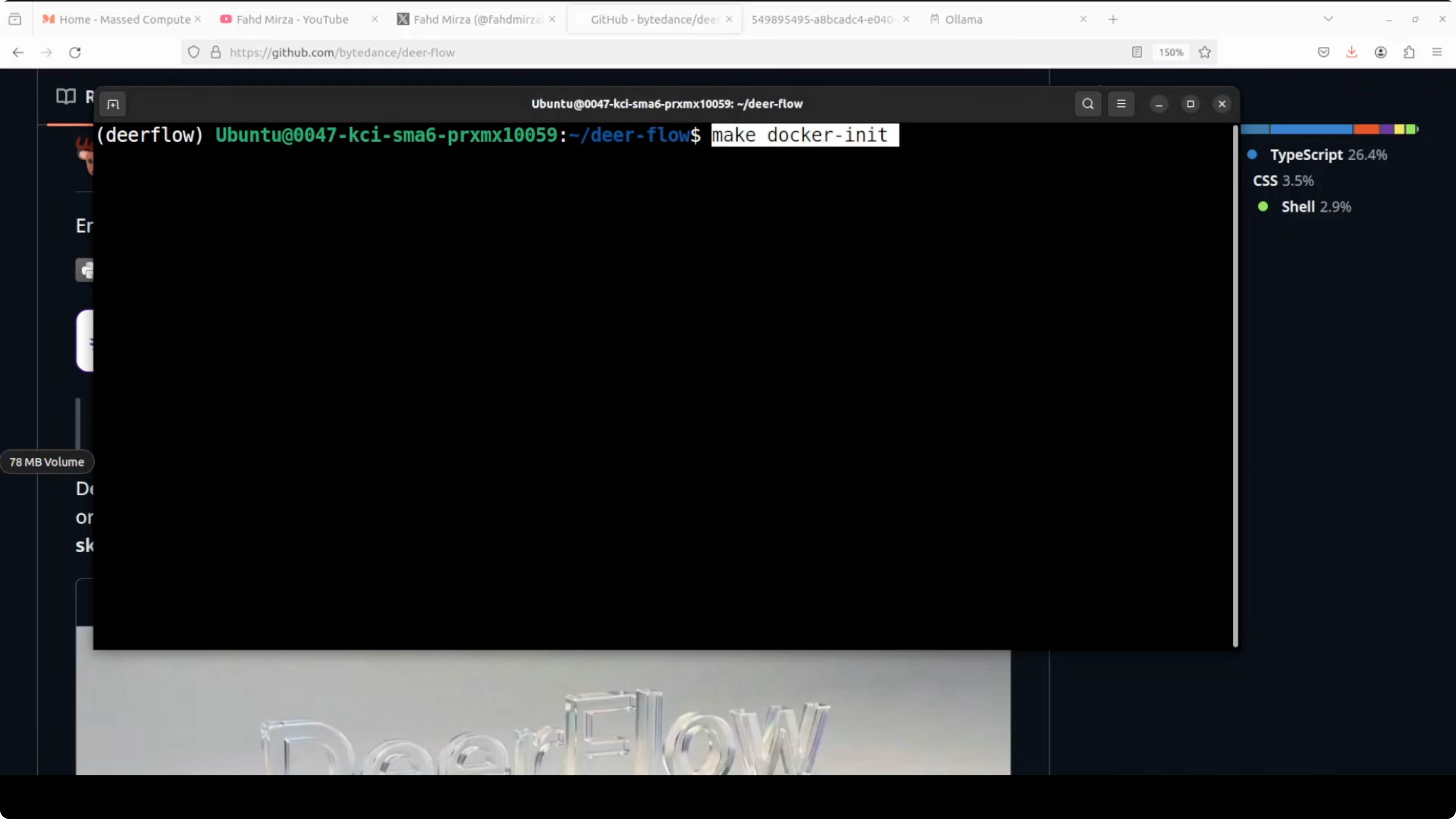
Step 5: initialize and pull the sandbox Docker image.
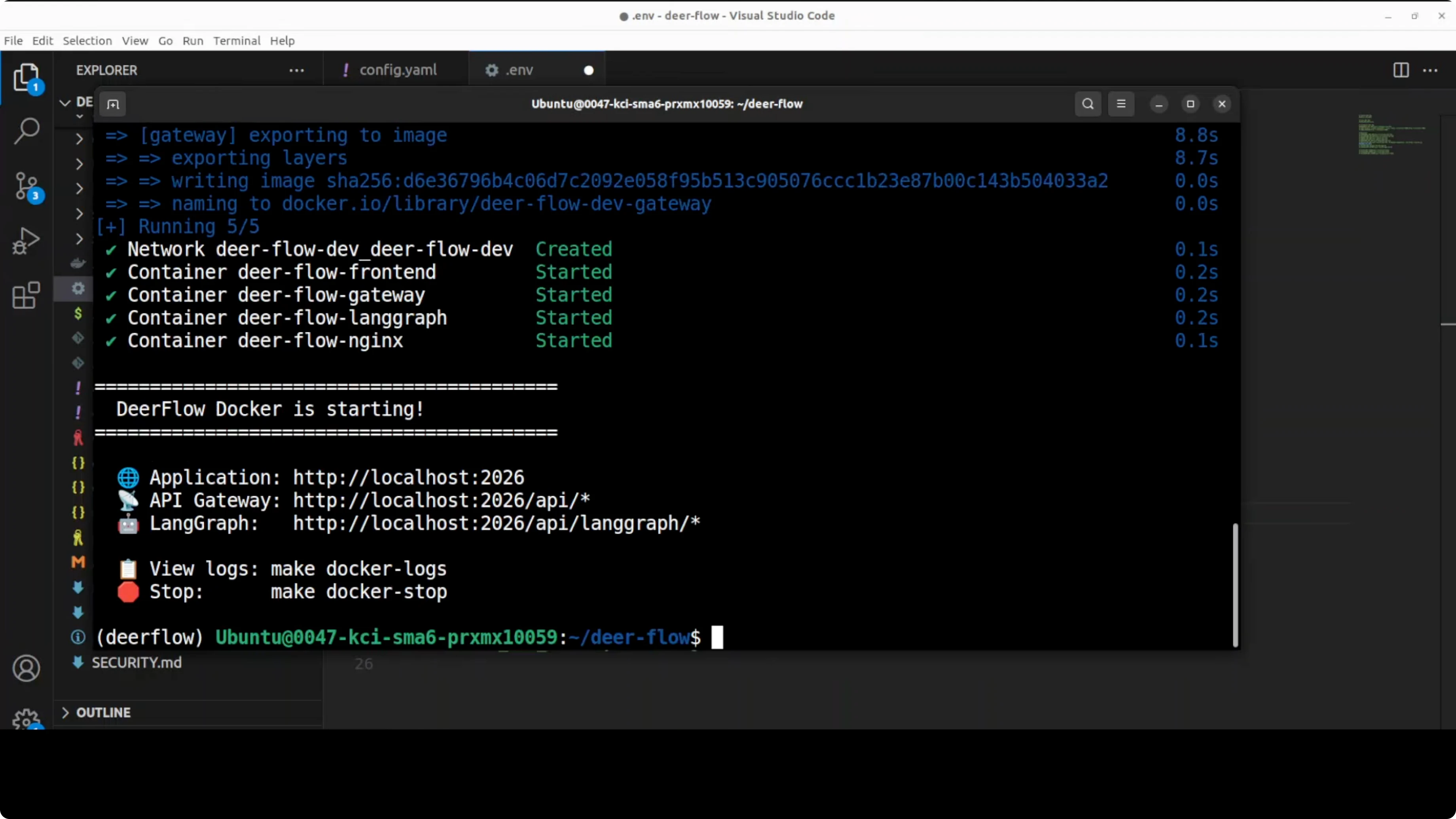
make docker-initStep 6: start the stack.
make docker-startOnce up, you should see four containers started cleanly: frontend, langgraph, gateway, and nginx. Access the UI at http://localhost:2026.
DeerFlow + Ollama: model configuration
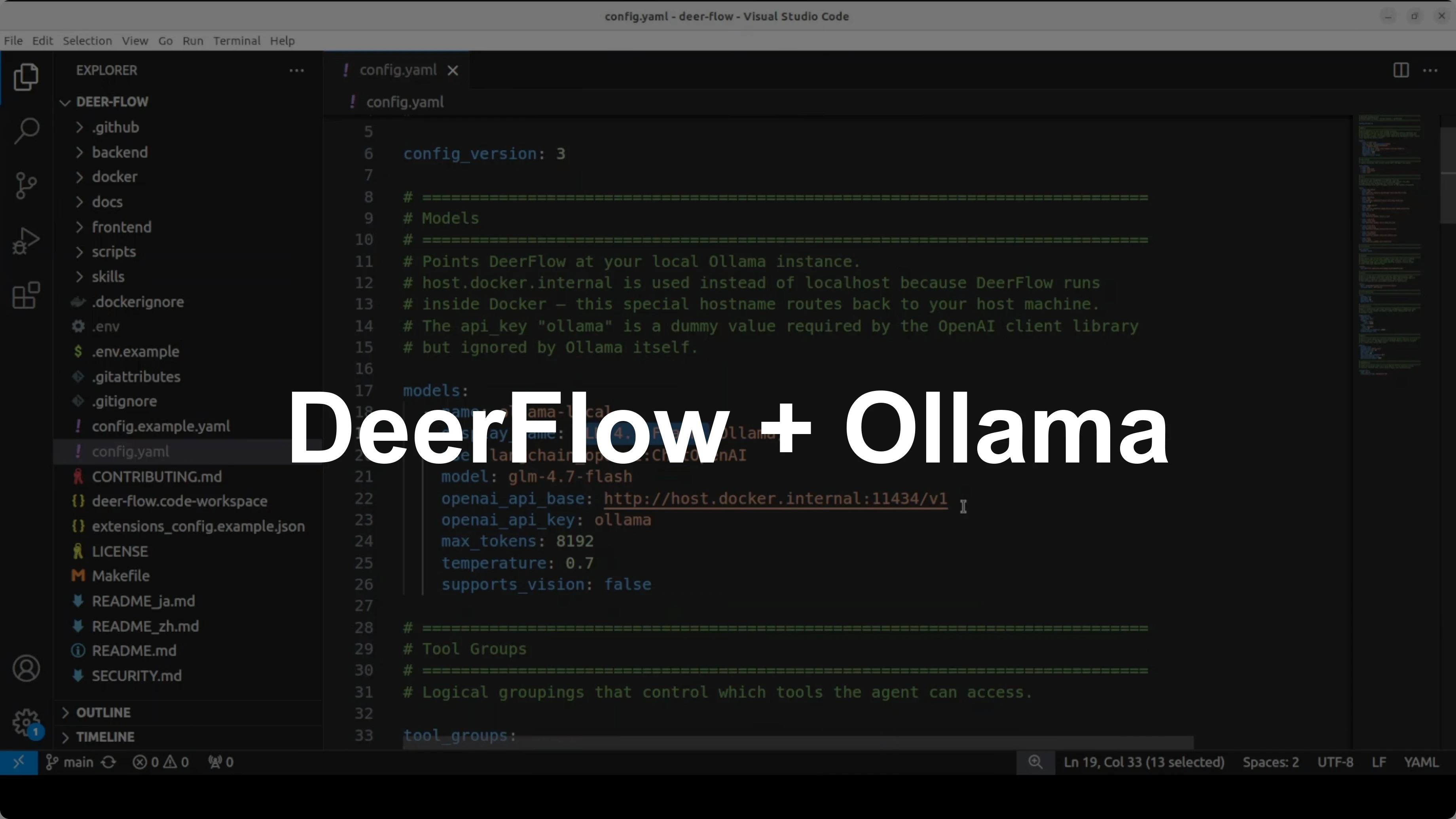
From the root repo, generate and open your config file. I point DeerFlow at a local Ollama model via an OpenAI-compatible API and use host.docker.internal because the services run in containers.
Using localhost would point to the container itself, not the host. host.docker.internal correctly resolves the host network from inside Docker.
Example model section for Ollama:
models:
  provider: openai
  base_url: http://host.docker.internal:11434/v1
  model: glm-4-7-flash
  temperature: 0.7
Tools define what the agent can actually do. I enable DuckDuckGo for free web search, Jina AI to fetch full-page content from URLs, and a file bash tool so it can read and write in the sandbox.
Example tools and sandbox:
tools:
  - name: duckduckgo
    enabled: true
  - name: jina_reader
    enabled: true
  - name: file_bash
    enabled: true

sandbox:
  docker_aio: true
docker_aio spins up an isolated container for each task with its own file system and terminal. That is the key that separates DeerFlow from a regular chatbot.
Skills point at the deerflow-installer repo, which ships prebuilt workflows for research, slide generation, data analysis, and more.
Example skills and memory:
skills:
  path: ../deerflow-installer/skills

memory:
  profile_path: ./memory.json
  checkpoint: sqlite
The memory profile persists your preferences across sessions in memory.json. SQLite checkpointing saves conversation state so nothing is lost if you restart.
DeerFlow + Ollama: UI and agents
Open the UI at http://localhost:2026. You will see the model selector with your local GLM 4.7 Flash already chosen if configured.
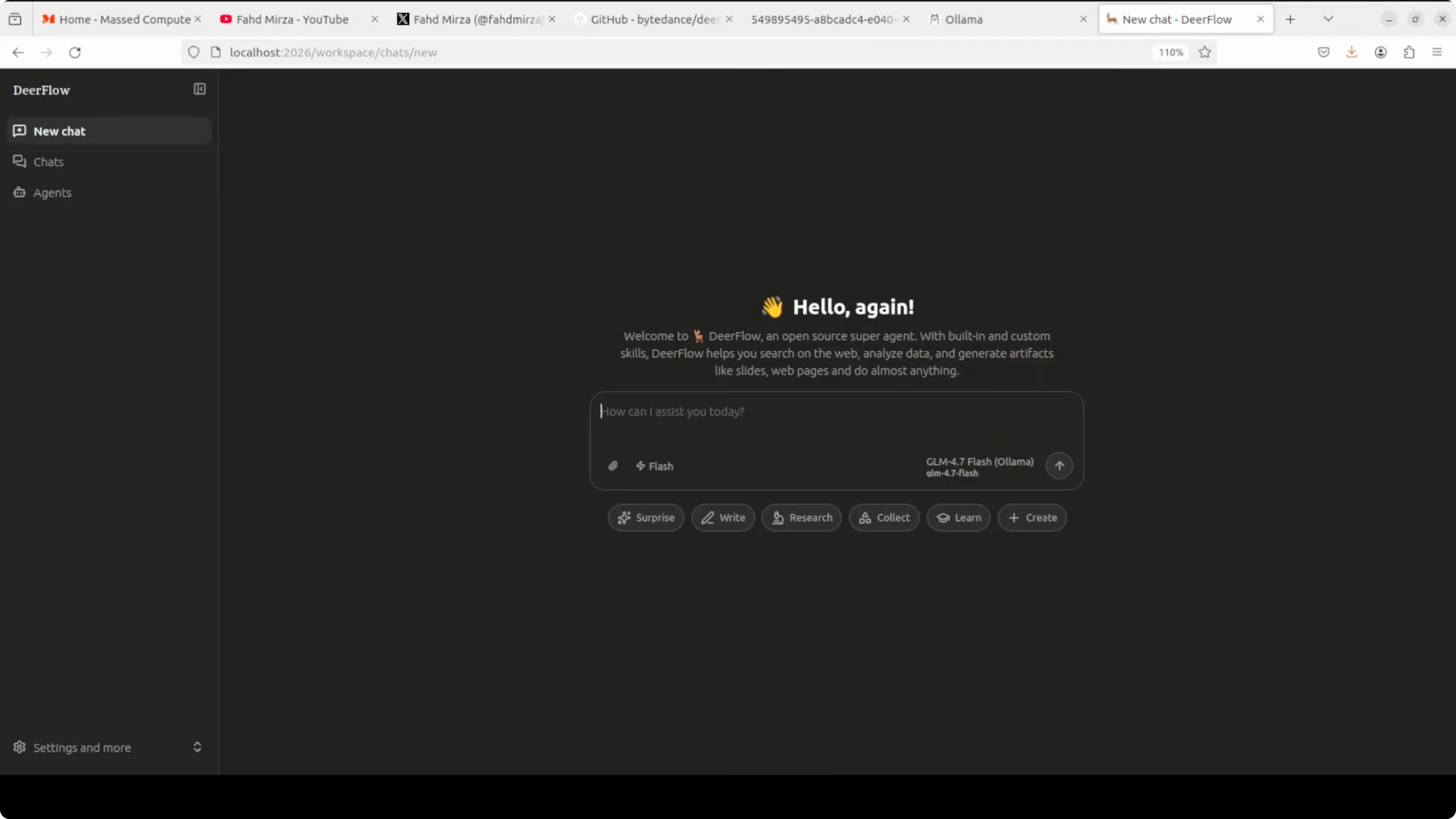
Create a new agent, give it a clear name and prompt, and it will ground itself to your use case. You can keep chatting with this agent as much as you like.
The UI can feel slow at times, taking a few seconds to load elements. Be patient with page transitions and saves.
DeerFlow + Ollama: switching to an API model
Local models are fine to test, but API-hosted models tend to perform better on complex tasks. I will show MiniMax as an example.
Update your model block to MiniMax. Use the correct base URL, set temperature to 1 to meet MiniMax requirements, and set your API key in the .env file.
MiniMax example config:
models:
  provider: minimax
  base_url: https://api.minimax.chat/v1
  model: M2.7
  temperature: 1
Set the environment variable in .env:
MINIMAX_API_KEY=your_minimax_api_key_hereApply the changes by stopping and restarting the stack.
make docker-stop
make docker-start
Return to the UI at the same URL. Start a new chat or create a new agent, and select MiniMax from the model list.
DeerFlow + Ollama: tools and workspaces
When creating an agent, the system can infer intent from the agent name and bootstrap a workspace. It checks your local workspace directory and can incorporate existing files.
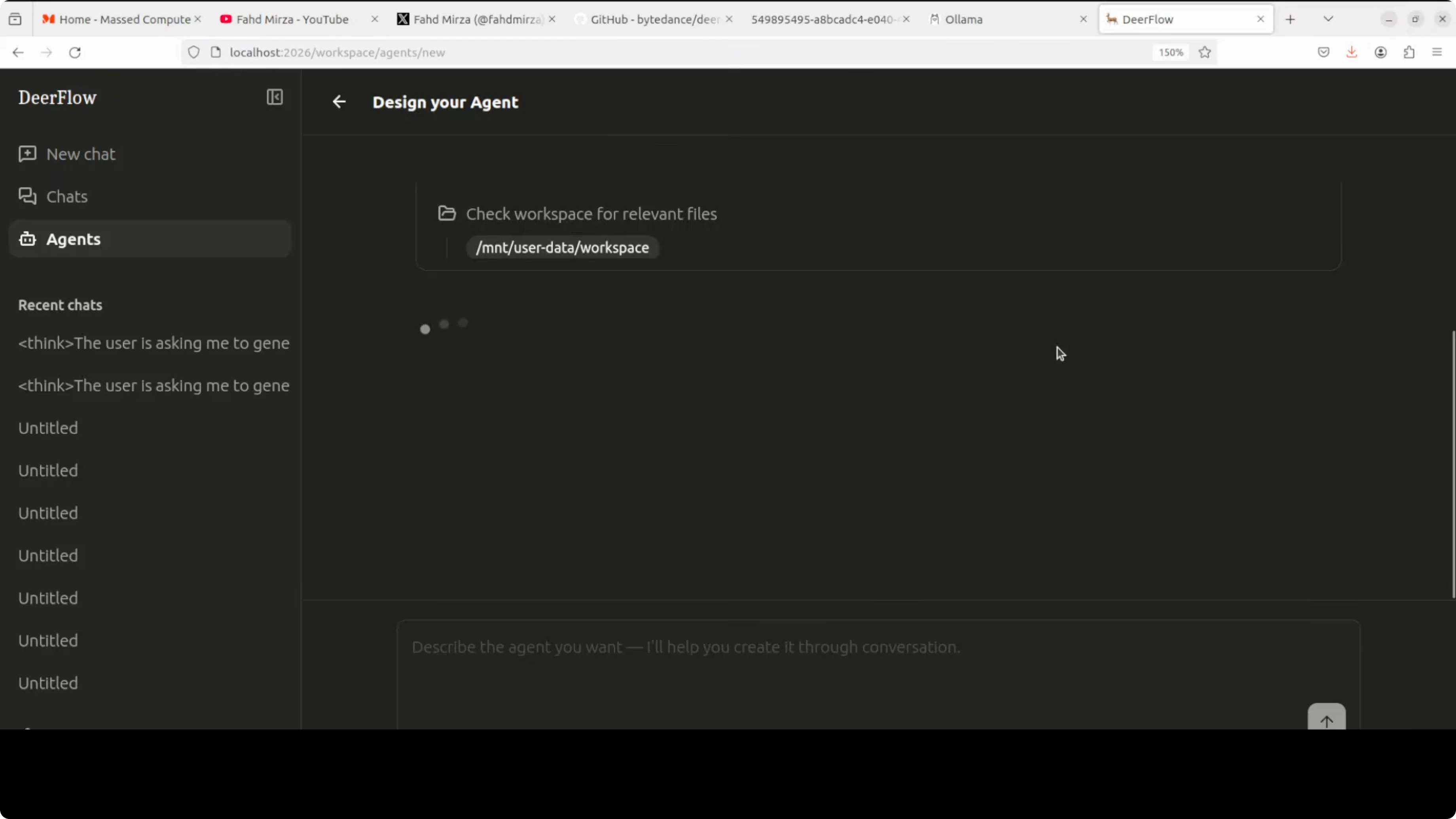
You can define the agent’s purpose, like writing a clear, structured report from a set of topics. Enable web search or page readers, but you will need API keys for those tools to work properly.
If you run strictly local with Ollama and no external tools, the reach is limited, but you keep everything private and offline.
DeerFlow + Ollama: what it actually is
DeerFlow is not a single agent. It is infrastructure around an agentic framework that includes a computer-like sandbox, memory, MCP, and orchestration to spawn and coordinate other agents.
You can build multi-agent workflows, create multiple agents, reference them, and the system can coordinate them to finish complex tasks. That is how it executes work instead of just talking about it.
You will need multiple API keys to unlock serious capabilities in research and data gathering. If you do not want to spend on keys, local-only mode will be more constrained.
DeerFlow + Ollama: practical notes
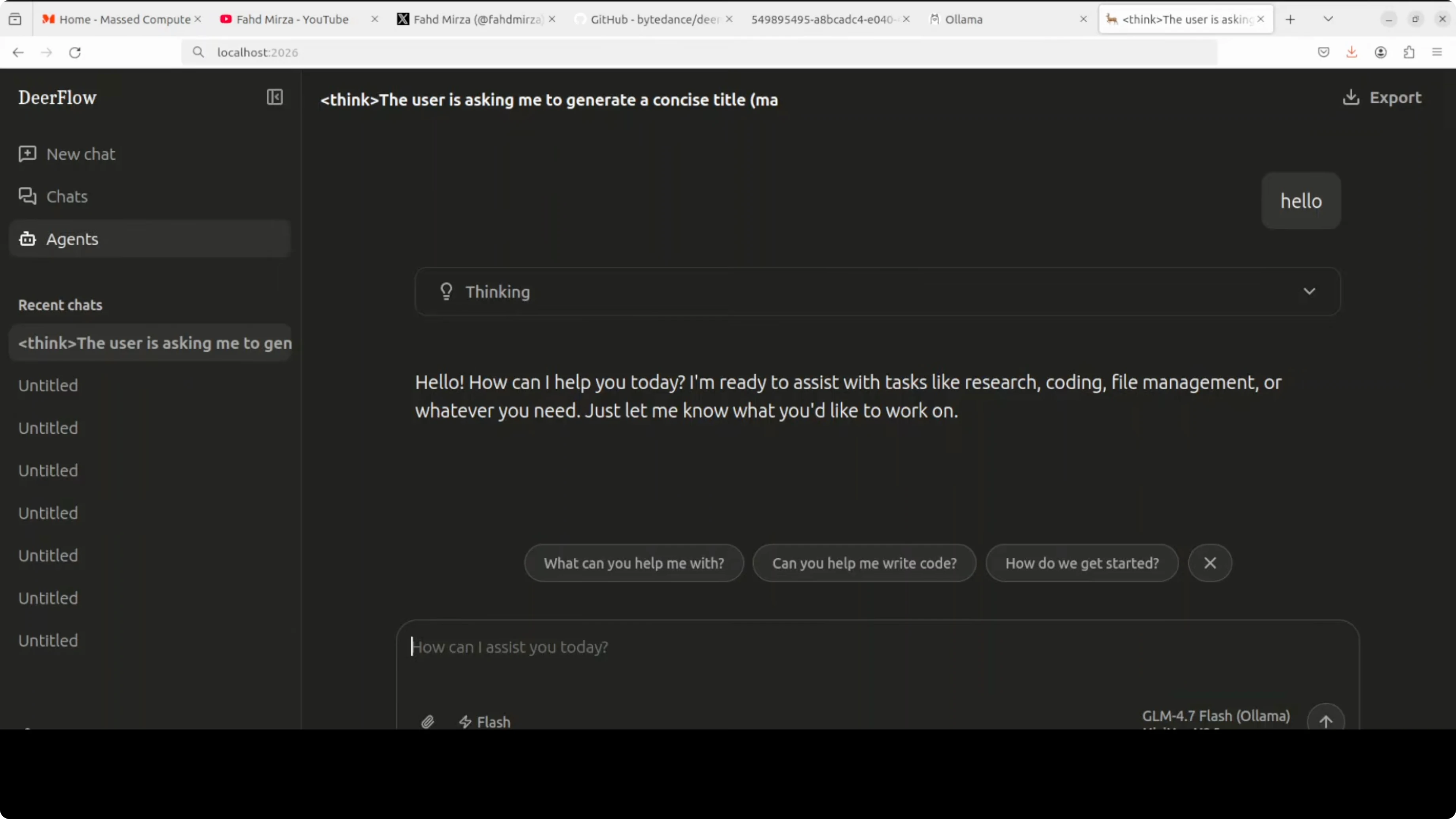
I prefer an API-based model for reliability on complex outputs. MiniMax works well here, and the switch is just a config update.
For local models, allocate enough VRAM and pick a capable model in Ollama. If you are comparing frameworks for multi-agent builds, see a practical exploration in our Hermes multi-agent with Ollama write-up.
If you encounter execution errors during agent runs, this guide on fixing the Agent Execution Terminated error in Antigravity is a useful reference.
DeerFlow + Ollama: troubleshooting and tips
If the UI hangs or takes too long to load, confirm all four containers are healthy. Restart the stack if needed.
Check that host.docker.internal is used for host services from inside containers. Using localhost inside a container will not reach your host’s Ollama server.
If messages get cut off or fail mid-stream, review this fix for Agent Executor message truncation failures. If you are experimenting with Antigravity UIs and see a loader that never finishes, see the stuck loading resolution.
Model names matter. Use the correct spellings, such as Qwen and Qwen-Coder, to avoid mismatched identifiers in your config.
If you want another end-to-end tour with local models, bookmark this practical DeerFlow and Ollama setup that covers config and expected outputs.
DeerFlow + Ollama: example configs
Ollama via OpenAI-compatible API:
models:
  provider: openai
  base_url: http://host.docker.internal:11434/v1
  model: glm-4-7-flash
  temperature: 0.7

tools:
  - name: duckduckgo
    enabled: true
  - name: jina_reader
    enabled: true
  - name: file_bash
    enabled: true

sandbox:
  docker_aio: true

skills:
  path: ../deerflow-installer/skills

memory:
  profile_path: ./memory.json
  checkpoint: sqlite
MiniMax with API key:
models:
  provider: minimax
  base_url: https://api.minimax.chat/v1
  model: M2.7
  temperature: 1

tools:
  - name: duckduckgo
    enabled: true
  - name: jina_reader
    enabled: true
  - name: file_bash
    enabled: true

sandbox:
  docker_aio: true

skills:
  path: ../deerflow-installer/skills

memory:
  profile_path: ./memory.json
  checkpoint: sqlite
.env for MiniMax:
MINIMAX_API_KEY=your_minimax_api_key_hereDeerFlow + Ollama: use cases
Research assistant that collects sources, fetches page content, and writes a structured summary. Report writer that produces focused outputs grounded in a system prompt and agent name.
Data analysis with local files inside the sandbox, including reading, transforming, and saving outputs. Slide generation or website scaffolding that ends with real artifacts in the workspace.
Final thoughts
DeerFlow actually executes tasks in an isolated Docker environment and coordinates sub agents to finish work. Local Ollama can keep everything private and offline, but bigger workloads benefit from an API-hosted model like MiniMax.
Expect to manage a few API keys and spend time on configuration. With the right setup, the workflow can move beyond autocomplete into real outcomes.
Subscribe to our newsletter
Get the latest updates and articles directly in your inbox.

Related Posts

8 Best Claude Code Plugins in 2026 (You Need to Know)
8 Best Claude Code Plugins in 2026 (You Need to Know)

7 Best Claude Code Skills (You Need to Know)
7 Best Claude Code Skills (You Need to Know)

Claude Code Desktop IDE Features (You Need to Know)
Claude Code Desktop IDE Features (You Need to Know)