
How to Fix the OpenClaw Unauthorized Gateway Token Error?
OpenClaw Error Fixer
Paste any OpenClaw error and get the exact fix instantly — cause, steps, copy-ready commands, and related guides.
If you just installed OpenClaw and get the error "gateway token missing" or "gateway token mismatch", you are not alone. This is the most common issue people are hitting while installing or upgrading OpenClaw right now. It takes a few seconds to fix.
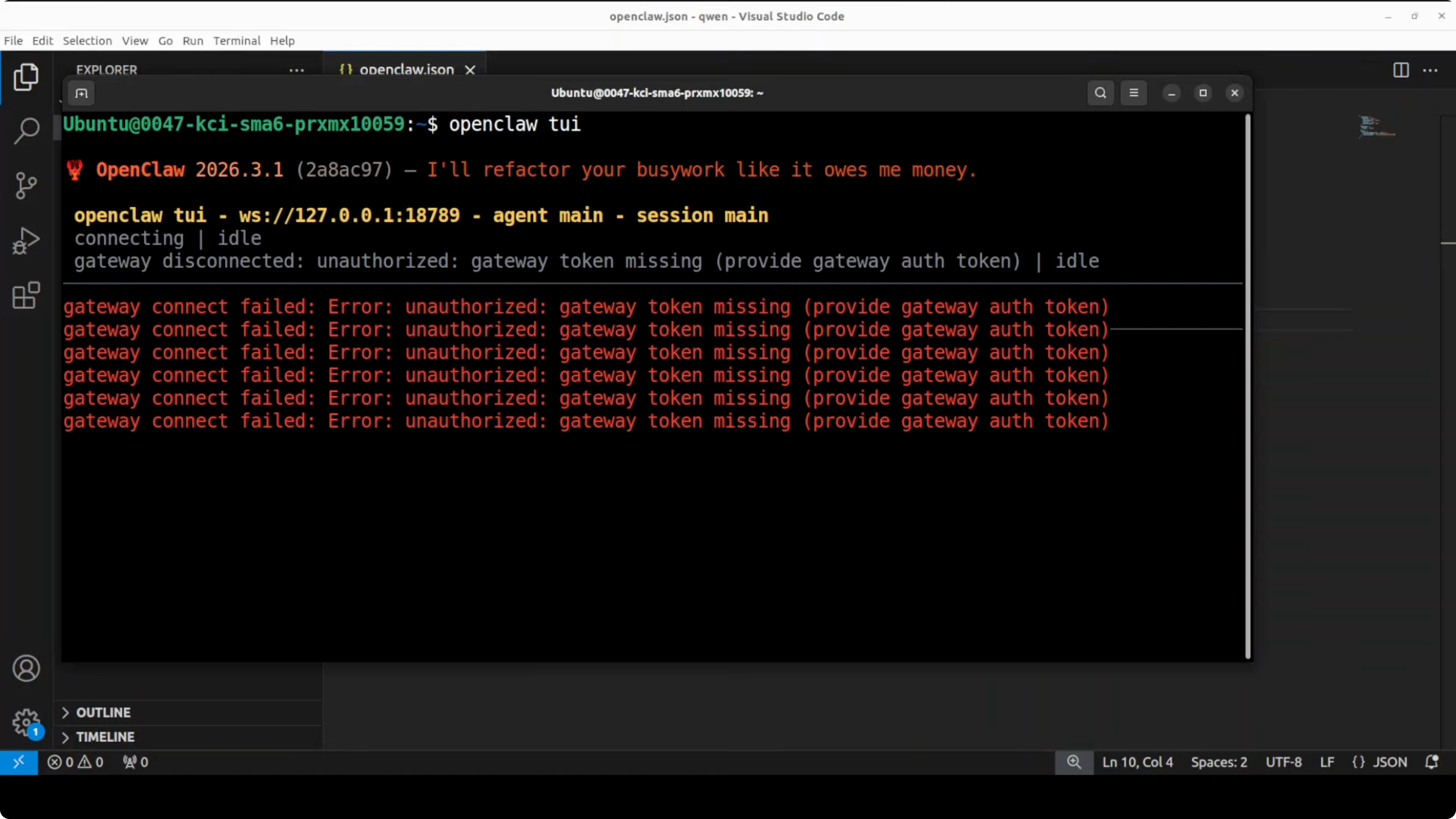
This was a fresh installation, and as soon as I ran the openclaw tui command, it threw that error. Press Ctrl+C to return to the prompt. To fix it, generate the gateway token and restart the gateway.
If you also hit a config read problem, this troubleshooting guide will help.
Fix the OpenClaw Unauthorized Gateway Token Error?
Generate the token
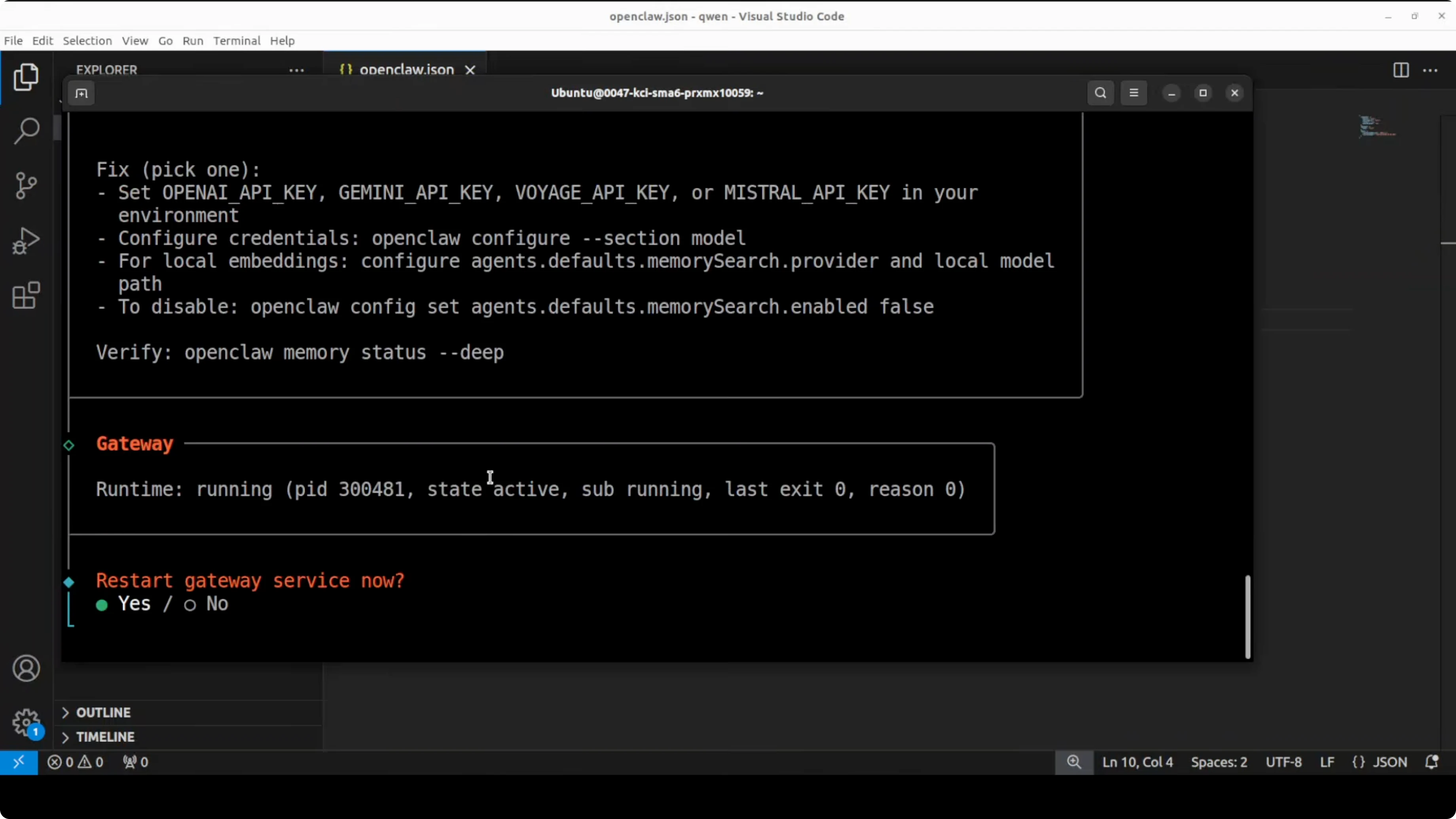
Recent versions of OpenClaw require token authentication on the gateway by default, even when running locally. A fresh install does not generate that token automatically, so the TUI or the dashboard cannot connect. Run the token generator and press Enter or select Yes when prompted.
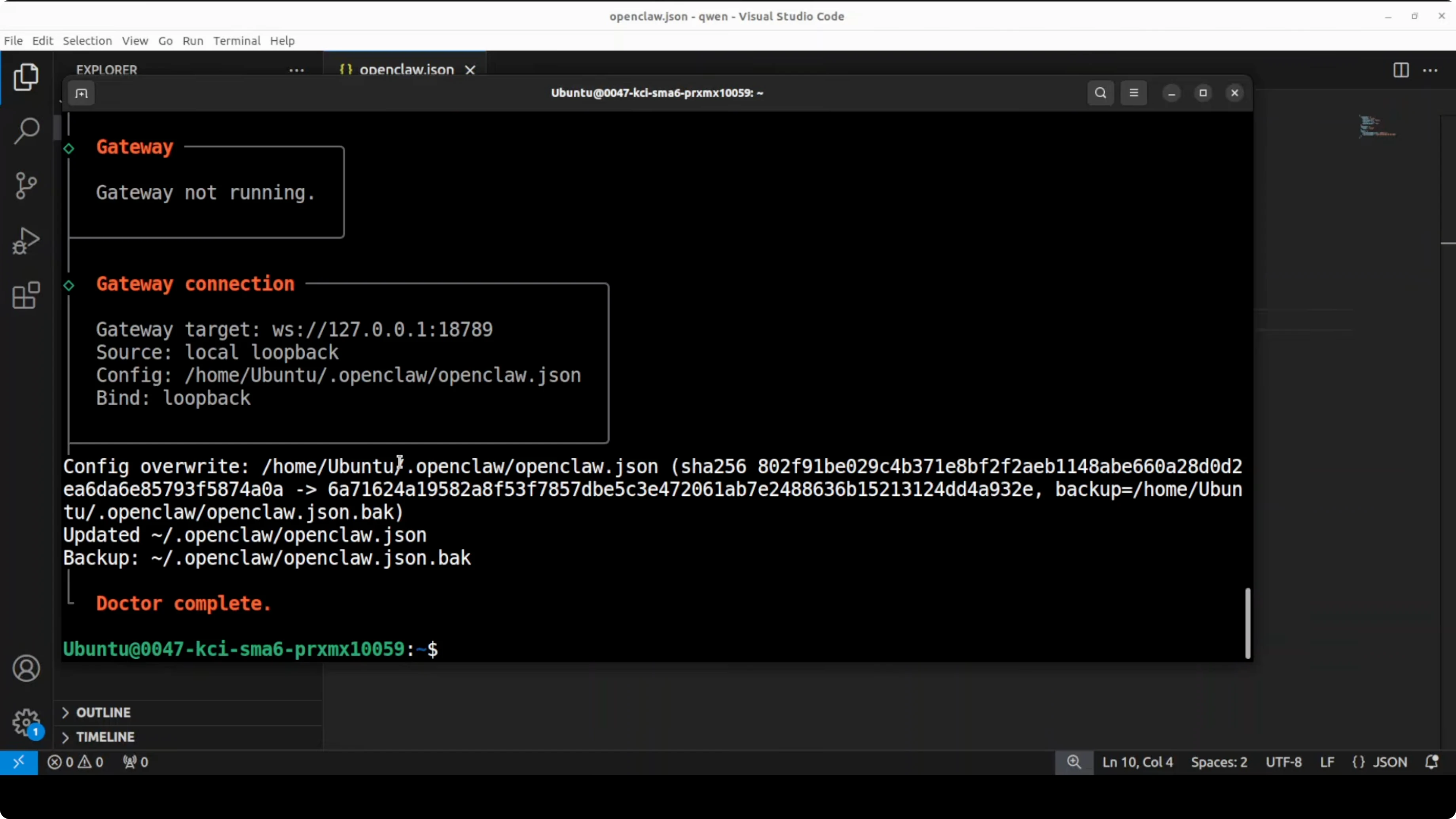
openclaw gateway token generateIf you are debugging related runtime issues, you may also want to review Node.js bot errors for OpenClaw. See this Node.js error fix.
Restart the gateway
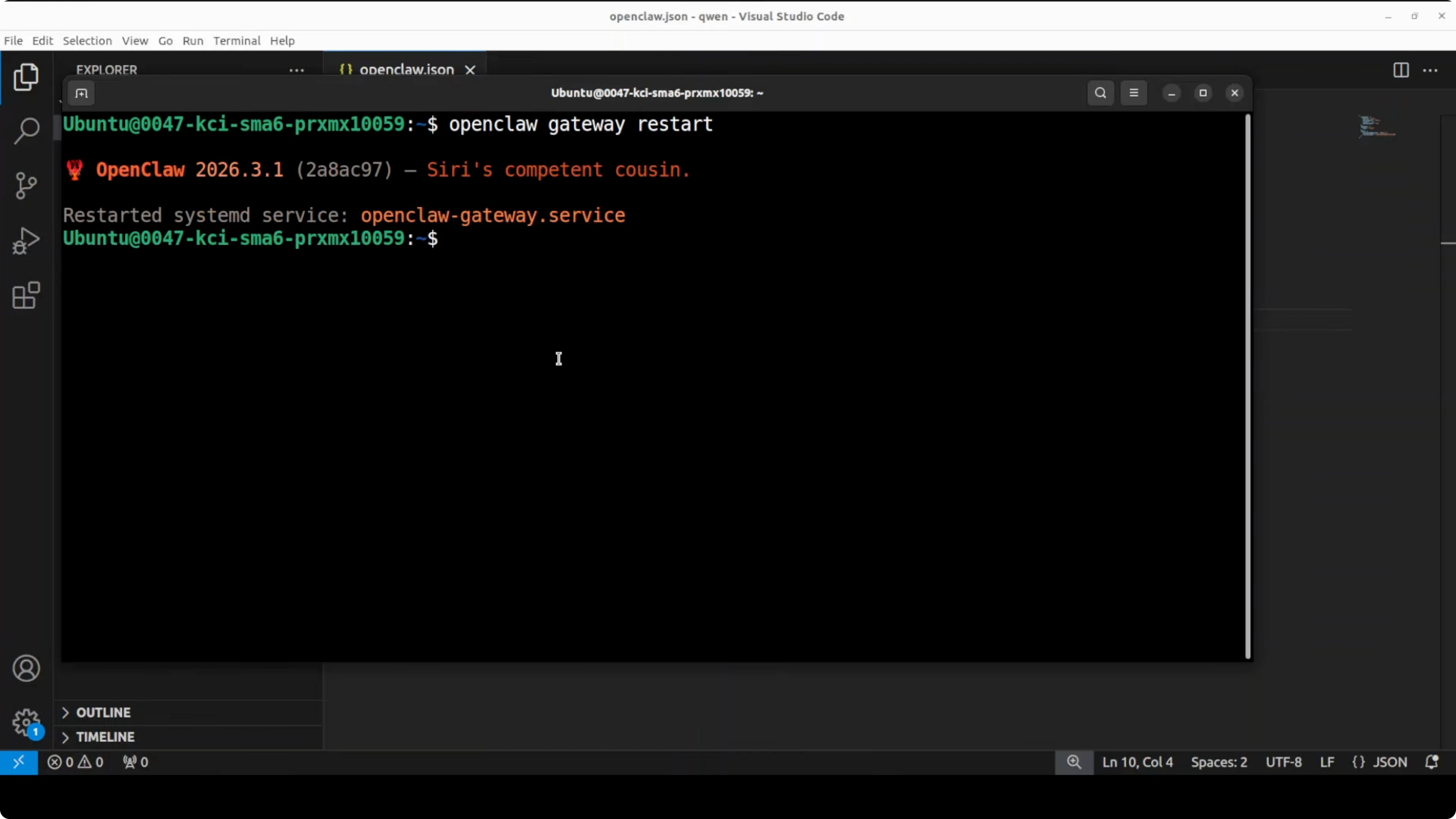
Once you have generated the token, restart your gateway, which is the bridge between OpenClaw and your channels. This restarts the gateway service and picks up the new token. Wait for the service to report that it has restarted.
openclaw gateway restartIf your agents fail after restart, check for agent shutdown messages. This agent termination fix can point you in the right direction.
Launch TUI or dashboard again
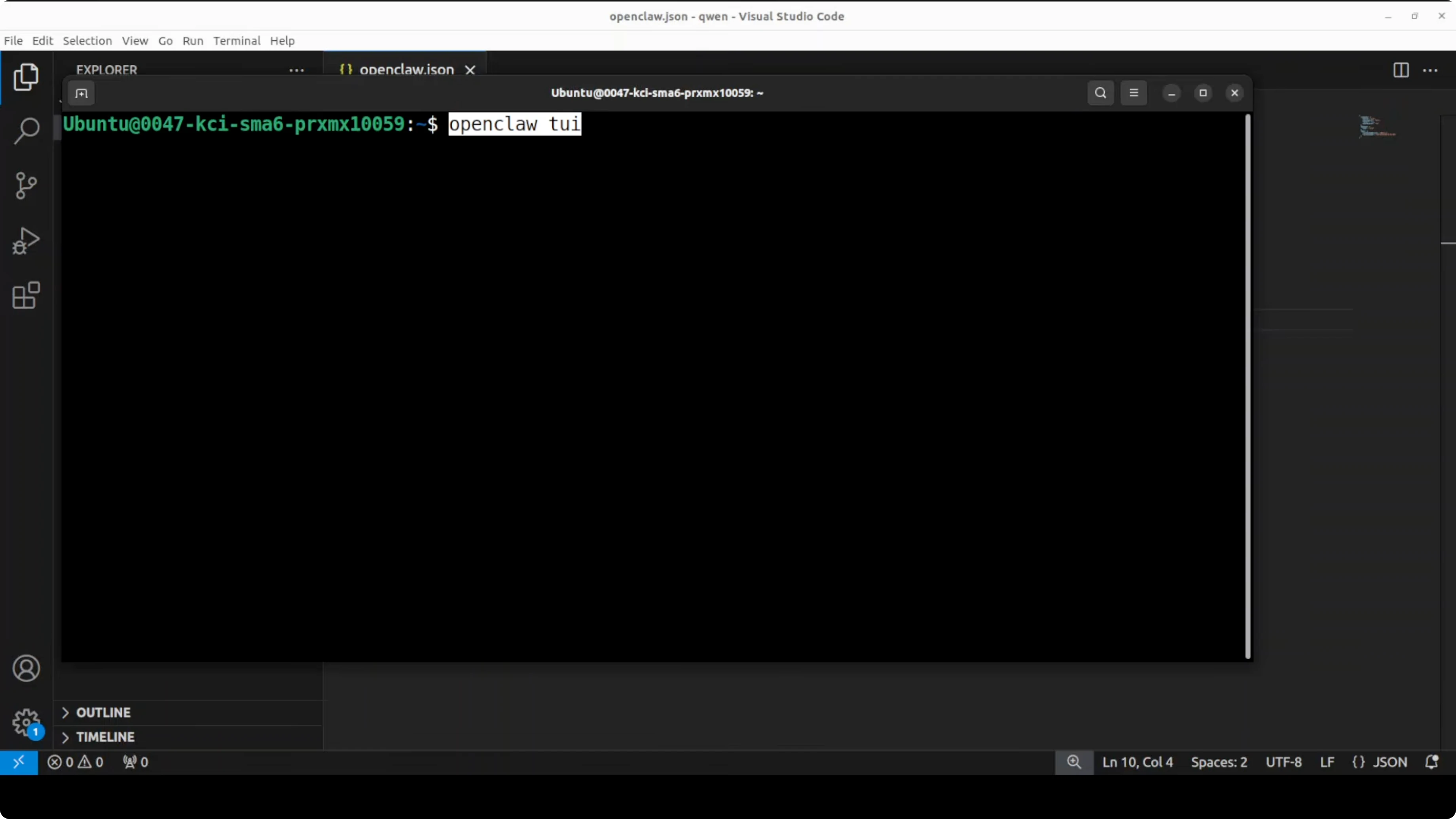
Run the TUI again or open the dashboard. It should come up cleanly, and you can keep using OpenClaw without the token error.
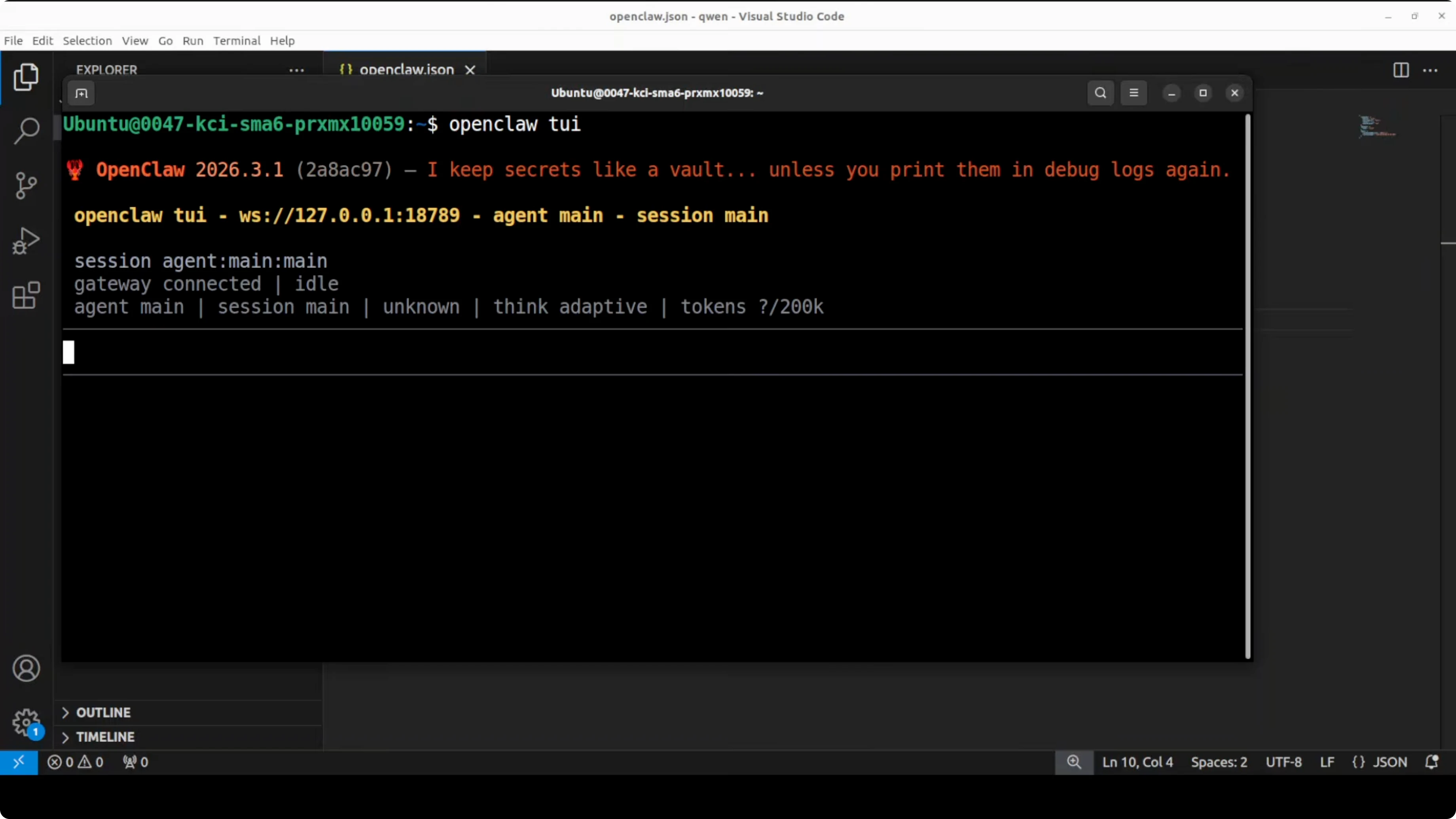
openclaw tui
# or
openclaw dashboard
Notes and troubleshooting
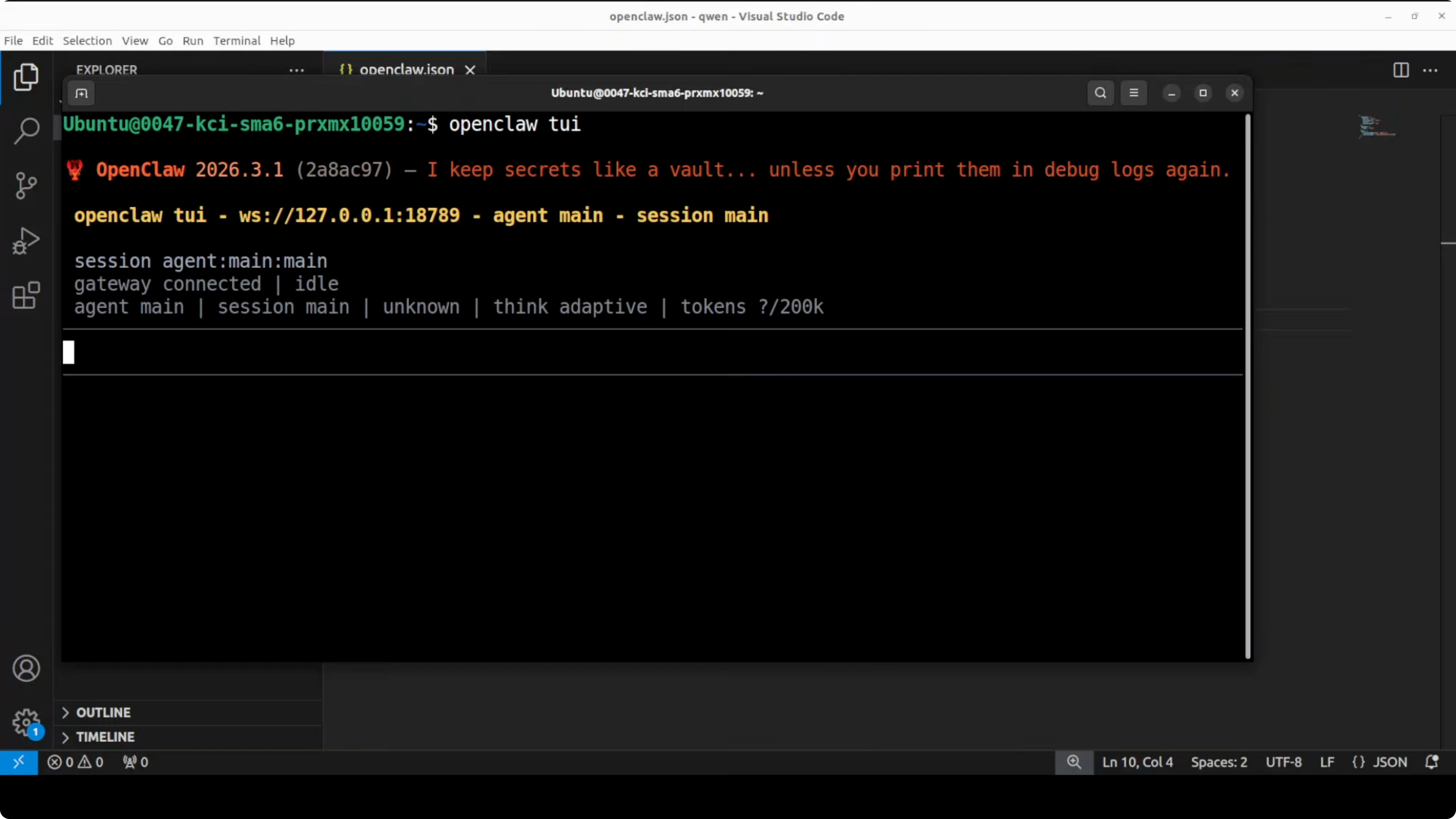
This is a rapidly evolving software, so expect occasional breaking changes. Keep an eye on prompts during setup and say Yes when OpenClaw asks to initialize or update authentication on the gateway. For reference, see the OpenClaw repository at github.com/openclaw/openclaw.
If you run into generic 500 errors in related tooling, this primer can help you isolate backend faults. Check common causes of 500 responses.
Permission issues in adjacent AI tools often come down to missing scopes or project settings. Review this permission denied checklist.
Final thoughts
Recent builds of OpenClaw gate local access behind a gateway token by default. Generate the token, restart the gateway, and relaunch the TUI or dashboard to clear the unauthorized error. Keep your setup steps handy and revisit gateway settings after upgrades to avoid surprises.
Subscribe to our newsletter
Get the latest updates and articles directly in your inbox.

Related Posts

8 Best Claude Code Plugins in 2026 (You Need to Know)
8 Best Claude Code Plugins in 2026 (You Need to Know)

7 Best Claude Code Skills (You Need to Know)
7 Best Claude Code Skills (You Need to Know)

Claude Code Desktop IDE Features (You Need to Know)
Claude Code Desktop IDE Features (You Need to Know)