
Table Of Content

Guide to Local RAG Embeddings with EmbedAnything
Table Of Content
If you want to extract value out of AI, you need to provide your own data to that AI model. The best way of doing so is through RAG or retrieval augmented generation. The way it works is that first you need to convert your own data into numerical representation or embedding.
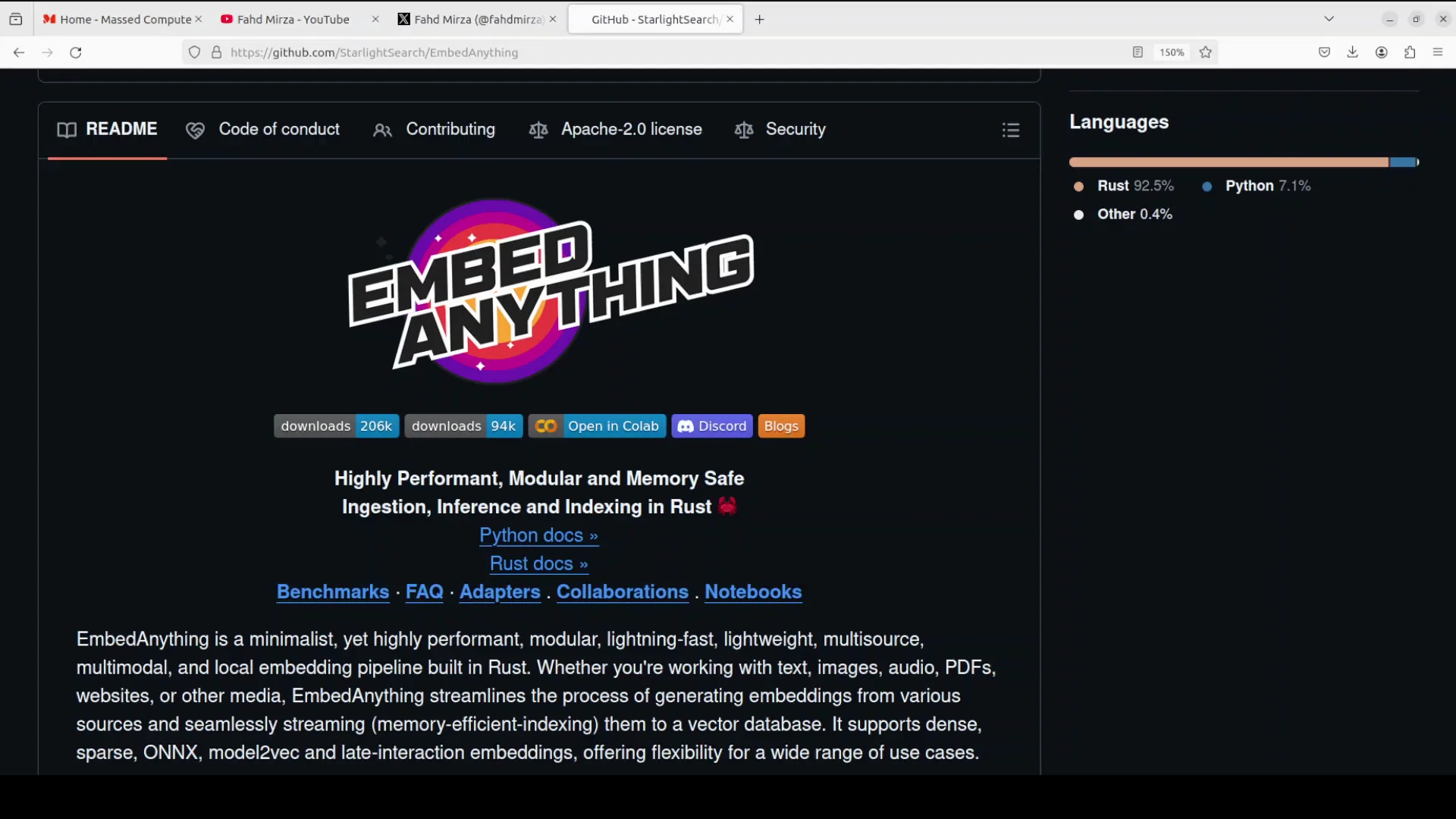
Embedding is a numerical vector representation that captures the semantic meaning and relationships of data types like text, images and audio. These embeddings are essential components in any modern AI application. This is why it is extremely important to not only learn about various embedding models but also the tooling available for various use cases.
What is EmbedAnything - Local and why it stands out
I'm going to cover embed anything, a comprehensive rustbased embedding pipeline designed to generate vectors from diverse data sources. I'll install it locally and show a real use case you can use for your own purpose.
- It can process text, images, audio, PDFs, and websites.
- It supports multiple embedding types including dense, sparse, onx, and also late interaction embeddings. I will be explaining the difference between all of these very shortly.
- Embed anything operates without PyTorch dependencies resulting in a smaller memory footprint and easier deployment.
- The architecture has vector streaming that separates document pre-processing from model inference and creates a concurrent workflow that significantly reduces latency.
- The tool's modular architecture allows integration with various vector databases which include VVET, pine cone, mil, elastic and the list goes on.
- You can use local models or cloud-based models. I use a local model downloaded from hugging face.
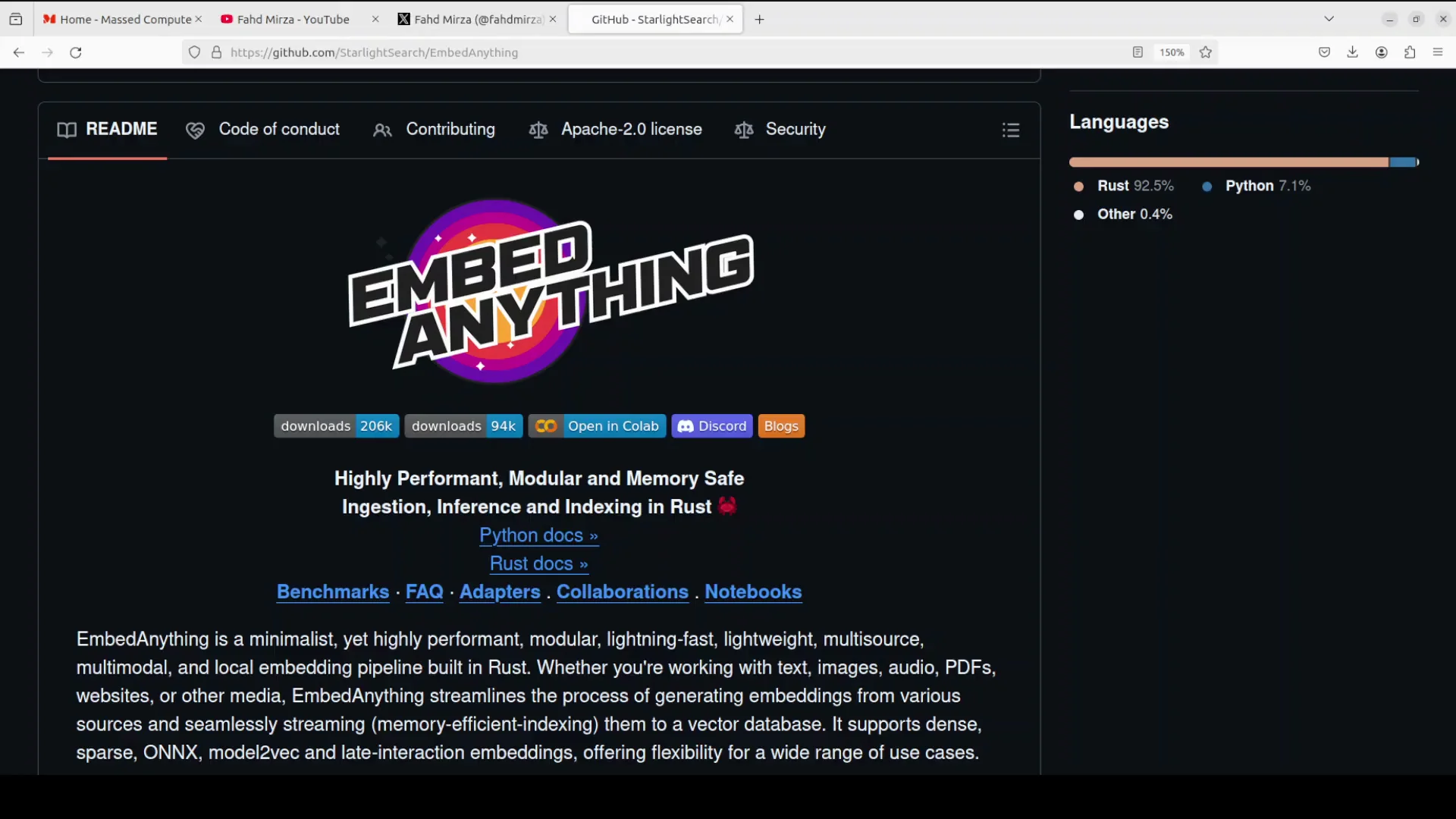
Install EmbedAnything - Local
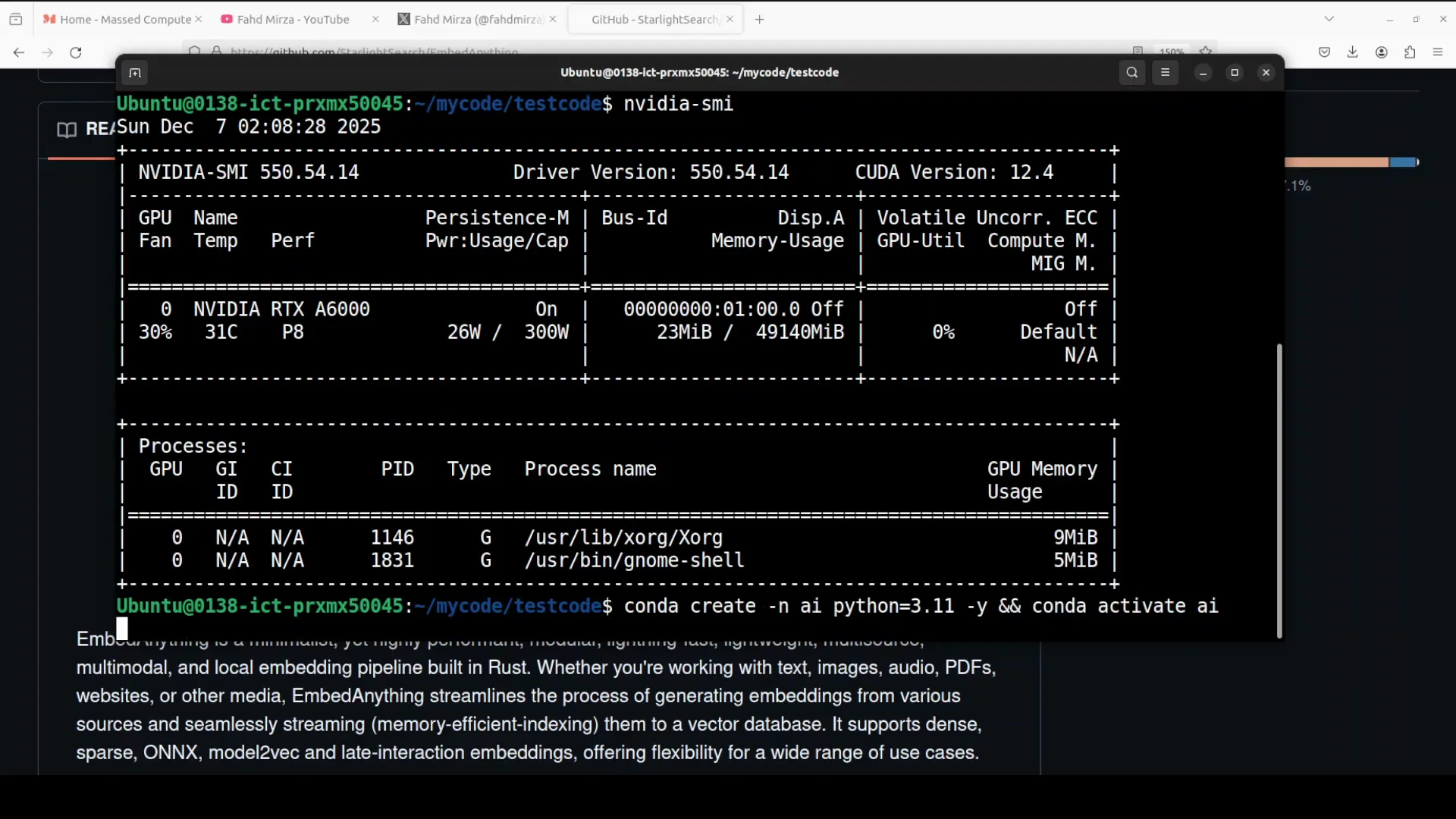
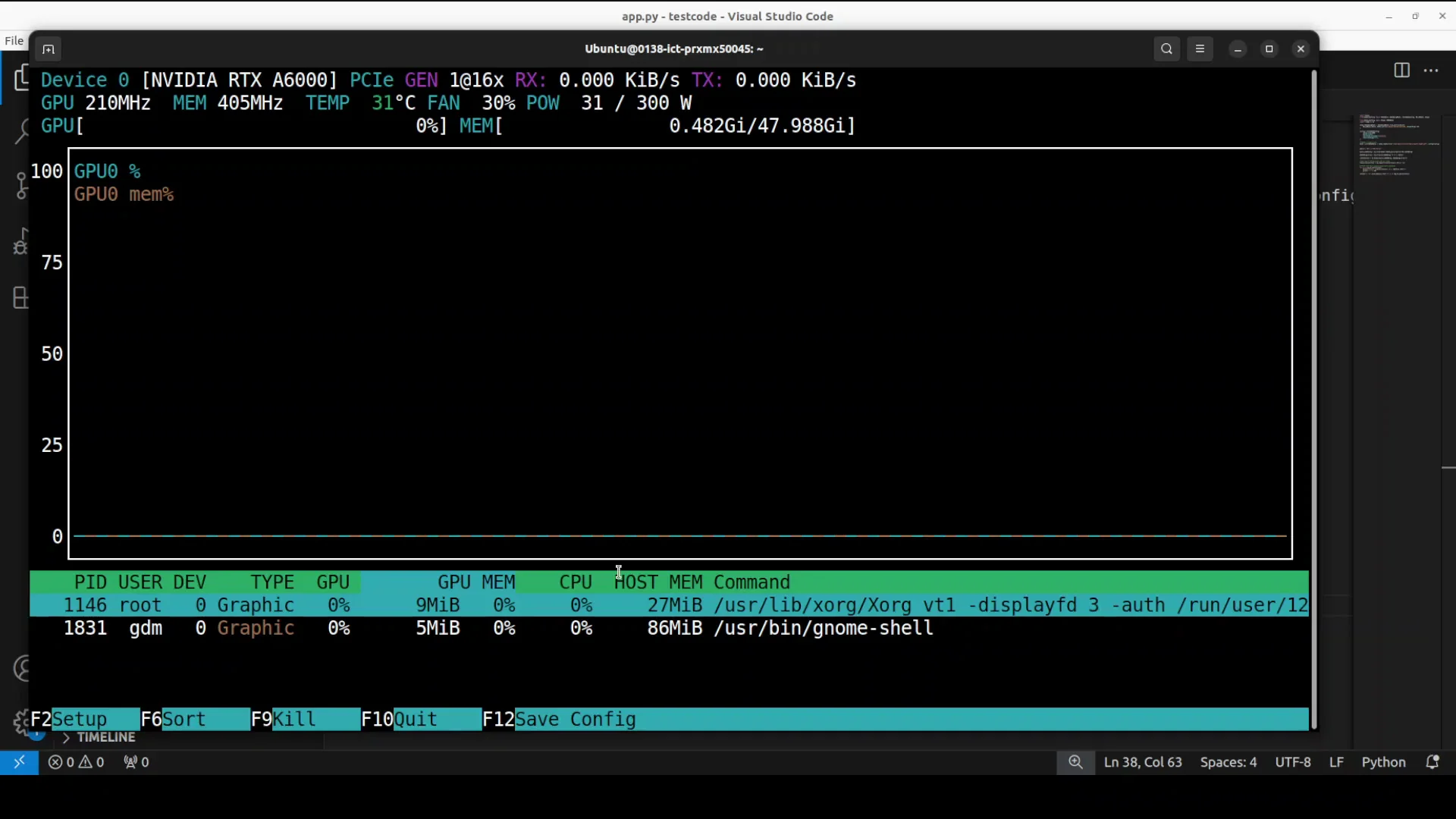
I installed it on my local Ubuntu system. I have one GPU card and VDRTX 6000 with 48 GB of VRAM. You don't need a GPU or VRAM for embed anything. You can install it on CPU.
Steps
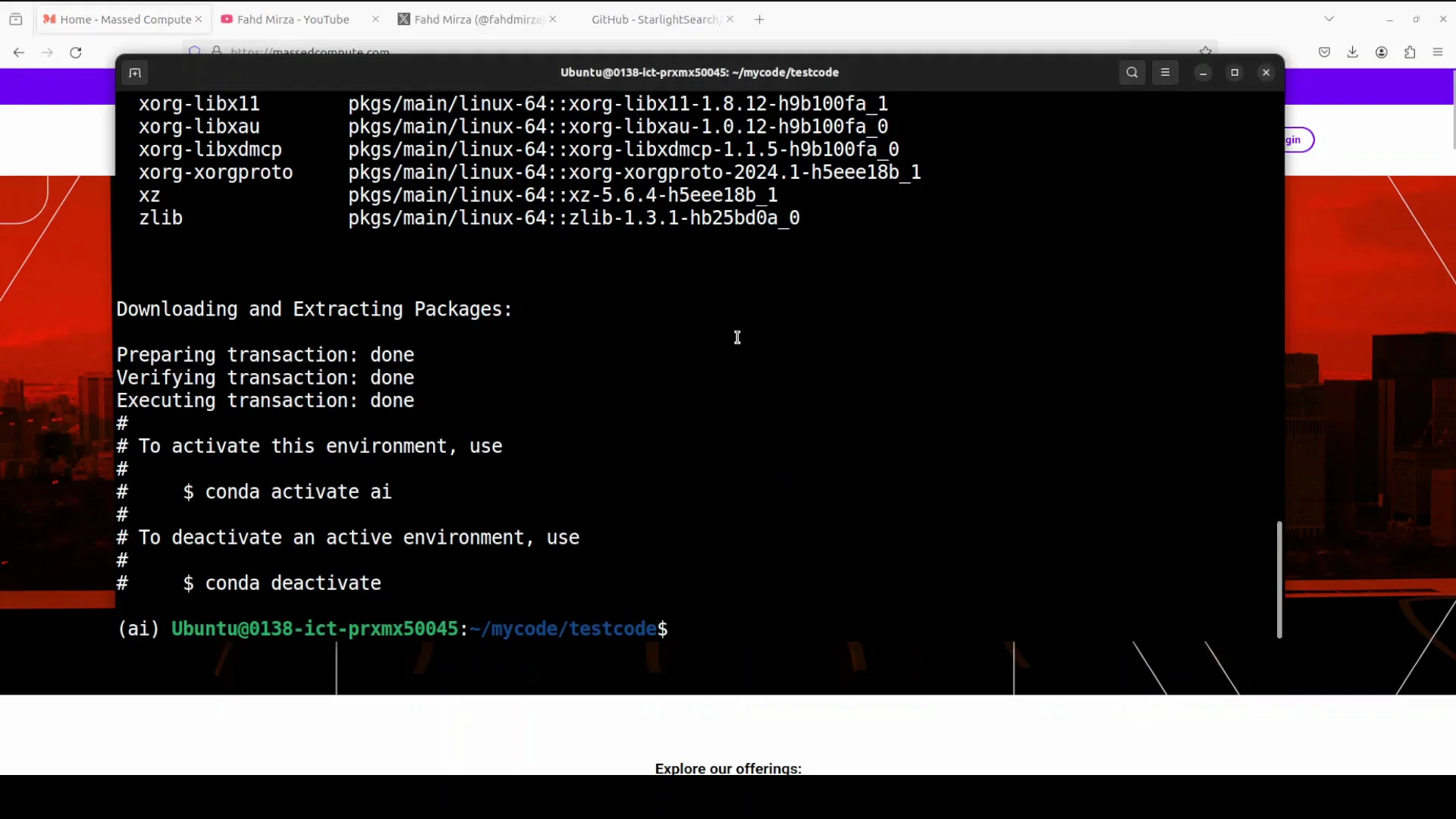
- Create your virtual environment.
- With GPU: install the embed anything with this dash GPU.
- Without GPU: pip install embed anything.
- This is going to install everything which is required and takes around couple of minutes.
EmbedAnything - Local example: Basic RAG with a local model
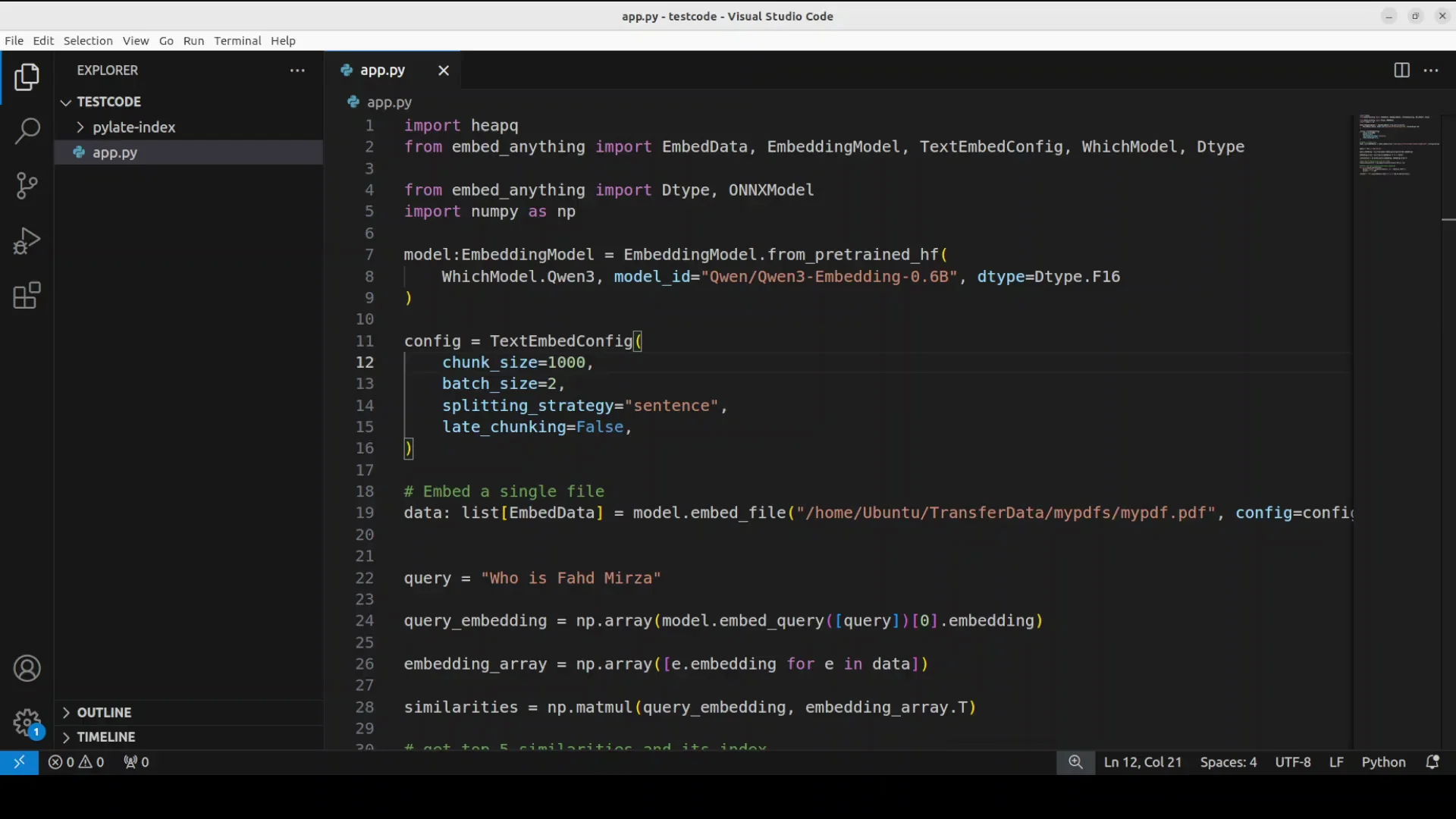
This code shows a basic retrieval augmented generation pipeline with the help of embed anything. I'm using qwen 3 embedding model just a6 billion one from hugging face. The first time I run the code it downloads the model and then I use this model to convert a PDF document from my local system.
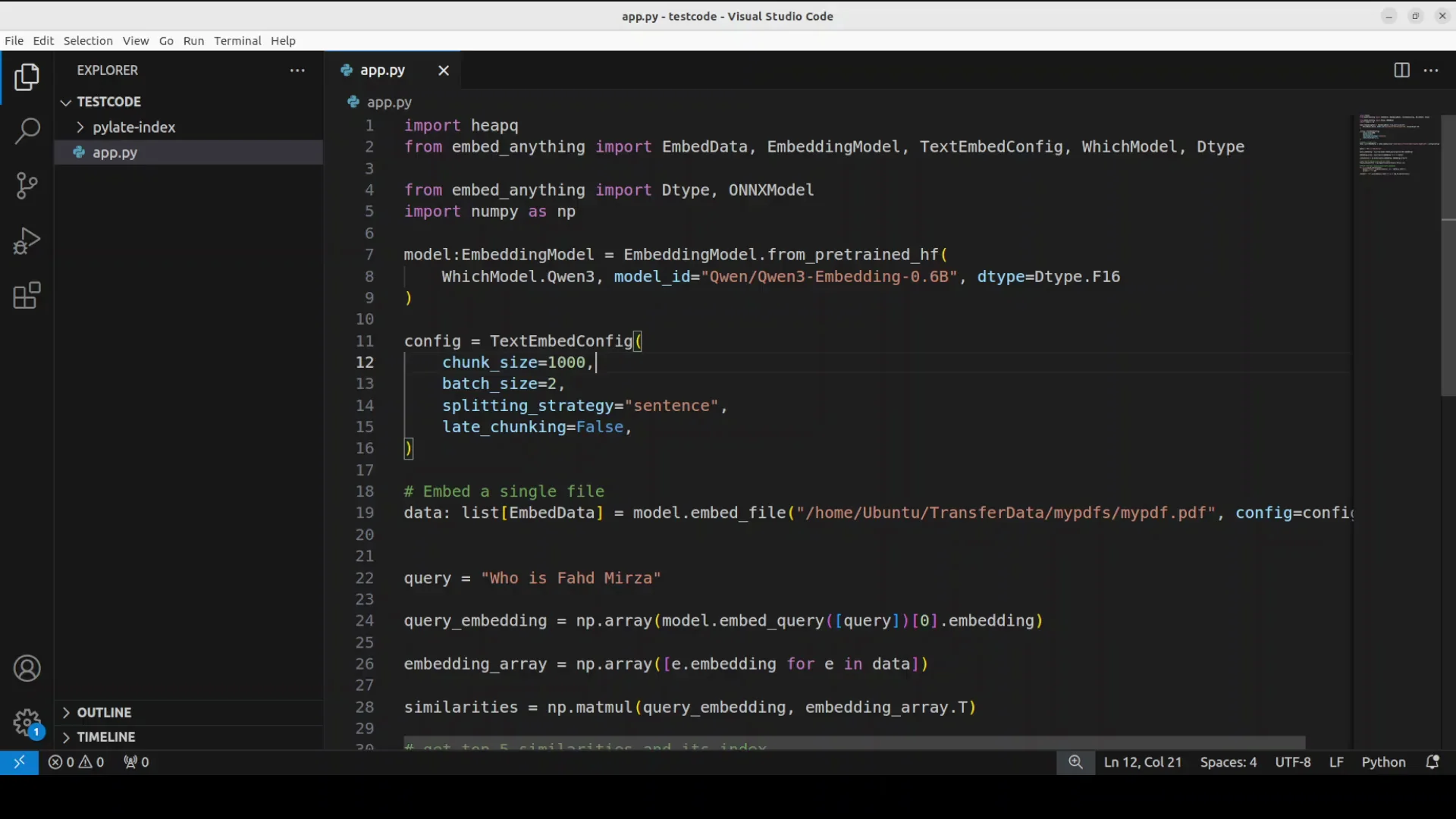
The file has some text around my own personal information as who is faz midzah and all that stuff. I ask a relevant question and use that question with the document.
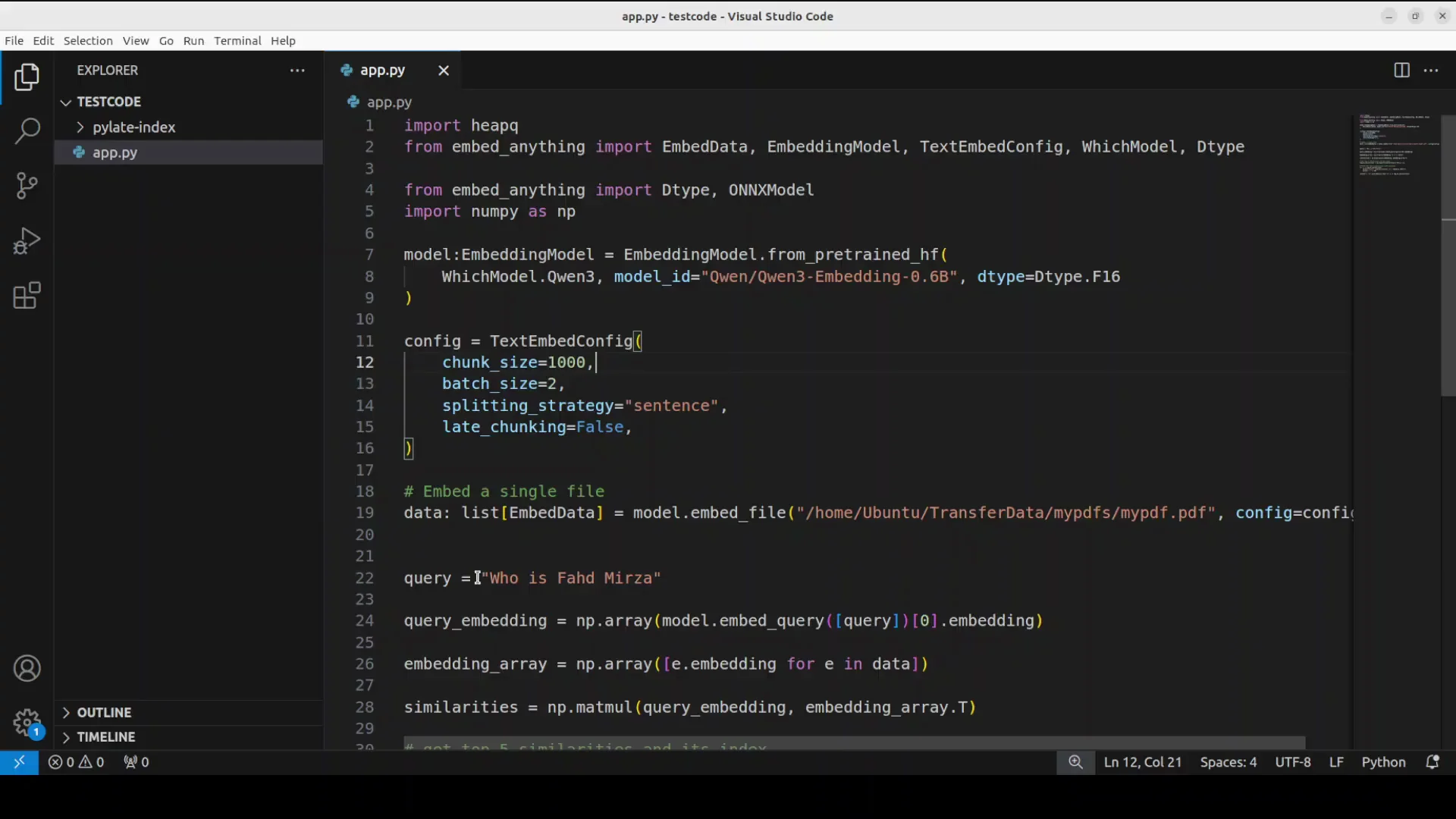
Process overview
- First embed or convert the document into numerical representation.
- Convert the query into numerical representation.
- Calculate the similarity between the query and all the chunks of the document to find the most relevant information and score it.
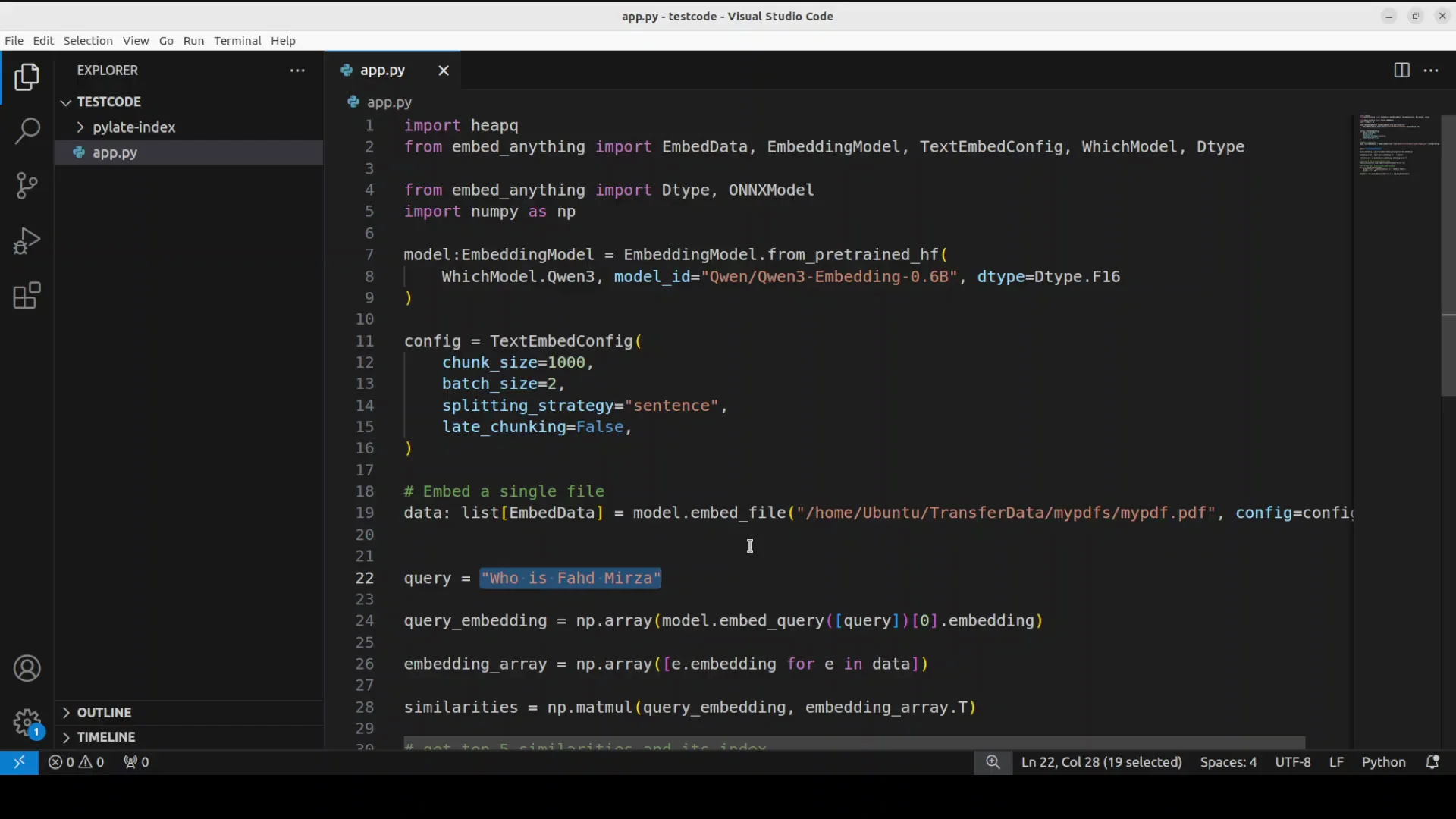
The model is quite lightweight. The model is quite small, just over 1 gig. VRAM consumption was just under 262 MB. You can easily run it on your CPU.
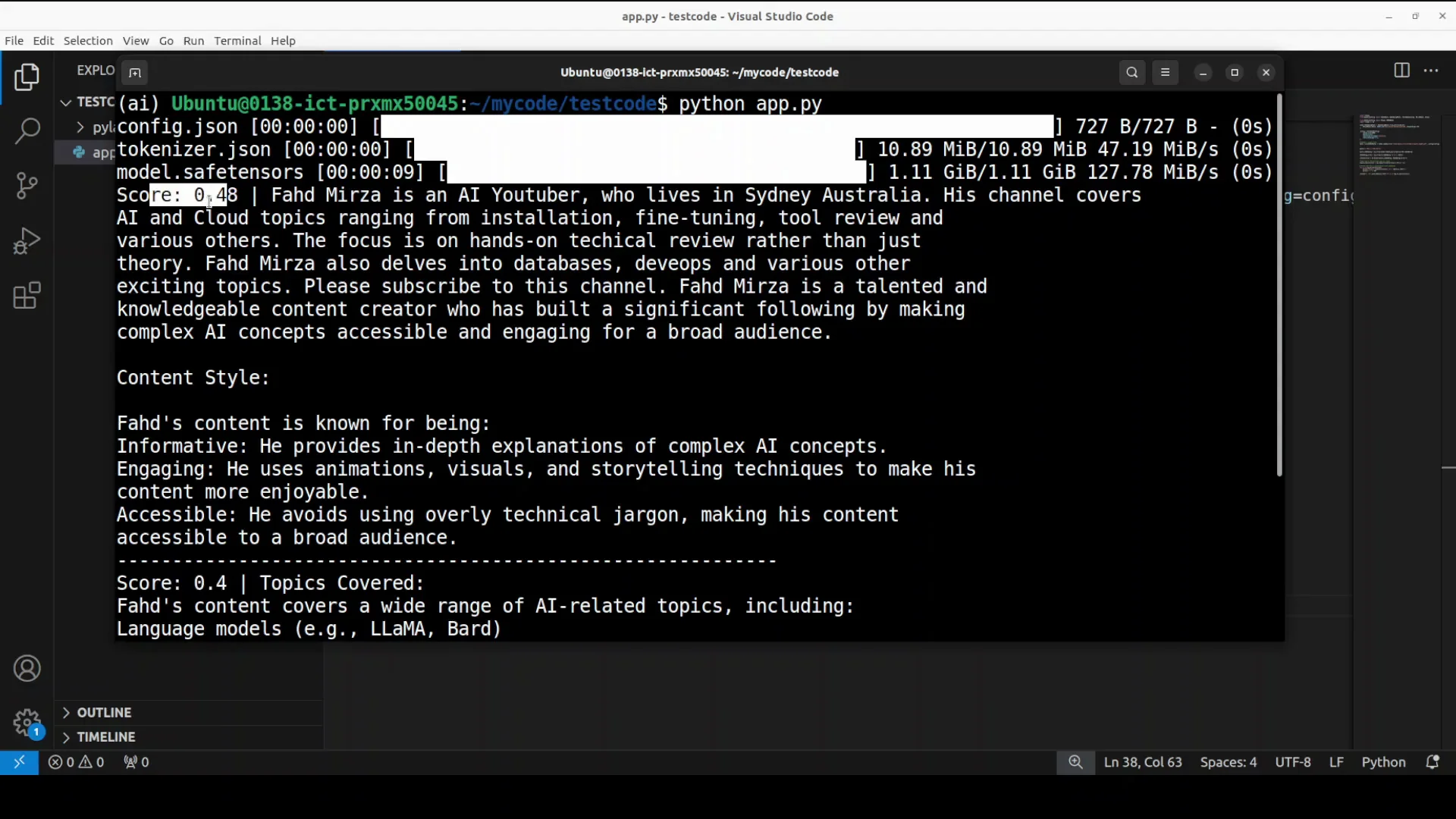
It showed tokenizer information and configuration. From the document it displayed two main results with relevant scores. One ranking is 48 and the other one is 04. These chunks provide a detailed description of who Fad Miza is, directly answering the question based on the content of the document. It's quite fast.
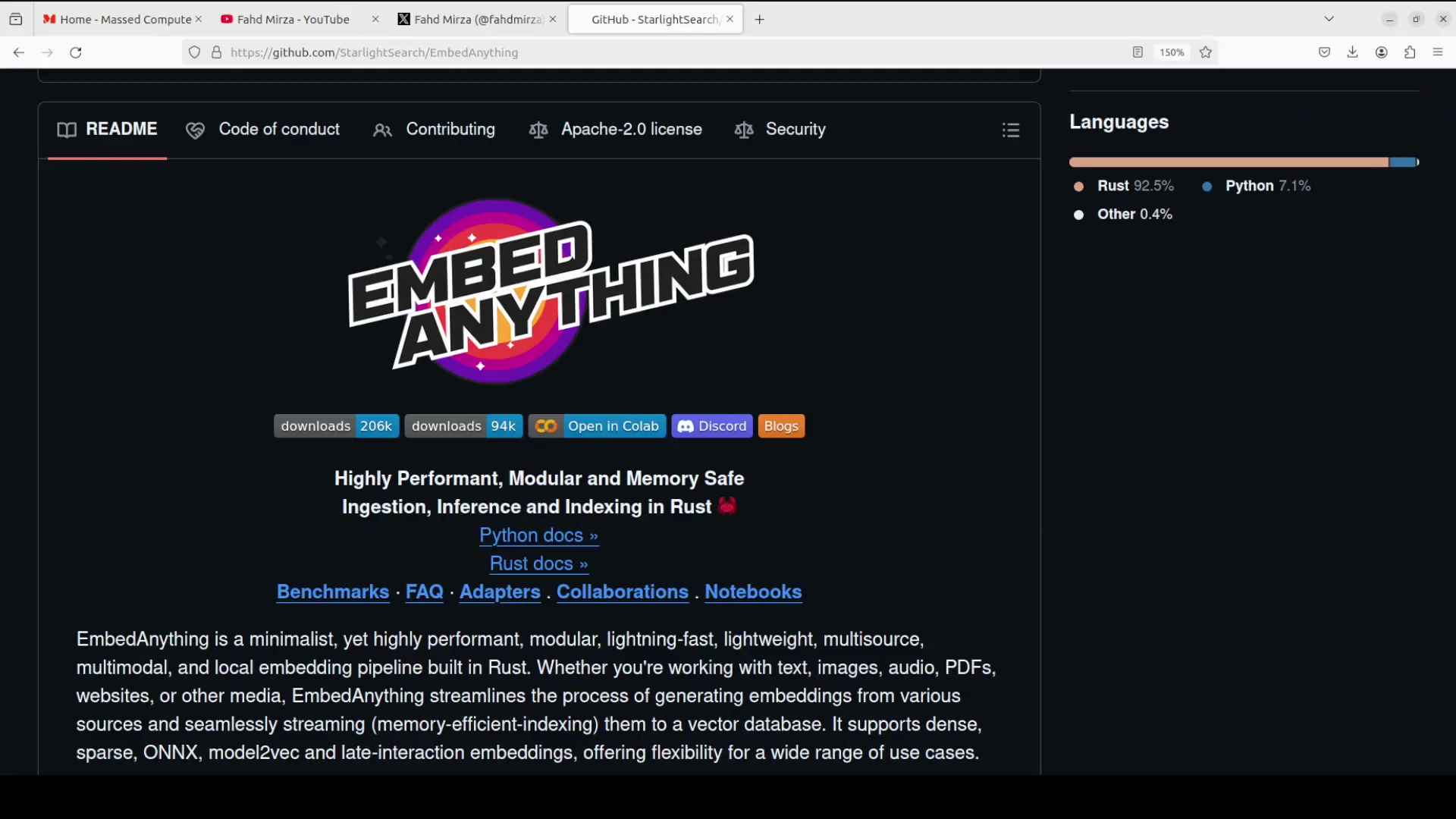
Streaming and decoupled workflows in EmbedAnything - Local
If you have streaming information coming in where you want to do some ragging, you can use this library to stream that data into your pipeline. You will decouple both the pre-processing and the embedding part of the pipeline.
EmbedAnything - Local example: Image retrieval with text queries
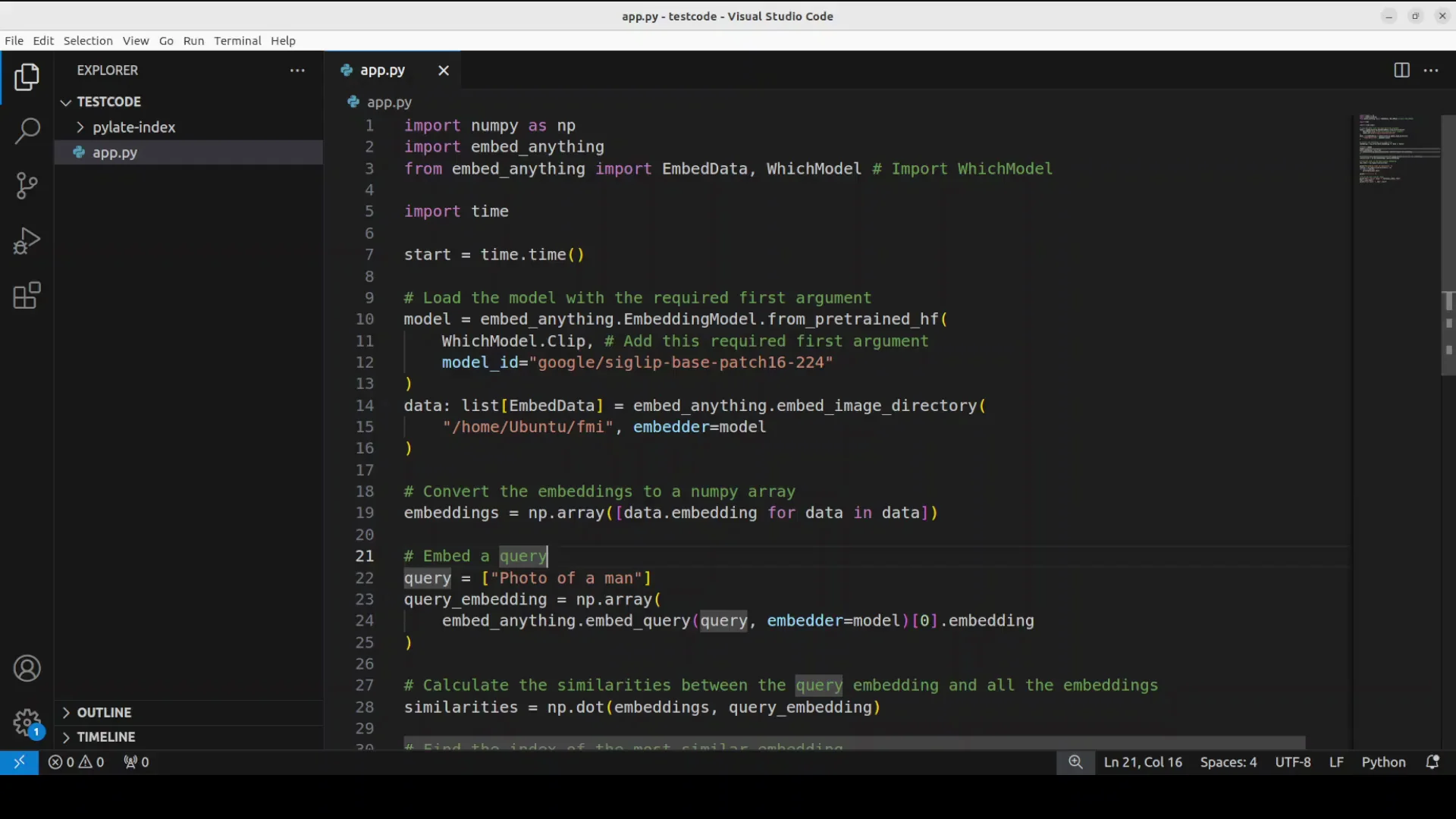
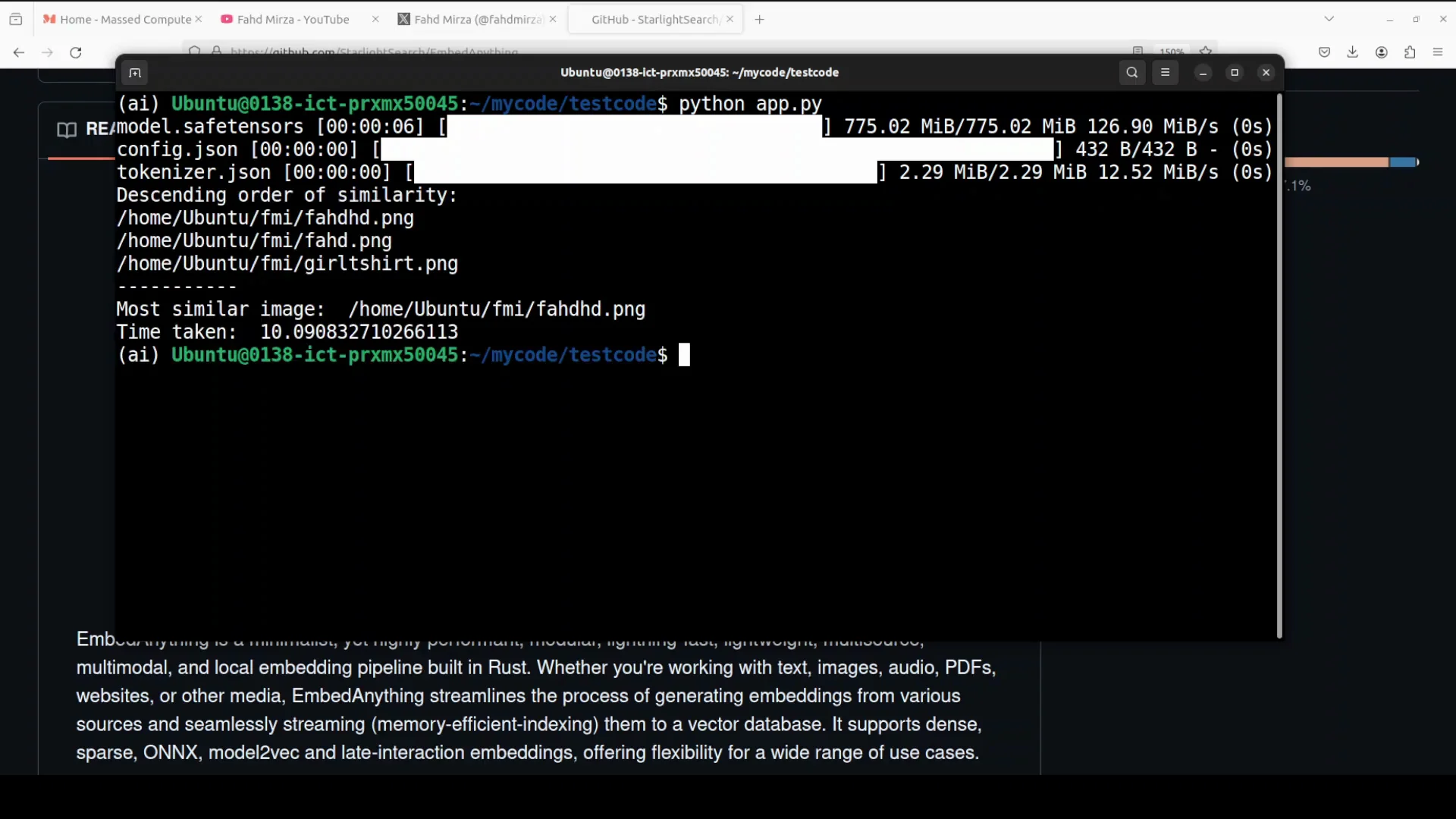
I show how to do the image retrieval or the information retrieval with images because it is a multimodal tool which you can use with a lot of modalities. I have a directory with three different images. Two images are of a man and the third image is different. Most of these images are AI generated.
I provide these images to the model and the query is photo of a man. The model in this case is Google's sigip model which is quite a performant and mature model for image text retrieval. It also acts as a vision encoder for V LMS and it uses SIG lip which is Google's model to understand the relationship between images and their text descriptions. It's an advanced version of the clip model which is designed to be more effective at finding images.
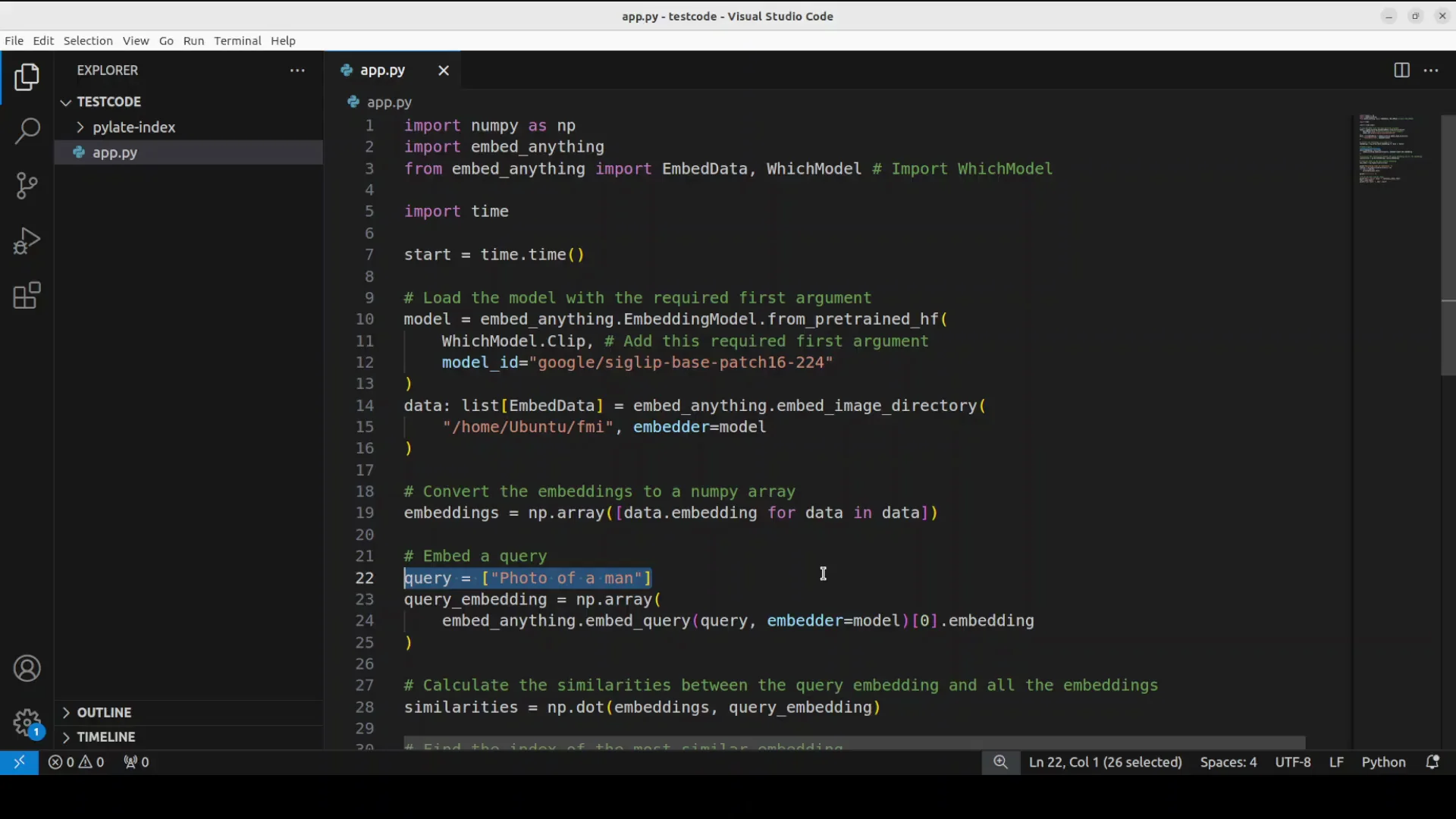
It downloads the model which is a very lightweight model and most of these embedding models are small. It reports the most similar image with a high score after going through all three images. The results are very impressive.
Final Thoughts
Embed anything focuses on performance and versatility, runs without PyTorch, supports multiple embedding types and modalities, and integrates with common vector databases. The local examples for text and image retrieval show it is fast, practical, and easy to apply in RAG pipelines with local or cloud models.
Subscribe to our newsletter
Get the latest updates and articles directly in your inbox.

Related Posts

8 Best Claude Code Plugins in 2026 (You Need to Know)
8 Best Claude Code Plugins in 2026 (You Need to Know)

7 Best Claude Code Skills (You Need to Know)
7 Best Claude Code Skills (You Need to Know)

Claude Code Desktop IDE Features (You Need to Know)
Claude Code Desktop IDE Features (You Need to Know)