
Tencent's Covo-Audio: Demo a 7B End-to-End Voice AI Model
Tencent has released Covo-Audio. It is a 7 billion parameter end-to-end audio language model that takes raw audio as input and produces audio as output within a single unified system. No separate speech recognition, language model, and text-to-speech pipeline.
It is built on top of Qwen 2.5 7B as its language backbone and supports spoken dialogue, speech understanding, audio question answering, and full duplex voice interaction. Full duplex means it can handle interruptions and back-and-forth conversations in real time. There are two variants: Covo-Audio-Chat for half duplex use and Covo-Audio-Chat-FD for full duplex.
It is open source and available on Hugging Face and GitHub. I installed it locally and put it through a two-turn spoken conversation to check memory usage, context retention, and output quality. The short version is that it runs on a single high-memory GPU, maintains context between turns, and speaks English and Chinese.
Local install for Tencent's Covo-Audio
I used Ubuntu with an NVIDIA RTX A6000 48 GB VRAM card. Fully loaded, the model consumed just under 28 GB of VRAM on my machine. That is in line with expectations for a 7B end-to-end audio model.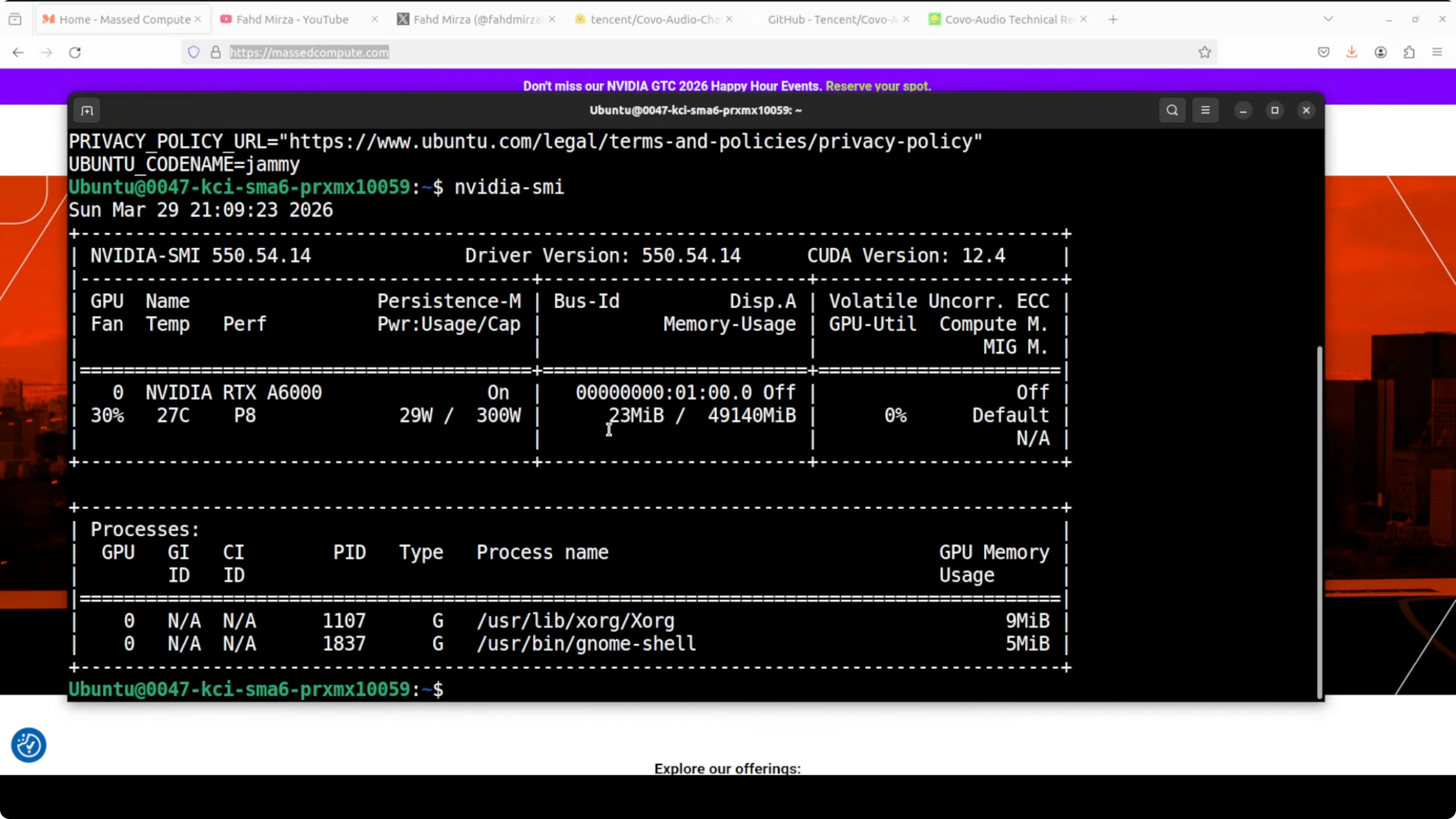
Environment setup
Create and activate a virtual environment, then upgrade pip. Use Python 3.10 or newer for best results.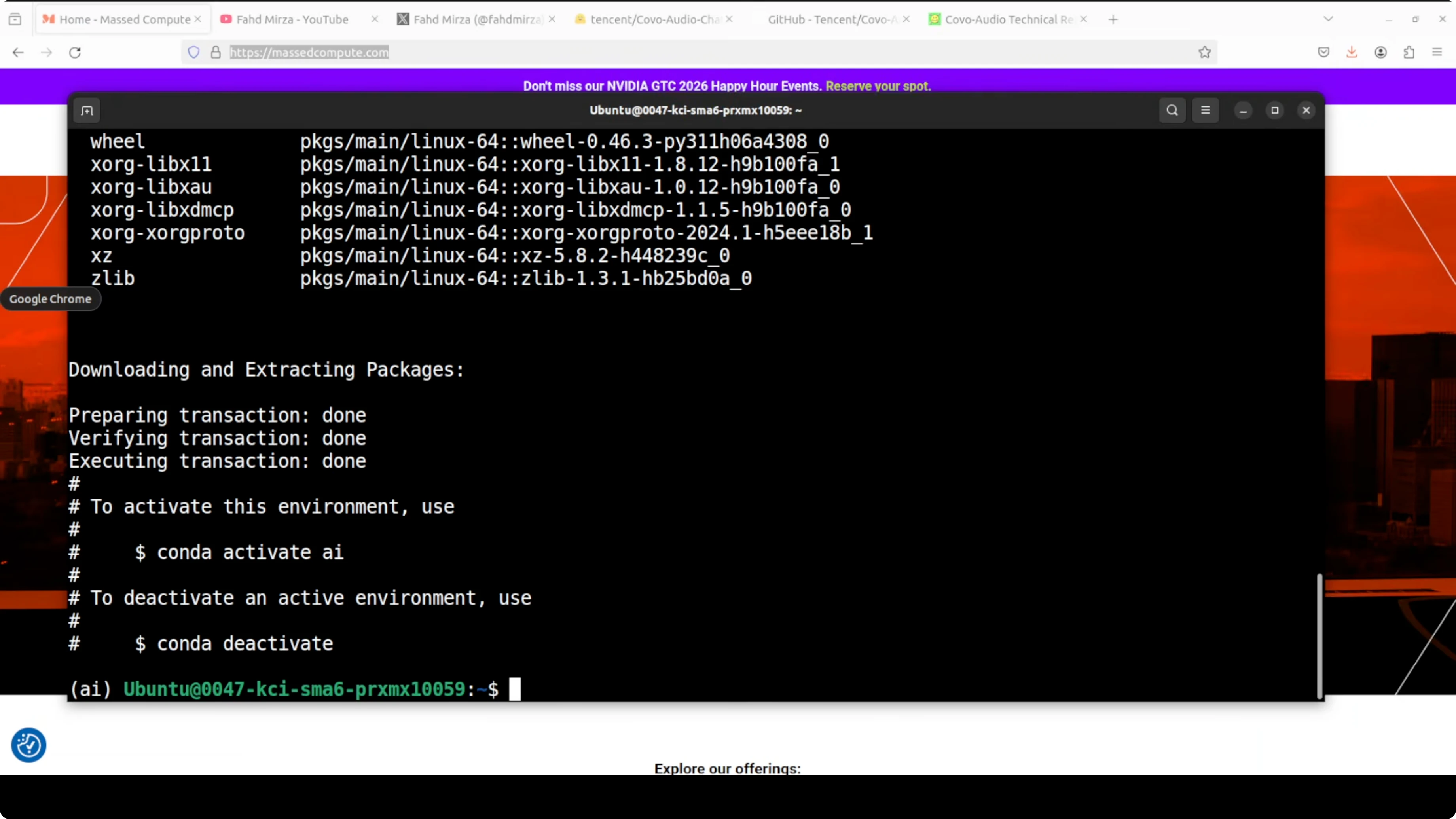
Step 1: python3 -m venv .venv
Step 2: source .venv/bin/activate
Step 3: python -m pip install --upgrade pip
Install PyTorch with CUDA wheels that match your driver. Example for CUDA 12.1 follows.
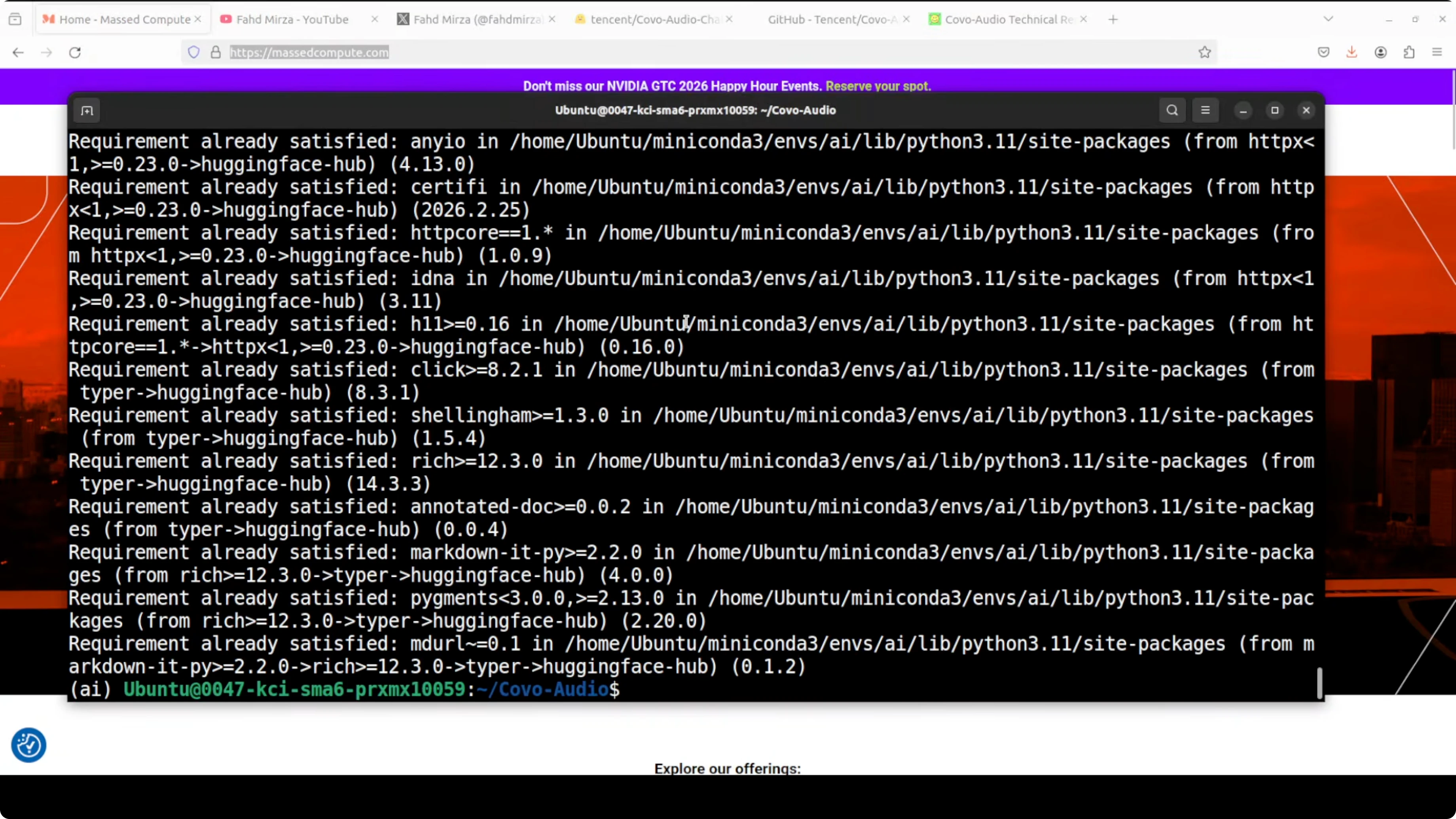
Step 4: pip install torch torchvision torchaudio --index-url https://download.pytorch.org/whl/cu121
Install common audio and model tooling.
Step 5: pip install transformers accelerate sentencepiece datasets librosa soundfile einops huggingface_hub
If you are using the GitHub repository for the example scripts, install its prerequisites in the repo root.
Step 6: pip install -r requirements.txt
For more context on 7B-class models and how they compare, see this overview of another 7B release.
Get the model weights
Login to Hugging Face and download the weights for offline use. You need a free read token from your profile.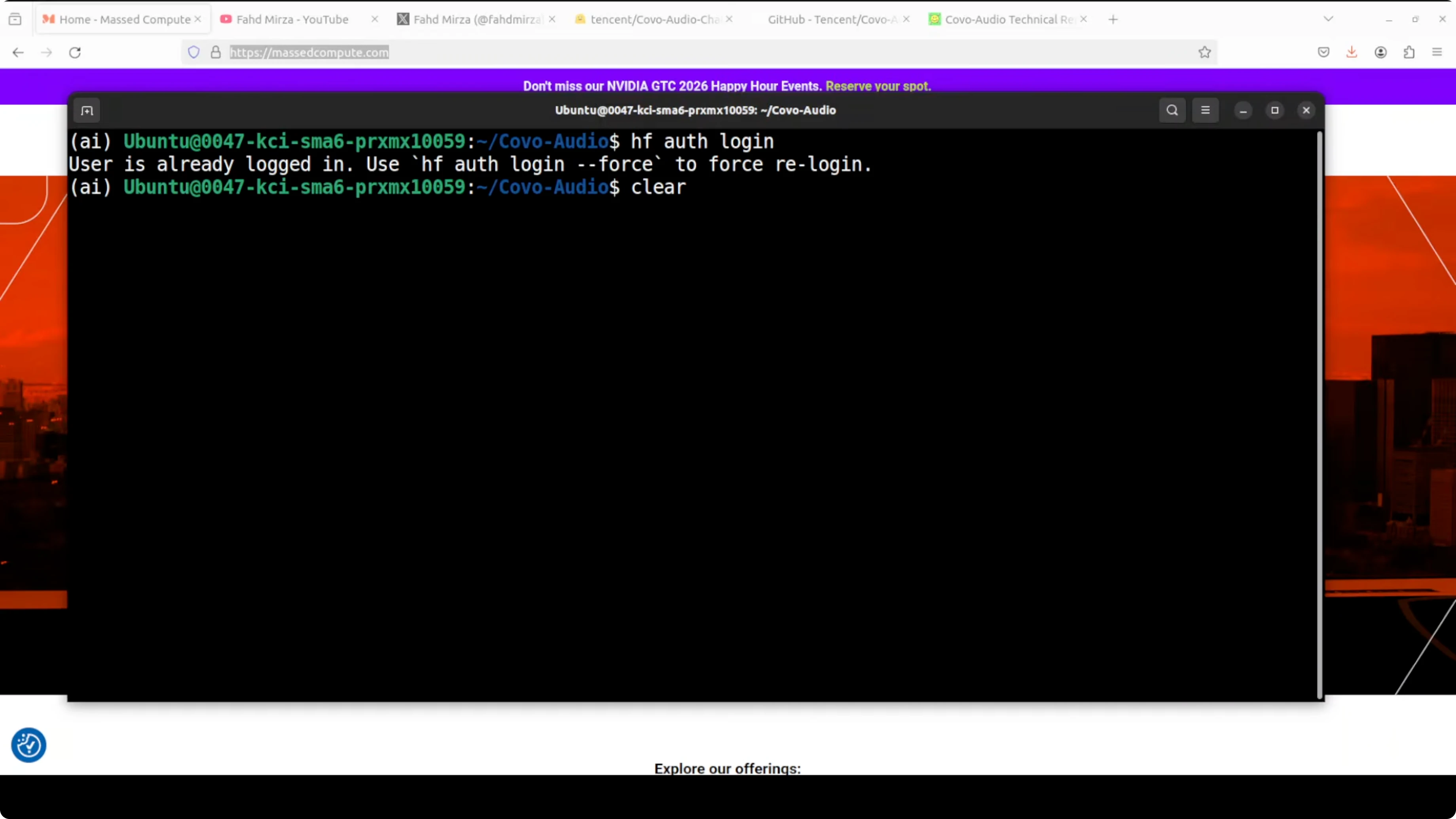
Step 1: huggingface-cli login
Step 2: huggingface-cli download tencent/Covo-Audio-Chat --local-dir ./Covo-Audio-Chat
You can also download programmatically if you prefer Python.
Step 3: from huggingface_hub import snapshot_download snapshot_download("tencent/Covo-Audio-Chat", local_dir="Covo-Audio-Chat")
If you plan to try full duplex, repeat the same for tencent/Covo-Audio-Chat-FD. For a look at text-to-audio systems you can pair with voice assistants, this primer on text-to-audio workflows is useful background.
Run the example
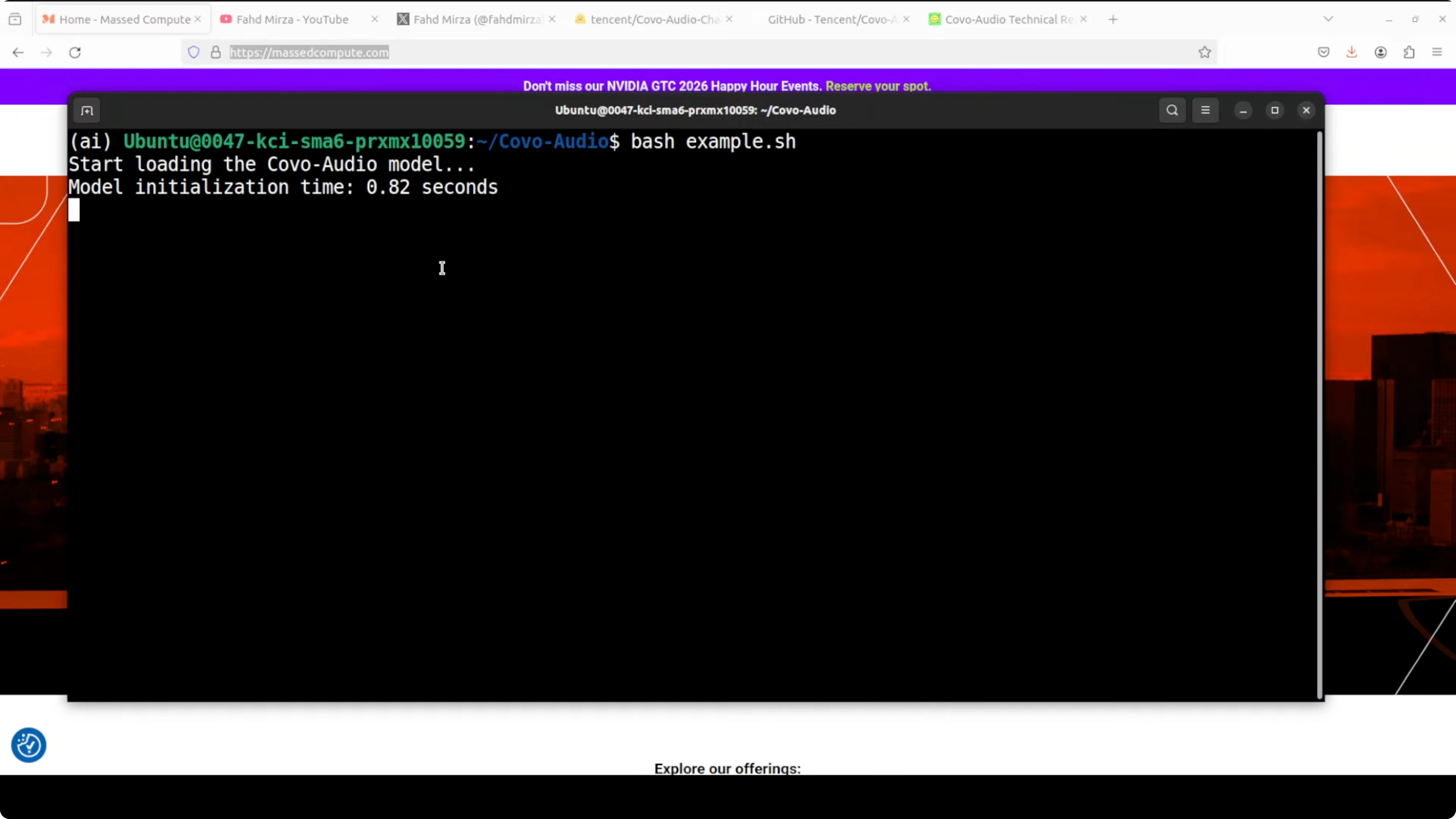
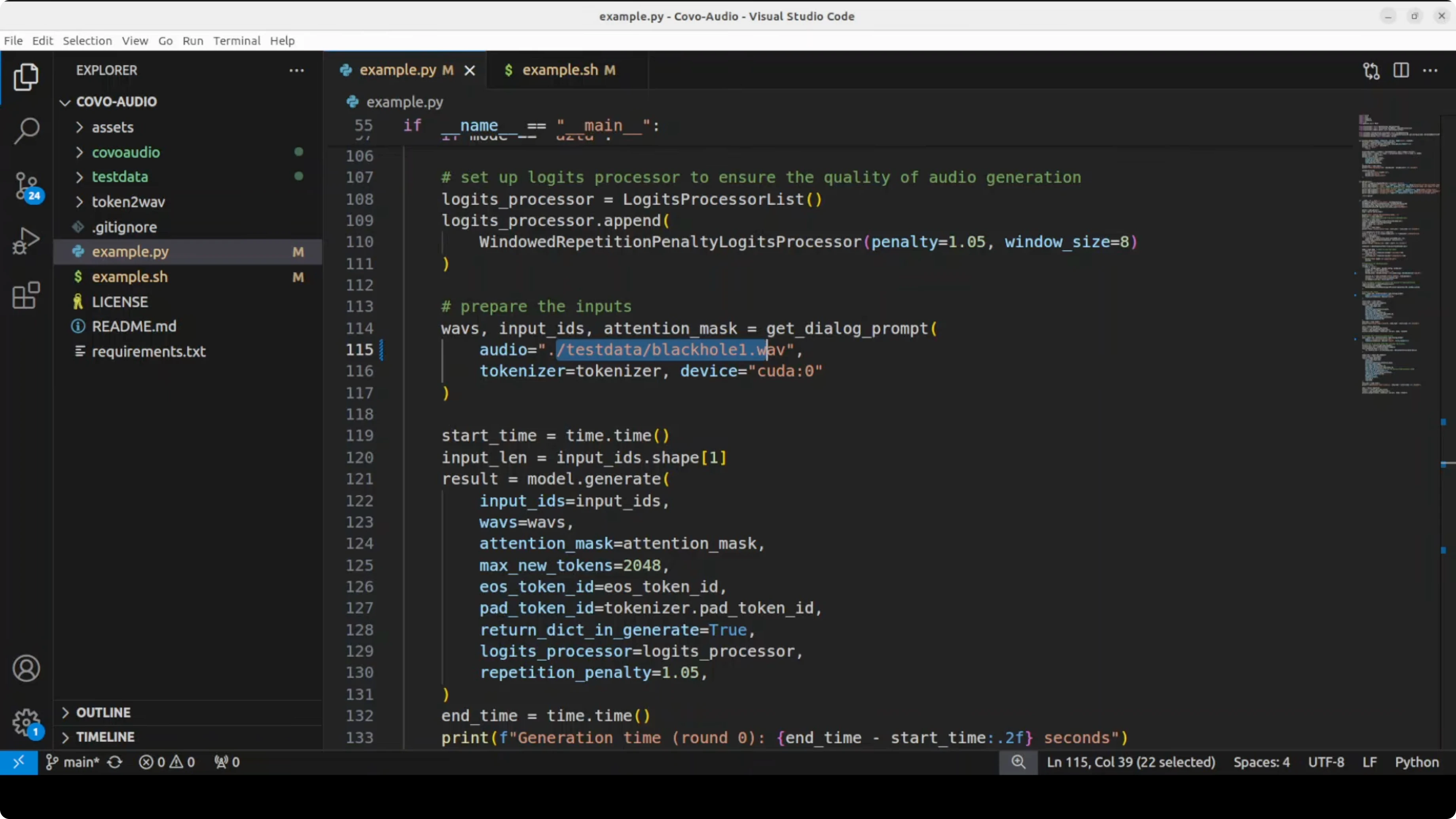
The reference shell script in the repo calls a Python example that loads the model, runs a two-turn spoken conversation, and saves both text and decoded audio responses. Replace any non-English prompt files with your own and keep the turn order consistent.Step 1: bash demo.sh
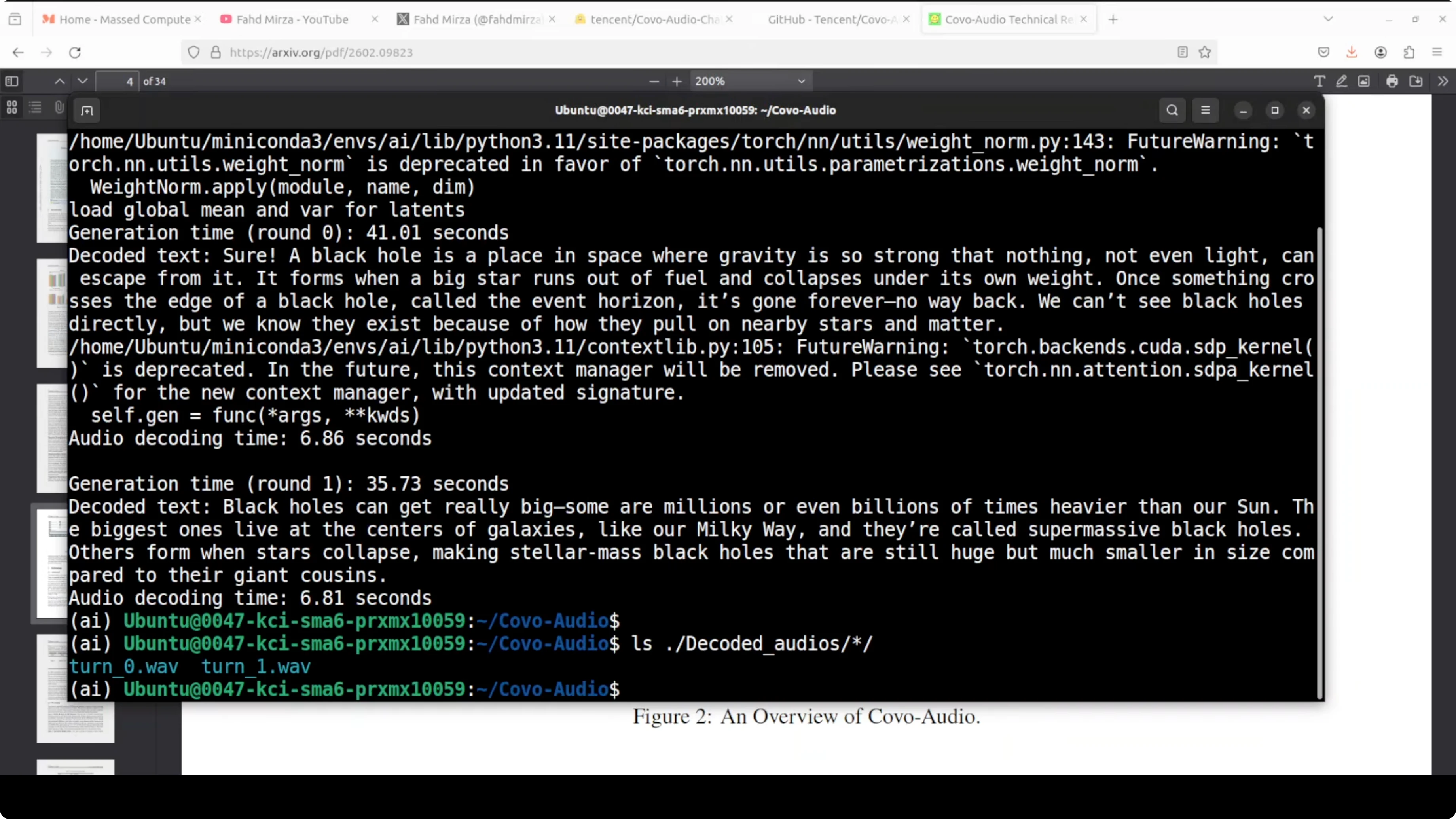
Step 2: Check the text responses in the console and the generated audio in the decoded_audios directory. You should see turn0 and turn1 outputs that match the text content.
If you prefer to orchestrate your own runner, keep the pipeline simple: load model and processor, load input audio, run generate with audio input, and write the decoded waveform at 24 kHz. For a stronger sense of how modern instruction-tuned models behave in multi-turn chats, compare with this summary of an instruction-focused release in the Tulu series.
Architecture in simple terms
Audio comes in through a Whisper large v3 encoder, is compressed through an adapter, and is fed into the LLM alongside text tokens. The model generates a mixed sequence of text tokens and discrete audio tokens, where the audio tokens are produced by a WavLM-based speech tokenizer with a codebook of around 16,000 entries. Those discrete tokens then pass through a two-stage speech decoder.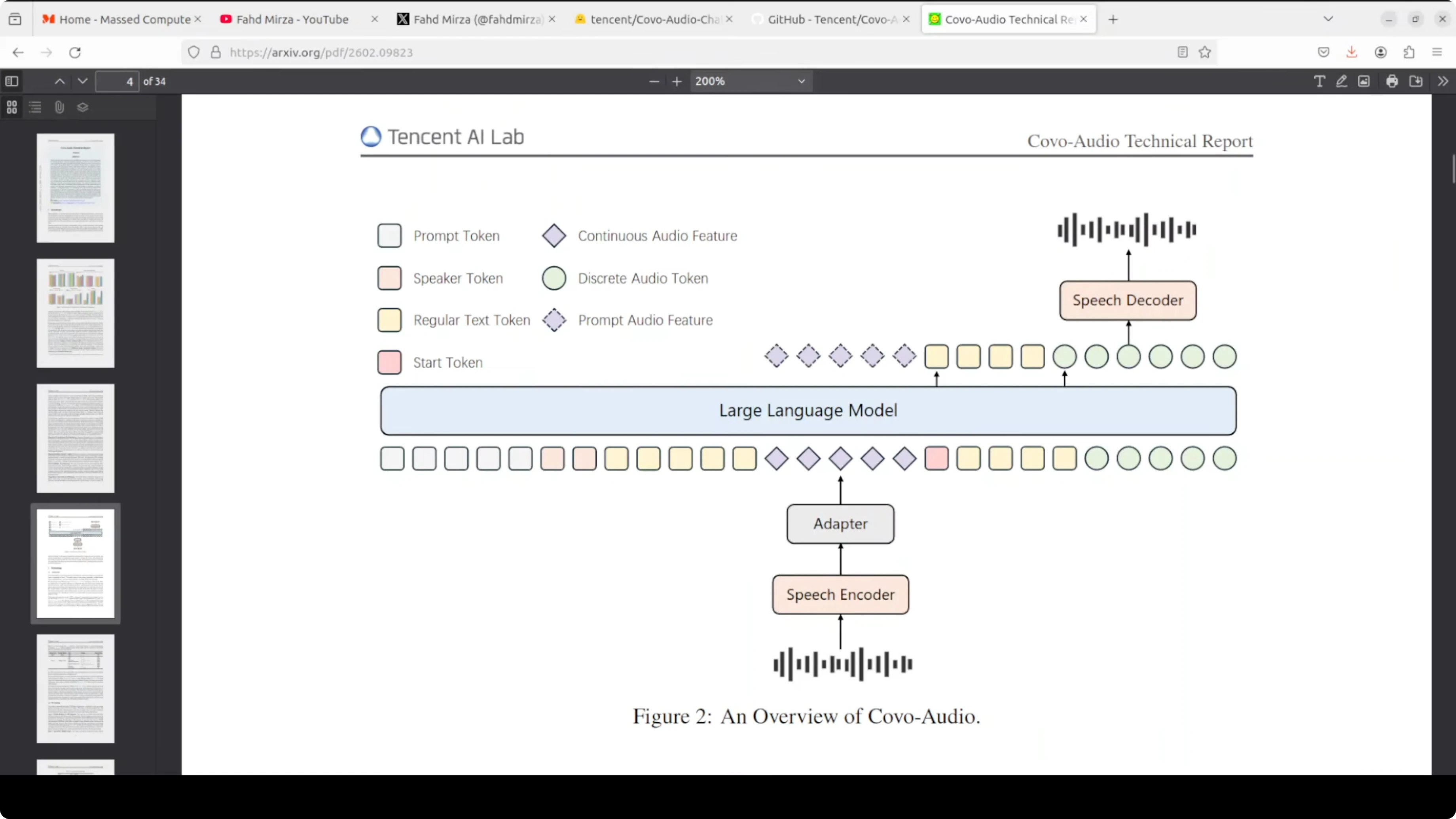
Token decoding stack
First, a flow matching network enriches the discrete audio codes into a continuous acoustic representation. Then, a BigVGAN vocoder renders that representation into an actual audio waveform at 24 kHz. The chain is discrete audio tokens, flow matching for enrichment, and BigVGAN for final waveform synthesis.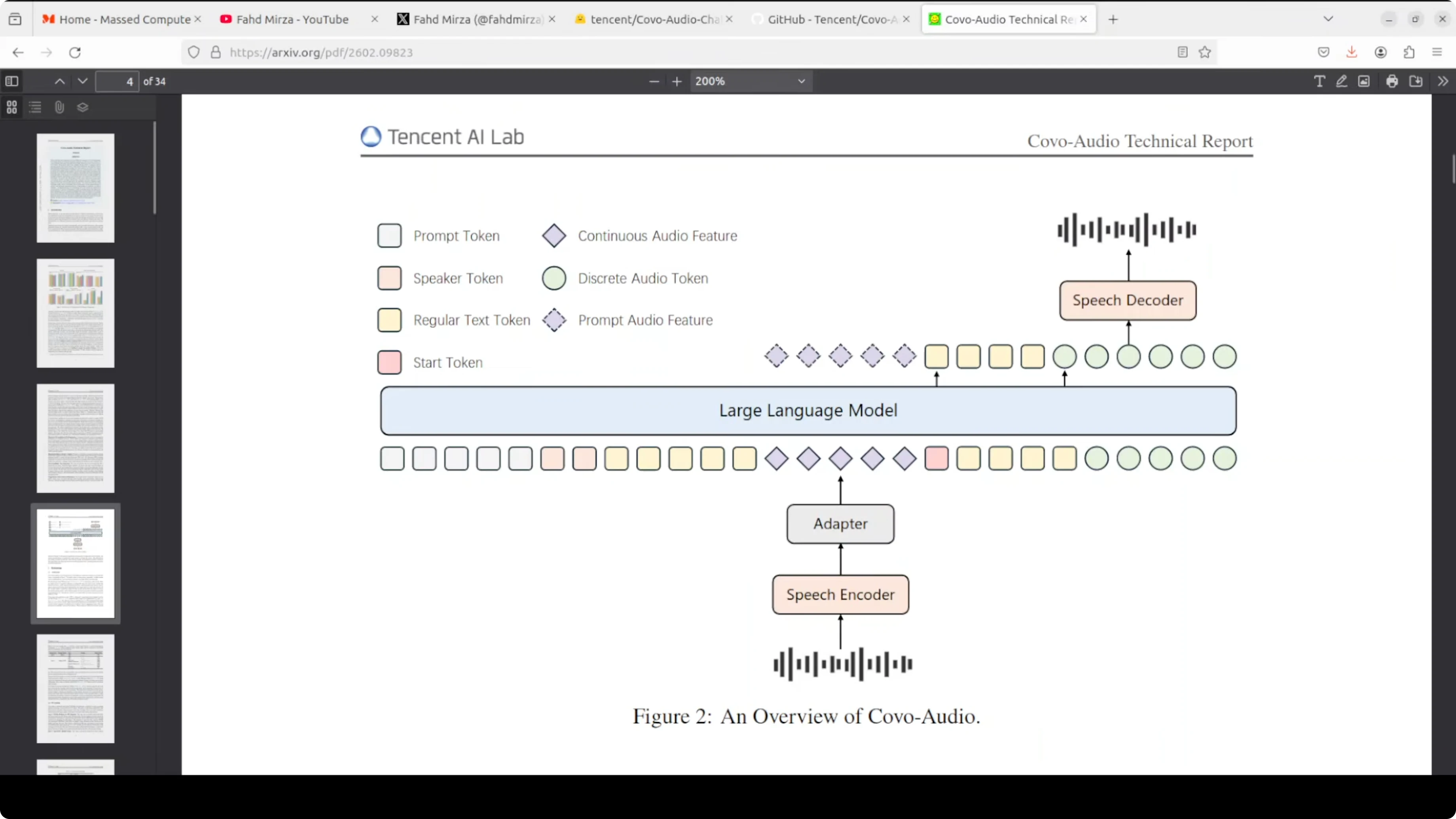
BigVGAN and flow matching explained
BigVGAN is a neural vocoder designed to convert a mathematical representation of sound into a playable waveform. Flow matching happens just before this vocoder stage. It transforms rough discrete codes into a richer acoustic state that carries texture, timbre, and fine-grained sound quality.If you are exploring assistants that blend modalities and long-context reasoning, this quick brief on a capable assistant stack helps frame design choices. For vision-language pipelines that might sit alongside voice, see this note on a recent VL stack.
Variants and interaction
Covo-Audio-Chat is tuned for half duplex conversational use. Covo-Audio-Chat-FD is designed for full duplex interaction, responding in real time and handling interruptions. The model is bilingual at the moment, supporting English and Chinese.Performance notes
On my setup, the model sat just under 28 GB VRAM when fully loaded on GPU. In a two-turn run, it remembered context across turns and produced coherent text and audio answers. Audio quality is good enough for a local demo and should improve with future updates.Troubleshooting and fixes
I had to adjust the example to avoid default CPU loading and fix a float dtype issue. Force GPU and half precision where supported.Example pattern: import torch
device = "cuda" if torch.cuda.is_available() else "cpu" torch.set_default_dtype(torch.float16)
Pseudocode for loading
processor = ...
model = ...
model.to(device)
model.eval()
Optional for inference speed
model.half()
If the script still tries to allocate on CPU, set CUDA visibility before launch. Then confirm that tensors and model weights are on the same device.
Environment tip: export CUDA_VISIBLE_DEVICES=0
For audio toolchains, make sure soundfile and librosa are installed and that your ffmpeg is available on PATH if you plan to decode or transcode files. If resource usage is tight, offload components to CPU with accelerate, though latency will increase.
Use cases
Spoken tutoring that answers questions and clarifies follow-ups without dropping context. Voice-driven customer support that recognizes intent, answers, and asks for clarifications in the same audio loop.Hands-free device control with natural confirmations and interruptions. Rapid prototyping of bilingual voice agents for kiosks or on-device assistants.
Final thoughts
Tencent's Covo-Audio shows a clean end-to-end path from audio to audio using a single model stack. The Whisper front end, mixed token generation, flow matching, and BigVGAN output stage work together to keep conversations coherent and responsive.It runs locally on a single high-memory GPU, handles English and Chinese, and preserves context between turns. I expect the code quality and audio polish to improve, and the full duplex variant looks especially interesting for real-time applications.
Subscribe to our newsletter
Get the latest updates and articles directly in your inbox.

Related Posts

8 Best Claude Code Plugins in 2026 (You Need to Know)
8 Best Claude Code Plugins in 2026 (You Need to Know)

7 Best Claude Code Skills (You Need to Know)
7 Best Claude Code Skills (You Need to Know)

Claude Code Desktop IDE Features (You Need to Know)
Claude Code Desktop IDE Features (You Need to Know)