
Table Of Content
- What is Qwen3.5 122B A10B? In short
- Why Run Qwen3.5 122B A10B Model Locally?
- Setup to Run Qwen3.5 122B A10B Model Locally?
- Requirements
- Step 1: Install build tools
- Step 2: Build llama.cpp with cuBLAS
- Optionally build the server target explicitly:
- make -j server LLAMA_CUBLAS=1
- Step 3: Install Hugging Face tools
- Step 4: Download the Q4_K_M quant
- Step 5: Serve with llama.cpp
- Step 6: Quick health check
- Step 7: Send a test request
- Dense vs MoE: when to pick each
- First test: HTML landing page
- Multilinguality test
- Short reasoning test
- Final thoughts
How to Run Qwen3.5 122B A10B Model Locally?
Qwen Model Recommender
Not sure which Qwen model fits your GPU? Pick your VRAM, use case, and task type — get matched to the right model instantly. Covers Qwen3, QwQ, QVQ, Qwen2.5-VL, Qwen3-Coder, Qwen3-TTS, and 80+ models.
Table Of Content
- What is Qwen3.5 122B A10B? In short
- Why Run Qwen3.5 122B A10B Model Locally?
- Setup to Run Qwen3.5 122B A10B Model Locally?
- Requirements
- Step 1: Install build tools
- Step 2: Build llama.cpp with cuBLAS
- Optionally build the server target explicitly:
- make -j server LLAMA_CUBLAS=1
- Step 3: Install Hugging Face tools
- Step 4: Download the Q4_K_M quant
- Step 5: Serve with llama.cpp
- Step 6: Quick health check
- Step 7: Send a test request
- Dense vs MoE: when to pick each
- First test: HTML landing page
- Multilinguality test
- Short reasoning test
- Final thoughts
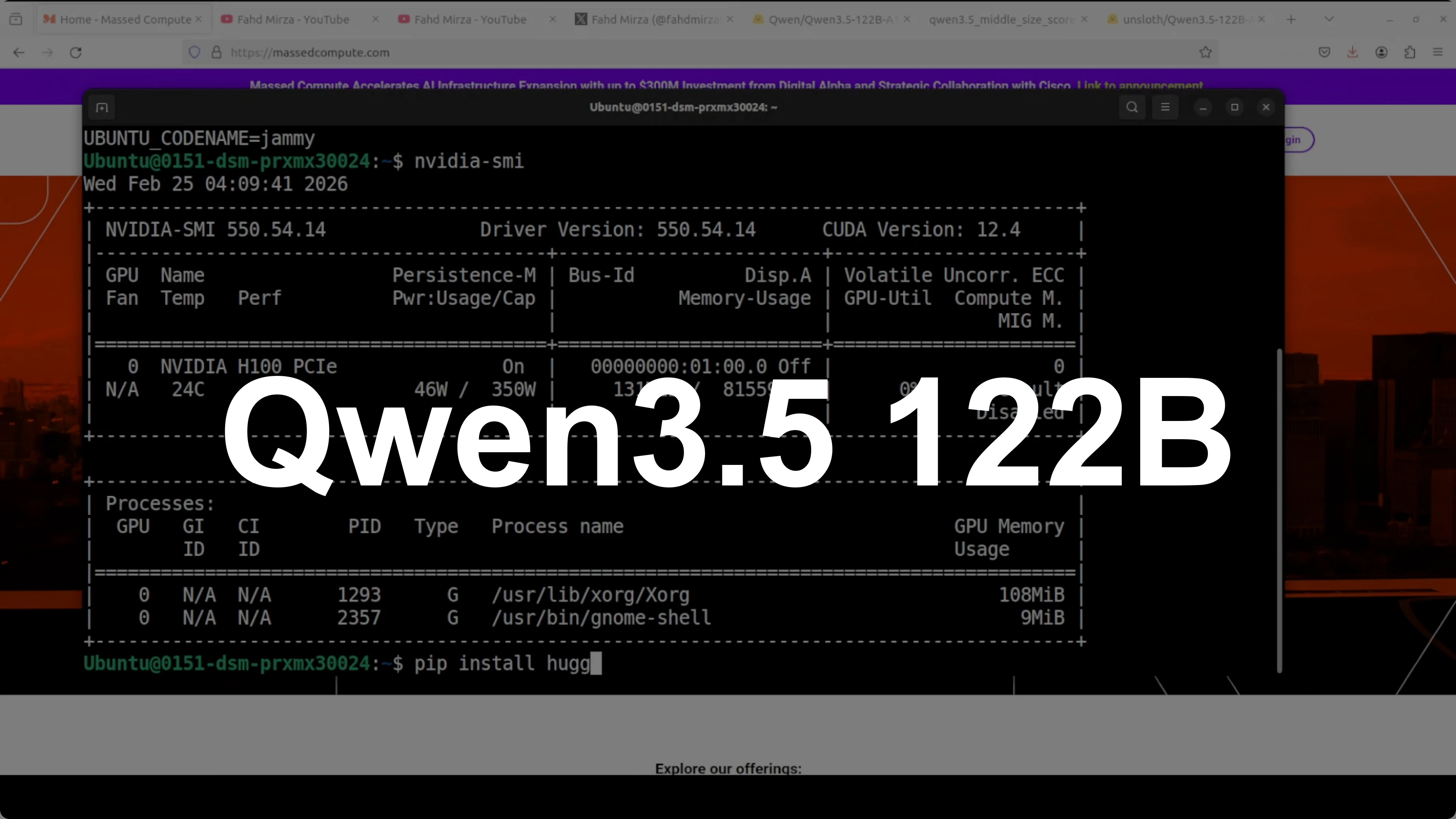
I’m going to run a 122 billion parameter model locally on a single GPU, something that looked out of reach just months ago. It is the Qwen 3.5 122B A10B mixture of experts model, and the trick is that it only activates 10 billion parameters per token. That lets us keep performance high while making local inference feasible.
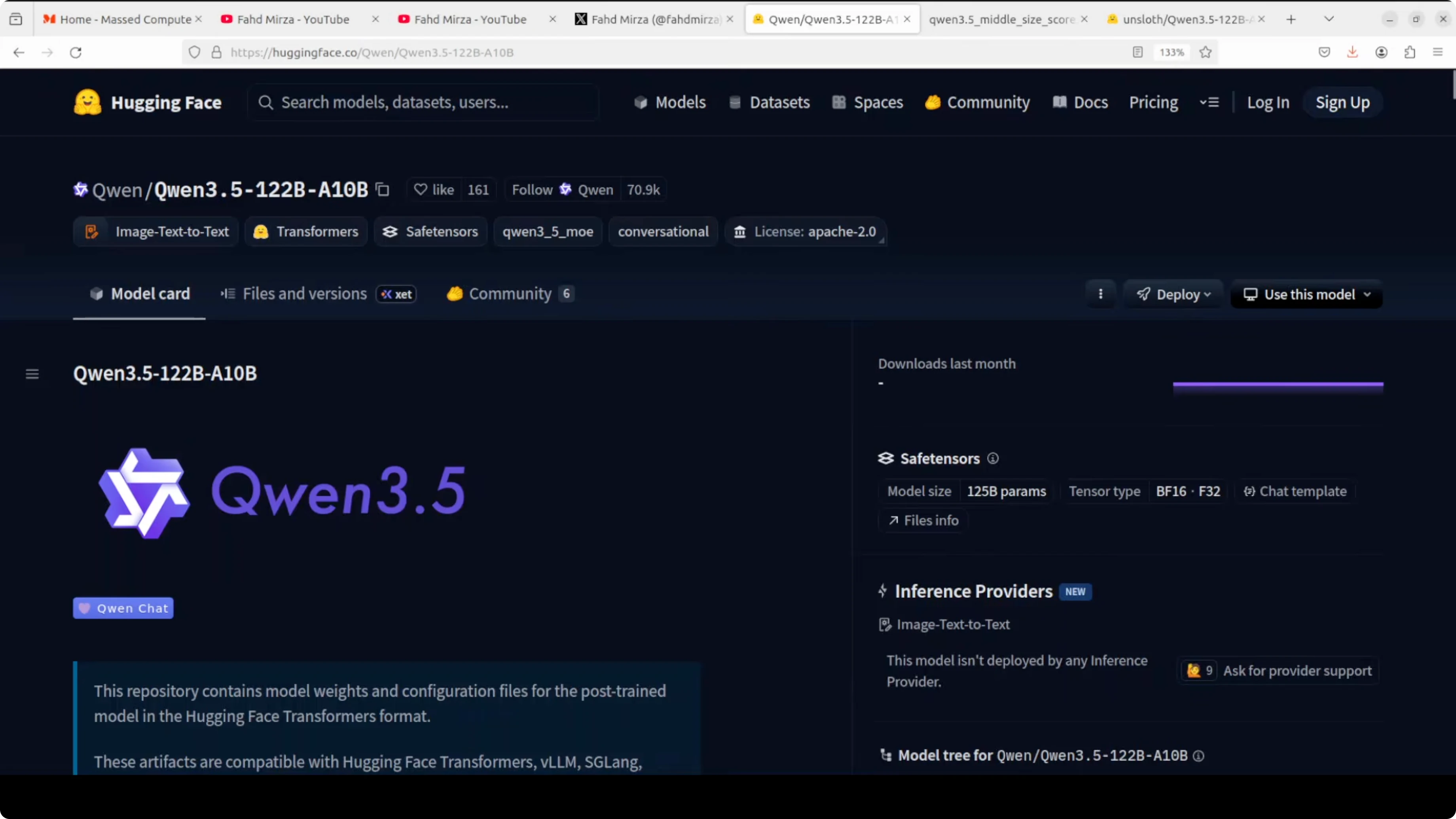
I’ll show how I installed it, how I served it with llama.cpp, and what kind of results I got in coding, multilinguality, and short-form reasoning. If your priority is a smaller local coder, also see Qwen coder.
What is Qwen3.5 122B A10B? In short
It is a mixture of experts model with 122 billion total parameters, 10 billion active per token. It uses gated routing across 256 experts and supports a 262k context window that can extend to around 1 million tokens. It aims for flagship-level capability while running faster than a dense 27B model I used earlier.
Why Run Qwen3.5 122B A10B Model Locally?
Expert routing lets us scale knowledge without equally scaling compute. I ran it on an Nvidia H100 with 80 GB of VRAM and it held up well with Q4_K_M quantization. If you want to compare with another local model family, take a look at GLM 5.
Setup to Run Qwen3.5 122B A10B Model Locally?
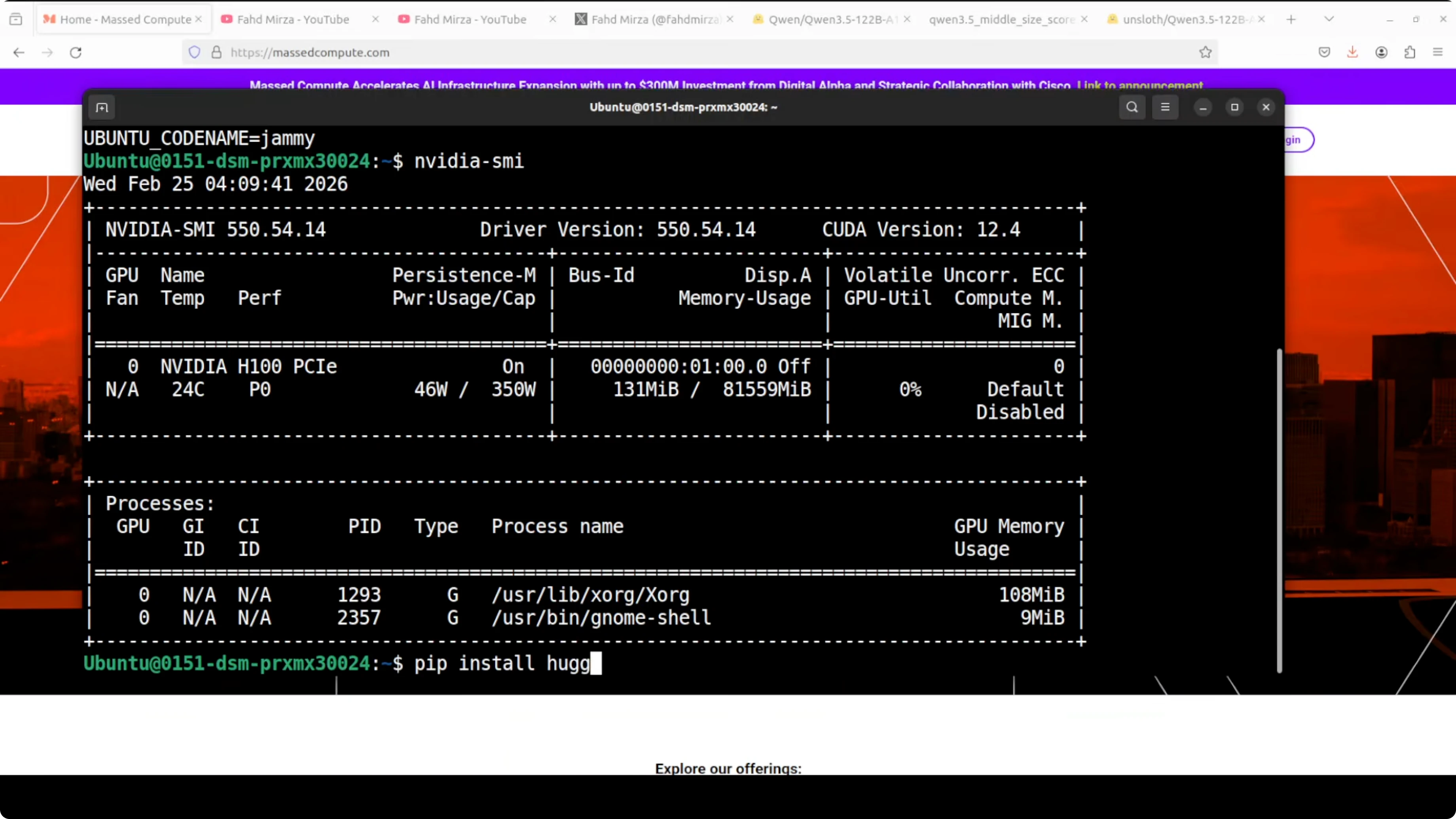
I used Ubuntu on a machine with an H100 80 GB GPU. Q4_K_M is a sweet spot between performance and quality for this model. Lower than that is not something I would use for production.
Requirements
You should have recent Nvidia drivers and CUDA installed. I already had llama.cpp installed; if you don’t, build it with cuBLAS. We’ll install huggingface-hub to download the quantized GGUF.
Step 1: Install build tools
sudo apt-get update
sudo apt-get install -y build-essential cmake git python3-pip
python3 -m pip install -U pip
Step 2: Build llama.cpp with cuBLAS
git clone https://github.com/ggerganov/llama.cpp
cd llama.cpp
make -j LLAMA_CUBLAS=1
# Optionally build the server target explicitly:
# make -j server LLAMA_CUBLAS=1
Step 3: Install Hugging Face tools
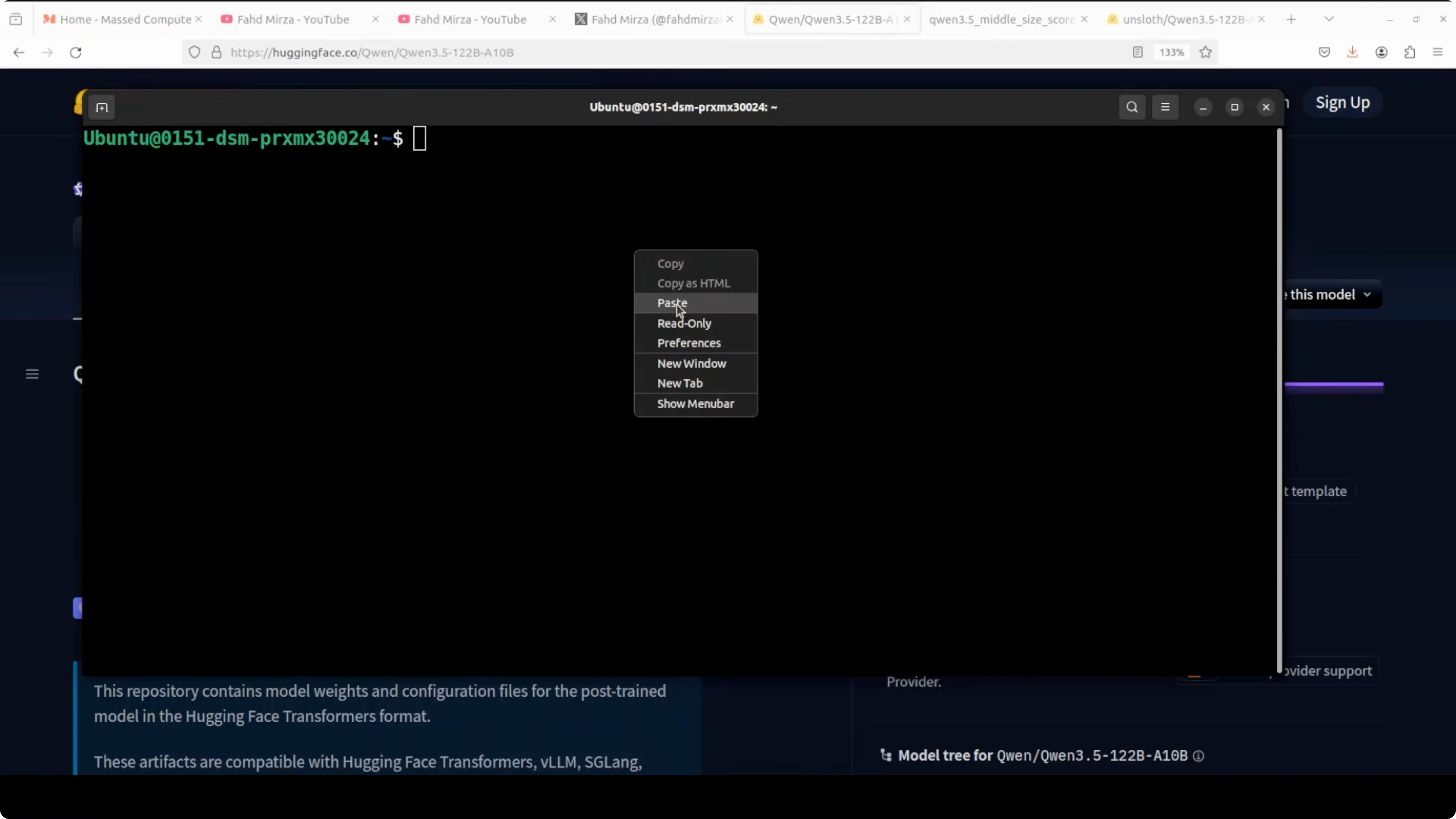
python3 -m pip install -U huggingface_hub hf_transfer
huggingface-cli login
Step 4: Download the Q4_K_M quant
I’m pulling the Q4_K_M quant because it gives a decent balance of speed and accuracy. Replace MODEL_REPO and MODEL_FILE with the exact GGUF repository and filename for Qwen3.5 122B A10B Q4_K_M.
export MODEL_REPO="REPLACE_WITH_QWEN35_122B_A10B_GGUF_REPO"
export MODEL_FILE="REPLACE_WITH_Q4_K_M_GGUF_FILENAME"
huggingface-cli download "$MODEL_REPO" "$MODEL_FILE" \
  --local-dir models/qwen35-122b-a10b-gguf \
  --local-dir-use-symlinks False
If your source provides sharded files, place them in the same directory. Point llama.cpp to the main GGUF file or the first shard, and it will load the rest.
Step 5: Serve with llama.cpp
cd llama.cpp
./server -m ../models/qwen35-122b-a10b-gguf/$MODEL_FILE \
  -c 262144 -ngl 100 -t 16 -p 8080 --host 0.0.0.0
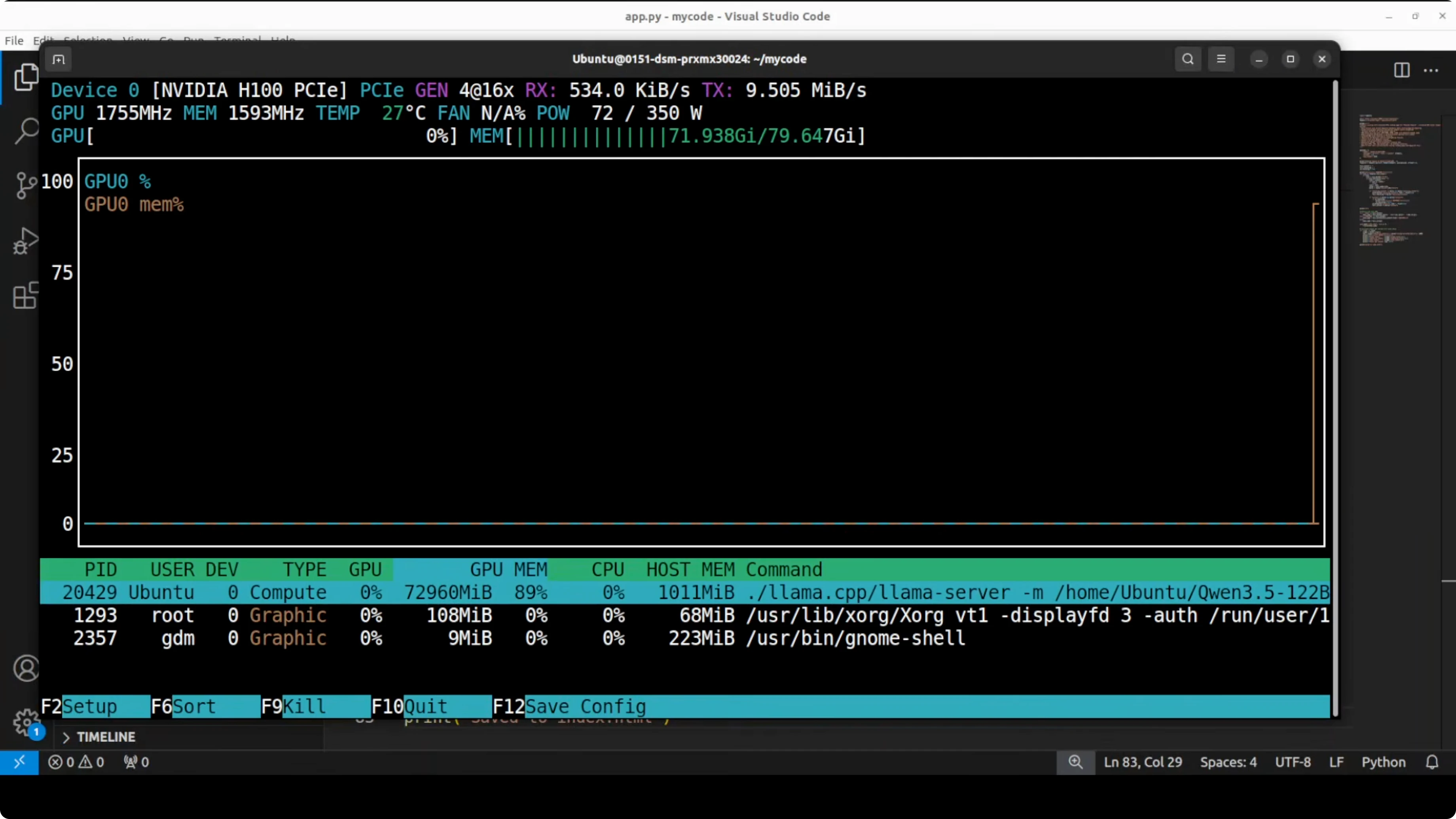
This loads the Q4_K_M quant into GPU memory and serves an OpenAI-compatible API at http://localhost:8080. On my H100 80 GB, VRAM usage settled around 73 GB once loaded.
Step 6: Quick health check
nvidia-smiYou should see the server process with roughly 73 GB VRAM in use if the full Q4_K_M is loaded.
Step 7: Send a test request
You can call the server using the OpenAI-compatible endpoint. Here is an example chat completion request.
curl http://localhost:8080/v1/chat/completions \
  -H "Content-Type: application/json" \
  -d '{
    "model": "qwen35-122b-a10b-q4_k_m",
    "messages": [
      {"role": "system", "content": "You are a helpful AI assistant."},
      {"role": "user", "content": "Give me three key features of Qwen3.5 122B A10B."}
    ],
    "temperature": 0.7,
    "max_tokens": 256
  }'
Dense vs MoE: when to pick each
Use dense models when you want consistent behavior and have limited VRAM. Use mixture of experts like this when you want maximum capability, have VRAM headroom, and need specialized expert knowledge for complex reasoning and coding tasks. Even that line is getting blurred because there are so many variations now, so try it in your own environment for your use case.
I moved from a 27B dense model on 48 GB VRAM, to a 35B MoE with around 3B active, and now to this 122B MoE with 10B active on 80 GB. The MoE model here consumes more VRAM than the 27B dense but returns results faster. If you care about reasoning updates on smaller models too, peek at Kimi K1.5.
First test: HTML landing page
As a first prompt, I asked it to create a stunning self-contained HTML file for a landing page for Pharaoh Compute, a premium GPU rental company in Egypt. It had to include a hero section, animated GPU cards, a contact form, a footer, and responsive design using only HTML and JavaScript with no external libraries. I asked it to make it look like a million-dollar startup landing page with Egyptian flair.
Here is the prompt I sent via the server.
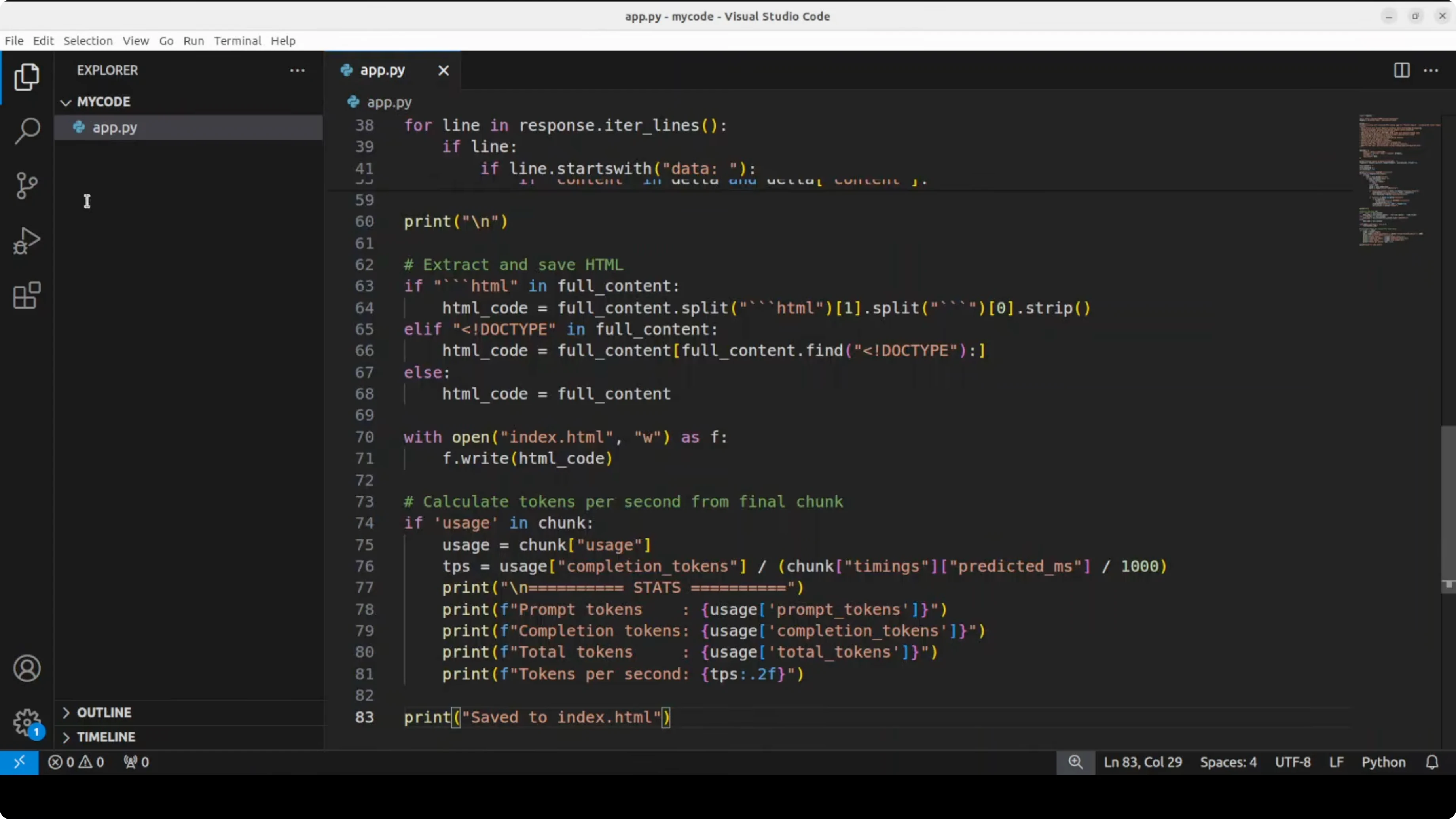
curl http://localhost:8080/v1/chat/completions \
  -H "Content-Type: application/json" \
  -d '{
    "model": "qwen35-122b-a10b-q4_k_m",
    "messages": [
      {"role": "system", "content": "You are a senior front-end engineer."},
      {"role": "user", "content": "Create a single self-contained HTML file for a landing page for Pharaoh Compute, a premium GPU rental company in Egypt. Include: hero section, animated GPU cards, contact form, footer, responsive design. Use only HTML, CSS, and vanilla JavaScript. No external libraries. Make it look like a million-dollar startup landing page with Egyptian flair."}
    ],
    "temperature": 0.6,
    "max_tokens": 2000
  }'
The generated page looked professional, hover states were clean, and the GPU cards looked good. The form was present and the copy included a line like “built in the heart of Egypt with ancient wisdom and modern tech.” It did this quickly, without the long pondering I saw on the 27B dense model.

If your focus is running a local coder tuned for development, see Qwen coder for a targeted option.
Multilinguality test
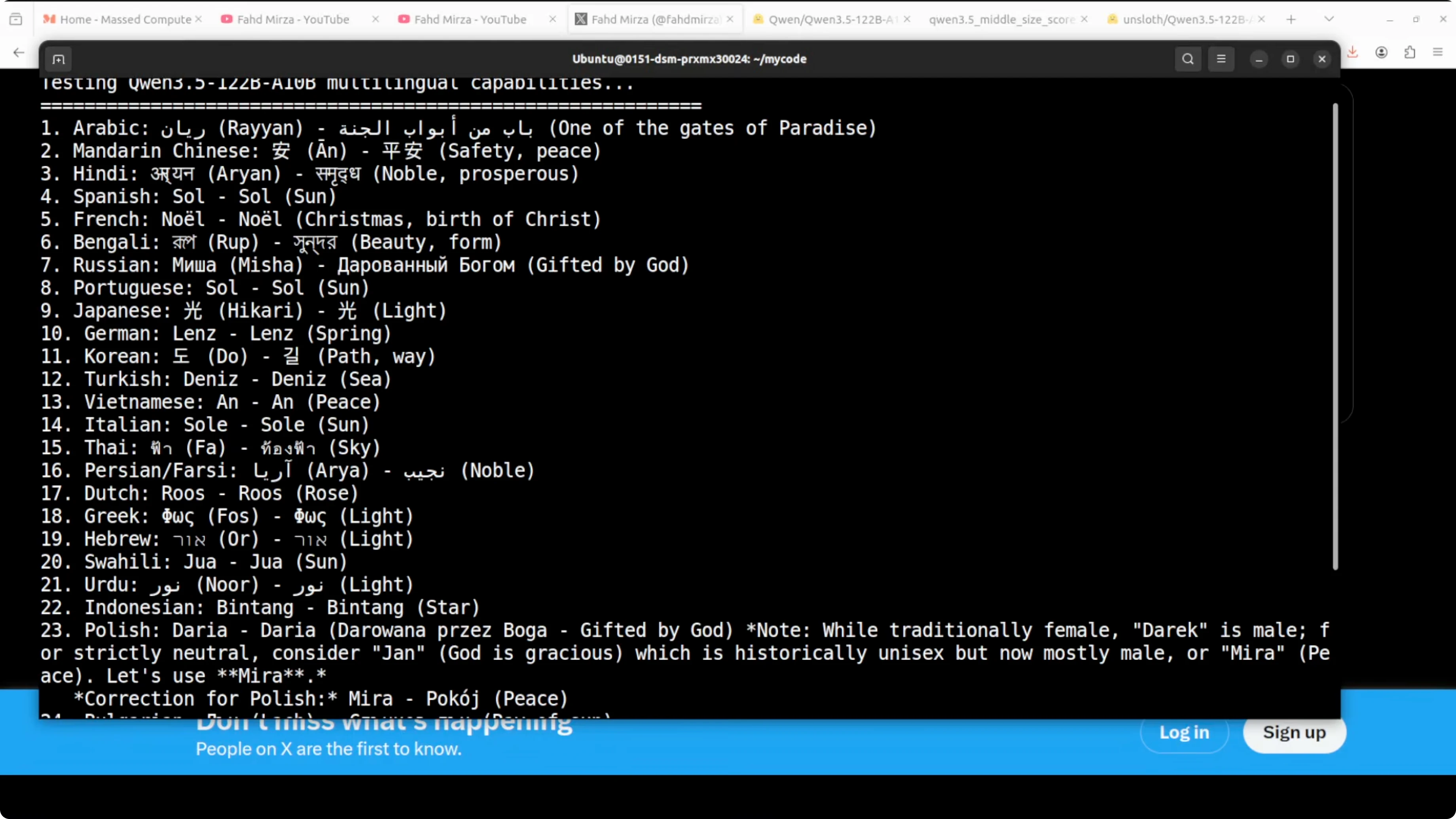
I asked it to come up with a gender-neutral name in each of 24 languages and give the meaning in that same language. I set a specific output format and wanted to see how well it followed instructions. For German, it listed alternatives like Ben, Paul, Noah, Kai, and Luca, cross-checked, and then picked a preferred option with meaning.
This is the kind of chain-of-thought style where it explores options, self-checks, and then settles on the final answer. From the samples I could understand, it looked pretty good. For many languages I cannot verify, so treat it as a starting point and double-check.
Short reasoning test
I tested a short prompt with philosophers and the question “What is life?” followed by “What is wife?” using the same concise style. The model replied with tightly focused, witty one-liners like “It’s a cross,” “It’s a question,” “It’s a partner,” “It’s a chain,” “It’s a mother,” “It’s a trap,” “It’s a constant,” “It’s a companion,” and “It’s a subscriber.” It was short, targeted, and nuanced.
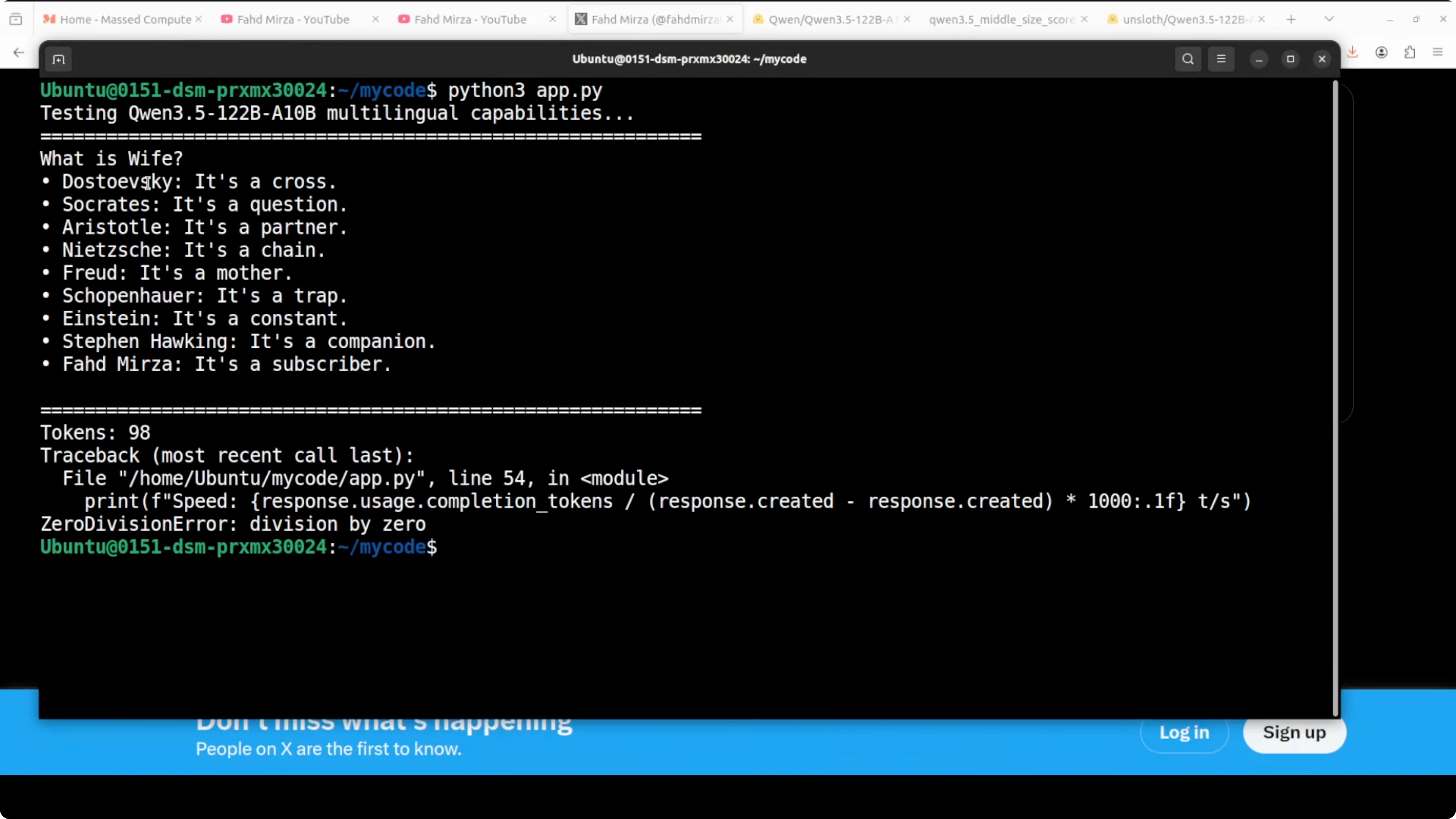
This matched what I expect from a reasoning-oriented MoE: more VRAM, faster responses than the 27B dense, and sharper short-form answers. That balance is why I like Q4_K_M here.
Final thoughts
Qwen3.5 122B A10B with 10B active experts is now practical to run locally on a single high-memory GPU with Q4_K_M. It gave me fast, high-quality outputs for front-end code, multilingual naming, and compact reasoning. Try it in your setup for your exact workload, compare it with dense baselines, and tune the quant level to your quality and speed needs.
Subscribe to our newsletter
Get the latest updates and articles directly in your inbox.

Related Posts

8 Best Claude Code Plugins in 2026 (You Need to Know)
8 Best Claude Code Plugins in 2026 (You Need to Know)

7 Best Claude Code Skills (You Need to Know)
7 Best Claude Code Skills (You Need to Know)

Claude Code Desktop IDE Features (You Need to Know)
Claude Code Desktop IDE Features (You Need to Know)