
Table Of Content
- What is DreamX-World: The Future of Interactive World Models
- Overview
- Key Features
- Use Cases
- Performance & Showcases
- How DreamX-World Works
- The Technology Behind It
- Installation and Setup
- Tips and Best Practices
- News and Updates
- Roadmap and What Is Next
- FAQ
- What is DreamX-World in simple words
- Can I run it today
- What data was used for training
- Does it support first person and third person views
- Can I trigger more than one event
- Where can I see more demos
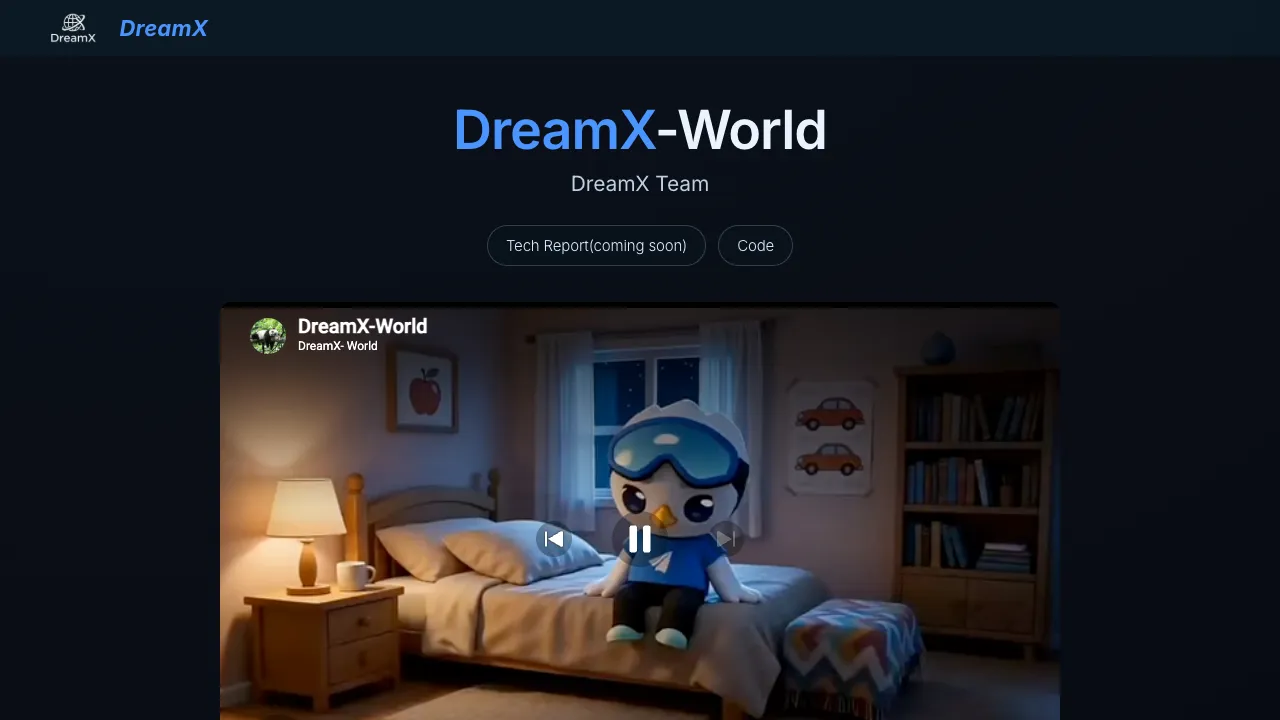
DreamX-World: The Future of Interactive World Models
Table Of Content
- What is DreamX-World: The Future of Interactive World Models
- Overview
- Key Features
- Use Cases
- Performance & Showcases
- How DreamX-World Works
- The Technology Behind It
- Installation and Setup
- Tips and Best Practices
- News and Updates
- Roadmap and What Is Next
- FAQ
- What is DreamX-World in simple words
- Can I run it today
- What data was used for training
- Does it support first person and third person views
- Can I trigger more than one event
- Where can I see more demos
What is DreamX-World: The Future of Interactive World Models
DreamX-World is a world model that can make rich 3D style scenes and let you move inside them. You can explore, control the camera and the agent, and even trigger events with short text prompts.

It goes beyond simple video output. It works like a small interactive world where actions matter and scenes stay stable as you move.
Overview
Here is a quick look at the project.
| Item | Details |
|---|---|
| Name | DreamX-World |
| Type | General purpose interactive world model |
| What it does | Generates rich worlds that you can explore and control with actions and event prompts |
| Main strengths | Strong action control, prompt based events, high image quality, efficient run time |
| Data sources | Unreal Engine data, gameplay footage, real world videos |
| Training flow | First learn action control, then event response, then improve with Reinforcement Learning and distillation |
| Current release | DreamX-World-5B-Cam and inference codes open sourced on 2026.05.11 |
| Views | First person and third person generation supported |
| Events | Single event and multi step compositional events |
| Best for | Research, prototyping agents, content creation, simulation, demos |

Key Features
-
Strong action control
-
The model follows fine control inputs like move, turn, and camera changes with care.
-
Motion stays stable while scenes keep their style and content.
-
Prompt based events
-
You can type a short event prompt to change the world over time.
-
Do one event or combine many to create multi step changes.
-
First person and third person
-
Works for both play views.
-
In third person, the camera follows well and the agent motion stays clear.
-
Trained on mixed data
-
Unreal Engine, gameplay, and real world videos form a wide data mix.
-
Careful camera estimation and strict filtering make actions and scenes feel consistent.
-
Efficient to run
-
The team uses a staged training pipeline and distillation to make inference faster.
Use Cases
-
Agent research and control
-
Test action following and planning in rich worlds.
-
Content and prototyping
-
Build fast demos and pitches for interactive scenes.
-
World events testing
-
Try single or multi event changes to study cause and effect.
-
Education and training
-
Show how actions and camera moves affect a scene in simple steps.
Read More: Use Claude Code locally with Ollama
Performance & Showcases
Showcase 1 — DreamX-World Intro Video This short clip gives a clear tour of what DreamX-World can do. It shows exploration, action control, and prompt based events in one place. Heading: DreamX-World | Label: DreamX-World Intro Video
How DreamX-World Works
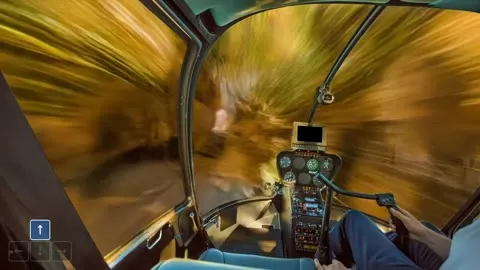
DreamX-World learns from a large and rse pool of videos. This includes Unreal Engine scenes, gameplay recordings, and real footage. With accurate camera estimation and strict data filtering, the model learns clean motion and stable scenes.
Training happens in steps. First it learns small precise actions. Next it learns to react to open ended events from text. Then it is improved with Reinforcement Learning to tighten action following and keep interactions consistent.
The team then distills the model to speed up inference. This makes interactive generation more practical at scale. The result is a system that feels responsive and stays sharp as you move.
The Technology Behind It
-
Action control
-
Fine control over move, turn, and view changes.
-
Keeps motion stable and scenes consistent across frames.
-
Views and camera
-
Works in first person for direct control.
-
Works in third person with steady camera follow behavior.
-
Events that change the world
-
Single event prompts trigger clear changes.
-
Compositional events mix multiple prompts for richer multi step changes.

Installation and Setup
Below are the exact steps from the project to set up and run inference.
Step 1 — Install dependencies
pip install -r requirements.txtStep 2 — Download model checkpoints Download Wan2.2-5B-TI2V checkpoints from https://huggingface.co/Wan-AI
Step 3 — Run inference
sh inference_5b.shPlease check out inference_README.md for detailed instructions.
If a model fails to load or stalls on start, see our quick notes on fixes in this model not loading guide.

Tips and Best Practices
- Keep prompts short and clear for events. Start with one event and add more step by step.
- Try both first person and third person. Pick the view that best fits your goal.
- Save outputs often. Small changes to actions can lead to very different results.
For tool builders, scripts that manage prompts and outputs can help. If you need a local coding setup to glue models and tools, see this practical write up on using Claude Code with Ollama.
News and Updates
- 2026.05.11: The team released DreamX-World-5B-Cam and the inference codes.
- More models are planned, including a larger 14B Cam model.
- The team also plans an auto reg video model and an audio video joint model.

Read More: Use fallback models with Openclaw tools
Roadmap and What Is Next
- DreamX-World-14B-Cam model is on the way.
- Auto reg video generation model is planned.
- Audio plus video joint generation is planned.
- A real time long horizon interactive version is planned.
- A full technical report will be released.
FAQ
What is DreamX-World in simple words
It is a model that makes explorable scenes. You can move inside them and trigger changes with short text. It feels like a small world that reacts to your actions.
Can I run it today
Yes. Install the requirements, download the Wan2.2 5B TI2V checkpoints, and run the inference script. The exact commands are listed above.
What data was used for training
The team mixed Unreal Engine data, gameplay footage, and real world videos. They also did careful camera estimation and filtering. This helps the model learn steady motion and clean interactions.
Does it support first person and third person views
Yes. You can use both views. Third person also has stable camera follow and clean agent motion.
Can I trigger more than one event
Yes. You can trigger a single event or compose several. The model keeps a consistent change over time.
Where can I see more demos
Watch the intro video above. More demos are listed on the project site. The team also plans to share more examples over time.
Image source: DreamX-World: The Future of Interactive World Models
Subscribe to our newsletter
Get the latest updates and articles directly in your inbox.

Related Posts
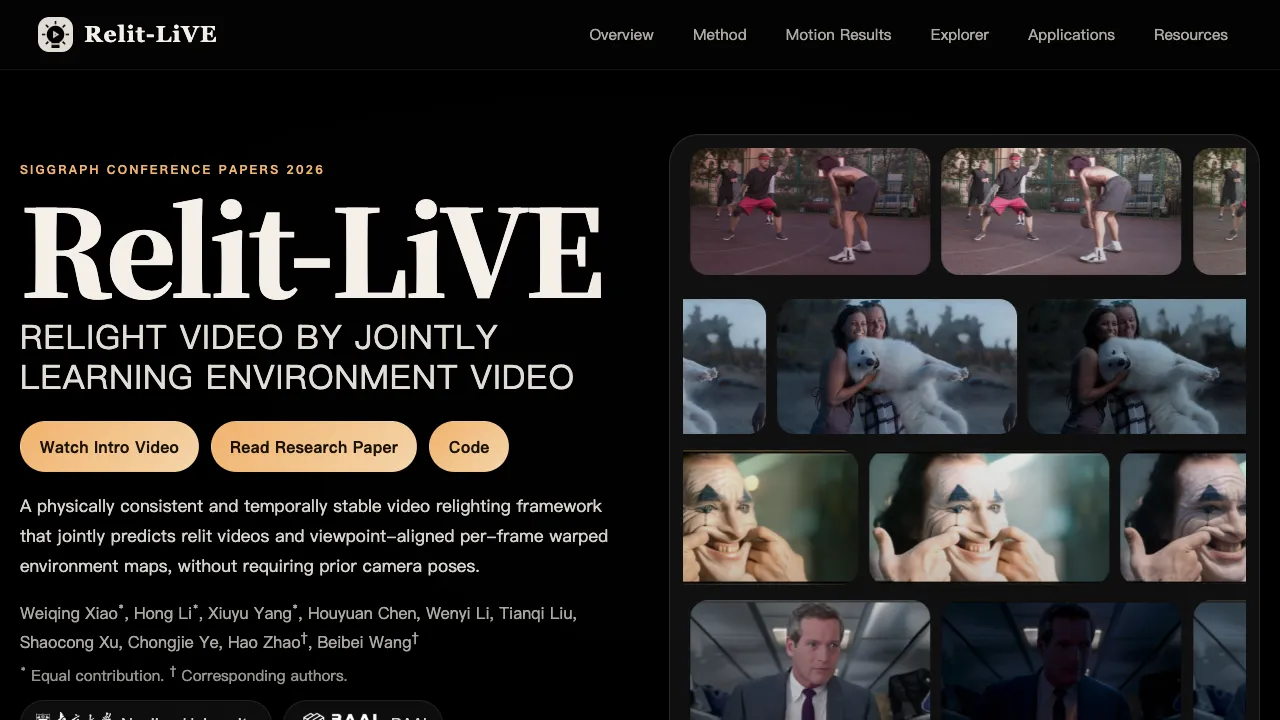
Relit-LiVE: Enhancing Videos by Learning Environment Together
Relit-LiVE: Enhancing Videos by Learning Environment Together
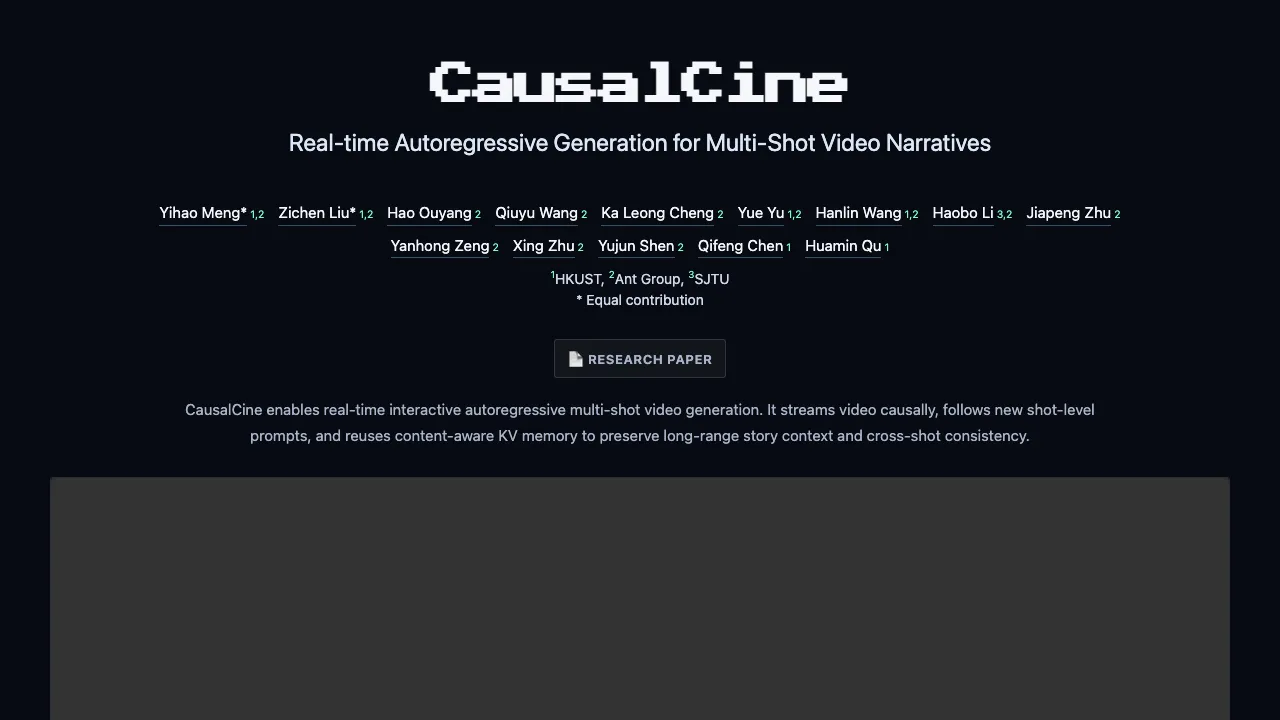
CausalCine: Real-Time Video Narratives with Autoregression
CausalCine: Real-Time Video Narratives with Autoregression
MoCam: Exploring Extreme Viewpoint 4D Motion Capture Technology
MoCam: Exploring Extreme Viewpoint 4D Motion Capture Technology