
Table Of Content
- What is Warp-as-History: How Camera-Controlled Video Generation Transforms History?
- Warp-as-History: How Camera-Controlled Video Generation Transforms History? Overview
- Warp-as-History: How Camera-Controlled Video Generation Transforms History? Key Features
- Warp-as-History: How Camera-Controlled Video Generation Transforms History? Use Cases
- How it Works
- The Technology Behind It
- Performance & Showcases
- Installation & Setup
- Step by step notes
- Getting Started Tips
- FAQ
- What makes Warp-as-History different from other control methods?
- Do I need a large dataset to train it?
- Can it follow many camera paths on the same scene?
- Does it only work on a single scene style?
- Where can I learn more about related tools and trends?
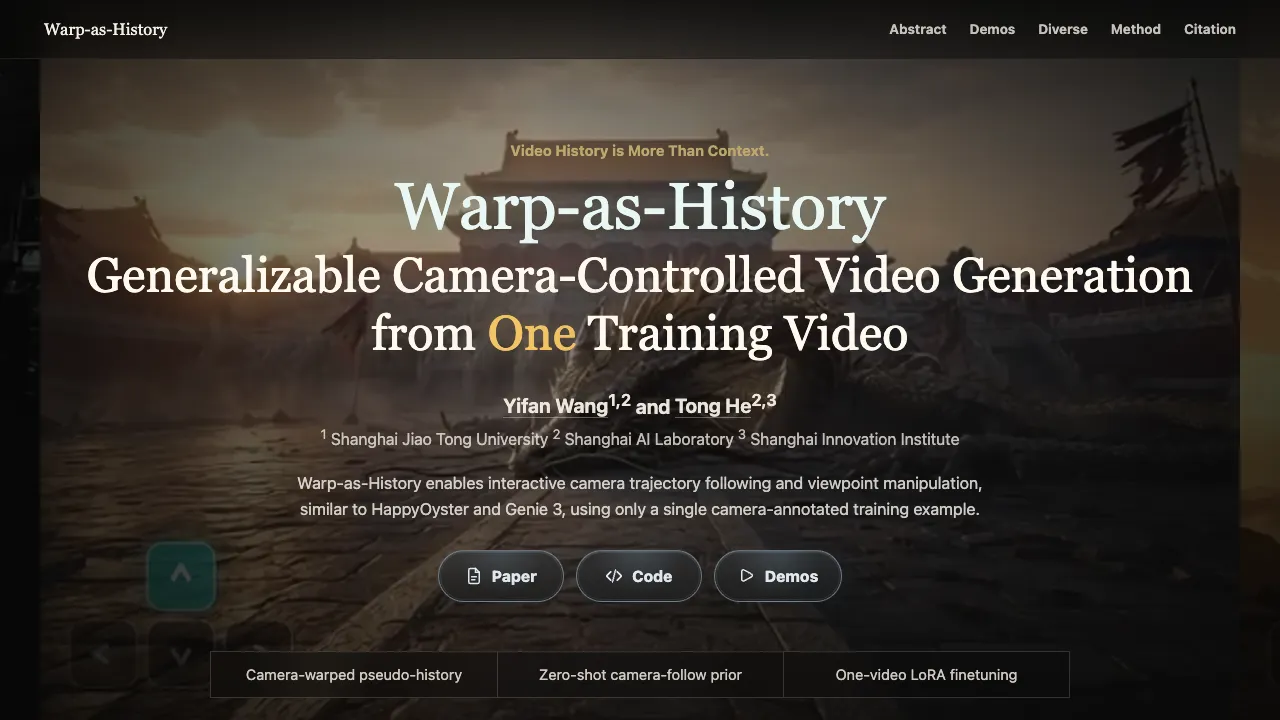
Wrap-As-History: How Camera-Controlled Video Generation Transforms History?
Table Of Content
- What is Warp-as-History: How Camera-Controlled Video Generation Transforms History?
- Warp-as-History: How Camera-Controlled Video Generation Transforms History? Overview
- Warp-as-History: How Camera-Controlled Video Generation Transforms History? Key Features
- Warp-as-History: How Camera-Controlled Video Generation Transforms History? Use Cases
- How it Works
- The Technology Behind It
- Performance & Showcases
- Installation & Setup
- Step by step notes
- Getting Started Tips
- FAQ
- What makes Warp-as-History different from other control methods?
- Do I need a large dataset to train it?
- Can it follow many camera paths on the same scene?
- Does it only work on a single scene style?
- Where can I learn more about related tools and trends?
What is Warp-as-History: How Camera-Controlled Video Generation Transforms History?
Warp-as-History is a new way to steer the camera in AI made videos using only one training video that has camera info. It turns camera motion into the model’s own memory so the camera can follow a path you set.
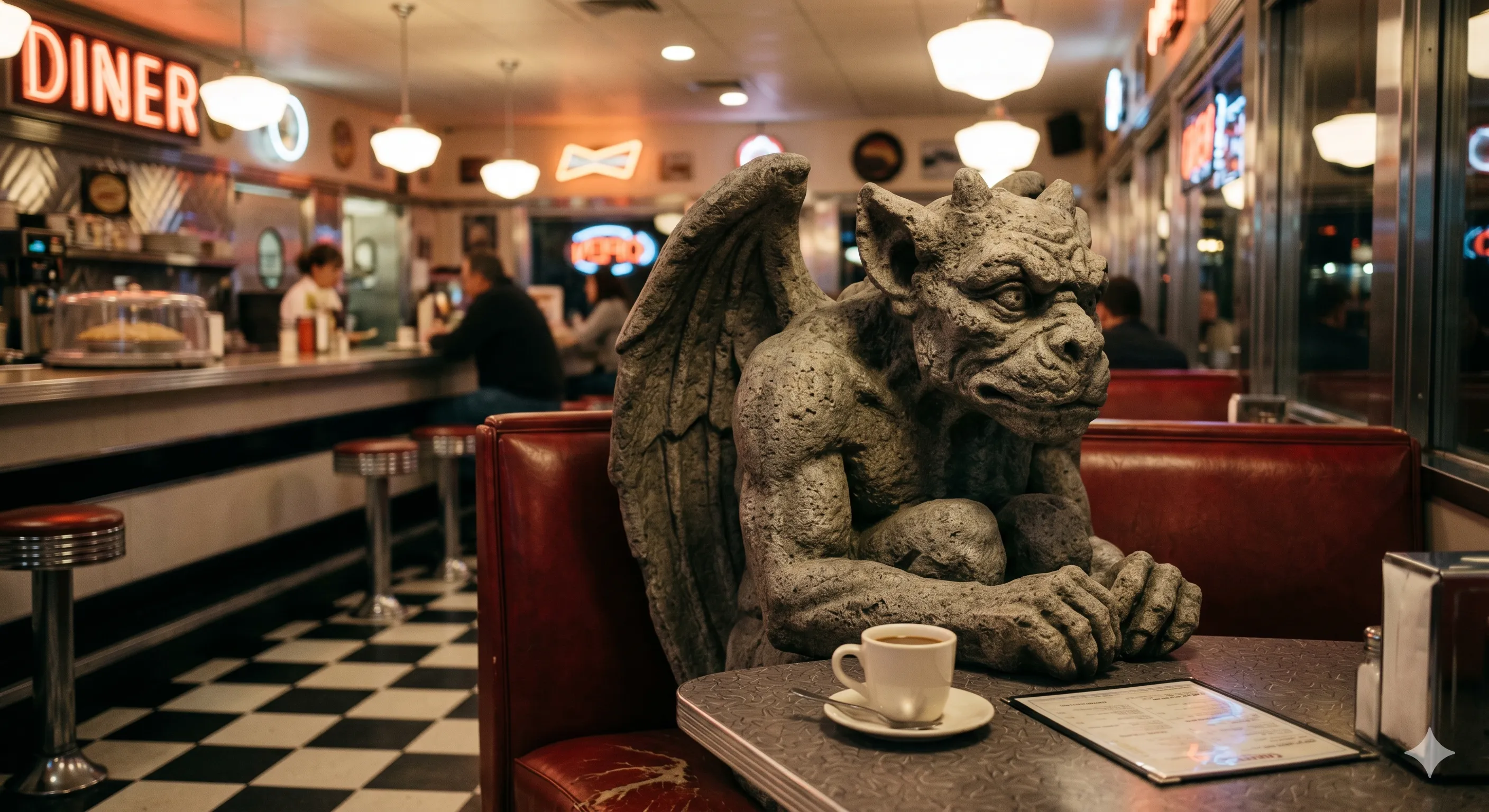
In simple words, it treats camera moves as helpful history frames. The model then fills in the rest of the scene on its own while keeping to your path.
Warp-as-History: How Camera-Controlled Video Generation Transforms History? Overview
Here is a fast look at what this project is and what it can do.
| Item | Details |
|---|---|
| Project Type | Research project and code for camera controlled video generation |
| Main Goal | Follow a user set camera path while the AI builds the scene and motion |
| Key Idea | Convert camera motion into history frames instead of adding a new control module |
| Training Need | One camera annotated video for a small LoRA update, or test zero shot first |
| Core Features | Camera path control without a new control branch, one video LoRA to stabilize, works on new scenes, follows many paths |
| Inputs | Prompt, first frame, and a target camera path |
| Output | A full video that follows the camera path while keeping scene motion |
| Who It Is For | Creators, pre production teams, teachers, labs, and hobbyists who want camera control in AI video |
| Code | Available on GitHub with conda setup |
If you are new to this space and want a simple primer, check our short intro on AI topics here: AI video basics.
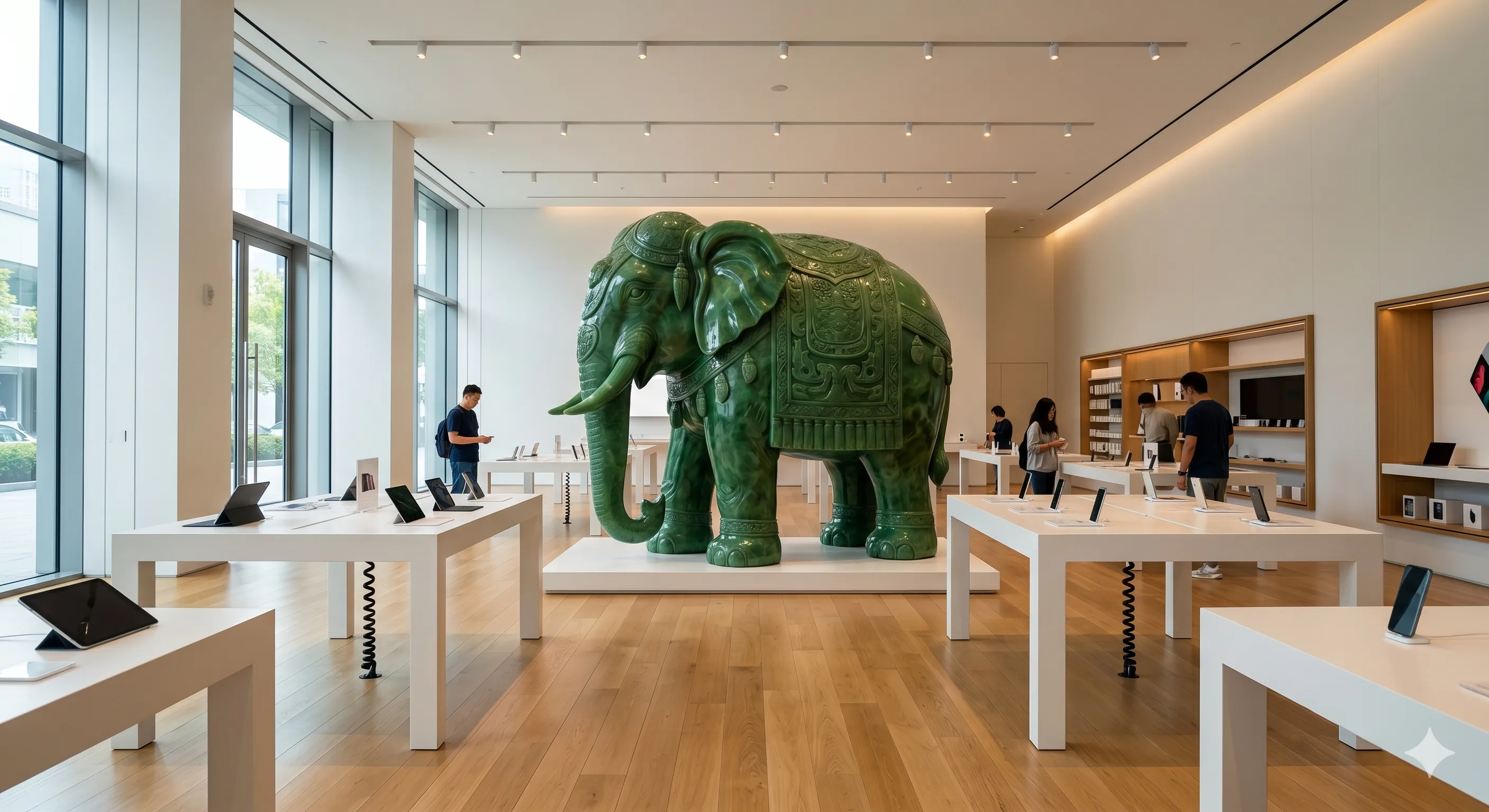
Warp-as-History: How Camera-Controlled Video Generation Transforms History? Key Features
-
Camera control with no extra control module
-
The method feeds camera warps into the normal history path the model already uses. This keeps the pipeline simple and light.
-
Works out of the box then gets better with one video
-
The base model shows zero shot camera follow. A small LoRA update on one camera annotated video makes it steady across many scenes.
-
General across scenes and paths
-
You can keep the same first frame and try many camera paths. The history cue steers the view while the model completes new parts that the camera did not yet see.
-
Better motion and look
-
The LoRA update helps scene motion, camera stickiness, and overall clarity.
Warp-as-History: How Camera-Controlled Video Generation Transforms History? Use Cases
-
Pre planning
-
Try different camera paths over the same first frame. Share quick cuts with your team before you spend time on a full shoot.
-
Ads and short clips
-
Set a simple prompt and a camera path. Get a smooth tour or a reveal shot that fits your script.
-
Teaching and demos
-
Show how camera moves change what we see from the same start frame. Great for media and film classes.
-
Research and labs
-
Study how history frames guide a model. Test many camera paths to probe model behavior.
Want to see more projects in this area next? Browse our topic hub here: more on video creation.
How it Works
-
Step 1: Camera warped history
-
The system renders what the camera would see along your path and packs those frames as normal history for the model.
-
Step 2: Match with target frames
-
It lines up these history frames with the frames the model is making right now. That way the hint points to the right place in time.
-
Step 3: Keep only what is seen
-
It drops parts that the source never saw or that look unsure. The model then fills in new areas that just came into view.
-
Step 4: One video finetune
-
A small LoRA update on one camera tagged video makes this behavior stable for new scenes and paths.
The Technology Behind It
Warp-as-History asks an important question. Can a history conditioned video model follow a camera path without building a new control head. The answer is yes by packing camera warps as history and letting the backbone do the rest.
This keeps the method light with no extra branches. A tiny LoRA update from one video is enough to improve camera stick, motion, and quality across many prompts and places.
For a broader view on long video work from big labs, here is a clear explainer to read next: Nvidia long video guide.
Performance & Showcases
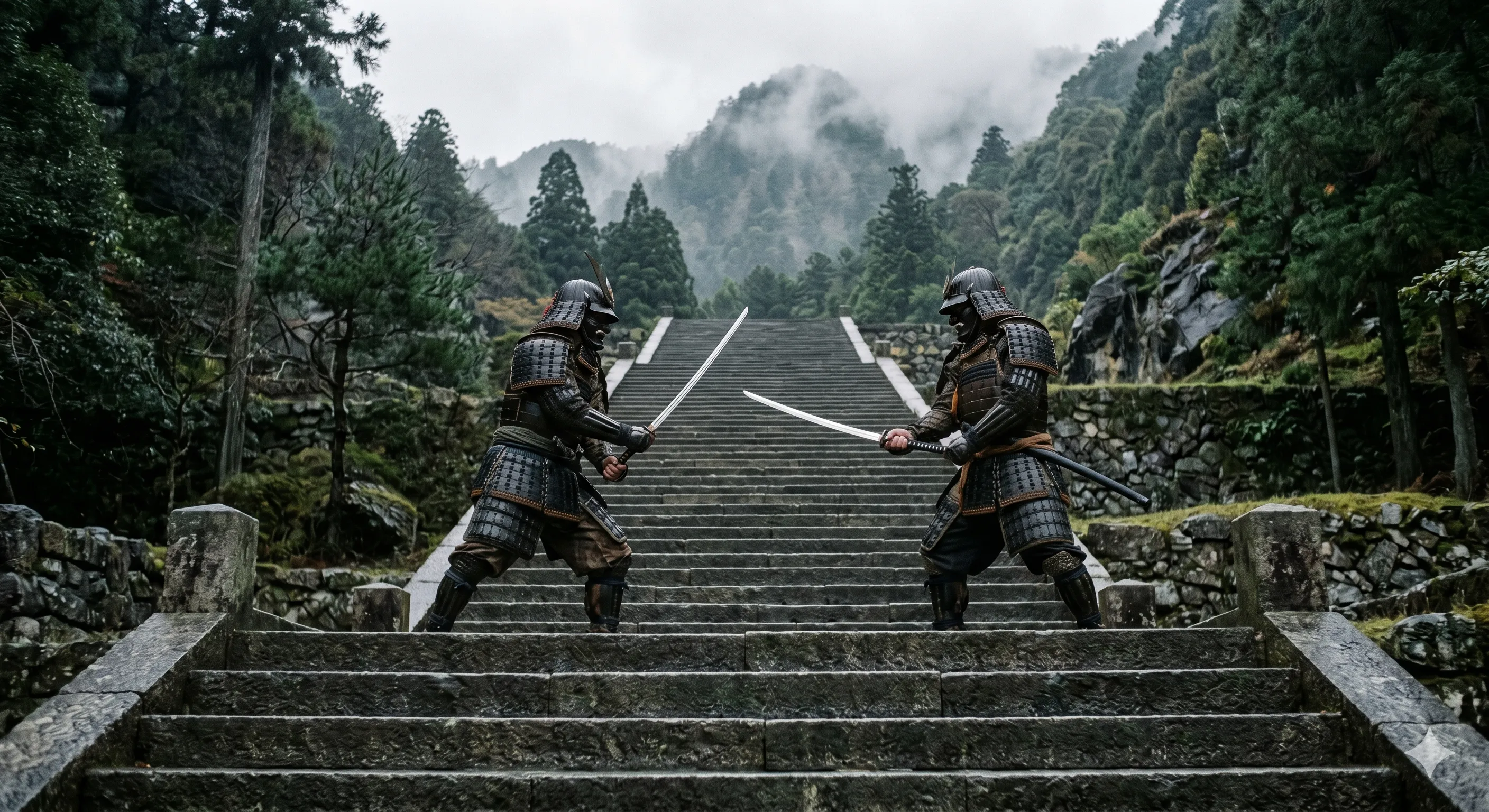
Showcase 1 — Camera-warped pseudo-history, Zero-shot camera-follow prior, One-video LoRA finetuning Camera-warped pseudo-history shows how camera motion is turned into helpful memory. Zero-shot camera-follow prior is present in the base model. One-video LoRA finetuning makes this stable across many scenes and paths.
Showcase 2 — Generated sequence Generated sequence with a set camera path. Full prompt Close.
Installation & Setup
Follow these steps to set up the project. The commands below are exact and should be run in the same order.
git clone --recurse-submodules https://github.com/yyfz/Warp-as-History.git
cd Warp-as-History

conda create -n warp-as-history python=3.10 -y
conda activate warp-as-history
python -m pip install --upgrade pip setuptools wheel
Install PyTorch for your own CUDA/driver setup
Step by step notes
- Clone the repo with submodules, then enter the folder. This pulls all needed parts in one go.
- Create a new conda environment, activate it, then upgrade pip tools. This keeps your setup clean for this project.
- Install PyTorch that matches your CUDA and driver. Use the official PyTorch site selector to get the right wheel.
Getting Started Tips
-
Start with zero shot
-
Try a simple prompt and a short camera path. See how the base model follows the path before any finetune.
-
Then try a one video LoRA update
-
Use one camera annotated clip to stabilize the model. This usually makes camera stick tighter and motion look better.
-
Compare many paths from the same first frame
-
Keep your first frame and prompt the same. Change only the camera path to study how the scene changes with your move.
FAQ
What makes Warp-as-History different from other control methods?
It does not add a new control branch. It feeds camera info into the model through the same history path the model already uses, which keeps the system simple.
Do I need a large dataset to train it?
No. You can start zero shot with no extra data. Then you can add one camera annotated video for a small LoRA update to improve results.
Can it follow many camera paths on the same scene?
Yes. You can set different paths and keep the same first frame and prompt. The model uses the history cue to move the viewpoint while filling new parts as they appear.
Does it only work on a single scene style?
No. The demos show many prompts and places. The one video LoRA update helps keep the behavior steady across new scenes too.
Where can I learn more about related tools and trends?
For simple explainers and updates, check our collections here: helpful AI video reads.
Image source: Wrap-As-History: How Camera-Controlled Video Generation Transforms History?
Subscribe to our newsletter
Get the latest updates and articles directly in your inbox.

Related Posts
Relit-LiVE: Enhancing Videos by Learning Environment Together
Relit-LiVE: Enhancing Videos by Learning Environment Together
CausalCine: Real-Time Video Narratives with Autoregression
CausalCine: Real-Time Video Narratives with Autoregression
DreamX-World: The Future of Interactive World Models
DreamX-World: The Future of Interactive World Models