
Table Of Content
- What is Relit-LiVE: Enhancing Videos by Learning Environment Together
- Overview
- Key Features
- Use Cases
- How Relit-LiVE Works
- The Technology Behind It
- Datasets In Brief
- Performance & Showcases
- Installation and Setup
- Minimum requirements
- Conda environment
- Optional for full inference pipeline
- Checkpoints
- Inference
- Basic 25 frame relighting
- 25 frame rotating light relighting
- Fixed frame relighting with width axis light rotation
- Fixed frame relighting with height axis light rotation
- 57 frame video relighting
- Step by Step: Your First Run
- Tips for Better Results
- FAQ
- Do I need camera poses or 3D data to use Relit LiVE?
- Where do the outputs get saved?
- What GPU do I need?
- Can I edit the lighting direction over time?
- Does it work for both images and videos?
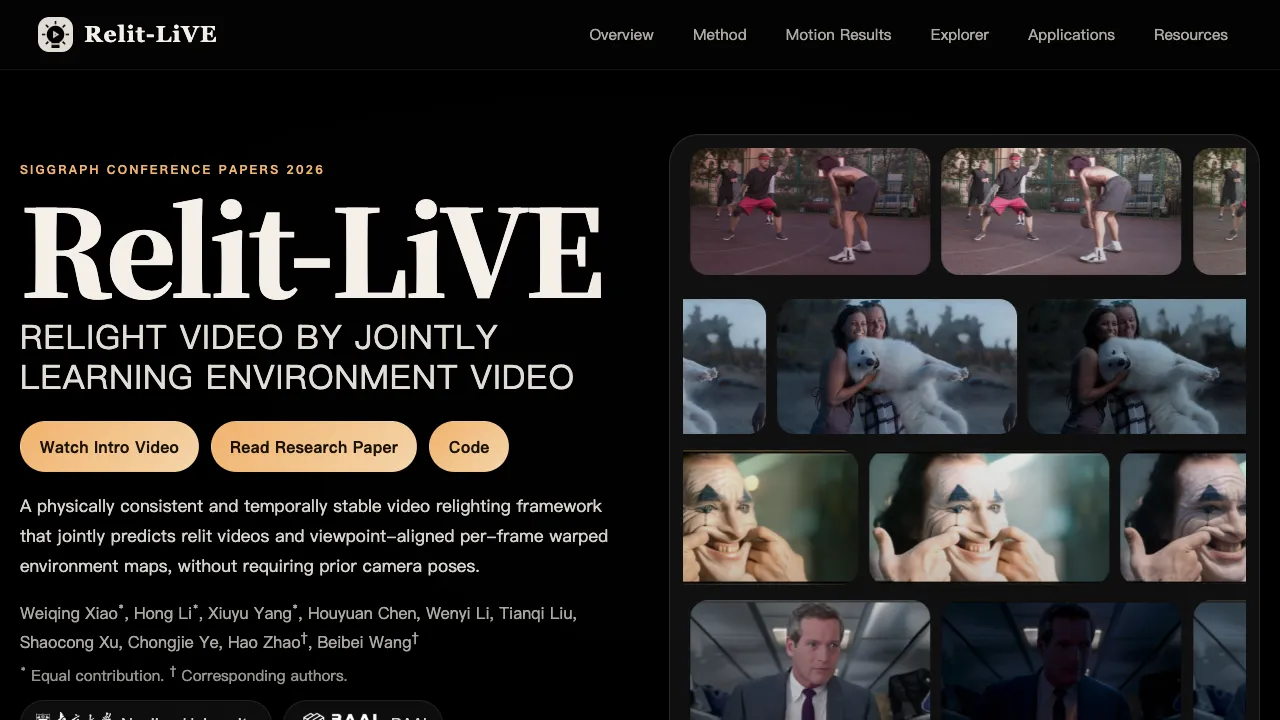
Relit-LiVE: Enhancing Videos by Learning Environment Together
Table Of Content
- What is Relit-LiVE: Enhancing Videos by Learning Environment Together
- Overview
- Key Features
- Use Cases
- How Relit-LiVE Works
- The Technology Behind It
- Datasets In Brief
- Performance & Showcases
- Installation and Setup
- Minimum requirements
- Conda environment
- Optional for full inference pipeline
- Checkpoints
- Inference
- Basic 25 frame relighting
- 25 frame rotating light relighting
- Fixed frame relighting with width axis light rotation
- Fixed frame relighting with height axis light rotation
- 57 frame video relighting
- Step by Step: Your First Run
- Tips for Better Results
- FAQ
- Do I need camera poses or 3D data to use Relit LiVE?
- Where do the outputs get saved?
- What GPU do I need?
- Can I edit the lighting direction over time?
- Does it work for both images and videos?
What is Relit-LiVE: Enhancing Videos by Learning Environment Together
Relit-LiVE is a research project and open source code that changes the lighting in a video while it also learns a matching “environment video” for the scene. It does this without needing camera pose data, and it keeps the lighting consistent across frames.
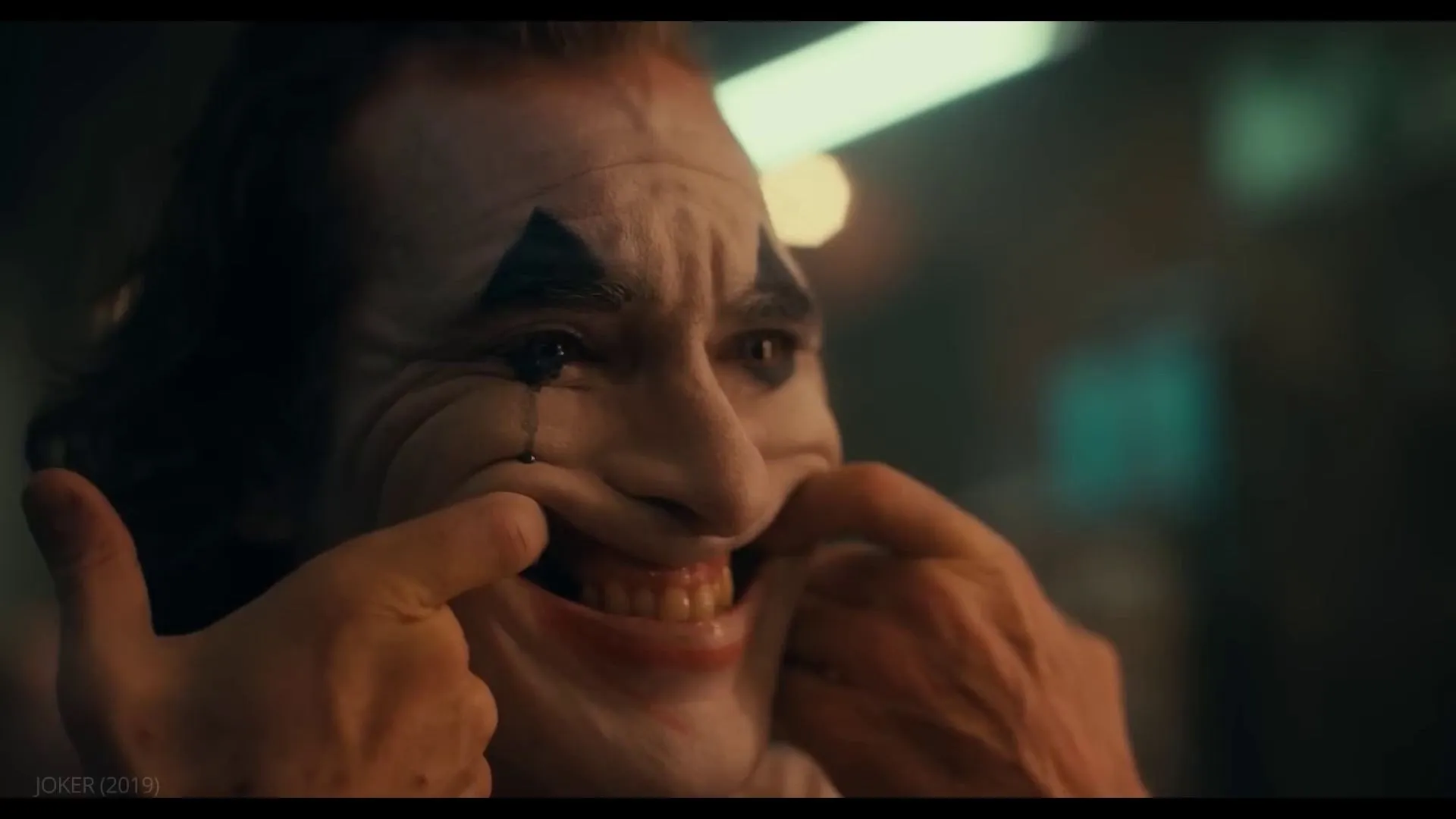
It works on both images and videos. You can set a target lighting style, and it will produce a new video that matches that lighting while keeping the look and materials of the scene.
The team also built large datasets and an easy run pipeline so you can try it on your own clips.
Overview
Here is a quick summary of the project.
| Item | Details |
|---|---|
| Type | Research project and official code for video relighting |
| Purpose | Change the lighting in videos and predict an environment map sequence at the same time |
| Key Strengths | No camera poses needed, stable across frames, strong material and shadow details |
| Inputs | RGB input video or image, target environment map |
| Outputs | Relit video and per frame warped environment maps |
| Image Support | Up to 1024 x 1472 for single images |
| Video Support | 480 x 832 for up to 57 frames in one run |
| Release Note | Inference pipeline released on May 8, 2026 |
| Recommended GPU | NVIDIA GPU with at least 24 GB VRAM |
| Project Page | https://zhuxing0.github.io/projects/Relit-LiVE/ |
| Code | https://github.com/zhuxing0/Relit-LiVE |
If you are curious about how long video creation tools are growing, check out this overview of new methods in long video generation.
Key Features
- Joint relighting and environment video. The system predicts the relit frames and per frame warped environment maps together, which helps keep lighting and geometry in sync.
- Physically consistent look. An RGB intrinsic fusion step blends real image cues with learned scene factors to keep details like reflections and soft shadows.
- Stable across time. The method is trained so frames stay consistent, even when the camera or subject moves a lot.
- Works without camera poses. You do not need to supply camera motion or extra 3D inputs.
- High resolution support. It supports high quality image relighting and solid video sizes for demos.
Use Cases
- Film and ad post work where you want to change the mood of a scene without reshooting.
- Creator videos that need day to night or studio to outdoor lighting swaps.
- Scene editing and video delighting tasks that need clean, steady lighting control over many frames.
Read More: Machine Learning
How Relit-LiVE Works
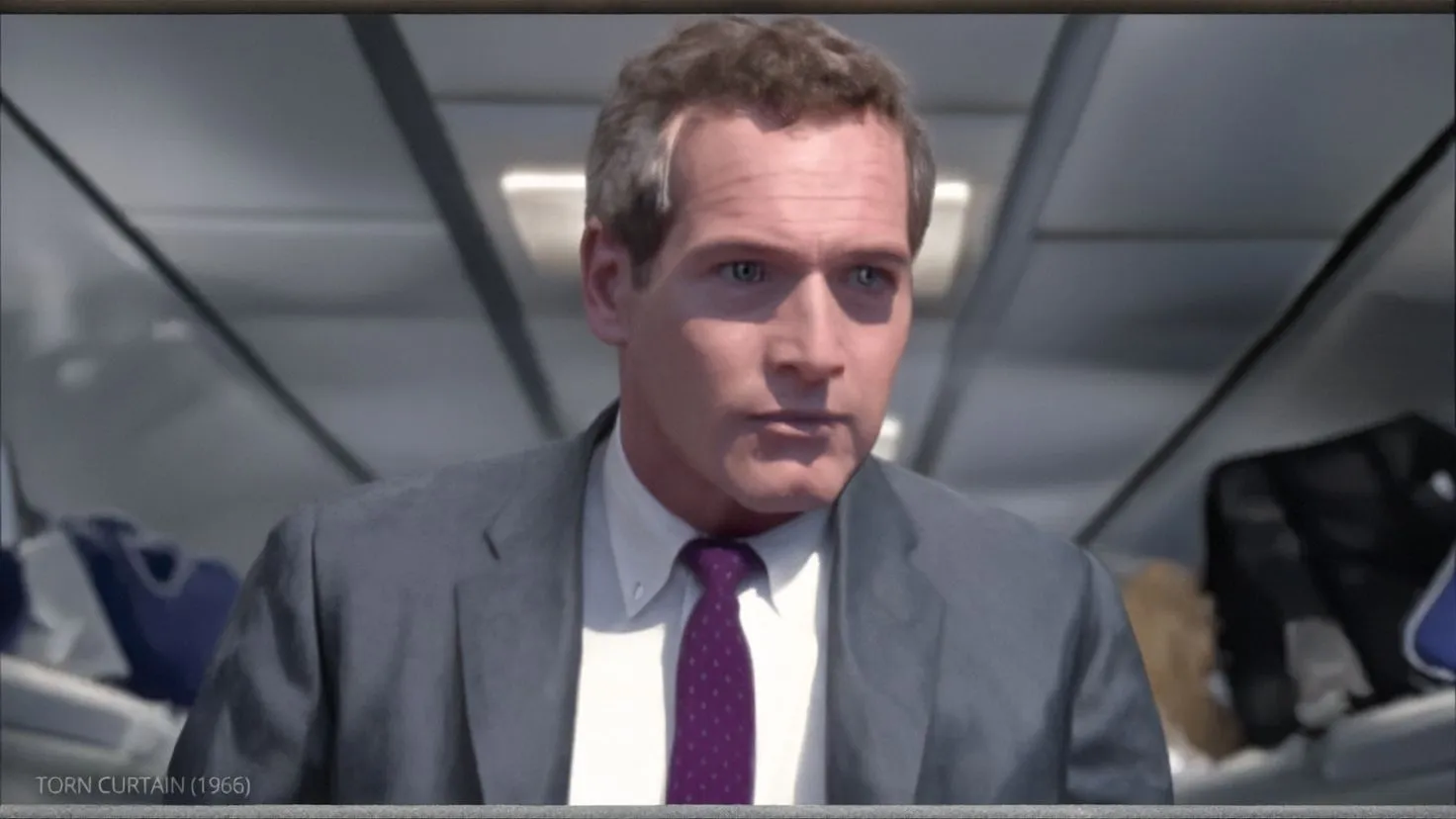
Relit-LiVE blends the original image with learned scene layers. This keeps fine materials and global light behavior that a pure intrinsic method may lose.
At the same time, it predicts a warped environment map for every frame. This pairs each relit frame with a lighting map that lines up with the scene view.
The model is trained in stages for robust results. It learns from many lighting pairs and also teaches itself to be steady on real videos.
The Technology Behind It
- RGB intrinsic fusion renderer. Raw images are fused into the renderer so the system keeps material detail and global light.
- Per frame warped environment map prediction. The system outputs both the relit video and the aligned environment maps at once.
- Strong temporal training. Extra learning steps help reduce flicker and hold the same look across long clips.
If you run into setup issues on your machine, here is a handy tip sheet to fix common setup errors.
Datasets In Brief
- Synthetic set. 10,000 videos with 120 frames each, with ground truth base colors, roughness, metallicness, normals, depth, environment maps, and camera paths.
- Real world set. 13,000 plus clips with 57 frames per clip, plus 35,000 plus high quality images from public sources. These are filtered and annotated with pseudo buffers and aligned environment maps.
Performance & Showcases
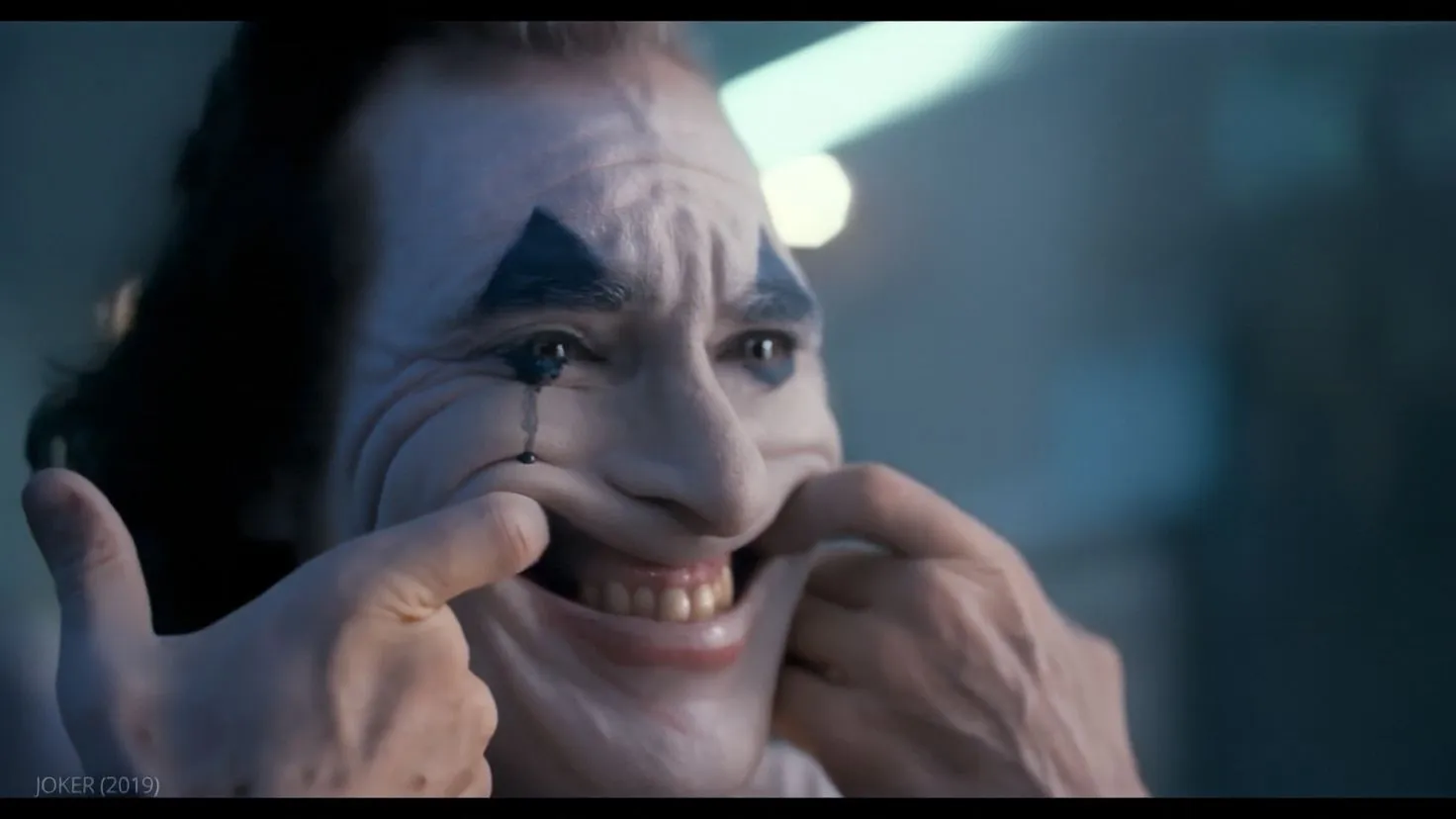
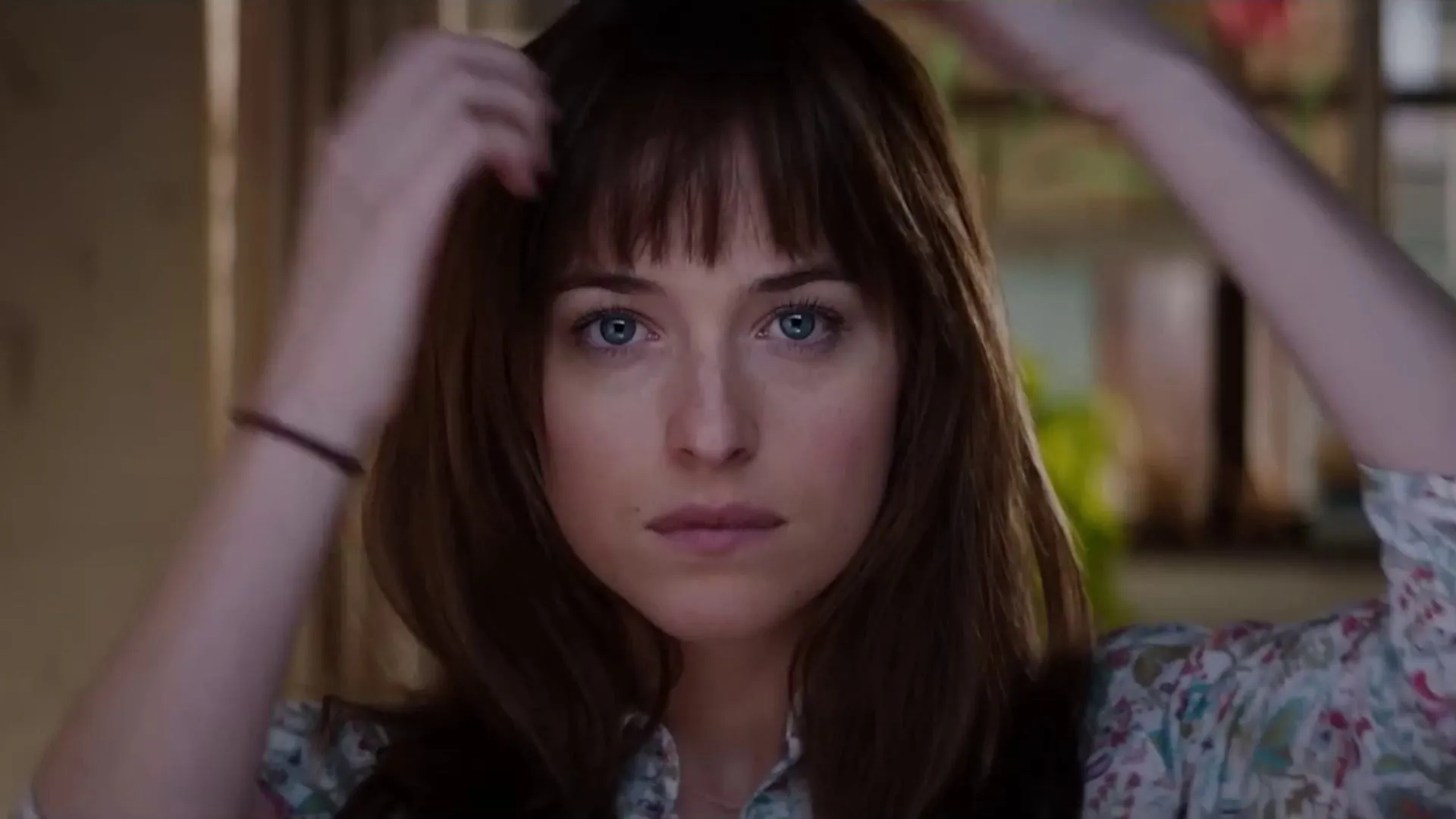
Showcase 1 — Project Video Project Video gives a quick tour of the problem and the full pipeline. You can see both the relit output and the environment maps it predicts.
Showcase 2 — Shared input video used across the four high-motion results Shared input video used across the four high-motion results appears here. It is the same source that the next clips use to show how lighting and environment maps look.
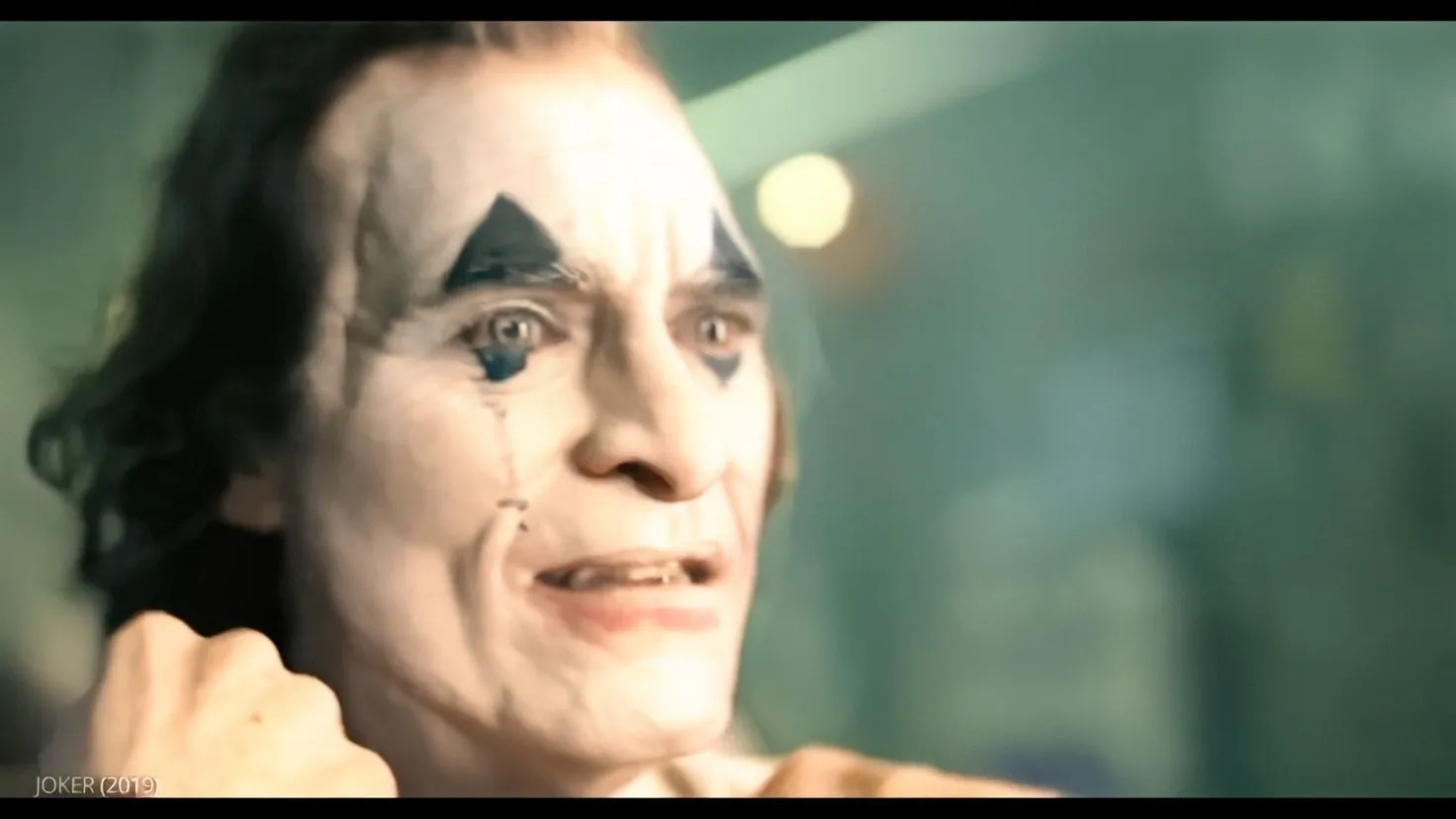
Showcase 3 — First high-motion relit result First high-motion relit result shows how the method holds up when the camera or subject moves fast. You can watch how shadows and highlights stay steady.
Showcase 4 — First generated warped environment map sequence First generated warped environment map sequence pairs with the relit result above. It shows how the lighting map changes in sync with the view.
Showcase 5 — Second high-motion relit result Second high-motion relit result presents another case with strong movement. The lighting stays consistent while the scene changes.
Showcase 6 — Second generated warped environment map sequence Second generated warped environment map sequence is the matching lighting track for the second result. It helps explain why the relit frames look stable.
Installation and Setup
Below are all the exact steps and commands from the official repository. Follow them in order.
Minimum requirements
- Python 3.10
- NVIDIA GPU, with at least 24 GB VRAM recommended
- CUDA 12.4 or a compatible version
- Model weights prepared under checkpoints/ and models/Wan-AI/Wan2.1-T2V-1.3B/
Recommended environment:
- Ubuntu 20.04 or newer
- Single GPU CUDA inference setup
Conda environment
conda create -n diffsynth python=3.10
conda activate diffsynth
pip install -e .
pip install -U deepspeed
pip install transformers==4.50.0
pip install gradio==6.14.0
Optional for full inference pipeline
The cosmos-transfer1-diffusion-renderer repository is essential for full pipeline inference. Install the conda environment named cosmos-predict1 following the instructions in its README.md.
cd third_party
git clone https://github.com/nv-tlabs/cosmos-transfer1-diffusion-renderer.git
...
Checkpoints
Download the Relit-LiVE checkpoints from HuggingFace and place them under checkpoints/.
In addition, inference loads the Wan2.1 base model from models/Wan-AI/Wan2.1-T2V-1.3B/. Make sure all weights are in place before running inference.
If you want to reproduce the MIT metrics reported in the paper, you should load the model_frame57_480_832.ckpt and perform single frame inference directly on the test set.
(Optional for full inference pipeline) Download the cosmos-transfer1-diffusion-renderer checkpoints from HuggingFace and place them under third_party/cosmos-transfer1-diffusion-renderer/checkpoints/ following the instructions in its README.md.
Inference
By default, generated results are written to inference_output/.
Basic 25 frame relighting
python relit_inference.py \
 --dataset_path datasets/demos \
 --ckpt_path checkpoints/model_frame25_480_832.ckpt \
 --output_dir inference_output \
 --cfg_scale 1.0 \
 --height 480 \
 --width 832 \
 --num_frames 25 \
 --padding_resolution \
 --use_ref_image \
 --env_map_path datasets/envs/Pink_Sunrise \
 --frame_interval 1 \
 --num_inference_steps 50 \
 --quality 10
25 frame rotating light relighting
python relit_inference.py \
 --dataset_path datasets/demos \
 --ckpt_path checkpoints/model_frame25_480_832.ckpt \
 --output_dir inference_output \
 --cfg_scale 1.0 \
 --height 480 \
 --width 832 \
 --num_frames 25 \
 --padding_resolution \
 --use_ref_image \
 --env_map_path datasets/envs/Pink_Sunrise \
 --frame_interval 1 \
 --num_inference_steps 50 \
 --use_rotate_light \
 --quality 10
Fixed frame relighting with width axis light rotation
python relit_inference.py \
 --dataset_path datasets/demos \
 --ckpt_path checkpoints/model_frame25_480_832.ckpt \
 --output_dir inference_output \
 --cfg_scale 1.0 \
 --height 480 \
 --width 832 \
 --num_frames 25 \
 --padding_resolution \
 --use_ref_image \
 --env_map_path datasets/envs/Pink_Sunrise \
 --frame_interval 1 \
 --num_inference_steps 50 \
 --use_fixed_frame_and_w_rotate_light \
 --quality 10
Fixed frame relighting with height axis light rotation
python relit_inference.py \
 --dataset_path datasets/demos \
 --ckpt_path checkpoints/model_frame25_480_832.ckpt \
 --output_dir inference_output \
 --cfg_scale 1.0 \
 --height 480 \
 --width 832 \
 --num_frames 25 \
 --padding_resolution \
 --use_ref_image \
 --env_map_path datasets/envs/Pink_Sunrise \
 --frame_interval 1 \
 --num_inference_steps 50 \
 --use_fixed_frame_and_h_rotate_light \
 --quality 10
57 frame video relighting
python relit_inference.py \
 --dataset_path datasets/demos \
 --ckpt_path checkpoints/model_frame57_480_832.ckpt \
 --output_dir inference_output \
 --cfg_scale 1.0 \
 --height 480 \
 --width 832 \
 --num_frames 57 \
 --padding_resolution \
 --use_ref_image \
 --env_map_path datasets/envs/Pink_Sunrise \
Step by Step: Your First Run
- Prepare your env maps. Pick a folder like datasets/envs/Pink_Sunrise as your target light.
- Place weights. Put Relit LiVE checkpoints under checkpoints and the Wan2.1 model under models/Wan-AI/Wan2.1-T2V-1.3B/.
- Run the basic 25 frame example. Check inference_output for results.
For a broader view on media AI tools and trends, you can also check our short guide on long video systems by Nvidia.
Tips for Better Results
- Start with 25 frames to test your setup, then try 57 frames once things look good.
- Try different env_map_path folders to change the lighting style.
- If memory is tight, lower height and width or reduce num_inference_steps.
FAQ
Do I need camera poses or 3D data to use Relit LiVE?
No. The method does not require camera pose inputs. You only need your video or image and a target environment map folder.
Where do the outputs get saved?
By default the pipeline writes results to inference_output. You can change this with the --output_dir flag.
What GPU do I need?
A recent NVIDIA GPU with 24 GB of VRAM is recommended. Smaller GPUs may need lower resolution or fewer frames.
Can I edit the lighting direction over time?
Yes. The commands include options for rotating light across width or height. You can also try the use_rotate_light flag for moving light.
Does it work for both images and videos?
Yes. It supports single images at large size and videos up to 57 frames at 480 by 832.
Image source: Relit-LiVE: Enhancing Videos by Learning Environment Together
Subscribe to our newsletter
Get the latest updates and articles directly in your inbox.

Related Posts
CausalCine: Real-Time Video Narratives with Autoregression
CausalCine: Real-Time Video Narratives with Autoregression

DreamX-World: The Future of Interactive World Models
DreamX-World: The Future of Interactive World Models
MoCam: Exploring Extreme Viewpoint 4D Motion Capture Technology
MoCam: Exploring Extreme Viewpoint 4D Motion Capture Technology