
Table Of Content
- What is JUST-DUB-IT: Exploring Video Dubbing with Audio- Diffusion
- JUST-DUB-IT: Exploring Video Dubbing with Audio- Diffusion Overview
- JUST-DUB-IT: Exploring Video Dubbing with Audio- Diffusion Key Features
- JUST-DUB-IT: Exploring Video Dubbing with Audio- Diffusion Use Cases
- Performance & Showcases
- How JUST-DUB-IT Works
- The Technology Behind It
- Installation and Setup with LTX 2.3
- Quick Start
- Clone the repository
- Set up the environment
- Required Models
- Available Pipelines
- Optimization Tips
- Prompting for LTX-2
- Step by Step: From Source Clip to Dubbed Video
- Tips for Best Results
- FAQs
- Does it work on fast head motion
- Can I keep the same voice style in a new language
- Do I need extra tools for voice cloning
- What languages are shown
- Where can I learn more about video tools like this
- Why This Matters
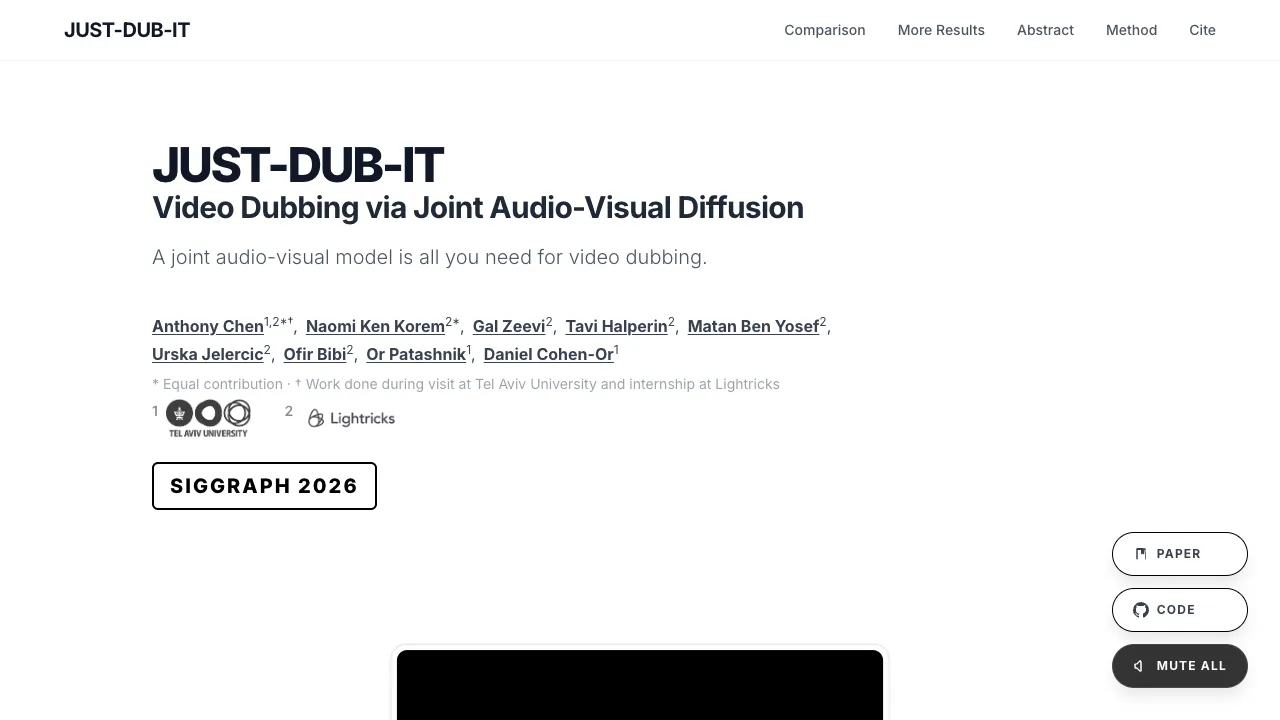
JUST-DUB-IT: Exploring Video Dubbing with Audio-Visual Diffusion
Table Of Content
- What is JUST-DUB-IT: Exploring Video Dubbing with Audio- Diffusion
- JUST-DUB-IT: Exploring Video Dubbing with Audio- Diffusion Overview
- JUST-DUB-IT: Exploring Video Dubbing with Audio- Diffusion Key Features
- JUST-DUB-IT: Exploring Video Dubbing with Audio- Diffusion Use Cases
- Performance & Showcases
- How JUST-DUB-IT Works
- The Technology Behind It
- Installation and Setup with LTX 2.3
- Quick Start
- Clone the repository
- Set up the environment
- Required Models
- Available Pipelines
- Optimization Tips
- Prompting for LTX-2
- Step by Step: From Source Clip to Dubbed Video
- Tips for Best Results
- FAQs
- Does it work on fast head motion
- Can I keep the same voice style in a new language
- Do I need extra tools for voice cloning
- What languages are shown
- Where can I learn more about video tools like this
- Why This Matters
What is JUST-DUB-IT: Exploring Video Dubbing with Audio- Diffusion
JUST DUB IT is a research project that dubs videos into new languages while keeping the same voice and lip movements. It uses one joint audio and video model to do both the new speech and the matching face motion at the same time.

The team shows strong results across many scenes and languages. It keeps the speaker identity clear and keeps lips in sync with the new audio. The work was presented for SIGGRAPH 2026.
JUST-DUB-IT: Exploring Video Dubbing with Audio- Diffusion Overview
Here is a quick look at the project in one place.
| Item | Details |
|---|---|
| Type | Research project and demo site |
| Purpose | Dub a video into a target language while keeping the same voice feel and lip sync |
| Main Features | One joint audio video model, strong speaker identity, precise lip match, robust on real scenes |
| Core Tech | LTX 2.3 audio video diffusion with a light LoRA adapter |
| Inputs | Source video with speech, chosen target language |
| Outputs | Dubbed video with new audio and matched face movements |
| Who | Tel Aviv University and Lightricks collaboration |
| Paper | arXiv 2601.22143 |
| Event | SIGGRAPH 2026 |
| Website | justdubit.github.io |

If you care about modern tools in this space, see our short hub on AI video editing tips.
JUST-DUB-IT: Exploring Video Dubbing with Audio- Diffusion Key Features
- One model for audio and video together. It creates the new speech and the matching mouth motion at the same time.
- Strong identity match. The speaker still sounds like the same person.
- Clear lip sync. Mouth shapes line up with the new words in many languages.
- Works on real scenes. It handles motion, complex backgrounds, and different camera moves.
- Language flexible. Shown in French, Russian, Spanish, German, and more.

JUST-DUB-IT: Exploring Video Dubbing with Audio- Diffusion Use Cases
- Localize content for global viewers. Convert creator videos, ads, and tutorials into new languages fast.
- Film and TV post work. Swap dialog while keeping on set performance intact.
- Company training and learning. Make lessons easy to watch in many languages with the same speaker.
For more category guides, check our short page on video generator tools.
Performance & Showcases
Showcase 1 — Original input clip See the ORIGINAL INPUT clip to understand the starting video and voice. This gives a clear baseline to judge lip timing and identity across all dubbed results. Watch how the mouth moves before any change.
Showcase 2 — French version by the method The FRENCH (OURS) example shows how the system keeps voice tone while switching language. Notice the lip shapes match French words and timing. The speaker still feels like the same person.
Showcase 3 — Russian version by the method The RUSSIAN (OURS) clip shows clear sync and voice style across a different language family. Look at tricky consonants and how the mouth tracks them. Identity and timing stay tight.
Showcase 4 — Spanish version by the method In the SPANISH (OURS) sample the prosody and mouth positions fit the new words. Even quick phrases stay on beat. The result feels natural to watch and hear.
Showcase 5 — Wedding Speech source This SOURCE clip is the untouched wedding speech in French. Use it to compare identity and mouth movement with the dubbed output. It sets the ground truth for sync and tone.
Showcase 6 — Wedding Speech by LTX 2.3 The LTX2.3 (OURS) version of the wedding speech keeps the speaker style and improves lip match. It aims for smooth timing so the mouth closes and opens with each syllable. Compare it side by side with the source.
How JUST-DUB-IT Works
The team adapts an audio video foundation model and adds a light LoRA. This lets the model read the source clip and produce new audio and synced face motion together. No complex pipeline with many separate tools is needed.
Training uses smart synthetic data. The team creates clips with language switches inside one take and then inpaints half the clip to match the other half. This gives perfect pairs for learning sync and identity.
Three tricks help quality. Language switching builds clean identity refs. Counterfactual inpainting makes pairs with the same pose and background. Latent aware masking keeps motion from leaking between parts of the clip.

If you want more category reading, here is our simple page on video topics.
The Technology Behind It
- Joint audio video diffusion model: This class of models can write sound and frames in one go. It helps the system keep voice and lips tied together.
- Light LoRA adaptor: A small trainable add on teaches the base model to copy speaker traits and sync with the source clip.
- In context LoRA training: The model uses the source latents as anchors. It also blocks cross talk between sound and frames using structured attention so signals do not bleed.
Installation and Setup with LTX 2.3
Below are the exact steps and items from the LTX 2.3 repository that power this system. Follow them as written.
Quick Start
# Clone the repository
git clone https://github.com/Lightricks/LTX-2.git
cd LTX-2

# Set up the environment
uv sync --frozen
source .venv/bin/activate
Required Models
Download the following models from the LTX-2.3 HuggingFace repository:
LTX-2.3 Model Checkpoint (choose and download one of the following)
-
ltx-2.3-22b-dev.safetensors - Download
-
ltx-2.3-22b-distilled-1.1.safetensors - Download
Spatial Upscaler - Required for current two-stage pipeline implementations in this repository
-
ltx-2.3-spatial-upscaler-x2-1.1.safetensors - Download
-
ltx-2.3-spatial-upscaler-x1.5-1.0.safetensors - Download
Temporal Upscaler - Supported by the model and will be required for future pipeline implementations
- ltx-2.3-temporal-upscaler-x2-1.0.safetensors - Download
Distilled LoRA - Required for current two-stage pipeline implementations in this repository (except DistilledPipeline, ICLoraPipeline, and LipDubPipeline)
- ltx-2.3-22b-distilled-lora-384-1.1.safetensors - Download
Gemma Text Encoder (download all assets from the repository)
- Gemma 3
LoRAs
-
LTX-2.3-22b-IC-LoRA-Union-Control - Download
-
LTX-2.3-22b-IC-LoRA-Motion-Track-Control - Download
-
LTX-2-19b-IC-LoRA-Detailer - Download
-
LTX-2-19b-IC-LoRA-Pose-Control - Download
-
LTX-2-19b-LoRA-Camera-Control-Dolly-In - Download
-
LTX-2-19b-LoRA-Camera-Control-Dolly-Left - Download
-
LTX-2-19b-LoRA-Camera-Control-Dolly-Out - Download
-
LTX-2-19b-LoRA-Camera-Control-Dolly-Right - Download
-
LTX-2-19b-LoRA-Camera-Control-Jib-Down - Download
-
LTX-2-19b-LoRA-Camera-Control-Jib-Up - Download
-
LTX-2-19b-LoRA-Camera-Control-Static - Download
-
LTX-2.3-22b-IC-LoRA-HDR - HDR IC-LoRA and pre-computed text embeddings for HDRICLoraPipeline
-
LTX-2.3-22b-IC-LoRA-LipDub - Download
Available Pipelines
-
TI2VidTwoStagesPipeline - Production-quality text/image-to-video with 2x upsampling (recommended)
-
TI2VidTwoStagesHQPipeline - Same two-stage flow as above but uses the res_2s second-order sampler (fewer steps, better quality)
-
TI2VidOneStagePipeline - Single-stage generation for quick prototyping
-
DistilledPipeline - Fastest inference with 8 predefined sigmas
-
ICLoraPipeline - Video-to-video and image-to-video transformations (uses distilled model.)
-
KeyframeInterpolationPipeline - Interpolate between keyframe images
-
A2VidPipelineTwoStage - Audio-to-video generation conditioned on an input audio file
-
RetakePipeline - Regenerate a specific time region of an existing video
-
HDRICLoraPipeline - Video-to-video with HDR output (linear float frames via LogC3 inverse decode, suitable for EXR export and tonemapping)
-
LipDubPipeline - Lip dubbing, rephrasing, matching speaker identity (distilled model, single IC-LoRA, Two stages).
Optimization Tips
-
Use DistilledPipeline - Fastest inference with only 8 predefined sigmas (8 steps stage 1, 4 steps stage 2)
-
Enable FP8 quantization - Enables lower memory footprint: --quantization fp8-cast (CLI) or quantization=QuantizationPolicy.fp8_cast() (Python). Fp8-cast should be used with bf16 checkpoints, it shall downcast them on the fly. For Hopper GPUs with TensorRT-LLM, use --quantization fp8-scaled-mm for FP8 scaled matrix multiplication. Fp8-scaled-mm should be used with fp8 checkpoints.
-
Install attention optimizations - Use xFormers (uv sync --extra xformers) or Flash Attention 3 for Hopper GPUs
-
Use gradient estimation - Reduce inference steps from 40 to 20-30 while maintaining quality (see pipeline documentation)
-
Skip memory cleanup - If you have sufficient VRAM, disable automatic memory cleanup between stages for faster processing
-
Choose single-stage pipeline - Use TI2VidOneStagePipeline for faster generation when high resolution isn't required
Prompting for LTX-2
When writing prompts, focus on detailed, chronological descriptions of actions and scenes. Include specific movements, appearances, camera angles, and environmental details - all in a single flowing paragraph. Start directly with the action, and keep descriptions literal and precise. Think like a cinematographer describing a shot list. Keep within 200 words. For best results, build your prompts using this structure:
-
Start with main action in a single sentence
-
Add specific details about movements and gestu
Step by Step: From Source Clip to Dubbed Video
- Prepare inputs. Pick your source video and decide the target language. Clean the audio if needed so speech is easy to detect.
- Set up the LTX 2.3 environment. Follow the Quick Start steps and download the required checkpoints and the LipDub LoRA.
- Choose a pipeline. For dubbing, use the LipDubPipeline as listed above.
- Run and review. Generate, then check voice style, sync, and timing. If needed adjust prompt settings or steps per stage, as noted in the tips.
Tips for Best Results
- Use clear speech in the input. Less noise means better sync.
- Keep the face big enough in the frame. The mouth needs enough pixels to read shapes.
- For long content, test short clips first. This helps tune settings before a full render.
FAQs
Does it work on fast head motion
Yes, the model is trained to handle real scenes and quick moves. It still keeps lip sync and identity.
Can I keep the same voice style in a new language
Yes, that is the goal. The output aims to sound like the same speaker in the new language.
Do I need extra tools for voice cloning
No, the joint model creates audio and lip motion together. You do not need an extra voice cloning tool for basic use.
What languages are shown
The team shows French, Russian, Spanish, and German. The method can be tried on more languages too.
Where can I learn more about video tools like this
You can browse simple explainers in our AI video editing tips and look at the latest tools in our video generator tools section.
Why This Matters
Content can reach more people if it speaks their language. With better voice style and sync, audiences stay engaged. Teams can localize faster and keep quality high.
Image source: JUST-DUB-IT: Exploring Video Dubbing with Audio- Diffusion
Subscribe to our newsletter
Get the latest updates and articles directly in your inbox.

Related Posts
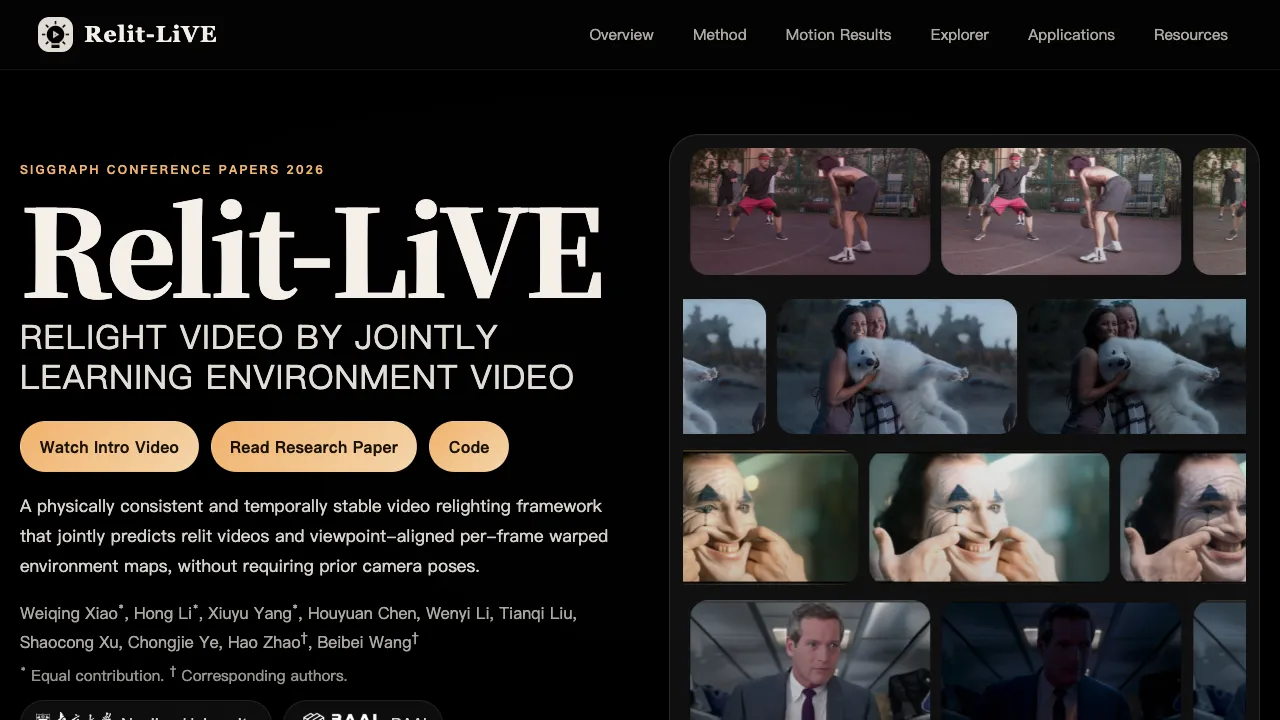
Relit-LiVE: Enhancing Videos by Learning Environment Together
Relit-LiVE: Enhancing Videos by Learning Environment Together
CausalCine: Real-Time Video Narratives with Autoregression
CausalCine: Real-Time Video Narratives with Autoregression
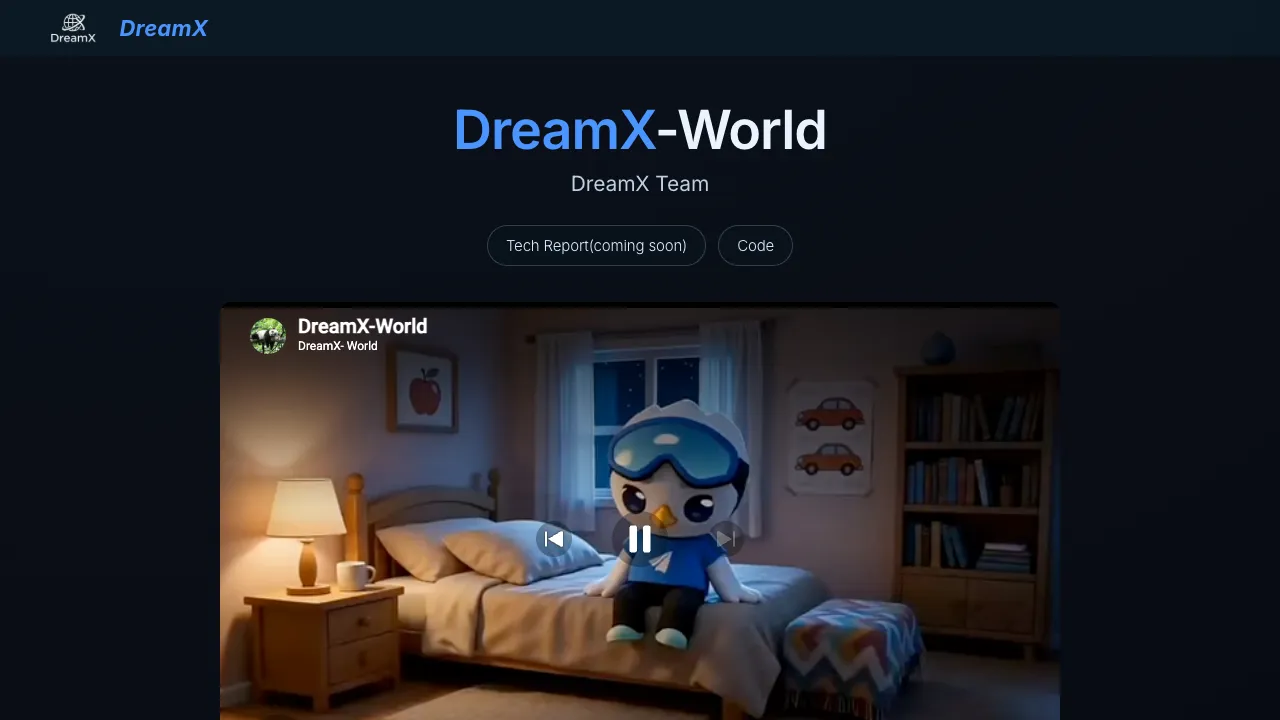
DreamX-World: The Future of Interactive World Models
DreamX-World: The Future of Interactive World Models