
Table Of Content
- What is TokenLight: How Attribute Tokens Enhance Image Lighting Control
- TokenLight: How Attribute Tokens Enhance Image Lighting Control Overview
- TokenLight: How Attribute Tokens Enhance Image Lighting Control Key Features
- TokenLight: How Attribute Tokens Enhance Image Lighting Control Use Cases
- Performance and Showcases
- How it Works
- The Technology Behind It
- Getting Started
- Tips for Better Results
- FAQ
- What is an attribute token
- Can I use TokenLight for both new images and edits
- Do I need pro photo skills
- Where can I try the demo
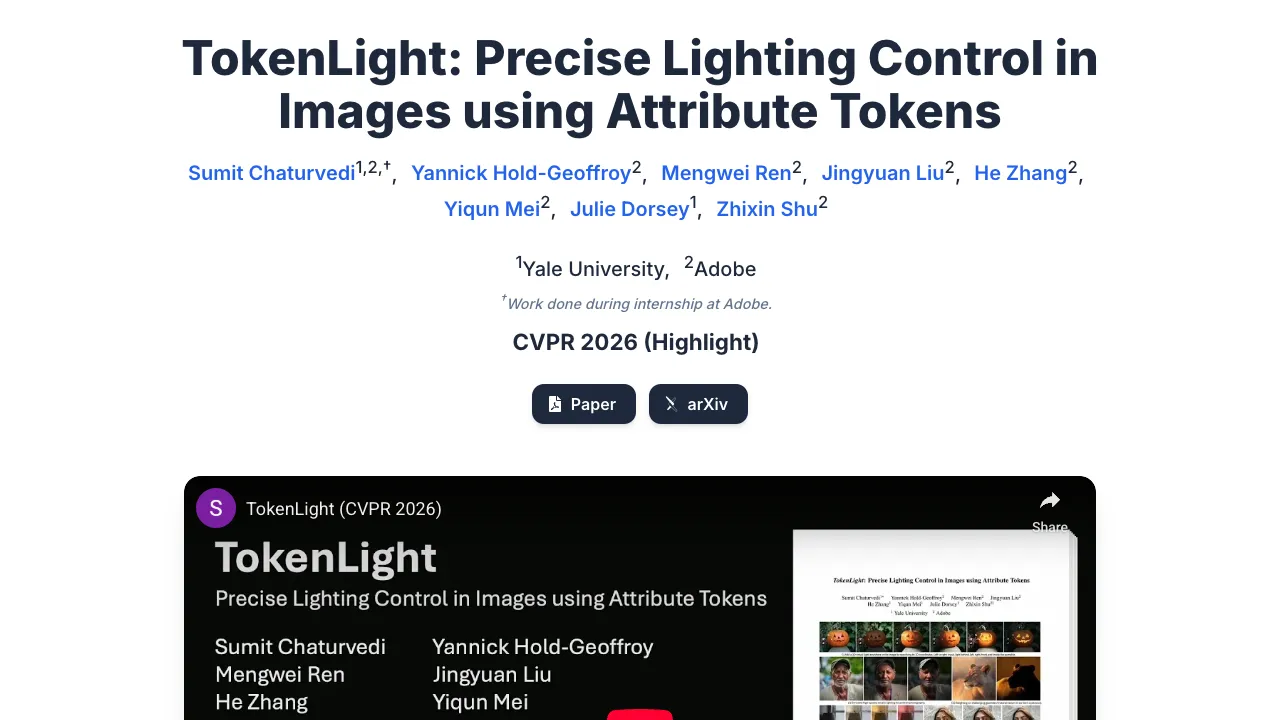
TokenLight: How Attribute Tokens Enhance Image Lighting Control
Table Of Content
- What is TokenLight: How Attribute Tokens Enhance Image Lighting Control
- TokenLight: How Attribute Tokens Enhance Image Lighting Control Overview
- TokenLight: How Attribute Tokens Enhance Image Lighting Control Key Features
- TokenLight: How Attribute Tokens Enhance Image Lighting Control Use Cases
- Performance and Showcases
- How it Works
- The Technology Behind It
- Getting Started
- Tips for Better Results
- FAQ
- What is an attribute token
- Can I use TokenLight for both new images and edits
- Do I need pro photo skills
- Where can I try the demo
What is TokenLight: How Attribute Tokens Enhance Image Lighting Control
TokenLight is a research demo that shows how short text tags called attribute tokens can change the lighting in an image. You type a prompt or upload an image, then add simple light words to tweak the look, such as softer light, side light, or warm tone. It aims to give you quick and clear control over light direction, strength, and mood without deep photo skills.
If you want a simple background on prompt based image tools, see this quick primer on how images are made with AI in our intro to image generation.
TokenLight: How Attribute Tokens Enhance Image Lighting Control Overview
Here is a short look at what this project offers.
| Type | Research demo and project page |
| Purpose | Make lighting edits easy using short text tokens |
| Main Features | Prompt based light control, direction presets, light strength control, tone and mood tweaks |
| Works With | Text to image and image to image style workflows |
| Try It | Project page |
| Demo | Interactive on the project page |
TokenLight: How Attribute Tokens Enhance Image Lighting Control Key Features
- Simple light words that you can add to your prompt to change the scene light.
- Control over direction such as left, right, front, or back light.
- Control over strength from soft glow to stronger light.
- Mood tweaks like warm or cool tones that shift the feel of the image.
- Works with new images from text and with edits on images you upload.
If you want editing ideas and simple step by step tips, browse our image editing guides.
TokenLight: How Attribute Tokens Enhance Image Lighting Control Use Cases
- Make product shots brighter with front light or add side light for shape.
- Add a warm room feel for lifestyle photos or a cool tone for tech shots.
- Nudge portraits to have softer light for smooth skin or stronger light for dramatic looks.
- Change time of day feel by pairing light direction with warm or cool tones.
Performance and Showcases
Showcase 1 — Embedded demo The project page offers an Embedded demo you can use in the browser. Type a prompt, add light tokens, and see the change. The Embedded demo is great for quick trials without any setup.
How it Works
TokenLight uses text tokens that stand for lighting traits. When you add these tokens to your prompt, the model adjusts how light falls on the subject. You keep your subject words the same and then stack light words to shape the final look.
You can think of each token as a small hint about where the light should come from or how soft it should be. By mixing a few, you can reach a clear and steady style. This helps you keep control across many images.
The Technology Behind It
Modern image models read text and turn it into pictures. Attribute tokens are short words that point the model to a specific light effect. They act like switches for direction, tone, and power.
By using tokens for light, the method keeps prompts short and easy. You avoid long prompt tricks and still get steady output. This makes lighting control more direct and repeatable.
Getting Started
- Open the TokenLight project page.
- Find the interactive demo on the page.
- Type your subject prompt. Keep it short and clear.
- Add a few light tokens such as soft light or side light.
- Generate the image and review. Try changing one token at a time to see the effect.
Looking for more tools that make new images from prompts Check our image generator picks.
Tips for Better Results
- Start with one light token, then add more if needed. This keeps changes clear.
- Keep subject words steady while you test different light tokens.
- Save a few good prompt recipes to reuse across projects.
FAQ
What is an attribute token
An attribute token is a short word that signals a light change. You add it to your prompt to get a clear effect like softer light or side light.
Can I use TokenLight for both new images and edits
Yes. You can make new images with prompts or upload an image and guide the light change with tokens.
Do I need pro photo skills
No. The goal is to make light control easy with simple words. You can get useful changes even as a beginner.
Where can I try the demo
Use the interactive demo on the project page. It runs in the browser and needs no install.
Image source: TokenLight: How Attribute Tokens Enhance Image Lighting Control
Subscribe to our newsletter
Get the latest updates and articles directly in your inbox.

Related Posts
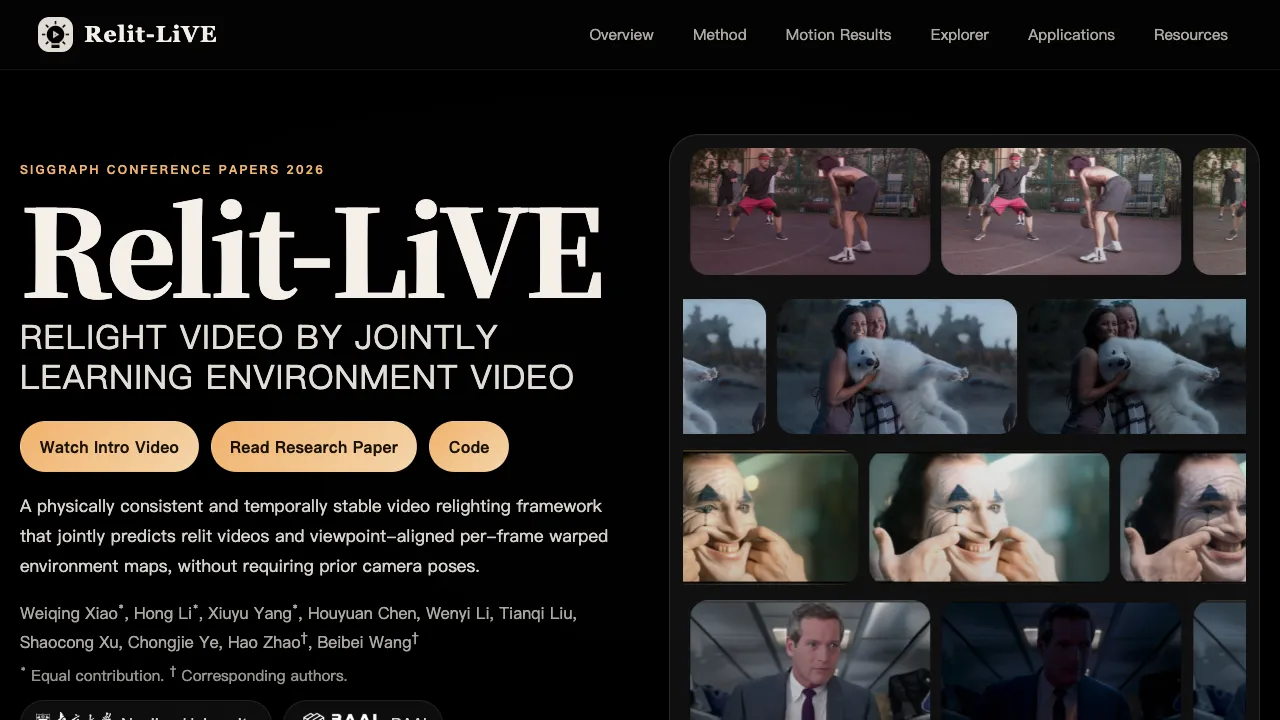
Relit-LiVE: Enhancing Videos by Learning Environment Together
Relit-LiVE: Enhancing Videos by Learning Environment Together
CausalCine: Real-Time Video Narratives with Autoregression
CausalCine: Real-Time Video Narratives with Autoregression

DreamX-World: The Future of Interactive World Models
DreamX-World: The Future of Interactive World Models