
How India Powers Locally with Sarvam AI Model?
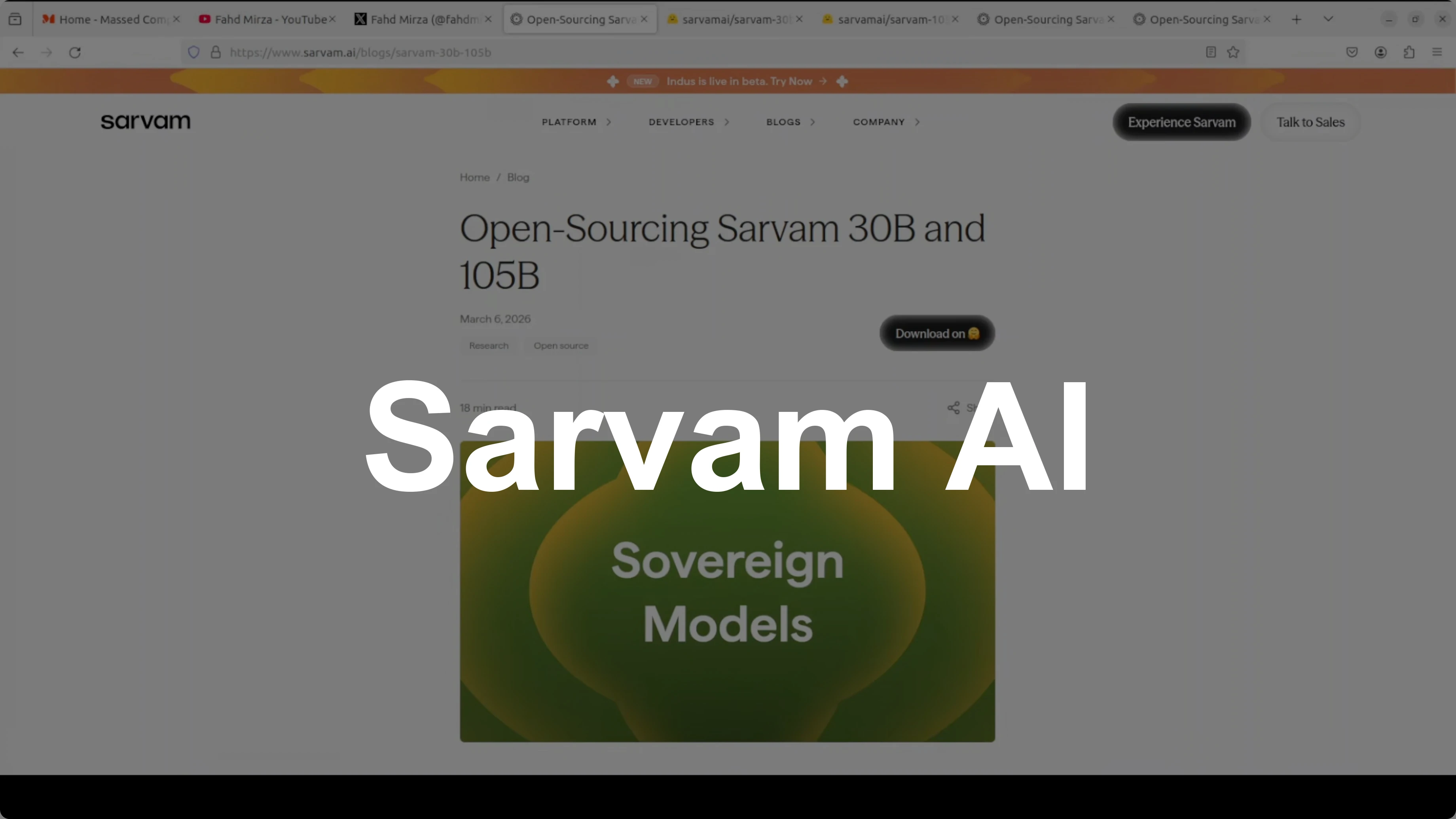
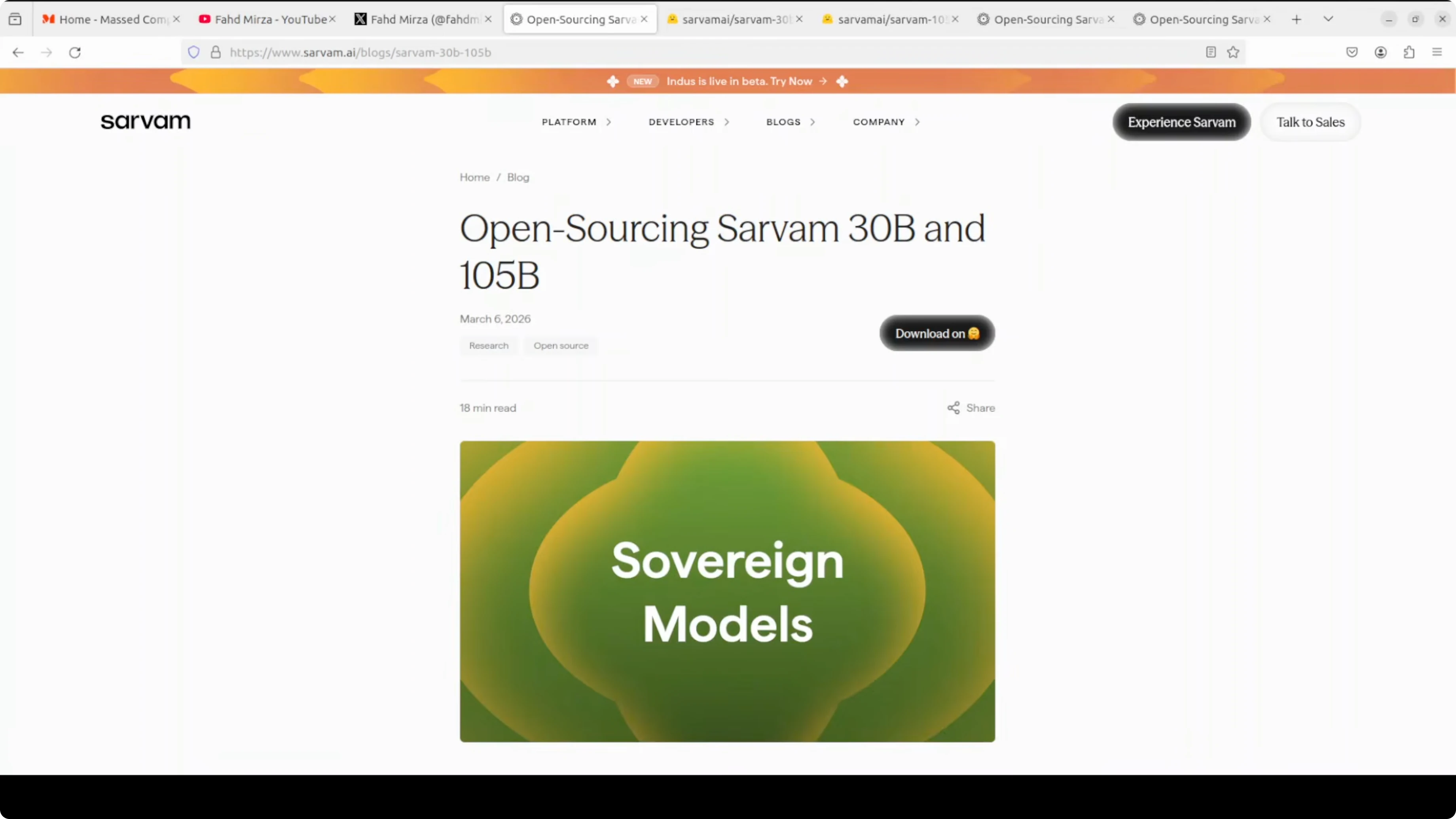
India entering the AI race alongside the US, China, Europe, and the UAE is great to see. Sarvam AI has released two open-source models, a 30 billion parameter model and its larger sibling with 105 billion parameters. I installed the 30 billion version on a local system to test how it performs.
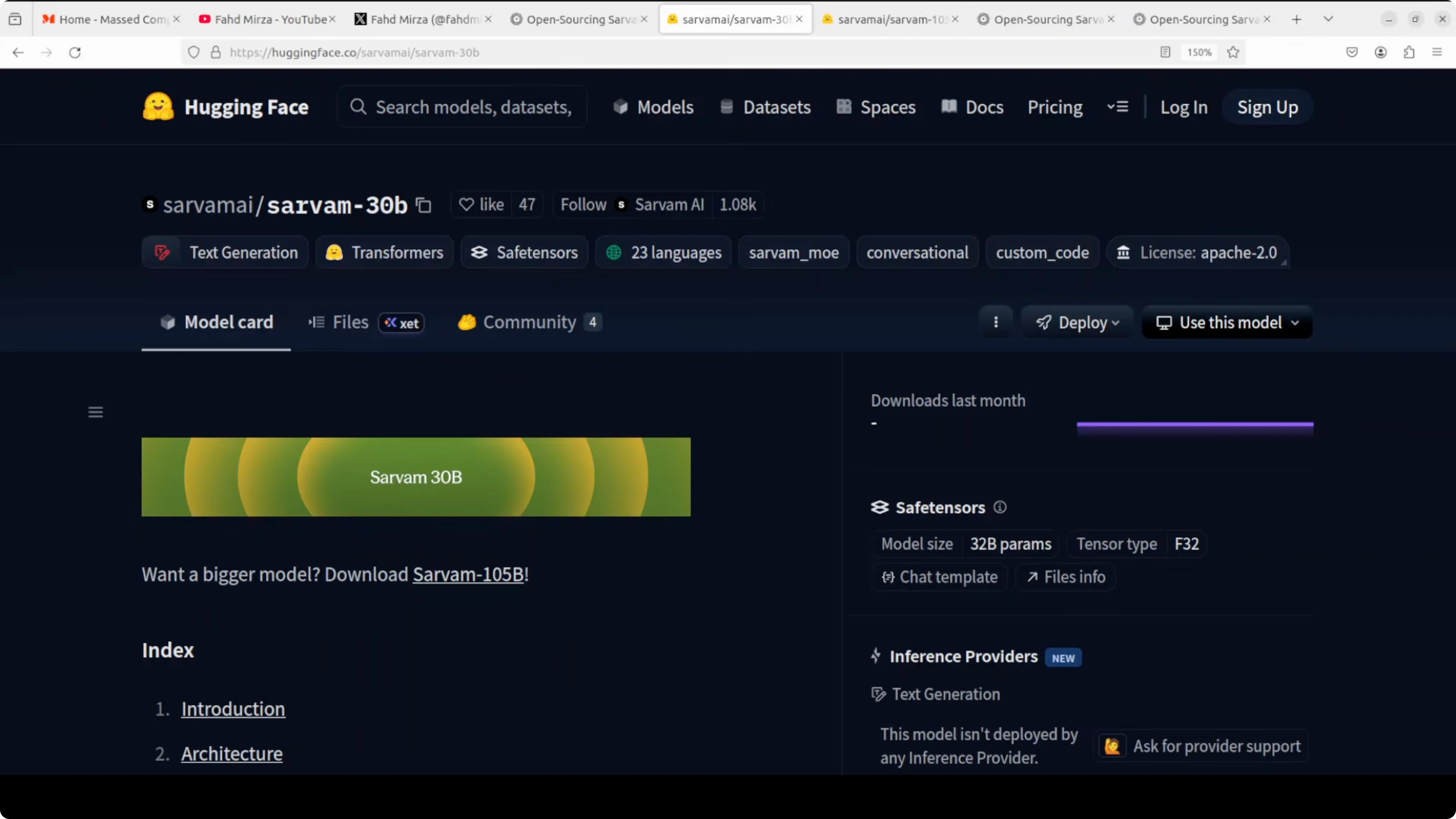
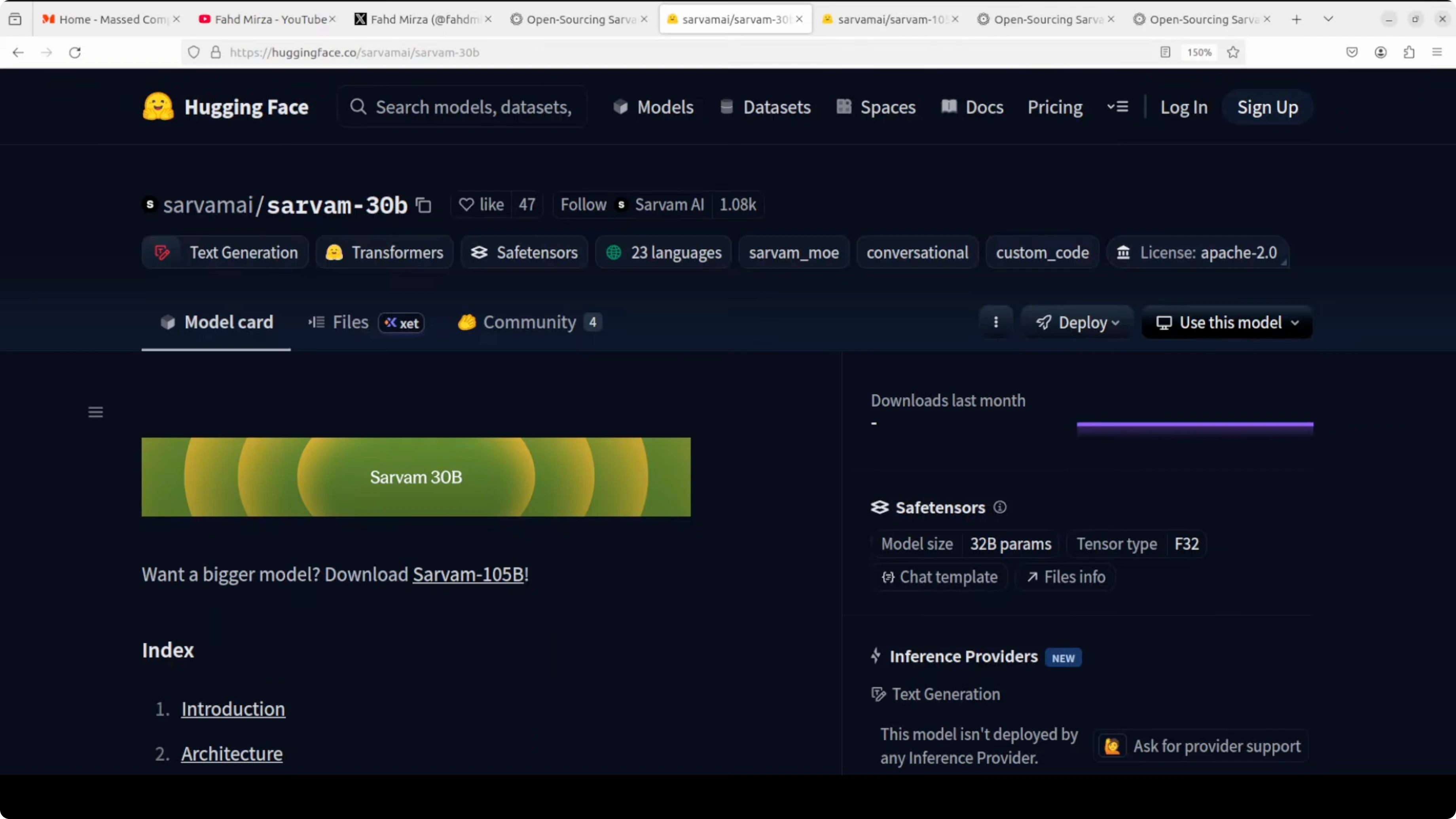
Sarvam means all in Sanskrit, which is a fitting name for a model built to serve Indian languages. This 30 billion model looks efficient for real-world deployment, not only because it is relatively lightweight but also because it follows several architectural innovations. What really sets it apart is its focus on Indian languages.
It supports all 22 scheduled Indian languages, including Hindi, Bengali, Tamil, Telugu, Kannada, Malayalam, Marathi, Gujarati, Punjabi, Odia, Assamese, Urdu, Sanskrit, Konkani, Manipuri, Bodo, Dogri, Kashmiri, Maithili, Nepali, Santali, and Sindhi. It covers both native scripts and the romanized Latin script used frequently in texting. If you work with scripts and OCR, check our AI text recognition resources for practical workflows.
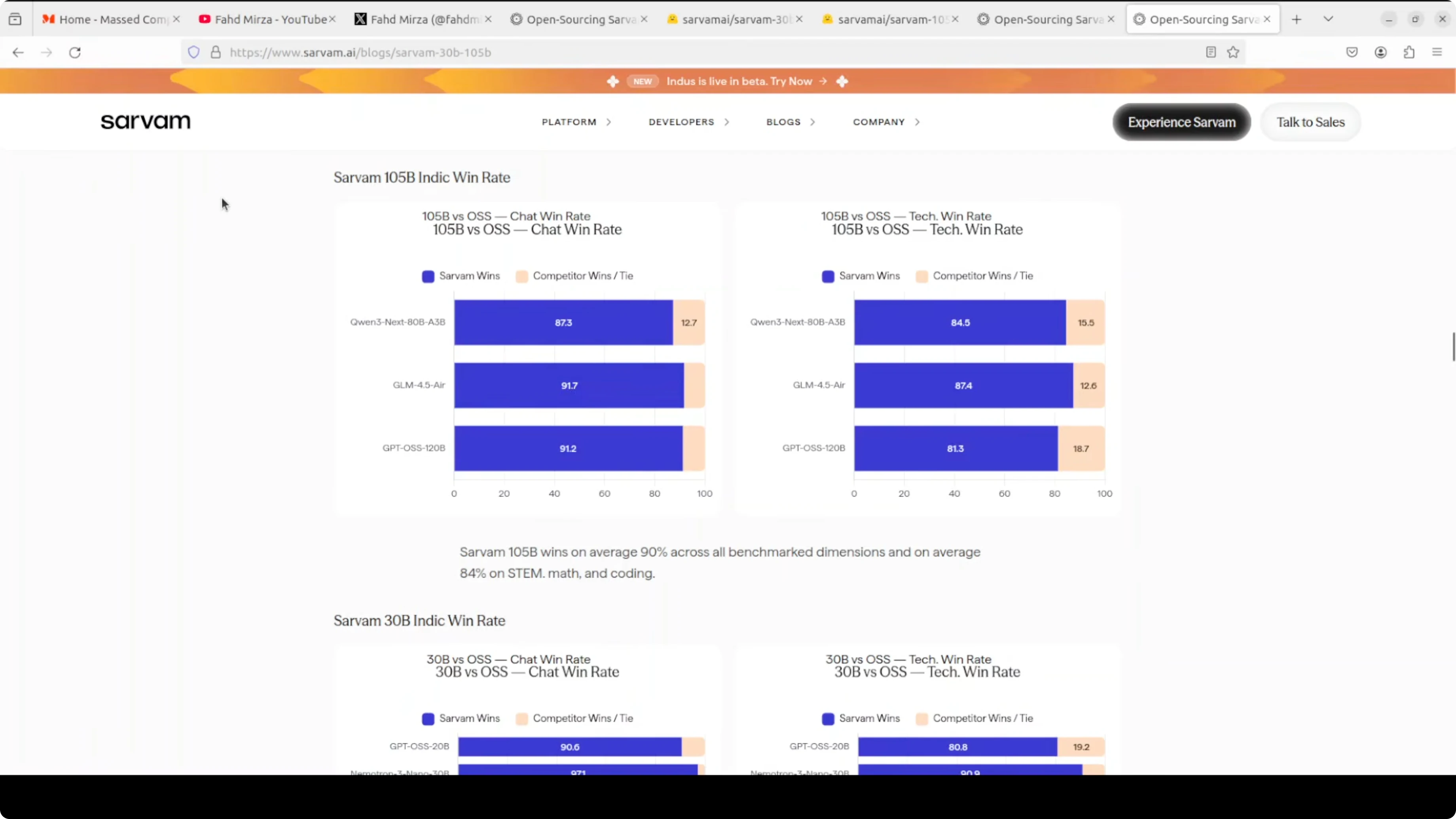
The entire model was trained in India on government-provided compute under the Indian AI mission. On benchmarks it holds up well against similarly sized models in math, coding, and reasoning. It generally stands out in Indian language performance, where it consistently competes with larger models.
I will get to the installation shortly, but one quick note on its design. Sarvam-30B uses a mixture-of-experts architecture. Only a small portion of the model activates for each token, which keeps it fast and memory friendly, and it has 128 experts but uses only a handful at a time.
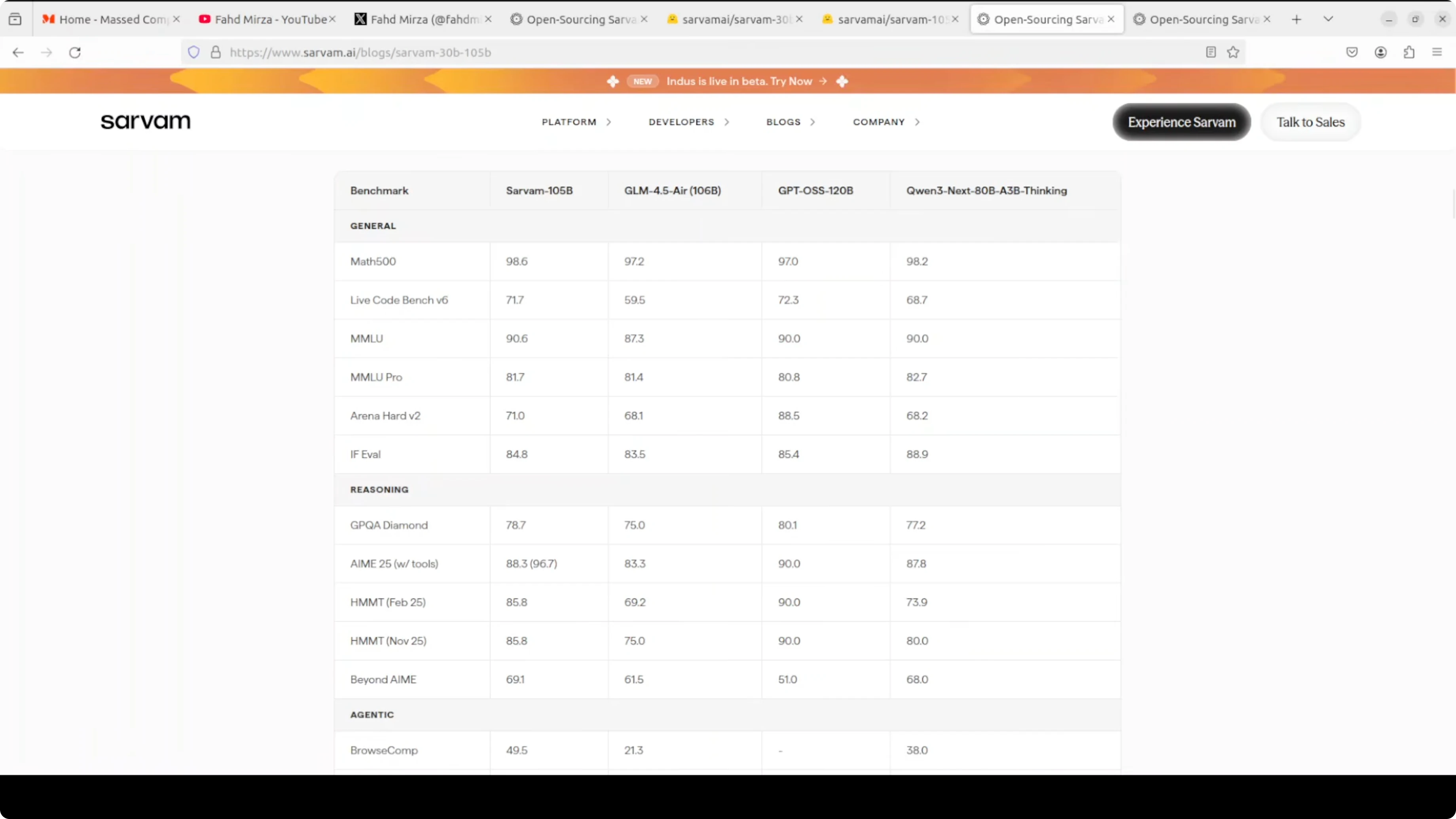
For context, you can compare this positioning with our Kimi K1.5 model overview to see how different models approach efficiency and scale.
Powers locally - setup
I used Ubuntu with an Nvidia H100 GPU that has 80 GB of VRAM. You do not strictly need 80 GB to experiment, but I wanted to see it in full action. Installation took a few minutes, after which I launched a Jupyter notebook.
Environment
Create and activate a dedicated environment.
conda create -n sarvam30b python=3.10 -y
conda activate sarvam30b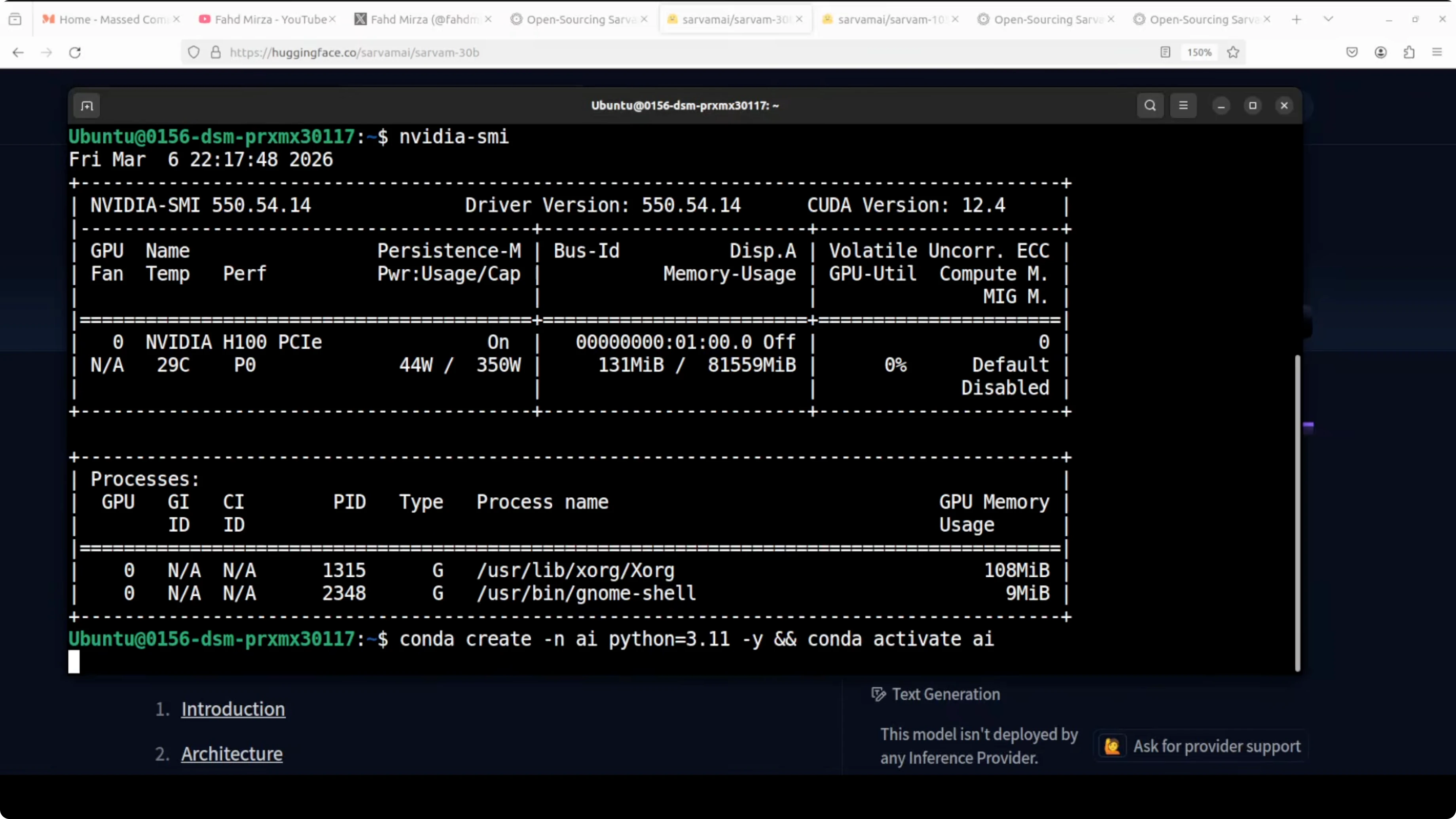
Install Jupyter for interactive work.
pip install jupyterDependencies
Install PyTorch with CUDA support suitable for your GPU.
# CUDA 12.1 wheels example - adjust if your system differs
pip install torch torchvision torchaudio --index-url https://download.pytorch.org/whl/cu121
Install core libraries for loading and running the model.
pip install transformers accelerate sentencepiece safetensorsOptional packages can help with memory and speed on large models.
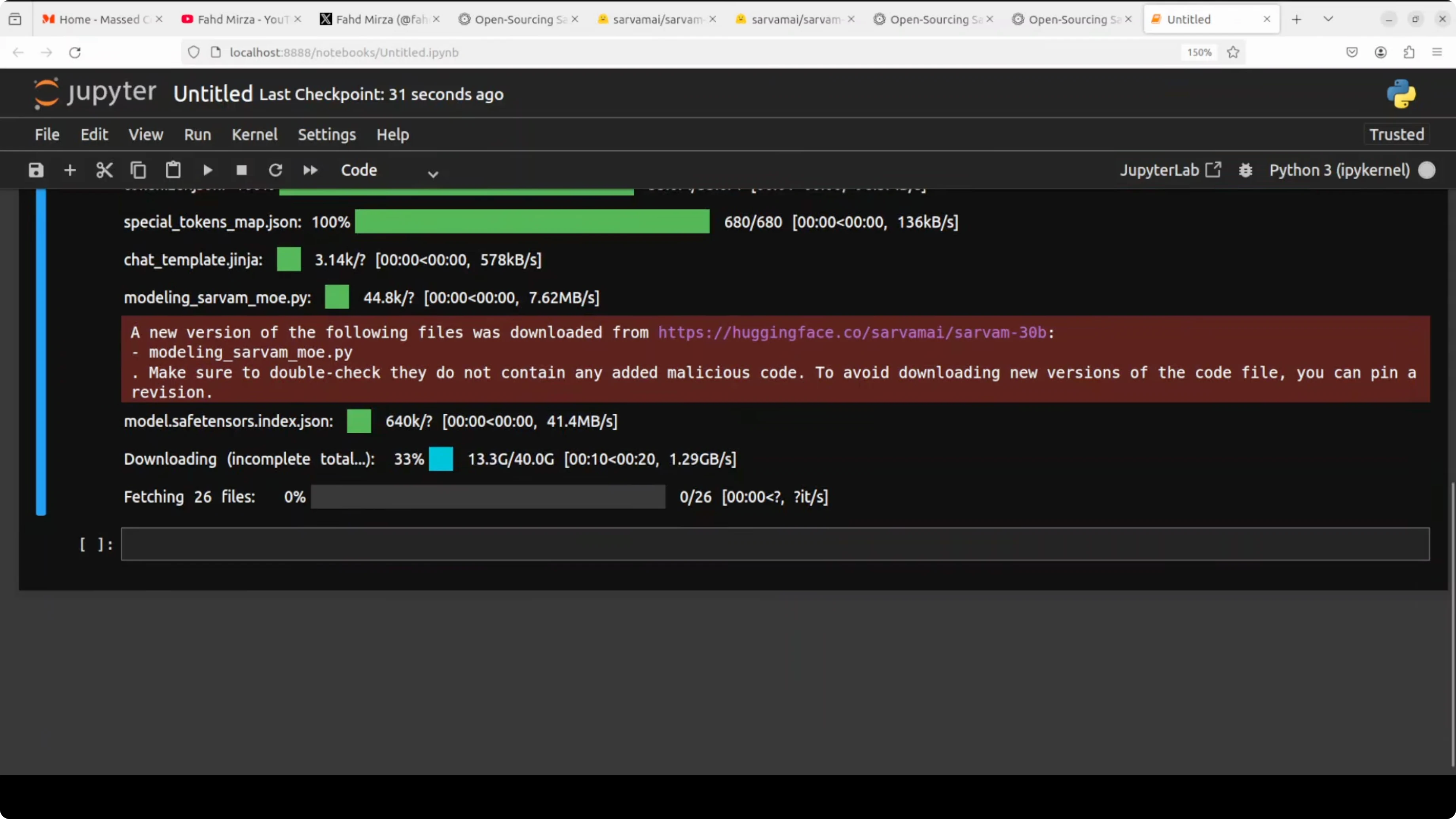
pip install bitsandbytesIf you manage many models and utilities, our AI tools collection can help you pick add-ons for your stack.
Download and load
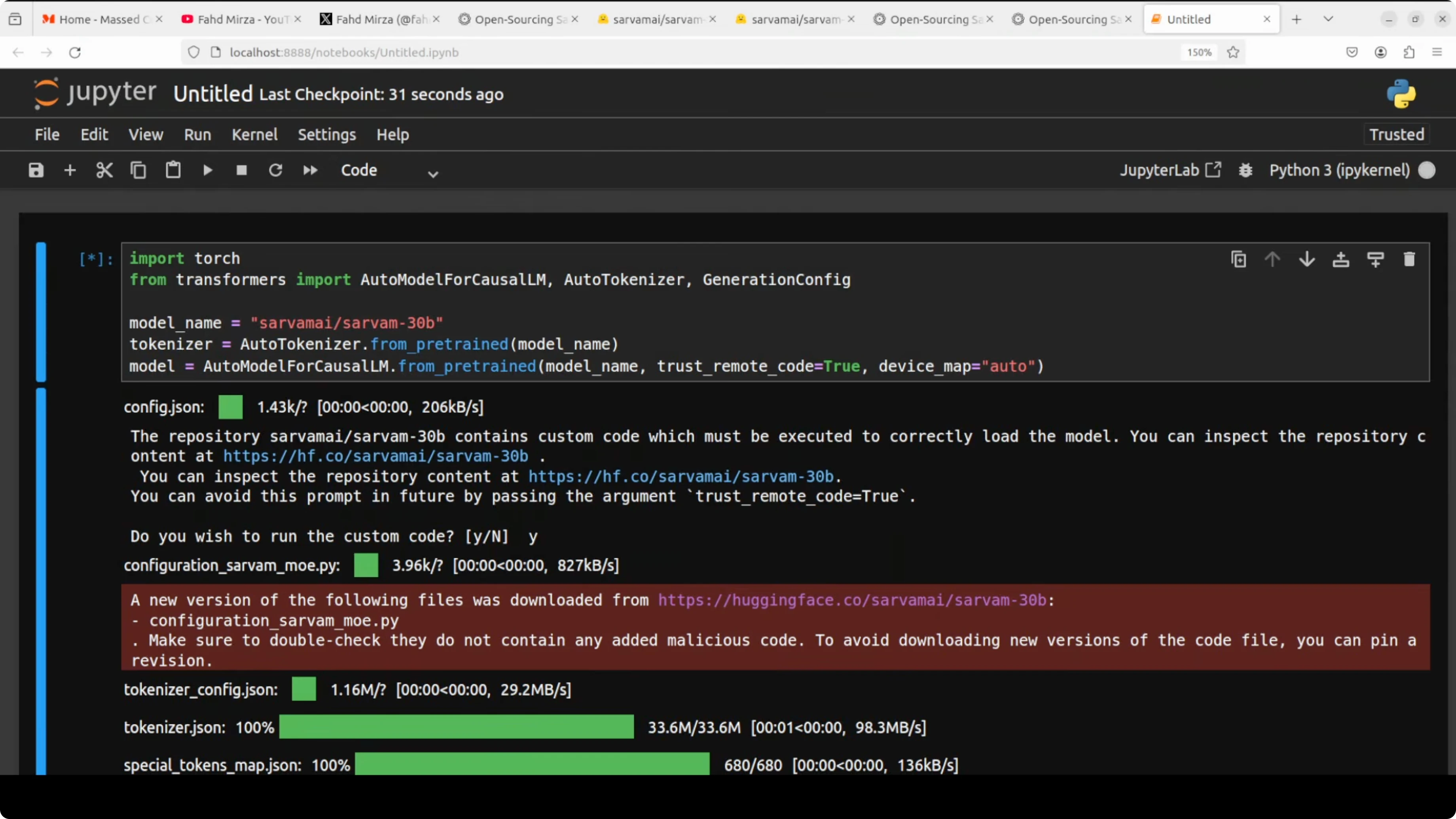
Download the 30B model weights and tokenizer. The final size in my setup ended up around 129 GB on disk. After loading, some parts were offloaded to CPU automatically, and VRAM stabilized just over 62 GB.
You can check VRAM usage at any time.
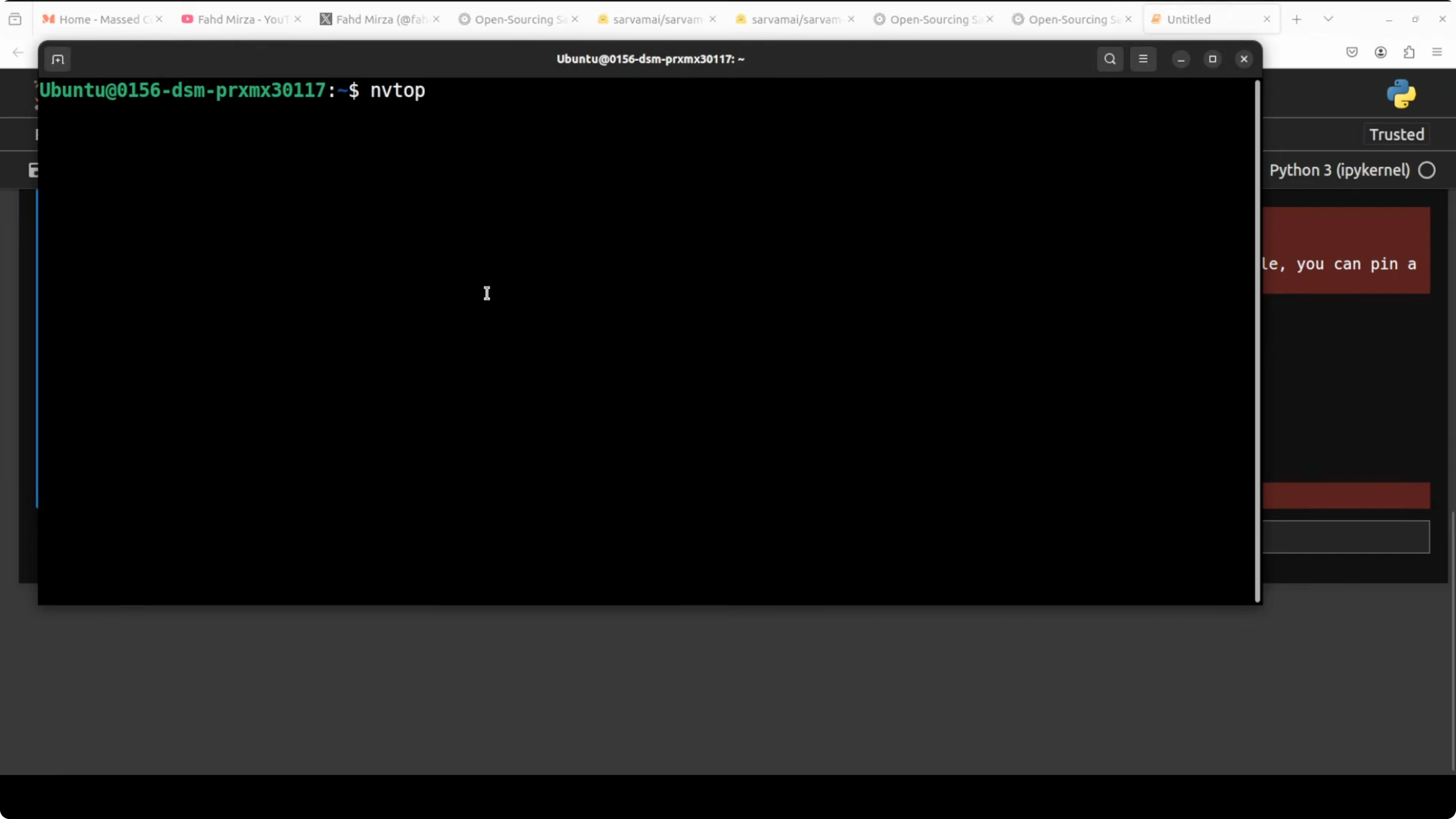
nvidia-smiBelow is a simple generate_text helper that sets core hyperparameters, tokenizes a prompt, runs generation, and decodes the result.
from transformers import AutoTokenizer, AutoModelForCausalLM, GenerationConfig
import torch

# Replace with the actual model repo ID for Sarvam 30B once available
MODEL_ID = "sarvam-ai/sarvam-30b"

tokenizer = AutoTokenizer.from_pretrained(MODEL_ID, use_fast=True)
model = AutoModelForCausalLM.from_pretrained(
    MODEL_ID,
    torch_dtype=torch.bfloat16,
    device_map="auto"  # will offload some layers to CPU if needed
)

def generate_text(
    prompt: str,
    max_new_tokens: int = 512,
    temperature: float = 0.7,
    top_p: float = 0.9,
    repetition_penalty: float = 1.05
) -> str:
    inputs = tokenizer(prompt, return_tensors="pt").to(model.device)
    gen_cfg = GenerationConfig(
        max_new_tokens=max_new_tokens,
        temperature=temperature,
        top_p=top_p,
        repetition_penalty=repetition_penalty,
        do_sample=True,
        pad_token_id=tokenizer.eos_token_id
    )
    with torch.no_grad():
        outputs = model.generate(**inputs, generation_config=gen_cfg)
    return tokenizer.decode(outputs[0], skip_special_tokens=True)
Powers locally - tests
HTML mosaic prompt
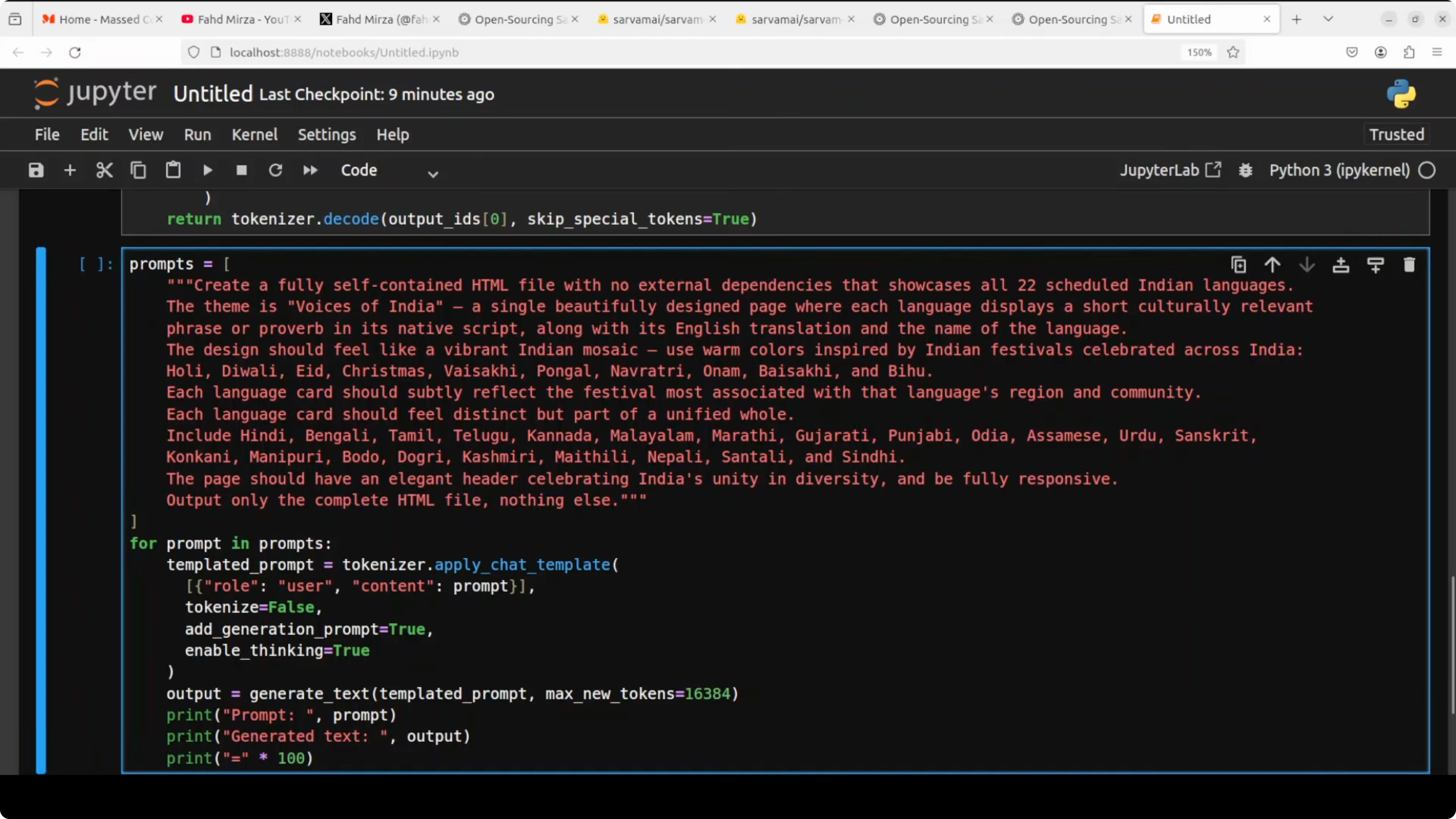
To test cultural and multilingual understanding, I asked the model to generate a long, self-contained HTML file. The prompt requested a vibrant Indian mosaic that displays a short culturally relevant phrase or proverb in the native script for each of the 22 languages. I asked it to use specific colors and to take inspiration from Indian festivals such as Holi, Diwali, Eid, Christmas, Pongal, Onam, and Bihu.
Here is a simplified version of that prompt.
prompt_html = """
Create a single self-contained HTML file with embedded CSS.
Build a responsive grid of 22 cards - one for each scheduled Indian language.
For each card, show:
1) The language name in English and its native script name.
2) A short culturally relevant phrase or proverb in the native script.
3) A brief note tying it to a relevant festival or cultural motif.

Use a vibrant palette inspired by Indian festivals like Holi, Diwali, Eid, Christmas, Pongal, Onam, and Bihu.
Ensure each card has distinct accent colors while keeping a cohesive overall design.
Avoid external assets - no CDNs - just pure HTML and CSS.
"""

html_result = generate_text(prompt_html, max_new_tokens=16000, temperature=0.7, top_p=0.9)
print(html_result[:1200])
While it ran, VRAM jumped to around 66-67 GB and peaked above 70 GB during the generation. It took about 30 minutes to complete at a 16k token window, so reducing max_new_tokens will reduce latency. The output correctly identified all 22 languages, used native scripts, and tied each card to a relevant festival, although the design felt plain and some phrases were generic.
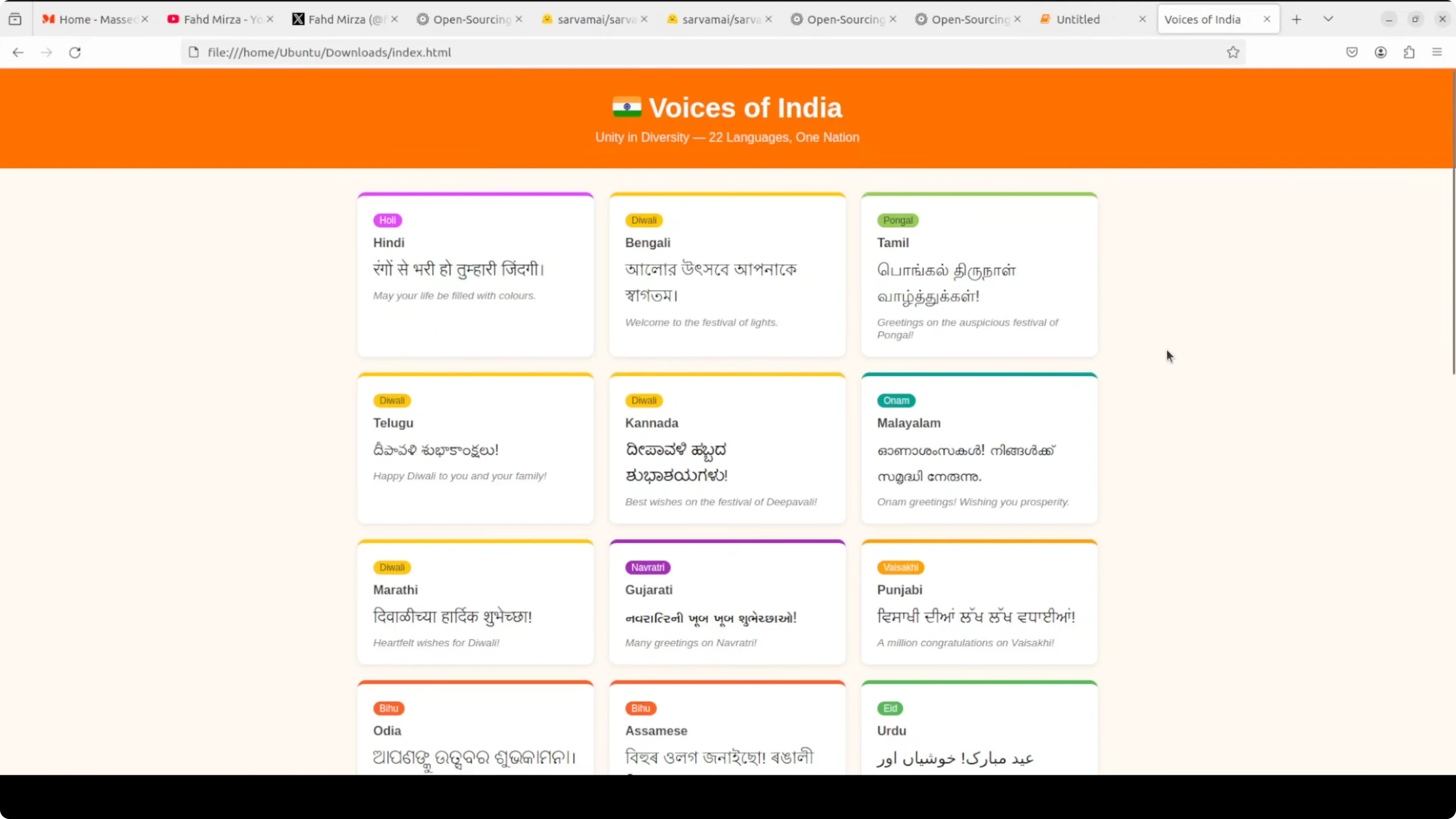
One line that stood out was, India speaks in many tongues but sings one song. For creative HTML generation, there is room to improve formatting and layout. If you build interactive cultural pages or content, see our AI video editing ideas to pair visual output with motion or narration.
Translations test
Next, I asked the model to translate this sentence into all 22 scheduled Indian languages: May your home always be filled with love. I did not list the languages in the prompt to see if the model knows its target set. I also reduced max_new_tokens to just over 1000 to keep the run shorter.
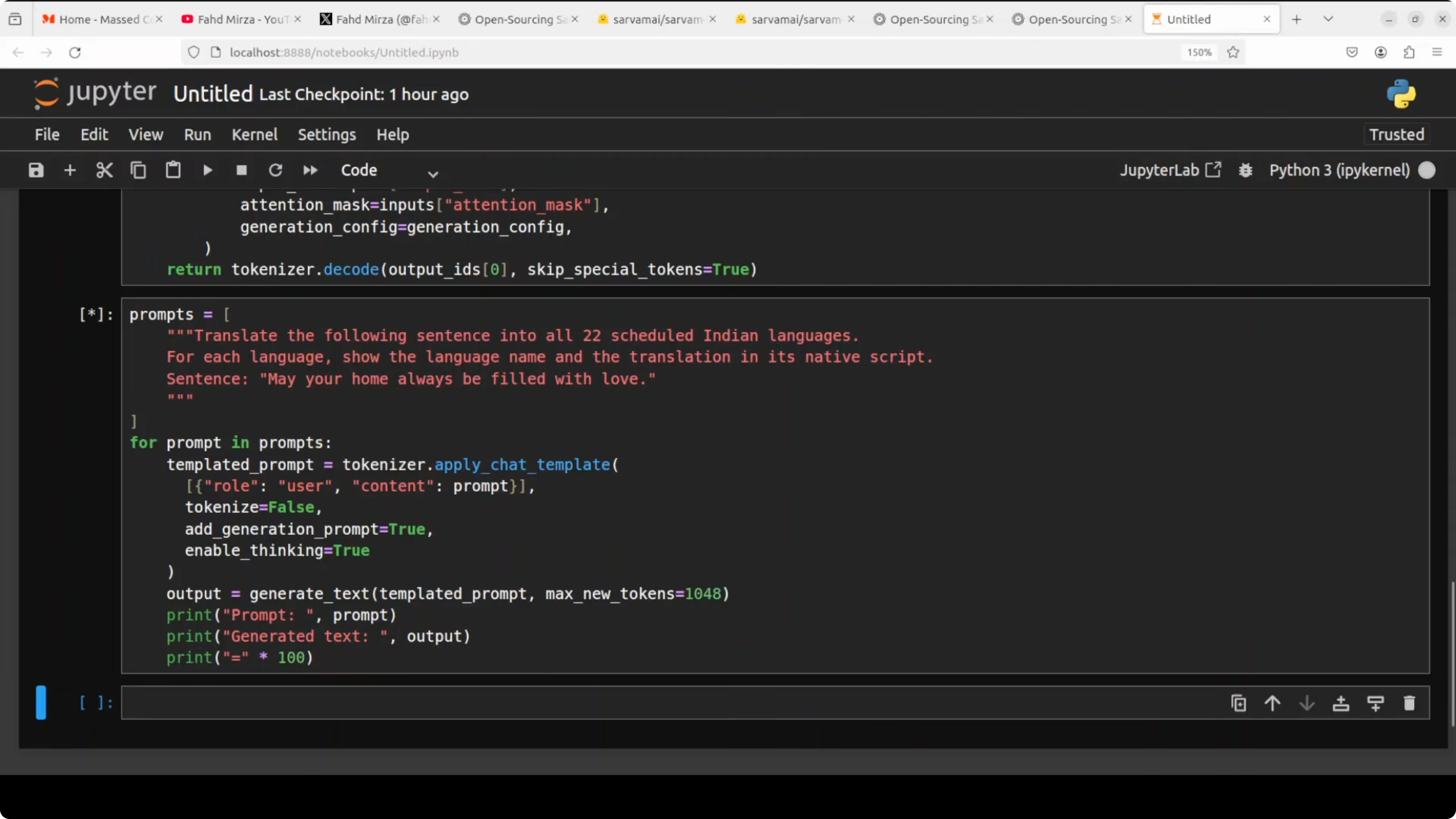
prompt_tx = """
Translate the following sentence into all 22 scheduled Indian languages,
using proper native scripts for each:
"May your home always be filled with love."
Present the results in a simple labeled list where each entry contains:
Language name in English - Language name in native script - Translation.
"""

translations = generate_text(prompt_tx, max_new_tokens=1100, temperature=0.2, top_p=0.9)
print(translations)
It still took several minutes, and time to first token felt slow. As far as I could check with quick references, it handled all 22 languages with appropriate scripts, though a couple looked slightly off, which may also be a font issue. This is a pretty good effort and should improve with further updates.
Performance notes
The mixture-of-experts design helps keep the compute footprint manageable by activating only a small set of experts per token. Even so, context sizes like 16k and large max_new_tokens push generation time and VRAM, so tuning those parameters matters. One area to improve is response time or time to first token.
If you prefer serving models via optimized backends, vLLM support appears to be in progress. A patch was mentioned and a PR is open, but in my tests it was not working yet. The model context length is around 64k, though I set 16k for the HTML test.
If your focus is Indian language work, you may also want to look at the Tulu 3 model for comparison across multilingual tasks. For a broader perspective across stacks, see tools curated in our AI tools collection as well.
Final thoughts
Sarvam-30B brings a clear emphasis on Indian languages with support for all 22 scheduled languages across both native and romanized scripts. It holds its own on coding and reasoning while excelling in Indian language performance. Local runs are very feasible, but plan for high VRAM during long generations and expect improvements ahead in latency and formatting quality.
Subscribe to our newsletter
Get the latest updates and articles directly in your inbox.

Related Posts

8 Best Claude Code Plugins in 2026 (You Need to Know)
8 Best Claude Code Plugins in 2026 (You Need to Know)

7 Best Claude Code Skills (You Need to Know)
7 Best Claude Code Skills (You Need to Know)

Claude Code Desktop IDE Features (You Need to Know)
Claude Code Desktop IDE Features (You Need to Know)