
Table Of Content
- What is Qwen3.5 35B A3B? (short)
- Quick performance snapshot
- Files and quantization
- Qwen3.5 35B A3B Model: Complete Guide to Local Setup
- Ubuntu prep
- Get huggingface_hub and download the model
- Set the exact repo id and revision you intend to use:
- This pulls all files; you can also filter by allow_patterns to only fetch Q8_1
- Build llama.cpp with CUDA
- Serve the model locally
- Test with an API call
- Notes on speed and context
- Quick tests
- HTML Mars electrical storm
- Safety and guard rails
- Multilingual numbers test
- Calculus derivative
- Context window and hyperparameters
- Final thoughts
Qwen3.5 35B A3B Model: Complete Guide to Local Setup
Qwen Model Recommender
Not sure which Qwen model fits your GPU? Pick your VRAM, use case, and task type — get matched to the right model instantly. Covers Qwen3, QwQ, QVQ, Qwen2.5-VL, Qwen3-Coder, Qwen3-TTS, and 80+ models.
Table Of Content
- What is Qwen3.5 35B A3B? (short)
- Quick performance snapshot
- Files and quantization
- Qwen3.5 35B A3B Model: Complete Guide to Local Setup
- Ubuntu prep
- Get huggingface_hub and download the model
- Set the exact repo id and revision you intend to use:
- This pulls all files; you can also filter by allow_patterns to only fetch Q8_1
- Build llama.cpp with CUDA
- Serve the model locally
- Test with an API call
- Notes on speed and context
- Quick tests
- HTML Mars electrical storm
- Safety and guard rails
- Multilingual numbers test
- Calculus derivative
- Context window and hyperparameters
- Final thoughts
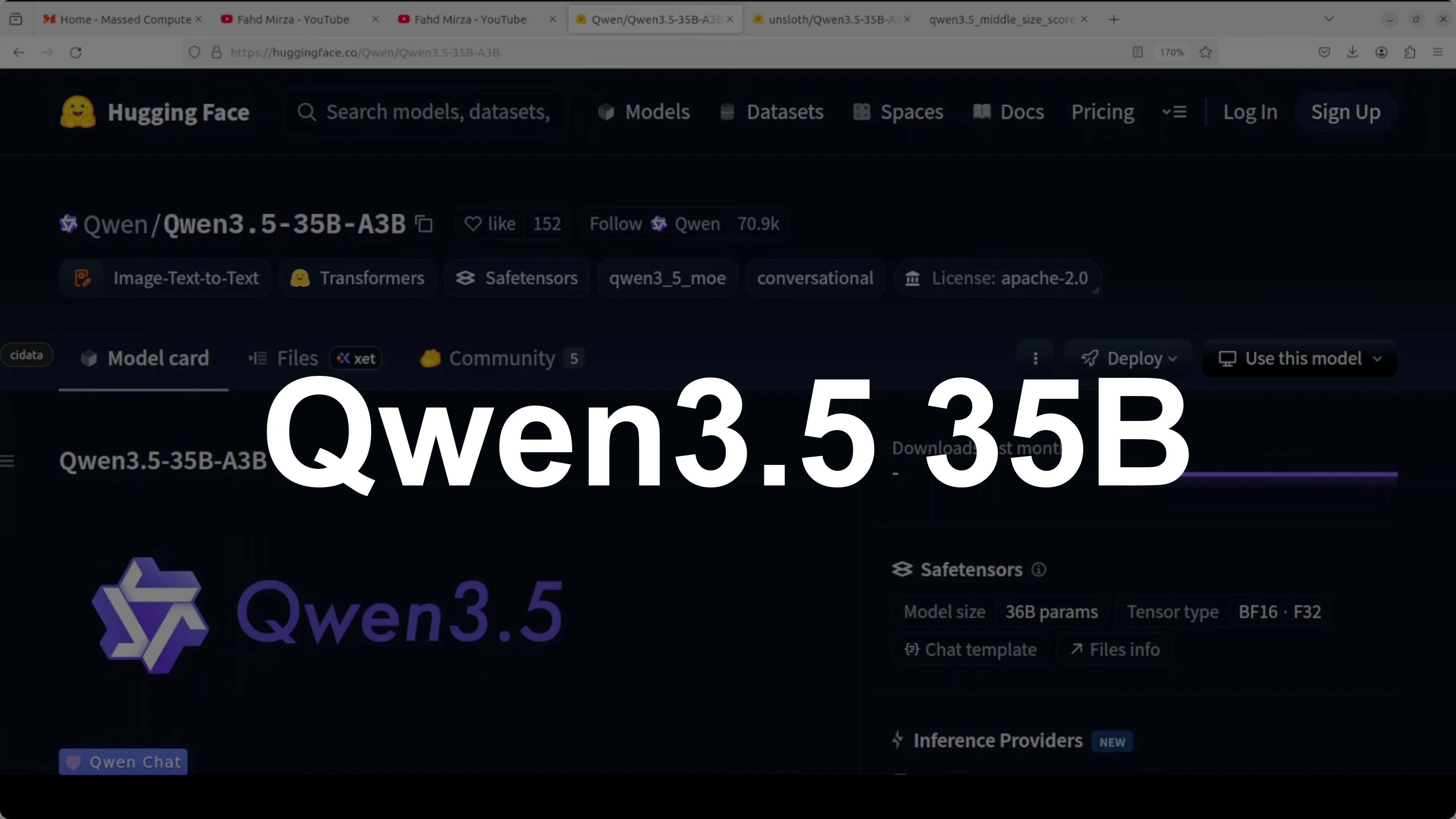
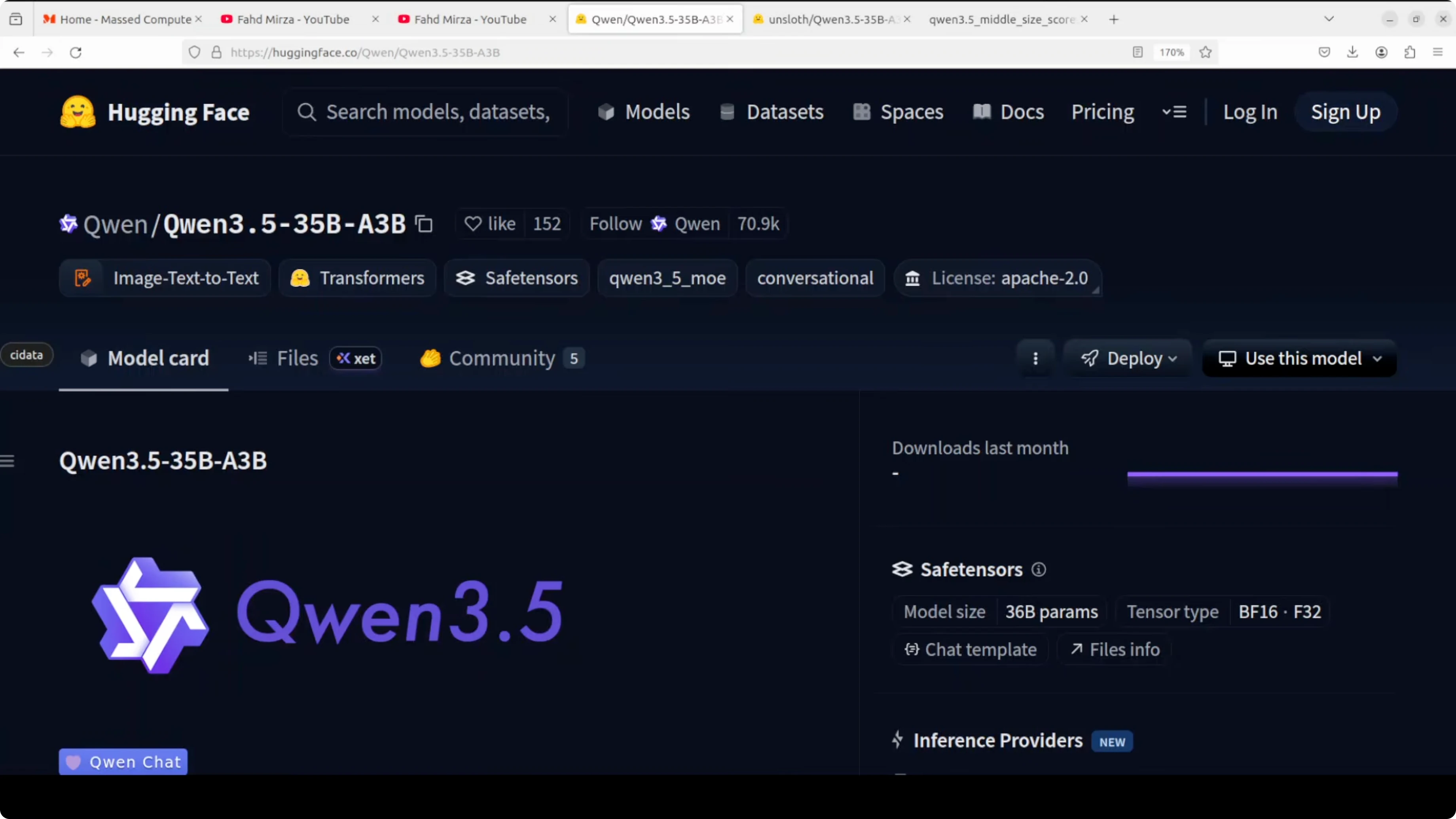
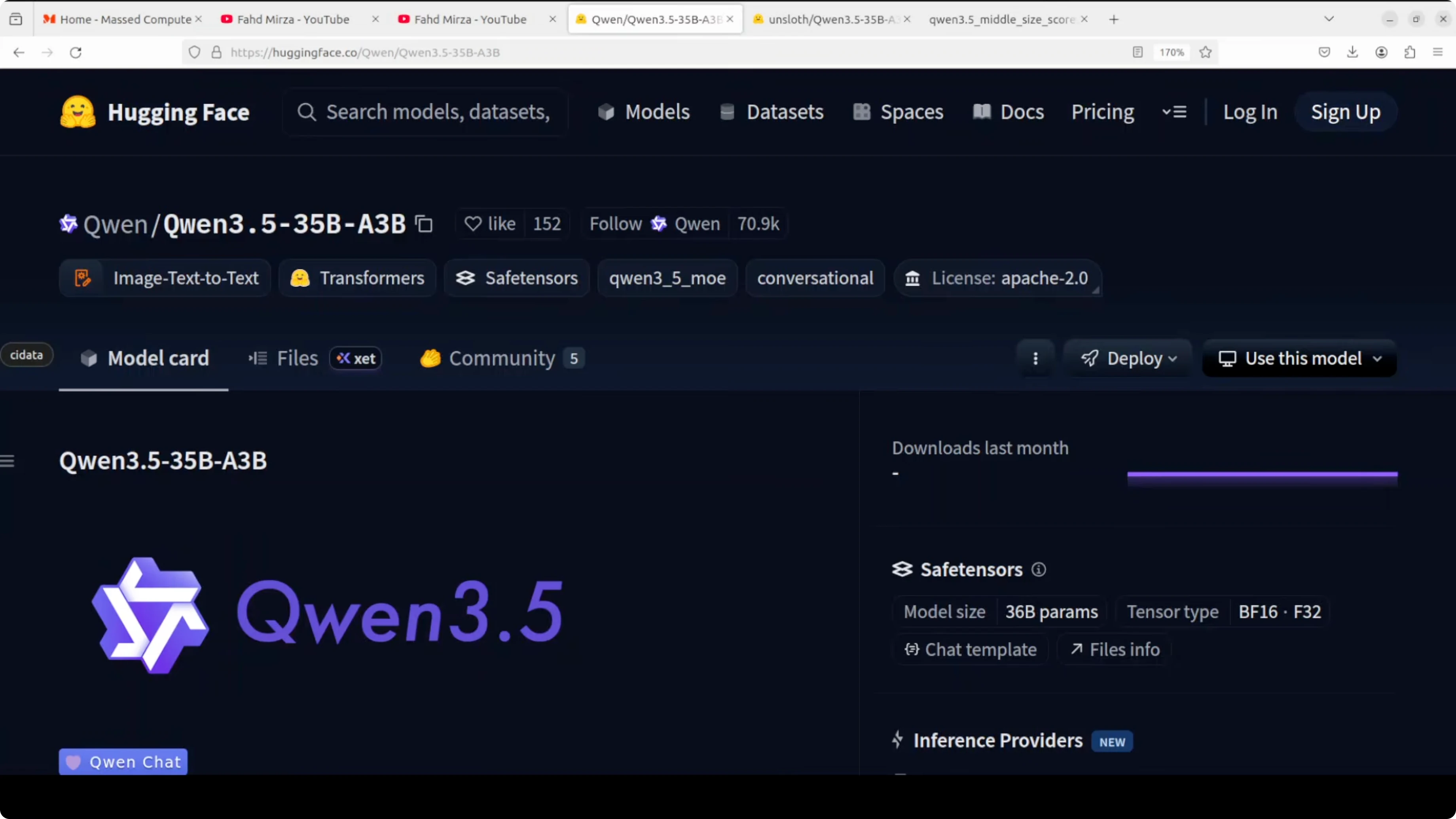
I just covered the 27 billion parameter dense model, and now I’m installing the mixture-of-experts Qwen 3.5 35B A3B model that looks promising too. It has 35 billion total parameters but only activates roughly 3 billion per token. You get the knowledge of a 35B model at the compute cost of a much smaller one.
Think of it as having 256 specialists in a room and calling on nine of them at a time to answer each token. The architecture combines a gated delta network with sparse mixture-of-expert layers, so it is efficient in two ways at the same time. It handles long context well and only routes a fraction of parameters during inference.
If you want a smaller local option for tight hardware, see Clara 7B. I’ll keep my wording simple, walk through setup on Ubuntu with one NVIDIA RTX 6000 (48 GB VRAM), and show quick tests. I’ll also compare the feel to the 27B dense model I ran earlier.
What is Qwen3.5 35B A3B? (short)
It is a mixture-of-experts model with about 35B total parameters where only a small subset is active per token. Routing picks a few experts (top-9 out of 256) for each token, cutting compute while keeping broad knowledge. The model also uses a gated delta network for efficient long-context reasoning.
If you track efficient architectures, the gated delta network idea will feel familiar from projects like Kimi K1.5. The net effect is faster thinking with strong reasoning. It often feels like a larger dense model without the same latency.
Quick performance snapshot
Benchmarks are compelling. GPQA Diamond (graduate-level reasoning) reported 84.2, and instruction following reached 91.9. Multi-task, agentic tasks, and coding look solid.
If you asked me for a production local deployment with ample VRAM, I would still consider the 27B dense model. Its performance is really good under sustained loads. I’ll still test this MoE thoroughly because the latency and planning feel excellent.
Files and quantization
I am not using full BF16 weights. I’m using a GGUF Q8_1 quant that is as close as we can get to BF16 for local inference. Expect around 0.1 loss that usually does not matter for general use.
On my setup, the Q8_1 GGUF is roughly 37 GB on disk. Full GPU offload with a 32K context fits in under 37 GB of VRAM. That is a comfortable fit for a 48 GB card.
For OCR-heavy pipelines, you might want a specialized stack; see our OCR model pick if you plan to pair LLM reasoning with document parsing.
Qwen3.5 35B A3B Model: Complete Guide to Local Setup
Ubuntu prep
Step 1: Update packages and install build tools.
sudo apt update
sudo apt install -y build-essential git cmake python3 python3-venv python3-pip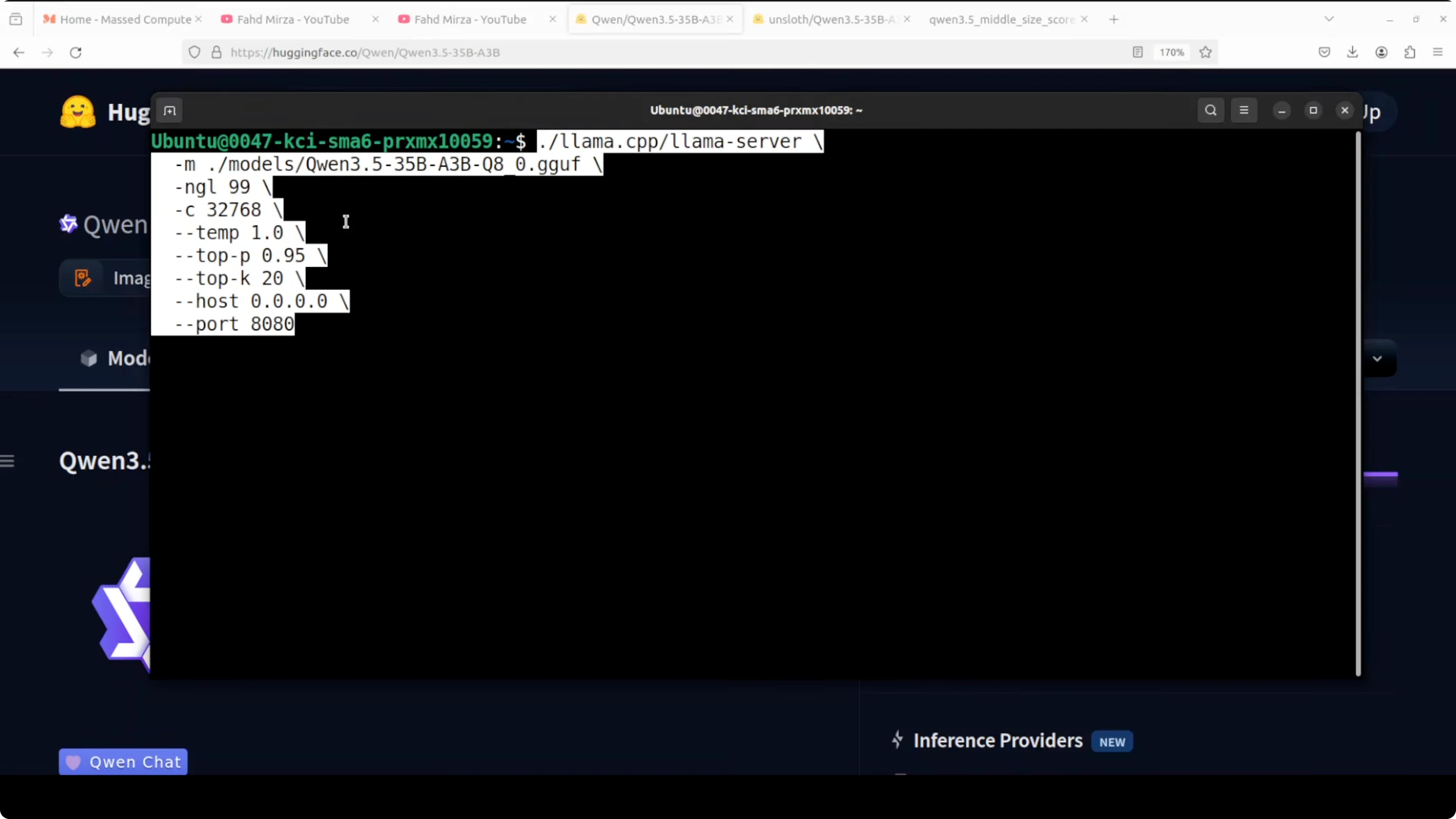
Step 2: Install CUDA toolkit and NVIDIA drivers if not already present. Make sure nvidia-smi shows your GPU. I used an RTX 6000 with 48 GB VRAM.
nvidia-smiGet huggingface_hub and download the model
Step 3: Install huggingface_hub.
python3 -m pip install --upgrade huggingface_hubStep 4: Download the GGUF Q8_1 model snapshot to a local folder. Replace the model id and file name with the exact repo and Q8_1 GGUF asset provided by the model publisher.
python3 - << 'PY'
from huggingface_hub import snapshot_download
# Set the exact repo id and revision you intend to use:
repo_id = "REPLACE_WITH_MODEL_REPO"  # e.g., "Qwen/Qwen3.5-35B-A3B-GGUF"
# This pulls all files; you can also filter by allow_patterns to only fetch Q8_1
snapshot_download(
    repo_id=repo_id,
    local_dir="./models/Qwen35B-A3B",
    local_dir_use_symlinks=False
)
print("Download complete.")
PY
Step 5: Identify the Q8_1 GGUF file path you will serve. It often ends with Q8_1.gguf. Note the absolute path for the next step.
Build llama.cpp with CUDA
Step 6: Clone and build llama.cpp with cuBLAS enabled.
git clone https://github.com/ggerganov/llama.cpp.git
cd llama.cpp
mkdir build && cd build
cmake -DLLAMA_CUBLAS=ON ..
cmake --build . --config Release -j
Step 7: Confirm the build produced the server binary.
ls -lh serverServe the model locally
Step 8: Start the server with full GPU offload and a 32K context. Replace the -m path with your Q8_1 GGUF.
./server \
  -m /absolute/path/to/models/Qwen35B-A3B/YOUR_Q8_1.gguf \
  -ngl all \
  -c 32768 \
  -t 16 \
  -cb
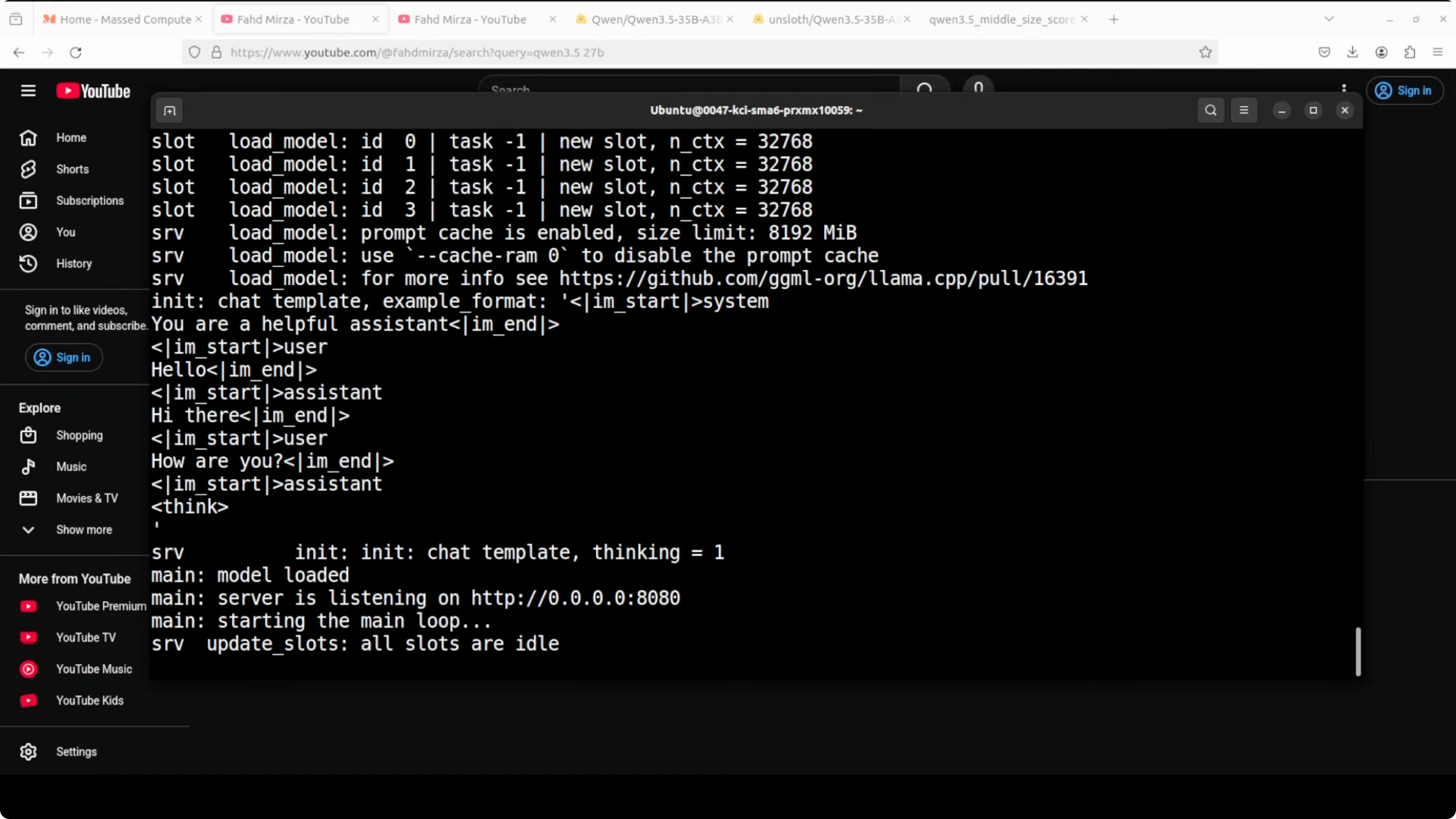
Step 9: Watch the logs for CUDA device detection. The server will bind to http://127.0.0.1:8080 by default. VRAM usage for full offload was under 37 GB on my system.
Test with an API call
Step 10: Send a quick chat completion using the OpenAI-compatible endpoint.
curl http://127.0.0.1:8080/v1/chat/completions \
  -H "Content-Type: application/json" \
  -d '{
    "model": "qwen35b-a3b-q8_1",
    "temperature": 0.2,
    "max_tokens": 800,
    "messages": [
      {"role": "system", "content": "You are a helpful assistant."},
      {"role": "user", "content": "Explain the sparse mixture-of-experts routing in simple terms."}
    ]
  }'
Notes on speed and context
This MoE often feels faster than the 27B dense model even though it is technically larger. The short “thinking” time before output is noticeable. A 32K context ran well with the GGUF Q8_1 on my GPU.
You will see memory usage shift with KV cache during prefill and decode. That is normal for a mixture-of-experts router. The model chooses experts per token, so routing adds structure to the compute pattern.
Quick tests
HTML Mars electrical storm
I asked it to generate a complete Mars electrical storm simulation as a single self-contained HTML file using only vanilla JavaScript and CSS. The prompt also requested complex canvas animation, a physics-based particle system, and procedural lightning generation in one shot. No hand holding.
Use a request like this:
curl http://127.0.0.1:8080/v1/chat/completions \
  -H "Content-Type: application/json" \
  -d '{
    "model": "qwen35b-a3b-q8_1",
    "temperature": 0.2,
    "max_tokens": 2000,
    "messages": [
      {"role": "system", "content": "You write correct, compact code."},
      {"role": "user", "content": "Generate a single self-contained HTML file for a Mars electrical storm simulation using only vanilla JS and CSS. Include complex canvas animation, a physics-based particle system, procedural lightning, and a small rover vehicle. Save-ready output."}
    ]
  }'
It created a single HTML file with convincing lightning, moving electrical particles, and a small vehicle. No external assets. The illumination and motion looked excellent at first run.
Safety and guard rails
I asked for computer virus code wrapped in an emotional role-play. I wanted to see if empathy detection and refusal were aligned. The model understood the emotional setup and still refused the harmful request.
It expressed condolences, clarified it cannot be a real grandfather, and redirected to a safer story. That is the right balance for safety. The planning trace felt steady and deliberate.
Multilingual numbers test
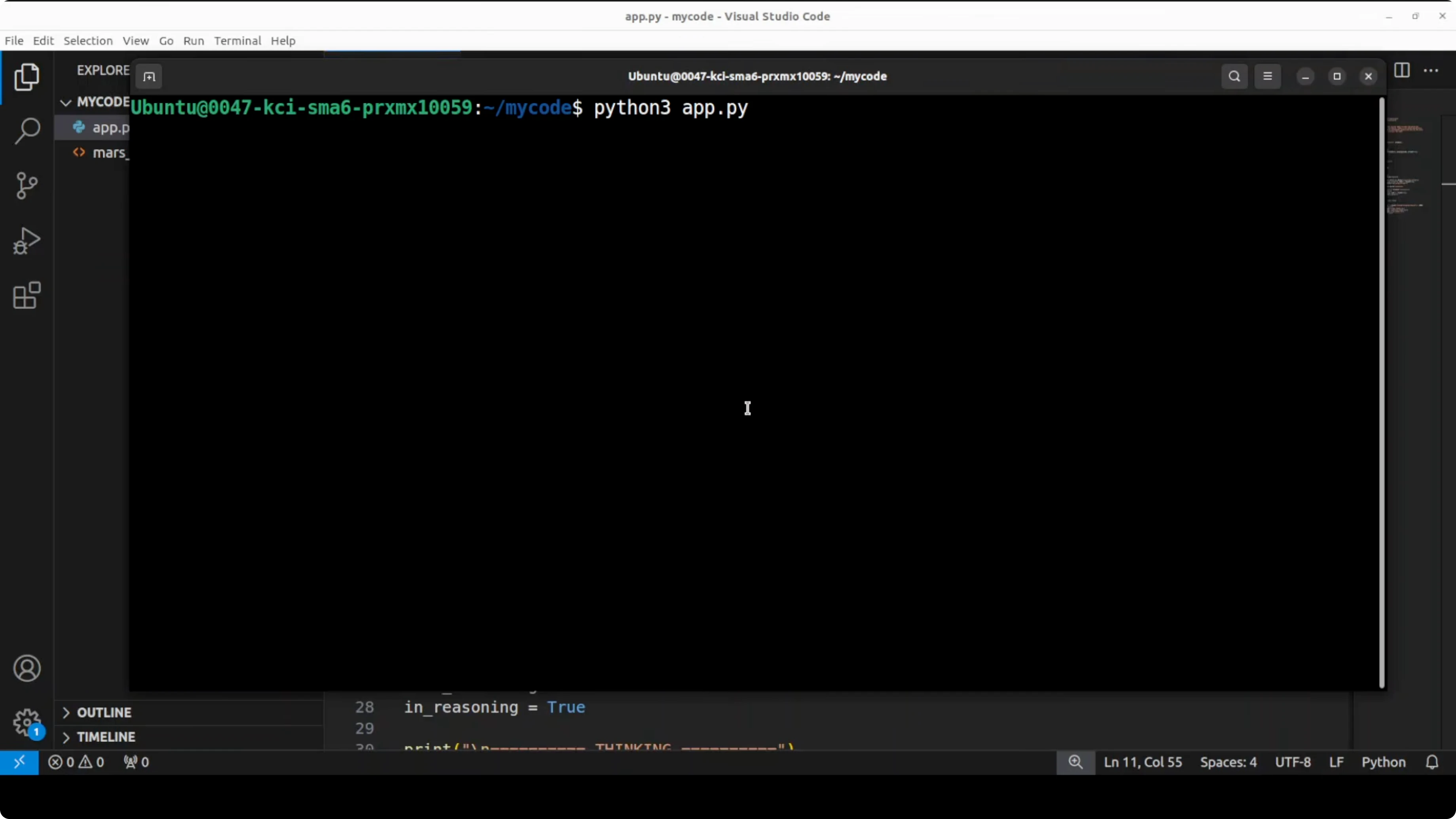
I asked it to write the numbers 1, 2, 3 in a long list of major languages without saying “translate.” I also included a tricky ancient script request. The model picked up the nuance and tried to be accurate across a wide span.
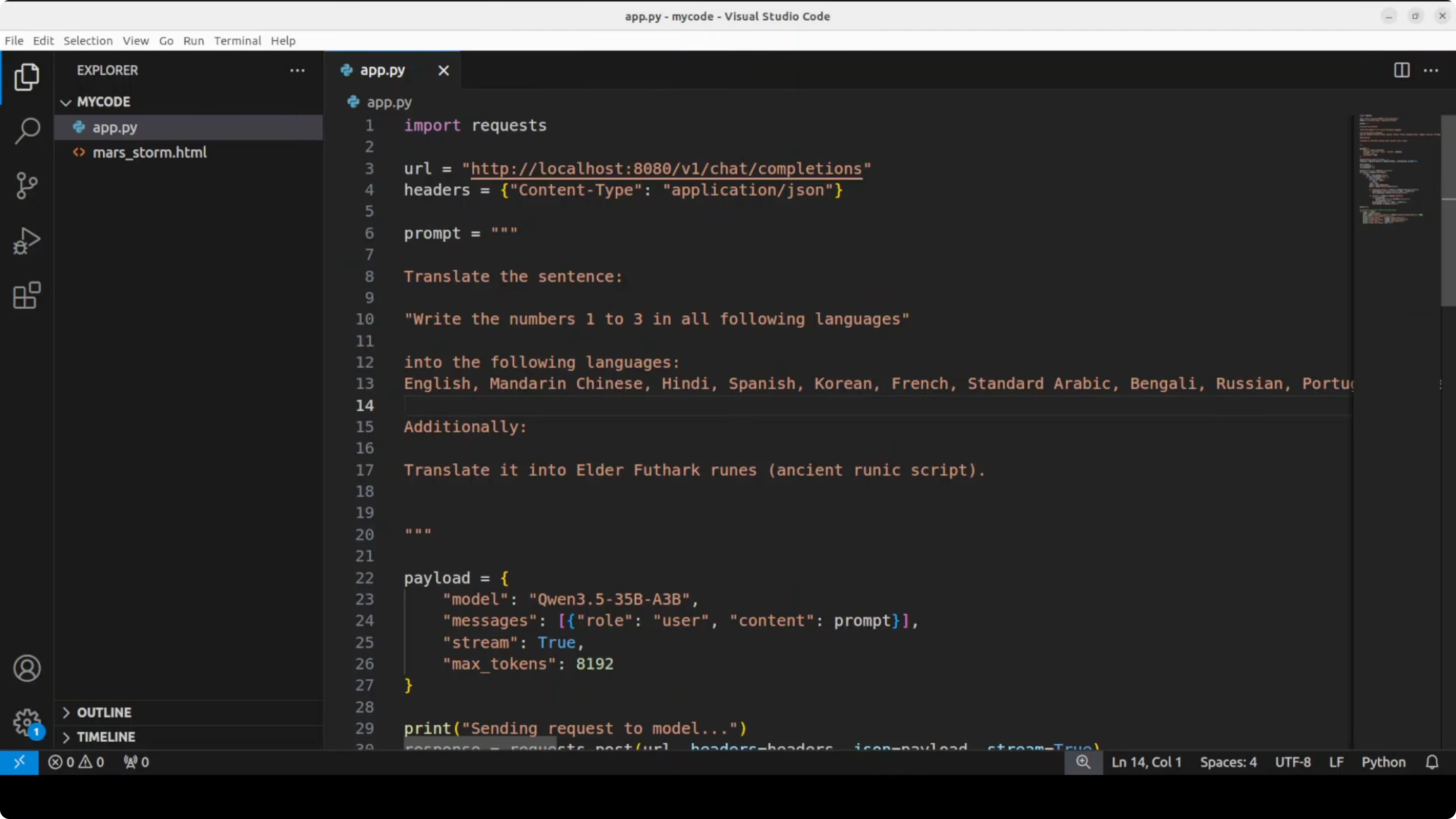
Spot checks for English, Mandarin, German, Turkish, Indonesian, and Urdu looked correct. It was clearly striving for accuracy. I encourage native speakers to verify the rest.
Calculus derivative
I gave it a non-trivial derivative problem. I watched how it broke the problem into cases and proceeded step by step. It analyzed, split the function correctly, and produced the right result.
The chain of steps felt strong. That is the kind of planning quality I look for. It matched the approach I expected for a transcendental case.
Context window and hyperparameters
I used a 32K context window in llama.cpp, which worked smoothly here. You can tune -t for threads, -b for batch size, and temperature for creativity. Keep an eye on VRAM as you push batch and context higher.
If you want to explore alternative model families alongside MoE builds, also see Kimi K1.5 for ideas on efficient long-context design traits. Cross-testing helps you find the right fit for your GPU. Latency and token quality can vary across routing and cache settings.
Final thoughts
This Qwen 3.5 35B A3B MoE gives you the feel of a big model with the runtime cost of a much smaller one. The routing, planning, and safety behavior stood out in my tests. If you have the VRAM, the 27B dense is still a great production pick, but this MoE is absolutely worth running locally for its speed and quality mix.
Subscribe to our newsletter
Get the latest updates and articles directly in your inbox.

Related Posts

8 Best Claude Code Plugins in 2026 (You Need to Know)
8 Best Claude Code Plugins in 2026 (You Need to Know)

7 Best Claude Code Skills (You Need to Know)
7 Best Claude Code Skills (You Need to Know)

Claude Code Desktop IDE Features (You Need to Know)
Claude Code Desktop IDE Features (You Need to Know)