
Eigent: Exploring the Top Open Source AI Cowork Desktop Tool
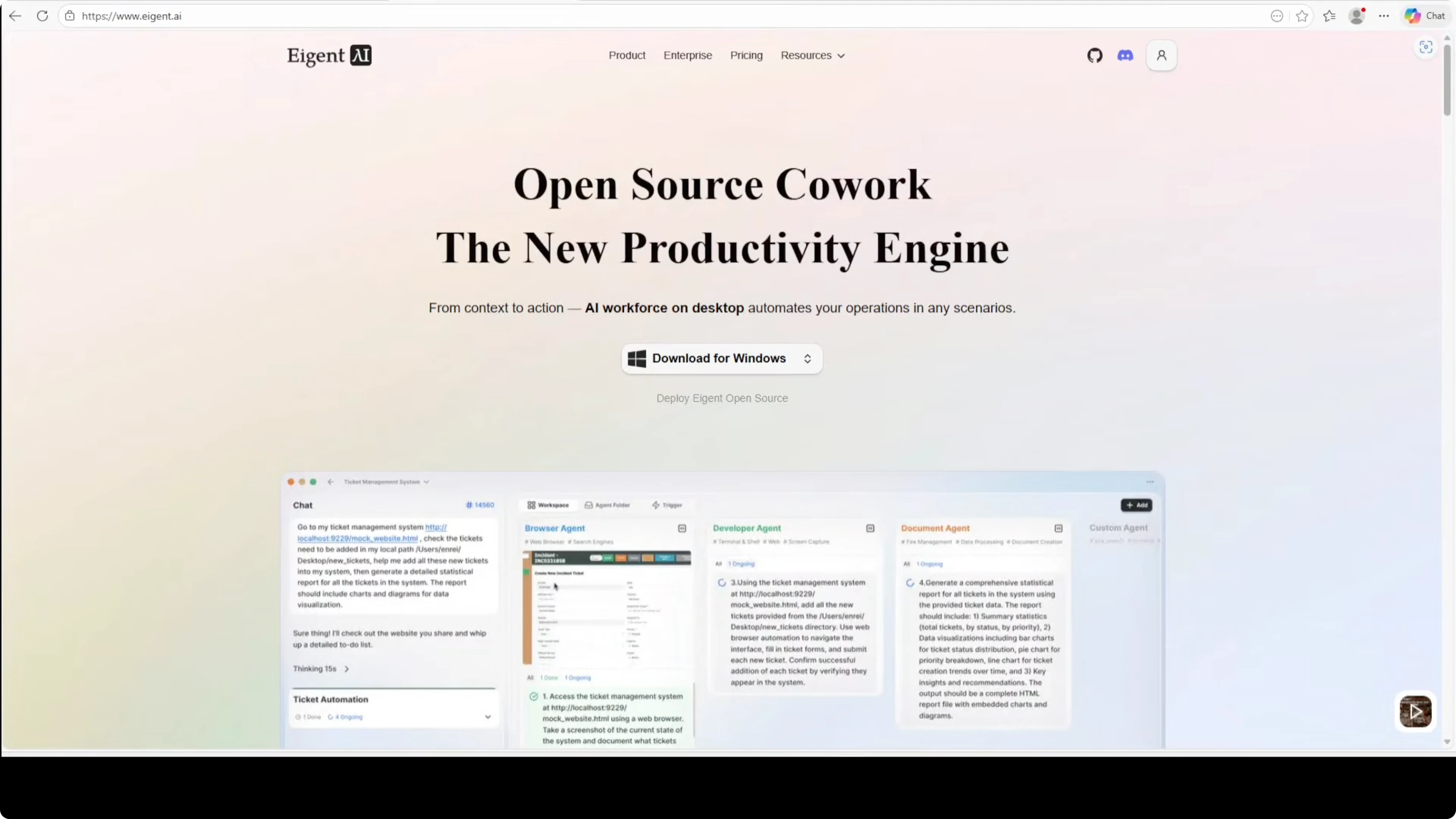
Anthropic dropped Claude Cowork last week. Everyone was rushing to clone it, but most are hastily built demos that fall apart under real use. Eigent is the exception. It is a solid product that does exactly what Claude Cowork is doing: autonomously managing files and workflows on your computer.
Claude Cowork is a really good tool and it actually works, but it is closed source and proprietary. Within days of launch, GitHub exploded with cowork clones. Most are prototypes that look impressive in 30-second demos but lack the robust architecture needed for real-world tasks. Eigent is not a quick clone. It is built on Camel AI's proven multi-agent research framework with serious engineering behind it.
Eigent uses specialized agents like developer, browser, document, and multimodel, working in true parallel execution. It is 100% open source. You can run it fully local. It supports AI models including Ollama based ones, Gemini Pro, and various others, and it handles complex workflows that would break simpler clones. I am using an Ubuntu system and the Gemini Pro model below.
Eigent: Exploring the Top Open Source AI Cowork Desktop Tool
Why Eigent stands out
- Not a quick clone or vibe-coded demo.
- Built on Camel AI's multi-agent framework with real engineering.
- Specialized agents run in parallel: developer, browser, document, multimodel.
- 100% open source and can run fully local.
- Supports multiple models, including Ollama and Gemini Pro.
- Handles complex workflows reliably.
Install and run Eigent on Ubuntu
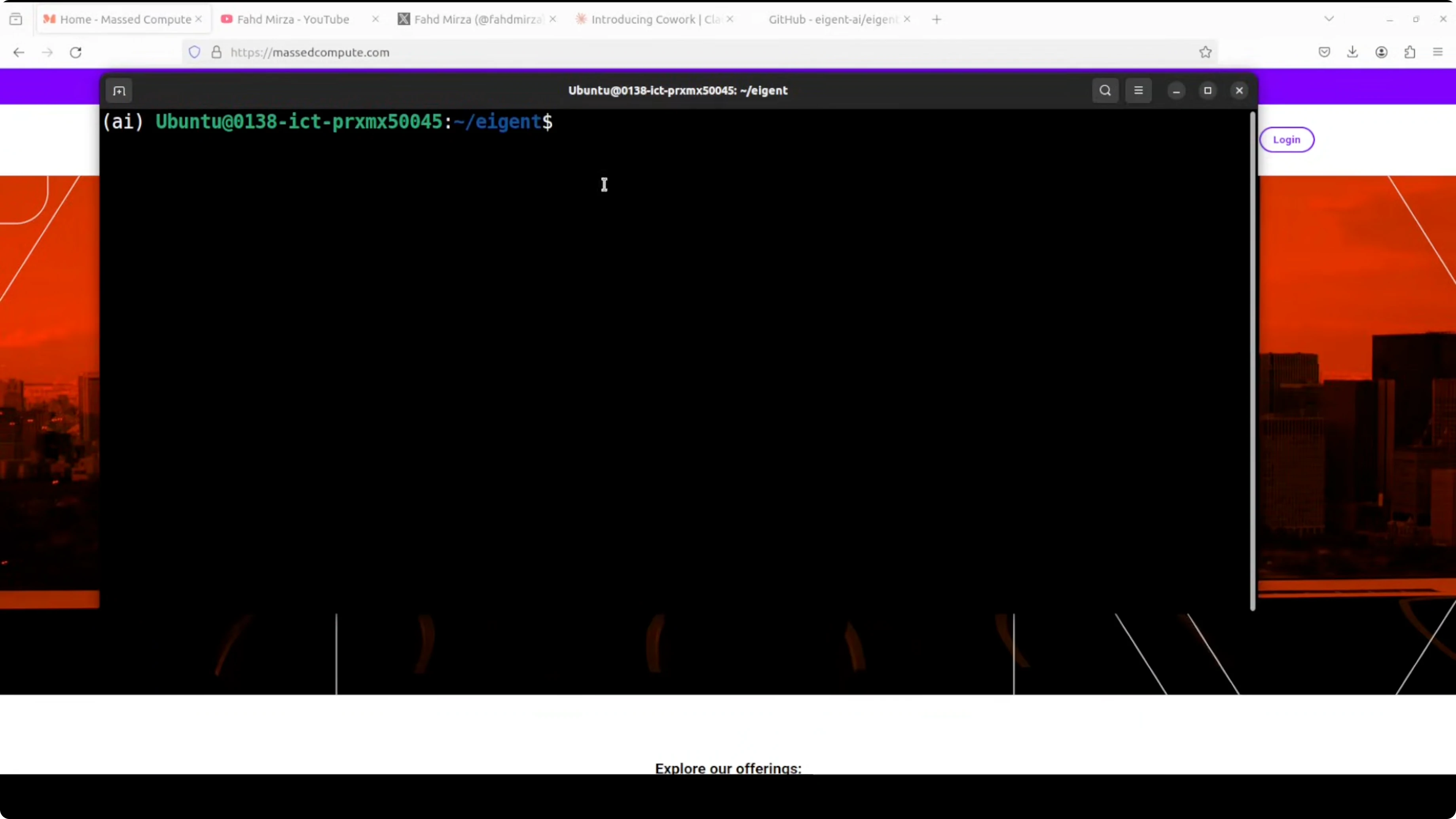
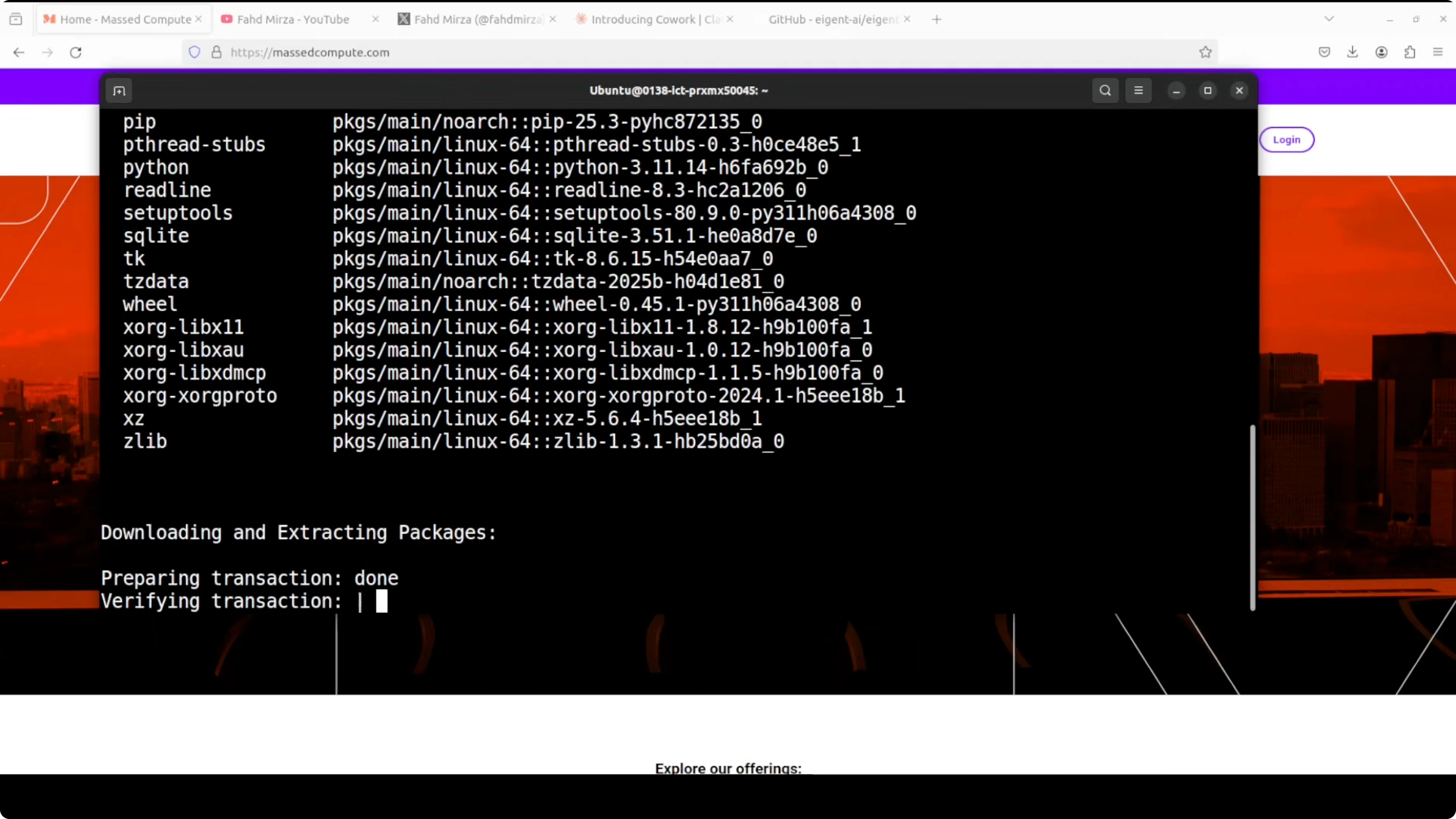
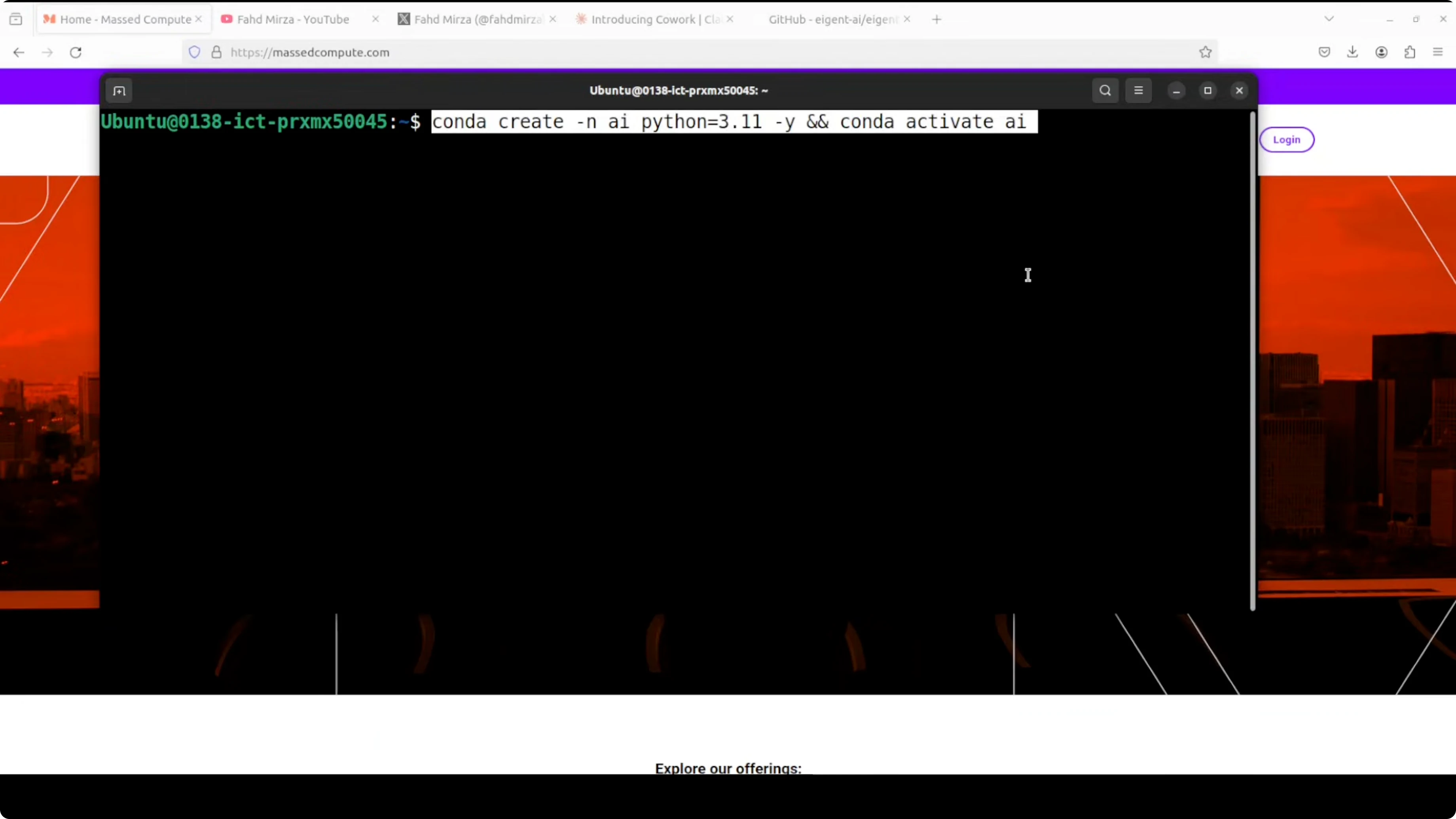
Step-by-step:
- Create a virtual environment if you prefer. It is not mandatory, but I like to keep environments clean.
- Make sure Node and npm are installed. Any recent version works.
- Clone the repo.
- Run
npm install. - Start the app with
npm run dev. You can ignore warnings for now. - The app launches locally. Sign up locally and you will see different types of agents available.
Configure your model and run a real task
Model setup:
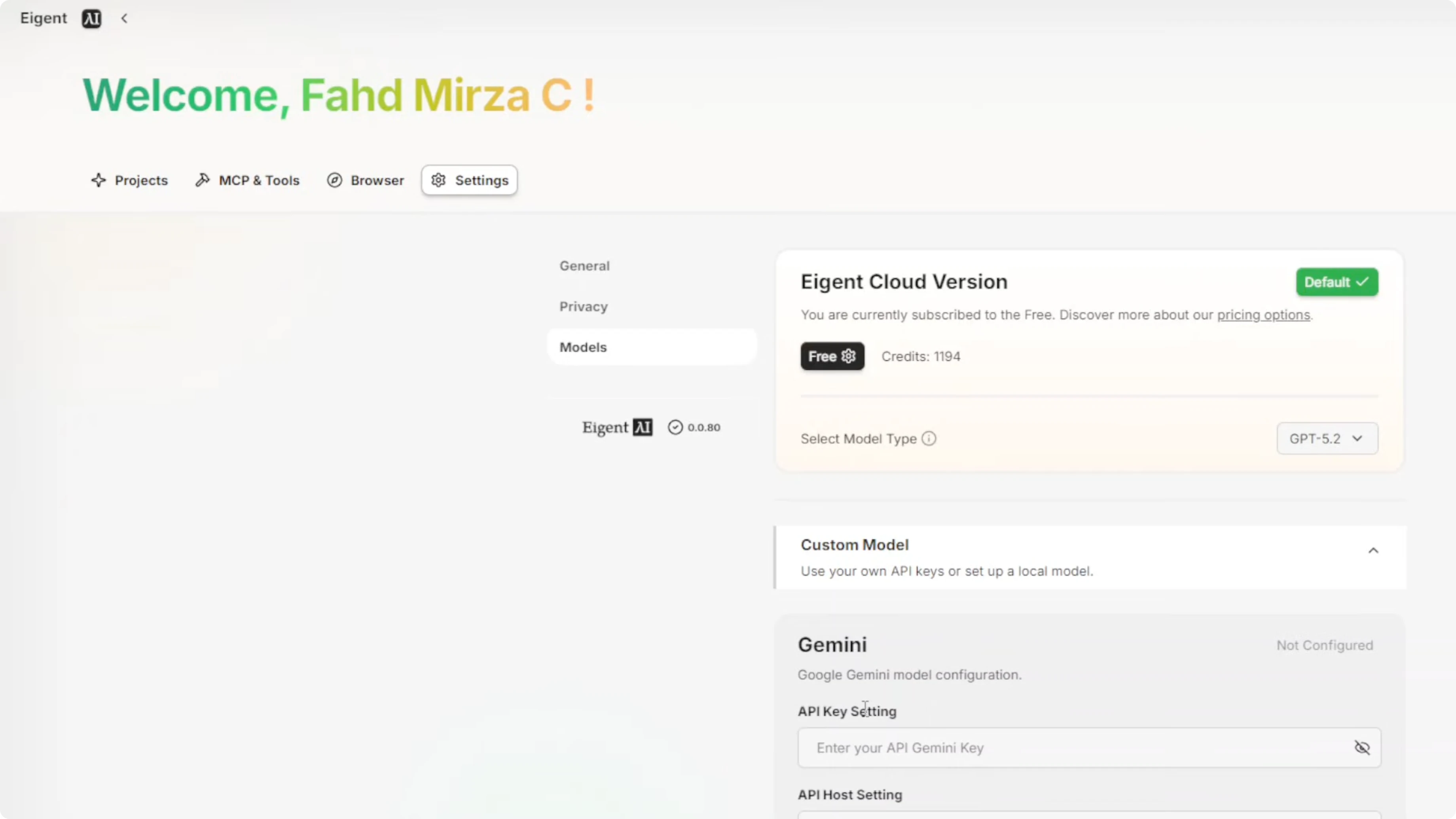
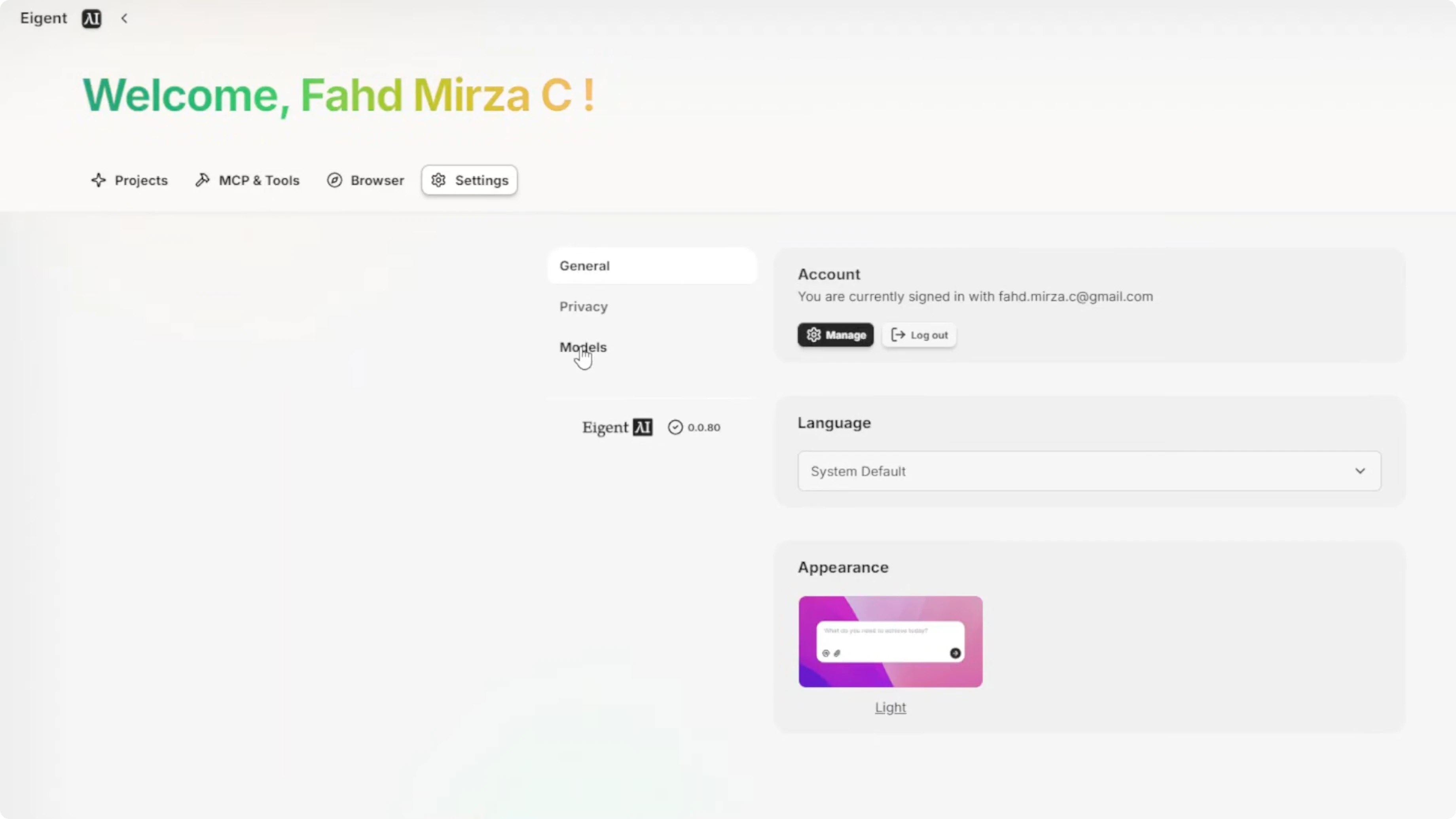
- Open Settings from the top right.
- Go to Models and pick your provider. You do get free credits if you do not want to use your own model by signing up to their cloud account.
- I select Gemini, set my API key, and save.
Run a sample task:
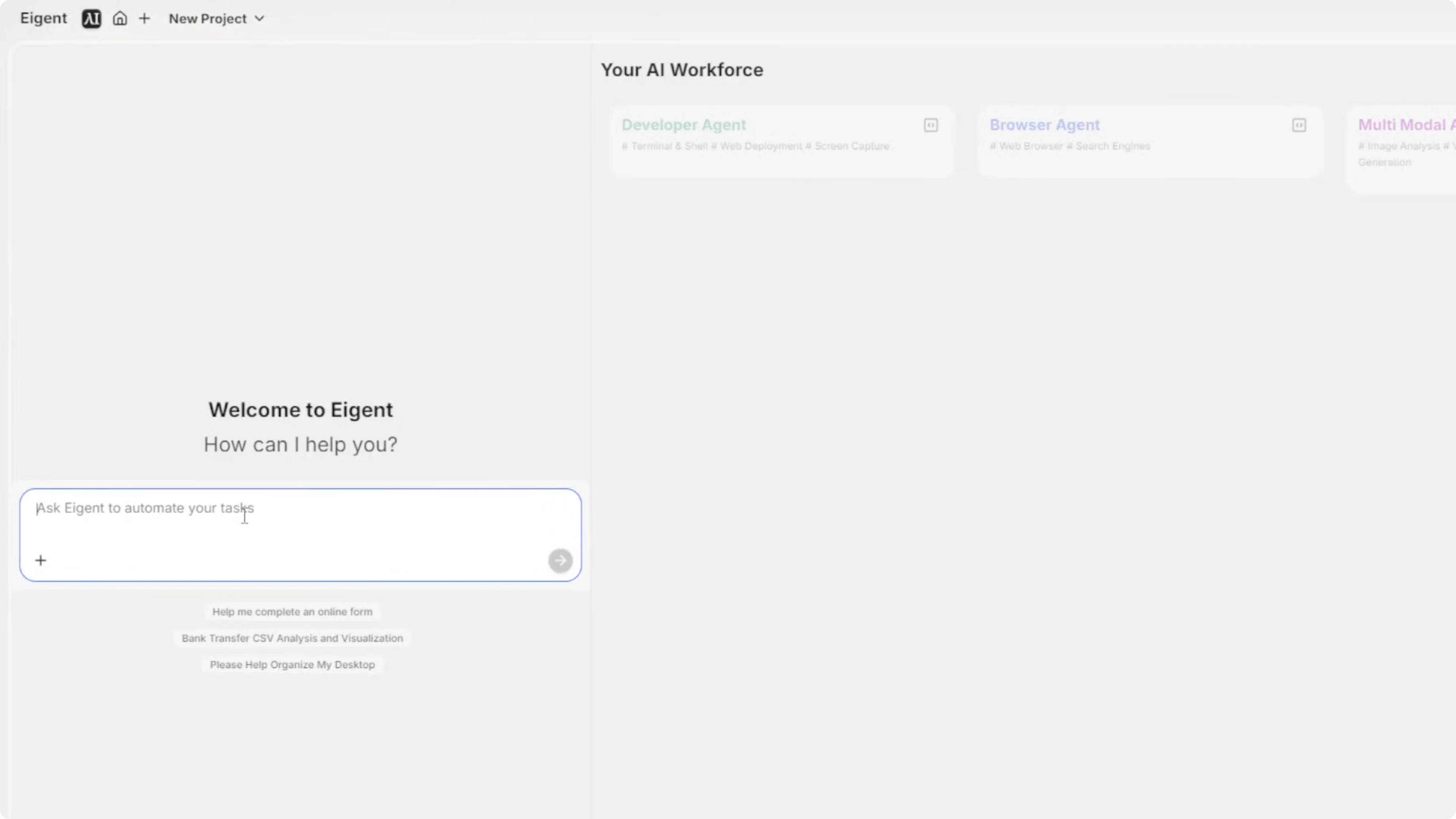
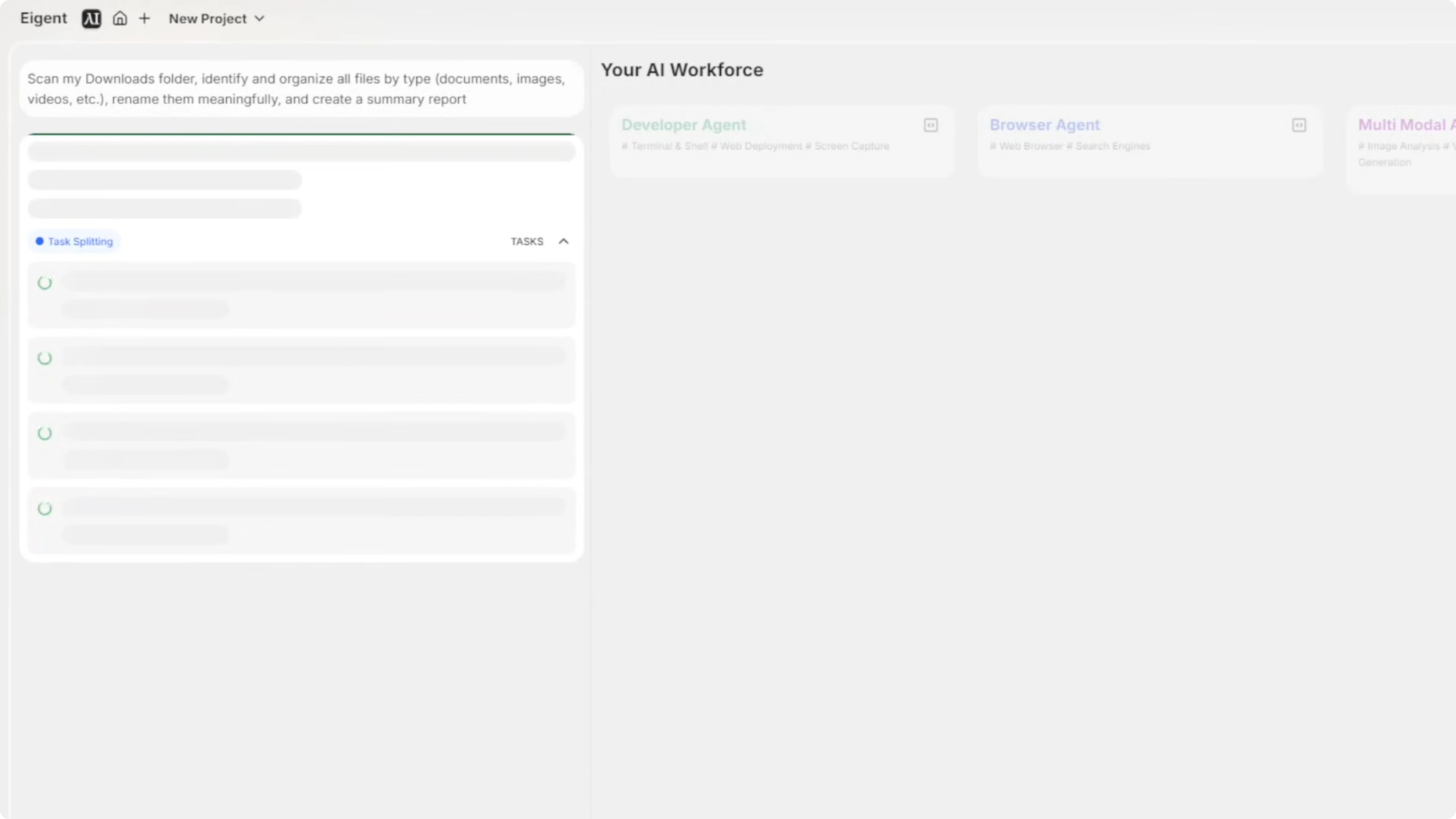
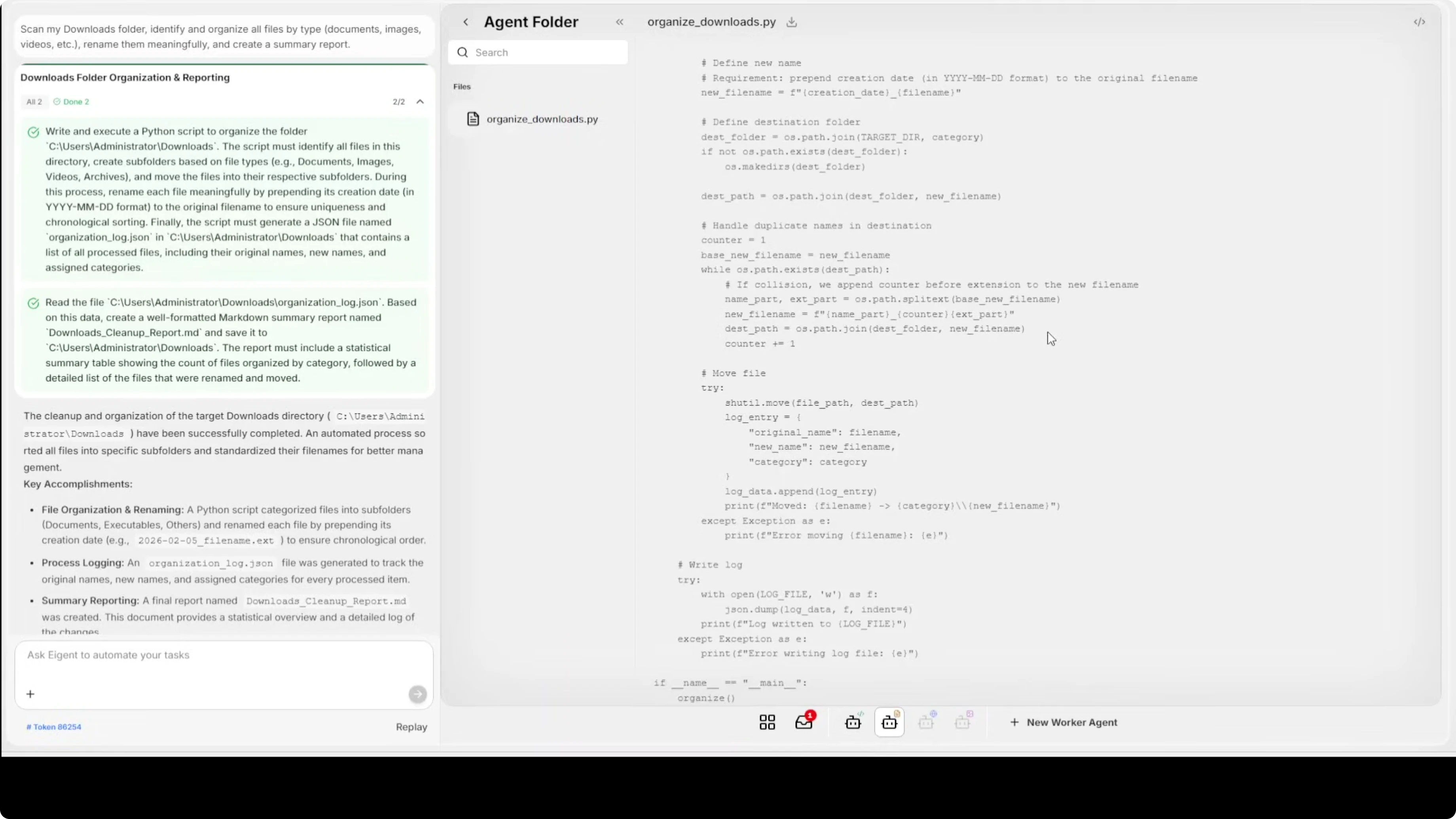
- I ask it to scan my Downloads folder, identify and organize all files by type, rename them meaningfully, and create a summary report.
What happens next:
- It splits the task and fires up the required agents.
- Tasks are divided clearly. First it writes and executes a Python script, then it reads the folder and detects files.
- It asks to confirm before starting the task. This is a security feature where it follows your instructions instead of going off on its own.
- It automatically selects the required agent. The developer agent starts and shows exactly what it is doing in the terminal, including shell commands, step by step.
- It triggers the document agent for file management.
- It browses the directory comprehensively and shows the commands it plans to run. You can pick and choose actions.
- It finishes quickly.
Auditability and results:
- You can click into the terminal to audit everything. It is fully auditable and reproducible.
- It generates a summary of what it did with key accomplishments.
- The document agent outputs an organized Downloads folder with callable functions. You can rerun or modify the process and run it again.
Enterprise features and integrations
Deployment options:
- Install fully local and private, or use their cloud for enterprise features.
Access and control:
- Integrate with your own SSO.
- Set your own access control and RBAC.
Multi-agent workflows:
- Built-in multi-agent coordination handles complex workflows.
- No coding or configuration needed. It is plug and play.
Ecosystem and tooling:
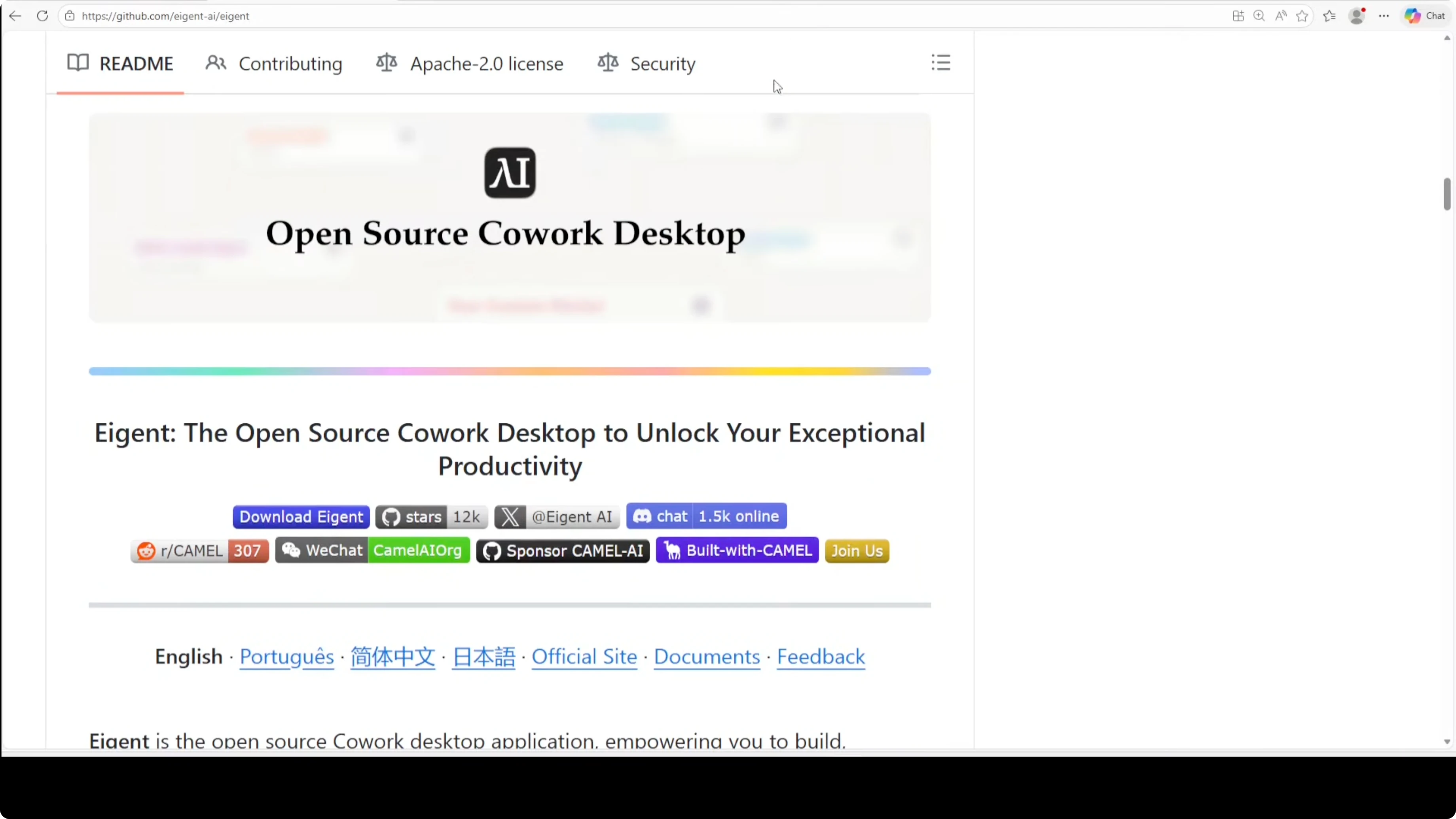
- The GitHub repo is well maintained with a lot of useful material in multiple languages.
- In Settings you will find Model Context Protocol and other tooling to access external functionality.
- You can configure tools or bring your own MCP server.
- There is a browser, project organization, and more.
Platform support and maturity
- A good alternative to cowork desktop from Anthropic.
- Natively resides on Windows and is easy to use.
- A mature project with a great team behind it.
Final Thoughts
Eigent stands out among a flood of cowork clones because it is engineered for real work: specialized parallel agents, local or cloud use, broad model support, auditable runs, and enterprise-grade features like SSO and RBAC. If you want an open source cowork desktop tool that can manage files and workflows reliably on your machine, this is a strong choice.
Subscribe to our newsletter
Get the latest updates and articles directly in your inbox.

Related Posts

8 Best Claude Code Plugins in 2026 (You Need to Know)
8 Best Claude Code Plugins in 2026 (You Need to Know)

7 Best Claude Code Skills (You Need to Know)
7 Best Claude Code Skills (You Need to Know)

Claude Code Desktop IDE Features (You Need to Know)
Claude Code Desktop IDE Features (You Need to Know)