
Table Of Content
- Qwen-Image-2512 with ComfyUI
- What’s new in Qwen-Image-2512 with ComfyUI
- Install Qwen-Image-2512 with ComfyUI
- Set up or update ComfyUI
- Download and place the models
- Hardware and VRAM notes
- Using the workflow in ComfyUI
- Benchmarks and examples with Qwen-Image-2512 with ComfyUI
- Human realism in a coffee shop scene
- Nature close-up - hummingbird
- Text rendering - vintage poster
- Complex scene - abandoned Victorian greenhouse
- Portrait with fabric and hair detail
- Final Thoughts

Qwen Image 2512 in ComfyUI: Install Guide & Realism Tests
Qwen Model Recommender
Not sure which Qwen model fits your GPU? Pick your VRAM, use case, and task type — get matched to the right model instantly. Covers Qwen3, QwQ, QVQ, Qwen2.5-VL, Qwen3-Coder, Qwen3-TTS, and 80+ models.
Table Of Content
- Qwen-Image-2512 with ComfyUI
- What’s new in Qwen-Image-2512 with ComfyUI
- Install Qwen-Image-2512 with ComfyUI
- Set up or update ComfyUI
- Download and place the models
- Hardware and VRAM notes
- Using the workflow in ComfyUI
- Benchmarks and examples with Qwen-Image-2512 with ComfyUI
- Human realism in a coffee shop scene
- Nature close-up - hummingbird
- Text rendering - vintage poster
- Complex scene - abandoned Victorian greenhouse
- Portrait with fabric and hair detail
- Final Thoughts
Qwen-Image-2512 with ComfyUI
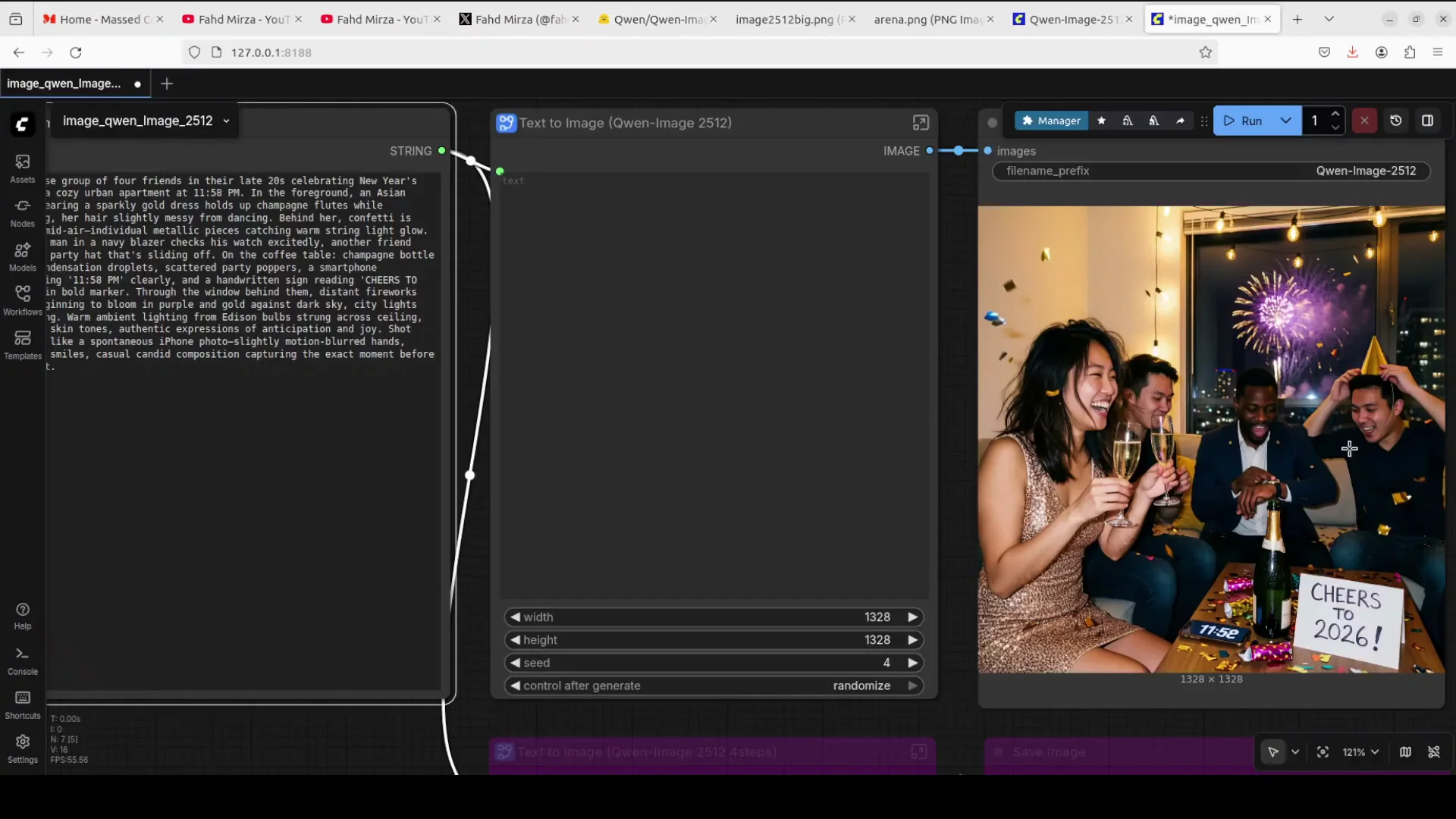
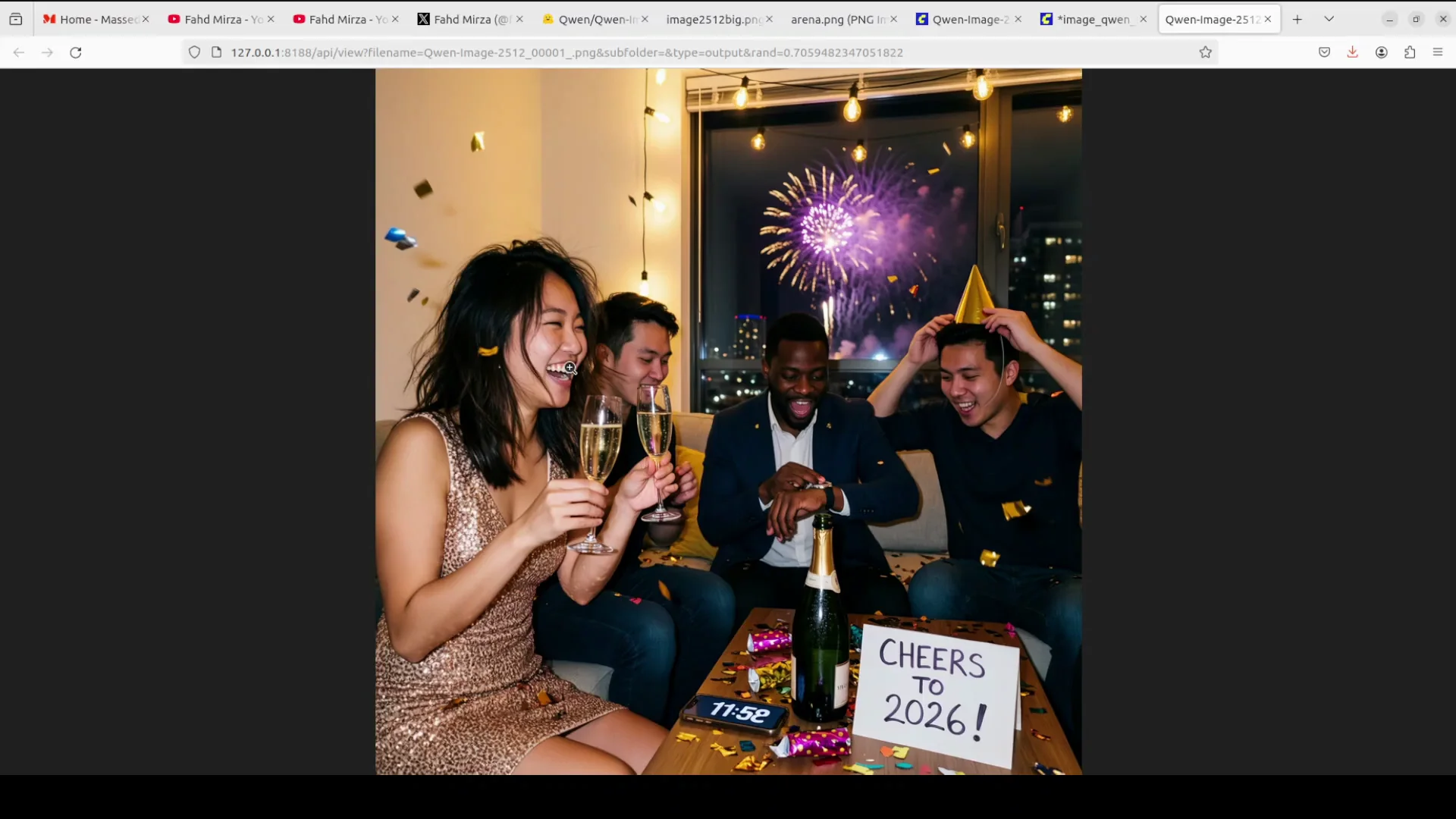
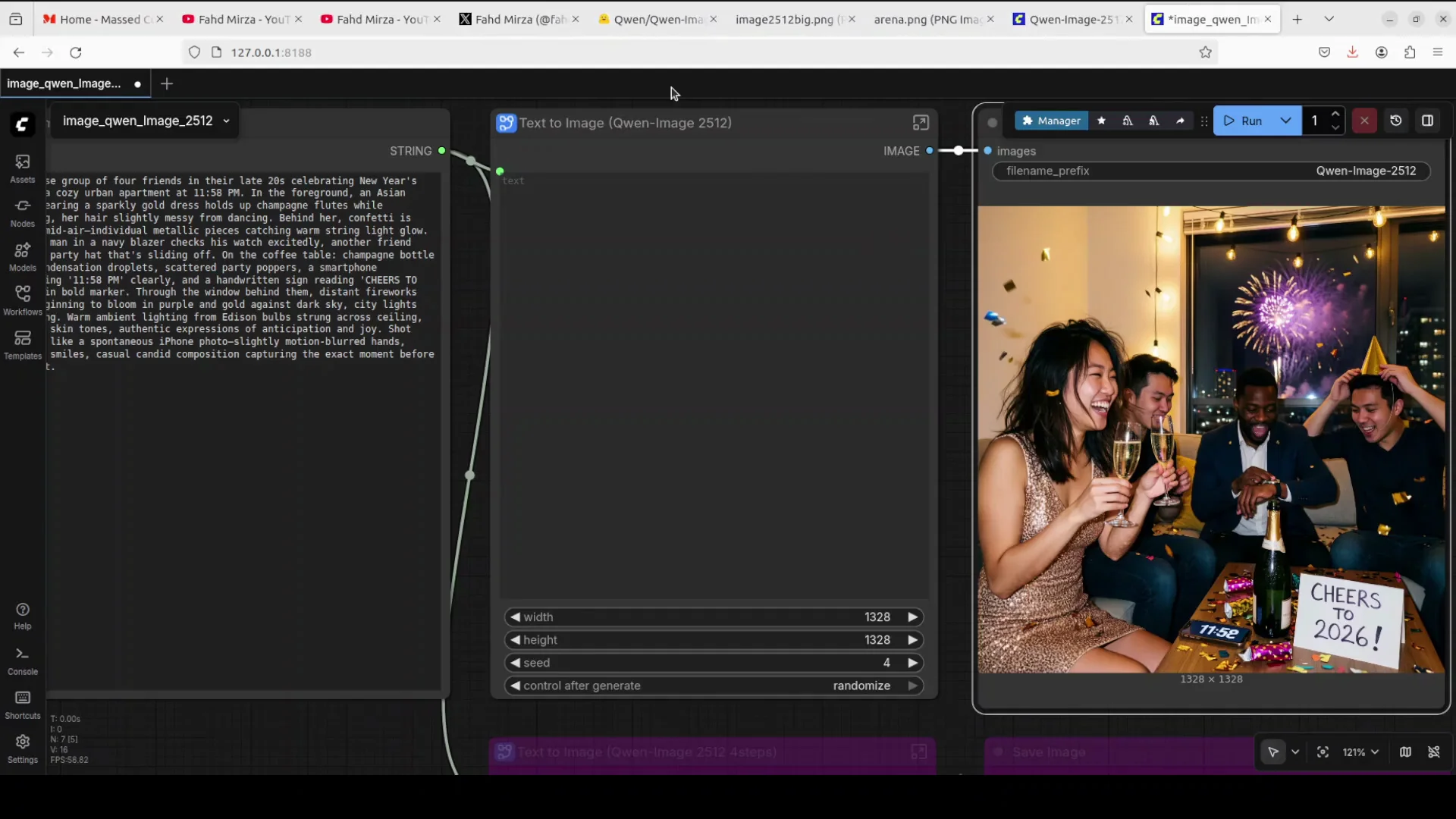
Happy new year. On the first day of 2026, Qwen has delivered an impressive treat for the AI image generation community with Qwen-Image-2512, their December update to the text to image model. I have just generated this image from a text prompt in ComfyUI. We are going to install this new Qwen image model and I will be testing it out on various benchmarks, especially the most improved feature of human realism.
What’s new in Qwen-Image-2512 with ComfyUI
There are three major improvements that address common pain points in AI generated imagery, and I really totally relate to that.
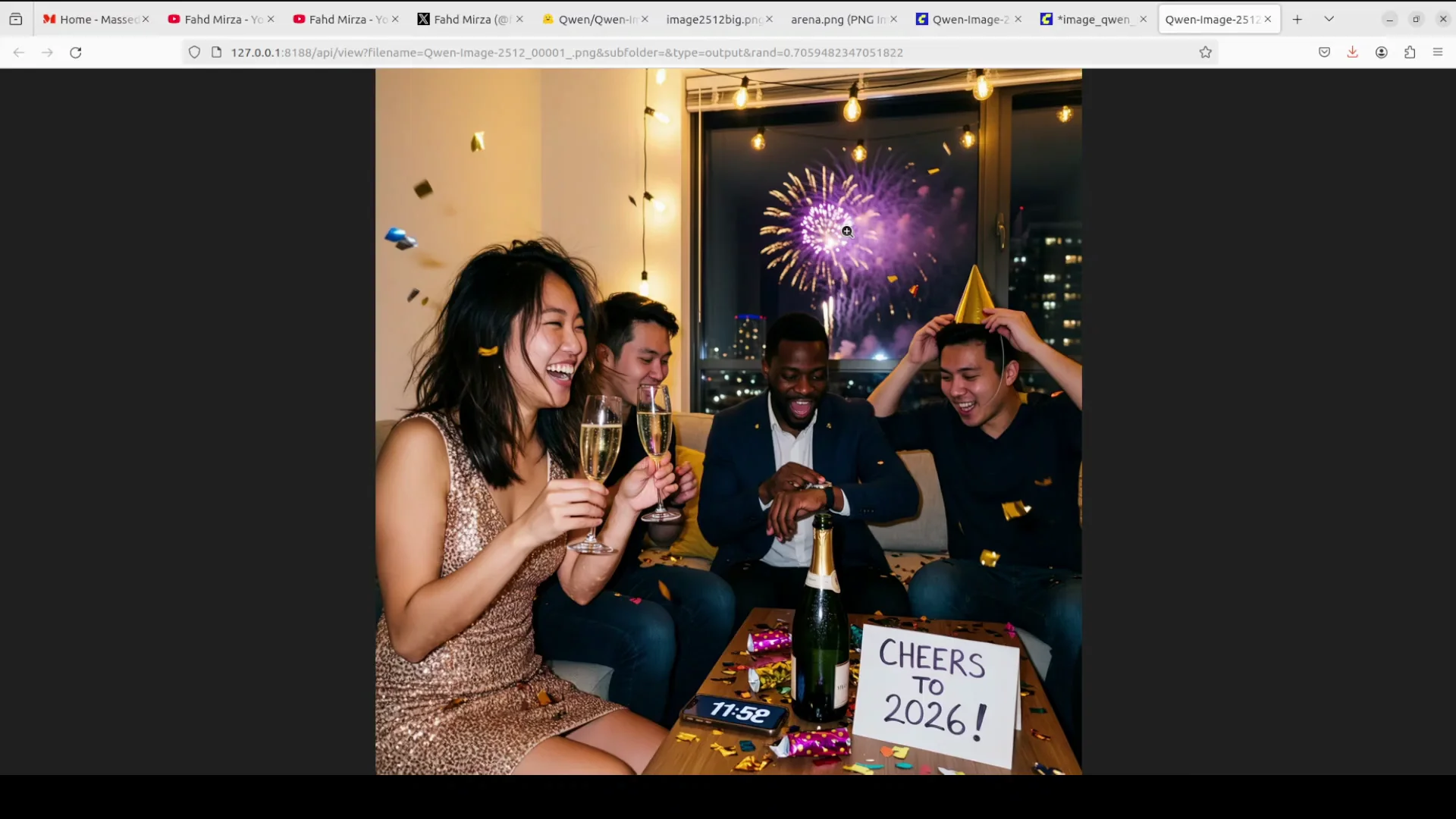
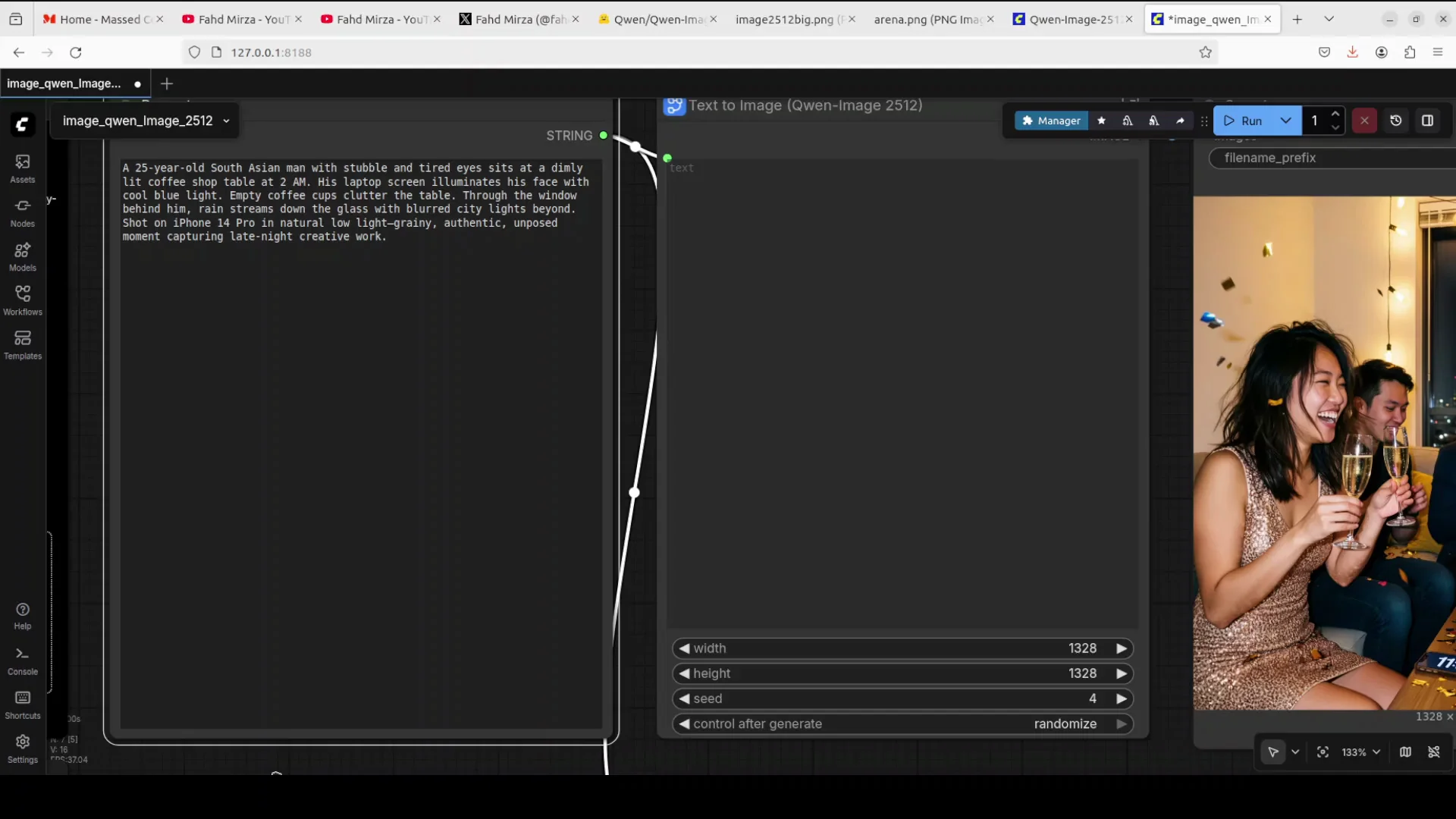
- It has got enhanced human realism that dramatically reduces the telltale AI generated look, the plasticky look particularly in facial features and skin textures. In this new image which I have generated, you see it is quite natural. I don't see any plasticky look here, and the prompt was that it was also showing some fireworks and you can see that there is some foggy look on the glass of this window.
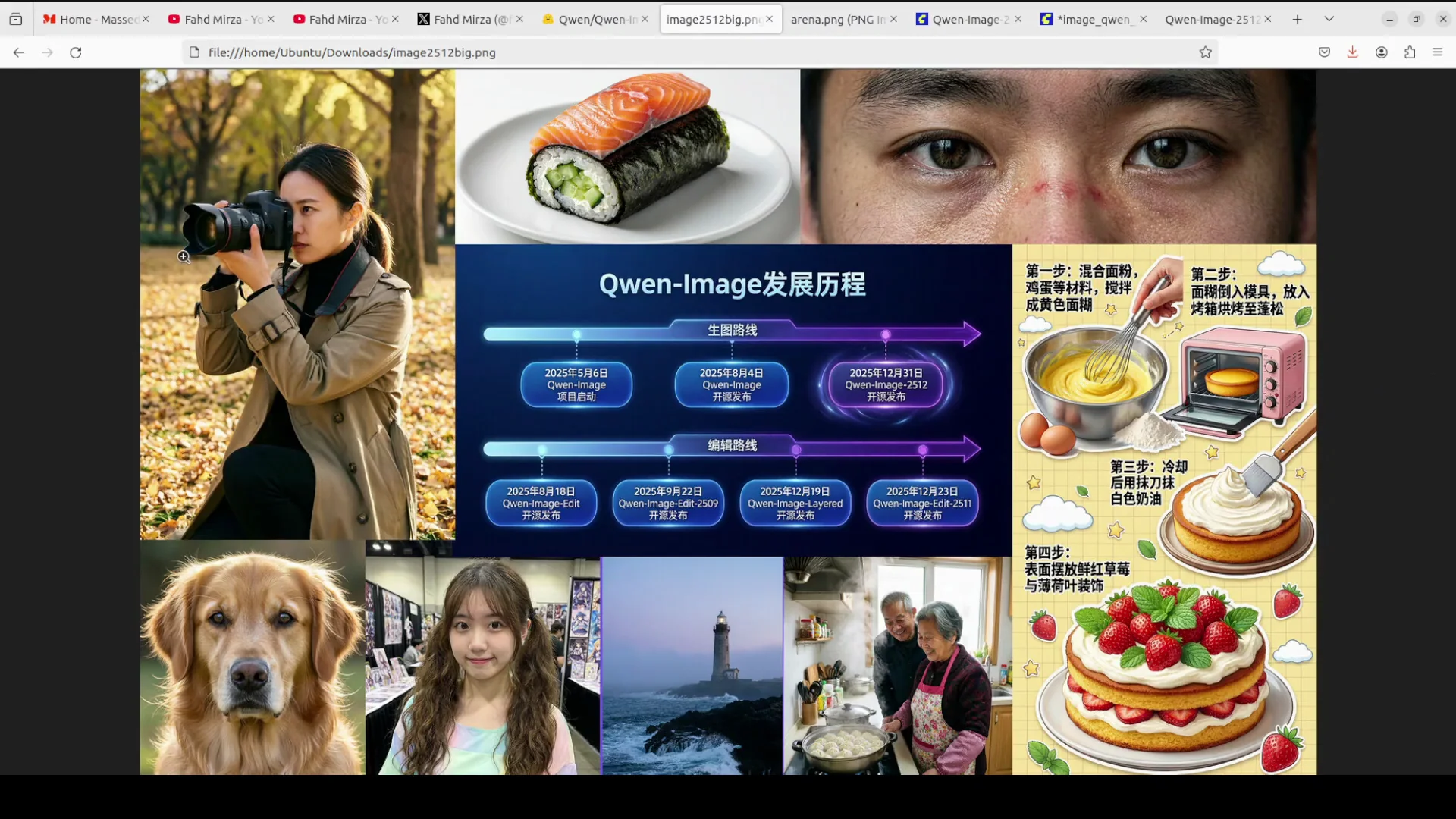
- It has got finer natural detail rendering that brings fireworks, animal fur, and organic textures to life with unprecedented clarity. I will show it shortly.
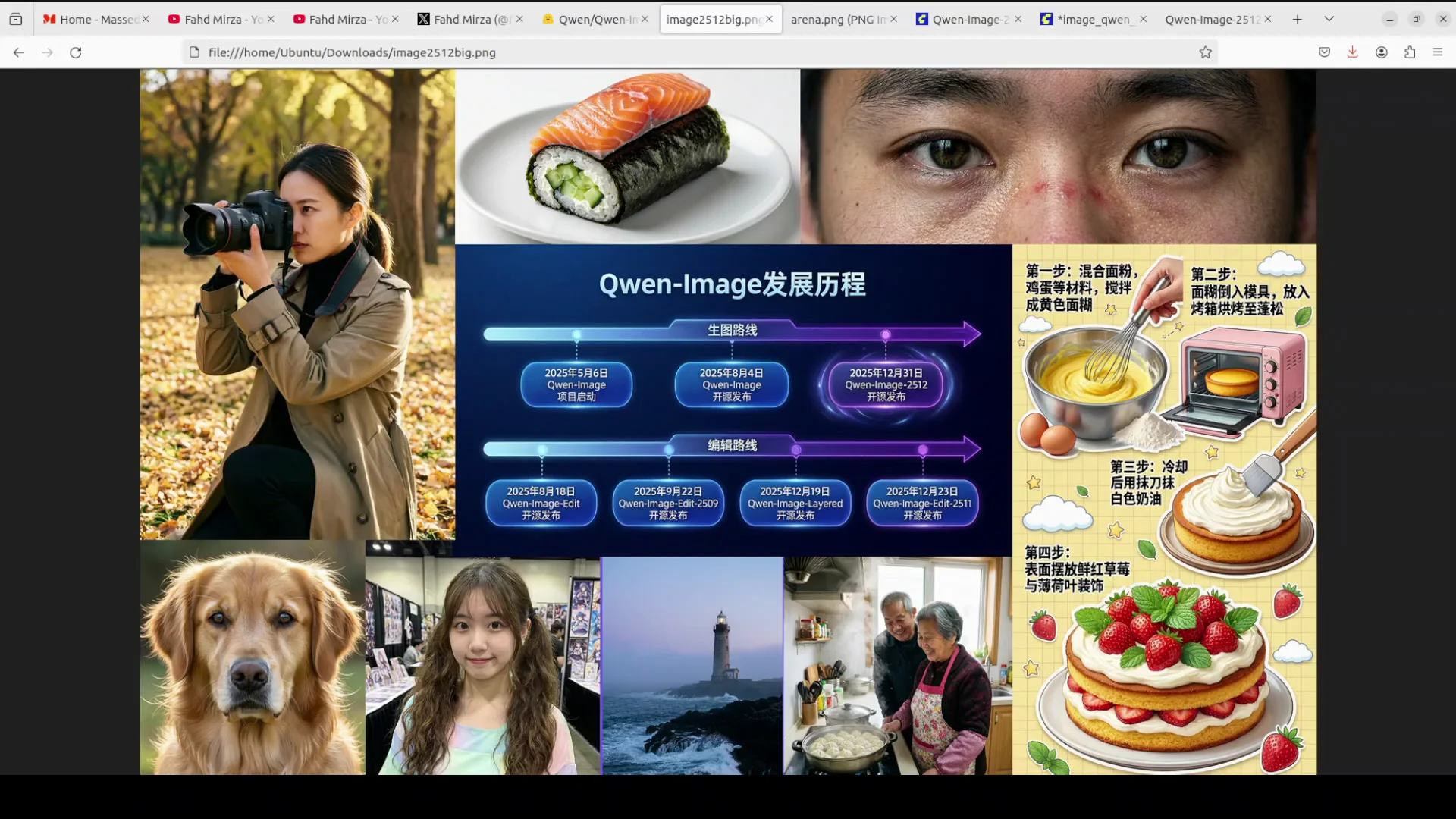
- It has also got improved text rendering capabilities that deliver more accurate typography with better layout and multimodal composition. I will also be showing you its benchmarks on this arena.
Install Qwen-Image-2512 with ComfyUI
Set up or update ComfyUI
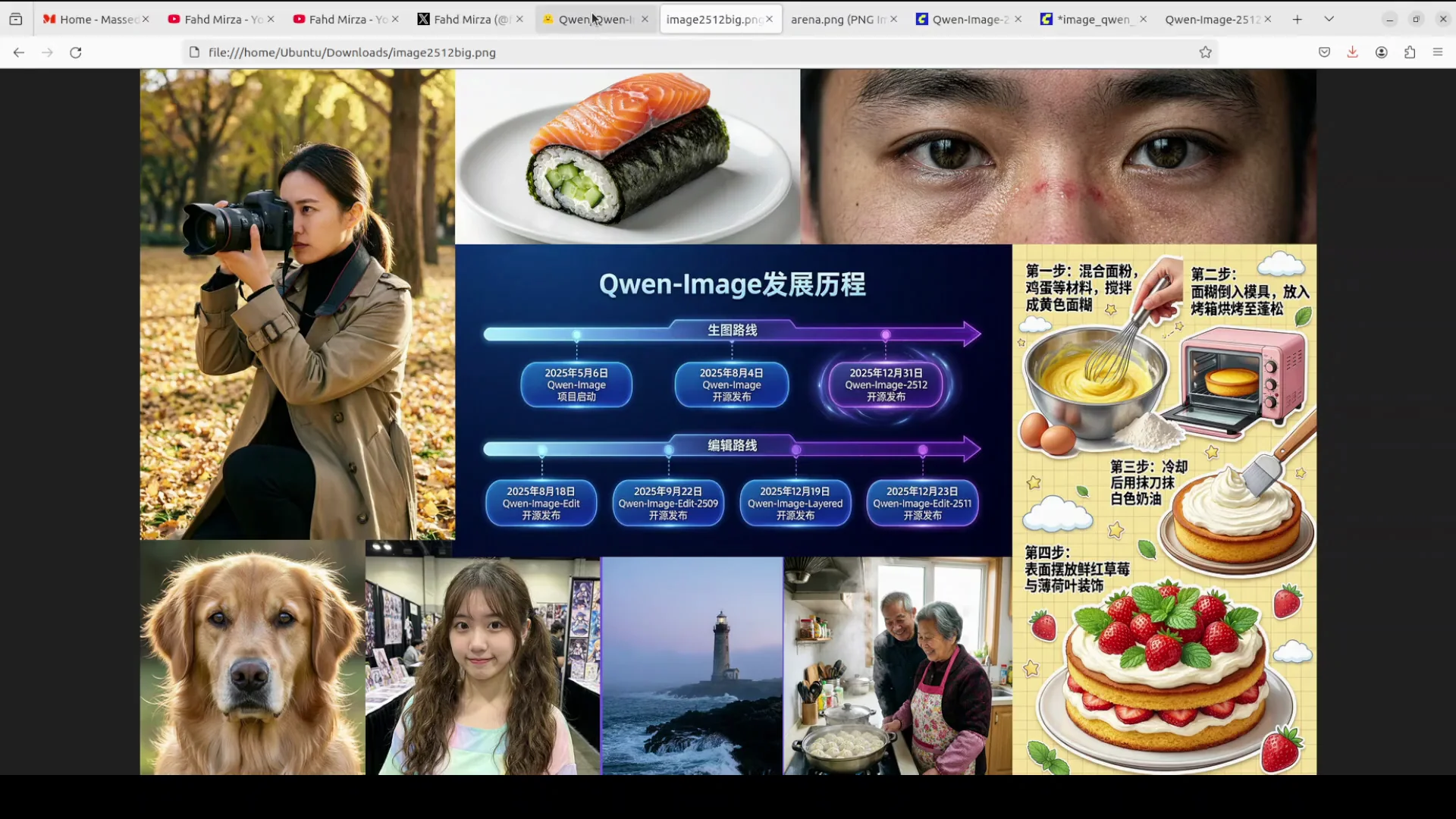
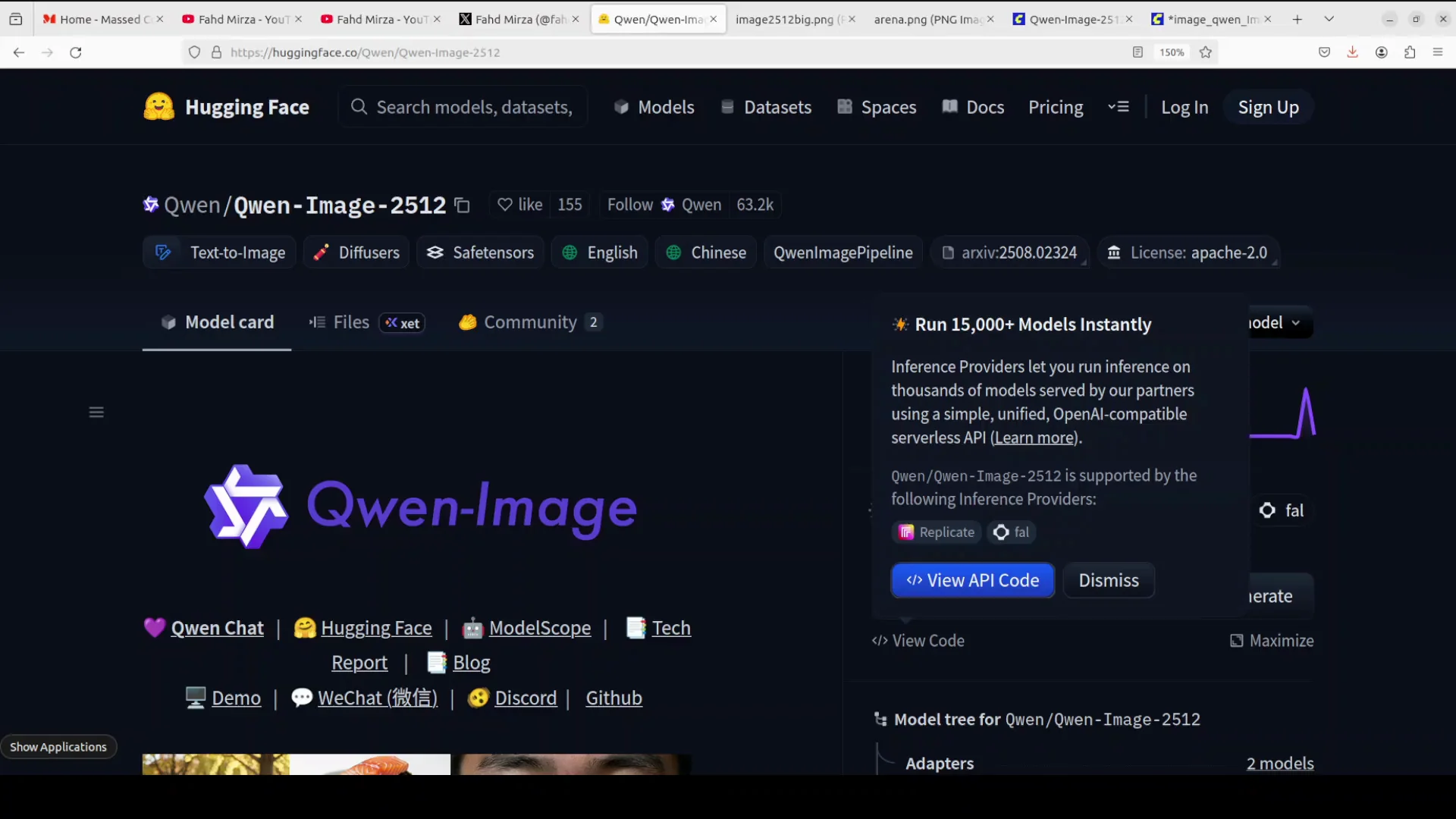
First thing you need to do is install ComfyUI. If you already have ComfyUI, make sure you update it. You can update it through Manager. Click on Manager, update Config UI, and then restart. That’s it.
Download and place the models
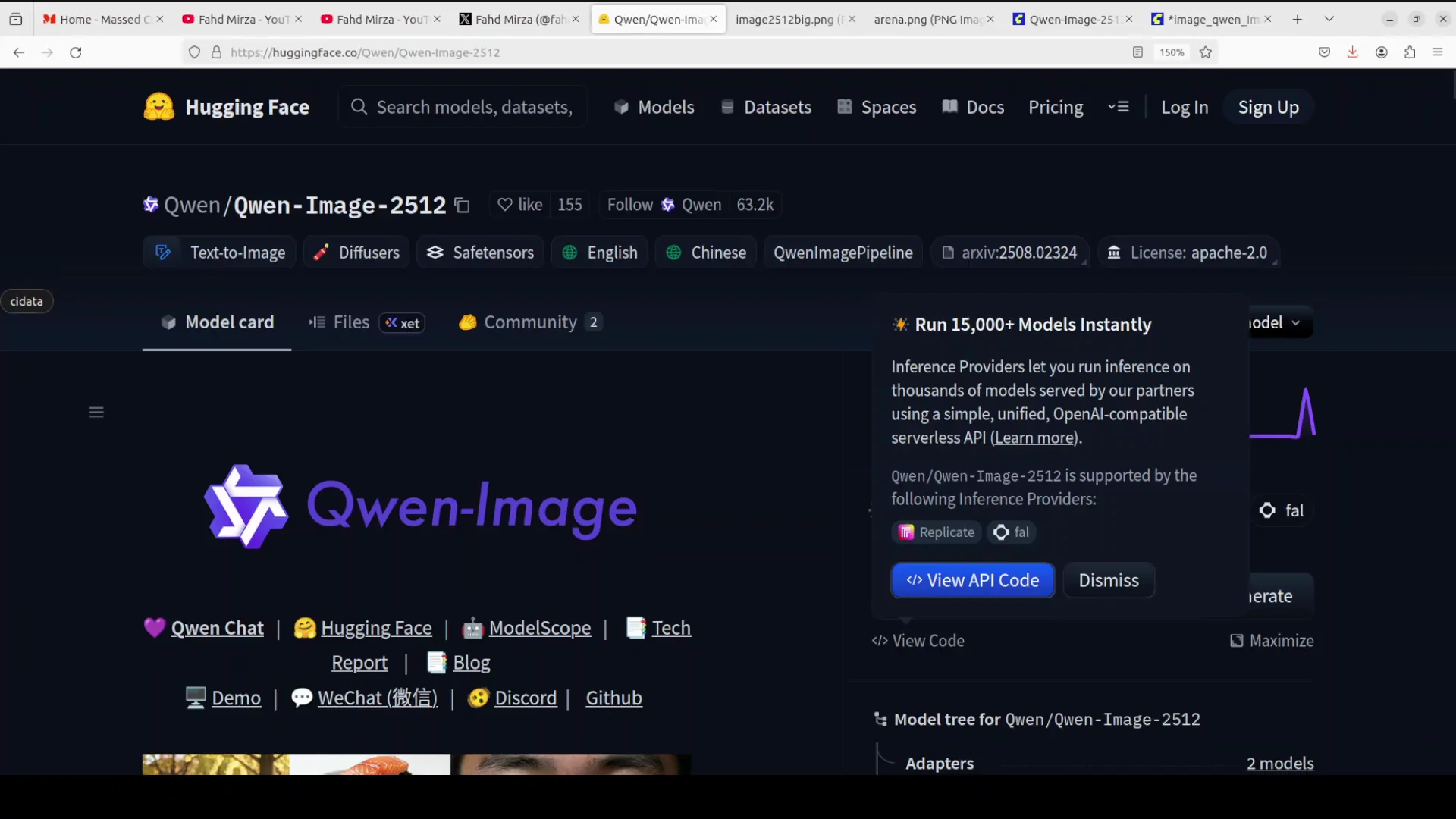
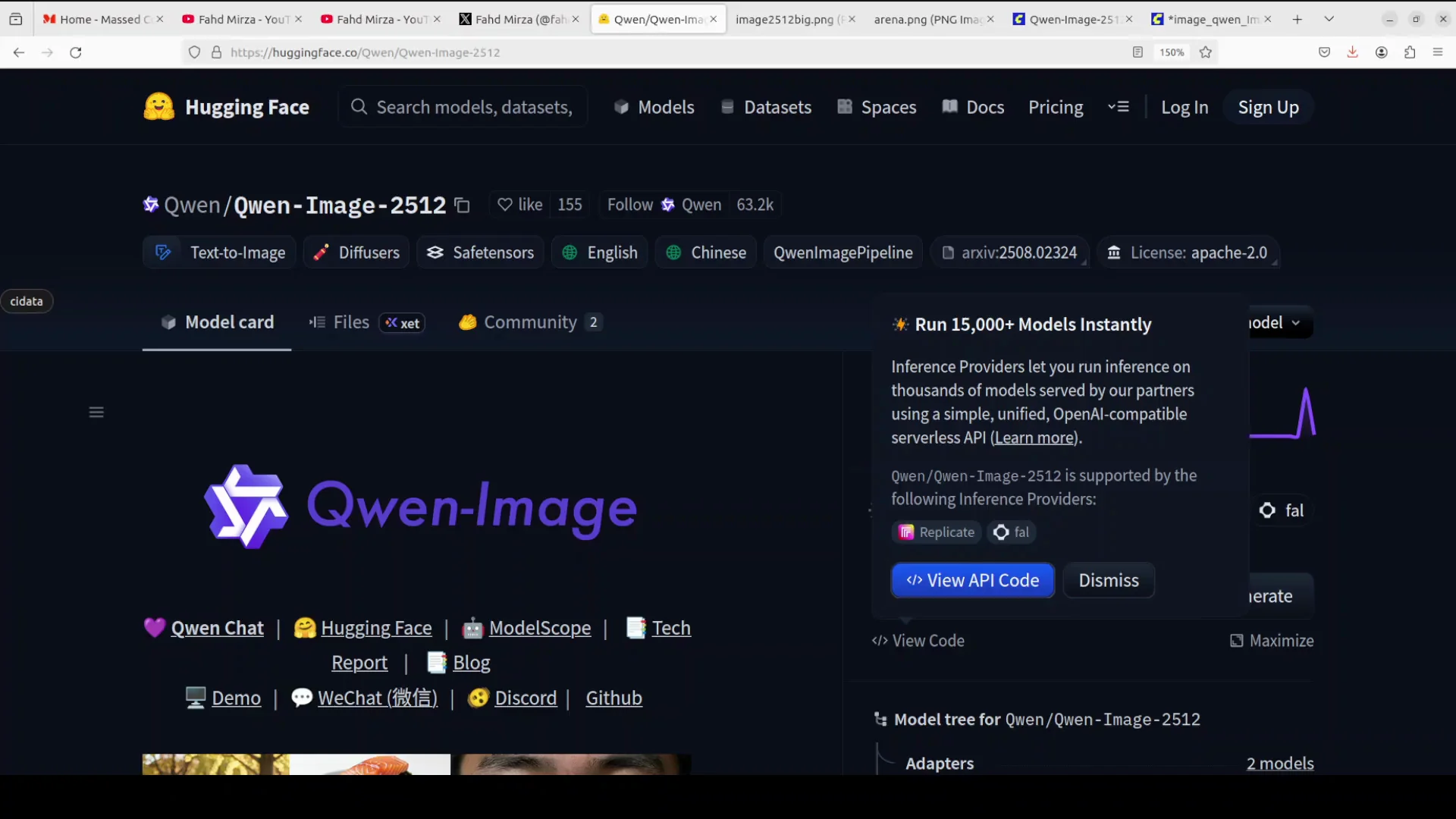
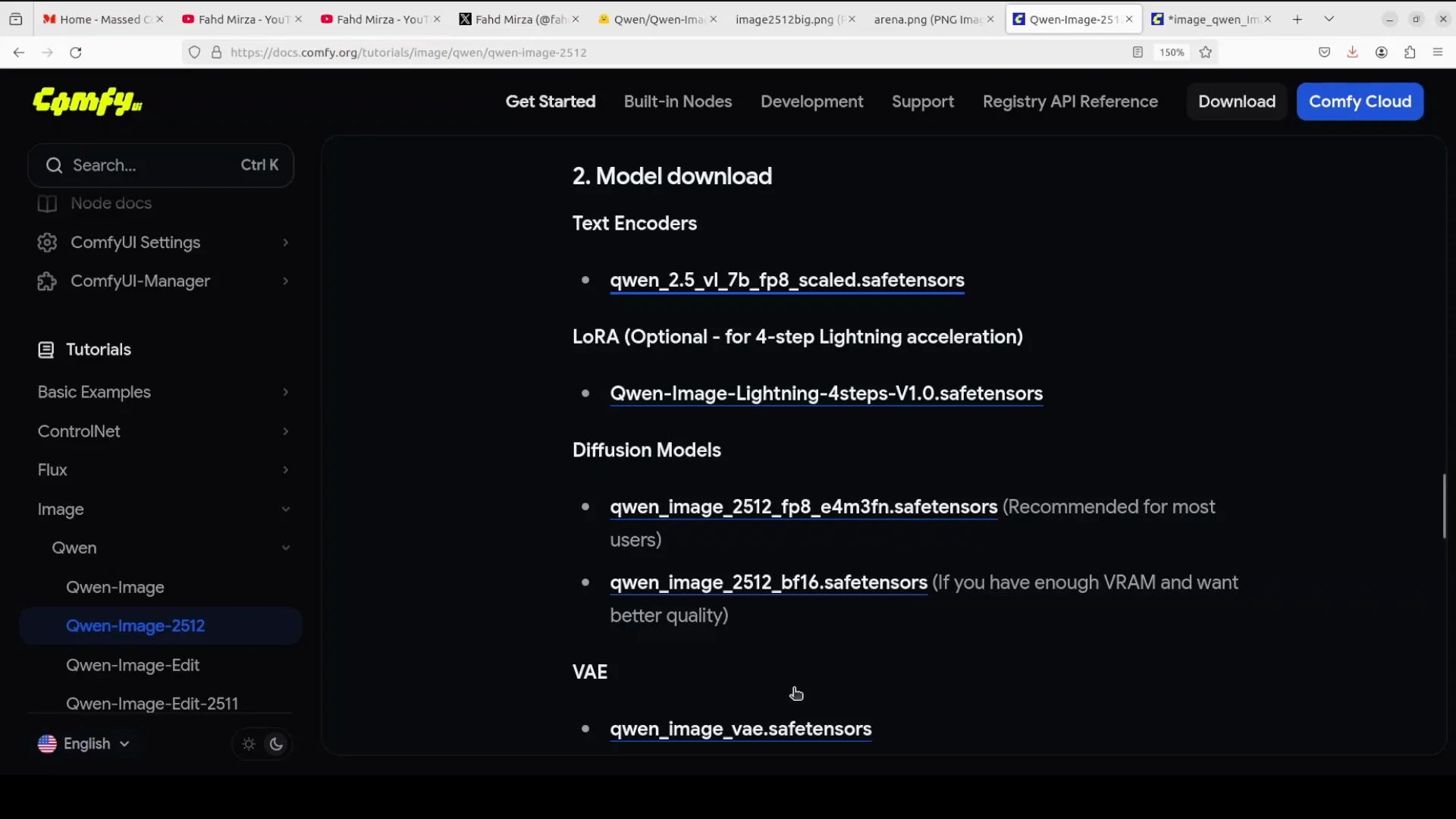
Once you have ComfyUI installed, you need to download the models.
-
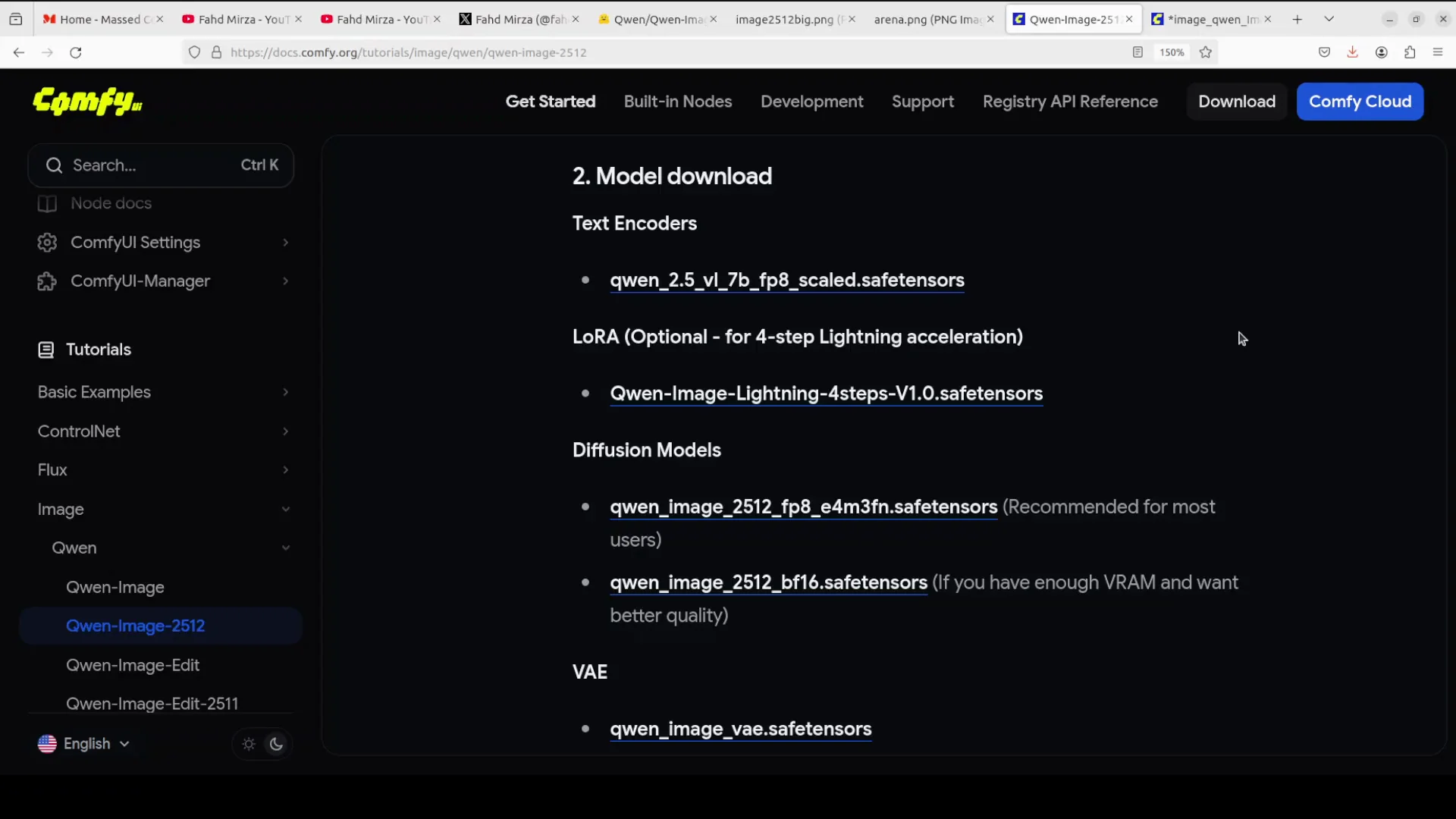
There is a text encoder CLIP model. If you don't have much VRAM then use the LoRA. I will be using the full BF16 model, but you can go with the lower one, the FP8 one, if you don't have much VRAM. I wanted to show the full power of the model.
-
Download the variational autoencoder, which converts a latent image into pixel space and vice versa.
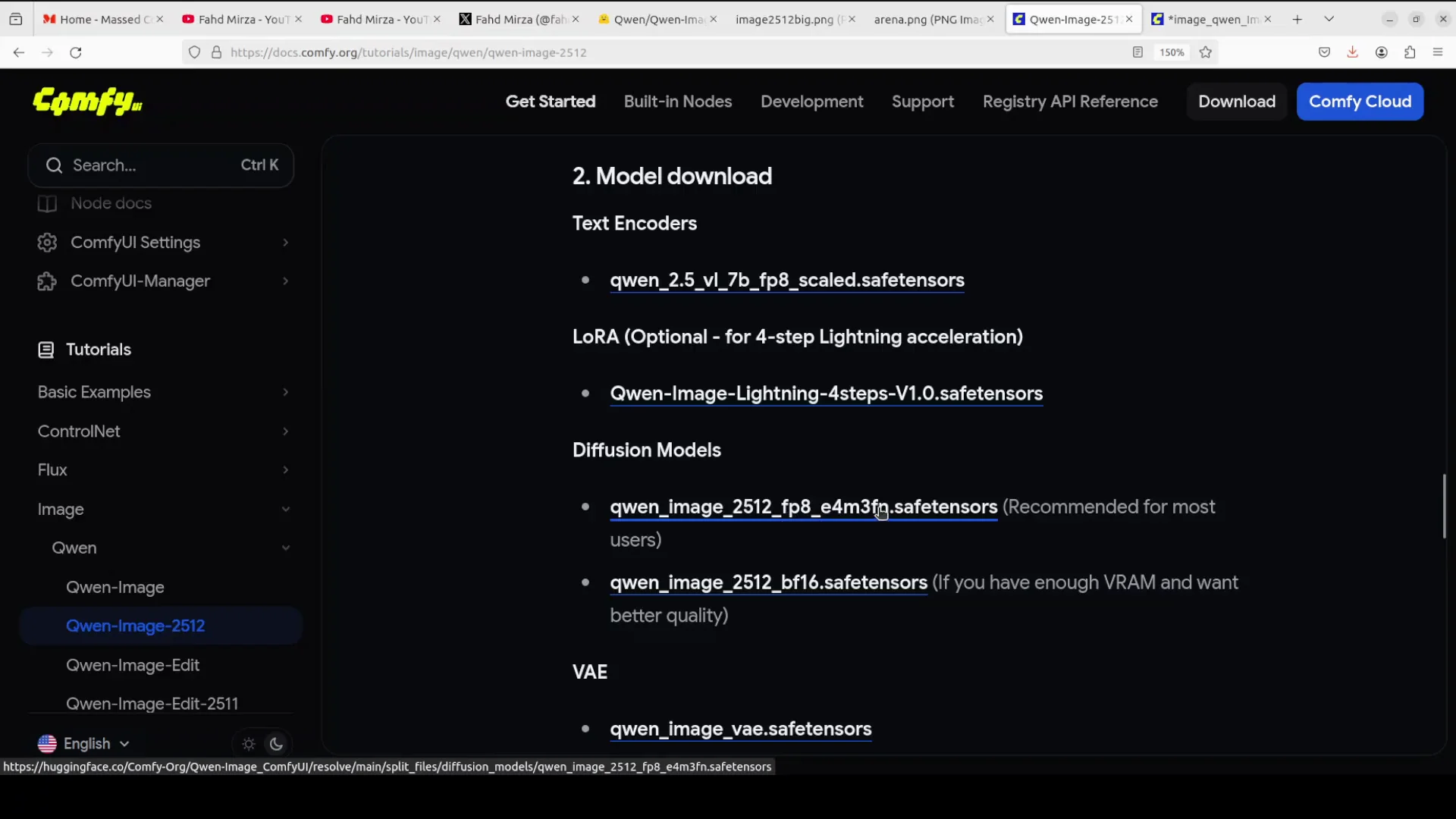
Where to place them:
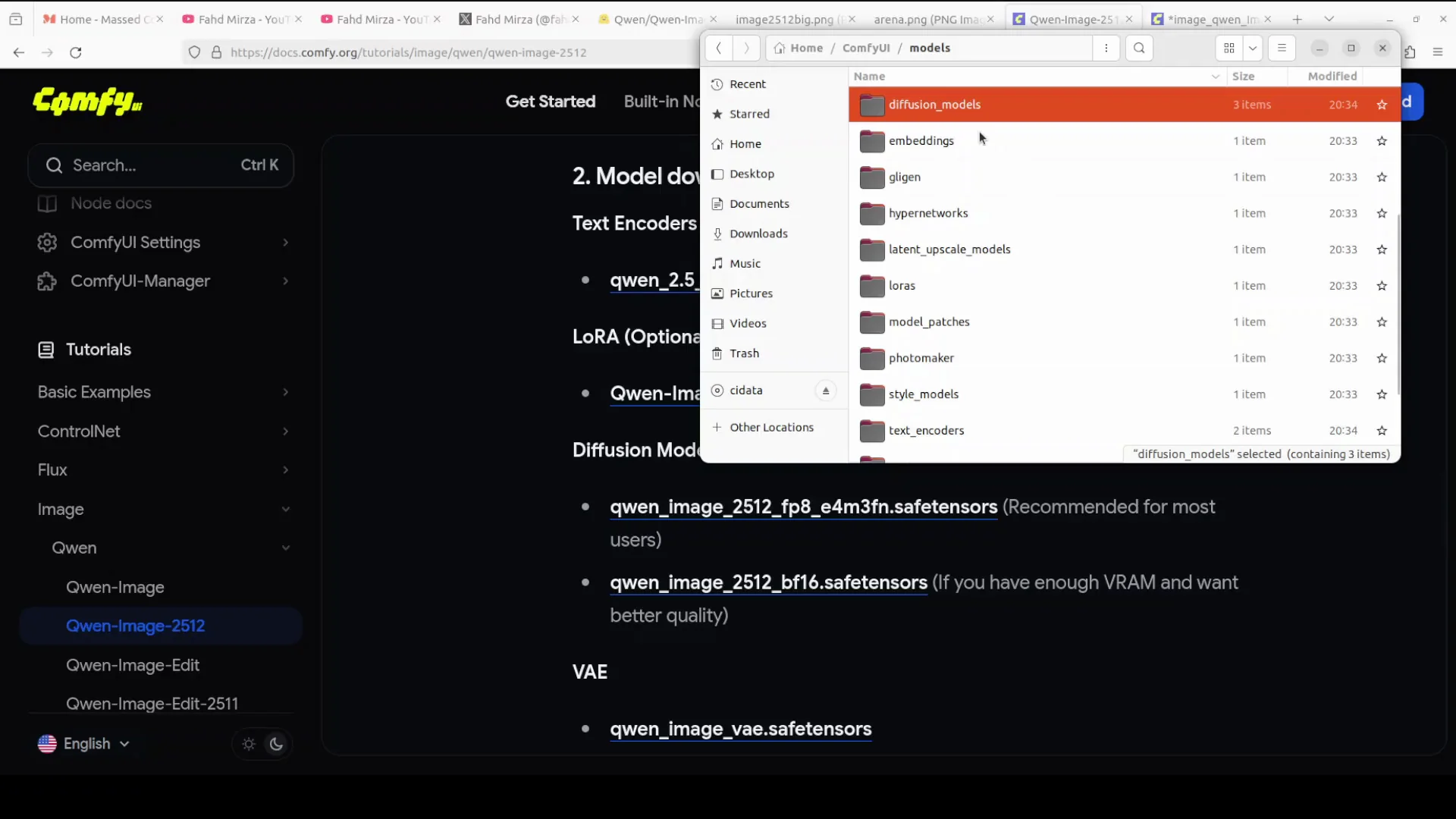
- Go to where your ComfyUI is installed and open the models folder.
- Put the main model, BF16 or FP8, into models/diffusion. I have downloaded both of them.
- Next, get your text encoder. The CLIP model, the first one, will go into its text encoder location. You can see the size is 9.4 GB.
- The VAE model will go into models/vae.
If you're going with lightning LoRA, which primarily means you can finish generating the image in four steps, you can set that up. I am using the full one with 50 steps. If you are using LoRA or low rank adaptation, you can add the LoRA in the LoRA slot. Then download the workflow and put it in your ComfyUI. That is all you need to do.
Hardware and VRAM notes
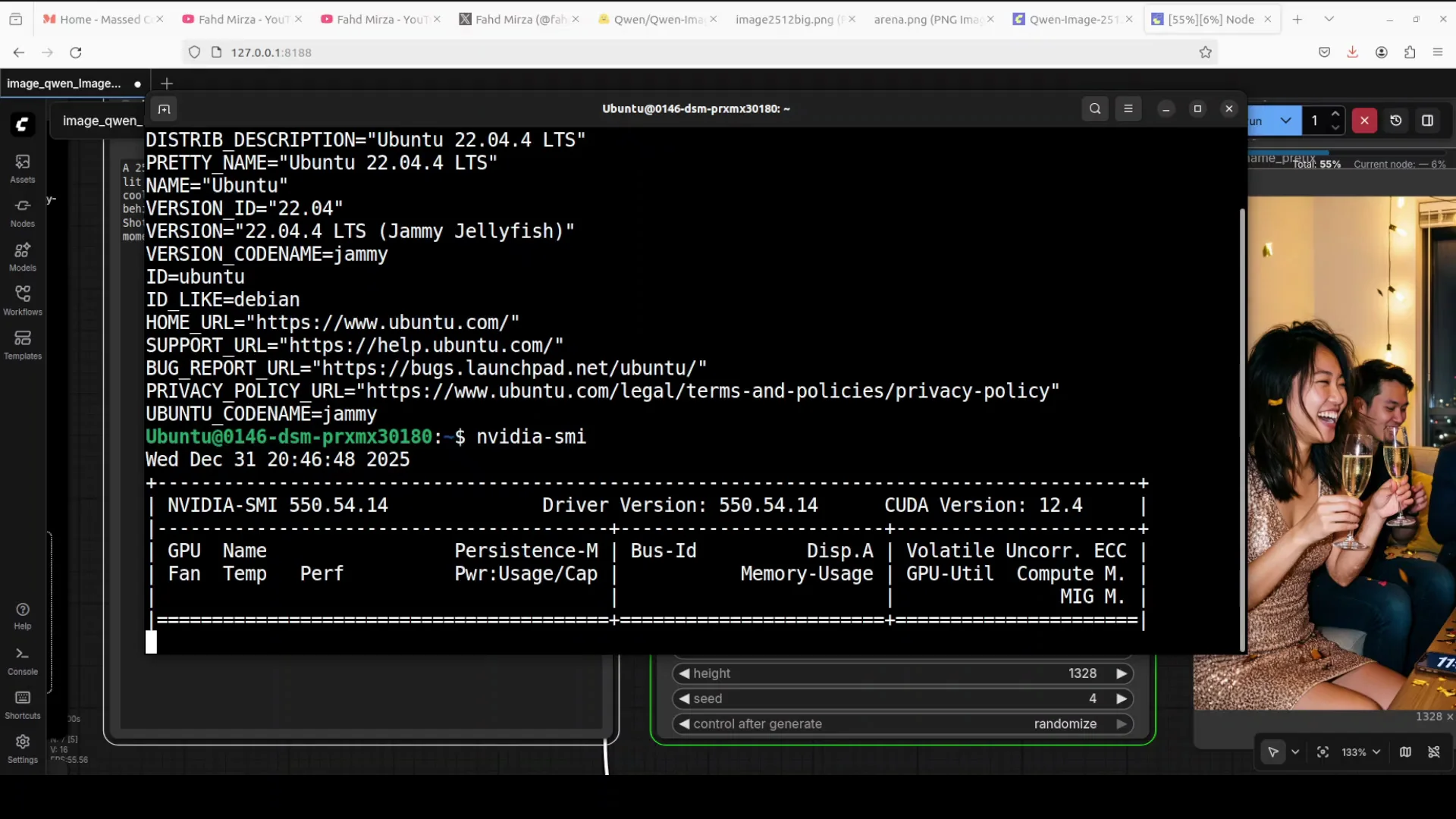
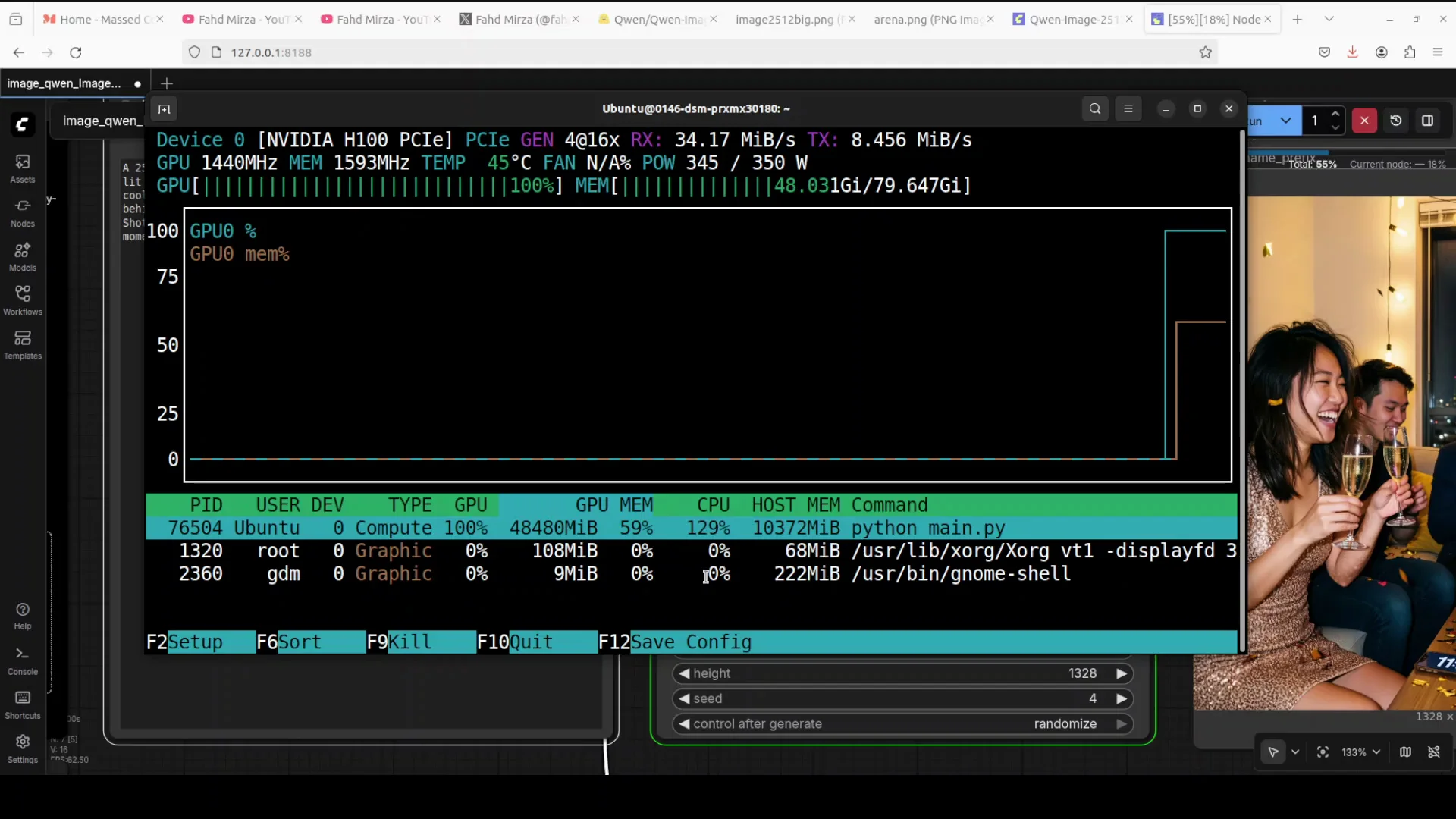
This is my Ubuntu system. I am using an Nvidia H100 with 80 GB of VRAM. VRAM consumption is just over 48 GB and the model is fully loaded onto the GPU. I tried it with 48 GB of VRAM on my Nvidia A6000 but it was not working, so I moved this to the H100.
Using the workflow in ComfyUI
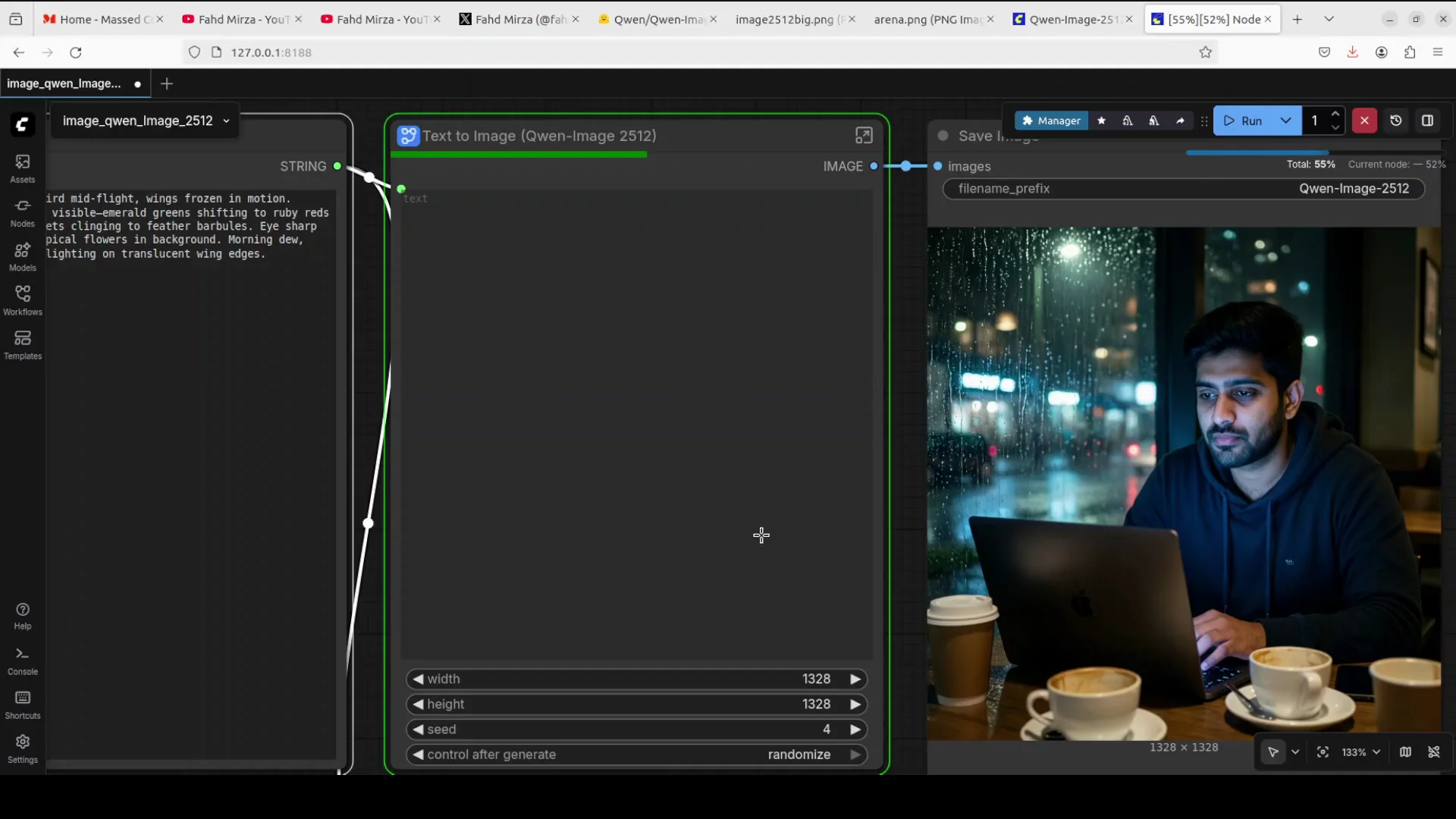
This can be a collapsed workflow. Open the text to image node to see the full graph.
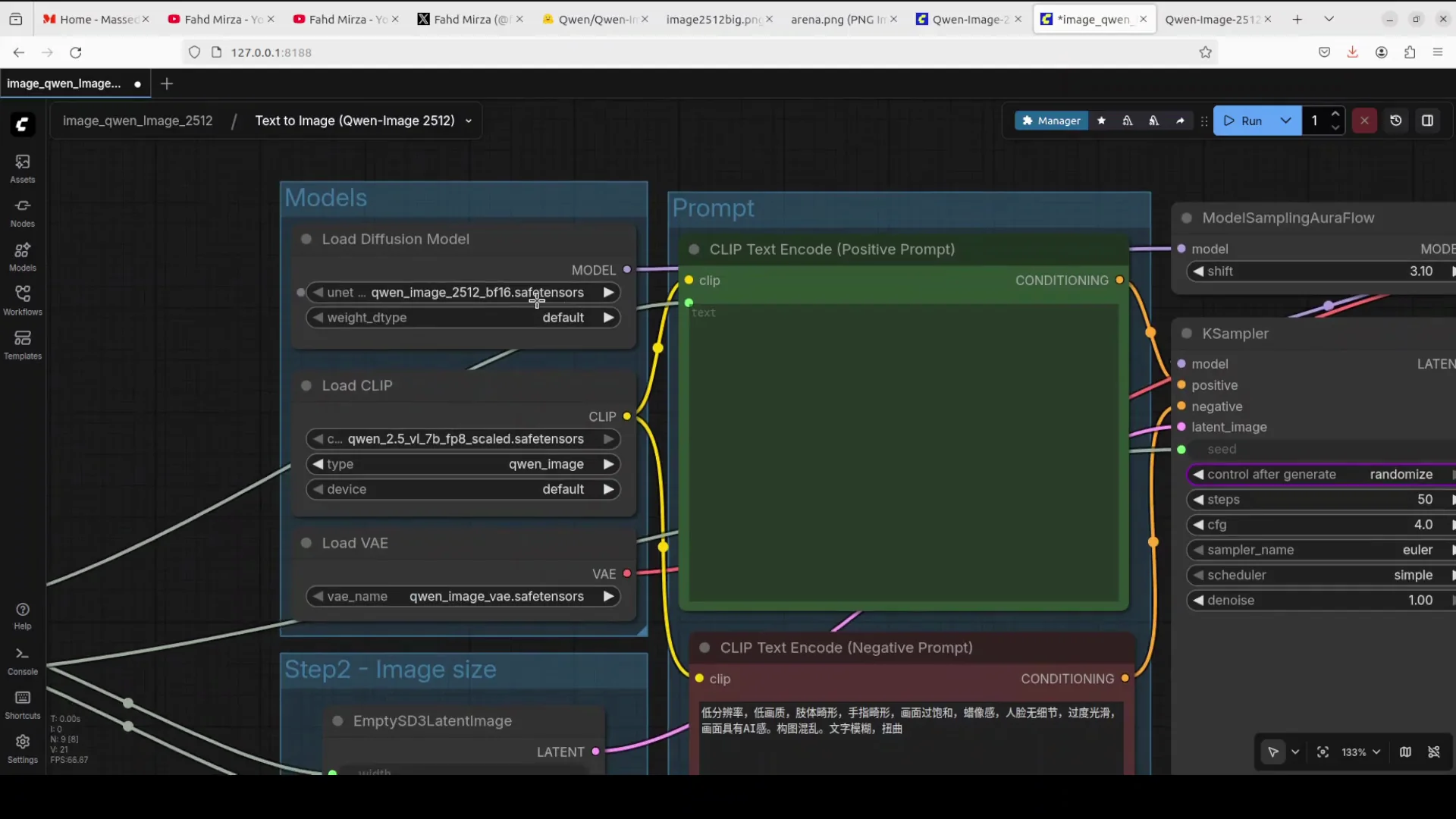
- Select your diffusion model. If you don't have much VRAM, select the FP8 one.
- The CLIP model handles your text prompt.
- If you are using LoRA, enable the LoRA node in the graph.
Benchmarks and examples with Qwen-Image-2512 with ComfyUI
Human realism in a coffee shop scene
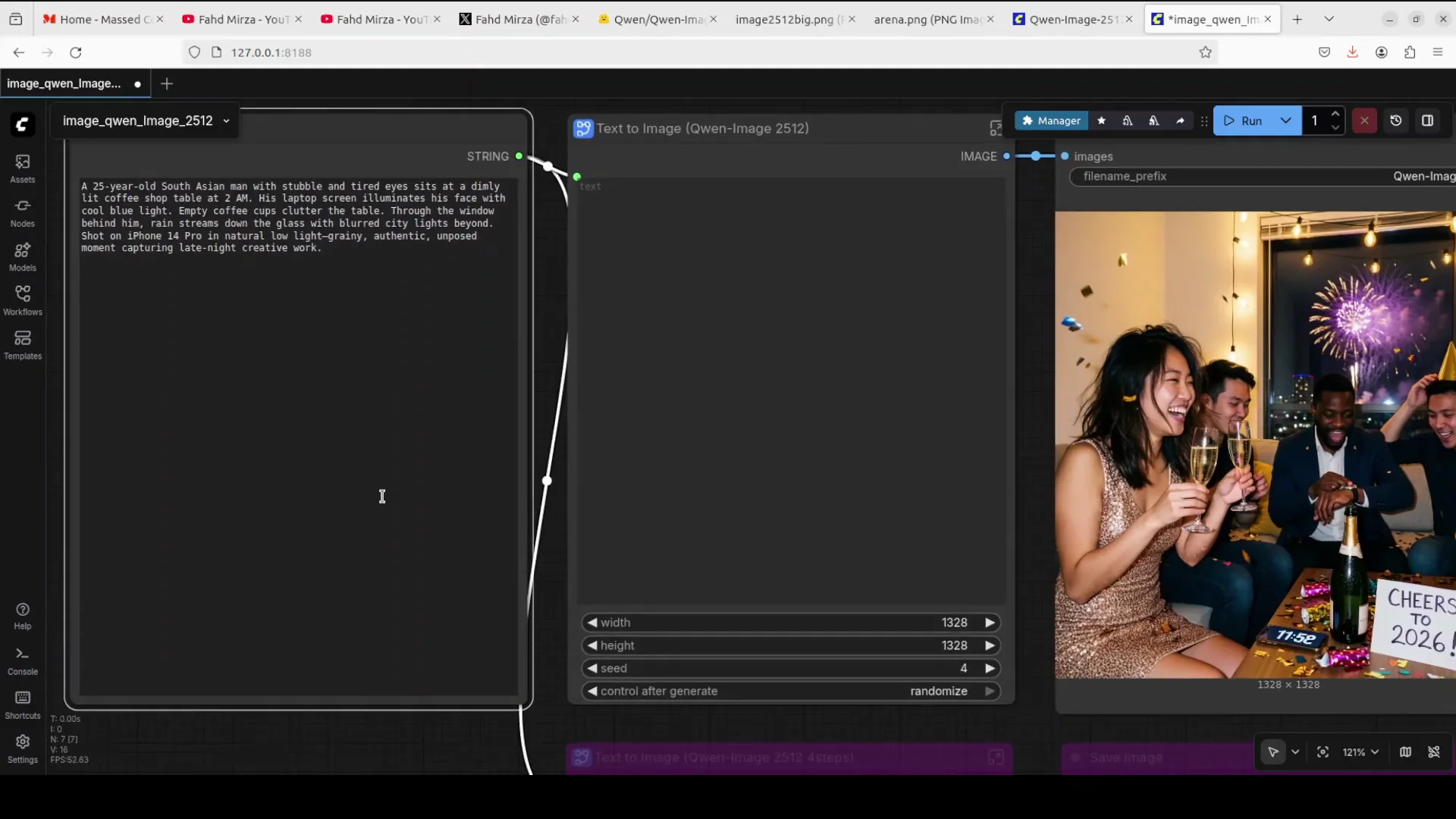
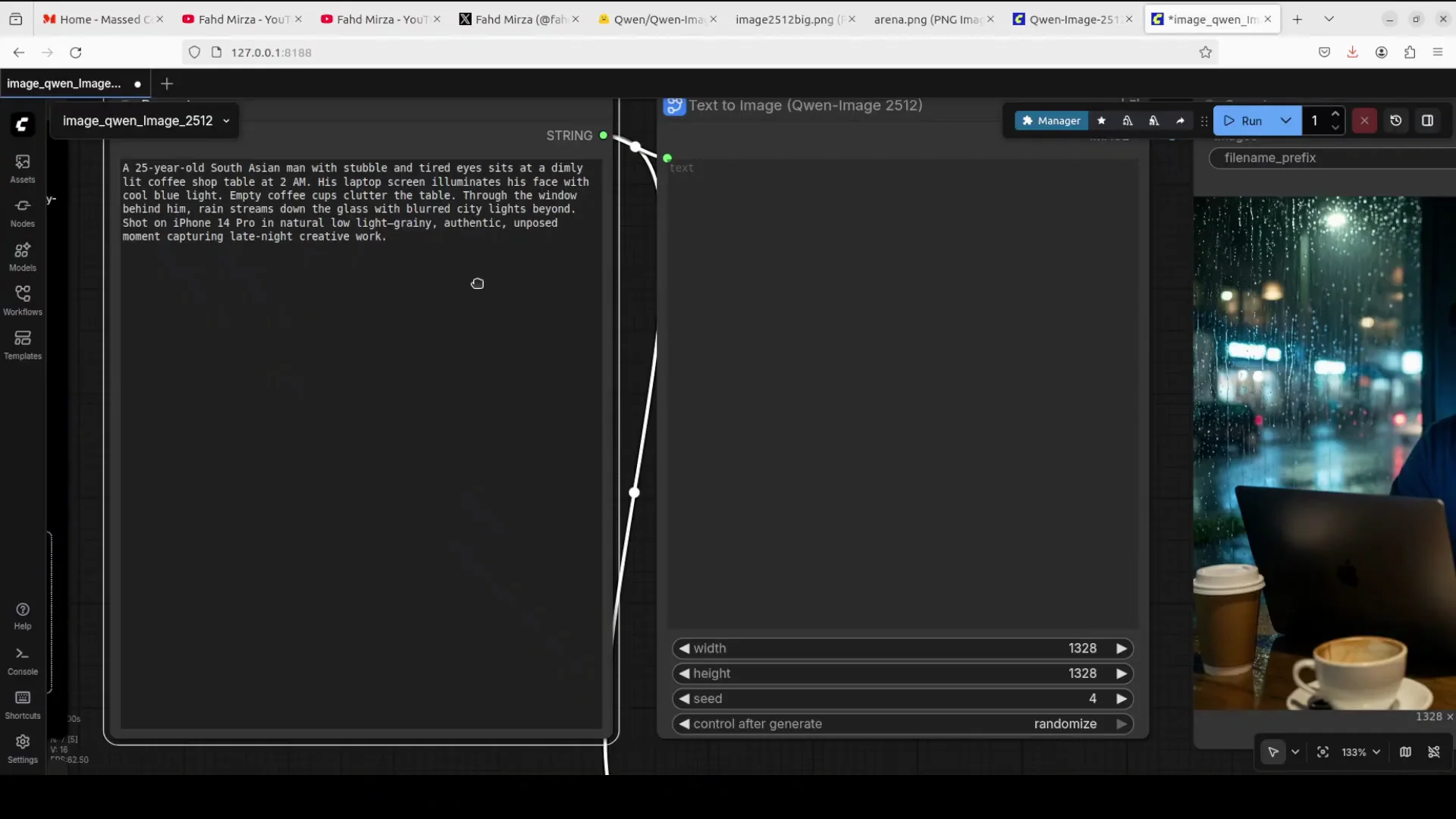
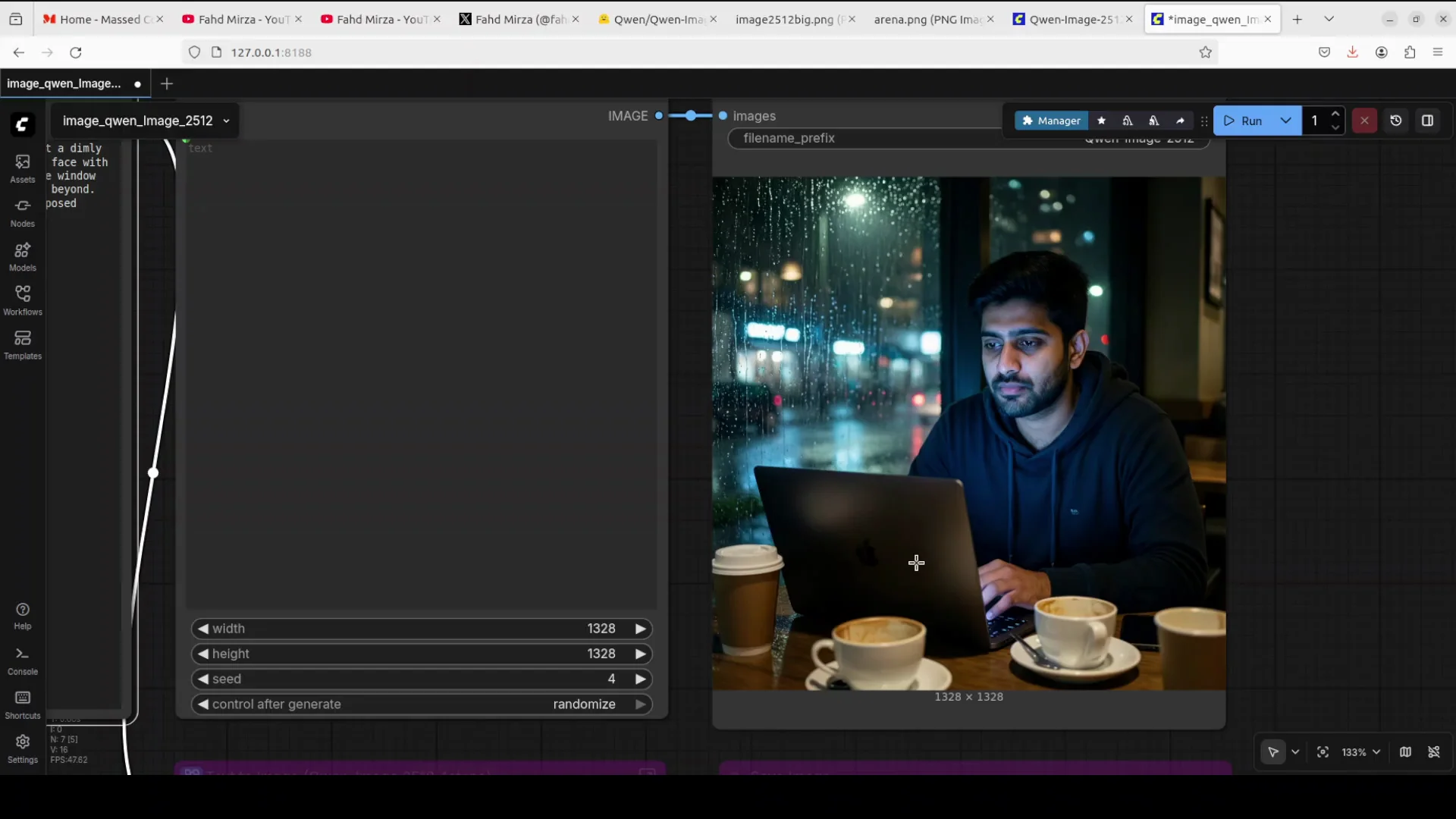
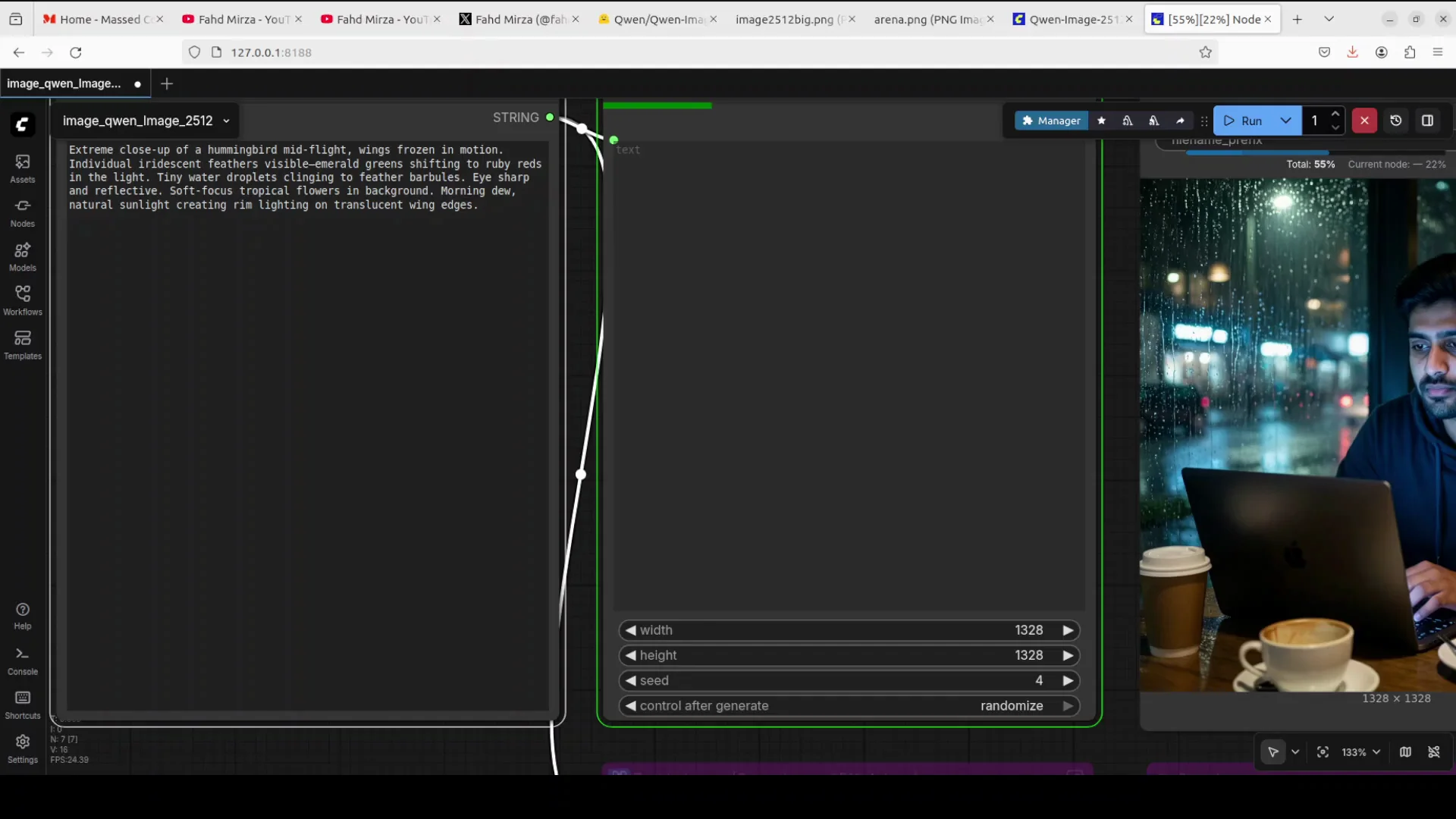
Prompt: a 25-year-old South Asian man with stubble and tired eyes sits at a dimly lit coffee shop at 2:00 a.m. His laptop screen illuminates his face with cool blue light and a lot of other details.
Result: the realism is totally there. The coffee cups are there, and as I asked it to do, it has done it. Look at the shadows. Human realism has definitely improved a lot.
Nature close-up - hummingbird
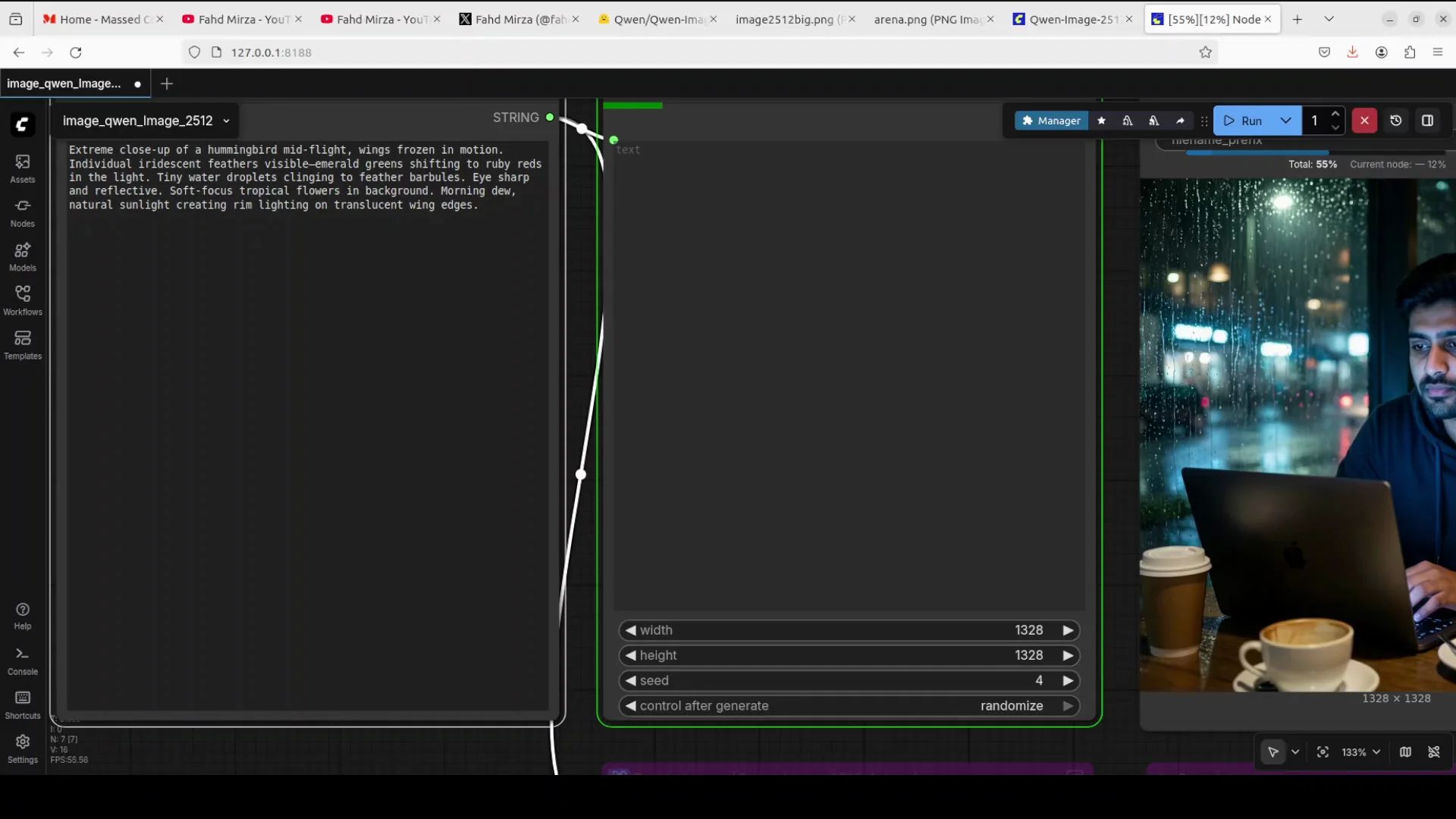
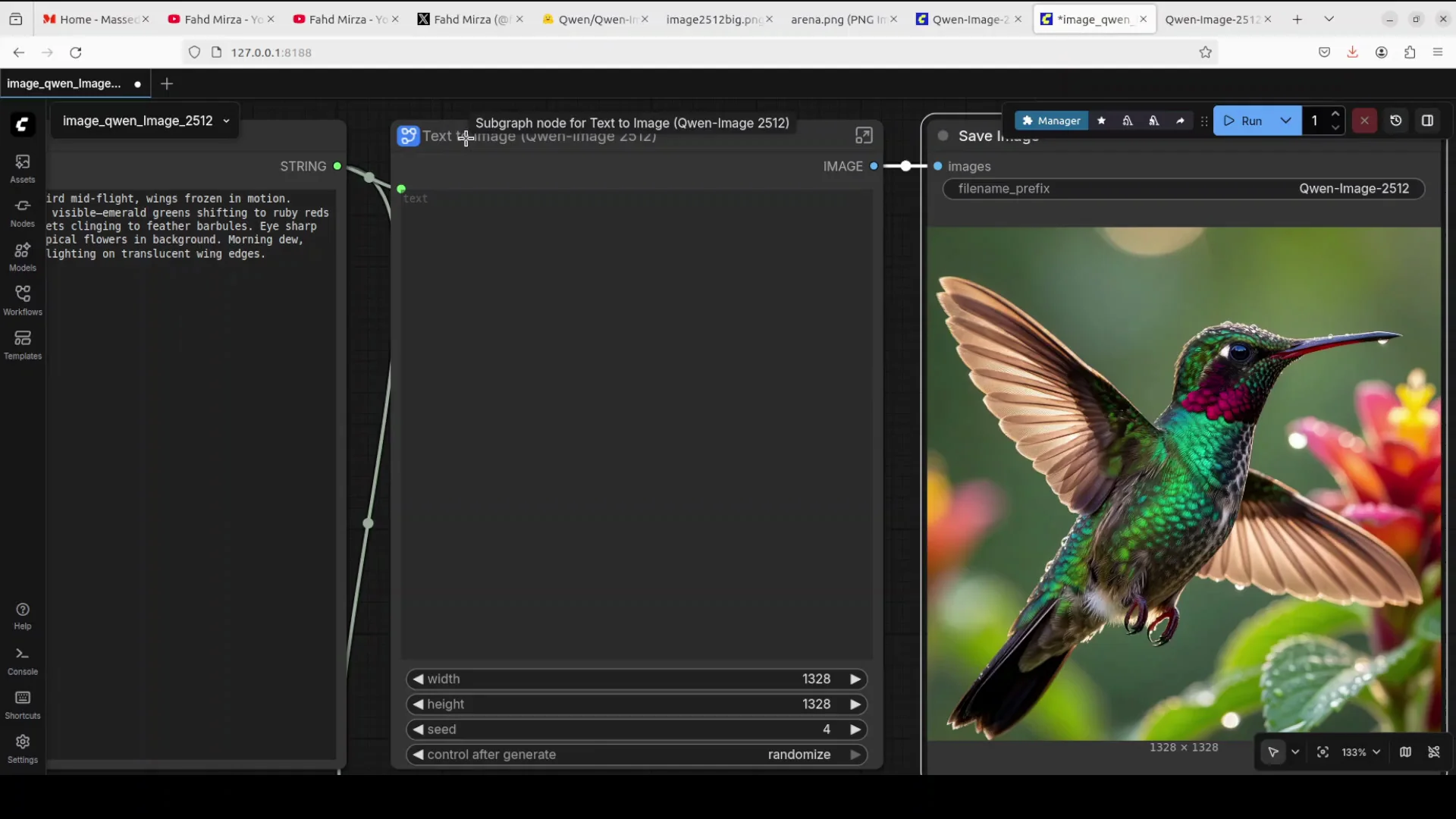
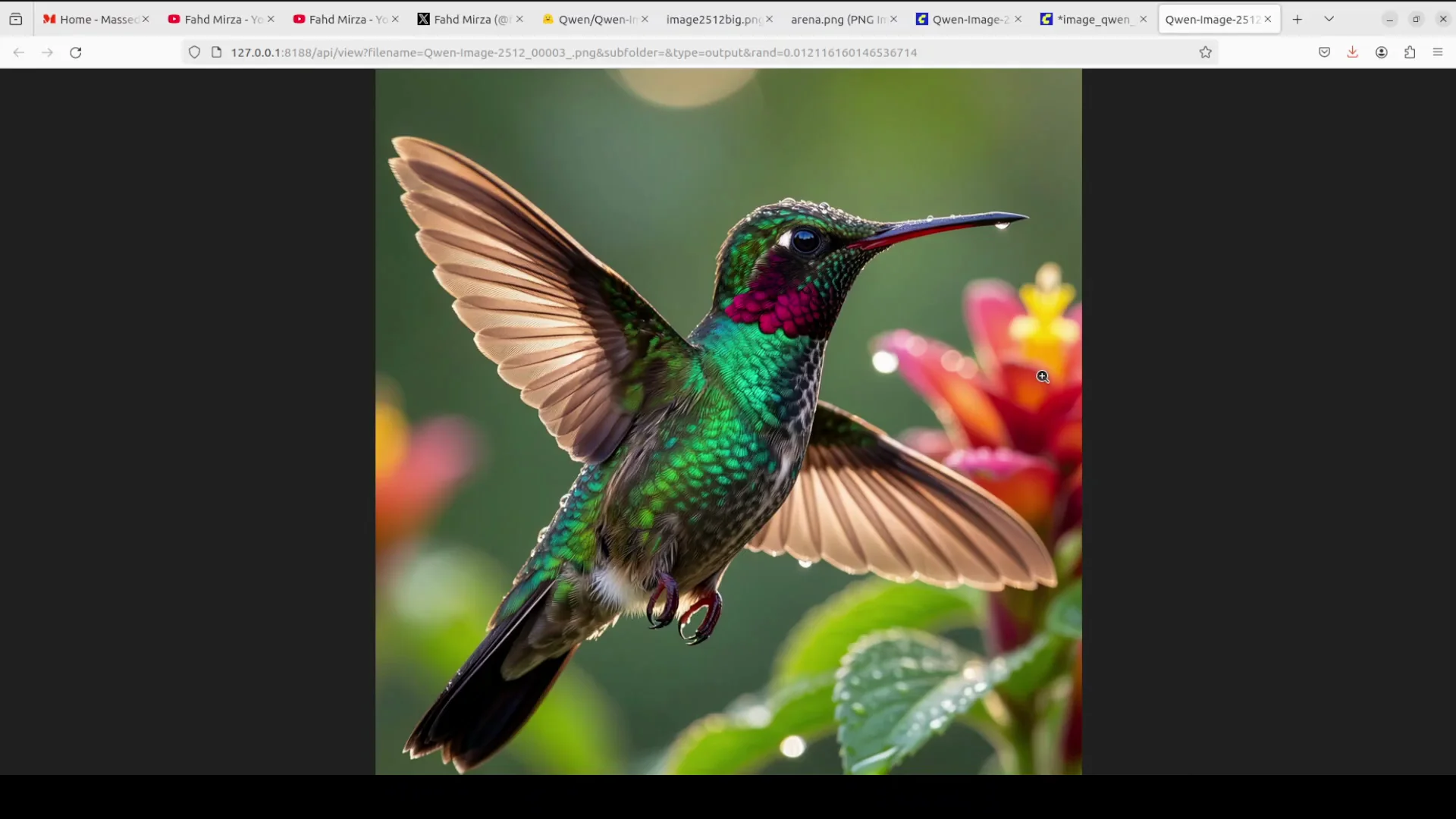
Prompt: an extreme close-up of a hummingbird mid-flight. Wings frozen in motion, individually retent feathers, morning dew, natural sunlight creating rim lighting.
Result: this generation is simply sublime. Very natural. It is frozen. Look at the eyes. They look so real, so lively. There is dew on the beak. Look at the background, exactly what I asked it to do. The feathers look so natural. Things have come a long way, even from the previous update of their model.
Text rendering - vintage poster
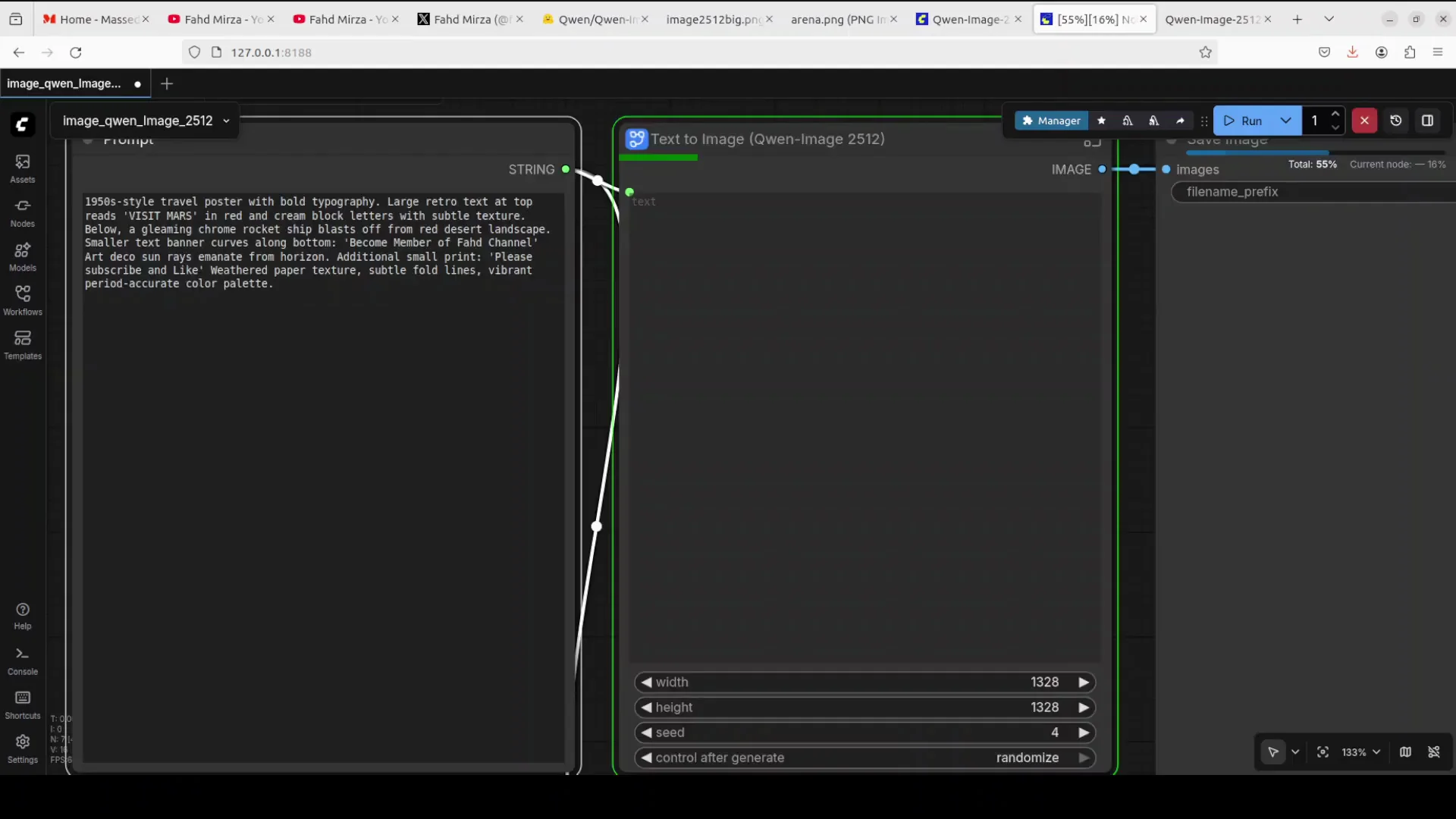
Prompt: a 1950s vintage style poster with bold typography, large retro text. The text is that become member of our channel and some please like and subscribe and all that stuff.
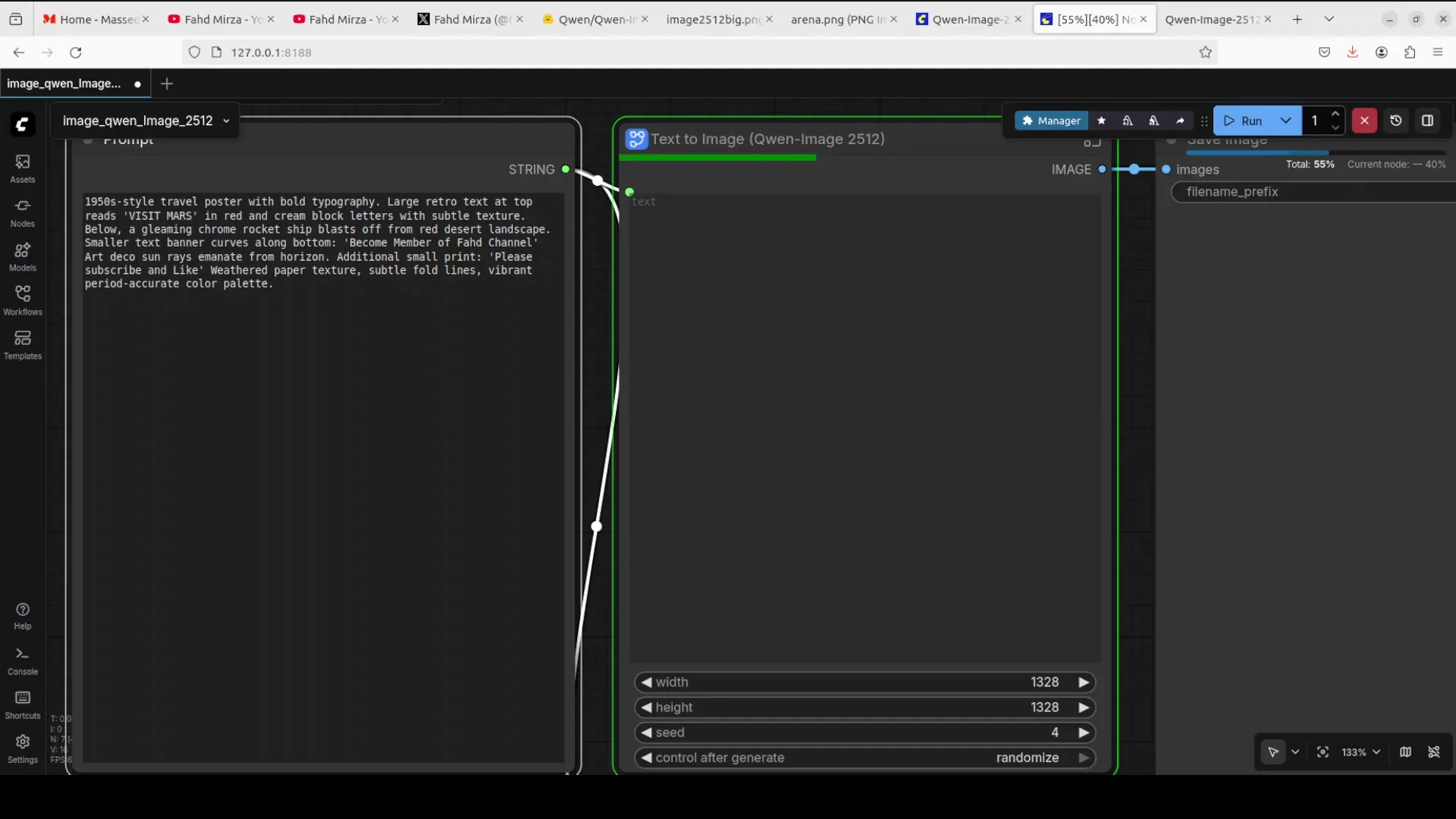
Result: as I asked it to do, visit Mars, and look at the retro look. Even the paper is a bit old aged. Look at the text. I don't see any spelling mistake. It has a real improvement. It’s so retro. Rocket, Mars, Sun. Amazing. Really love it.

Complex scene - abandoned Victorian greenhouse
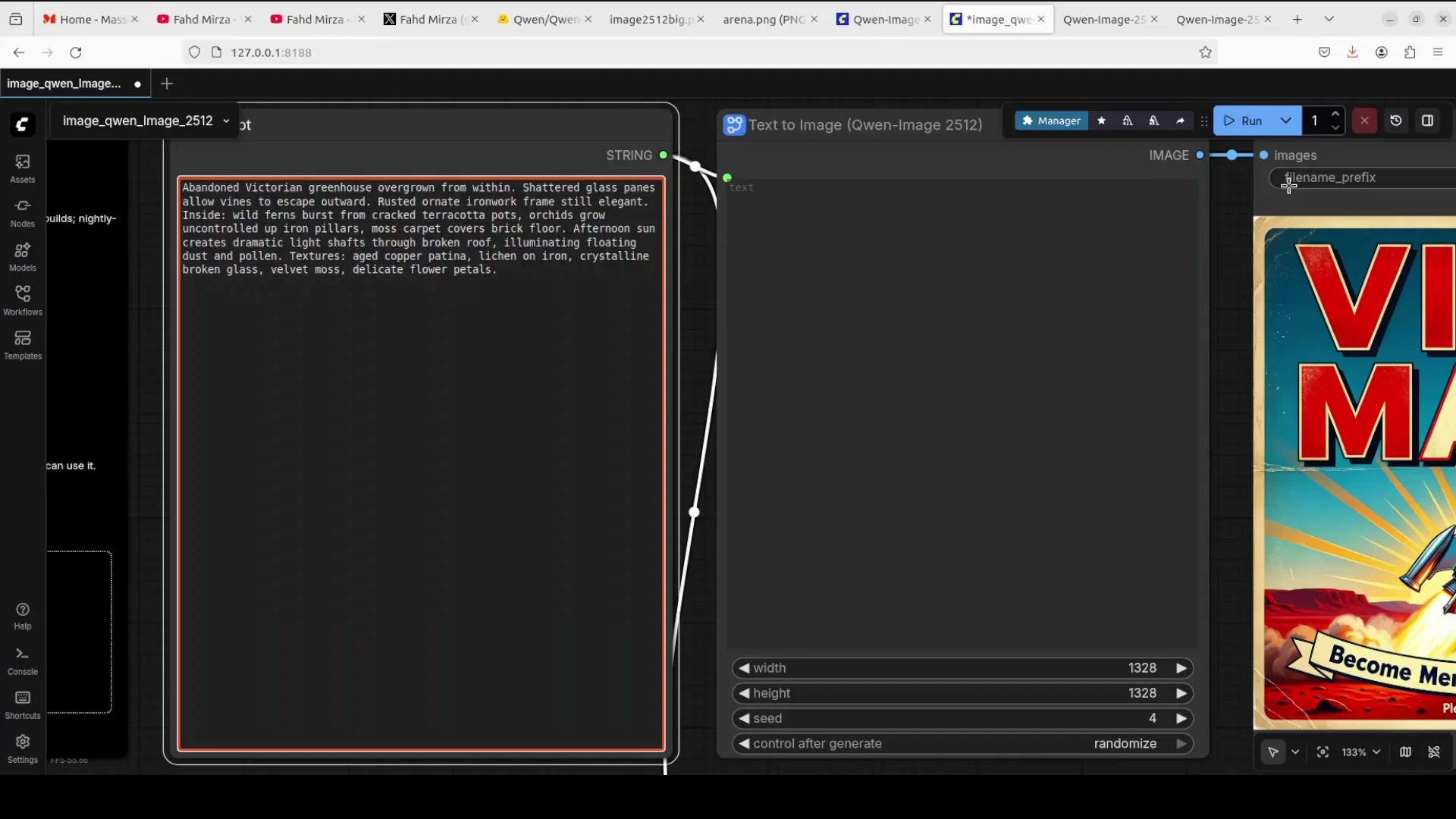
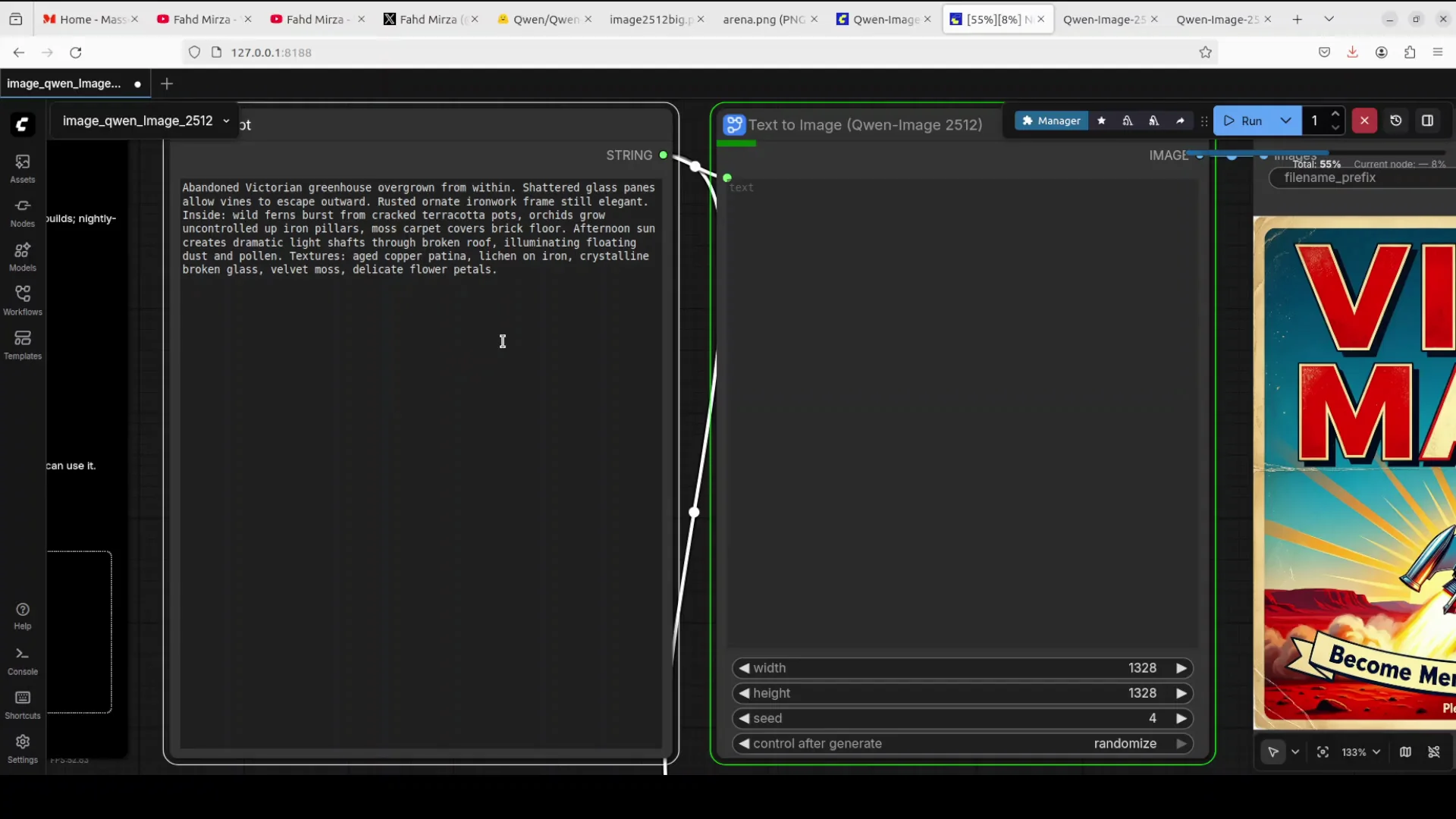
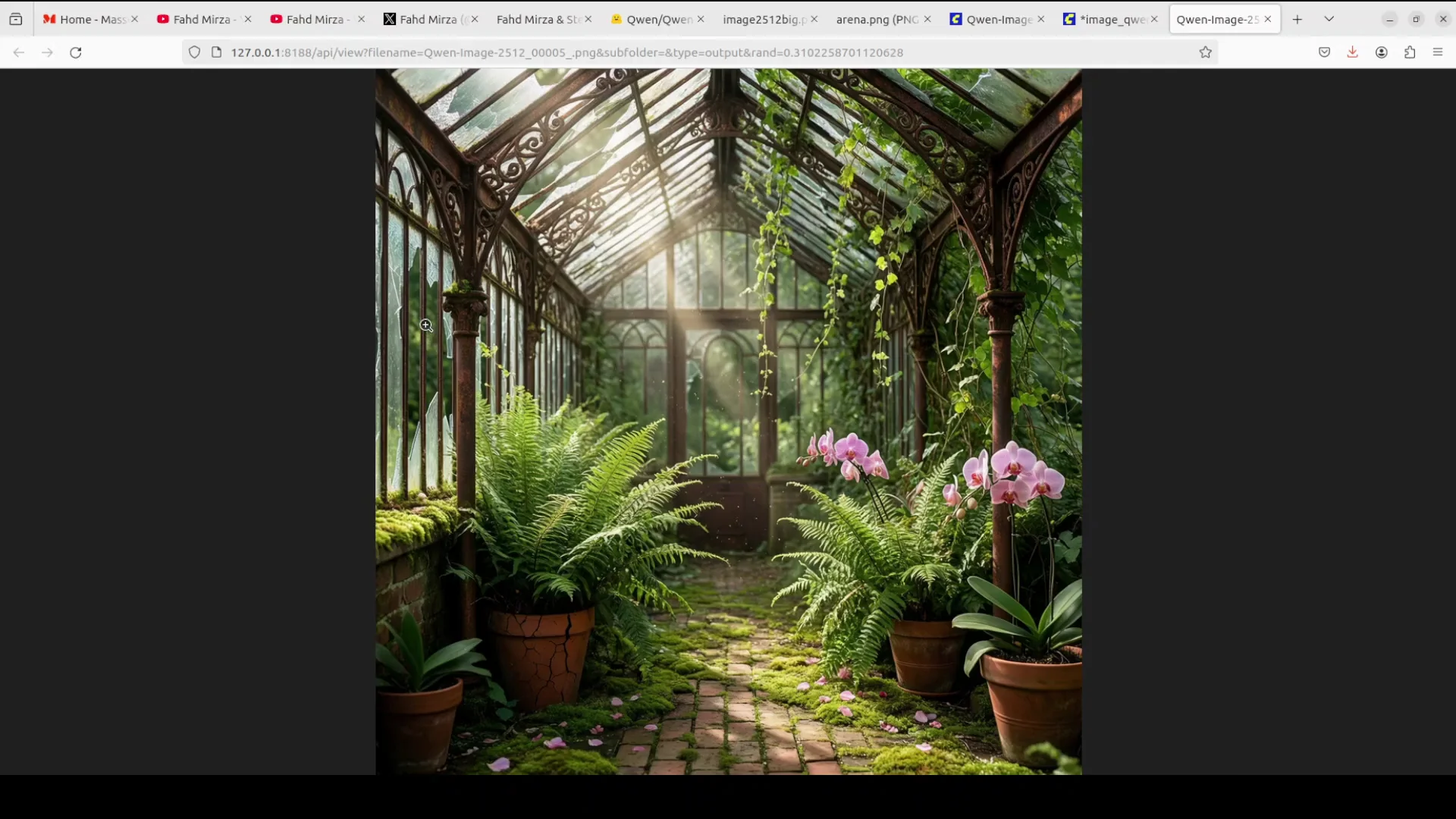
Prompt: abandoned Victorian greenhouse overgrown from within. Shattered glass panes allow vines to escape outward. Make it a bit bigger. Rusted ornate ironwork frame, still elegant.
Result: it has generated it, and I think there is nothing better than this. This is so good. The shattered glass on the left and the vines are really well done. Look at the detail. There is a bit of a plasticky look on the pot, but other pots are really good. You see the soil on the bottom of the pot.
Portrait with fabric and hair detail
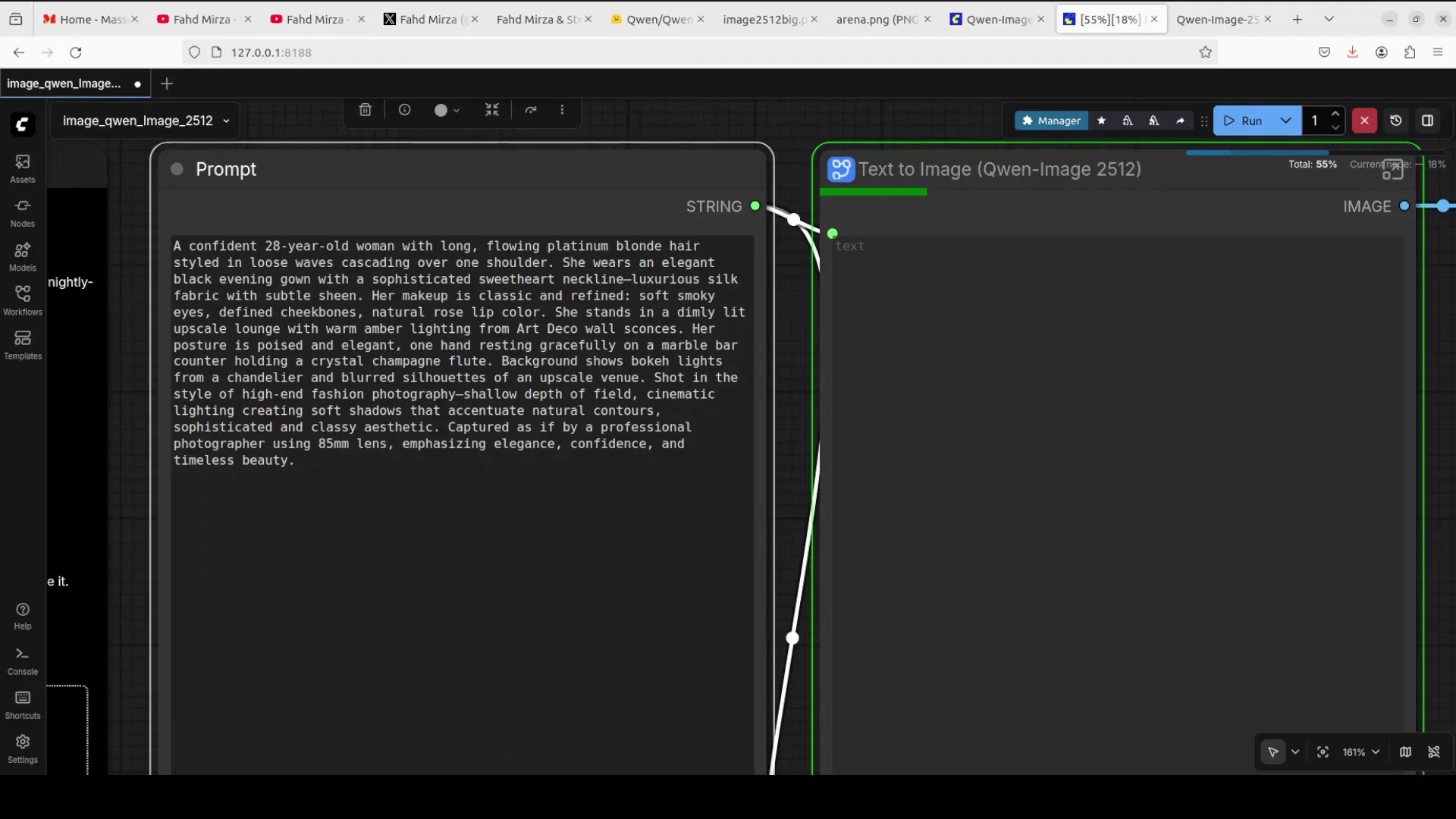
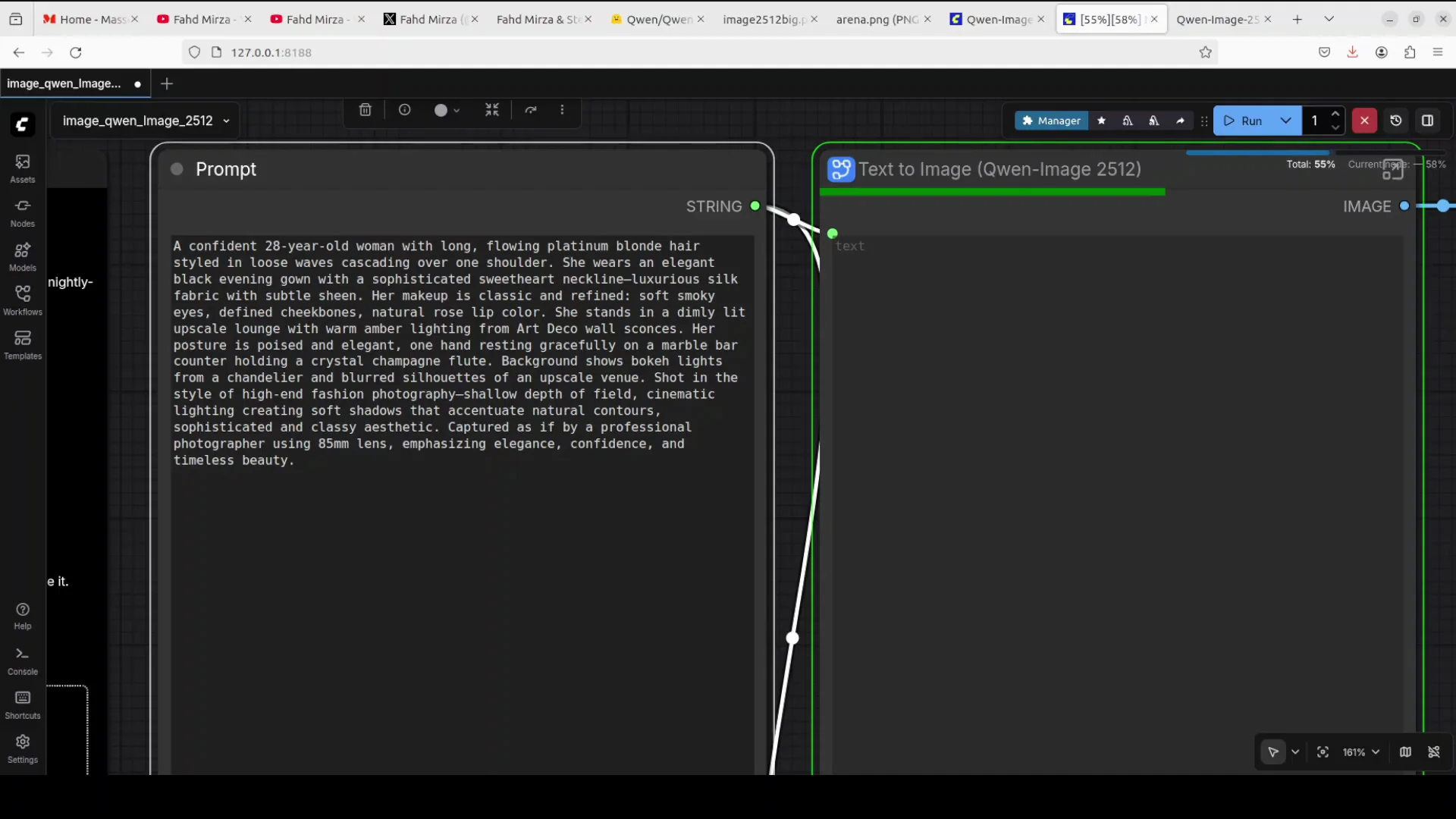
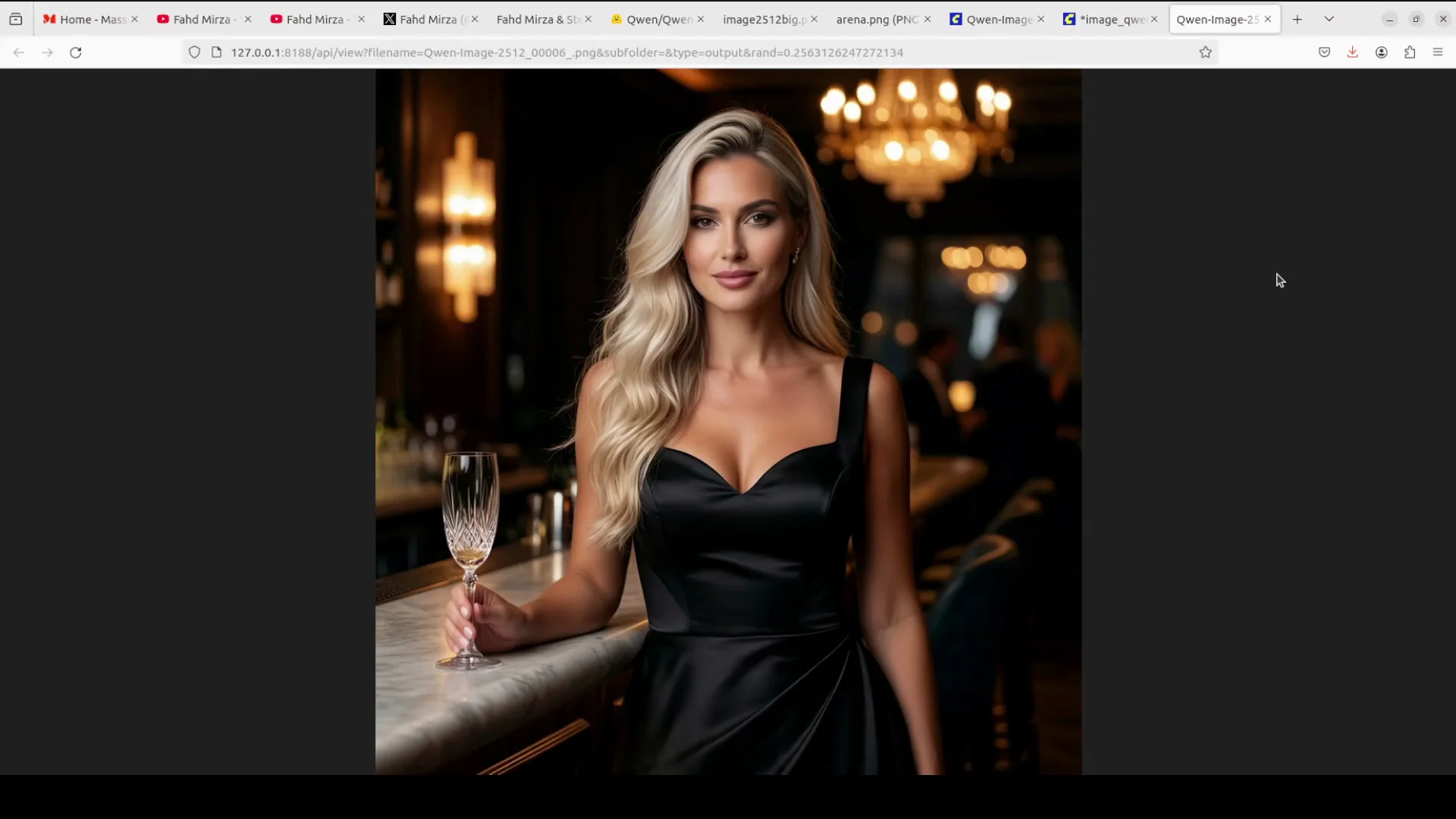
Prompt: a portrait testing sophisticated styling, professional photography aesthetics, lighting and detail, a classy atmosphere, an upscale setting that maintains artistic integrity. I also want to check fabric texture and hair detail of a confident 28-year-old woman with long flowing platinum blonde hair styled in loose waves cascading over one shoulder.
Result: sheer class. It has done wonderfully well. The drink is there. The lady is there. The fabric looks really good, and everything is in the right place.
Final Thoughts
Qwen-Image-2512 brings three clear improvements: enhanced human realism, finer natural detail, and better text rendering. Installation in ComfyUI is straightforward, with BF16 or FP8 model choices depending on VRAM, plus CLIP and VAE placement. On an H100 with 80 GB VRAM, it runs fully on GPU at just over 48 GB, while a 48 GB A6000 did not load the full model. Across portraits, nature, typography, and complex scenes, results are consistently strong with noticeably reduced plasticky artifacts and sharper textures.
Subscribe to our newsletter
Get the latest updates and articles directly in your inbox.

Related Posts

8 Best Claude Code Plugins in 2026 (You Need to Know)
8 Best Claude Code Plugins in 2026 (You Need to Know)

7 Best Claude Code Skills (You Need to Know)
7 Best Claude Code Skills (You Need to Know)

Claude Code Desktop IDE Features (You Need to Know)
Claude Code Desktop IDE Features (You Need to Know)