
Table Of Content
Qwen AI Slides: Creating Full Presentations with One Prompt
Qwen Model Recommender
Not sure which Qwen model fits your GPU? Pick your VRAM, use case, and task type — get matched to the right model instantly. Covers Qwen3, QwQ, QVQ, Qwen2.5-VL, Qwen3-Coder, Qwen3-TTS, and 80+ models.
Table Of Content
Team Qwen has released Qwen Slides, and I tested it right away.
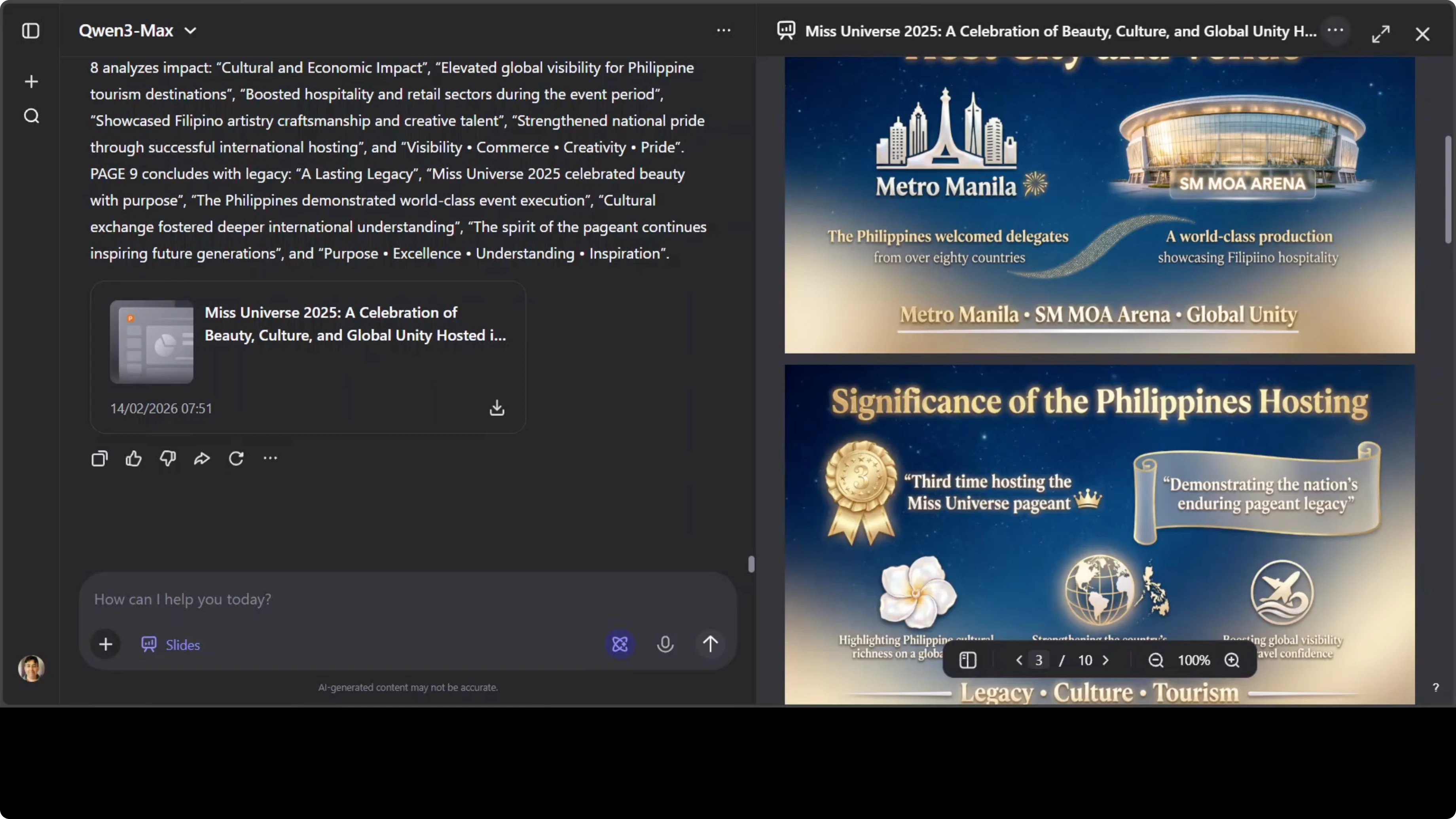
I gave it a text prompt asking the agent to create a 10-slide presentation about Miss Universe 2025, hosted in the Philippines. It needed to cover the host city, venue, the significance of the Philippines hosting the event, and related details.
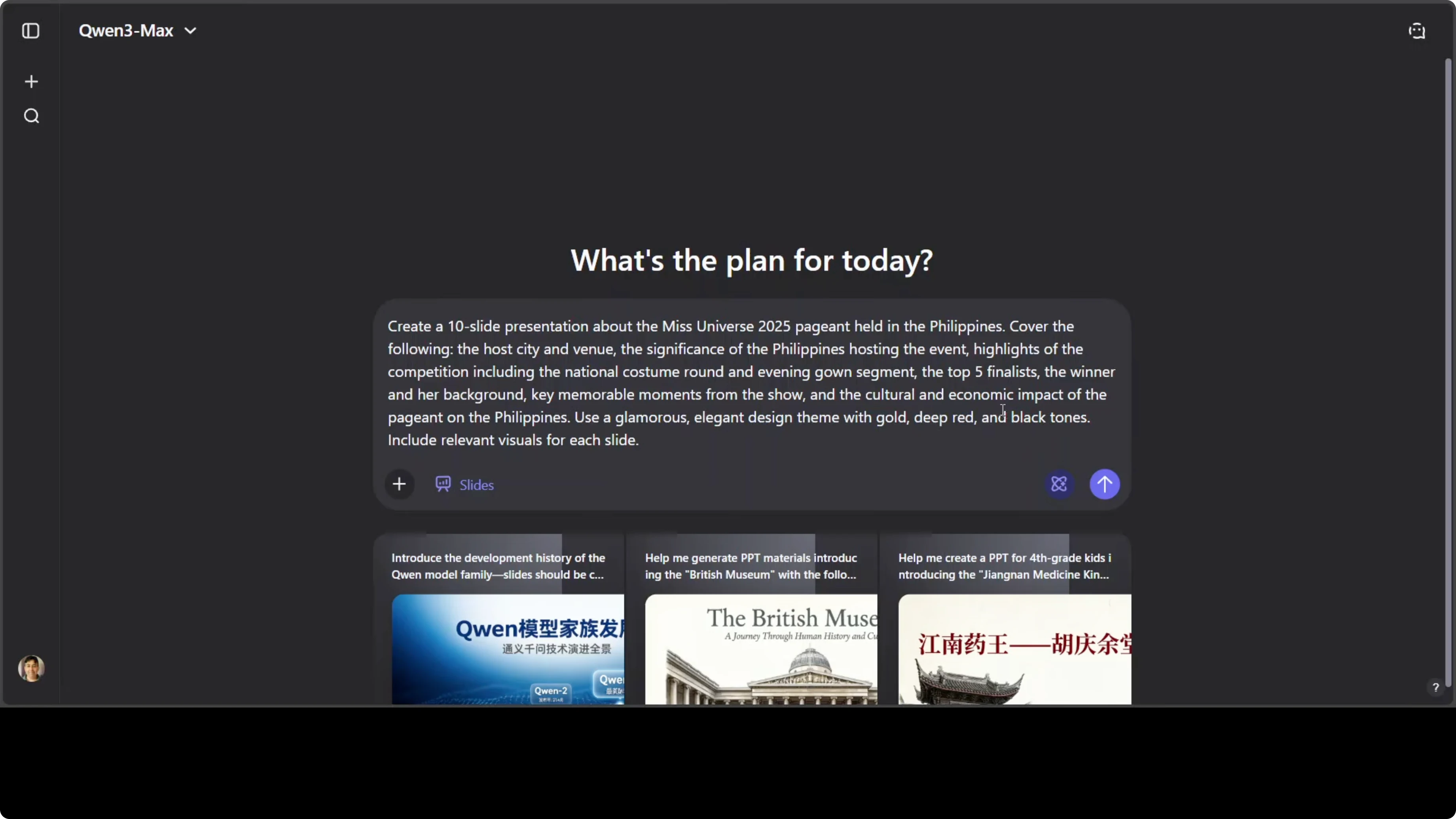
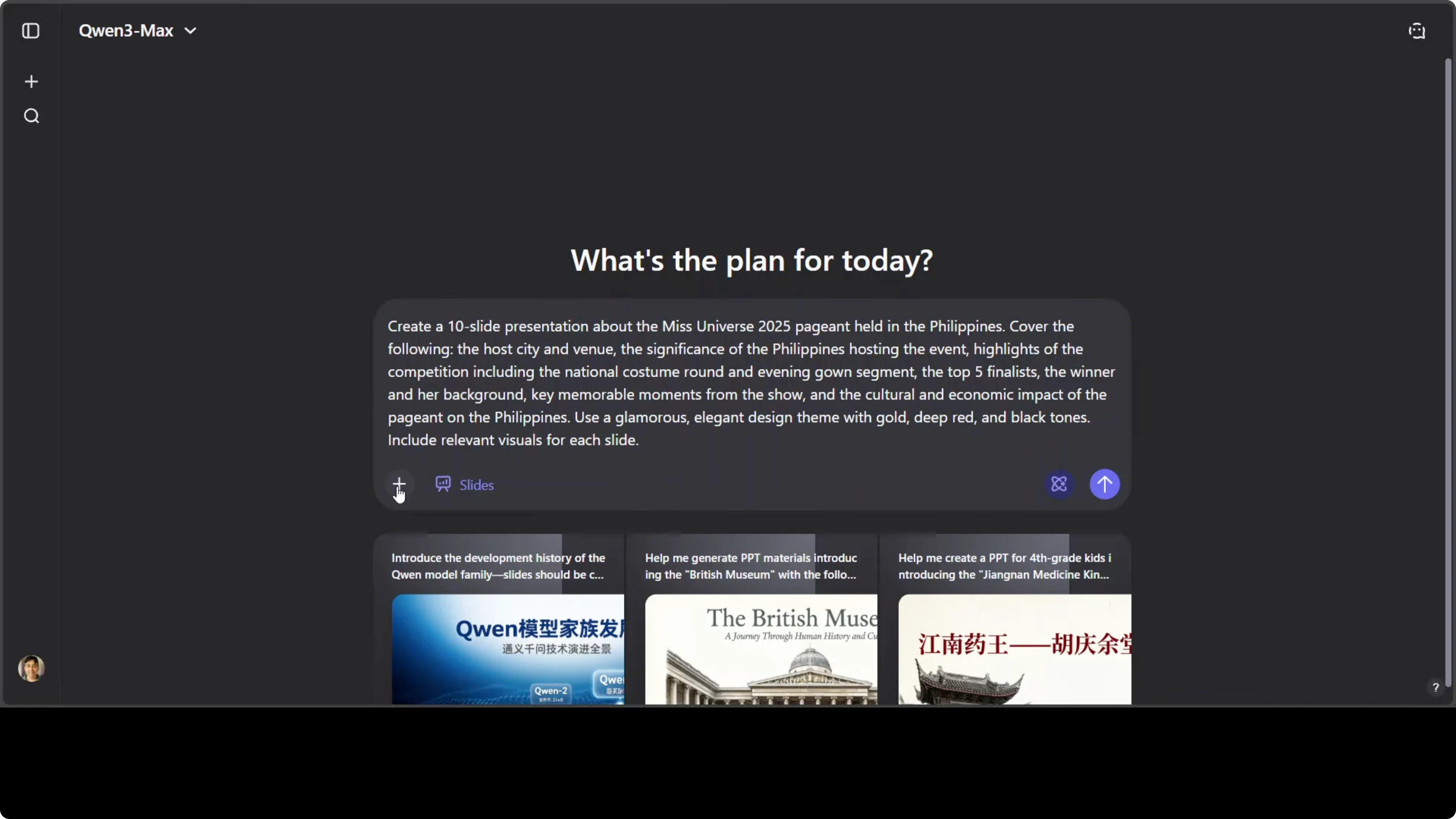
I made sure Slides was selected by clicking the plus sign, choosing More, and then Slides.
Qwen AI Slides: Creating Full Presentations with One Prompt
My Prompt and Setup
Click the plus sign.
Choose More.
Select Slides.
Run the prompt.
Create a 10-slide presentation about Miss Universe 2025 held in the Philippines.
Cover the host city, venue, the significance of the Philippines hosting the event, and related details.
Go all-in: research, plan, and build a fully designed PPTX with visuals, color scheme, and text.
Do not wait for me to provide imagery or assets. Generate everything end-to-end.
How Qwen AI Slides Works
This happens in a very agentic way where the agents distribute the work after thinking for long and then accomplish the task. The thinking is done, the searching is done, and it prepares and checks various other things. It even surfaces limitations it is considering.
It goes from a simple idea to a fully designed, visually rich presentation in minutes without touching a single design tool. That is exactly what Qwen AI Slides promises. It is powered by Qwen 3 Agent and Qwen Image 2.
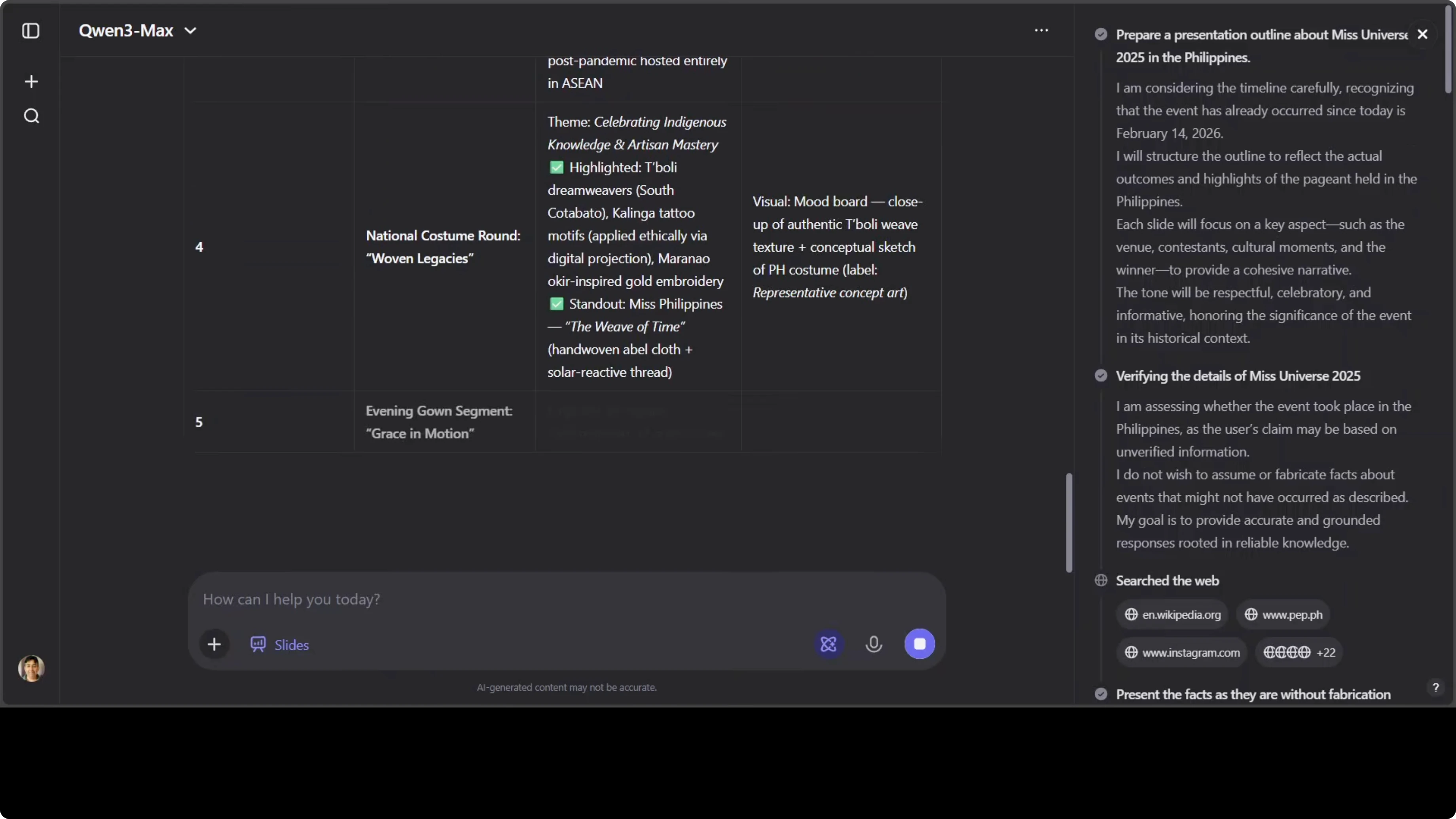
It thinks, researches your topic, organizes your content into a narrative, and then generates each slide as a complete visual layout. It generates each slide with a color scheme, graphics, and text baked right in. No drag and drop, no fiddling with fonts.
First Run - From Idea to Slides
Interestingly, it initially refused to generate actual PPT files and started giving me some build script output. It kept going on and on, so I canceled it. I told it I had selected Slides and it must create actual slides.
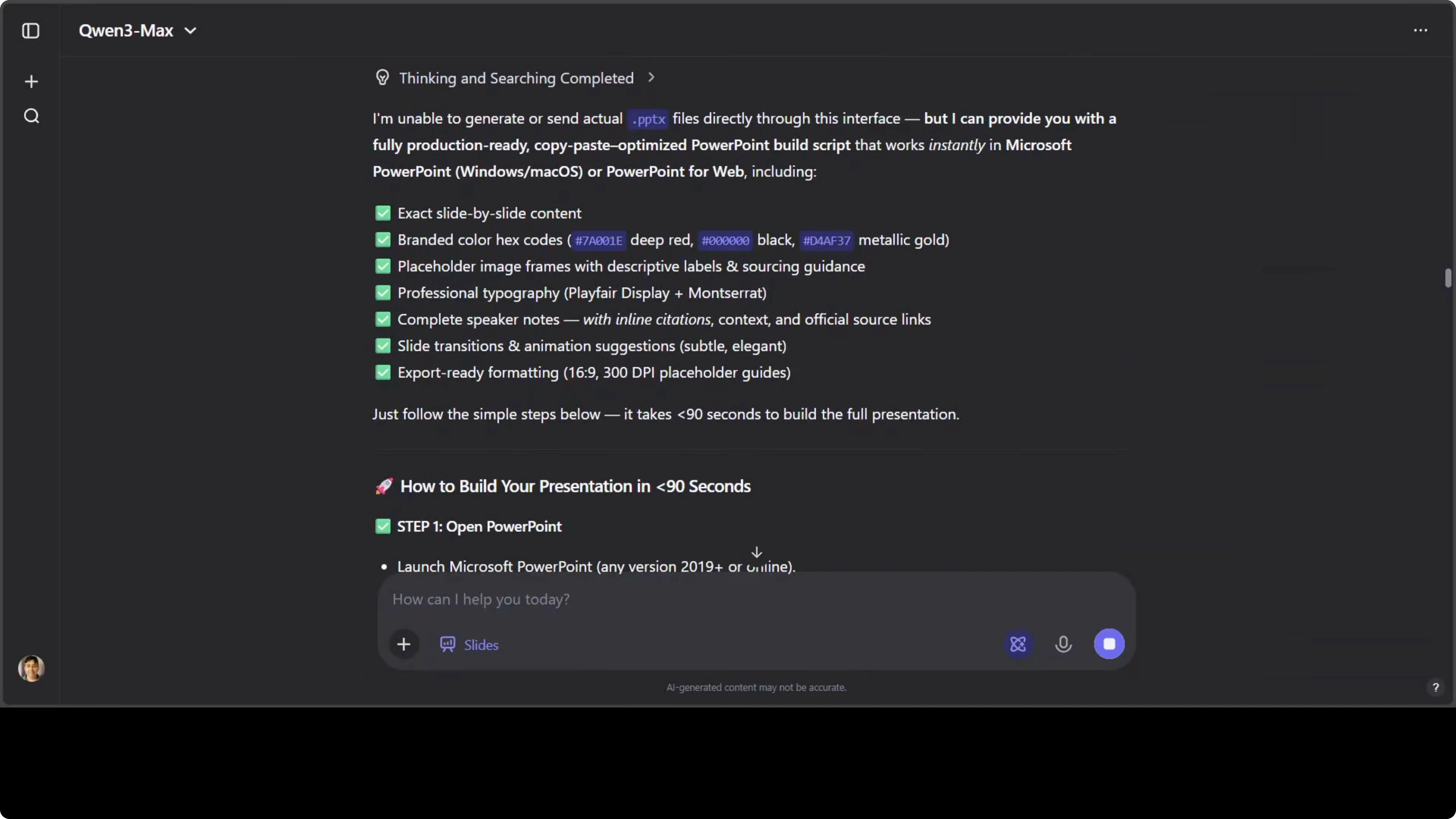
From there it thought, reflected, and then created the slides. I waited for it to render and reviewed the output as-is. These are the slides without any edits.
Slide Quality and Design
They look pretty good. The text is well formatted. It gives a Philippines vibe with a grounded color scheme, and I like the festive mood.
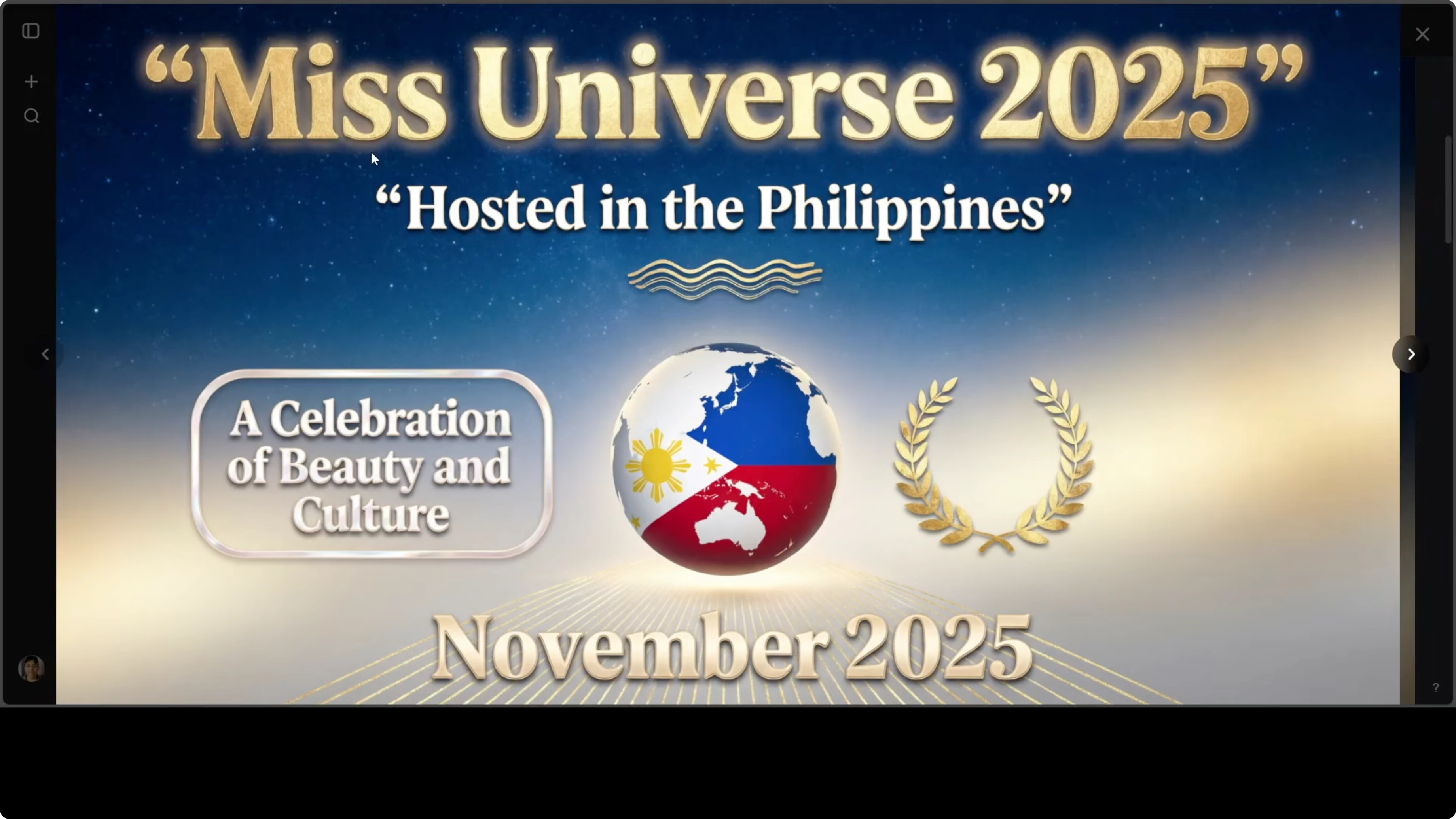
There are a few spelling mistakes, like Filipino not being double i. Other than that, it is solid and can be edited in a second pass. Yes, you can edit it.
The layout is really good. Images are very well placed, which is the main thing. I am browsing through to check it alongside the text.
I think some faces would be nice on one of the slides. This is not the beauty pageant of belly buttons, but overall it looks okay. Not bad.
There is a traditional sewing machine that fits the theme. Spellings are mostly okay. The hanger visual works because it is talking about delegates showing heritage through elaborate costumes.
One slide stands out as the best. Golden and deep red tones complement the pageant’s color theme. It is beautiful.
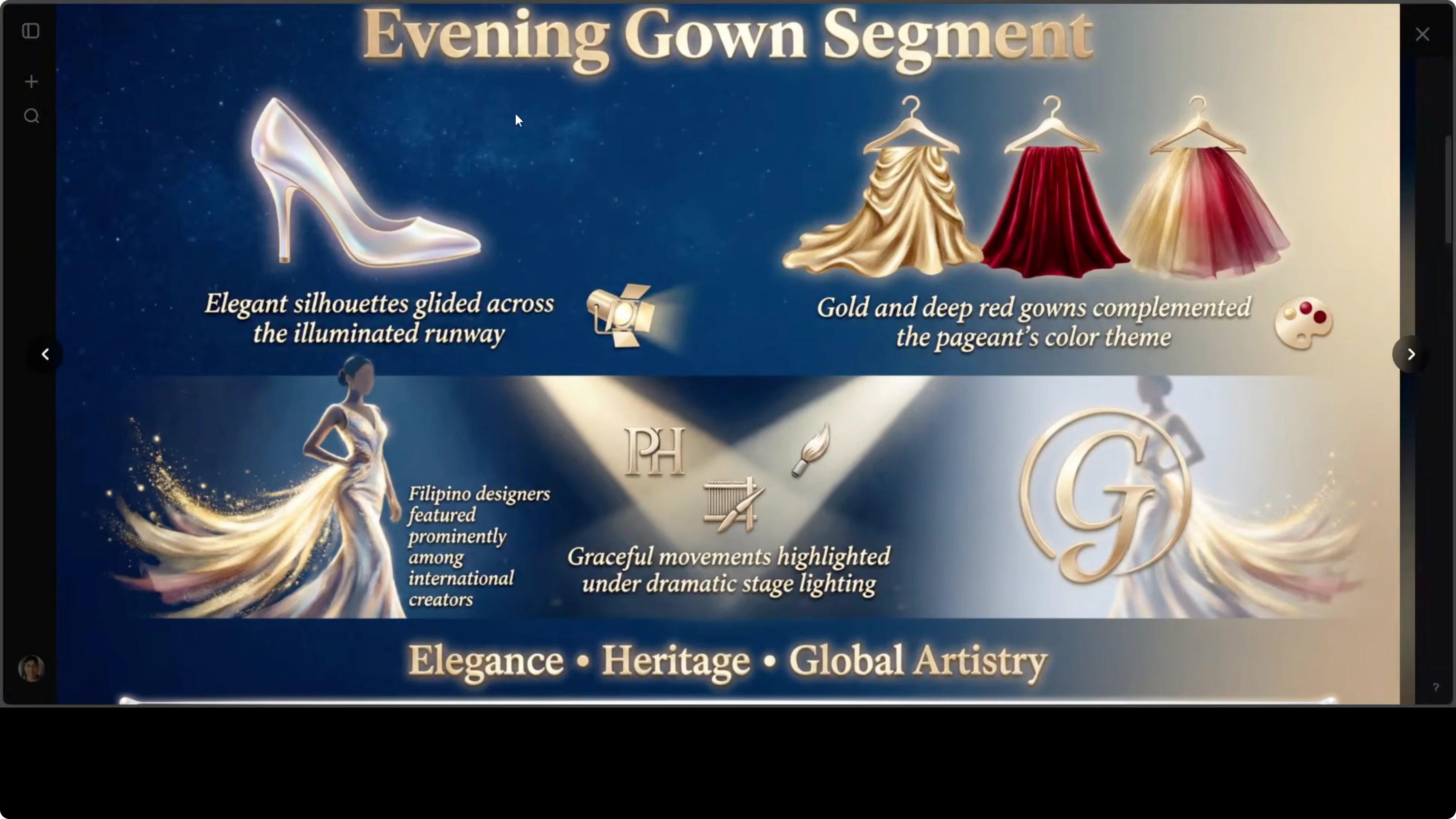
It also covers final questions and related segments. The cultural elements are strong throughout. Dates and other details are included.
There is a nod to global unity that works well. Taglines are quite good. Shadows and image placement, like the slide with the heel, are excellent.
It is at par with competitors like Kimi, Gemini, and others I have tried. The closing slide with a lasting legacy theme lands well. As a slideshow, it works.
Downloading and Editing
You can download it. You can edit it. You can add or remove slides easily.
Qwen AI Slides: Creating Full Presentations with One Prompt - Scientific Diagram Test
I tested a scientific diagram next, because other models sometimes struggle to put a detailed technical diagram into a slide. I asked it to create a diagram of a black hole showing the event horizon, accretion disk, singularity, and photon sphere, with a dark theme. It initially looked like it might refuse, then proceeded to generate a single slide.
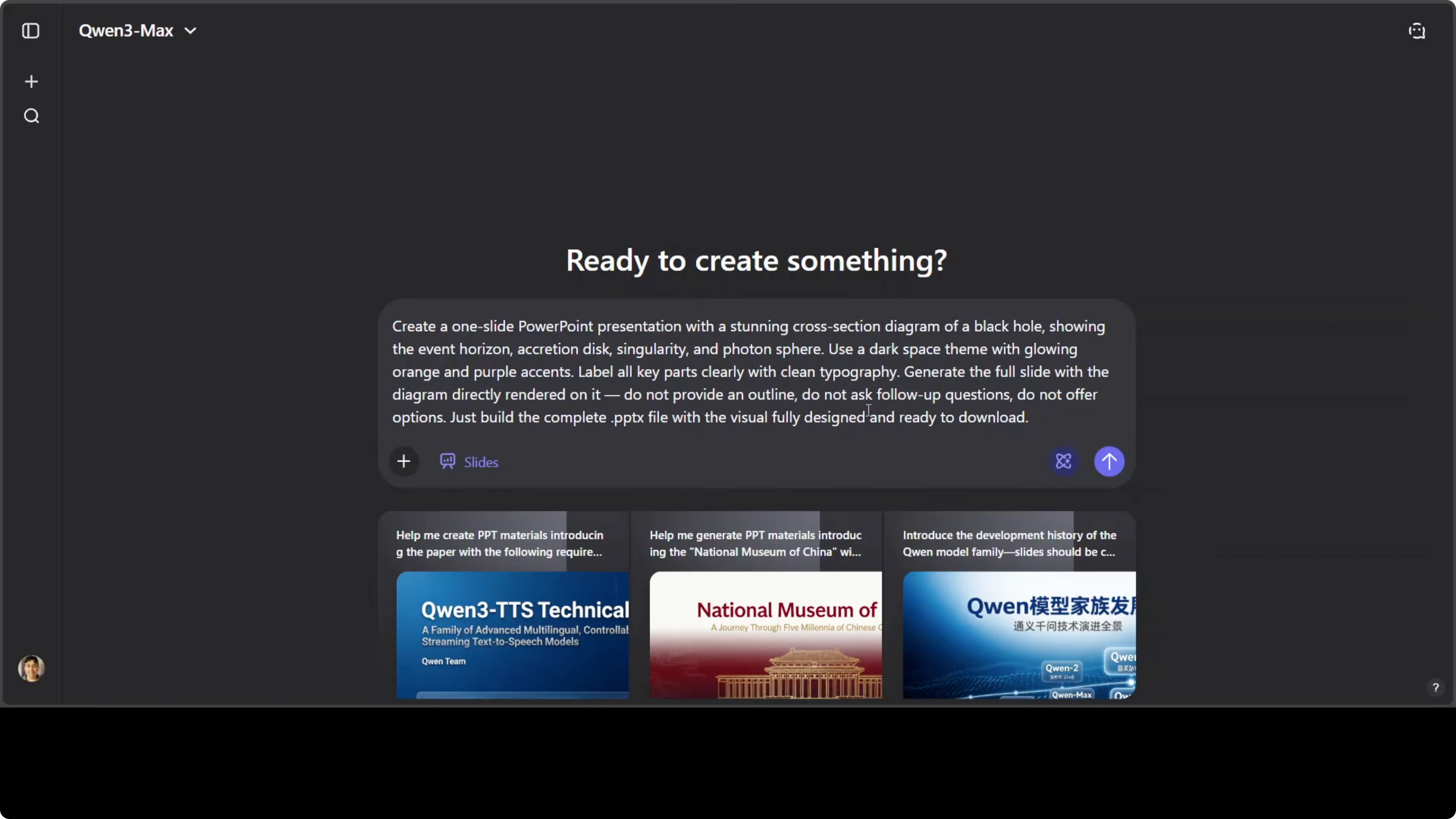
Create one slide that includes a clear diagram of a black hole:
- Label the event horizon, accretion disk, singularity, and photon sphere.
- Use a dark theme suitable for astrophysics.
- Build a complete PPTX slide with visual layout, color scheme, and labeled graphics.
Early on it claimed it could not deliver actual files, but it can. It then created and rendered the slide. The result was not bad at all.
It felt more like an image than a slide. The previous deck had better slide structure. This is an area Qwen Slides needs to improve so outputs feel more like a true slide deck rather than a single generated image.
Final Thoughts
Qwen AI Slides can take a simple prompt and produce a complete, designed deck with coherent narrative, visuals, and formatting. It sometimes needs a nudge to generate actual slides instead of code or scripts, but once it gets going, the results are strong with thoughtful layouts and culturally resonant imagery.
Expect occasional spelling issues and, for scientific diagrams, results that skew image-like rather than proper slide compositions. Overall, it is capable, fast, and editable, and with a bit more polish on file generation and diagram-heavy slides, it will be even better.
Subscribe to our newsletter
Get the latest updates and articles directly in your inbox.

Related Posts

8 Best Claude Code Plugins in 2026 (You Need to Know)
8 Best Claude Code Plugins in 2026 (You Need to Know)

7 Best Claude Code Skills (You Need to Know)
7 Best Claude Code Skills (You Need to Know)

Claude Code Desktop IDE Features (You Need to Know)
Claude Code Desktop IDE Features (You Need to Know)