
Table Of Content
- Access Whisk When It’s Not Available in Your Country: Understanding the Issue
- Step 1: Access Whisk When It’s Not Available in Your Country — Close the Browser Completely
- Step 2: Access Whisk When It’s Not Available in Your Country — Connect a VPN to the United States
- Step 3: Access Whisk When It’s Not Available in Your Country — Open the Site After VPN Is On
- Step 4: Access Whisk When It’s Not Available in Your Country — Fix Connection Problems
- Alternative Fixes for Access Whisk When It’s Not Available in Your Country
- Final Thoughts

How to Access Whisk When It’s Not Available in Your Country
Table Of Content
- Access Whisk When It’s Not Available in Your Country: Understanding the Issue
- Step 1: Access Whisk When It’s Not Available in Your Country — Close the Browser Completely
- Step 2: Access Whisk When It’s Not Available in Your Country — Connect a VPN to the United States
- Step 3: Access Whisk When It’s Not Available in Your Country — Open the Site After VPN Is On
- Step 4: Access Whisk When It’s Not Available in Your Country — Fix Connection Problems
- Alternative Fixes for Access Whisk When It’s Not Available in Your Country
- Final Thoughts
Whisk is a image generation platform that allow you to use reference image and make constant image. If you are seeing the message “Whisk is not available in your country yet,” you can enable this in your country and use it normally.
I fix this by closing the browser completely, connecting a VPN to a United States server, and then opening Whisk again. If there’s any network problem, I switch servers or restart the PC and it works.
Access Whisk When It’s Not Available in Your Country: Understanding the Issue
Whisk shows the “not available in your country yet” message when your connection is coming from a region it doesn’t support. A VPN with a United States server solves this. One thing to remember: you have to close the browser completely and then you have to start your VPN.
Step 1: Access Whisk When It’s Not Available in Your Country — Close the Browser Completely
- Close your browser completely. Don’t keep any background windows open.
- Make sure it’s fully closed before you continue.
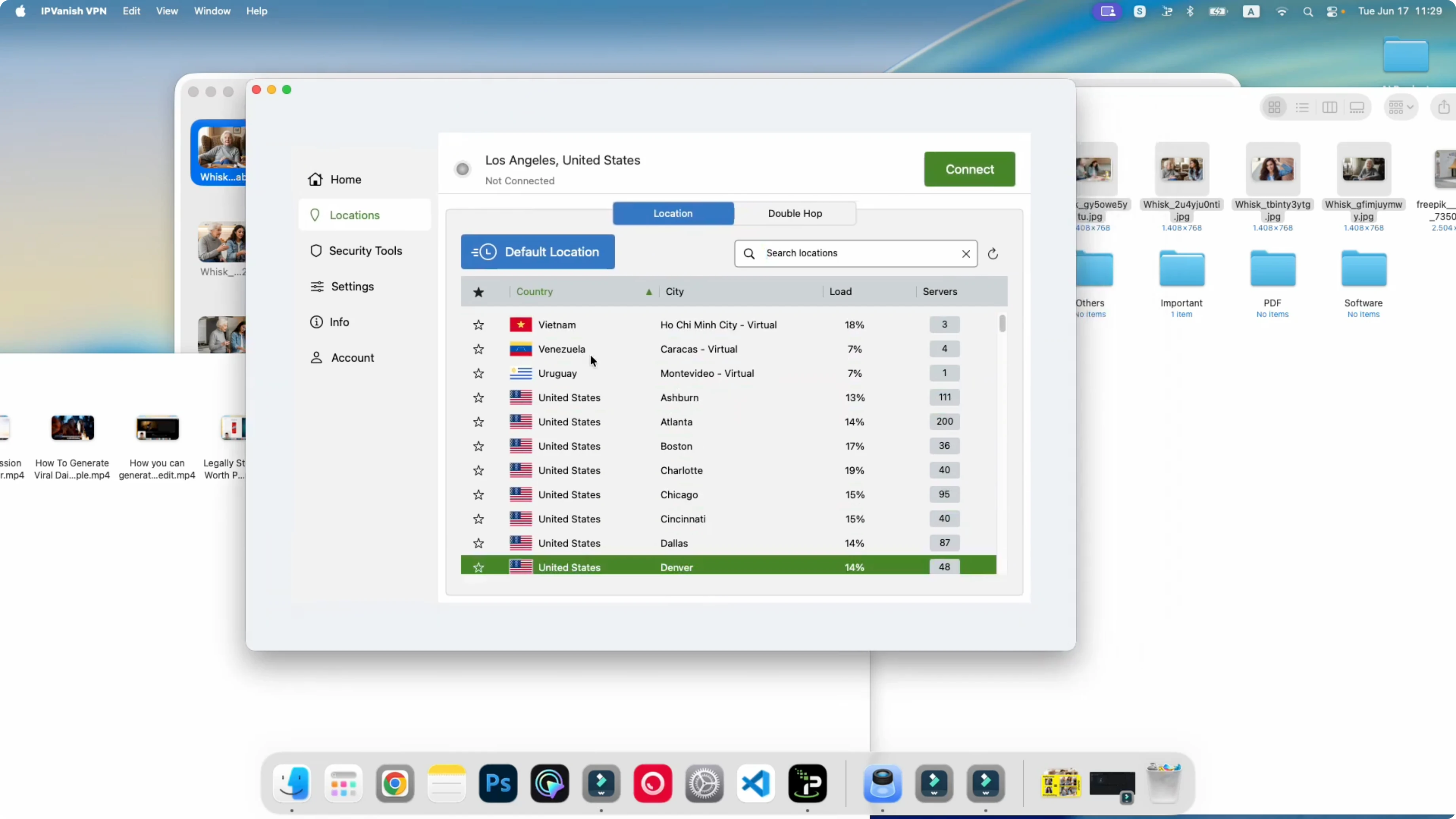
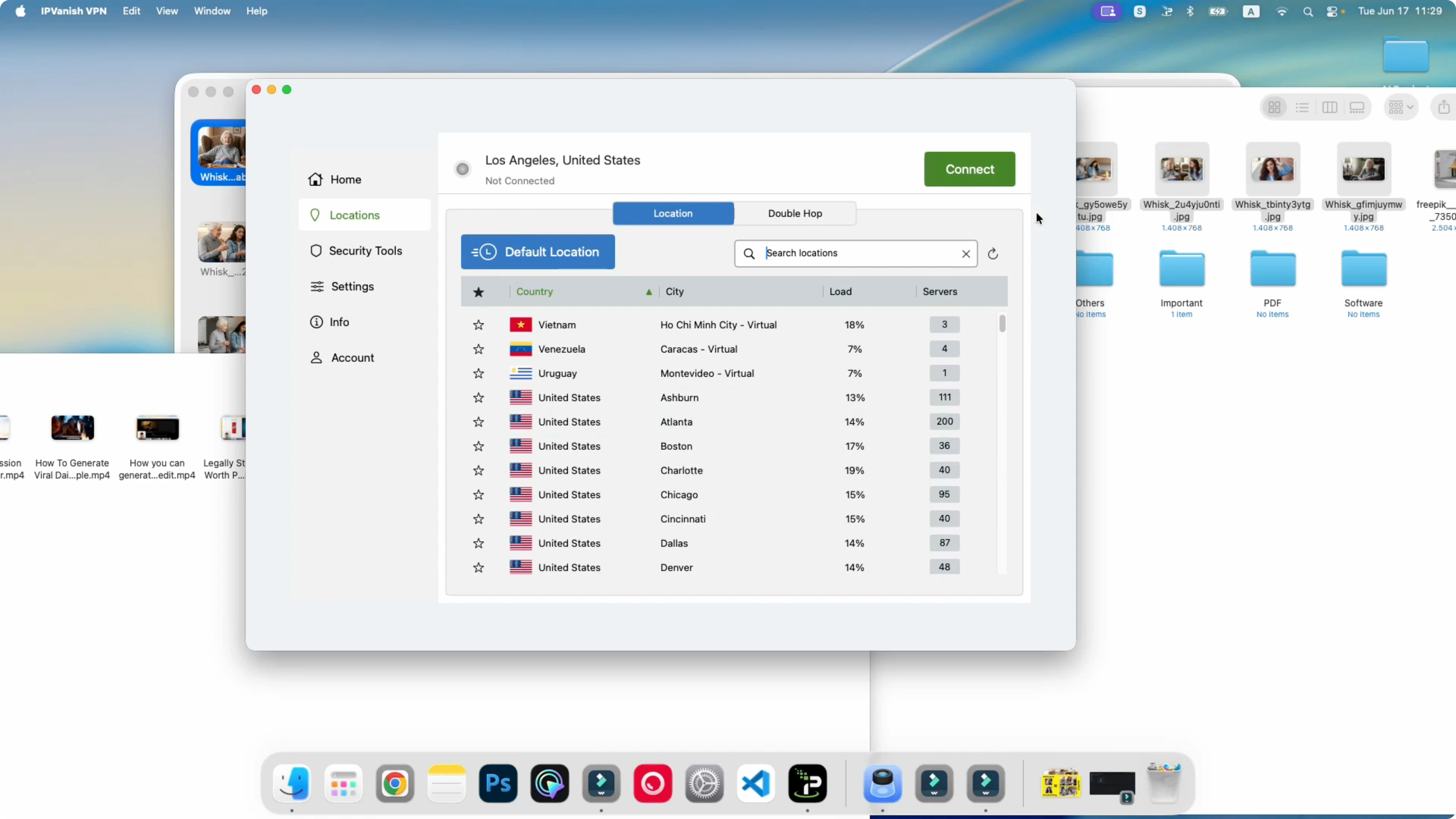
Step 2: Access Whisk When It’s Not Available in Your Country — Connect a VPN to the United States
- Open your VPN.
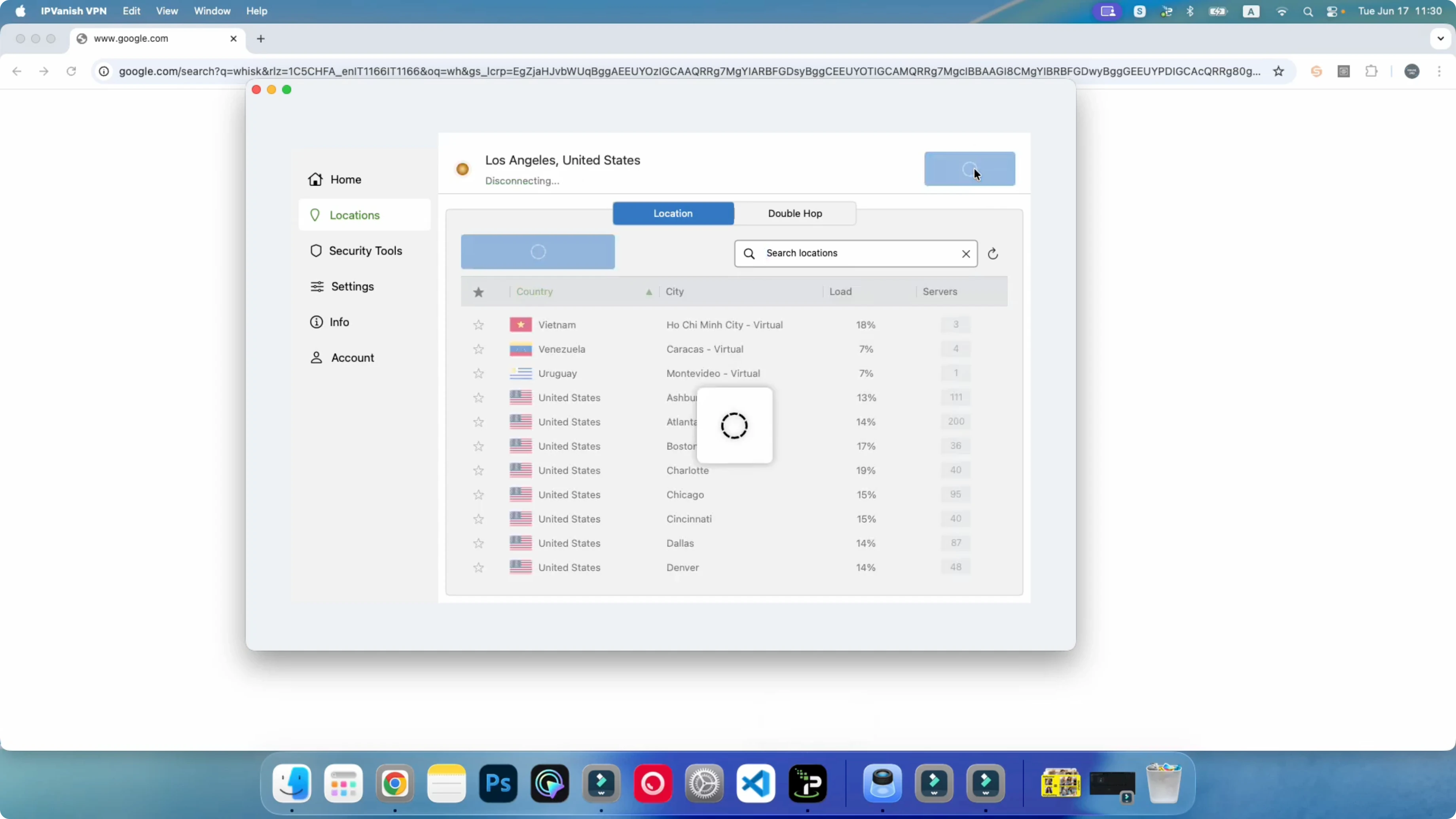
- Connect to a United States server (for example, Los Angeles; you can use other server from America).
- Wait until the VPN shows it is connected.
- Any VPN that has a United States server is okay. If you don’t have a free VPN with a US server, you can use options like NVPN, ExpressVPN, or IP Vanish. I am not recommending anything, but these also work.
Step 3: Access Whisk When It’s Not Available in Your Country — Open the Site After VPN Is On
- Open your browser (I use Chrome).
- Go to Whisk (Whisk Lab).
- Refresh the page once after it loads.
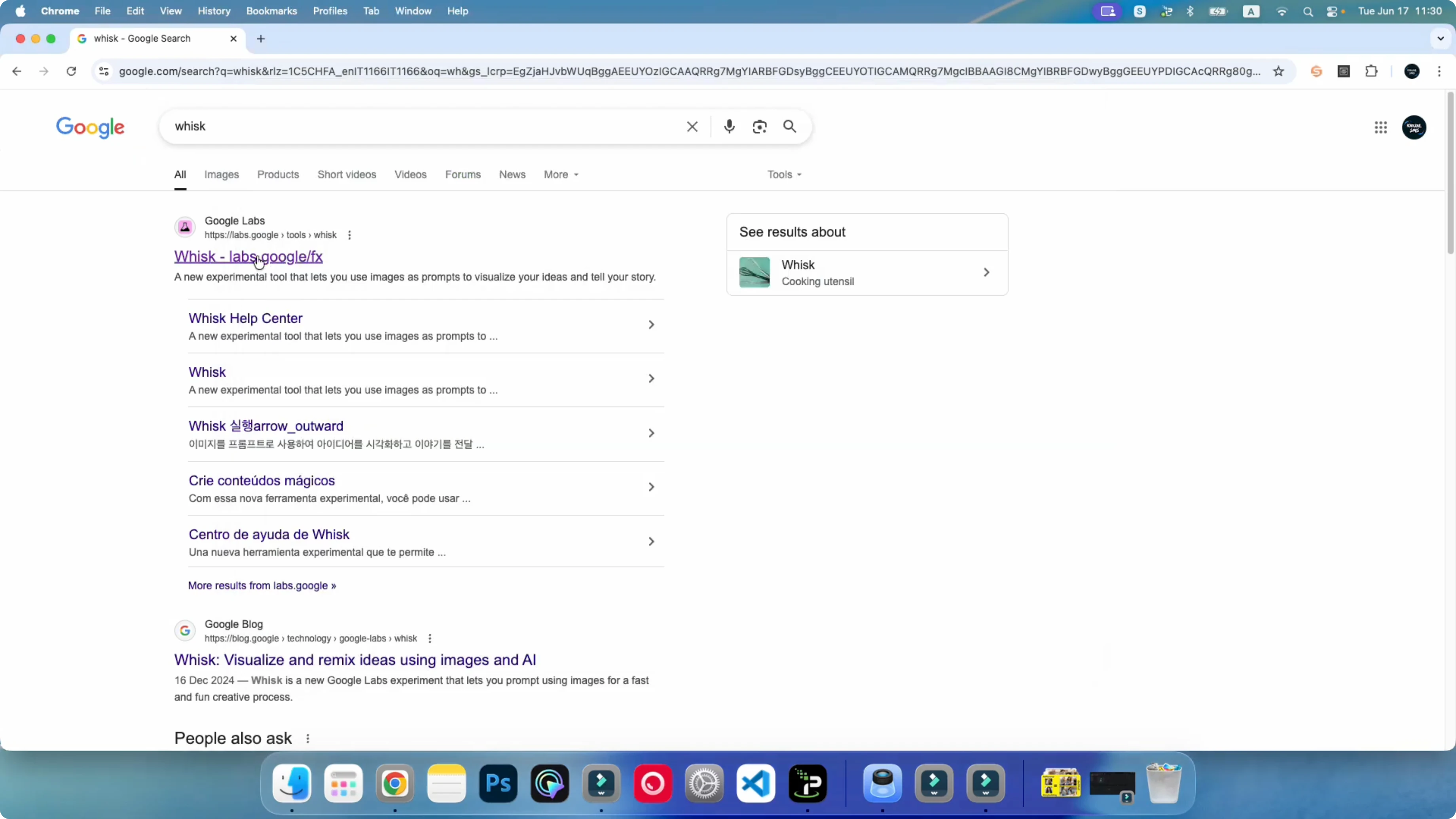
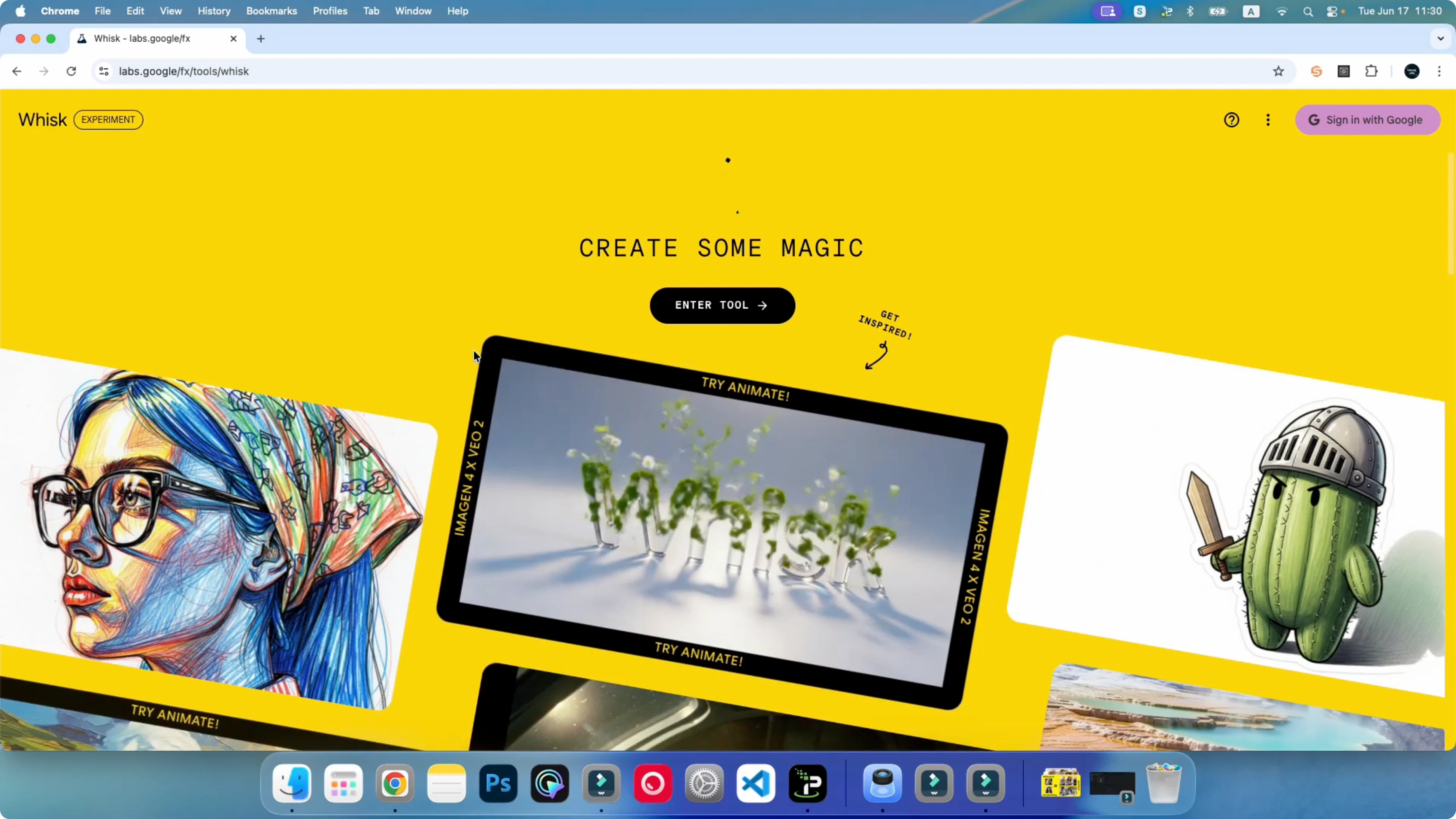
You should now see the option to sign in to Whisk. You will not see the country restriction notification anymore. Enter the tool. I can start generating my images from here.
Step 4: Access Whisk When It’s Not Available in Your Country — Fix Connection Problems
If you still facing any problem:
- Restart your PC and then try again.
- Disconnect the VPN and connect it again.
- Switch to another United States server.
- Refresh the Whisk page after reconnecting.
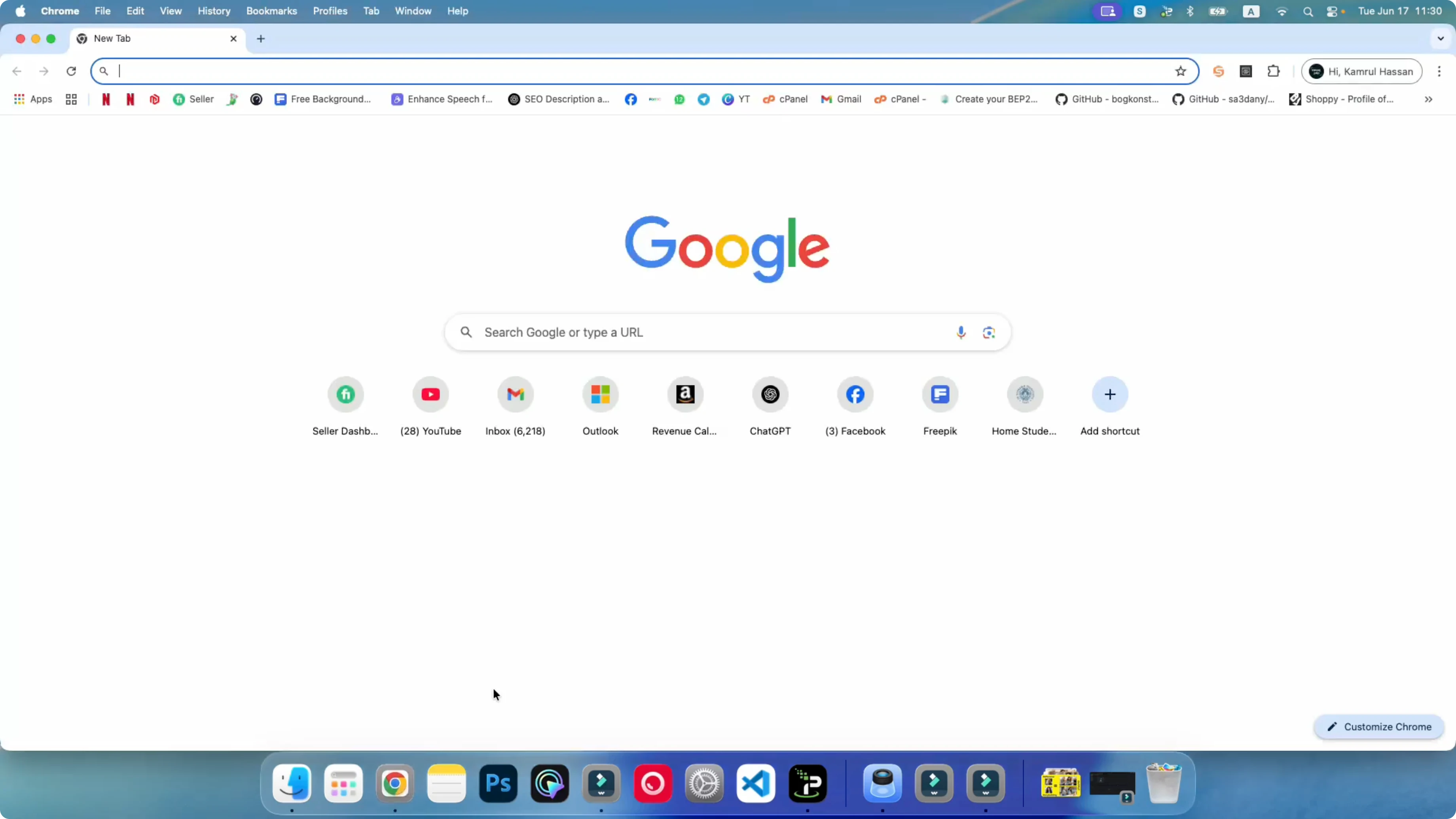
Sometimes it’s just a network problem with the VPN. Sometime it’s happen because we’re using VPN. Switching servers and reconnecting fixes it.
Alternative Fixes for Access Whisk When It’s Not Available in Your Country
- Use a different US server location if one city is slow or blocked.
- Try another VPN app if your current one keeps failing to connect. A free VPN that have a United States server is okay.
Final Thoughts
You can access Whisk even if it’s not available in your country. You just have to use a good VPN that will allow you to go to this site, and then you can use it. Close the browser first, connect to a United States server, open Whisk, and sign in. If anything fails, restart the PC or switch VPN servers and it works.
Subscribe to our newsletter
Get the latest updates and articles directly in your inbox.

Related Posts

8 Best Claude Code Plugins in 2026 (You Need to Know)
8 Best Claude Code Plugins in 2026 (You Need to Know)

7 Best Claude Code Skills (You Need to Know)
7 Best Claude Code Skills (You Need to Know)

Claude Code Desktop IDE Features (You Need to Know)
Claude Code Desktop IDE Features (You Need to Know)